

 FS2004 Civil Jet Aircraft
Pluna Boeing 737-2A3 CX-BOP Fix
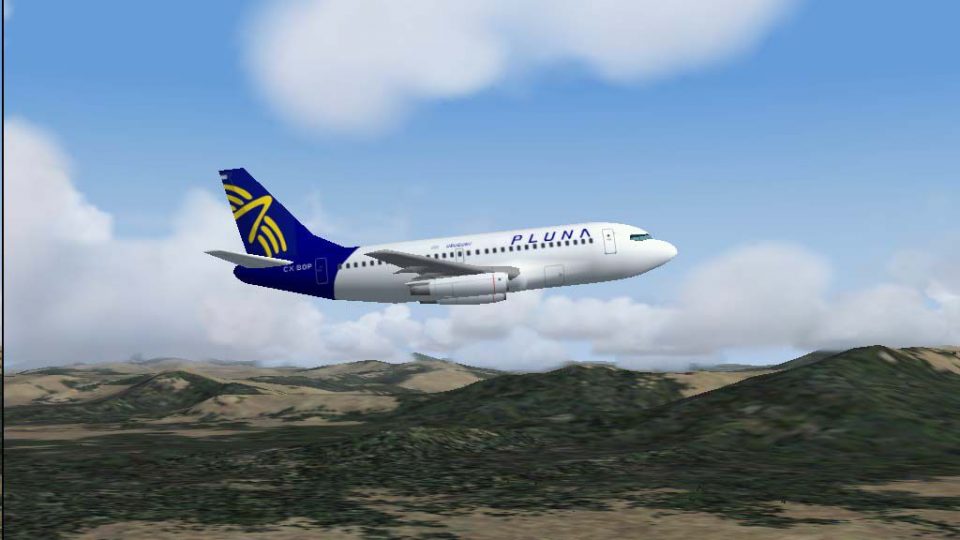
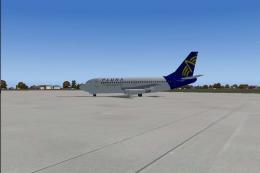
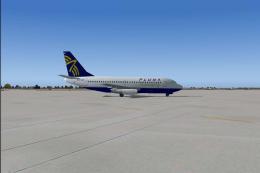
Textures by Daniel Nole. Screenshot of Pluna Boeing 737-2A3 in flight. IMPORT…
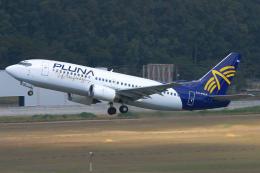
Pluna Boeing 737-2A3 Advanced CX-BOP brings Uruguay’s classic jet to AI traffic with an authentic repaint, updated aerodynamics, and a set of seven period-correct 2001 schedules to key South American routes. Built for FS2004, it requires Just Flight Traffic 2004 for seamless airline operations and parking codes.
 Rate
Rate
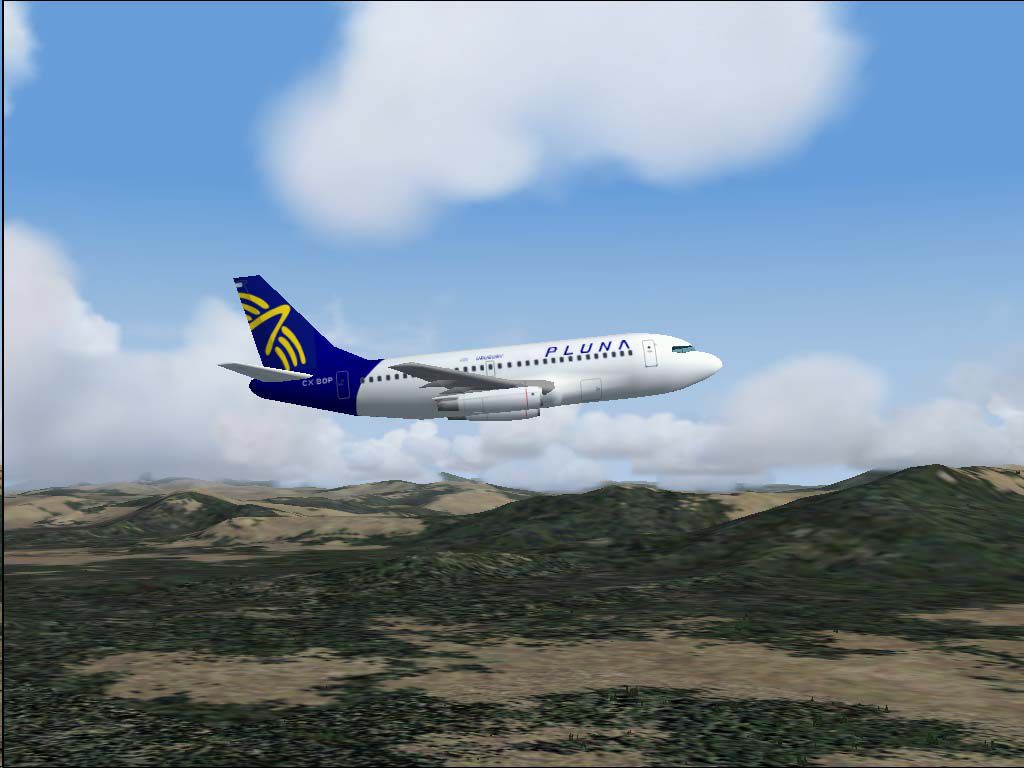
For use with Just Flight's Traffic 2004. Repaint and flight model by Daniel Nole.
Screenshot of Pluna Boeing 737-2A3 in flight.
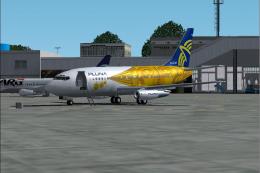
PLUNA B.737-2A3Adv CX-BOP, C/N 22739. This one is my first repaint of the excellent Just Flight Traffic 2004 Boeing 737 series 200. Original Traffic 2004 had only 2 Latin American liveries (VARIG and TAM), with this new one you can programmed new flights with the small Airline of Uruguay: PLUNA. Normal destinations of PLUNA B.737's are Buenos Aires Aeroparque J.Newberry, Punta del Este C.Curbelo, Asuncion S.Petirossi, Sao Paulo Guarulhos,Santiago de Chile Arturo M.Benitez, Porto Alegre Salgado Fihlo and sometimes Rio de Janeiro A.C.Jobim and Florianopolis. I have included a serie of seven Flights to this main destinations and the timetable are the rights one of the old example of the year 2001. Also included the AirFile with the new aerodynamics of the B.737 series 200 Advanced.
INSTALL:
Open FS2004 and localized in the aircraft File the folder JFAIB732.Put in place the new texture "texture.pluna"; now you have the choice to overwrite the Aircraft block de note with the new aerodynamics and the new PLUNA texture(all originals are of course always there);or you make a selective copy of only:
[fltsim.12]

	title=JFAi_B7372_PLUNA

	sim=JFAIB732

	model=

	panel=

	sound=

	texture=cstm_ryanair2

	kb_checklists=

	kb_reference=

	atc_id=CX-BOP

	atc_airline=PLUNA

	atc_flight_number=PU161

	atc_parking_codes=PUA

	atc_parking_types=GATE

	ui_manufacturer=Boeing 737-200

	ui_type=PLUNA

	ui_variation=CX-BOP

	description=AI New
Flightsim.12 means this plane is the 12th after the original Ryan Air EI-CNT.
NOTES: Some imperfection in the livery, for example the logo "PLUNA" is not painted in the engine nacelles (A problem with the side texture, you can read PLUNA in the left side of the plane but the word is inverted in the other side); same reason and problem with the registration CX-BOP painted under the left wing.
ENJOY.
Free for all simmers · 447.15 KB · Scanned clean Oct 2026
Download speed: Free tier is capped at 0.5 Mbps. PRO members download at full line speed.
FS9\Aircraft\, FS9\Addon Scenery\, FS9\Gauges\, or FS9\Effects\.readme.txt or README file. It tells you exactly where files go, what dependencies are needed, and any quirks specific to this add-on.The archive 2004trb7.zip has 18 files and directories contained within it.
This list displays the first 500 files in the package. If the package has more, you will need to download it to view them.
| Filename/Directory | File Date | File Size |
|---|---|---|
| CX-BOP.jpg | 03.28.04 | 74.99 kB |
| Flight Plans | 03.28.04 | 0 B |
| Pluna.txt | 03.28.04 | 445 B |
| JFAIB732 | 03.28.04 | 0 B |
| aircraft.cfg | 03.28.04 | 17.75 kB |
| JFAIB732.air | 03.27.04 | 8.53 kB |
| texture.pluna | 03.28.04 | 0 B |
| JFAIB732_l.bmp | 03.28.04 | 341.40 kB |
| JFAIB732_t.bmp | 03.28.04 | 5.33 MB |
| JFTFB732 | 03.28.04 | 0 B |
| aircraft.cfg | 03.28.04 | 17.93 kB |
| JFTFB732.air | 03.27.04 | 8.53 kB |
| texture.pluna | 03.28.04 | 0 B |
| JFAIB732_l.bmp | 03.28.04 | 341.40 kB |
| JFAIB732_t.bmp | 03.28.04 | 5.33 MB |
| readme.txt | 03.28.04 | 3.82 kB |
| flyawaysimulation.txt | 10.29.13 | 959 B |
| Go to Fly Away Simulation.url | 01.22.16 | 52 B |
Only PRO members can place votes.
More FS2004 add-ons hand-picked based on this download.
FS2004 Civil Jet Aircraft
Textures by Daniel Nole. Screenshot of Pluna Boeing 737-2A3 in flight. IMPORT…
 FS2004 Civil Jet Aircraft
For use with Just Flight's Traffic 2004. Repainted by Daniel Nole. Screenshot…
 FS2004 Civil Jet Aircraft
For use with Just Flight's Traffic 2004. Repaint and flight model by Daniel N…
 FS2004 Civil Jet Aircraft
This freeware Boeing 737-200 package brings the PLUNA (Primeras Líneas Urugua…
 FS2004 Civil Jet Aircraft
Registration CX-PUA _Features DXT3 Textures without mip maps for best quality…
 FS2004 Civil Jet Aircraft
Textures only, requires the Project Open Sky B757-200 (B757V482.ZIP). Repaint…
 FS2004 Civil Jet Aircraft
This freeware release brings a refined Boeing 737-700 Business Jet (BBJ) to M…
 FS2004 Civil Jet Aircraft
Textures only for the Kittyhawk Productions Boeing B737-700. BBJ paint scheme…
Be the first to leave a comment on this download.
Be the first to share your thoughts on this download.