


 Slovenia
  FSX Scenery
Princess Juliana International Airport
Princess Juliana International Airport (TNCM) in Saint Marteen, Netherlands A…
Jozef Pučnik International Airport (LJLJ) for FSX brings Slovenia’s main gateway to life with a rebuilt apron and taxiway layout, accurate building placement, updated navaids, published STAR transitions, and corrected IFR approaches for safer AI missed-approach behavior. Custom valley landclass enhances both runway 12 and 30 approaches, plus ambient apron audio and animated fire-service details; requires SLO4FSX_LOD11_MESH for best terrain.
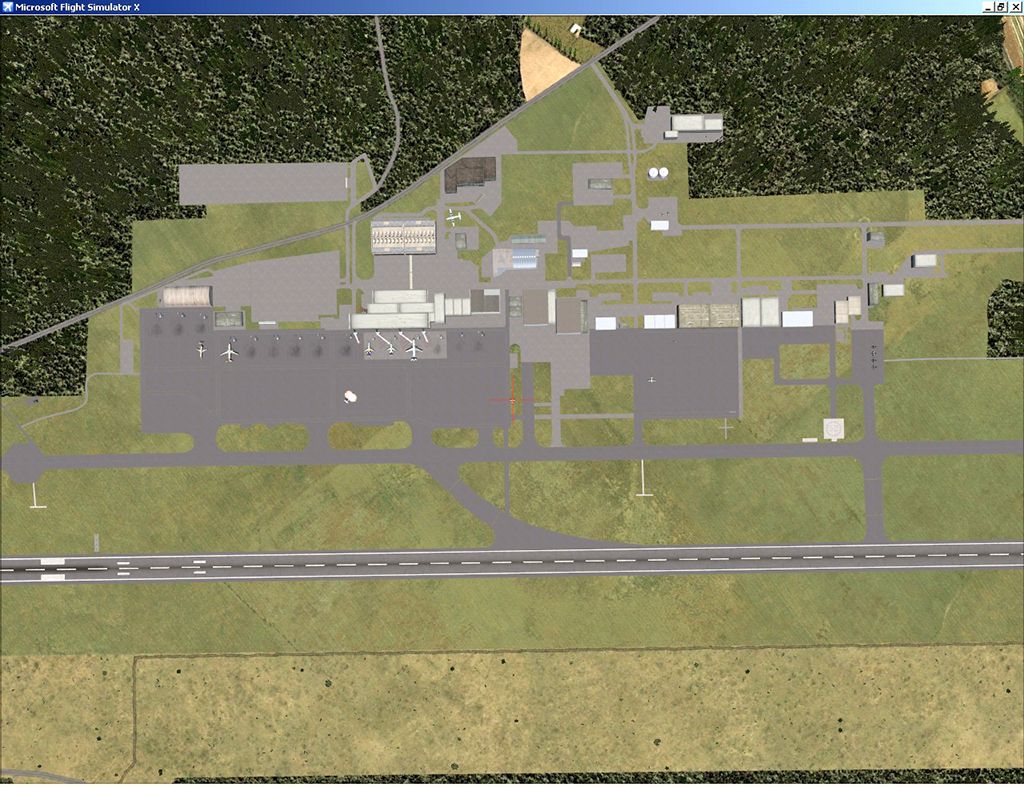
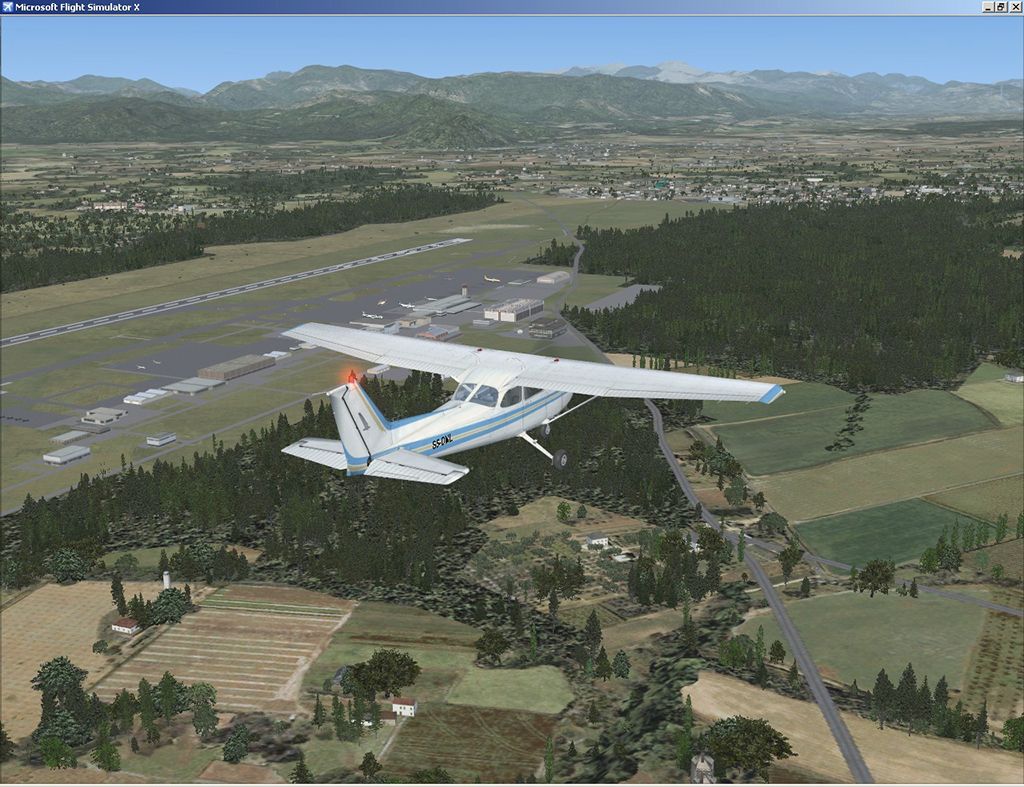


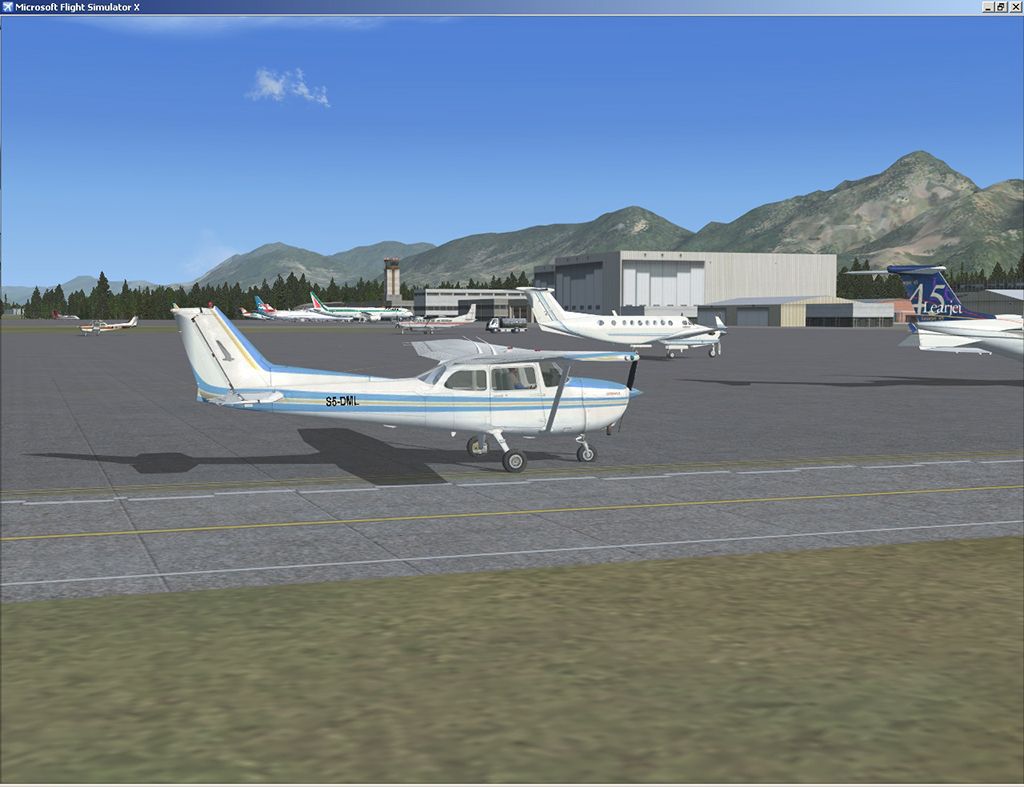
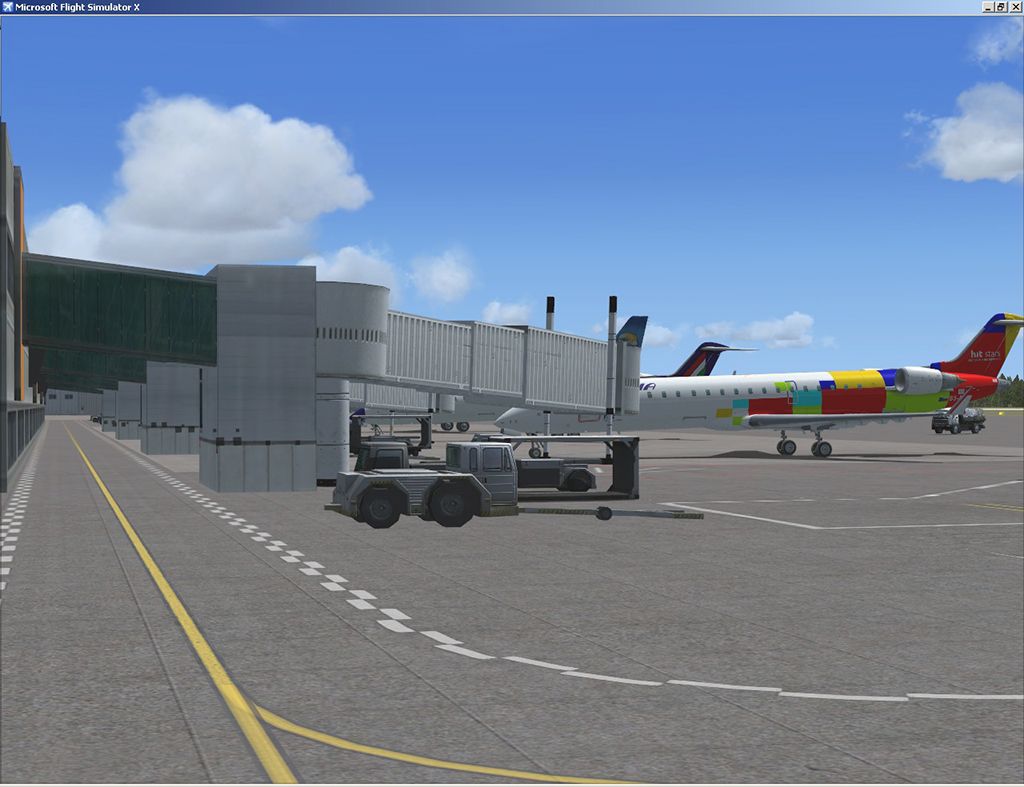
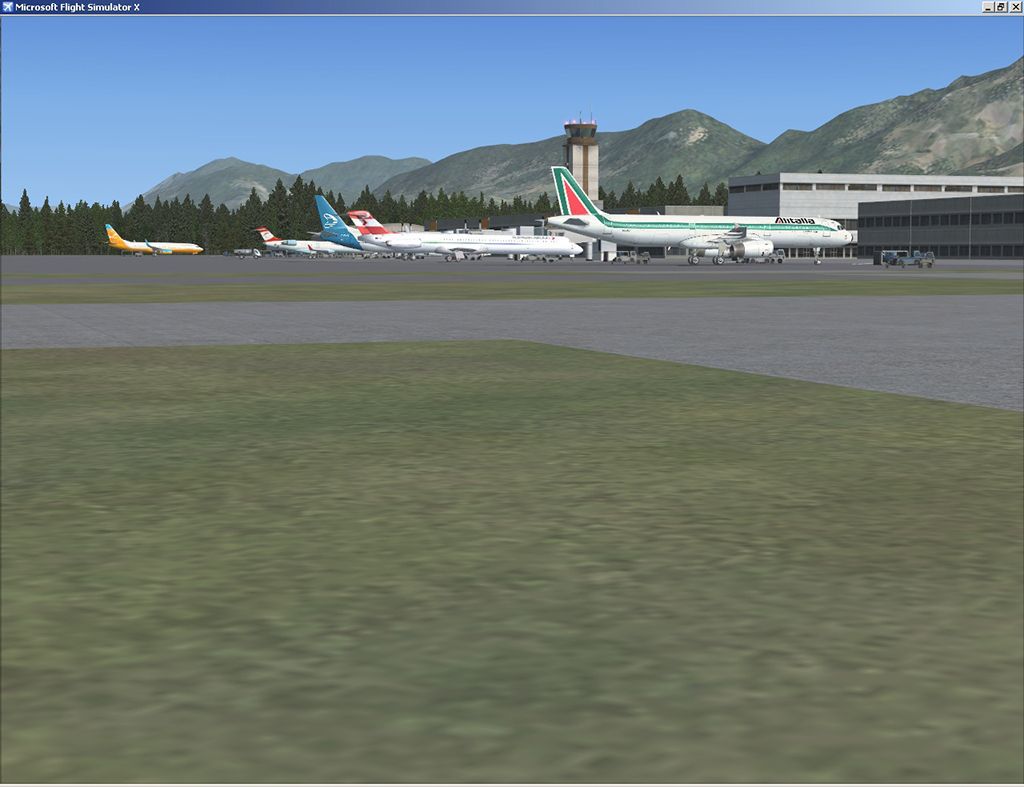
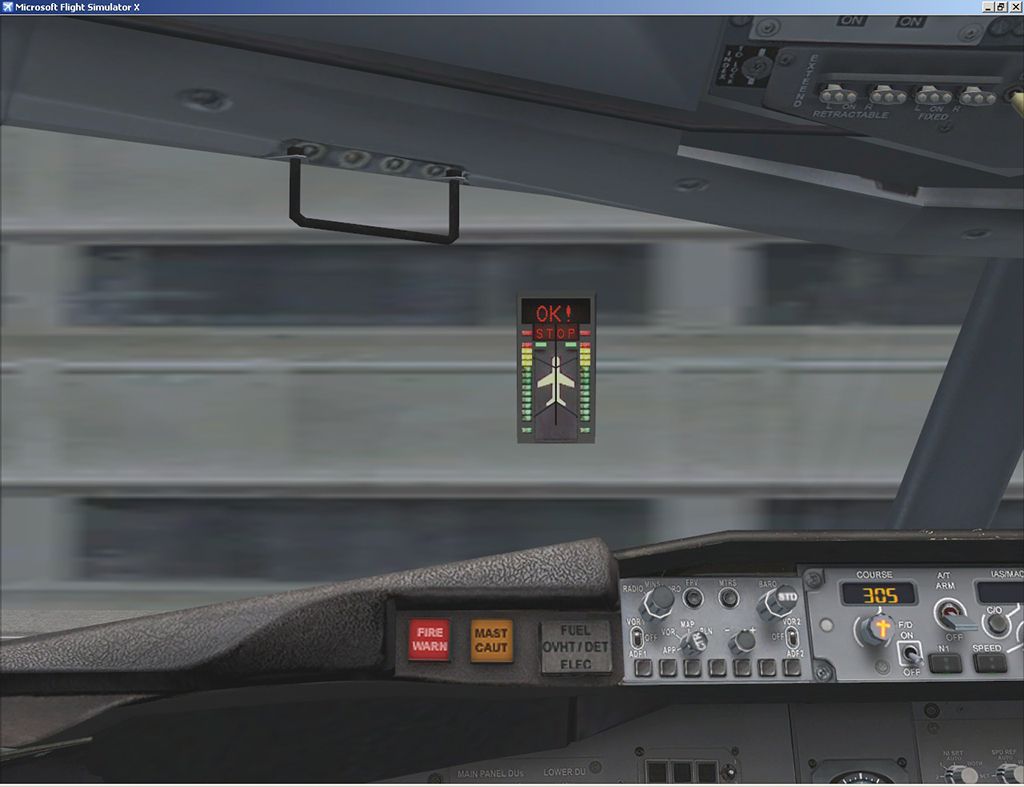
Decent representation of Slovenia's biggest airport called after Jozef Pucnik, located near village Spodnji Brnik, some 15 miles north of Slovenia's capital Ljubljana. Scenery is packed with features: custom landclass in the walley underlying the approach paths to both runways (12 and 30), custom airport layout as found after last reconstruction of aprons and taxiways, corrected approaches, so IFR AI traffic in case of a missed approach to runway 30 is no longer turning right, crashing into the 8000 foot mountains just north of the airport.
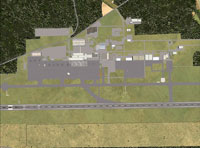
Overview of Jozef Puchnik International Airport.
All airport buildings are placed into their correct locations and shapes, even if only default generic buildings and library objects were used. You will also notice airport has three runways (AFCAD on steroids), when there is actually only one in reality and only one is also visible in the simulation. This was done in order to enable different categories of AI aircraft using different intersections for departure and the only way possible to recreate this was to use over layed runways of different length. Of course you can use any of the additional two shorter runways also with your aircraft for an intersection take-off if performance of aircraft used permits. All of the STAR's (transitions) as per latest CAA Slovenia publishing are also included and all of the navigational aids were updated to current status as well. There are also some surprises hidden in the scenery. Just a hint, don't crash on landing on runway 30 approach when you spot fire fighters doing their routine practicing extinguishing aircraft fire to the right of the runway 30. They do not practice at all times, but sooner or later, you'll stumble upon them. You can also hear two of many famous "oberkrainer" tunes when parked on the main apron. Music titles used in the scenery are published with kind permission of the author, Mr. Slavko Avsenik. Released as freeware but with limited distribution. File was uploaded to selected sites only. No re-distribution is allowed without written permission of the authors. Note that while not required, installation of SLO4FSX_LOD11_MESH.ZIP is recommended. By LJLJ2012 by SST - Slovenia Scenery Team.
Free for all simmers · 11.36 MB · Scanned clean Sep 2026
Download speed: Free tier is capped at 0.5 Mbps (this file takes approximately 3 mins at the cap). PRO members download at full line speed.
FSX\Addon Scenery\ containing scenery and texture sub-folders.readme.txt or README file. It tells you exactly where files go, what dependencies are needed, and any quirks specific to this add-on.Use these coordinates to fly directly to this location once the mod is installed.
46.22360000,14.45610000
Launch FSX or Prepar3D and use Flights → Load to open the downloaded .pln file. Your aircraft will be positioned at this location.
The archive ljlj2012f.zip has 14 files and directories contained within it.
This list displays the first 500 files in the package. If the package has more, you will need to download it to view them.
| Filename/Directory | File Date | File Size |
|---|---|---|
| adria.jpg | 06.10.12 | 84.42 kB |
| fingers.jpg | 06.10.12 | 93.46 kB |
| ga-apron.jpg | 06.10.12 | 95.09 kB |
| lhbase30.jpg | 06.10.12 | 148.65 kB |
| lhdwind12.jpg | 06.10.12 | 157.68 kB |
| LJLJ2012free.exe | 06.10.12 | 11.33 MB |
| Readme.txt | 06.10.12 | 1.39 kB |
| safegate.jpg | 06.10.12 | 74.36 kB |
| top-down.jpg | 06.10.12 | 174.42 kB |
| traffic.jpg | 06.10.12 | 113.51 kB |
| web.txt | 06.10.12 | 2.06 kB |
| ljlj_th.gif | 06.10.12 | 13.12 kB |
| flyawaysimulation.txt | 10.29.13 | 959 B |
| Go to Fly Away Simulation.url | 01.22.16 | 52 B |
Only PRO members can place votes.
More FSX & P3D add-ons hand-picked based on this download.
FSX Scenery
Princess Juliana International Airport (TNCM) in Saint Marteen, Netherlands A…
 FSX Scenery
Barbados International Airport (TBPB). Grantley Adams International Airport f…
 FSX Scenery
Dubai International Airport (OMDB), Dubai. Includes a new passenger terminal …
 FSX Scenery
Soekarno-Hatta International Airport (WIII), Jakarta, Indonesia. An update to…
 FSX Scenery
San Diego International Airport, California (CA), USA. This photoreal scenery…
 FSX Scenery
Suvarnabhumi International Airport (VTBS), Bangkok, Thailand, v1.1. Includes …
 FSX Scenery
Scenery Miami International Airport (KMIA), Florida (FL). Includes updated ta…
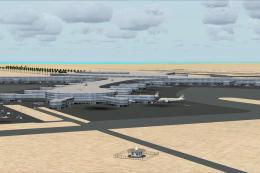 FSX Scenery
Scenery Abu Dhabi International Airport (OMAA), Abu Dhabi, United Arab Emirat…
Be the first to leave a comment on this download.
Be the first to share your thoughts on this download.