



 Germany


 MSFS Scenery
Dubai, UAE City Building & Pack
A large freeware scenery add-on pack put together by the developer who goes b…
Frankfurt am Main gets a full cityscape overhaul with new photoreal ground textures and fresh 3D building data, delivering a sharper skyline and richer urban detail in Microsoft Flight Simulator. Two builds are included, and the standard version requires the German handcrafted objects package while an alternate edition runs without extra libraries.
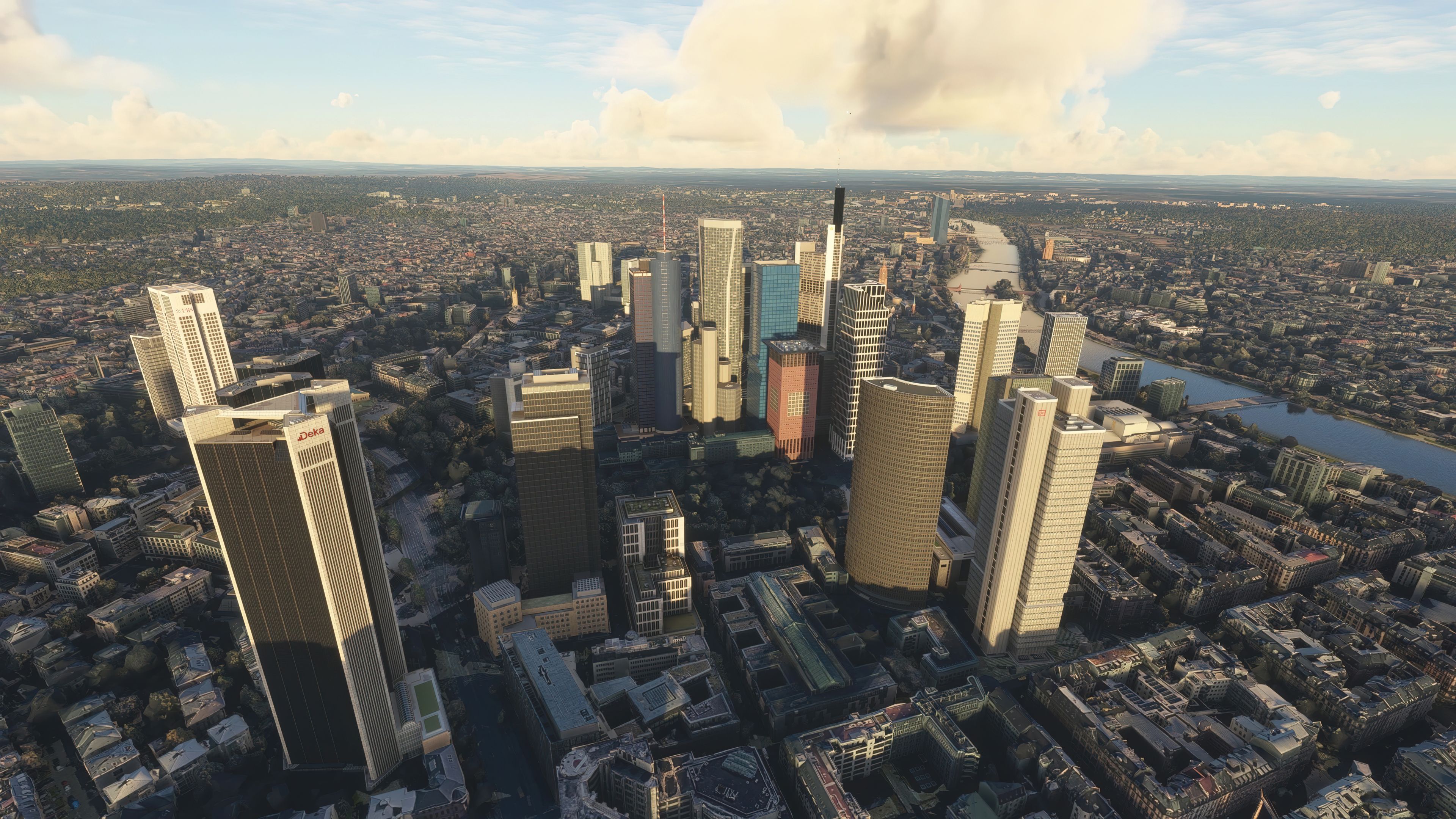

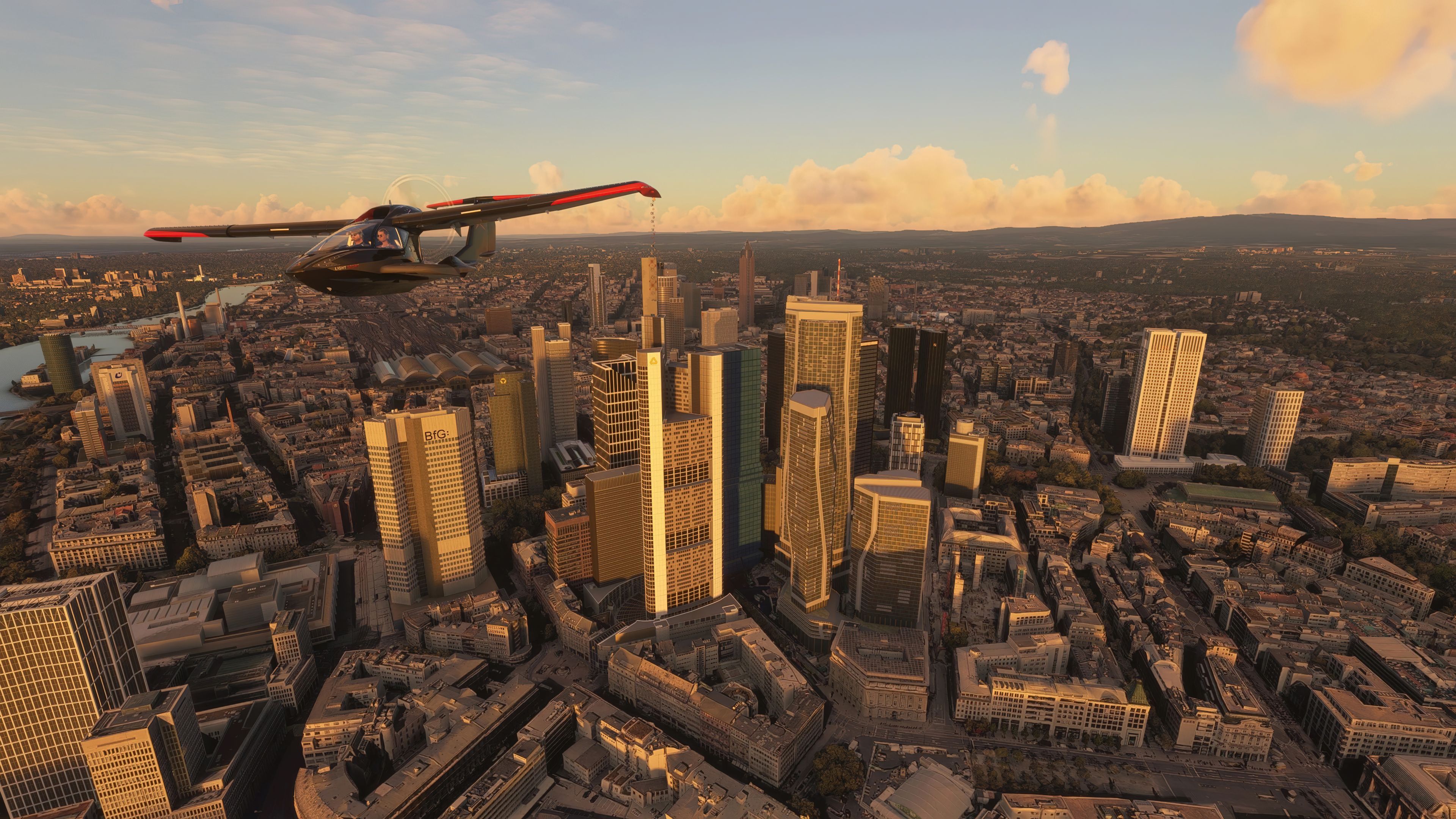
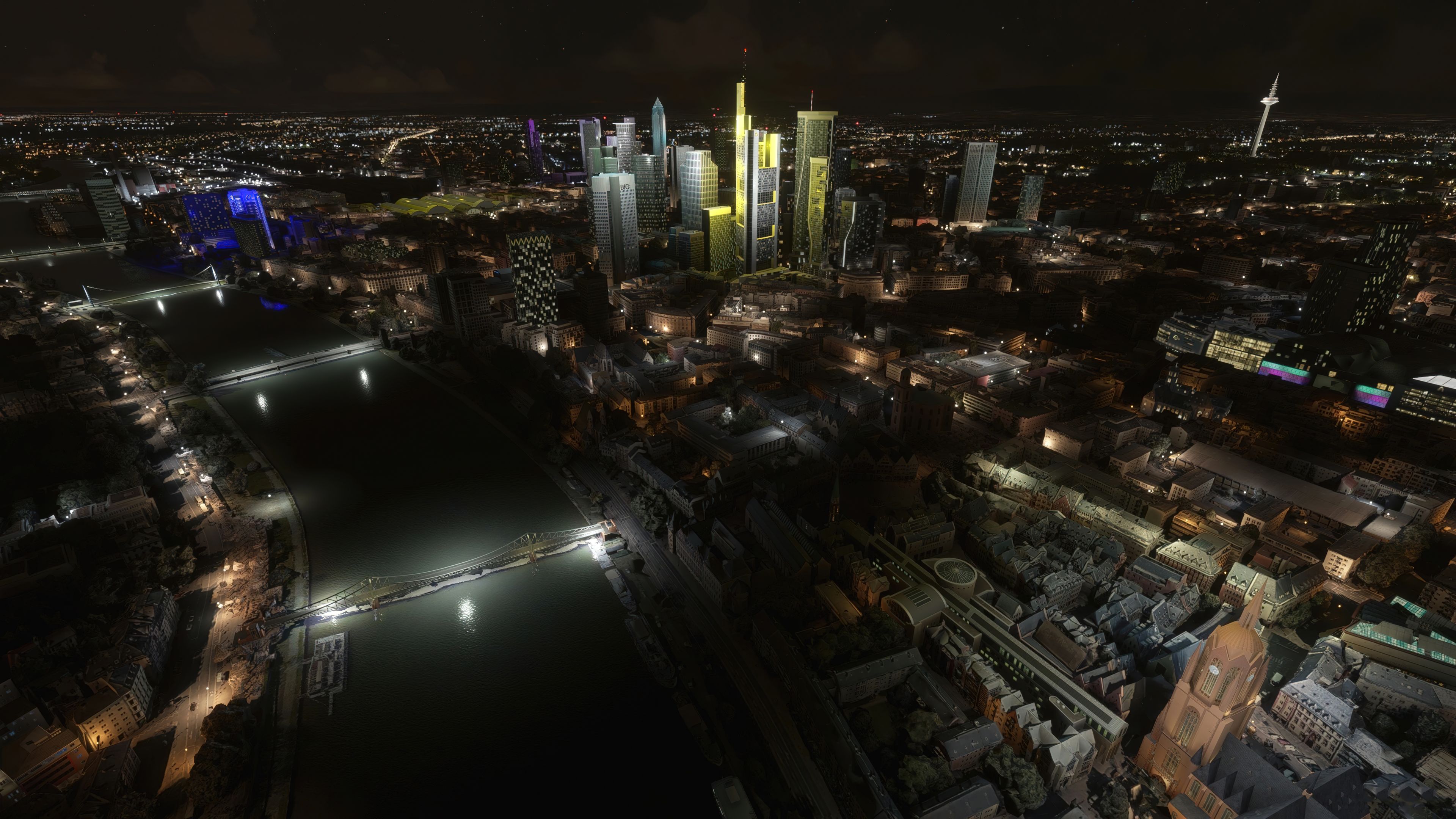
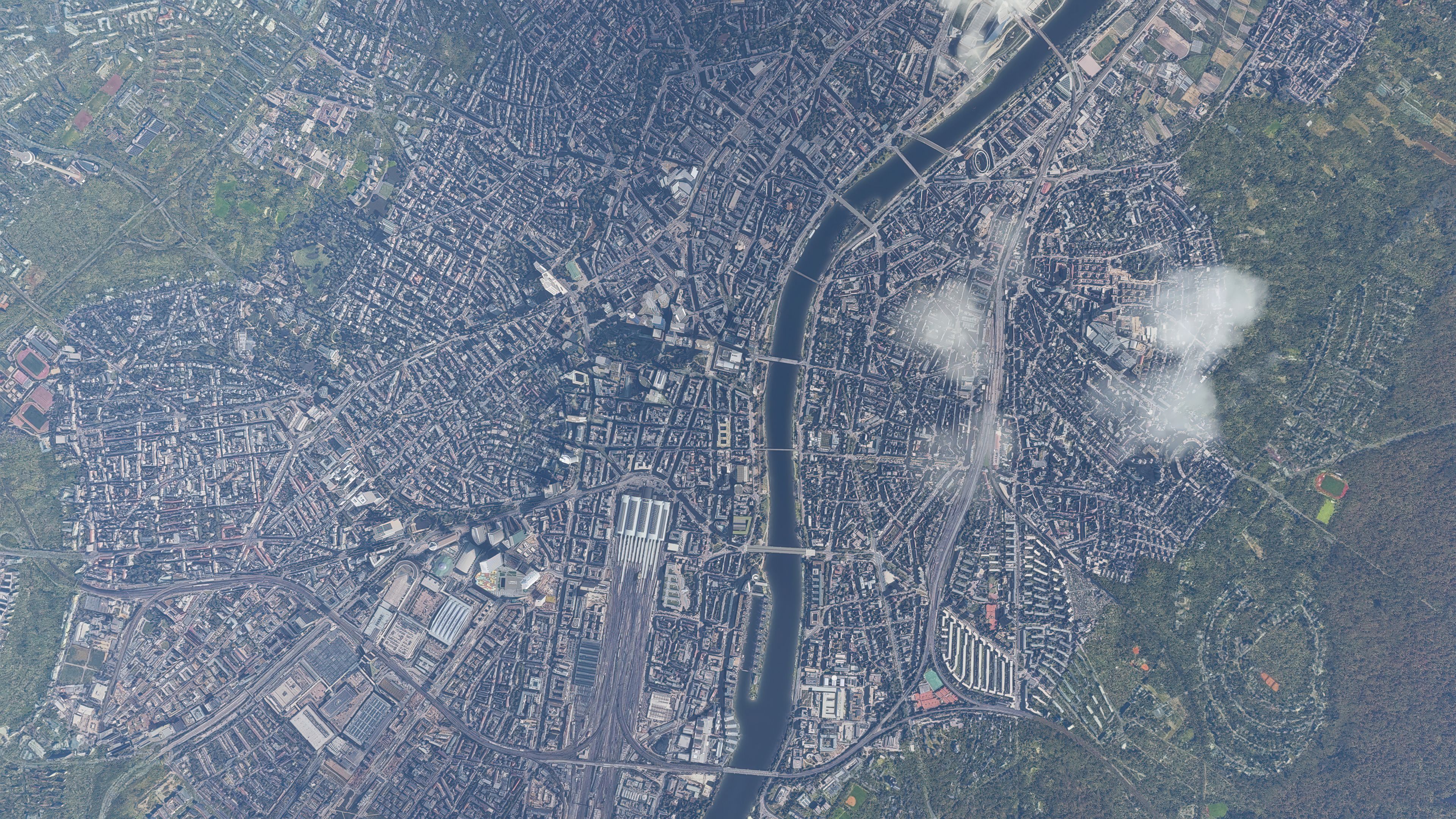
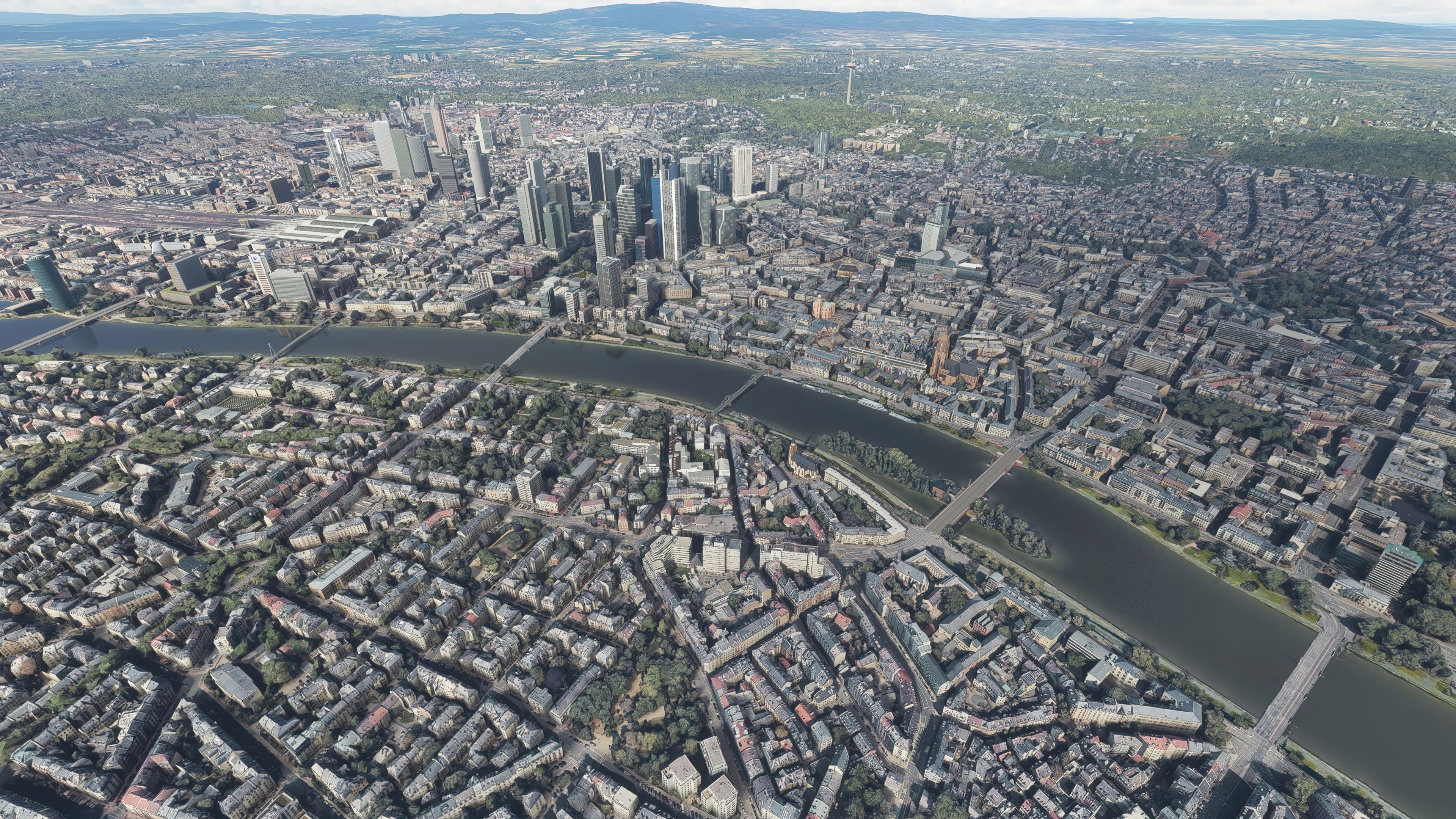


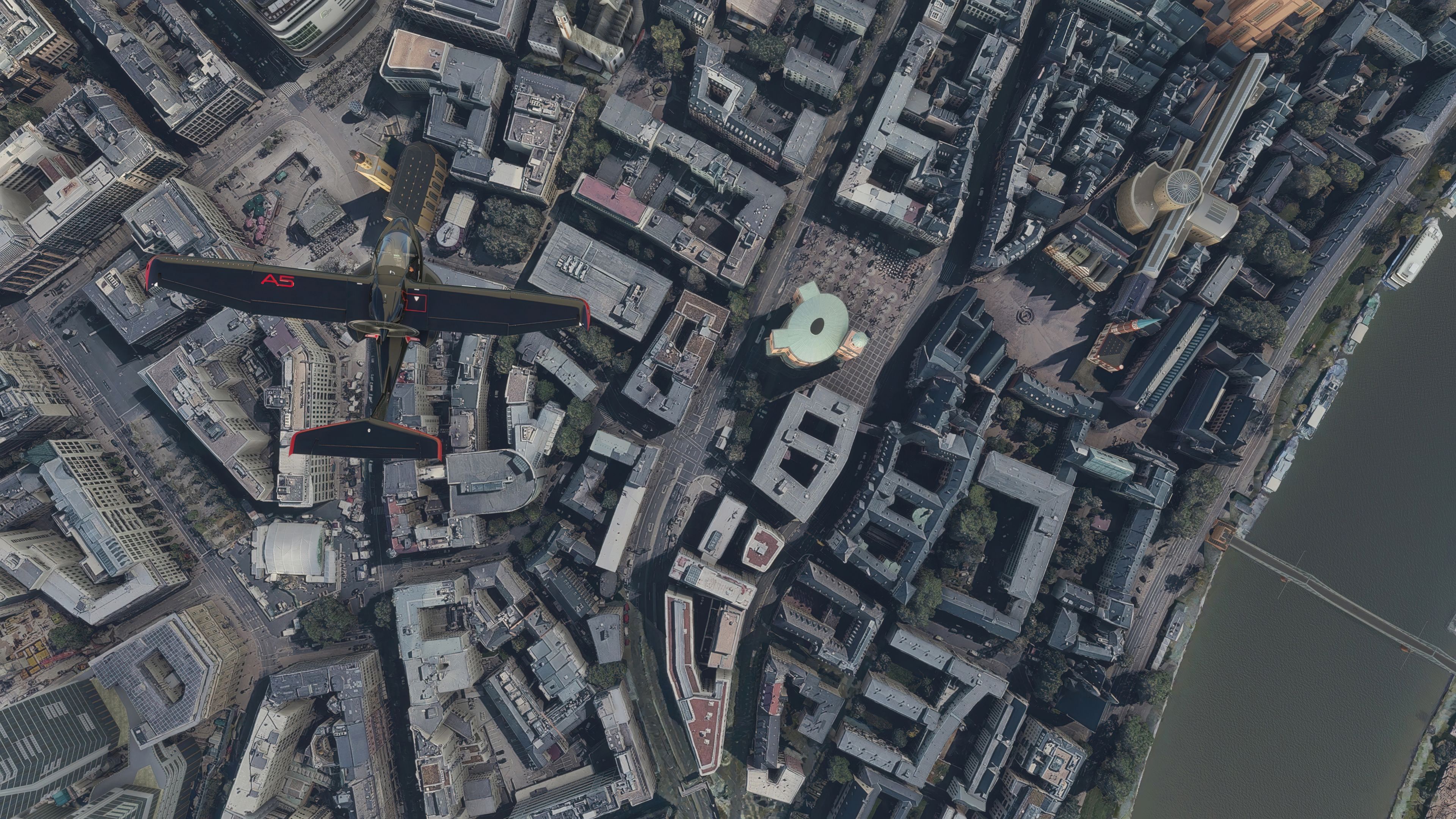
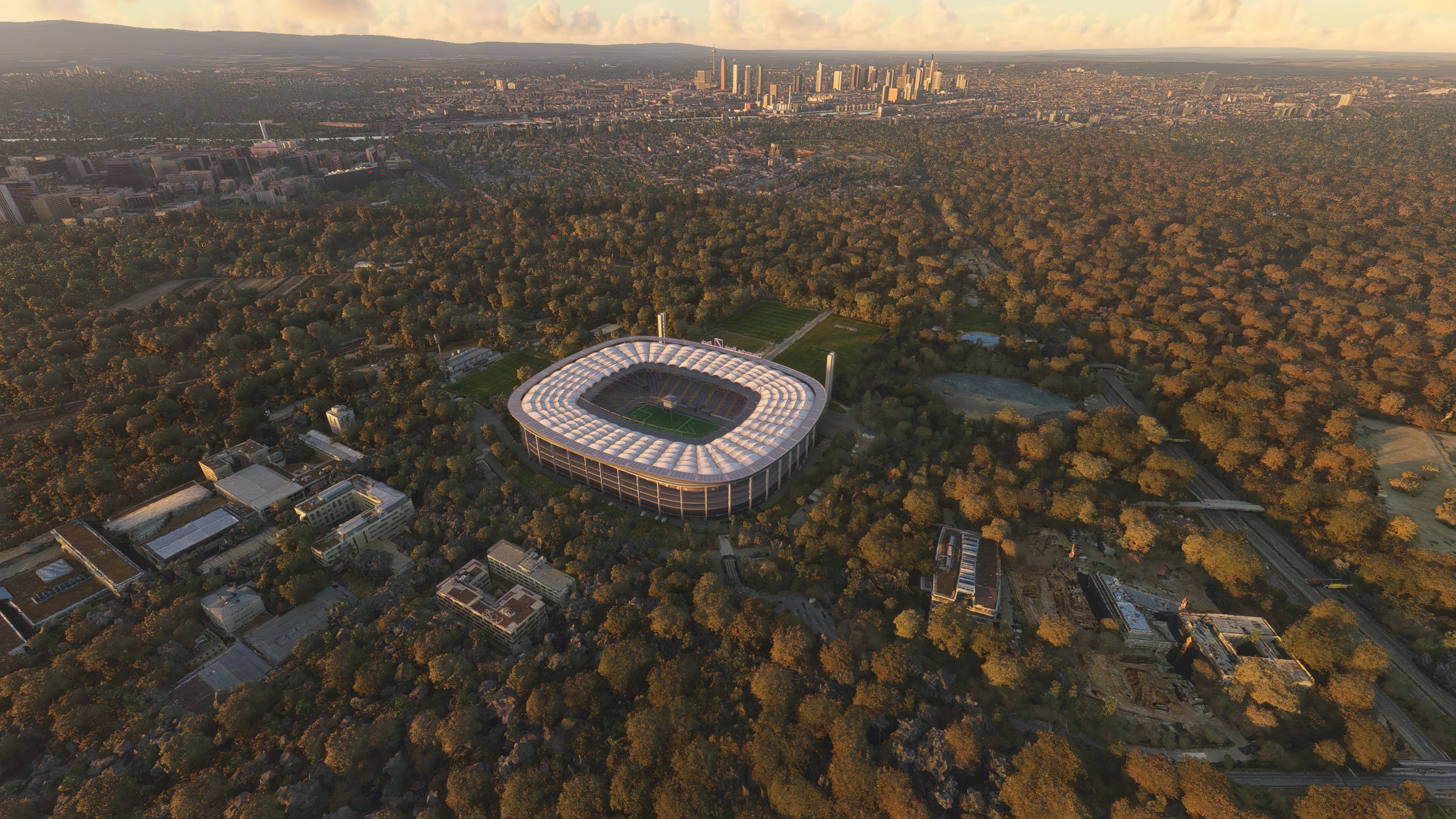
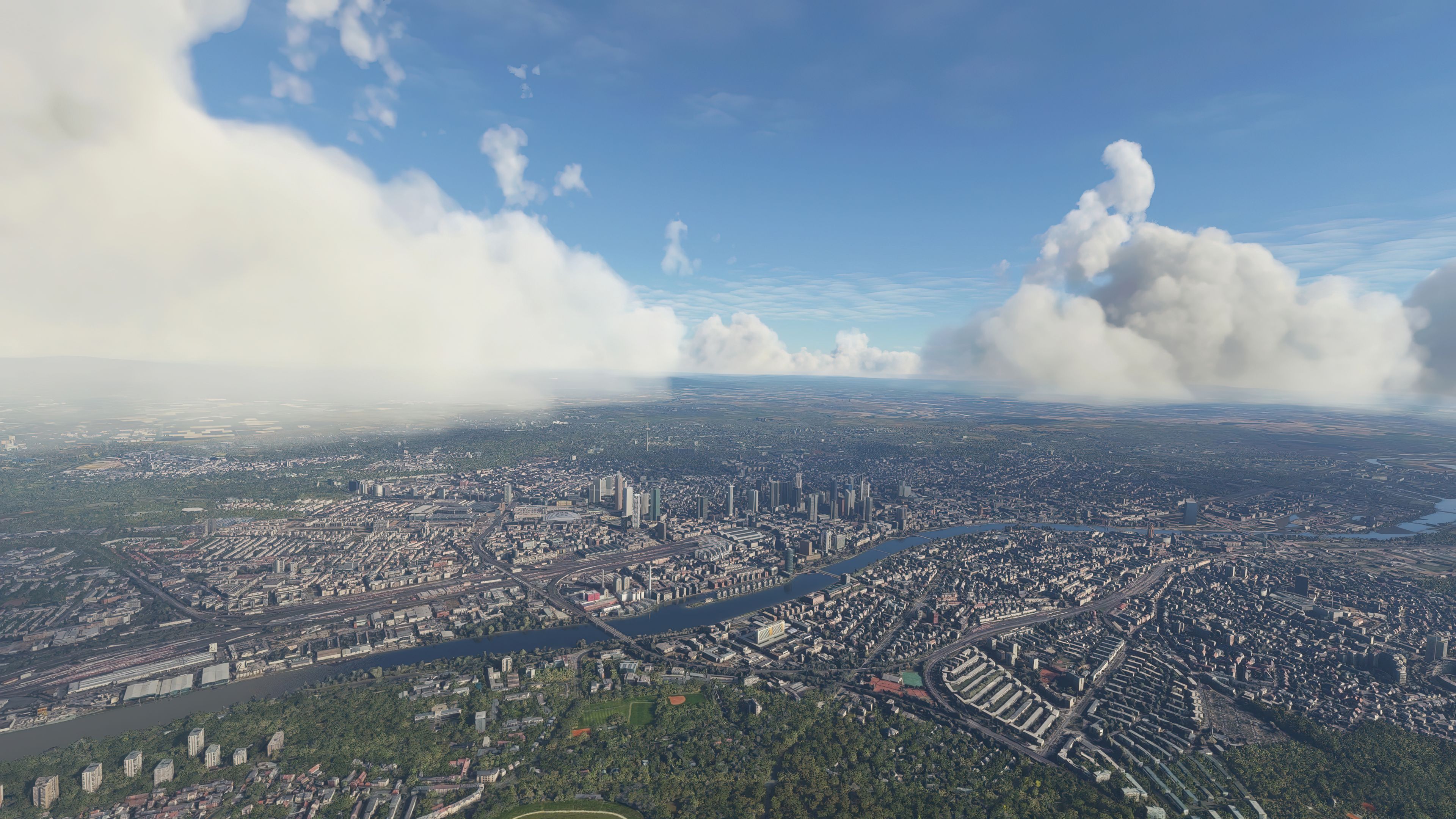
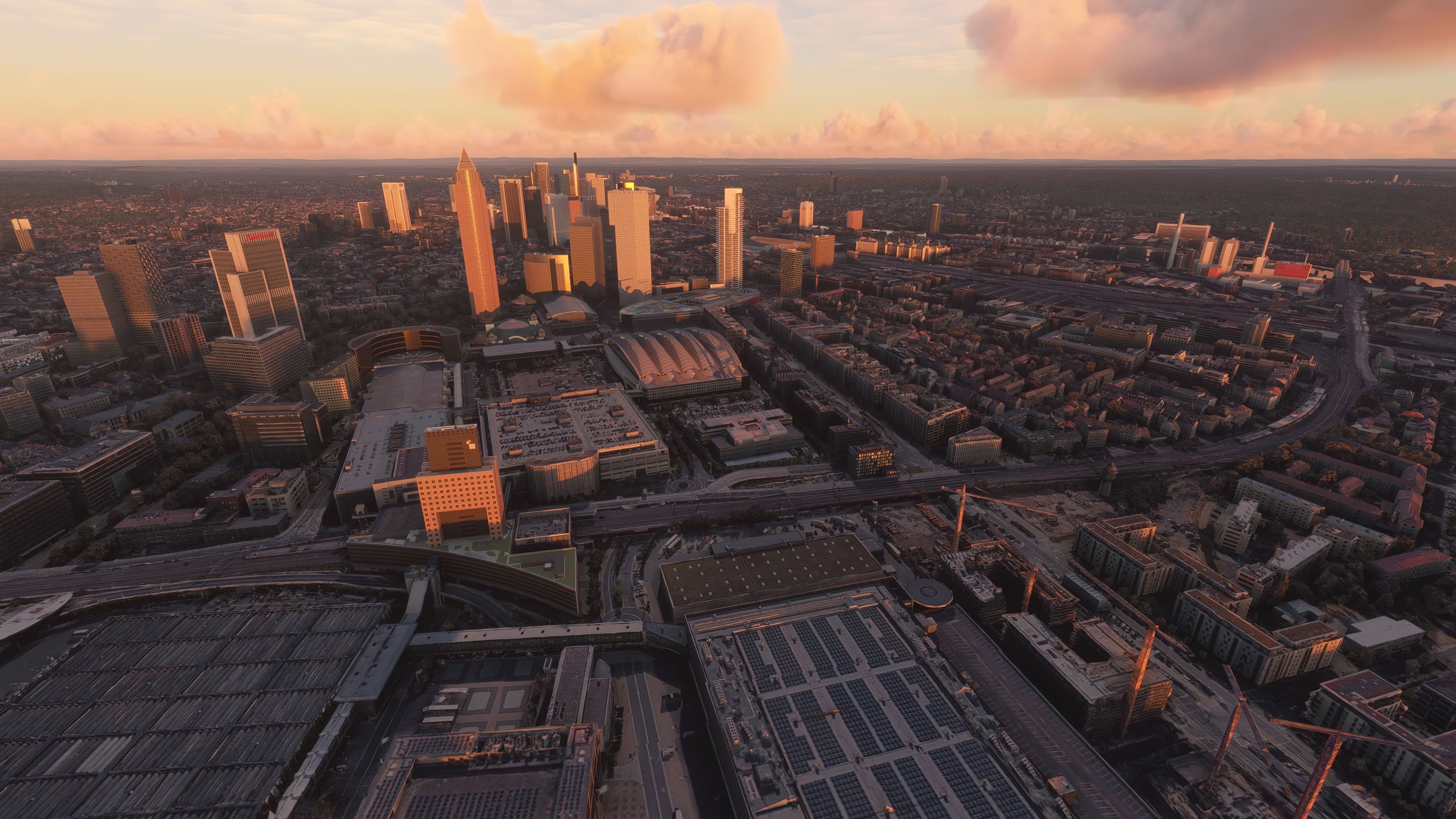
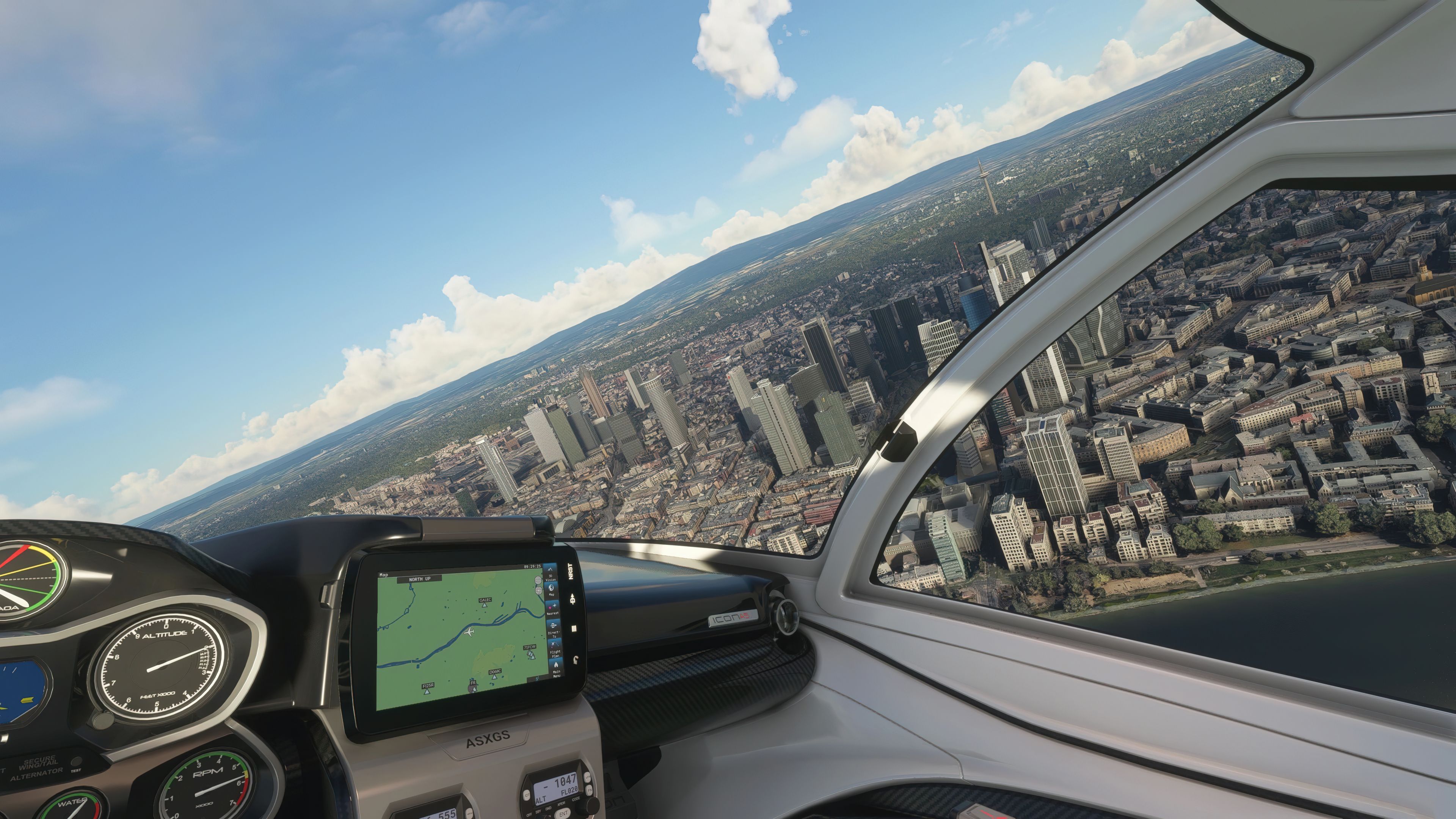
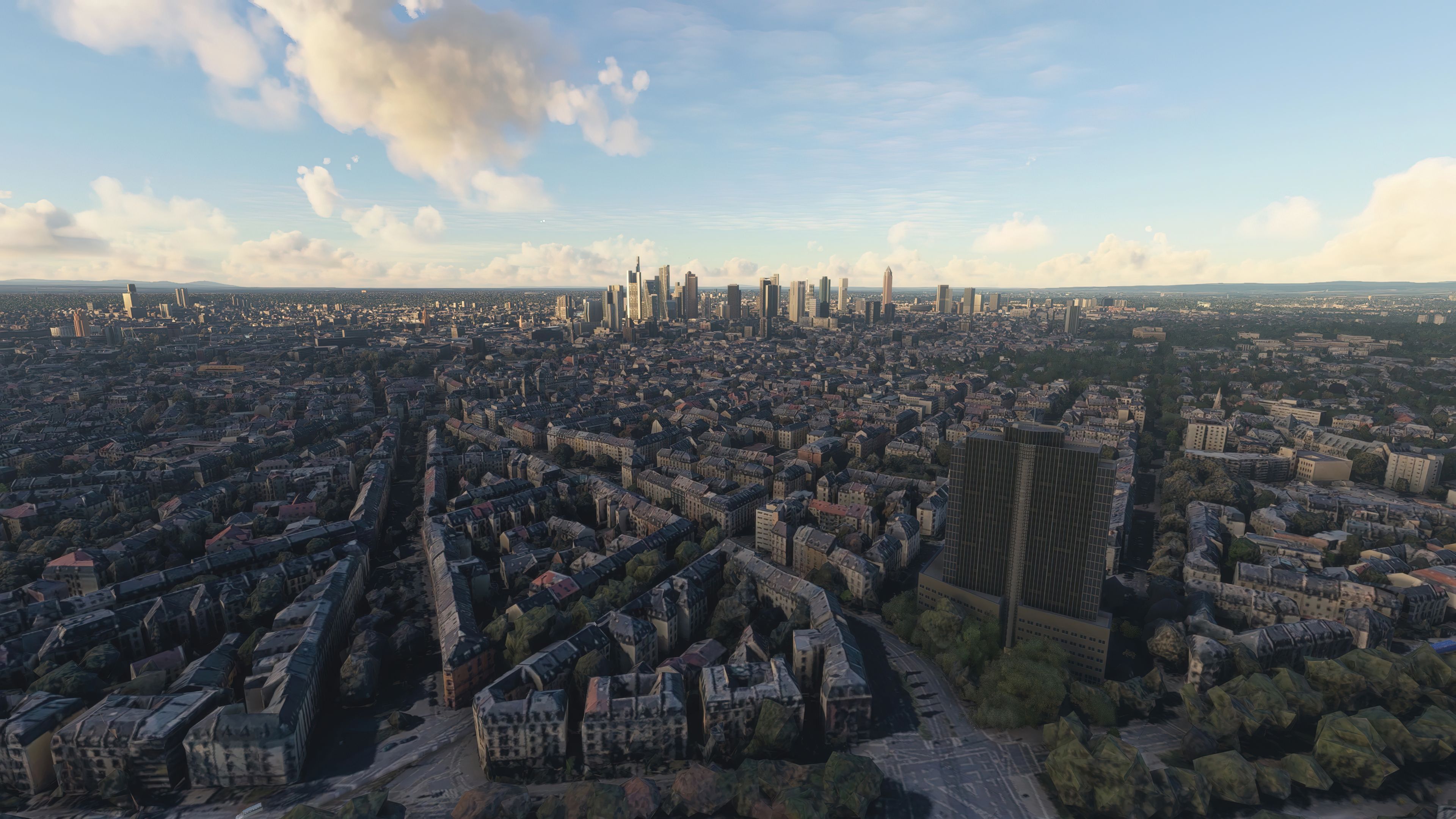
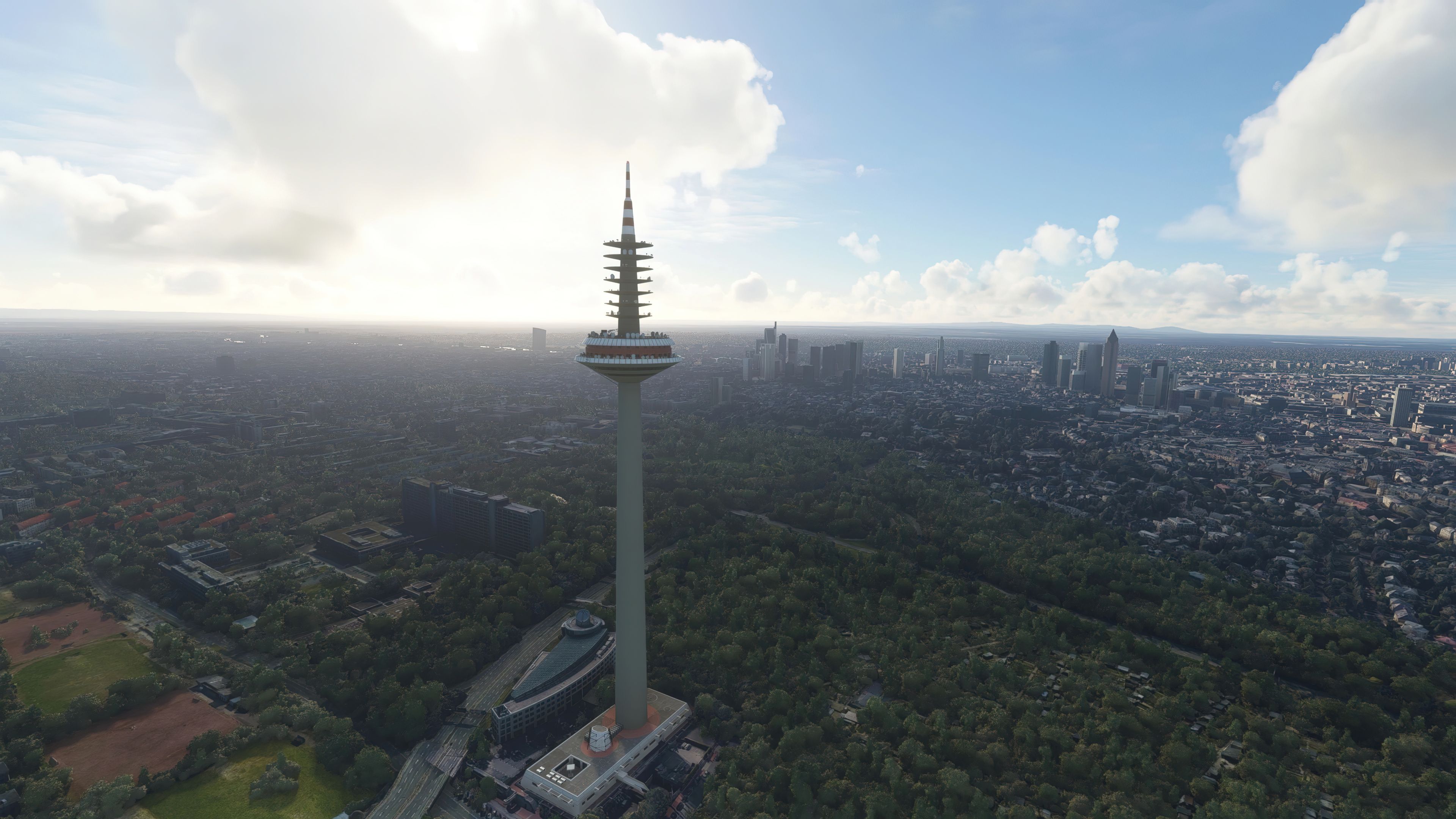

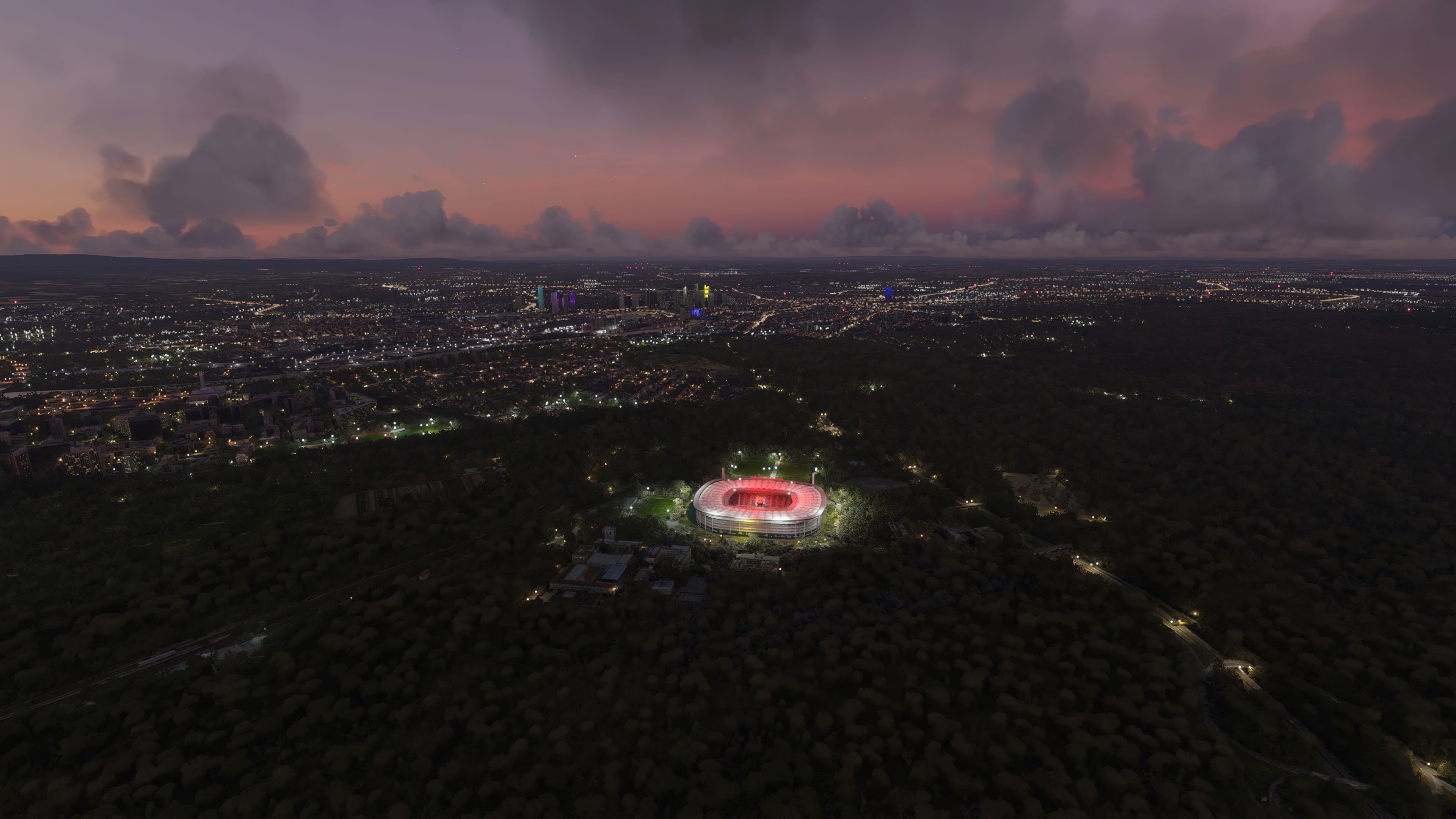
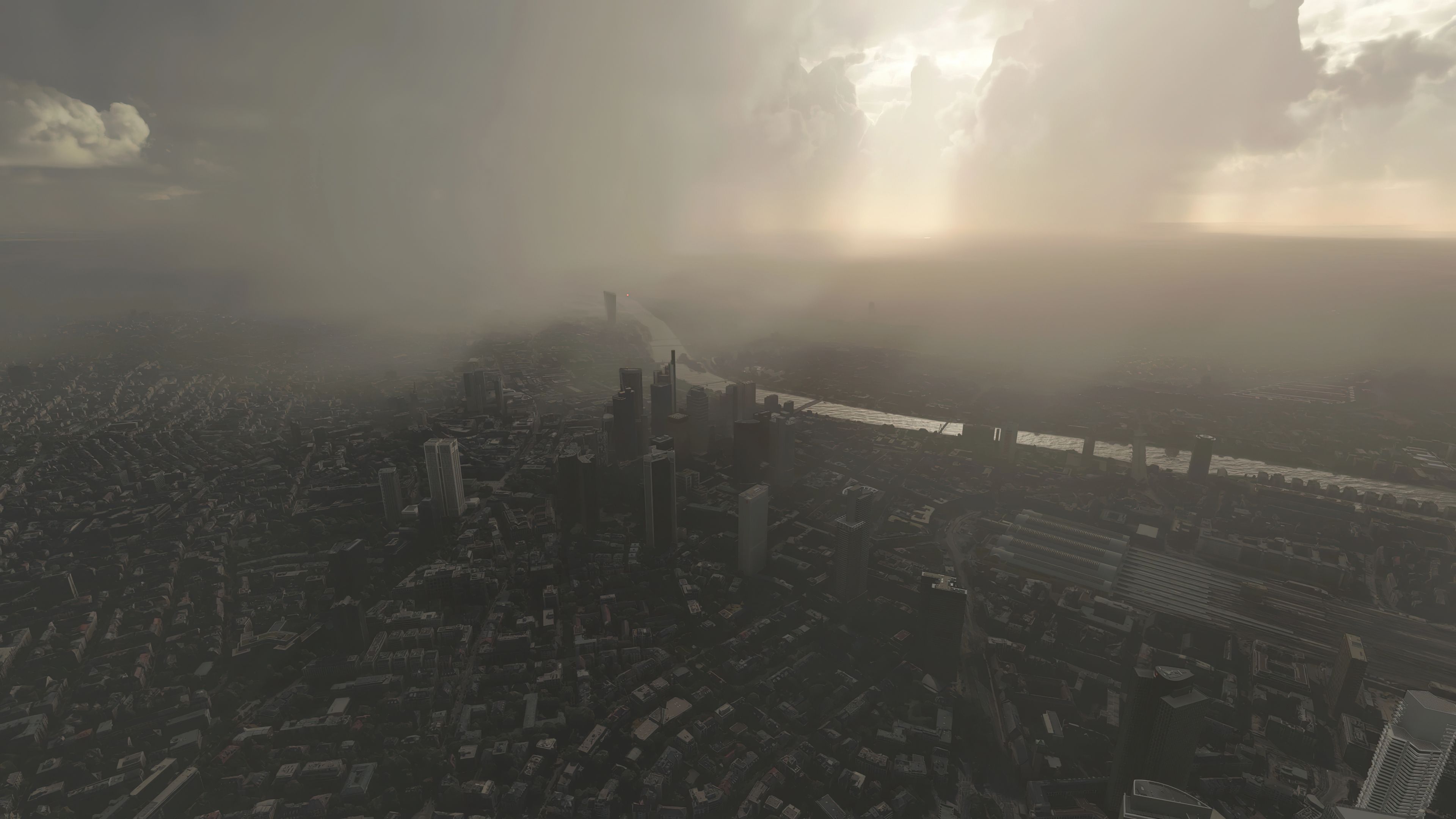

The MSFS Frankfurt am Main, Germany Scenery is a detailed transformation of Frankfurt, built using high-resolution photoreal textures and 3D modeling that go beyond the default visuals in Microsoft Flight Simulator. Developed by Thalixte, this freeware pack covers over 1.5GB of data, delivering an authentic representation of Frankfurt’s skyline, landmarks, and architectural character while remaining compatible with the latest simulator updates.
Having tested this mod extensively, I can confirm it provides a truly enhanced flying experience when departing or arriving from major airports such as Frankfurt am Main (EDDF). Two different versions are available: one integrating handcrafted objects for seamless blending with other German scenery elements, and another that removes the handcrafted dependencies. In my opinion, it’s an essential upgrade for anyone seeking a more vibrant, lifelike rendition of Frankfurt in MSFS.
A completely custom replacement of the entire city of Frankfurt am Main in Germany for Microsoft Flight Simulator (MSFS) 2020 release developed by Thalixte using a completely new source of photoreal textures and 3D modeling data.
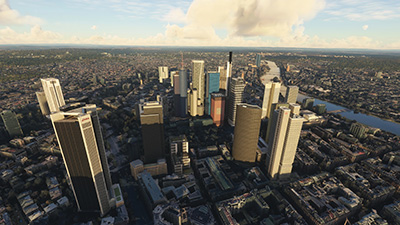 This pack is an all-out replacement of Frankfurt am Main city for MSFS bringing up to an even higher definition than the default Microsoft offerings. Tested with the latest SU (Sim Update) and confirmed fully working, this replacement will really bring this iconic German city to life within the sim.
There are over 1.5 GB of data included in this freeware release and much attention to detail.
Frankfurt is one of the largest cities in Germany and the default MSFS offering wasn't too great (even after the Europe Sim Update) so the developer decided to create this pack using data from a different source to replace the ground photo terrain and 3D building object data. The result was a highly detailed pack advancing on the default scenery base in MSFS.
The developer has stated, "you need to download the German MS/Asobo handcrafted objects first." This means you must download the German handcrafted objects in order to use the standard version of this scenery package to its full extent. However, the developer has also released a version of Frankfurt that does not use this special scenery pack which is compatible with all versions of MSFS without downloading any additional scenery libraries.
For ease of use and installation, this pack available from Fly Away Simulation includes both the standard version and the "no handcrafted models" version. You may use what suits your installation or setup.
If using simply GPS, the coordinates are: 50° 7' 0" N, 8° 41' 0" E
If you're wanting to start/stop flights at airports in and around the scenery coverage area, the best places to take off from and land at are;
After reading the above and deciding what pack is best to use, simply extract the archive and copy one of the following folders into your MSFS community folder;
thalixte-frankfurt (standard version)thalixte-frankfurt-no-handcrafted-models (no handcrafted models version)The developer has also stated;
Important! In order for this mod update to work properly, go to the Microsoft Flight Simulator Roaming folder in C:\Users\MYUSERNAME\AppData\Roaming\Microsoft Flight Simulator or C:\Users\MYUSERNAME\AppData\Local\Packages\MicrosoftFlightSimulator\Local Cache (depending on your MSFS version - steam or MS Store), then remove the file named Content.xml.
Free for all simmers · 4.46 GB · Scanned clean Oct 2026
Download speed: Free tier is capped at 2 Mbps (this file takes approximately 5h 19m at the cap). PRO members download at full line speed.
%LOCALAPPDATA%\Packages\Microsoft.FlightSimulator_8wekyb3d8bbwe\LocalCache\Packages\Community\. Steam version: %APPDATA%\Microsoft Flight Simulator\Packages\Community\. Tip: enable Developer Mode in MSFS to see your exact Community folder path.readme.txt or README file. It tells you exactly where files go, what dependencies are needed, and any quirks specific to this add-on.Thalixte is a developer that has focused on creating photogrammetry and scenery packs for the latest Microsoft Flight Simulator (MSFS) 2020 release.
Are you Thalixte? Sign in to Fly Away Creators for download stats, comment replies and updates. Make add-ons? Publish them here.
Only PRO members can place votes.
More MSFS add-ons hand-picked based on this download.
MSFS Scenery
A large freeware scenery add-on pack put together by the developer who goes b…
 MSFS Scenery
A quick rework of several Swiss cities and landmarks such as the Matterhorn u…
 MSFS Scenery
This pack by the developer who simply goes by the name of Chris brings the me…
 MSFS Scenery
Enhance your Microsoft Flight Simulator experience with the Downtown Los Ange…
 MSFS Scenery
A new, easy-to-install, and accurate replacement of the default Paris photore…
 MSFS Scenery
A massive freeware pack created by the developer Srinivasman containing over …
 MSFS Scenery
This is a complete replacement scenery pack covering the entire city of Honol…
 MSFS Scenery
A complete overhaul of Zion Canyon National Park in Utah, the USA for Microso…
Read what other simmers think, or add your own.
