

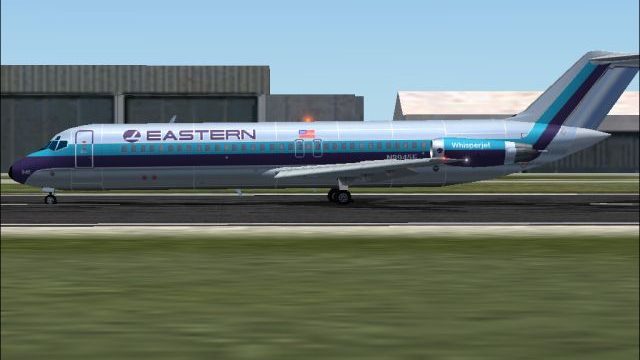
 FS2004 Civil Jet Aircraft
EAL Douglas DC-9-50 Bare Metal V2.0
This repaint package provides a refined bare metal fuselage scheme for an AI …
Eastern Air Lines’ classic bare-metal Douglas DC-9-30 livery returns with reflective textures, fine rivet detailing, subtle weathering, and crisp night lighting for authentic ramp and enroute visuals in Microsoft Flight Simulator 2004. Version 2.1 textures only and requires the AI Aardvark DC-9-30 base model to display correctly.
 Rate
Rate
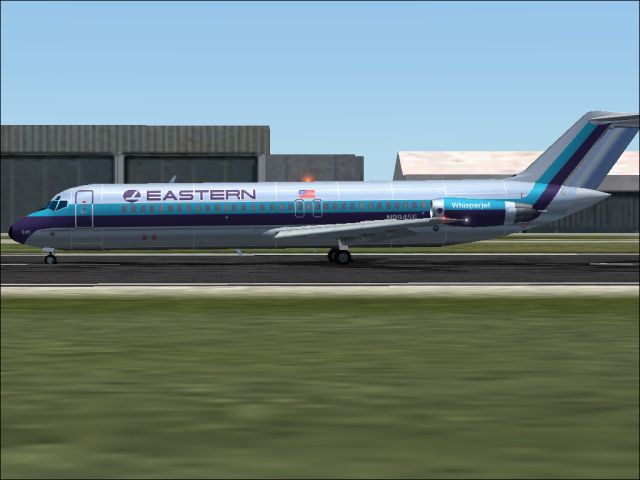
This freeware repaint package offers a meticulously crafted bare metal texture set for the renowned DC-9-30 model, rendering a classic Eastern Air Lines (EAL) livery. Created by developer Sheppard Avery, it showcases detailed day and night textures for avid Microsoft Flight Simulator 2004 users seeking a historically accurate appearance of this iconic narrow-body twinjet. The reflective surfaces capture EAL’s polished metal fuselage, bringing a faithful representation of the airline’s legacy to virtual skies.
These textures incorporate carefully outlined rivet lines and subtle wear patterns to emphasize the DC-9-30’s metallic sheen. East Coast flyers often recall Eastern’s operational dominance across prominent hubs—especially in Atlanta and Miami—and this bare metal look pays homage to that proud heritage. With v2.1 enhancements, the livery includes crisp night lighting effects for realistic after-dark flying.
Screenshot displaying the EAL Douglas DC-9-30 in its reflective bare metal finish.
Eastern Air Lines ranks among the foremost carriers in early U.S. aviation history. Throughout the 1980s, it carried remarkable passenger loads domestically and expanded to cover routes in the Caribbean, Central, and South America. Although the airline ceased operations in the early 1990s, its established network out of Atlanta, Miami, New York, San Juan, and Kansas City remains a key part of aviation lore.
The short-to-medium range Douglas DC-9-30, powered by twin rear-mounted engines, proved well-suited for Eastern’s high-frequency routes along the nation’s eastern seaboard. The two-person flight deck and efficient Pratt & Whitney JT8D units delivered a reliable platform for quick turnarounds. This repaint set faithfully reproduces the unpainted metal surfaces found on many EAL jets to reflect that operational context.
This dynamic repaint is authored by Sheppard Avery with a focus on preserving the genuine look of Eastern’s DC-9-30 operations. The textures have been refined in version 2.1 to ensure reliable visual fidelity in both daytime and low-light environments.
Free for all simmers · 813.09 KB · Scanned clean Oct 2026
Download speed: Free tier is capped at 0.5 Mbps. PRO members download at full line speed.
This file is a repaint — the package below is the base model it paints onto. Install it first, or the textures will have nothing to load onto.
FS9\Aircraft\, FS9\Addon Scenery\, FS9\Gauges\, or FS9\Effects\.readme.txt or README file. It tells you exactly where files go, what dependencies are needed, and any quirks specific to this add-on.The archive ea9sbmv2.zip has 7 files and directories contained within it.
This list displays the first 500 files in the package. If the package has more, you will need to download it to view them.
| Filename/Directory | File Date | File Size |
|---|---|---|
| aia_dc_9_30_l.bmp | 08.07.04 | 341.43 kB |
| aia_dc_9_30_t.bmp | 09.25.04 | 5.33 MB |
| eastern.gif | 01.25.04 | 1.87 kB |
| READ ME.txt | 09.24.04 | 1.64 kB |
| z2.jpg | 09.25.04 | 133.64 kB |
| flyawaysimulation.txt | 10.29.13 | 959 B |
| Go to Fly Away Simulation.url | 01.22.16 | 52 B |
Only PRO members can place votes.
More FS2004 add-ons hand-picked based on this download.
FS2004 Civil Jet Aircraft
This repaint package provides a refined bare metal fuselage scheme for an AI …
 FS2004 Civil Jet Aircraft
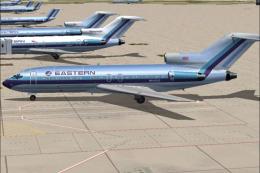
This freeware package features a meticulously recreated Eastern Airlines Boei…
 FS2004 Civil Jet Aircraft
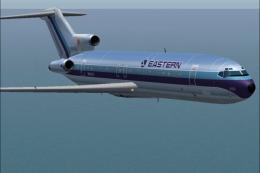
This updated package offers a retro-themed Boeing 727-100 from Eastern Airlin…
 FS2004 Civil Jet Aircraft
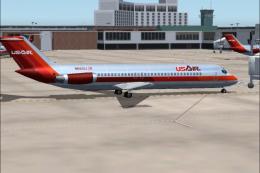
Experience a classic example of USAir’s early 1980s livery in Microsoft Fligh…
 FS2004 Civil Jet Aircraft
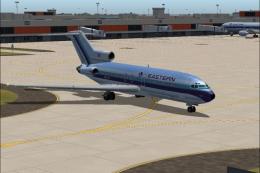
This package offers a detailed Boeing 727-100 repaint that showcases Eastern …
 FS2004 Civil Jet Aircraft
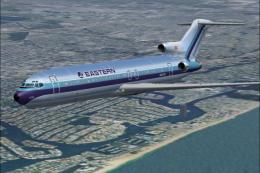
This repaint offers a meticulously polished metal finish for the iconic Boein…
 FS2004 Civil Jet Aircraft
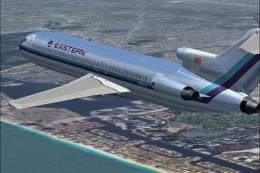
This freeware texture pack showcases the last variation bare metal thin cheat…
 FS2004 Civil Jet Aircraft
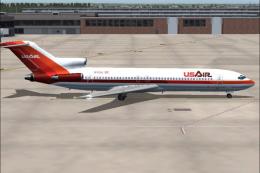
This repaint showcases a classic USAir Boeing 727-200 bare metal fuselage ren…
Be the first to leave a comment on this download.
Be the first to share your thoughts on this download.