

 FSX Scenery
Seymour Johnson AFB
This package offers a detailed refresh of Seymour Johnson AFB (KGSB) in Golds…
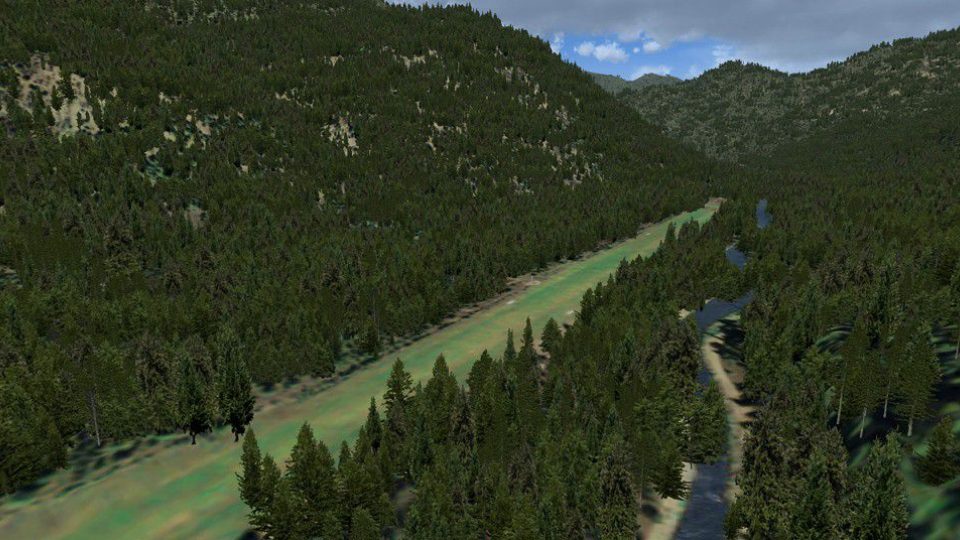
Johnson Creek Airport (3U2) brings Idaho’s iconic backcountry strip to life with a well-kept grass runway, detailed terrain, and convincing local atmosphere for camping-style GA flying. The scenery for Microsoft Flight Simulator X features volumetric grass, static aircraft, 1 m/pixel photoscenery, 10 m mesh, full autogen annotation, plus careful color correction and blending.
 Rate
Rate
 United States of America
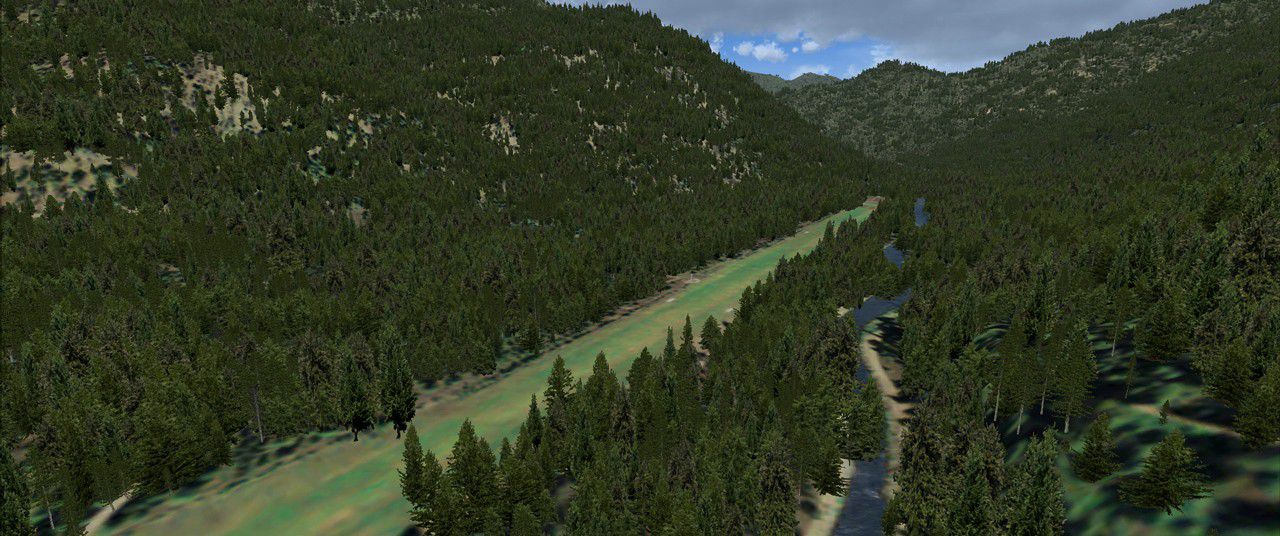
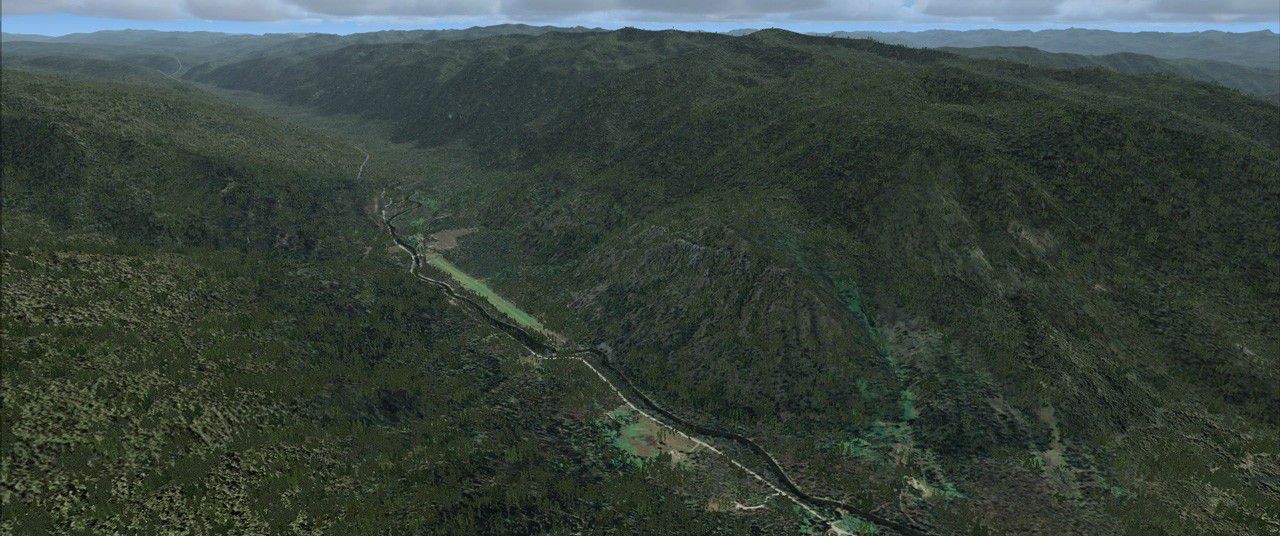
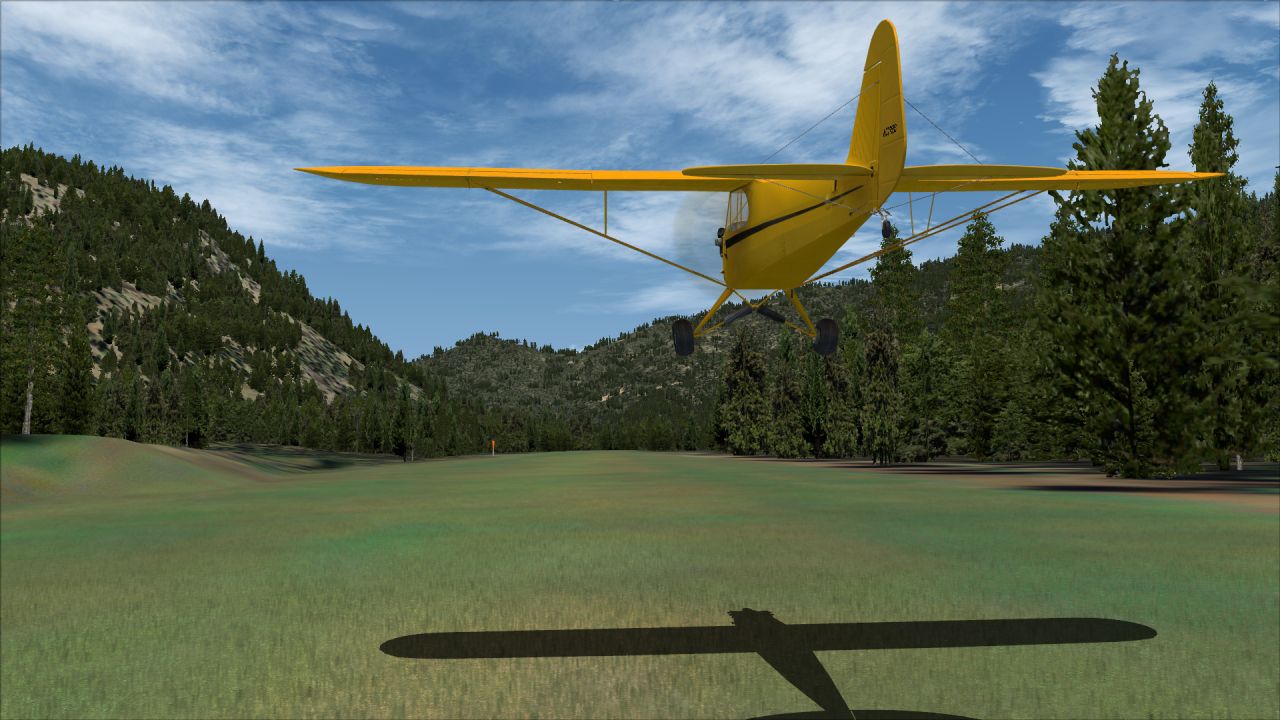
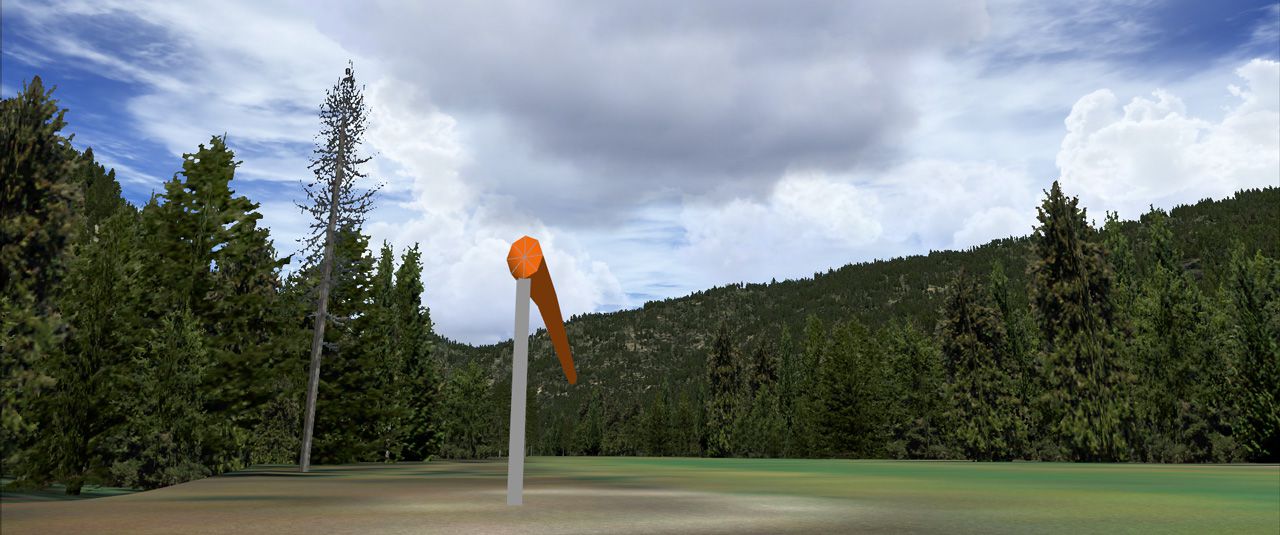
(FAA ID: 3U2), a grass airstrip located in central Idaho (ID) three miles (5 km) south of Yellow Pine, a village in Valley County, Idaho, United States. It is managed by the Idaho Division of Aeronautics of the Idaho Transportation Department. A caretaker resides at the field, and as a result, the turf runway is well cared for. Johnson Creek is in the category of backcountry airstrips, and is popular with pilots who enjoy airplane camping. This FSX rendition includes volumetric grass, static aircraft, 1 meter/pixel photoscenery, 10 meter mesh, full autogen annotation, and is color corrected and blended into the surrounding scenery. By Orion Lyau.
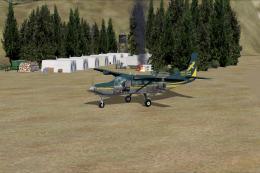
Screenshot of Johnson Creek Airport scenery.
Johnson Creek Airport covers an area of 40 acres (16 ha) which contains one grass runway (17/35) which is 3,400 feet (1,000 m) long and 150 feet (46 m) wide (1,036 x 46 m). The field elevation is 4,933 feet (1,504 m) above sea level. For the 12-month period ending October 24, 2003, the airport had 5,750 aircraft operations, an average of 15 per day: 87% general aviation and 13% air taxi.
Also on the airport is a campground for fly-in campers, along with complimentary hot showers, a bunk house, pit toilets, and two courtesy cars that can be rented for a small fee to drive between the airport, and the town of Yellowpine. The airport has a small shelter, beneath which, has a freezer, a telephone, map of the area, bench, and a small sign-in book that logs all the arrivals and departures. The caretaker frequently mows, and waters the grass of the runway and parking areas, provides freshly chopped firewood for campers, maintains the campground and courtesy cars.
Features:
Requirements:
Installation & Uninstallation:
Known Issues:
Free for all simmers · 12.69 MB · Scanned clean Oct 2026
Download speed: Free tier is capped at 0.5 Mbps (this file takes approximately 4 mins at the cap). PRO members download at full line speed.
FSX\Addon Scenery\ containing scenery and texture sub-folders.readme.txt or README file. It tells you exactly where files go, what dependencies are needed, and any quirks specific to this add-on.Use these coordinates to fly directly to this location once the mod is installed.
44.89130000,-115.69200000
Launch FSX or Prepar3D and use Flights → Load to open the downloaded .pln file. Your aircraft will be positioned at this location.
The archive 3u2-johnson-creek-airport_zip.zip has 8 files and directories contained within it.
This list displays the first 500 files in the package. If the package has more, you will need to download it to view them.
| Filename/Directory | File Date | File Size |
|---|---|---|
| 3U2 Installer.exe | 07.22.12 | 11.45 MB |
| Readme.txt | 07.22.12 | 3.94 kB |
| Screenshot 1.jpg | 07.22.12 | 227.29 kB |
| Screenshot 2.jpg | 07.22.12 | 670.27 kB |
| Screenshot 3.jpg | 07.22.12 | 251.00 kB |
| Screenshot 4.jpg | 07.22.12 | 216.22 kB |
| flyawaysimulation.txt | 10.29.13 | 959 B |
| Go to Fly Away Simulation.url | 01.22.16 | 52 B |
Only PRO members can place votes.
More FSX & P3D add-ons hand-picked based on this download.
FSX Scenery
This package offers a detailed refresh of Seymour Johnson AFB (KGSB) in Golds…
 FSX Scenery
Thompson Field / Bear Creek Airport (L86), Murrieta, California (CA), USA. By…
 FSX Scenery
Big Creek Airport, Savannah, Belize. This airport, serviced by all Belize air…
 FSX Scenery
(7FL6), Florida (FL), USA. Touted as the world's most famous residential airp…
 FSX Scenery
Sulphur Creek Ranch AIrstrIp, Idaho (ID). MountaIn prIvate aIrstrIp In Idaho.…
 FSX Scenery
Hideaway Ranger Creek (21W), Washington State (WA). Intended to make the scen…
 FSX Scenery
This freeware package transforms Ryans Creek Airfield (NZRC) on Stewart Islan…
 FSX Scenery
47 Creek. As seen in episode 2 of "Flying Wild Alaska", made with custom mode…
Be the first to leave a comment on this download.
Be the first to share your thoughts on this download.