


 Canada
  FSX Scenery
Johnson Creek Airport
(FAA ID: 3U2), a grass airstrip located in central Idaho (ID) three miles (5 …
Mule Creek Airport (CBS4) scenery brings a relaxed slice of British Columbia to Microsoft Flight Simulator X, dressing the field with a ranger station and extra eye-candy to make arrivals feel purposeful. Built for casual VFR exploring, it stays frame-rate friendly while enhancing the local atmosphere around the strip.

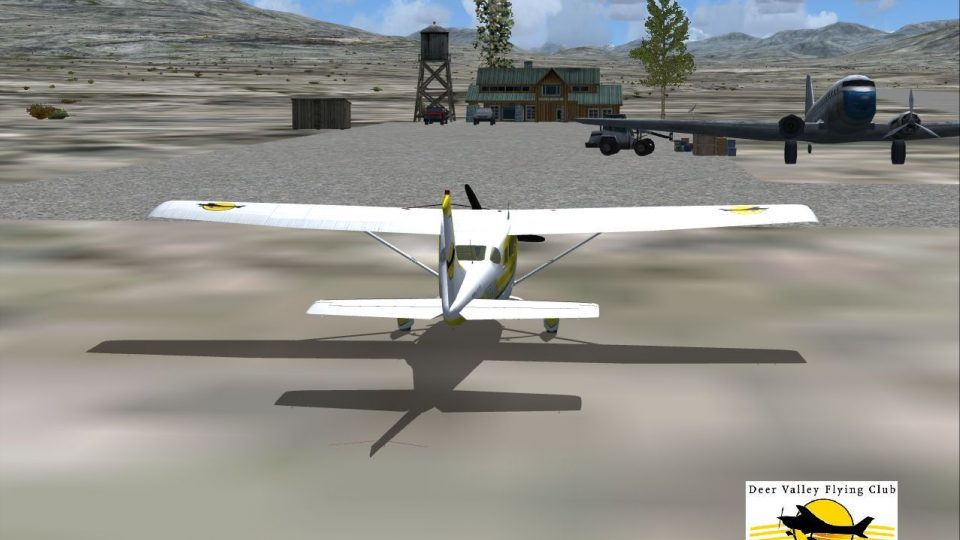
Mule Creek, British Columbia, Canada (CBS4). Adds ranger station and other features. By Bob Caparoula.
Mule Creek Scenery.
Mule Creek, British Columbia - Airport ID: CBS4 (FSX).
This is my very loose version of the Mule Creek airport in beautiful BC. I created it for my personal enjoyment and now I am releasing to the public as freeware. I hope you enjoy the "eye-candy". I added a Ranger Station, etc...
At least it gives you something to travel there for.
You may also go directly to this airport by selecting CBS4 as your starting airport.
Designed with the FS X Sdk Scenery function of the Mission builder & the Abacus Scenery shortcut tool.
This scenery is frame rate friendly.
Bob Caparoula.
Have a great relaxing trip, take time to look around.
Install: just extract the .bgl files into your Addon Scenery\scenery folder:
C:\Program Files\Microsoft Games\Microsoft Flight Simulator X\Addon Scenery\scenery
should recognize the new file and activate it for you.
Freeware - use at your own discretion. I'm not responsible for anything. If you don't like it, delete the .bgl files and you'll be good to go.
I don't mind you using this scenery but please contact me first before uploading to other sites. I am finding my stuff all over the place. I like to know where it is.
Free for all simmers · 140.35 KB · Scanned clean Oct 2026
Download speed: Free tier is capped at 0.5 Mbps. PRO members download at full line speed.
FSX\Addon Scenery\ containing scenery and texture sub-folders.readme.txt or README file. It tells you exactly where files go, what dependencies are needed, and any quirks specific to this add-on.Use these coordinates to fly directly to this location once the mod is installed.
48.42840000,-123.36560000
Launch FSX or Prepar3D and use Flights → Load to open the downloaded .pln file. Your aircraft will be positioned at this location.
The archive mulecrek.zip has 7 files and directories contained within it.
This list displays the first 500 files in the package. If the package has more, you will need to download it to view them.
| Filename/Directory | File Date | File Size |
|---|---|---|
| readme.txt | 05.02.07 | 1.33 kB |
| AF2_CBS4.bgl | 05.02.07 | 579 B |
| Mule Creek CBS4.jpg | 05.02.07 | 149.15 kB |
| Mule Creek CBS4.bgl | 05.02.07 | 924 B |
| FILE_ID.DIZ | 05.10.07 | 120 B |
| flyawaysimulation.txt | 10.29.13 | 959 B |
| Go to Fly Away Simulation.url | 01.22.16 | 52 B |
Only PRO members can place votes.
More FSX & P3D add-ons hand-picked based on this download.
FSX Scenery
(FAA ID: 3U2), a grass airstrip located in central Idaho (ID) three miles (5 …
 FSX Scenery
(7FL6), Florida (FL), USA. Touted as the world's most famous residential airp…
 FSX Scenery
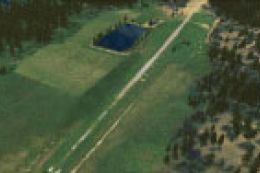
Sulphur Creek Ranch AIrstrIp, Idaho (ID). MountaIn prIvate aIrstrIp In Idaho.…
 FSX Scenery
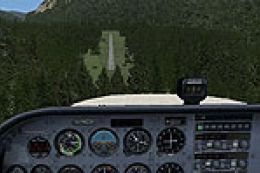
Hideaway Ranger Creek (21W), Washington State (WA). Intended to make the scen…
 FSX Scenery
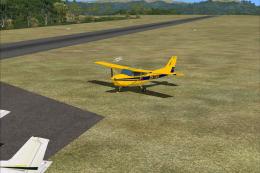
This freeware package transforms Ryans Creek Airfield (NZRC) on Stewart Islan…
 FSX Scenery
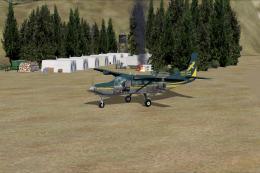
47 Creek. As seen in episode 2 of "Flying Wild Alaska", made with custom mode…
 FSX Scenery
Thompson Field / Bear Creek Airport (L86), Murrieta, California (CA), USA. By…
 FSX Scenery
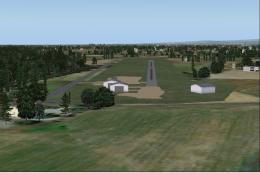
Big Creek Airport, Savannah, Belize. This airport, serviced by all Belize air…
Be the first to leave a comment on this download.
Be the first to share your thoughts on this download.