


 Lebanon
  FSX Scenery
OLBAX Patch V1.0.1
This patch fixes the following issues in OLBAX V1.0: Ground layout red spots …
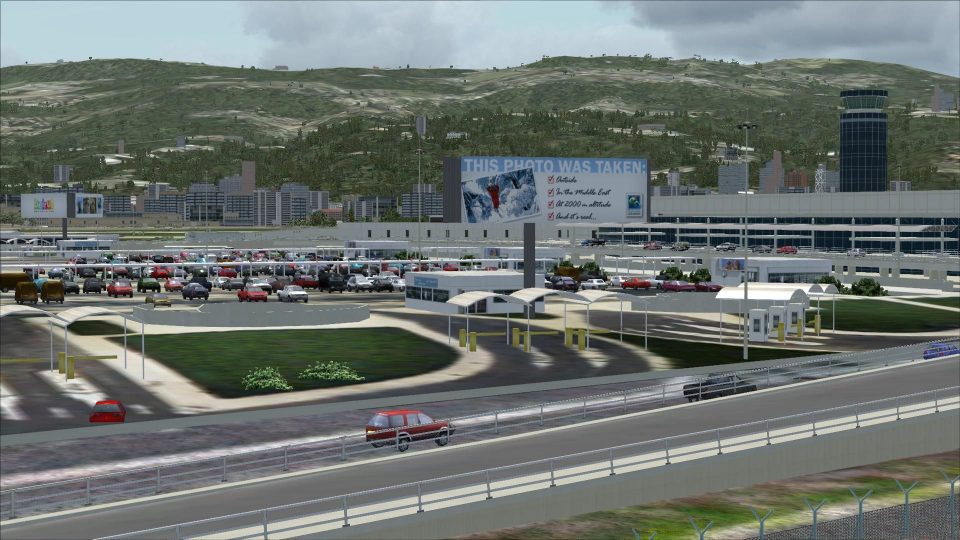
Rafik Hariri International Airport in Beirut comes to life with OLBAX v1.0, delivering a photoreal ground layout, an accurately modeled terminal, buildings, and hangars, plus well-placed static 3D objects for a convincing apron scene in Microsoft Flight Simulator X. The scenery requires Lebanon Terrain X v1.5.
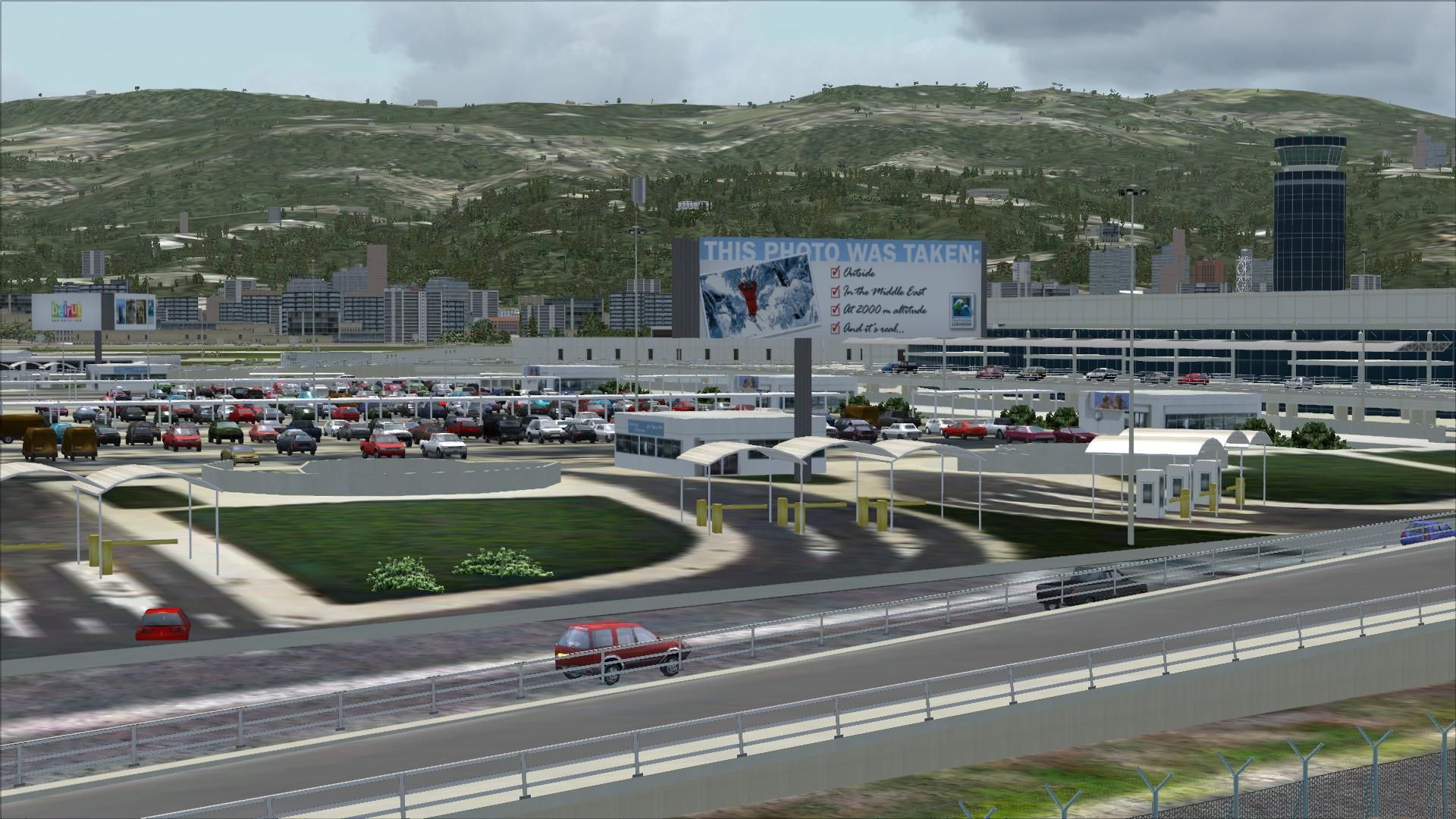
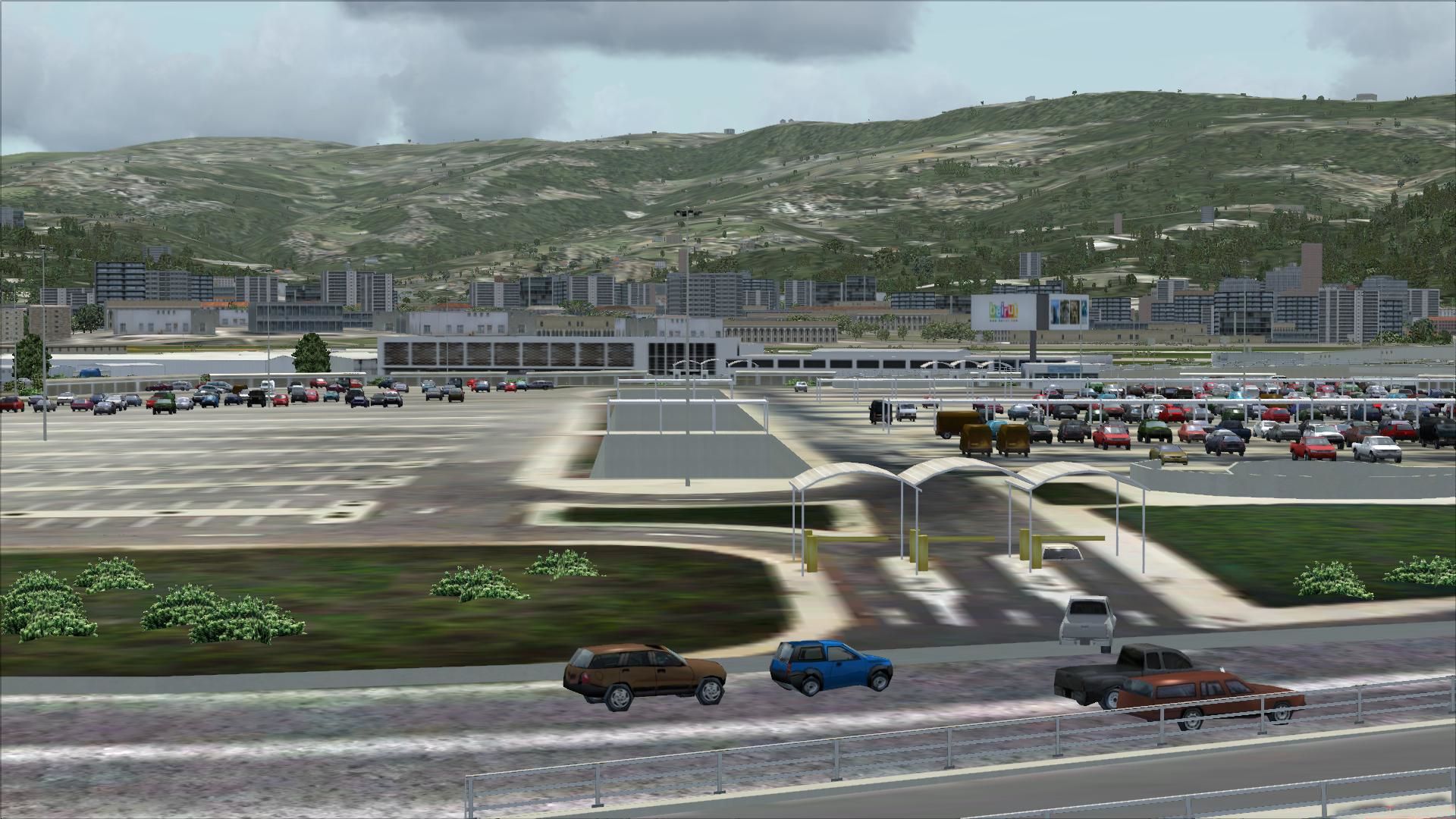
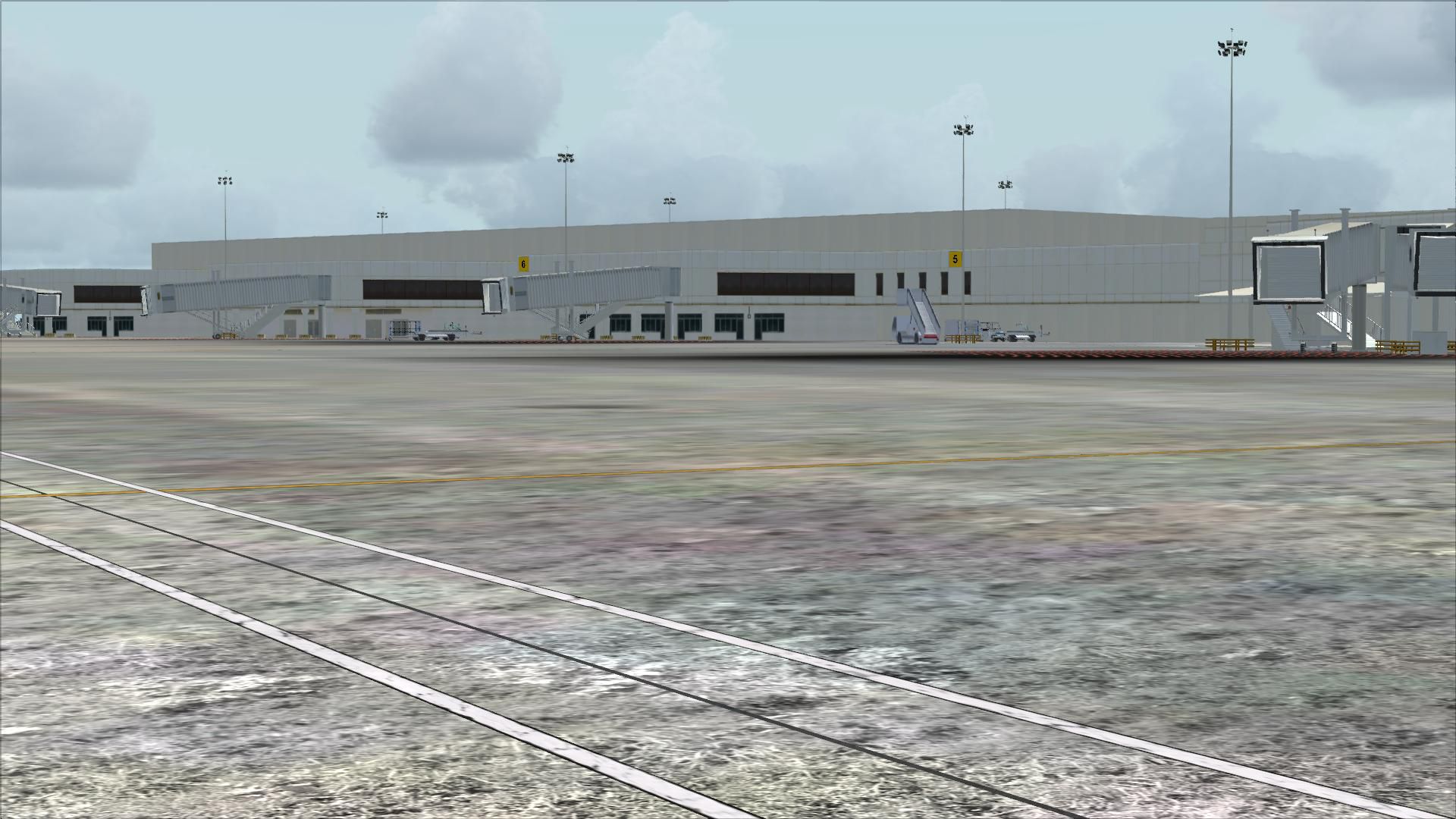
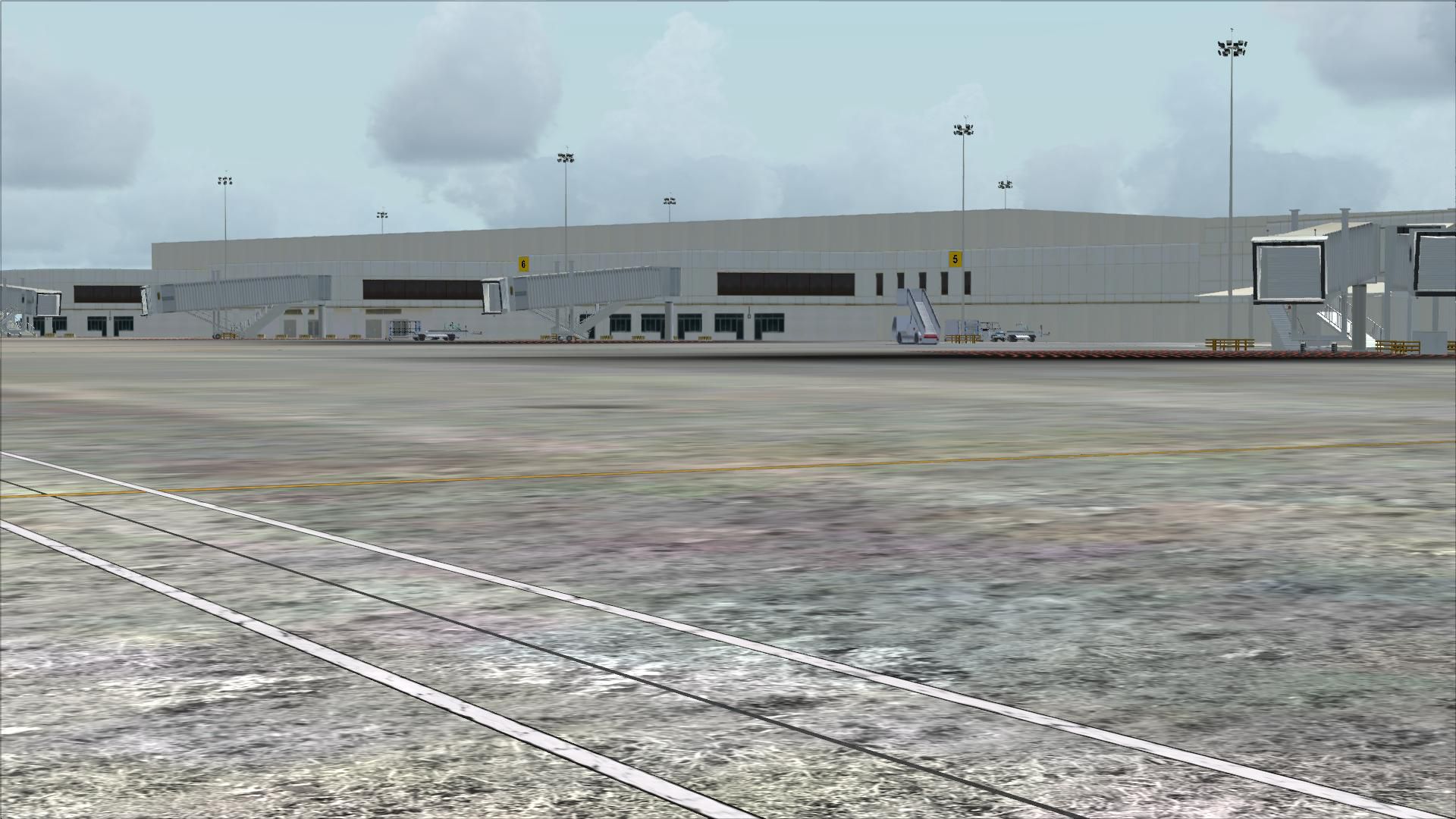
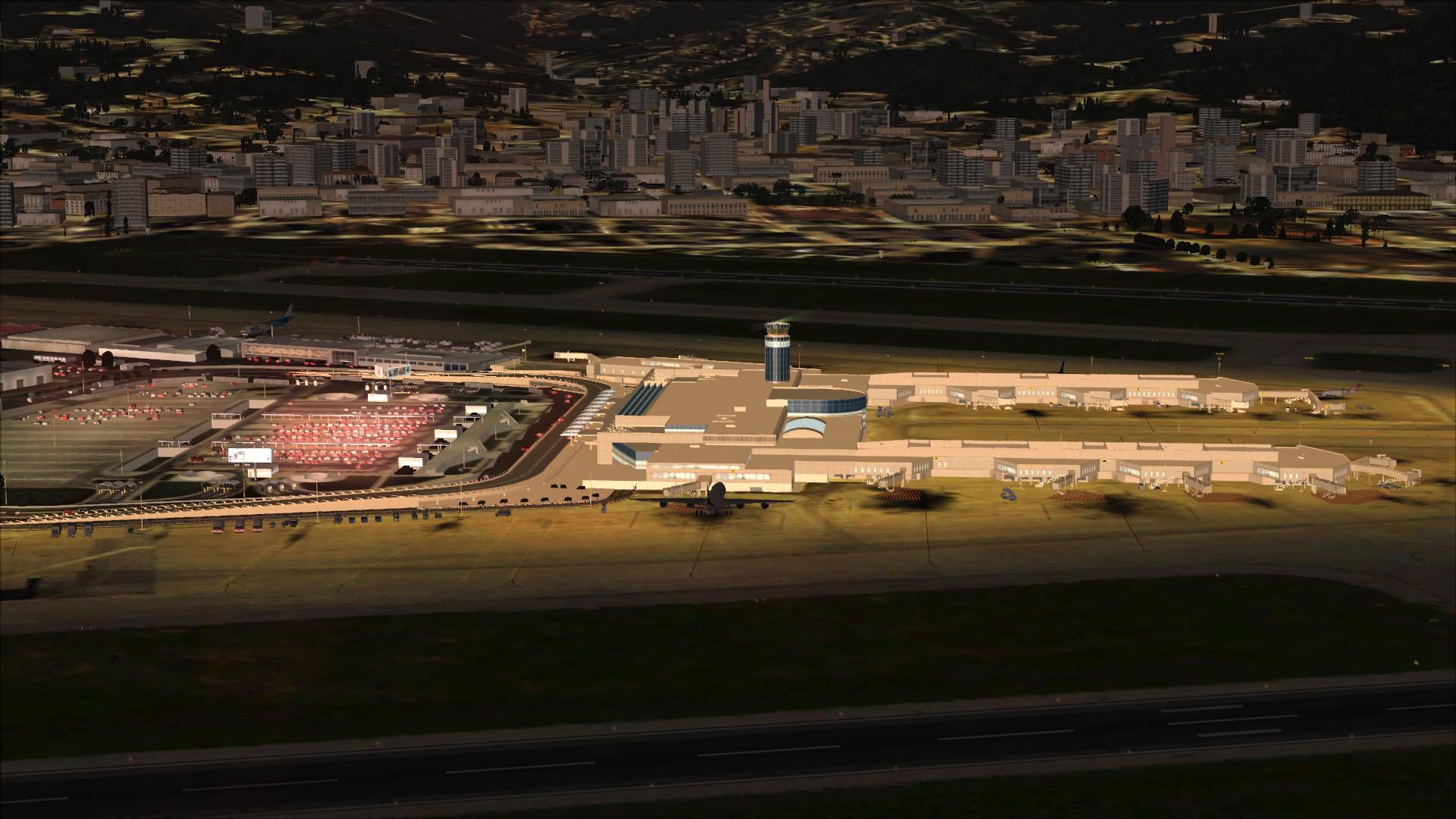
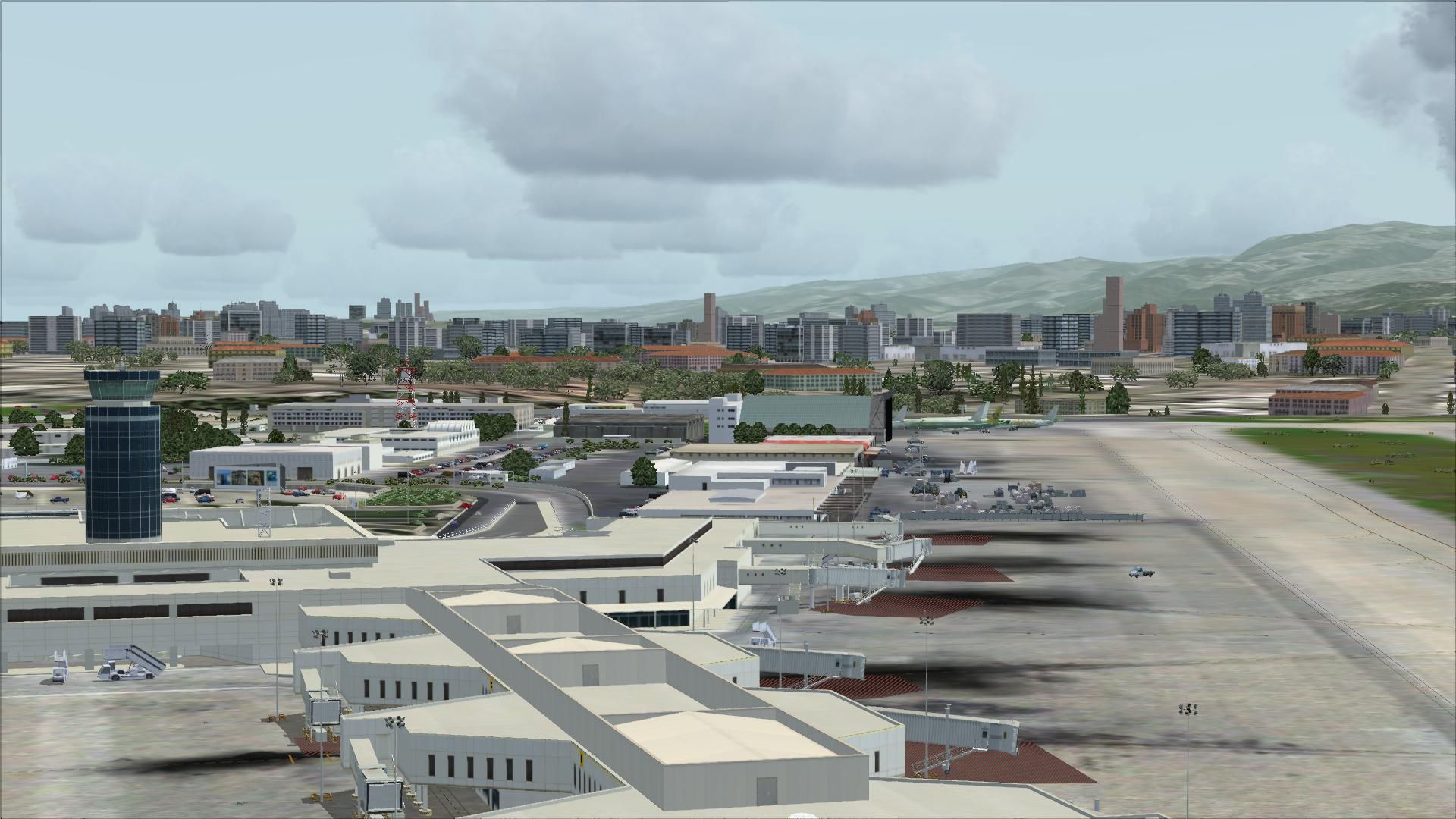
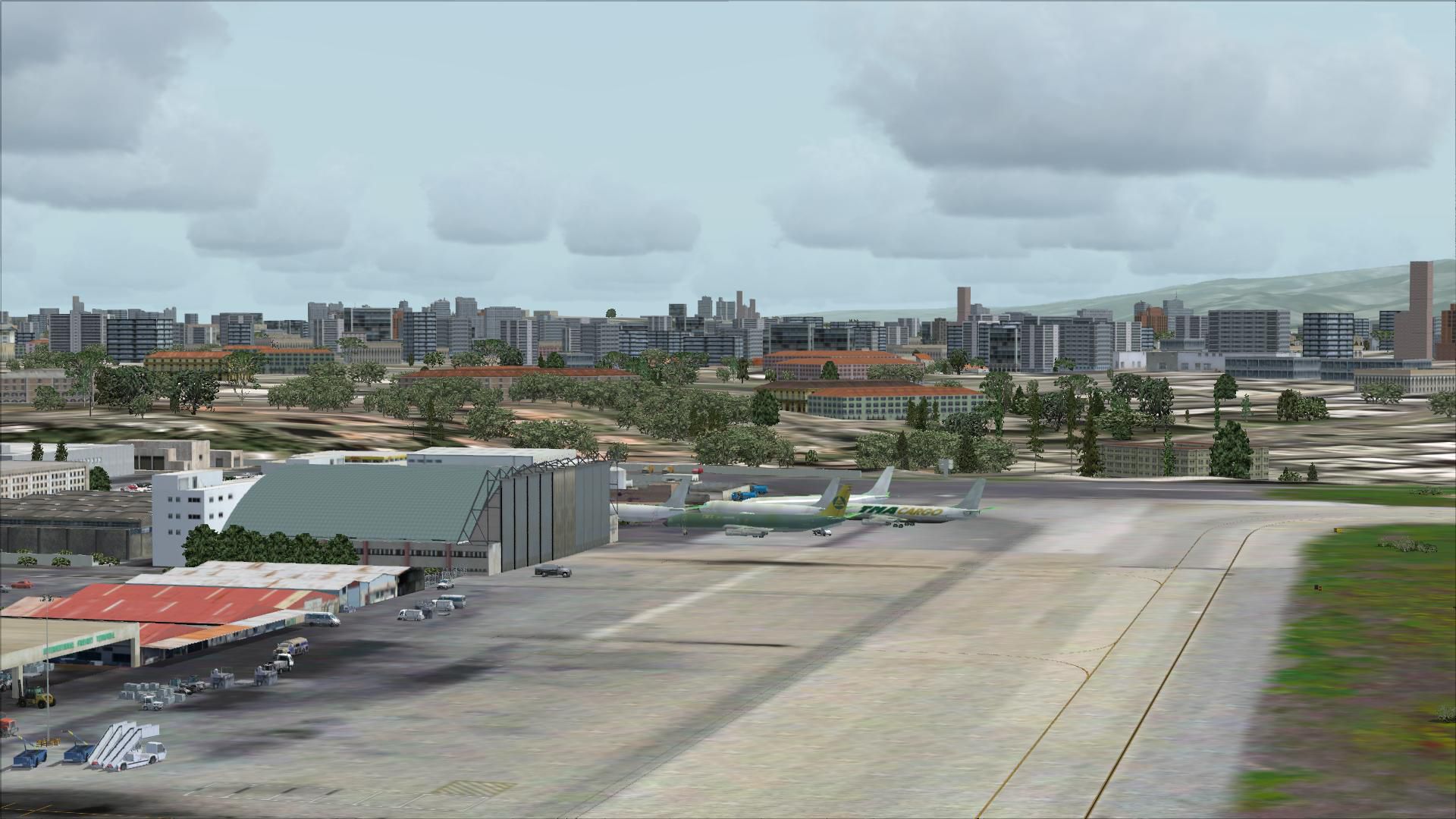
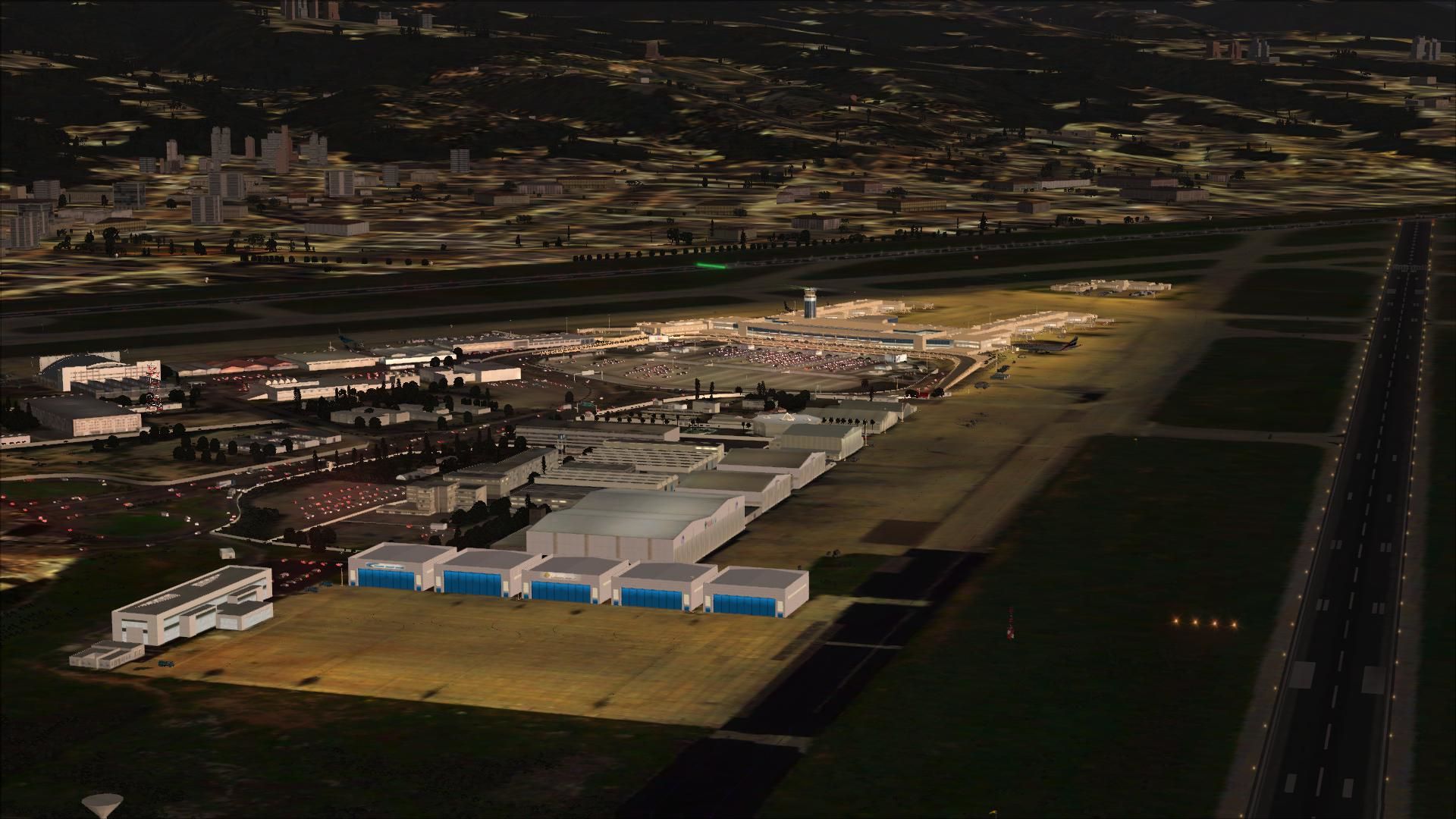
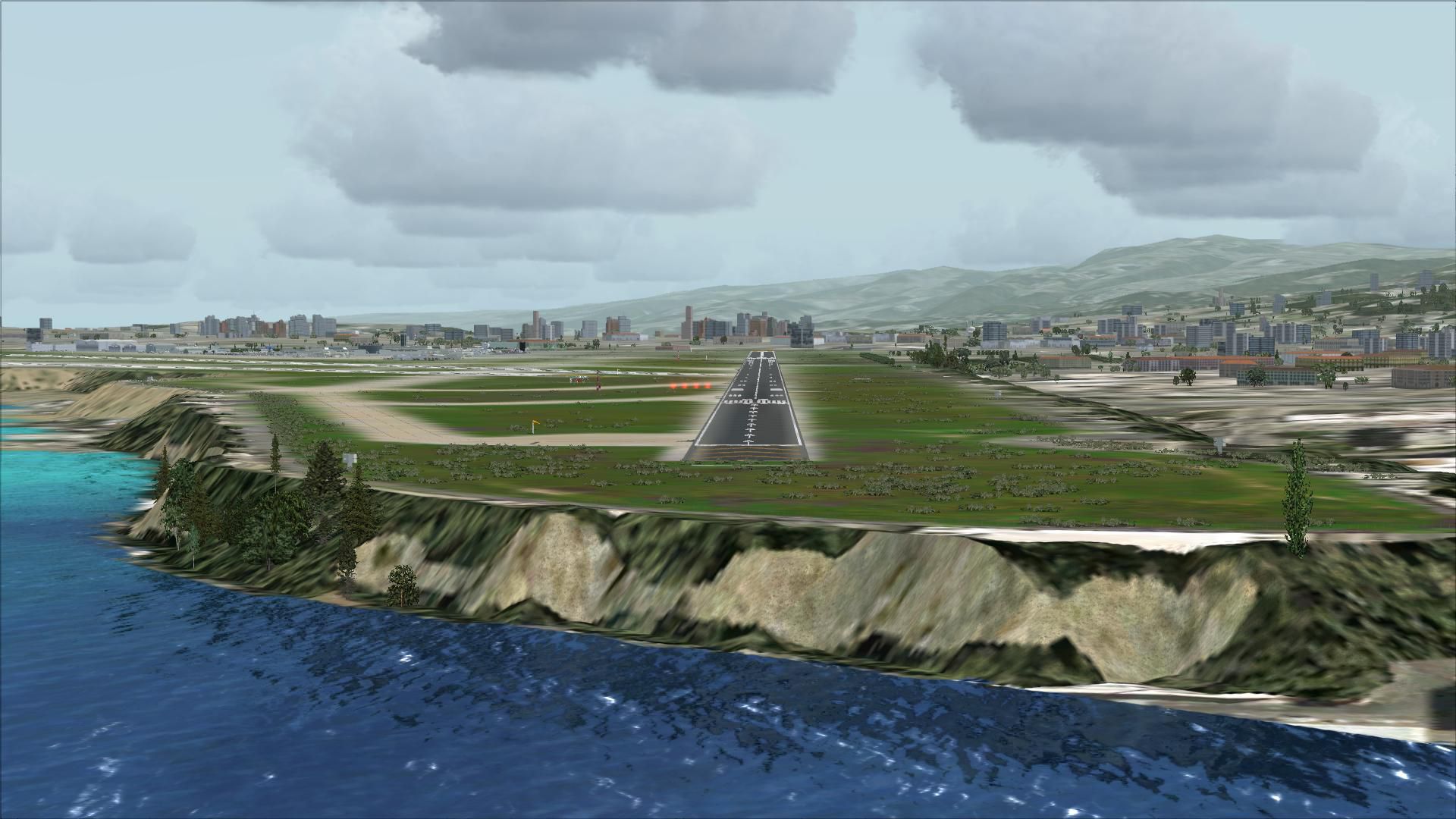
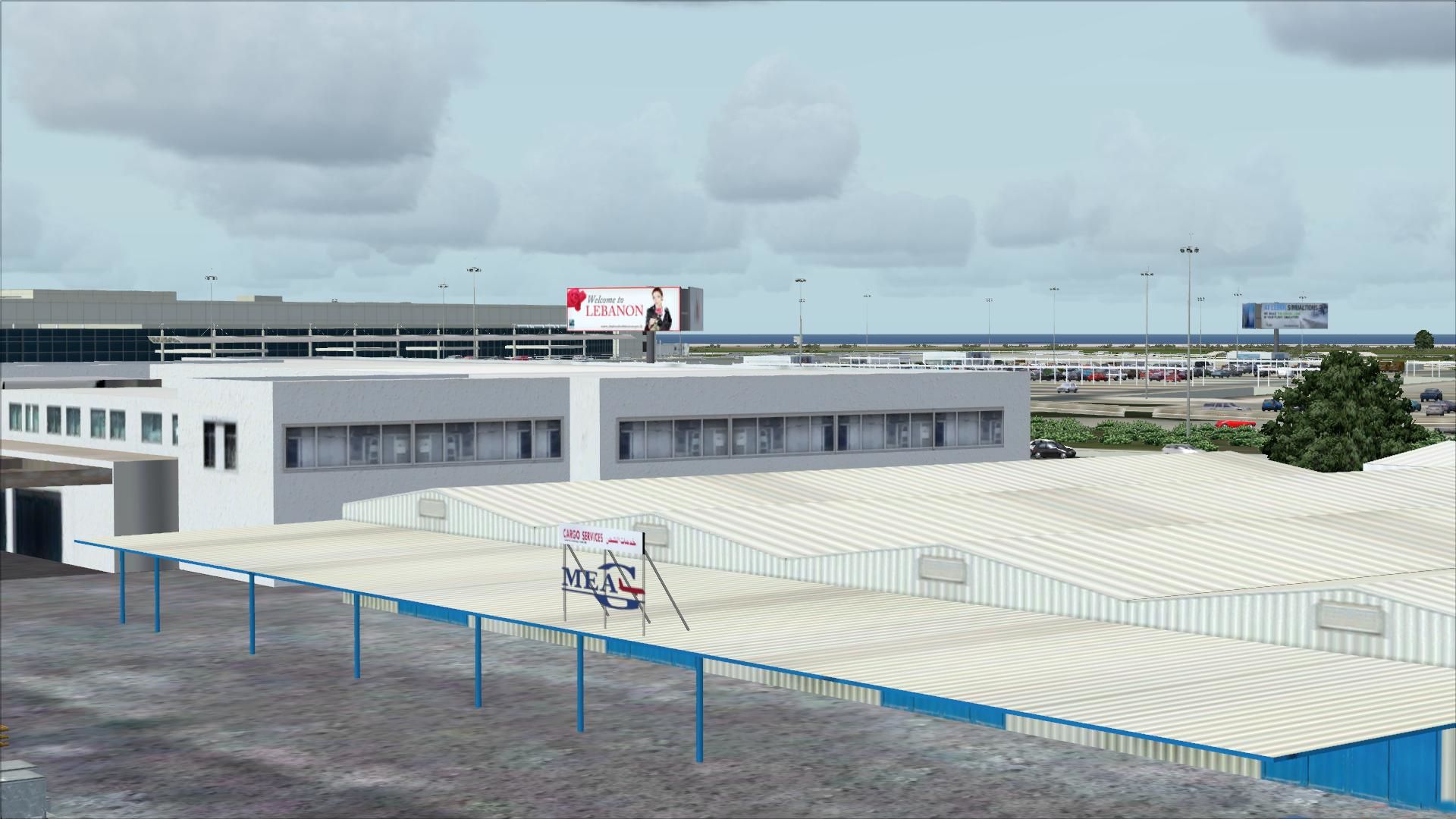
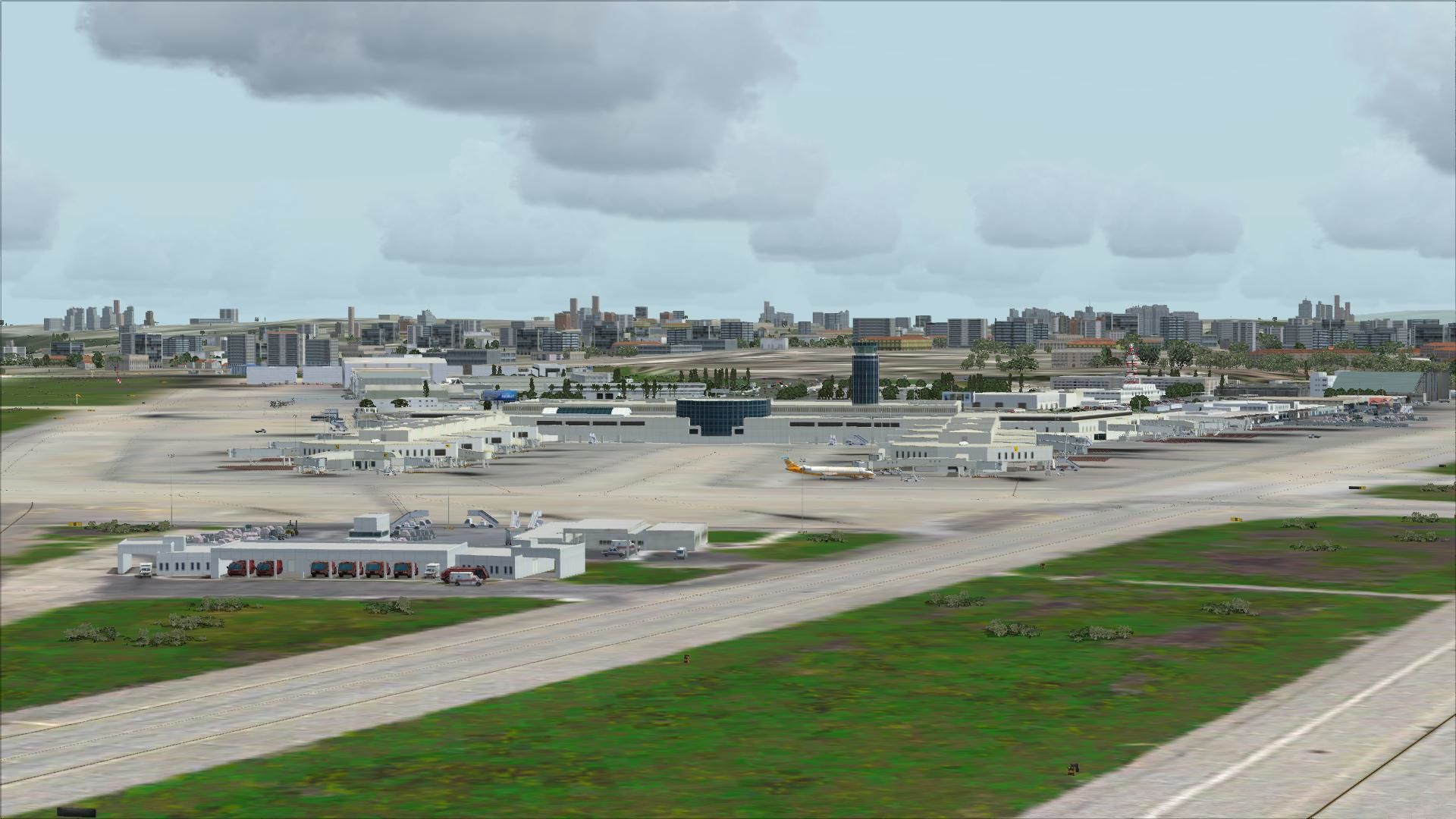
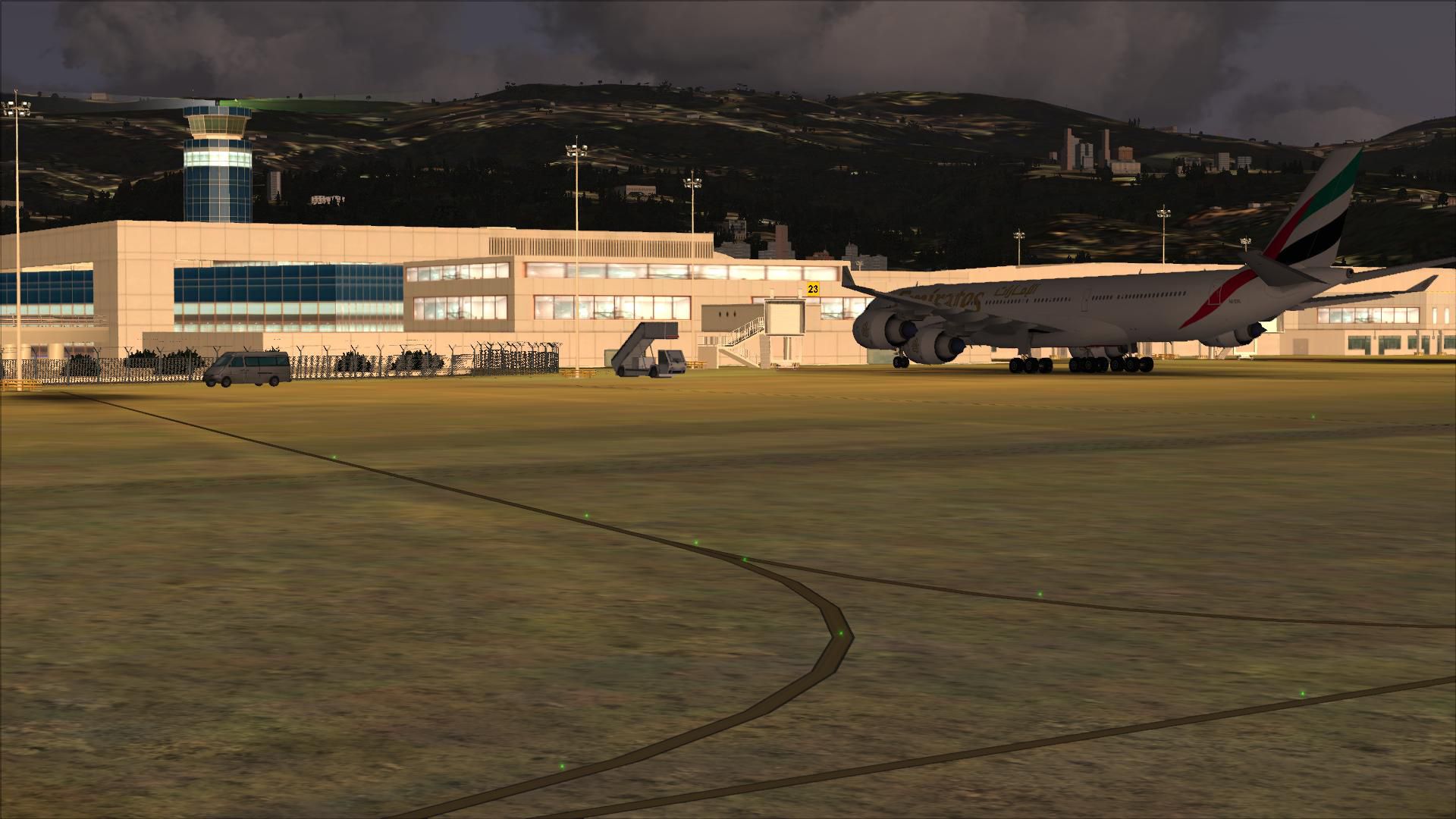
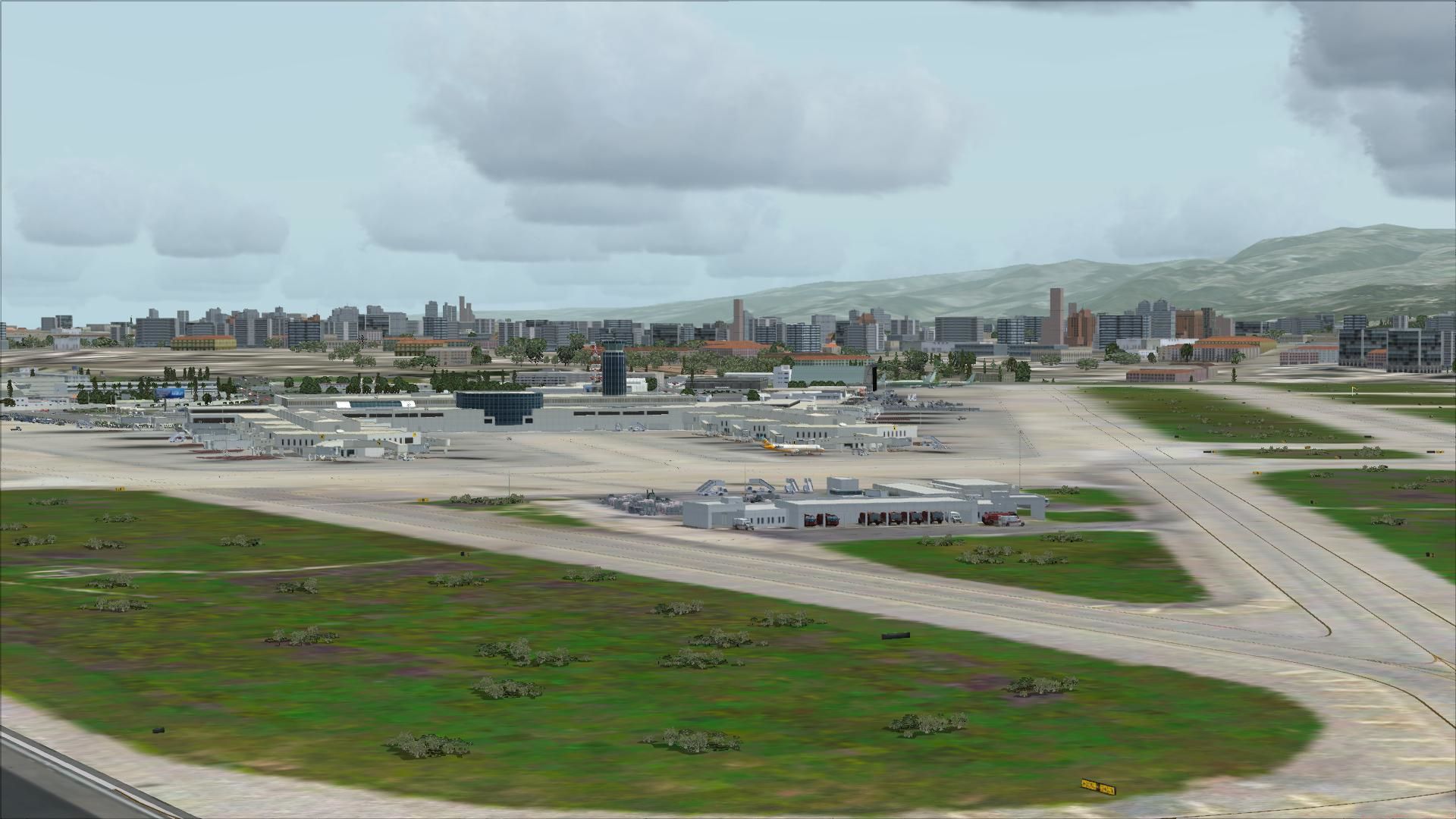
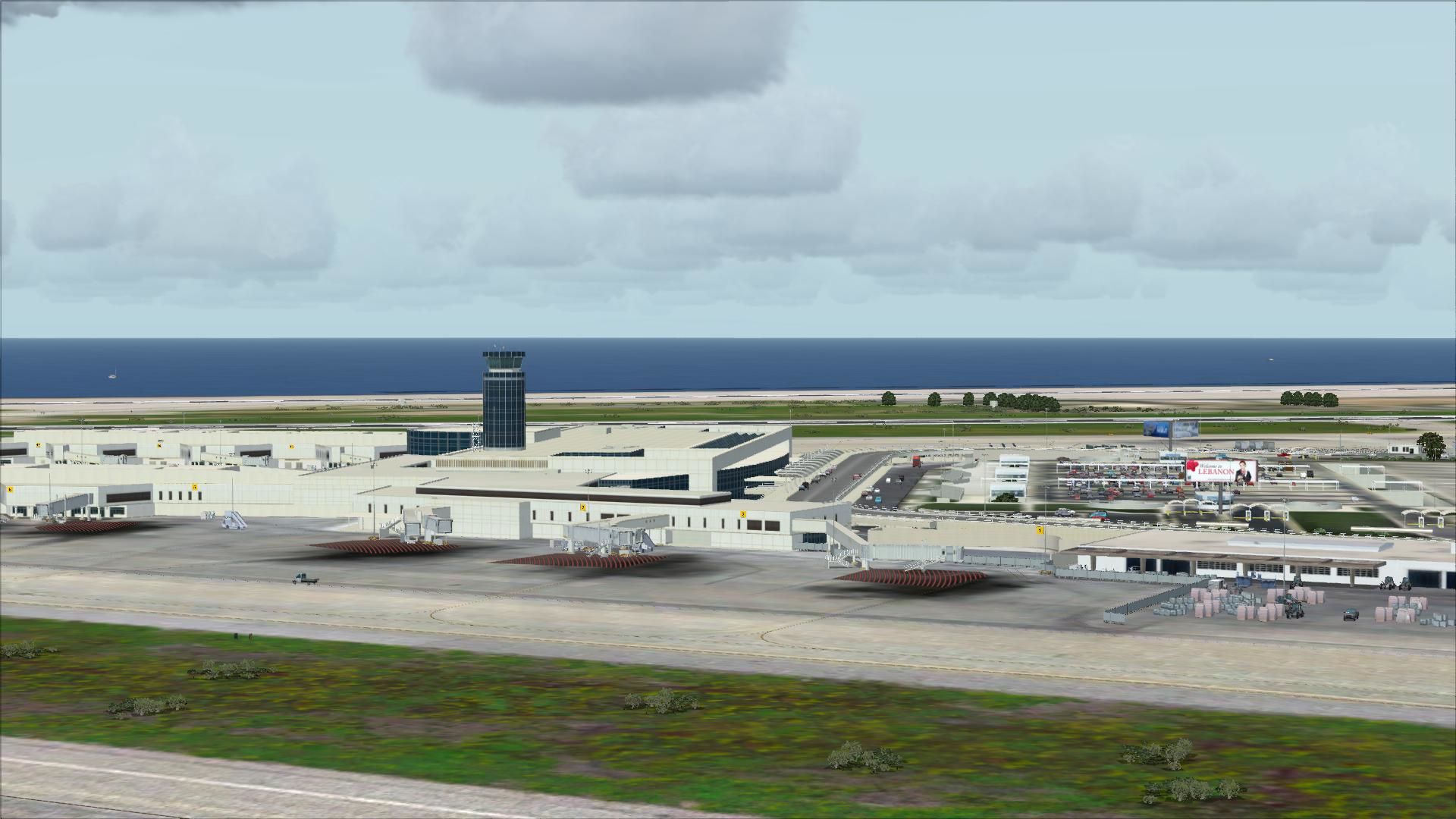
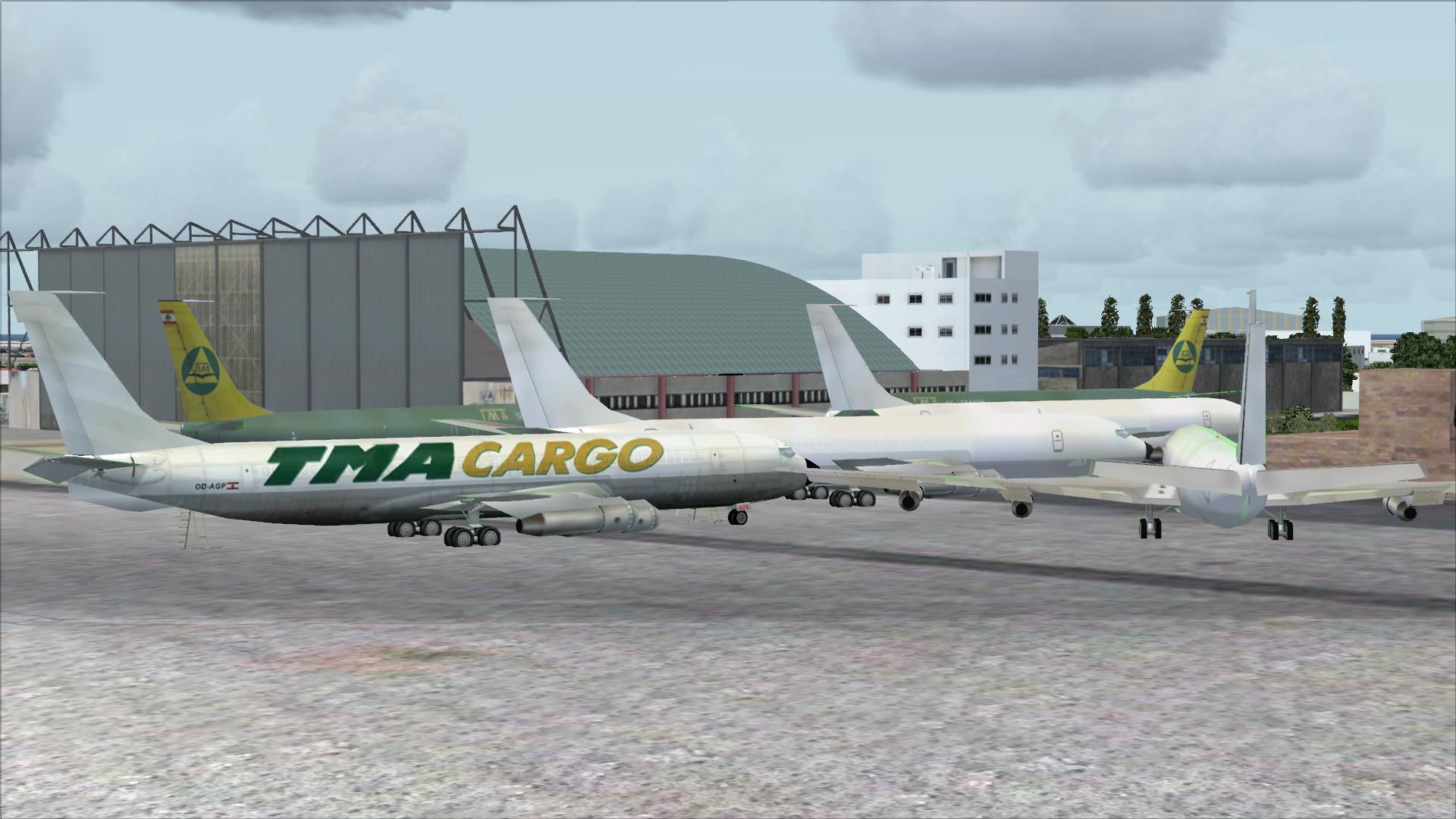
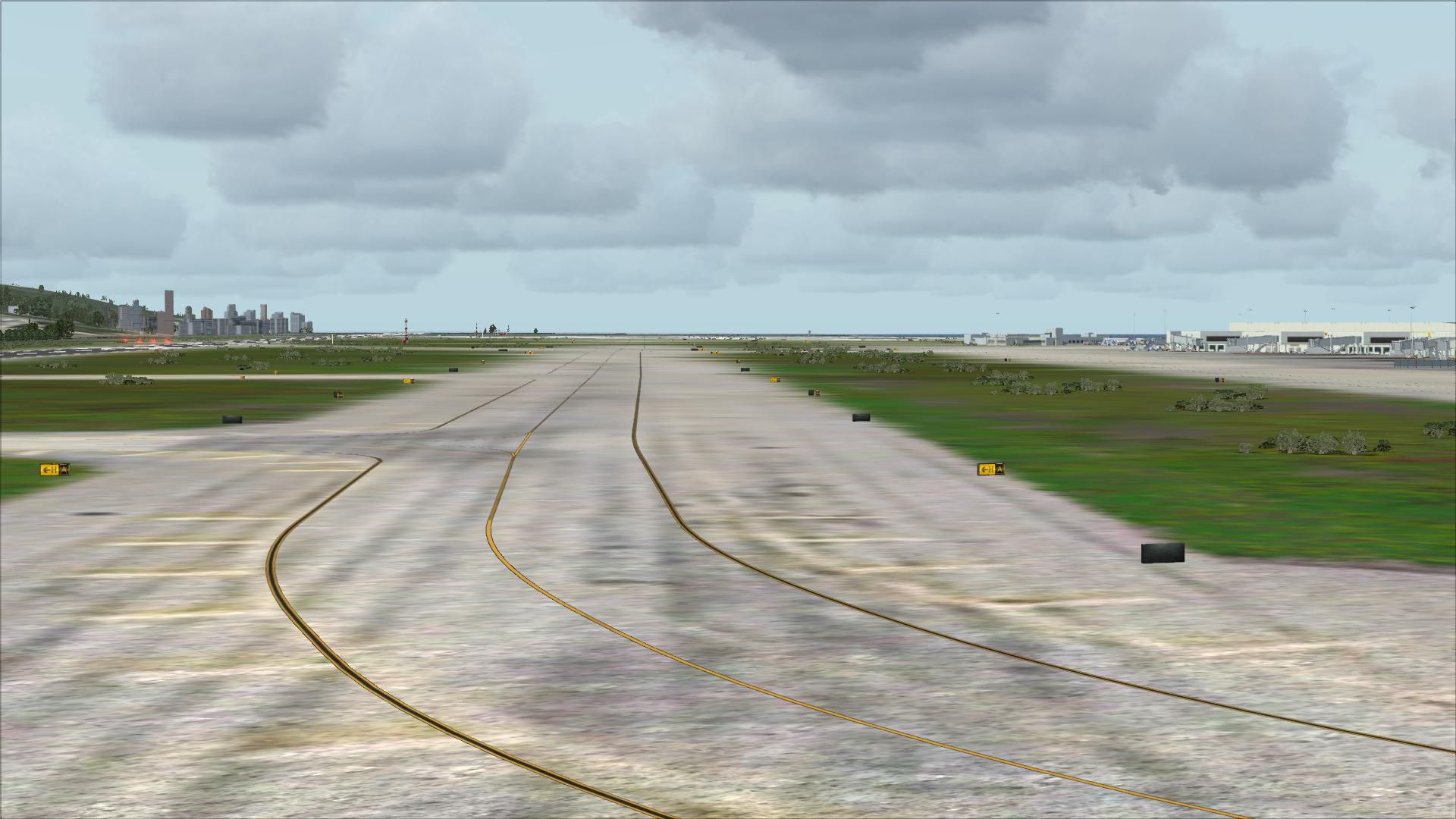
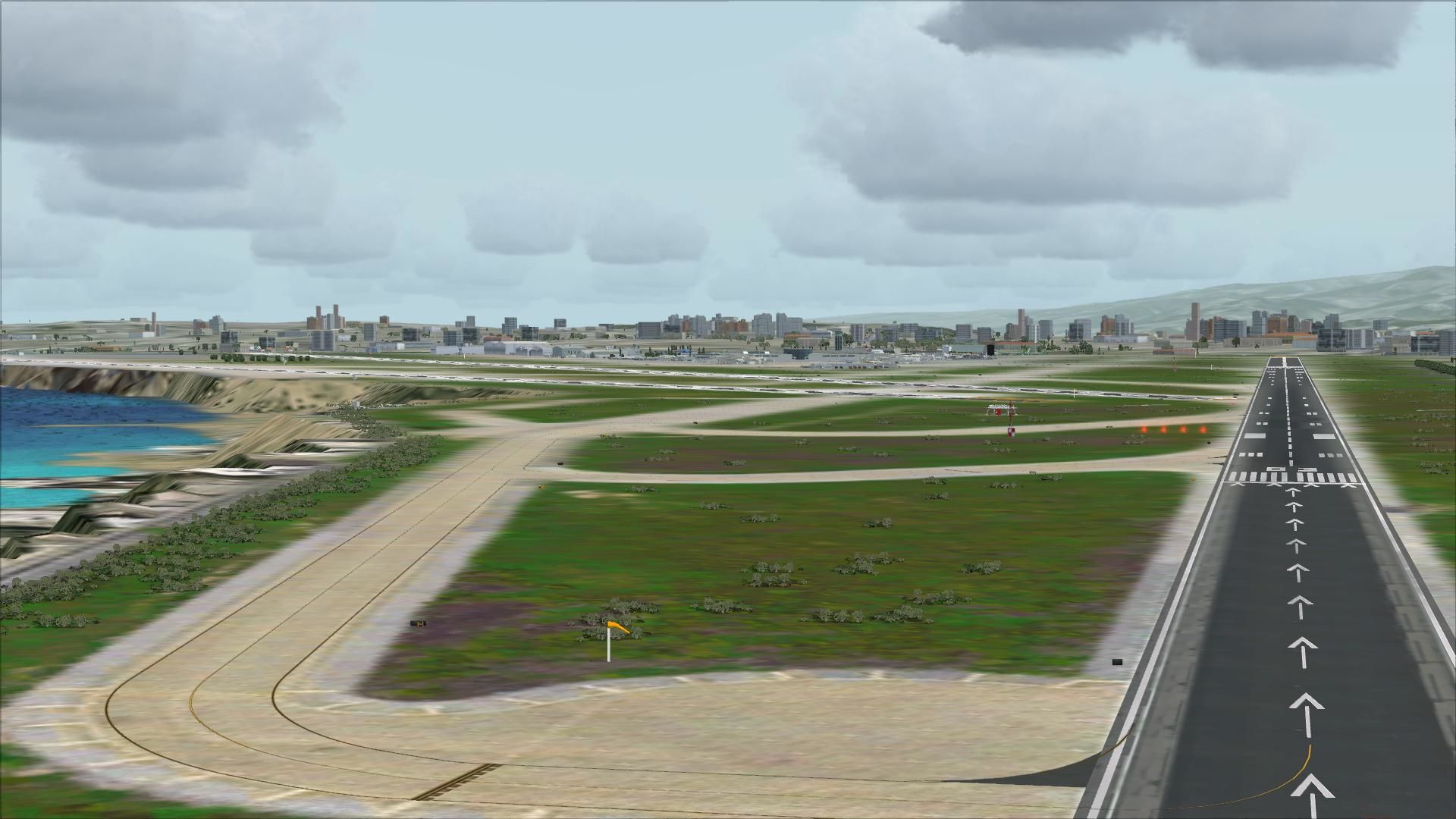
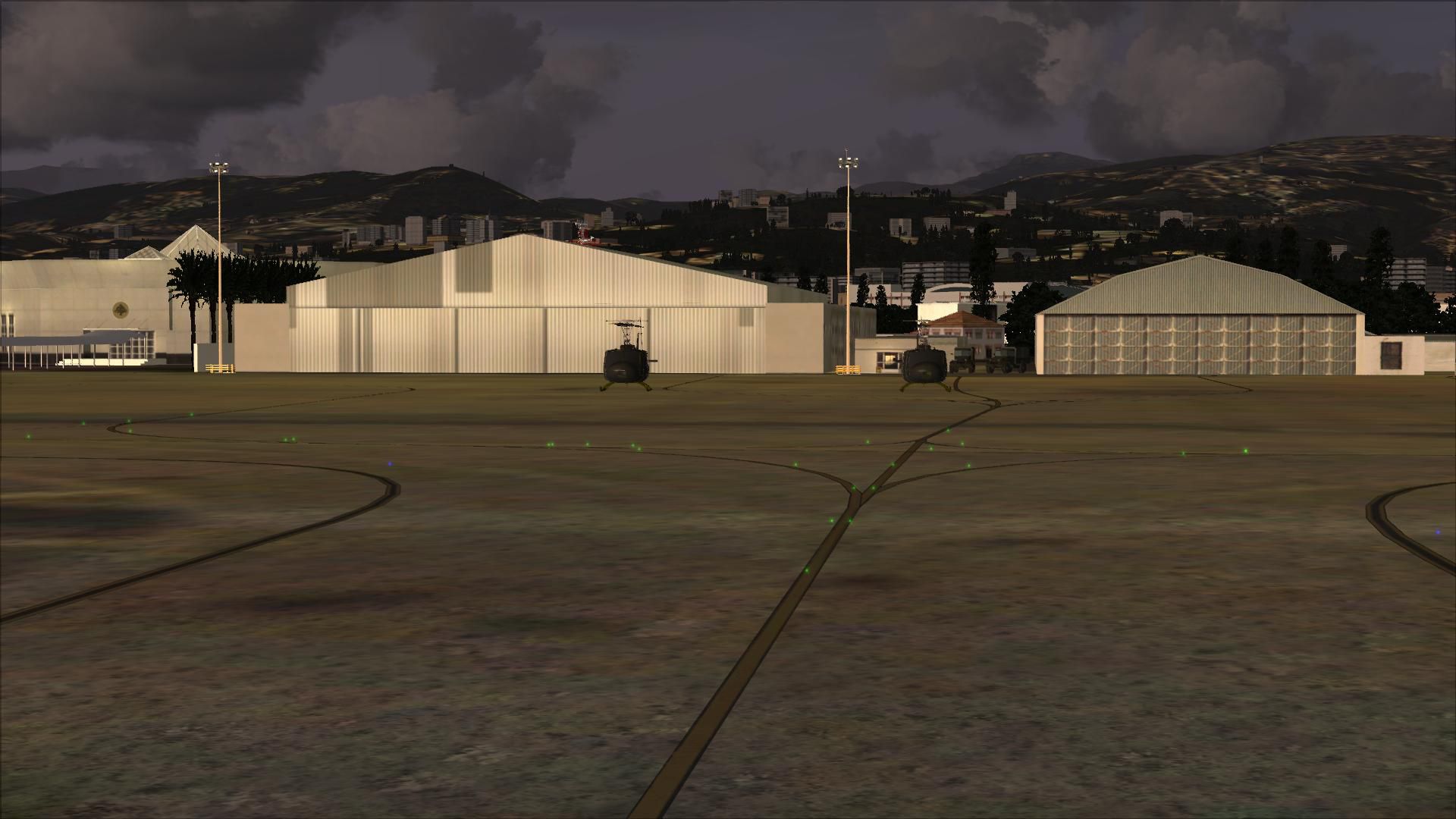
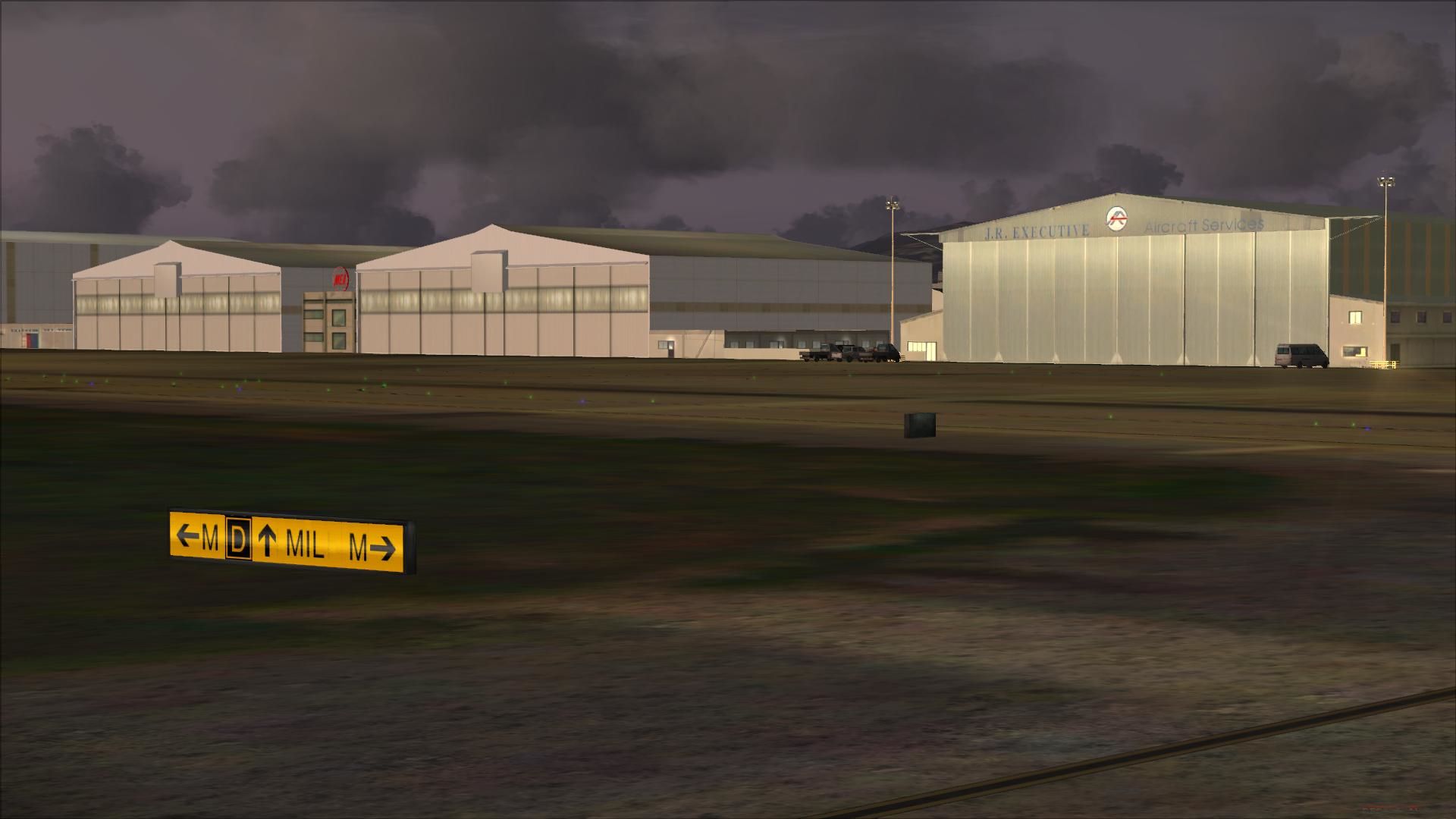
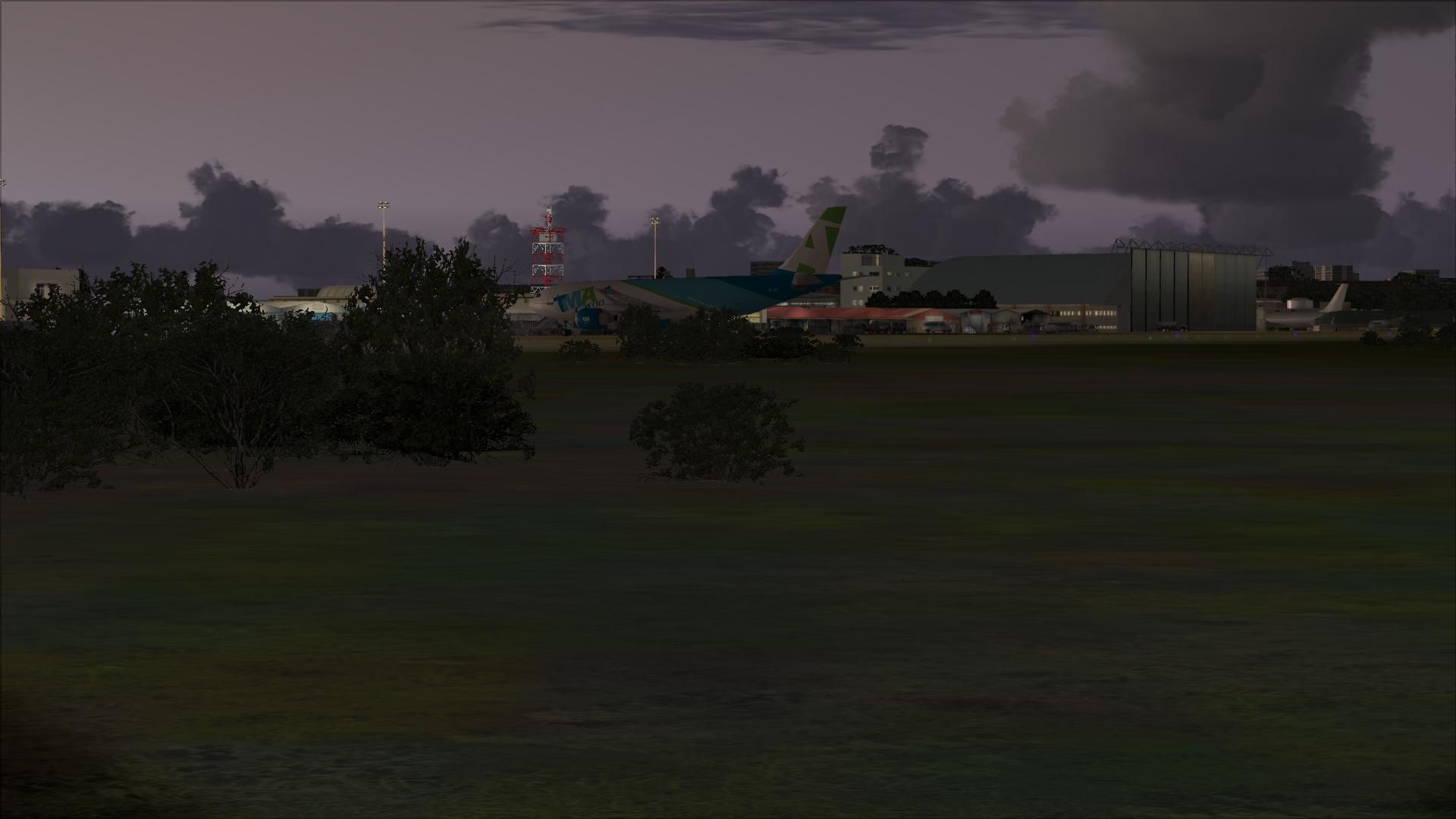
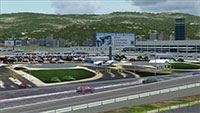
This is is the latest edition of Rafik Hariri International Airport, Beirut, Lebanon for FSX by Lebor Simulations. OLBAX v1.0 features a photorealistic ground layout courtesy of Bureau Stephan, detailed and accurate terminal, buildings and hangars as well as static 3D objects. This scenery requires Lebanon Terrain X v1.5. By Lebor Simulations (Jad Abizeid, Michel Karam). (See also OLBAX_PATCHV1_0_1.ZIP).
 Installing the scenery package:
Free for all simmers · 140.06 MB · Scanned clean Aug 2026
Download speed: Free tier is capped at 0.5 Mbps (this file takes approximately 39 mins at the cap). PRO members download at full line speed.
This add-on may require the following files to function properly. If this is a repaint, the dependency below is likely the base aircraft package.
SimObjects\Airplanes\, Addon Scenery\, Effects\, or Gauges\.readme.txt or README file. It tells you exactly where files go, what dependencies are needed, and any quirks specific to this add-on.Use these coordinates to fly directly to this location once the mod is installed.
33.82090000,35.49000000
Launch FSX or Prepar3D and use Flights → Load to open the downloaded .pln file. Your aircraft will be positioned at this location.
The archive leborsim-olbax-v1_0.zip has 29 files and directories contained within it.
This list displays the first 500 files in the package. If the package has more, you will need to download it to view them.
| Filename/Directory | File Date | File Size |
|---|---|---|
| Leborsim-OLBAX-V1.0.exe | 02.03.13 | 126.19 MB |
| Leborsim-OLBAX-V1.0.gif | 02.02.13 | 15.60 kB |
| README.txt | 02.03.13 | 4.17 kB |
| FILE_ID.DIZ.txt | 02.03.13 | 431 B |
| LEBOR-OLBAXV1.0-Doc.pdf | 02.03.13 | 5.07 MB |
| LEBOR-OLBAXV1.0-EULA.pdf | 01.31.13 | 151.34 kB |
| flyawaysimulation.txt | 10.29.13 | 959 B |
| Go to Fly Away Simulation.url | 01.22.16 | 52 B |
| Screenshots | 07.23.19 | 0 B |
| screen-1.jpg | 07.17.19 | 225.64 kB |
| screen-10.jpg | 07.17.19 | 708.34 kB |
| screen-11.jpg | 07.17.19 | 1.03 MB |
| screen-12.jpg | 07.17.19 | 1015.64 kB |
| screen-13.jpg | 07.17.19 | 216.69 kB |
| screen-14.jpg | 07.17.19 | 178.26 kB |
| screen-15.jpg | 07.17.19 | 529.10 kB |
| screen-16.jpg | 07.17.19 | 970.02 kB |
| screen-17.jpg | 07.17.19 | 243.61 kB |
| screen-18.jpg | 07.17.19 | 114.51 kB |
| screen-19.jpg | 07.17.19 | 260.52 kB |
| screen-2.jpg | 07.17.19 | 736.75 kB |
| screen-20.jpg | 07.17.19 | 260.49 kB |
| screen-3.jpg | 07.17.19 | 826.96 kB |
| screen-4.jpg | 07.17.19 | 829.83 kB |
| screen-5.jpg | 07.17.19 | 240.70 kB |
| screen-6.jpg | 07.17.19 | 236.72 kB |
| screen-7.jpg | 07.17.19 | 756.55 kB |
| screen-8.jpg | 07.17.19 | 207.22 kB |
| screen-9.jpg | 07.17.19 | 206.19 kB |
Only PRO members can place votes.
More FSX & P3D add-ons hand-picked based on this download.
FSX Scenery
This patch fixes the following issues in OLBAX V1.0: Ground layout red spots …
 FSX Scenery
Lambert St. Louis International (KSTL), Missouri (MO). This is version 1.5 of…
 FSX Scenery
This file was created modify the existing textures with FSX to offer a better…
 FSX Scenery
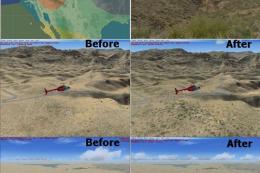
Added a texture swap for the Southwestern USA, Region C. Three texture groups…
 FSX Scenery
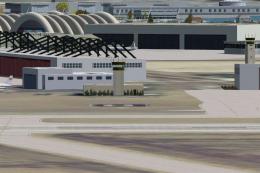
NAS North Island (KNZY), v1.01. After a hard day of trapping it's nice to hav…
 FSX Scenery
This is a freeware animation that uses the Microsoft FSx whales and through t…
 FSX Scenery
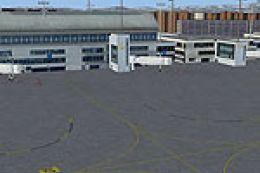
Frankfurt Airport (EDDF), Germany. ILS updated, gates have gate numbers and p…
 FSX Scenery
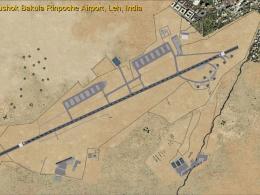
Leh Kushok Bakula Rinpoche Airport Leh, Jammu & Kashmir, India. A GPS approac…
Read what other simmers think, or add your own.

Hi,
In the description at the top of this page, it reads "Compatibility Microsoft Flight Simulator X (FSX) including Steam Edition & Prepar3D (P3D)". However, I have installed this scenery and when trying to set it up, it's trying to recognize/detect an FSX root folder which it can't, because I don't have FSX. Could you please explain how I should download this scenery so that I can use it with P3D. Many thanks!
James

Hello, I am not able to download it on FSX:Steam. It simply doesn't allow me to redirect the installation to the steam location in Program File x86. It searches for the folder of the older Microsoft Game. How to proceed? Thank you, Sami Kawas
