


FS2004 Western Air Lines Douglas DC-3 NC18101
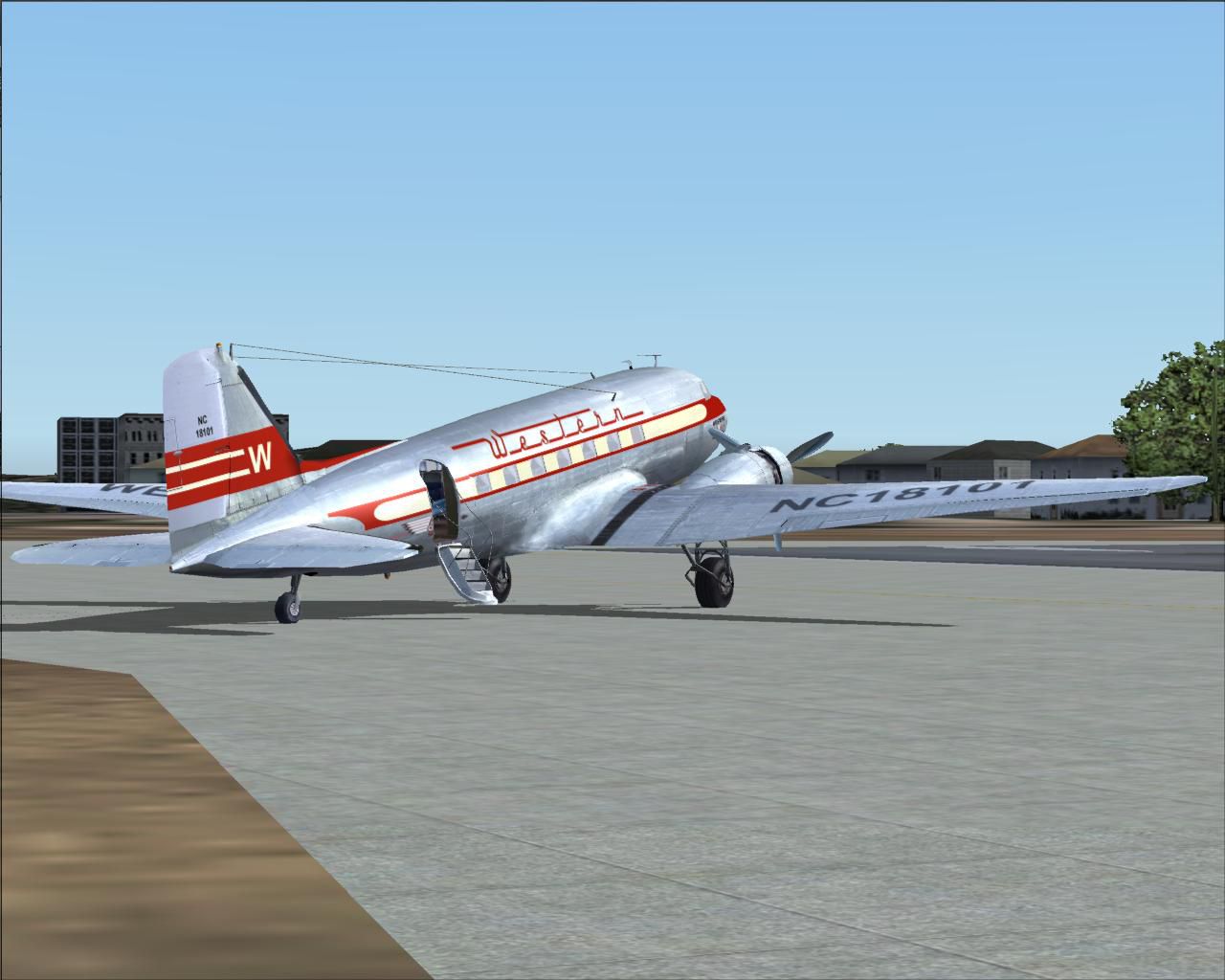
Western Air Lines’ first Douglas DC-3, NC18101, is recreated in a late-1930s paint scheme with period-correct markings and weathering for authentic classic-airliner flying in FS2004. High-resolution textures update the exterior look while preserving the MAAM-SIM model’s details, and the repaint requires the MAAM-SIM payware DC-3A package.
- Type:Repaint for Payware Model
- File: wal_dc-3.zip
- Size:5.18 MB
- Scan:
Clean (5d)

- Access:Freeware
- Content:Everyone

 Description
 Comments
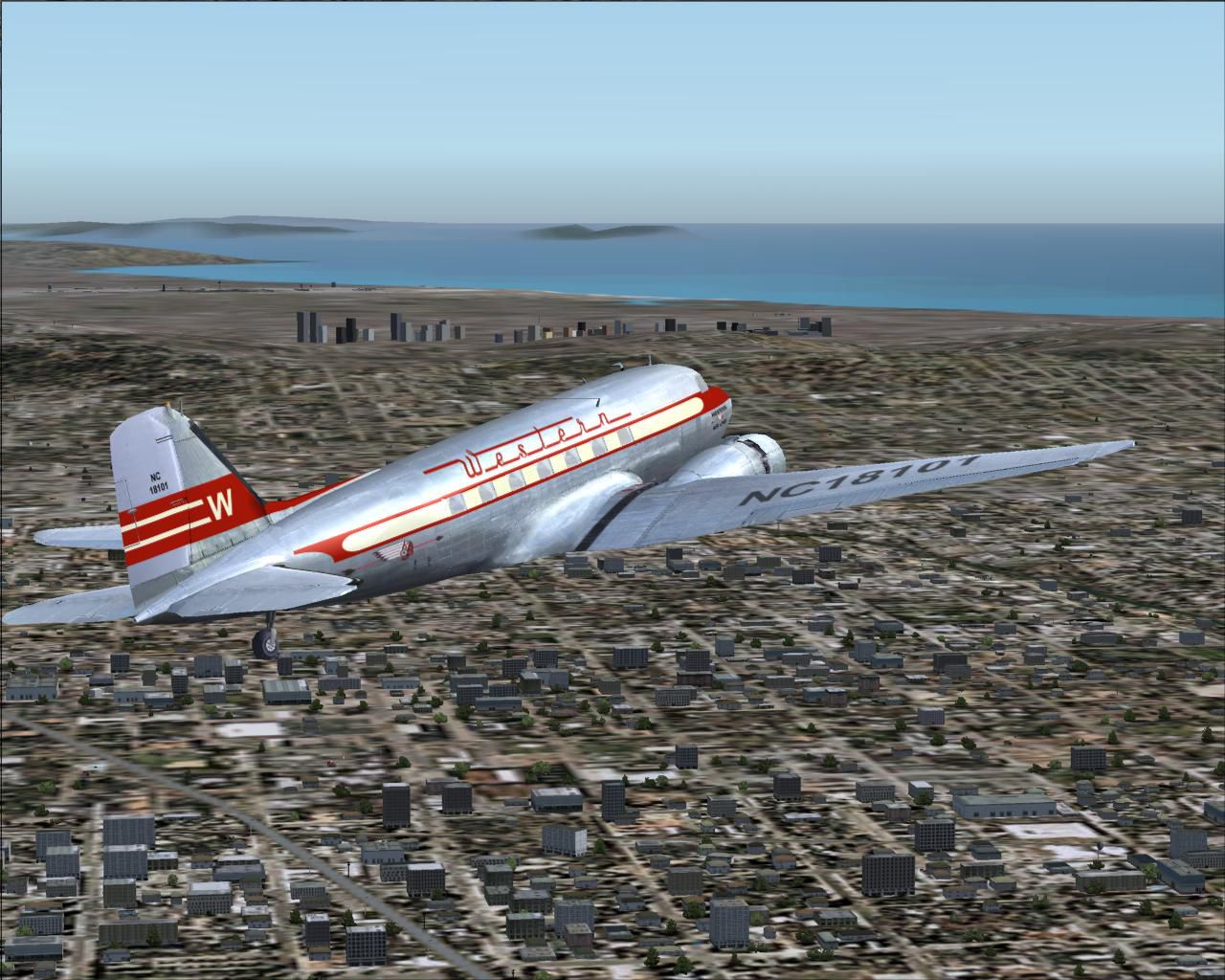
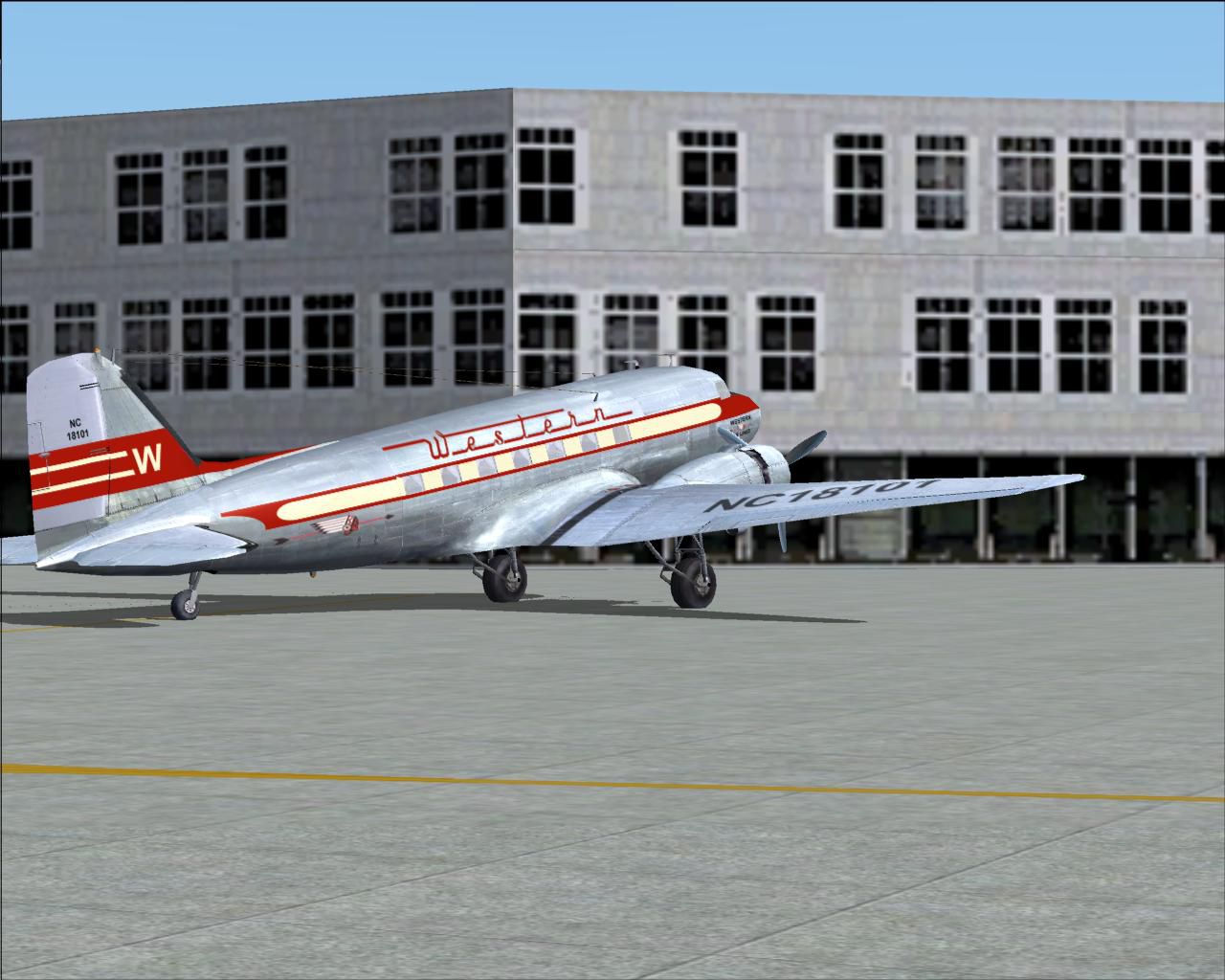
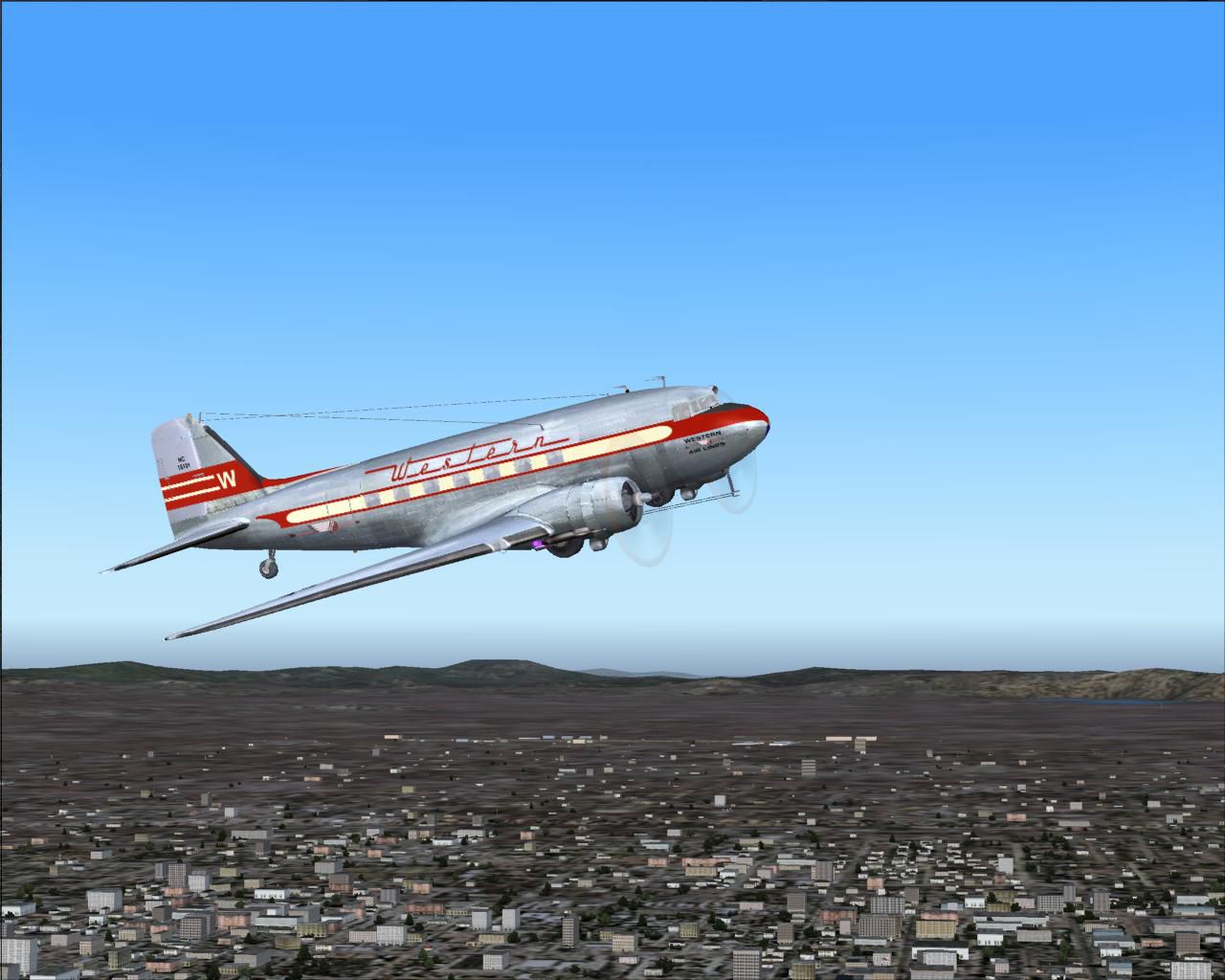
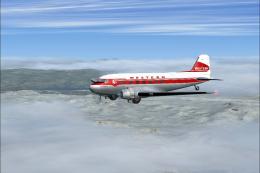
 Textures only for the MAAM-SIM payware Douglas DC-3A as NC18101, Western's first DC3, circa 1937. It is based on repaint templates by Mark Beaumont and original textures by Jan Visser. Repaint by Wayne Tudor.
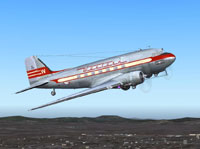
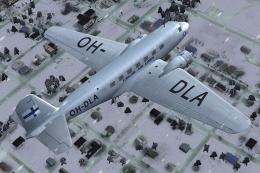
Screenshot of Western Air Lines Douglas DC-3 in flight.
This aircraft, NC18101, is depicted as it appeared in service with Western Air Lines in the late 1930s. This was Western's first DC-3 and was delivered in June 1937 as a DST. It was in service with Western until March 1958.
Copy the included texture.WAL folder to your MAAM-SIM DC-3 Passenger aircraft folder.
Add the following section to your MAAM DC-3A aircraft.cfg file, numbering it in sequence.
[fltsim.XX]

	title=Douglas DC-3A WAL

	sim=MaamSim_DC3

	model=ual

	panel=

	sound=

	texture=WAL

	kb_checklists=checkloader

	kb_reference=DC-3_ref

	atc_id=NC18101

	ui_manufacturer=Douglas

	ui_type=MAAM-SIM DC-3 - Passenger

	ui_variation=Western Air Lines

	atc_heavy=0

	atc_airline=Western

	atc_flight_number=53

	description= Western Air Lines Douglas DC-3 NC18101.
Images & Screenshots

The archive wal_dc-3.zip has 50 files and directories contained within it.
File Contents
This list displays the first 500 files in the package. If the package has more, you will need to download it to view them.
| Filename/Directory | File Date | File Size |
|---|---|---|
| A_spinprop.bmp | 11.03.04 | 64.07 kB |
| b25_propblade_t.bmp | 11.03.04 | 64.07 kB |
| b25_spin_t.bmp | 09.02.02 | 16.07 kB |
| bm_fuse_1_t.bmp | 05.04.05 | 1.00 MB |
| bm_fuse_2_t.bmp | 05.03.05 | 1.00 MB |
| cabin.bmp | 05.01.04 | 341.40 kB |
| cabin2.bmp | 05.01.04 | 1.00 MB |
| cockpit.bmp | 08.23.00 | 65.05 kB |
| engine_32.bmp | 02.14.02 | 256.07 kB |
| glascab.bmp | 12.11.03 | 9.13 kB |
| glas_binnen_front.bmp | 04.20.02 | 65.05 kB |
| glas_binnen_zij.bmp | 05.08.02 | 65.05 kB |
| glas_cab_in.bmp | 12.05.03 | 17.05 kB |
| glas_t.bmp | 02.06.02 | 21.40 kB |
| glosspin_t.bmp | 10.07.03 | 21.43 kB |
| hsurf_t.bmp | 05.09.05 | 1.00 MB |
| magneto.bmp | 06.03.03 | 85.40 kB |
| r4d_cabin_stoel.bmp | 05.01.04 | 256.07 kB |
| r4d_cabin_stoel2.bmp | 05.01.04 | 256.07 kB |
| r4d_cab_in.bmp | 05.04.04 | 256.07 kB |
| r4d_cockpit.bmp | 04.18.02 | 65.05 kB |
| r4d_cp_stuff.bmp | 06.03.03 | 85.40 kB |
| r4d_cp_stuff1.bmp | 04.20.02 | 65.05 kB |
| r4d_cp_stuff2.bmp | 05.17.04 | 1.00 MB |
| r4d_engine.bmp | 02.28.02 | 256.07 kB |
| r4d_engineparts.bmp | 02.26.02 | 256.07 kB |
| r4d_entrance.bmp | 05.04.04 | 256.07 kB |
| r4d_gearbay.bmp | 03.01.02 | 65.05 kB |
| r4d_kleren.bmp | 01.30.04 | 341.40 kB |
| r4d_navcomplating.bmp | 03.29.02 | 65.05 kB |
| r4d_pilot2.bmp | 01.30.04 | 341.40 kB |
| r4d_rc1.bmp | 06.03.03 | 85.40 kB |
| r4d_rc2.bmp | 06.03.03 | 85.40 kB |
| r4d_vcc.bmp | 05.26.04 | 1.00 MB |
| r4d_vcl.bmp | 03.27.04 | 1.00 MB |
| r4d_vcll.bmp | 07.09.03 | 1.33 MB |
| r4d_vcr.bmp | 05.22.04 | 1.00 MB |
| r4d_vc_oh.bmp | 05.26.04 | 1.00 MB |
| wheel.bmp | 06.21.03 | 85.40 kB |
| Wheels_32.bmp | 05.05.04 | 256.07 kB |
| texture.WAL | 05.09.05 | 0 B |
| WAL_DC-3.gif | 05.09.05 | 9.49 kB |
| FILE_ID.DIZ.DIZ | 05.09.05 | 393 B |
| ReadMe.txt | 05.09.05 | 1.10 kB |
| WAL_DC3-1.JPG | 05.09.05 | 127.53 kB |
| WAL_DC3-2.JPG | 05.03.05 | 142.35 kB |
| WAL_DC3-3.JPG | 05.03.05 | 205.90 kB |
| WAL_DC3-4.JPG | 05.03.05 | 108.92 kB |
| flyawaysimulation.txt | 10.29.13 | 959 B |
| Go to Fly Away Simulation.url | 01.22.16 | 52 B |

Installation Instructions
Most of the freeware add-on aircraft and scenery packages in our file library come with easy installation instructions which you can read above in the file description. For further installation help, please see our Flight School for our full range of tutorials or view the README file contained within the download. If in doubt, you may also ask a question or view existing answers in our dedicated Q&A forum.

0 comments
Leave a Response