

 FS2004 Civil Jet Aircraft
Delta Air Lines DC-9-30
This free repaint depicts Delta Air Lines’ well-known color scheme on the McD…
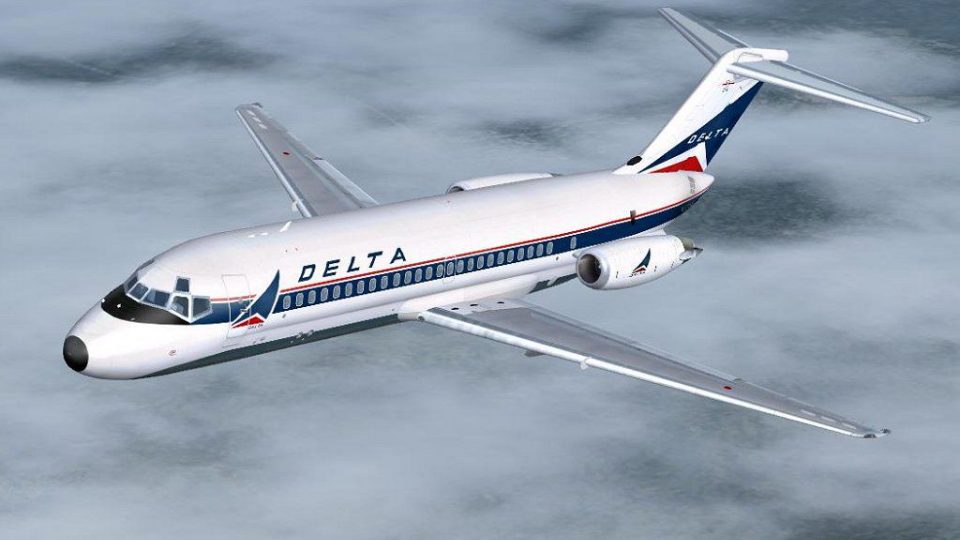
Delta Air Lines’ classic Douglas DC-9-10 livery brings a period-correct look to short-haul jet operations, with authentic tail branding, fuselage striping, and lightly weathered textures for extra realism. Built for Microsoft Flight Simulator 2004, it includes textures only and requires the SGA DC-9-10 base model.
 Rate
Rate
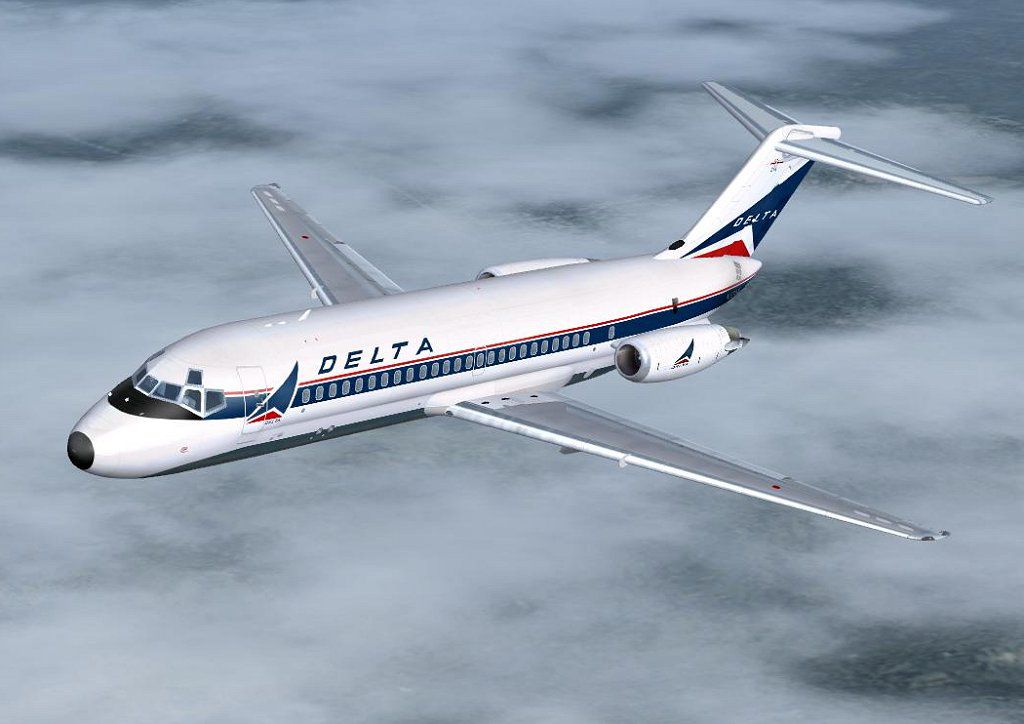
This repaint package brings the Delta Air Lines livery to the Douglas DC-9-10 series, tailored exclusively for Microsoft Flight Simulator 2004. These textures have been carefully assembled by Jim Campisi to reflect the visual accuracy of Delta’s legacy aircraft. Within this add-on, you will find only the texture files; the SGA DC-9 base model is required as a separate download from the Fly Away Simulation library.
The shorter DC-9-10 variant, introduced in the mid-1960s, served airlines that needed reliable short-haul capability with efficient turnaround times. Delta Air Lines, a prominent carrier in the United States, routinely operated this series to connect major hubs. This specific livery showcases the airline's paint scheme from an earlier era, giving simmers a glimpse into a time when the DC-9 redefined regional travel with its twin rear-mounted engines and straightforward cockpit layout.
aircraft.cfg file to reflect the new entry, ensuring you follow standard formatting procedures.
Above: A preview of the Delta Air Lines DC-9-10 at cruise altitude.
This repaint is the work of Jim Campisi, who has focused on ensuring historically accurate graphics and details. Users desiring to enhance their virtual airline collection will find these textures both informative and visually engaging.
Note: Since this file only contains the Delta Air Lines textures, please remember to download and install the freeware DC-9-10 model by SGA. Without that essential component, the aircraft will not function correctly in your simulator setup.
Free for all simmers · 960 KB · Scanned clean Oct 2026
Download speed: Free tier is capped at 0.5 Mbps. PRO members download at full line speed.
This file is a repaint — the package below is the base model it paints onto. Install it first, or the textures will have nothing to load onto.
FS9\Aircraft\, FS9\Addon Scenery\, FS9\Gauges\, or FS9\Effects\.readme.txt or README file. It tells you exactly where files go, what dependencies are needed, and any quirks specific to this add-on.The archive dc9daloc.zip has 23 files and directories contained within it.
This list displays the first 500 files in the package. If the package has more, you will need to download it to view them.
| Filename/Directory | File Date | File Size |
|---|---|---|
| WING_RIGHT_T.BMP | 09.24.03 | 1.00 MB |
| 10FUSE_L.BMP | 05.19.04 | 256.07 kB |
| 10FUSE_T.BMP | 08.12.04 | 1.00 MB |
| CONE_L.BMP | 08.07.03 | 5.43 kB |
| CONE_T.BMP | 08.07.03 | 5.43 kB |
| DC9_B_L.BMP | 05.19.04 | 256.07 kB |
| DC9_B_T.BMP | 08.12.04 | 1.00 MB |
| DC9xINTERIOR_L.BMP | 05.19.04 | 256.07 kB |
| DC9xINTERIOR_T.BMP | 07.30.04 | 1.00 MB |
| ENGINES_L.BMP | 05.19.04 | 256.07 kB |
| ENGINES_T.BMP | 08.11.04 | 1.00 MB |
| INTAKE_L.bmp | 08.07.03 | 5.43 kB |
| INTAKE_t.BMP | 07.31.03 | 128.07 kB |
| Thumbs.db | 11.02.04 | 3.50 kB |
| WING_LEFT_L.BMP | 05.19.04 | 256.07 kB |
| WING_LEFT_T.BMP | 09.24.03 | 1.00 MB |
| WING_RIGHT_L.BMP | 05.19.04 | 256.07 kB |
| -10.jpg | 10.30.04 | 82.10 kB |
| -10.gif | 11.02.04 | 11.45 kB |
| file_id.diz | 11.02.04 | 213 B |
| thumbnail.gif | 10.31.04 | 11.50 kB |
| flyawaysimulation.txt | 10.29.13 | 959 B |
| Go to Fly Away Simulation.url | 01.22.16 | 52 B |
Only PRO members can place votes.
More FS2004 add-ons hand-picked based on this download.
FS2004 Civil Jet Aircraft
This free repaint depicts Delta Air Lines’ well-known color scheme on the McD…
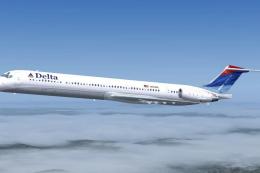 FS2004 Civil Jet Aircraft
This freeware repaint offers a precise visual rendition of the Delta Air Line…
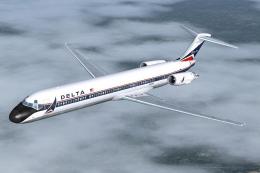 FS2004 Civil Jet Aircraft
Experience the classic Delta Air Lines MD-88 in Microsoft Flight Simulator 20…
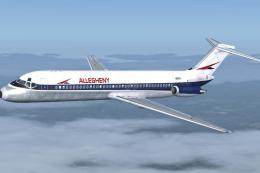 FS2004 Civil Jet Aircraft
Enhance your Microsoft Flight Simulator 2004 environment with a faithful repr…
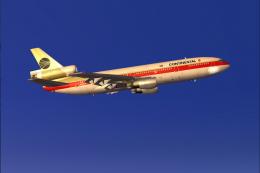 FS2004 Civil Jet Aircraft
Continental Airlines Douglas DC-10-10, circa 1982, registration N68046 in "Me…
 FS2004 Civil Jet Aircraft
Registration N1825U (new colors). Newly painted color scheme by NWA on SGA'S …
 FS2004 Civil Jet Aircraft
Fictional. Model by FFX. Livery by Mark Plumley. Screenshot of Ozark Douglas …
 FS2004 Civil Jet Aircraft
Photoreal retrojet livery, 75th Spirit of Delta. Features fully animated cont…
Be the first to leave a comment on this download.
Be the first to share your thoughts on this download.