


 FS2004 Propeller Aircraft
DC-7/DC-7B/DC-7C Paint Kit
These layered PSD files can be used in Paint Shop Pro or Photoshop to allow e…
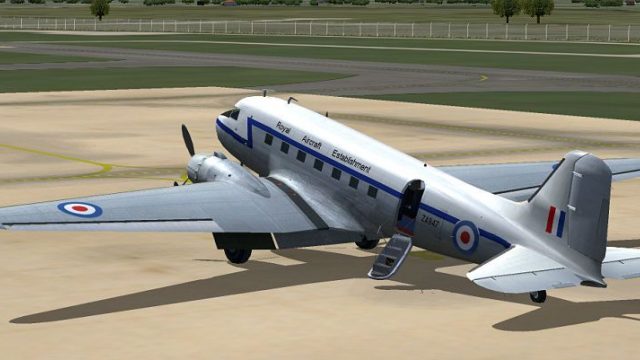
Royal Aircraft Establishment ZA947 markings bring authentic RAE colors to the default Douglas DC-3 in FS2004, delivering a crisp, period-correct exterior repaint for historic and test-flight themed operations. Texture-only release requires the stock DC-3 model and integrates as an additional aircraft variation for quick selection in the hangar.
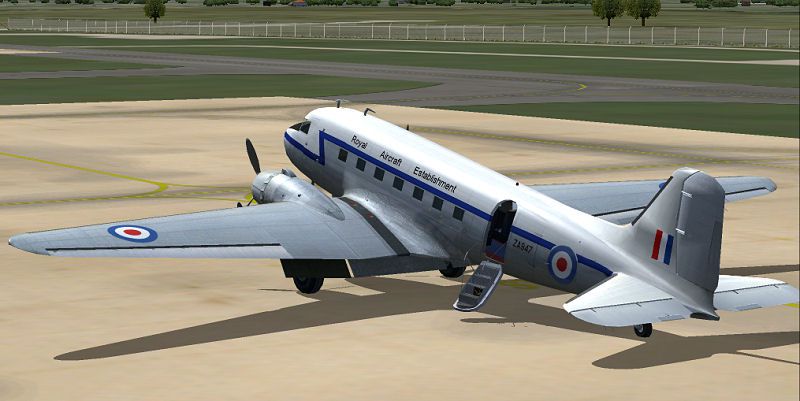
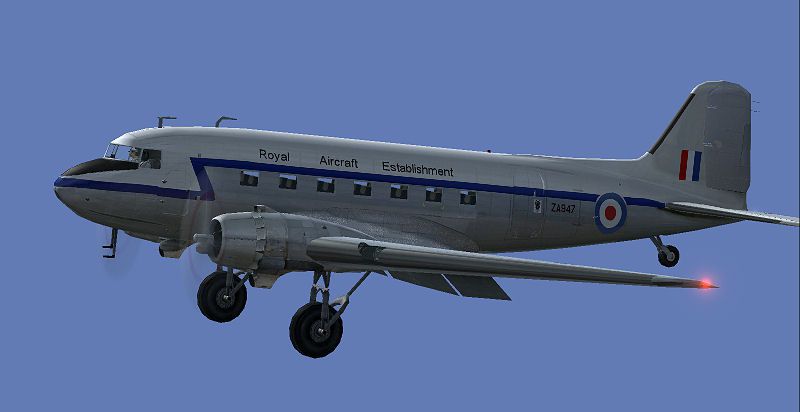
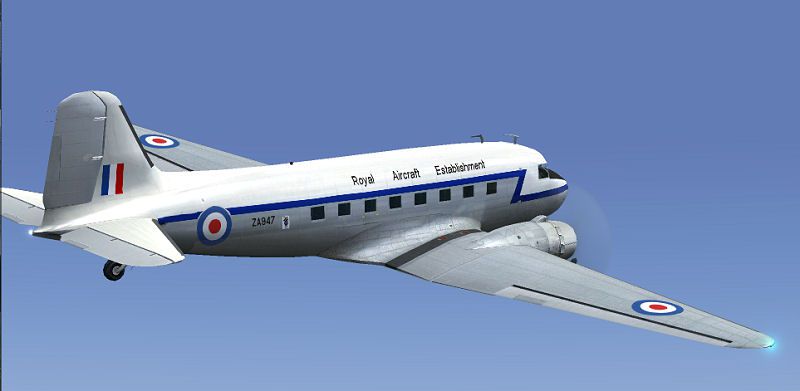
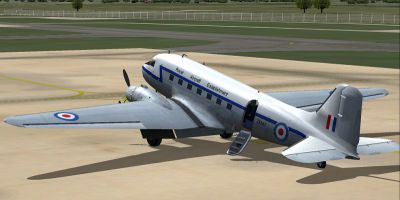
Texture only. This pack is for the default DC3 in RAE colors of ZA947. Textures by UKMIL.
Screenshot of RAE Douglas DC-3 in flight.
[fltsim.xx]

	title=Douglas DC-3 Paintrae

	sim=Douglas_DC3

	model=

	panel=

	sound=

	texture=raE

	kb_checklists=Douglas_DC3_check

	kb_reference=Douglas_DC3_ref

	atc_id=

	atc_id_color=0xffffffff

	ui_manufacturer=Douglas

	ui_type="DC-3"

	ui_variation=Royal Aircraft Establishment

	description="The Douglas DC-3 revolutionized air transportation and airline service during the 1930s and 1940s. It was a luxury airliner that boasted cabin heat and running water in its on-board lavatory. With the right balance of efficiency, range, speed, and payload, the DC-3 was the first aircraft to earn a profit for its owners just by carrying passengers. The hero of early airlines, a handful of DC-3s are still at work today.
Free for all simmers · 1.8 MB · Scanned clean
Download speed: Free tier is capped at 0.5 Mbps. PRO members download at full line speed.
FS9\Aircraft\, FS9\Addon Scenery\, FS9\Gauges\, or FS9\Effects\.readme.txt or README file. It tells you exactly where files go, what dependencies are needed, and any quirks specific to this add-on.The archive dc3rae.zip has 17 files and directories contained within it.
This list displays the first 500 files in the package. If the package has more, you will need to download it to view them.
| Filename/Directory | File Date | File Size |
|---|---|---|
| dc3rae.jpg | 02.16.07 | 68.94 kB |
| dc3rae1.jpg | 02.16.07 | 42.36 kB |
| dc3rae2.jpg | 02.16.07 | 39.76 kB |
| dc3rae2thm.jpg | 02.16.07 | 11.05 kB |
| dc3rae400.jpg | 02.16.07 | 25.56 kB |
| README.txt | 02.16.07 | 1.38 kB |
| Douglas_DC3_1_C.bmp | 04.29.03 | 682.74 kB |
| Douglas_DC3_1_D.bmp | 04.27.03 | 682.74 kB |
| Douglas_DC3_1_T.bmp | 02.16.07 | 1.00 MB |
| Douglas_DC3_2_C.bmp | 04.29.03 | 170.74 kB |
| Douglas_DC3_2_T.bmp | 04.28.03 | 341.40 kB |
| Douglas_DC3_3_C.bmp | 04.29.03 | 42.74 kB |
| Prop_DC3.bmp | 03.19.03 | 341.40 kB |
| Thumbs.db | 02.16.07 | 5.00 kB |
| Thumbs.db | 02.16.07 | 56.50 kB |
| flyawaysimulation.txt | 10.29.13 | 959 B |
| Go to Fly Away Simulation.url | 01.22.16 | 52 B |
More FS2004 add-ons hand-picked based on this download.
FS2004 Propeller Aircraft
These layered PSD files can be used in Paint Shop Pro or Photoshop to allow e…
 FS2004 Propeller Aircraft
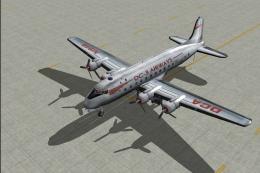
DC-3 Airways Douglas DC-3 classic and 1940's liveries. Based on the default D…
 FS2004 Propeller Aircraft
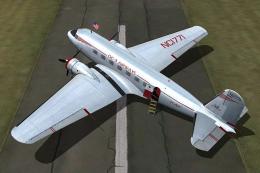
"City of Boston", in bare metal scheme. Original model by Arik Hohmeyer and F…
 FS2004 Propeller Aircraft
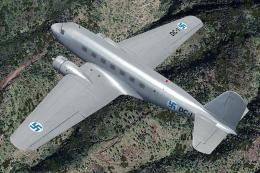
DC-3 Airways Douglas DC-2 bare metal livery. A repaint for the virtual airlin…
 FS2004 Propeller Aircraft
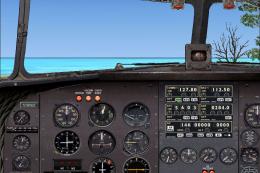
This repaint showcases a distinctive Finnish Air Force Douglas DC-2 “DC-1,” a…
 FS2004 Propeller Aircraft
DC-3 Airways Douglas DC-3 N18560, in bare metal livery. A rework of the defau…
 FS2004 Propeller Aircraft
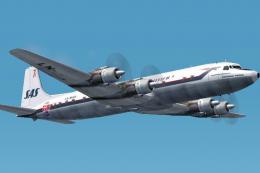
The DC-7C's of SAS became famous for opening the polar route from Europe to J…
 FS2004 Propeller Aircraft
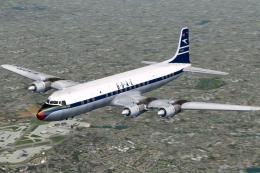
BOAC was an early customer for the DC-7C, and had a fleet of ten. Repaints by…
Be the first to leave a comment on this download.
Be the first to share your thoughts on this download.