

 FS2004 Propeller Aircraft
Conair A-26C C-FBMS
The A-26C AF serial 43-22357 flown by Conair Aviation Ltd. (1970-1989). Textu…
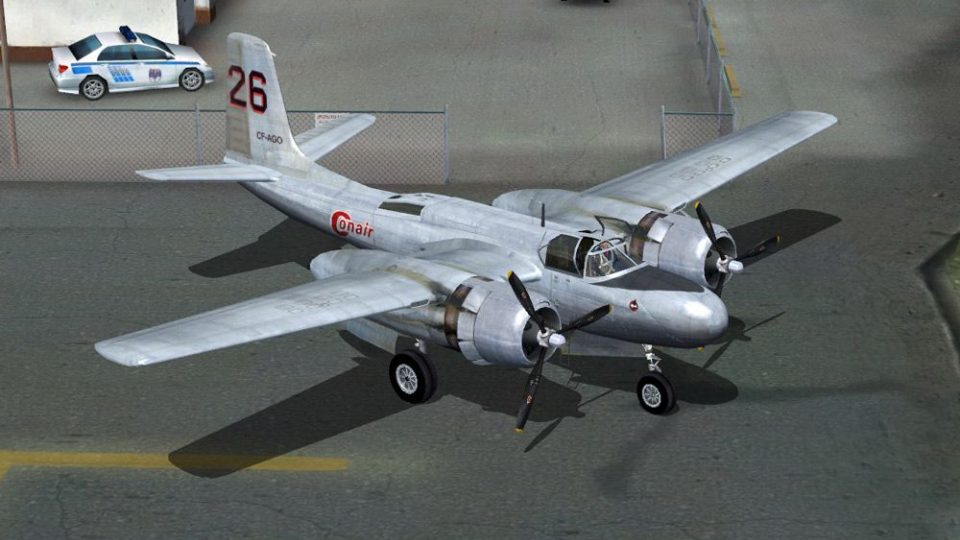
Conair Aviation’s Douglas A-26C Invader C-FAGO is recreated as a detailed FS2004 repaint, capturing the 1972–1983 Canadian operator markings and the airframe’s real-world history before its later Airspray “Dragon Lady” tanker role. Textures only, it requires the Sim Outhouse Douglas A-26 Invader base pack.
 Rate
Rate
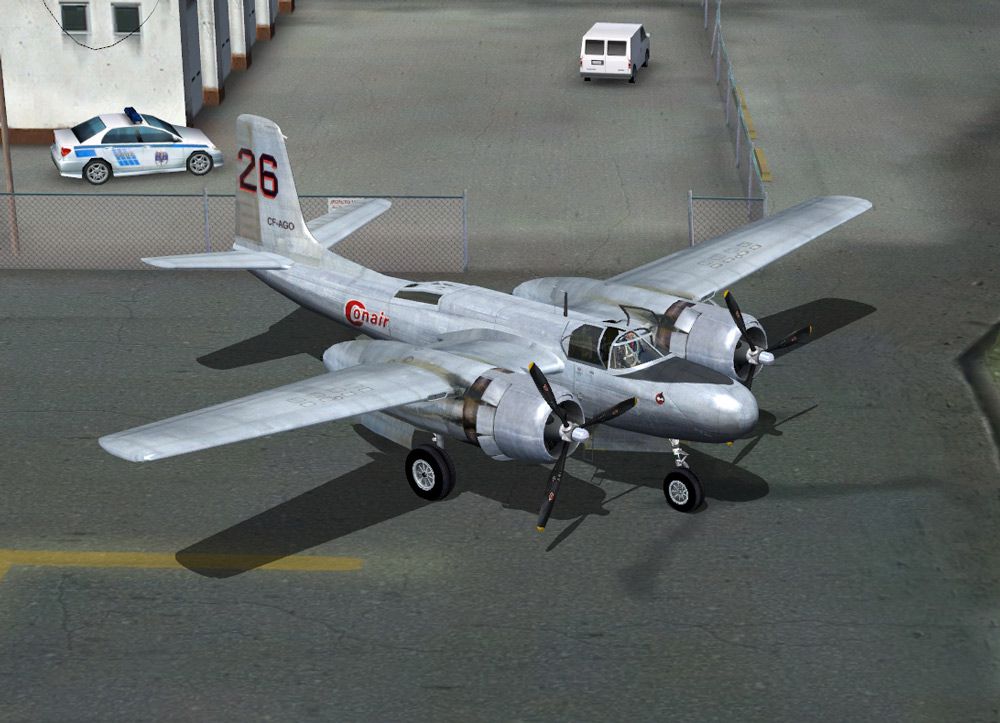
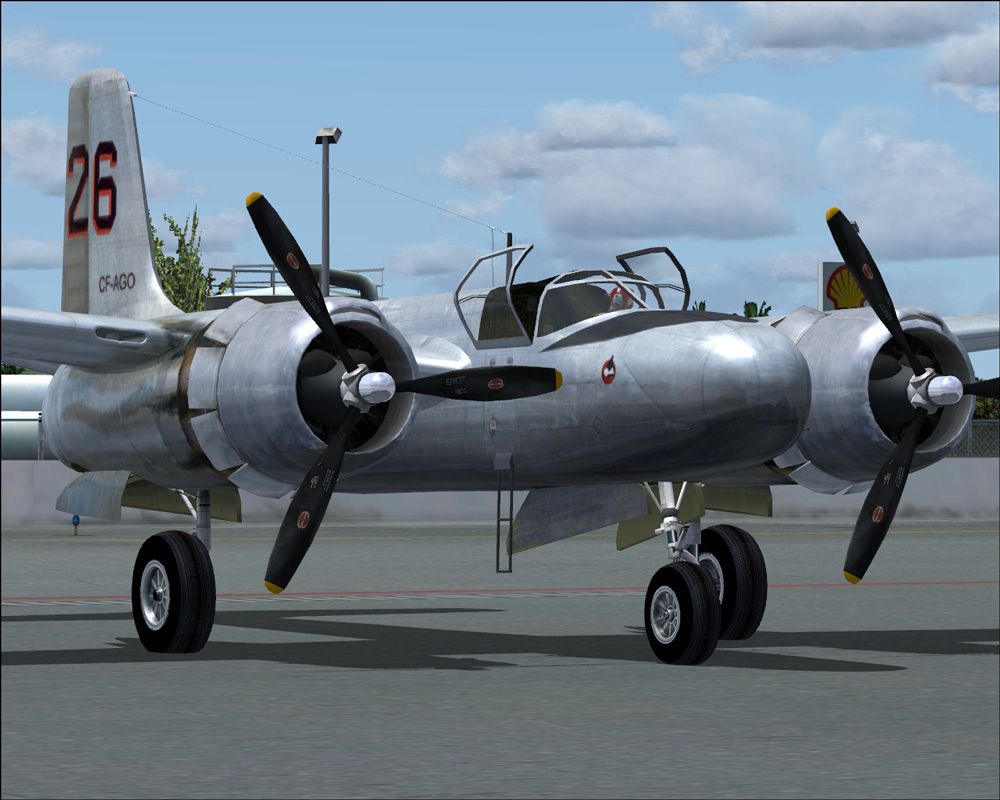
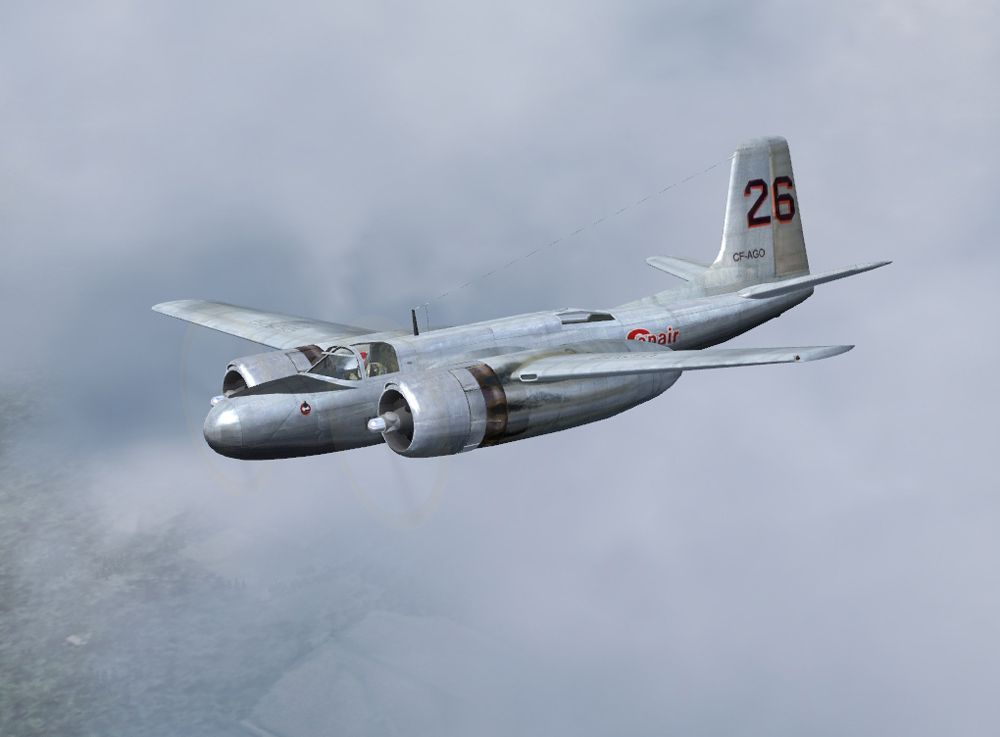
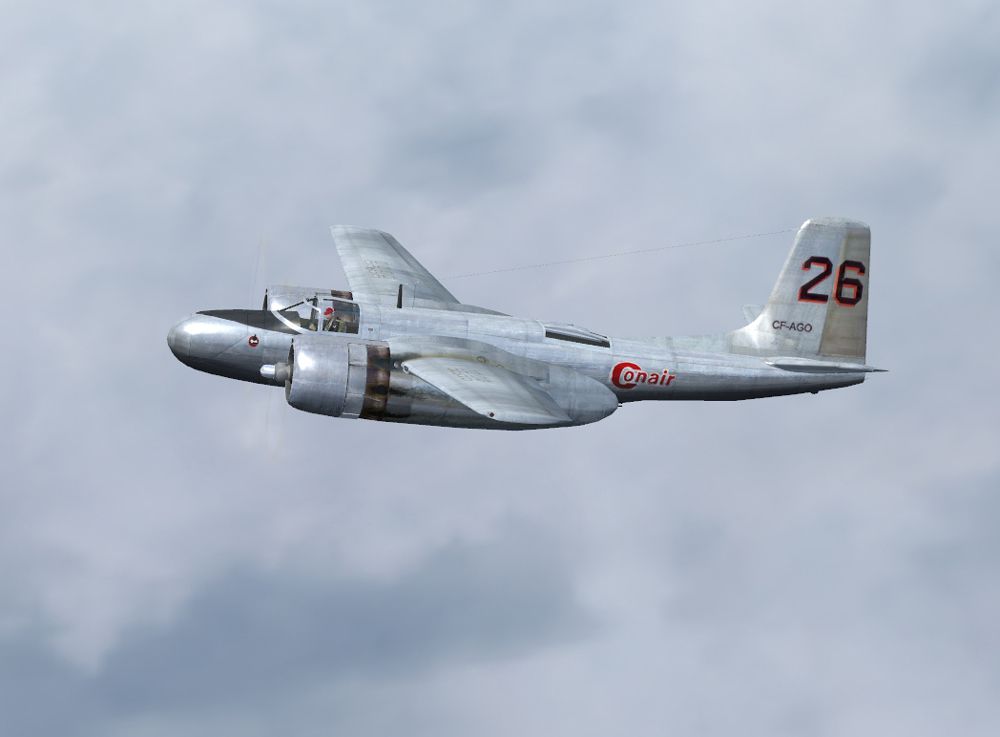
The A-26C c/n 28735 (AF serial 44-35456) was bought by Conair Aviation Ltd. in 1972. In 1983 the plane was sold to Airspray of Canada and became Tanker 36, "Dragon Lady". Textures only for the Sim Outhouse Douglas A-26 Invader base pack. Repaint by Damian Radice.
Screenshot of Conair A-26C in flight.
[fltsim.xx]

title = Douglas A-26C Conair FAGO

sim = A26_invader

model =a26bng

panel =

sound =

texture =fago

panel_alias =

sound_alias =

kb_checklists=A26_Checklist

kb_reference =

atc_id_enable = 1

atc_id =C-FPGP

atc_parking_types =

atc_parking_code =

atc_airline= AIR FORCE

//atc_flight_number=

ui_manufacturer = Douglas

ui_type = A-26C Invader

ui_variation = Conair C-FAGO (1972-1983)

description = c/n 28735 (AF serial 44-35456) bought by Conair Aviation Ltd. (1972). In 1983 the plane was sold to Airspray of Canada and becomed Tanker 36, "Dragon Lady". \nRepaint by Damian Radice \nA-26B - Two Pratt/Whitney R-2800-27 air-cooled radials

visual_damage = 1
Free for all simmers · 5.45 MB · Scanned clean Sep 2026
Download speed: Free tier is capped at 0.5 Mbps (this file takes approximately 2 mins at the cap). PRO members download at full line speed.
FS9\Aircraft\, FS9\Addon Scenery\, FS9\Gauges\, or FS9\Effects\.readme.txt or README file. It tells you exactly where files go, what dependencies are needed, and any quirks specific to this add-on.The archive a26cfa.zip has 22 files and directories contained within it.
This list displays the first 500 files in the package. If the package has more, you will need to download it to view them.
| Filename/Directory | File Date | File Size |
|---|---|---|
| A26_00.jpg | 04.19.07 | 173.78 kB |
| A26_01.jpg | 04.19.07 | 182.43 kB |
| A26_02.jpg | 04.19.07 | 184.90 kB |
| A26_03.jpg | 04.19.07 | 185.28 kB |
| FILE_ID.DIZ | 04.19.07 | 325 B |
| gif.gif | 04.19.07 | 10.71 kB |
| Read Me First.txt | 04.20.07 | 2.58 kB |
| texture.fago | 04.19.07 | 0 B |
| a26parts.bmp | 04.18.07 | 4.00 MB |
| chromespinner_t.bmp | 04.18.07 | 256.07 kB |
| eng0_t.bmp | 04.18.07 | 1.00 MB |
| eng1_t.bmp | 04.18.07 | 1.00 MB |
| fuse_t.bmp | 04.18.07 | 4.00 MB |
| nacelle0_t.bmp | 04.19.07 | 1.00 MB |
| nacelle1_t.bmp | 04.18.07 | 1.00 MB |
| tails_t.bmp | 04.18.07 | 1.00 MB |
| Thumbs.db | 04.19.07 | 41.50 kB |
| wings_t.bmp | 04.18.07 | 4.00 MB |
| Thumbs.db | 04.20.07 | 36.00 kB |
| a26cfa | 04.20.07 | 0 B |
| flyawaysimulation.txt | 10.29.13 | 959 B |
| Go to Fly Away Simulation.url | 01.22.16 | 52 B |
Only PRO members can place votes.
More FS2004 add-ons hand-picked based on this download.
FS2004 Propeller Aircraft
The A-26C AF serial 43-22357 flown by Conair Aviation Ltd. (1970-1989). Textu…
 FS2004 Propeller Aircraft
(1963-1965). The A-26C A\F Serial 43-22673, civil registration N9159Z, flew w…
 FS2004 Propeller Aircraft
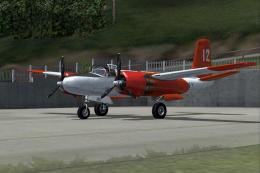
AF/serial 44-35552. Built in 1944, operated by Rosenbalm Aviation with the ci…
 FS2004 Propeller Aircraft
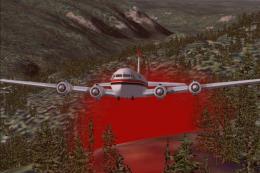
The Conair DC-6 Air Tanker is the "heavy lift" aircraft used to fight forest …
 FS2004 Propeller Aircraft
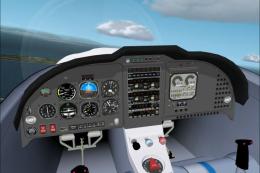
Full moving parts, Fowler flaps, speed brakes, landing lights, detailed retra…
 FS2004 Propeller Aircraft
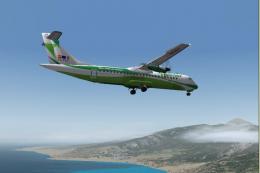
Domestic Airline Canary Islands. Based on Jon Murchisson's ATR72-500. Models …
 FS2004 Propeller Aircraft
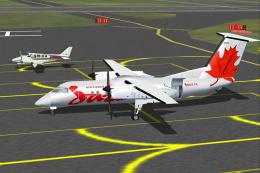
A 37 seat advanced turboprop regional airliner. Air Canada JAZZ Reg_ID: C-GAB…
 FS2004 Propeller Aircraft
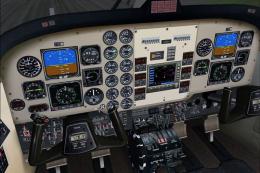
Super King Air 300, v1.0 for FS2004. IncludesVC with full night lighting, smo…
Be the first to leave a comment on this download.
Be the first to share your thoughts on this download.