

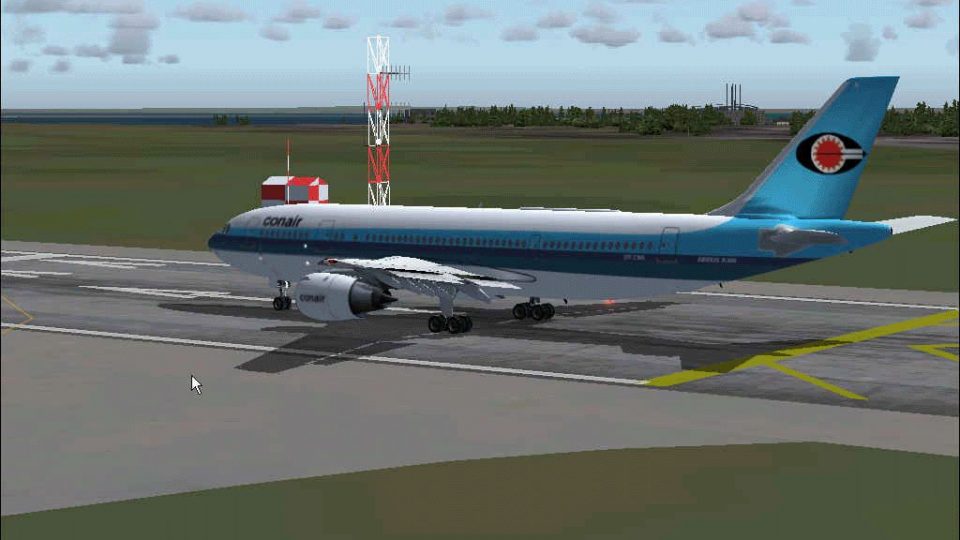
 FS2004 Civil Jet Aircraft
Conair Airbus 300B4-120. Textures only
This freeware release delivers a meticulously crafted repaint package for the…
Conair’s Airbus A300B4-200 brings Airbus’s early twin‑engine wide-body to Microsoft Flight Simulator 2004 with SGA’s detailed exterior model, custom animations, and night lighting. The package includes painter-friendly fuselage and engine bitmaps plus DXT3 wing textures, and requires external texture conversion tools for the BMP files.
 Rate
Rate
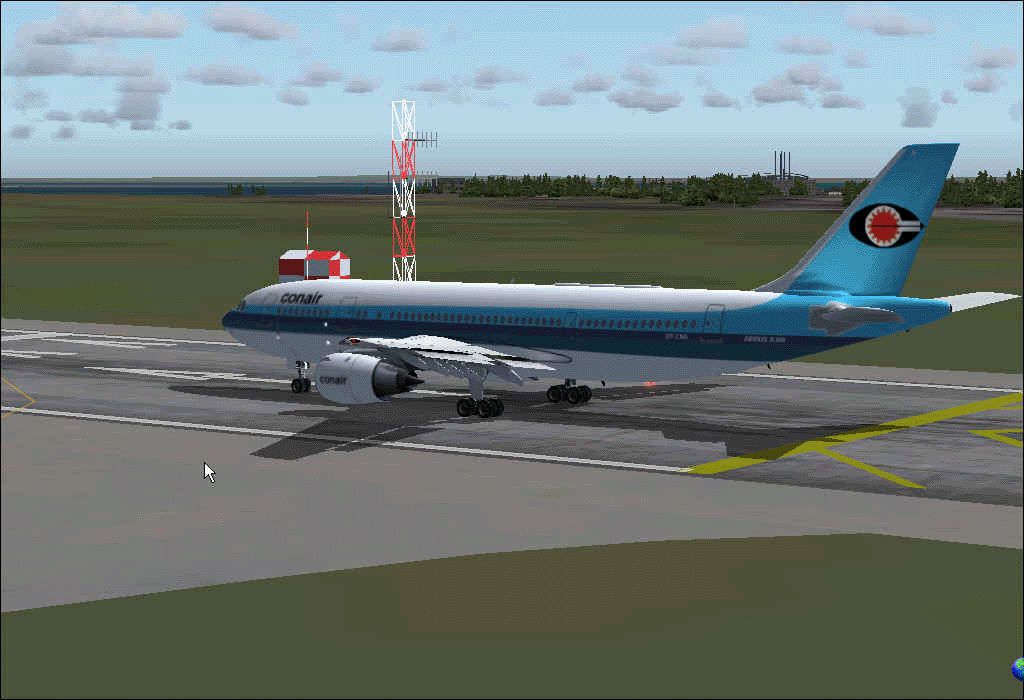
This complete freeware package introduces the Conair Airbus A300B4-200 for Microsoft Flight Simulator 2004, featuring the base model developed by SGA. It provides a detailed exterior and offers textures designed for advanced painters. The set comes with fuselage and engine bitmaps that require user-driven texture conversion tools, as well as wings and night textures already compressed in DXT3 format. Furthermore, a future paint kit is planned that will include master fuselage templates in both PSP and PSD files. This add-on offers a robust opportunity for flight sim enthusiasts who want to explore every aspect of Airbus’s pioneering wide-body design while customizing their own repaints.
The A300B4-200 sub-variant represents one of Airbus’s early innovations in the twin-engined wide-body category. Its distinctive design helped establish a blueprint for subsequent airliners in the manufacturer’s lineup. In many real-world operations, the A300B4-200 excelled in medium-range routes due to its high-capacity cabin and proven reliability.
An important aspect of this package lies in the comprehensive paint textures. While fuselage and engine .bmp files initially demand external conversion utilities for use in the simulator, the included wings and night textures appear in DXT3 format. This combination preserves visual fidelity while requiring less memory overhead inside the sim. For enhanced creative freedom, the development team is also preparing a paint kit, complete with layered PSP and PSD files for more sophisticated repaint endeavors.
This A300B4-200 rendition showcases detailed exterior modeling, built to capture the aircraft’s wing profile and fuselage shape accurately. SGA’s approach includes attention to ground handling animations and custom engine detailing. The wing design, in particular, exhibits subtle aerodynamic cues originally modeled for advanced flight dynamics. Night textures underscore the ambient lighting on the aircraft, reflecting the real-world operational environment when taxiing and taking off under various conditions.
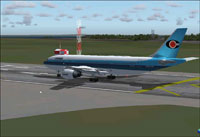
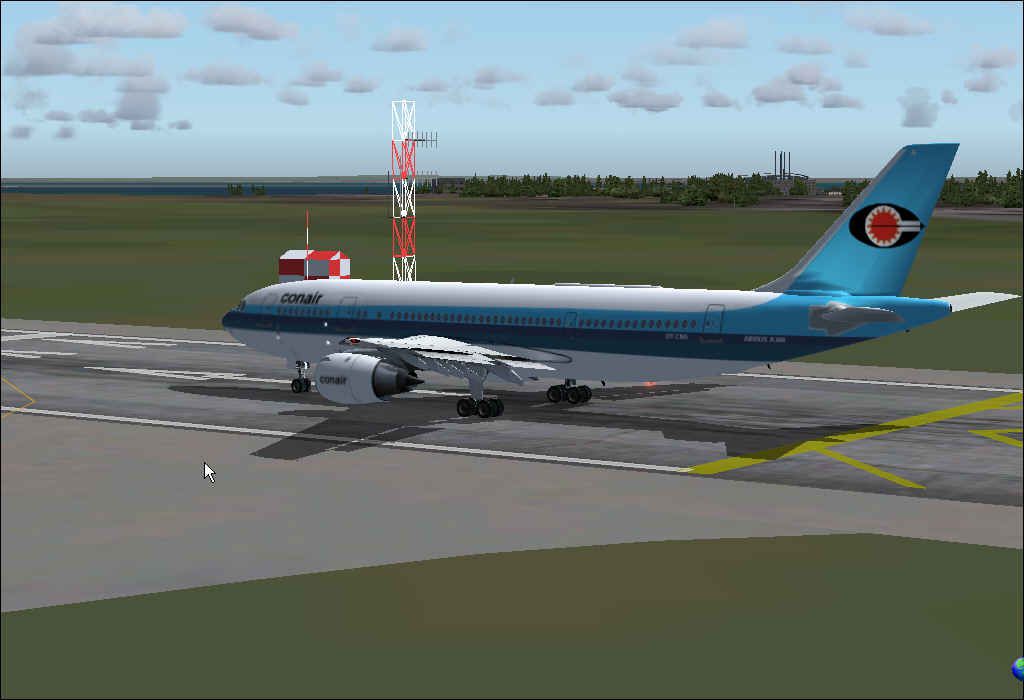
Screenshot displaying the Conair Airbus A300B4-200’s exterior on the runway.
All credits should remain intact with any subsequent repaints. SGA (led by Steve Drabek) created the model framework, ensuring the A300B4-200 retains its iconic features and flight model authenticity within Microsoft Flight Simulator 2004.
Free for all simmers · 2 MB · Scanned clean Oct 2026
Download speed: Free tier is capped at 0.5 Mbps. PRO members download at full line speed.
FS9\Aircraft\, FS9\Addon Scenery\, FS9\Gauges\, or FS9\Effects\.readme.txt or README file. It tells you exactly where files go, what dependencies are needed, and any quirks specific to this add-on.The archive fxa3b4co.zip has 32 files and directories contained within it.
This list displays the first 500 files in the package. If the package has more, you will need to download it to view them.
| Filename/Directory | File Date | File Size |
|---|---|---|
| !Legal_README!.txt | 02.25.04 | 369 B |
| A300 Conair.gif | 02.23.04 | 211.24 kB |
| A300 Conair.jpg | 02.23.04 | 51.00 kB |
| a310.air | 12.07.02 | 8.78 kB |
| aircraft.cfg | 02.25.04 | 9.49 kB |
| EULA.doc | 02.21.04 | 27.00 kB |
| model | 02.25.04 | 0 B |
| A300B4.mdl | 02.14.04 | 1.88 MB |
| model.cfg | 02.03.04 | 26 B |
| panel | 02.25.04 | 0 B |
| panel.cfg | 02.13.04 | 30 B |
| Thumbs.db | 02.25.04 | 41.50 kB |
| README.doc | 02.14.04 | 57.50 kB |
| sound | 02.25.04 | 0 B |
| Sound.cfg | 02.13.04 | 30 B |
| texture.con | 02.25.04 | 0 B |
| A300_A_L.BMP | 02.09.04 | 256.07 kB |
| A300_a_t.bmp | 02.25.04 | 282.67 kB |
| A300_B_L.BMP | 02.09.04 | 256.07 kB |
| A300_b_t.bmp | 02.25.04 | 872.71 kB |
| ENGINES_L.BMP | 02.09.04 | 64.07 kB |
| Engines_t.bmp | 02.23.04 | 4.00 MB |
| EULA.doc | 02.13.04 | 28.00 kB |
| pspbrwse.jbf | 02.25.04 | 21.46 kB |
| readme.txt | 02.19.04 | 779 B |
| Thumbs.db | 02.25.04 | 60.50 kB |
| WINGS_L.BMP | 02.09.04 | 64.07 kB |
| WINGS_T.BMP | 02.09.04 | 1.00 MB |
| Thumbs.db | 02.25.04 | 24.50 kB |
| FFX - SGA A300 B4 conair | 02.25.04 | 0 B |
| flyawaysimulation.txt | 10.29.13 | 959 B |
| Go to Fly Away Simulation.url | 01.22.16 | 52 B |
Only PRO members can place votes.
More FS2004 add-ons hand-picked based on this download.
FS2004 Civil Jet Aircraft
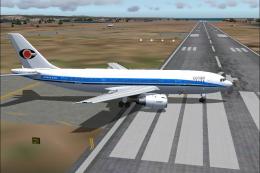
This freeware release delivers a meticulously crafted repaint package for the…
 FS2004 Civil Jet Aircraft
Textures only; requires SGAA3B42.ZIP. Model by SGA. Livery by Rene Markussen.…
 FS2004 Civil Jet Aircraft
The new addition to the SGA fleet, the Airbus A300B4-200 is loaded with featu…
 FS2004 Civil Jet Aircraft
This freeware rendition of the Federal Express Airbus A300B4-200—for use in F…
 FS2004 Civil Jet Aircraft
Immerse yourself in the proud legacy of American Airlines with this freeware …
 FS2004 Civil Jet Aircraft
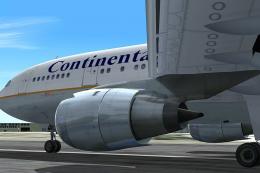
This comprehensive freeware package offers a high-fidelity Airbus A300B4-200 …
 FS2004 Civil Jet Aircraft
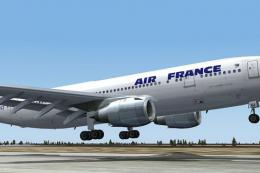
This freeware Air France Airbus A300B4-200 package for Microsoft Flight Simul…
 FS2004 Civil Jet Aircraft
This package offers a finely detailed Alitalia repaint for the Airbus A300B4-…
Be the first to leave a comment on this download.
Be the first to share your thoughts on this download.