

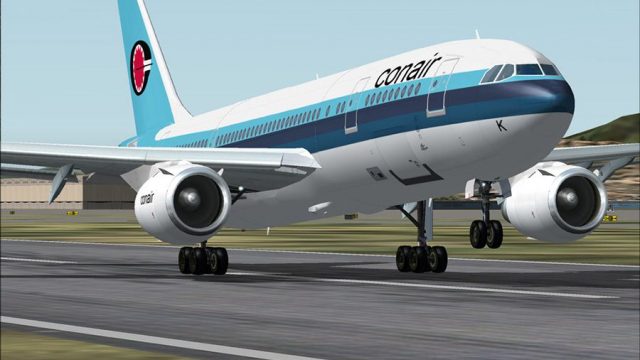
 FS2004 Civil Jet Aircraft
Scanair Airbus 300B4-120 Textures only
requires SGA_A300B4-200.zip here. Scanair Airbus A300B4-120 reg:se-dfk cn:094…
Conair Airbus A300B4-120 textures bring OY-CNK (CN 094) to life with crisp, high-resolution livery work, refined markings, and subtle surface detail that suits close-up viewing while staying frame-rate friendly. Built for Microsoft Flight Simulator 2004, it requires the SGA_A300B4-200 base model to display the full exterior animations and lighting.
 Rate
Rate
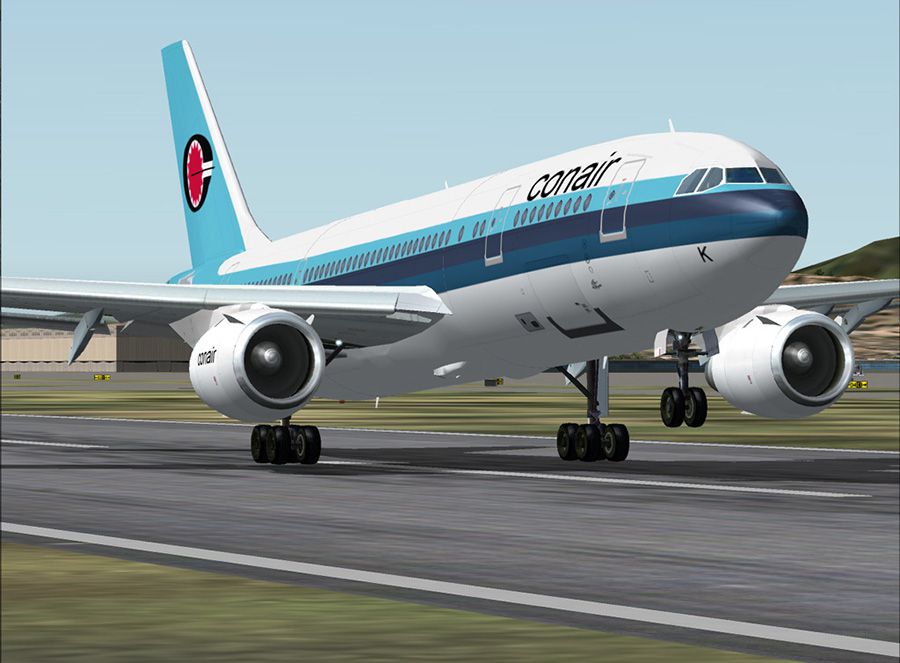
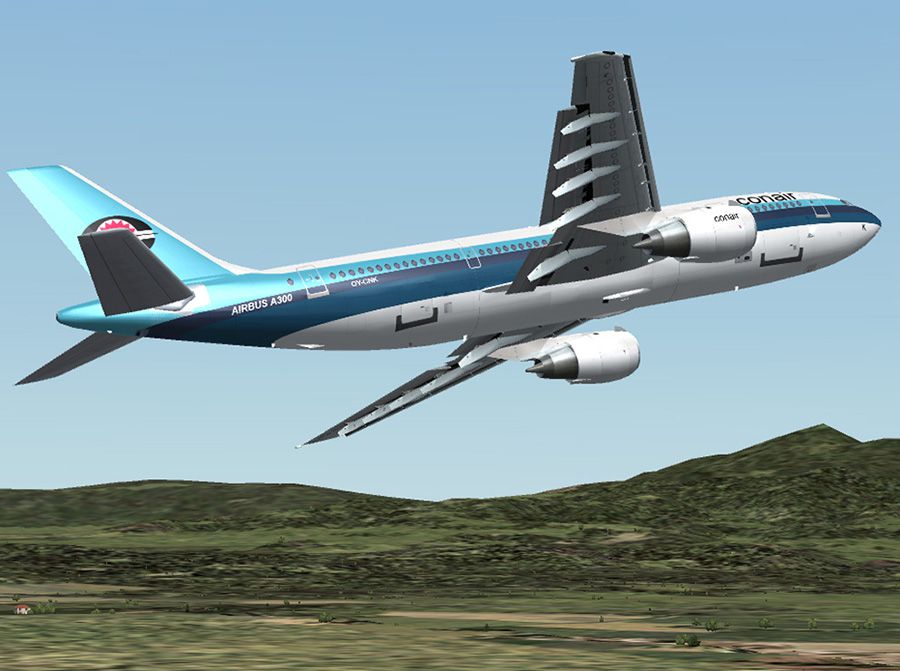
This freeware release delivers a meticulously crafted repaint package for the Conair Airbus A300B4-120, fully compatible with SGA’s base model. It brings high-resolution textures, a realistic aircraft registration (OY-CNK, construction number 094), and carefully refined detailing for anyone using Microsoft Flight Simulator 2004 or any other platform where the SGA model is functional.
This texture set applies to the SGA Airbus A300B4-200, transforming it to represent Conair’s distinctive livery with exceptional accuracy. The original developer, SGA (Stewart Global Aircraft), has long been known for delivering frame-rate-friendly designs. This new repaint by Magnus Edström capitalizes on SGA’s 3D geometry and animates every visible surface to impart a lifelike feel while maintaining stable performance.
The Conair Airbus A300B4-120 repaint emphasizes subtle fuselage details, fine rivet lines, and accurate airline markings. It captures the precise shade and placement of logos, ensuring a visually convincing experience in the virtual skies. These textures enhance the sense of depth and geometry, allowing close-up inspections without compromising simulator performance.
The actual Airbus A300B4-120 airframe is renowned for its twin-engine design, wide-body cabin, and versatile operational profile. Conair’s adaptation showcases specialized features for passenger or freight tasks, making it suitable for numerous flight scenarios. The construction number (CN) of 094 signifies a heritage that spans varied commercial applications worldwide.
To enjoy these textures, obtain the SGA_A300B4-200.zip base package (required), which contains the original model, flight dynamics, and other essential components. After installation, simply replace the default liveries with these updated graphics to witness the transformation into Conair colors. SGA’s underlying model delivers accurate animations, enhanced lighting, and well-tuned aerodynamics that complement the high-resolution artwork.
The repaint maintains optimal frame rates by leveraging SGA’s resource-efficient architecture. Moving elements such as control surfaces, landing gear, and engine blades are preserved, ensuring the realism of the Airbus A300 remains intact. Moreover, advanced texture optimization limits any performance impact, making it suitable for extended hauls or busy airport approaches.
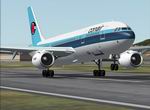
This work stands as a dedicated contribution from Magnus Edström, who painstakingly replicated the Conair design with precise coloration and markings. Additional acclaim goes to SGA for creating the underlying model and fostering a supportive environment for freeware developers. Their focus on user-centric features, accurate geometry, and consistency in performance has solidified their status among flight simulation enthusiasts.
Free for all simmers · 1.14 MB · Scanned clean Oct 2026
Download speed: Free tier is capped at 0.5 Mbps. PRO members download at full line speed.
FS9\Aircraft\, FS9\Addon Scenery\, FS9\Gauges\, or FS9\Effects\.readme.txt or README file. It tells you exactly where files go, what dependencies are needed, and any quirks specific to this add-on.The archive Conair_A300B4_SGA.zip has 18 files and directories contained within it.
This list displays the first 500 files in the package. If the package has more, you will need to download it to view them.
| Filename/Directory | File Date | File Size |
|---|---|---|
| texture.conair | 02.28.04 | 0 B |
| A300_A_L.BMP | 02.09.04 | 256.07 kB |
| A300_A_T.BMP | 02.27.04 | 4.00 MB |
| A300_B_L.BMP | 02.25.04 | 256.07 kB |
| A300_B_T.BMP | 02.27.04 | 4.00 MB |
| ENGINES_L.BMP | 02.09.04 | 64.07 kB |
| ENGINES_T.BMP | 02.27.04 | 4.00 MB |
| WINGS_L.BMP | 02.09.04 | 64.07 kB |
| WINGS_T.BMP | 02.27.04 | 4.00 MB |
| airbus_a300b4_Conair-1.jpg | 02.27.04 | 173.62 kB |
| airbus_a300b4_Conair-2.jpg | 02.27.04 | 171.46 kB |
| airbus_a300b4_Conair.gif | 02.27.04 | 11.04 kB |
| repaint info.txt | 02.27.04 | 111 B |
| File Description.txt | 02.28.04 | 296 B |
| readme-install.txt | 02.28.04 | 1.54 kB |
| EULA.doc | 02.13.04 | 28.00 kB |
| flyawaysimulation.txt | 10.29.13 | 959 B |
| Go to Fly Away Simulation.url | 01.22.16 | 52 B |
Only PRO members can place votes.
More FS2004 add-ons hand-picked based on this download.
FS2004 Civil Jet Aircraft
requires SGA_A300B4-200.zip here. Scanair Airbus A300B4-120 reg:se-dfk cn:094…
 FS2004 Civil Jet Aircraft
This freeware repaint adds a highly detailed Premiair A300B4-120 registration…
 FS2004 Civil Jet Aircraft
Textures only you need SGA's A300B4-200 basepack. Scanair Airbus A300B4-120 r…
 FS2004 Civil Jet Aircraft
This complete freeware package introduces the Conair Airbus A300B4-200 for Mi…
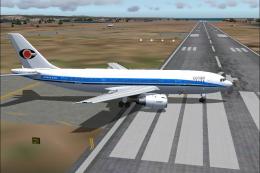 FS2004 Civil Jet Aircraft
Textures only; requires SGAA3B42.ZIP. Model by SGA. Livery by Rene Markussen.…
 FS2004 Civil Jet Aircraft
This freeware rendition of the Federal Express Airbus A300B4-200—for use in F…
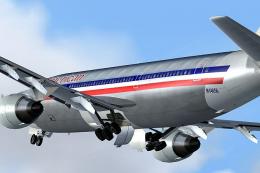 FS2004 Civil Jet Aircraft
Immerse yourself in the proud legacy of American Airlines with this freeware …
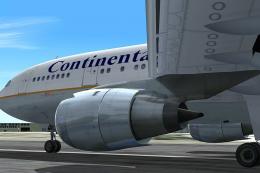 FS2004 Civil Jet Aircraft
This comprehensive freeware package offers a high-fidelity Airbus A300B4-200 …
Be the first to leave a comment on this download.
Be the first to share your thoughts on this download.