



 FSX Civil Aircraft
Qantas Airbus A380-800 Repaint
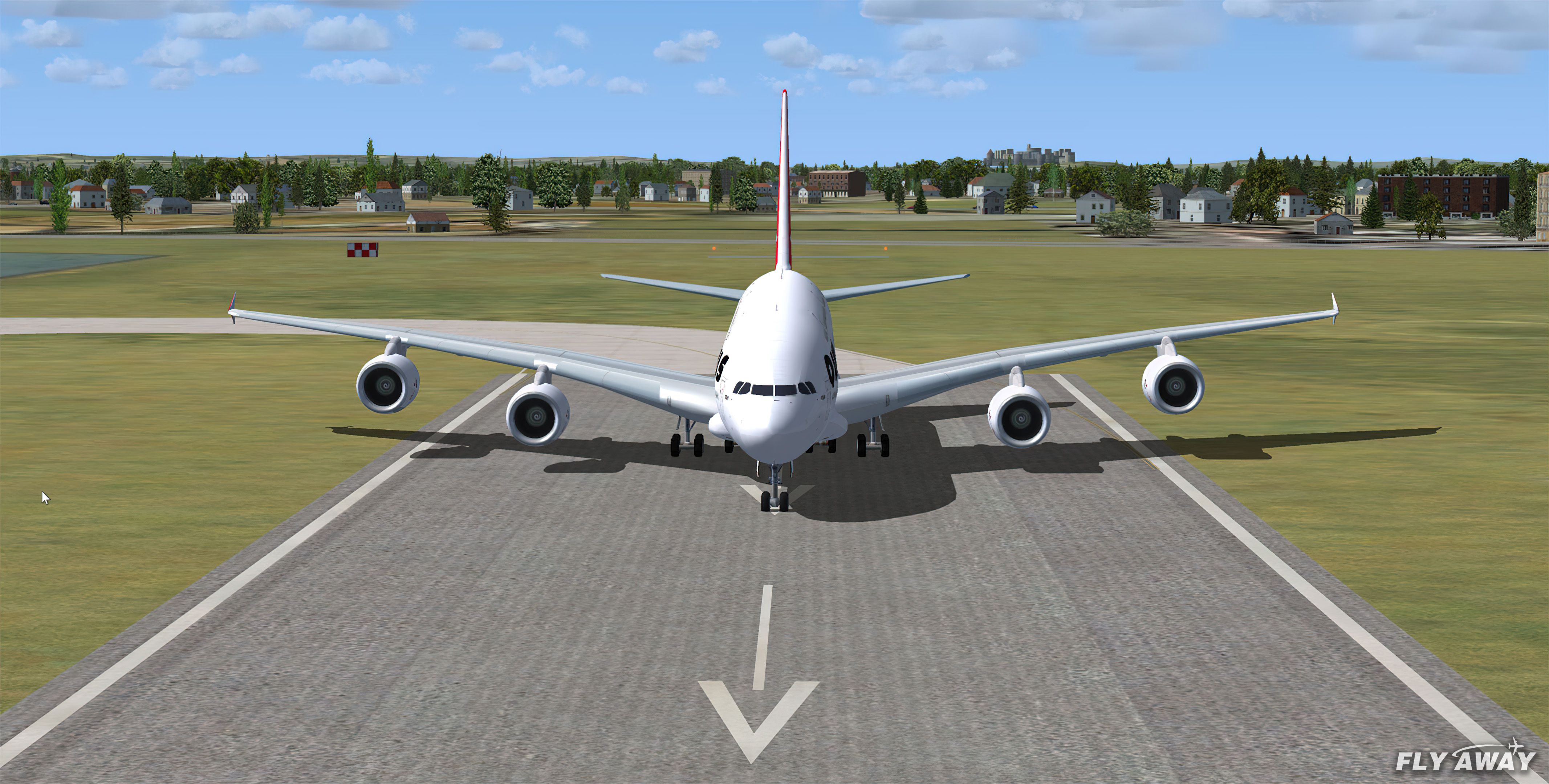
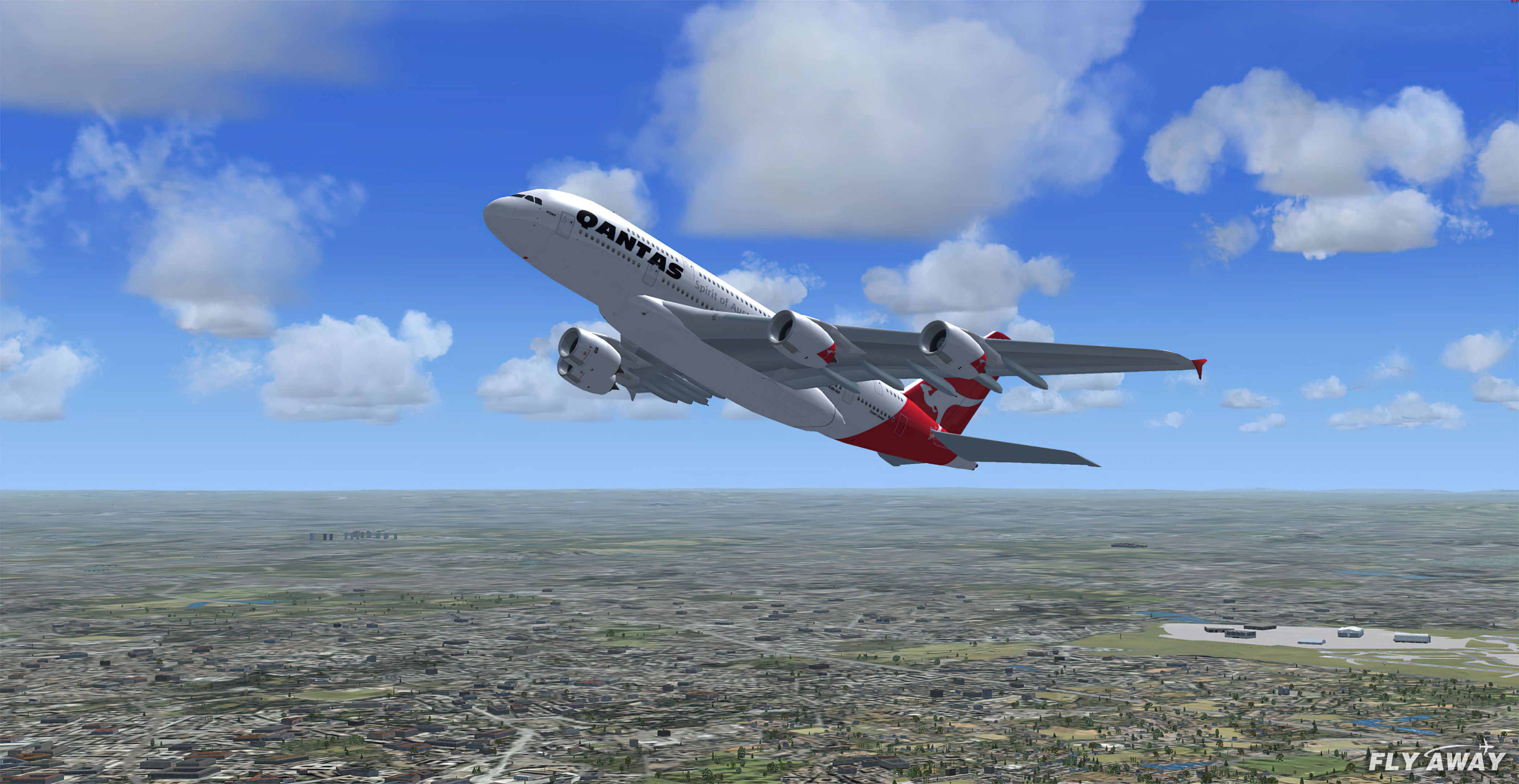
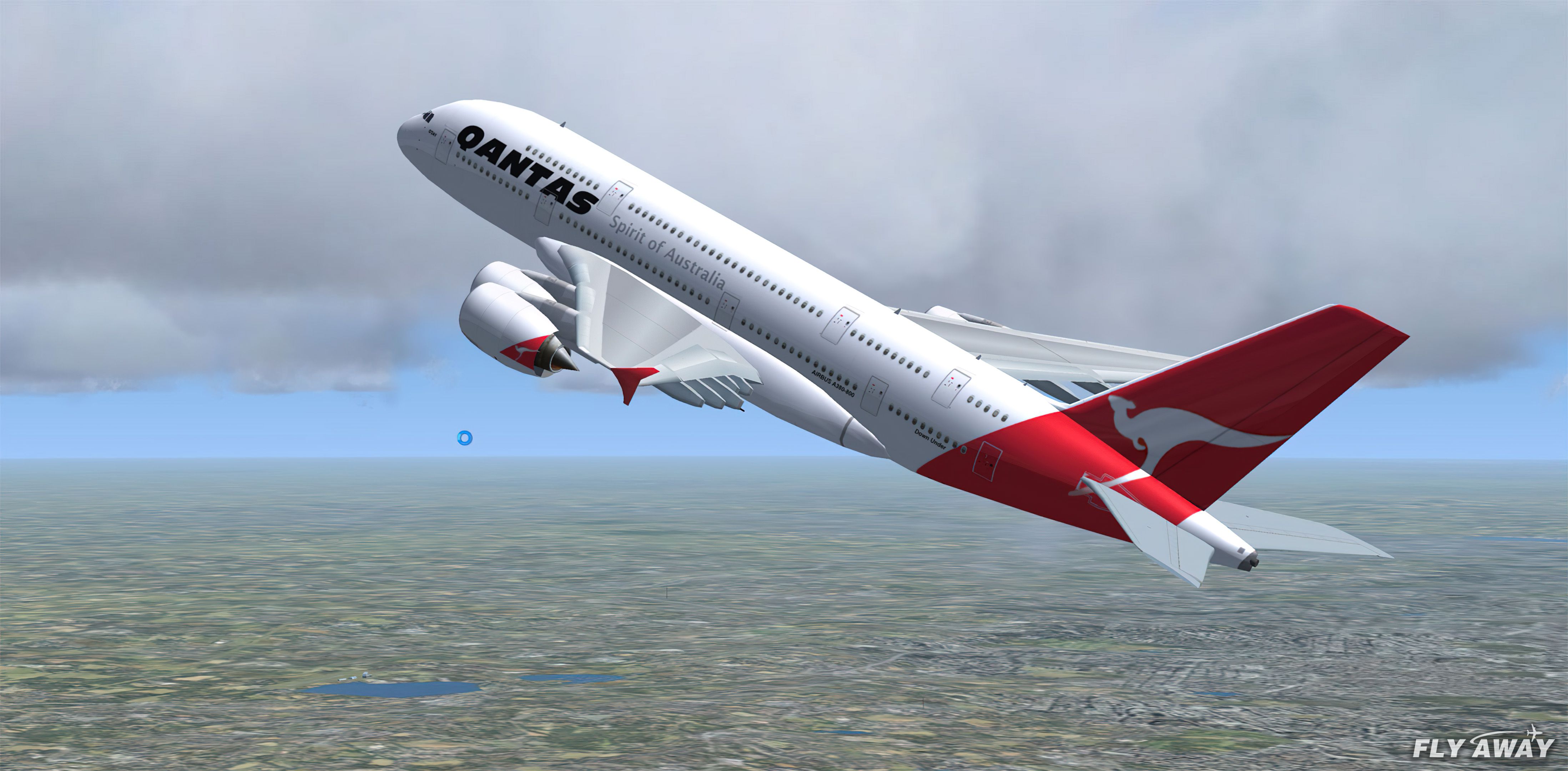
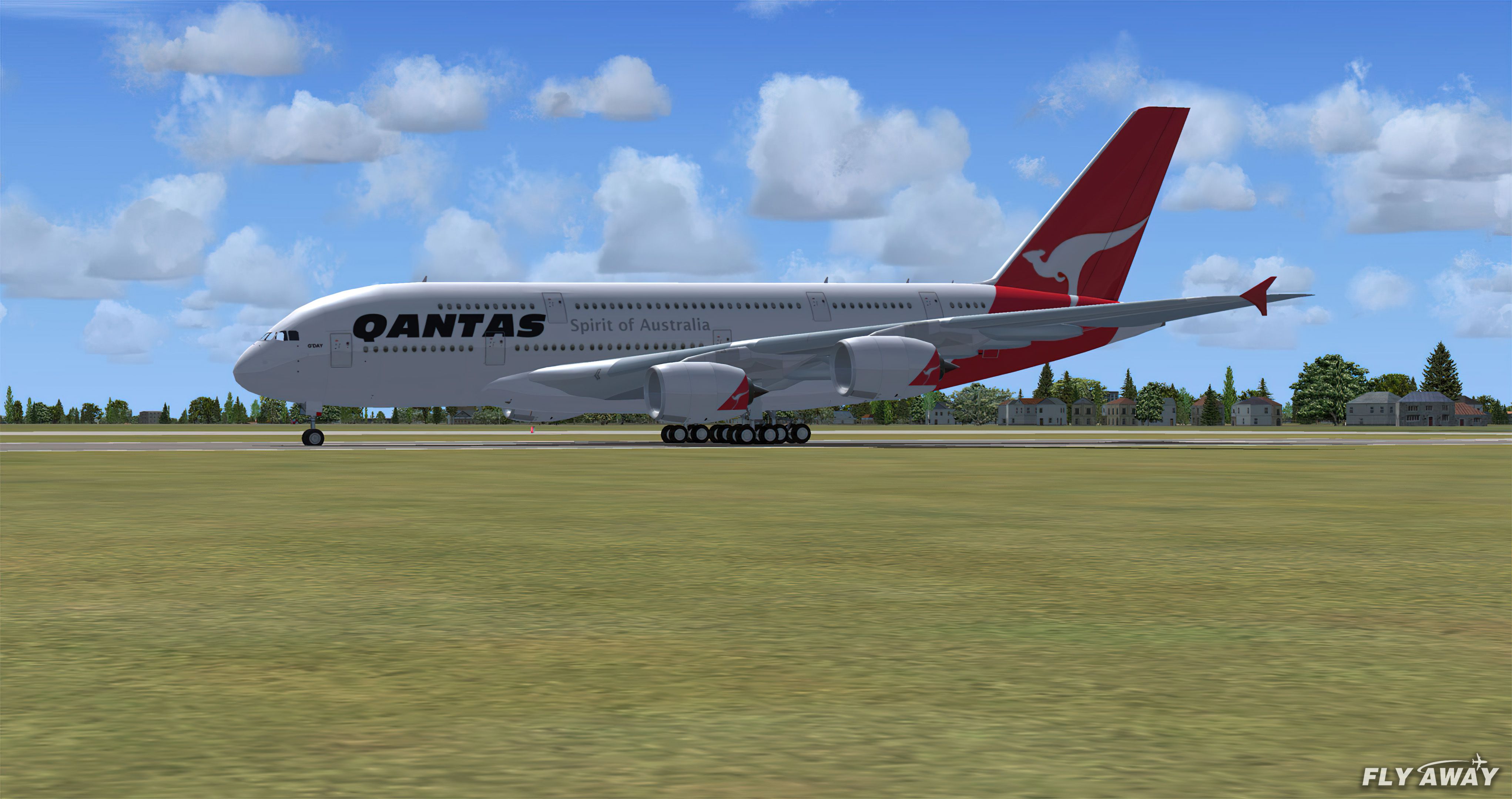
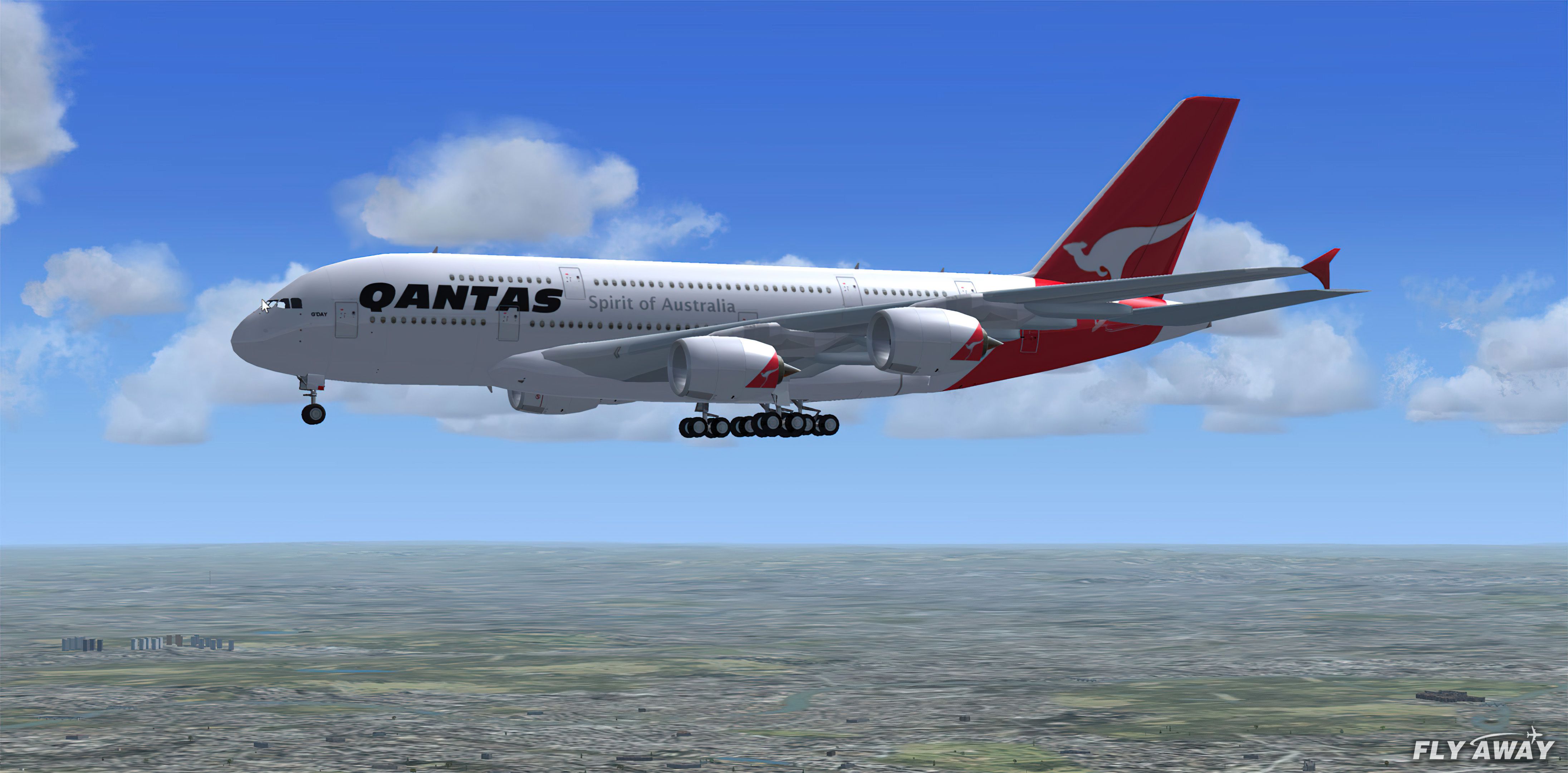
This freeware package features the iconic Airbus A380 in a Qantas livery, met…
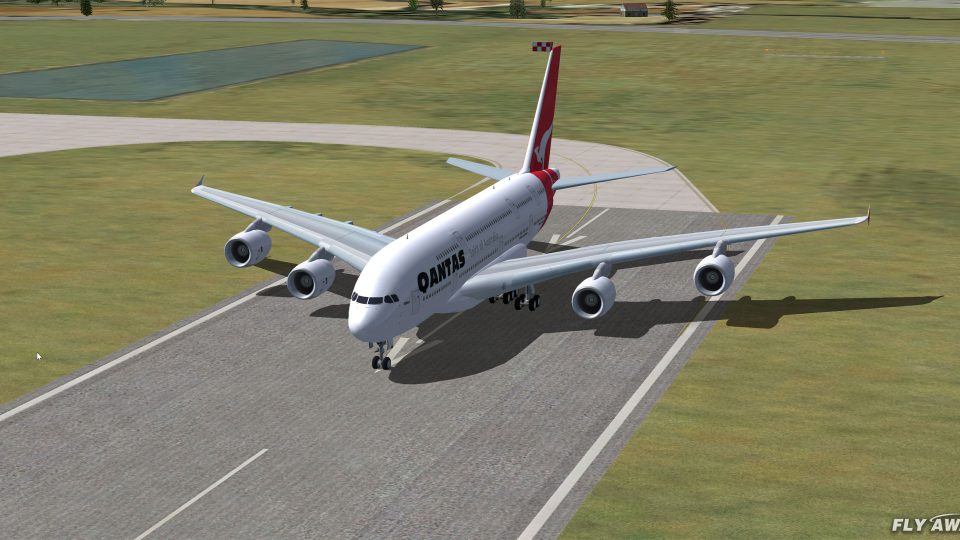
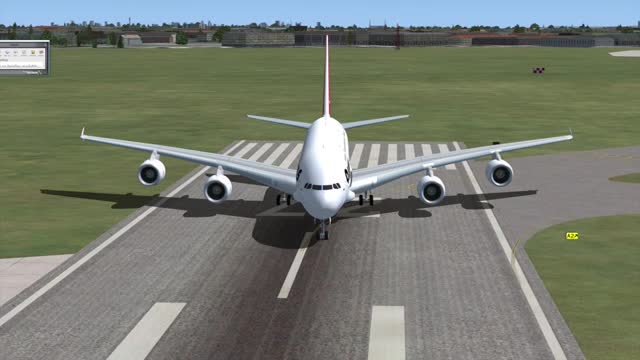
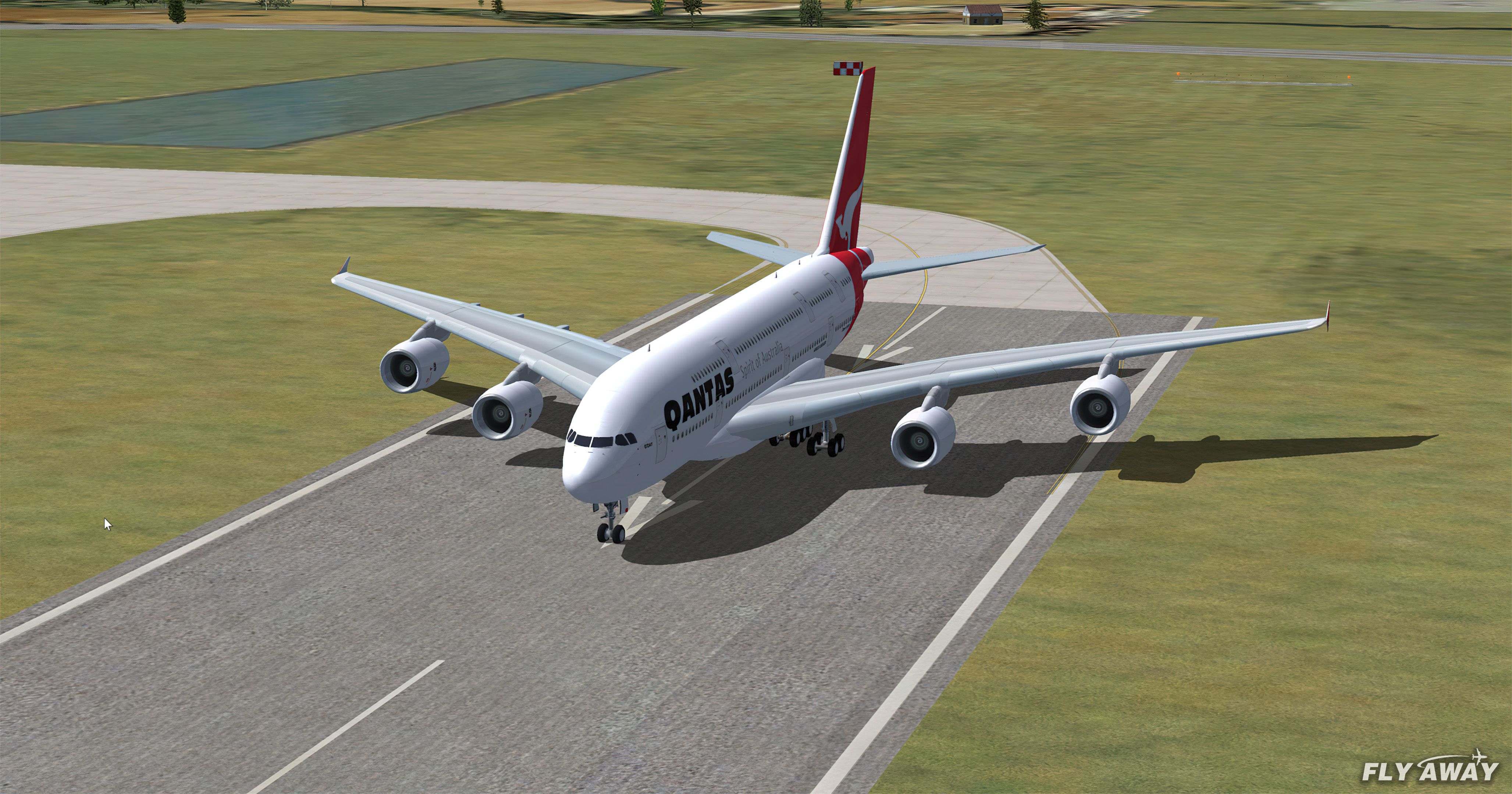
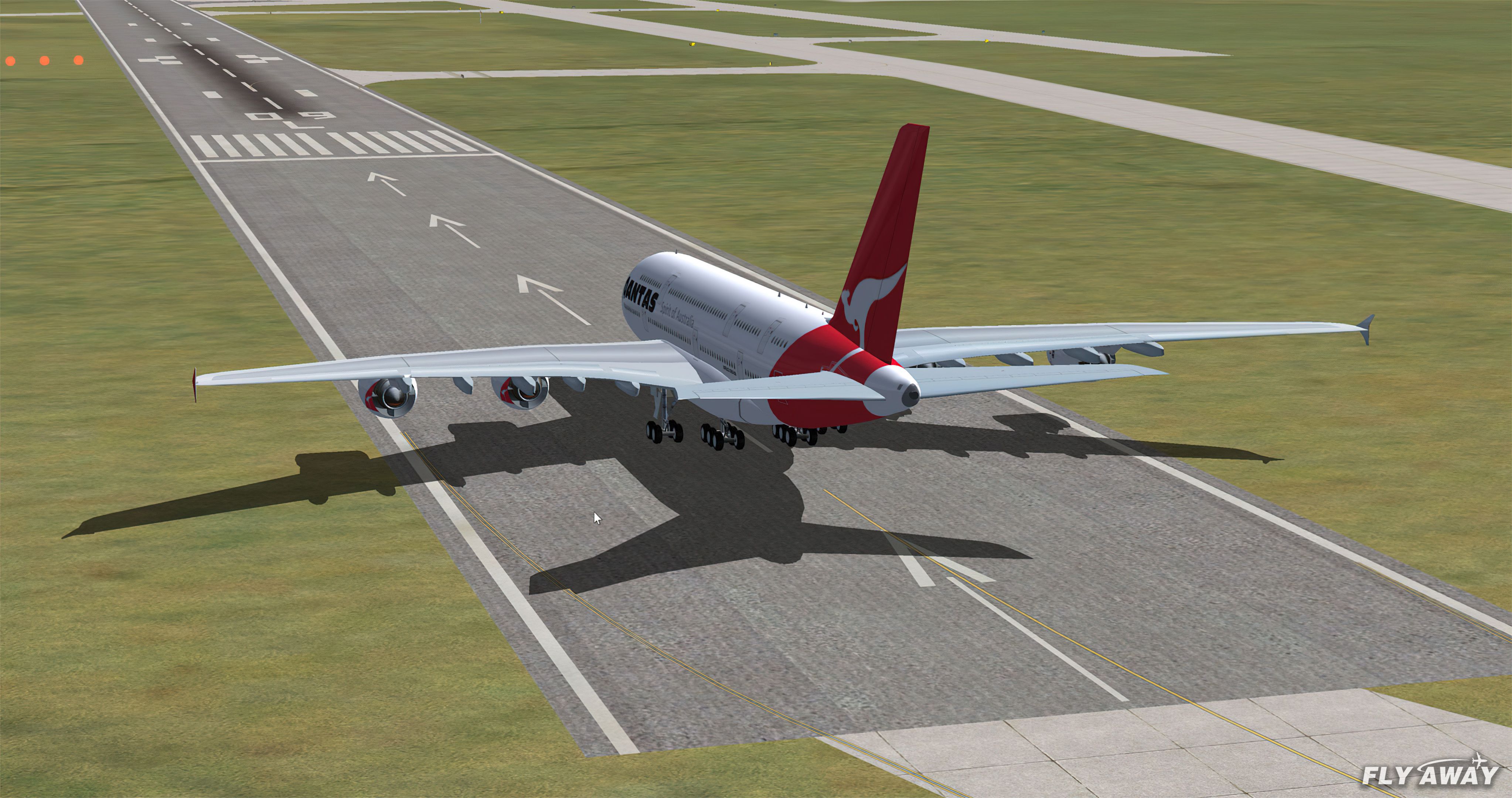
Qantas Airbus A380-800 brings the world’s largest airliner to Microsoft Flight Simulator X with a detailed Gmax exterior, dynamic shine, taxi and landing lights, and fully animated control surfaces and landing gear. Flexing wings, wing views, trim animation, and three opening doors with a visible interior round out an immersive long-haul experience.
 Rate
Rate
FSX Qantas Airbus A380-800. High quality Gmax model of the Airbus A380-800, the world's largest passenger jet. The model includes all the usual things as a steering nose wheel, taxi and landing lights, dynamic shine and all moving parts, including a fully animated landing gear animation. Some special things include three opening doors, with visible interior, flexing wings, wing views and trim animation for the horizontal stabilisers. Model, dynamics and textures by Robert Versluys. Repainted and detailed by Raul Abella.
Simply run the FSX Qantas Airbus A380-800-Setup.exe install file to install into your copy of FSX, FSX:SE and P3D (all versions). The full source files are also included for manual install if you prefer.
[v1.0] - 2016-07-25
ADDED auto installer (FSX Qantas Airbus A380-800-Setup.exe) for installation into FSX, FSX:SE, P3D (all versions).
CODE SIGNED auto installer for security.
Free for all simmers · 7.01 MB · Scanned clean Oct 2026
Download speed: Free tier is capped at 0.5 Mbps (this file takes approximately 2 mins at the cap). PRO members download at full line speed.
FSX\SimObjects\Airplanes\. The folder must contain an aircraft.cfg file. Effects go into FSX\Effects\; gauges go into FSX\Gauges\.readme.txt or README file. It tells you exactly where files go, what dependencies are needed, and any quirks specific to this add-on.The archive qntsa380.zip has 63 files and directories contained within it.
This list displays the first 500 files in the package. If the package has more, you will need to download it to view them.
| Filename/Directory | File Date | File Size |
|---|---|---|
| flyawaysimulation.txt | 10.29.13 | 959 B |
| FSX Qantas Airbus A380-800-Setup.exe | 07.25.16 | 1.33 MB |
| Go to Fly Away Simulation.url | 01.22.16 | 52 B |
| Manual Install | 07.25.16 | 0 B |
| QANTAS_A380 | 07.25.16 | 0 B |
| A380_readme.pdf | 01.07.05 | 135.90 kB |
| Airbus A380.txt | 04.22.07 | 2.18 kB |
| FILE_ID.txt | 04.22.07 | 530 B |
| FSX | 04.23.07 | 0 B |
| SimObjects | 04.23.07 | 0 B |
| Airplanes | 04.23.07 | 0 B |
| 0QANTAS_A380 | 04.23.07 | 0 B |
| A380_readme.pdf | 01.07.05 | 135.90 kB |
| a388.air | 01.02.05 | 12.71 kB |
| Airbus A380.txt | 04.22.07 | 2.18 kB |
| Aircraft.cfg | 04.22.07 | 16.88 kB |
| FILE_ID.txt | 04.22.07 | 530 B |
| model.flex | 04.23.07 | 0 B |
| a388wf.mdl | 12.31.04 | 1.66 MB |
| Model.cfg | 04.22.07 | 23 B |
| PANEL | 04.23.07 | 0 B |
| Panel.cfg | 04.22.07 | 32 B |
| Qantas Airbus A380.htm | 04.22.07 | 5.87 kB |
| sound | 04.23.07 | 0 B |
| sound.cfg | 02.03.07 | 30 B |
| texture.q | 04.23.07 | 0 B |
| a380_rsv_engines_l.bmp | 04.22.07 | 4.07 kB |
| a380_rsv_engines_t.bmp | 04.18.07 | 1.00 MB |
| a380_rsv_gear_l.bmp | 04.22.07 | 4.07 kB |
| a380_rsv_gear_t.bmp | 04.22.07 | 256.07 kB |
| a380_rsv_interior_l.bmp | 04.22.07 | 4.07 kB |
| a380_rsv_interior_t.bmp | 02.03.07 | 1.00 MB |
| a380_rsv_leftfuse_l.bmp | 04.20.07 | 1.00 MB |
| a380_rsv_leftfuse_t.bmp | 04.20.07 | 1.00 MB |
| a380_rsv_rightfuse_l.bmp | 04.20.07 | 1.00 MB |
| a380_rsv_rightfuse_t.bmp | 04.20.07 | 1.00 MB |
| a380_rsv_tail_l.bmp | 04.21.07 | 1.00 MB |
| a380_rsv_tail_t.bmp | 04.21.07 | 1.00 MB |
| a380_rsv_texture1_l.bmp | 04.22.07 | 4.07 kB |
| a380_rsv_texture1_t.bmp | 04.21.07 | 1.00 MB |
| a380_rsv_texture2_l.bmp | 04.22.07 | 4.07 kB |
| a380_rsv_texture2_t.bmp | 04.21.07 | 1.00 MB |
| a380_rsv_wingl_l.bmp | 04.22.07 | 4.07 kB |
| a380_rsv_wingl_t.bmp | 04.22.07 | 1.00 MB |
| a380_rsv_wingr_l.bmp | 04.22.07 | 4.07 kB |
| a380_rsv_wingr_t.bmp | 04.22.07 | 1.00 MB |
| thumbnail.jpg | 04.22.07 | 24.21 kB |
| wheels.bmp | 04.19.07 | 21.43 kB |
| wheels_f.bmp | 04.19.07 | 21.43 kB |
| Qantas Airbus A380.htm | 04.22.07 | 5.87 kB |
| ReadMe.txt | 04.22.07 | 1.51 kB |
| ScreenSaver | 04.23.07 | 0 B |
| QANTAS_A380.scr | 04.22.07 | 1.51 MB |
| Screenshots | 04.18.16 | 0 B |
| screen-1.jpg | 04.18.16 | 255.59 kB |
| screen-2.jpg | 04.18.16 | 377.56 kB |
| screen-3.jpg | 04.18.16 | 378.28 kB |
| screen-4.jpg | 04.18.16 | 355.38 kB |
| screen-5.jpg | 04.18.16 | 207.67 kB |
| screen-6.jpg | 04.18.16 | 306.94 kB |
| screen-7.jpg | 04.18.16 | 300.20 kB |
| screen-8.jpg | 04.18.16 | 235.22 kB |
| screen-9.jpg | 04.18.16 | 113.85 kB |
Only PRO members can place votes.
More FSX & P3D add-ons hand-picked based on this download.
FSX Civil Aircraft
This freeware package features the iconic Airbus A380 in a Qantas livery, met…
 FSX Civil Aircraft
FSX Qantas Airbus A380-841, registration VH-OQA. The first Qantas A380 named …
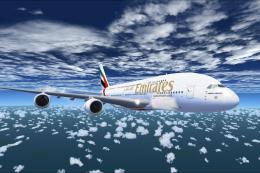 FSX Civil Aircraft
The Emirates A380-800 presented here offers a full freeware package that show…
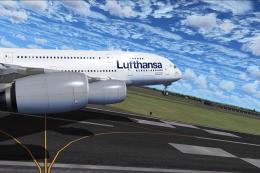 FSX Civil Aircraft
This freeware package showcases a meticulously crafted Lufthansa Airbus A380-…
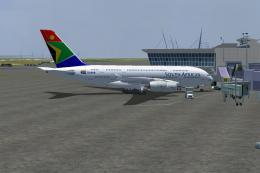 FSX Civil Aircraft
The A380-800 is shown as what it may look like in South African Airways Liver…
 FSX Civil Aircraft
This enhanced Singapore Airlines Airbus A380-800 add-on provides a detailed s…
 FSX Civil Aircraft
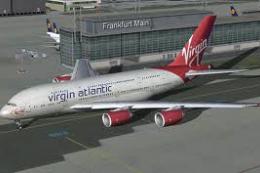
Virgin Atlantic Airbus A380-800. This super jumbo can carry up to 80 passenge…
 FSX Civil Aircraft
This release presents a freeware Air France Airbus A380-800 for enthusiasts s…
Read what other simmers think, or add your own.

I see a lot of comments about the missing 3D (Virtual) cockpit, but none about the fact that the 2D cockpit is nowhere near to looking like the A380 cockpit. This one looks very Boeing to me (the panel config is using the old 747 panels).
I swapped it out for the A321 panel and it looks a lot better.


no vc, no dials,no throttles, cant look around cockpit, cant take off, no read me docs to help you. maybe some more info would be good.


Thanks for the plane. Everything is working well. I even have virtual cockpit. Keep up the good work

I loved this. It was an excellent model except for one crucial component. It has no virtual cockpit. But aside from that Great Job!

The white texture is because of a DX10 incompatibility, dissable Preview DX10 or get a DX10 fixer

when i download the file the plane is totally white and without texture so how to fix that

Awesome work! Graphics are amazing and so are the animations/operations of the aircraft. Well done you! Thank you very much indeed


I don't see the virtual cockpit and I can't find the GPS SWITCH. Can someone tell me where is it?


this have a virtual checkpoint? i go download and see at have but congrats to a designers


Hello Airbus A380 takes off and lands nice, but I cant see any virtual cockpit or panel. Can anybody help me?

I can't find the FSX Folder. I just have fsx disc 1, and fsx disc 2 folders. Can anyone help me?


Sorry guys can someone help me? I downloaded and followed instructions but can find A380 in my FSX. I am not a pc geek so if you post any instructions please give as much details as possible, Thank you so much,

Just loaded it and it works wonderful.Take off and landed very nice. Could use a little more exciting panel. But color and detail of plane and of course the most important thing "It works"! was all nice. Thank you.

Great plane, best A380, I just wish they would make more repaints, I can only find Aegean and Olympic textures for it + they need to make a VC!

This is a good plane i love the Aircraft vews the auto pilet works but it has no vc if you are looking for A-380 get this one!


THIS IS THE GREATEST AIRBUS I'VE DOWNLOADED! FINIALLY, WITH A TAIL VIEW! I WOULD PAY $50!!!!!!!!!!!!!!!!!!!!!!!!!!!!!!!!!!!!!!!!!!!!!!!!!!!!!!!!!!!!!!!!!!!!!!!!!!!!!!!!!!!!!!!!!!!!!!!!!!!!!!!!!!!!!!!!!!!!!!!!!!!!!!!!!!!!!!!!!!!!!!


flys well enough and looks great, however the 2D panel keeps disappearing. not good when your trying to land, espcially as it's the only instrumentation.