

 FSX General Aviation Aircraft
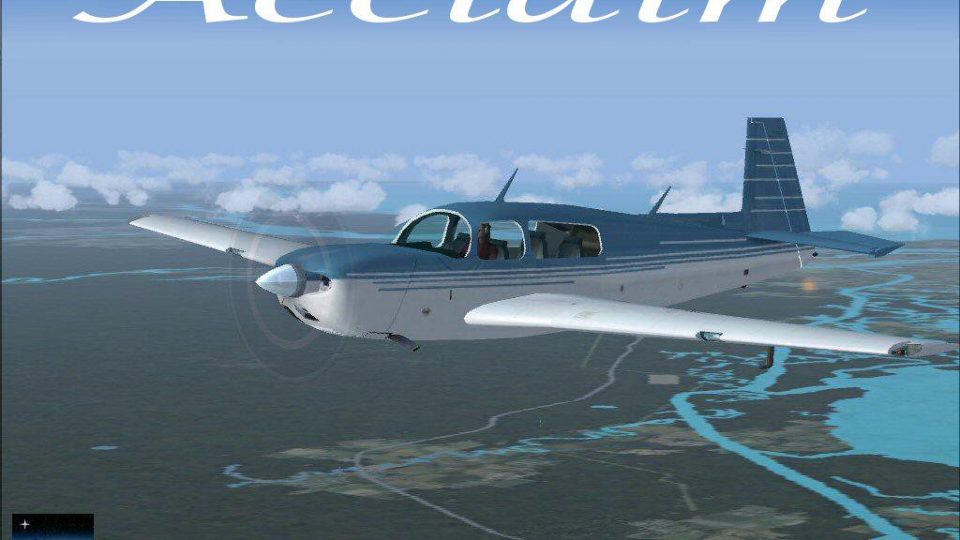
Blue/White Mooney Acclaim Turbo Prop 1
The Mooney Acclaim has always been synonymous with swift cruise speeds and sl…
Blue and white Moo’s Mooney Acclaim reworks the default Mooney Bravo into a faster, sharper single-engine cruiser with tuned aerodynamics, improved climb and cruise performance, and more responsive handling. Crisp exterior textures and subtle shading enhance the streamlined look, with an included sound set, for Microsoft Flight Simulator X.
 Rate
Rate
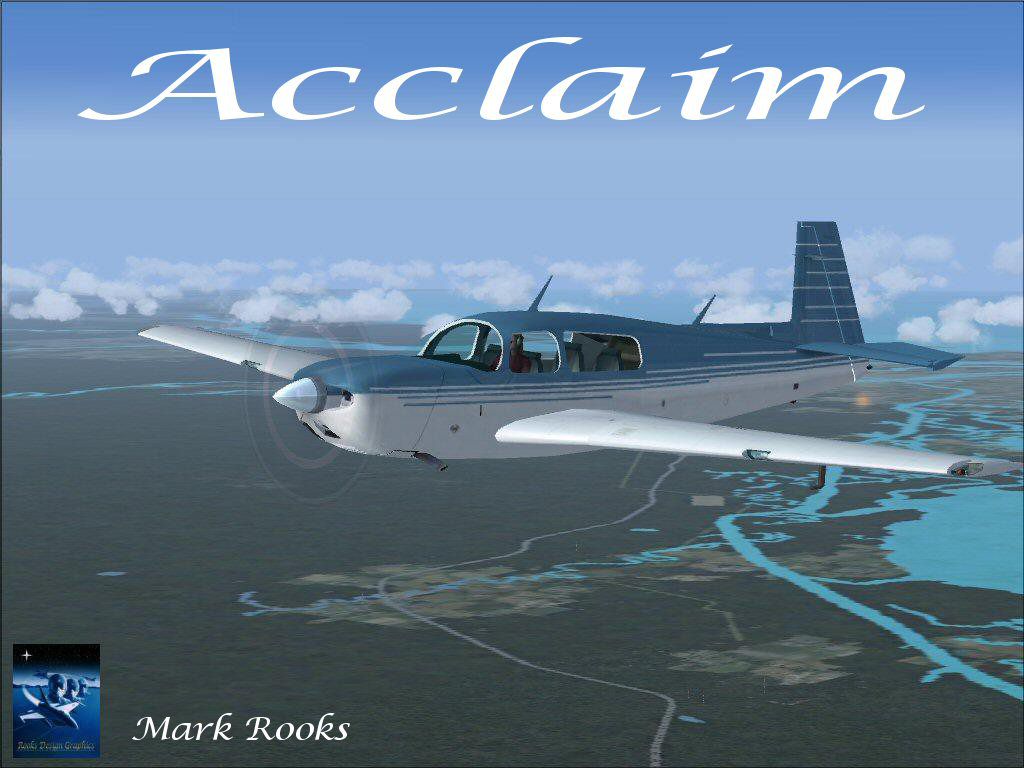
Experience a refined edition of the Mooney Acclaim built around the default Mooney Bravo platform. This freeware package, created by Mark “Fire Ball” Rooks and Mary Moo, offers enhanced speed capabilities, updated flight handling, and visually striking textures for use in Microsoft Flight Simulator X. Developed to push the performance envelope, this updated variant embodies Mooney’s longstanding tradition of delivering high-efficiency, single-engine designs.
The Mooney Acclaim owes its foundations to the well-known Bravo model but integrates innovative tweaks to aerodynamic parameters. These new flight dynamics by Mary Moo (of RDG) optimize climb rate, cruise speed, and overall maneuverability. Because Mooney consistently pushes its aircraft to reach higher velocities without compromising safety, this freeware build showcases refined flight tuning that accurately reflects the real-world Acclaim’s spirited nature.
Screenshot of blue and white Moo's Mooney Acclaim in flight.
Mark “Fire Ball” Rooks, in collaboration with Mary Moo, furnished the exterior with vibrant and precise textures that mirror Mooney’s iconic streamlined fuselage. The distinctive blue and white motif emphasizes the sleek contours, while the subtle shading effects highlight airframe geometry under different lighting conditions. This aesthetic aligns with the aircraft’s reputation for speed and elevates the immersion factor for virtual pilots seeking uncompromised realism.
Before proceeding with any installation, back up existing items or relevant folders in case you wish to revert to a previous configuration. Organizing files beforehand also helps streamline subsequent steps.
A custom sound set is included in the package; however, if you prefer the standard Bravo audio environment, you can revert to the default Bravo sounds in Microsoft Flight Simulator X. No additional configuration steps are required, making it easy to tailor your flight experience.
This freeware release stems from a combined effort between Mark “Fire Ball” Rooks and Mary Moo. Their dedication to bringing advanced flight models and visually appealing aircraft to the flight simulation community ensures a comprehensive and polished product. Since the entire package is included, you can seamlessly integrate it into your simulator without the need for extra downloads or modifications.
Free for all simmers · 15.59 MB · Scanned clean Sep 2026
Download speed: Free tier is capped at 0.5 Mbps (this file takes approximately 4 mins at the cap). PRO members download at full line speed.
SimObjects\Airplanes\, Addon Scenery\, Effects\, or Gauges\.readme.txt or README file. It tells you exactly where files go, what dependencies are needed, and any quirks specific to this add-on.The archive moo1.zip has 7 files and directories contained within it.
This list displays the first 500 files in the package. If the package has more, you will need to download it to view them.
| Filename/Directory | File Date | File Size |
|---|---|---|
| Acclaim Blue Screen.jpg | 07.05.07 | 170.99 kB |
| Blue mooney_Acclaim.zip | 07.06.07 | 15.46 MB |
| Read Me First.txt | 07.06.07 | 982 B |
| Text.txt | 07.06.07 | 264 B |
| Thumbs.db | 07.05.07 | 5.50 kB |
| flyawaysimulation.txt | 10.29.13 | 959 B |
| Go to Fly Away Simulation.url | 01.22.16 | 52 B |
Only PRO members can place votes.
More FSX & P3D add-ons hand-picked based on this download.
FSX General Aviation Aircraft
The Mooney Acclaim has always been synonymous with swift cruise speeds and sl…
 FSX General Aviation Aircraft
This enhanced package offers a newly repainted red-and-black Mooney Acclaim f…
 FSX General Aviation Aircraft
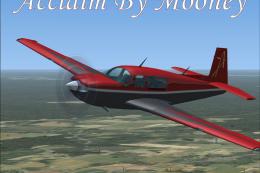
Mooney Acclaim. This changes the Bravo over to the Acclaim. Both planes are s…
 FSX General Aviation Aircraft
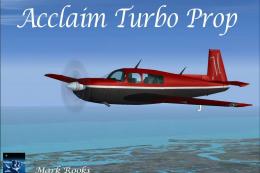
This modified package highlights a red-and-black Mooney Acclaim turbine aircr…
 FSX General Aviation Aircraft
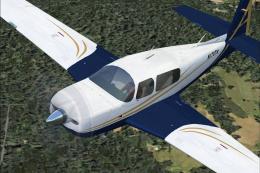
Mooney Acclaim. This is a default Flight Simulator 2004 Mooney modified for F…
 FSX General Aviation Aircraft
This authentic paint package features a reproduction of the real-world Mooney…
 FSX General Aviation Aircraft
The Mooney Acclaim Type S stands out in the single-piston category for its fo…
 FSX General Aviation Aircraft
This free repaint package presents N103DX for the default Mooney Bravo G1000 …
Be the first to leave a comment on this download.
Be the first to share your thoughts on this download.