


 FSX Civil Aircraft
Aeromexico Boeing 767-3Q8ER/WL Fix
Replacement textures for the Skyspirit2010 B767-300ER Aeromexico package (SSP…
Aeromexico Boeing 767-3Q8ER/WL (XA-APB) package brings the SkySpirit2010 767-300ER to life in FSX with a detailed repaint, a default 737-800 virtual cockpit and 2D panel, plus a Posky utility panel for door and service-vehicle animations, updated ailerons, and convincing wingflex.
 Rate
Rate
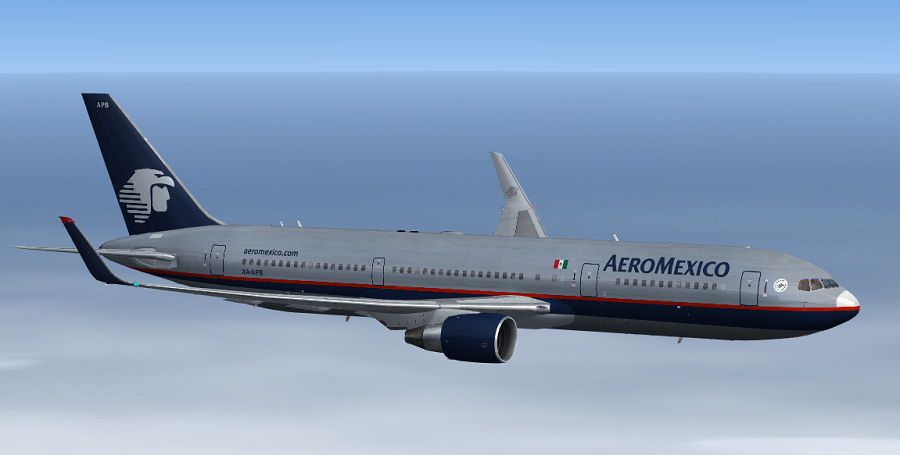
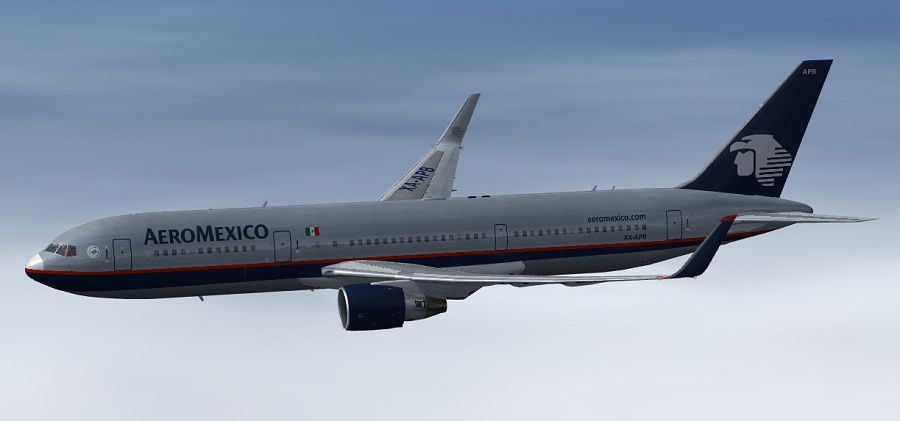
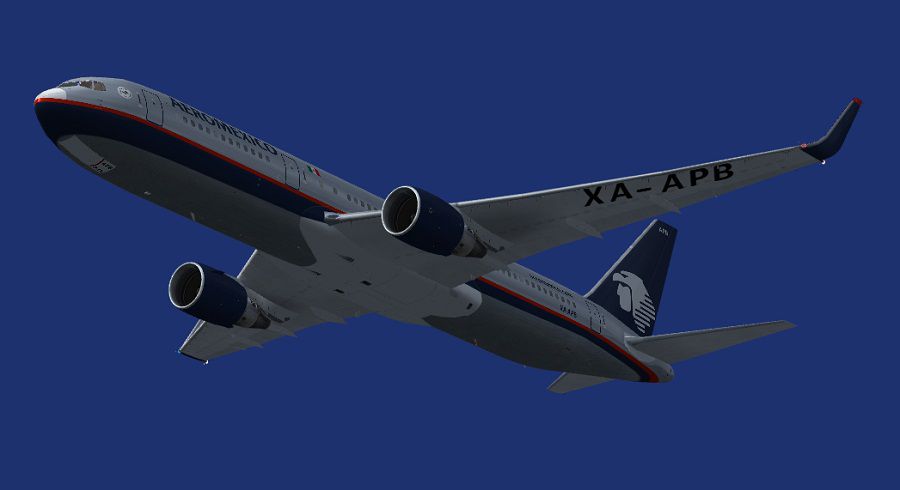
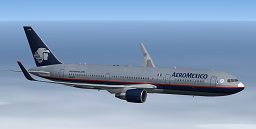
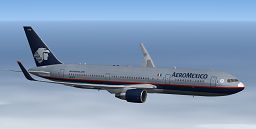
Complete package of the Skyspirit2010 B767-300ER in Aeromexico livery, registration XA-APB, c/n 27618/727. Comes with default B738 VC and 2D panel with the Posky utility panel to control animations (tow truck, cargo vehicles and catering trucks, etc.). Repaint by Paul Craig. (See also SSP2010_AMX_B767-3Q8ER__WL__FIX.ZIP).
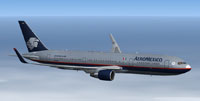
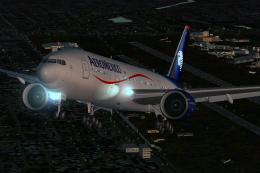
Screenshot of Aeromexico Boeing 767-3Q8ER/WL in flight.
Includes animation updates for Aileron & Wingflex.
Shift+1 - Opens Port front Pax Door
Shift+2 - Opens Strb Cargo Doors
Shift+3 - N/A
Shift+4 - Opens Port Rear Cargo Hatch
Or use the Posky Utility panel.
One known fault is that the Satcom dome on top of the fuselage cannot be hidden using the alpha channel of the "Antenna" texture, the fault is with the FSX model's as the FS9 model's do not have this problem. The FSX model is needed as the VC will not work with the FS9 models.
Installation:
I have included my Posky Utility icon on the panel to enable you to show or hide the Posky Utility panel.
I have used a shared textures system, with common textures & VC textures in a separate folder, when you add another texture folder, make sure you place a copy of the texture.cfg (found in the texture.Shared Textures folder) inside it if you want the VC to work correctly with the new textures.
Free for all simmers · 16.43 MB · Scanned clean Oct 2026
Download speed: Free tier is capped at 0.5 Mbps (this file takes approximately 5 mins at the cap). PRO members download at full line speed.
This add-on may require the following files to function properly. If this is a repaint, the dependency below is likely the base aircraft package.
FSX\SimObjects\Airplanes\. The folder must contain an aircraft.cfg file. Effects go into FSX\Effects\; gauges go into FSX\Gauges\.readme.txt or README file. It tells you exactly where files go, what dependencies are needed, and any quirks specific to this add-on.The archive ssp2010_amx_b767-3q8er__wl_.zip has 104 files and directories contained within it.
This list displays the first 500 files in the package. If the package has more, you will need to download it to view them.
| Filename/Directory | File Date | File Size |
|---|---|---|
| AMX B767-3Q8ER Screenshot (1).jpg | 02.05.13 | 65.29 kB |
| AMX B767-3Q8ER Screenshot (2).jpg | 02.05.13 | 57.09 kB |
| AMX B767-3Q8ER Screenshot (3).jpg | 02.05.13 | 44.66 kB |
| Effects | 01.16.13 | 0 B |
| Opensky_747_vclight.fx | 10.02.02 | 1.31 kB |
| Opensky_767_Nose_Gear.fx | 12.12.10 | 1.31 kB |
| Opensky_beacon.fx | 02.12.02 | 3.04 kB |
| Opensky_conden.fx | 10.04.02 | 3.15 kB |
| Opensky_condens.fx | 09.08.02 | 2.71 kB |
| Opensky_logo_light.fx | 10.04.02 | 1.31 kB |
| Opensky_nacelle_refl.fx | 09.29.02 | 1.29 kB |
| Opensky_nav_yellow.fx | 03.24.04 | 3.07 kB |
| Opensky_sparks.fx | 09.08.02 | 7.05 kB |
| Opensky_vortex.fx | 10.08.03 | 1.23 kB |
| Opensky_wing_light.fx | 09.29.02 | 1.31 kB |
| FILE_ID.DIZ | 02.05.13 | 321 B |
| Installation Readme.txt | 02.05.13 | 2.19 kB |
| SSP2010 Boeing 767-300ER PW | 02.05.13 | 0 B |
| 767-300ER-PW4060.air | 02.06.05 | 8.81 kB |
| Aircraft.cfg | 02.05.13 | 14.72 kB |
| model.BWL | 02.05.13 | 0 B |
| Model.cfg | 02.04.13 | 92 B |
| OSX763ERV5_PW4000--BWL.MDL | 11.19.12 | 2.52 MB |
| panel | 02.05.13 | 0 B |
| 737_compass.BMP | 05.12.06 | 95.51 kB |
| 737_Panel_Decals_2.bmp | 05.12.06 | 257.05 kB |
| 737-800_panel_background.bmp | 05.12.06 | 769.05 kB |
| 737-800_panel_background_night.bmp | 05.12.06 | 769.05 kB |
| B737_800.cab | 05.11.07 | 2.01 MB |
| panel.cfg | 07.27.06 | 6.08 kB |
| upper_640.bmp | 05.12.06 | 18.99 kB |
| Sound | 02.05.13 | 0 B |
| sound.cfg | 03.18.09 | 32 B |
| texture.AMX XA-APD | 02.05.13 | 0 B |
| DECAL_OS763V5TAILLOGO.bmp | 02.03.13 | 4.00 MB |
| OS763V5_LFUSE_Front_L.BMP | 02.04.13 | 4.00 MB |
| OS763V5_LFUSE_Front_T.BMP | 02.04.13 | 4.00 MB |
| OS763V5_LFUSE_Mid_L.BMP | 02.04.13 | 4.00 MB |
| OS763V5_LFUSE_Mid_T.bmp | 02.04.13 | 4.00 MB |
| OS763V5_LFUSE_Rear_L.bmp | 01.16.13 | 4.00 MB |
| OS763V5_LFUSE_Rear_T.bmp | 02.04.13 | 4.00 MB |
| OS763V5_RFUSE_Front_L.bmp | 02.04.13 | 4.00 MB |
| OS763V5_RFUSE_Front_T.BMP | 02.04.13 | 4.00 MB |
| OS763V5_RFUSE_Mid_L.BMP | 02.04.13 | 4.00 MB |
| OS763V5_RFUSE_Mid_T.bmp | 02.04.13 | 4.00 MB |
| OS763V5_RFUSE_Rear_L.bmp | 01.16.13 | 4.00 MB |
| OS763V5_RFUSE_Rear_T.bmp | 02.05.13 | 4.00 MB |
| OS767Antenna.bmp | 02.04.13 | 256.07 kB |
| Os767PW4000_fan.bmp | 01.13.13 | 1.00 MB |
| Os767PW4000_T.bmp | 02.04.13 | 4.00 MB |
| OS767Wing_L_T.bmp | 02.04.13 | 4.00 MB |
| OS767Wing_R_T.bmp | 02.04.13 | 4.00 MB |
| OS767Wing2_L_T.bmp | 02.04.13 | 1.00 MB |
| OS767Wing2_R_T.bmp | 02.04.13 | 1.00 MB |
| texture.cfg | 02.05.13 | 144 B |
| thumbnail.jpg | 02.05.13 | 8.96 kB |
| Thumbs.db | 11.09.10 | 229.50 kB |
| texture.Shared | 02.05.13 | 0 B |
| 737_Refection.dds | 09.04.06 | 170.79 kB |
| B737_800_1_C.dds | 09.04.06 | 682.79 kB |
| B737_800_1_night_C.dds | 02.03.12 | 512.12 kB |
| B737_800_2_C.dds | 09.04.06 | 682.79 kB |
| B737_800_2_night_C.dds | 02.03.12 | 512.12 kB |
| B737_800_3_C.dds | 09.04.06 | 682.79 kB |
| B737_800_3_night_C.dds | 02.03.12 | 512.12 kB |
| B737_800_4_C.dds | 09.04.06 | 682.79 kB |
| B737_800_4_night_C.dds | 02.03.12 | 512.12 kB |
| B737_800_5_C.dds | 09.04.06 | 170.79 kB |
| B737_800_5_night_C.dds | 09.04.06 | 170.79 kB |
| B737_800_C.bmp | 05.12.06 | 682.74 kB |
| B737_800_Interior.dds | 09.04.06 | 170.79 kB |
| DECAL_OS763V5.bmp | 12.05.10 | 4.00 MB |
| Os_wt500e_l.bmp | 10.22.08 | 1.00 MB |
| Os_wt500e_t.bmp | 10.21.08 | 1.00 MB |
| Os763V5_FLCARGOBAY_T.BMP | 11.26.09 | 1.00 MB |
| OS763V5_FSCARGOBAY_T.BMP | 09.16.09 | 1.00 MB |
| Os763V5_RSCARGOBAY_T.BMP | 09.16.09 | 1.00 MB |
| Os767_chock.bmp | 11.05.10 | 256.07 kB |
| Os767_Container_T.BMP | 09.16.09 | 4.00 MB |
| Os767_Interior_T.BMP | 09.07.09 | 4.00 MB |
| OS767_SPRING_T.BMP | 10.13.10 | 16.07 kB |
| OS767_Wheel1_T.bmp | 03.21.09 | 1.00 MB |
| OS767_Wheel2_T.bmp | 03.21.09 | 1.00 MB |
| OS767Antenna.bmp | 11.29.10 | 256.07 kB |
| OS767GSU1_T.BMP | 09.07.09 | 4.00 MB |
| OS767GSU2_T.BMP | 09.06.09 | 4.00 MB |
| OS767Option.bmp | 11.23.10 | 64.07 kB |
| Os767PW4000_fan.bmp | 10.22.10 | 1.00 MB |
| Os767PW4000_L.bmp | 12.05.10 | 4.00 MB |
| OS767V5_Parts_L.bmp | 03.25.07 | 1.07 kB |
| OS767V5_Parts_T.BMP | 11.20.10 | 4.00 MB |
| OS767V5_Parts2_L.bmp | 12.06.10 | 4.00 MB |
| OS767V5_Parts2_T.bmp | 12.02.10 | 4.00 MB |
| OS767V5_Parts3_T.bmp | 10.24.10 | 4.00 MB |
| Os767v5_wheeltire_t.bmp | 05.15.12 | 4.00 MB |
| OS767Wing_L_L.BMP | 12.01.10 | 4.00 MB |
| OS767Wing_R_L.BMP | 12.01.10 | 4.00 MB |
| OS767Wing2_L_L.bmp | 12.01.10 | 1.00 MB |
| OS767Wing2_R_L.bmp | 12.01.10 | 1.00 MB |
| texture.cfg | 02.05.13 | 144 B |
| SSP2010 Readme.txt | 01.16.13 | 5.92 kB |
| thumbnail.png | 02.05.13 | 39.23 kB |
| flyawaysimulation.txt | 10.29.13 | 959 B |
| Go to Fly Away Simulation.url | 01.22.16 | 52 B |
Only PRO members can place votes.
More FSX & P3D add-ons hand-picked based on this download.
FSX Civil Aircraft
Replacement textures for the Skyspirit2010 B767-300ER Aeromexico package (SSP…
 FSX Civil Aircraft
This complete freeware package brings an Aeromexico Boeing 767-3Y0ER/WL regis…
 FSX Civil Aircraft
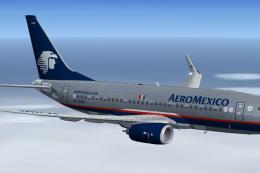
Complete package of the Project Open Sky B737-700 WE model in Aeromexico live…
 FSX Civil Aircraft
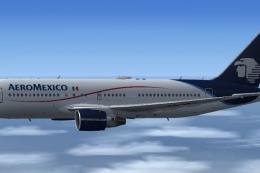
Immerse yourself in a fully realized Boeing 767-283/ER customized with Aerome…
 FSX Civil Aircraft
FS2004/FSX/P3D Aeromexico Boeing 787-9, registration XA-ADL. 32 bit Aeromexic…
 FSX Civil Aircraft
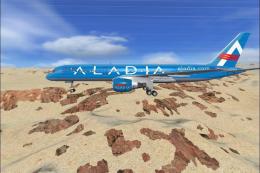
Aeromexico Boeing 757-200. Has a virtual cabin and panel of CRJ 700. By fsx-m…
 FSX Civil Aircraft
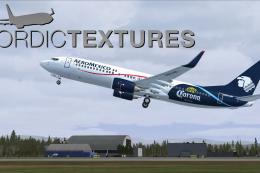
AeroMexico Boeing 737-800NGX, registration N861AM and XA-AMO. Repaint of two …
 FSX Civil Aircraft
Aeromexico’s Boeing 777-200ER airplane, bearing tail number N746AM, is offere…
Be the first to leave a comment on this download.
Be the first to share your thoughts on this download.