
 FSX Civil Aircraft
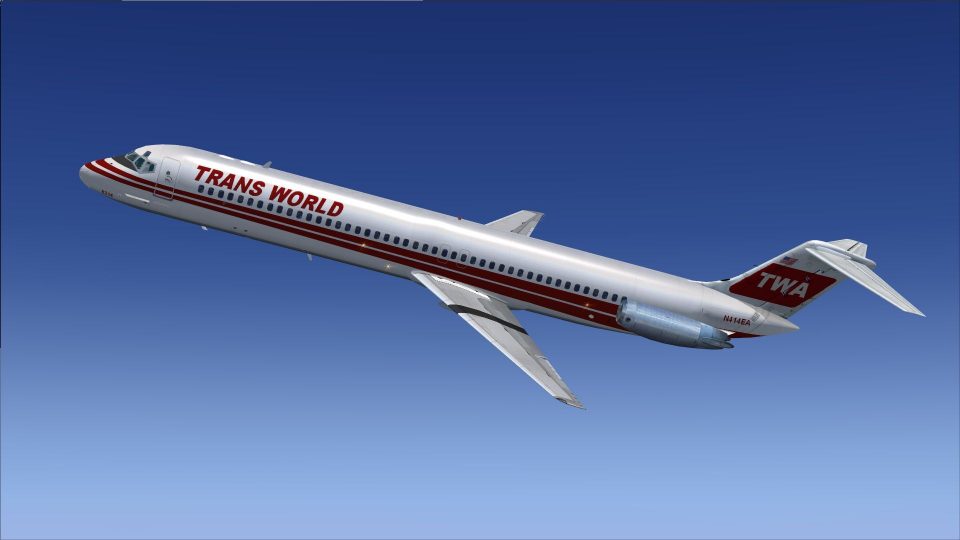
Trans World Airlines Douglas DC-9-51
Repaint only for the payware Sky Simulations DC9-51. The great TWA in her fin…
Trans World Airlines DC-9-51 livery N414EA recreates the airline’s crisp 1980s scheme with authentic markings and era-appropriate detailing for a convincing classic jetliner look in FSX. It installs as a repaint texture set and requires the payware Sky Simulations DC-9-51 base aircraft.
 Rate
Rate
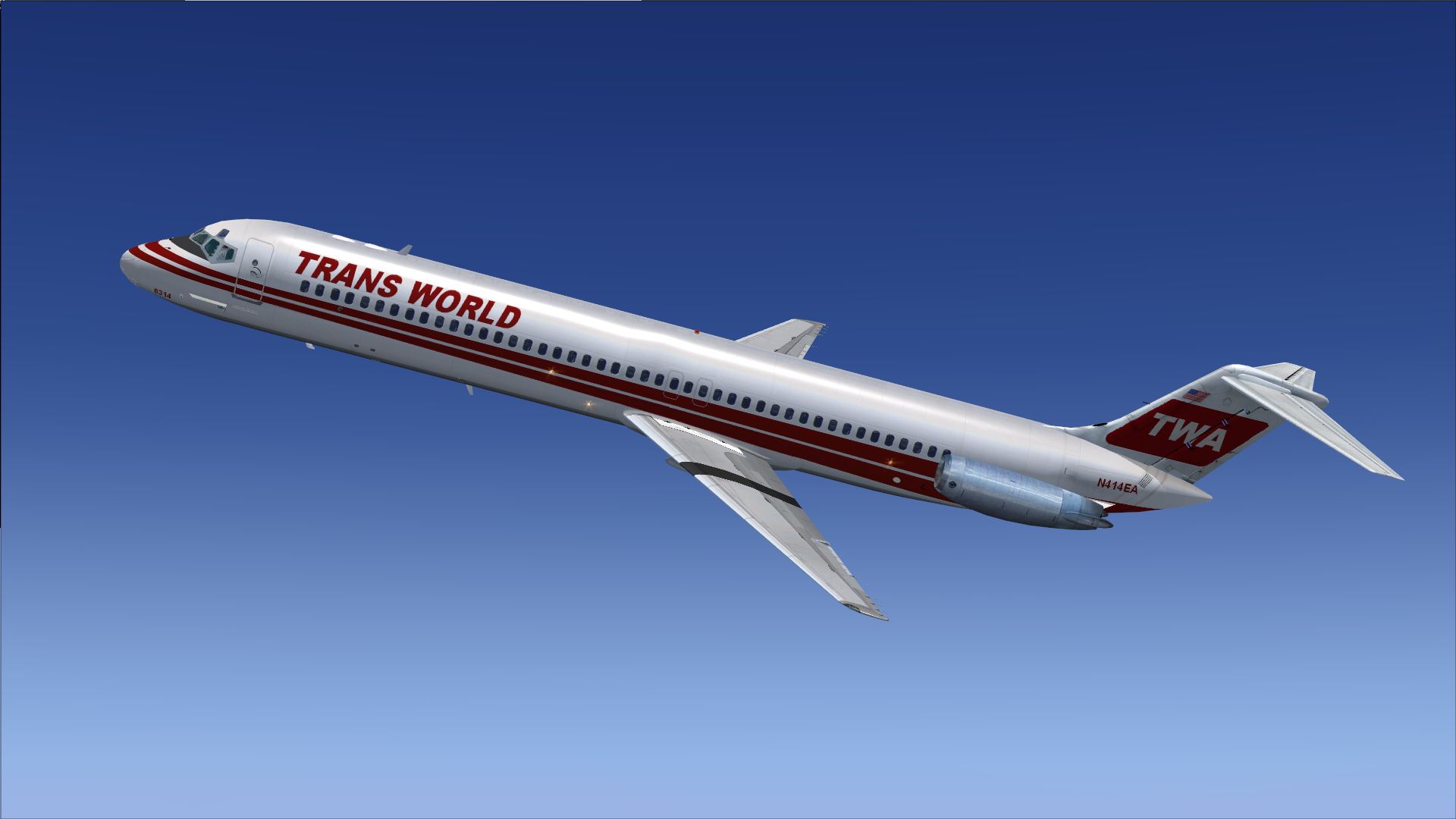
Repaint only for the payware Sky Simulations DC9-51 in TWA 1980's colors, registration N414EA. By Michael Hogan.
Screenshot of Trans World Airlines Douglas DC-9-51 in flight.
Installation:
[fltsim.xx]

title=SKY DC-9 51 Trans World 1980

sim=SKYDC951

model=

panel=B

sound=

texture=twa80

kb_checklists=

kb_reference=

atc_id=N414EA

atc_airline=Mc Donnell Douglas

atc_flight_number=950

ui_manufacturer="McDonnell Douglas-SkySim"

ui_type="DC 9-51"

ui_variation="TWA 1980"

ui_typerole="Commercial Airliner"

ui_createdby="SKY Simulations"

description=Sky Simulations\nMc Donnell Douglas DC-9 51\n
Sky Simulations 2009\n
visual_damage=1
Free for all simmers · 1.39 MB · Scanned clean Nov 2026
Download speed: Free tier is capped at 0.5 Mbps. PRO members download at full line speed.
texture.{airline}) inside FSX\SimObjects\Airplanes\{base-aircraft}\.aircraft.cfg in Notepad. Add a new [fltsim.X] section per the readme.readme.txt or README file. It tells you exactly where files go, what dependencies are needed, and any quirks specific to this add-on.The archive skysim_dc-9-51twa1980s.zip has 13 files and directories contained within it.
This list displays the first 500 files in the package. If the package has more, you will need to download it to view them.
| Filename/Directory | File Date | File Size |
|---|---|---|
| SkySim DC-9-51TWA1980s | 02.06.13 | 0 B |
| Read ME.txt | 02.05.13 | 854 B |
| texture.twa80s | 02.05.13 | 854 B |
| thumbnail.jpg | 02.05.13 | 444.06 kB |
| Thumbs.db | 02.06.13 | 4.00 kB |
| SKYD9wngU_T.dds | 01.21.13 | 1.00 MB |
| SKYDC-93_T.dds | 01.02.13 | 1.33 MB |
| SKYDC-9B_T.dds | 01.05.13 | 1.00 MB |
| texture.cfg | 12.09.12 | 147 B |
| thumbnail.jpg | 02.05.13 | 444.06 kB |
| Thumbs.db | 02.06.13 | 7.50 kB |
| flyawaysimulation.txt | 10.29.13 | 959 B |
| Go to Fly Away Simulation.url | 01.22.16 | 52 B |
Only PRO members can place votes.
More FSX & P3D add-ons hand-picked based on this download.
FSX Civil Aircraft
Repaint only for the payware Sky Simulations DC9-51. The great TWA in her fin…
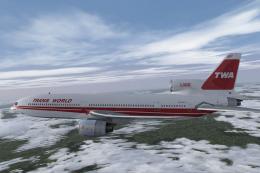 FSX Civil Aircraft
This repaint features a faithful rendition of Trans World Airlines’ (TWA) sig…
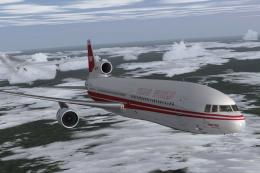 FSX Civil Aircraft
This repaint offers a faithful Trans World Airlines (TWA) livery, registratio…
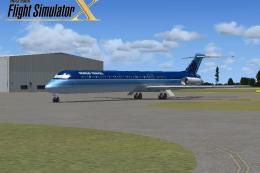 FSX Civil Aircraft
This freeware repaint offers a refreshed exterior for the default AI McDonnel…
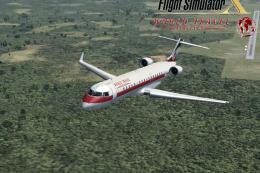 FSX Civil Aircraft
FSX World Travel Airlines CRJ-700. This is an update for the repaint from the…
 FSX Civil Aircraft
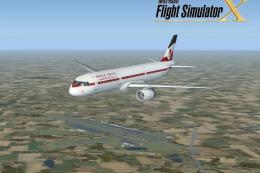
FSX World Travel Airlines Airbus A321 in 2004 livery. Textures for the defaul…
 FSX Civil Aircraft
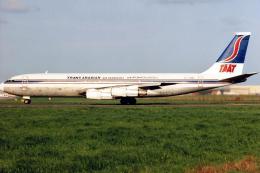
FSX Trans Arabian Airways Transport Boeing 707-321C, registration ST-AMF. Mod…
 FSX Civil Aircraft
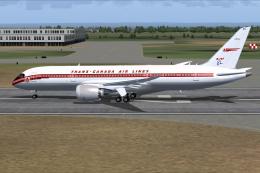
This freeware aircraft add-on offers a retro-inspired Trans Canada Air Lines …
Be the first to leave a comment on this download.
Be the first to share your thoughts on this download.