

 FSX Civil Aircraft
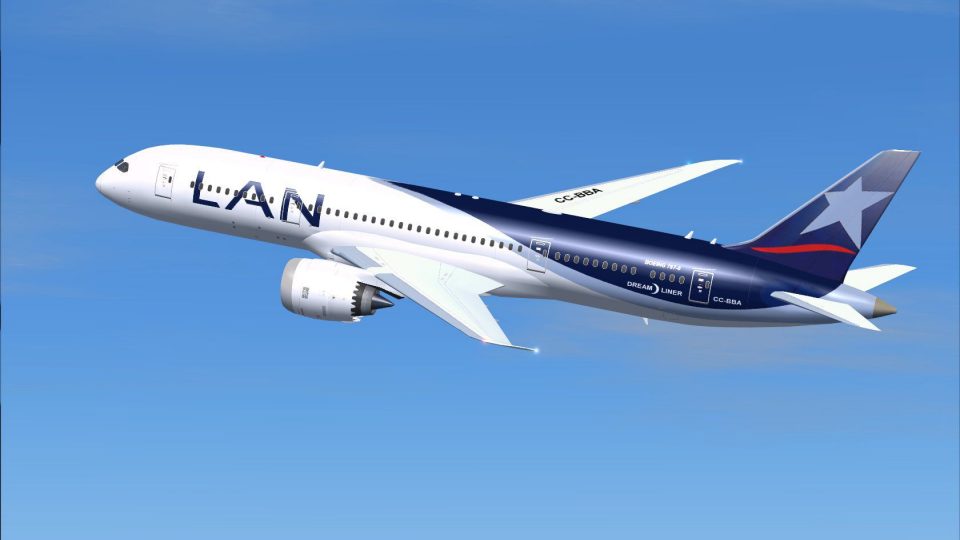
LAN Airlines Boeing 787-8
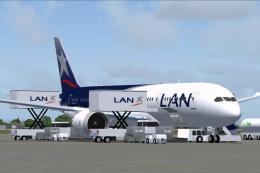
This freeware LAN Airlines Boeing 787-8 modification offers an immersive long…
LAN Boeing 787-8 AI livery brings authentic Dreamliner markings to busy skies, matching the CamSim model’s sleek fuselage and wing profile for believable airline traffic. Built for FSX, it requires the freeware CamSim AI 787-8 base package, adding a crisp South American carrier look that integrates cleanly with existing AI fleets.
 Rate
Rate
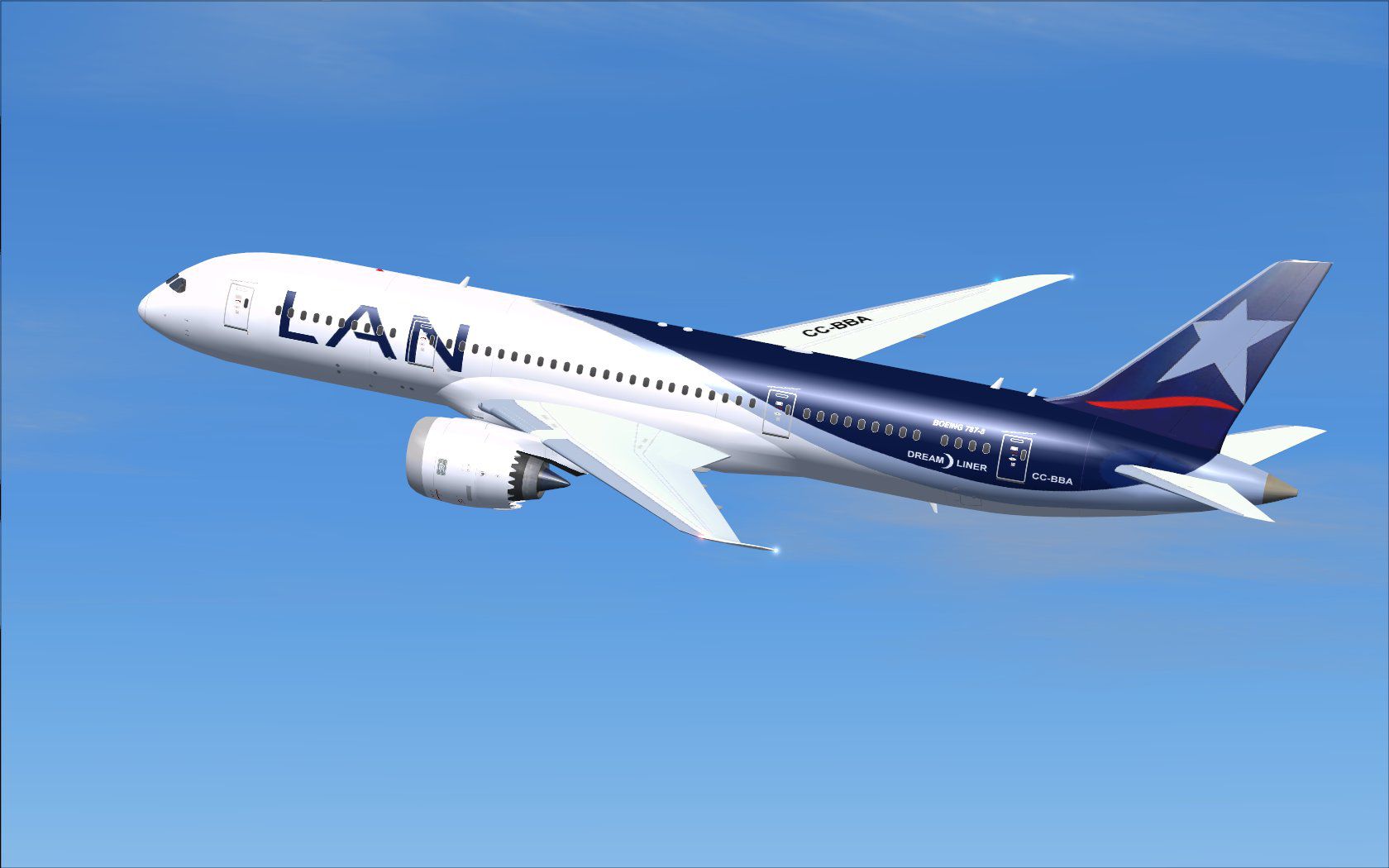
This release supplies a custom texture set that showcases LAN’s Boeing 787-8 markings for AI traffic. It is a repaint devised for the freeware CamSim AI model. The base package itself, created by Camil Valiquette, is required and is offered separately. Those who have previously used CamSim aircraft will be familiar with the installation structure, but the process is outlined below for ease.
Boeing’s 787 Dreamliner series is widely praised for its composite material construction and efficient turbofan engines, which help reduce operating costs. In this repaint, the LAN color scheme (representing a major airline from South America) has been reproduced to blend accurately with diverse AI traffic environments. The real aircraft’s sleek fuselage design and unique wing profile have been subtly captured, reflecting CamSim’s meticulous modeling work.
Screenshot depicting the LAN Boeing 787-8 in mid-flight.
[fltsim.x] with the next sequential number (e.g., [fltsim.1] or [fltsim.2]), ensuring this entry is recognized by your simulator.[fltsim.x]
title=Boeing 787-8 v5 AI LAN
sim=787-8
model=787-8 ai v5
panel=
sound=
texture=lan
kb_checklists=
kb_reference=
atc_id=xx
atc_airline=xxx
atc_flight_number=xxx
atc_heavy=1
ui_manufacturer="CamSim AI Aircaft"
ui_type="Boeing 787-8 V5 AI"
ui_variation="AI LAN"
ui_typerole="Commercial Airliner"
ui_createdby="CamSim"
description="Boeing AI Boeing 787-8 Version 5."
If you run FSX on Windows 7 and experience missing components at dawn or dusk on CamSim models, go to your simulation settings and uncheck Preview DirectX 10 under the Display configuration. This adjustment is vital to restore proper rendering of the aircraft’s visual elements.
Free for all simmers · 466.67 KB · Scanned clean Oct 2026
Download speed: Free tier is capped at 0.5 Mbps. PRO members download at full line speed.
texture.{airline}) inside FSX\SimObjects\Airplanes\{base-aircraft}\.aircraft.cfg in Notepad. Add a new [fltsim.X] section per the readme.readme.txt or README file. It tells you exactly where files go, what dependencies are needed, and any quirks specific to this add-on.The archive camsim788ai_lan_x.zip has 17 files and directories contained within it.
This list displays the first 500 files in the package. If the package has more, you will need to download it to view them.
| Filename/Directory | File Date | File Size |
|---|---|---|
| CamSim Boeing 787-8 V5 AI Texture Only LAN | 11.10.14 | 0 B |
| 788v4lan_.jpg | 07.24.12 | 92.69 kB |
| file_id.diz | 11.10.14 | 229 B |
| Read Me_FSX.txt | 11.10.14 | 1.57 kB |
| texture.lan | 11.10.14 | 0 B |
| 787eng_t.bmp | 01.02.12 | 1.00 MB |
| 787int_t.bmp | 07.24.12 | 1.00 MB |
| 787tail_t.bmp | 07.17.12 | 1.00 MB |
| 788fuse_t.bmp | 07.17.12 | 1.00 MB |
| 789wings_t.bmp | 08.21.13 | 1.00 MB |
| gris_t.bmp | 12.09.09 | 16.07 kB |
| tail.bmp | 12.02.12 | 1.00 MB |
| thumbnail.jpg | 11.10.14 | 6.05 kB |
| w787x_t.bmp | 07.17.13 | 16.07 kB |
| w_t.bmp | 10.22.13 | 16.07 kB |
| flyawaysimulation.txt | 10.29.13 | 959 B |
| Go to Fly Away Simulation.url | 01.22.16 | 52 B |
Only PRO members can place votes.
More FSX & P3D add-ons hand-picked based on this download.
FSX Civil Aircraft
This freeware LAN Airlines Boeing 787-8 modification offers an immersive long…
 FSX Civil Aircraft
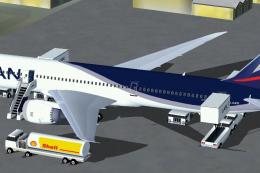
Discover a refined LAN Airlines Boeing 787-8 for FSX that integrates an enhan…
 FSX Civil Aircraft
Experience a detailed rendition of the LAN Airlines Boeing 787-9 in Microsoft…
 FSX Civil Aircraft
Fly one of the most successful Airplanes in history with this aircraft file f…
 FSX Civil Aircraft
Fans of widebody airliners looking to enhance their Microsoft Flight Simulato…
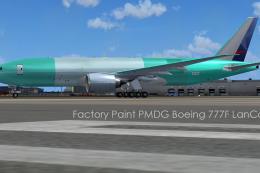 FSX Civil Aircraft
Lan Cargo Boeing 777 F, registration N772LA, in factory paint. This is repain…
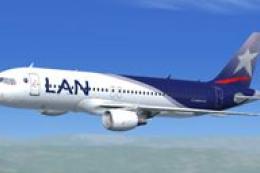 FSX Civil Aircraft
A repaint of the iFDG model. Repaint by Carlos Molina. Screenshot of LAN Airl…
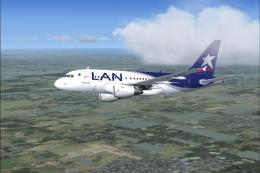 FSX Civil Aircraft
Description: The newest aircraft for the LAN Airlines fleet. This is a repain…
Be the first to leave a comment on this download.
Be the first to share your thoughts on this download.