
 FSX Civil Aircraft
Hainan Airlines Boeing 787-9 V5
The latest release of this freeware Boeing 787-9 package features a more refi…
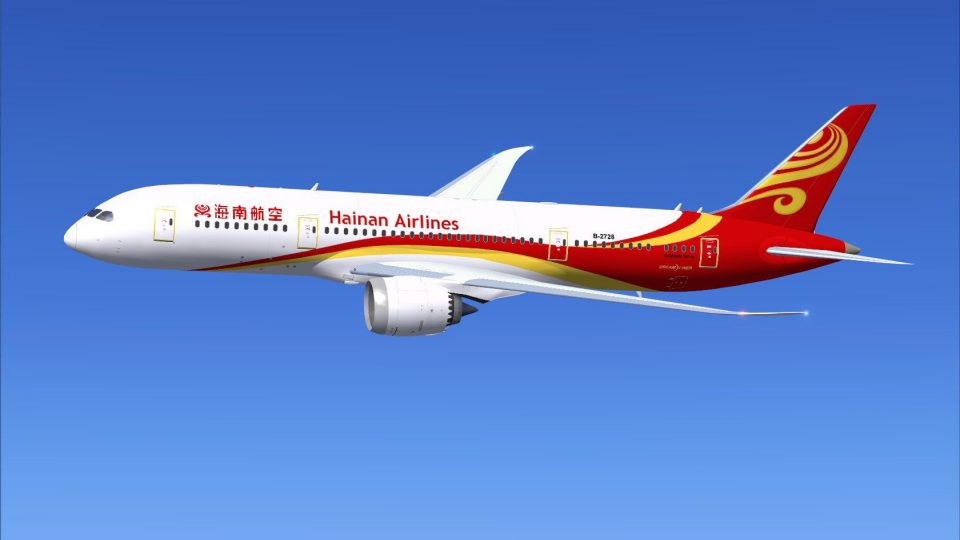
Hainan Airlines’ Boeing 787-8 livery brings authentic red-and-yellow tail branding and crisp fuselage markings to AI traffic, creating a convincing Dreamliner presence on the ramp and in cruise. Designed for FSX, it requires the freeware CamSim AI 787-8 base model and integrates cleanly for realistic fleet variety.
 Rate
Rate
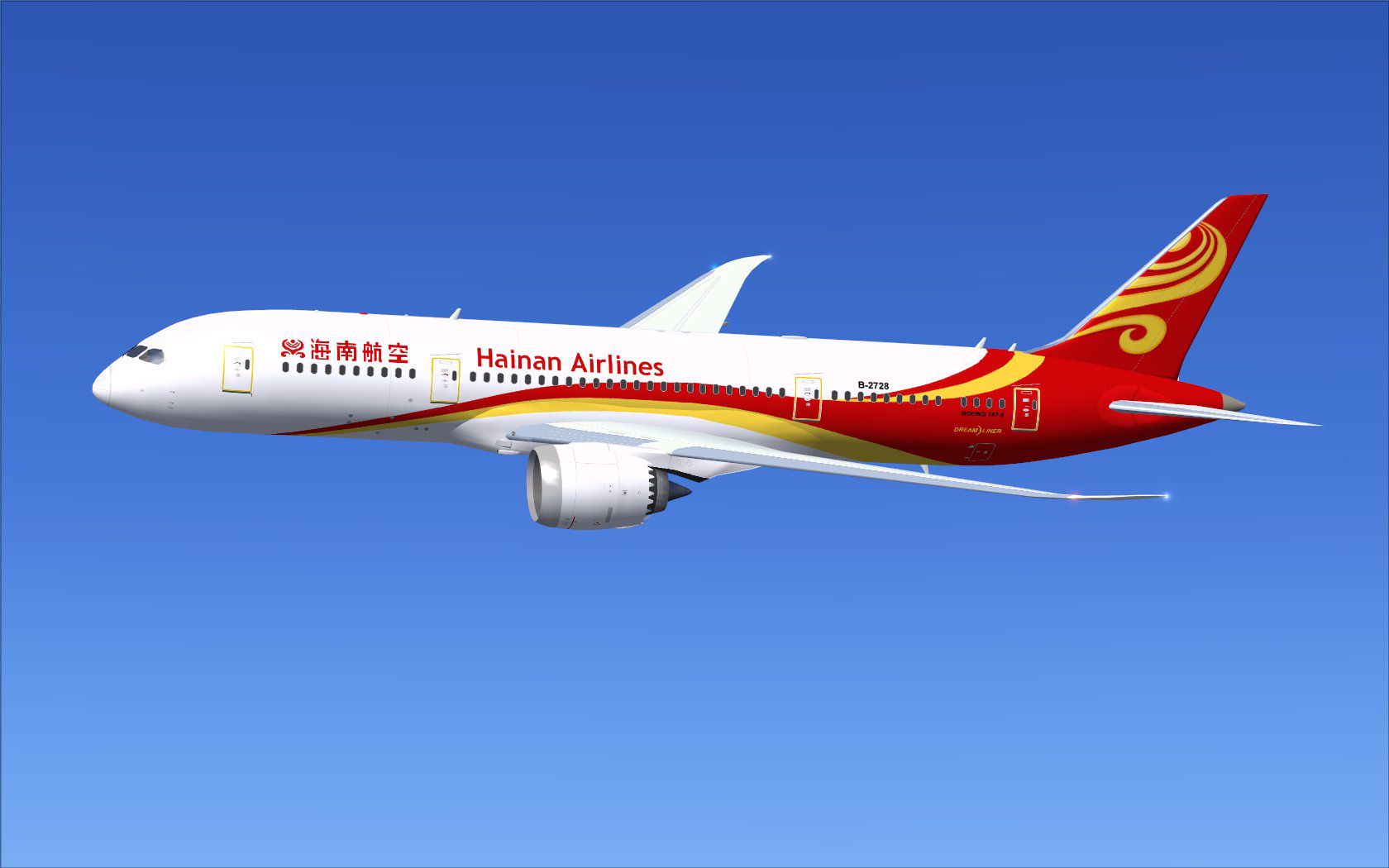
This repaint set offers a vivid recreation of Hainan Airlines’ distinctive color scheme tailored for an AI-compatible Boeing 787-8. Developed by Camil Valiquette, it serves as an add-on texture package and requires the separate freeware CamSim AI base model. This highly detailed livery captures authentic fuselage designs, delivering a realistic sight of Hainan’s Dreamliner aircraft in your simulated traffic environment.
Hainan Airlines, headquartered in Haikou (on China’s island province of Hainan), deploys this wide-body aircraft on various medium-to-long-haul routes. The Boeing 787-8 itself is recognized for its composite fuselage structure, fuel-efficient engines, and advanced flight deck layout. This AI repaint focuses on accurately depicting the airline’s red and yellow tail elements, blending them seamlessly over the Dreamliner’s streamlined body and highlighting the wing flex that is characteristic of this modern twinjet.
[fltsim.x] to the next consecutive fltsim number:[fltsim.x]
title=Boeing 787-8 v5 AI Hainan Airlines
sim=787-8
model=787-8 ai v5
panel=
sound=
texture=hu
kb_checklists=
kb_reference=
atc_id=xx
atc_airline=xxx
atc_flight_number=xxx
atc_heavy=1
ui_manufacturer="CamSim AI Aircaft"
ui_type="Boeing 787-8 V5 AI"
ui_variation="AI Hainan Airlines"
ui_typerole="Commercial Airliner"
ui_createdby="CamSim"
description="Boeing AI Boeing 787-8 Version 5." 
Visual preview of the Hainan Airlines repaint.
To avoid missing elements such as transparent parts during dawn or dusk flights in FSX, ensure the Preview DirectX 10 option is unchecked in your simulator’s display settings. This adjustment helps preserve the aircraft textures under low-light conditions, preventing texture anomalies.
This package solely contains the Hainan Airlines repaint; the freeware base model by Camil Valiquette is mandatory. You can find that original CamSim AI Boeing 787-8 model in the Fly Away Simulation library. All thanks go to Camil Valiquette for the purposeful design and paintwork that underpins this livery.
Free for all simmers · 450.95 KB · Scanned clean Oct 2026
Download speed: Free tier is capped at 0.5 Mbps. PRO members download at full line speed.
texture.{airline}) inside FSX\SimObjects\Airplanes\{base-aircraft}\.aircraft.cfg in Notepad. Add a new [fltsim.X] section per the readme.readme.txt or README file. It tells you exactly where files go, what dependencies are needed, and any quirks specific to this add-on.The archive camsim788ai_hu_x.zip has 17 files and directories contained within it.
This list displays the first 500 files in the package. If the package has more, you will need to download it to view them.
| Filename/Directory | File Date | File Size |
|---|---|---|
| CamSim Boeing 787-8 V5 AI Texture Only Hainan Airlines | 11.10.14 | 0 B |
| 788v4hu_.jpg | 10.15.12 | 90.82 kB |
| file_id.diz | 11.10.14 | 241 B |
| Read Me_FSX.txt | 11.10.14 | 1.62 kB |
| texture.hu | 11.10.14 | 0 B |
| 787eng_t.bmp | 04.25.12 | 1.00 MB |
| 787int_t.bmp | 03.16.10 | 1.00 MB |
| 787tail_t.bmp | 10.12.12 | 1.00 MB |
| 788fuse_t.bmp | 10.15.12 | 1.00 MB |
| 789wings_t.bmp | 08.21.13 | 1.00 MB |
| gris_t.bmp | 12.09.09 | 16.07 kB |
| tail.bmp | 12.02.12 | 1.00 MB |
| thumbnail.jpg | 11.10.14 | 5.73 kB |
| w787x_t.bmp | 07.17.13 | 16.07 kB |
| w_t.bmp | 10.22.13 | 16.07 kB |
| flyawaysimulation.txt | 10.29.13 | 959 B |
| Go to Fly Away Simulation.url | 01.22.16 | 52 B |
Only PRO members can place votes.
More FSX & P3D add-ons hand-picked based on this download.
FSX Civil Aircraft
The latest release of this freeware Boeing 787-9 package features a more refi…
 FSX Civil Aircraft
This freeware release introduces a meticulously crafted Hainan Airlines rendi…
 FSX Civil Aircraft
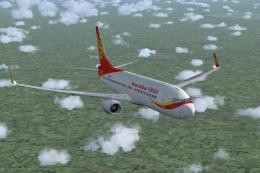
Hainan Airlines Boeing 737-800 WL. The Project Open Sky (Free Sky) B737-800 w…
 FSX Civil Aircraft
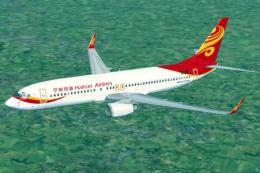
Experience a visually accurate Hainan Airlines repaint applied to the default…
 FSX Civil Aircraft
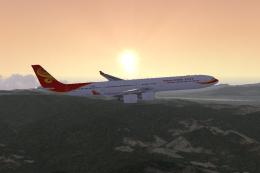
Hainan Airlines Airbus A340-600, registration B-6510. Tom Airbus series Haina…
 FSX Civil Aircraft
This enhanced freeware package features a meticulously updated rendition of t…
 FSX Civil Aircraft
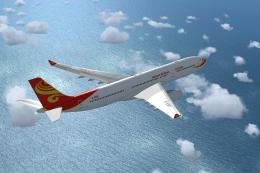
This repaint package features Hainan Airlines liveries applied to the Airbus …
 FSX Civil Aircraft
This repaint package features an authentic American carrier livery for the Bo…
Be the first to leave a comment on this download.
Be the first to share your thoughts on this download.