

 FSX Civil Aircraft
House Colors Airbus A350-900 XWB V2
This package features the refined House Colors Airbus A350-900 XWB in Version…
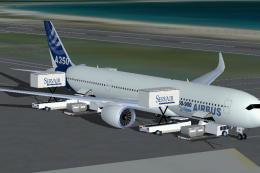
CamSim’s Airbus A350-900 in factory house colors brings a sleek widebody to FSX with animated ground servicing, including trucks that hook and unhook trailers plus static display scenes. Detailed exterior modeling, night lighting effects, and interactive passenger and cargo doors support immersive ramp operations, with animations triggered via standard simulator key commands.
 Rate
Rate
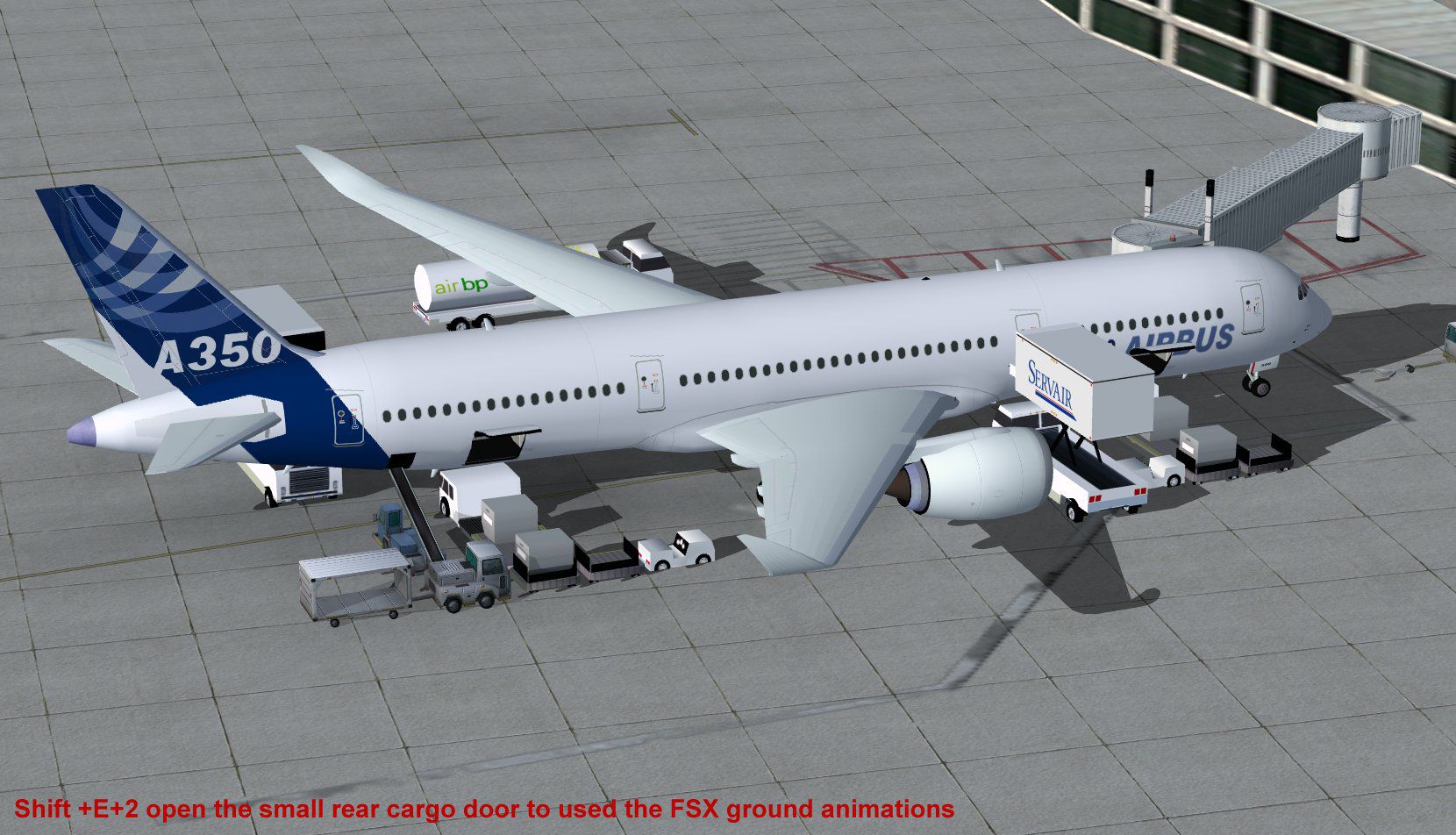
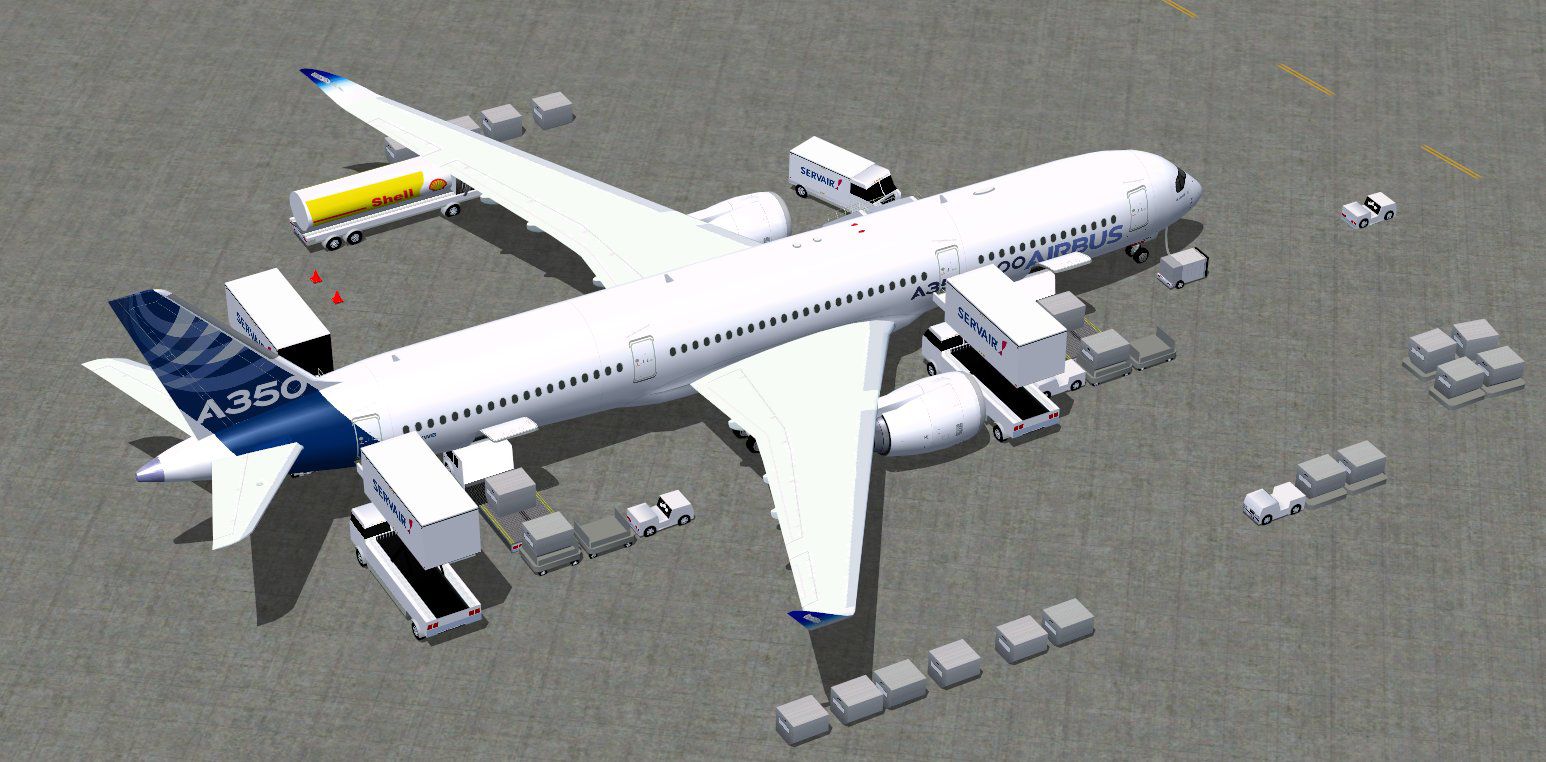

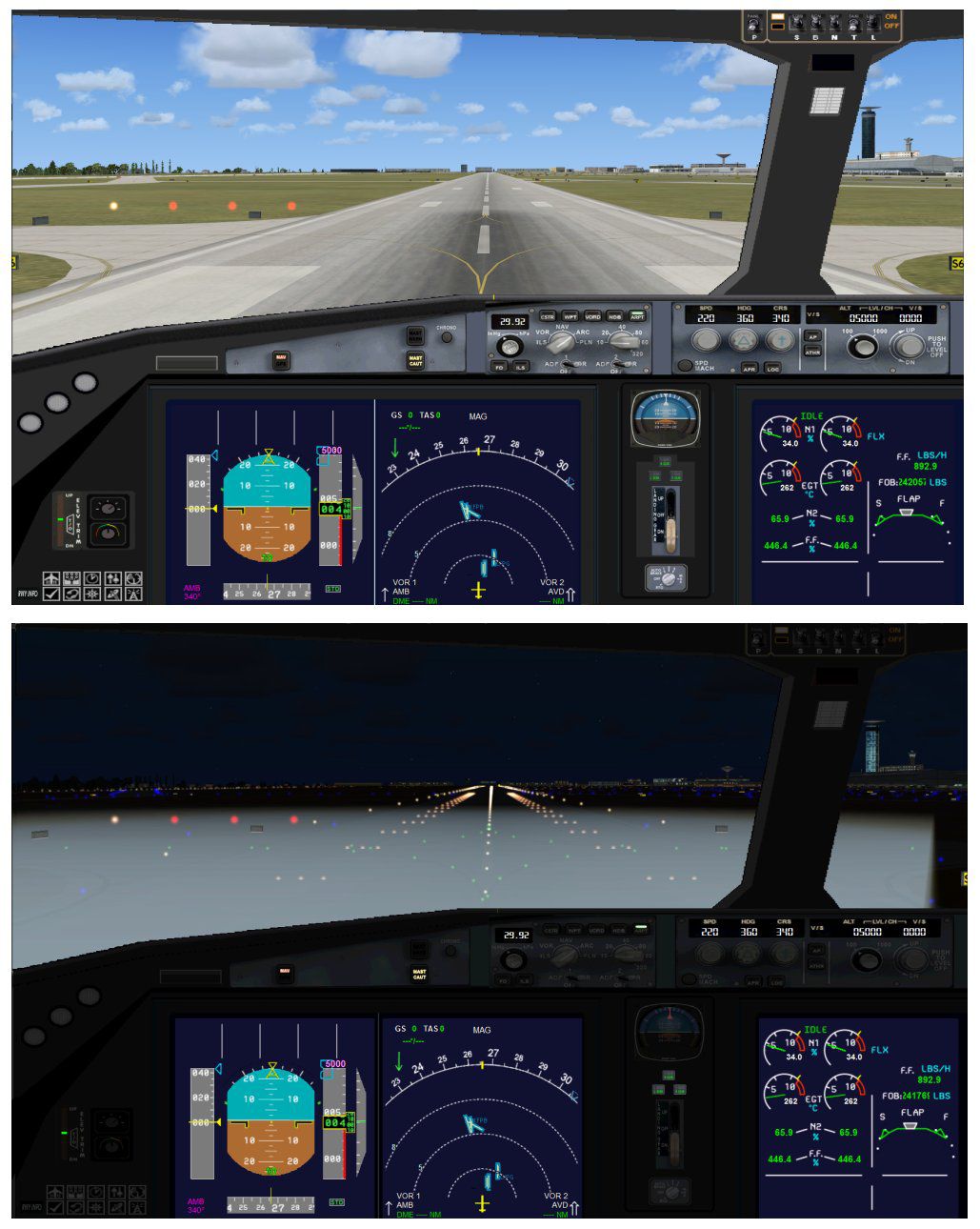

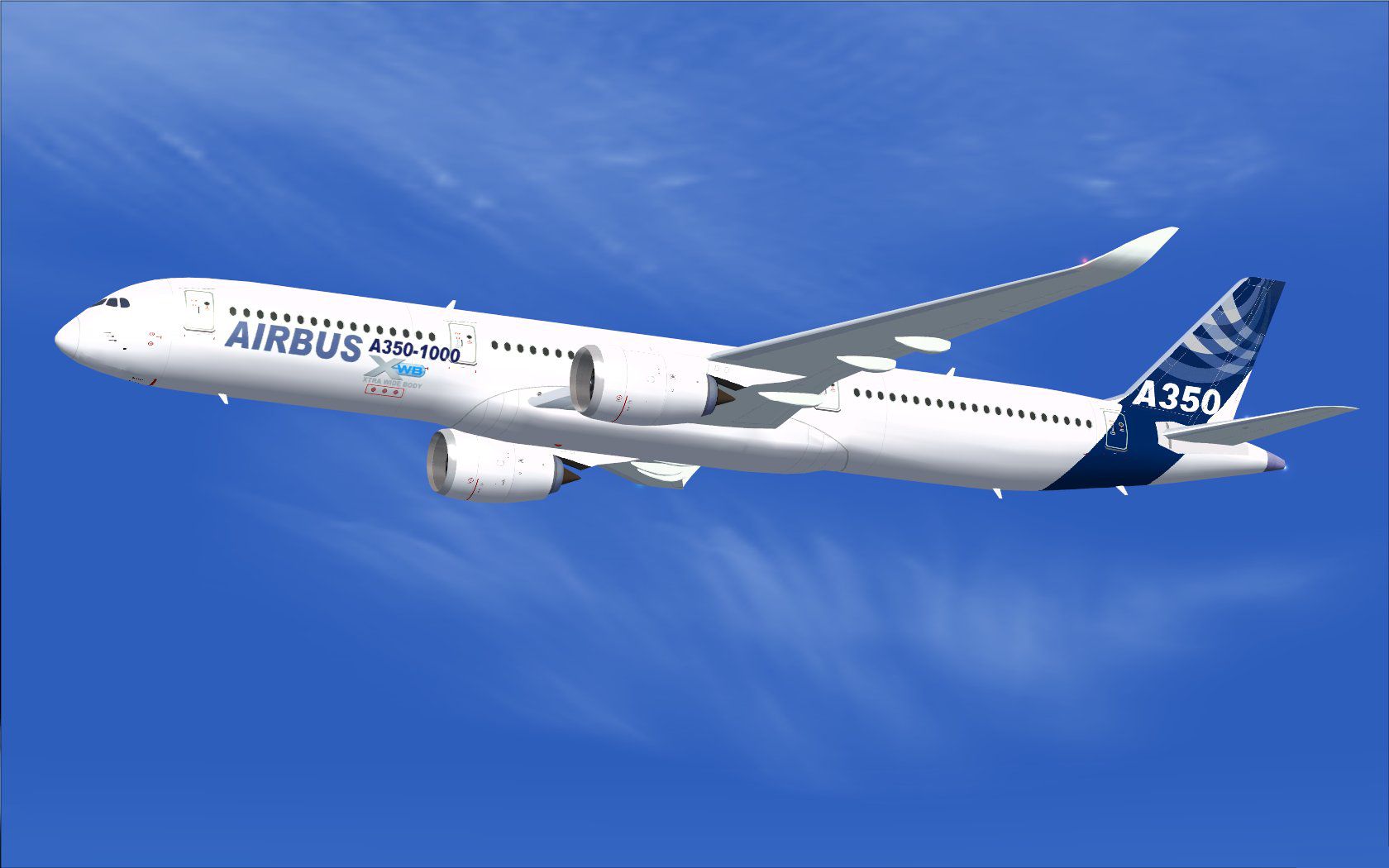
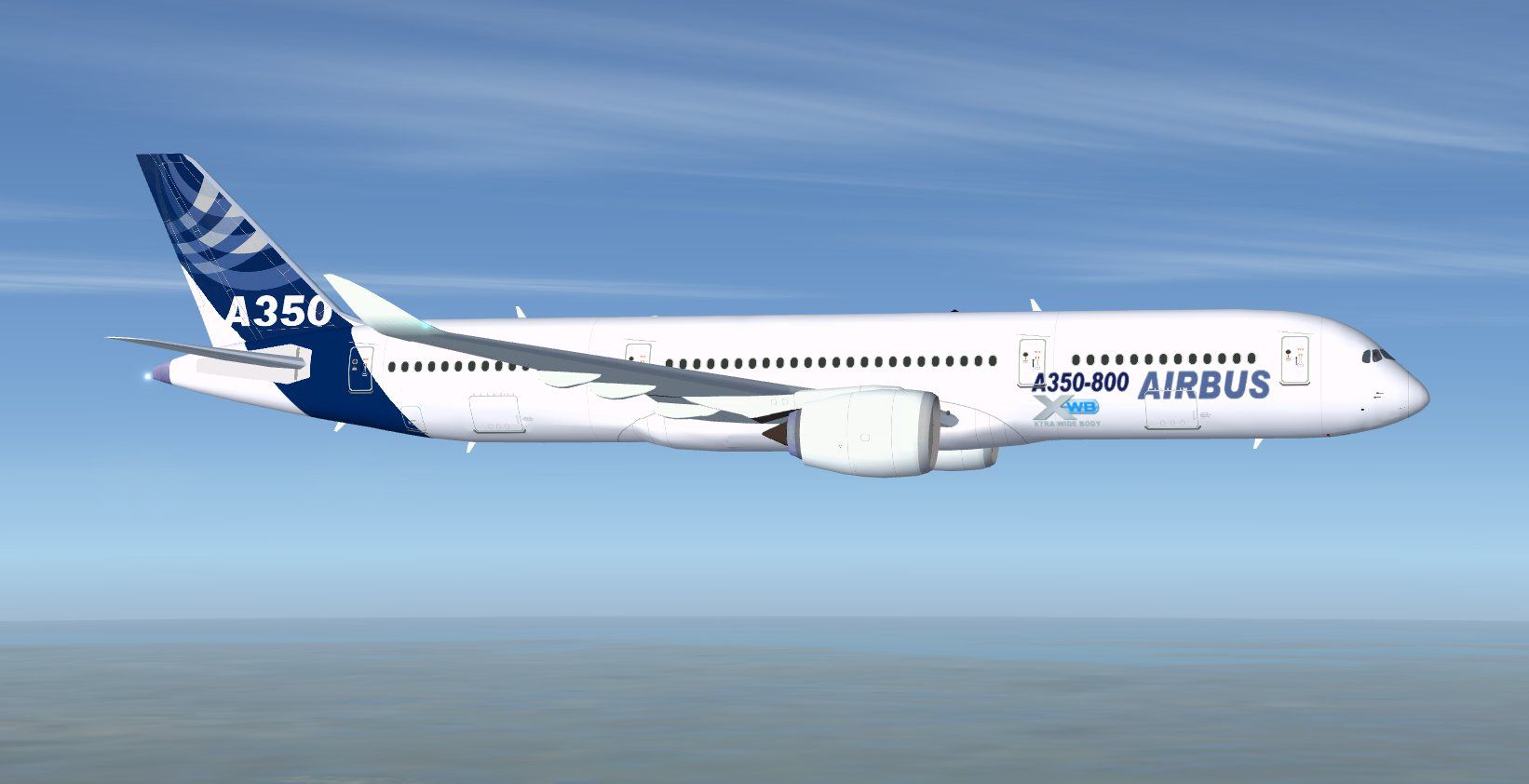
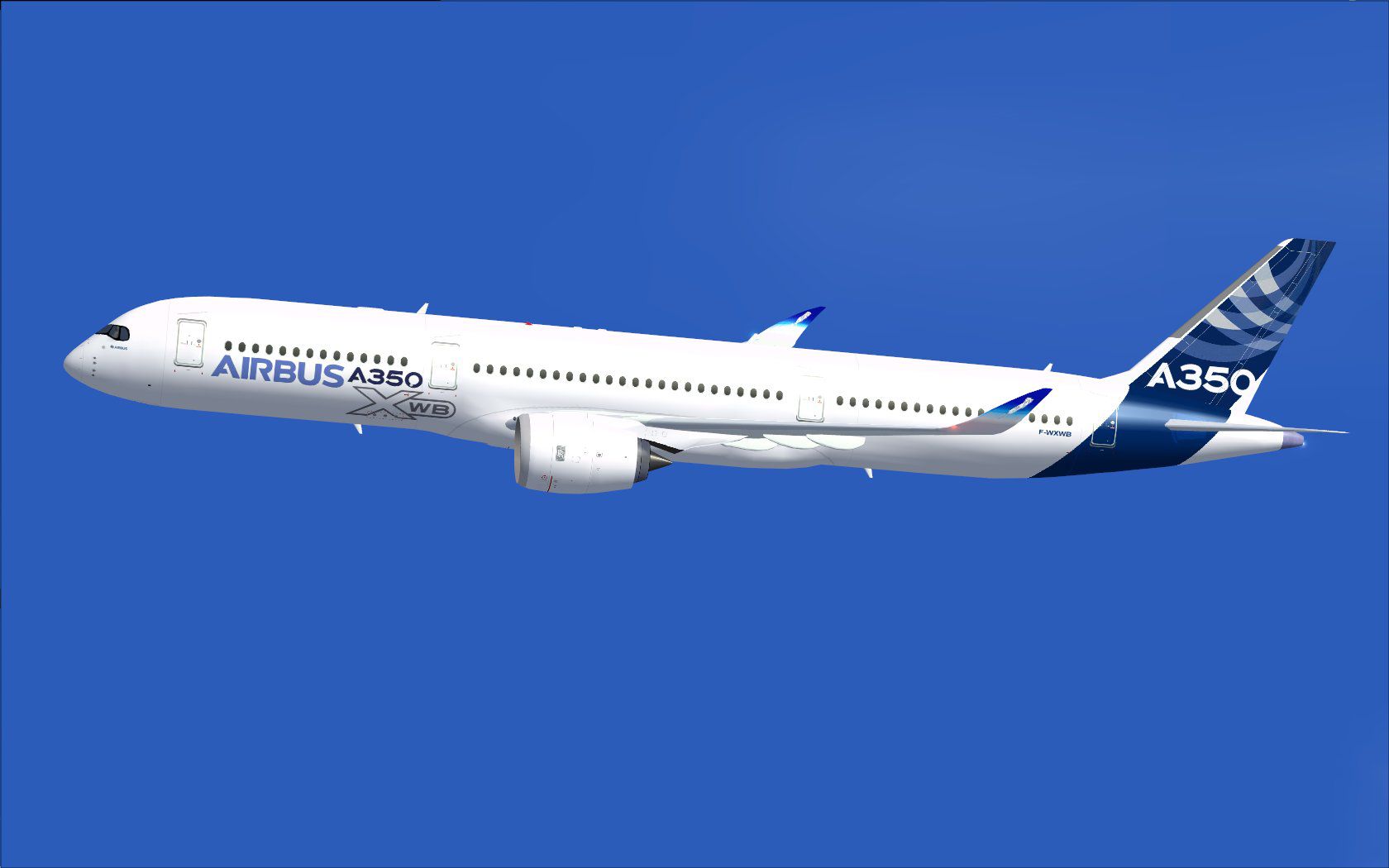
This CamSim version 4 features more Animated Ground Servicing (AGS), featuring trucks hooking and unhooking trailers and static displays. First flight June 14, 2013. Model design and paint by Camil Valiquette.
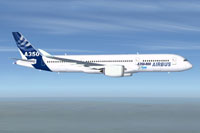
Screenshot of Airbus A350-900 in house colors.
Installation:
Animations Info:
To fully used your animation make sure that you add these commands in Options:
Free for all simmers · 7.78 MB · Scanned clean Oct 2026
Download speed: Free tier is capped at 0.5 Mbps (this file takes approximately 2 mins at the cap). PRO members download at full line speed.
This add-on may require the following files to function properly. If this is a repaint, the dependency below is likely the base aircraft package.
FSX\SimObjects\Airplanes\. The folder must contain an aircraft.cfg file. Effects go into FSX\Effects\; gauges go into FSX\Gauges\.readme.txt or README file. It tells you exactly where files go, what dependencies are needed, and any quirks specific to this add-on.The archive paaa35x.zip has 91 files and directories contained within it.
This list displays the first 500 files in the package. If the package has more, you will need to download it to view them.
| Filename/Directory | File Date | File Size |
|---|---|---|
| 350-1000.air | 01.28.15 | 12.75 kB |
| 350v2 ab_x.jpg | 01.28.15 | 98.18 kB |
| 350v2 ab_x_ags1.jpg | 01.28.15 | 178.66 kB |
| aircraft.cfg | 01.28.15 | 14.30 kB |
| file_id.diz | 01.28.15 | 289 B |
| model.350-1000 ags | 01.29.15 | 0 B |
| 350-1000 ags.mdl | 01.28.15 | 2.62 MB |
| Model.cfg | 01.28.15 | 31 B |
| panel | 01.29.15 | 0 B |
| panel.cfg | 01.29.15 | 35 B |
| Read Me_FSX.txt | 01.28.15 | 2.08 kB |
| SOUND | 01.29.15 | 0 B |
| Sound.cfg | 01.28.15 | 30 B |
| texture.paa | 01.29.15 | 0 B |
| 359fuse_t.bmp | 01.28.15 | 682.75 kB |
| 35eng_t.bmp | 01.28.15 | 1.00 MB |
| 35int_L.bmp | 01.28.15 | 4.00 MB |
| 35int_t.bmp | 01.28.15 | 1.00 MB |
| 35tail_t.bmp | 01.28.15 | 682.75 kB |
| 35wings_t.bmp | 01.28.15 | 682.75 kB |
| 787ext_L.bmp | 01.28.15 | 4.00 MB |
| 787ext_t.bmp | 01.28.15 | 1.00 MB |
| gris_t.bmp | 01.28.15 | 16.07 kB |
| pilot1.bmp | 01.28.15 | 257.05 kB |
| pilot1_l.bmp | 01.28.15 | 1.00 MB |
| thumbnail.jpg | 01.26.15 | 24.05 kB |
| w_t.bmp | 01.28.15 | 16.07 kB |
| 358 ab fsx ags.jpg | 01.28.15 | 254.89 kB |
| 358 v2 abb_fsx.jpg | 01.28.15 | 86.09 kB |
| 358.air | 01.28.15 | 12.75 kB |
| aircraft.cfg | 01.28.15 | 15.29 kB |
| file_id.diz | 01.28.15 | 288 B |
| model.350-800 ags | 01.29.15 | 0 B |
| 350-800 ags.mdl | 01.28.15 | 2.53 MB |
| Model.cfg | 01.28.15 | 30 B |
| panel | 01.29.15 | 0 B |
| panel.cfg | 01.29.15 | 35 B |
| Read Me_FSX.txt | 01.28.15 | 2.08 kB |
| SOUND | 01.29.15 | 0 B |
| Sound.cfg | 01.28.15 | 35 B |
| soundai | 01.29.15 | 0 B |
| soundai.cfg | 01.28.15 | 34 B |
| texture.paa | 01.29.15 | 0 B |
| 359fuse_t.bmp | 01.28.15 | 682.75 kB |
| 35eng_t.bmp | 01.28.15 | 1.00 MB |
| 35int_L.bmp | 01.28.15 | 4.00 MB |
| 35int_t.bmp | 01.28.15 | 1.00 MB |
| 35tail_t.bmp | 01.28.15 | 682.75 kB |
| 35wings_t.bmp | 01.28.15 | 682.75 kB |
| 787ext_L.bmp | 01.28.15 | 4.00 MB |
| 787ext_t.bmp | 01.28.15 | 1.00 MB |
| gris_t.bmp | 01.28.15 | 16.07 kB |
| pilot1.bmp | 01.28.15 | 257.05 kB |
| pilot1_l.bmp | 01.28.15 | 1.00 MB |
| thumbnail.jpg | 01.26.15 | 24.05 kB |
| w_t.bmp | 01.28.15 | 16.07 kB |
| 350-900.air | 01.28.15 | 12.75 kB |
| 359v4ab_1.jpg | 01.28.15 | 72.67 kB |
| 359v4ab_ags.jpg | 01.28.15 | 205.32 kB |
| aircraft.cfg | 01.28.15 | 15.38 kB |
| file_id.diz | 01.28.15 | 263 B |
| model.350-900 ags v4 | 01.29.15 | 0 B |
| 350-900 ags v4.mdl | 01.28.15 | 2.74 MB |
| Model.cfg | 01.28.15 | 33 B |
| panel camsim 787-350 afx_2.jpg | 01.28.15 | 182.86 kB |
| panel | 01.29.15 | 0 B |
| panel.cfg | 01.29.15 | 35 B |
| Read Me_FSX ANIMATIONS (AGS).txt | 01.28.15 | 867 B |
| Read Me_FSX.txt | 01.28.15 | 2.35 kB |
| SOUND | 01.29.15 | 0 B |
| Sound.cfg | 01.28.15 | 35 B |
| texture.paa | 01.29.15 | 0 B |
| 359fuse_t.bmp | 01.28.15 | 682.75 kB |
| 35eng_t.bmp | 01.28.15 | 1.00 MB |
| 35int_L.bmp | 01.28.15 | 4.00 MB |
| 35int_t.bmp | 01.28.15 | 1.00 MB |
| 35tail_t.bmp | 01.28.15 | 682.75 kB |
| 35wings_t.bmp | 01.28.15 | 682.75 kB |
| 787ext_L.bmp | 01.28.15 | 4.00 MB |
| 787ext_t.bmp | 01.28.15 | 1.00 MB |
| gris_t.bmp | 01.28.15 | 16.07 kB |
| pilot1.bmp | 01.28.15 | 257.05 kB |
| pilot1_l.bmp | 01.28.15 | 1.00 MB |
| thumbnail.jpg | 01.26.15 | 24.05 kB |
| w_t.bmp | 01.28.15 | 16.07 kB |
| 787_eng.fx | 01.29.15 | 1.36 kB |
| 787_taxi.fx | 01.29.15 | 1.35 kB |
| 787_wing.fx | 01.29.15 | 1.37 kB |
| a35x family.jpg | 01.29.15 | 438.24 kB |
| flyawaysimulation.txt | 10.29.13 | 959 B |
| Go to Fly Away Simulation.url | 01.22.16 | 52 B |
Only PRO members can place votes.
More FSX & P3D add-ons hand-picked based on this download.
FSX Civil Aircraft
This package features the refined House Colors Airbus A350-900 XWB in Version…
 FSX Civil Aircraft
FSX House Colors Airbus A350-900 XWB (Extra Wide Body) including Animated Gro…
 FSX Civil Aircraft
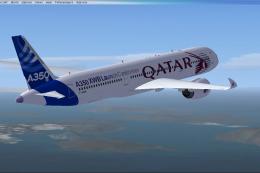
The Airbus A350-900 variant showcased here in Qatar’s original launch-custome…
 FSX Civil Aircraft
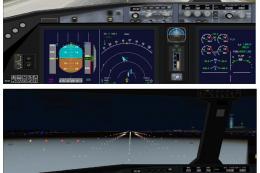
This fully realized freeware package brings the CamSim fourth iteration of th…
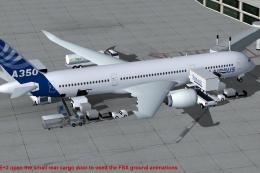 FSX Civil Aircraft
This package introduces a newly refined rendition of the popular twin-engine,…
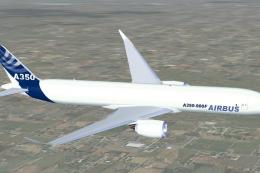 FSX Civil Aircraft
FSX Airbus House Colors A350-900F (cargo), with Animated Ground Servicing (AG…
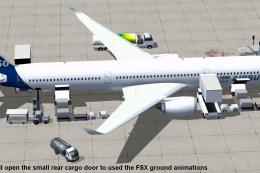 FSX Civil Aircraft
This updated freeware package depicts the House Colors Airbus A350-1000 XWB V…
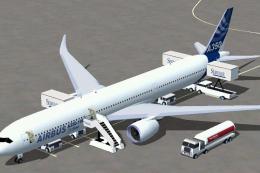 FSX Civil Aircraft
This freeware add-on features the Airbus A350-1000 in its signature house liv…
Be the first to leave a comment on this download.
Be the first to share your thoughts on this download.