
 FSX Civil Aircraft
House Colors Airbus A350-1000 XWB
This updated freeware package depicts the House Colors Airbus A350-1000 XWB V…
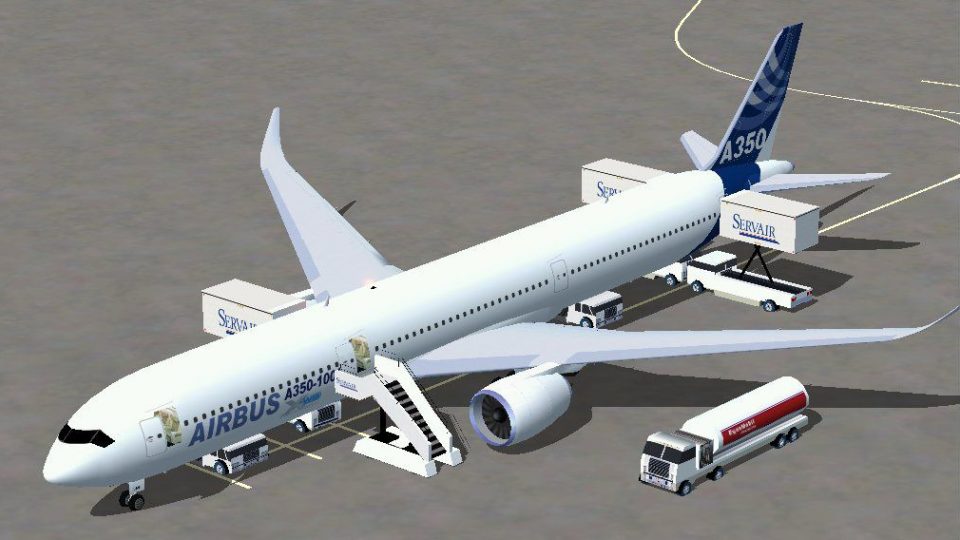
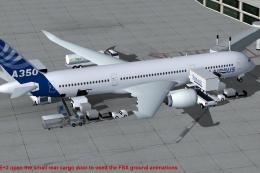
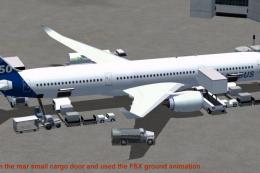
Airbus A350-1000 in Airbus house colors brings modern long-haul realism to Microsoft Flight Simulator X with a refined external model, detailed virtual cockpit, and smooth handling tuned for advanced flying. Animated Ground Servicing adds boarding, loading, and ramp activity, while composite-style textures and accurate wing shaping deliver an authentic widebody presence.
 Rate
Rate
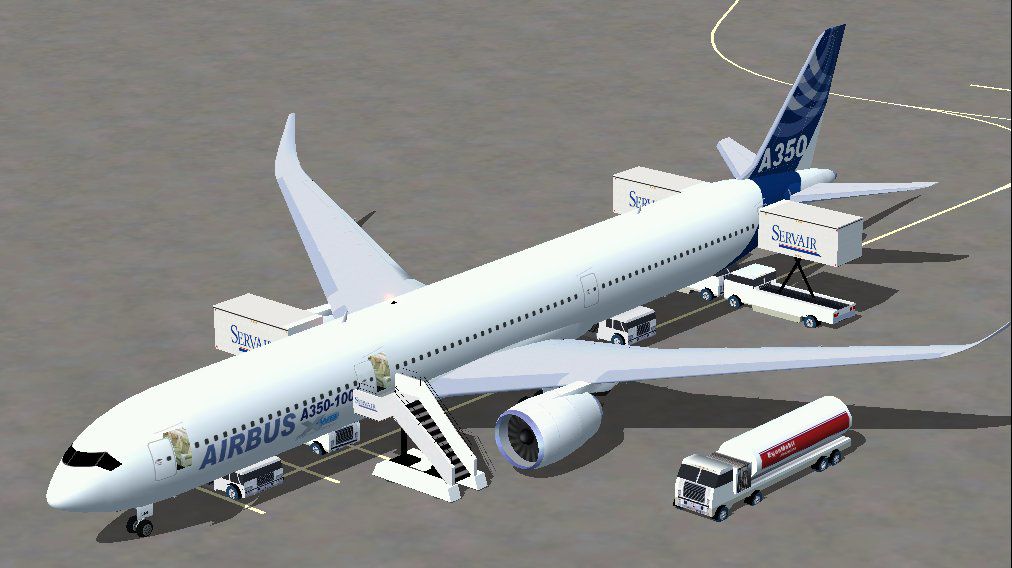
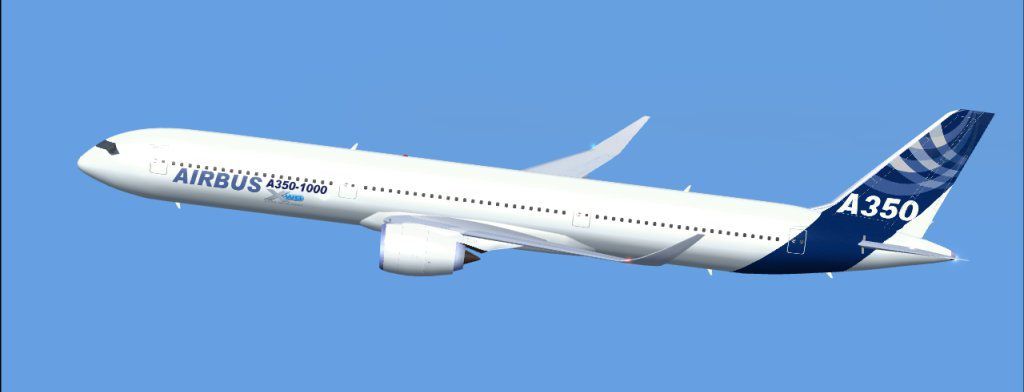
This freeware add-on features the Airbus A350-1000 in its signature house livery for Microsoft Flight Simulator X. It brings a refined model, complete with special animations, and is perfectly suited for individuals seeking modern long-haul flight realism. Model design and paint have been developed by Camil Valiquette, showcasing advanced details and smooth control dynamics for accomplished virtual pilots.
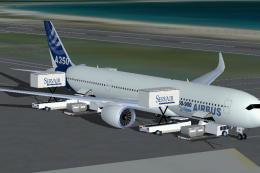
The A350-1000 is built with a carefully crafted exterior and interior configuration that leverages a cutting-edge aerodynamic wing shape, known for maximizing efficiency during extended flights. This model also includes Animated Ground Servicing (AGS), which automates crucial ramp operations such as loading, unloading, and passenger boarding. In addition, each fuselage panel and engine intake has been rendered to reflect the aircraft’s distinctive composite structure.
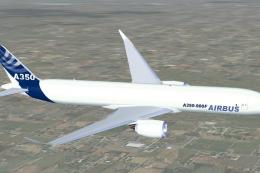
The iconic house colors of Airbus are present on the newly blended fuselage, reflecting the manufacturer’s test-livery identity. Subtle textures highlight rivets, seams, and other structural elements, all meticulously painted by Camil Valiquette. This eye-catching scheme enhances authenticity while maintaining minimal performance impact on your simulator.
Notable animations include:
The graphical enhancements in this freeware model provide an immersive environment around the aircraft during flight preparation sequences, reinforcing procedural realism for both beginner and experienced simmers.

This complete package, including the standalone base model, is offered entirely free of charge. Built with performance in mind, the Airbus A350-1000 created by Camil Valiquette offers a comprehensive layout for those enthusiastic about simulating intercontinental flights in Microsoft Flight Simulator X.
Free for all simmers · 1.56 MB · Scanned clean Oct 2026
Download speed: Free tier is capped at 0.5 Mbps. PRO members download at full line speed.
FSX\SimObjects\Airplanes\. The folder must contain an aircraft.cfg file. Effects go into FSX\Effects\; gauges go into FSX\Gauges\.readme.txt or README file. It tells you exactly where files go, what dependencies are needed, and any quirks specific to this add-on.The archive 35xab_x.zip has 26 files and directories contained within it.
This list displays the first 500 files in the package. If the package has more, you will need to download it to view them.
| Filename/Directory | File Date | File Size |
|---|---|---|
| CamSim Airbus 350-1000 House Colors | 08.09.07 | 0 B |
| 350-1000.air | 02.09.07 | 12.75 kB |
| 350-1000ab.jpg | 08.09.07 | 25.53 kB |
| 350x_.jpg | 08.09.07 | 84.60 kB |
| aircraft.cfg | 08.09.07 | 12.68 kB |
| file_id.diz | 08.09.07 | 141 B |
| model.350-1000 ags | 08.09.07 | 0 B |
| 350-1000 ags.mdl | 06.14.07 | 2.19 MB |
| Model.cfg | 08.09.07 | 31 B |
| PANEL | 08.09.07 | 0 B |
| panel.cfg | 02.12.07 | 40 B |
| Read Me_FSX.txt | 08.09.07 | 2.47 kB |
| SOUND | 08.09.07 | 0 B |
| Sound.cfg | 03.01.07 | 30 B |
| texture.ab | 08.09.07 | 0 B |
| 359fuse_t.bmp | 03.28.07 | 1.00 MB |
| 35eng_t.bmp | 02.05.07 | 1.00 MB |
| 35int_t.bmp | 02.14.07 | 1.00 MB |
| 35tail_t.bmp | 01.10.07 | 1.00 MB |
| 35wings_t.bmp | 12.27.06 | 1.00 MB |
| 787ext_t.bmp | 03.26.07 | 1.00 MB |
| gris_t.bmp | 03.17.06 | 16.07 kB |
| pilot1.bmp | 02.06.07 | 256.07 kB |
| thumbnail.jpg | 08.09.07 | 25.53 kB |
| flyawaysimulation.txt | 10.29.13 | 959 B |
| Go to Fly Away Simulation.url | 01.22.16 | 52 B |
Only PRO members can place votes.
More FSX & P3D add-ons hand-picked based on this download.
FSX Civil Aircraft
This updated freeware package depicts the House Colors Airbus A350-1000 XWB V…
 FSX Civil Aircraft
This package introduces a newly refined rendition of the popular twin-engine,…
 FSX Civil Aircraft
This package features the refined House Colors Airbus A350-900 XWB in Version…
 FSX Civil Aircraft
FSX Airbus House Colors A350-900F (cargo), with Animated Ground Servicing (AG…
 FSX Civil Aircraft
FSX House Colors Airbus A350-900 XWB (Extra Wide Body) including Animated Gro…
 FSX Civil Aircraft
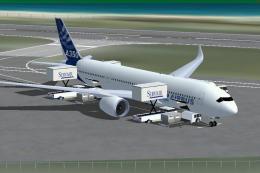
This freeware release presents the Airbus A350-800 in the striking house colo…
 FSX Civil Aircraft
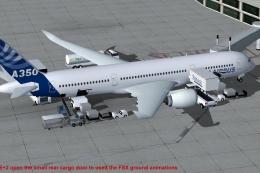
This CamSim version 4 features more Animated Ground Servicing (AGS), featurin…
 FSX Civil Aircraft
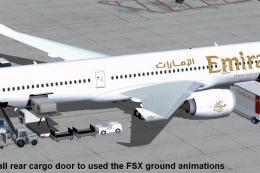
Experience a refined Emirates-liveried Airbus A350-1000 XWB for FSX, featurin…
Read what other simmers think, or add your own.
