

 FSX Civil Aircraft
House Colors Airbus A350-900 V4
This CamSim version 4 features more Animated Ground Servicing (AGS), featurin…
Sri Lankan Airlines colors meet CamSim’s Airbus A350-900 V4 with refined landing gear geometry, including tilted main bogies, and lively Animated Ground Servicing that brings ramp operations to life with connecting support vehicles and static details. Built for Microsoft Flight Simulator X, it delivers an authentic long-haul widebody feel with a detailed virtual cockpit and night effects.
 Rate
Rate
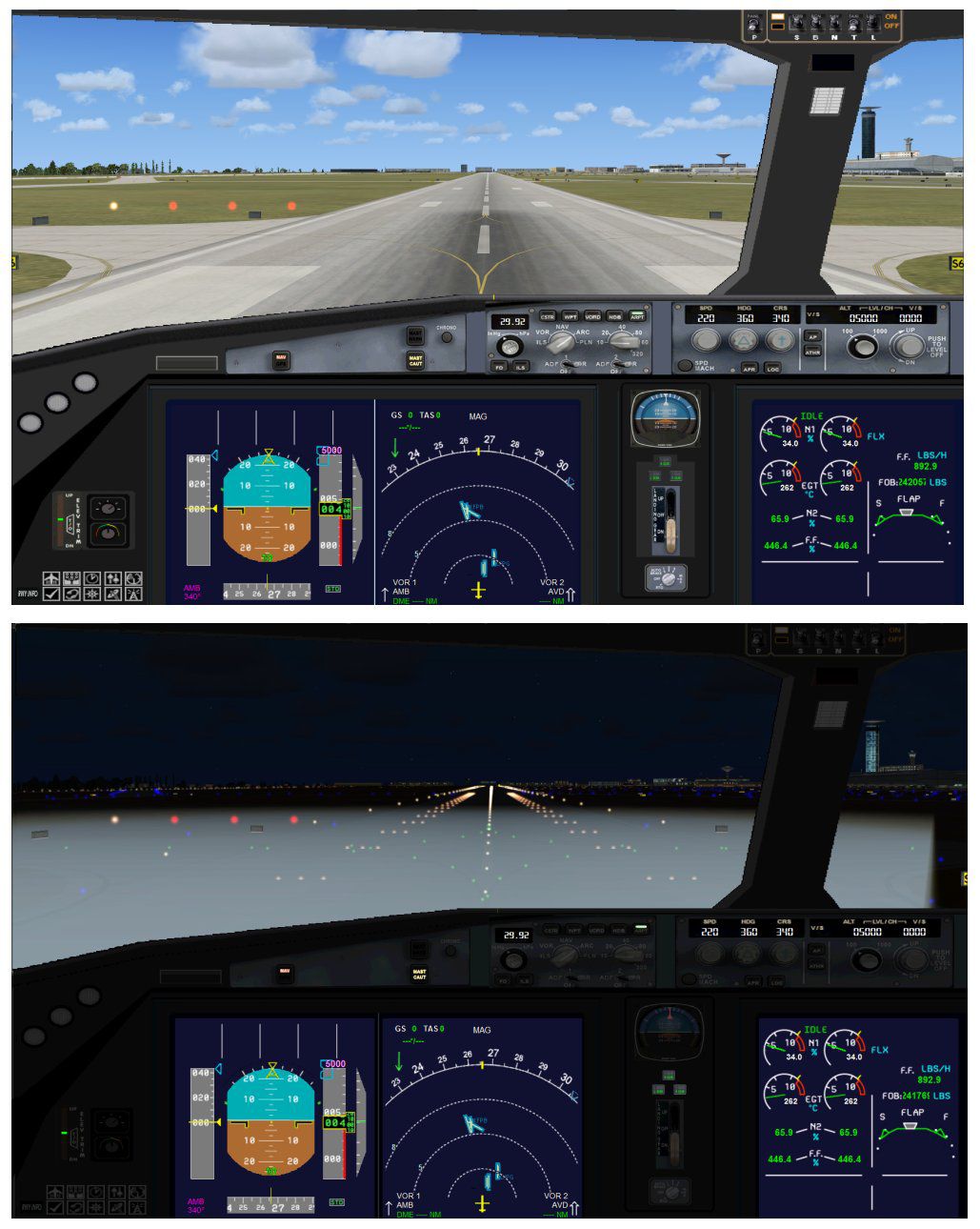
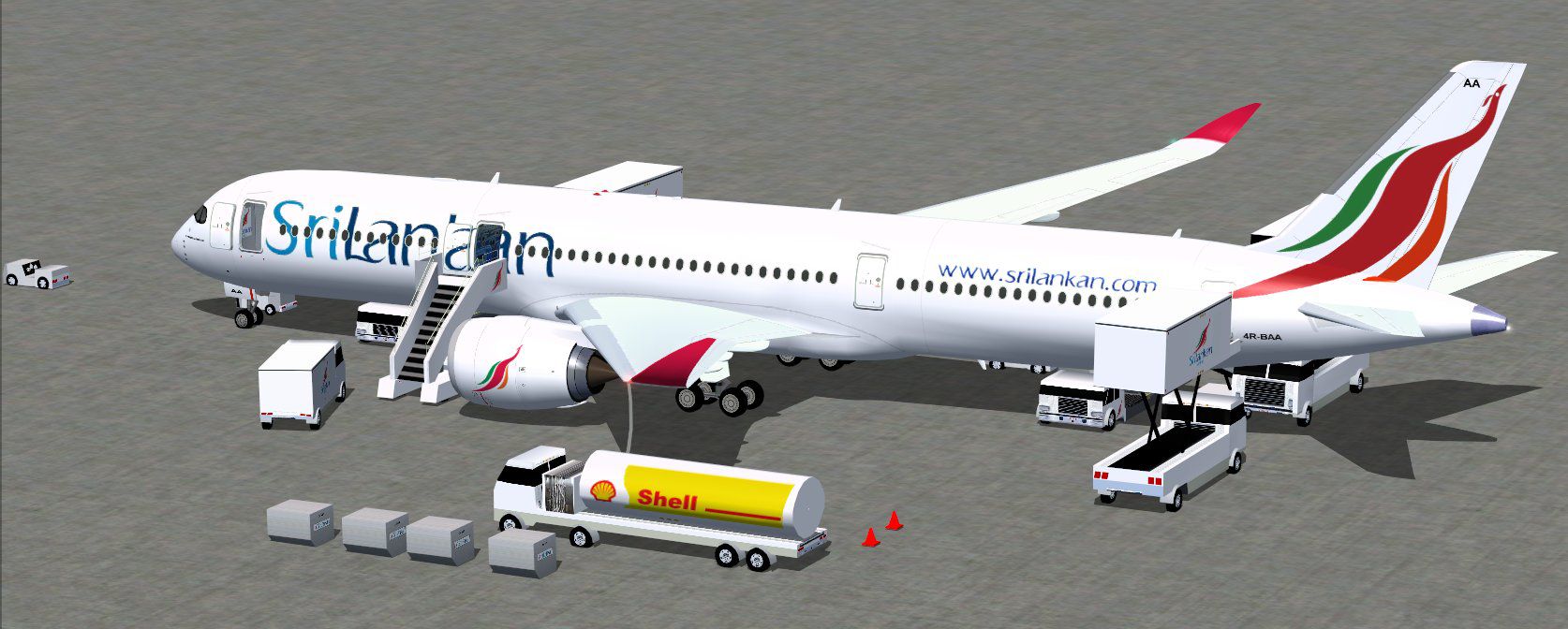

This fully realized freeware package brings the CamSim fourth iteration of the Airbus A350-900 in Sri Lankan colors, featuring an expanded set of ground operations and visually refined landing gear enhancements. Developed and painted by Camil Valiquette, it offers a complete and unique simulation experience for FSX enthusiasts.
Ground Services (AGS): The aircraft integrates upgraded Animated Ground Servicing, including support trucks that latch onto and detach from various modules, along with additional static elements. These dynamic operations enrich the atmospheric feel during ramp procedures.
Main Landing Gear with Tilt Mechanism: This rendition accurately depicts the angled main bogies to reflect the real-world stance of the Airbus A350 series, thereby adding a layer of authenticity to taxiing and takeoff roll.
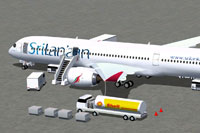
Sri Lankan Colors Airbus A350-900 during ground servicing operations.
The Airbus A350-900 is a modern, twin-engine, long-haul aircraft constructed primarily of composite materials. In this release, the sleek lines of the fuselage are paired with the vibrant Sri Lankan Airlines paint scheme, showcasing national motifs along the tail and body. This carrier’s actual fleet incorporates advanced avionics and aerodynamic features that are faithfully re-created in this add-on.
This model comes with an enhanced range of interactive animations. The default FSX key assignments must be configured correctly for complete functionality:
To ensure these commands work seamlessly, assign two additional controls in the FSX menu under Options > Settings > Controls > Buttons/Keys > Change Assignment:
This release draws on the expertise of Camil Valiquette, who meticulously designed the 3D model and produced the textured finish. The package combines a realistic wide-body layout with specialized ground service animations to offer a complete freeware fleet addition for FSX.
Free for all simmers · 5.22 MB · Scanned clean Oct 2026
Download speed: Free tier is capped at 0.5 Mbps (this file takes approximately 1 min at the cap). PRO members download at full line speed.
This add-on may require the following files to function properly. If this is a repaint, the dependency below is likely the base aircraft package.
FSX\SimObjects\Airplanes\. The folder must contain an aircraft.cfg file. Effects go into FSX\Effects\; gauges go into FSX\Gauges\.readme.txt or README file. It tells you exactly where files go, what dependencies are needed, and any quirks specific to this add-on.The archive 359v4ulx.zip has 37 files and directories contained within it.
This list displays the first 500 files in the package. If the package has more, you will need to download it to view them.
| Filename/Directory | File Date | File Size |
|---|---|---|
| CamSim Airbus 350-900 V4 Sri Lankan | 07.05.13 | 0 B |
| 350-900.air | 02.28.12 | 12.75 kB |
| 359v4ul_ags_.jpg | 07.03.13 | 172.93 kB |
| 359v4ul_jpg.jpg | 07.03.13 | 89.98 kB |
| aircraft.cfg | 07.05.13 | 15.37 kB |
| Effects.zip | 03.25.06 | 1.80 kB |
| file_id.diz | 07.03.13 | 281 B |
| model.350-900 ags v4 | 07.05.13 | 0 B |
| 350-900 ags v4.mdl | 06.26.13 | 2.79 MB |
| Model.cfg | 06.11.12 | 33 B |
| PANEL | 07.05.13 | 0 B |
| 787_350_panel_background.bmp | 02.25.10 | 2.25 MB |
| 787_350_panel_background_night.bmp | 02.25.10 | 2.25 MB |
| Airbus_A321.cab | 09.04.06 | 2.72 MB |
| panel.cfg | 02.25.10 | 5.48 kB |
| panel camsim 787-350 afx_2.jpg | 04.09.10 | 182.86 kB |
| Read Me How to setup Animations (AGS).txt | 06.13.13 | 867 B |
| Read Me_FSX.txt | 07.03.13 | 2.34 kB |
| SOUND | 07.05.13 | 0 B |
| Sound.cfg | 11.04.09 | 35 B |
| texture.ul | 07.05.13 | 0 B |
| 359fuse_t.bmp | 07.03.13 | 1.00 MB |
| 35eng_t.bmp | 07.03.13 | 1.00 MB |
| 35int_l.bmp | 07.03.13 | 4.00 MB |
| 35int_t.bmp | 07.03.13 | 1.00 MB |
| 35tail_t.bmp | 07.03.13 | 1.00 MB |
| 35wings_t.bmp | 07.03.13 | 1.00 MB |
| 787ext_L.bmp | 07.03.13 | 4.00 MB |
| 787ext_t.bmp | 07.03.13 | 1.00 MB |
| gris_t.bmp | 12.09.09 | 16.07 kB |
| pilot1.bmp | 03.04.10 | 257.05 kB |
| pilot1_l.bmp | 12.06.06 | 1.00 MB |
| tail.bmp | 12.02.12 | 1.00 MB |
| thumbnail.jpg | 07.03.13 | 4.75 kB |
| w_t.bmp | 12.06.08 | 16.07 kB |
| flyawaysimulation.txt | 10.29.13 | 959 B |
| Go to Fly Away Simulation.url | 01.22.16 | 52 B |
Only PRO members can place votes.
More FSX & P3D add-ons hand-picked based on this download.
FSX Civil Aircraft
This CamSim version 4 features more Animated Ground Servicing (AGS), featurin…
 FSX Civil Aircraft
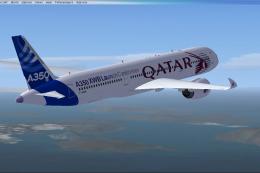
The Airbus A350-900 variant showcased here in Qatar’s original launch-custome…
 FSX Civil Aircraft
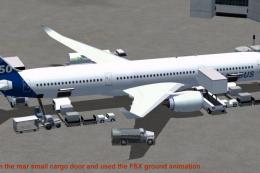
This package features the refined House Colors Airbus A350-900 XWB in Version…
 FSX Civil Aircraft
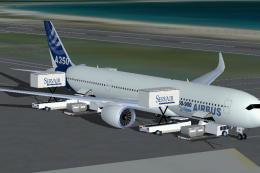
FSX House Colors Airbus A350-900 XWB (Extra Wide Body) including Animated Gro…
 FSX Civil Aircraft
Experience a carefully modeled Vietnam Airlines Airbus A350-900 package for F…
 FSX Civil Aircraft
This updated freeware package delivers a meticulously modeled Lufthansa Airbu…
 FSX Civil Aircraft
The Airbus A350-900 in Iberia's livery, presented here as a fully integrated …
 FSX Civil Aircraft
This comprehensive freeware package offers a fully modeled Airbus A350-900, c…
Read what other simmers think, or add your own.

Hi i Try in FSX Sri Lankan Arline Aircraft, flight is loading but there are no Instrument Panel , how to get Instrument Panel can you advice, thanks
Jude