
 FSX Civil Aircraft
Airbus House Colors Airbus A350-800 XWB
This package introduces a newly refined rendition of the popular twin-engine,…
Airbus A350-1000 XWB in Airbus “House Colors” arrives for FSX as a self-contained freeware aircraft package with an updated V2 model, refined nose and cockpit windows, and reworked wings and winglets. Animated Ground Servicing brings interactive door and cargo operations for more authentic turnaround scenes, with no separate base model required.
 Rate
Rate
This updated freeware package depicts the House Colors Airbus A350-1000 XWB V2, featuring a refined nose profile, enhanced cockpit windows, wings with reconfigured winglets, and a revised Animated Ground Servicing system. Developed by CamSim and painted by Camil Valiquette, it includes all the necessary files to operate within FSX without requiring additional base models.
The A350-1000 variant represents a stretch version of the popular A350 XWB family, offering a longer fuselage and increased passenger capacity. Its modern wing design maximizes aerodynamic efficiency, and the powerplant setup provides a long-haul range that suits both intercontinental and transoceanic routes. This particular rendition features Airbus’s official demonstration livery, commonly known as “House Colors.” The livery showcases a blend of futuristic design elements that highlight the aircraft’s composite structure and advanced aerodynamics.
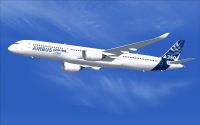
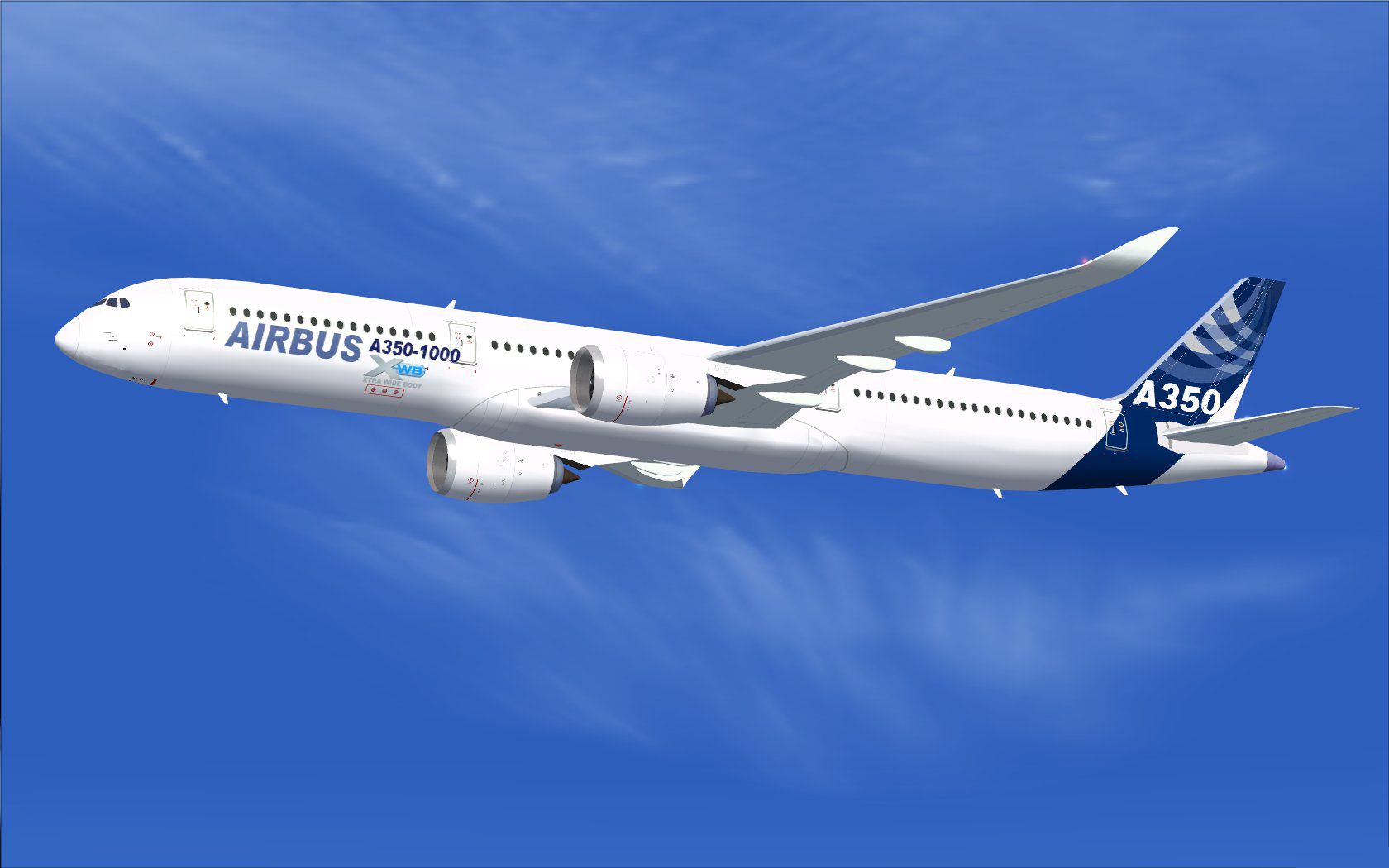
House Colors Airbus A350-1000 XWB in flight.
1. Extract all contents into the “Airplane” folder within your FSX directory.
2. If you have not previously installed any aircraft from CamSim with the AGS feature, unzip the Effects.zip file into the main FSX folder. This ensures the night effects copy into the “Effects” subfolder.
This rendition provides ground support animations that simulate realistic passenger and cargo operations. To manage the various doors and support features, use the following commands:
Before using these commands, assign the corresponding inputs under the FSX “Options” menu. Set “Wing fold/unfold” to Shift + C and “Tail hook up/down” to Shift + D to enable proper functionality.
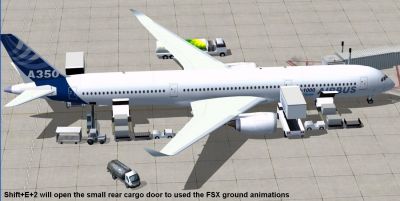
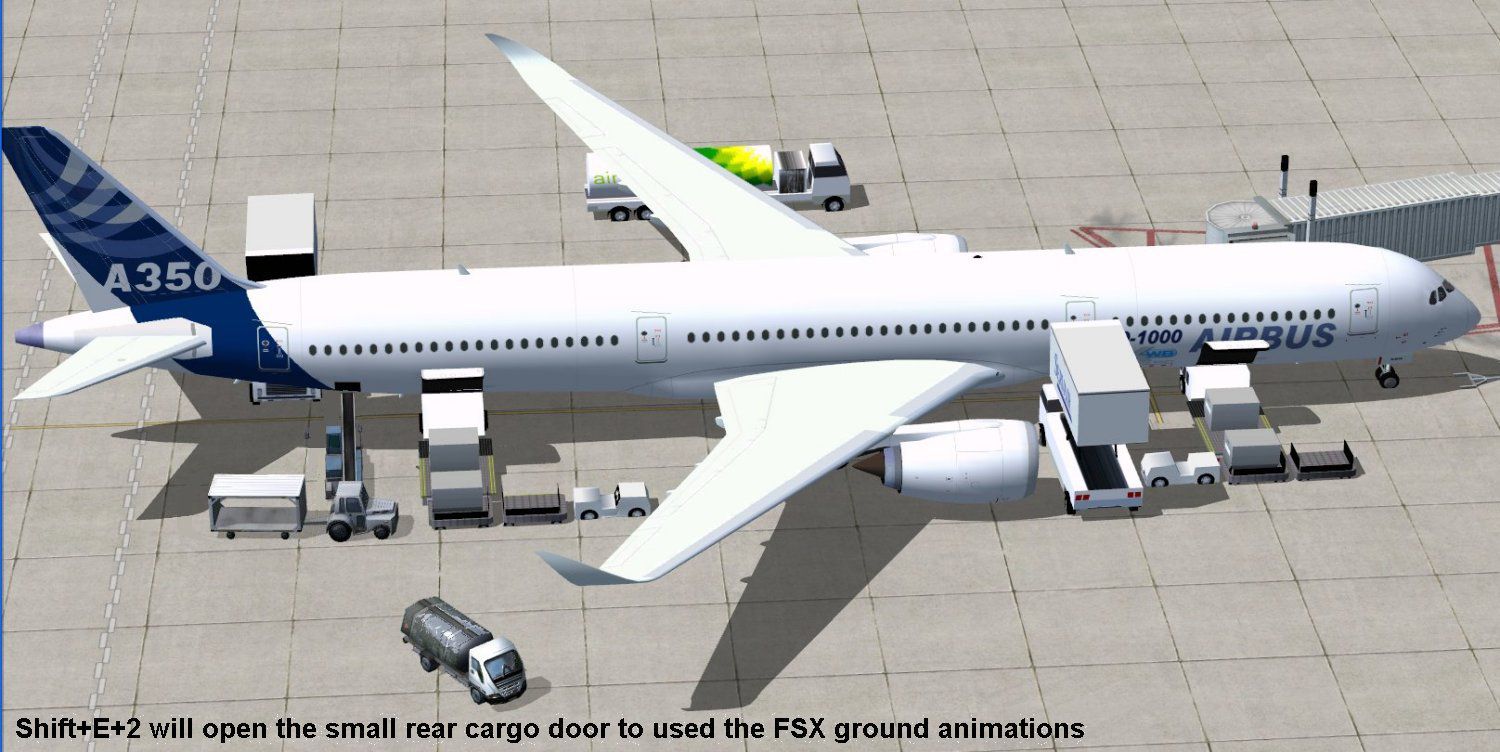
House Colors Airbus A350-1000 XWB at the boarding gate.
This model and texture set are the work of Camil Valiquette under the CamSim banner. The V2 release refines earlier iterations with an updated nose shape, reworked cockpit window geometry, and revised wing detailing. These adjustments, combined with the AGS improvements, enhance both the visual and interactive flight simulation experience.
Free for all simmers · 2.38 MB · Scanned clean Oct 2026
Download speed: Free tier is capped at 0.5 Mbps. PRO members download at full line speed.
This add-on may require the following files to function properly. If this is a repaint, the dependency below is likely the base aircraft package.
FSX\SimObjects\Airplanes\. The folder must contain an aircraft.cfg file. Effects go into FSX\Effects\; gauges go into FSX\Gauges\.readme.txt or README file. It tells you exactly where files go, what dependencies are needed, and any quirks specific to this add-on.The archive 350v2abx.zip has 31 files and directories contained within it.
This list displays the first 500 files in the package. If the package has more, you will need to download it to view them.
| Filename/Directory | File Date | File Size |
|---|---|---|
| CamSim Airbus 350-1000 V2 House Colors | 01.18.10 | 0 B |
| 350-1000.air | 02.09.07 | 12.75 kB |
| 350v2 ab_x.jpg | 01.18.10 | 98.18 kB |
| 350v2 ab_x_ags1.jpg | 01.18.10 | 178.66 kB |
| aircraft.cfg | 01.18.10 | 14.27 kB |
| Effects.zip | 03.25.06 | 1.80 kB |
| file_id.diz | 01.18.10 | 289 B |
| model.350-1000 ags | 01.18.10 | 0 B |
| 350-1000 ags.mdl | 12.03.09 | 2.62 MB |
| Model.cfg | 08.09.07 | 31 B |
| PANEL | 01.18.10 | 0 B |
| panel.cfg | 02.12.07 | 40 B |
| Read Me_FSX.txt | 01.18.10 | 2.08 kB |
| SOUND | 01.18.10 | 0 B |
| Sound.cfg | 03.01.07 | 30 B |
| texture.ab | 01.18.10 | 0 B |
| 359fuse_t.bmp | 01.14.10 | 1.00 MB |
| 35eng_t.bmp | 01.13.10 | 1.00 MB |
| 35int_L.bmp | 07.09.07 | 4.00 MB |
| 35int_t.bmp | 07.17.09 | 1.00 MB |
| 35tail_t.bmp | 06.23.09 | 1.00 MB |
| 35wings_t.bmp | 07.19.09 | 1.00 MB |
| 787ext_L.bmp | 07.20.09 | 4.00 MB |
| 787ext_t.bmp | 07.22.09 | 1.00 MB |
| gris_t.bmp | 03.17.06 | 16.07 kB |
| pilot1.bmp | 12.06.06 | 256.07 kB |
| pilot1_l.bmp | 12.06.06 | 1.00 MB |
| thumbnail.jpg | 01.18.10 | 5.90 kB |
| w_t.bmp | 12.06.08 | 16.07 kB |
| flyawaysimulation.txt | 10.29.13 | 959 B |
| Go to Fly Away Simulation.url | 01.22.16 | 52 B |
Only PRO members can place votes.
More FSX & P3D add-ons hand-picked based on this download.
FSX Civil Aircraft
This package introduces a newly refined rendition of the popular twin-engine,…
 FSX Civil Aircraft
This freeware add-on features the Airbus A350-1000 in its signature house liv…
 FSX Civil Aircraft
This package features the refined House Colors Airbus A350-900 XWB in Version…
 FSX Civil Aircraft
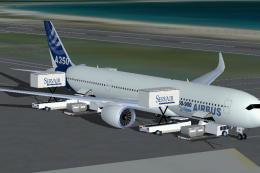
FSX House Colors Airbus A350-900 XWB (Extra Wide Body) including Animated Gro…
 FSX Civil Aircraft
Experience a refined Emirates-liveried Airbus A350-1000 XWB for FSX, featurin…
 FSX Civil Aircraft
This update introduces a refined release of the Airbus A350-1000 for FSX, fea…
 FSX Civil Aircraft
Immerse yourself in a modern wide-body experience with this British Airways A…
 FSX Civil Aircraft
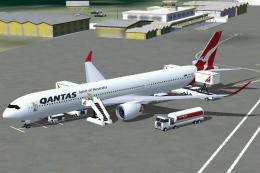
This comprehensive freeware package introduces a Qantas-liveried Airbus A350-…
Read what other simmers think, or add your own.


