

 FSX General Aviation Aircraft
Vans Aircraft RV-7 N6731
N6731 repaint for the payware BayTower Studio Vans RV7. Textures only. By Gre…
Van’s Aircraft RV-9A brings a light, frame rate friendly sport aircraft to FSX with a crisp 3D panel, a well-tuned flight model, and a comfortable virtual cockpit view setup for wide aspect displays. Three included liveries round out a versatile package suited to casual sightseeing or cross-country hops.
 Rate
Rate
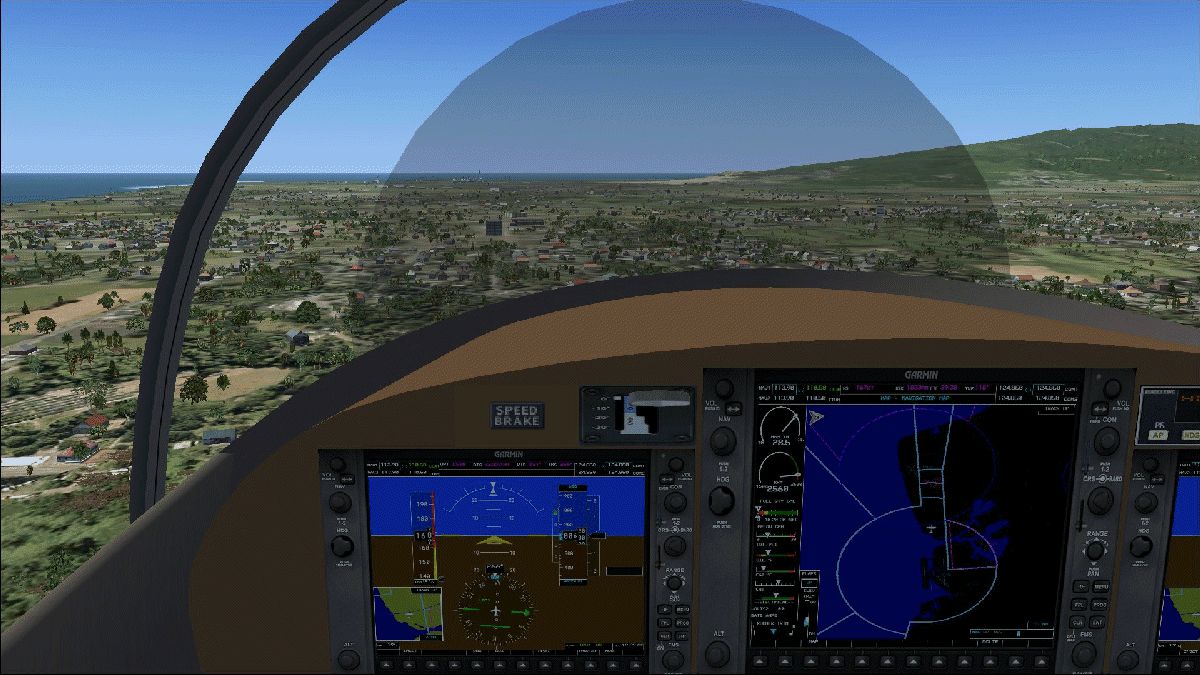
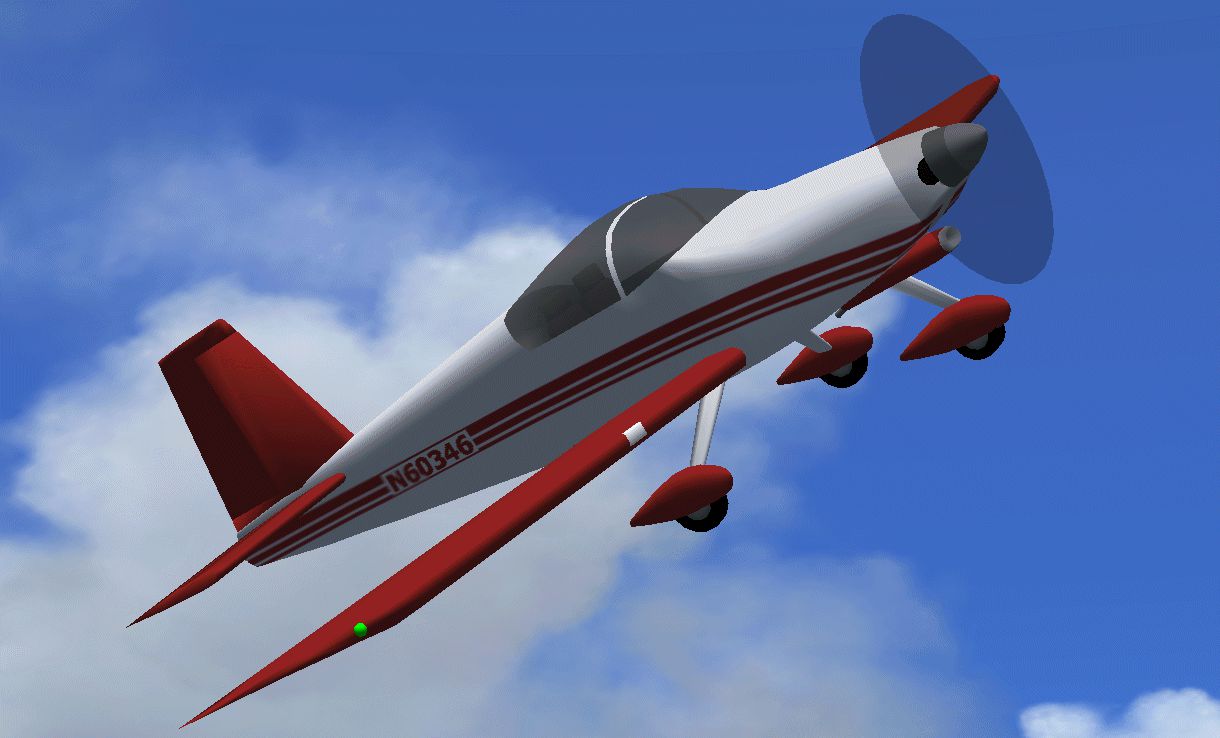
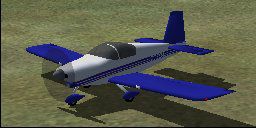
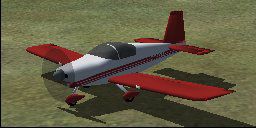

A frame rate friendly Van's RV9A with a 3D panel and three liveries. By Chuck Dome and Dwayne Redding. Public Domain.
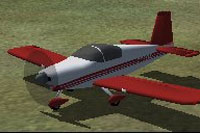
Screenshot of Van's Aircraft RV-9A on the ground.
To install, unzip the ZIP file and place the RV-9A folder into the SimObjects\Airplanes subfolder of FSX. The single .fx file in the effects subfolder should be placed in the effects subfolder of FSX. The eyepoint and panel views have been set to look best when the fsx.cfg file has been edited with a line reading: WideViewAspect=True
Many thanks to Dwayne Redding for inspiring this project and for creating the flight model.
Free for all simmers · 1.82 MB · Scanned clean Oct 2026
Download speed: Free tier is capped at 0.5 Mbps. PRO members download at full line speed.
FSX\SimObjects\Airplanes\. The folder must contain an aircraft.cfg file. Effects go into FSX\Effects\; gauges go into FSX\Gauges\.readme.txt or README file. It tells you exactly where files go, what dependencies are needed, and any quirks specific to this add-on.The archive rv-9a.zip has 60 files and directories contained within it.
This list displays the first 500 files in the package. If the package has more, you will need to download it to view them.
| Filename/Directory | File Date | File Size |
|---|---|---|
| Aircraft.cfg | 12.08.14 | 17.91 kB |
| effects | 11.28.14 | 0 B |
| fx_low_vclight.fx | 11.28.14 | 1.25 kB |
| FILE_ID.DIZ | 11.28.14 | 125 B |
| model | 12.08.14 | 0 B |
| Model.cfg | 12.08.14 | 49 B |
| RV-9A.mdl | 12.08.14 | 451.64 kB |
| rv-9a_Interior.mdl | 12.08.14 | 327.99 kB |
| panel | 12.08.14 | 0 B |
| autoelevtrim.cab | 05.24.14 | 237 B |
| bg.bmp | 12.05.14 | 3.00 MB |
| panel.cfg | 12.08.14 | 2.46 kB |
| readme.txt | 12.08.14 | 864 B |
| rv9a.air | 09.04.06 | 6.40 kB |
| rv9a.gif | 11.28.14 | 291.91 kB |
| rv9apanel.gif | 11.28.14 | 370.54 kB |
| sound | 11.21.14 | 0 B |
| Sound.cfg | 11.21.14 | 26 B |
| texture.b | 11.28.14 | 0 B |
| rv9cpy.bmp | 11.28.14 | 17.05 kB |
| rv9fbt.bmp | 11.28.14 | 17.05 kB |
| rv9ful.bmp | 11.28.14 | 129.05 kB |
| rv9ful.bmp.bak | 11.28.14 | 129.05 kB |
| rv9fur.bmp | 11.28.14 | 129.05 kB |
| rv9hor.bmp | 11.28.14 | 17.05 kB |
| rv9inr.bmp | 11.27.14 | 1.00 MB |
| rv9int.bmp | 11.28.14 | 17.05 kB |
| rv9pnt.bmp | 11.28.14 | 17.05 kB |
| rv9str.bmp | 11.28.14 | 17.05 kB |
| rv9ver.bmp | 11.28.14 | 17.05 kB |
| rv9wng.bmp | 11.28.14 | 17.05 kB |
| thumbnail.jpg | 11.28.14 | 9.69 kB |
| texture.g | 11.28.14 | 0 B |
| rv9cpy.bmp | 11.28.14 | 17.05 kB |
| rv9fbt.bmp | 11.28.14 | 17.05 kB |
| rv9ful.bmp | 11.28.14 | 129.05 kB |
| rv9fur.bmp | 11.28.14 | 129.05 kB |
| rv9hor.bmp | 11.28.14 | 17.05 kB |
| rv9inr.bmp | 11.27.14 | 1.00 MB |
| rv9int.bmp | 11.28.14 | 17.05 kB |
| rv9pnt.bmp | 11.28.14 | 17.05 kB |
| rv9str.bmp | 11.28.14 | 17.05 kB |
| rv9ver.bmp | 11.28.14 | 17.05 kB |
| rv9wng.bmp | 11.28.14 | 17.05 kB |
| thumbnail.jpg | 11.28.14 | 9.51 kB |
| texture | 11.28.14 | 0 B |
| rv9cpy.bmp | 11.28.14 | 17.05 kB |
| rv9fbt.bmp | 11.28.14 | 17.05 kB |
| rv9ful.bmp | 11.28.14 | 129.05 kB |
| rv9fur.bmp | 11.28.14 | 129.05 kB |
| rv9hor.bmp | 11.28.14 | 17.05 kB |
| rv9inr.bmp | 11.27.14 | 1.00 MB |
| rv9int.bmp | 11.28.14 | 17.05 kB |
| rv9pnt.bmp | 11.28.14 | 17.05 kB |
| rv9str.bmp | 11.28.14 | 17.05 kB |
| rv9ver.bmp | 11.28.14 | 17.05 kB |
| rv9wng.bmp | 11.28.14 | 17.05 kB |
| thumbnail.jpg | 11.28.14 | 9.59 kB |
| flyawaysimulation.txt | 10.29.13 | 959 B |
| Go to Fly Away Simulation.url | 01.22.16 | 52 B |
Only PRO members can place votes.
More FSX & P3D add-ons hand-picked based on this download.
FSX General Aviation Aircraft
N6731 repaint for the payware BayTower Studio Vans RV7. Textures only. By Gre…
 FSX General Aviation Aircraft
Fictional Yellow Devil repaint for the payware BayTower Studio Vans RV7. Text…
 FSX General Aviation Aircraft
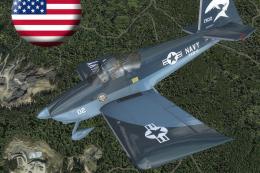
A pack of freeware liveries/repaints for the payware BayTower Studio Vans RV-…
 FSX General Aviation Aircraft
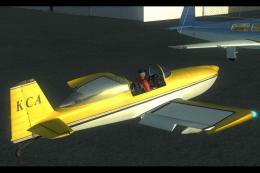
Real textures (registration ZK-KCA) for payware model of Vans RV8 from Vertig…
 FSX General Aviation Aircraft
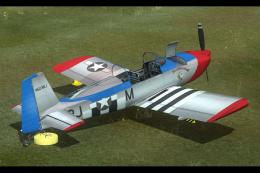
This customized repaint provides a striking American-based color scheme for t…
 FSX General Aviation Aircraft
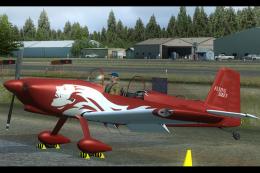
This repaint package brings real-world U.S. markings to the payware Vertigo S…
 FSX General Aviation Aircraft
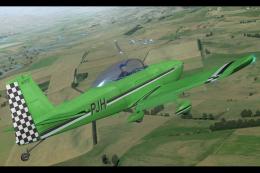
Real textures (registration ZK-PJH) for the payware model of Vans RV8 from Ve…
 FSX General Aviation Aircraft
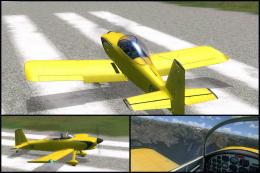
This is alternative glass effect for canopy of payware model of Vans RV8 from…
Be the first to leave a comment on this download.
Be the first to share your thoughts on this download.