








 MSFS General Aviation Aircraft
Van's RV-7
This freeware release brings a refined rendition of Van's RV-7 into the new M…
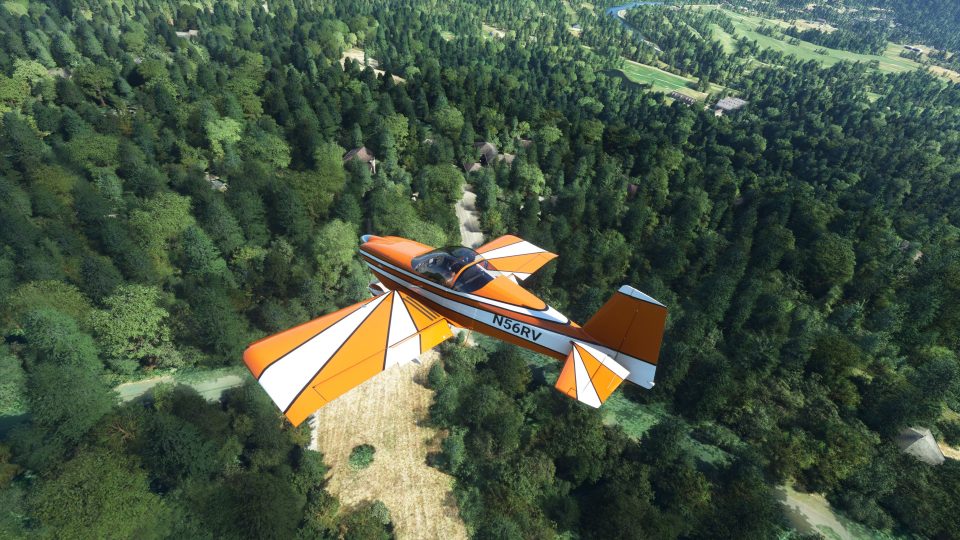
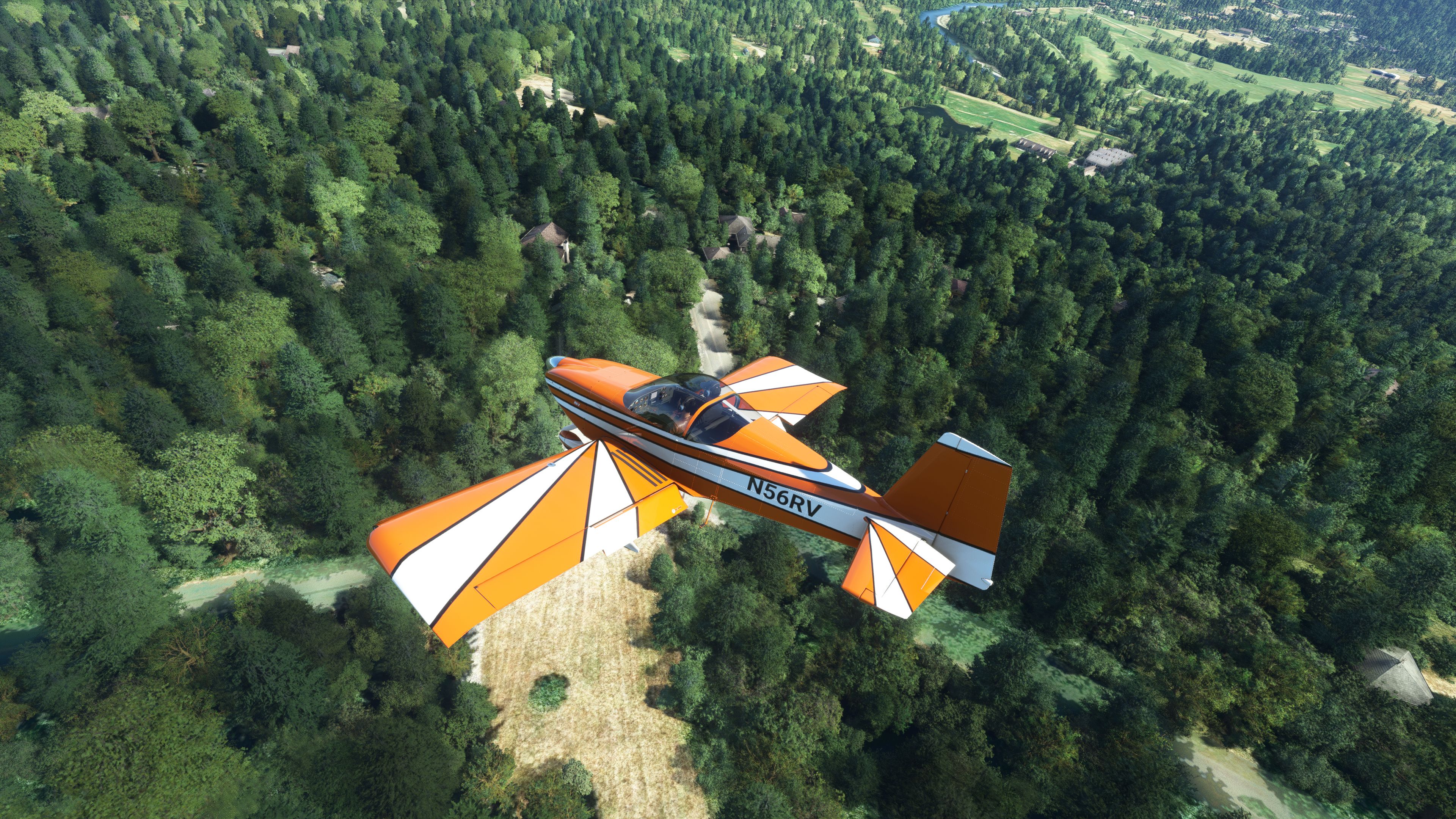
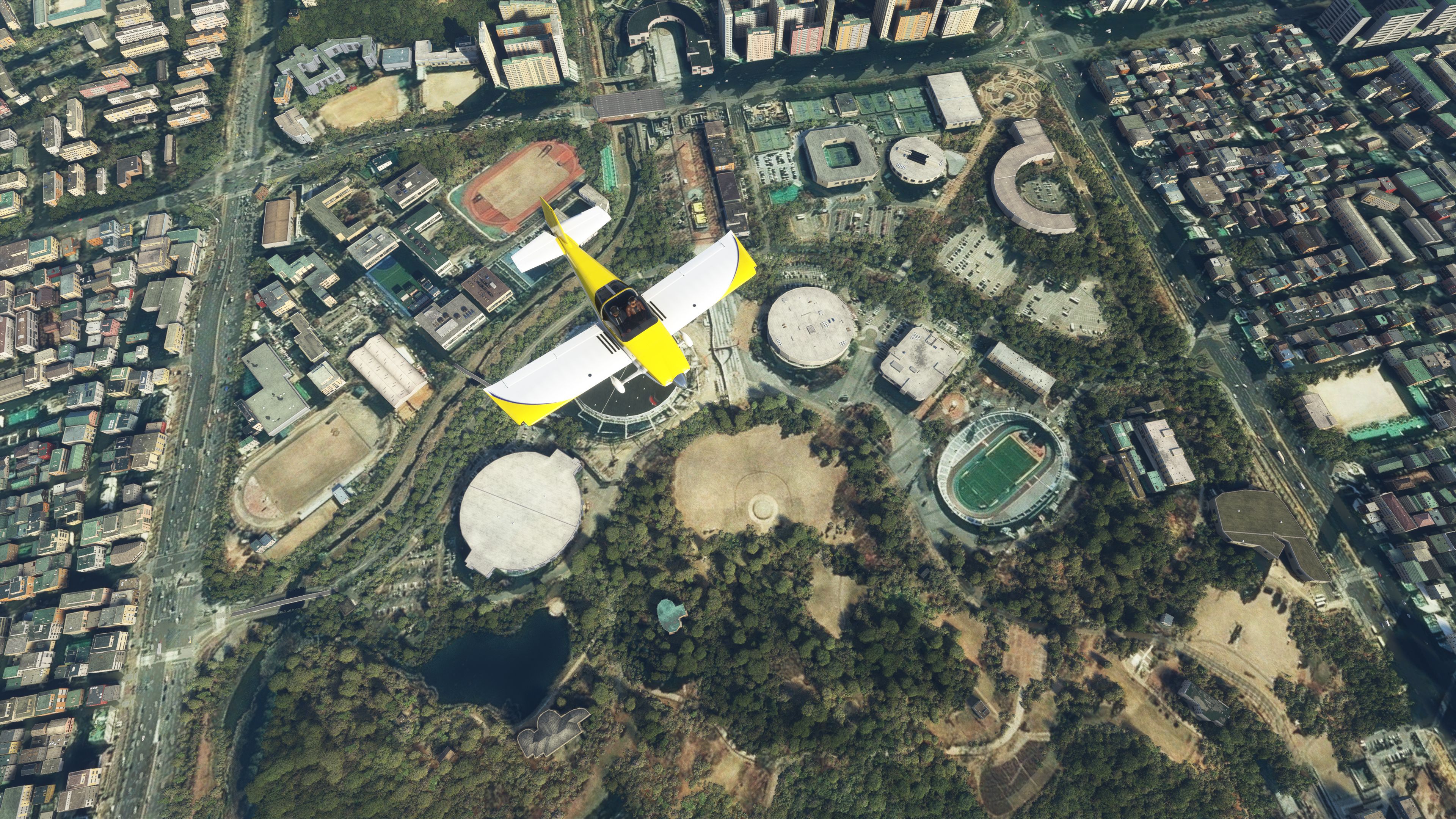
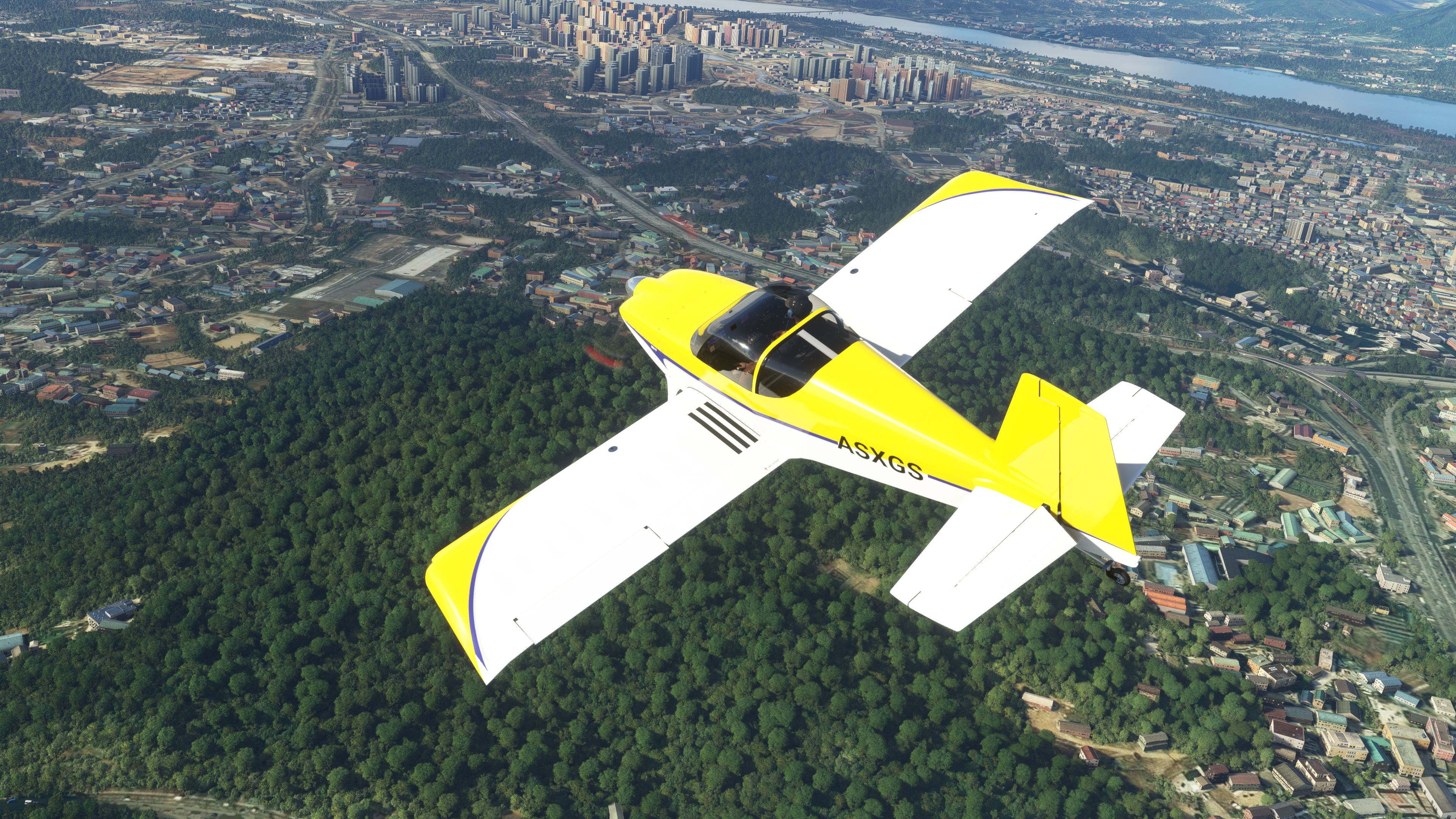
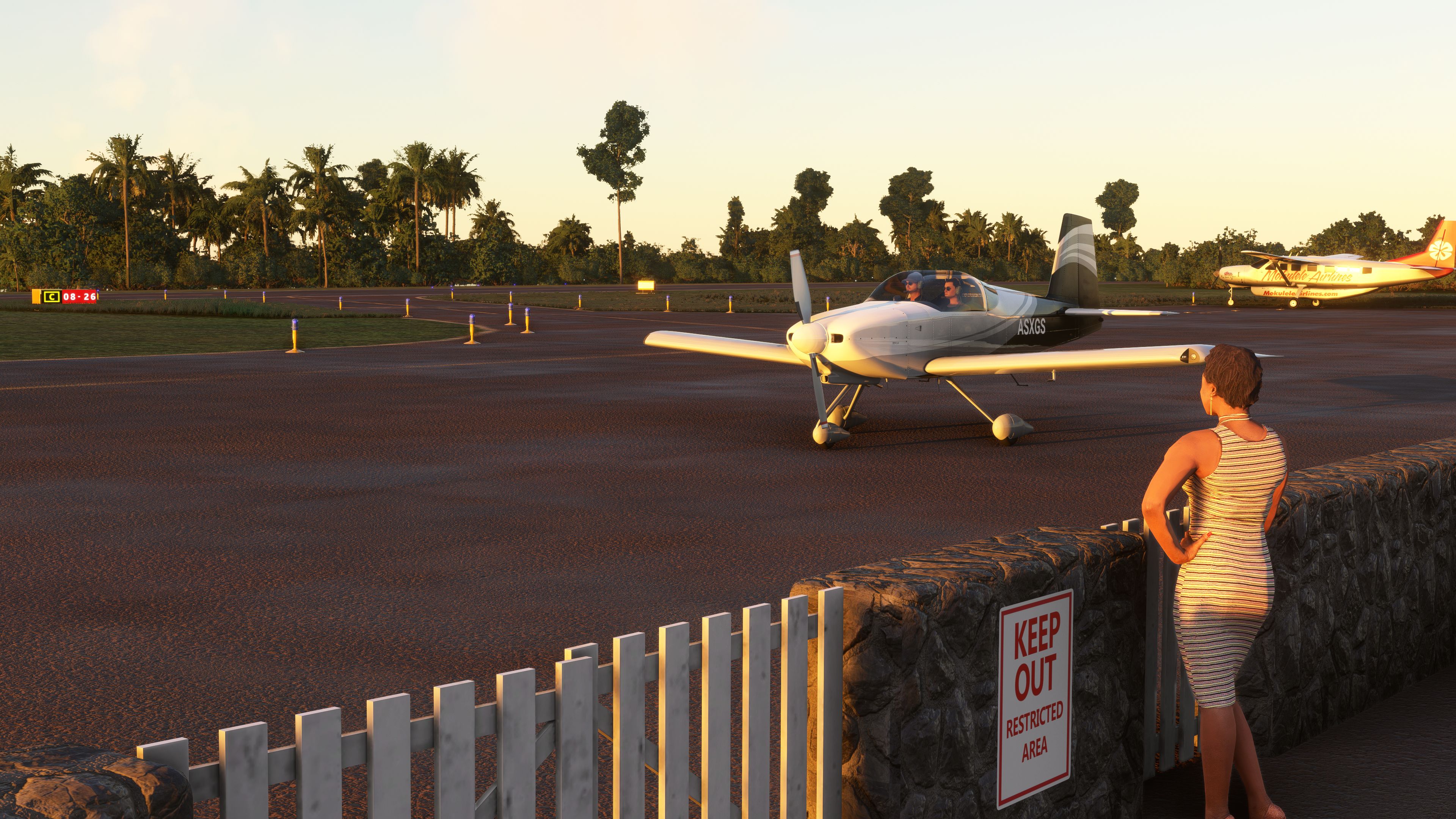
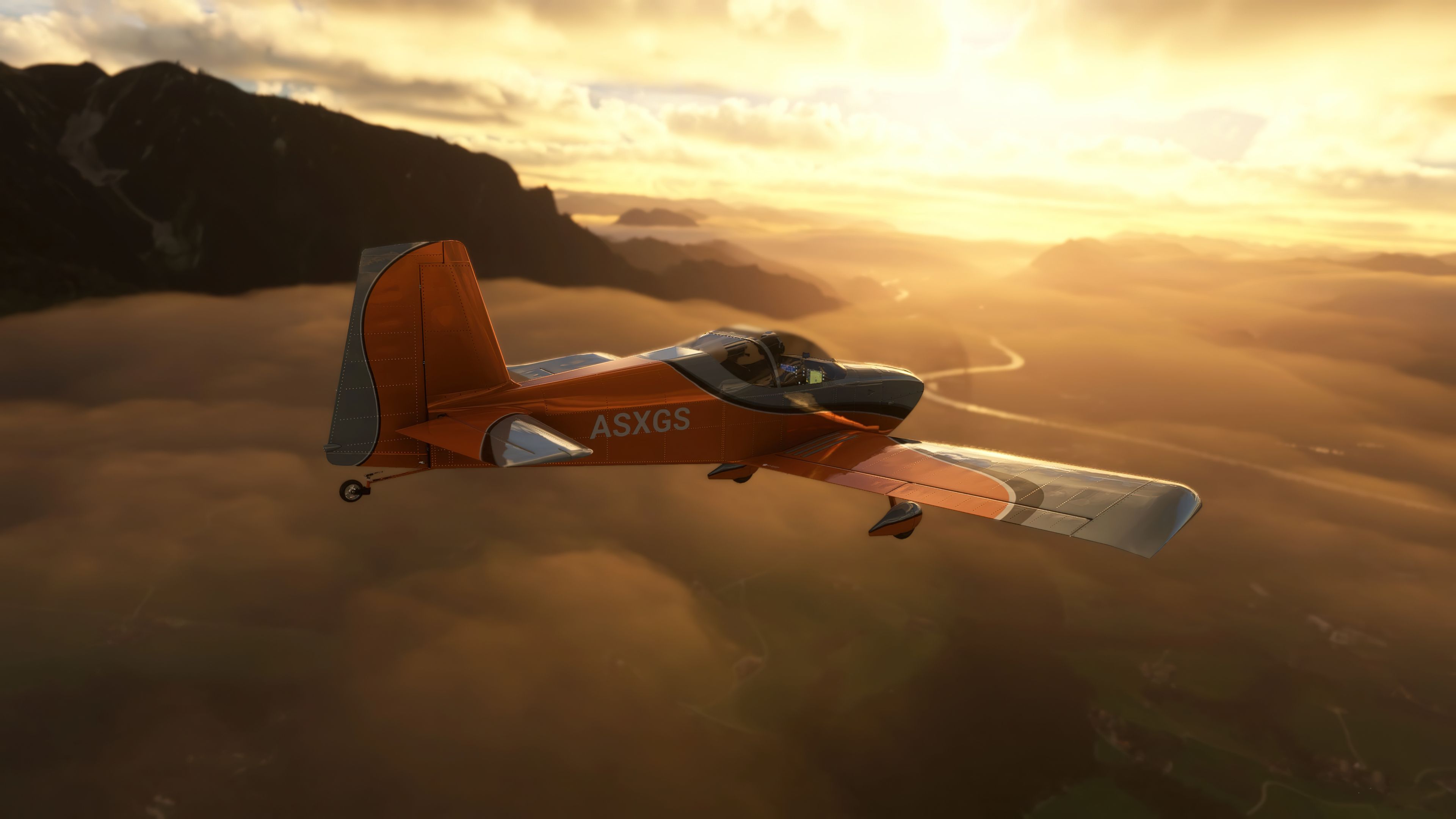
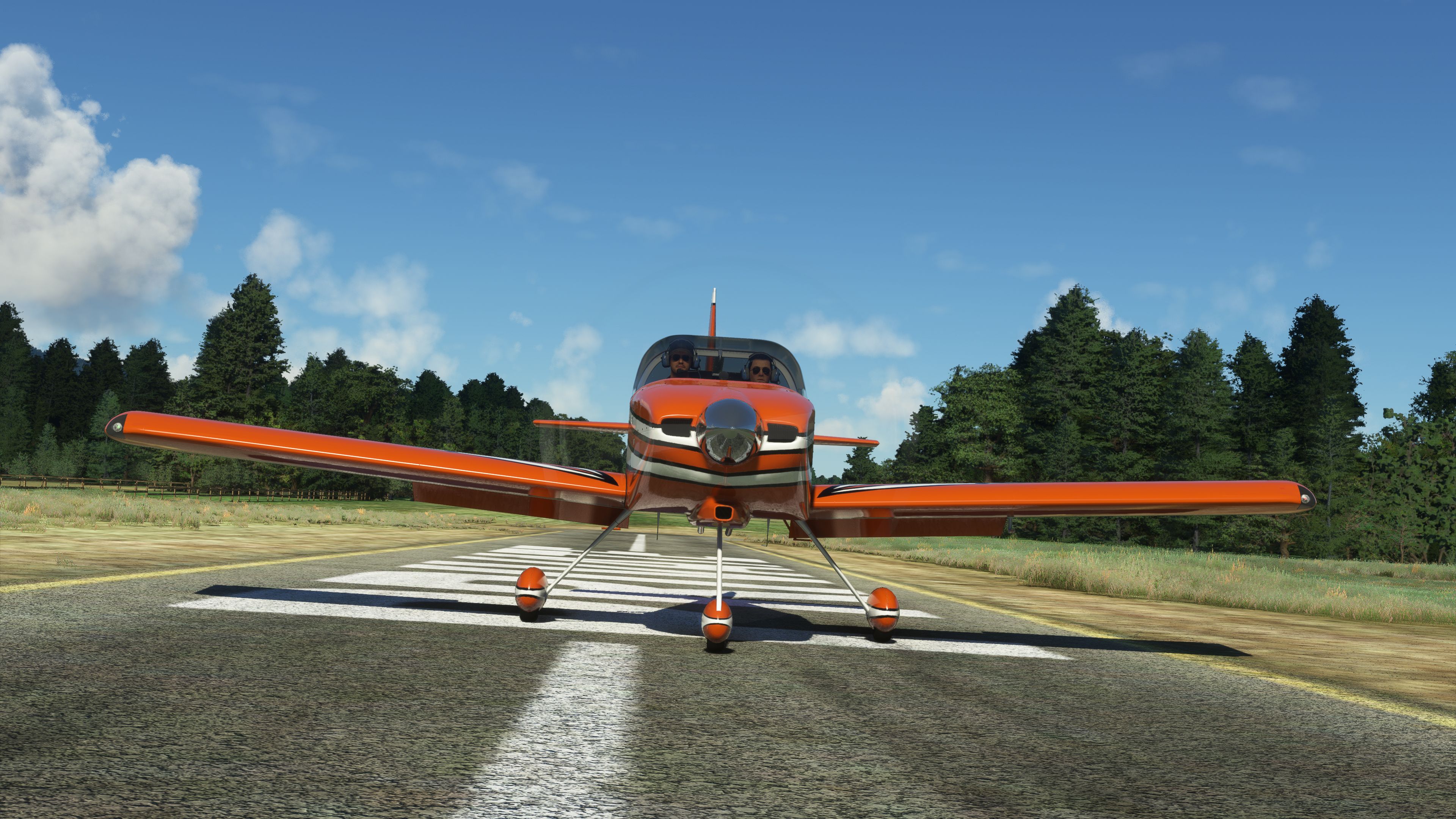
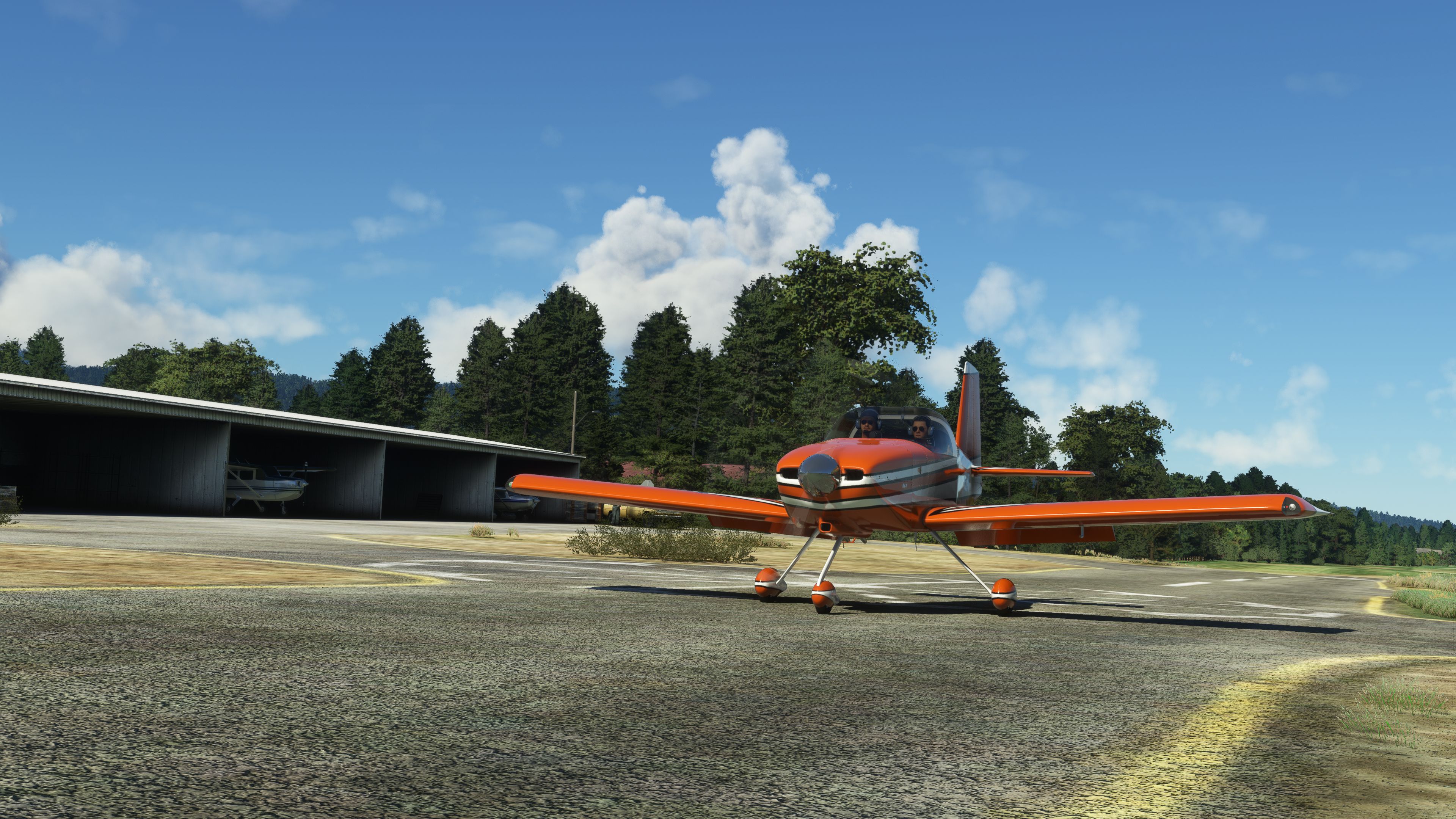
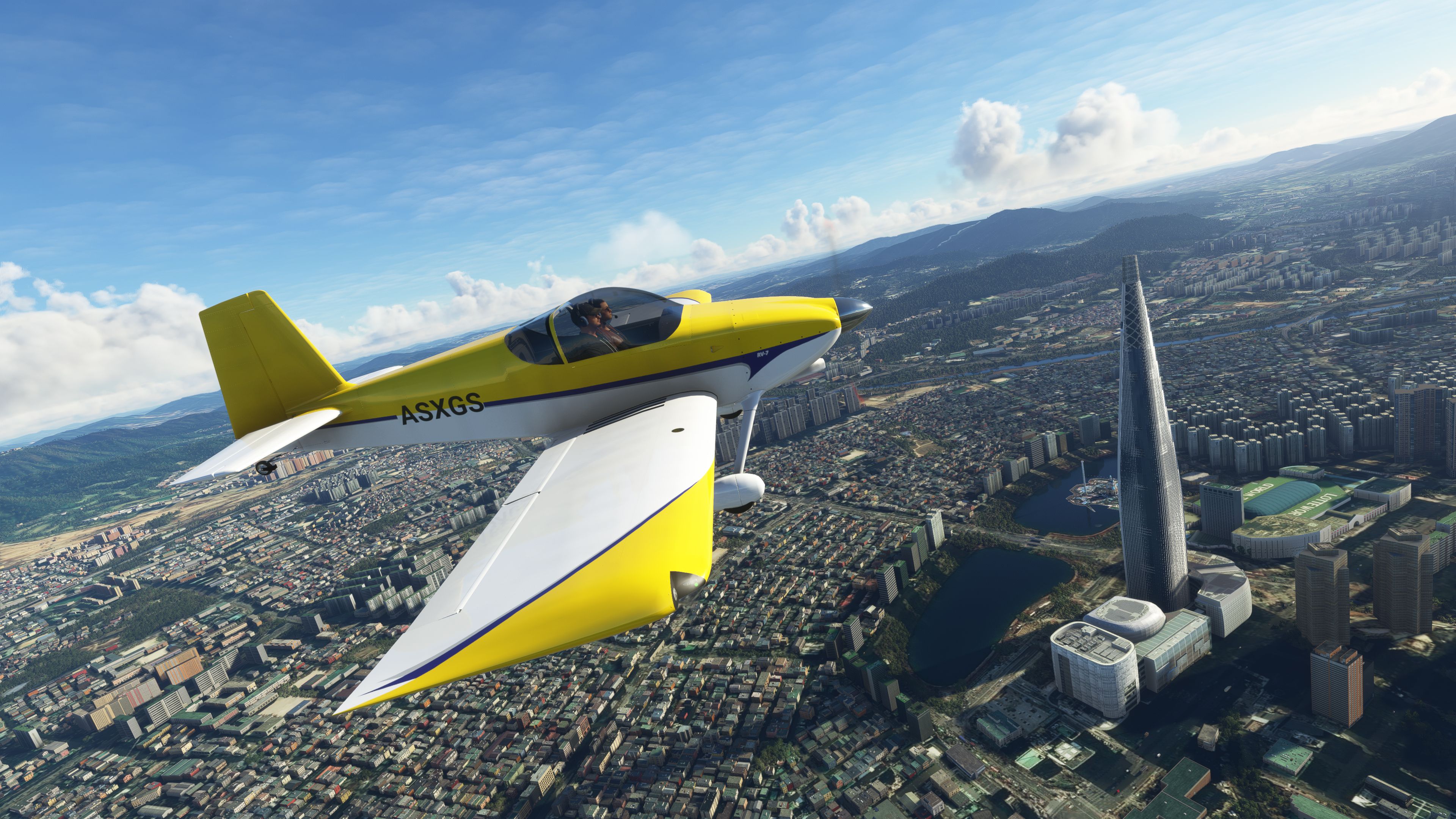
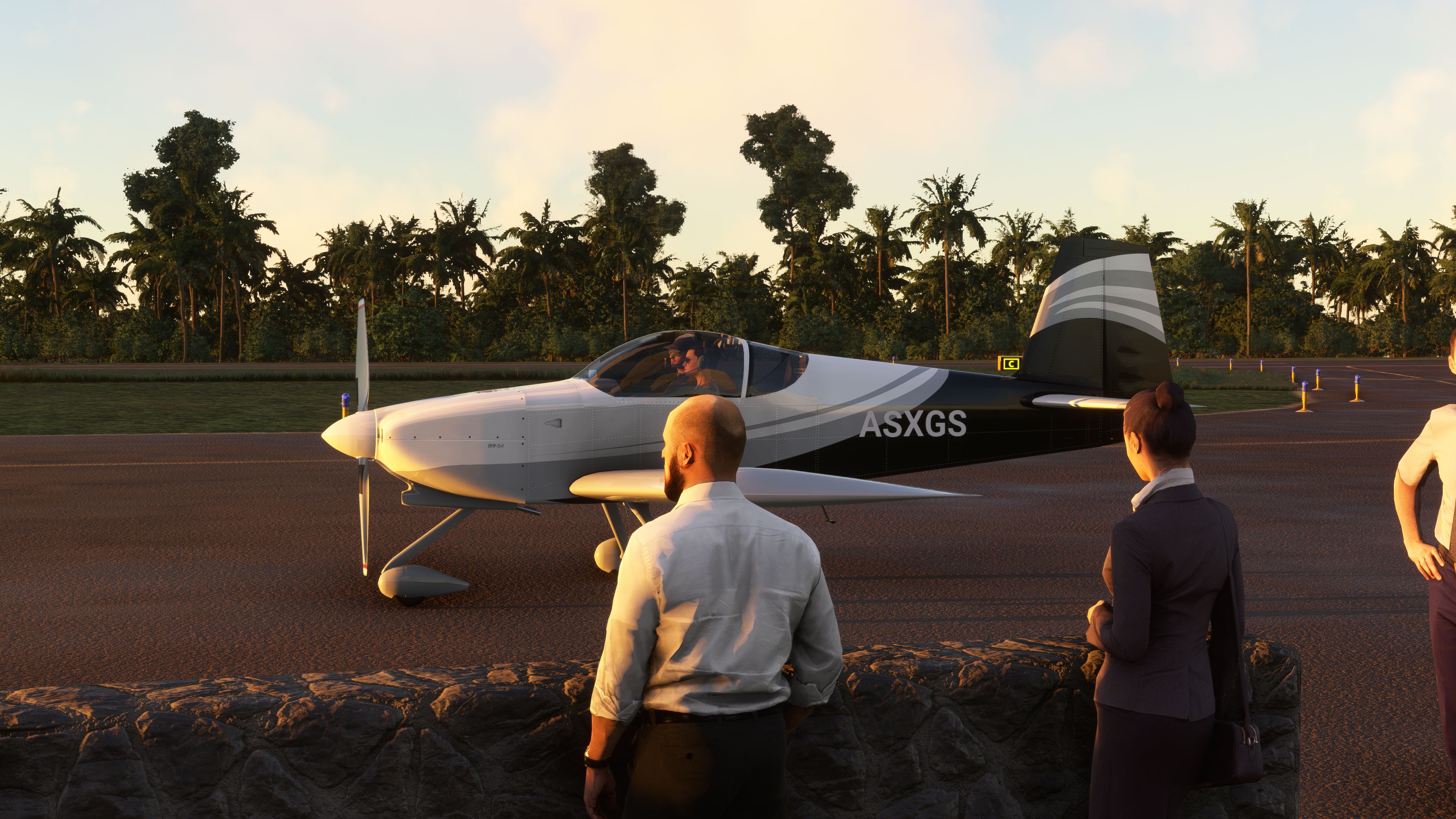
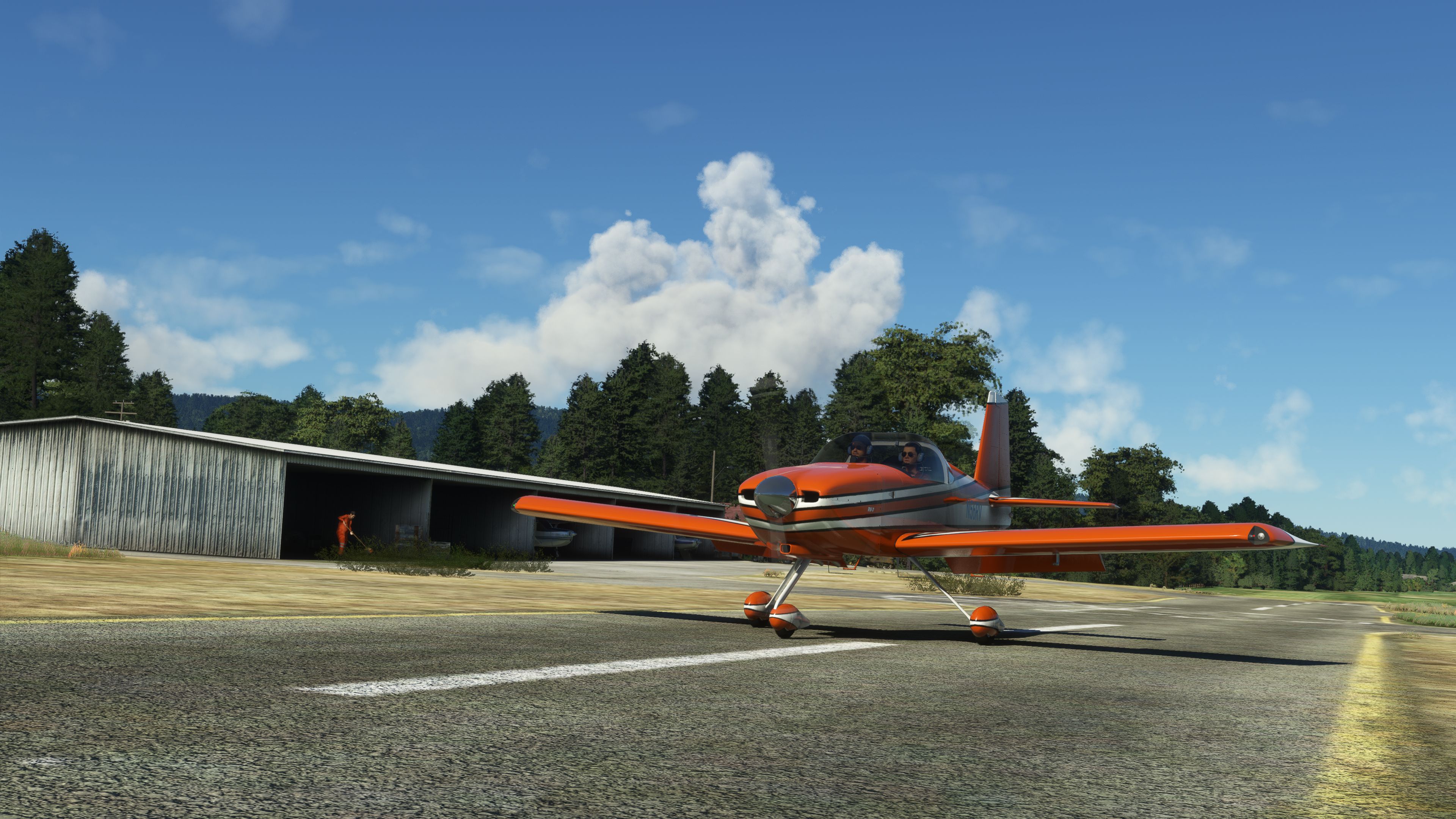
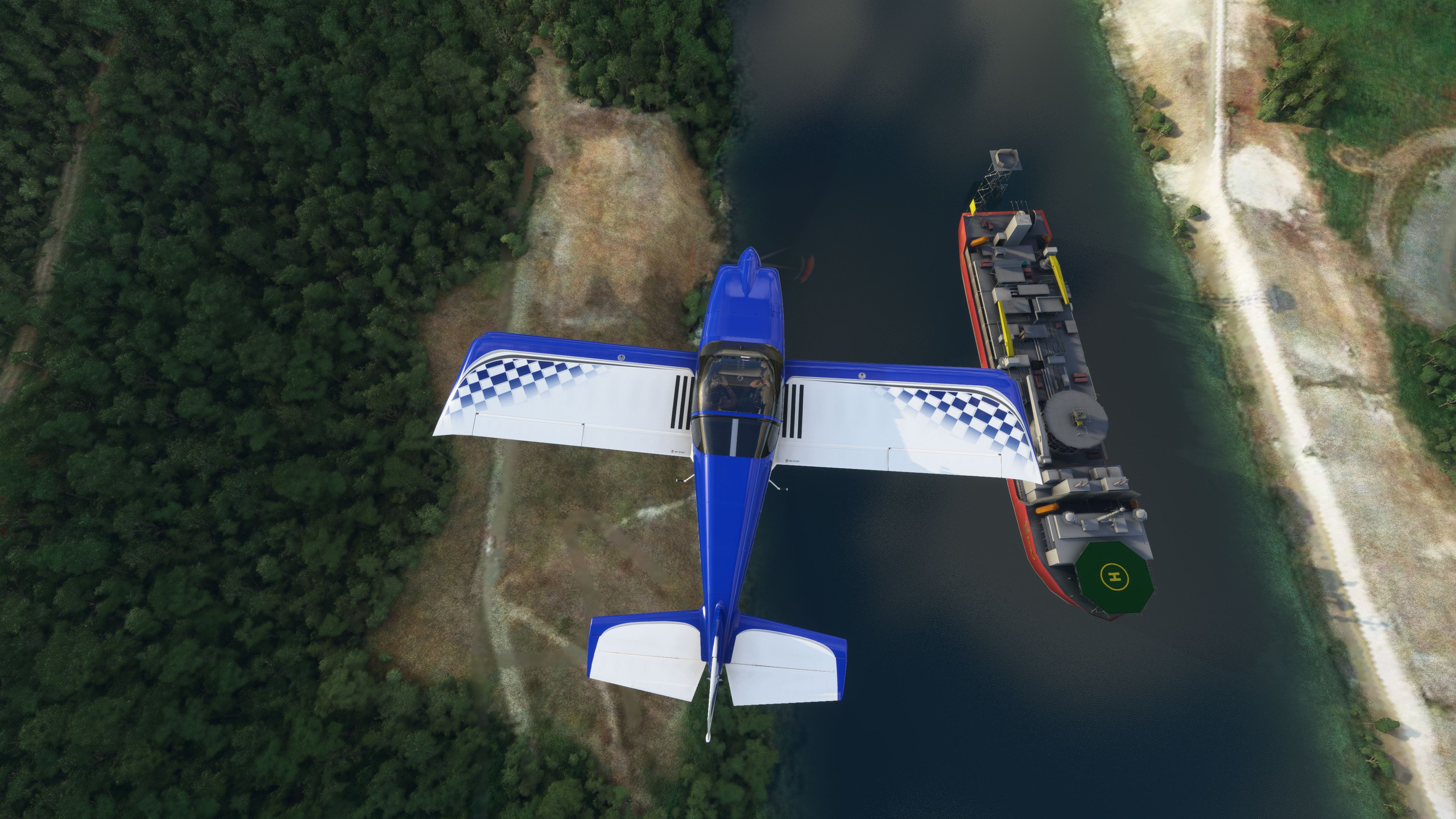
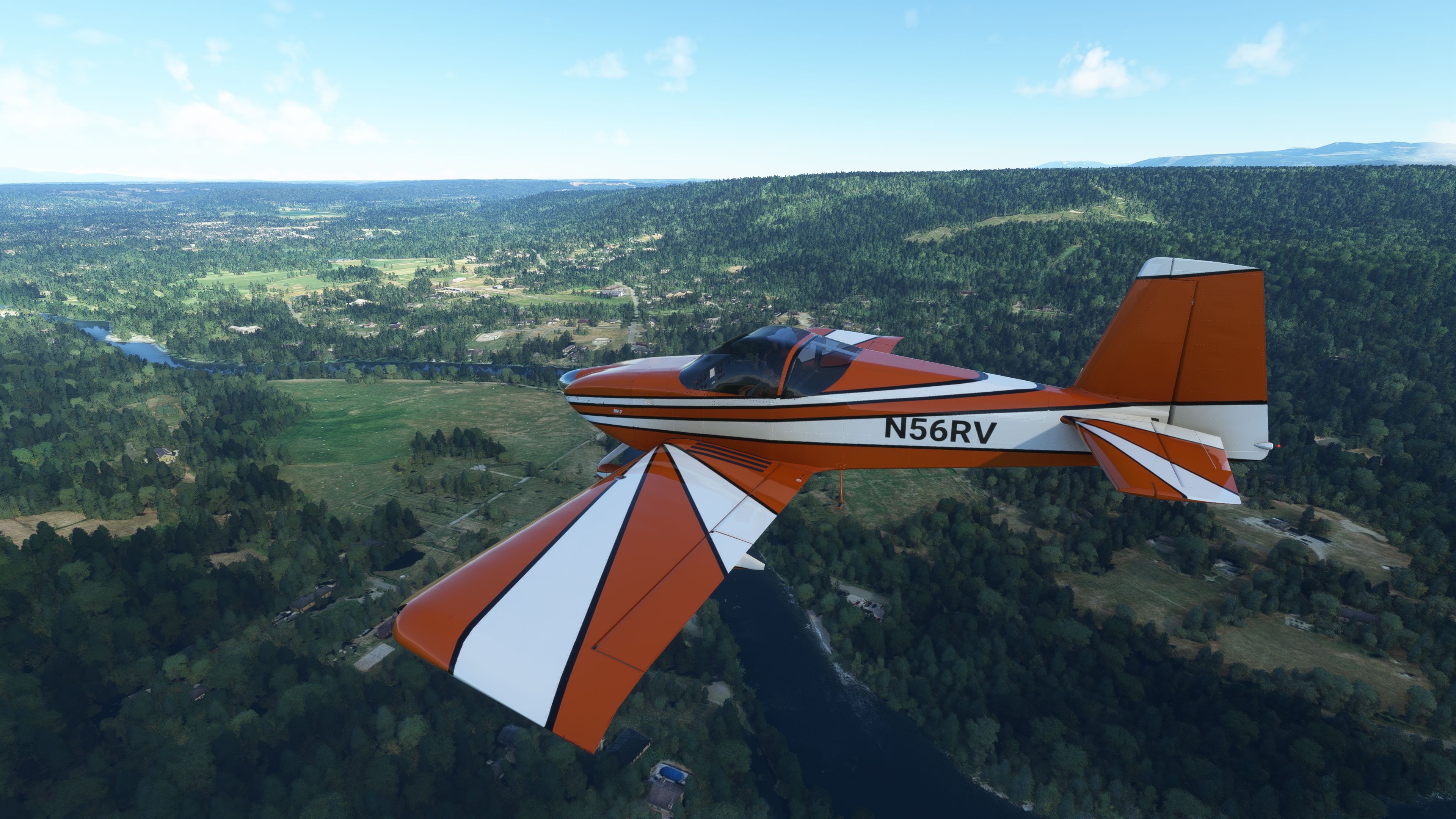
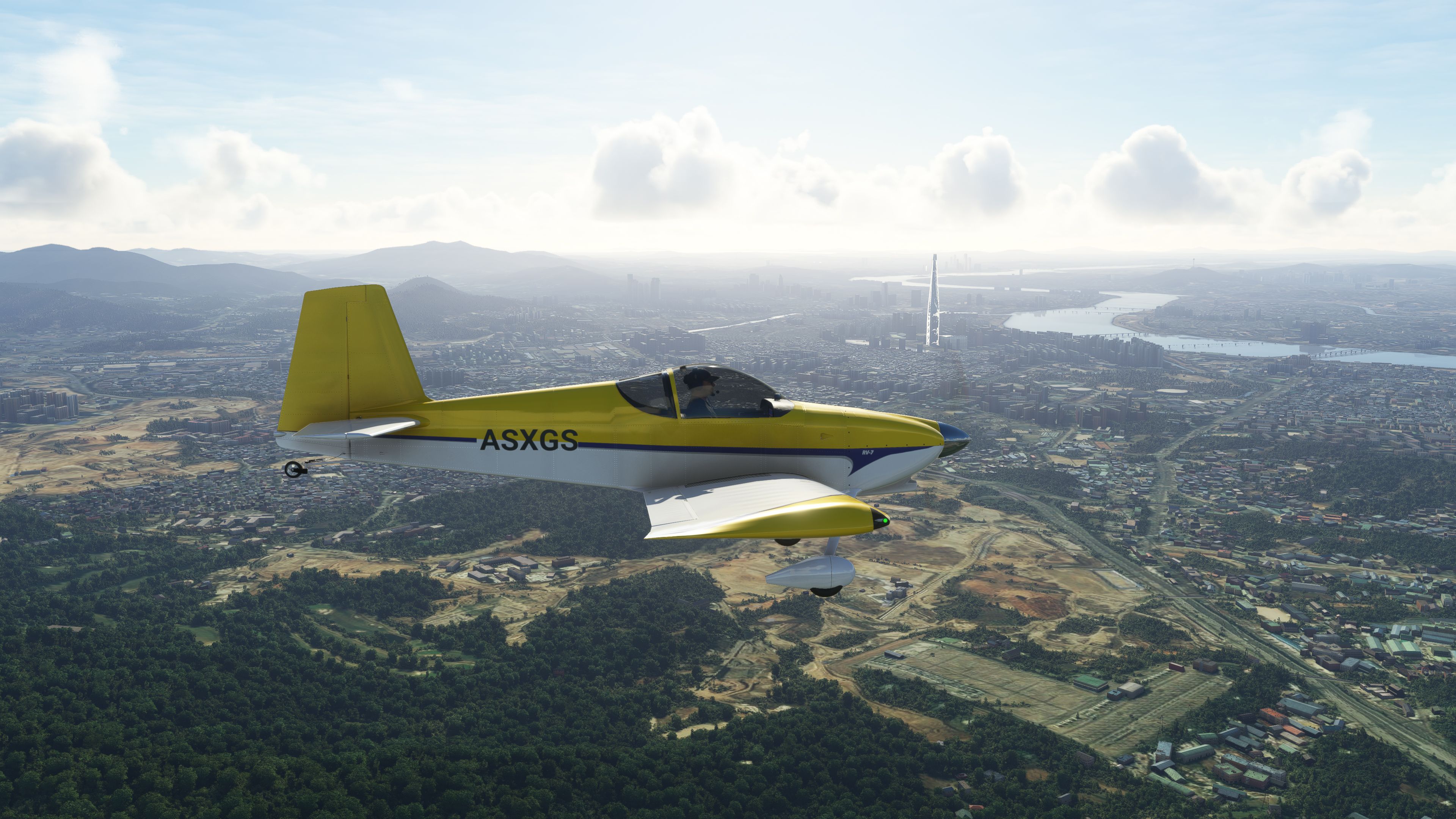
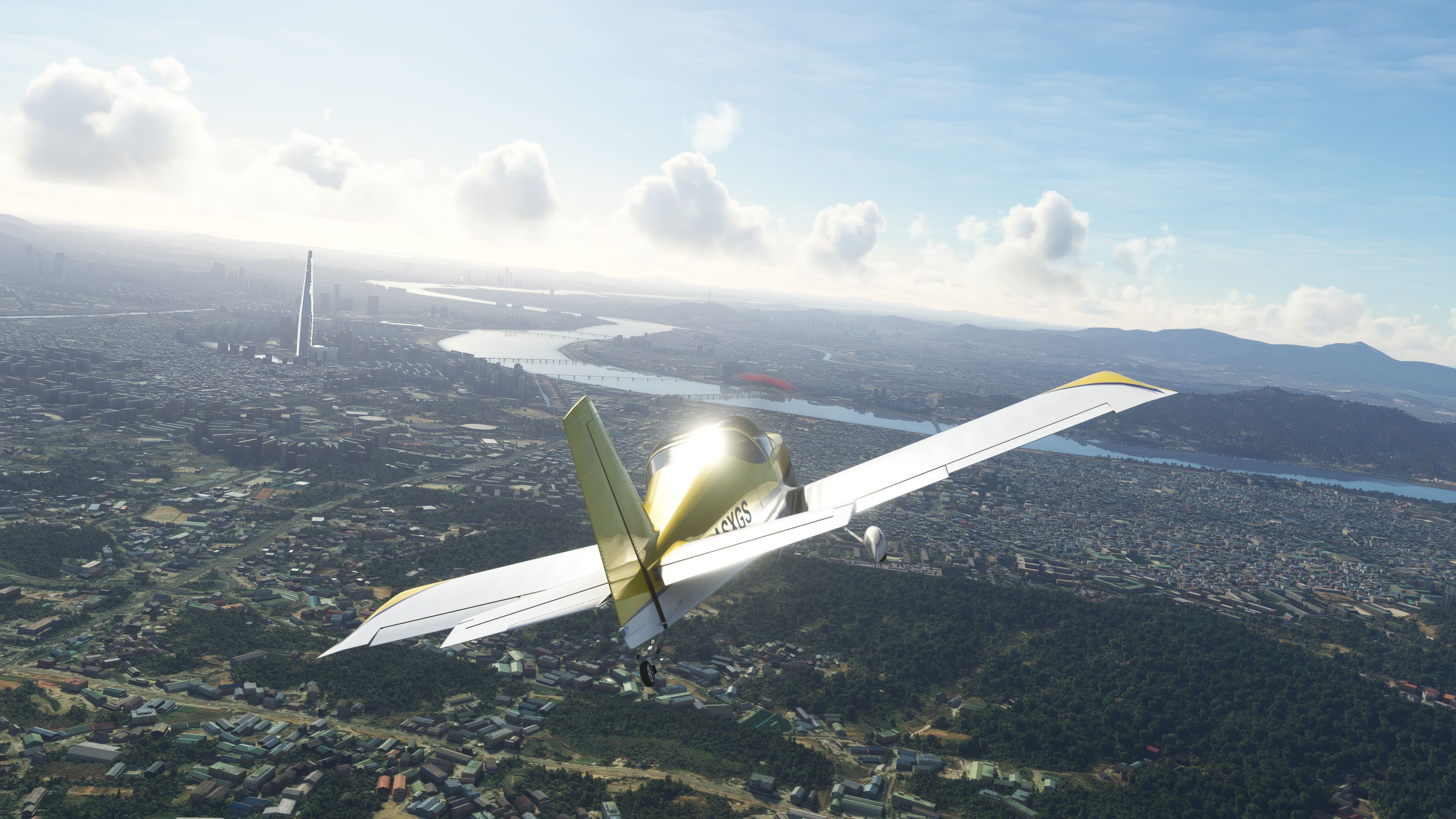
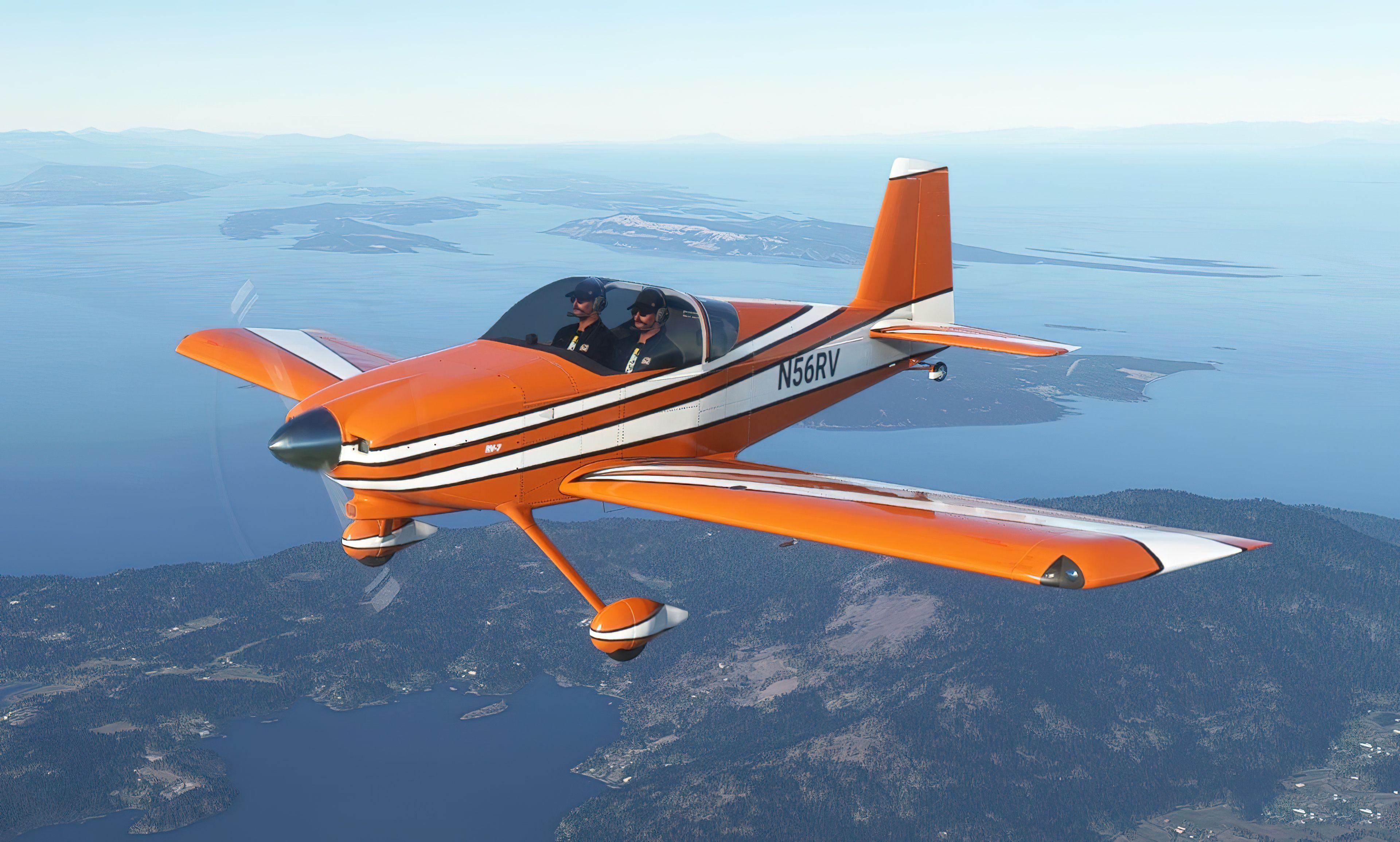
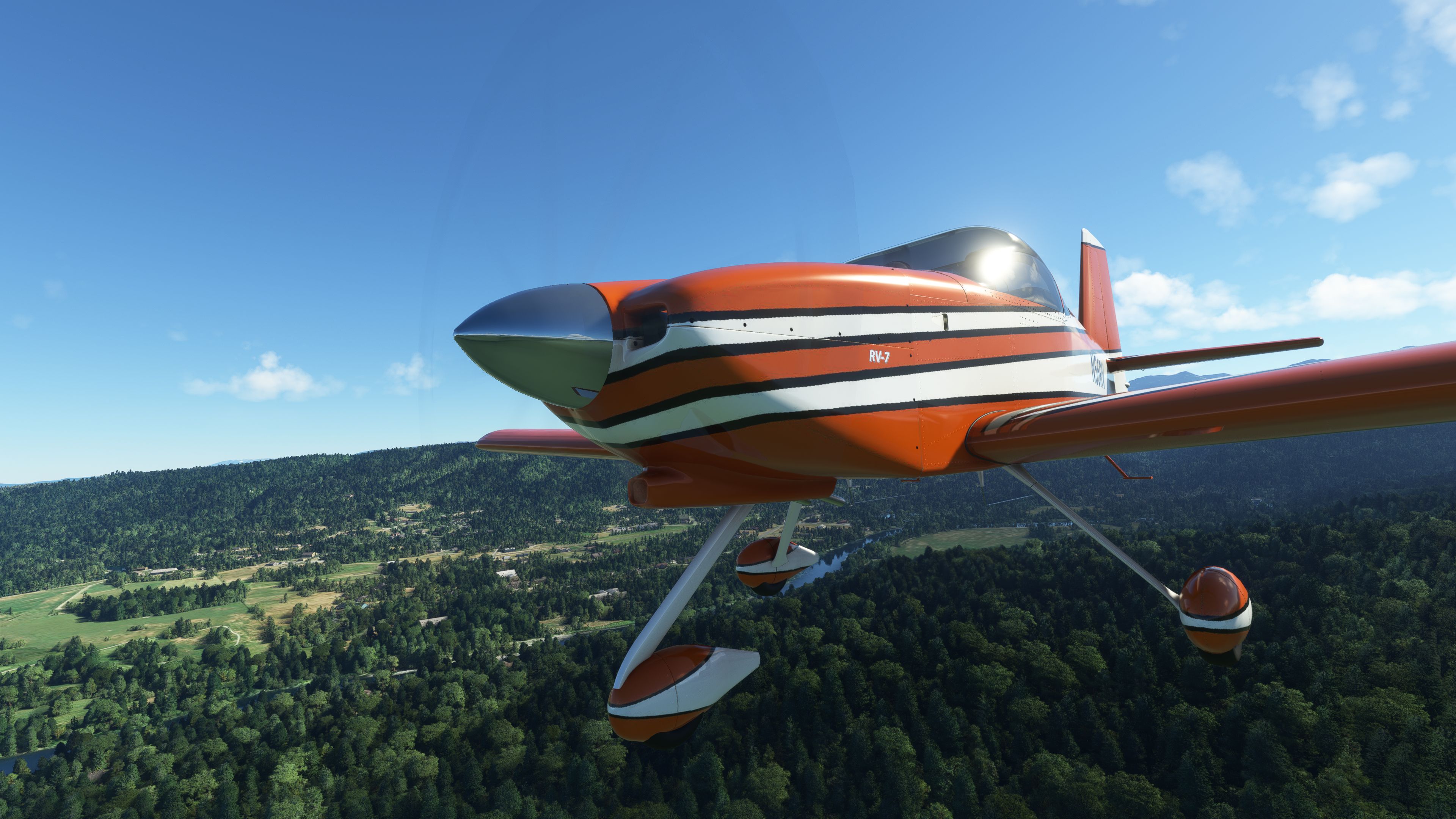
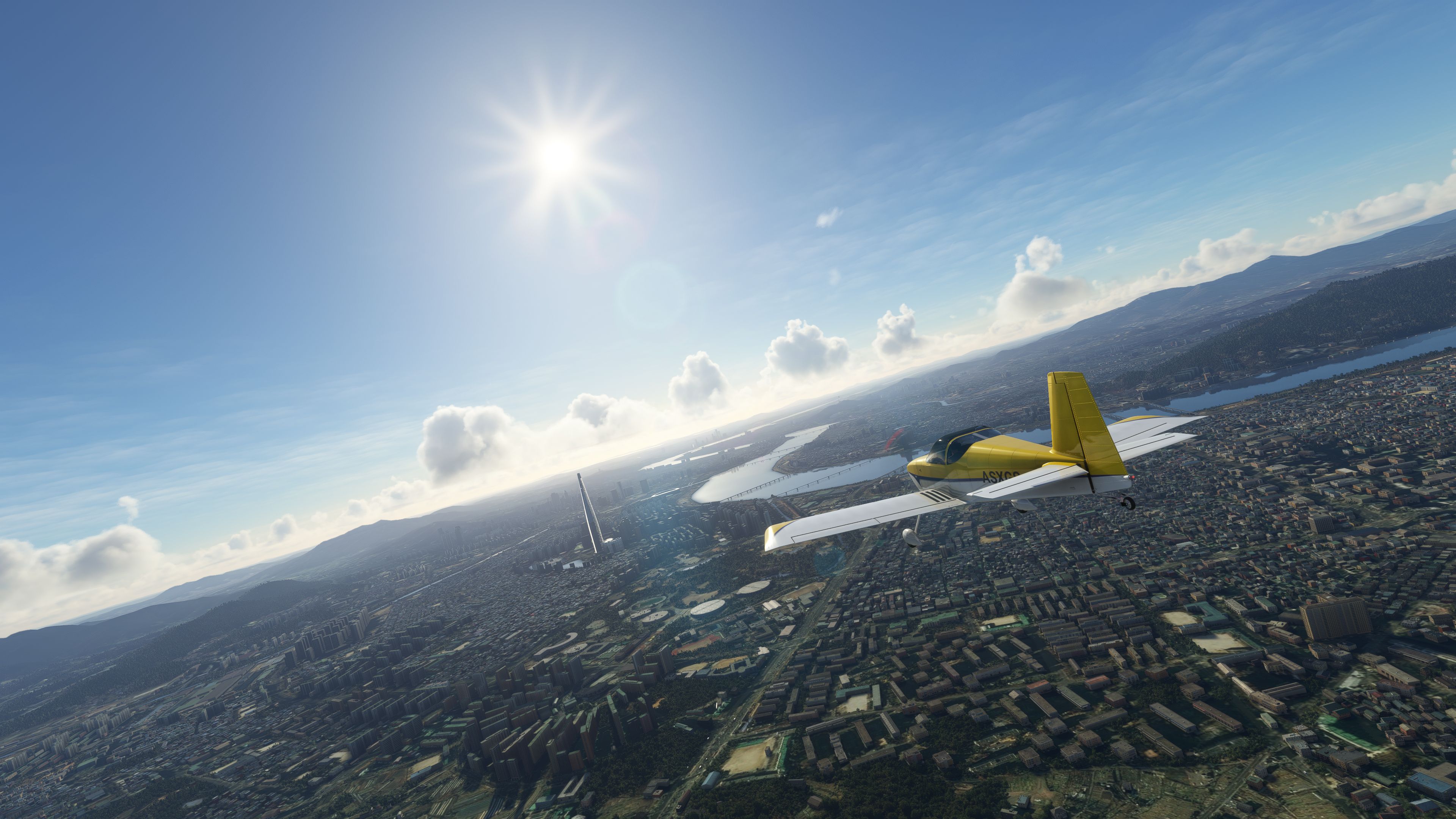
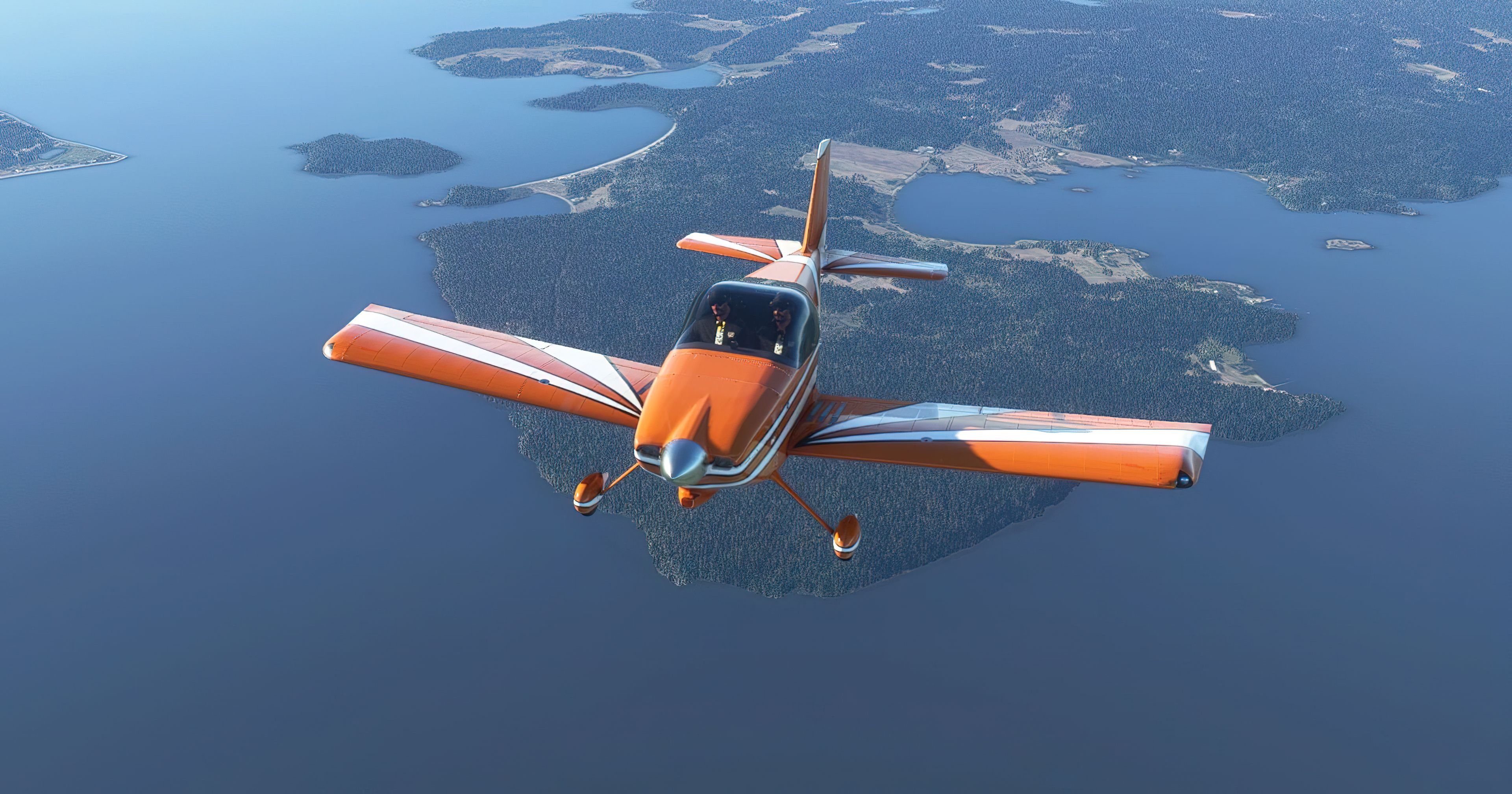
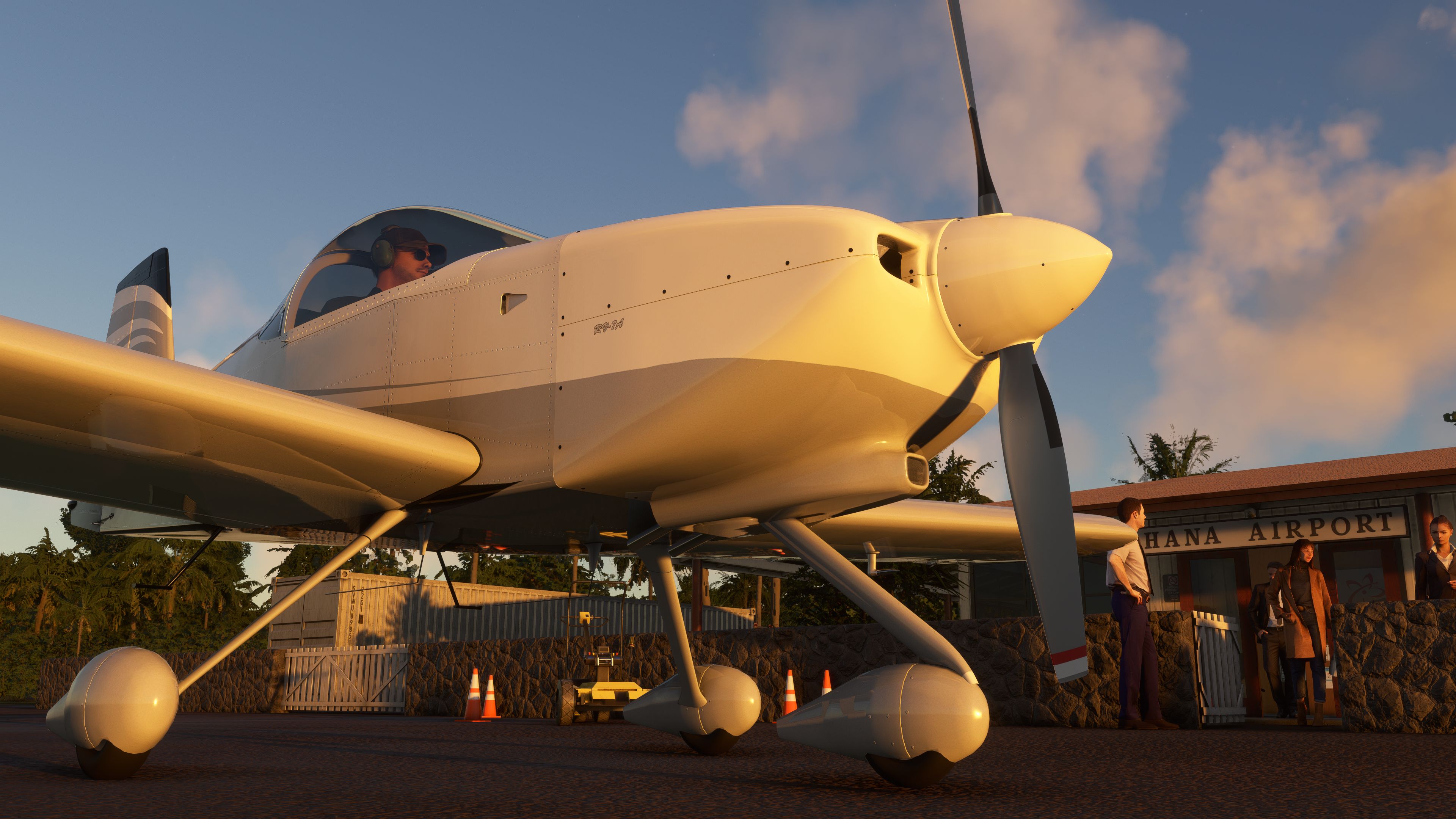
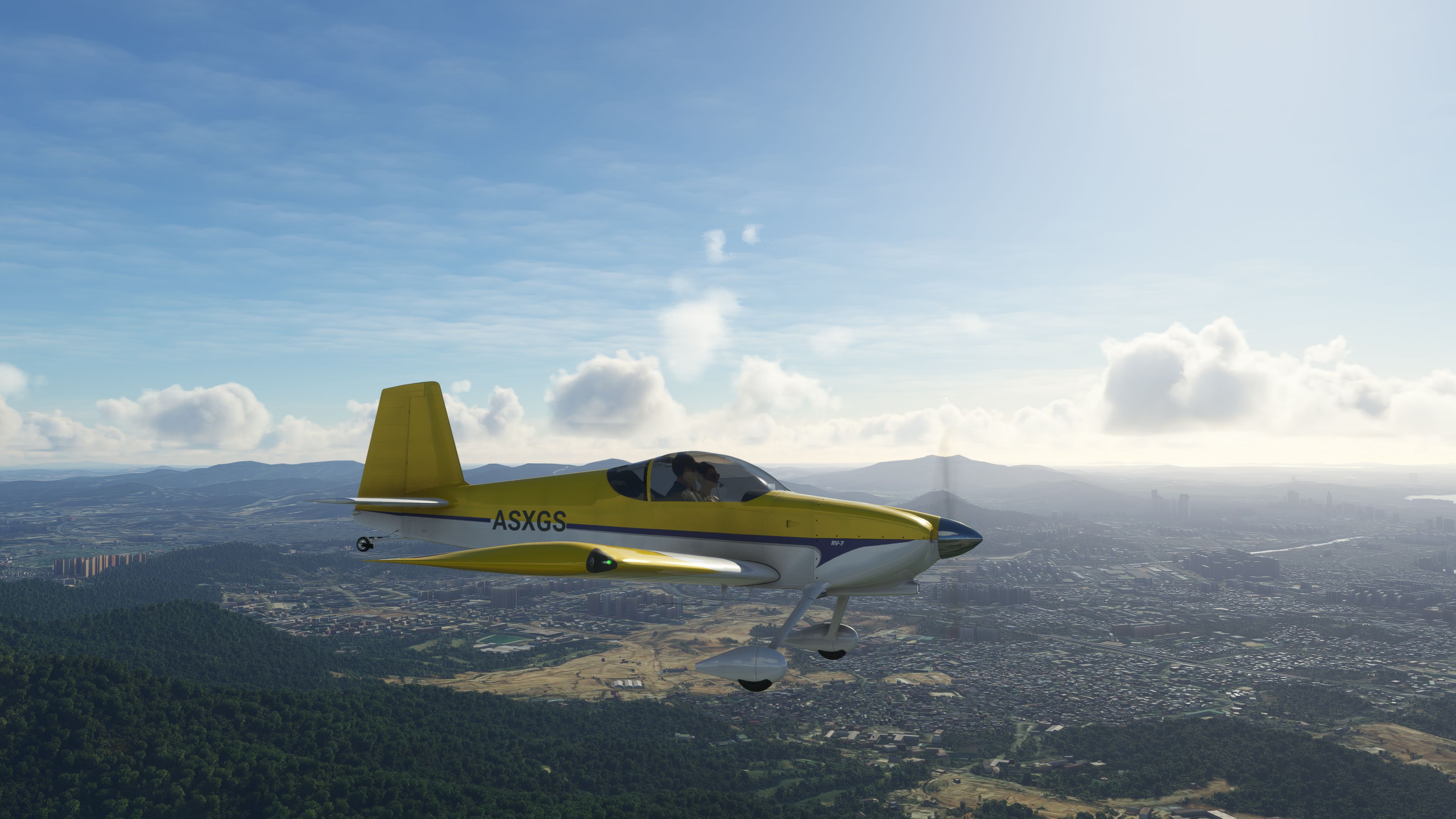
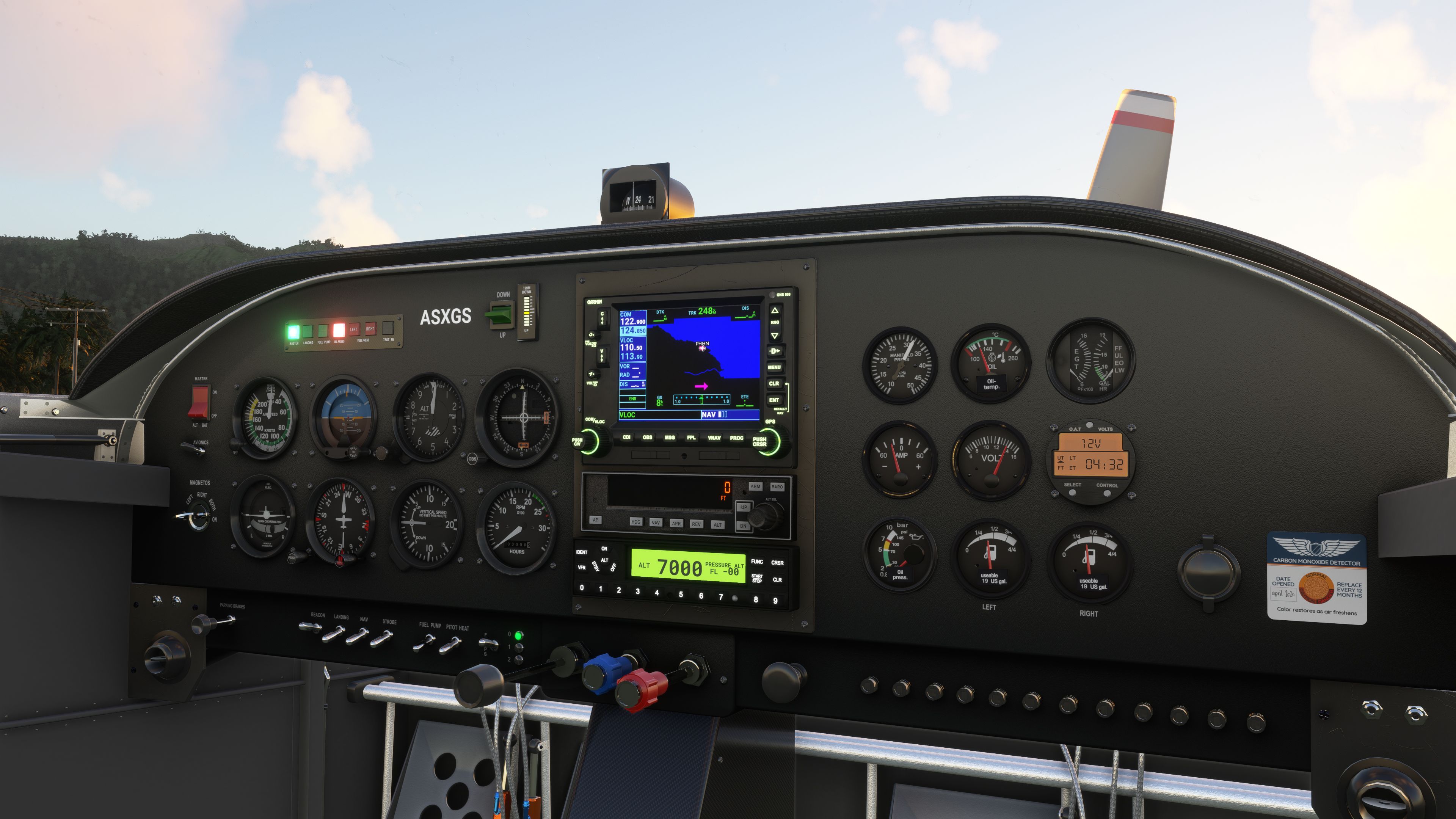
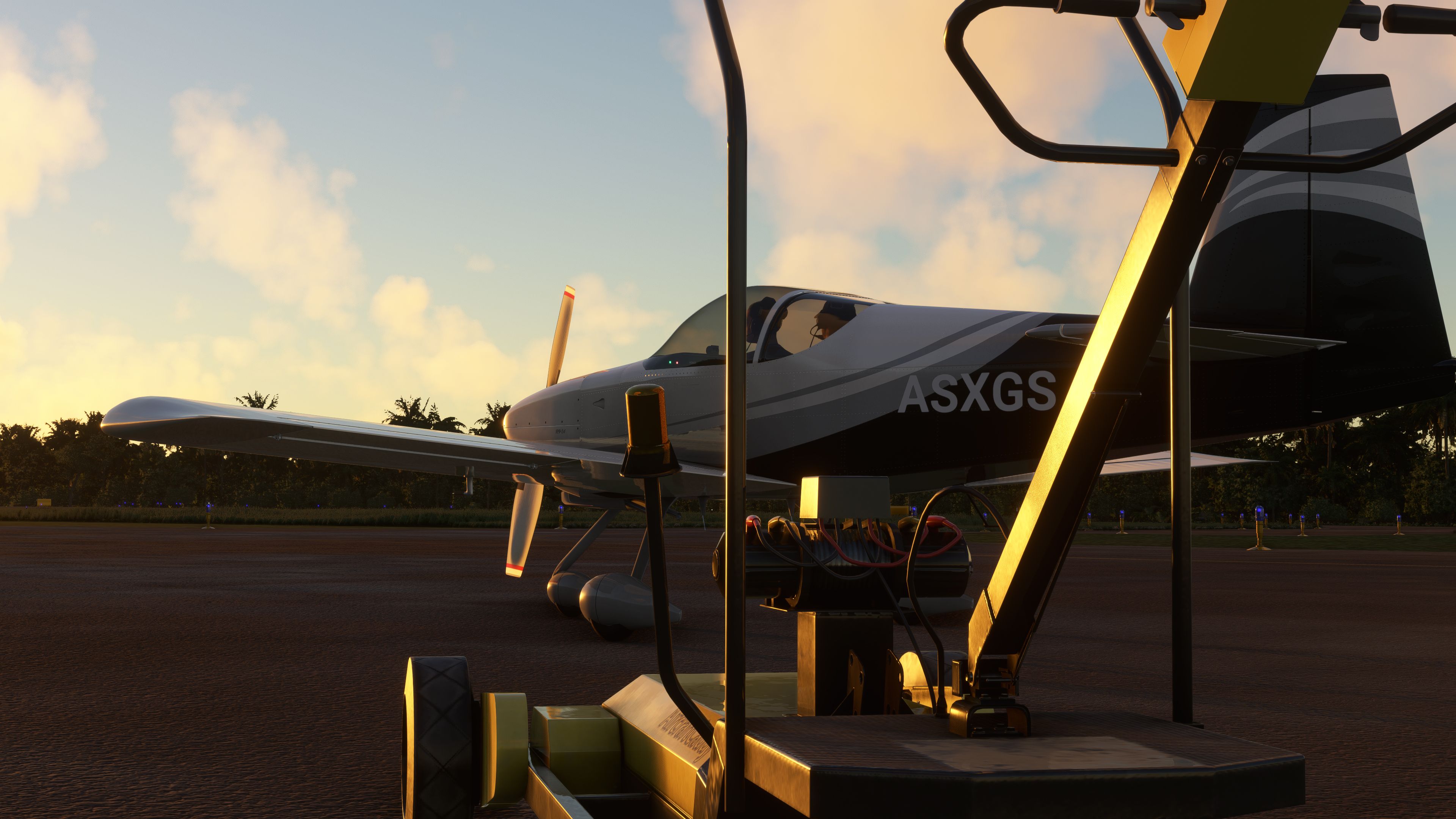
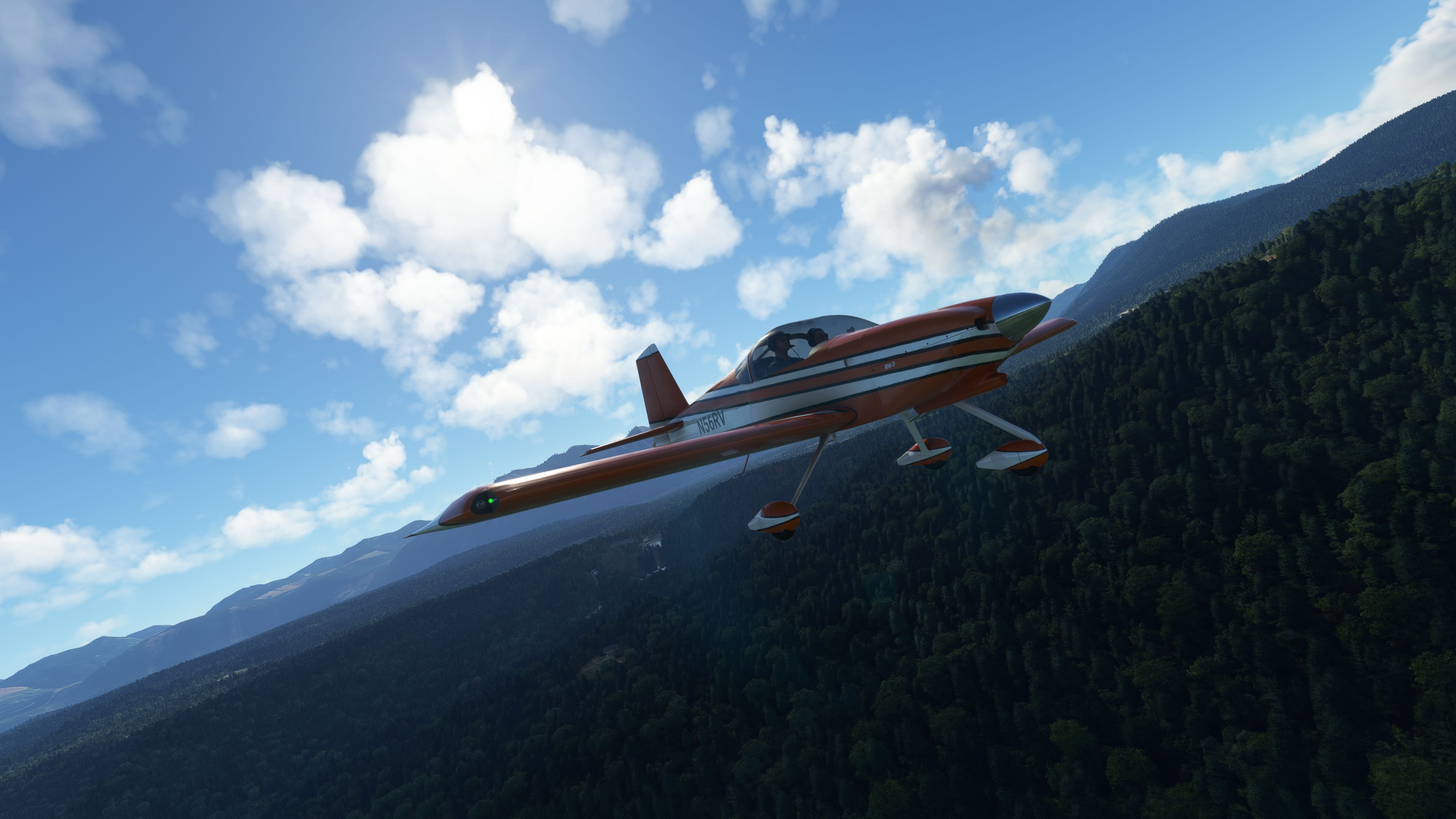
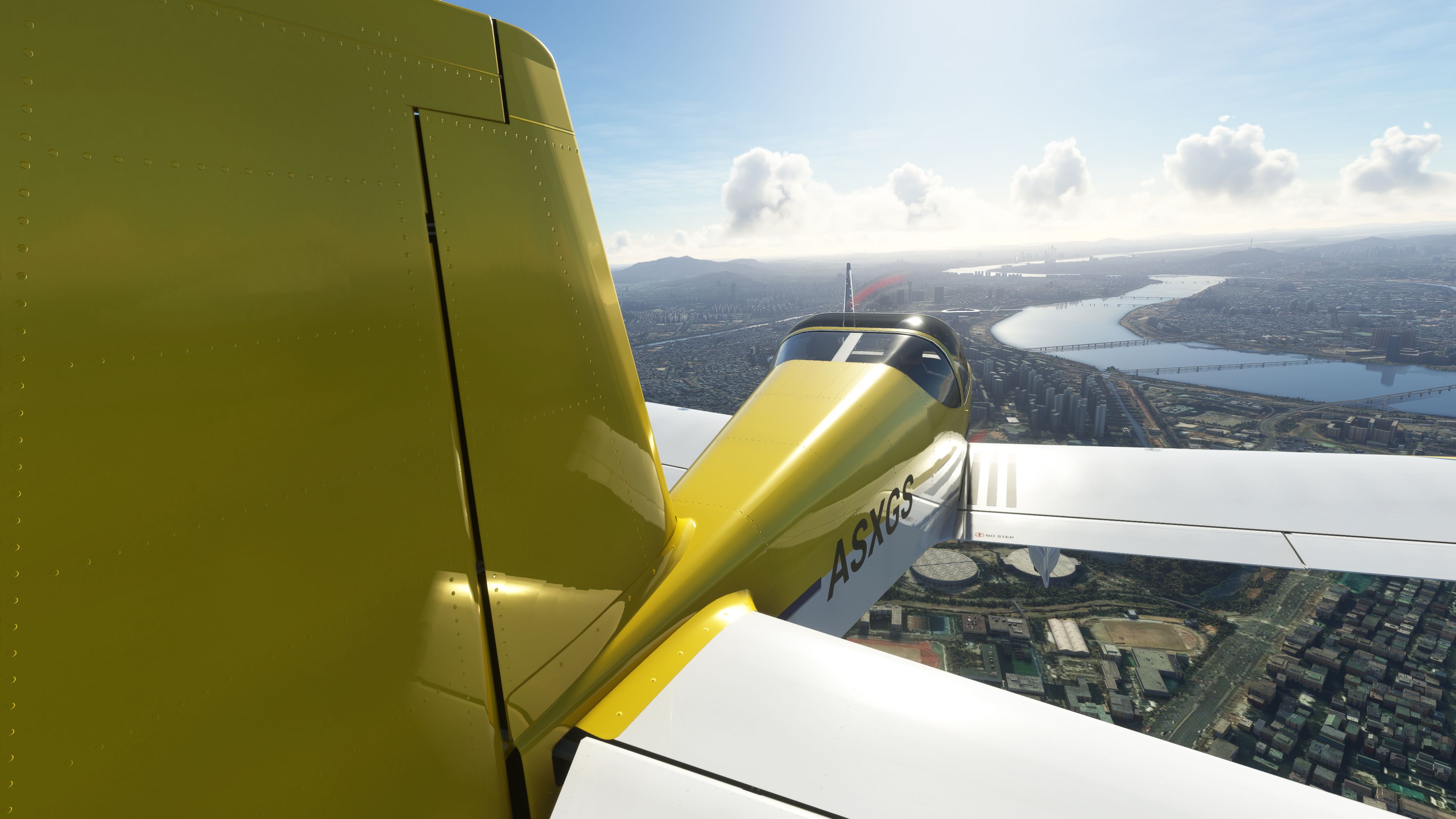
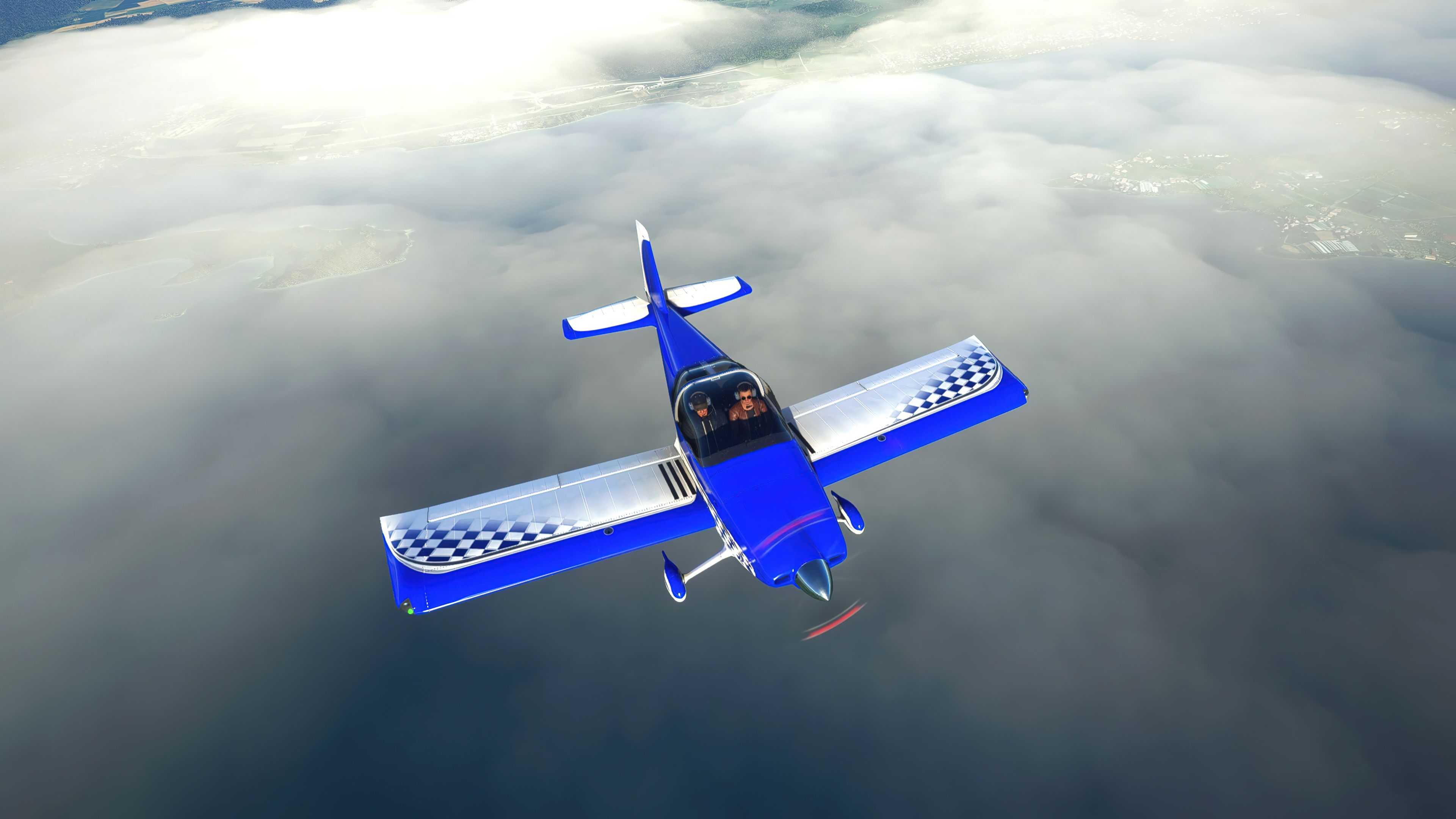
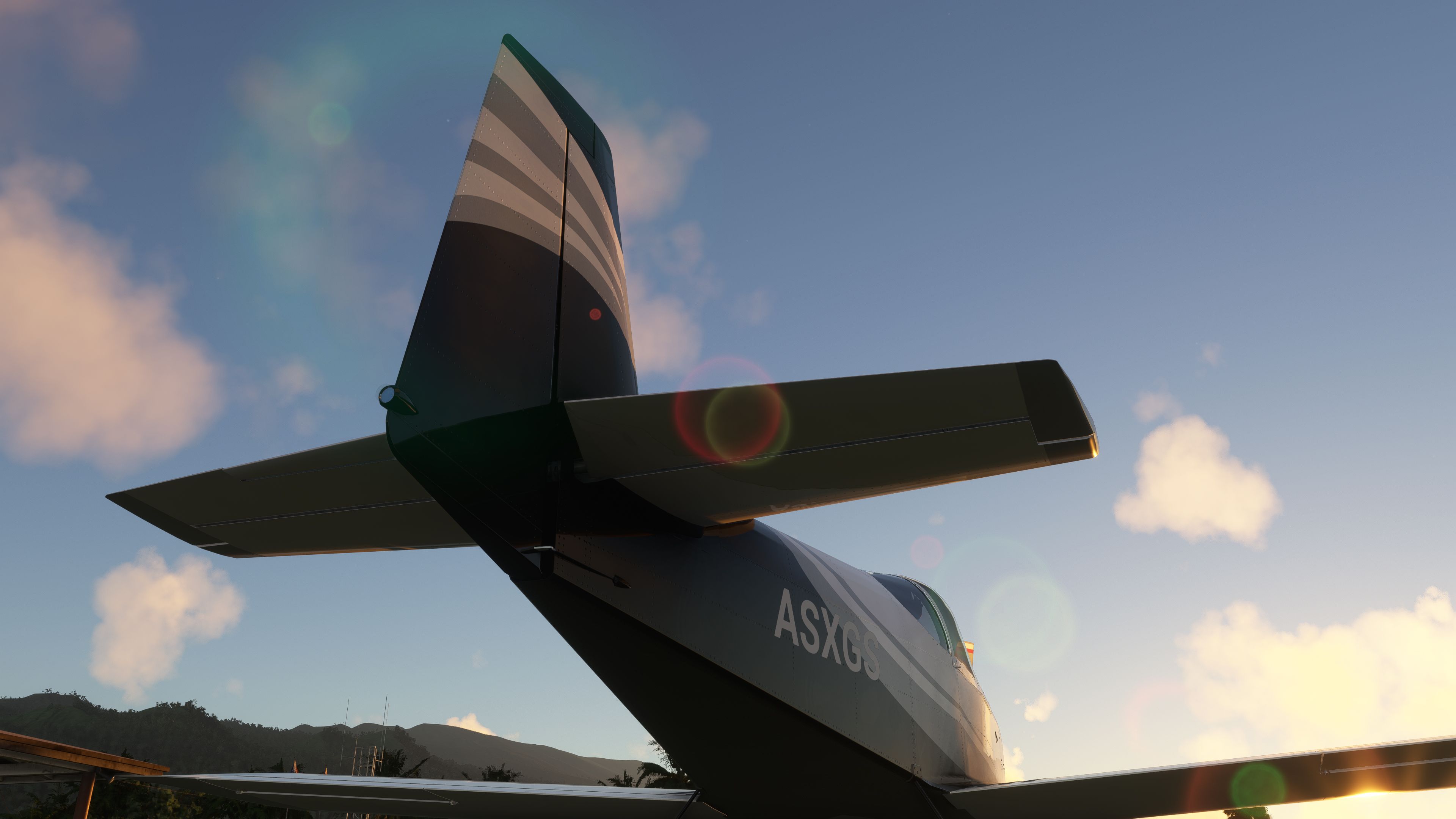
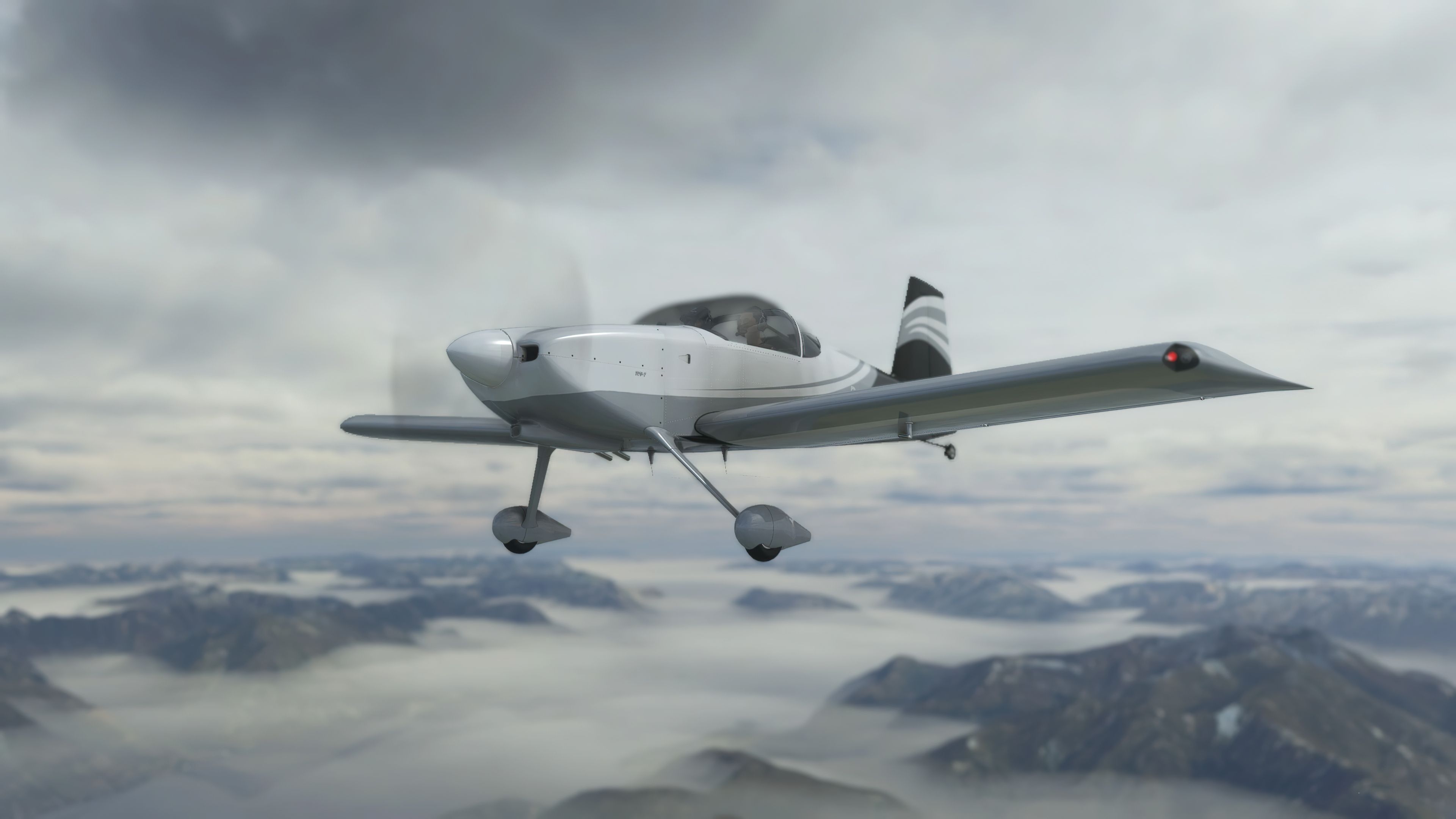
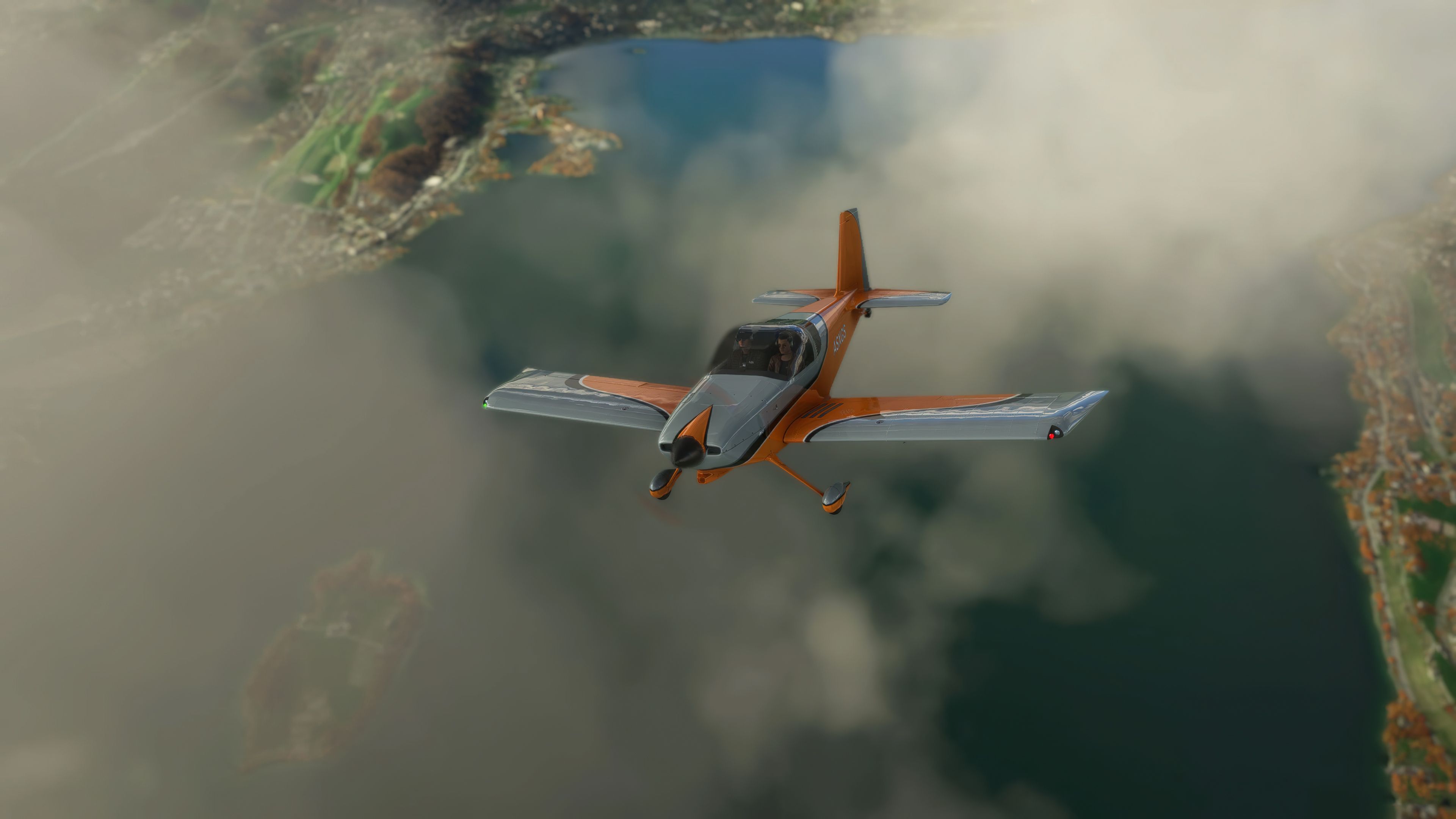
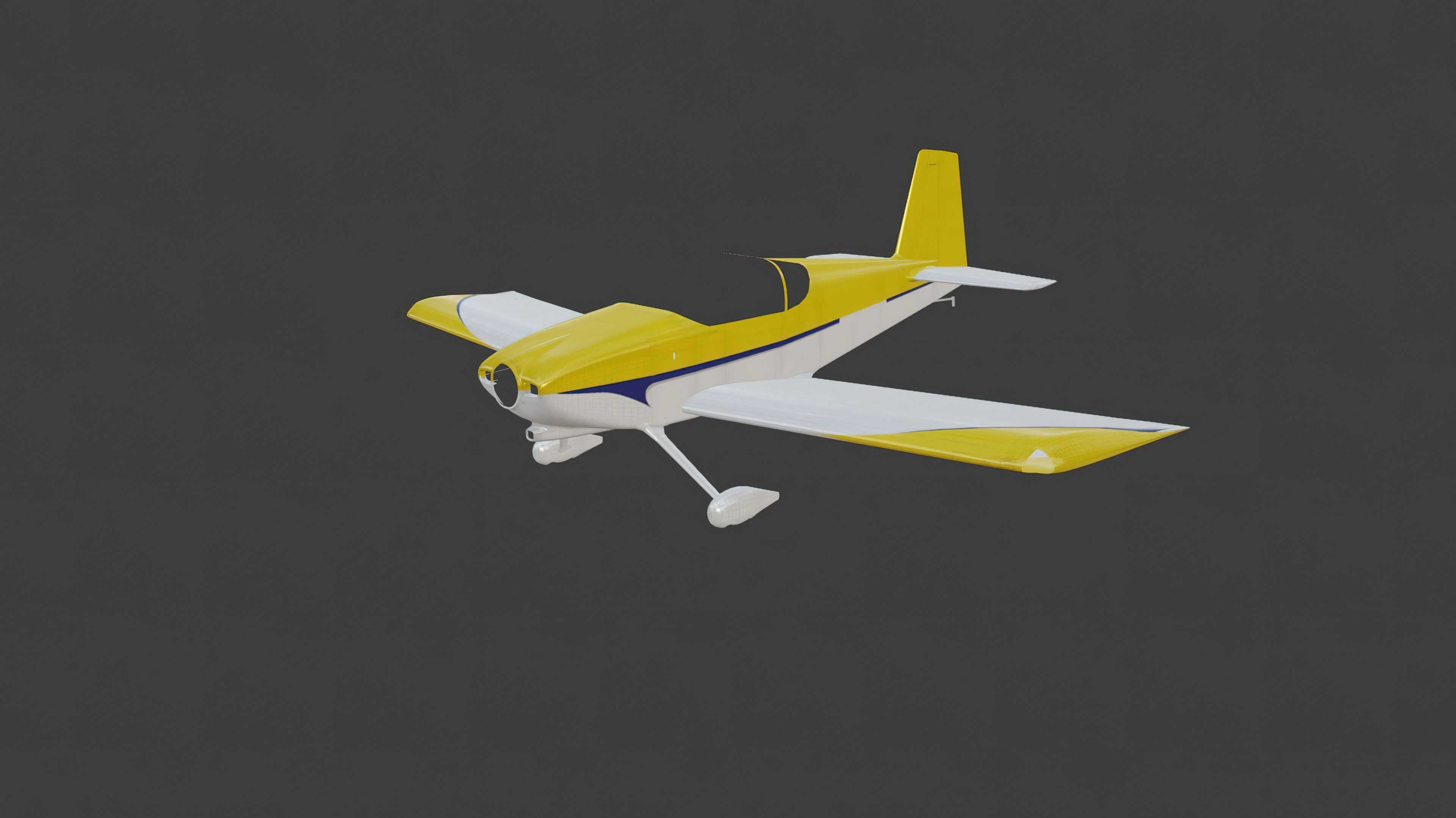
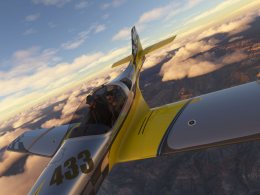
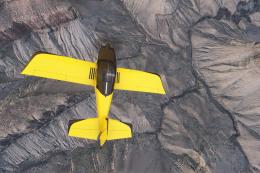
Van’s RV-7 and RV-7A arrive as a complete freeware aircraft pack with a fresh 3D model, sharp textures, multiple liveries, and a fully modeled virtual cockpit for fast VFR touring, air-race practice, and aerobatics in Microsoft Flight Simulator. It also includes exterior detailing, a paint kit, and a partially implemented GTN750.
 Rate
Rate
 By deejing

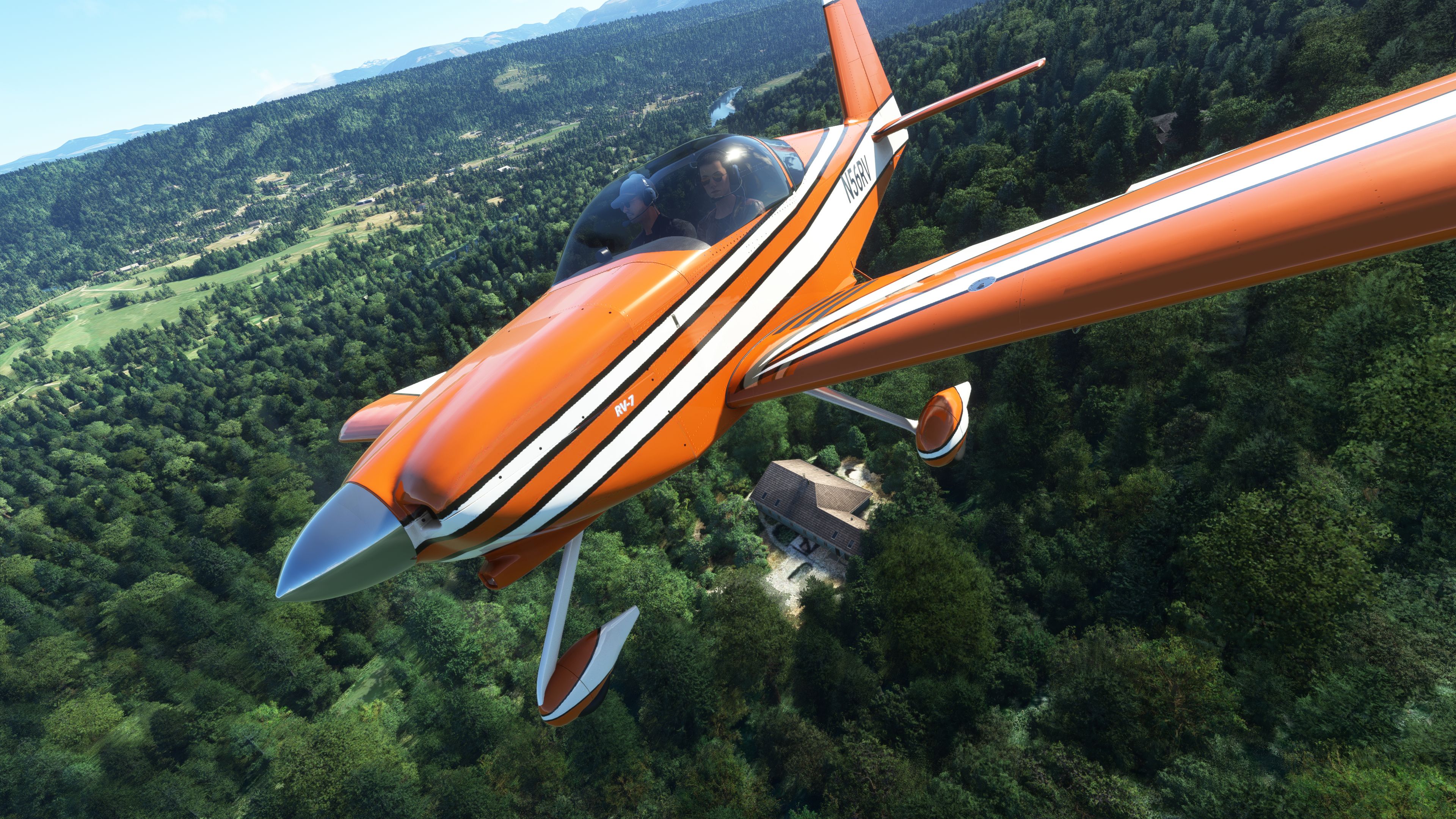
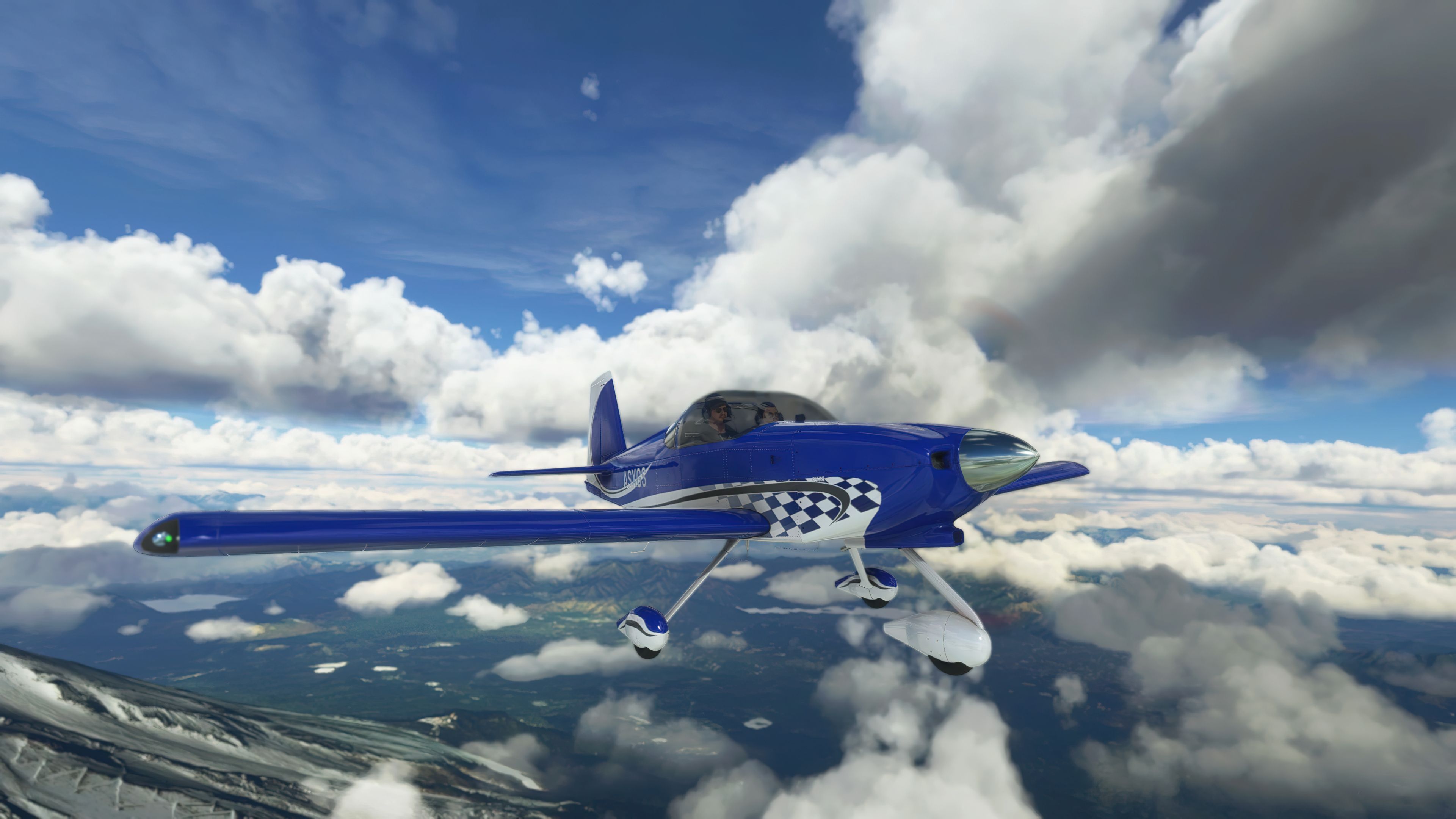
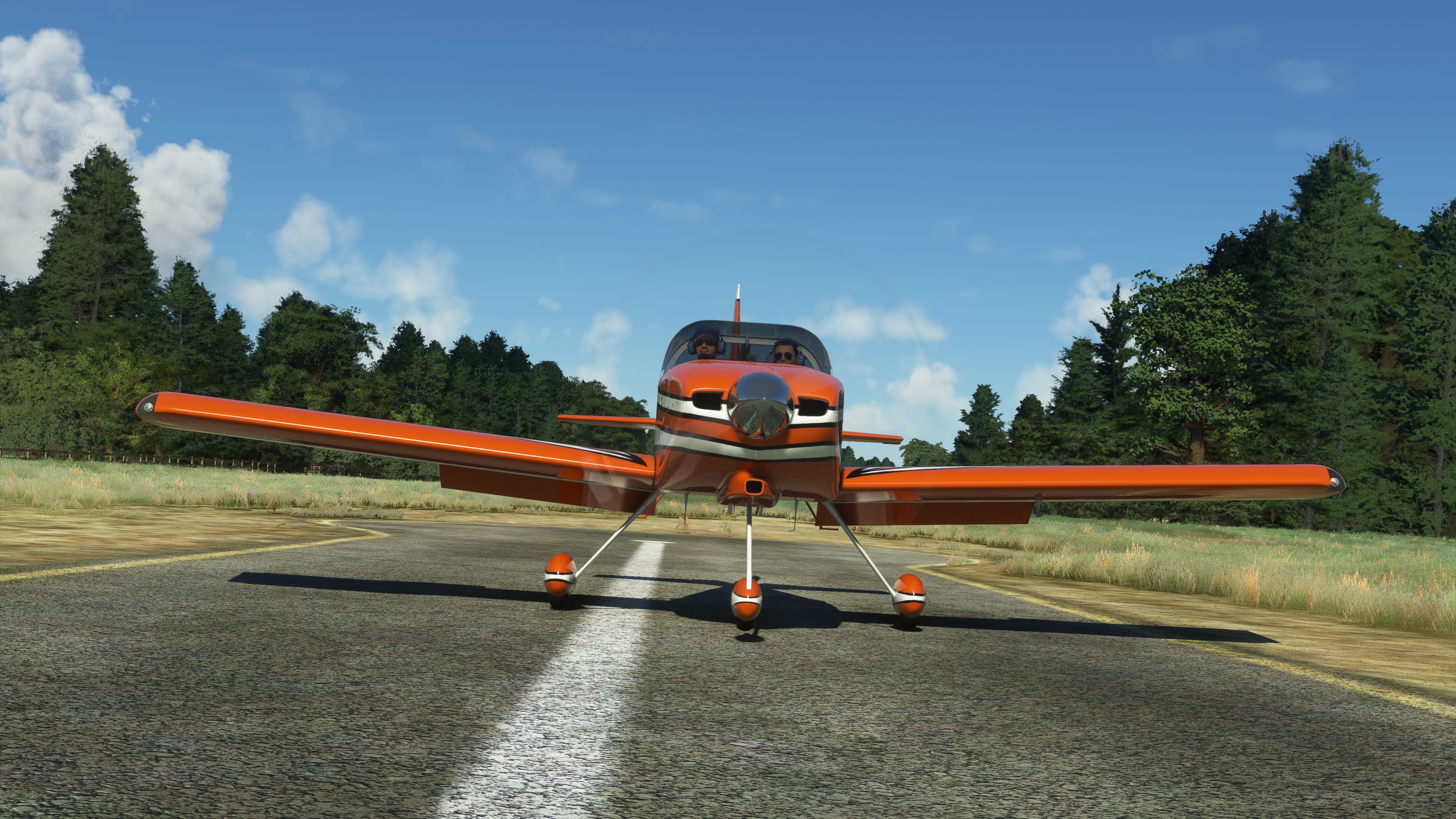
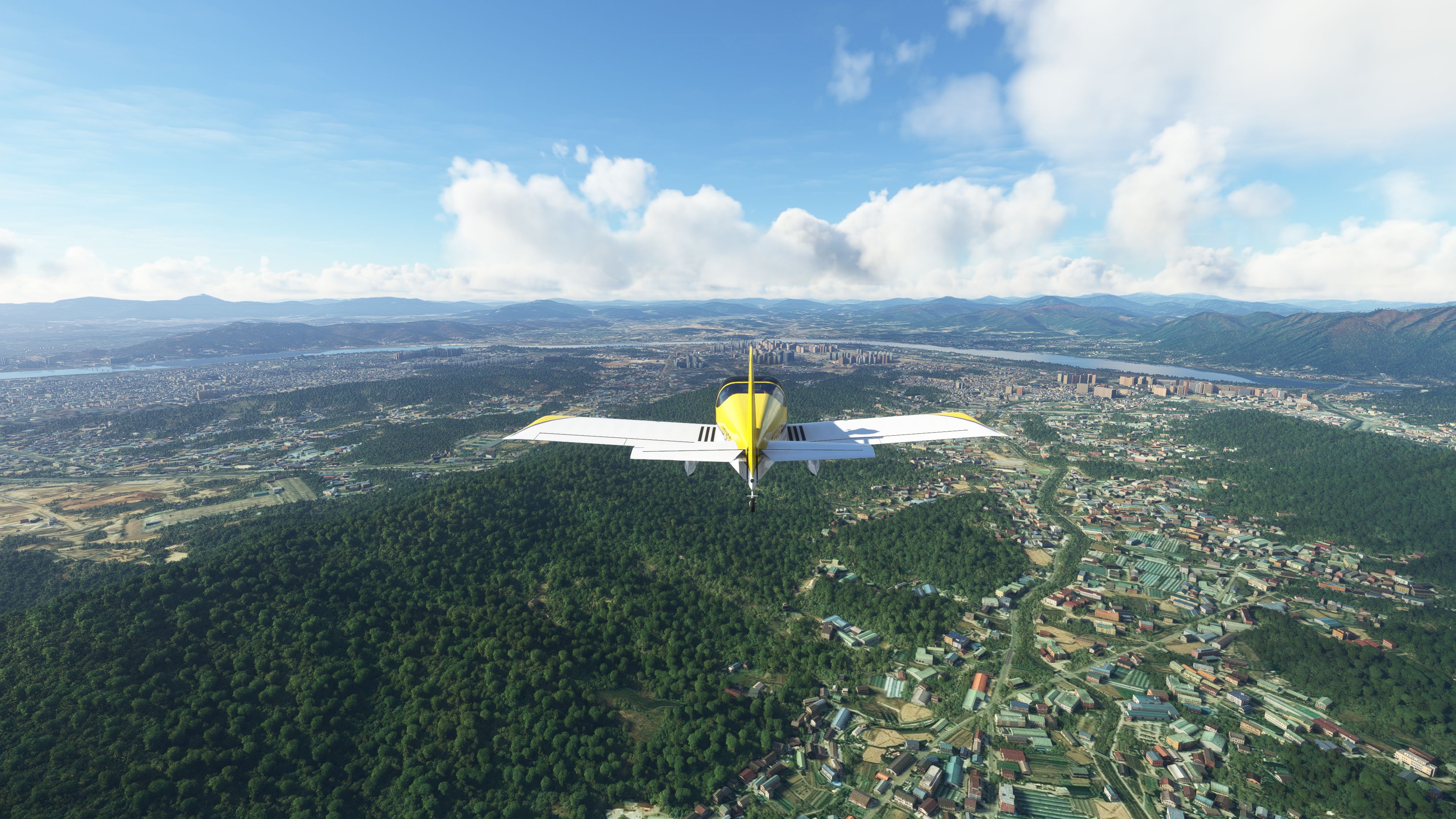
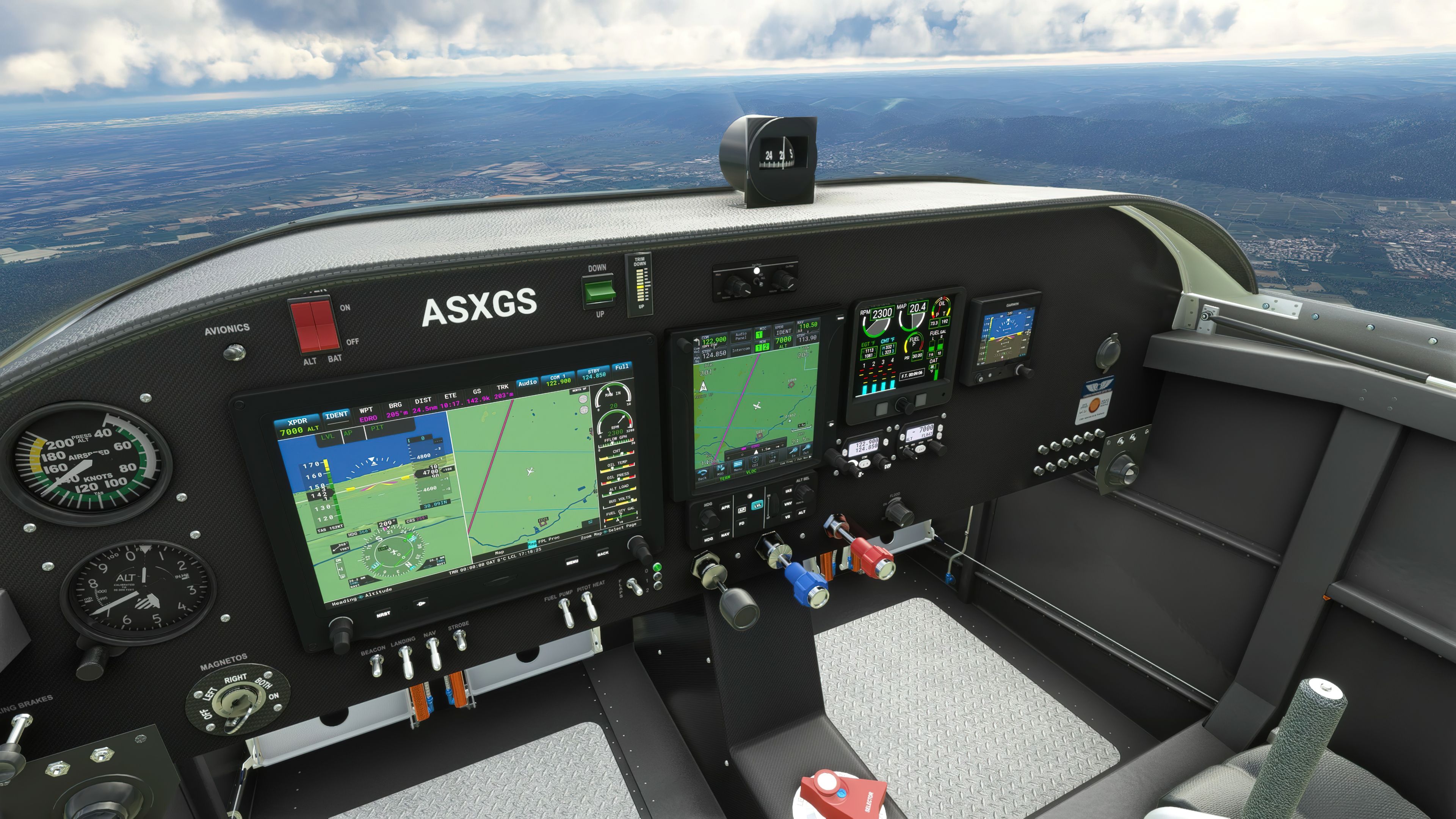
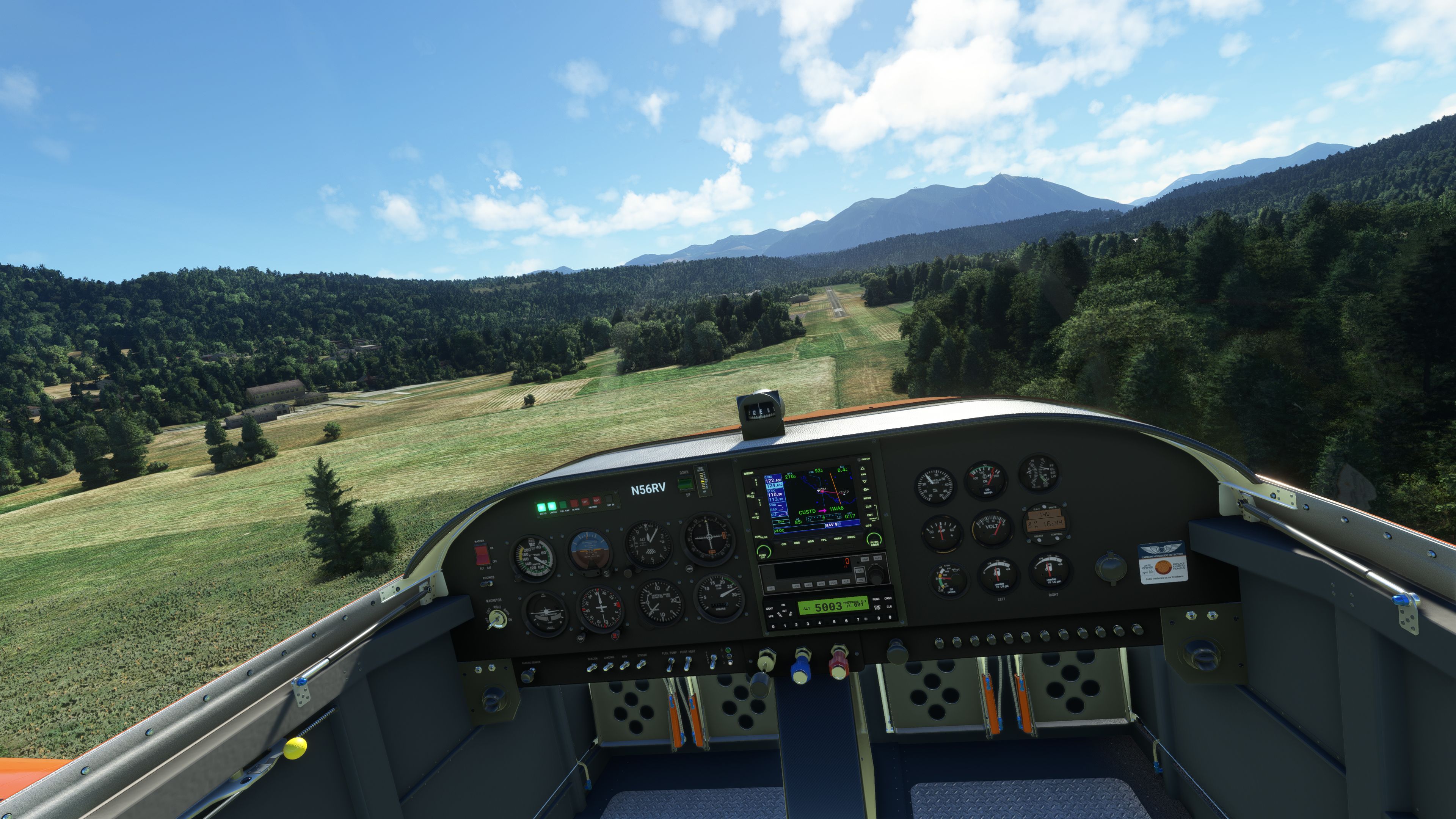
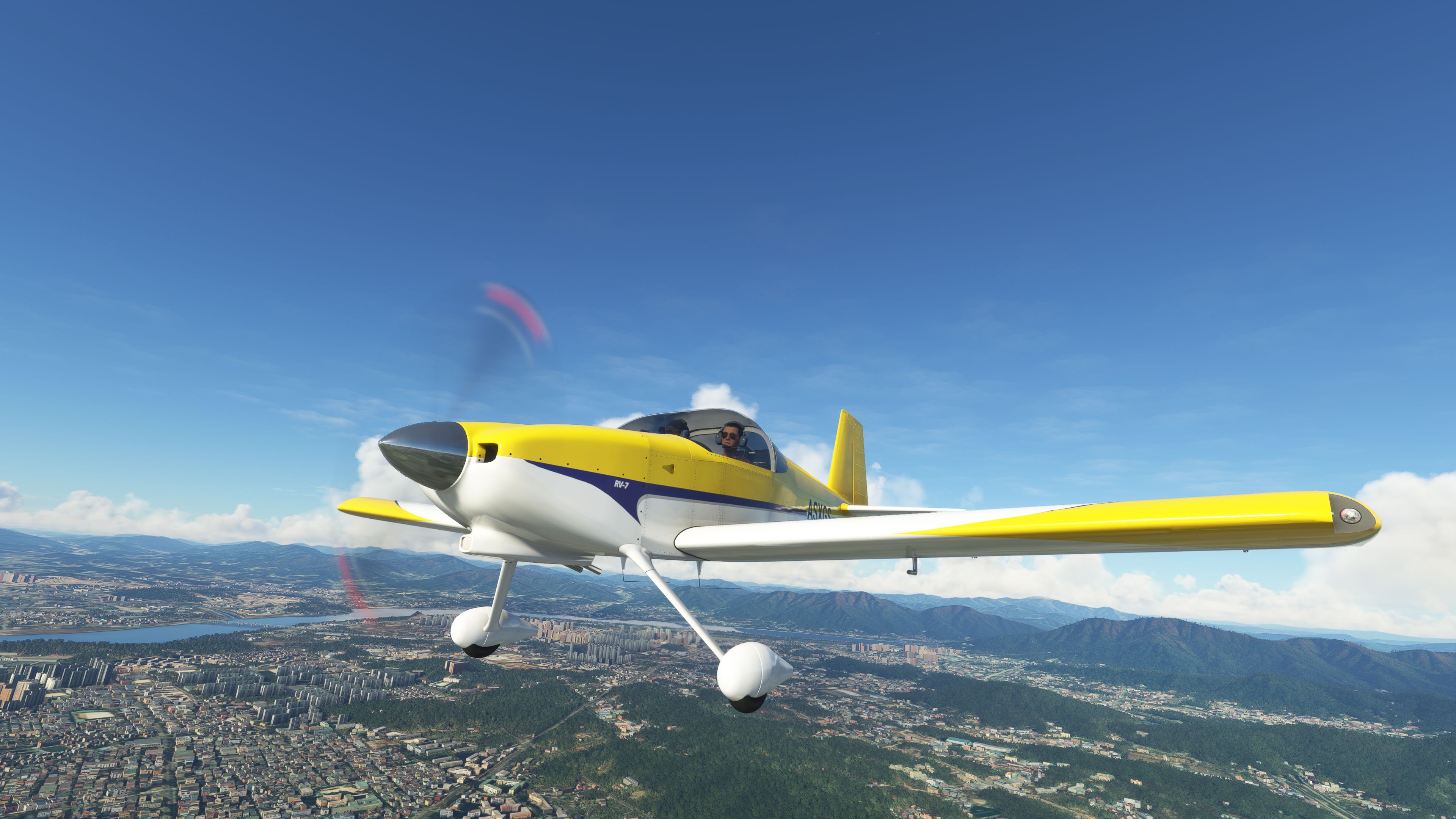
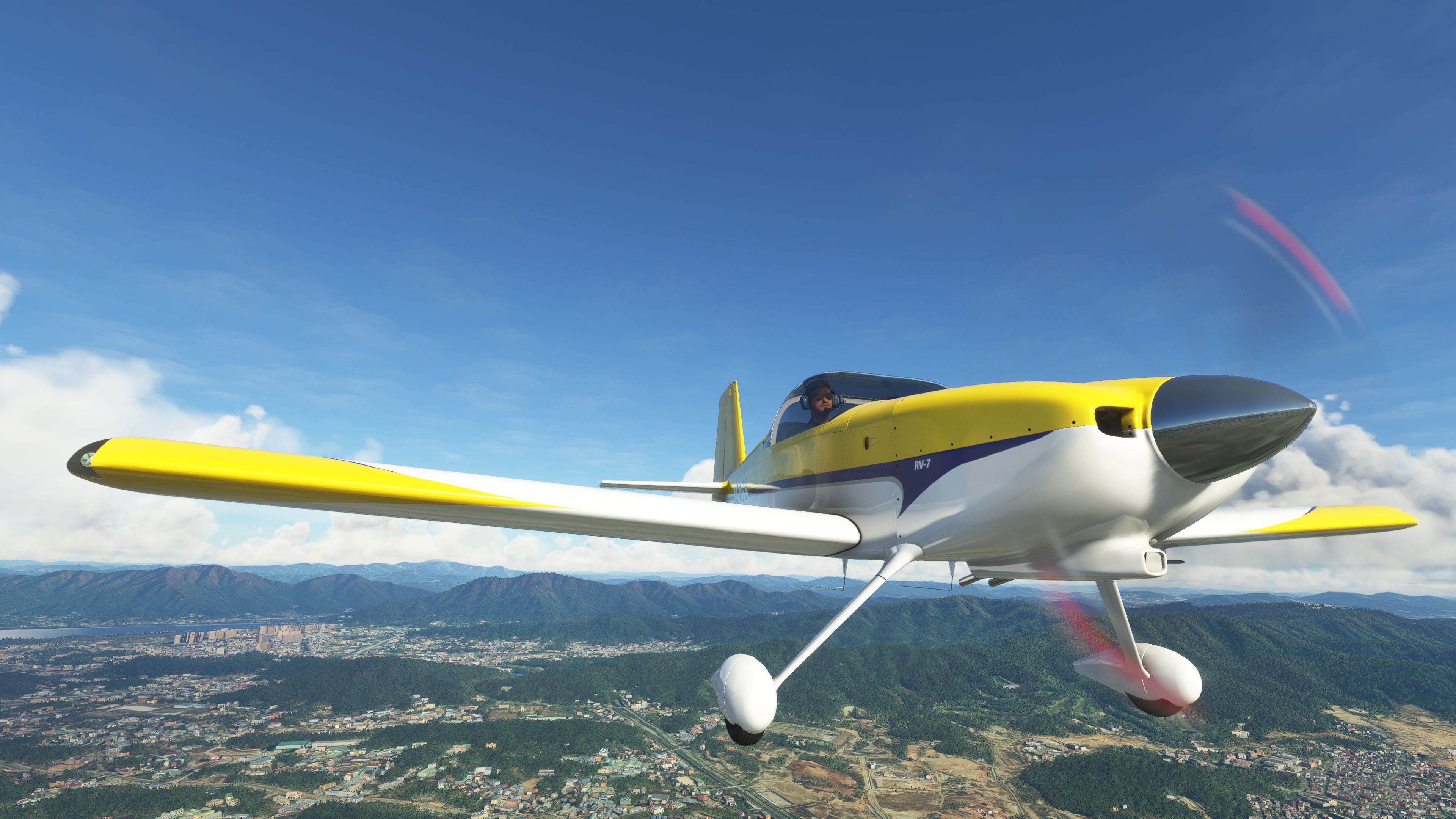
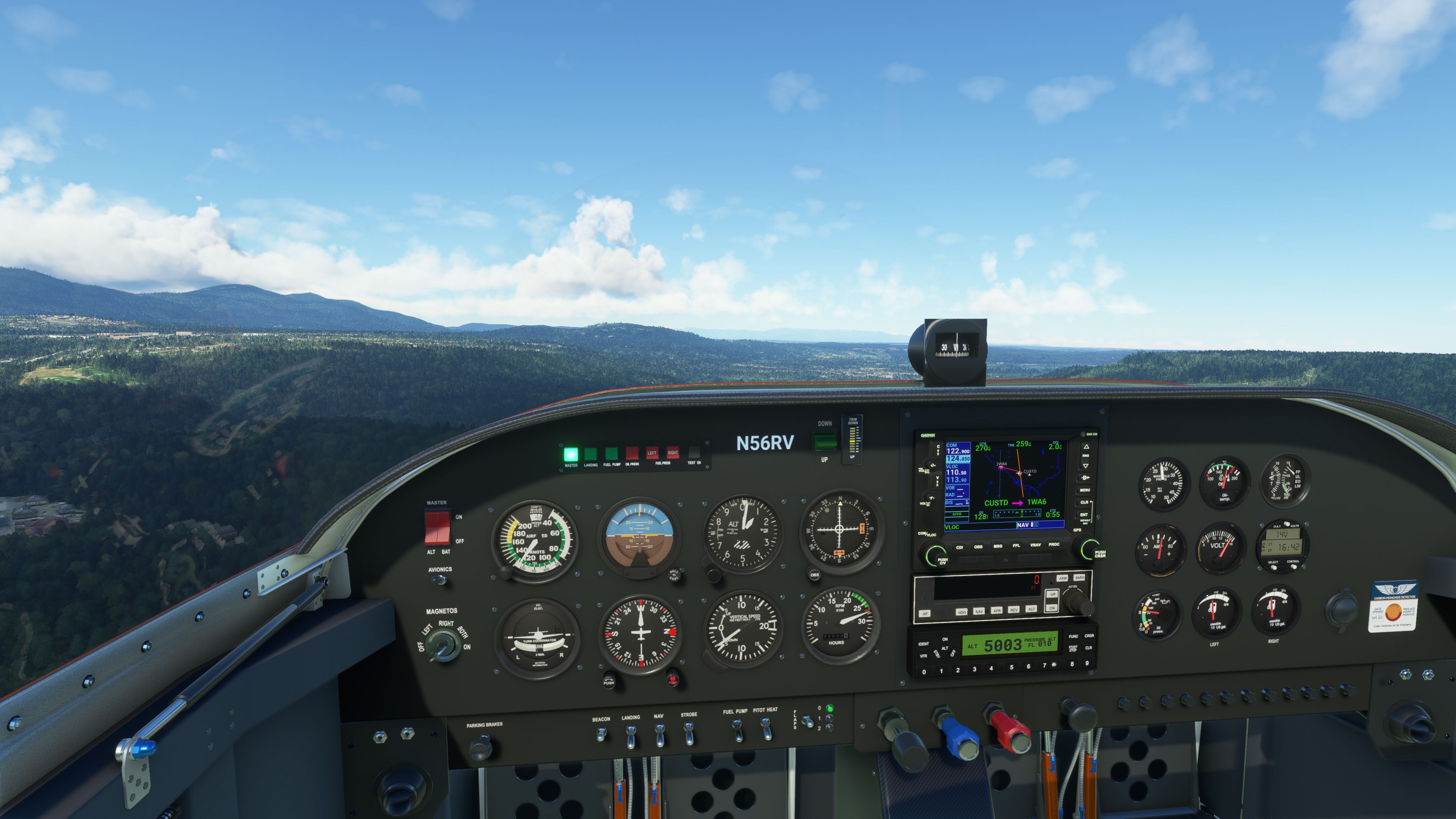
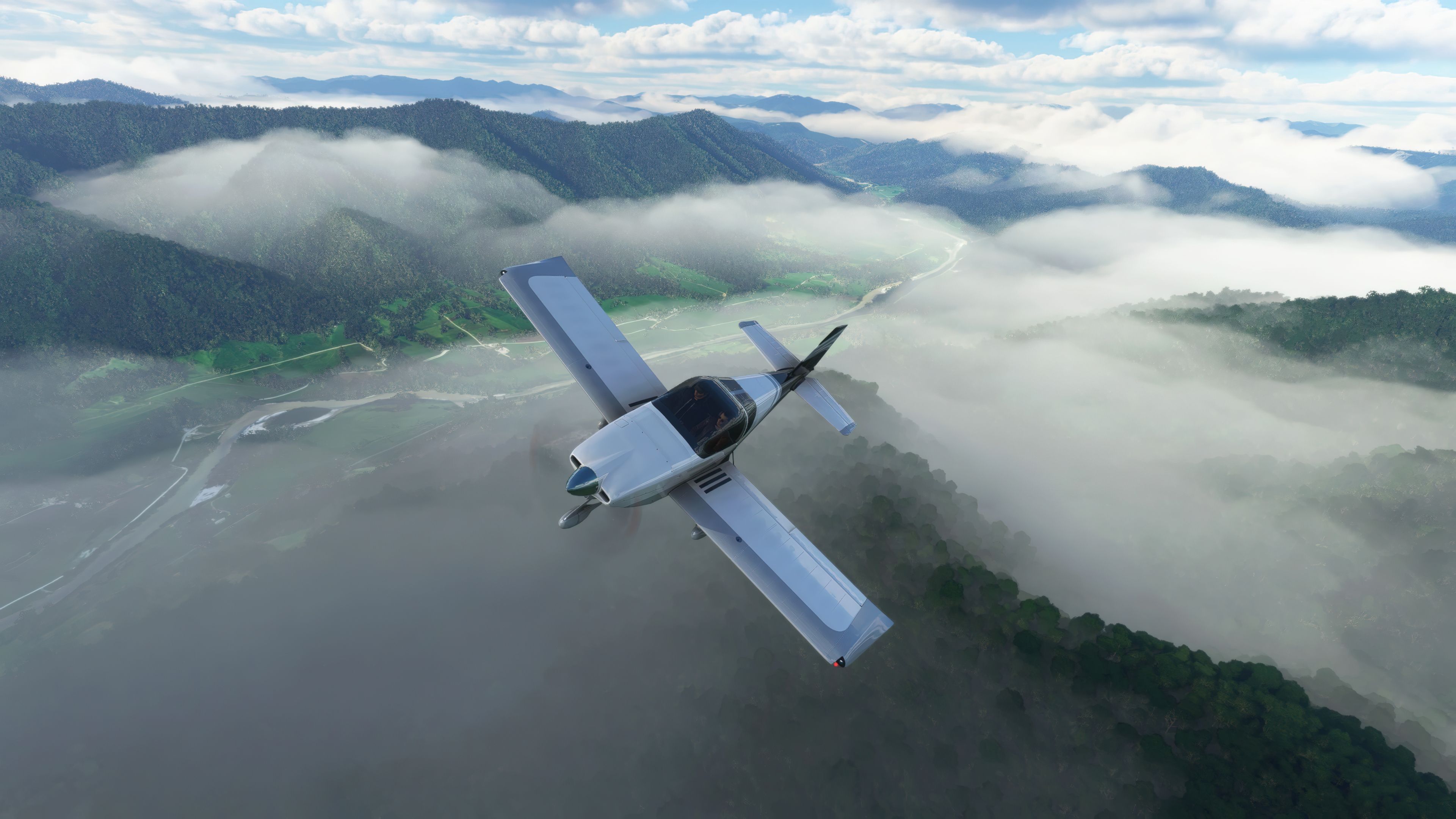
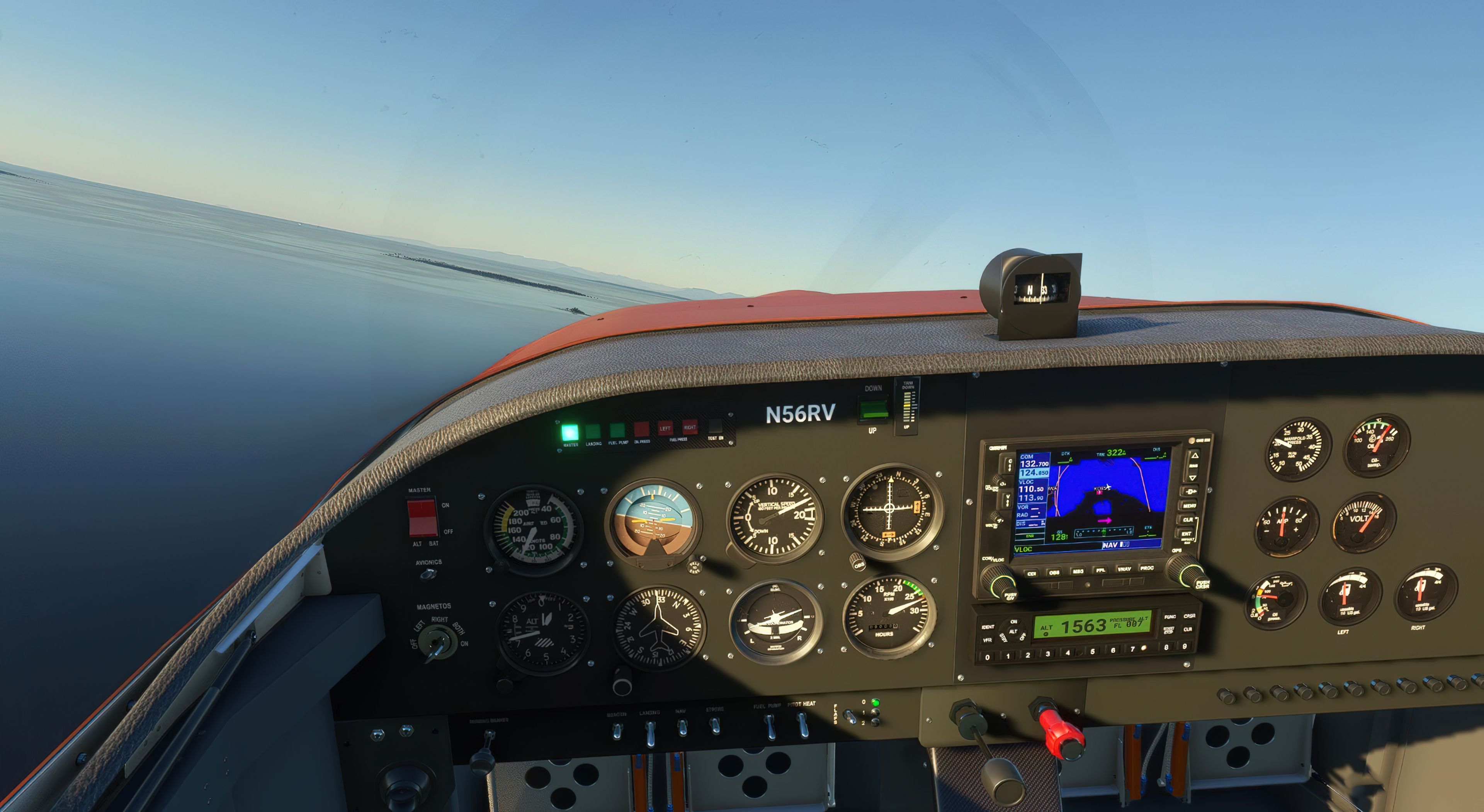
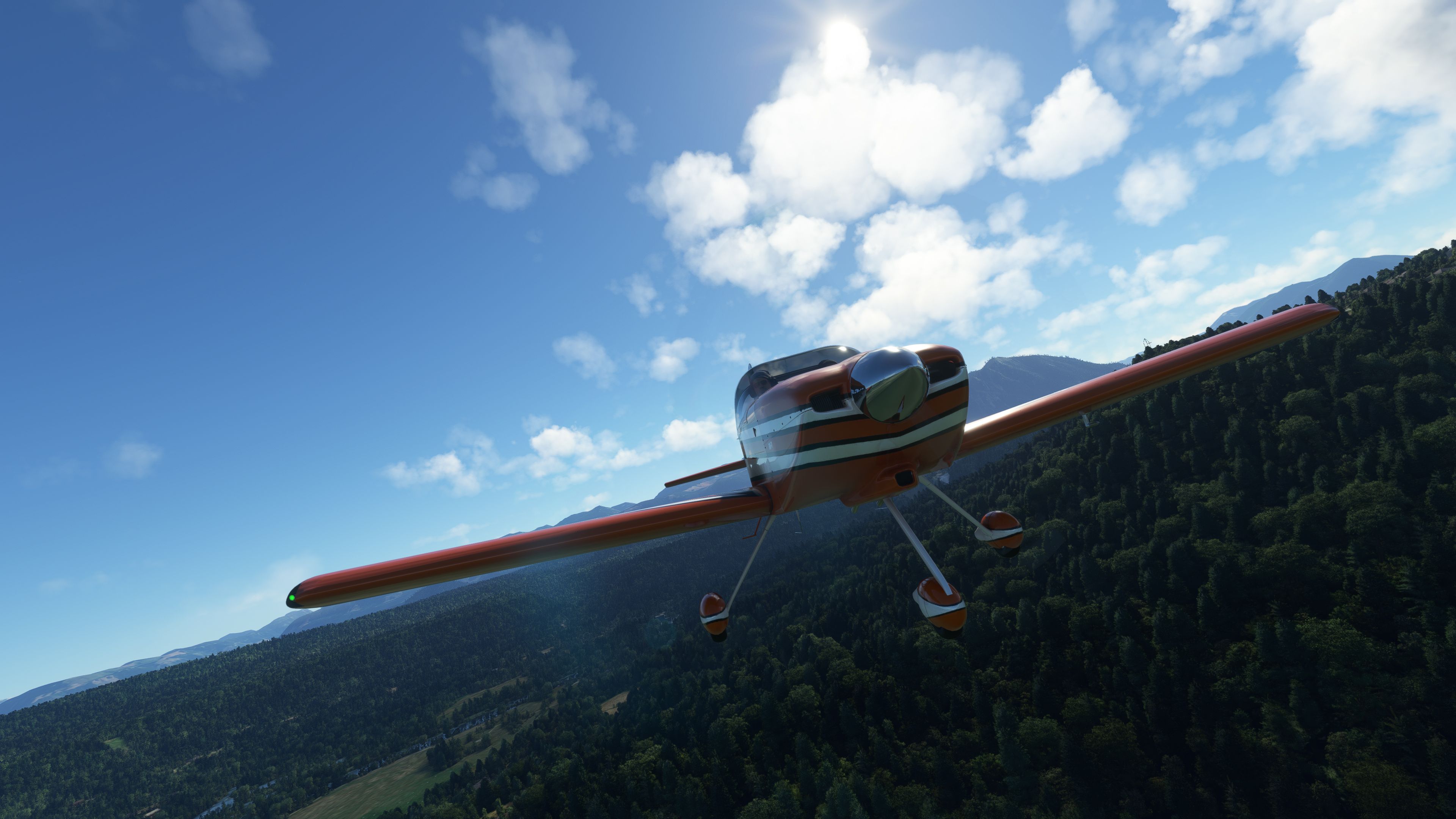
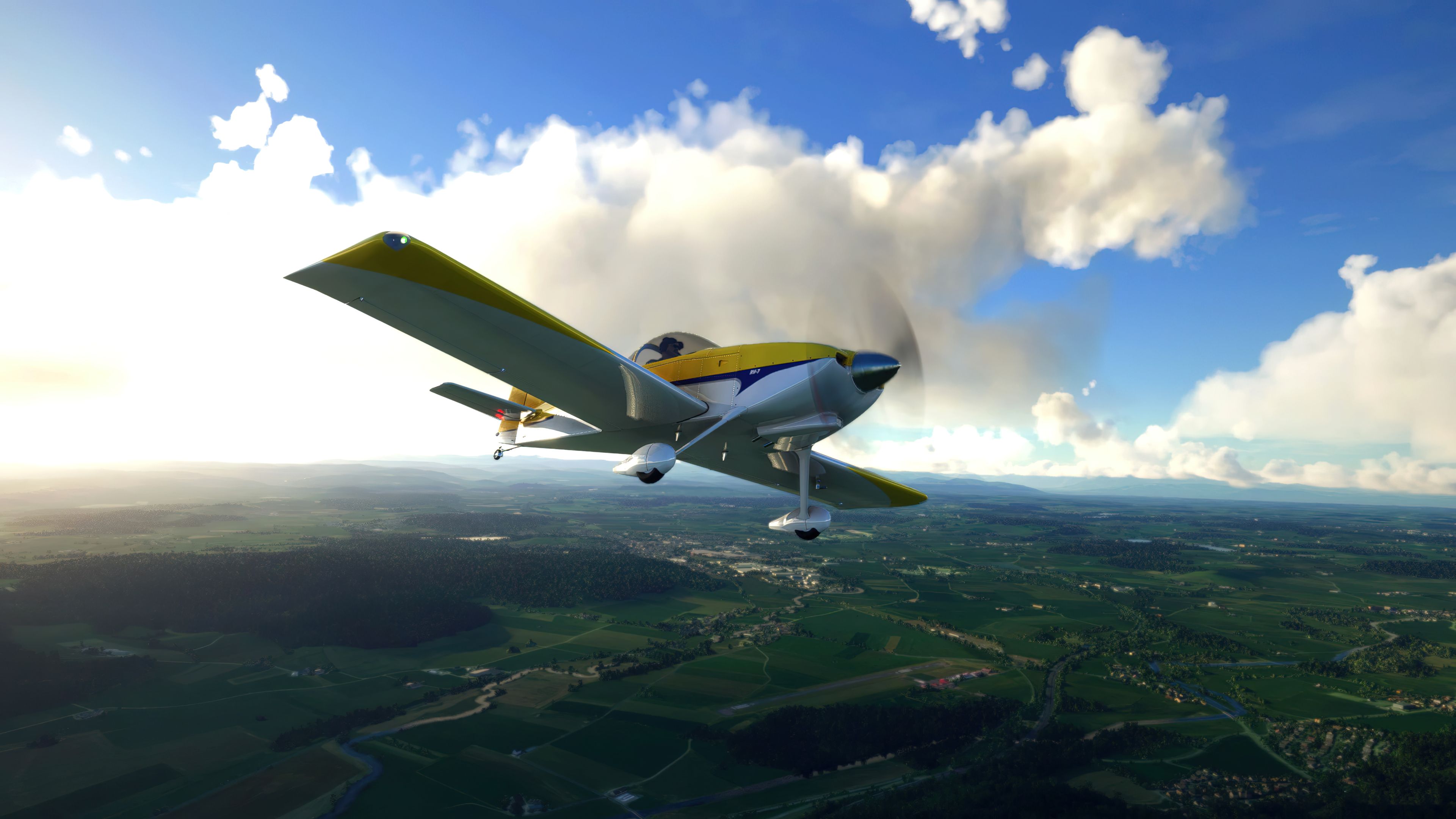
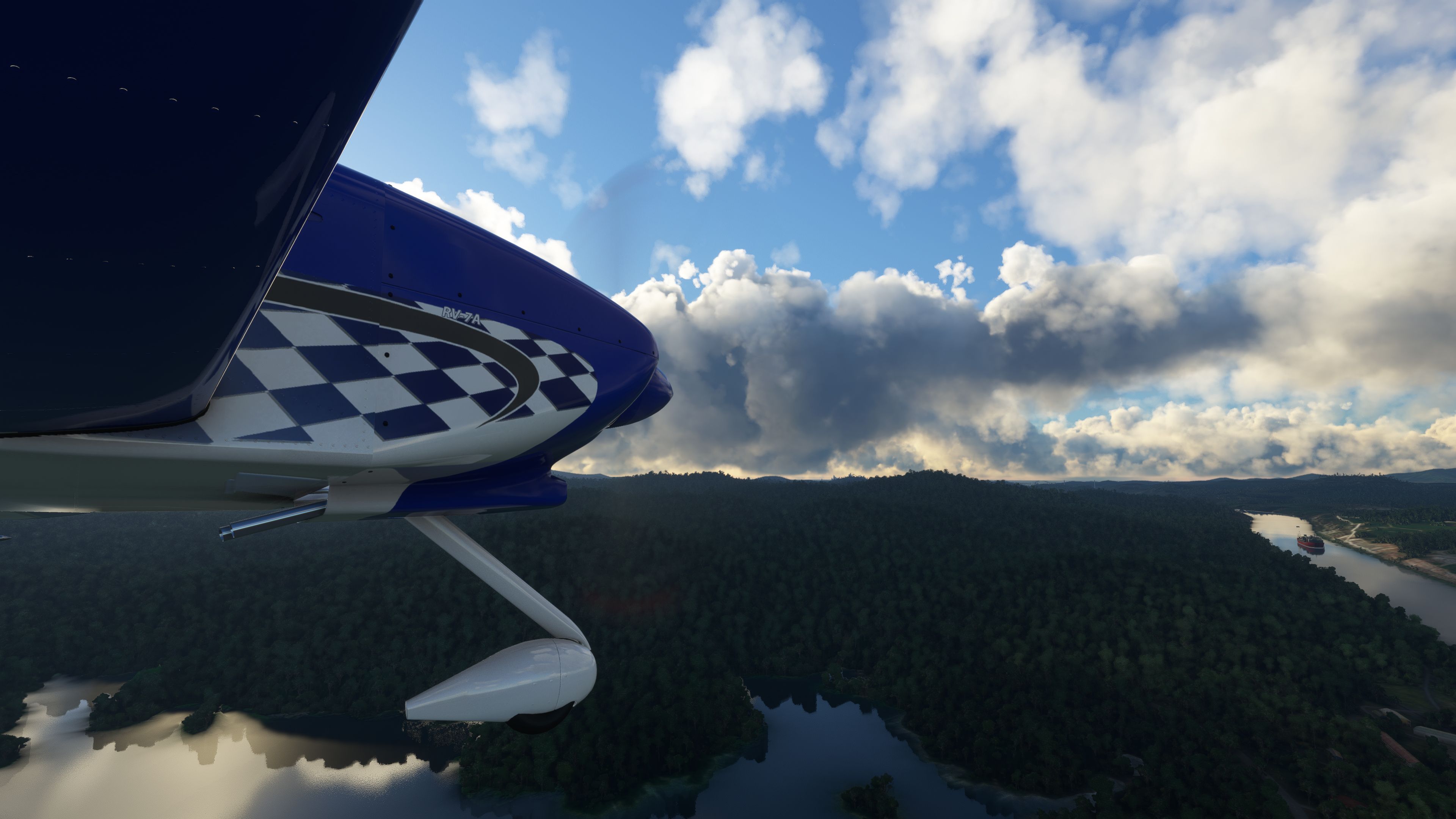
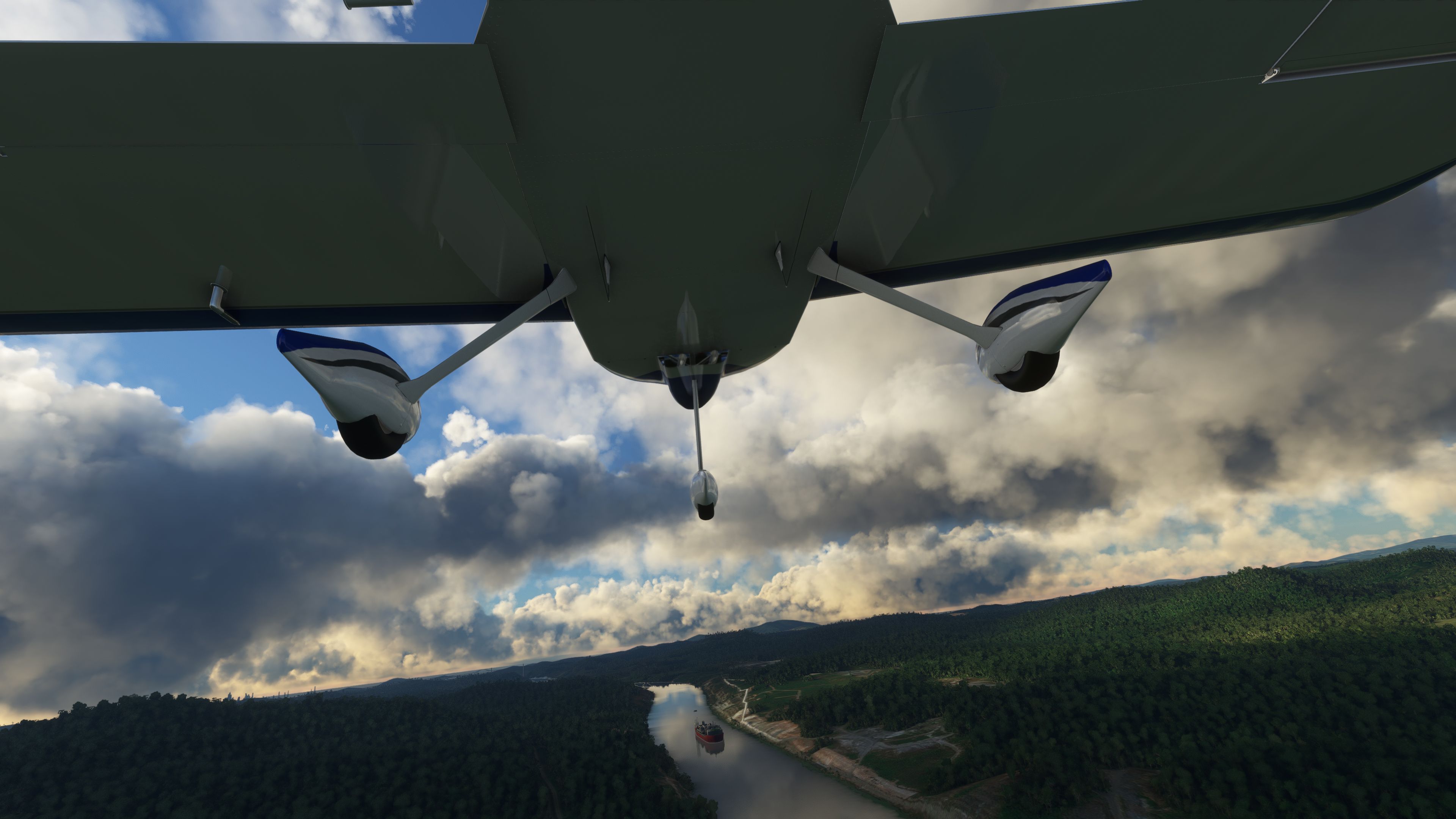
The Van's RV-7/RV-7A Complete Pack is a meticulously crafted freeware mod for Microsoft Flight Simulator, showcasing the beloved, high-performance kit plane with an entirely new 3D model and textures. As someone who has extensively tested it, I’ve found that its agile flight model, capable of speeds over 200 MPH, delivers both exhilarating aerobatic maneuvers and smooth general aviation cruising. This release from developer deejing accurately captures the RV-7/7A’s sporty character, making it a fantastic choice for low-and-slow sightseeing or thrilling stunt displays.
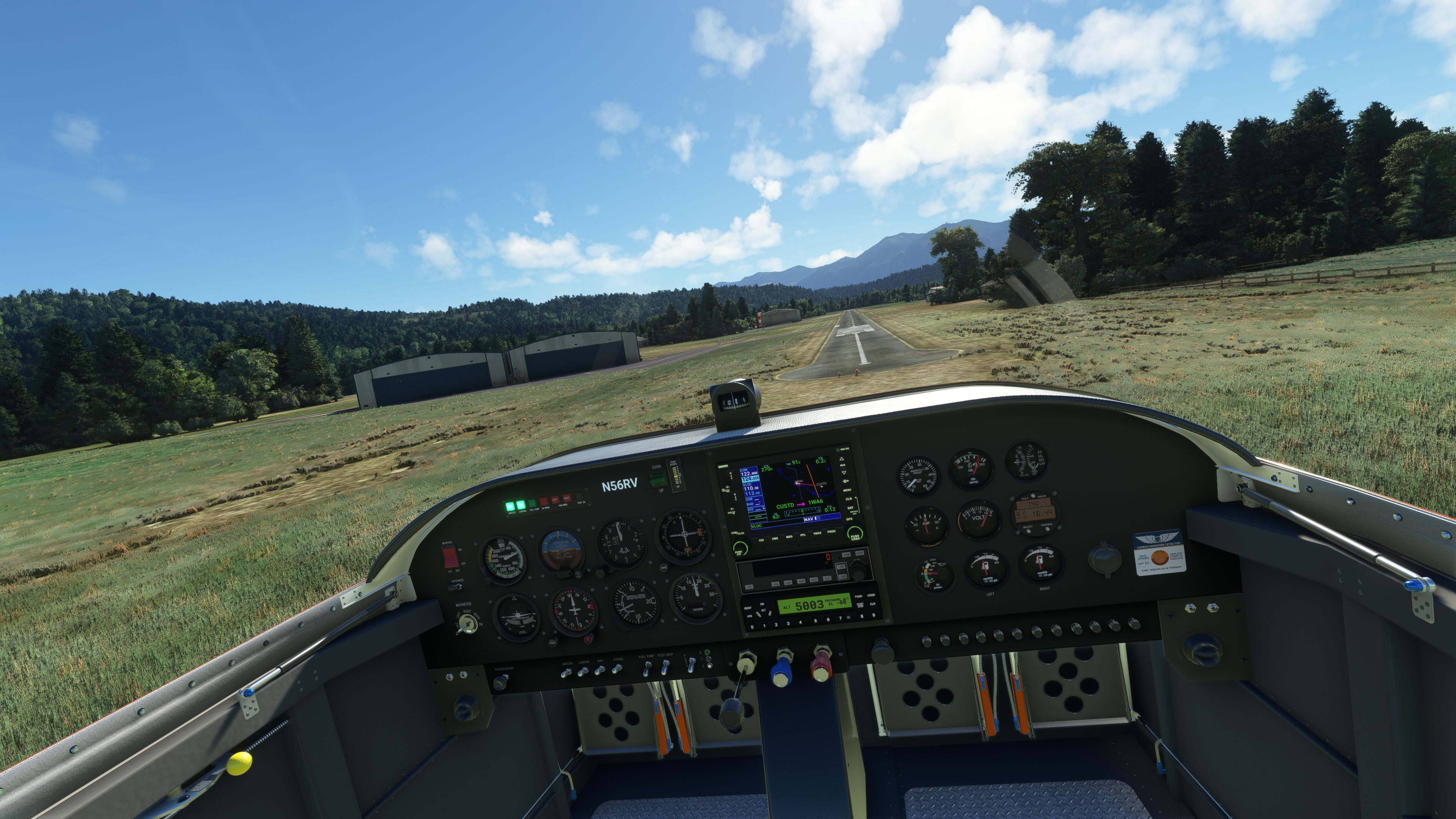
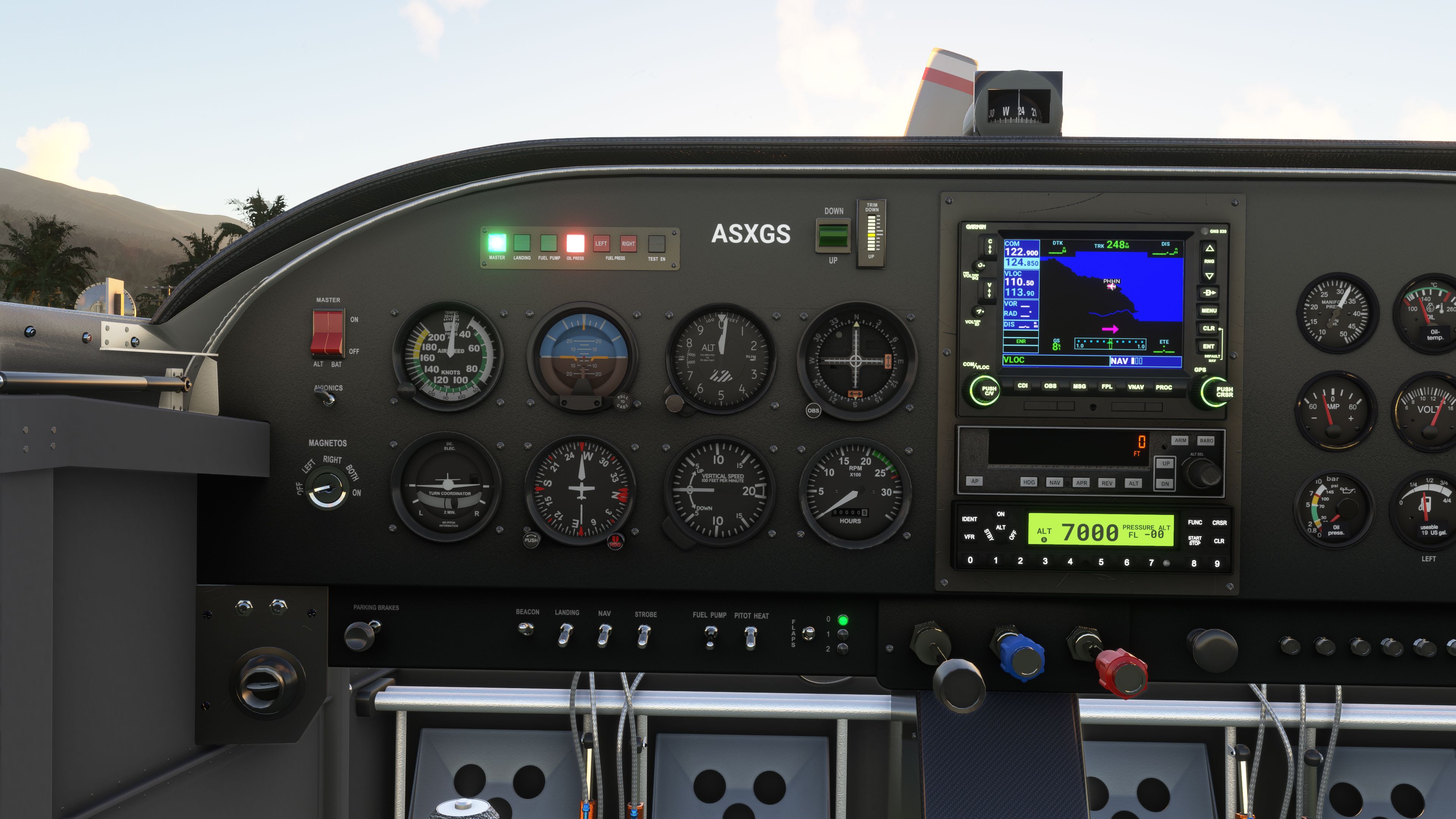
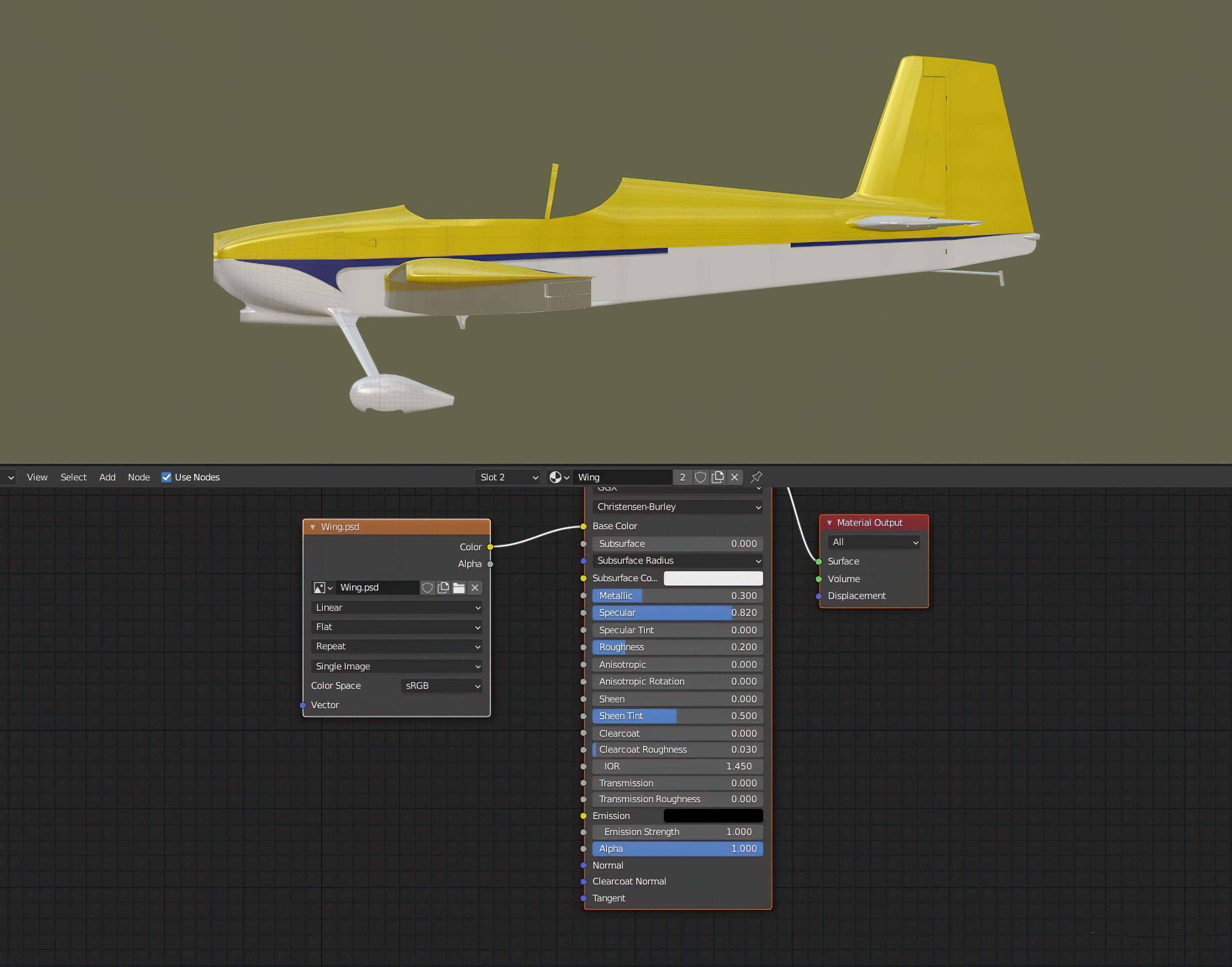
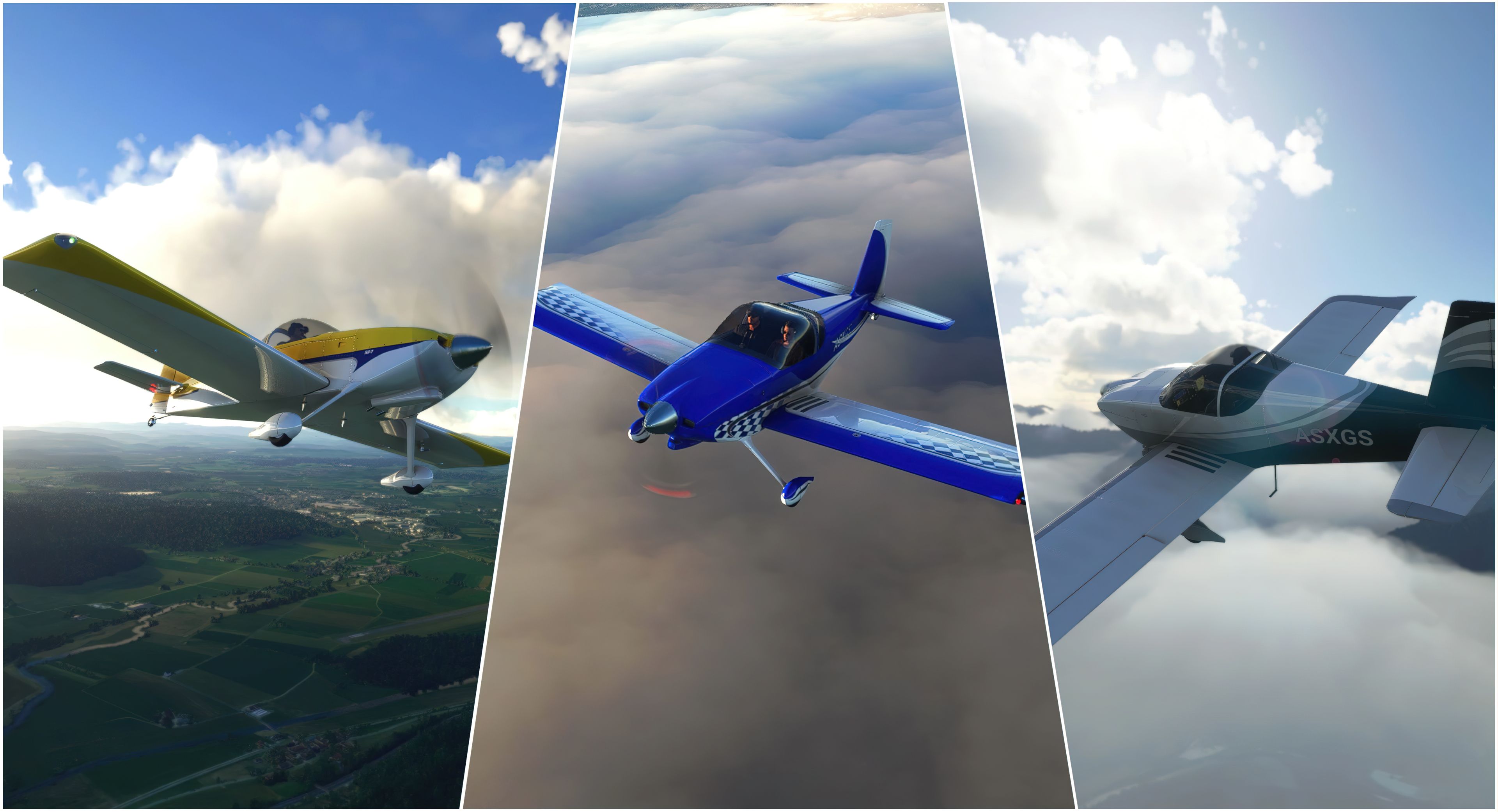
Among its standout features are multiple repaints, a semi-functional GTN750 system that hints at future improvements, and a realistic virtual cockpit brimming with detail. Complementing these elements is an included paint kit (in Blender, PNG, and PSD formats) that allows for quick customization of liveries. From my expert perspective, the overall attention to realism and performance is top-notch, offering a rewarding flight simulator experience that’s both visually impressive and incredibly fun to fly.
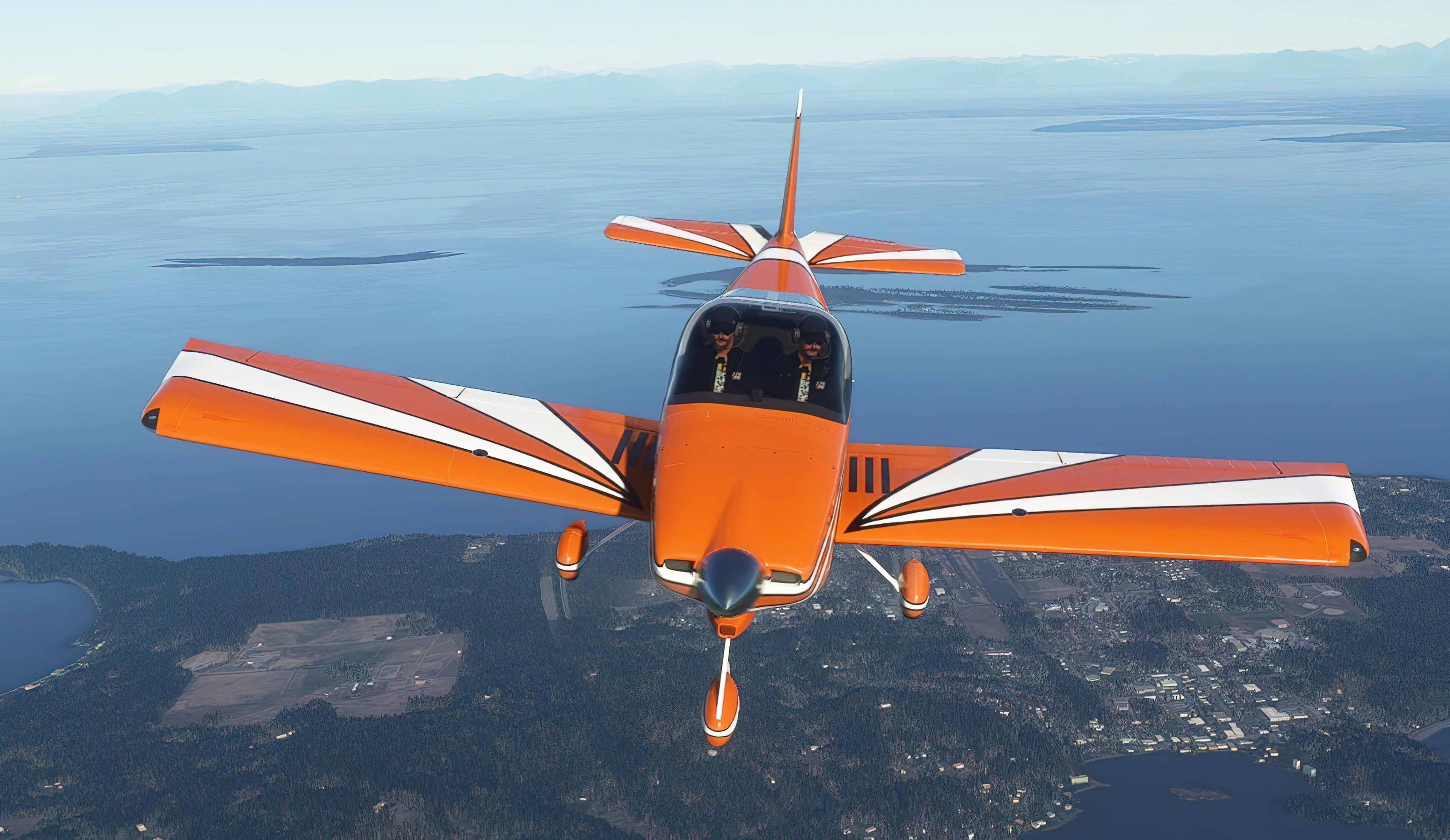
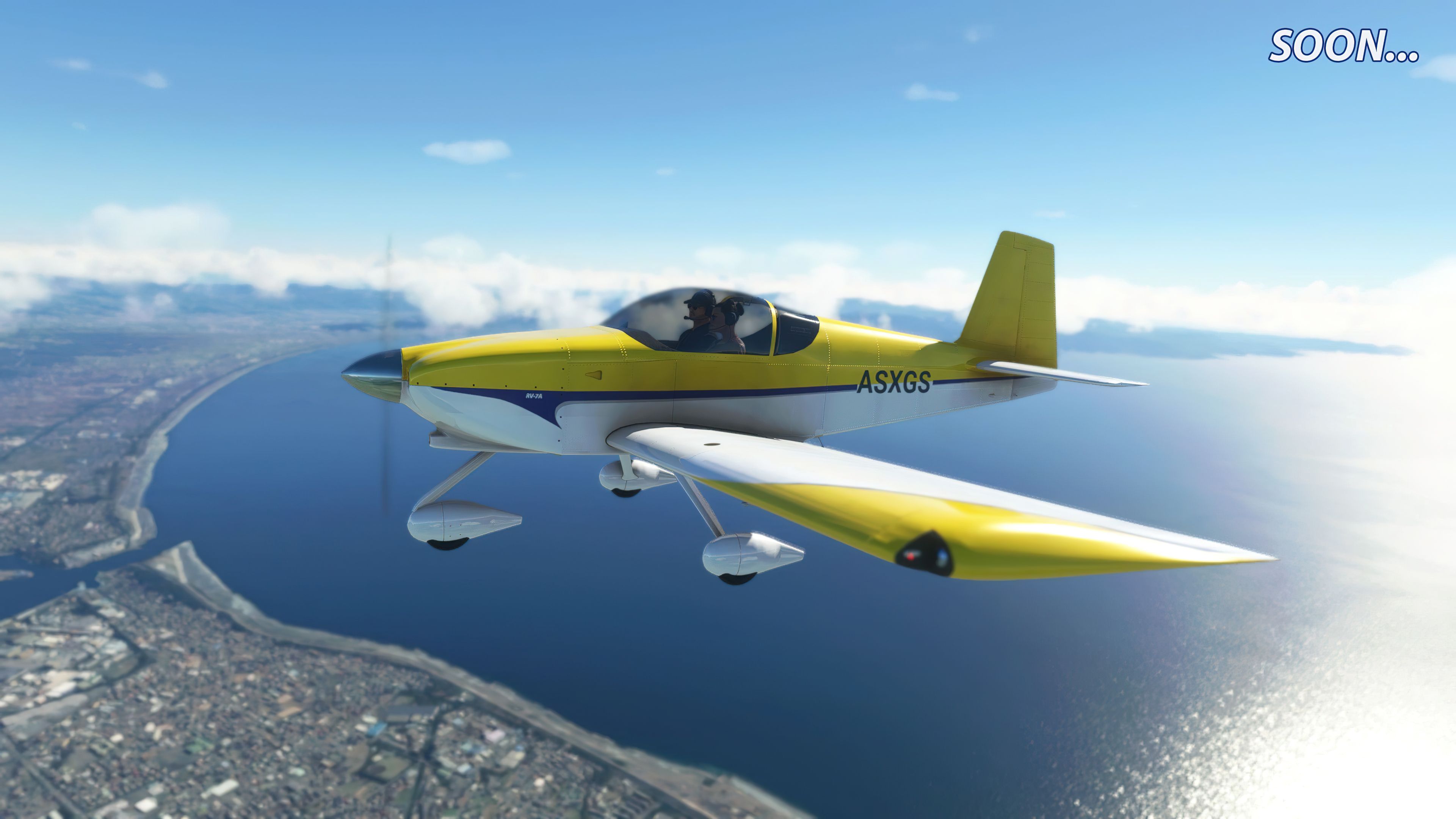
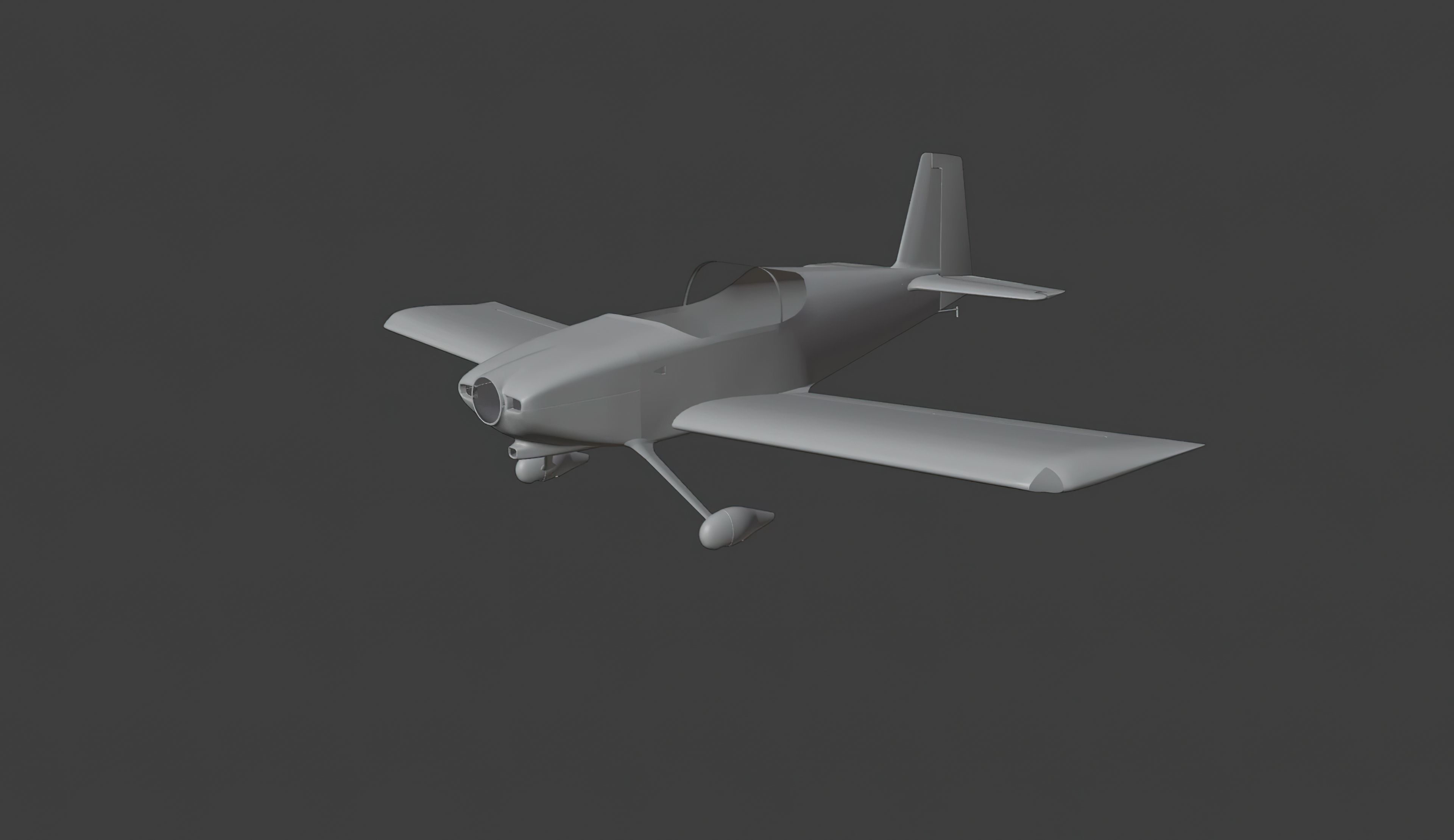
A complete freeware aircraft pack featuring the Van's RV-7 and RV-7A in accurate detail with a completely new 3D model and textures - not a port-over or conversion - this is a brand new aircraft for Microsoft Flight Simulator (MSFS) 2020 release by developer deejing.
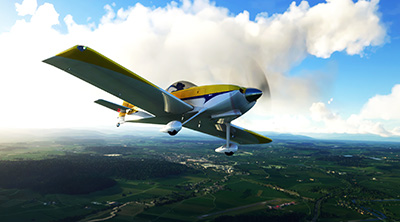 The Van's RV-7/7A is an iconic two-seater, fast-paced general aviation aircraft available in the real world. It's popular with many general aviation aircraft owners and is also built for aerobatics and high-performance maneuvers. With a top speed of over 200 MPH, this is a fast aircraft for its size, and its airframe is built to withstand some serious G-Force - which is why it's all great for aerobatics and stunt flying.
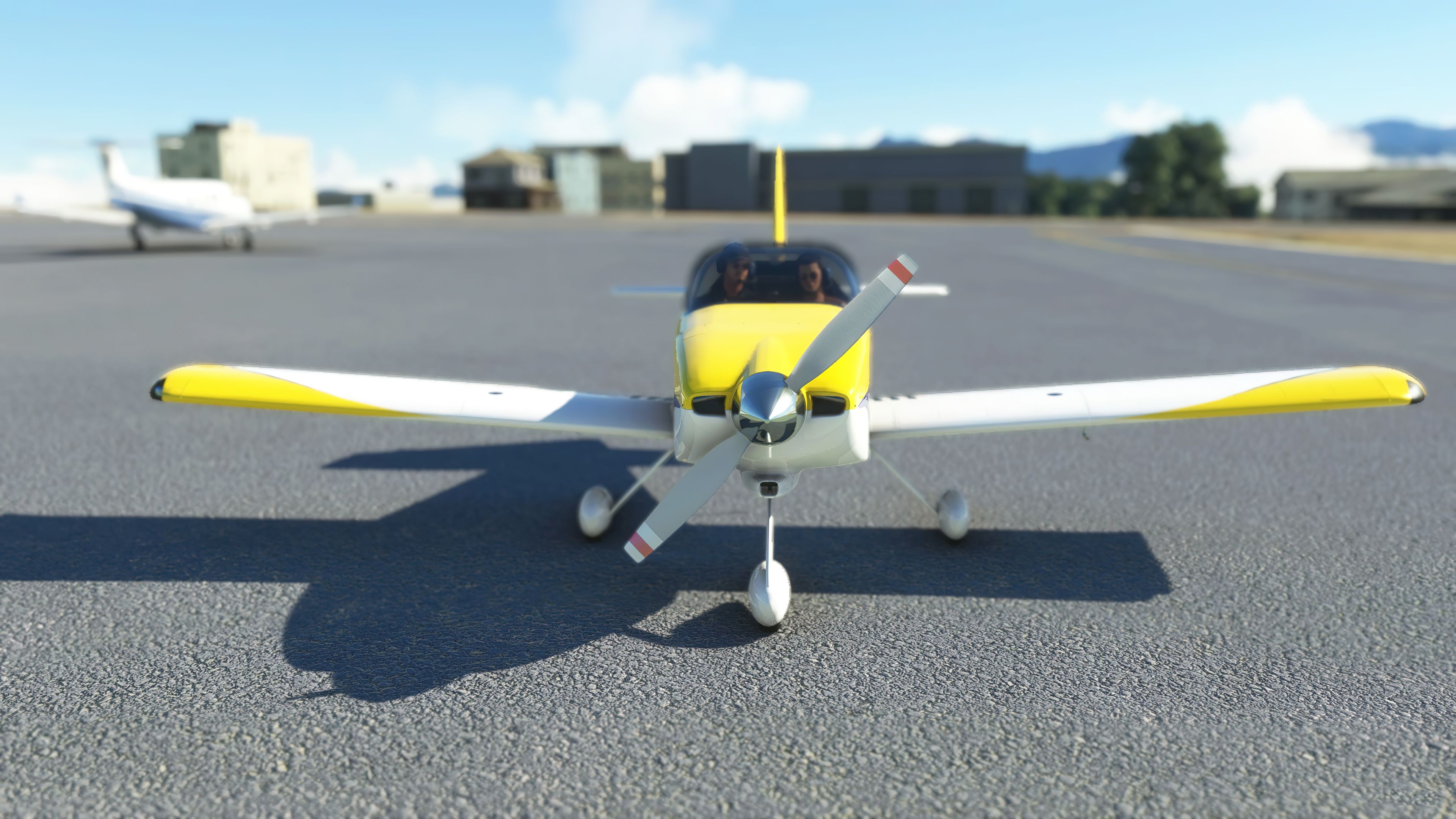
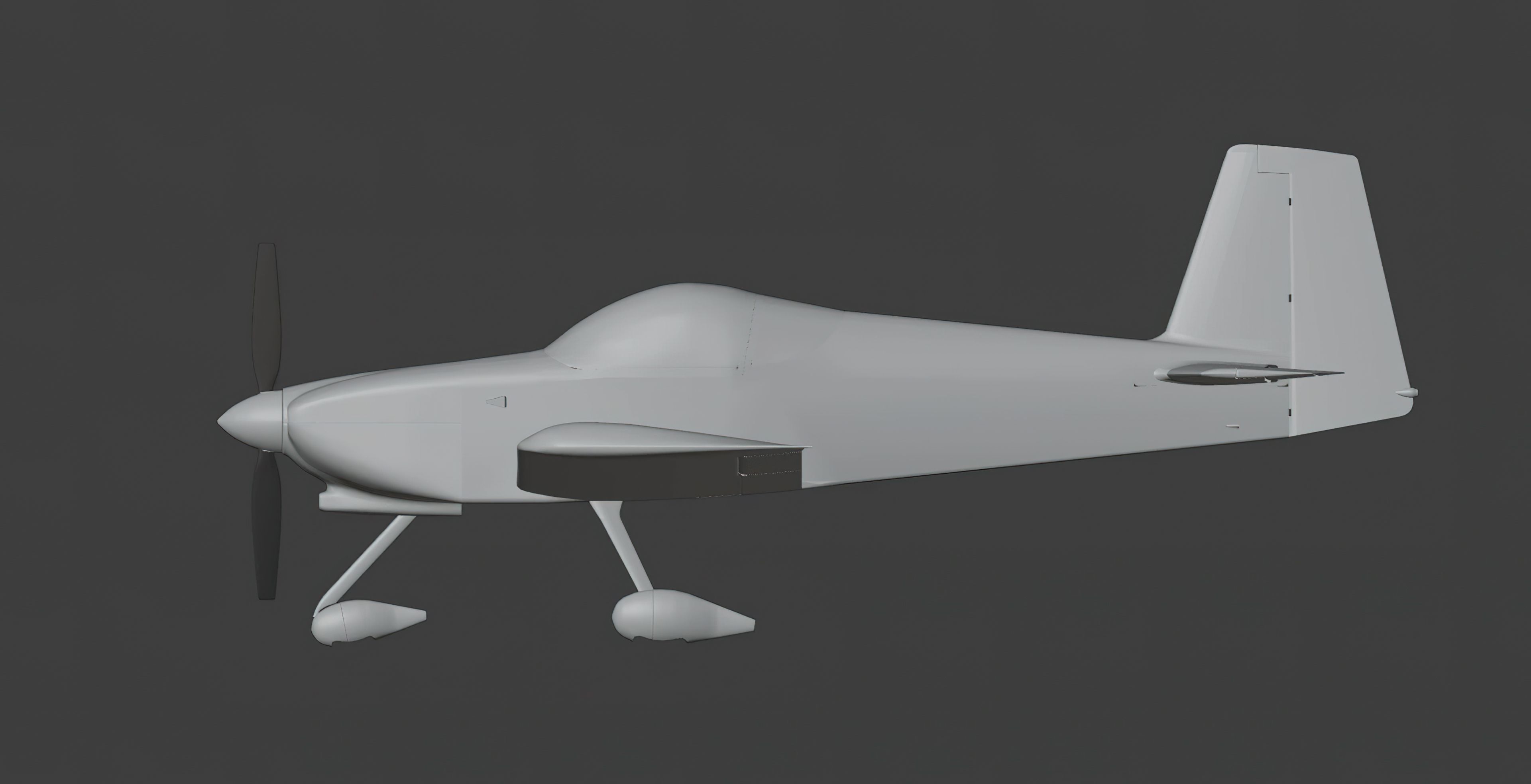
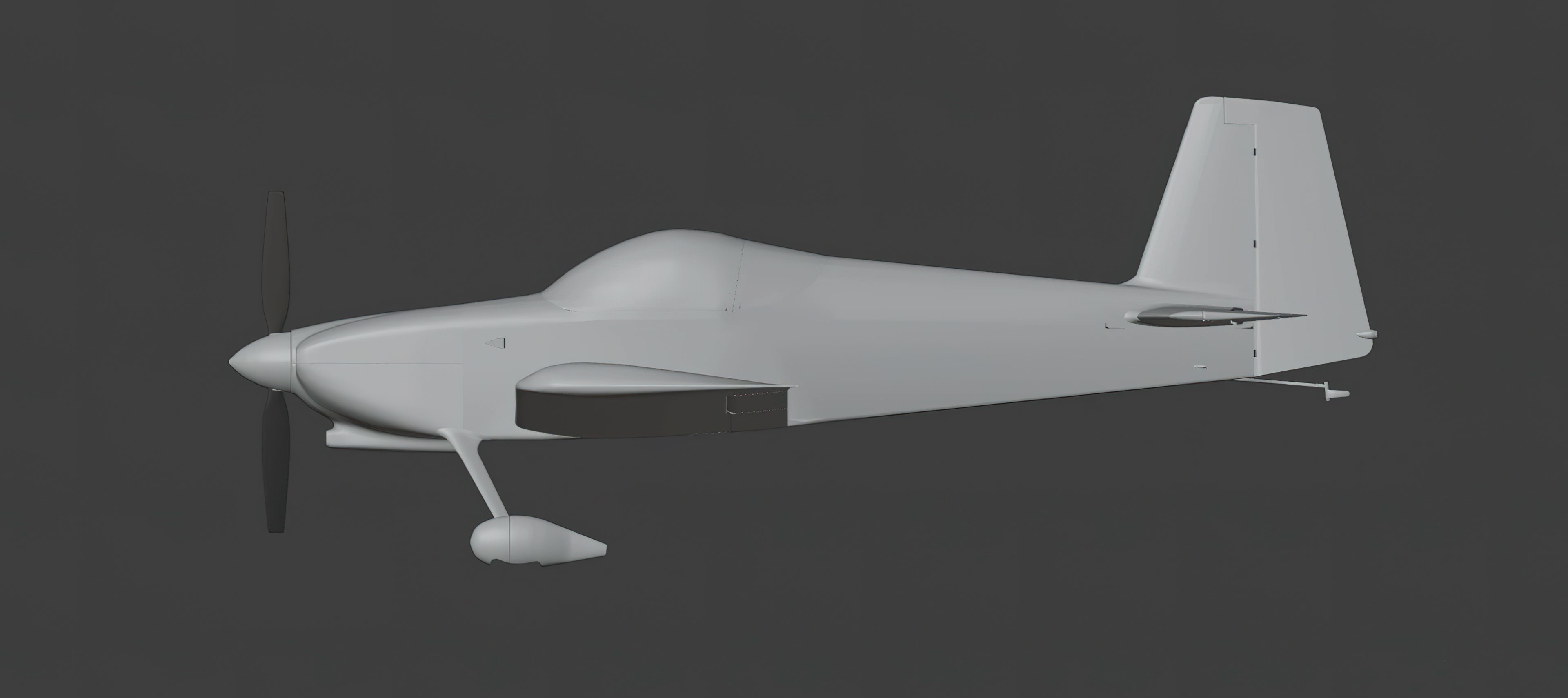
This particular Van's aircraft are sold in kit form and purchasers are required to build the aircraft themselves from the kit provided by Van's. There are two versions, the "RV-7" - which has a tail wheel, and the "RV-7A" which has a nose wheel. Of course, the RV-7A is the most popular as there is less demand for tail-draggers.
The default install of Microsoft Flight Simulator does not have anything like this out of the box and this complete freeware mod - which is free to download and use brings both Van's RV-7 and RV-7A into your simulator.
The aircraft is perfect for low-and-slow VFR flights and also for competing in air challenges and stunt flying - the skies are calling.
This pack includes the latest version released by the developer (1.0.9). If any updates are released in the future, we will update this package on Fly Away Simulation so are able to download it.
v1.0.9 onwards includes the GTN750 however the developer has stated this is currently a work in progress (WIP) and future updates will make it fully functional. In its current form, the buttons do not work however it's still functional to some extent.
This pack features;
This pack includes the official paint kit released by the developer so you are able to create your own repaints and liveries of this awesome bird. They are made easy to use in Blender, PNG, and PSD (Photoshop) formats. It's easy to create a repaint or livery for this aircraft based on your own design because everything is provided in this pack.
Installation is easy. Simply extract the downloaded archive, browse into the MSFS Aircraft Files folder and copy the two folders listed below into your Microsoft Flight Simulator community folder.
deejing-aircraft-rv7AIRPAC1_Tangerine_RV7_v7.0This freeware aircraft mod for Microsoft Flight Simulator was created by a developer that goes by the name of deejing. They have personally granted permission to list the file on Fly Away Simulation.
Free for all simmers · 994.42 MB · Scanned clean Oct 2026
Download speed: Free tier is capped at 2 Mbps (this file takes approximately 1h 10m at the cap). PRO members download at full line speed.
%LOCALAPPDATA%\Packages\Microsoft.FlightSimulator_8wekyb3d8bbwe\LocalCache\Packages\Community\. Steam version: %APPDATA%\Microsoft Flight Simulator\Packages\Community\. Tip: enable Developer Mode in MSFS to see your exact Community folder path.readme.txt or README file. It tells you exactly where files go, what dependencies are needed, and any quirks specific to this add-on.deejing is an independent freeware aircraft developer for Microsoft Flight Simulator 2020 and 2024, specialising in light general aviation and homebuilt kitplanes. Best known for the Van's RV-7 and RV-7A, with a rebuilt MSFS 2024 model, G3X/GNS 530 glass cockpit and a TDS GTNXi variant, deejing has also released the Van's RV-4, the B&F FK9 Mark 4 ultralight and a VL3 915iS, along with an RV-7 paintkit for livery creators. Each aircraft is released as freeware and updated regularly with new variants, fixes and liveries. Fly Away Simulation hosts deejing's releases, including the Van's RV-7 for MSFS, in our freeware aircraft library.
Are you deejing? Sign in to Fly Away Creators for download stats, comment replies and updates. Make add-ons? Publish them here.
Only PRO members can place votes.
More MSFS add-ons hand-picked based on this download.
MSFS General Aviation Aircraft
This freeware release brings a refined rendition of Van's RV-7 into the new M…
 MSFS General Aviation Aircraft
deejing’s freeware Van’s Aircraft RV-4 brings a two-seat kitplane to Microsof…
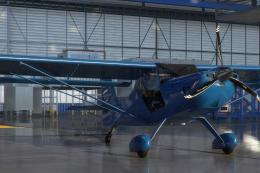 MSFS General Aviation Aircraft
A pack of liveries in four colors for the ADI Kitfox Speedster Series 7 (both…
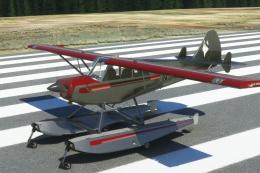 MSFS General Aviation Aircraft
A pack of multi-color liveries for Asobo's Aviat Husky A-1C. The base aircra…
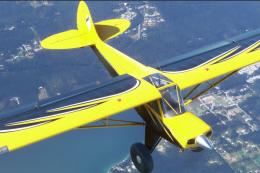 MSFS General Aviation Aircraft
A repaint pack for the Asobo Aviat Husky A-1C featuring a brand-new Bear Toot…
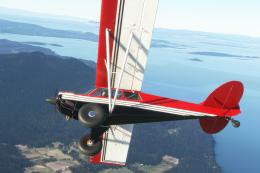 MSFS General Aviation Aircraft
A complete repaint/livery pack for the payware Asobo Aviat Husky A-1C which i…
 MSFS General Aviation Aircraft
A complete repaint/livery for the Asobo Aviat Husky A-1C is available for Mic…
 MSFS General Aviation Aircraft
In the realm of Microsoft Flight Simulator 2020, the Beast Horus Microjet sta…
Read what other simmers think, or add your own.
