

 FSX Military Aircraft
Martini Patrol Pilatus PC-9A
Created to infuse a distinctive flair into Microsoft Flight Simulator X, this…
South African Air Force patrol repaint for the Pilatus PC-9A brings crisp high-resolution textures, accurate squadron-style markings, and subtle weathering to a turboprop trainer’s exterior in Microsoft Flight Simulator X. The package updates the aircraft selection entry and requires the IRIS Simulations PC-9A base model for full use, including the virtual cockpit.
 Rate
Rate
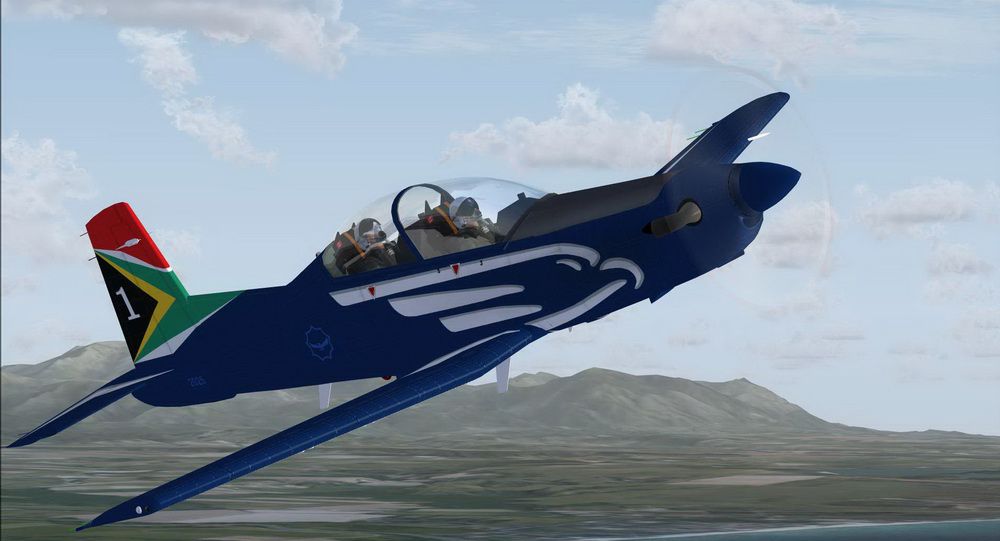
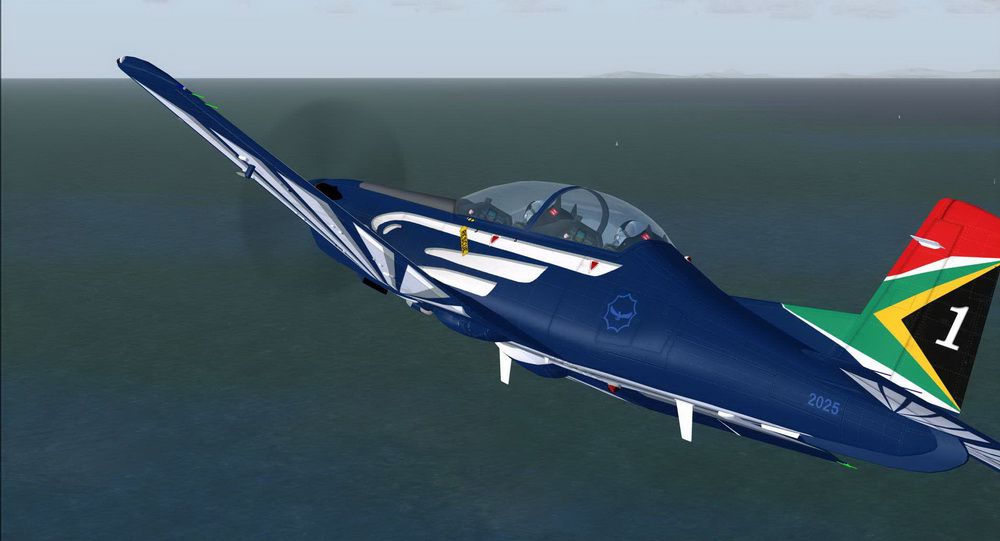
This freeware add-on provides a specialized repaint of the Pilatus PC-9A for enthusiasts who want to replicate a typical South African Air Force scheme in Microsoft Flight Simulator X. Created by IRIS Simulations (original payware model) and repainted by Martial Feron, it accurately reflects the aesthetics of a patrol trainer. It incorporates detailed markings, color configurations, and distinctive features that showcase the aircraft’s operational look. Although this repaint is free, the base payware model from IRIS Simulations is required.
Drawing from the Pilatus PC-9A platform, the South African Air Force (often abbreviated as SAAF) employs these turboprop trainers for various maneuvering drills and patrol tasks. The real-world PC-9A is known for its responsive flight control system and efficient single-engine design, which allows streamlined training and operational flights. This repaint brings those recognizable SAAF motifs into the simulator environment, emphasizing authenticity in visual detailing.
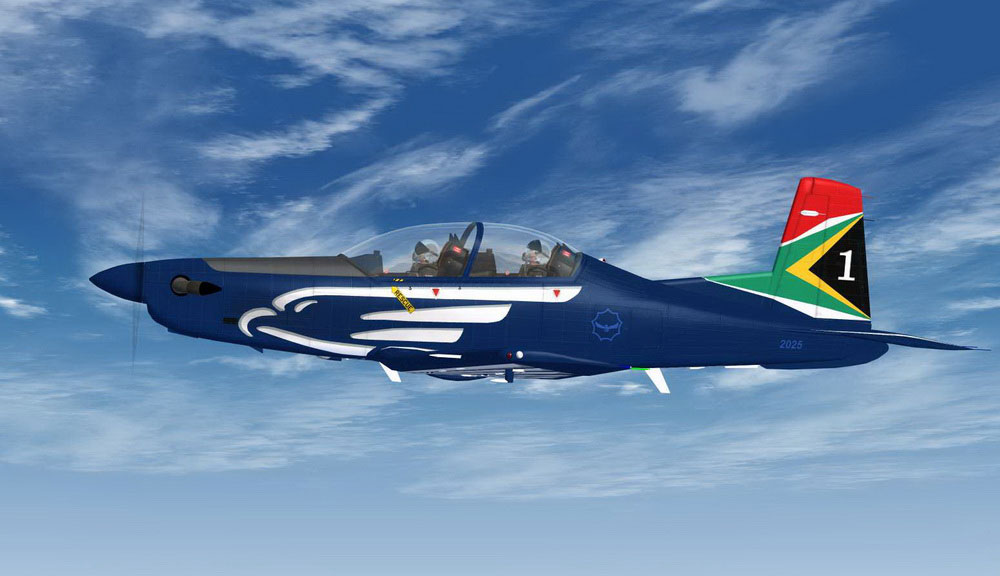
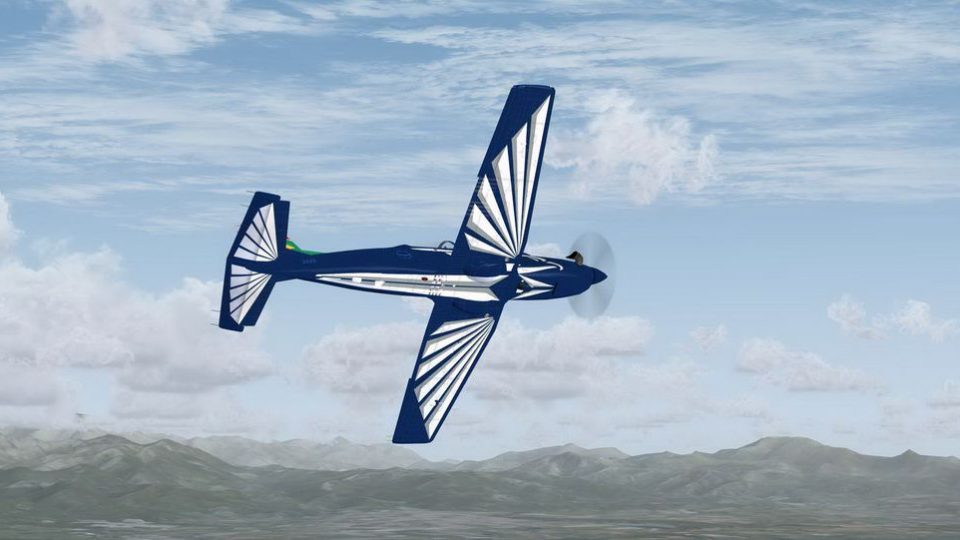
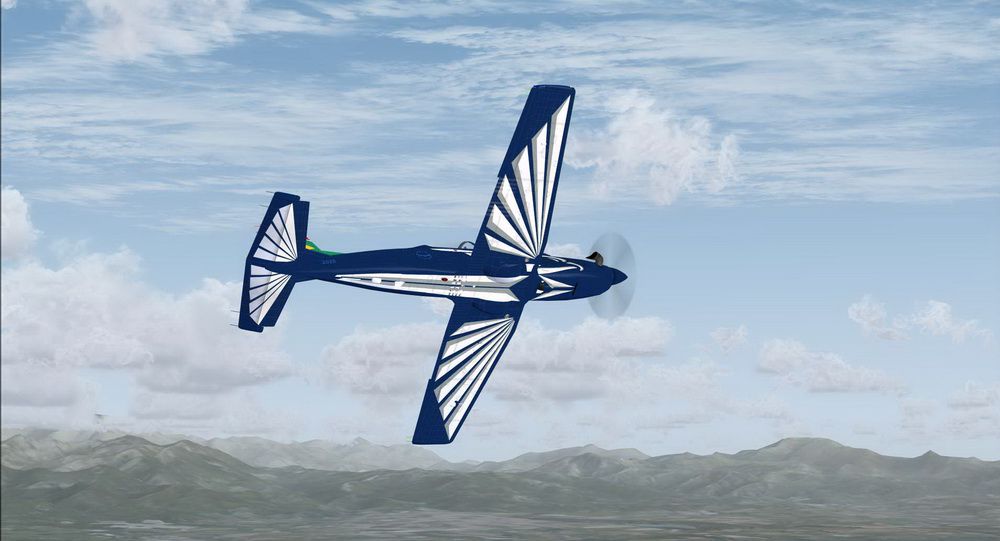
Pilatus PC-9A flying with SAAF patrol markings.
The add-on includes a dedicated aircraft configuration entry that can be inserted into your “aircraft.cfg” file. This entry defines aspects such as the title, UI manufacturer, and atc_airline code. The main technical lines from the original developer’s briefing are shown below:
[fltsim.XX]
title=PC-9A Patrouille SAF
sim=PC-9A
model=pc9a
panel=1
sound=
texture=SAF
kb_checklists=
kb_reference=
atc_id=A23-021
atc_airline=Air Force
atc_flight_number=021
ui_manufacturer=Pilatus
ui_type=PC-9/A
ui_variation=SAF Patrol
ui_typerole="Single Engine TurboProp"
ui_createdby="Iris Simulations"
description=Repaint by Martial FERON
atc_heavy=0
Installing this repaint involves placing the specific texture folder and updating the aircraft configuration file with the snippet explained above. Be sure to match the correct “fltsim.X” number sequence and verify that the IRIS Simulations Pilatus PC-9A payware model is correctly installed beforehand. Once configured, the repaint will appear in your aircraft selection menu, labeled as “SAF Patrol.”
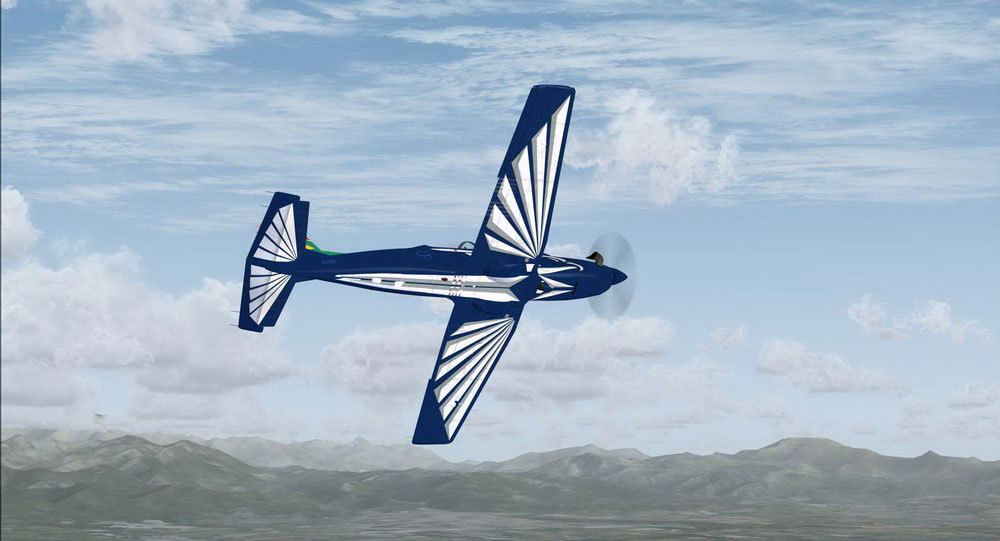
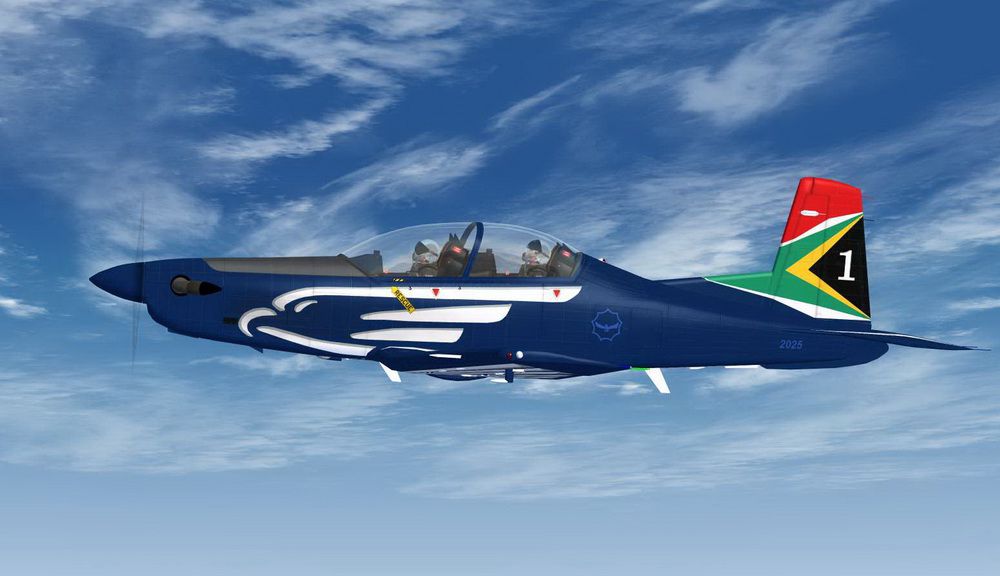
Close-up view of the SAAF Pilatus PC-9A.
Please remember that this package only includes the repaint and does not contain the actual Pilatus PC-9A model. You will need to acquire the IRIS Simulations product—available from commercial outlets like SimShack—to gain full functionality. This ensures that all performance elements, cockpit instrumentation, and advanced systems are properly integrated in your simulator.
By merging this texture set with the correct payware platform, you can experience an accurate SAAF rendition of the PC-9A, complete with operational realism and stylistic authenticity. Repaint by Martial Feron. Model by IRIS Simulations.
Free for all simmers · 2.58 MB · Scanned clean Oct 2026
Download speed: Free tier is capped at 0.5 Mbps. PRO members download at full line speed.
texture.{airline}) inside FSX\SimObjects\Airplanes\{base-aircraft}\.aircraft.cfg in Notepad. Add a new [fltsim.X] section per the readme.readme.txt or README file. It tells you exactly where files go, what dependencies are needed, and any quirks specific to this add-on.The archive pc-9_saaf.zip has 19 files and directories contained within it.
This list displays the first 500 files in the package. If the package has more, you will need to download it to view them.
| Filename/Directory | File Date | File Size |
|---|---|---|
| Read me.txt | 09.13.11 | 714 B |
| Screenshot - 30_08_2011 , 23_03_30.jpg | 08.30.11 | 115.47 kB |
| Screenshot - 30_08_2011 , 23_06_24.jpg | 08.30.11 | 129.84 kB |
| Screenshot - 30_08_2011 , 23_12_32.jpg | 08.31.11 | 130.04 kB |
| Texture.SAF | 09.13.11 | 0 B |
| front_pilot_t.dds | 02.05.08 | 4.00 MB |
| Prop_Blurred.dds | 09.23.07 | 1.00 MB |
| Prop_Slow.dds | 09.30.07 | 1.00 MB |
| Prop_Still.dds | 09.23.07 | 1.00 MB |
| rear_pilot_t.dds | 02.05.08 | 4.00 MB |
| t6_1_t.dds | 08.30.11 | 4.00 MB |
| t6_2_t.dds | 08.31.11 | 4.00 MB |
| t6_3_t.dds | 08.31.11 | 4.00 MB |
| t6_vc5_t.dds | 08.29.11 | 4.00 MB |
| texture.cfg | 08.14.06 | 137 B |
| thumbnail.jpg | 08.30.11 | 119.53 kB |
| PC-9 SAAF | 09.13.11 | 0 B |
| flyawaysimulation.txt | 10.29.13 | 959 B |
| Go to Fly Away Simulation.url | 01.22.16 | 52 B |
Only PRO members can place votes.
More FSX & P3D add-ons hand-picked based on this download.
FSX Military Aircraft
Created to infuse a distinctive flair into Microsoft Flight Simulator X, this…
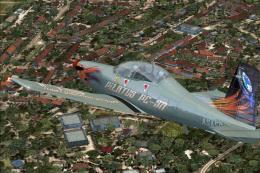 FSX Military Aircraft
A repaint for the Iris Pilatus PC9A, which is now freeware. This pack include…
 FSX Military Aircraft
These are some repaints for the payware Iris PC9A, including Swiss air Force,…
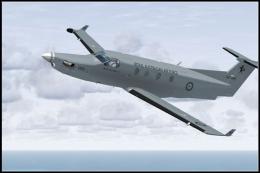 FSX Military Aircraft
FSX RAAF Pilatus PC-12. A repaint of the payware Flight1 Pilatus PC12. By Sea…
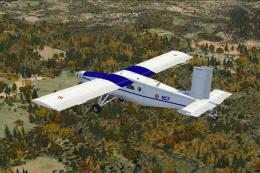 FSX Military Aircraft
ALAT Pilatus PC-6C. Pilatus PC-6C H2 Turbo Porter by Tim Conrad in a fictiona…
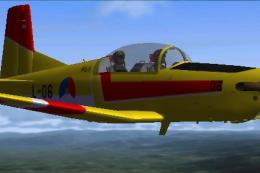 FSX Military Aircraft
FSX Pilatus Pc-7 Turbotrainer RNAF repaint. (Model by Tim Piglet Conrad). Thi…
 FSX Military Aircraft
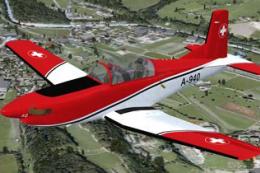
Experience a refreshed level of Swiss-themed turboprop training in Microsoft …
 FSX Military Aircraft
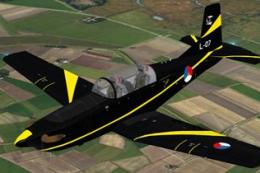
This repaint features the KLu 130 EMVO Pilatus PC-7 L-07, representing the Ro…
Read what other simmers think, or add your own.
