

 FSX General Aviation Aircraft
Vans Aircraft RV-7 N6731
N6731 repaint for the payware BayTower Studio Vans RV7. Textures only. By Gre…
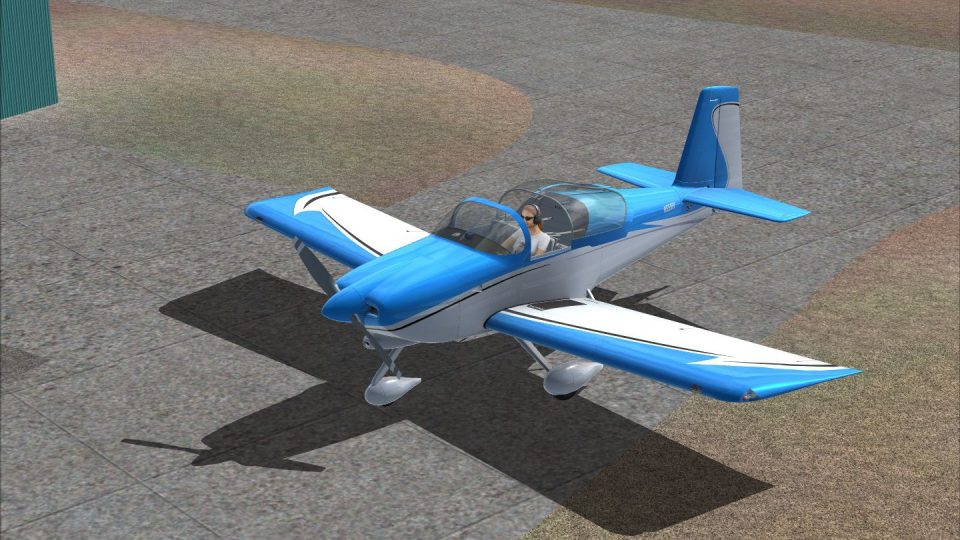
Vans Aircraft RV-7A N651RV brings a real-world paint scheme to Baytower Studios’ RV-7 with clean registration markings and a polished finish that suits both aerobatics and cross-country flying. Designed for FSX, it enhances ramp presence and screenshots, and requires the Baytower Studios payware Vans RV-7 package.
 Rate
Rate
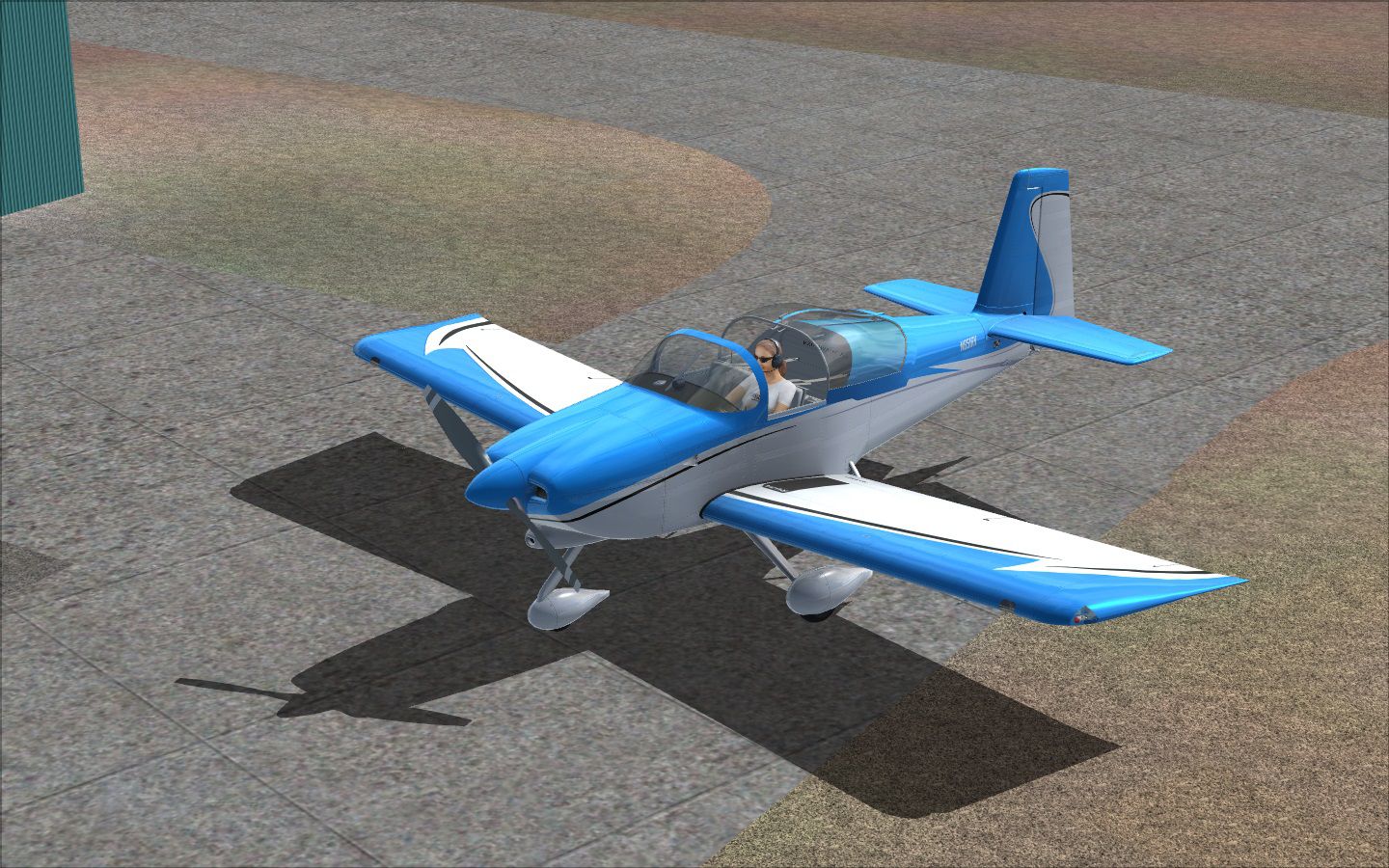
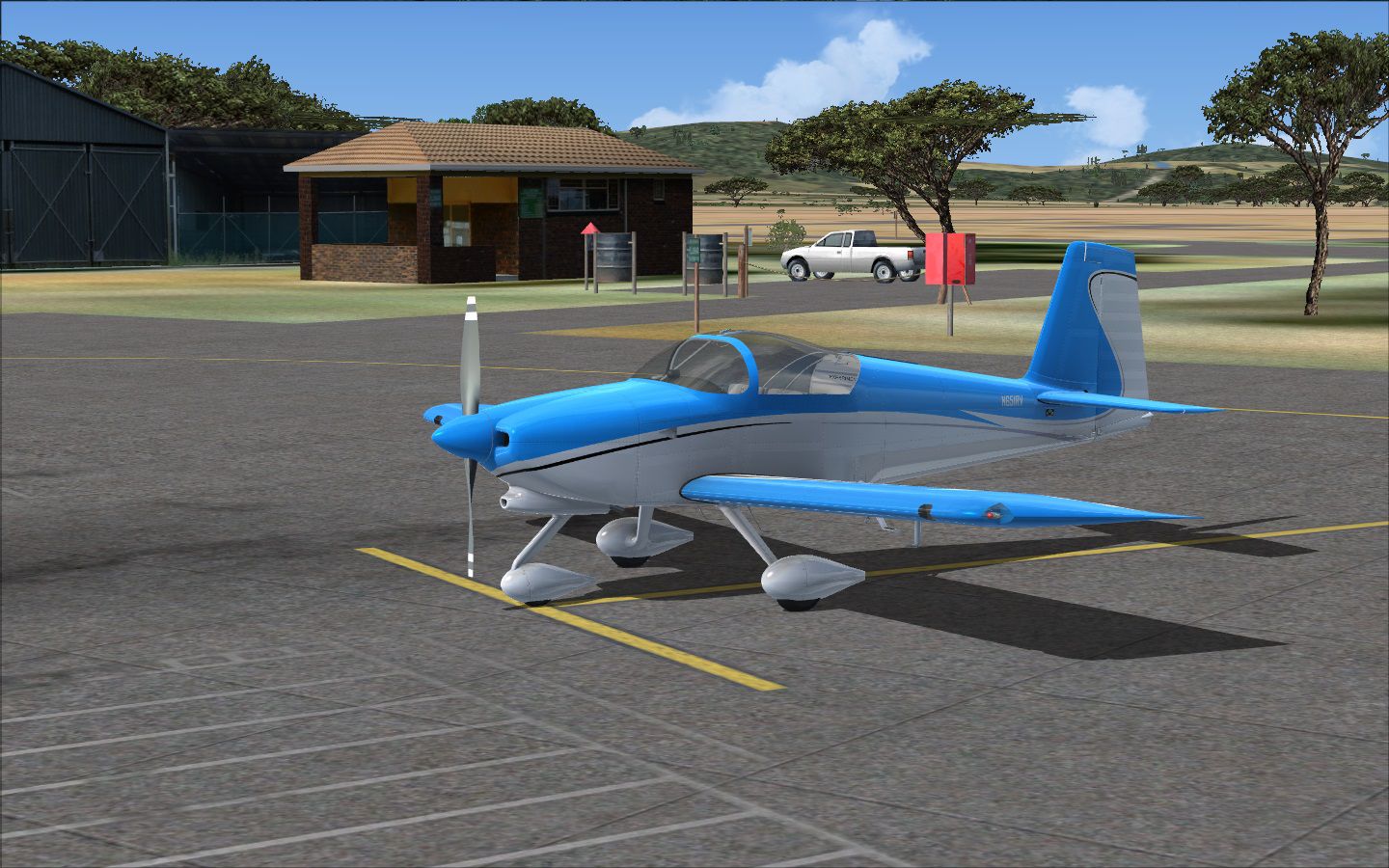
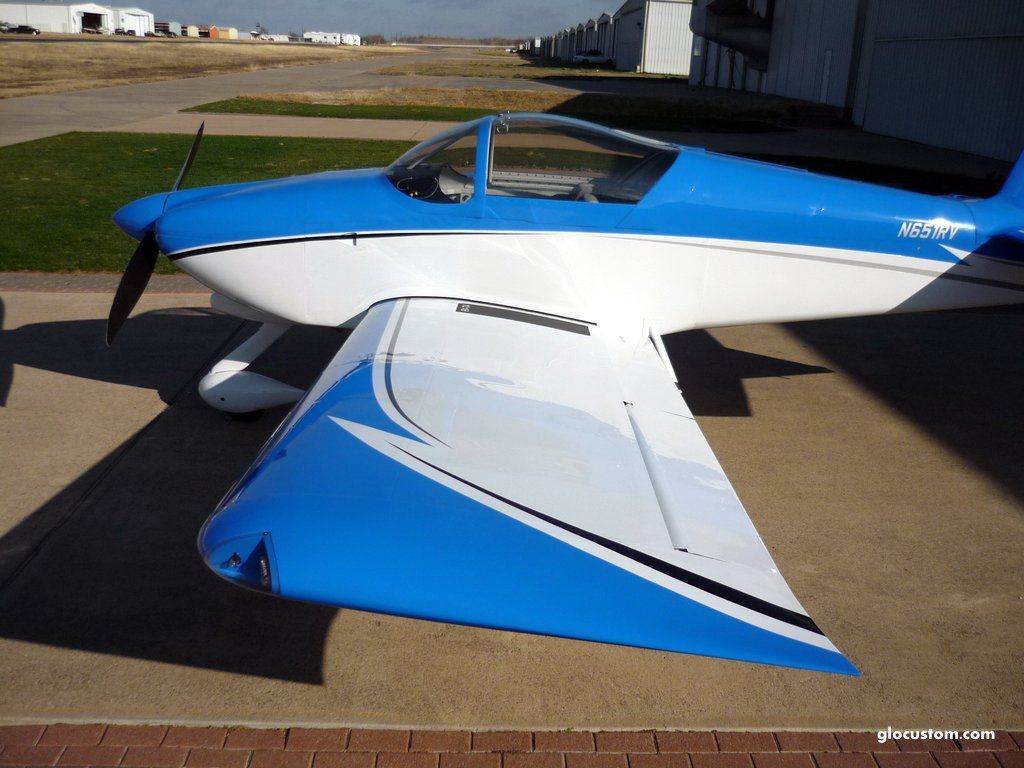


A repaint for Baytower Studios' payware Vans RV-7. Based on real world RV7-A. By Brendon Myburgh.
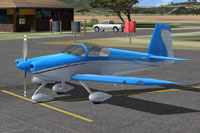
Screenshot of Vans Aircraft on the ground.
[fltsim.XX]

title= VansRV7A N651Rv

sim = ..\Vans_RV7\vansRV7.air

model= RV7A_sldr

panel= RV7A_sldr

sound = sonicSolutionsTip

texture= paint_7Atip_N651RV

kb_checklists=

kb_reference=

atc_id= N651RV

ui_manufacturer= "Van's Aircraft"

ui_type= "RV7A Sliding Canopy"

ui_variation= "N651RV"

ui_typerole= "Single Engine Prop"

ui_createdby= "BayTower"

description = "--- RV-7 Description ---\n\nThe RV-7/7A retains all the traditional RV virtues. It is an all-around sport airplane, with excellent cross-country capability, fine aerobatic qualities and superior handling. A typical RV-7 can hold two FAA standard pilots, 100 lbs. of baggage and full tanks: 42 gallons. At the aerobatic gross weight of 1600 lbs., the RV-7 complies with the +6/-3G standards of the FAA's Aerobatic Category and can still carry two people."
Free for all simmers · 4.09 MB · Scanned clean Sep 2026
Download speed: Free tier is capped at 0.5 Mbps (this file takes approximately 1 min at the cap). PRO members download at full line speed.
texture.{airline}) inside FSX\SimObjects\Airplanes\{base-aircraft}\.aircraft.cfg in Notepad. Add a new [fltsim.X] section per the readme.readme.txt or README file. It tells you exactly where files go, what dependencies are needed, and any quirks specific to this add-on.The archive baytower_rv7_rv7a_n651rv.zip has 12 files and directories contained within it.
This list displays the first 500 files in the package. If the package has more, you will need to download it to view them.
| Filename/Directory | File Date | File Size |
|---|---|---|
| btsLabels.dds | 06.08.13 | 64.12 kB |
| exterior_T.dds | 06.07.13 | 4.00 MB |
| interior_T.dds | 09.24.11 | 4.00 MB |
| texture.cfg | 04.23.11 | 354 B |
| thumbnail.JPG | 06.08.13 | 20.44 kB |
| !readMe.txt | 06.08.13 | 2.05 kB |
| N651RV_1.JPG | 03.06.13 | 97.71 kB |
| N651RV_2.JPG | 03.06.13 | 118.68 kB |
| Screenshot 1.jpg | 06.08.13 | 524.06 kB |
| Screenshot 2.jpg | 06.08.13 | 415.33 kB |
| flyawaysimulation.txt | 10.29.13 | 959 B |
| Go to Fly Away Simulation.url | 01.22.16 | 52 B |
Only PRO members can place votes.
More FSX & P3D add-ons hand-picked based on this download.
FSX General Aviation Aircraft
N6731 repaint for the payware BayTower Studio Vans RV7. Textures only. By Gre…
 FSX General Aviation Aircraft
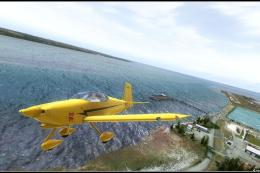
Fictional Yellow Devil repaint for the payware BayTower Studio Vans RV7. Text…
 FSX General Aviation Aircraft
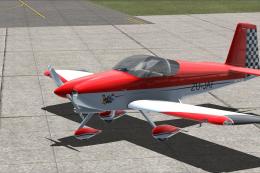
ZU-JAF is real South African registered Vans RV7 currently hangared at an air…
 FSX General Aviation Aircraft
Designed to enhance the thrill of piloting a Van’s RV-4 in Microsoft Flight S…
 FSX General Aviation Aircraft
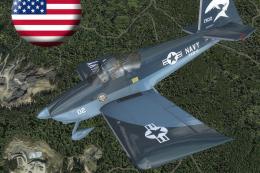
A pack of freeware liveries/repaints for the payware BayTower Studio Vans RV-…
 FSX General Aviation Aircraft
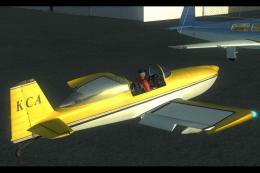
Real textures (registration ZK-KCA) for payware model of Vans RV8 from Vertig…
 FSX General Aviation Aircraft
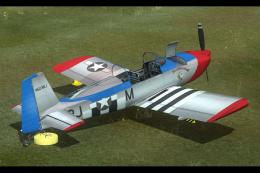
This customized repaint provides a striking American-based color scheme for t…
 FSX General Aviation Aircraft
This repaint package brings real-world U.S. markings to the payware Vertigo S…
Be the first to leave a comment on this download.
Be the first to share your thoughts on this download.