

 FSX Military Aircraft
FSX/Prepare3D Danish Meteor NF11
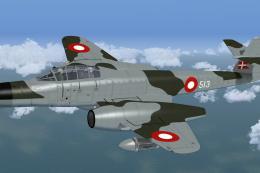
This repaint depicts the Royal Danish Air Force markings carried by Armstrong…
Danish Armstrong Whitworth Meteor NF.11 517 livery recreates Royal Danish Air Force markings with crisp period-accurate colors and subtle touches reflecting the aircraft’s night-interceptor and later target-towing history. Designed for Microsoft Flight Simulator X, it requires Rob Richardson’s freeware Meteor NF11 base package and complements the model with faithful exterior detailing.
 Rate
Rate

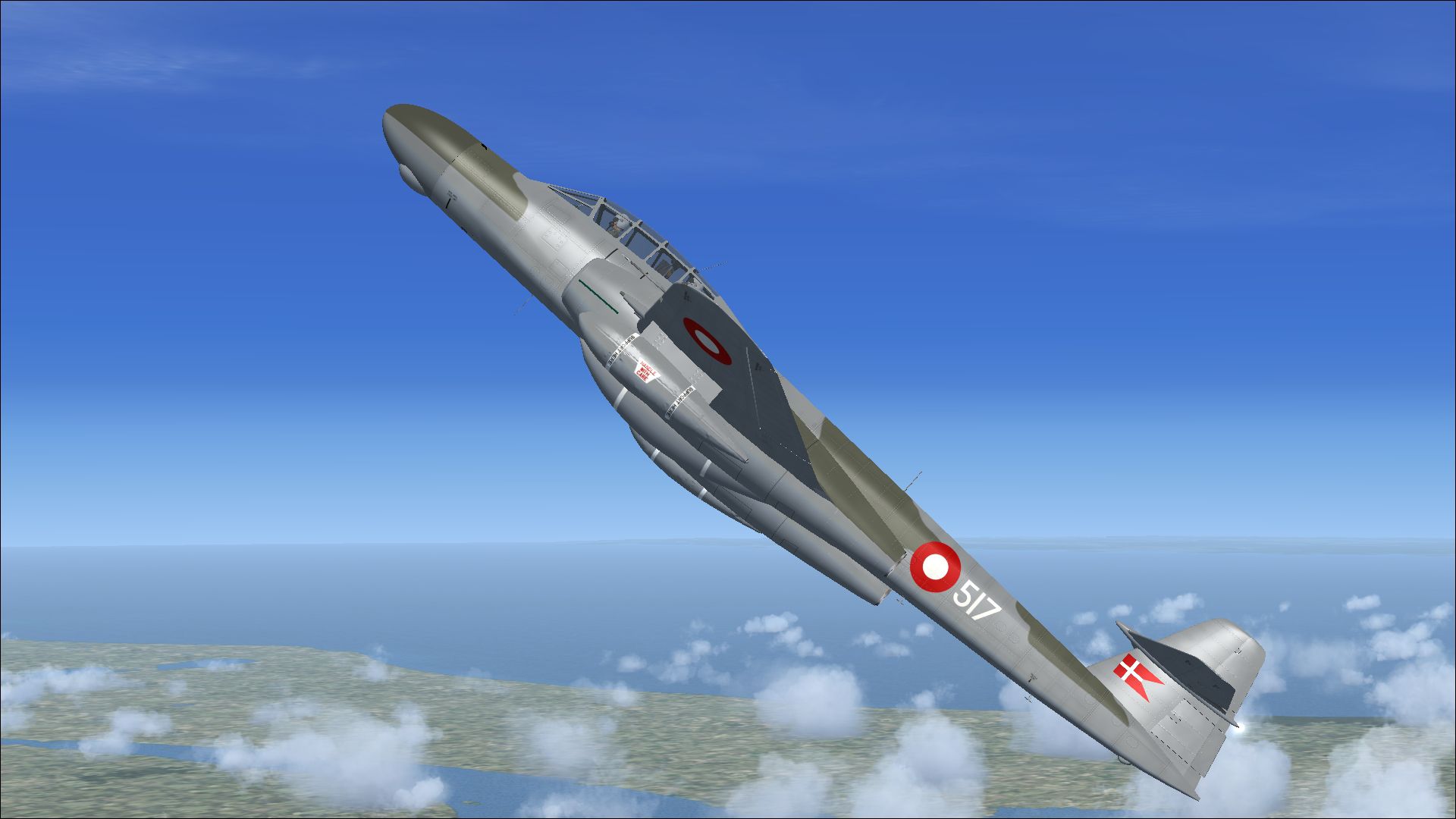
This repaint revives the story of a classic twin-engine jet, originally crafted for night interception duties, and offers a faithful representation of an aircraft once entrusted to Danish service. Emphasizing fine details throughout, this add-on by Peter Watkins applies an accurate color scheme to Rob Richardson’s freeware platform, requiring the corresponding base package to be placed in your Microsoft Flight Simulator X setup.
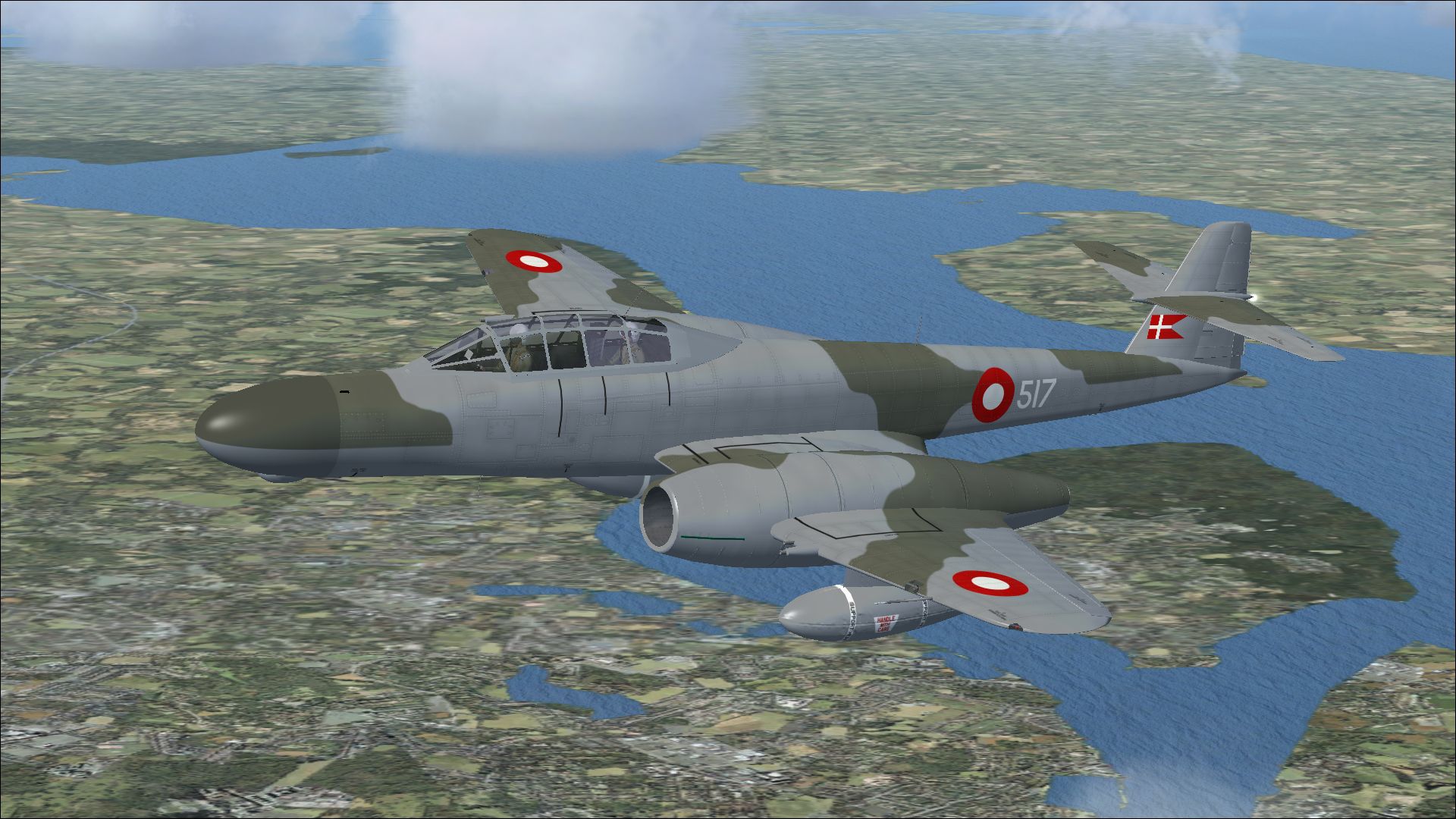
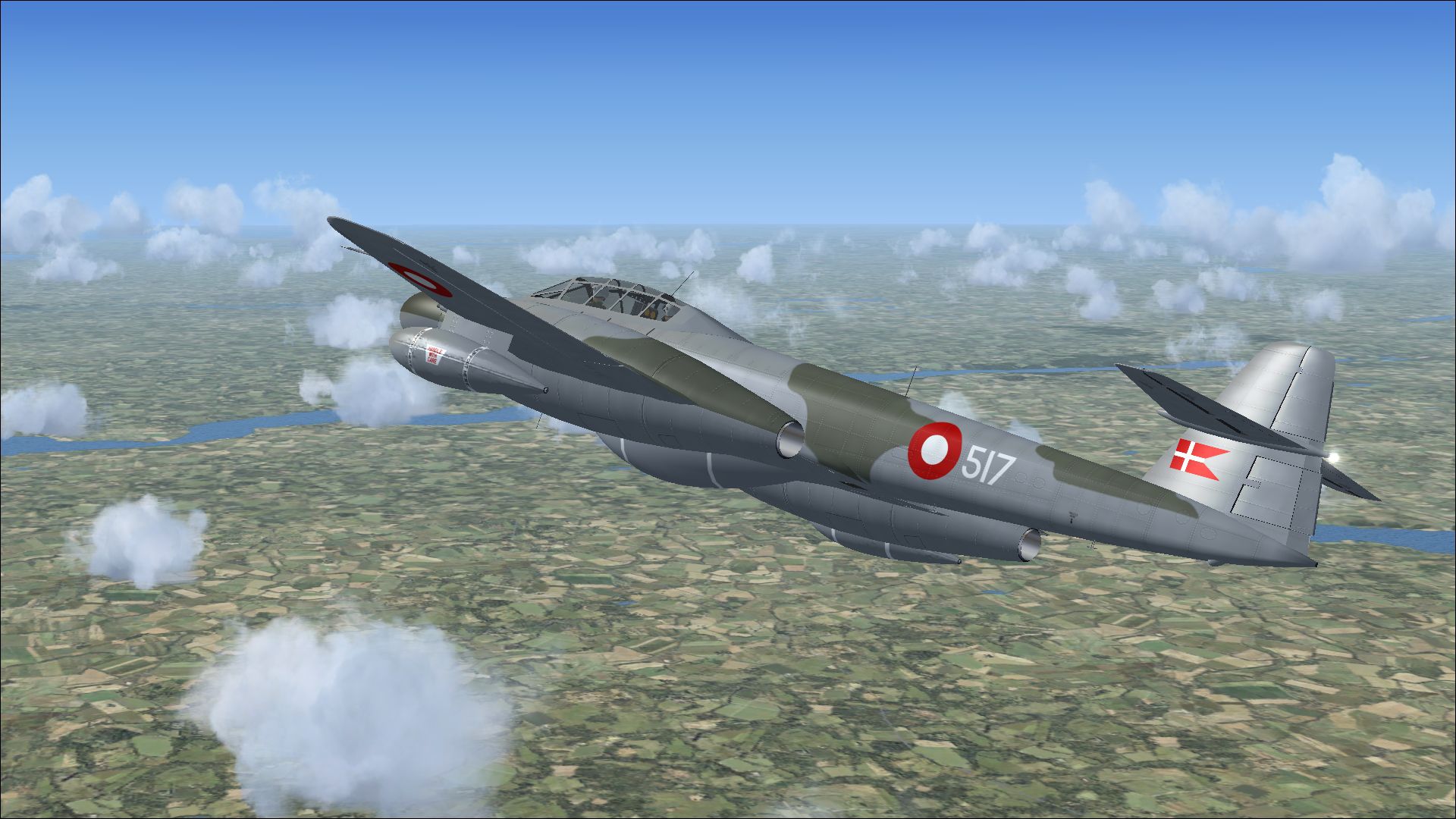
The Armstrong Whitworth Meteor NF.11 emerged as a specialized variation of the original Meteor line, developed to satisfy an urgent need for all-weather defense capabilities. It utilized the light but strengthened structures of the T.7 airframe, incorporating an elongated nose to house an Air Intercept radar unit (in this case, the AI Mk 10). In Danish hands, airframe 517 (constructed under c/n AW5609) entered service in March 1953 with the Royal Danish Air Force. Later on, it underwent target-towing adaptation (reclassified as the TT20) in 1962, operating under Swedish contract registration SE-DCG until it was dismantled in 1966.
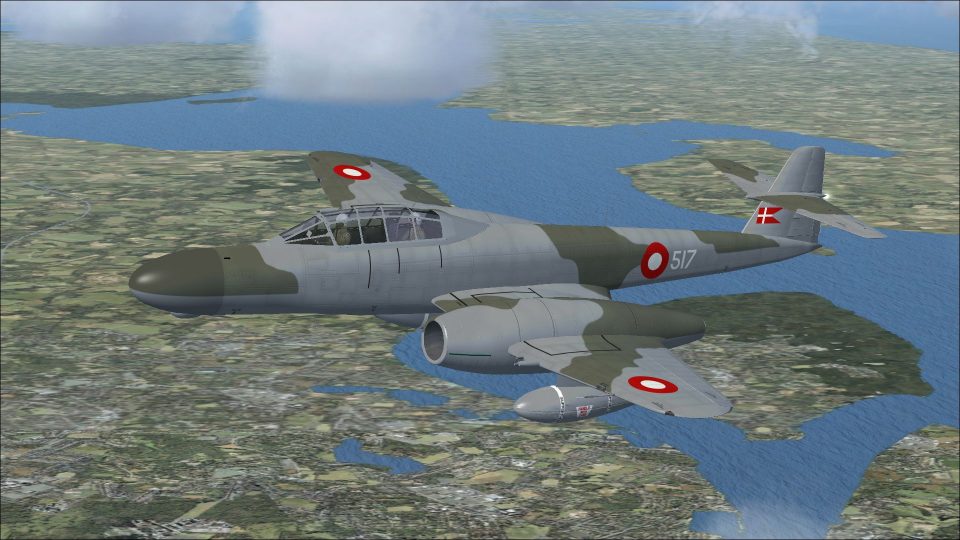
Screenshot of Danish Meteor NF11 517 in flight.
The following procedure ensures smooth integration with your simulator files. A valid copy of Rob Richardson’s Meteor NF11 freeware model is mandatory to use this repaint.
[fltsim.xx]

title=Armstrong Whitworth Meteor NF11 517

sim=Armstrong Whitworth Meteor NF11

model=

panel=

sound=

texture=517

kb_checklists=AW_Meteor_NF11_check

kb_reference=AW_Meteor_NF11_ref

ui_manufacturer=Armstrong Whitworth

ui_type=Meteor NF11

ui_variation=Royal Danish Air Force 2

ui_typerole="Twin engine jet night fighter"

ui_createdby="RJR"

atc_id=517

atc_airline=Air Force

atc_flight_number=346

description=As a night fighter, the Meteor again replaced the Mosquito however it was never more than an interim measure. The Mosquito night fighter had remained in use even though it was largely obsolete. Gloster proposed a night fighter design to meet the Air Ministry specification for the Mosquito replacement, based on the two seater trainer, with the pilot in the front seat and the navigator in the rear. Once accepted however, the work passed to Armstrong Whitworth for both the detail design and production; the first prototype flew on 31 May 1950. Although based on the T.7 twin seater, it used the fuselage and tail of the F.8, and the longer wings of the F.3. An extended nose contained the AI Mk 10 (the 1940s Westinghouse SCR-720) Air Intercept radar. As a consequence the 20 mm cannons were moved into the wings, outboard of the engines. A ventral fuel tank and wing mounted drop tanks completed the Armstrong Whitworth Meteor NF.11.
This repaint only includes textural modifications. You must have Rob Richardson’s freeware Armstrong Whitworth Meteor NF11 base files to fully utilize these new markings. The base package should be available in the Fly Away Simulation library.
Repaint created by Peter Watkins. Original model by Rob Richardson.
Free for all simmers · 8.44 MB · Scanned clean Oct 2026
Download speed: Free tier is capped at 0.5 Mbps (this file takes approximately 2 mins at the cap). PRO members download at full line speed.
texture.{airline}) inside FSX\SimObjects\Airplanes\{base-aircraft}\.aircraft.cfg in Notepad. Add a new [fltsim.X] section per the readme.readme.txt or README file. It tells you exactly where files go, what dependencies are needed, and any quirks specific to this add-on.The archive danish_meteor_nf11_517.zip has 17 files and directories contained within it.
This list displays the first 500 files in the package. If the package has more, you will need to download it to view them.
| Filename/Directory | File Date | File Size |
|---|---|---|
| 7615922.jpg | 10.19.13 | 1.29 MB |
| 7657262.jpg | 10.19.13 | 1.11 MB |
| 7693048.jpg | 10.19.13 | 669.61 kB |
| 7784293.jpg | 10.19.13 | 625.42 kB |
| Installation readme.txt | 10.19.13 | 3.16 kB |
| texture.517 | 10.19.13 | 0 B |
| meteor 1 bump.dds | 09.27.13 | 16.00 MB |
| meteor 1.dds | 10.19.13 | 16.00 MB |
| meteor 2.dds | 10.19.13 | 16.00 MB |
| meteor 4.dds | 10.15.13 | 4.00 MB |
| meteor 5.dds | 10.15.13 | 4.00 MB |
| texture.cfg | 09.21.13 | 137 B |
| thumbnail.jpg | 10.19.13 | 625.42 kB |
| Thumbs.db | 09.21.13 | 22.50 kB |
| wrap.dds | 10.15.13 | 64.12 kB |
| flyawaysimulation.txt | 10.29.13 | 959 B |
| Go to Fly Away Simulation.url | 01.22.16 | 52 B |
Only PRO members can place votes.
More FSX & P3D add-ons hand-picked based on this download.
FSX Military Aircraft
This repaint depicts the Royal Danish Air Force markings carried by Armstrong…
 FSX Military Aircraft
This high-fidelity repaint by Peter Watkins reproduces “44-500” as flown by n…
 FSX Military Aircraft
The Armstrong-Whitworth Meteor NF11 in Belgian Air Force markings brings hist…
 FSX Military Aircraft
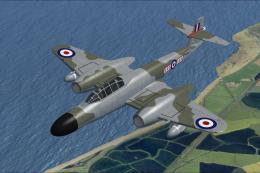
Discover a meticulously crafted paint scheme for Rob Richardson’s freeware Ar…
 FSX Military Aircraft
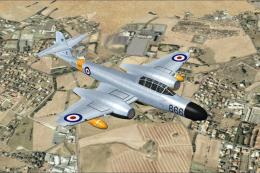
This add-on provides a meticulously crafted rendition of the Armstrong-Whitwo…
 FSX Military Aircraft
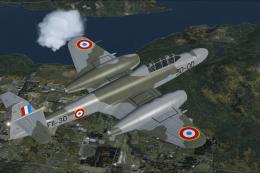
This freeware repaint showcases the Armstrong-Whitworth Meteor NF11 in a dist…
 FSX Military Aircraft
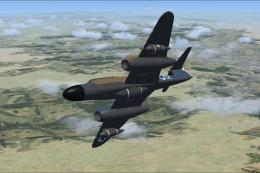
This repaint package depicts one of the Meteor night fighters obtained by the…
 FSX Military Aircraft
Repaint for the Meteor NF14 by Rob Richardson. It is painted as Meteor NF.11 …
Be the first to leave a comment on this download.
Be the first to share your thoughts on this download.