








 FSX Civil Aircraft
Boeing 777-200 Mega Pack
A huge mega-pack bringing the Boeing 777-200 with a complete model, many repa…
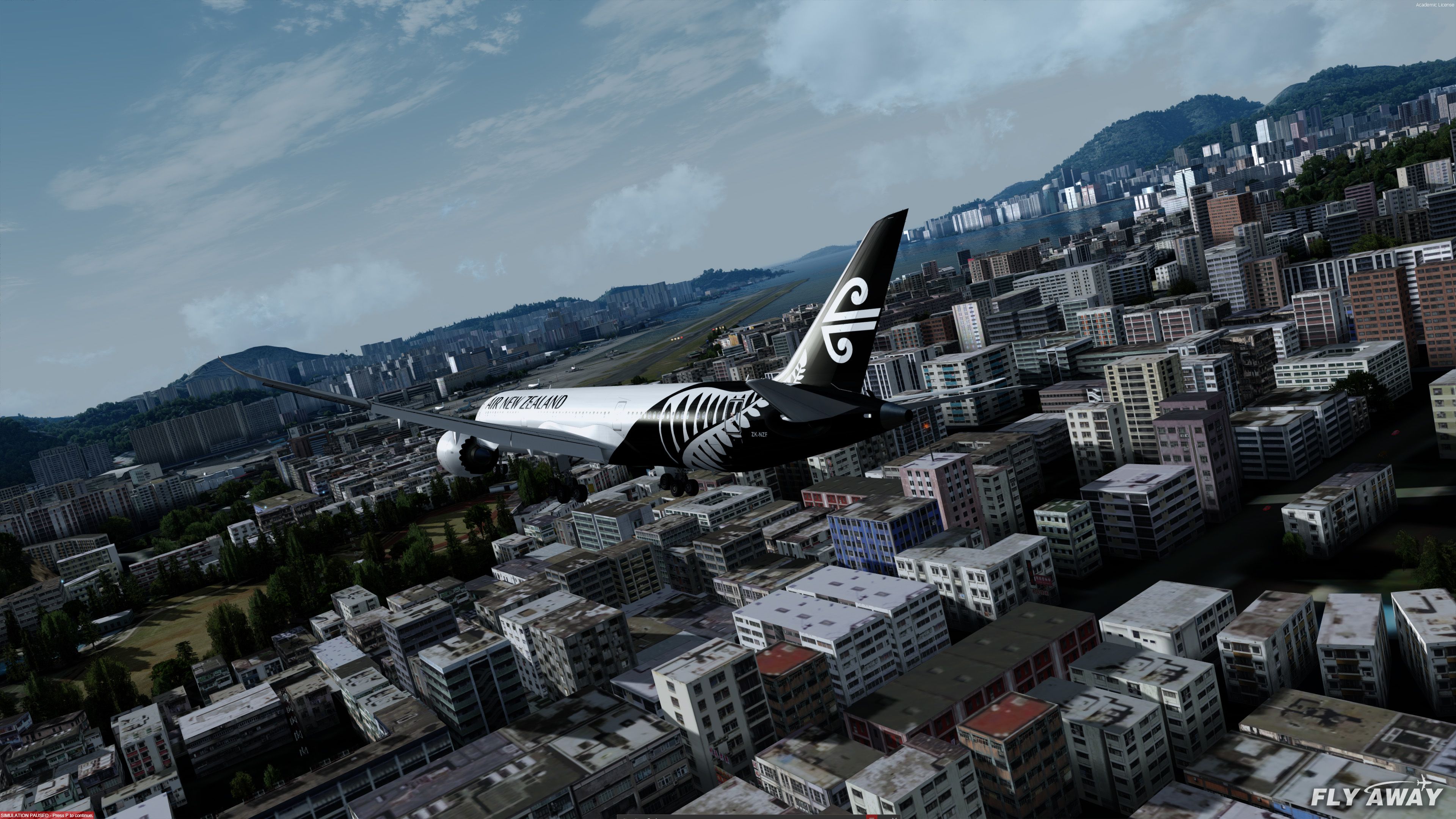
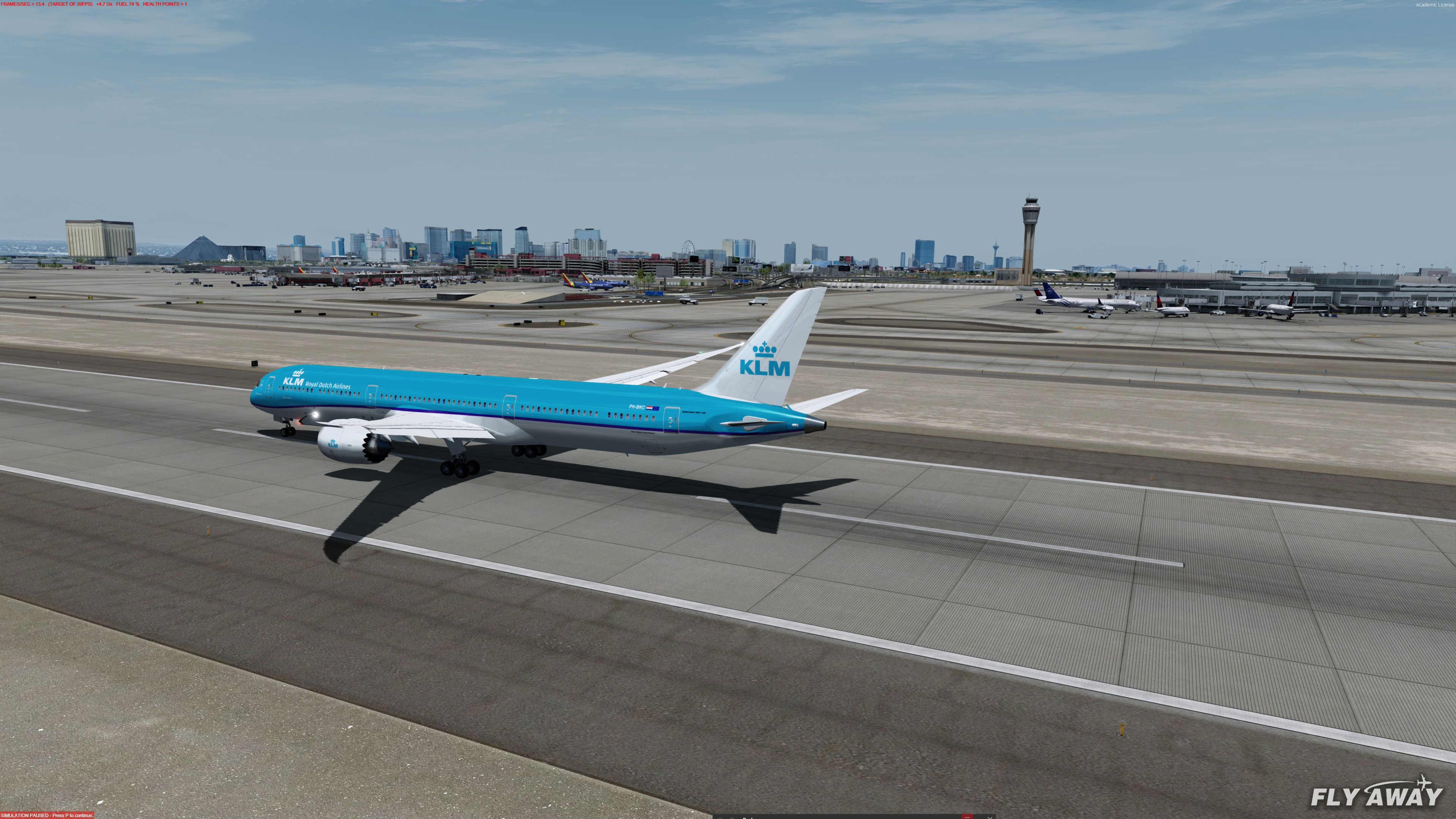
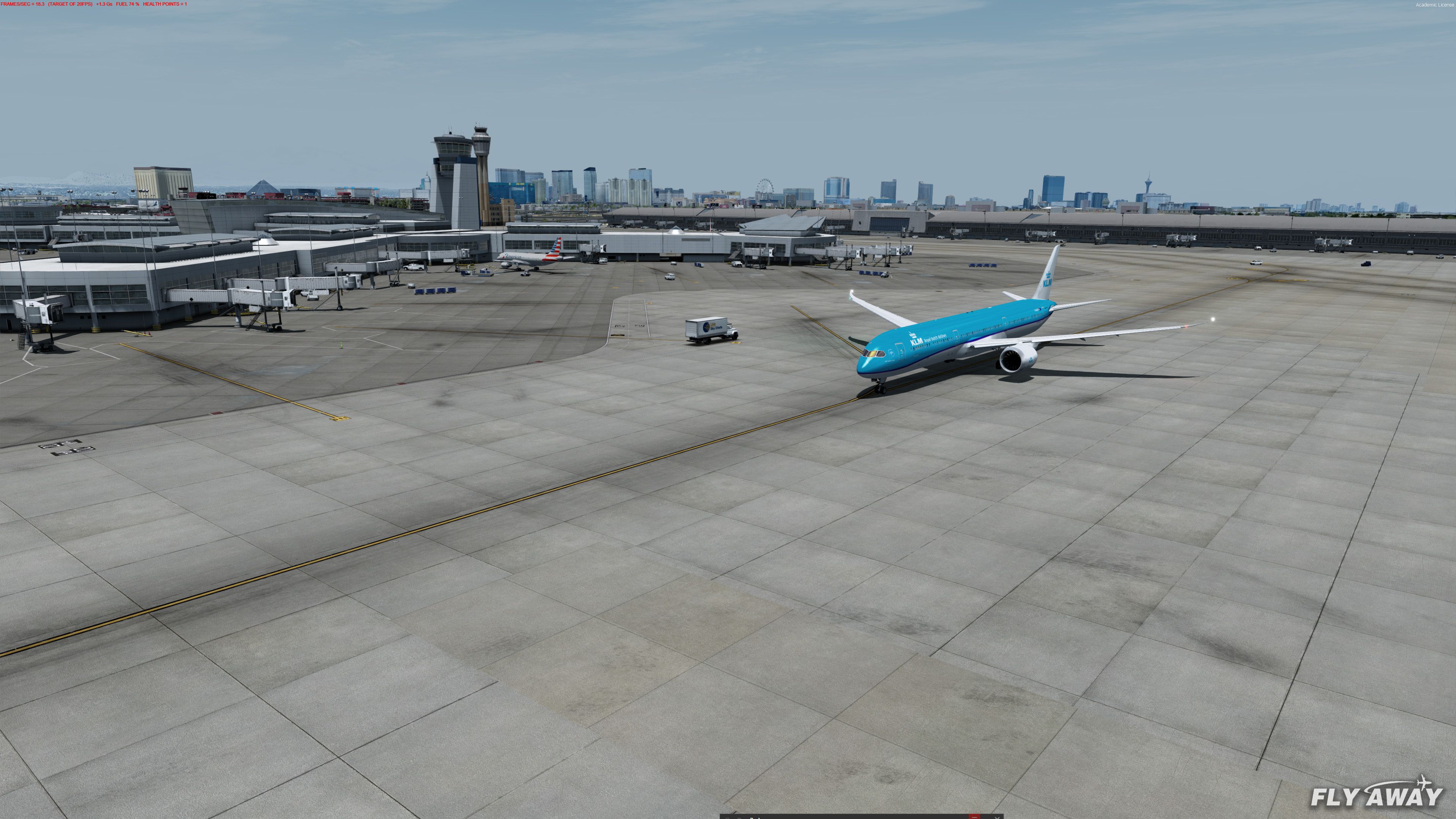
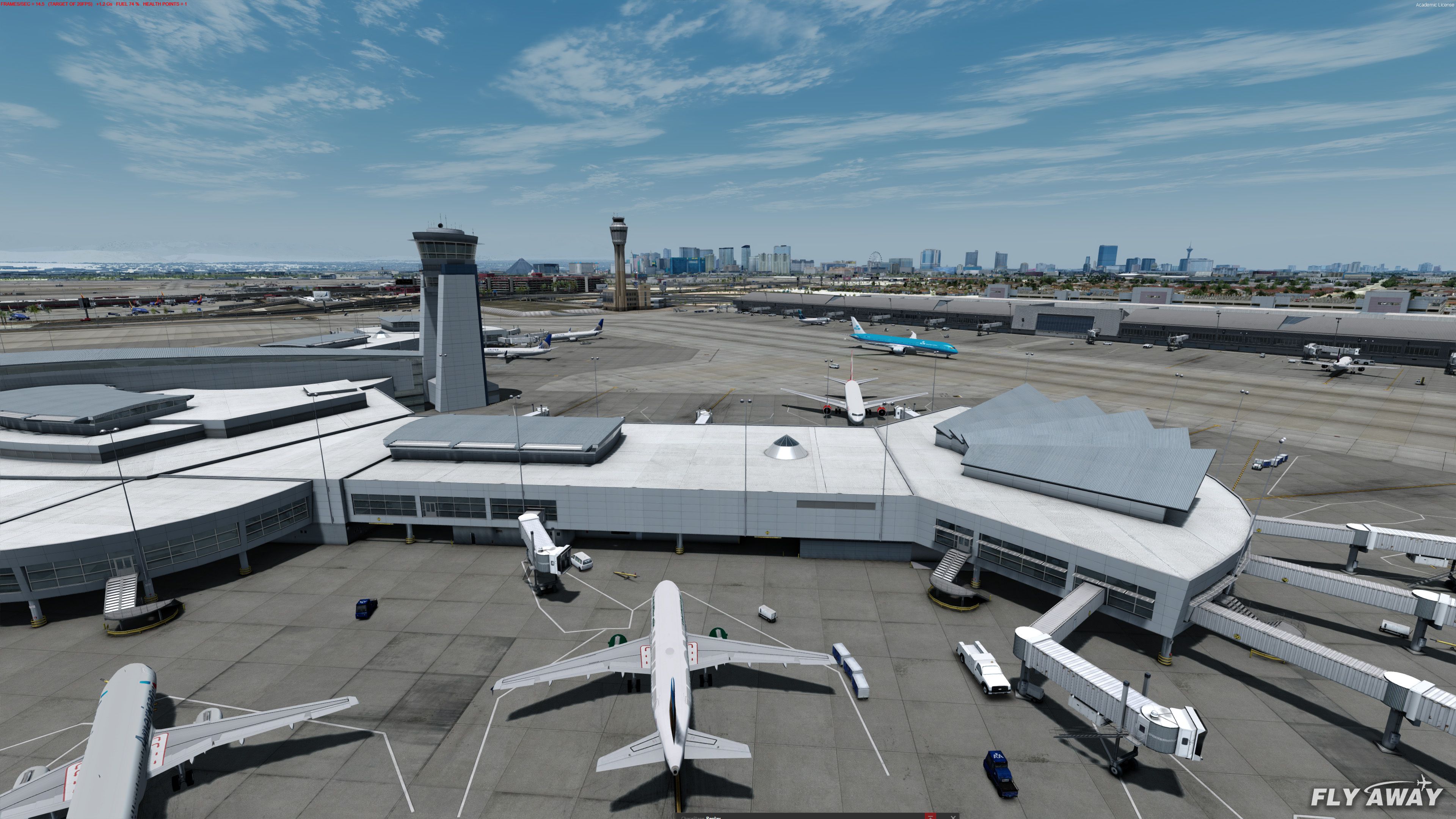
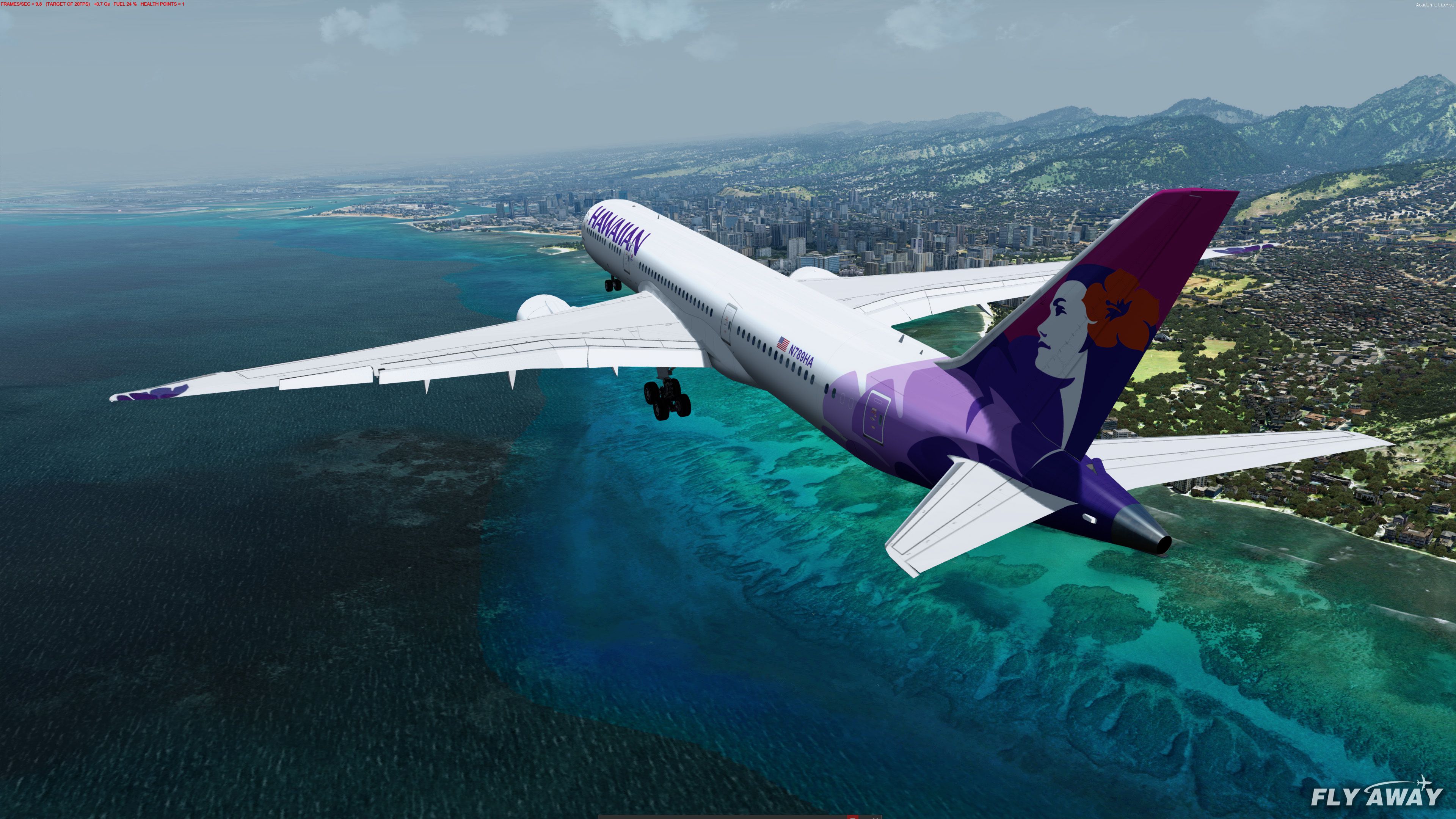
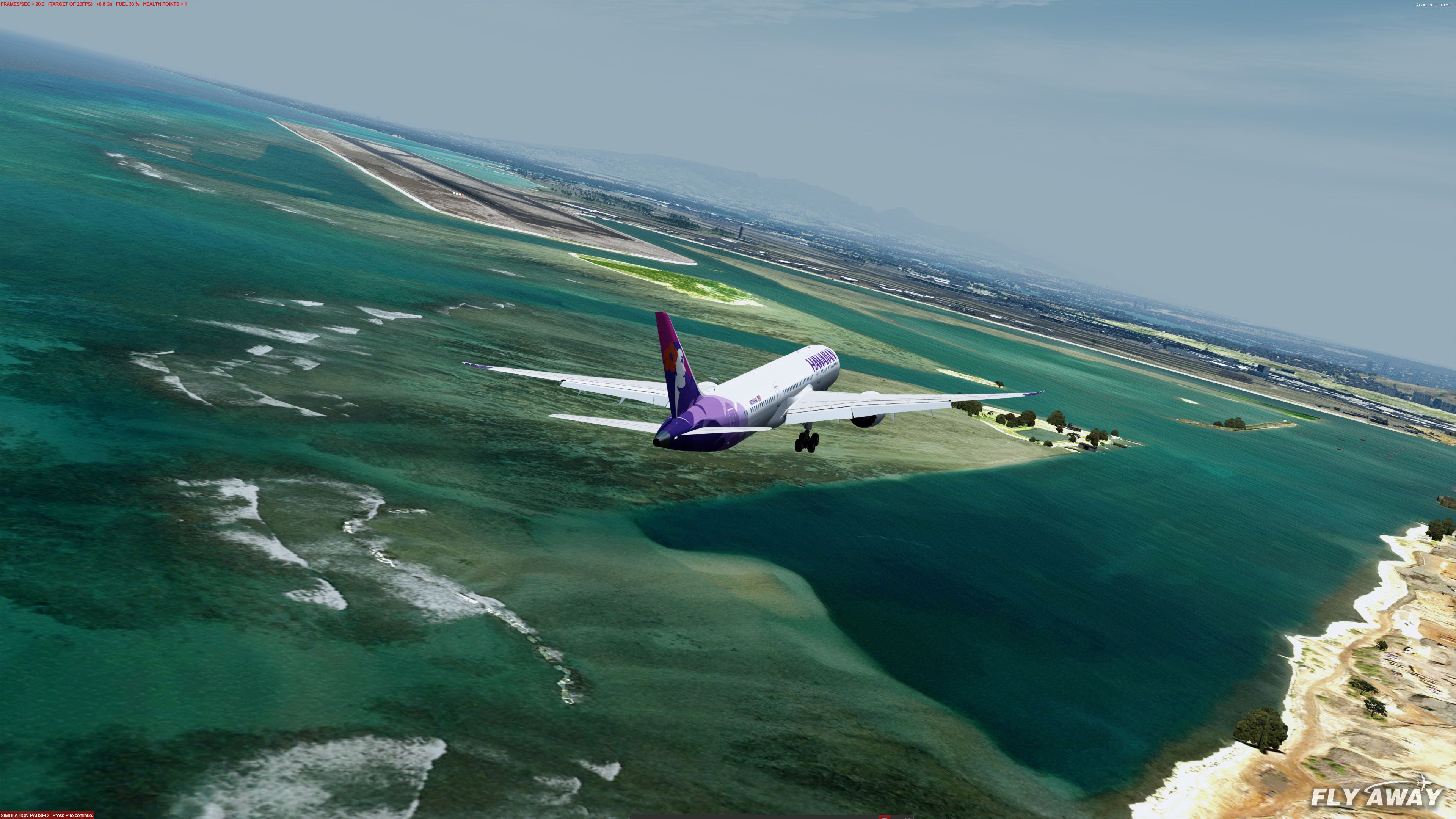
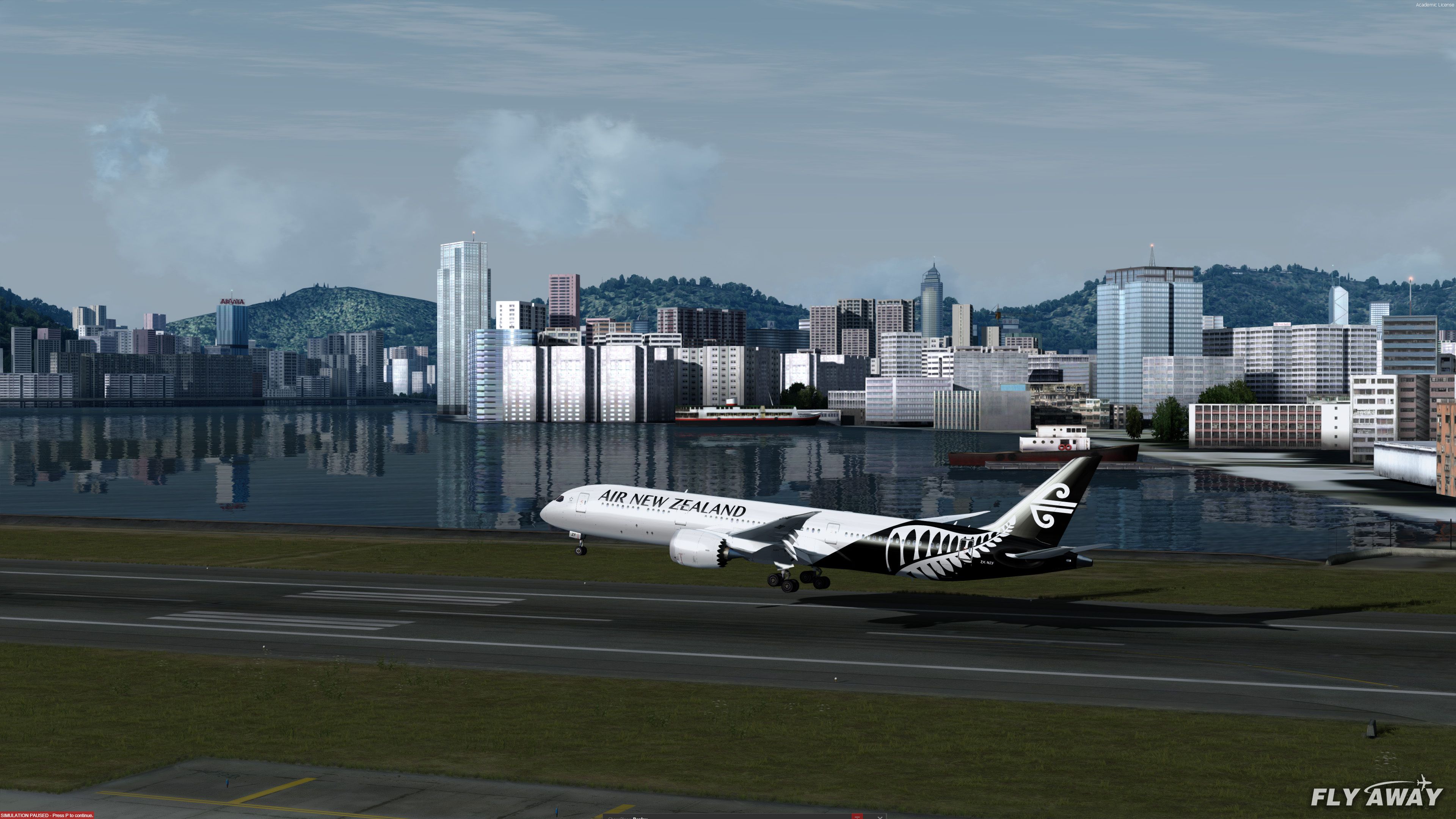
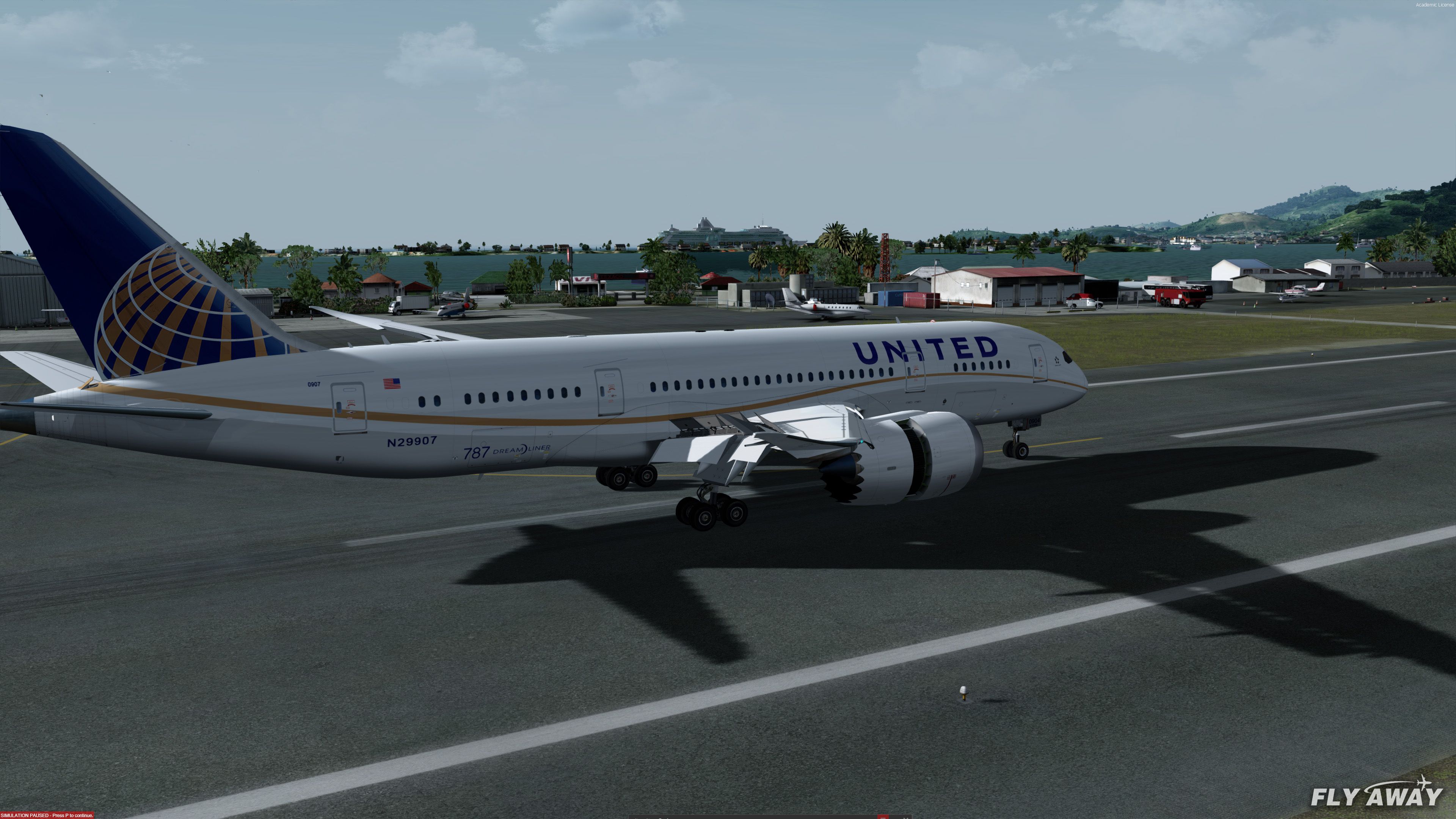
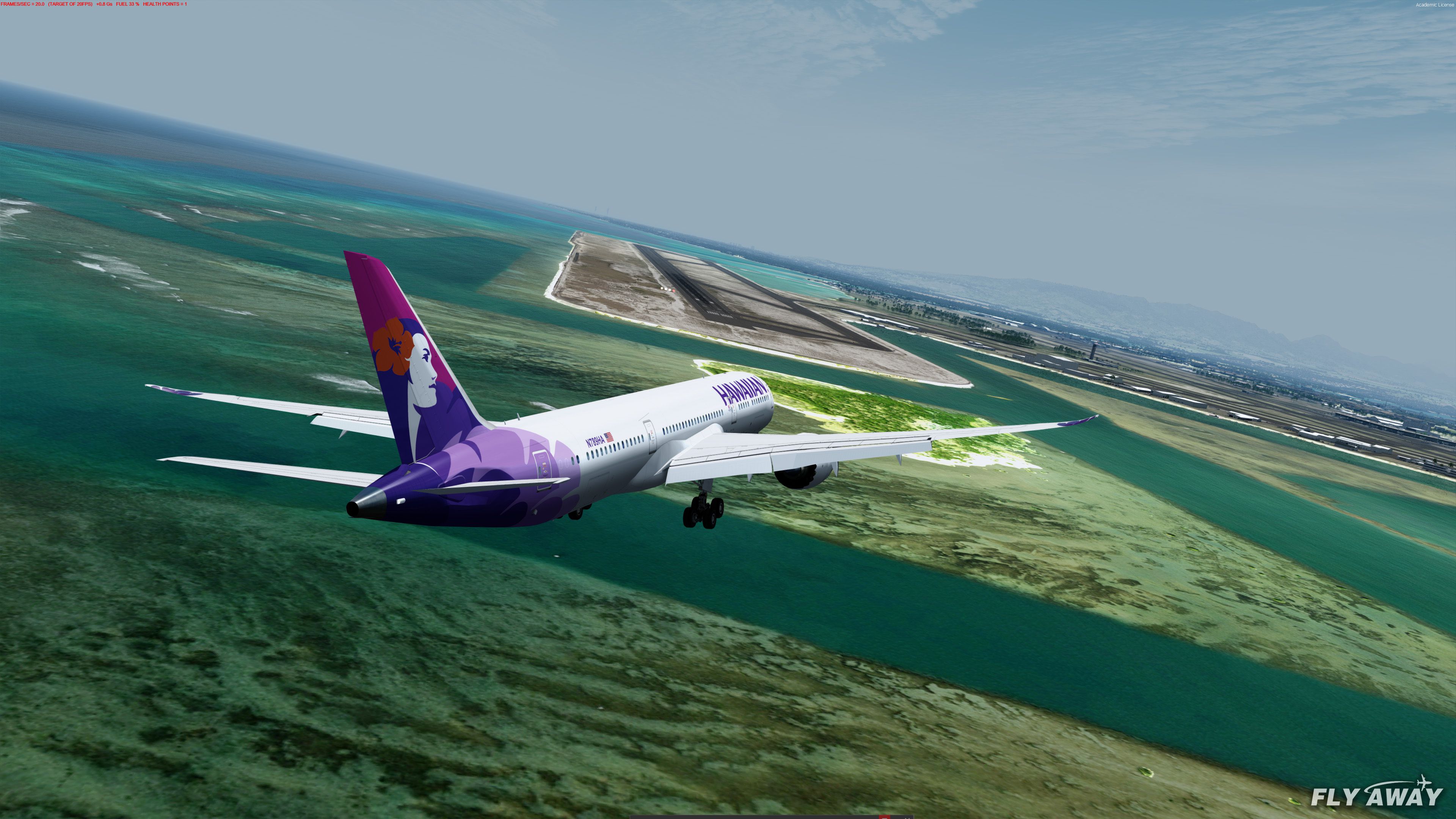
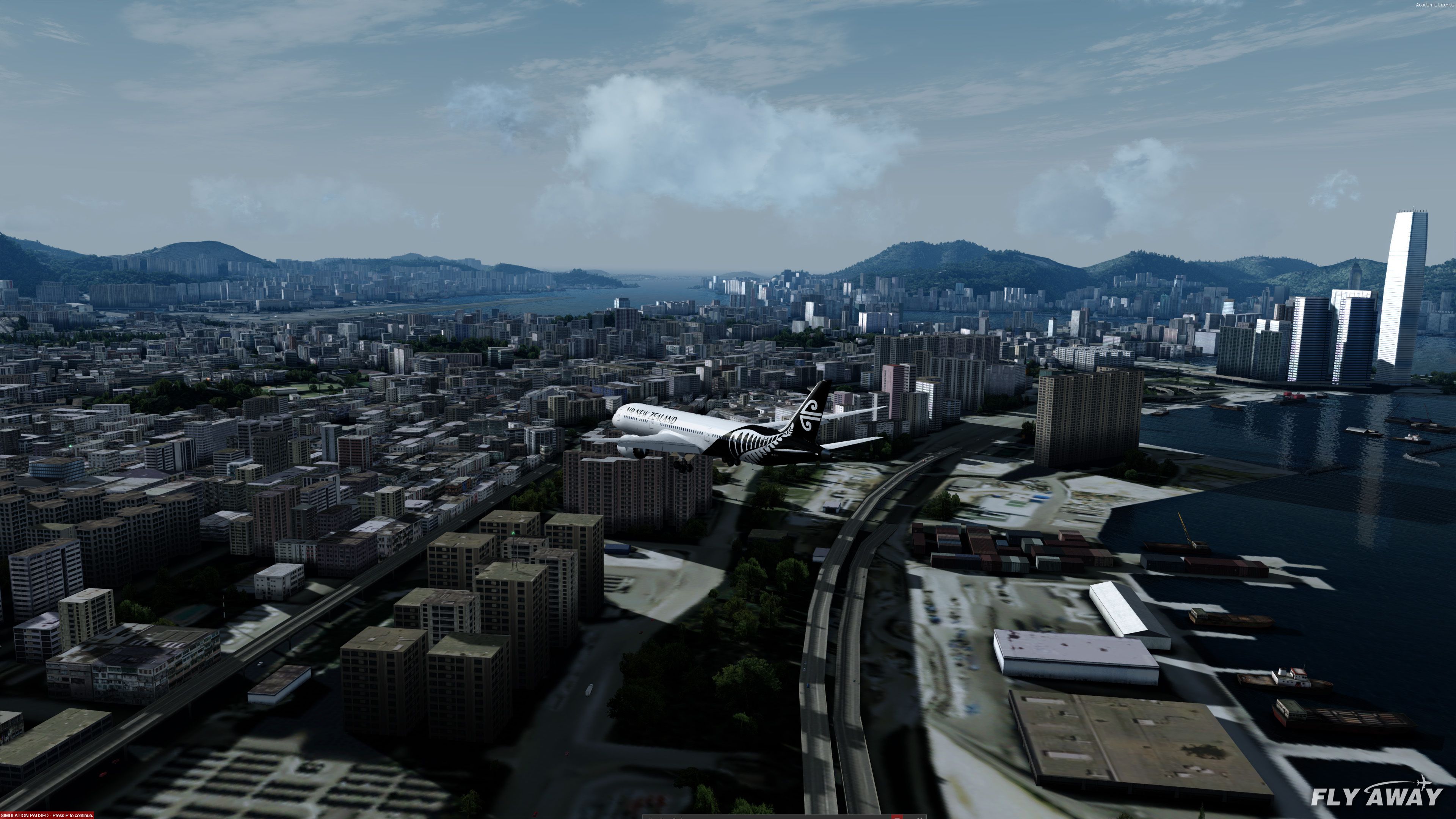
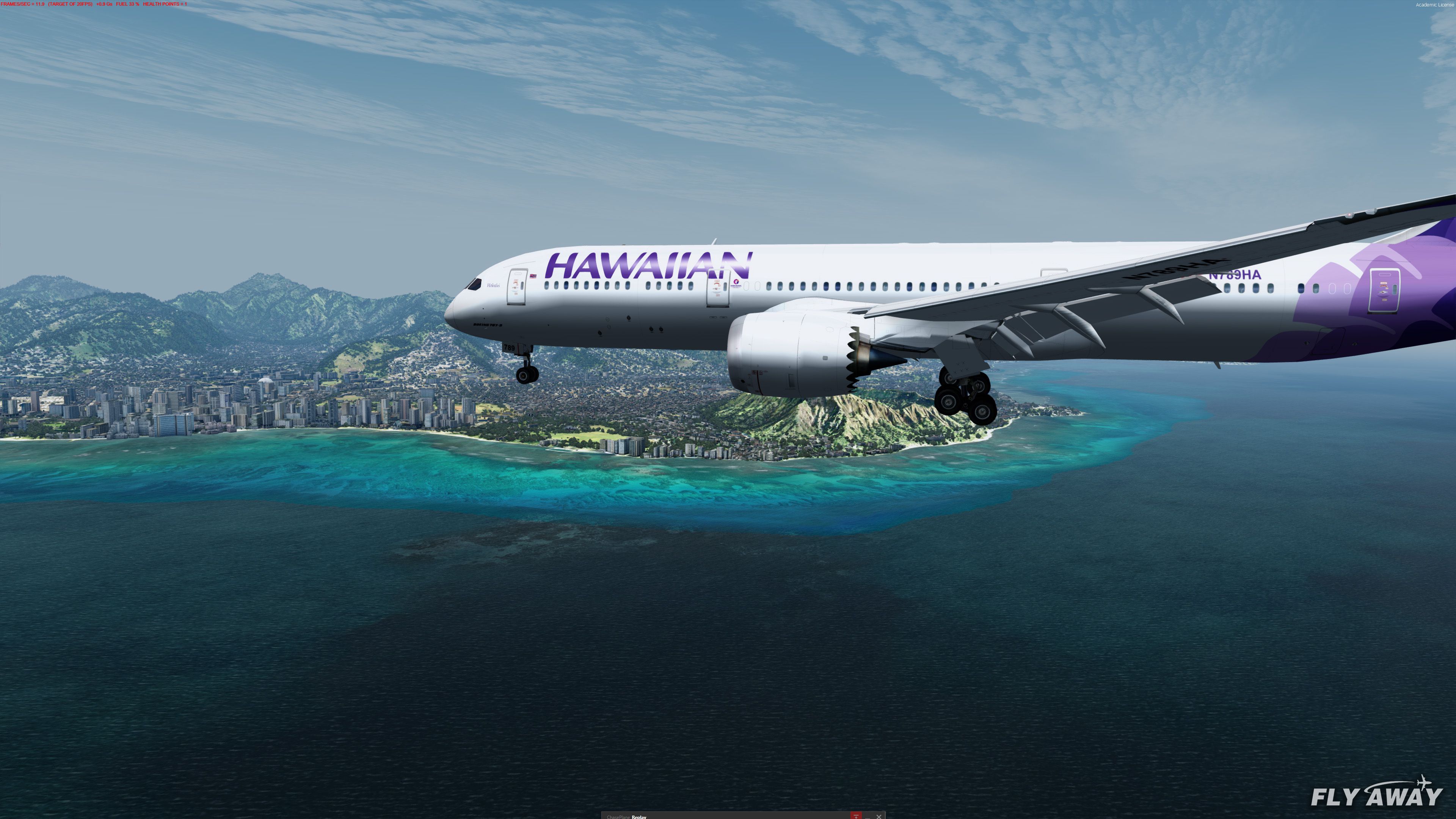
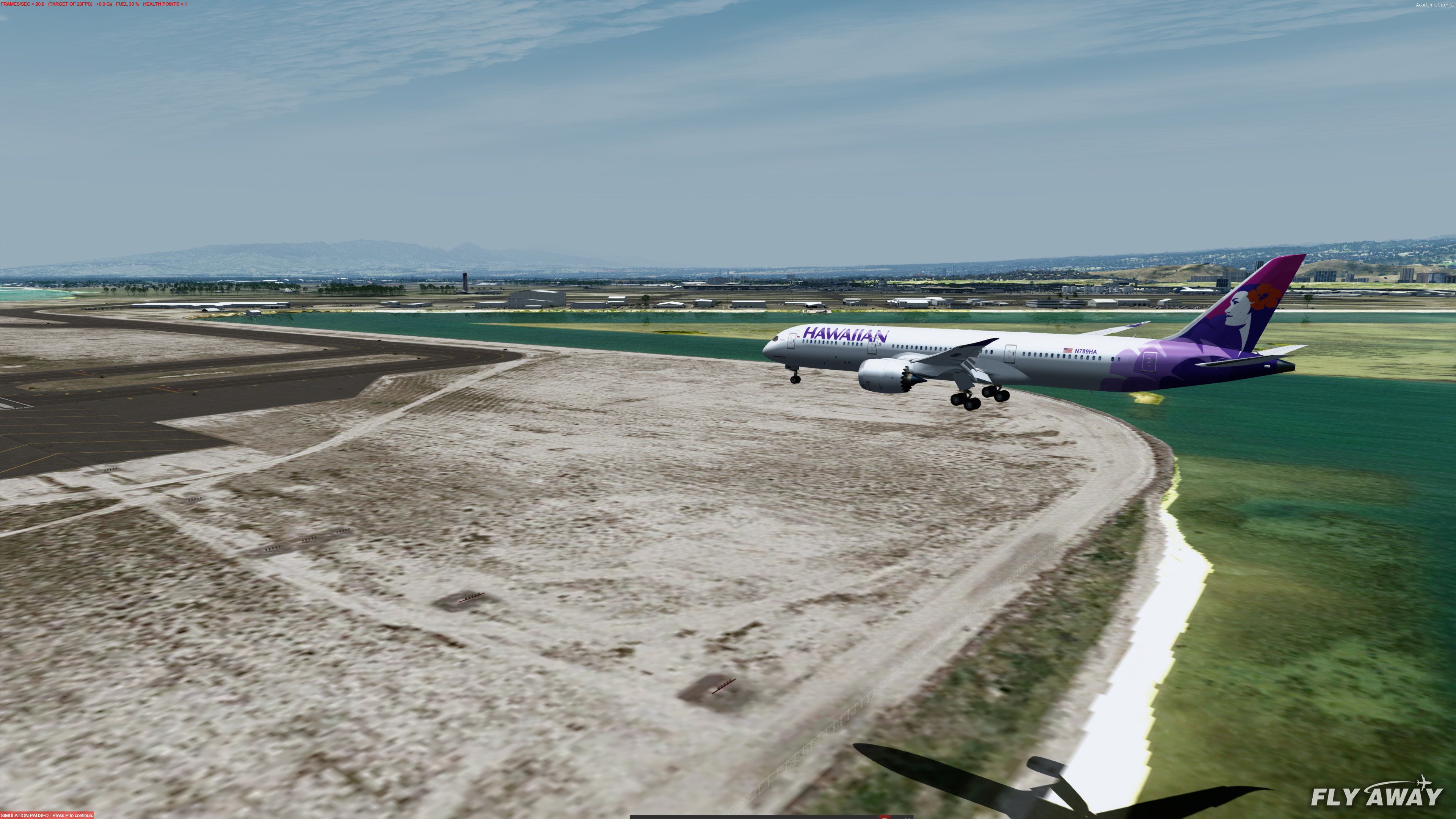
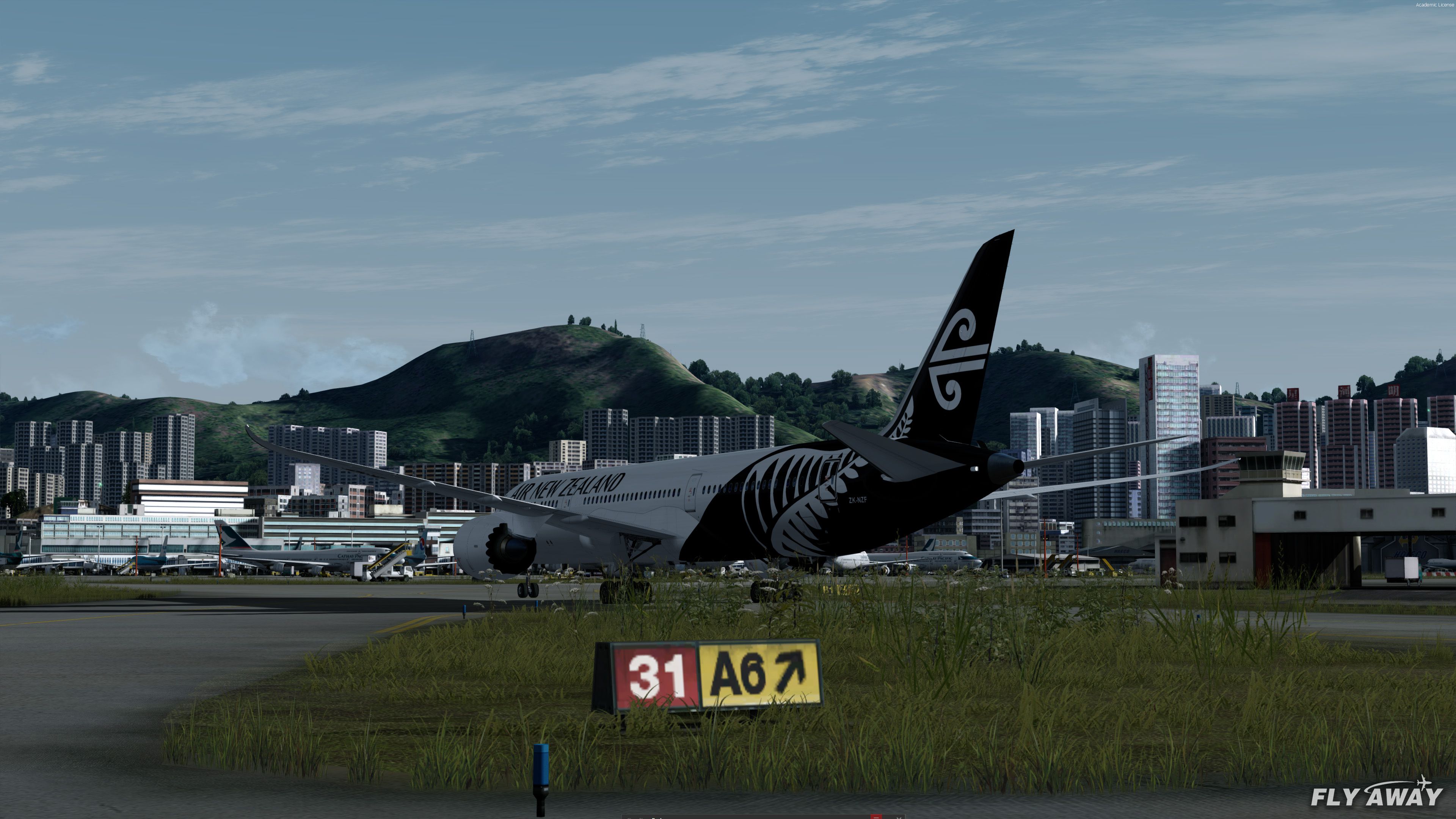
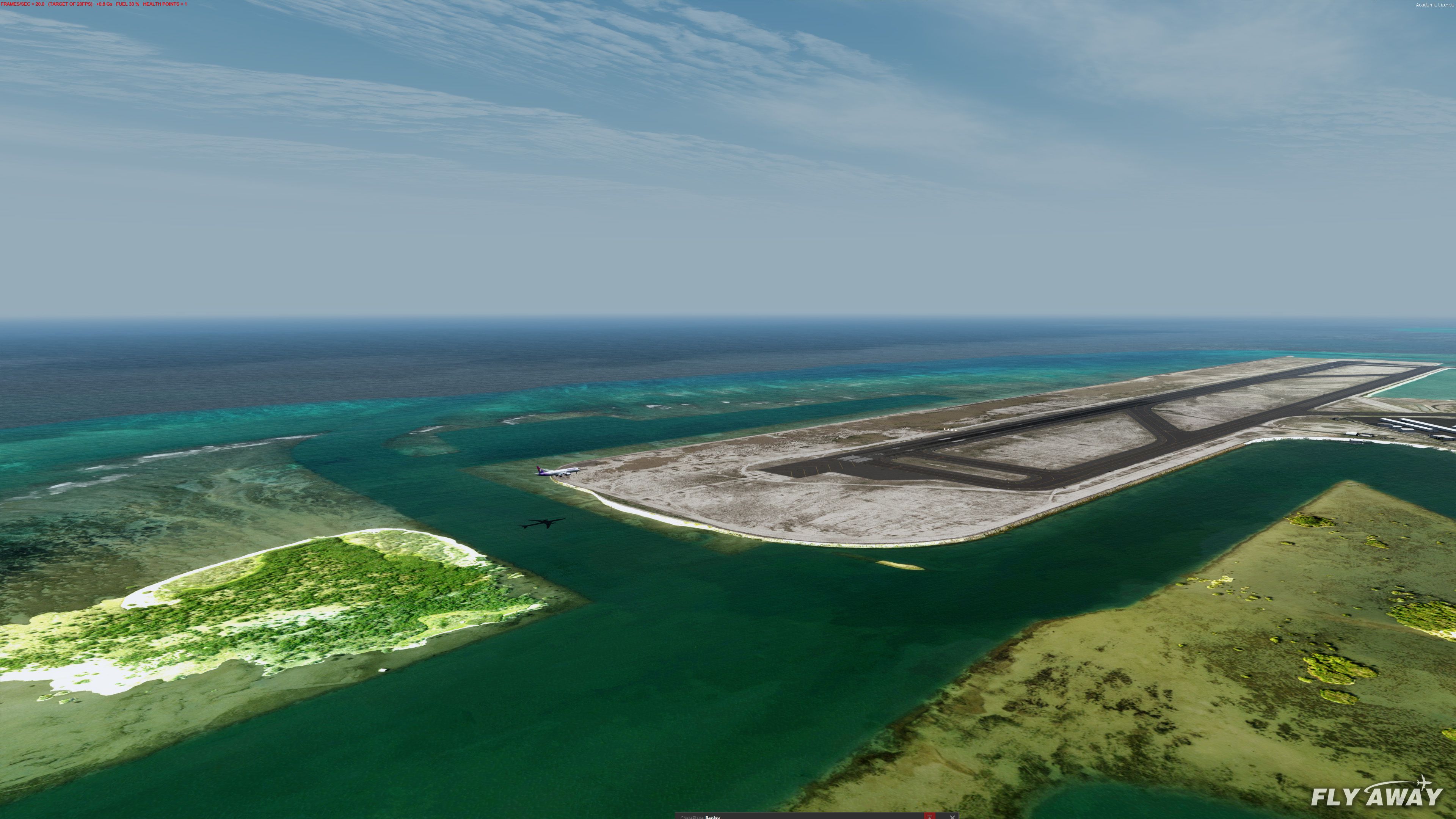
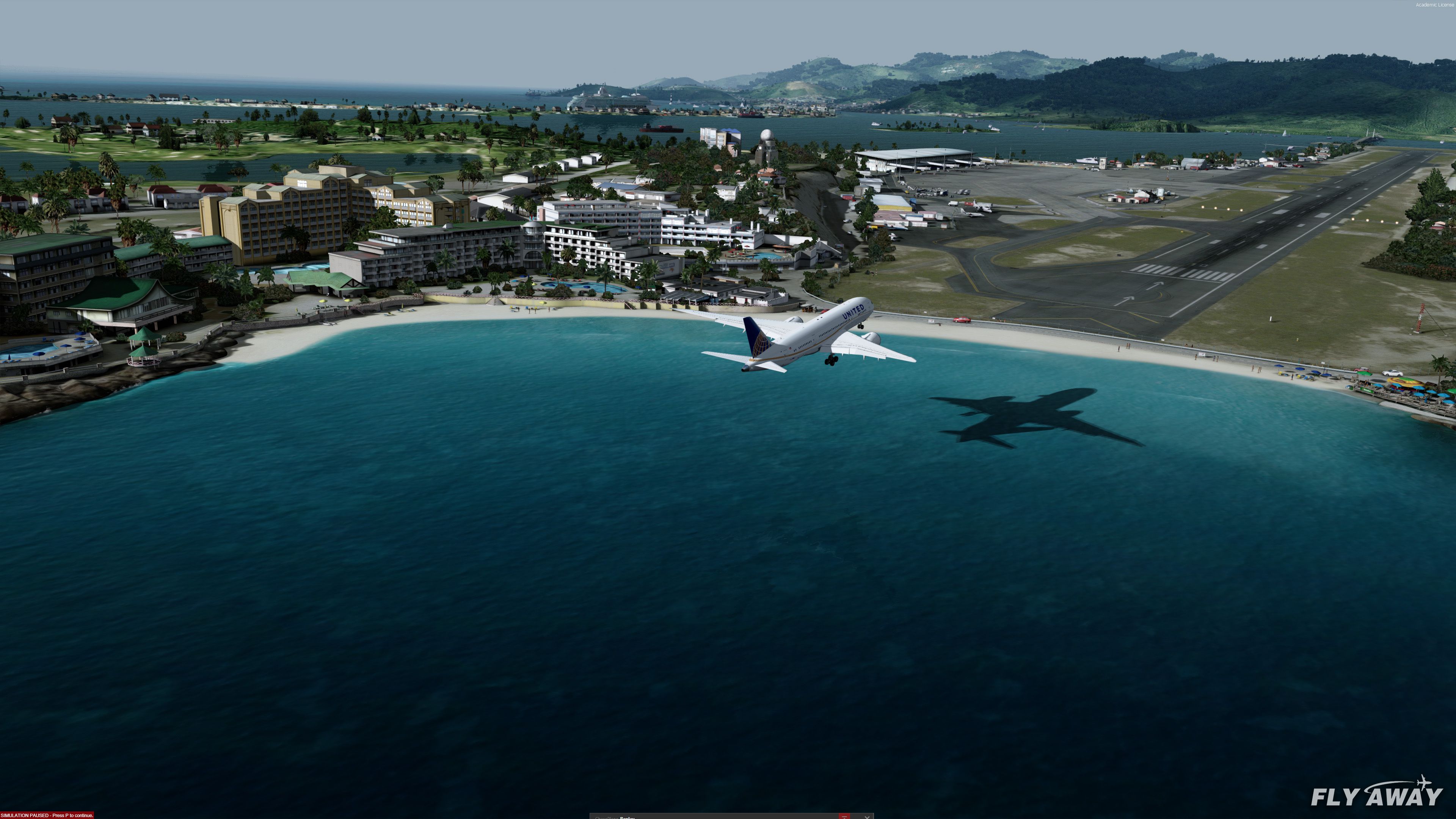
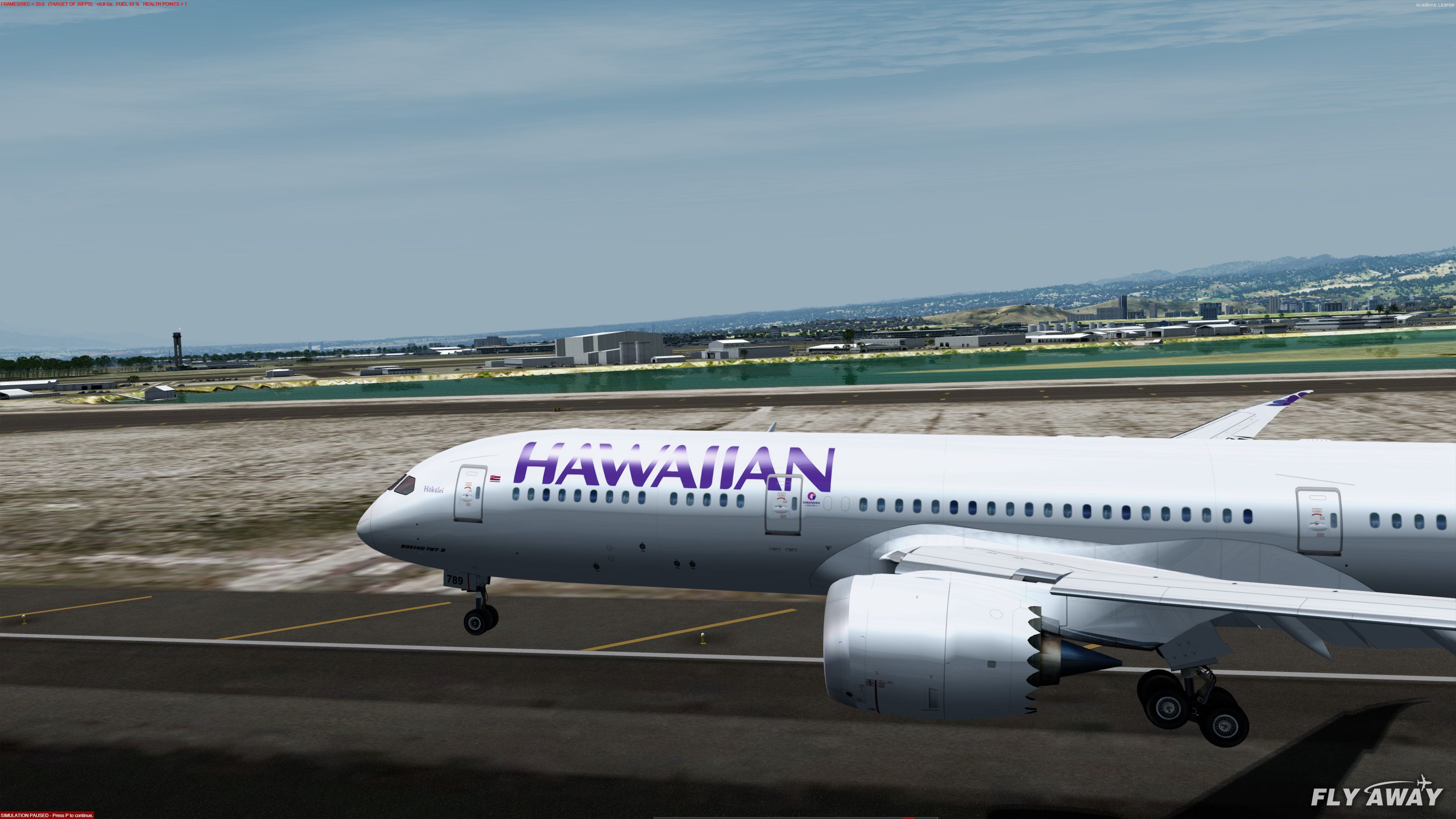
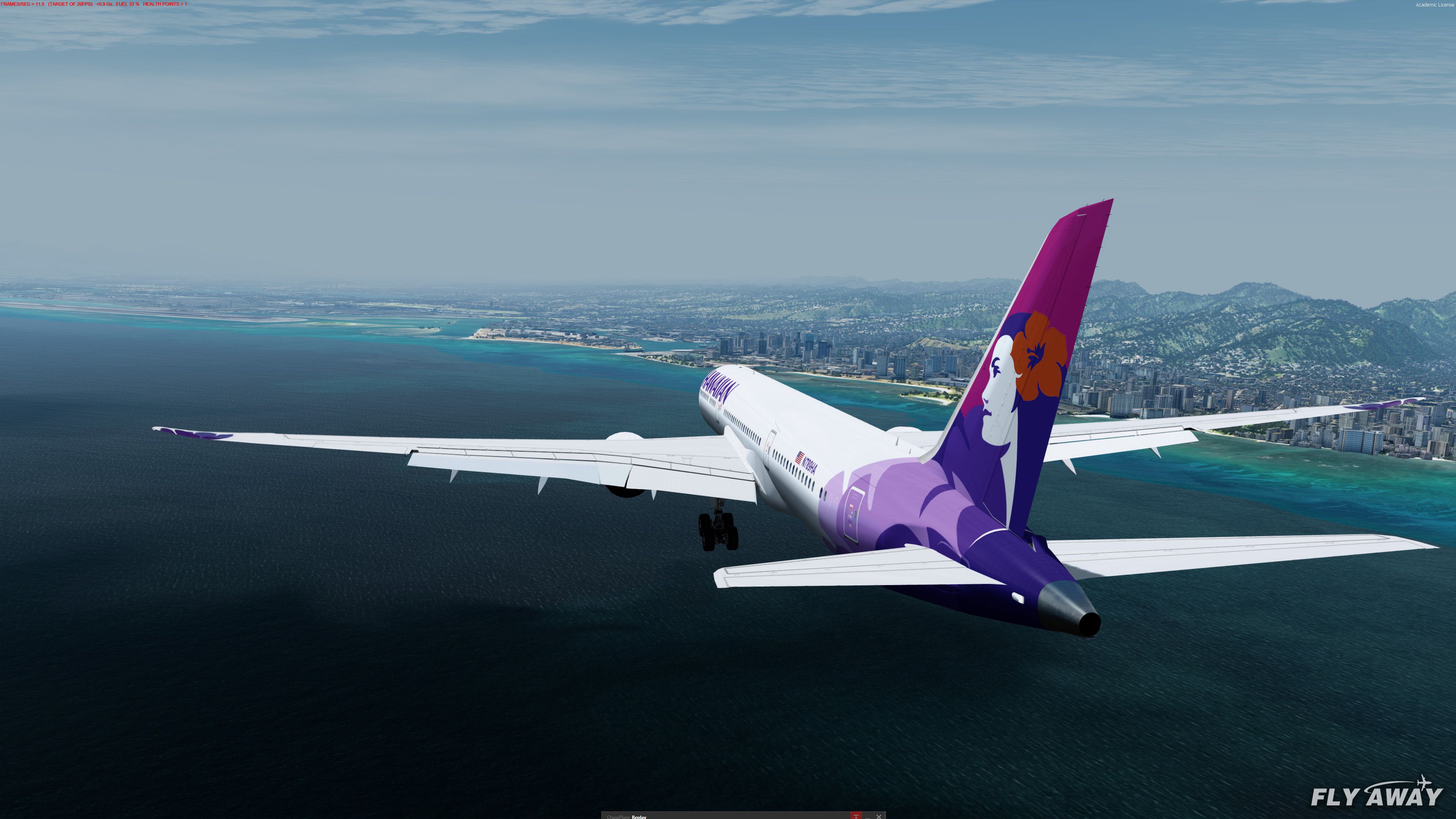
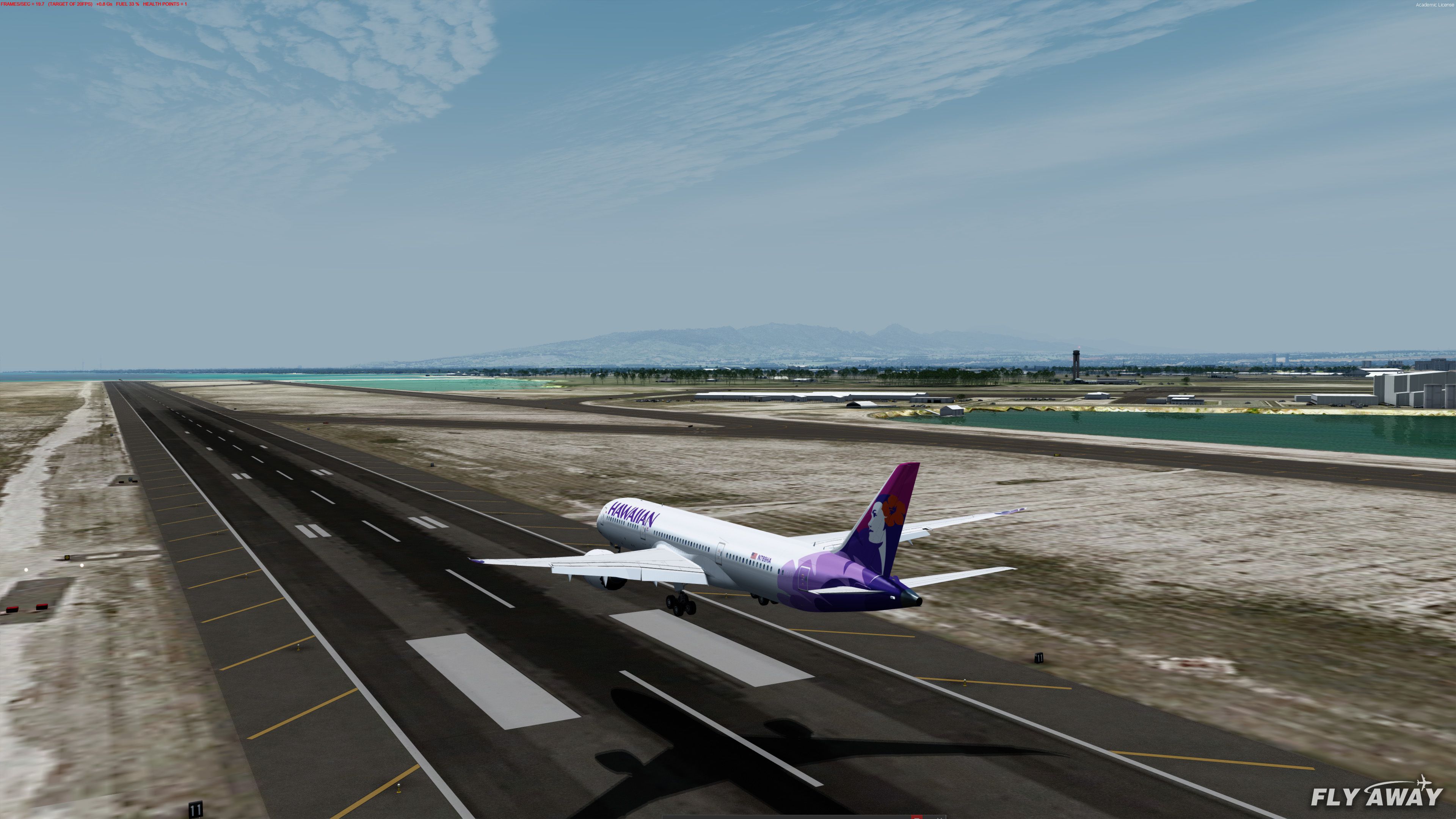
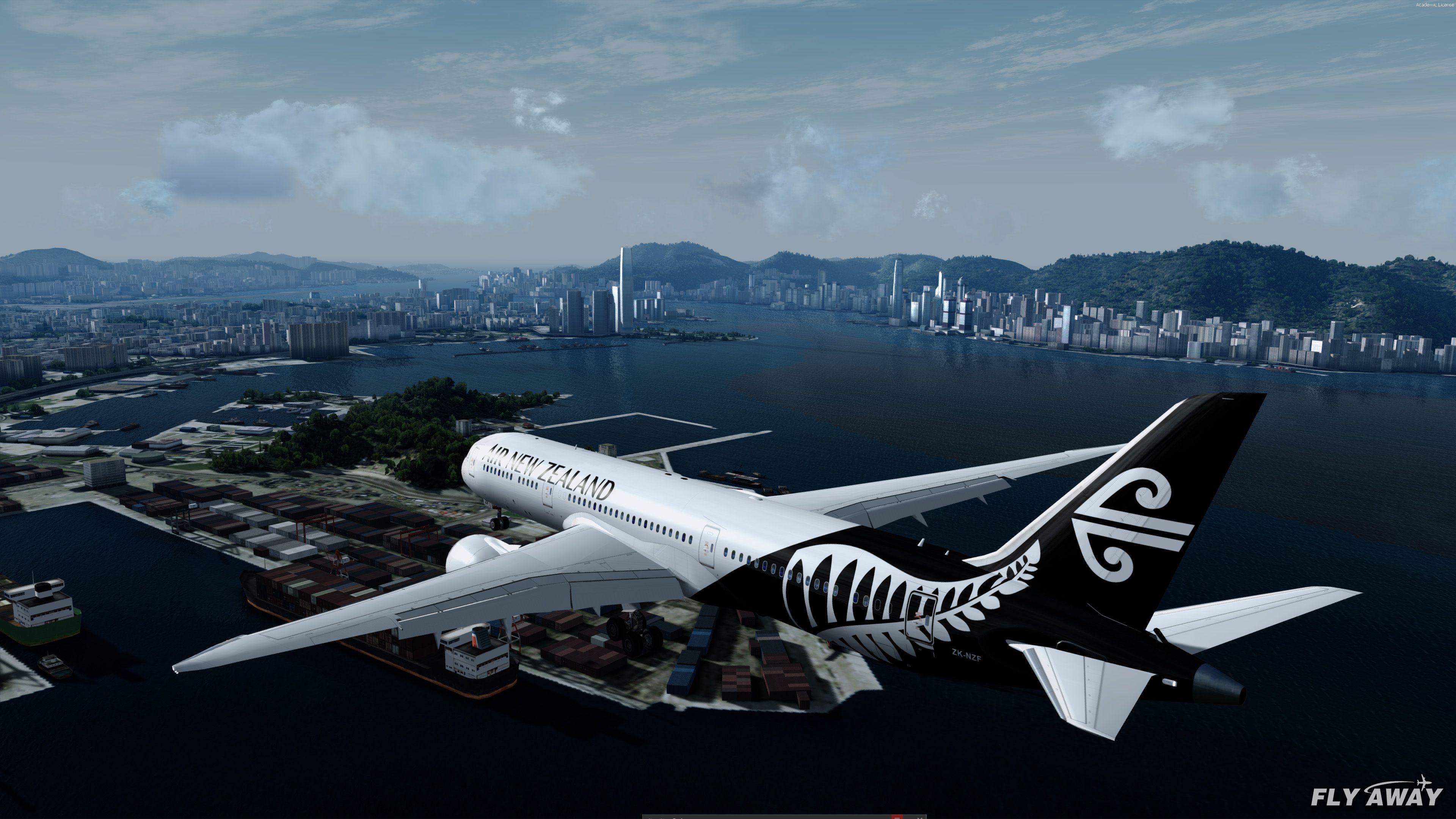
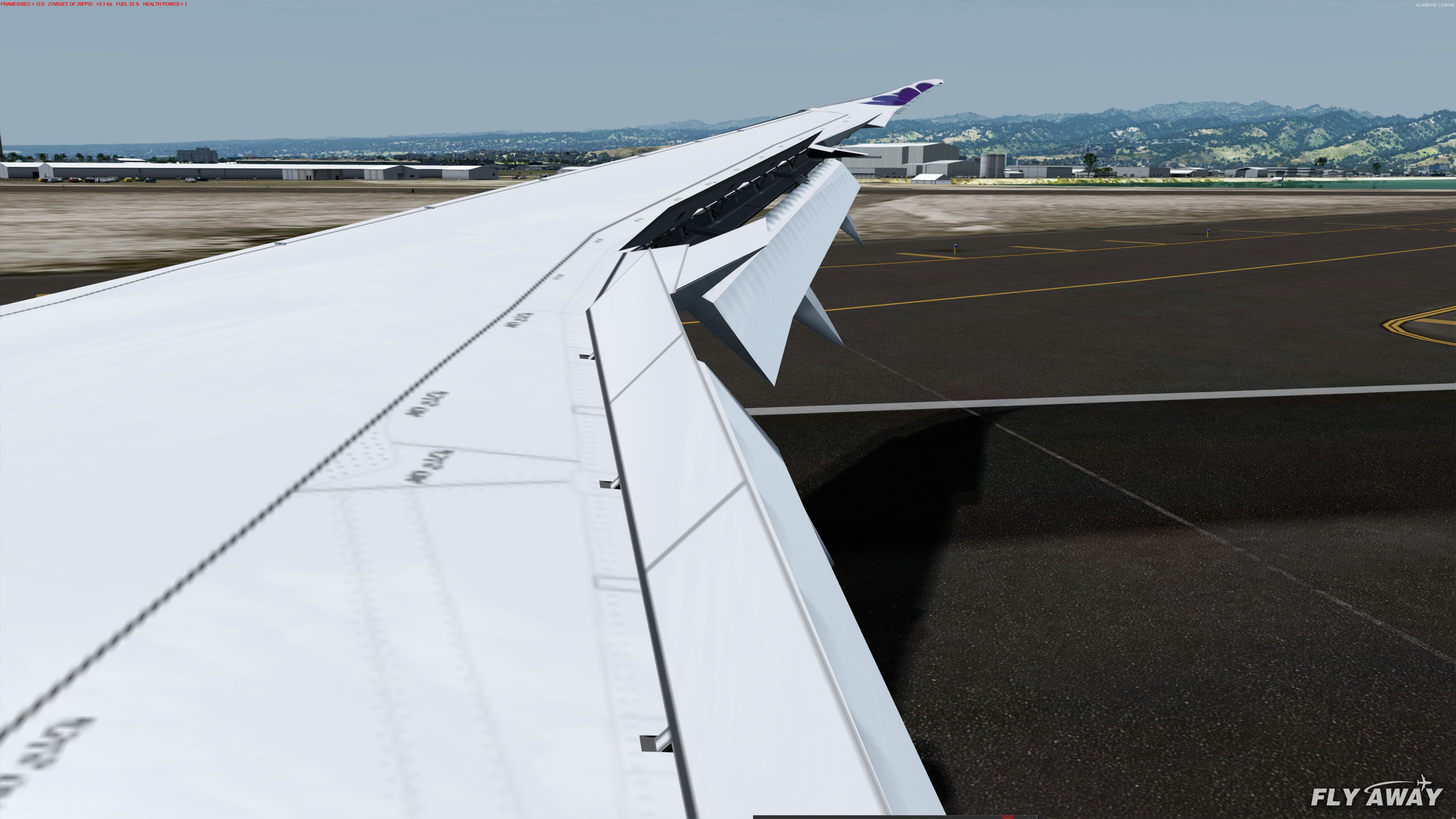
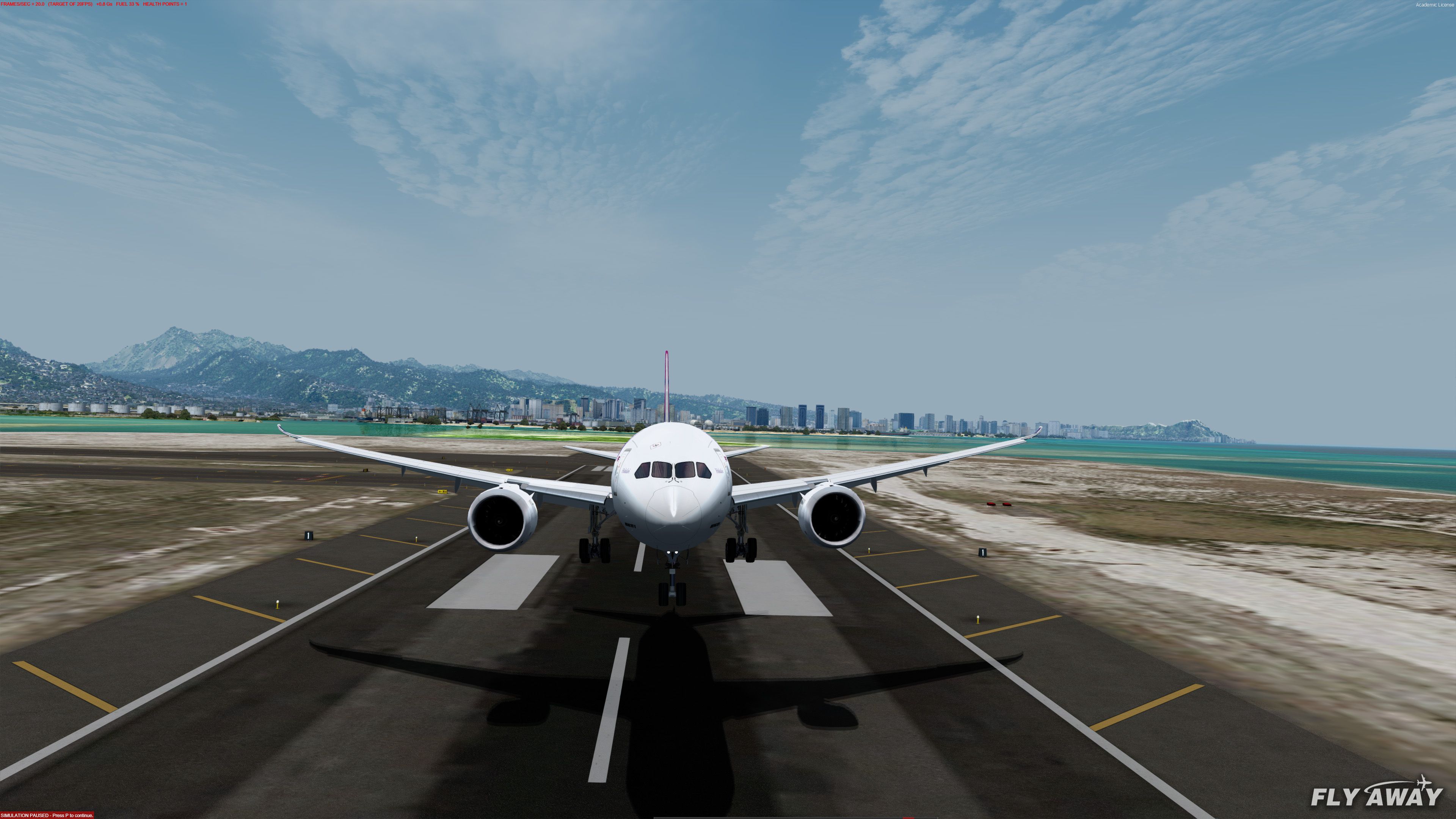
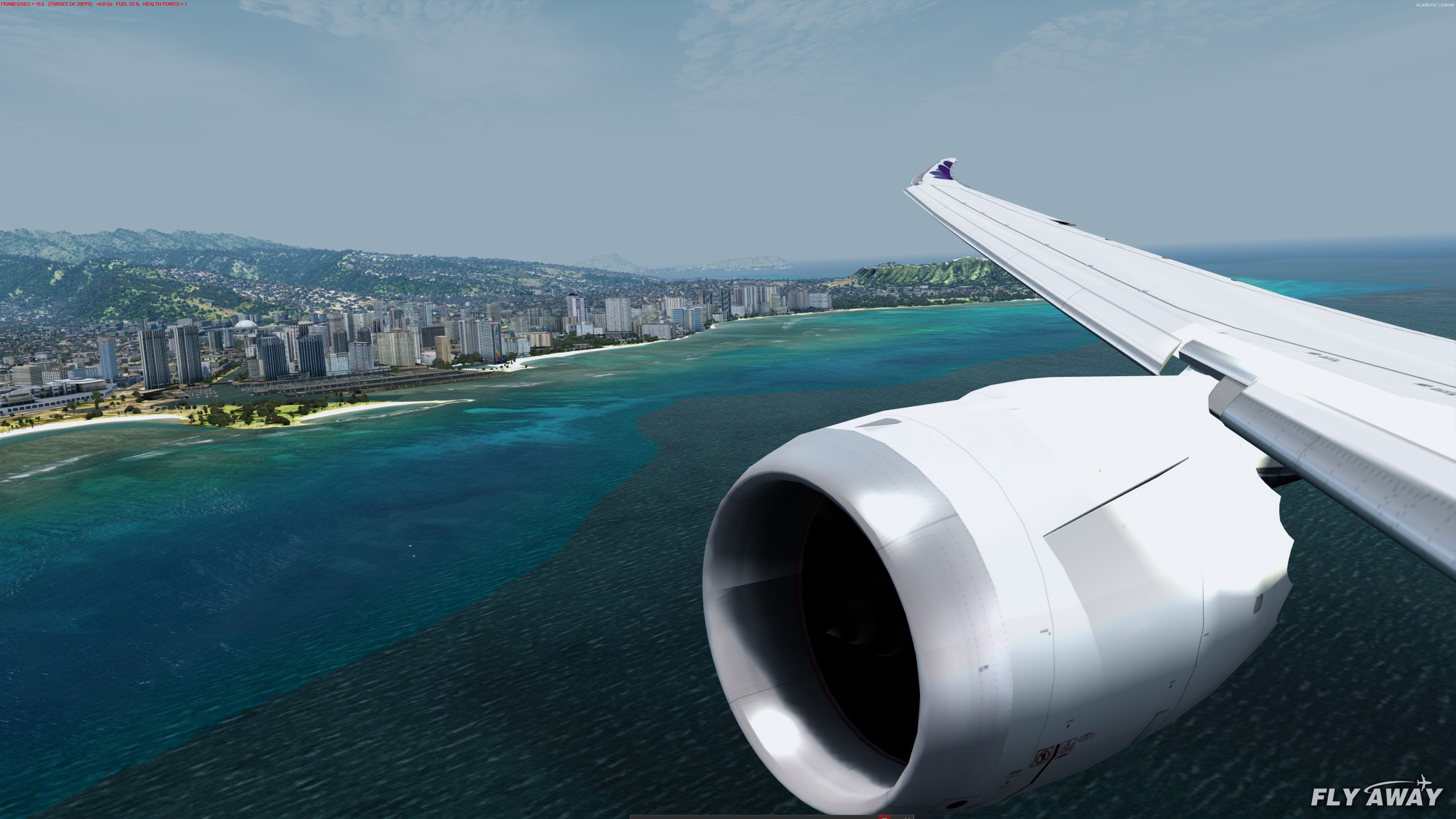
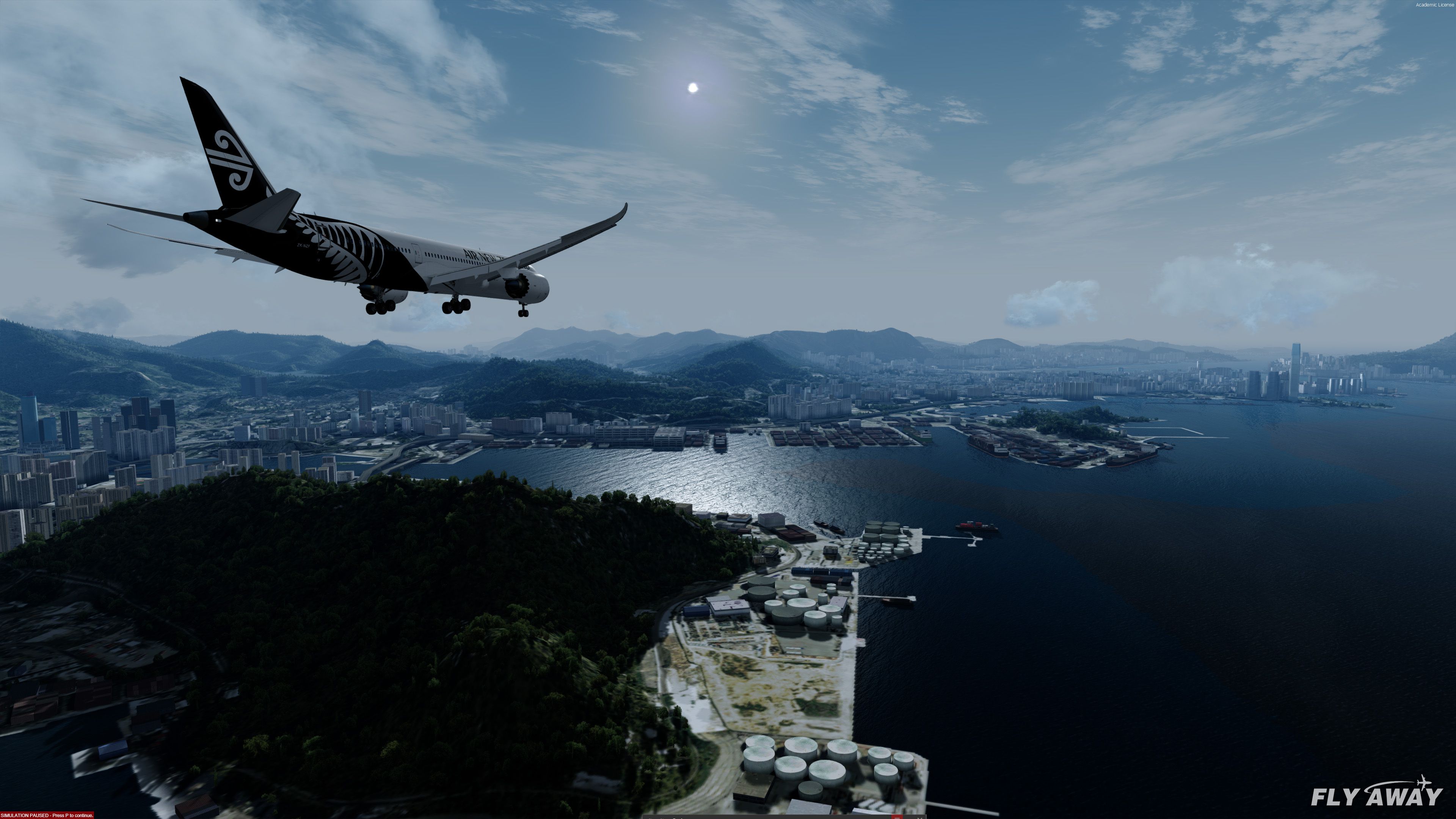
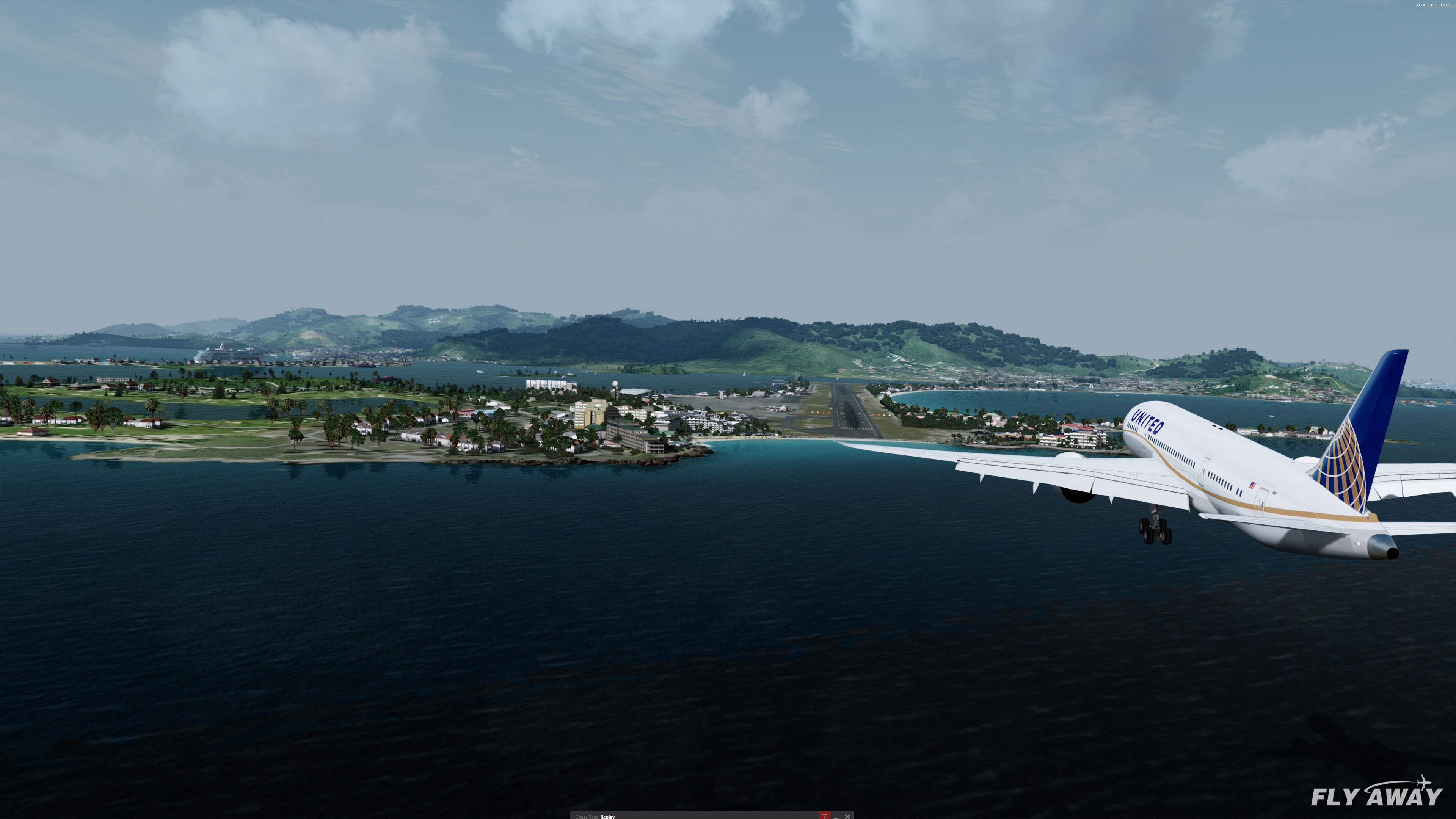
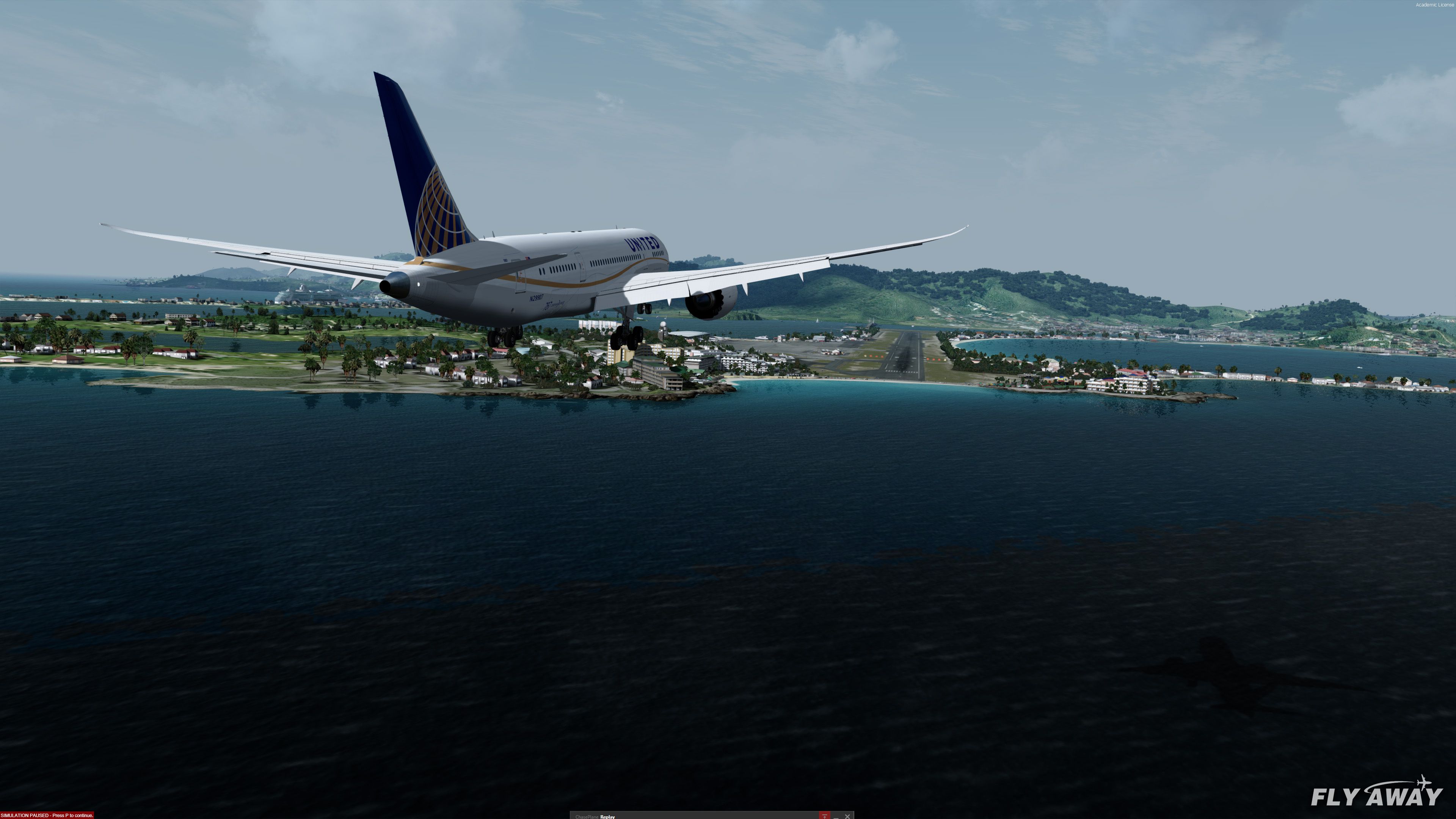
Boeing 787 Dreamliner Mega Pack brings the -8, -9, and -10 variants to Microsoft Flight Simulator X and Prepar3D v4/v5 with multiple engine options, a functional virtual cockpit, HUD and avionics features on select models, custom sounds, realistic lighting and animations, plus 56 airline liveries and a paint kit.

This impressive Boeing 787 “Dreamliner” mod for FSX and P3D features three variants (787-8, 787-9, 787-10), each equipped with realistic engine configurations, 56 faithful liveries, and improved flight dynamics that replicate the aircraft’s advanced aerodynamics. Developed by TDS, FSND, and other seasoned modders, the pack incorporates a fully functional 3D cockpit adapted from a 737 design, plus immersive instrumentation, animations, and comprehensive sound sets.
Building on its solid flight handling, this freeware release showcases details like a working FMC, HUD, GPWS, and ground service animations for deeper immersion. Combined with polished textures and compatibility across multiple sim platforms, it delivers an authentic Dreamliner experience that seasoned flyers will appreciate, making it a standout free addition to any serious flight sim library.
A fully-featured Boeing 787 freeware package for Microsoft Flight Simulator X and Prepar3D including 3 different models, many engines and 56 repaints/liveries of real-world airlines. Fully compatible with the latest FSX: Steam Edition and Prepar3D v4.5+ (and backward compatible too - P3D v1 onwards). Compatible with all versions of FSX including Acceleration, SP1/SP2, and FSX-Steam as well as all versions of P3D.
Affectionately named the "Dreamliner", the Boeing 787 (originally the 7E7) is a mid-size, long-range airliner manufactured by Boeing that has been adopted by many real-world airlines and flight sim users alike.
 The 787 flight sim model was originally developed by TDS and a complete Virtual Cockpit (VC) and control panel sections by Alejandro Rojas Lucena/FSND (with modifications using Ken Wiggington's 737 VC tweaks) have been included.
The original aircraft design was mastered by TDS. Chris Evans completed the compilation of all of the features, repaints, and compatibility (especially in P3D) and improved textures bringing them up to modern formats. Flight dynamics have been improved from the original TDS models sourced which bring better flight characteristics mirroring the real-world 787 along with various other fixes such as cabin enhancements. The original TDS model was based on a ground-up model design that was researched from drawings, photos, and technical documentation.
Over the years, people have shifted away from using 2D panels, and the most requested feature now for freeware aircraft is a working 3D VC. The VC included in this package is based on a 737-800 VC with some changes to make it look more like the 787's cockpit. Custom sound packages (sound packs) for each model are also included.
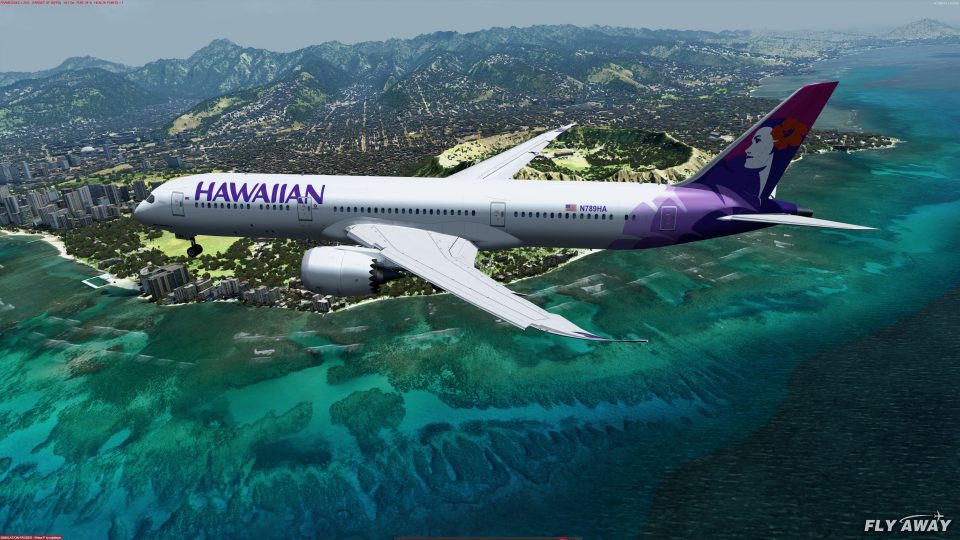
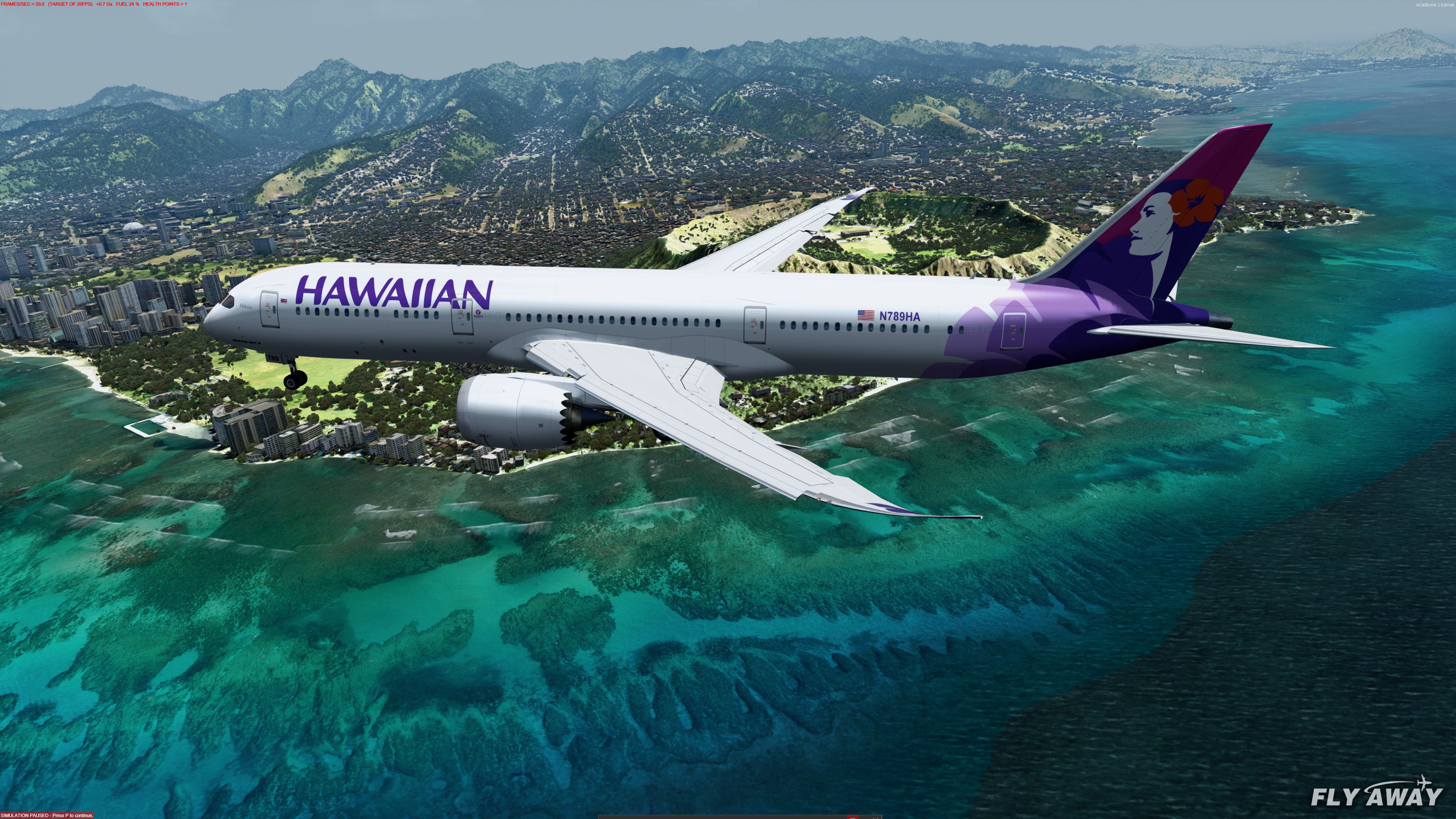
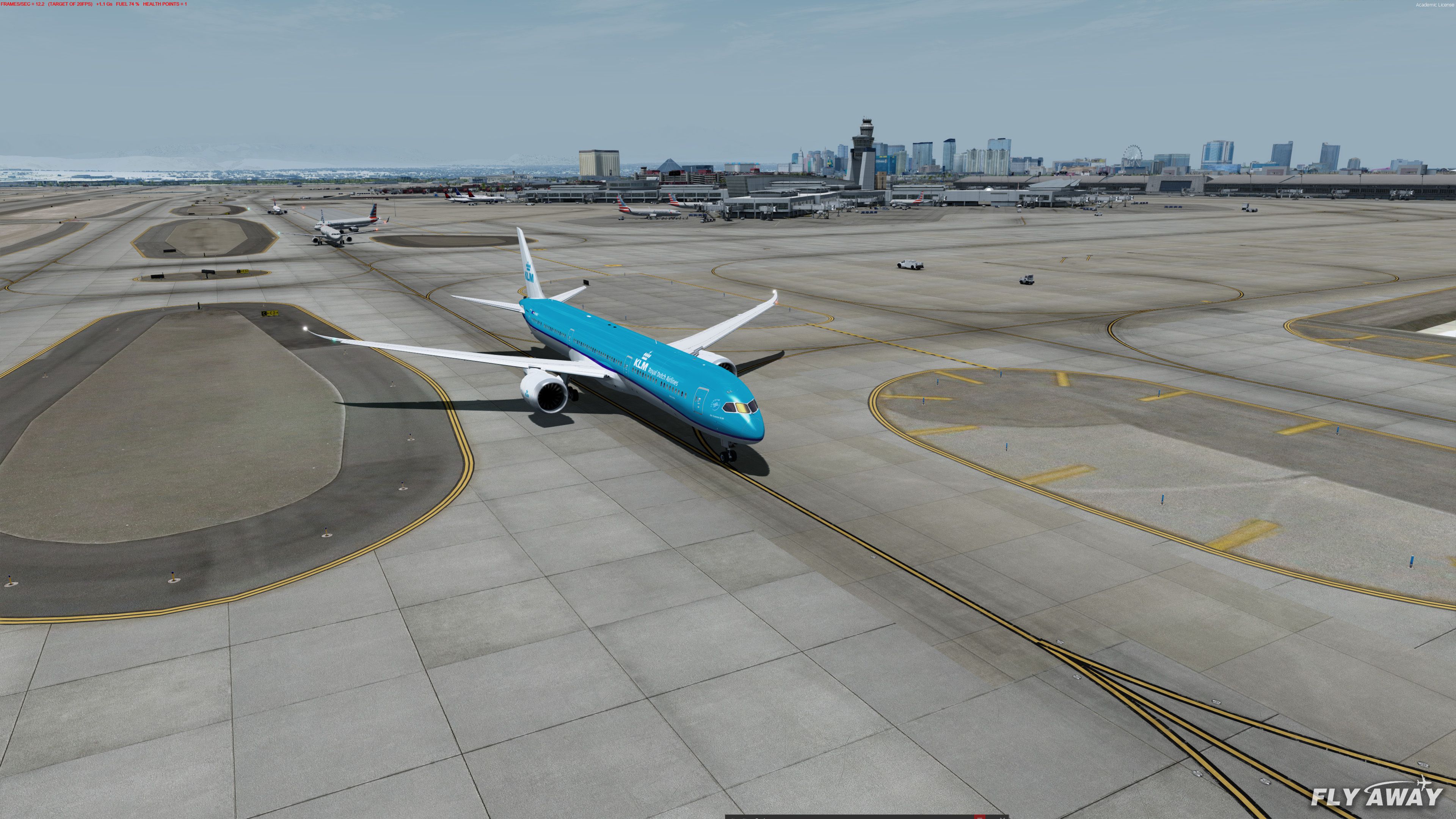
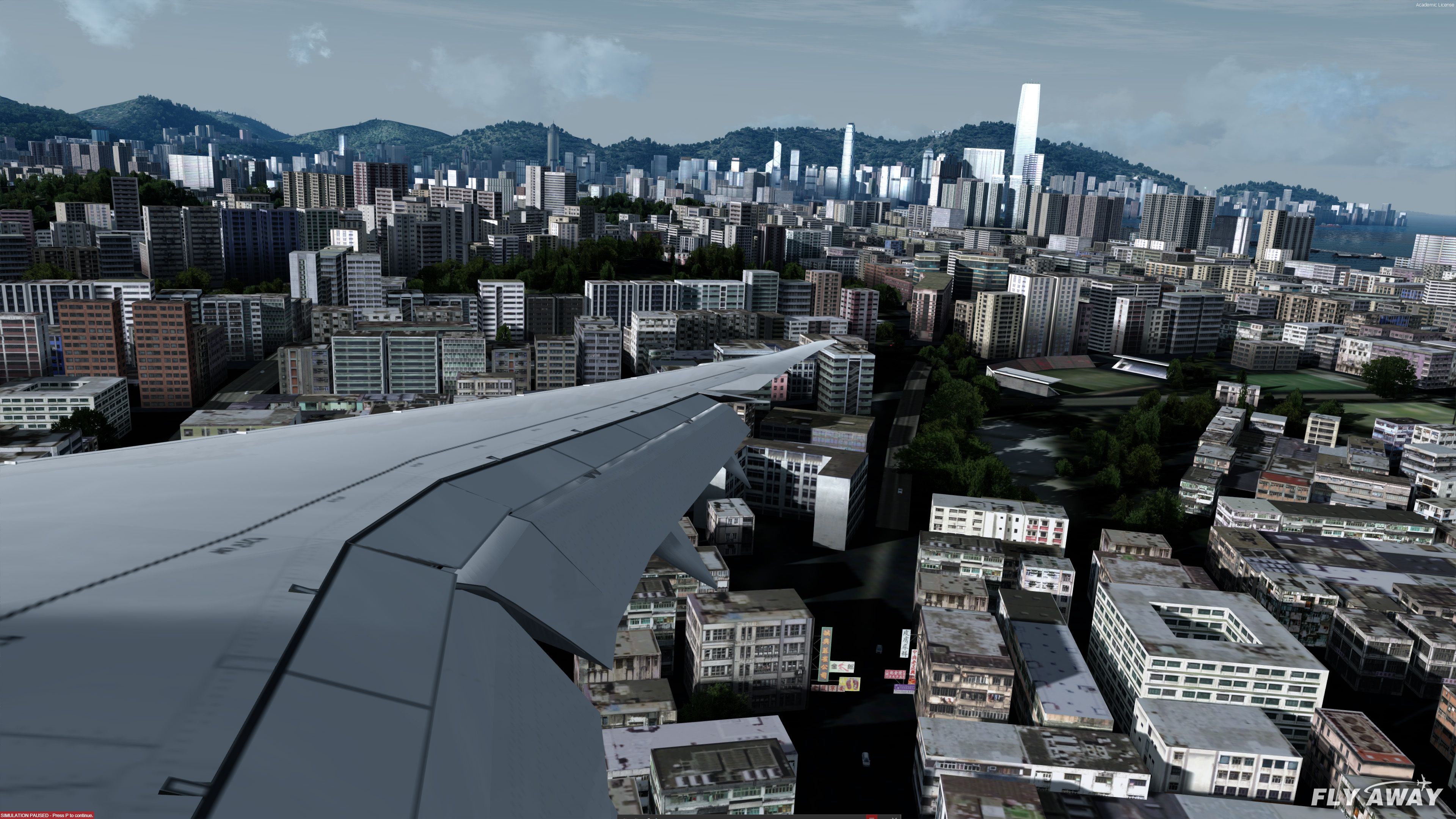
This pack is a complete working and functional pack bringing a detailed FSX 787 to your virtual hangar which is compatible with both Microsoft Flight Simulator X and all versions of Prepar3D. You may watch the videos above demonstrating take-offs, landings, and flight time using this model and view many photos/screenshots in the section below.
The package has been created in a certain way for ease of use. There is no need to edit .cfg files, manually add repaint configuration, panel settings, or anything like that - simply drag the relevant folders into your copy of FSX or P3D and load the aircraft up in your simulator.
Each aircraft/folder is complete and separate making it easier to use. While doing it this way makes it easier, it does mean the initial download is larger. However, we find users prefer larger downloads over manually editing configuration files and learning how to add repaints.
Included are three models with various different liveries for each - it contains the full collection of 787 versions.
Many different engine variants have been included such as Trent 1000-A, GEnx-1B70, and others. The engine models have been created based on real-world operations and configurations of the 787. Engines have been modeled uniquely to ensure they represent the design and even performance of their real-world counterparts.
The pack includes a huge livery pack with high-quality textures, many are HD. The textures have been optimized for fast loading.
56 liveries and 3 models are included in this package. All are listed below.
Unzip the entire archive to a temporary folder.
In the root folder of the extracted archive, there are 5 folders. Copy the contents of the "Sound" folder into your main FSX or P3D Sound folder.
Copy the contents of the "Effects" folder into your main FSX or P3D Effects folder.
Inside the "Aircraft Packs" folder there are 56 different folders representing each different Boeing 787 mode/livery in the package.
Inside each of these folders is a selection of screenshots and the actual folder containing the aircraft model and paint that your simulator will use.
Copy this final folder (if confused this folder will contain the ".air" and "Aircraft.cfg" files) into the FSX or P3D "\SimObjects\Airplanes" directory.
You should do this for each variant you want to use.
Once complete, you should now find the aircraft visible in your copy of FSX or P3D.
Compiled by Chris Evans with works from TDS (models), Alejandro Rojas Lucena/FSND (original VC), Ken Wiggington (VC modification), various repaint authors, inclusion of other freeware projects and repackaged by Fly Away Simulation. Consider providing a donation to the developers for their work and effort. Note: This mod is not compatible with FS9 (FS2004).
Free for all simmers · 4.3 GB · Scanned clean
Download speed: Free tier is capped at 2 Mbps (this file takes approximately 5h 8m at the cap). PRO members download at full line speed.
FSX\SimObjects\Airplanes\. The folder must contain an aircraft.cfg file. Effects go into FSX\Effects\; gauges go into FSX\Gauges\.readme.txt or README file. It tells you exactly where files go, what dependencies are needed, and any quirks specific to this add-on.More FSX & P3D add-ons hand-picked based on this download.
FSX Civil Aircraft
A huge mega-pack bringing the Boeing 777-200 with a complete model, many repa…
 FSX Civil Aircraft
A complete package featuring three different Boeing 727 models along with a h…
 FSX Civil Aircraft
A complete Boeing 747 cargo/freighter package for Microsoft Flight Simulator …
 FSX Civil Aircraft
A fully complete and highly detailed freeware "mega pack" release featuring t…
 FSX Civil Aircraft
Alaska Airlines Boeing 737-800 Mega-Pack. Here is a repaint collection of Ala…
 FSX Civil Aircraft
A complete Airbus A380 package compatible with both FSX, FSX: Steam Edition a…
 FSX Civil Aircraft
Enhance your Microsoft Flight Simulator X experience with the McDonnell Dougl…
 FSX Civil Aircraft
A mega repaint pack containing over 50 different repaints/liveries for the pa…
Read what other simmers think, or add your own.


I have been flying the 787 for several years which was downloaded using the Abacus disk. Recently I tried to fly the aircraft it would not respond after I generated a flight plan. I uninstalled the program and reloaded it. I was able to generate a flight plan however, I still had the same problem. at this time I received a "Creation failed - check if the sound file is available".
I next went to this site and downloaded the 787 programs and experience the same results "Creation failed - check if the sound file is available".
Can someone assist me or explain why I get this message. All other aircraft in FSX work as advertised.

Hey there,
I recently added Dreamliner 787 mega pack aircrafts. I can choose from each 56 repaints an initiate flight. But I have a problem!
Even when I set airline traffic and general aviation to max level, none of the new added planes are established and shown at the airport gates and terminals! Only the default fsx aircrafts are displayed.
Anyone has a solution?


I can not extract the files. Really want to try this but the self extraction fails. Is it due to size?


If you are not aware all aircraft that are both FSX and P3D compatible work in P2DV6. What a joy!

the Boeing 787-10 has the services once parked, and I don't know how to disable it, it doesn't have the panel of the 787-8
it's annoying because when I'm taxing there's them being dragged, it's visually unpleasant

Man, this is so good.
But why do a big download that takes 6 hours when you can just split the pack into different downloads? Like the 787-8 is it's own download page, and same for the 787-9 and 787-10. Seems more convinient.

Have fuel at 50%, clear skies, and flaps 5, but mine does not lift off until 270 kt ......?

Nice job but some aircrafts shake when parked and also external lights not working.

Looking good! Well trying to get some free aircraft, can't afford Payware at this time, but pretty soon I'll have a little more Moola to work with. The rest of you have fun out there!

I think the 2D panel is easier than the 3D virtual cockpit when you want to click on things because, in the VC, the viewpoint moves, making things not impossible to click on, but hard, so when I want to click on something in the virtual cockpit and the camera moves, it pulls the button, knob, switches or lever, etc. away from the cursor. Now that I've explained the VC issue with clicking on things, you all know I don't appreciate aircraft with no 2D instrument panel.


I cannot get the 787 packages to appear in the latest Steam edition. I downloaded it again with the same result. Very disappointing.

I congratulate the builders....but I regret that the aircraft didn't come with the 2D panel. After all, some FSX users do not intend to be commercial pilots, but to have fun. Whether they like it or not the simulator is a distraction for some and doesn't have to be totally professional. For that, there are Aviation Schools.
Microsoft itself with its FS2020 has already entered a pace of perfection wanting to get closer to reality, and it is already starting to complicate things. To win over fans, you guys should put an FMC user manual, which is complex for us old sims. So, as it is, it will take us a few hours just to prepare for a flight and it starts to get boring to use.

Nice plane but its center of gravity is at the front I don't know why. I think redownloading it will work. 9/10.

I think you can improve it by putting all liveries into one model (eg. all 787-9 liveries into one 787-9 base model) to minimize the trouble of having to put a lot of planes into the aircraft file and saves time.

How do you get rid of the reflections and/or the rain so you can see out the windows?


I have been flying FSX for many years, plus I have a computer that can handle anything. However I believe this package is missing a good VC, it is missing many working knobs which I have in my 737-800 N1 knob does not work in VC, also a big problem with handling, when turning AP, the plane loses control from left to right and right to left also when disengaging AP at landing.
Needs to be fixed, also could not find FMC anywhere, it would not pup up. Lighting in the cockpit is better in my 737-800 which you can dim low and high.

The All Nippon 788 handles weird, gonna try the others and see if they handle properly...

Update: So my problem seems to be with the 787-9 united 2019. I just used a 787-8 and had no problem on Departure.
For some reason, I can't get this plane off the runway. There's no way the runway at SAN isn't long enough...

Been flying this in FSX for a little while now and I have to say, it's absolutely untouchable in terms of sheer detail and 'user-friendliness'. The sound on some goes through me a bit, but have never been on one in real life, I couldn't tell you if that's what it's supposed to sound like. Easily the best experience I've had with a plane on this game so far!

The planes themselves are really nice, but I'm having an issue where the planes ascend and descend abnormally. When the nose is pointed straight forward, the planes will rapidly climb. Even when I push the nose down, like 20 degrees down, the planes continue to climb very quickly, so I can never get the planes to descend. Does anyone know how to fix this?

Hi everybody. I have a question. It's possible to use the flight plans from SIMBRIEF? HOW DO YOU FLY FOR EXAMPLE FROM ATHENS TO LISBON....?? THANKS, Rick.

I downloaded the pack, which is great; however, I have a problem with the generic payload on all of the planes, as the centre of gravity is set past the front wheel by default. When I go to land, it goes to about -15 degrees nose-down so that it flies straight.
Can someone give me a hand with how to change this, or am I doing something wrong?


I downloaded the pack, and loaded up both the United liveries. Both had serious autopilot problems.
I consulted my friend that is a captain for a major airline, and got his take on it. He thinks that there's a problem with the autopilot that may be difficult to overcome. Other than that, it's a great aircraft.

I followed all the instructions in the installation section, but the aircraft never showed up in FSX: Steam Edition. Can someone help me, please?
When I looked at one of the pictures, I saw the cockpit of a 737 but with new screen. I say unique and cool.

I downloaded the planes, but I am seeing several issues in FSX:
Maybe there's something wrong on my end; I'm not sure. I'm using FSX.
I downloaded the planes, but for some reason:

Aircraft looks great, virtual cockpit looks great.
But the autopilot and displays DO NOT work properly:
This pack was reccomended by them so I would expect it to be fully working.


This pack is really good but when I select the wing view there is no wing and I can just see the cockpit.
How should I do to see the wing?
Good evening.

Hi, I downloaded this addon today, and I followed all of the instructions and the aircraft I want to use don't show up in FSX (Steam Edition). Can someone help me?

I just downloaded the latest 787 updates. I hope I can get this to install right lol. I do want to say though, the 787 is plain that brings a lot to the table, and I think you all have done a great job with it. Now to see if it will work. Good job to the ones who did this! Thumbs up!

I just downloaded this yesterday when it was called TDS 787 9 KLM fixed, I followed the install directions but it didn't work so I came back to check what might be the issue. upon returning I see that the page looks different, did you change and update the content or what? I'm confused.