















 MSFS Scenery
Bryce Canyon National Park, Utah (v2)
Another scenery add-on pack developed by Jeppeson2001 brings Bryce Canyon Nat…
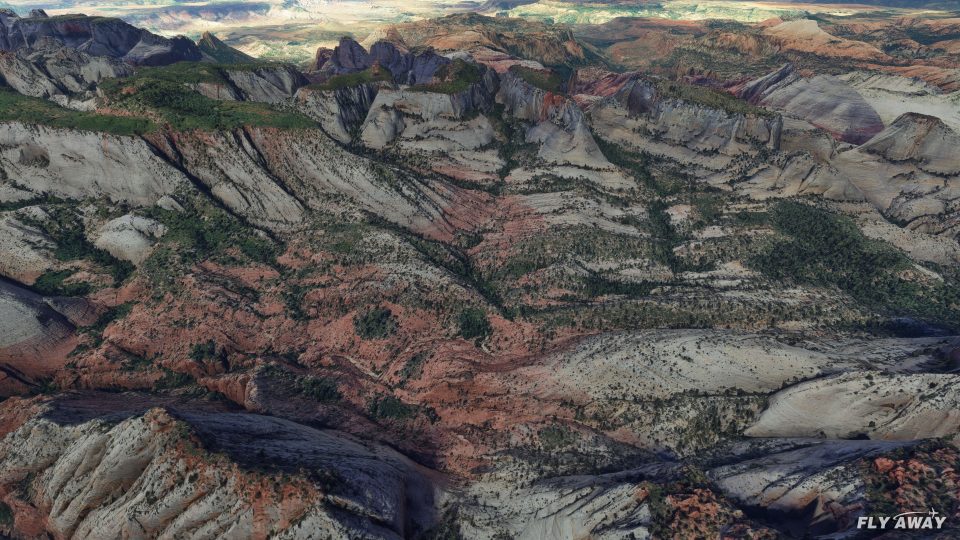
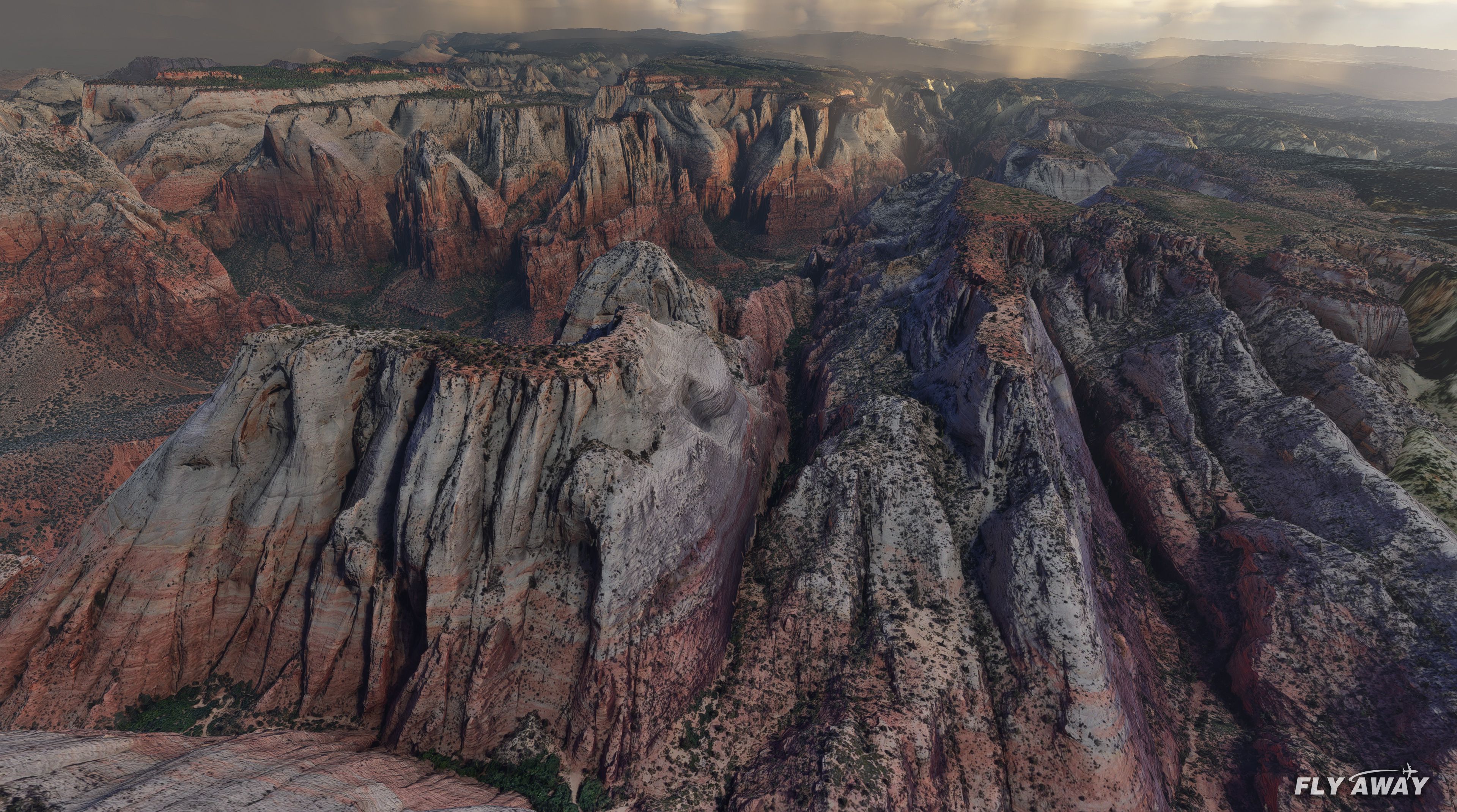
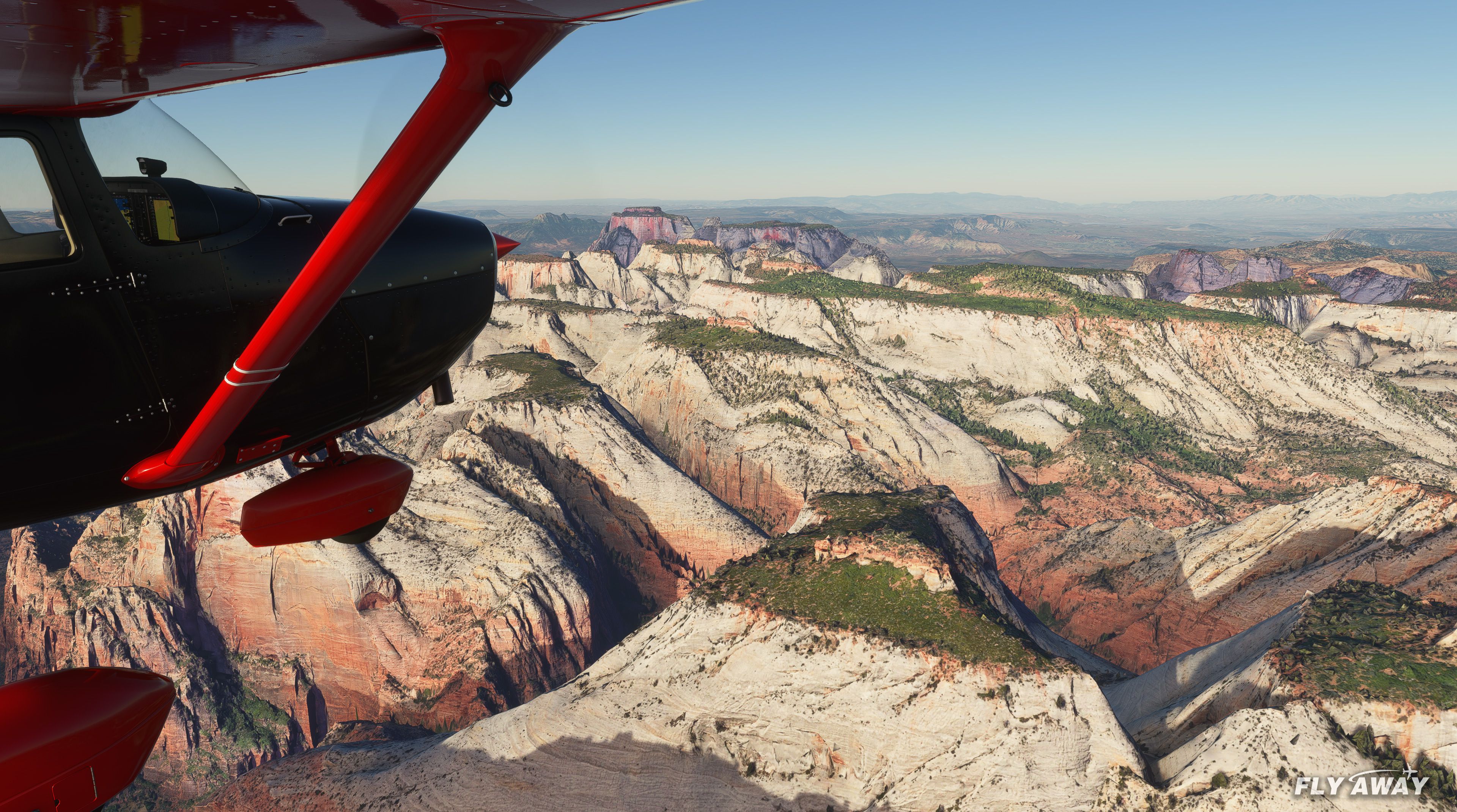
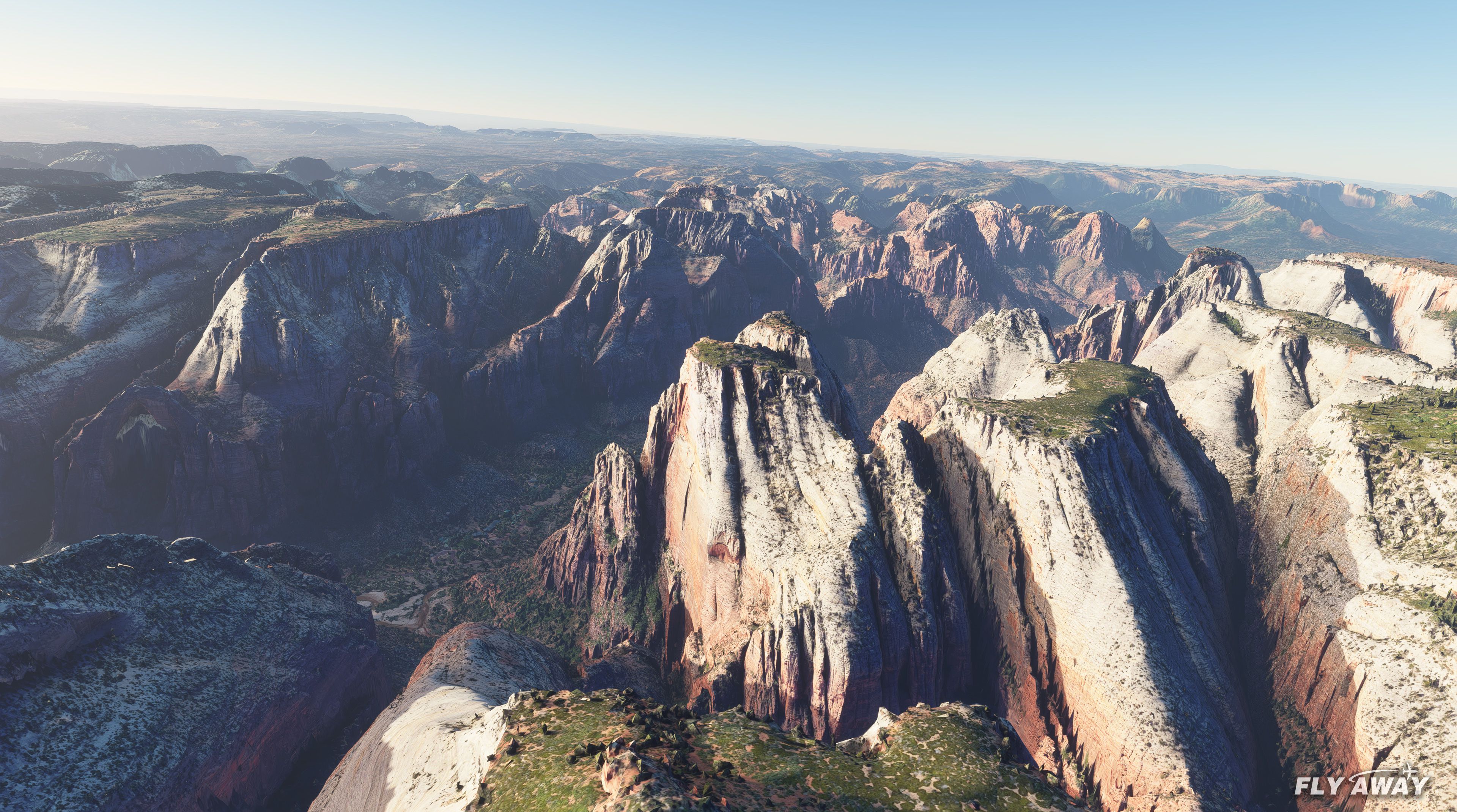
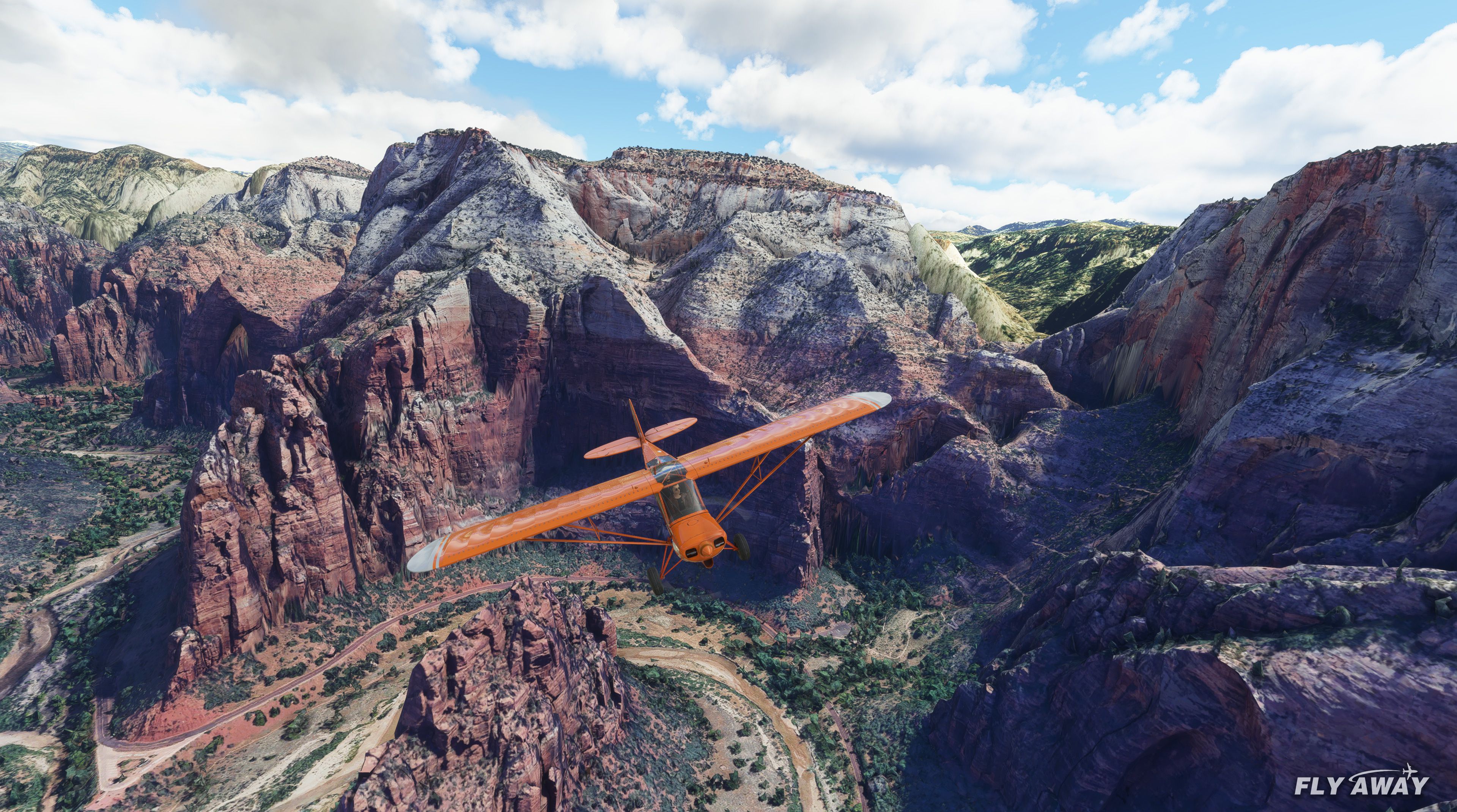
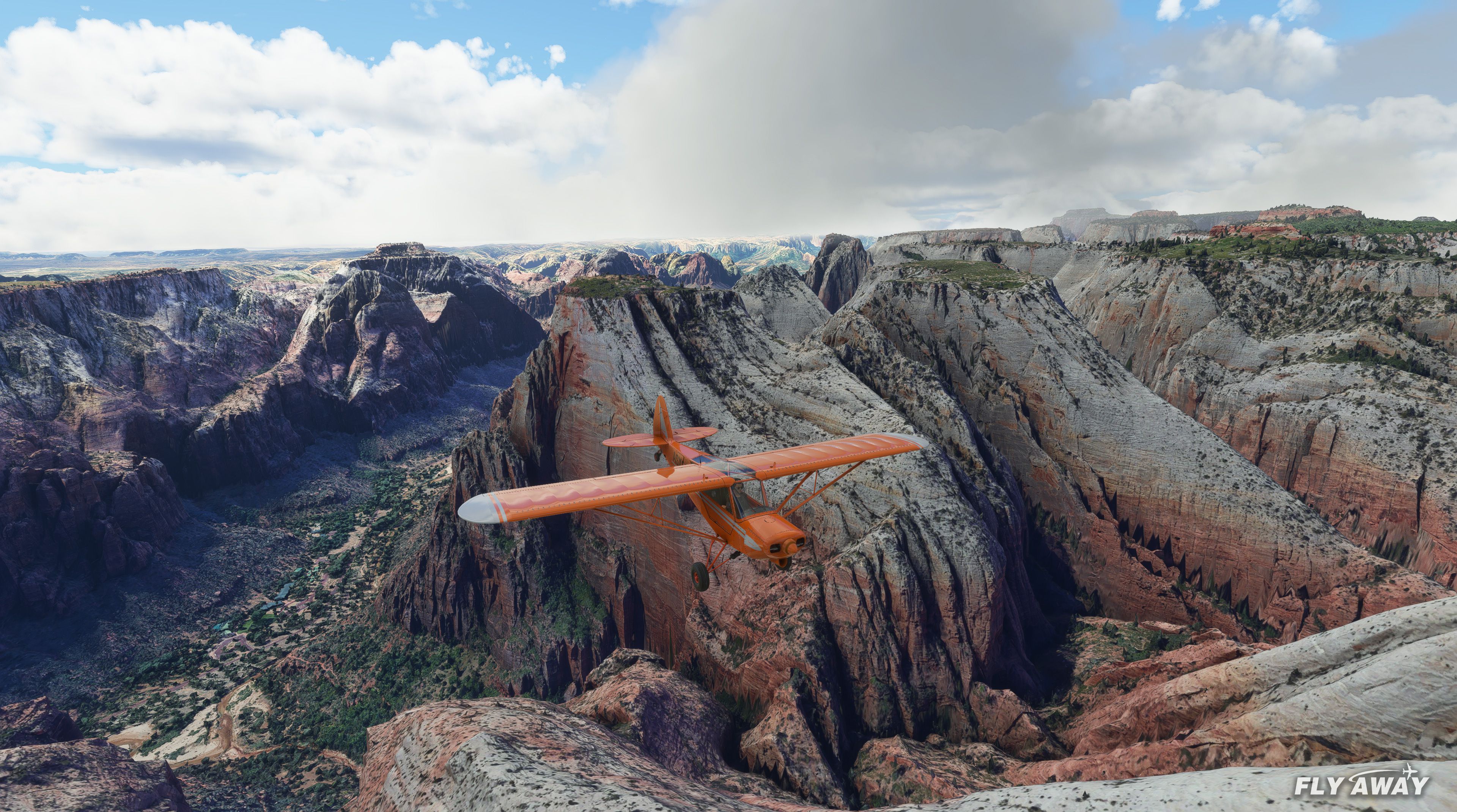
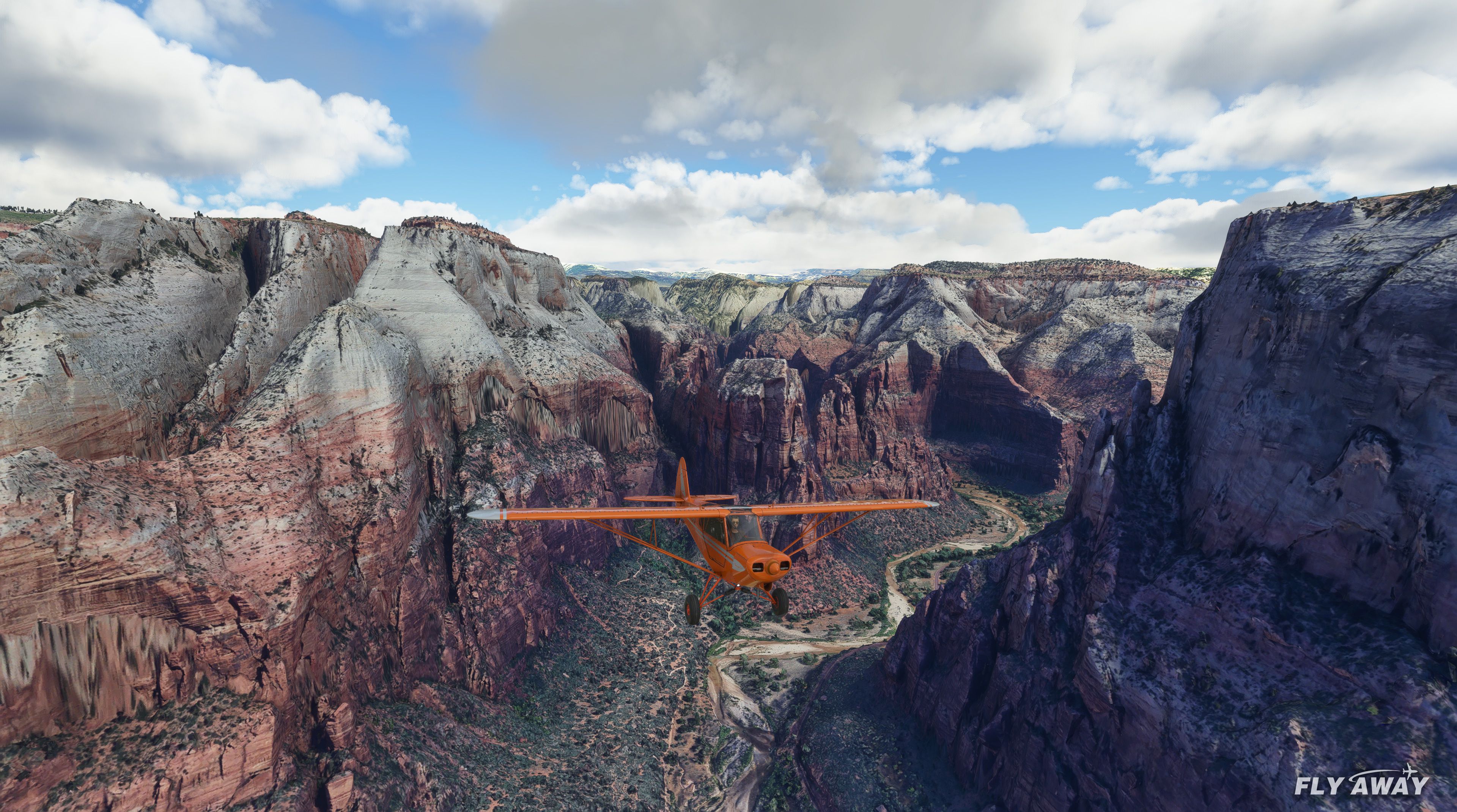
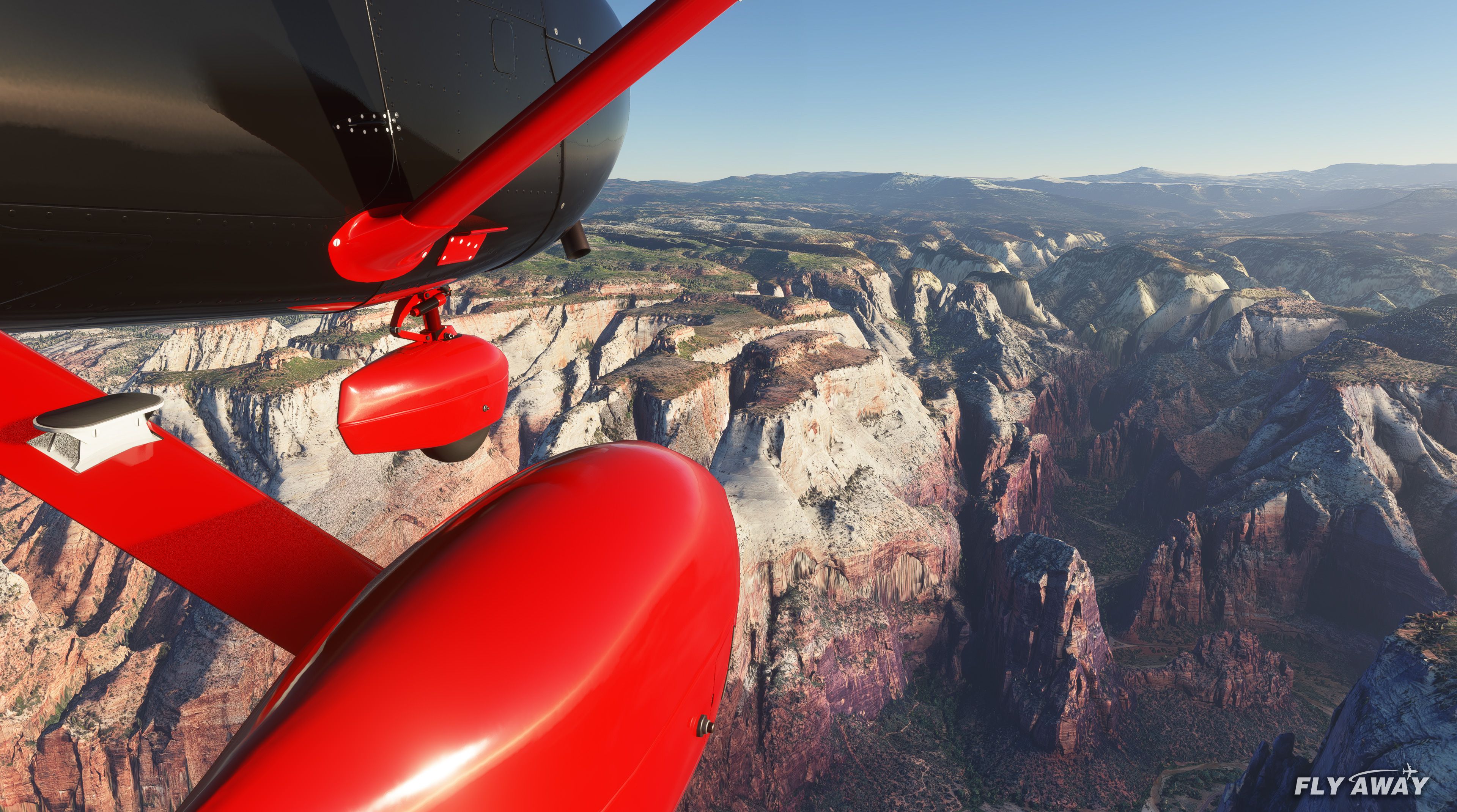
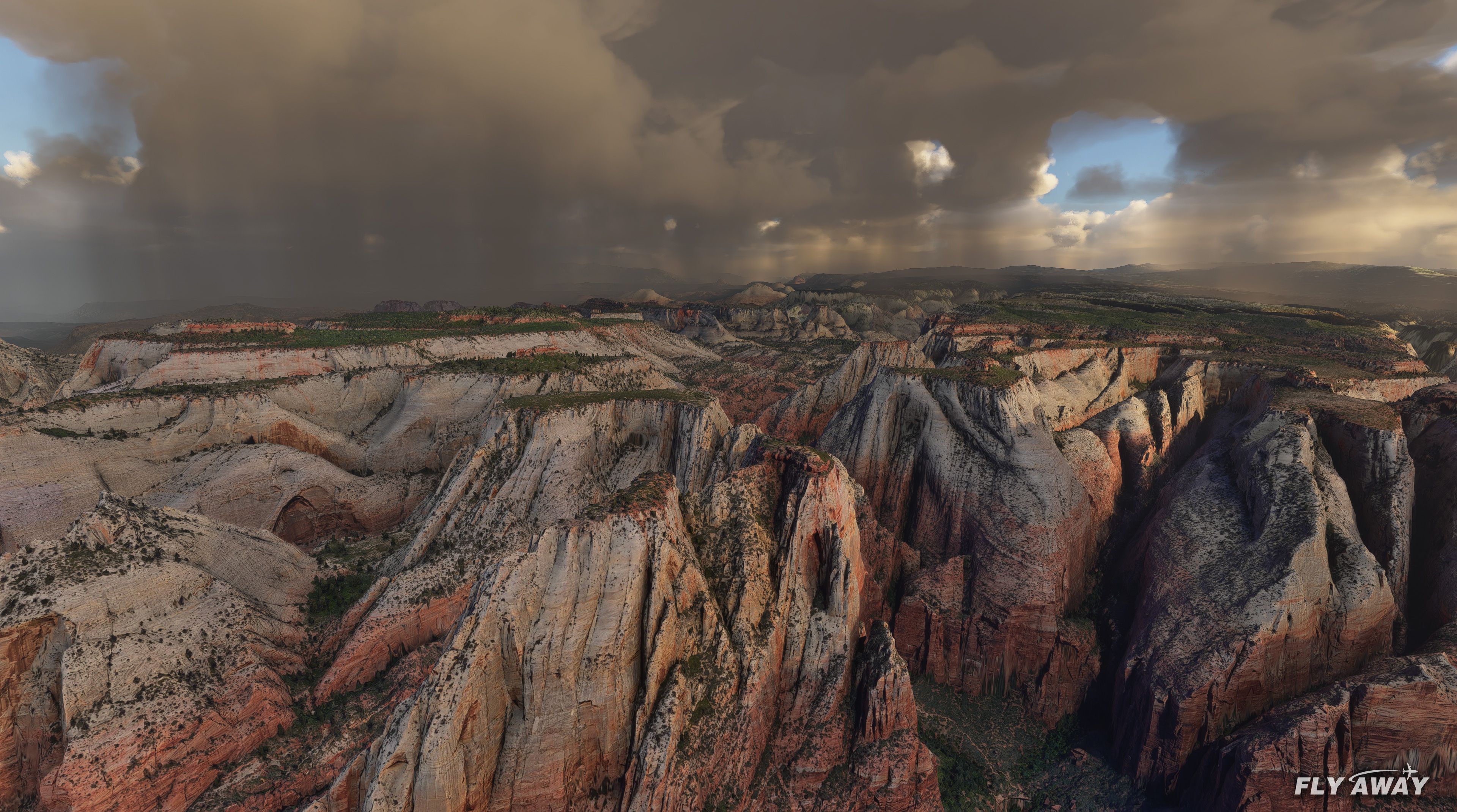
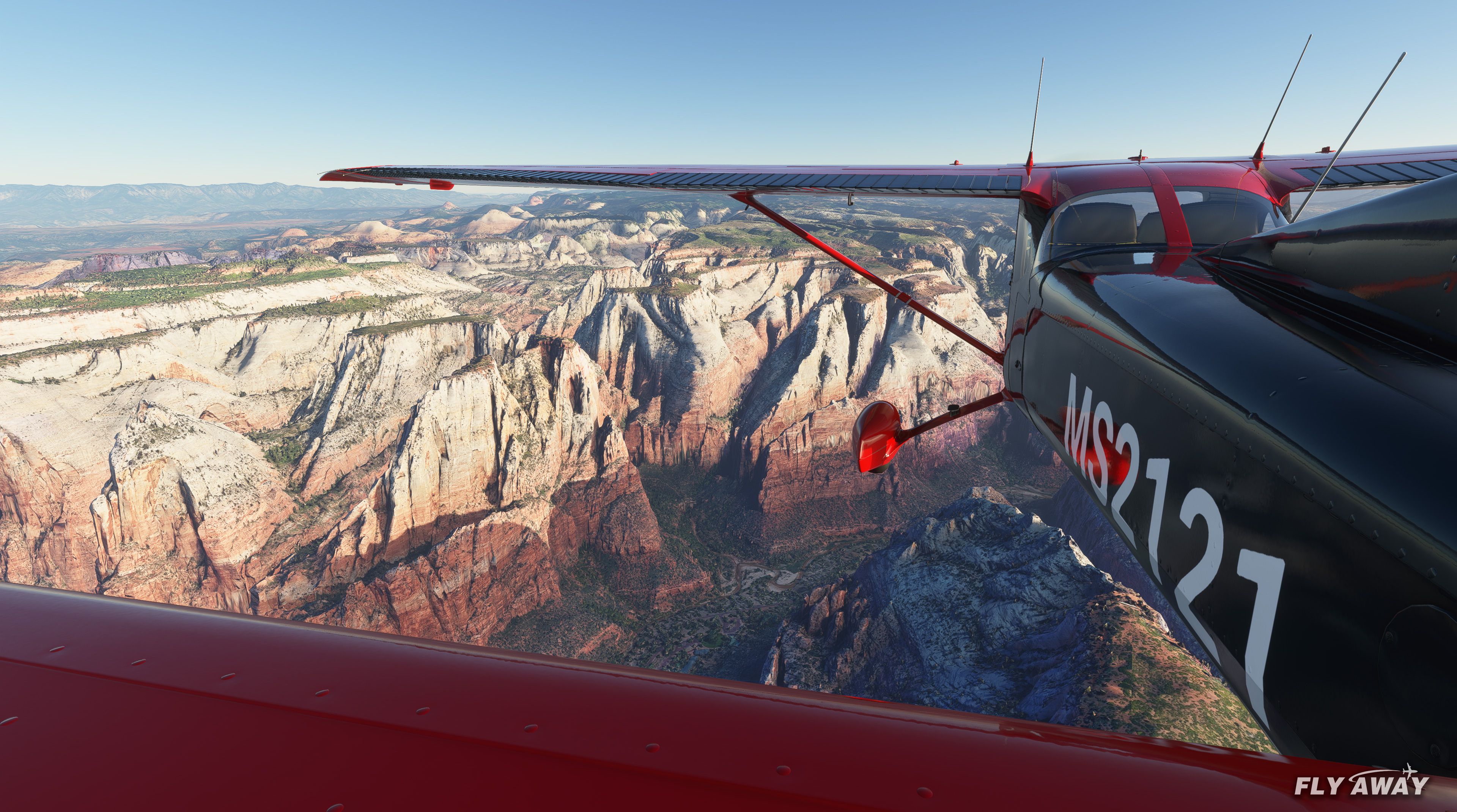
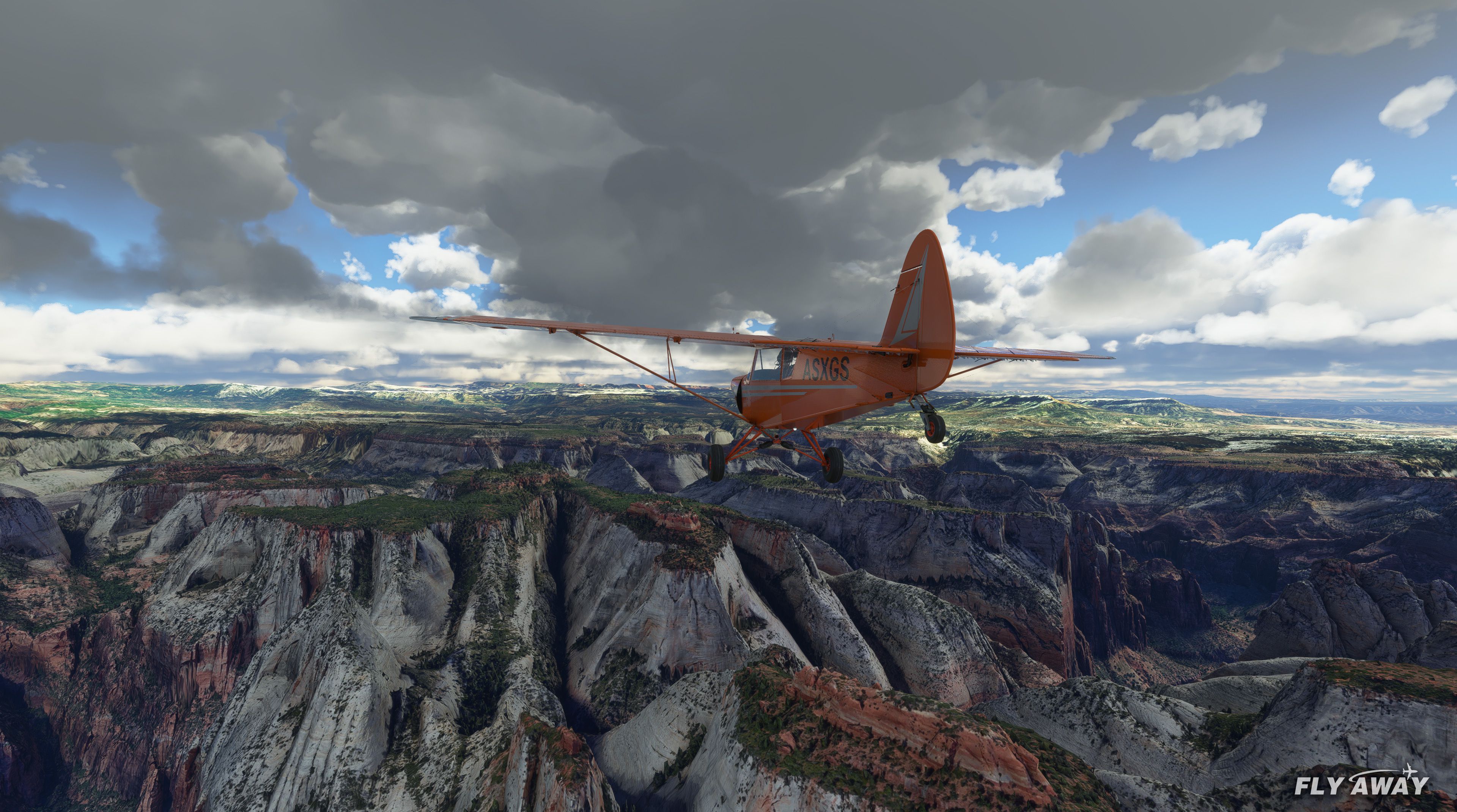
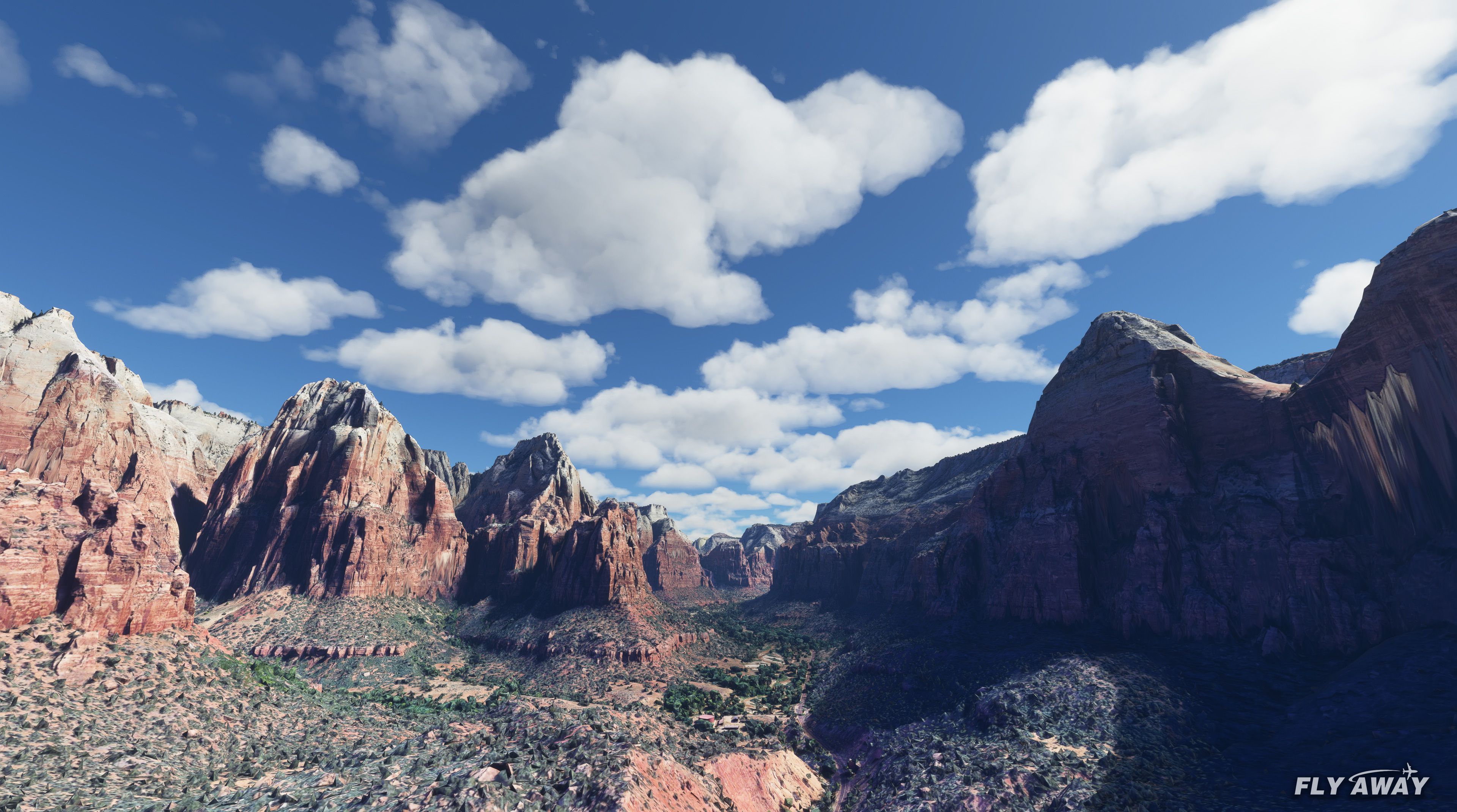
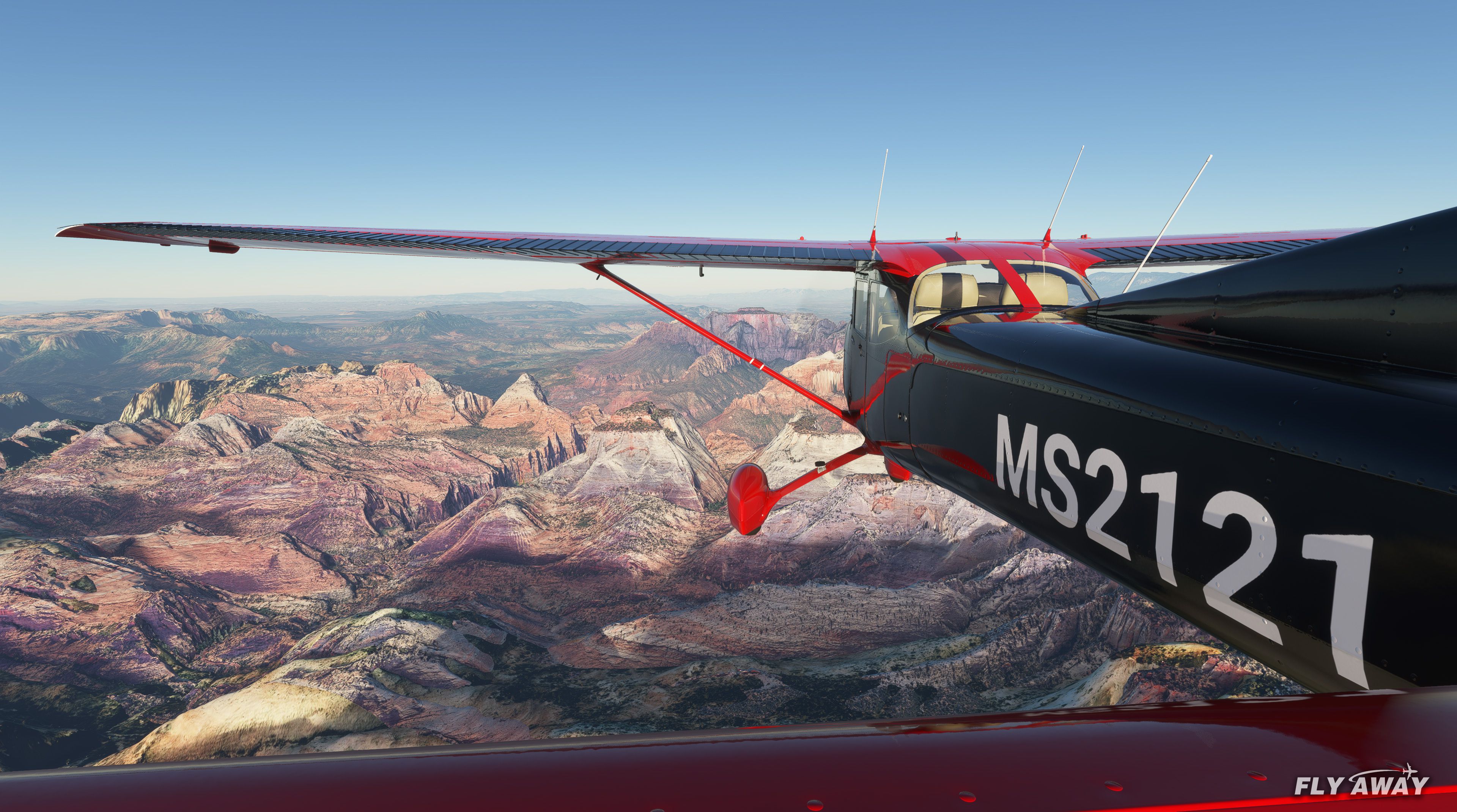
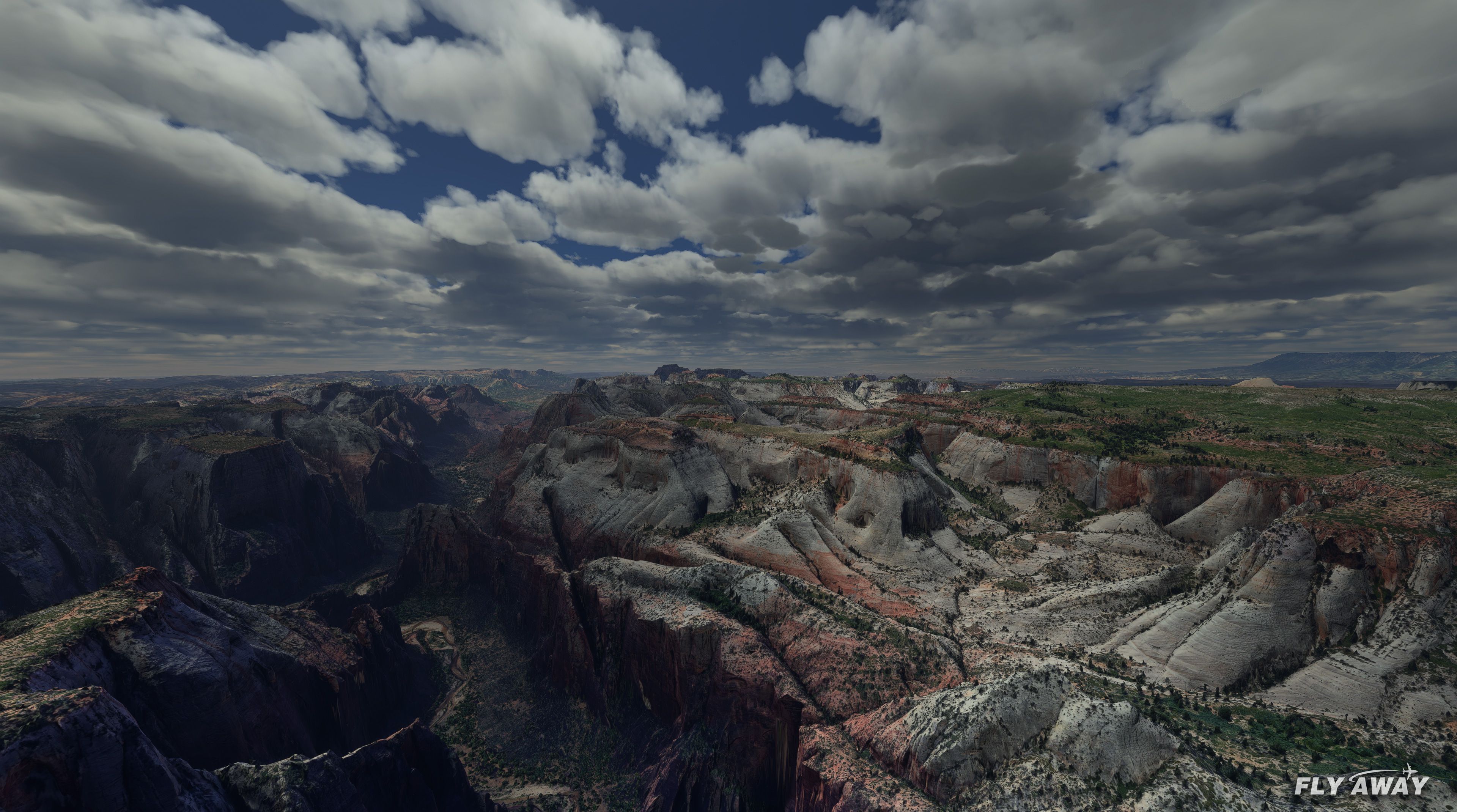
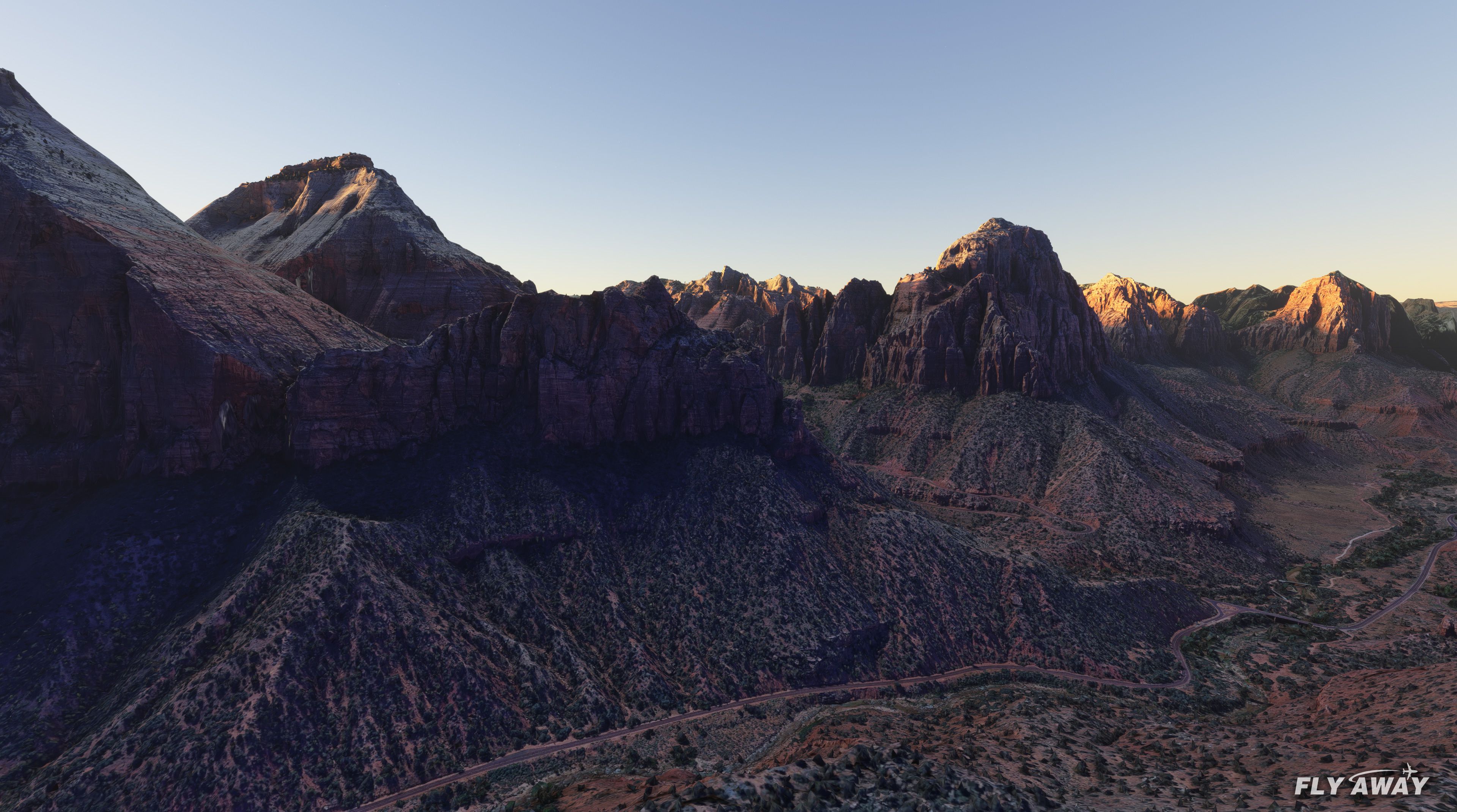
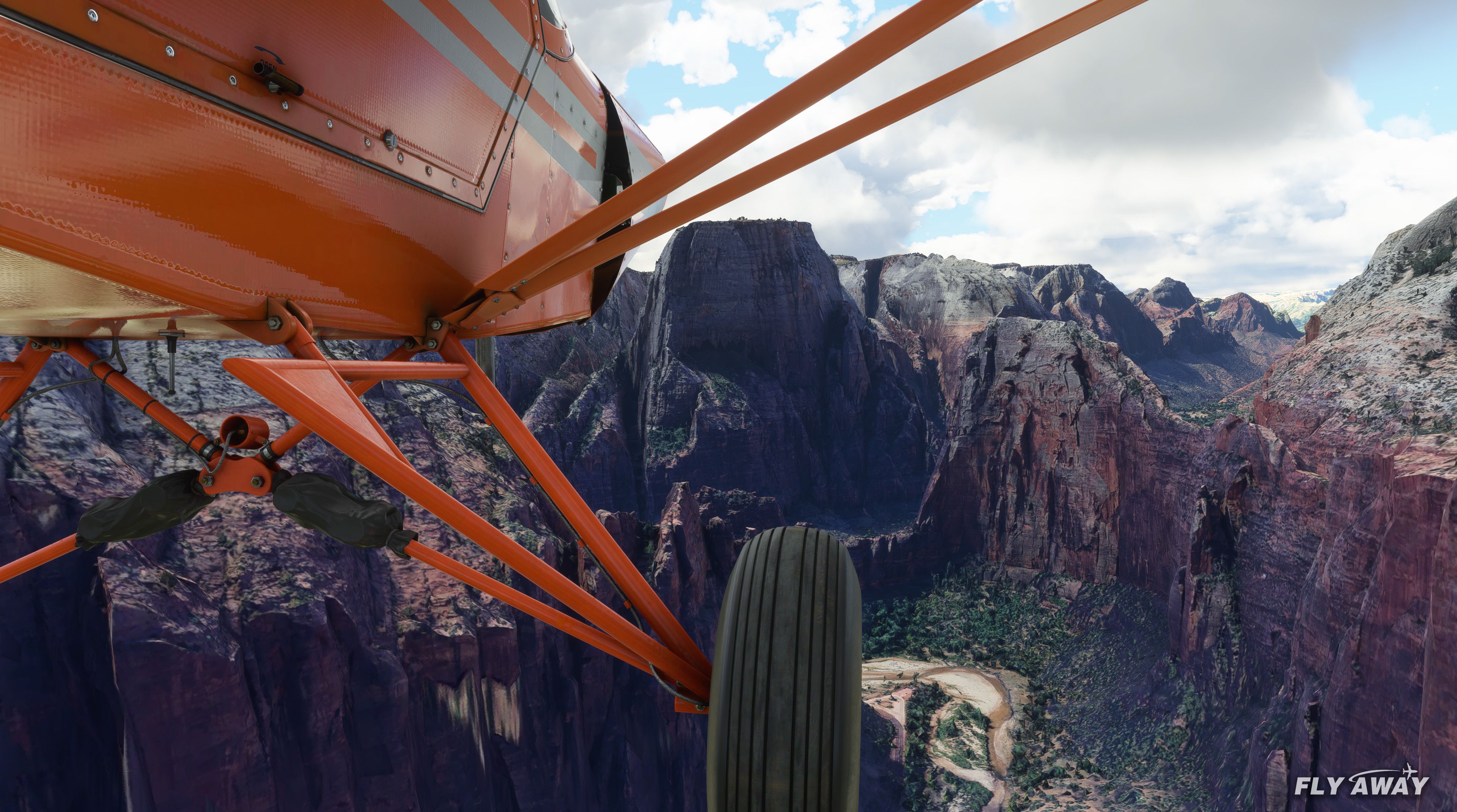
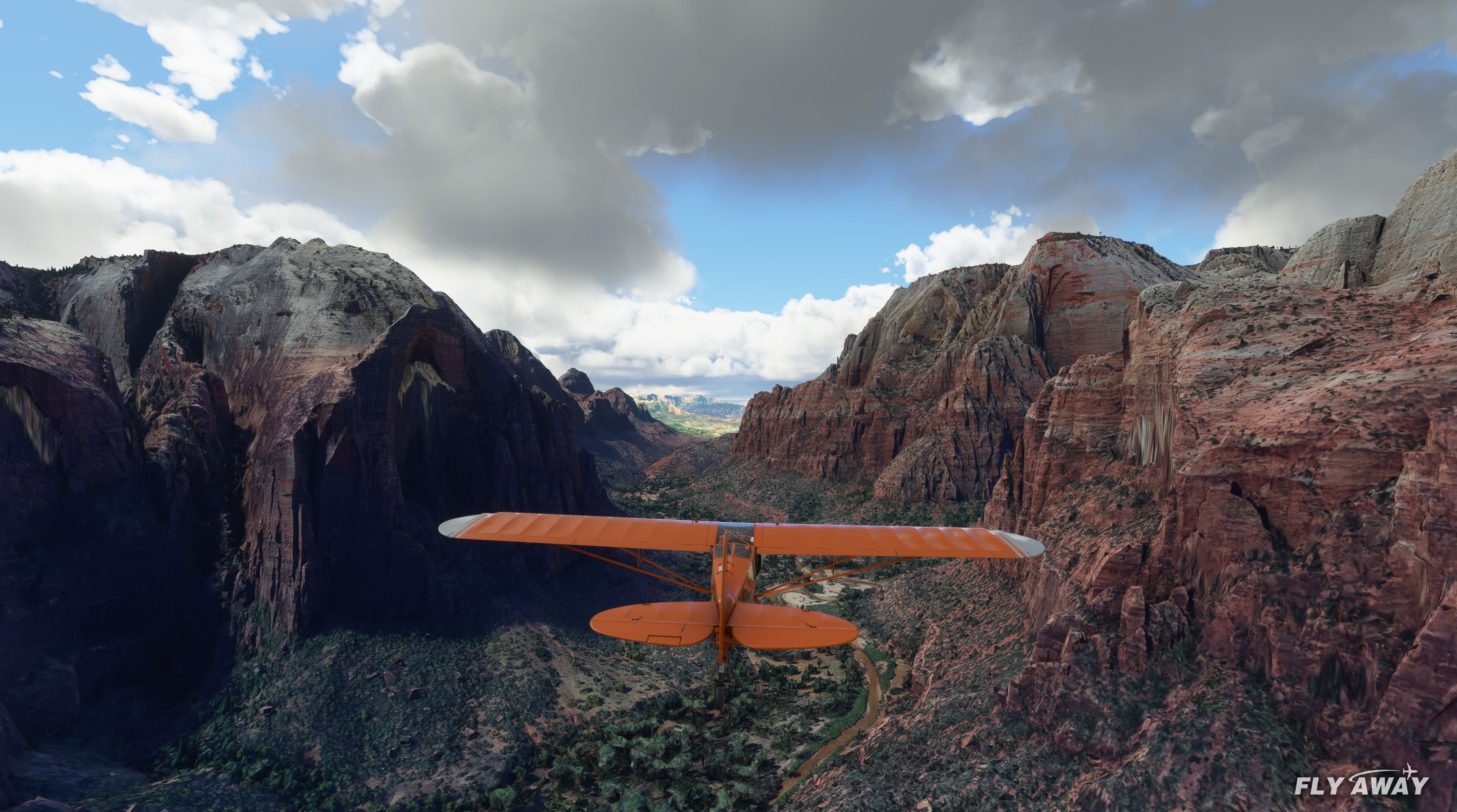
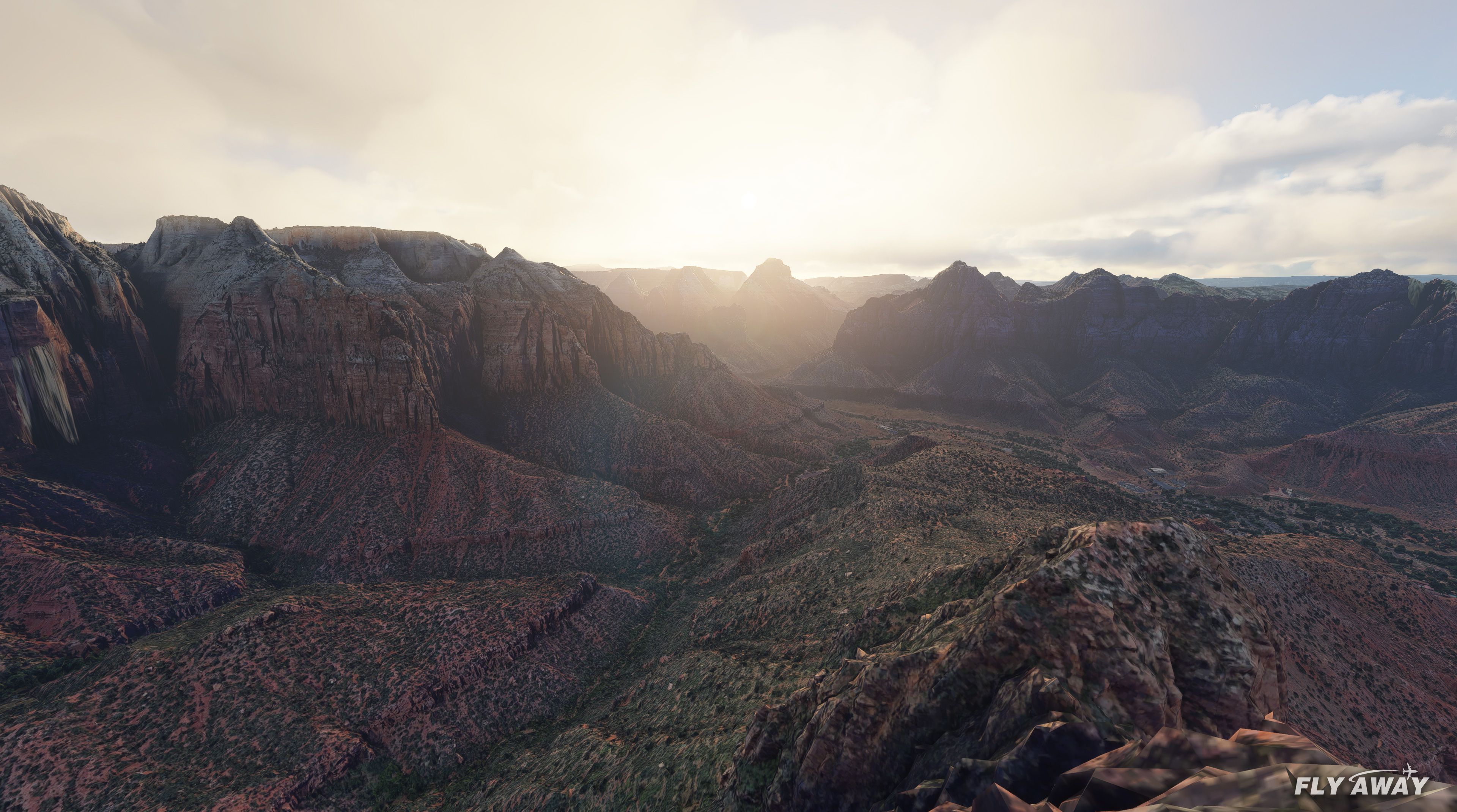
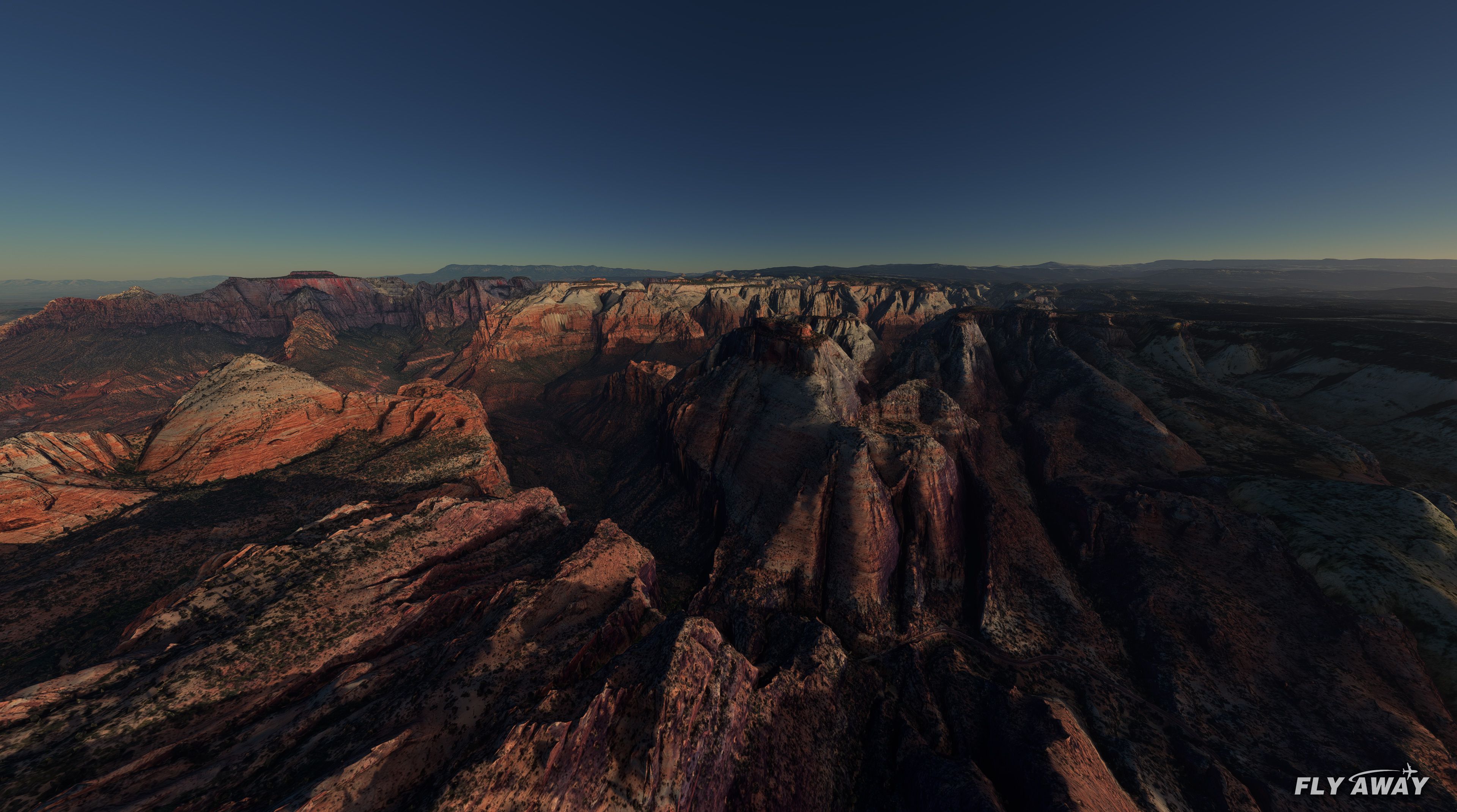
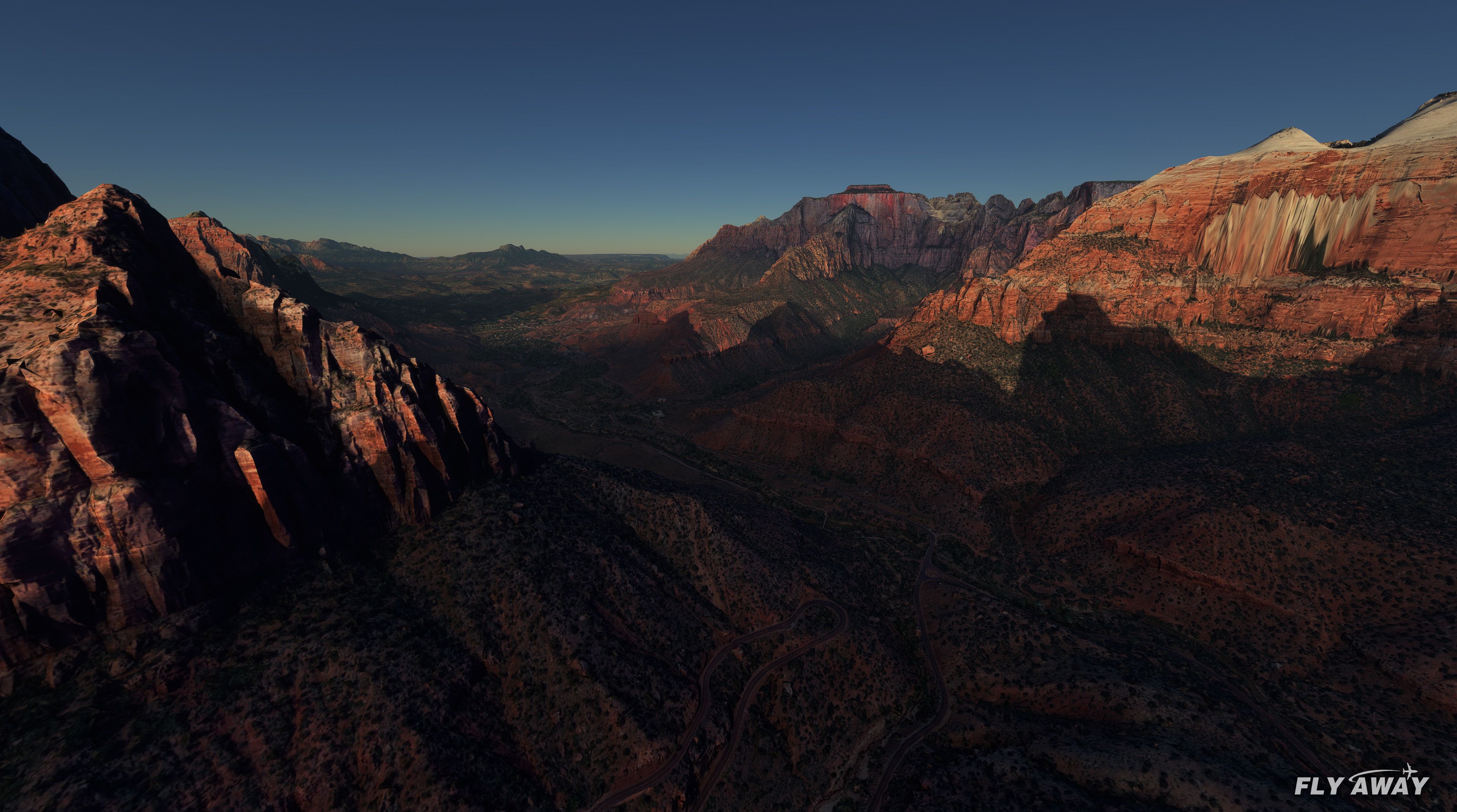
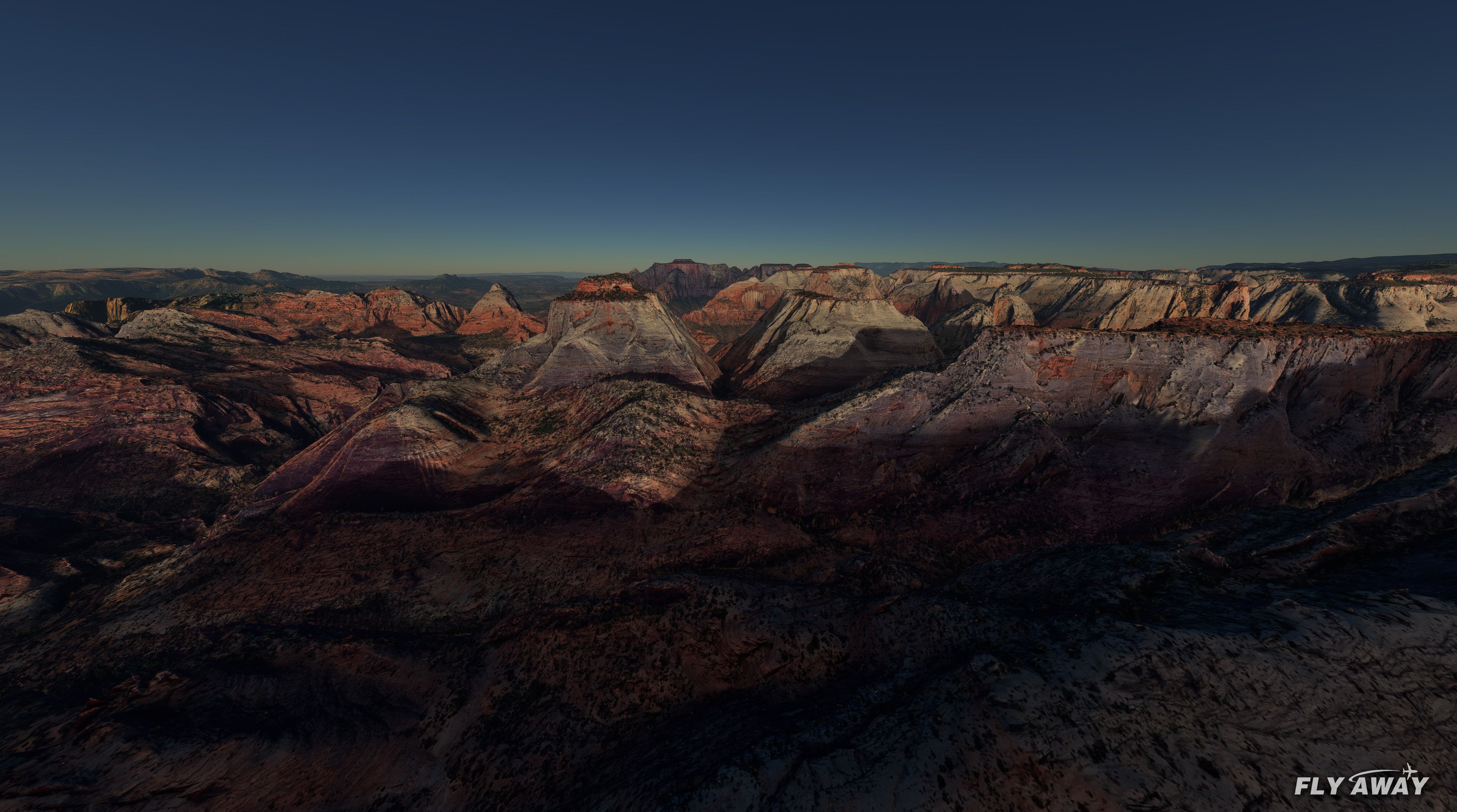
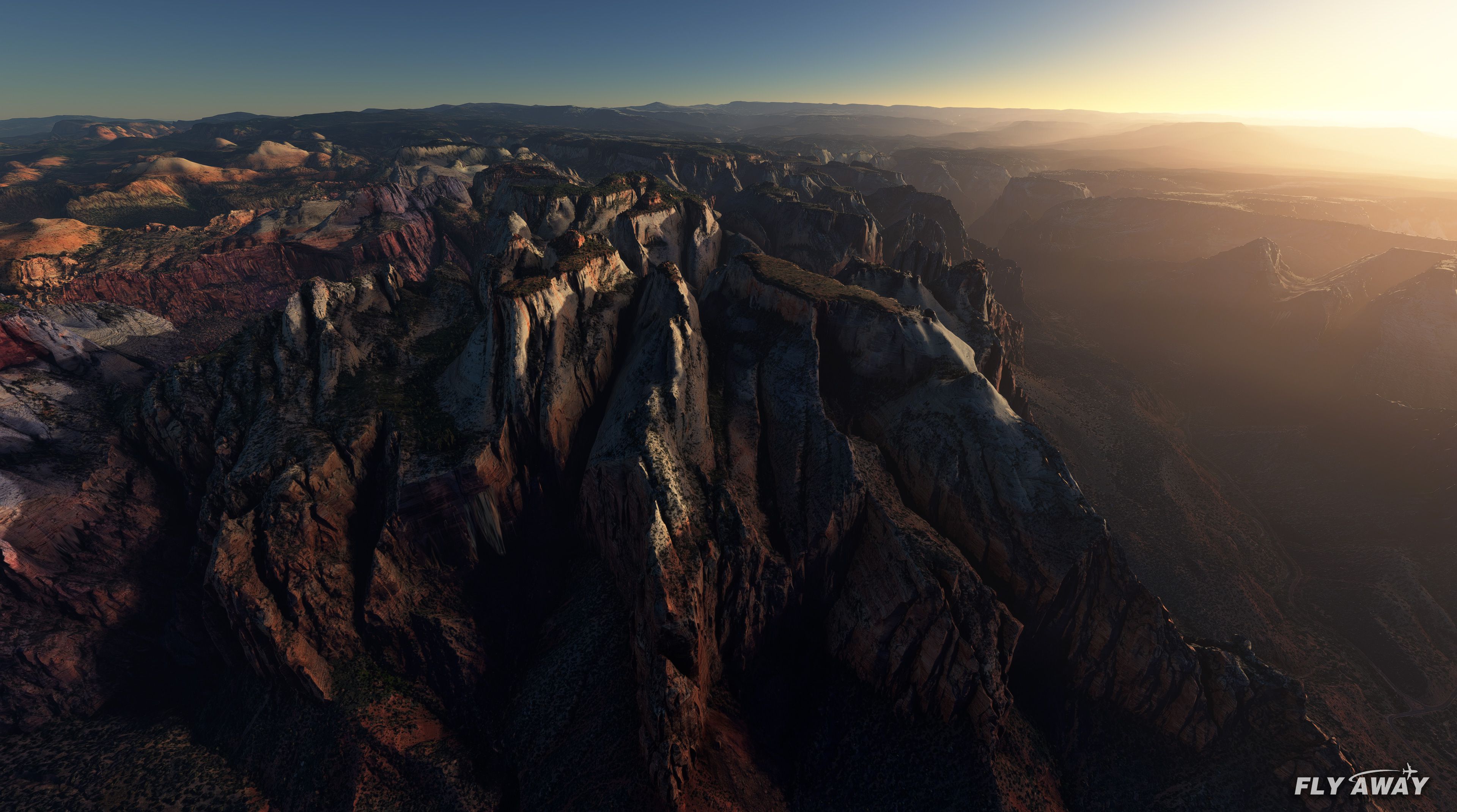
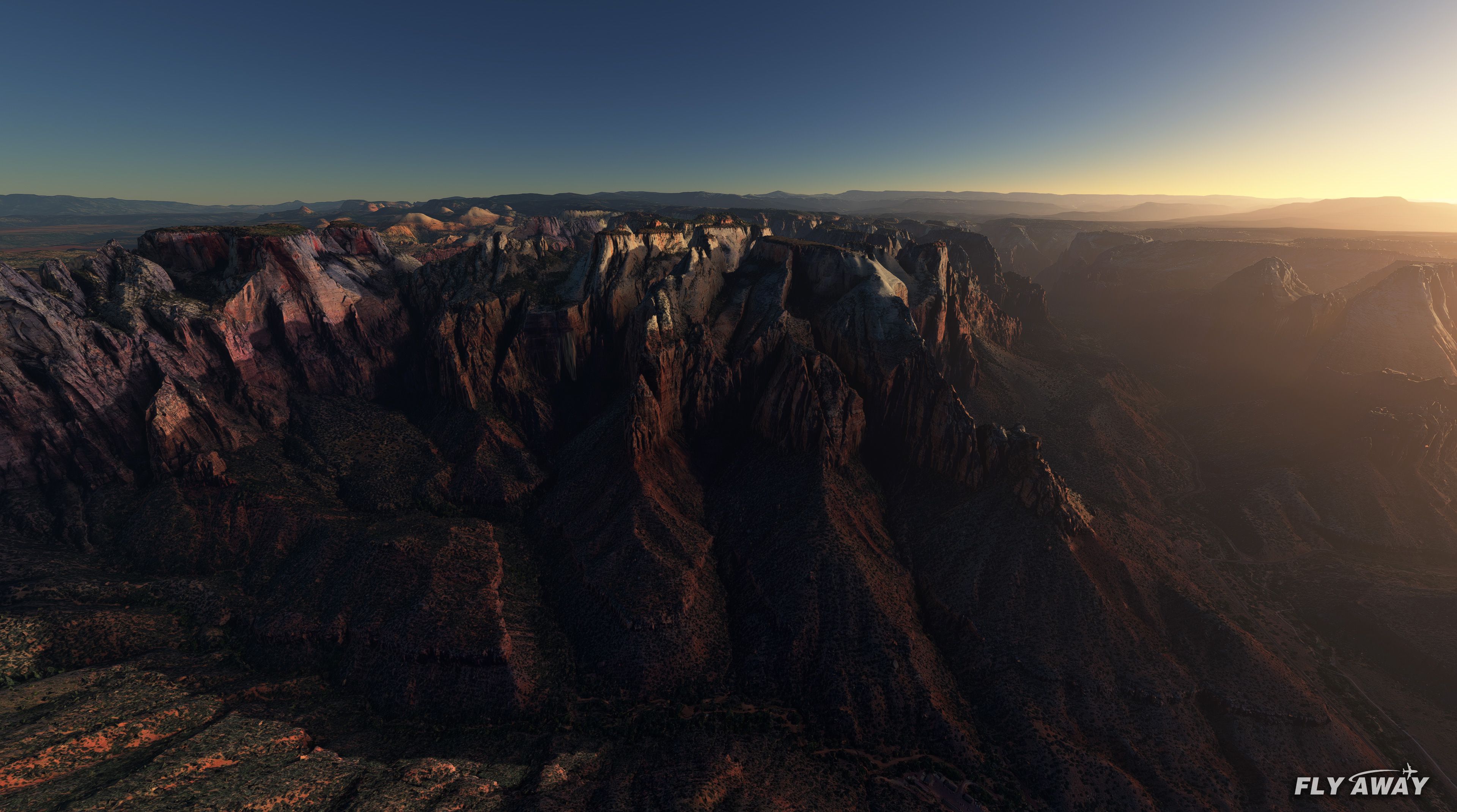
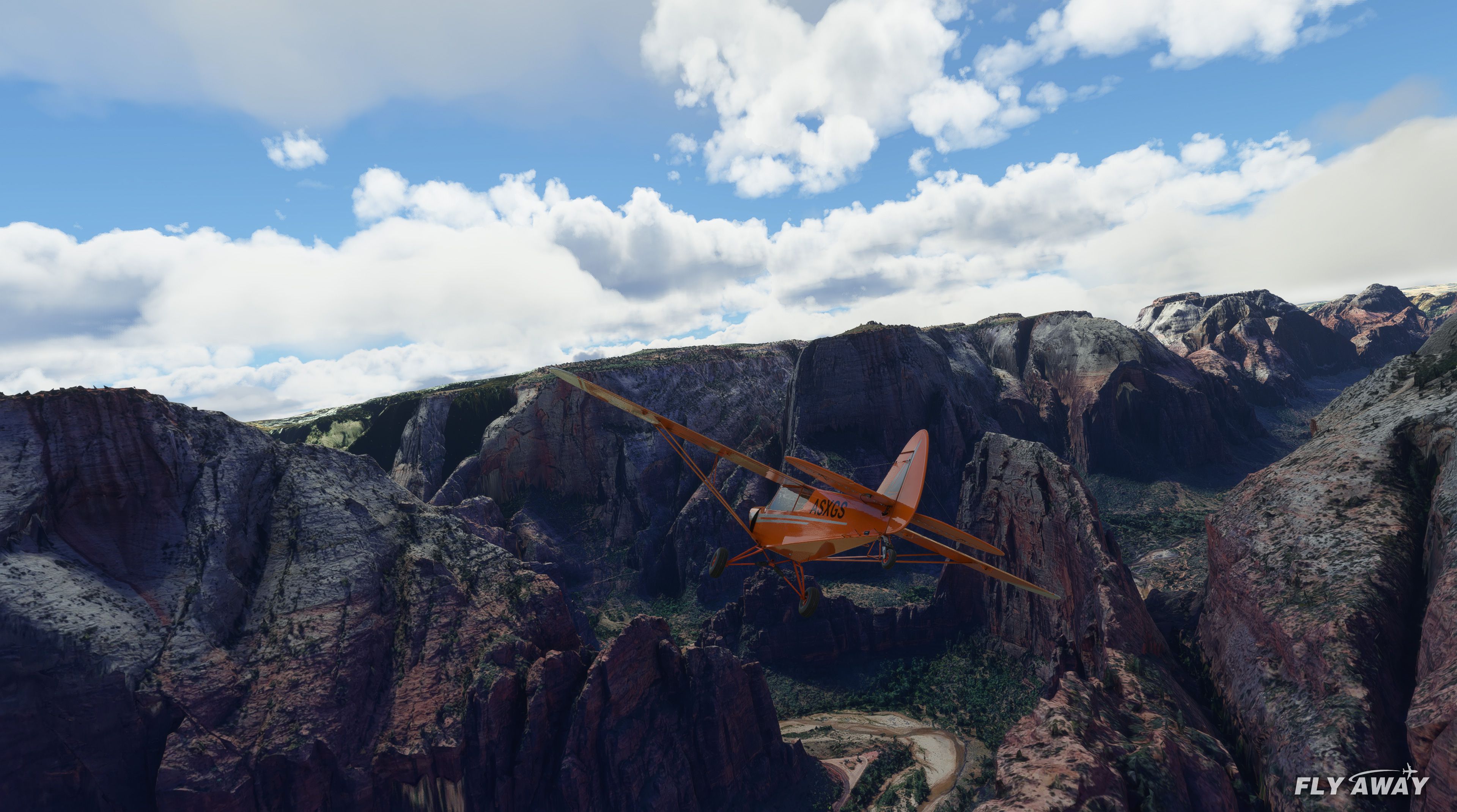
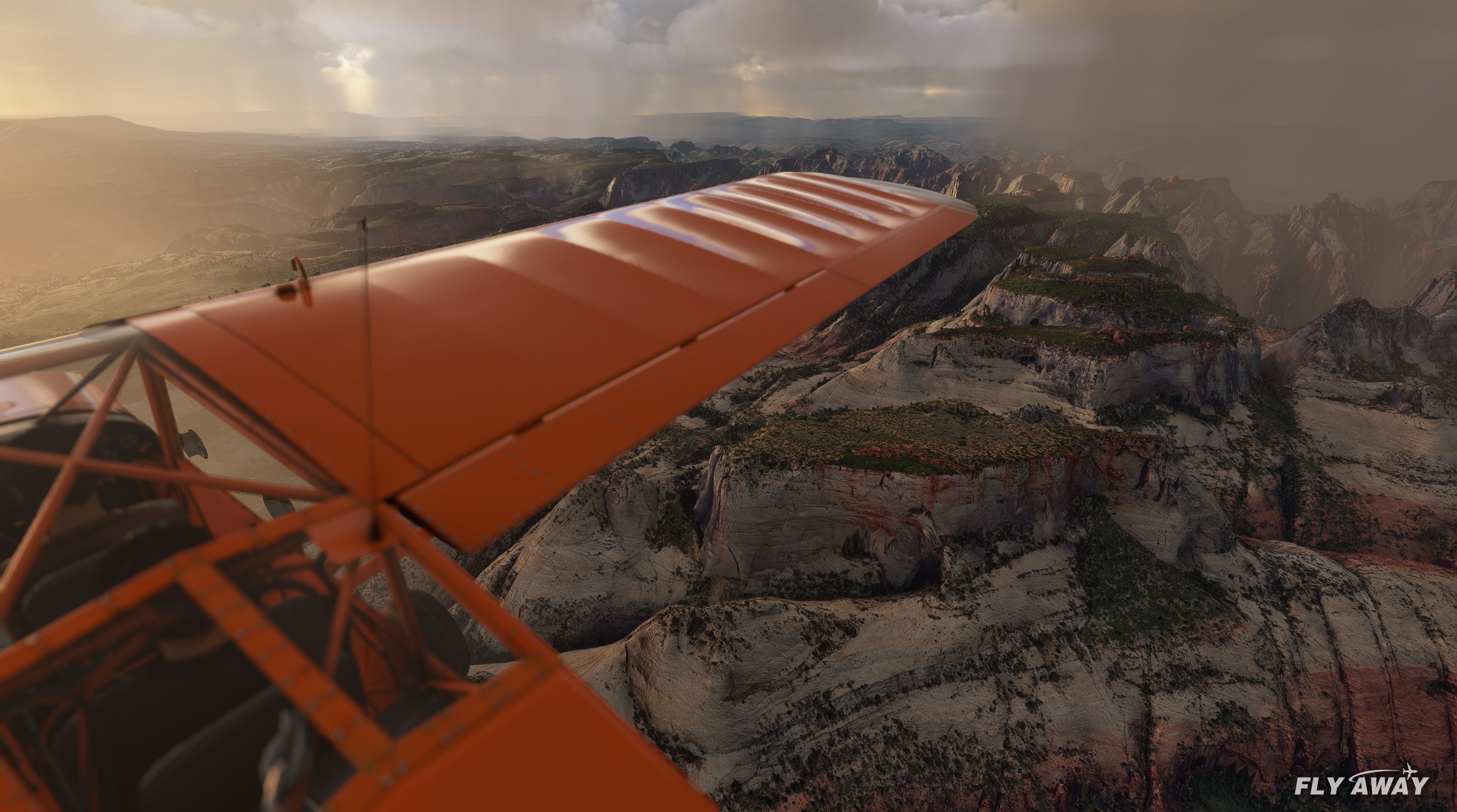
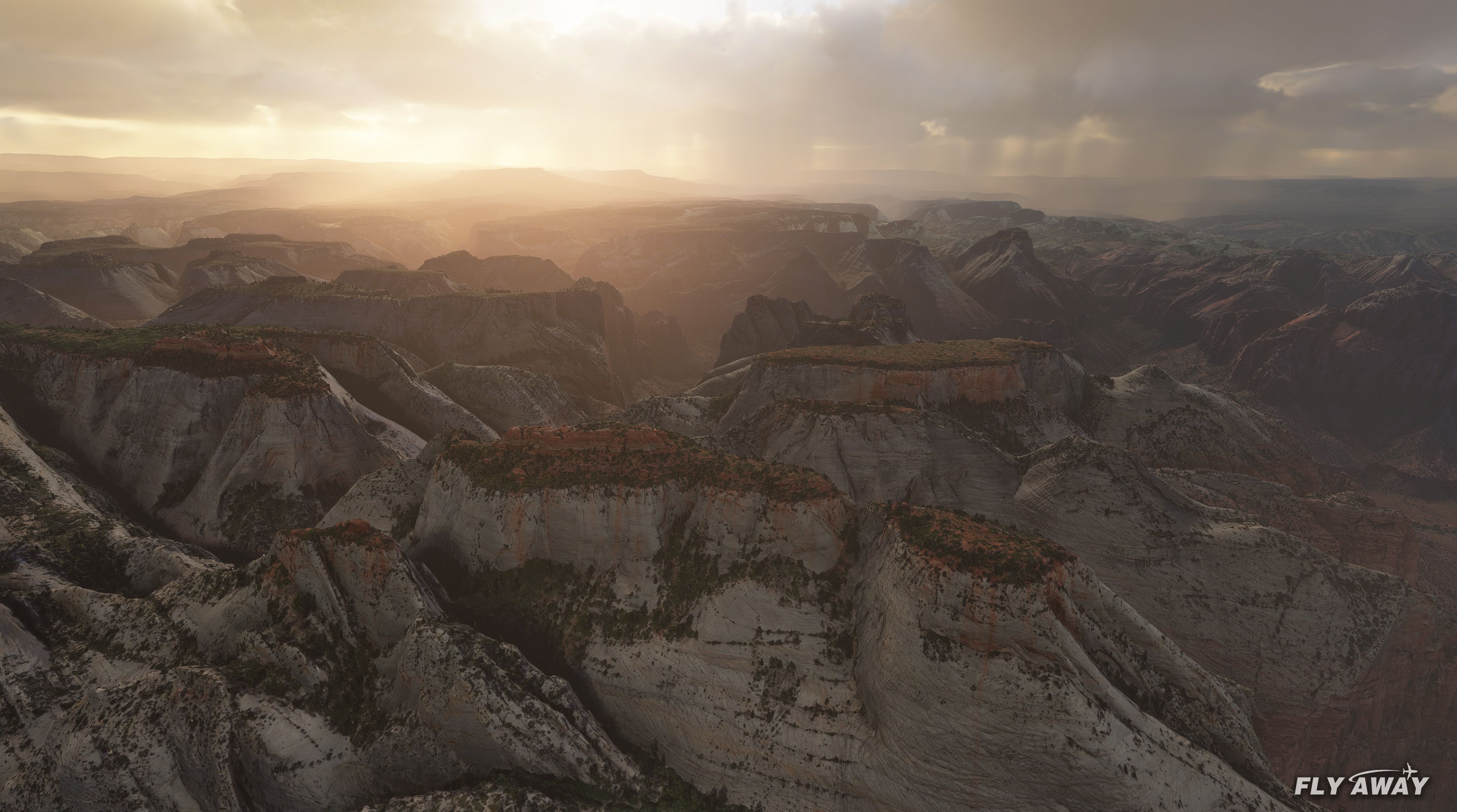
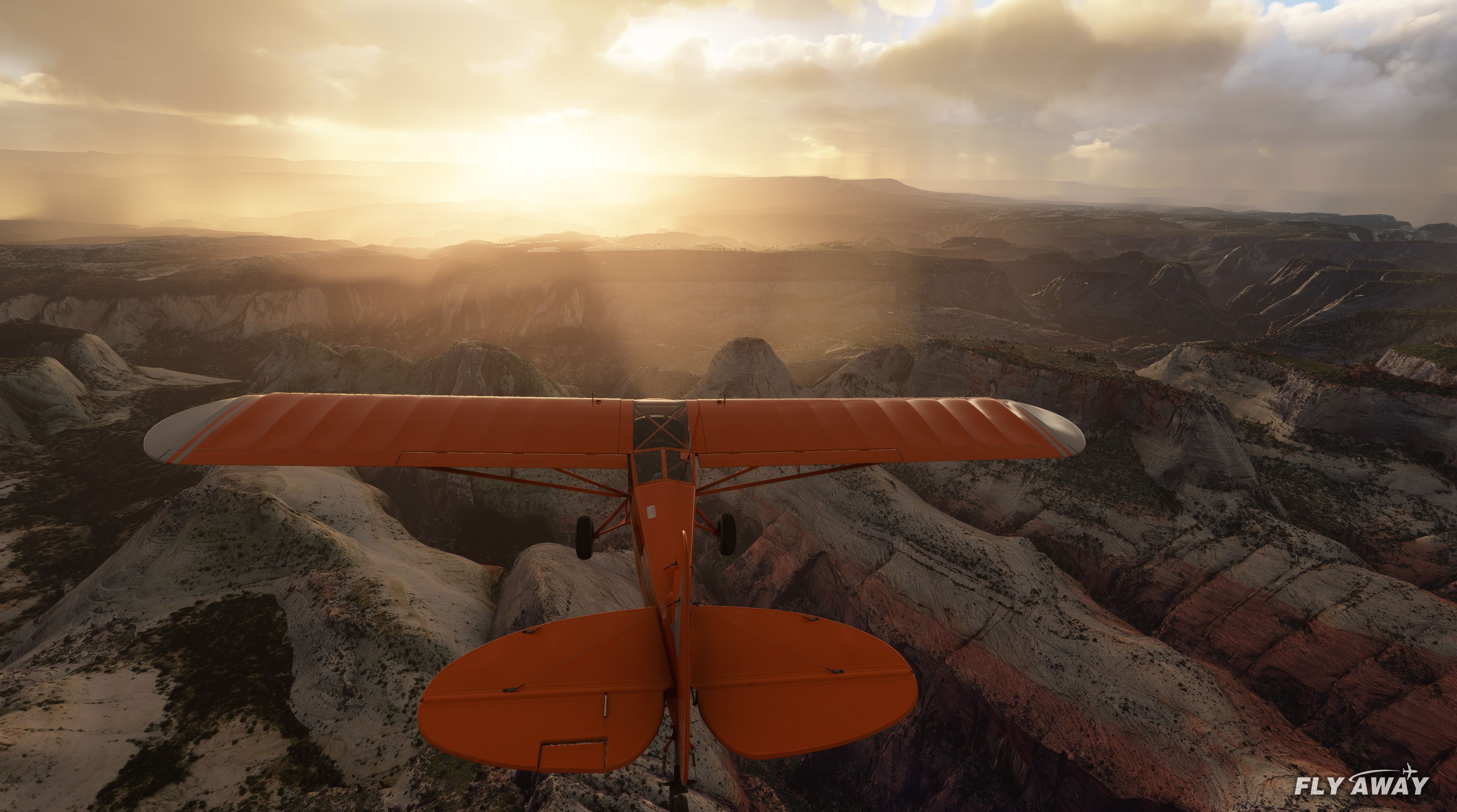
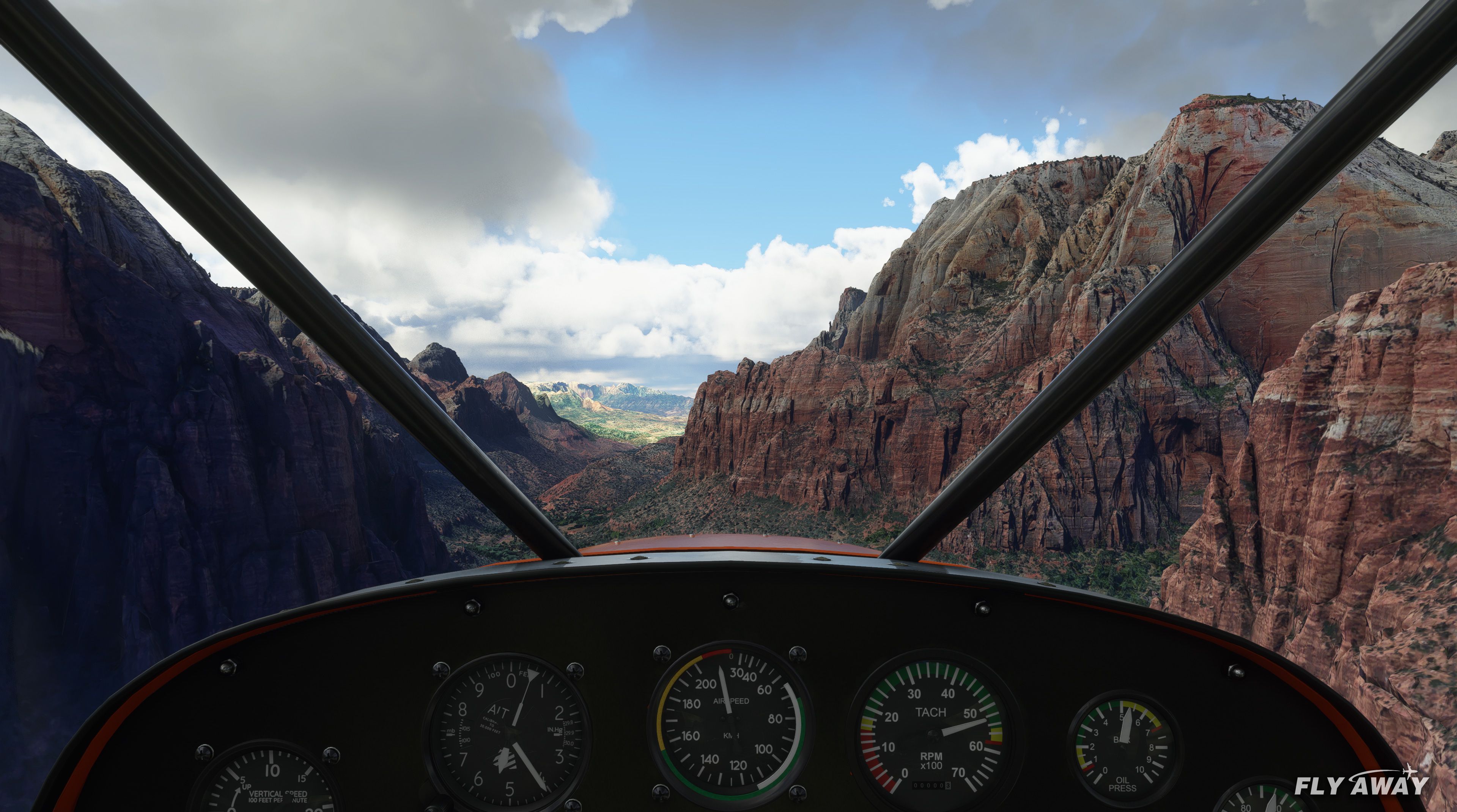
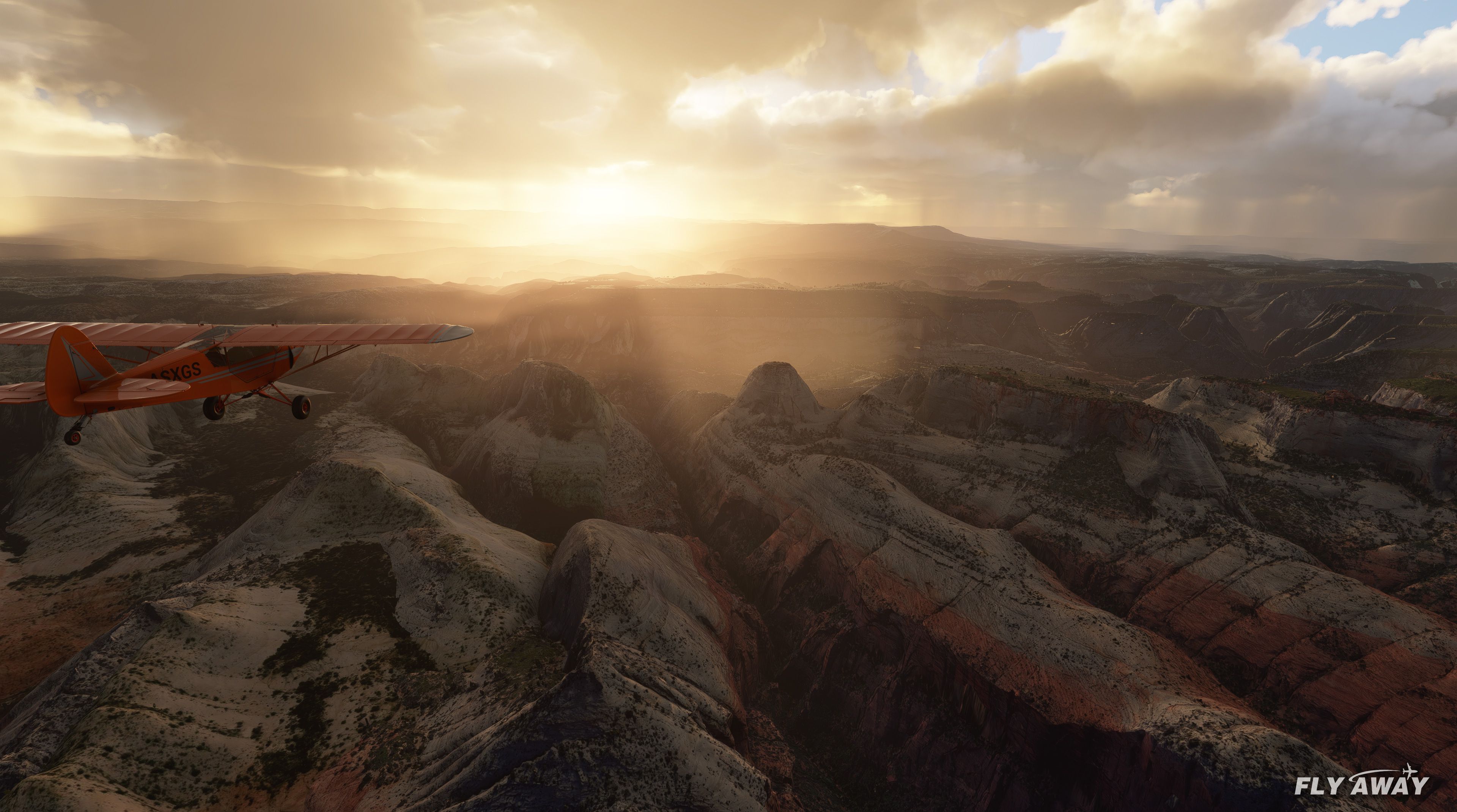
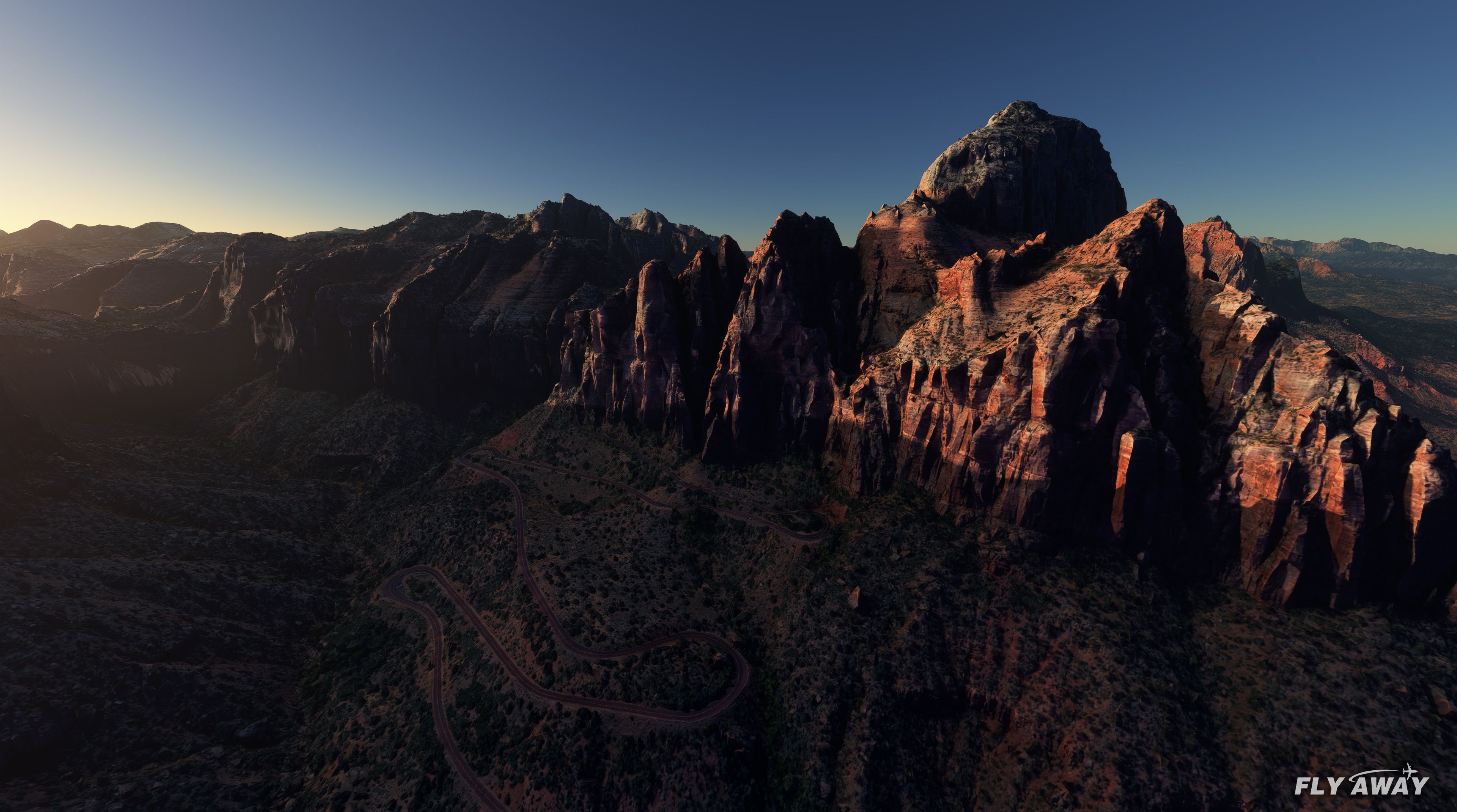
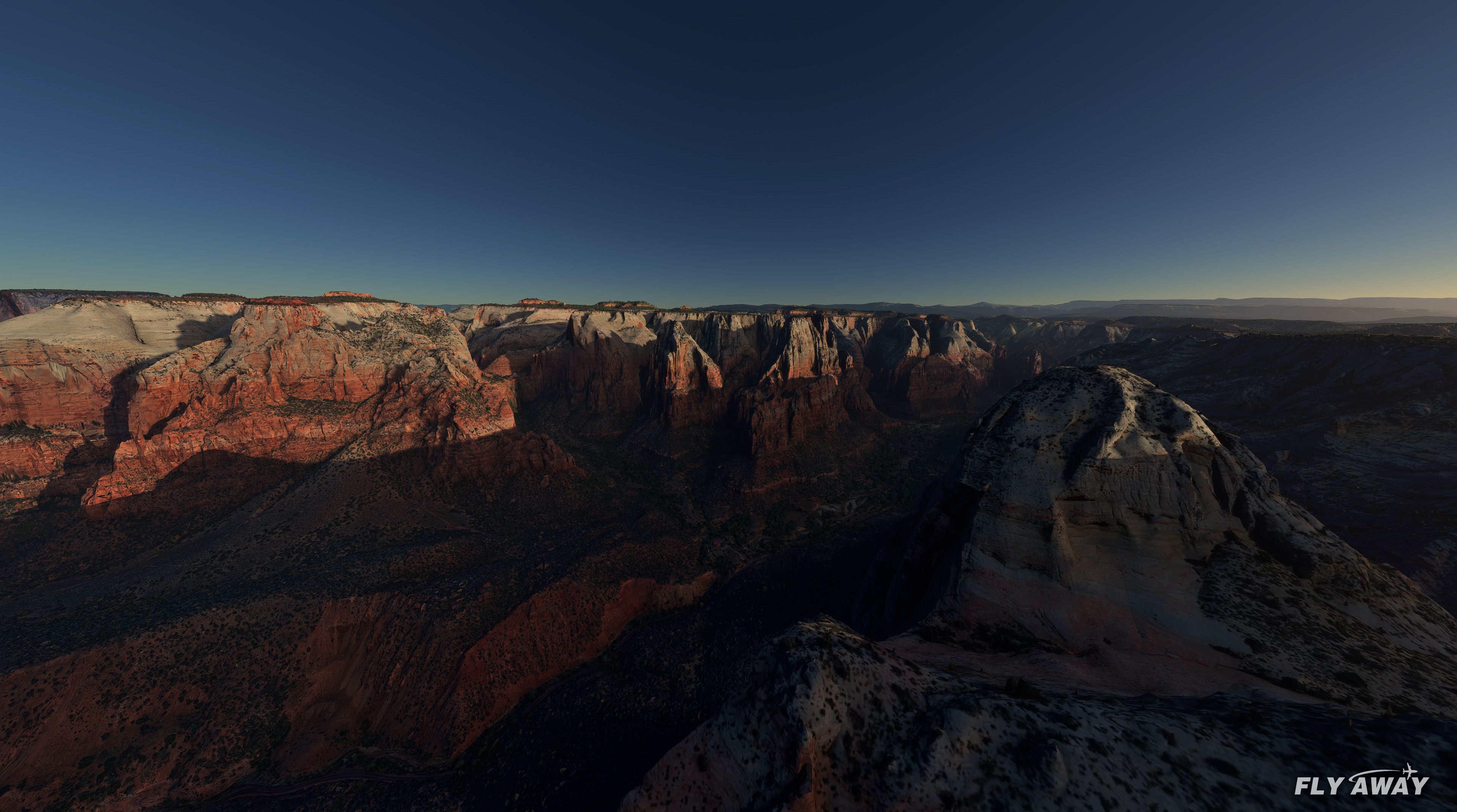
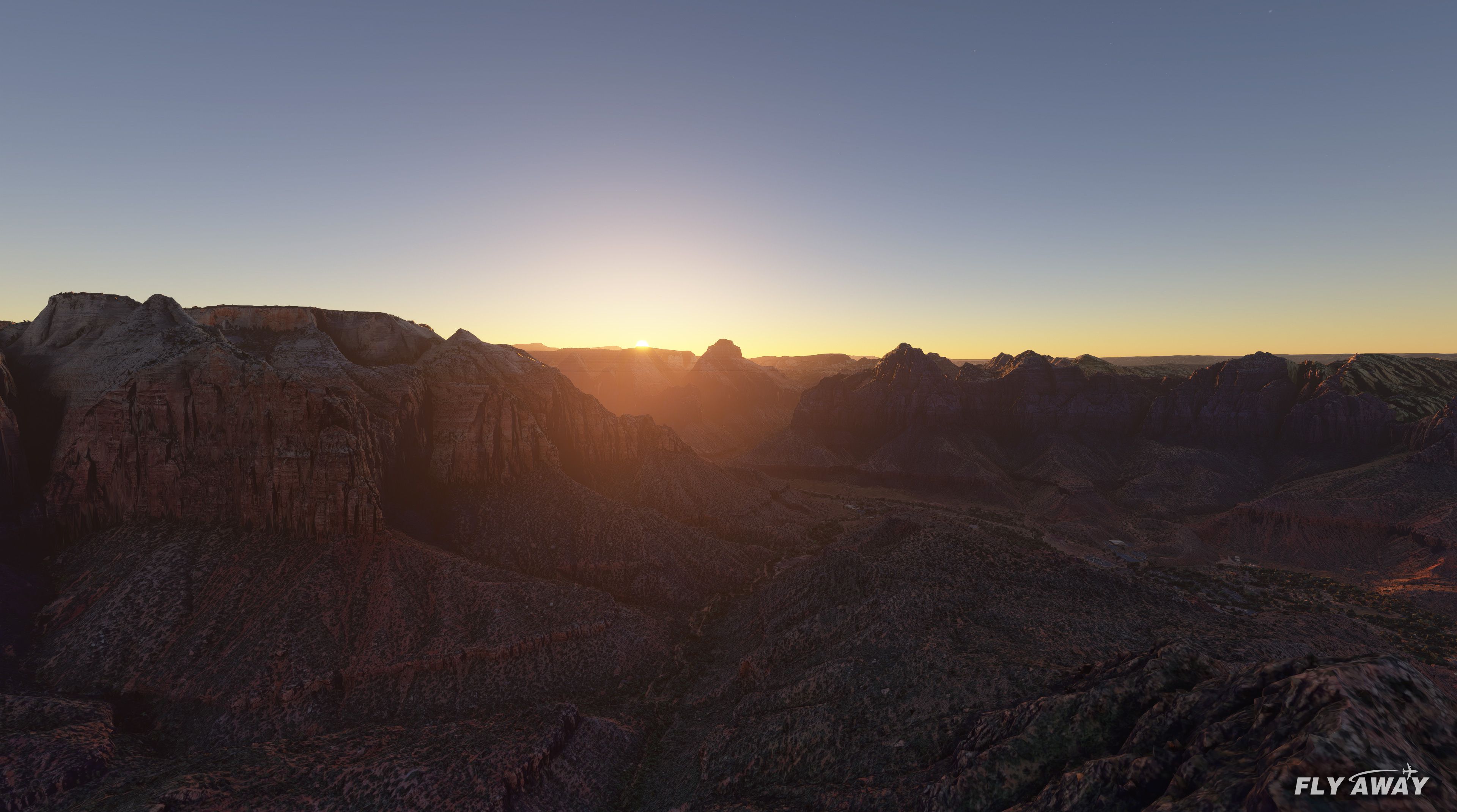
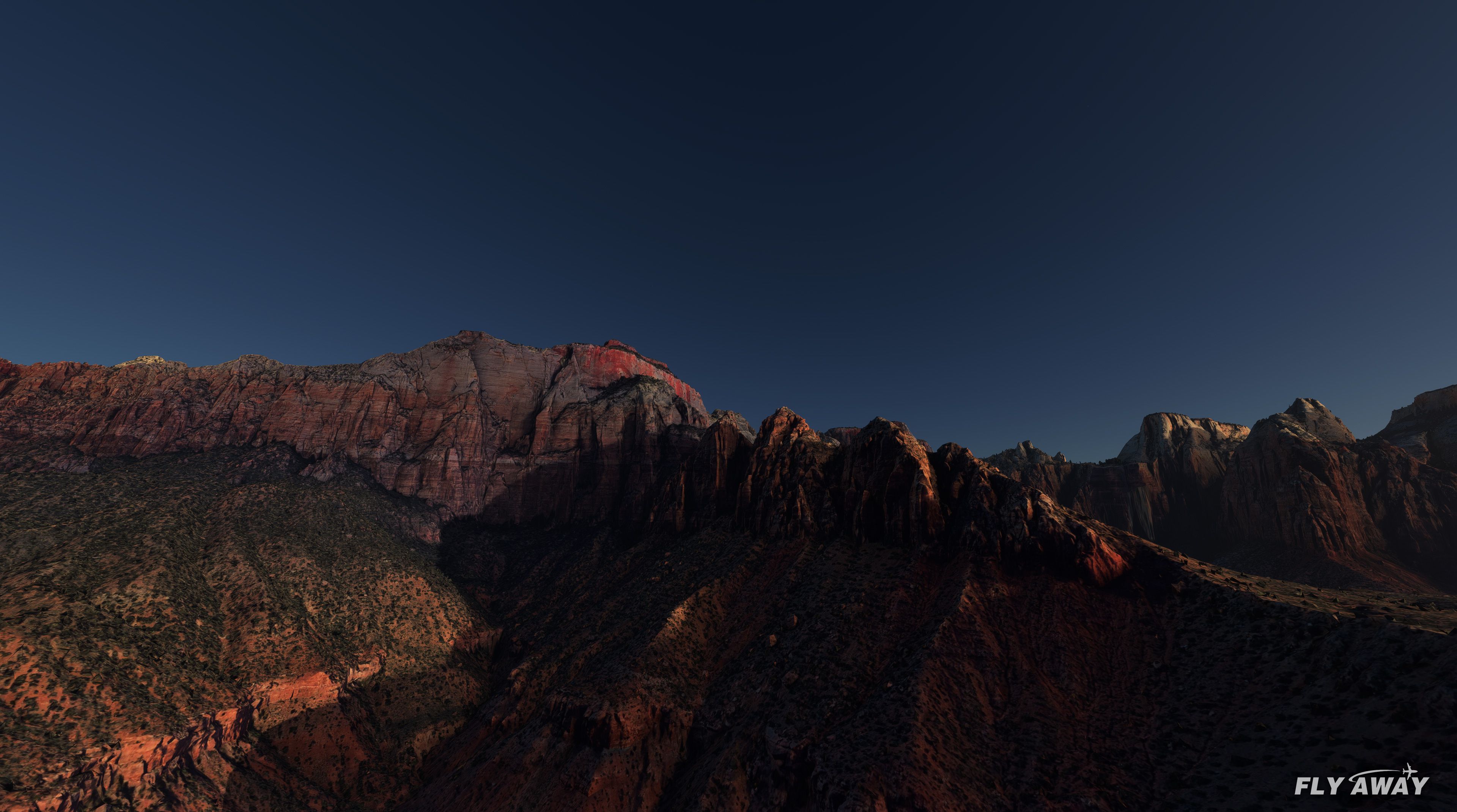
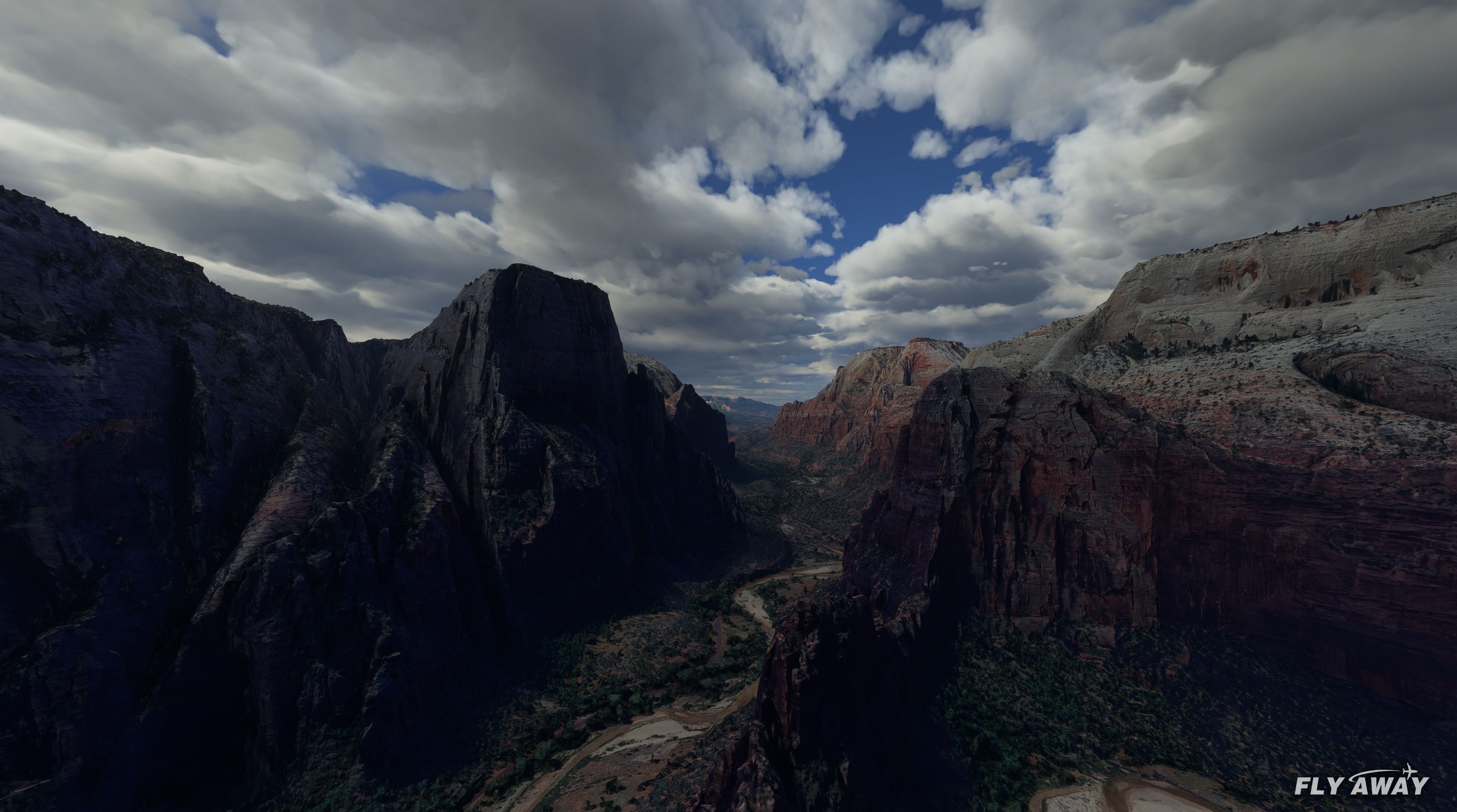
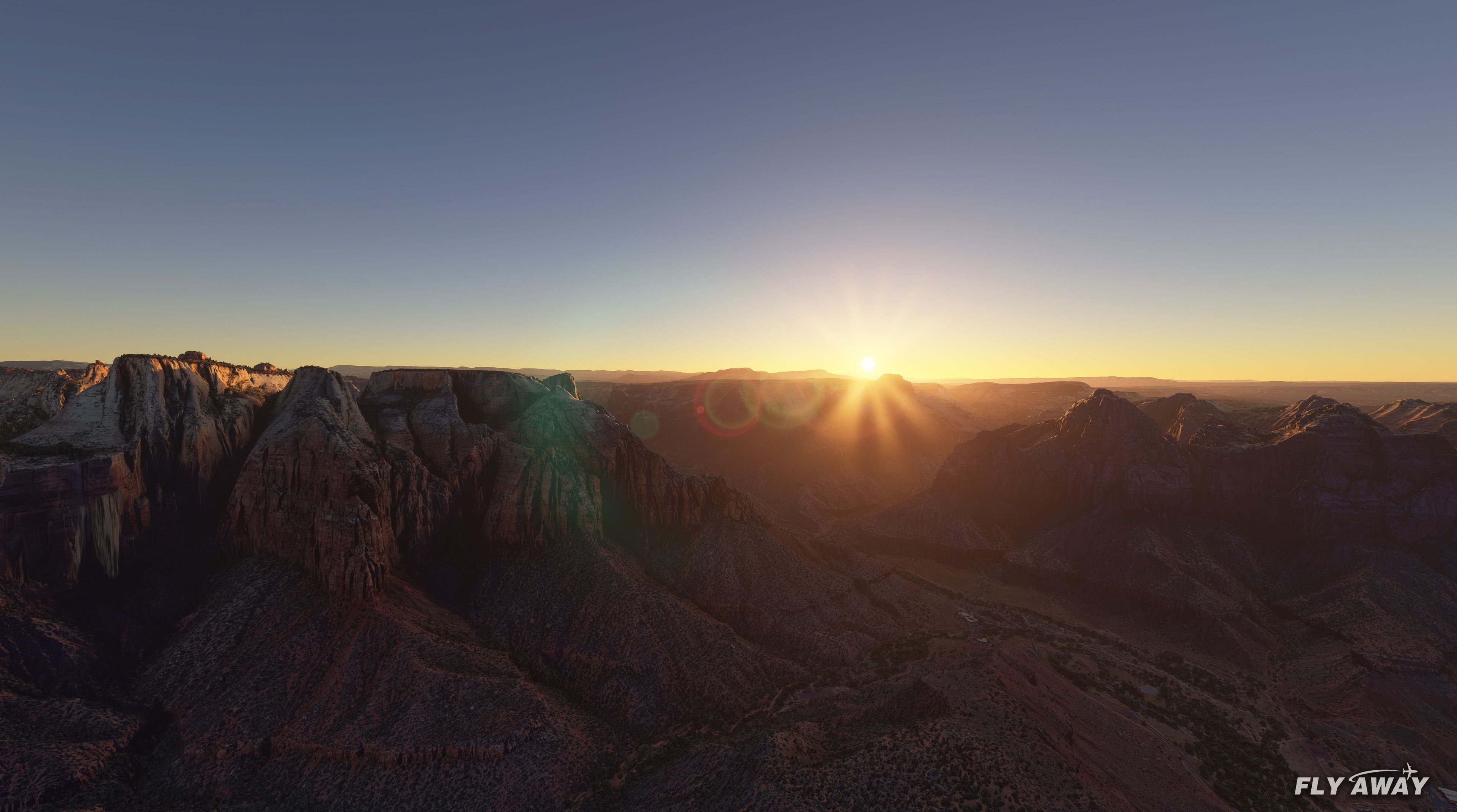
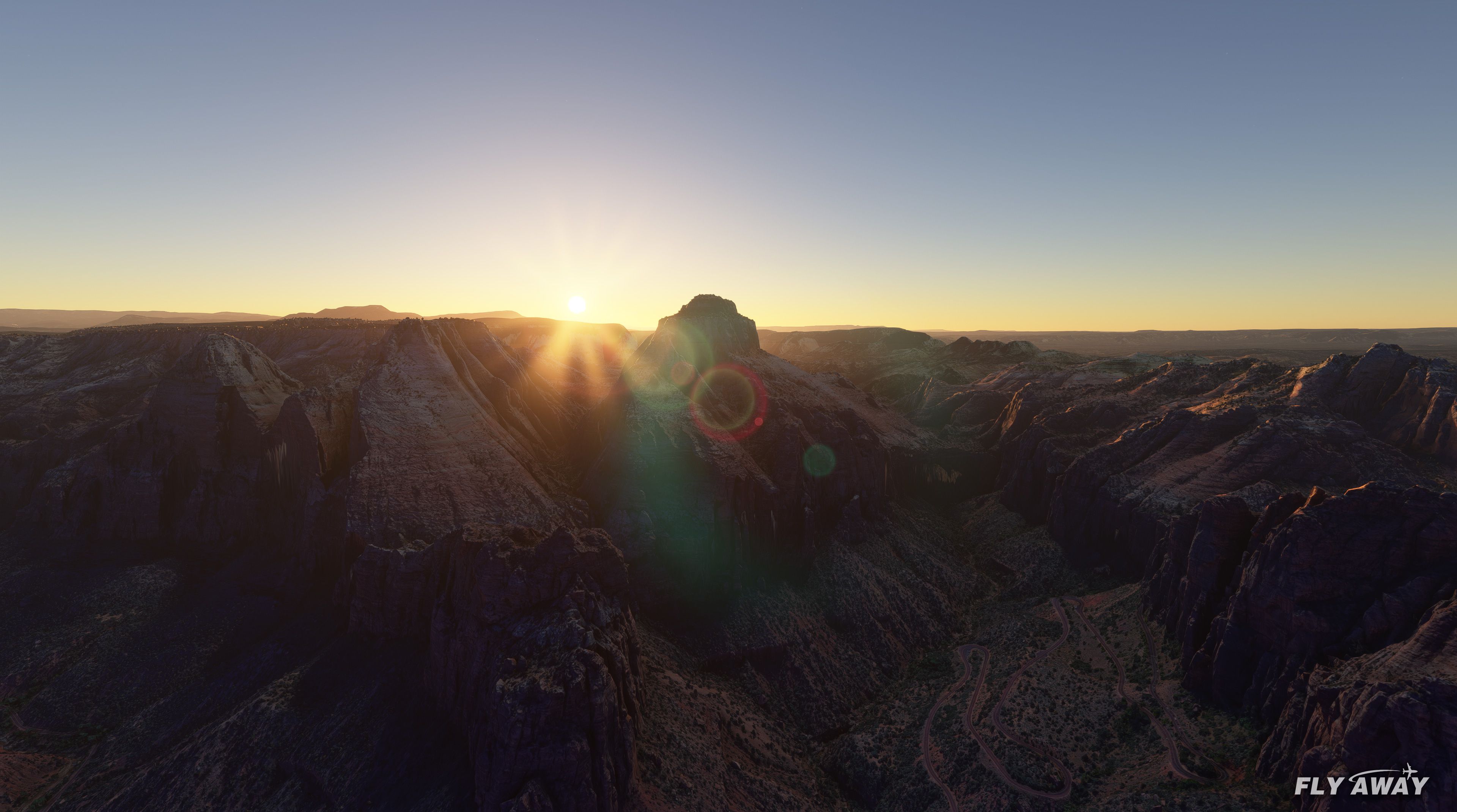
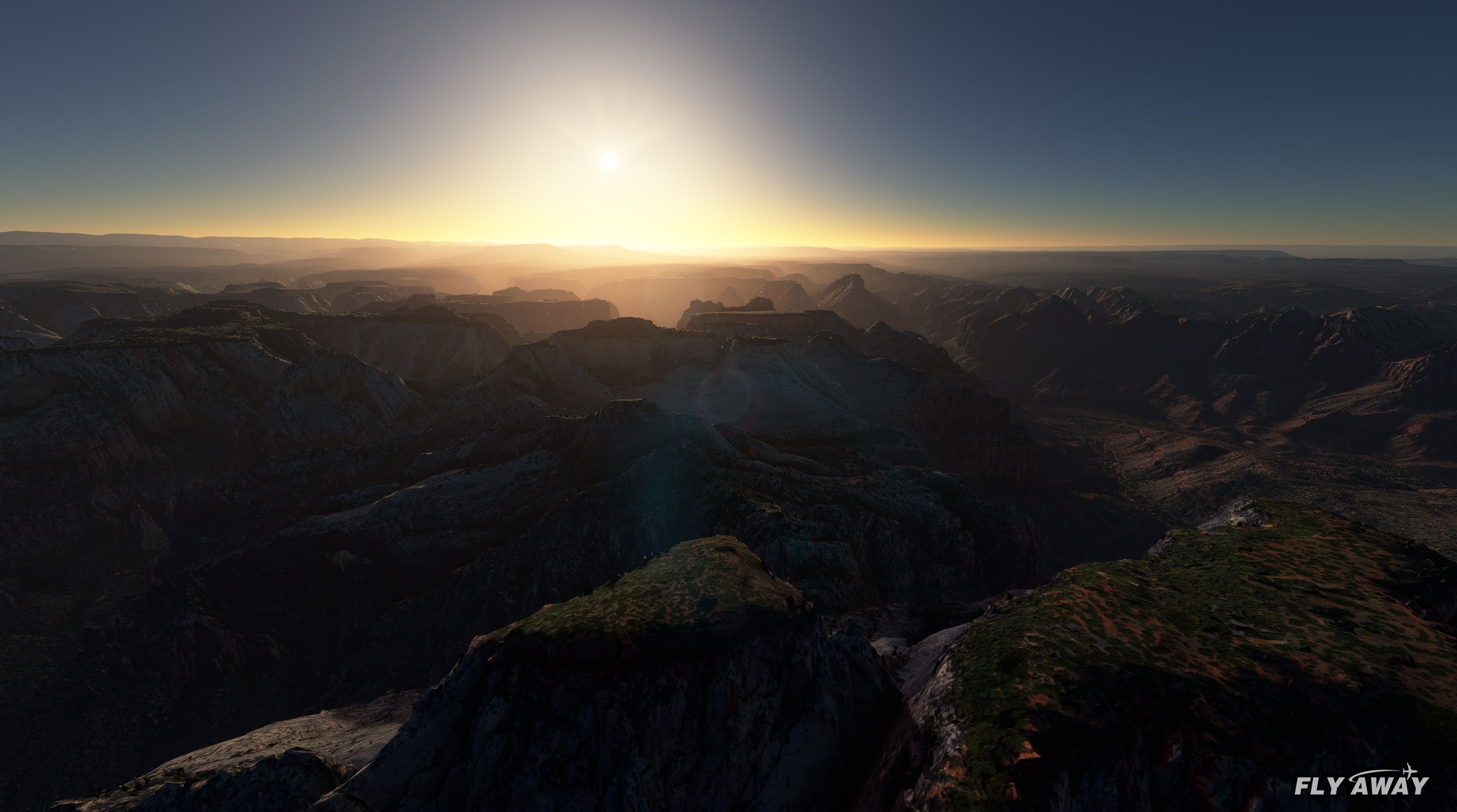
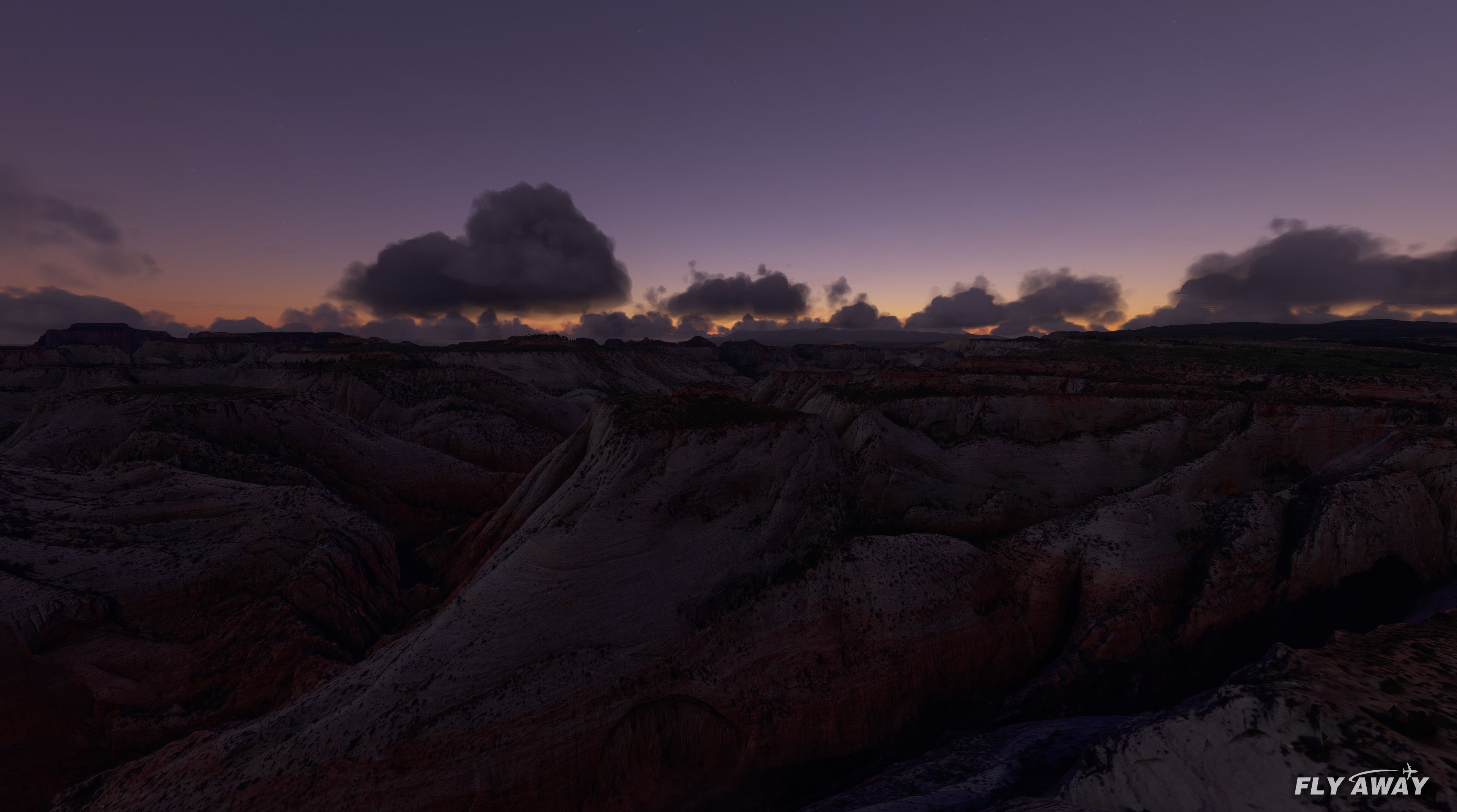
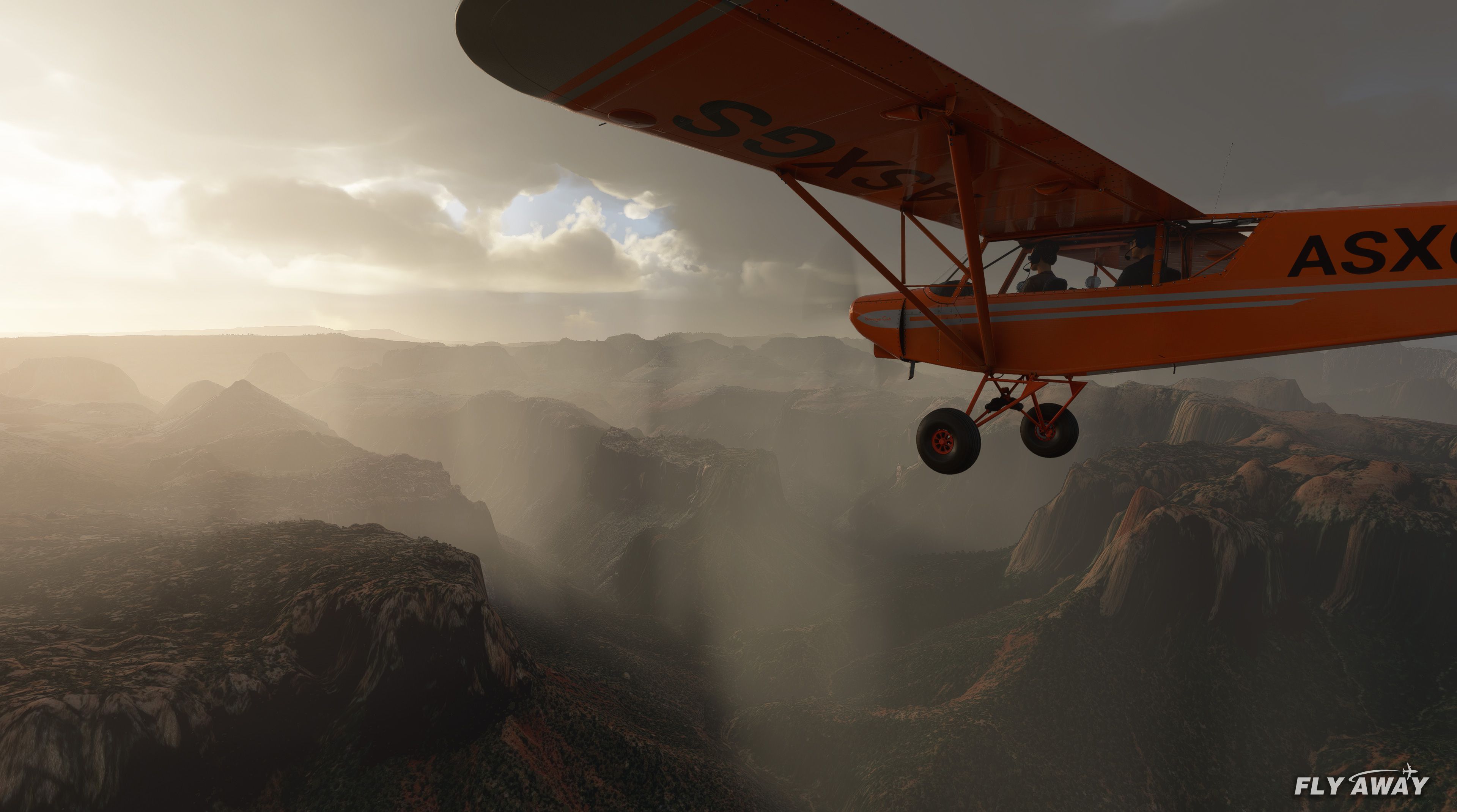
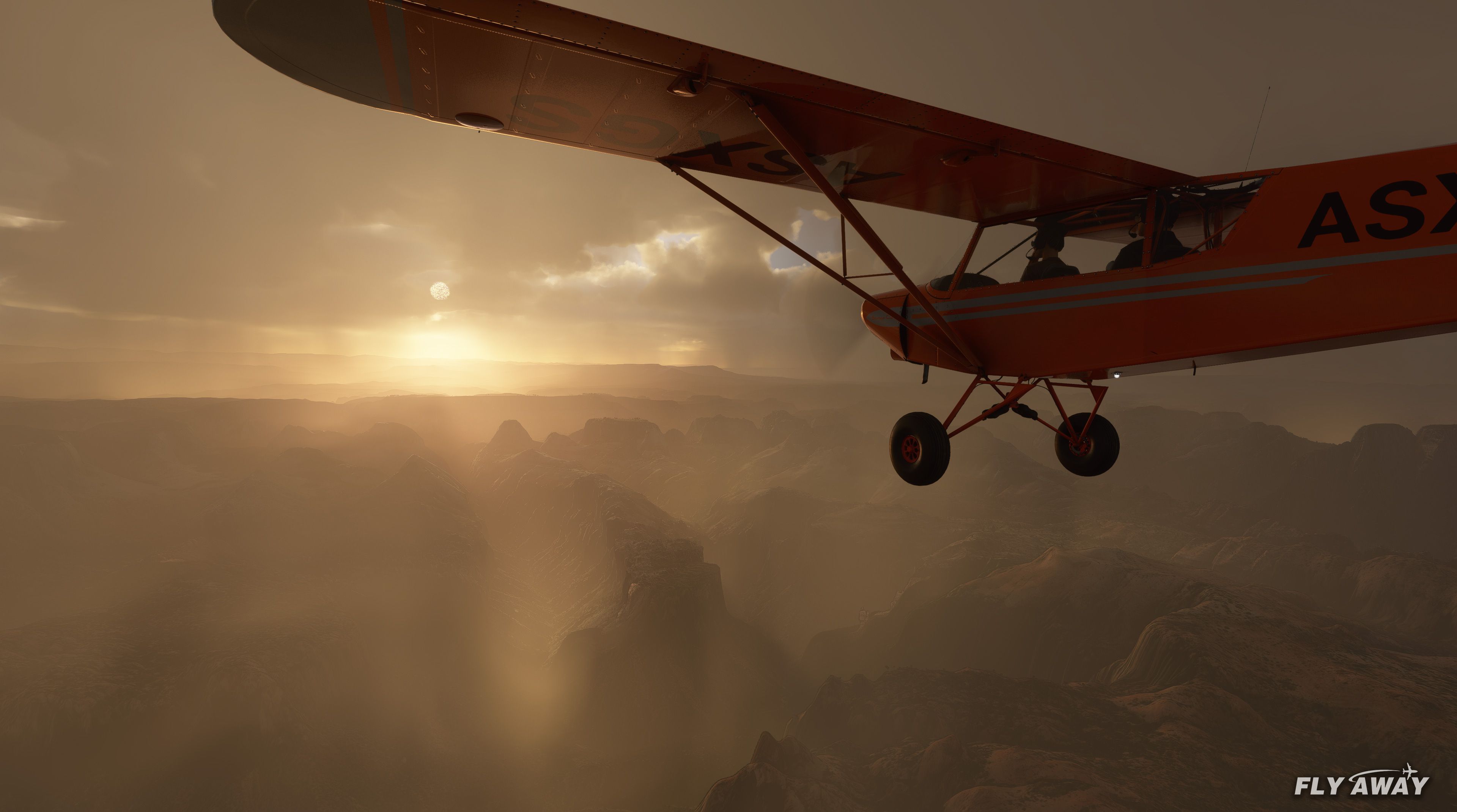
Zion Canyon National Park gets a detailed visual overhaul with upgraded photoreal ground textures, refined terrain elevation, and more accurate signature landmarks such as Angels Landing, Observation Point, and the East and West Temples. A built-in point-of-interest marker helps navigation in Microsoft Flight Simulator, while numerous tweaks and bug fixes polish the overall experience.
 Rate
Rate
 United States of America

This Zion Canyon National Park mod for Microsoft Flight Simulator 2020 brings a painstakingly recreated Utah landscape to life with updated photorealistic textures and accurately adjusted terrain elevations. Advanced 3D models cover notable landmarks such as Angels Landing, Zion National Park Lodge, and the East Temple, delivering a visually striking experience that closely mirrors real-world topography.
From my hands-on testing, performance is generally smooth on mid-range to high-end PCs, and the included point-of-interest marker makes discovery effortless. Future updates are expected to refine color blending with default scenery, ensuring a more cohesive look. It’s a must-have for anyone craving a closer-to-real experience of one of the Southwest’s most breathtaking canyon environments.
A complete overhaul of Zion Canyon National Park in Utah, the USA for Microsoft Flight Simulator (MSFS) 2020 release.
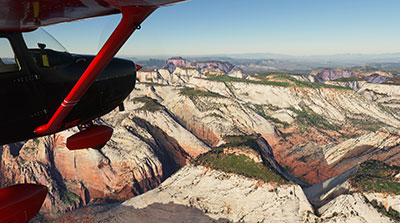 ?The scenery includes updated photorealistic textures from external sources, much improved famous landmarks in the Canyon along with lots of tweaks and bugfixes. Terrain height has also been adjusted and fixed for areas including East Temple as the default MSFS was highly inaccurate to its real-world counterpart.
The scenery is quite heavy so you may notice a slight reduction in frame rates if you have a lower-end machine. However, if you have a mid-high end machine you should have no issues with loading and running this pack.
The developer has included a POI (point of interest) marker in the simulator so you can easily find the scenery within the sim.
Updates are planned by the developer including releasing a new version to make the colors of the add-on (new terrain textures) blend nicely with the default. This is a common issue with photoreal scenery.
Installation Instructions
Copy the "Zion National Park" folder which is inside the ZIP file into your MSFS community folder.
Developer: Jeppeson2001.
Currently, the developer does not publish a public donation page. If this changes we will add it here.
Free for all simmers · 1.33 GB · Scanned clean Oct 2026
Download speed: Free tier is capped at 2 Mbps (this file takes approximately 1h 35m at the cap). PRO members download at full line speed.
%LOCALAPPDATA%\Packages\Microsoft.FlightSimulator_8wekyb3d8bbwe\LocalCache\Packages\Community\. Steam version: %APPDATA%\Microsoft Flight Simulator\Packages\Community\. Tip: enable Developer Mode in MSFS to see your exact Community folder path.readme.txt or README file. It tells you exactly where files go, what dependencies are needed, and any quirks specific to this add-on.Only PRO members can place votes.
More MSFS add-ons hand-picked based on this download.
MSFS Scenery
Another scenery add-on pack developed by Jeppeson2001 brings Bryce Canyon Nat…
 MSFS Scenery
This mod developed by JustOkayPilot brings Grand Canyon National Park Airport…
 MSFS Scenery
A complete freeware package covering the famous Monument Valley, USA, and bri…
 MSFS Scenery
A large freeware scenery add-on pack put together by the developer who goes b…
 MSFS Scenery
A quick rework of several Swiss cities and landmarks such as the Matterhorn u…
 MSFS Scenery
This pack by the developer who simply goes by the name of Chris brings the me…
 MSFS Scenery
Enhance your Microsoft Flight Simulator experience with the Downtown Los Ange…
 MSFS Scenery
A massive freeware pack created by the developer Srinivasman containing over …
Read what other simmers think, or add your own.

Hello. I can't find full instructions for installing Zion Nat. Park add-on scenery. There doesn't seem to be a readme file and the knowledge base doesn't give instructions for this. I'm guessing I just add the extracted Zion National Park folder to my MSFS Community folder, but don't want to do anything that might cause a problem. Help appreciated, thanks, Paul.

It is as someone else said, stunning, But my god the resolution on this is HIGH, it would be nice to get something a notch lower in resolution, I have an RTX 3080 Ti and a good overclocked i9 Cpu, and this scenery slows down my performance noticeably.

This is the best thing I've seen in Microsoft Flight Simulator 2020. Absolutely STUNNING!
I'm so glad somebody finally put some work into the red-rock country, which is hard to simulate due to sheer cliffs that can't be reproduced from images taken from the sky.
Thank You!


Following on from user requests, we have now added installation instructions for this package. Simply copy the "Zion National Park" folder inside the ZIP file into your MSFS community folder. A nice, easy installation. Enjoy!

Hi, did anyone figure out how to install this package? It looks great but I can't find instructions anywhere. I thought surely I must be missing it, but see that I'm not the only one.
Thanks!

Hi did you guys get sorted on how to install this? The read me is missing and it's not clear what needs to be copied where please can we get some information on this?


Hi,
I am having a lot of problems getting addons to work. First, there is no readme text file in the Zion scenery as you state (view the README file contained within the download). Second, some of your aircraft/scenery instruction says to create a community folder in MSFS if using Steam...I have MSFS2020 loaded on my E drive but under AppData, in C drive there is an MSFS2020 with a community folder.....I am really confused on how to do what with your addons.
Can you help me or is there a complete tutorial for MSFS2020 Steam users?
Thanks.

FS 2020 is an airplane SUPER-SIMULATOR, BUT... I was very disappointed by the landscapes of mountains and cliffs that were too smooth and textures, especially too blurry.
GOLD, your reliefs are SPLENDID, and I finally find landscapes worthy of the name. And best of all, it's FREEWARE. THANK YOU THANK YOU THANK YOU ... INFINITELY CONTINUE CONTINUE to us amazed ..... GOOD LUCK.