


 United States of America






 MSFS Scenery
Zion Canyon National Park, Utah
A complete overhaul of Zion Canyon National Park in Utah, the USA for Microso…
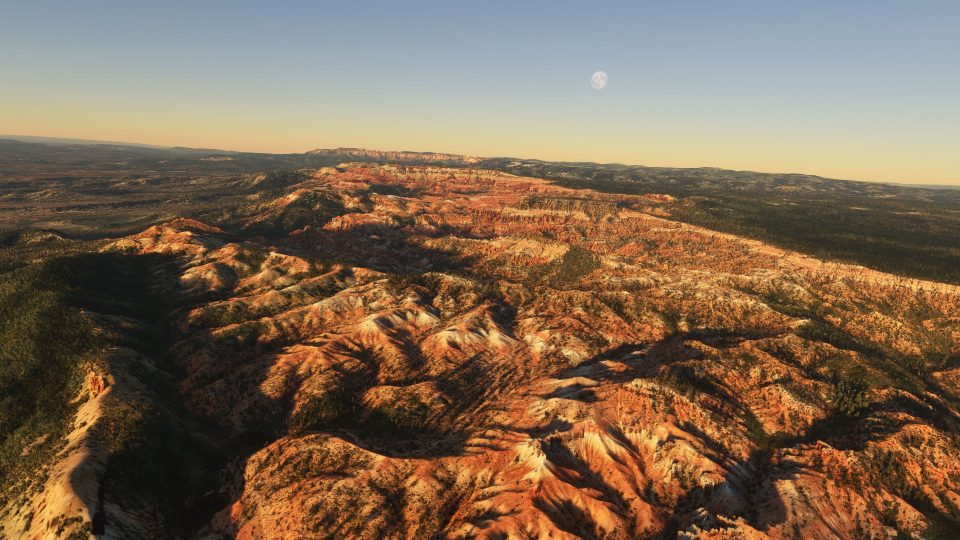
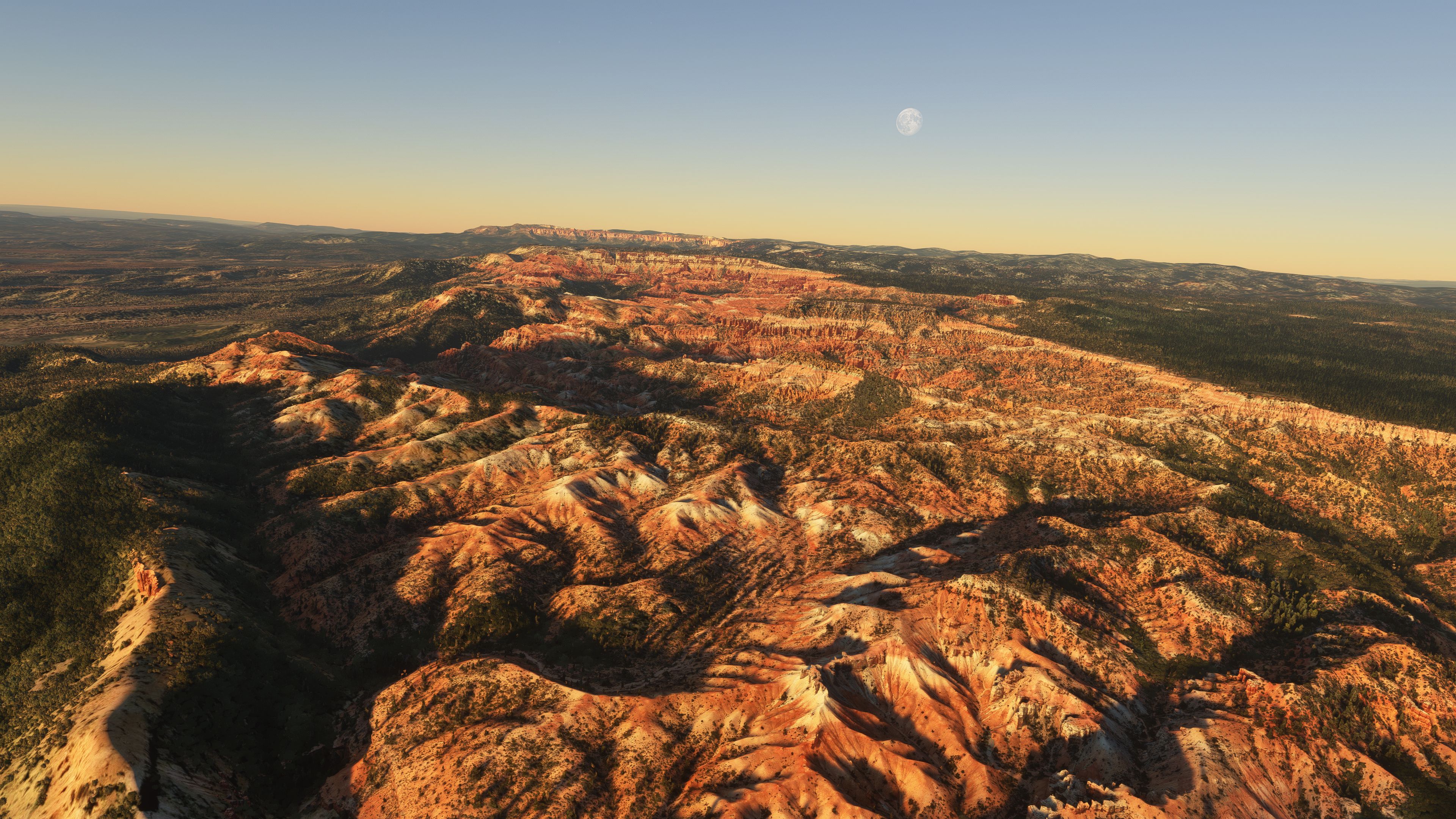
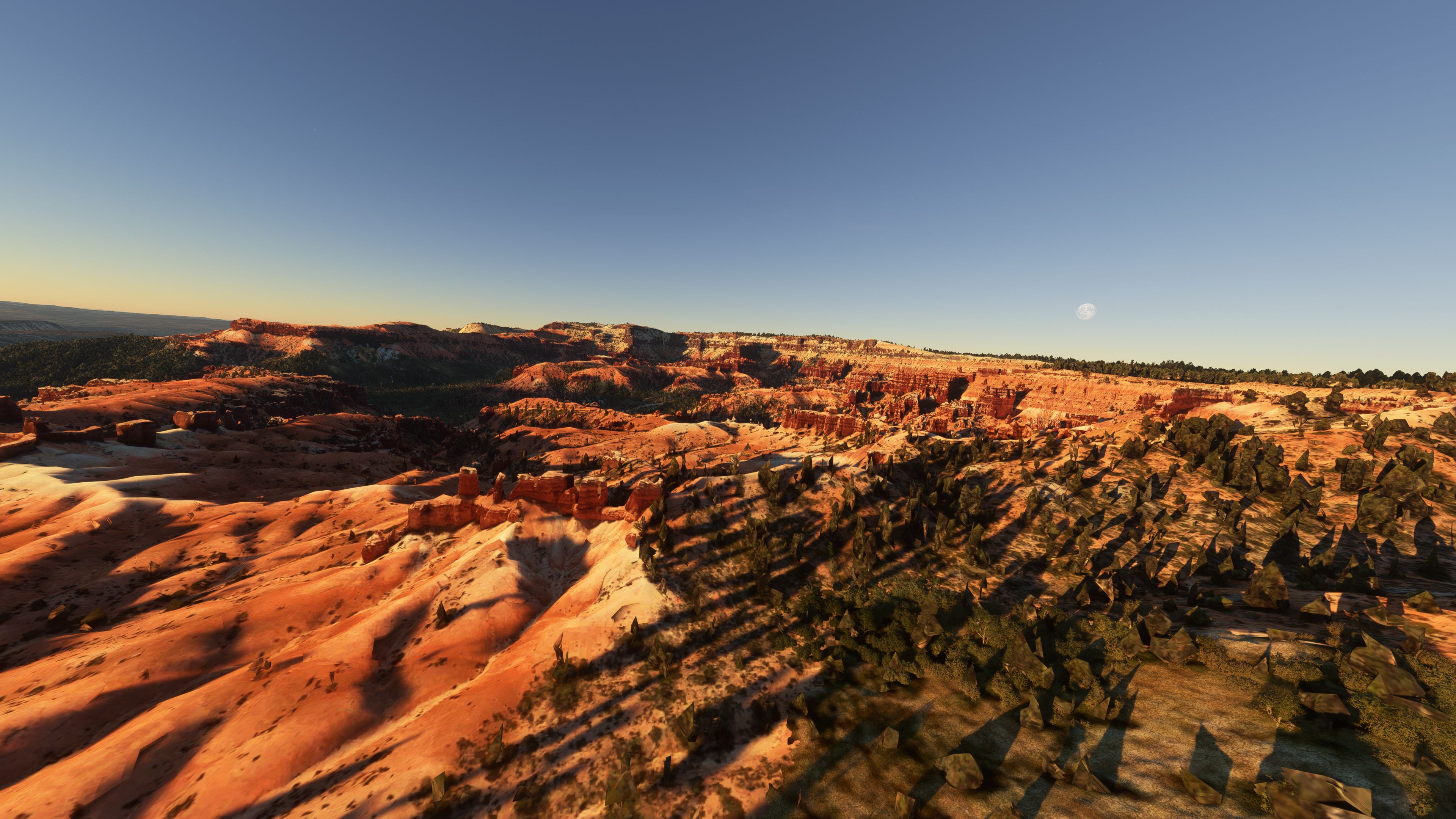
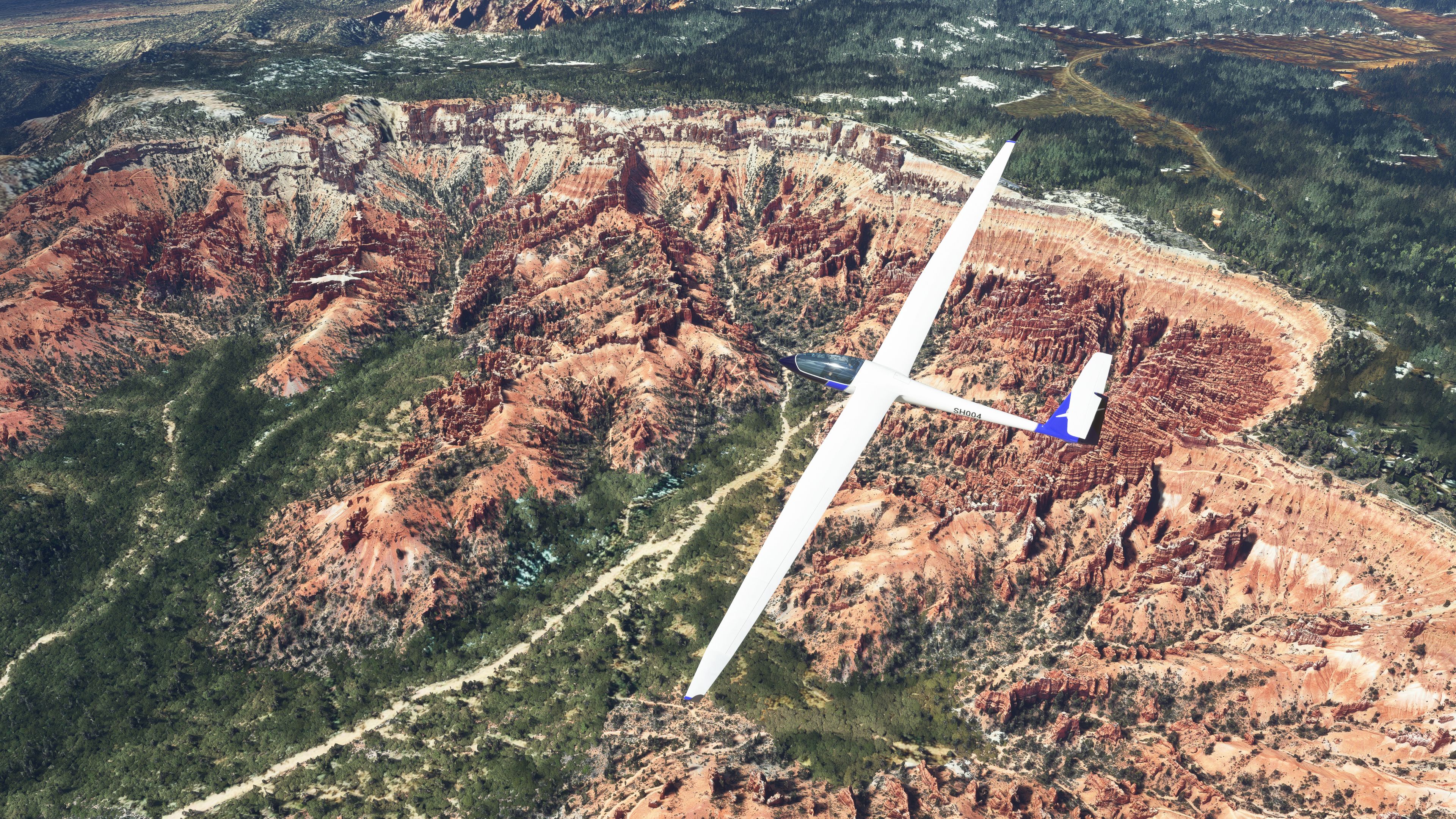
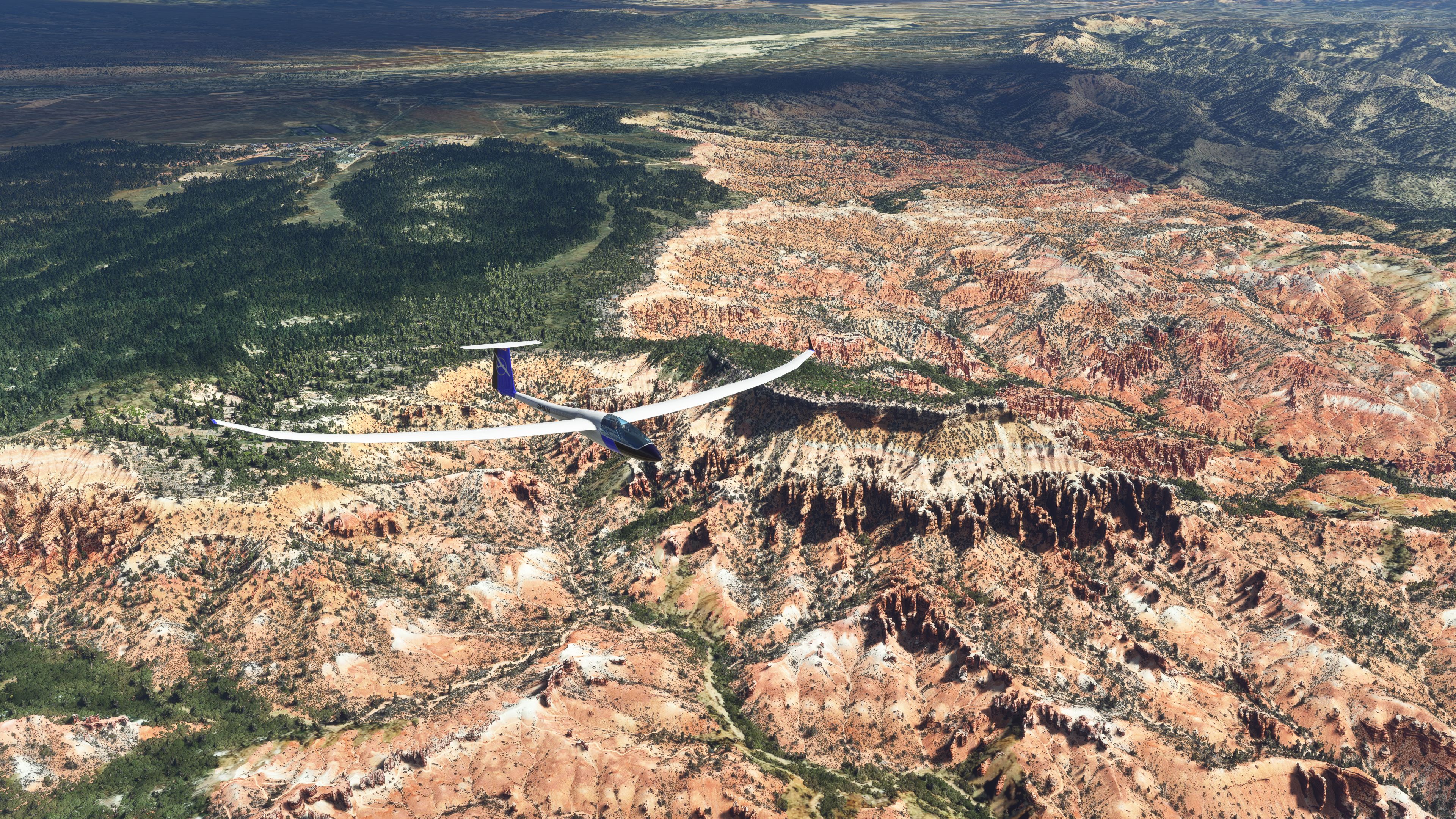
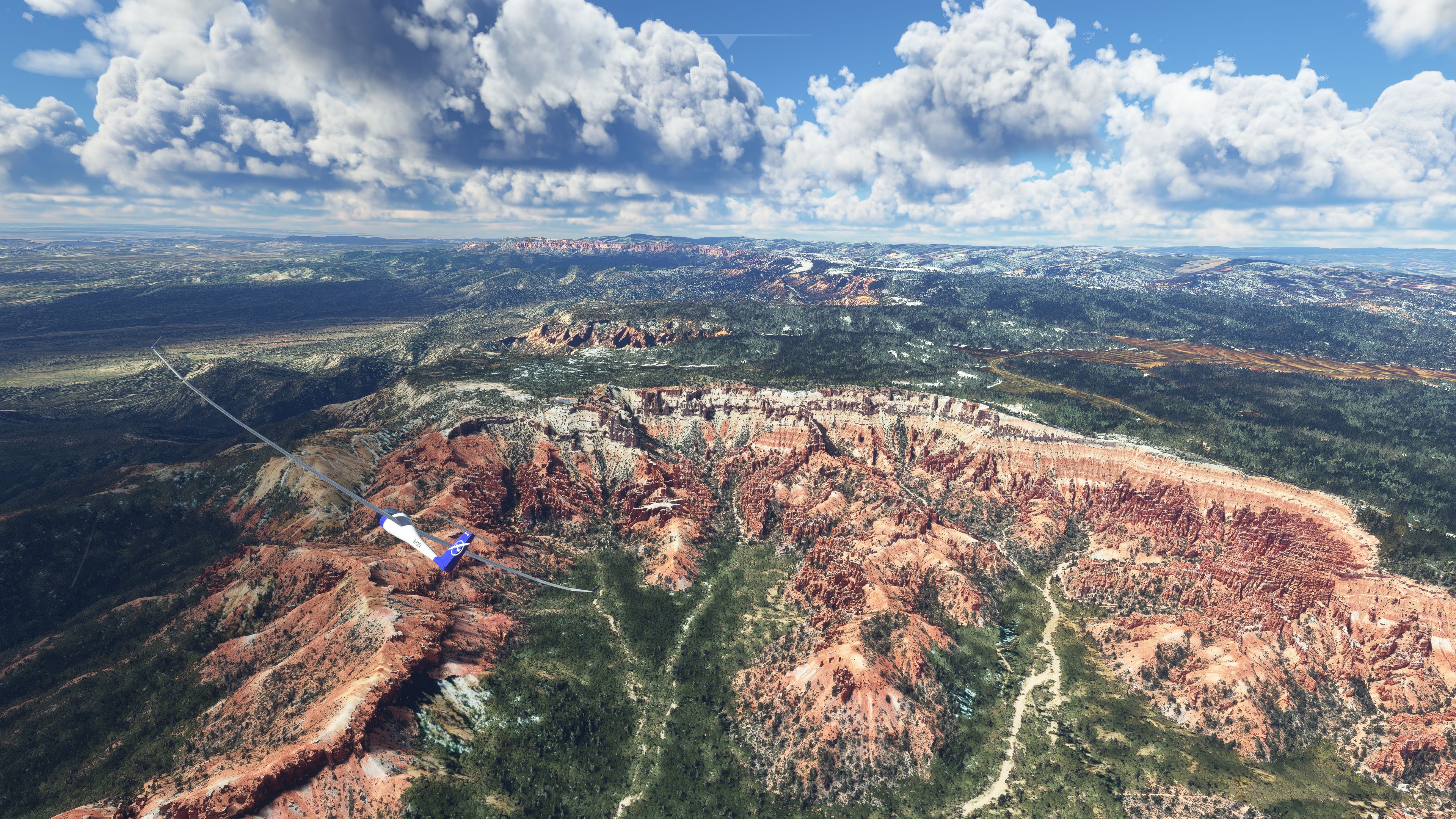
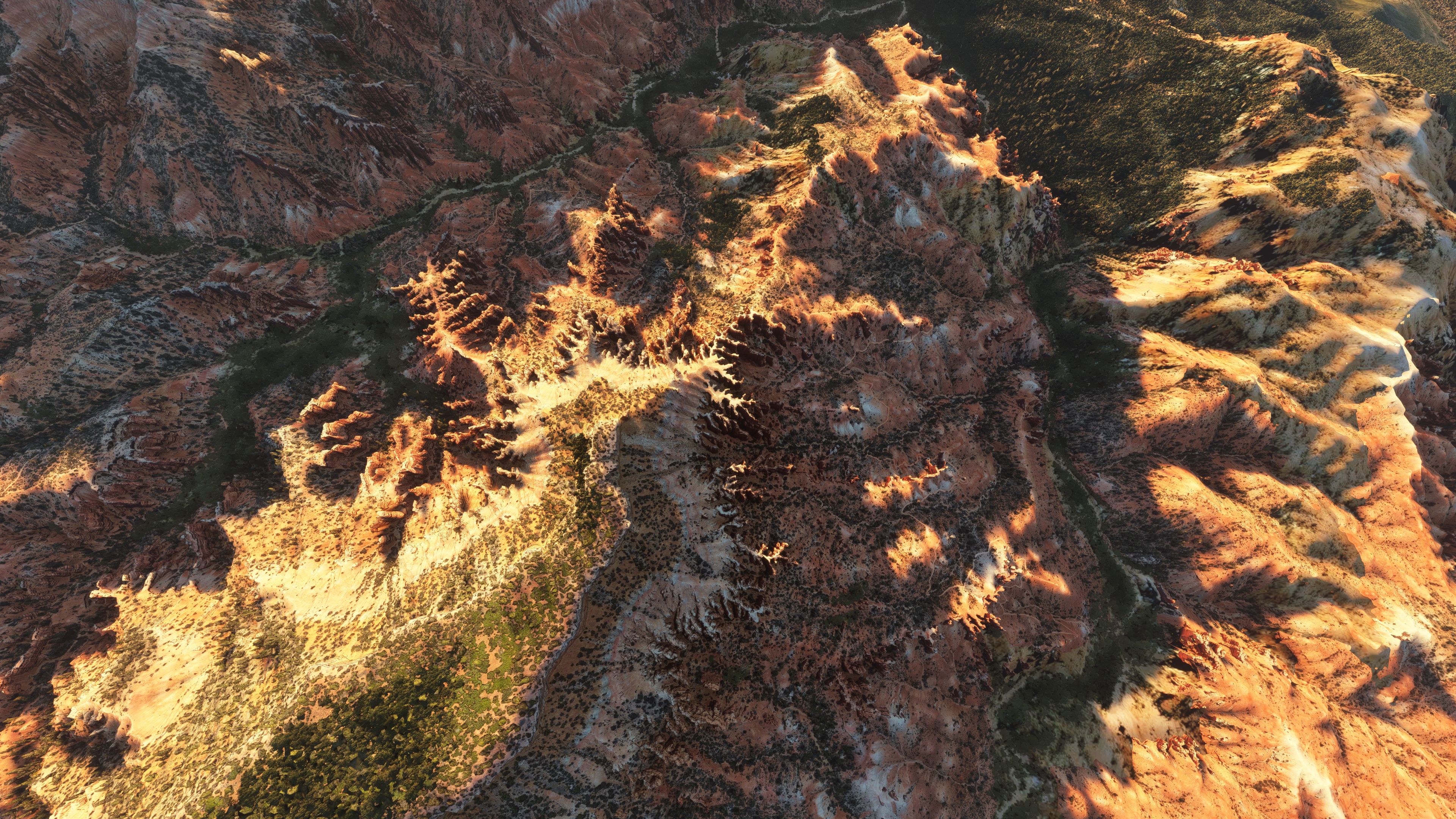
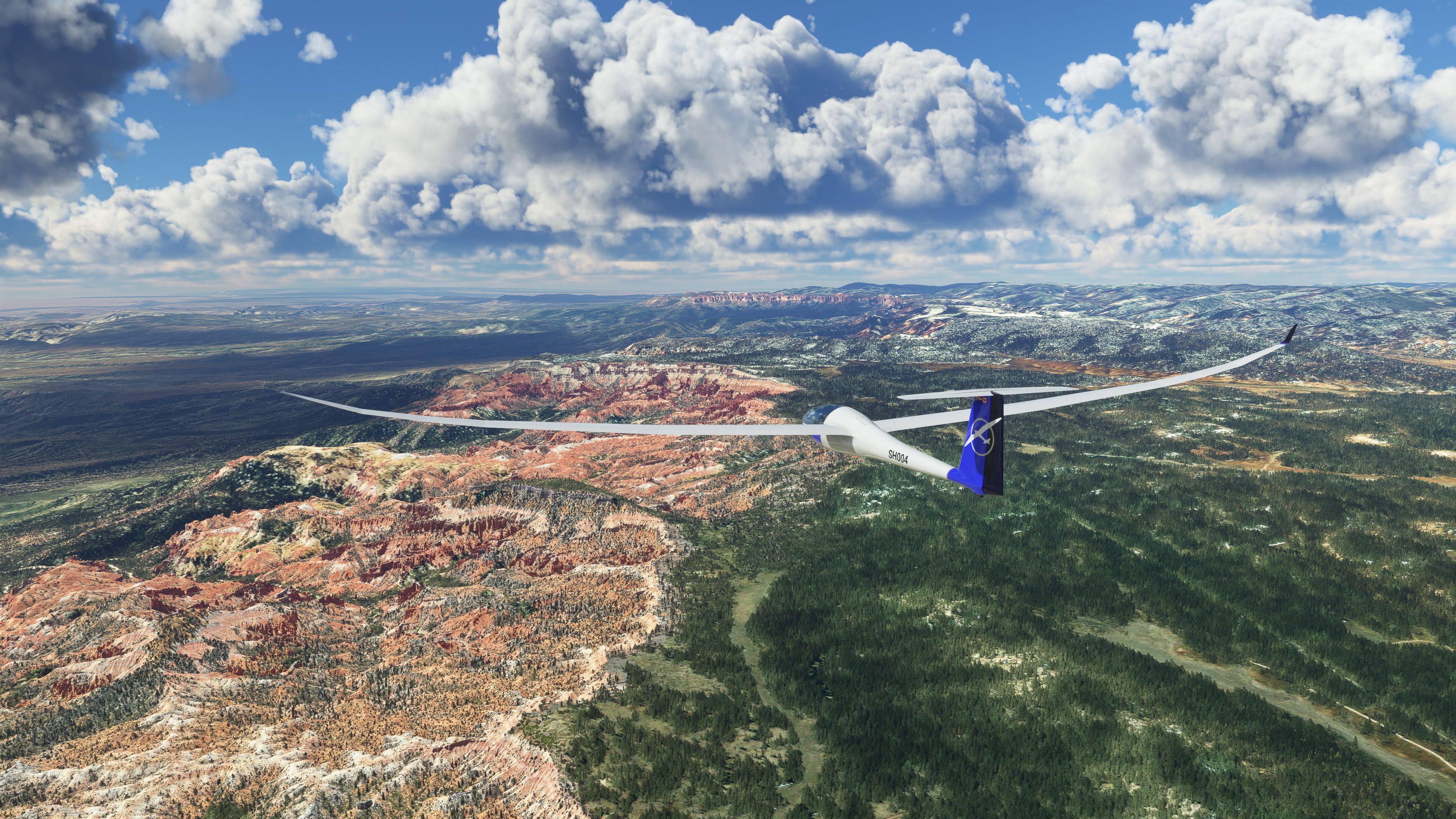
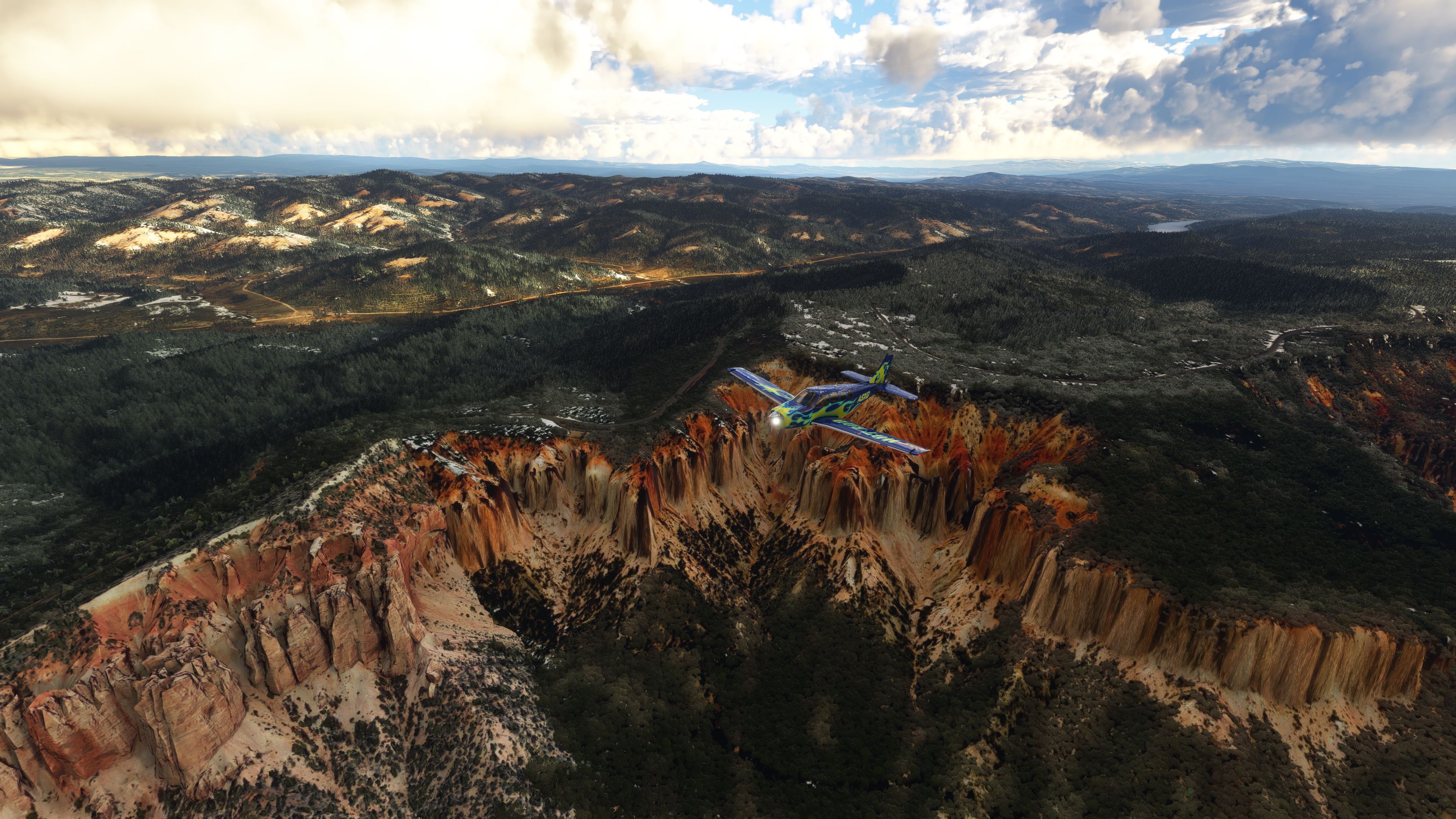
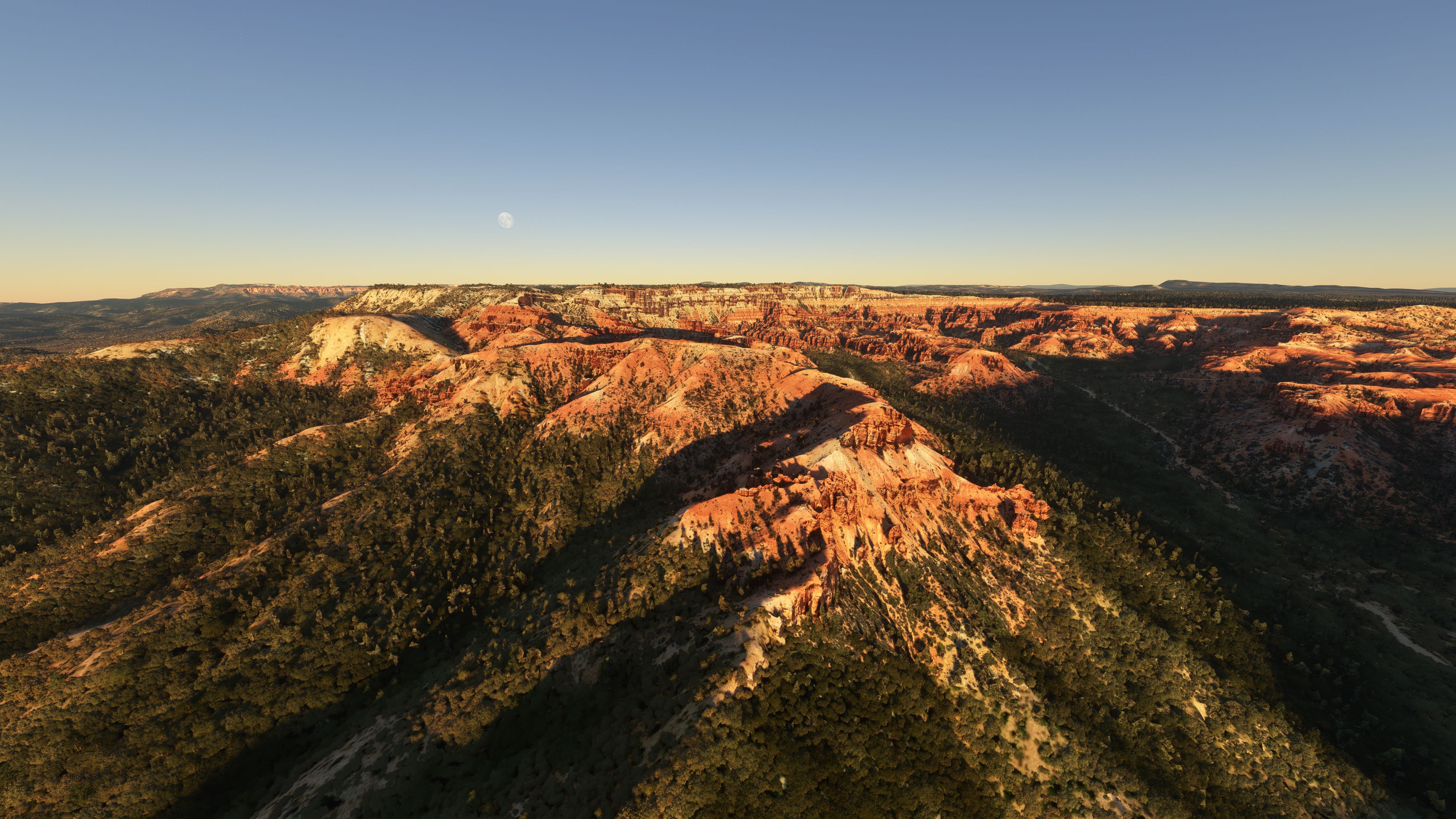
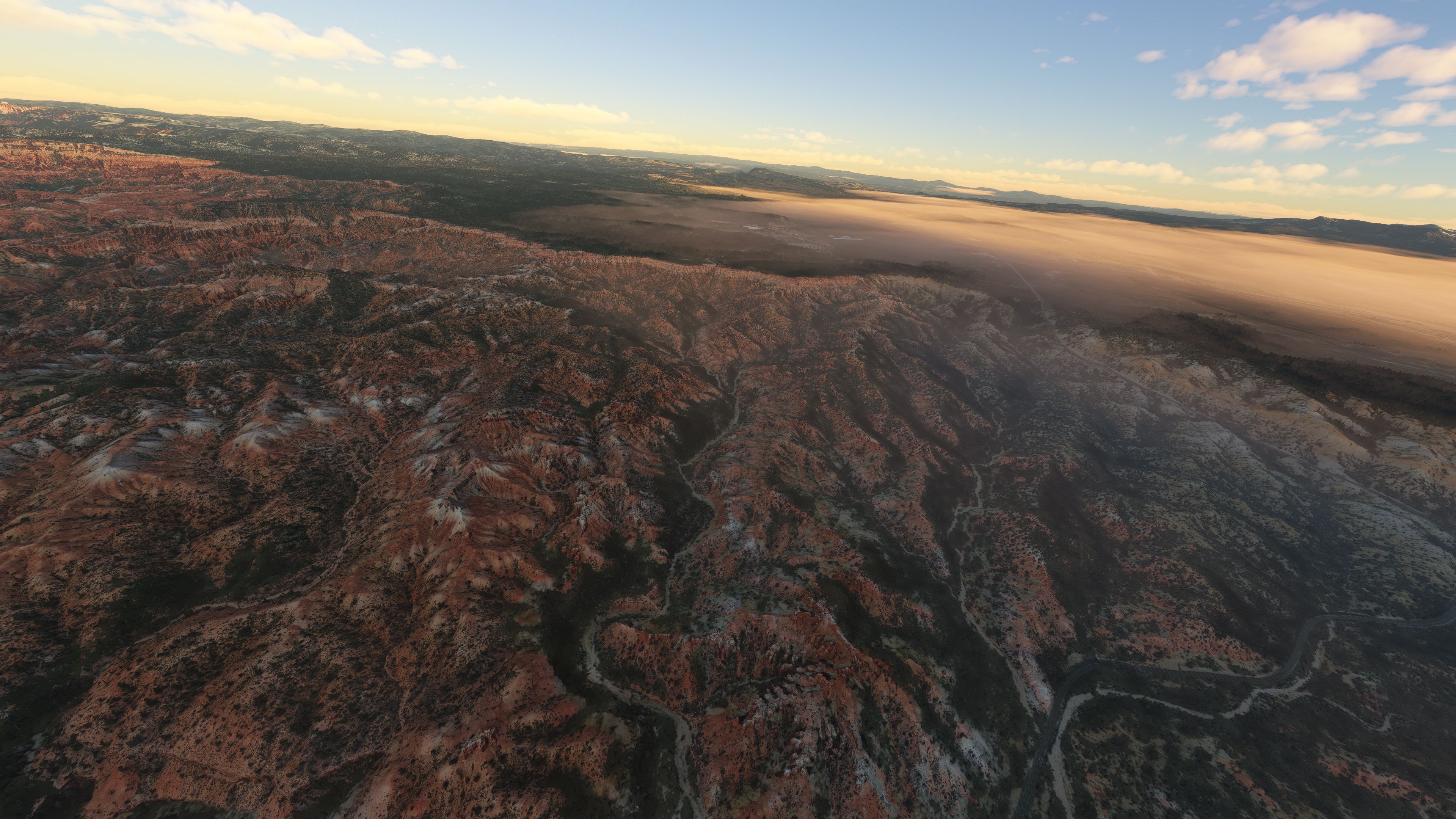
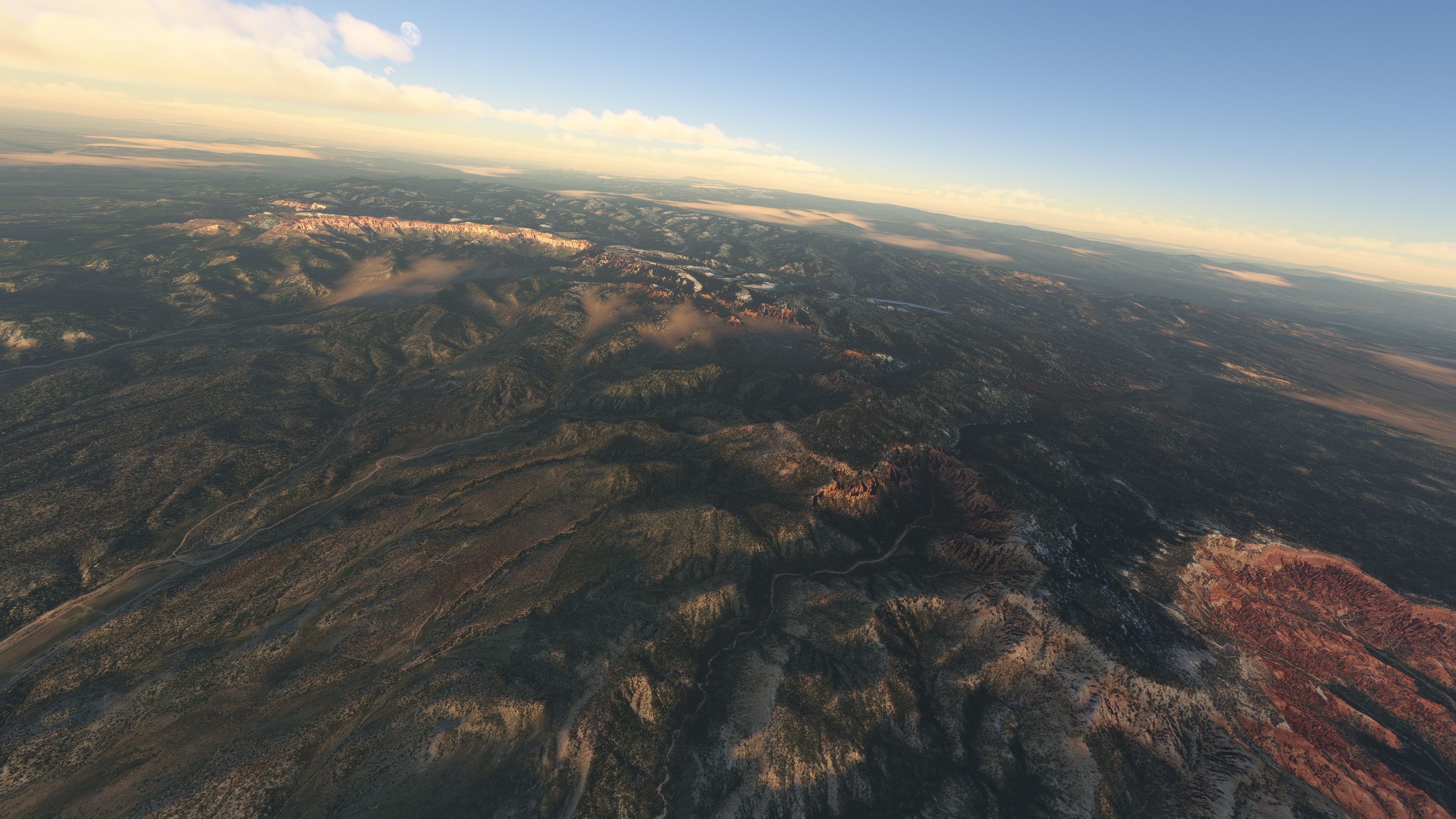
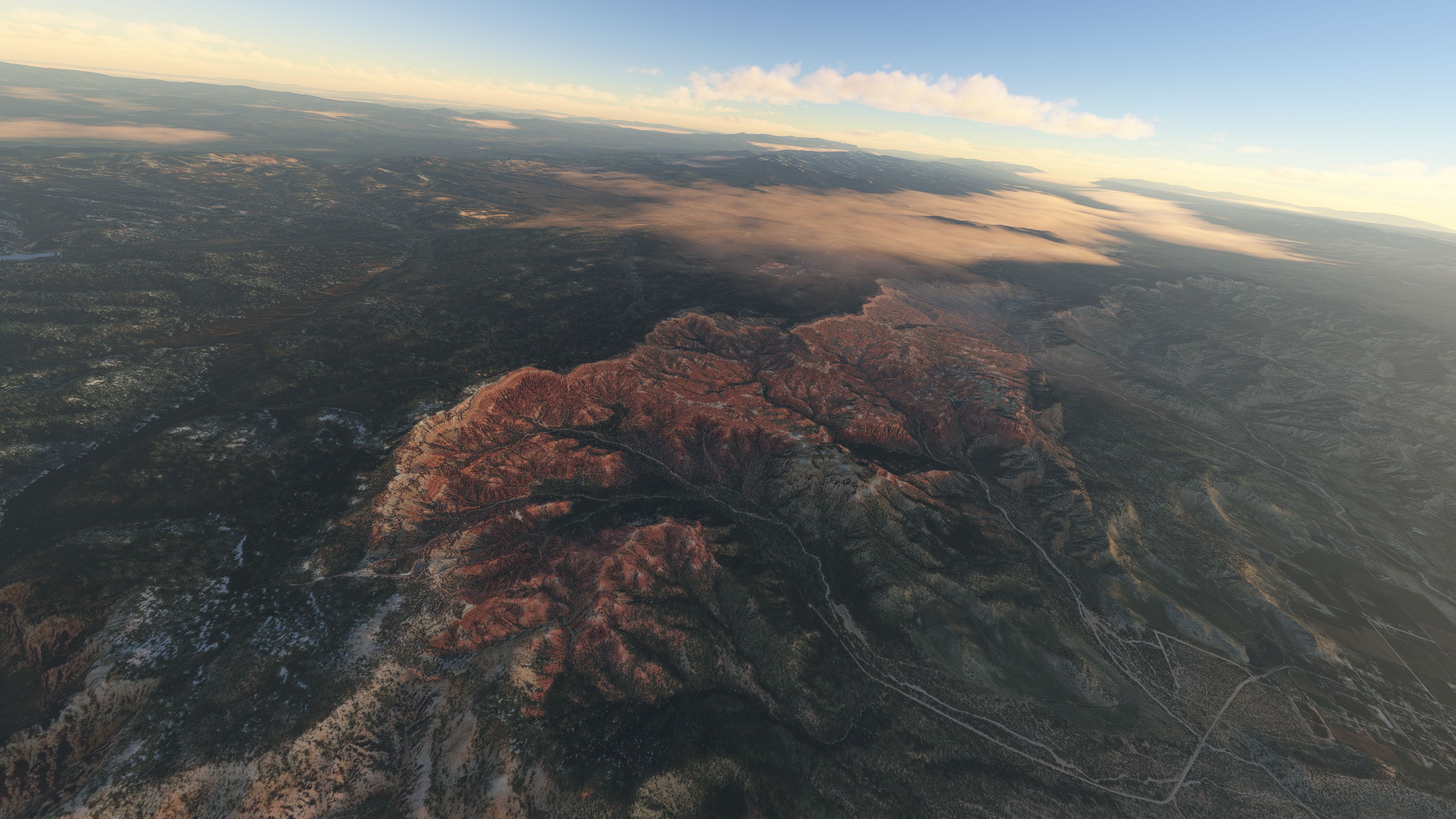
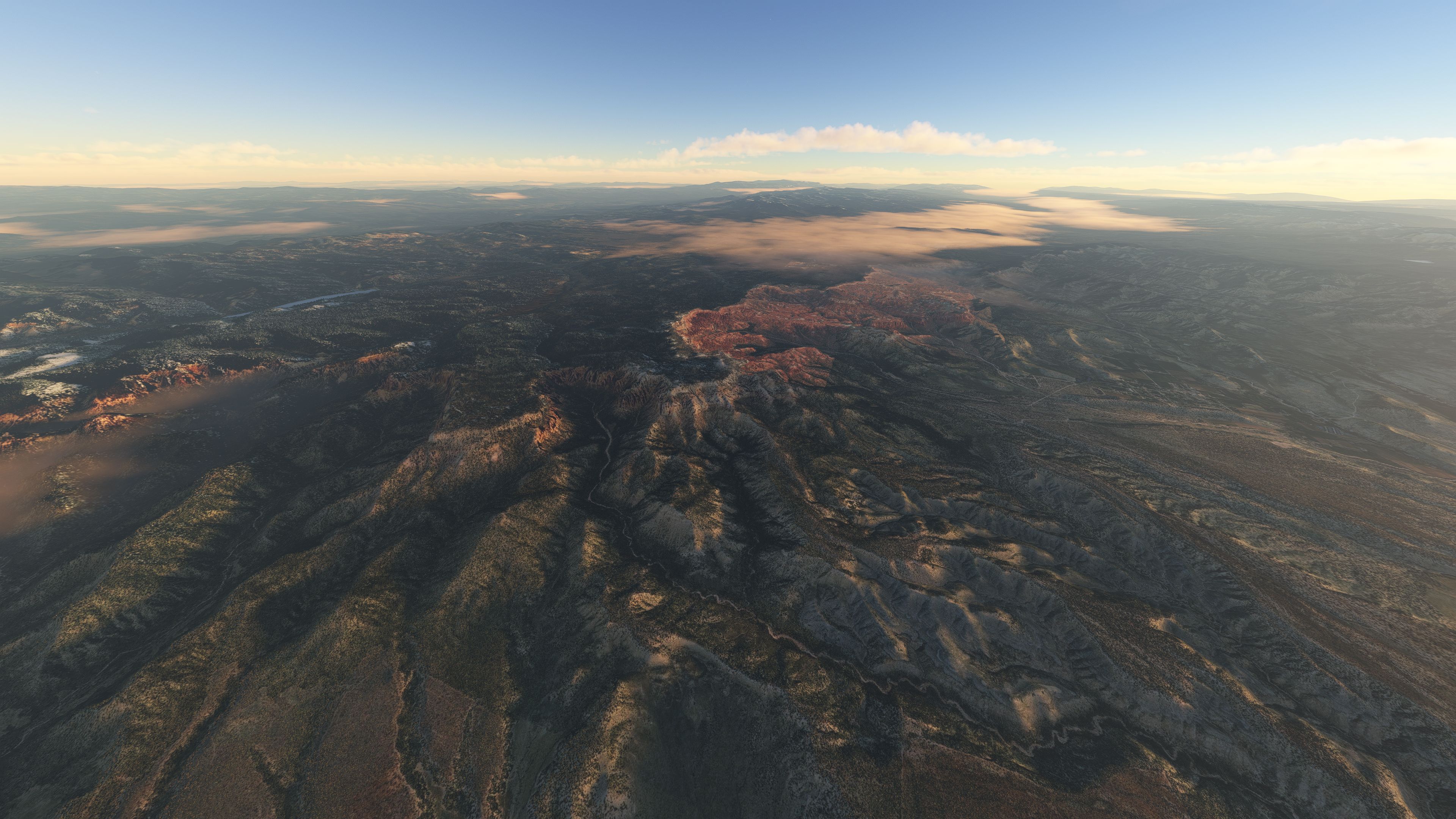
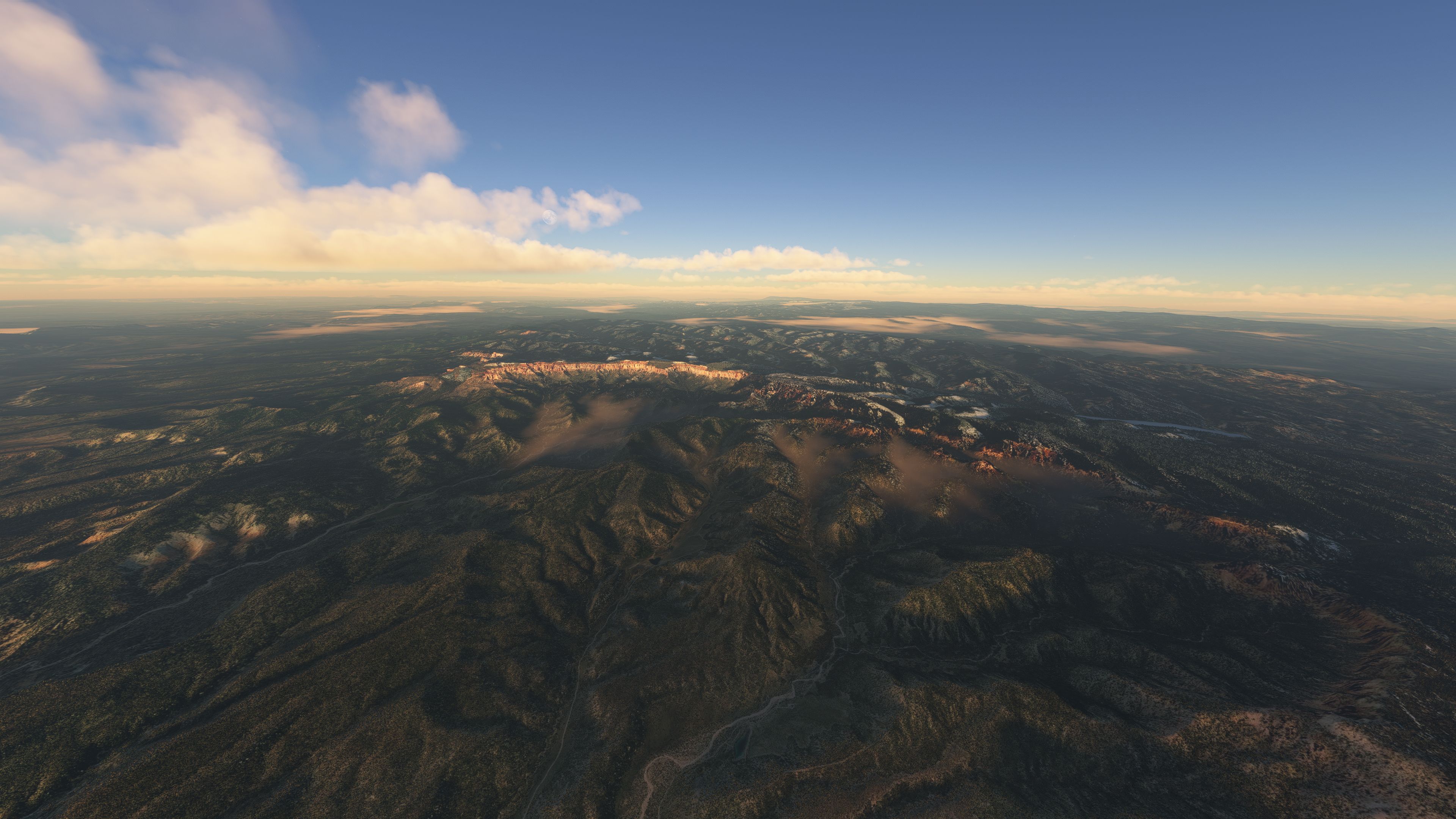
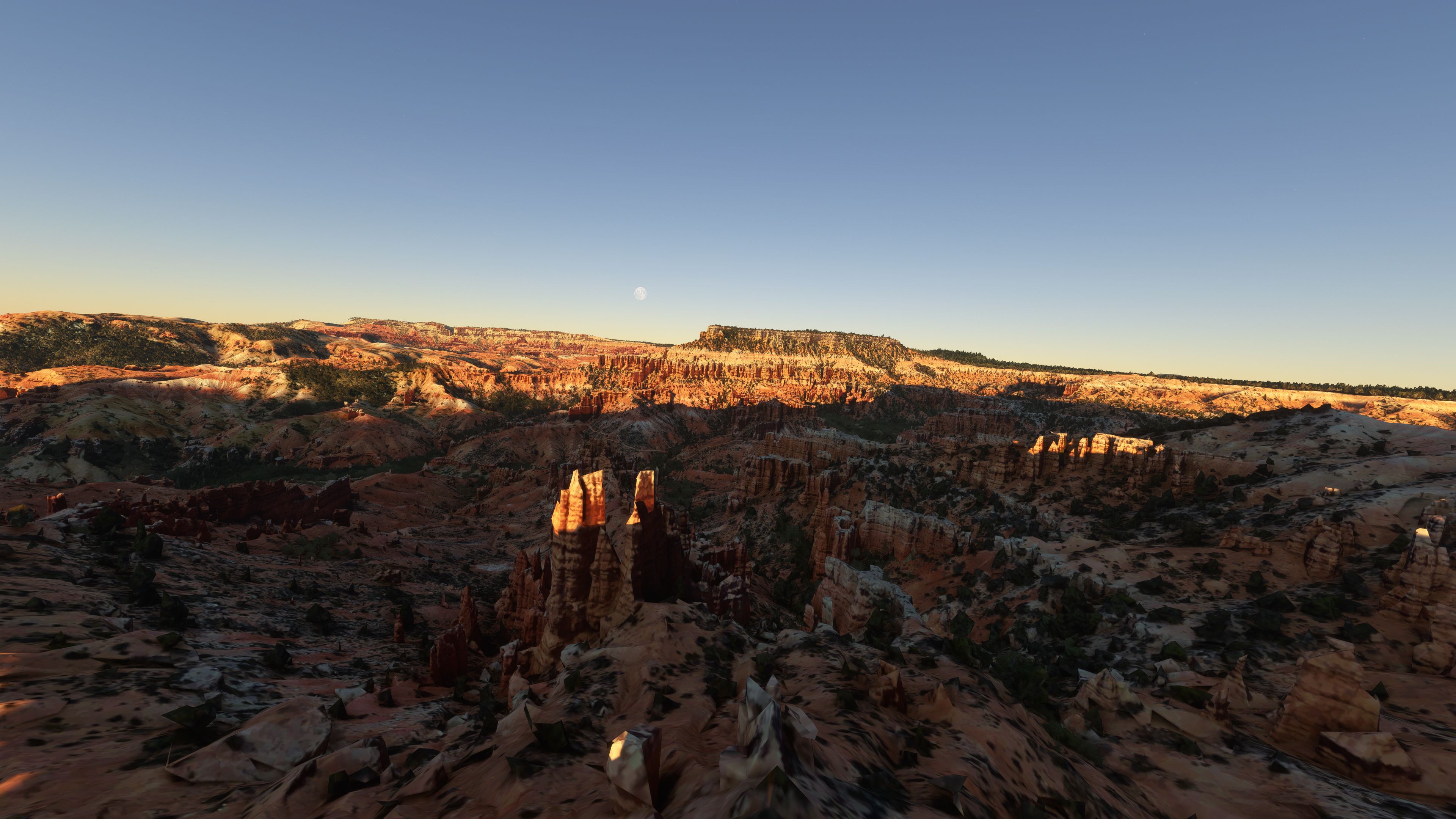
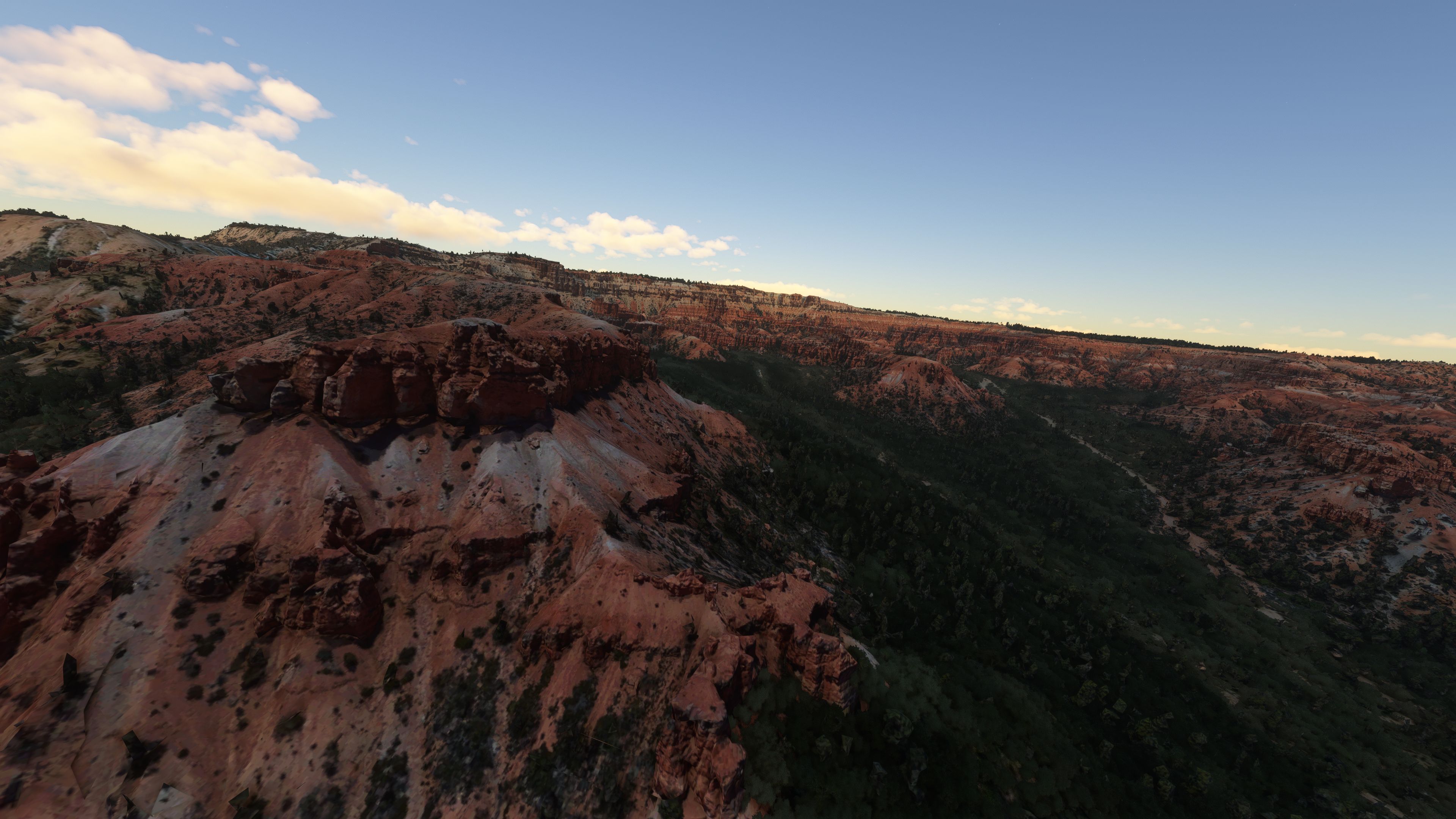
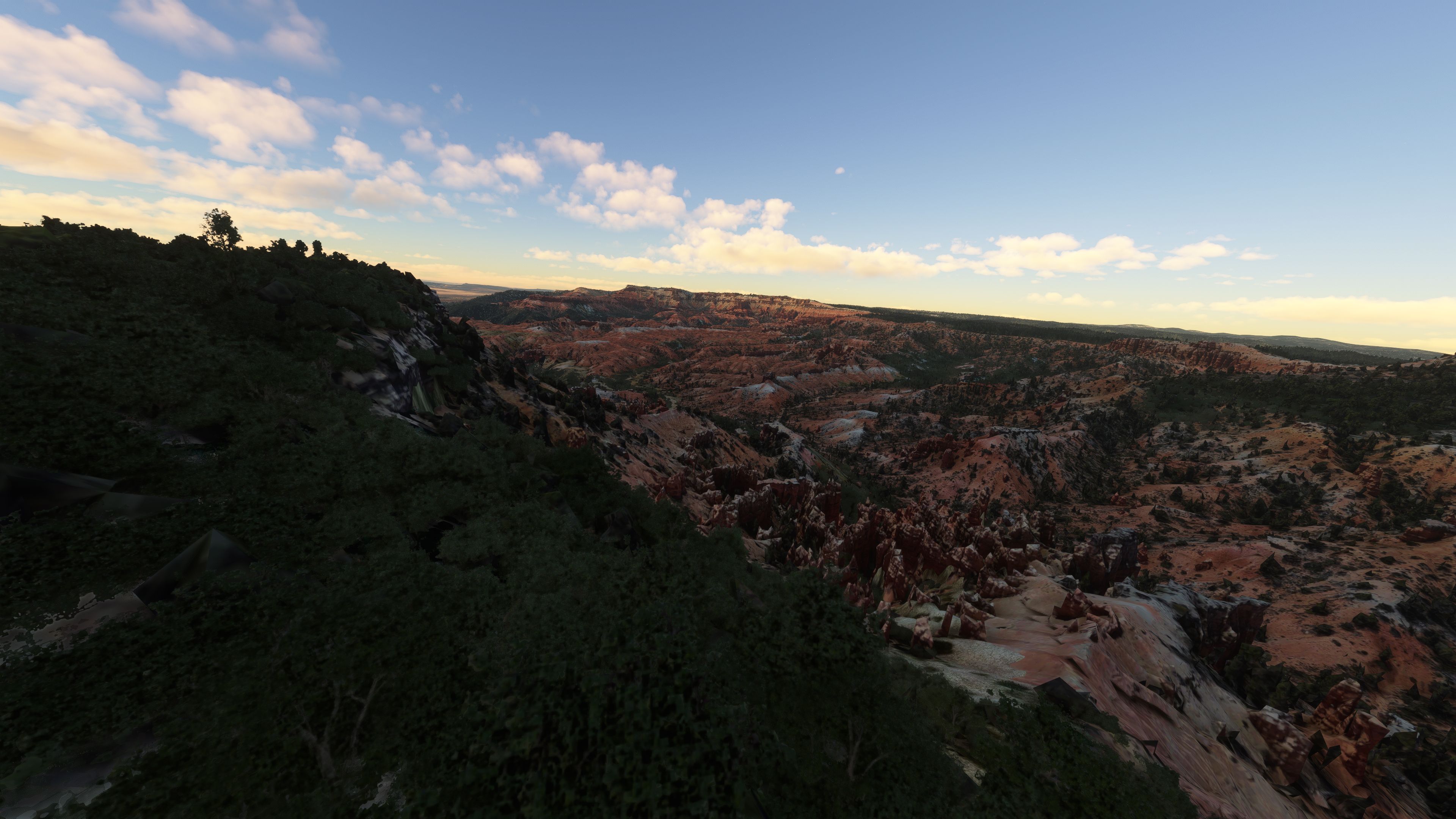
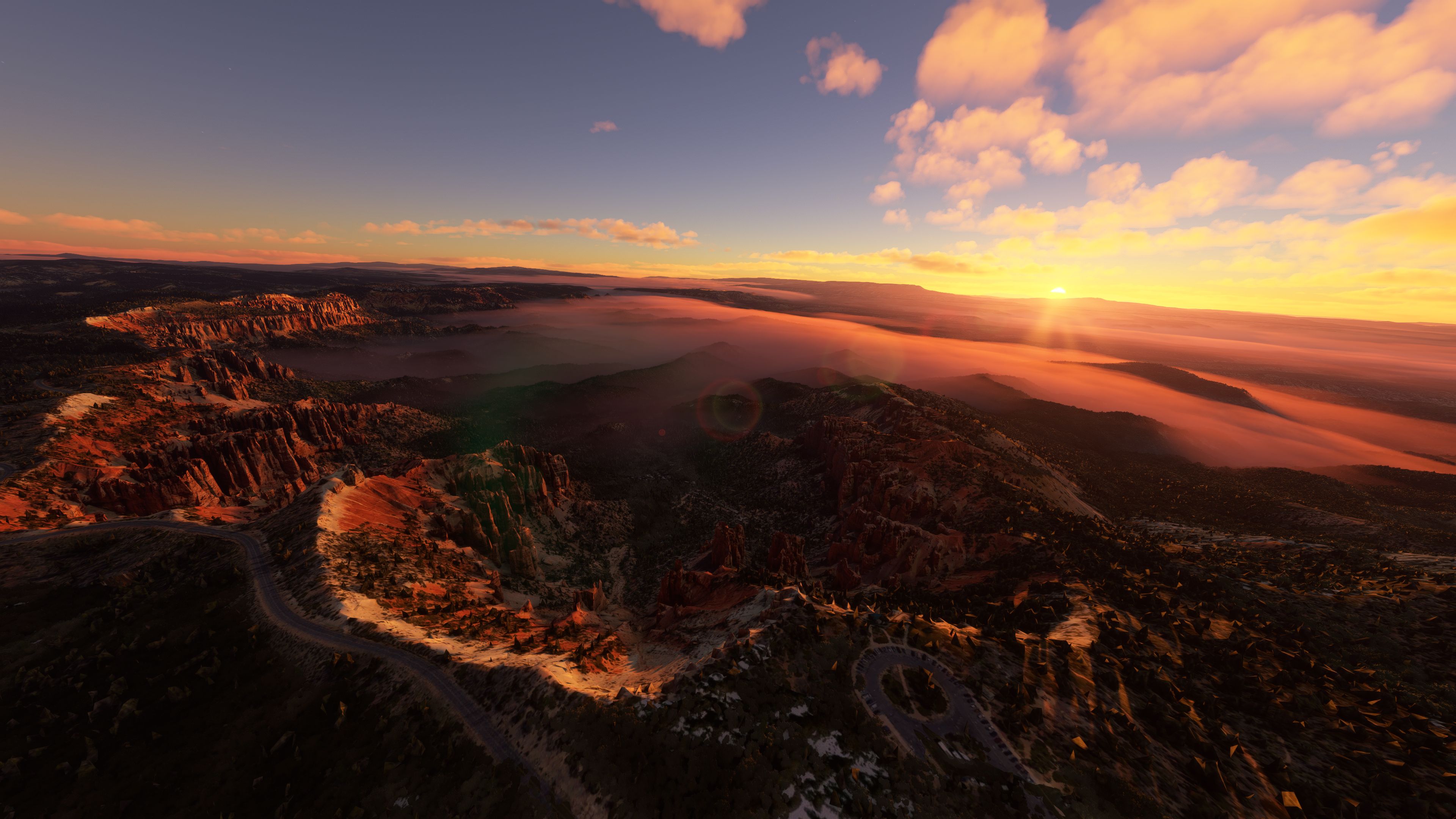
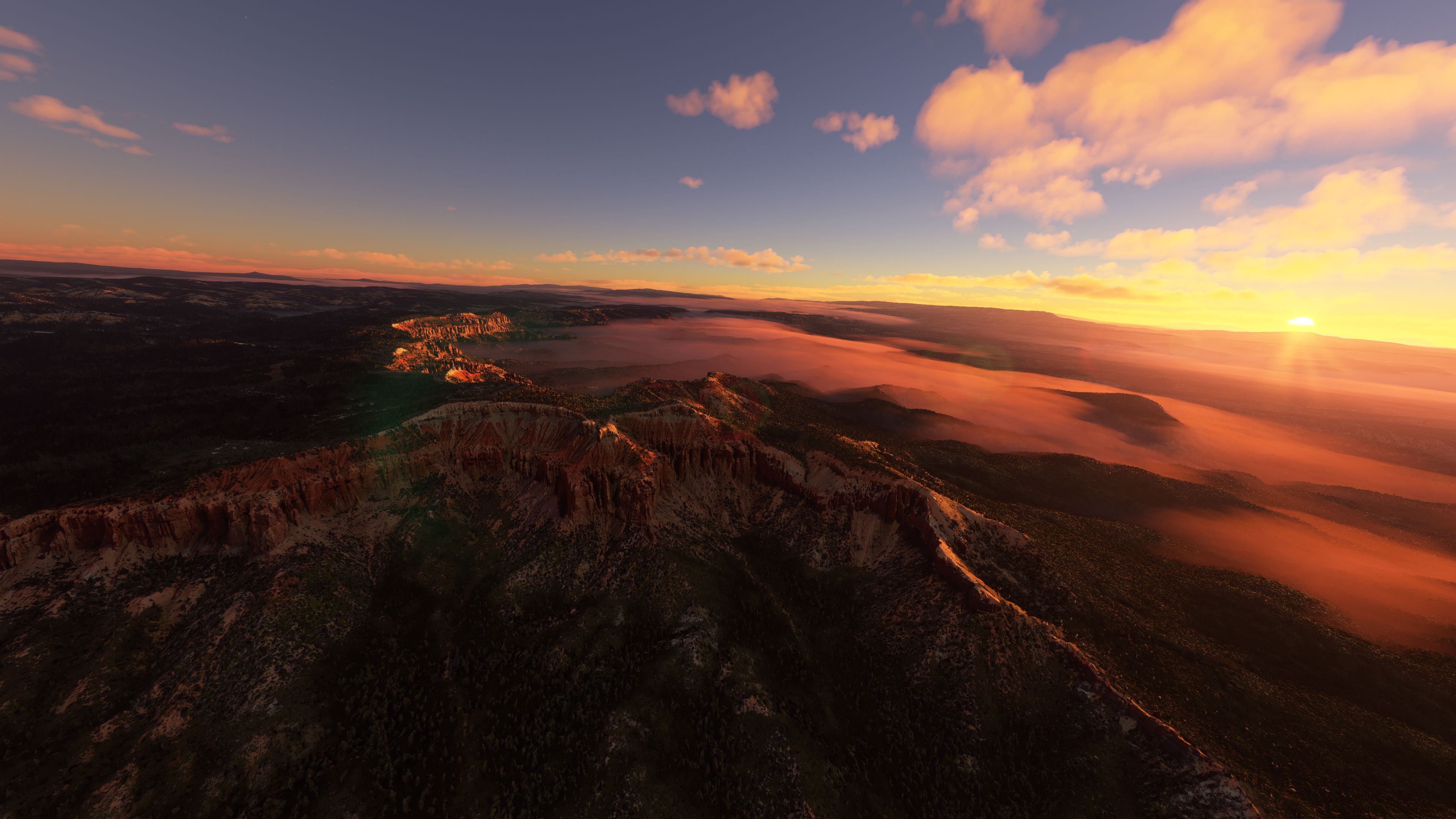
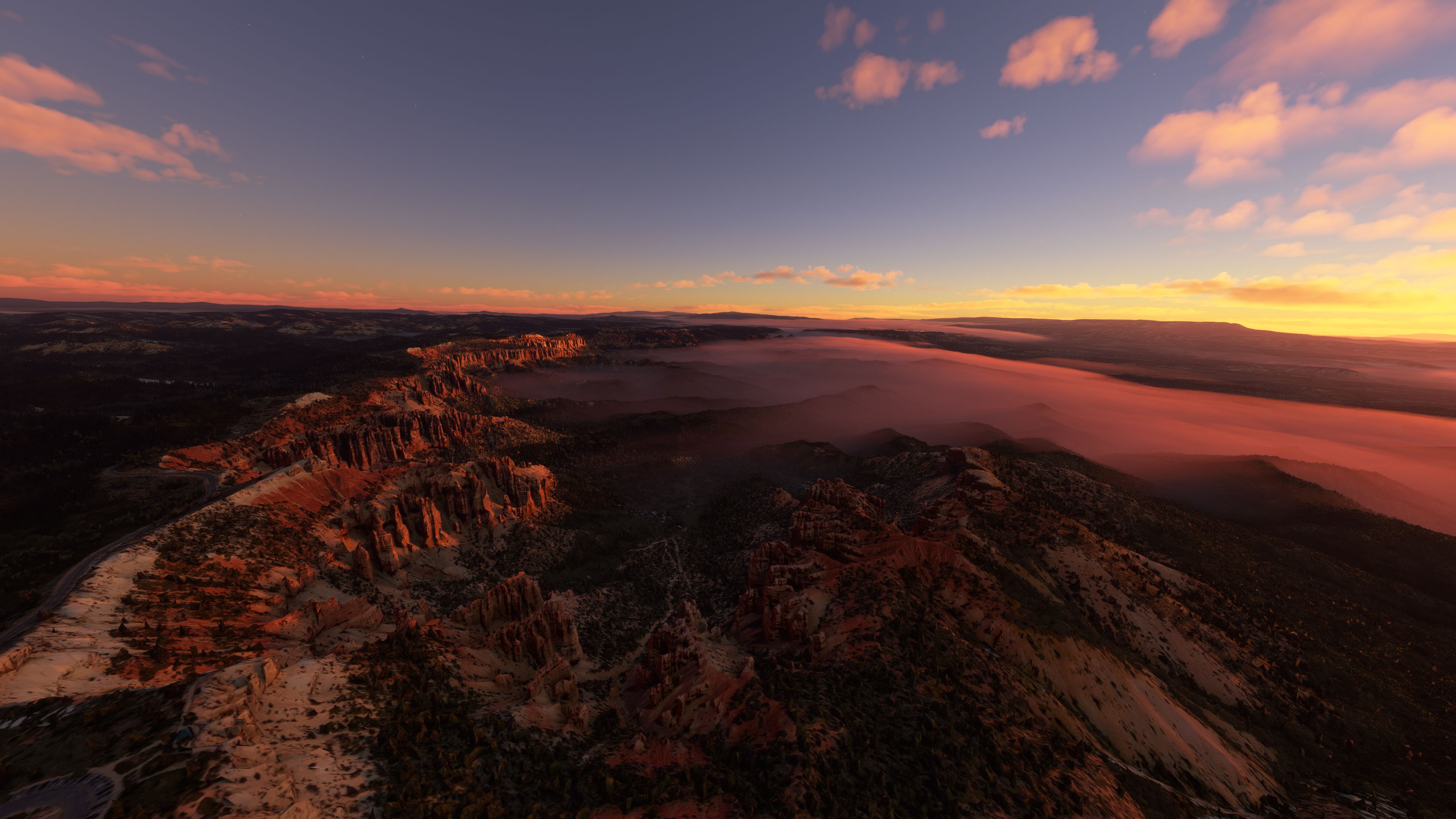
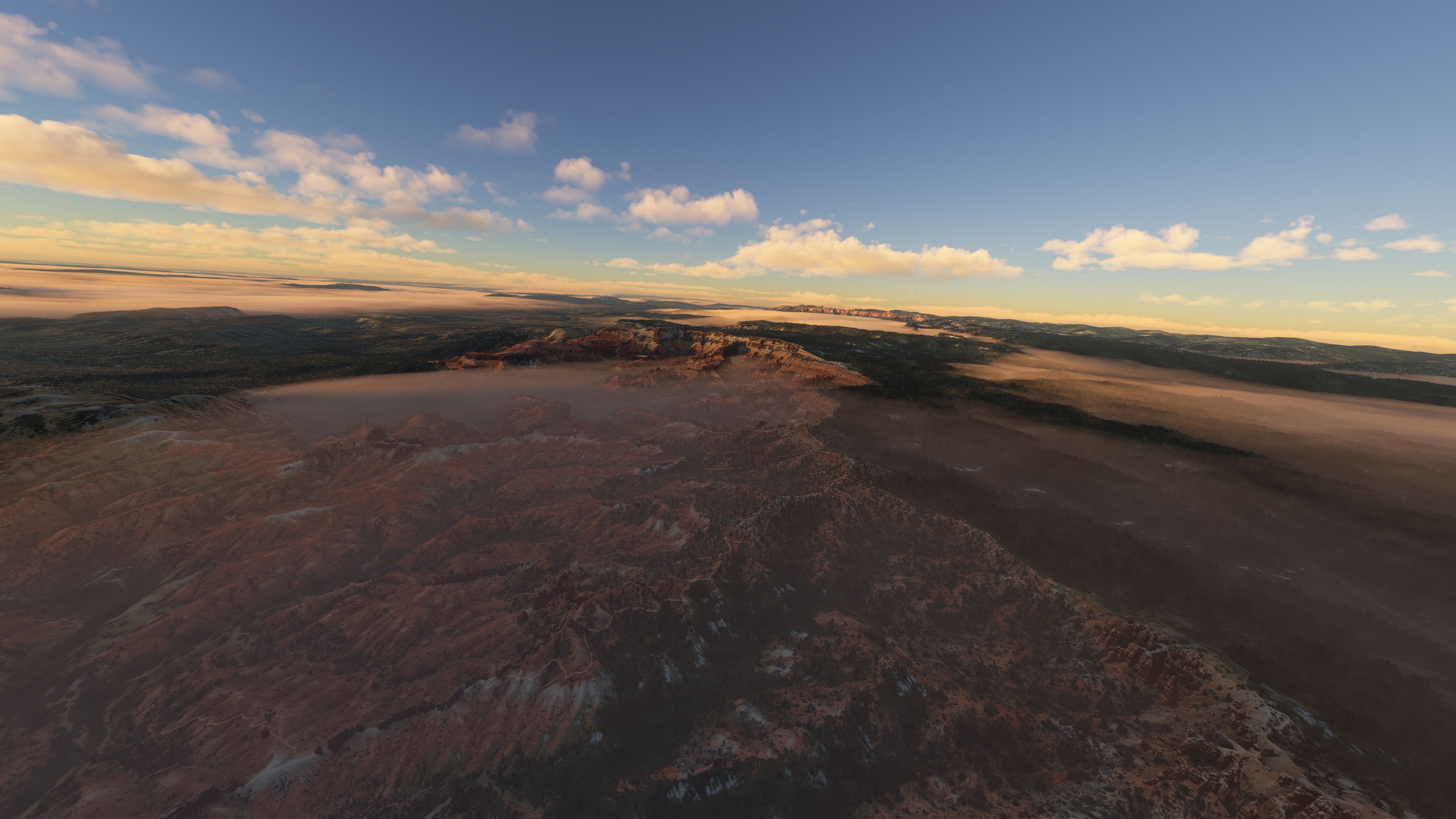
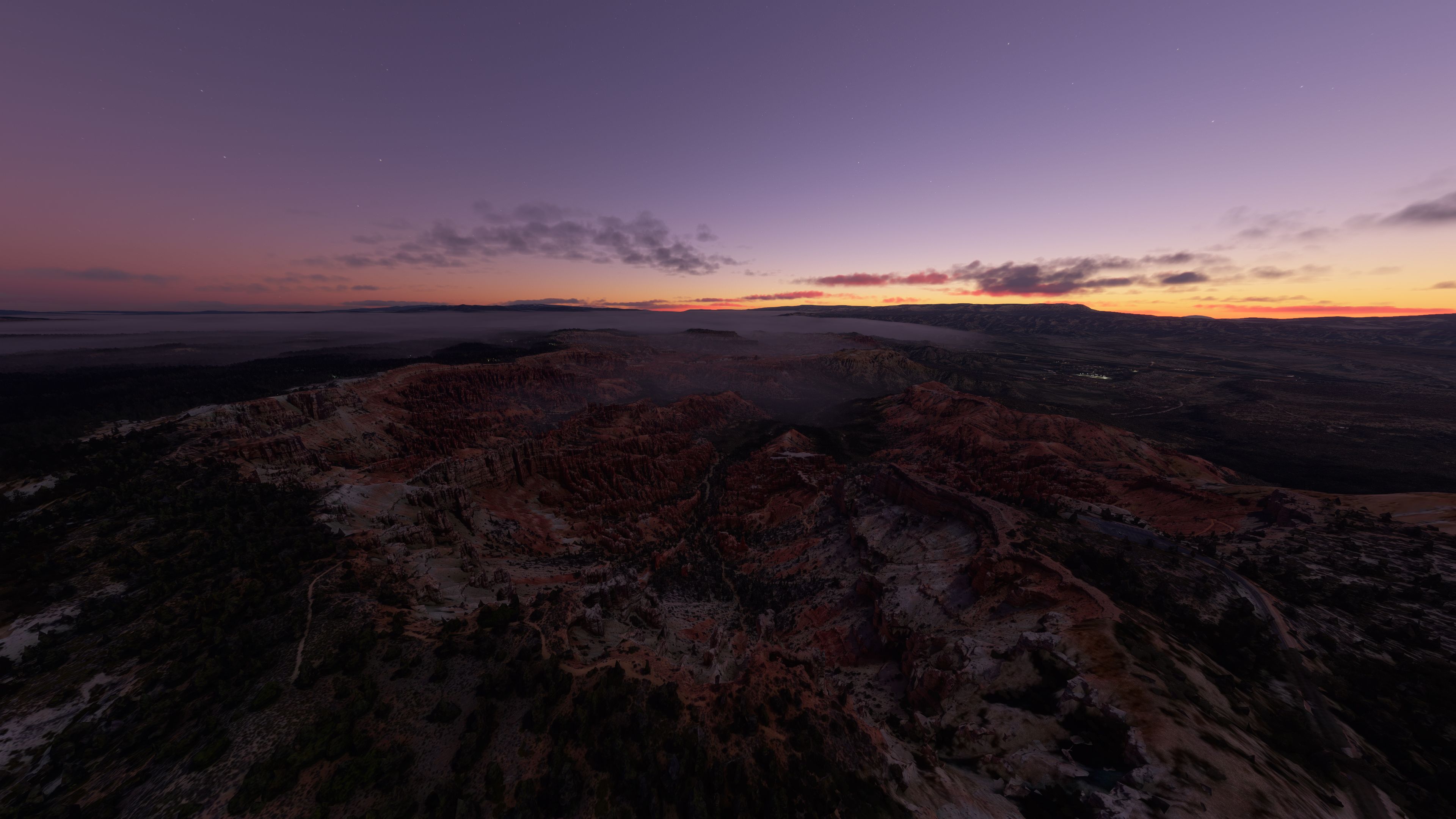
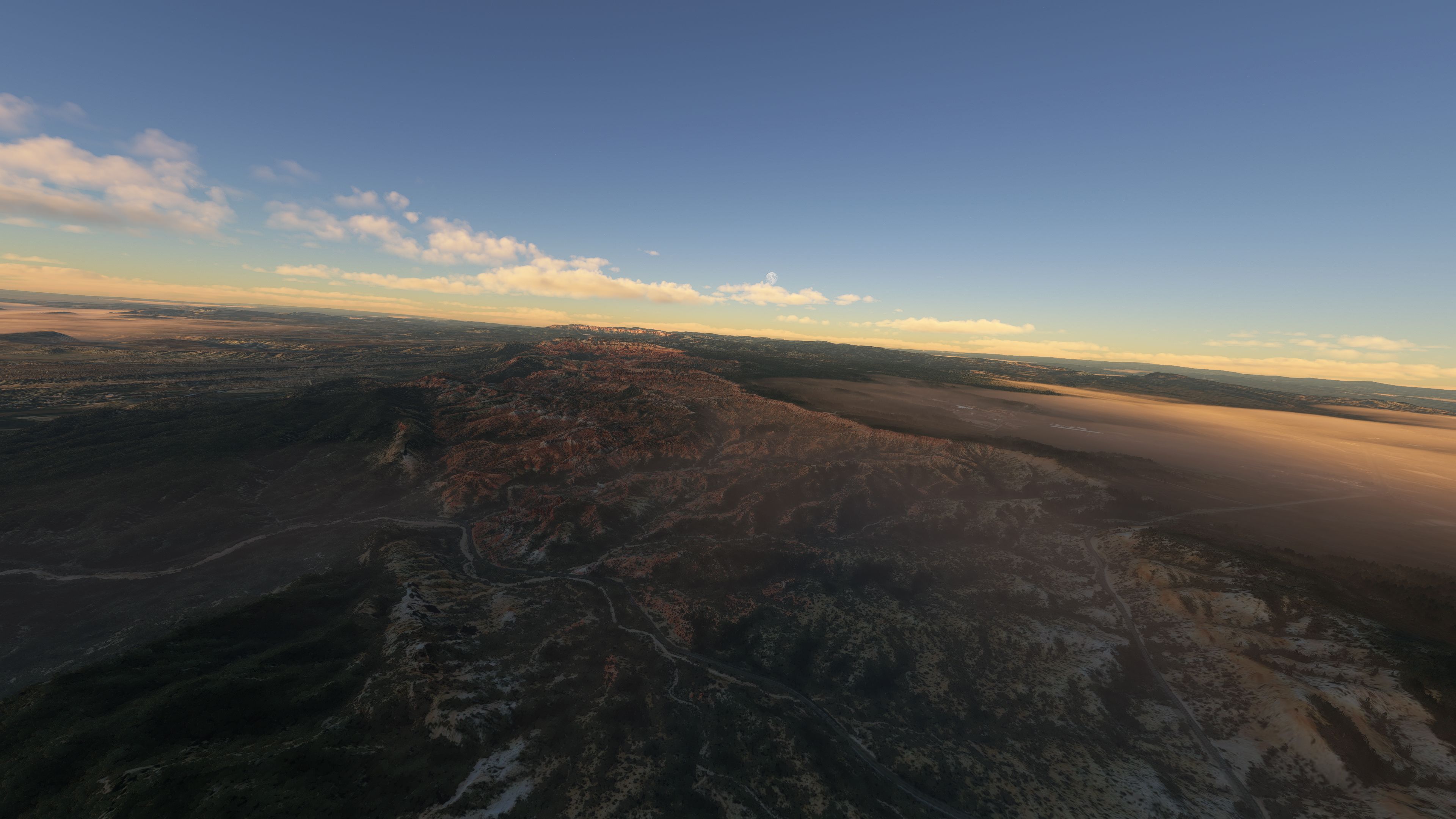
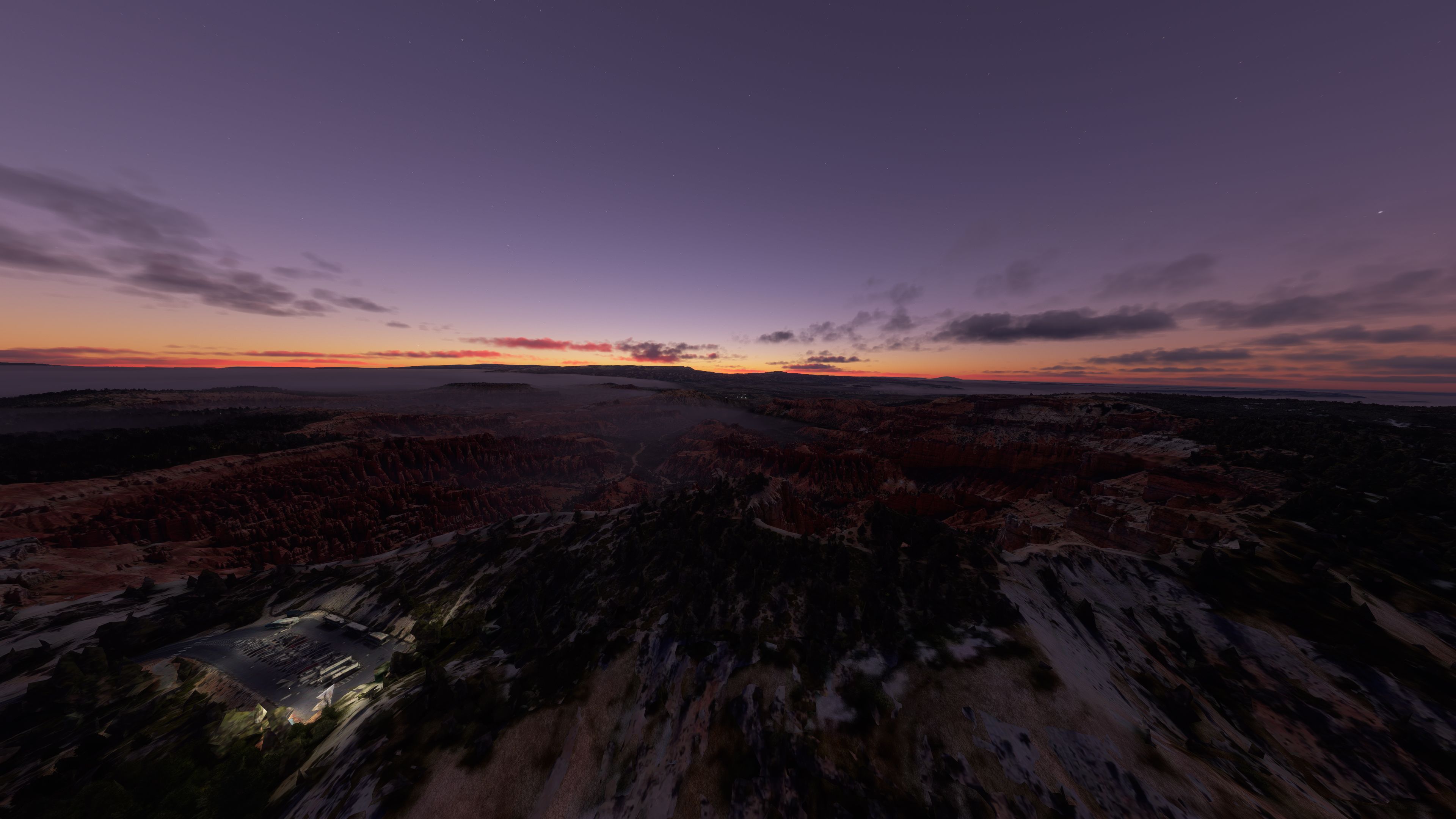
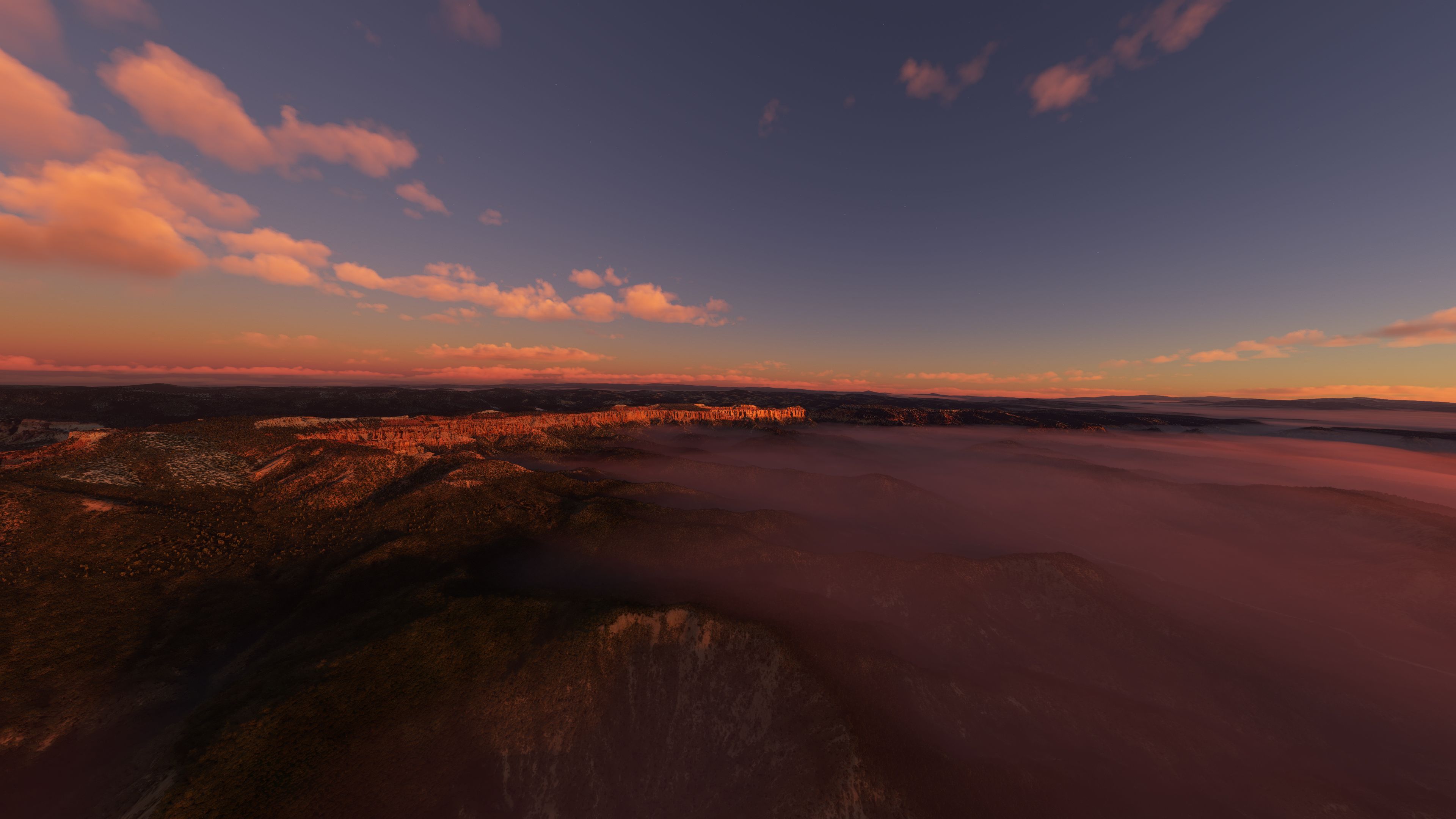
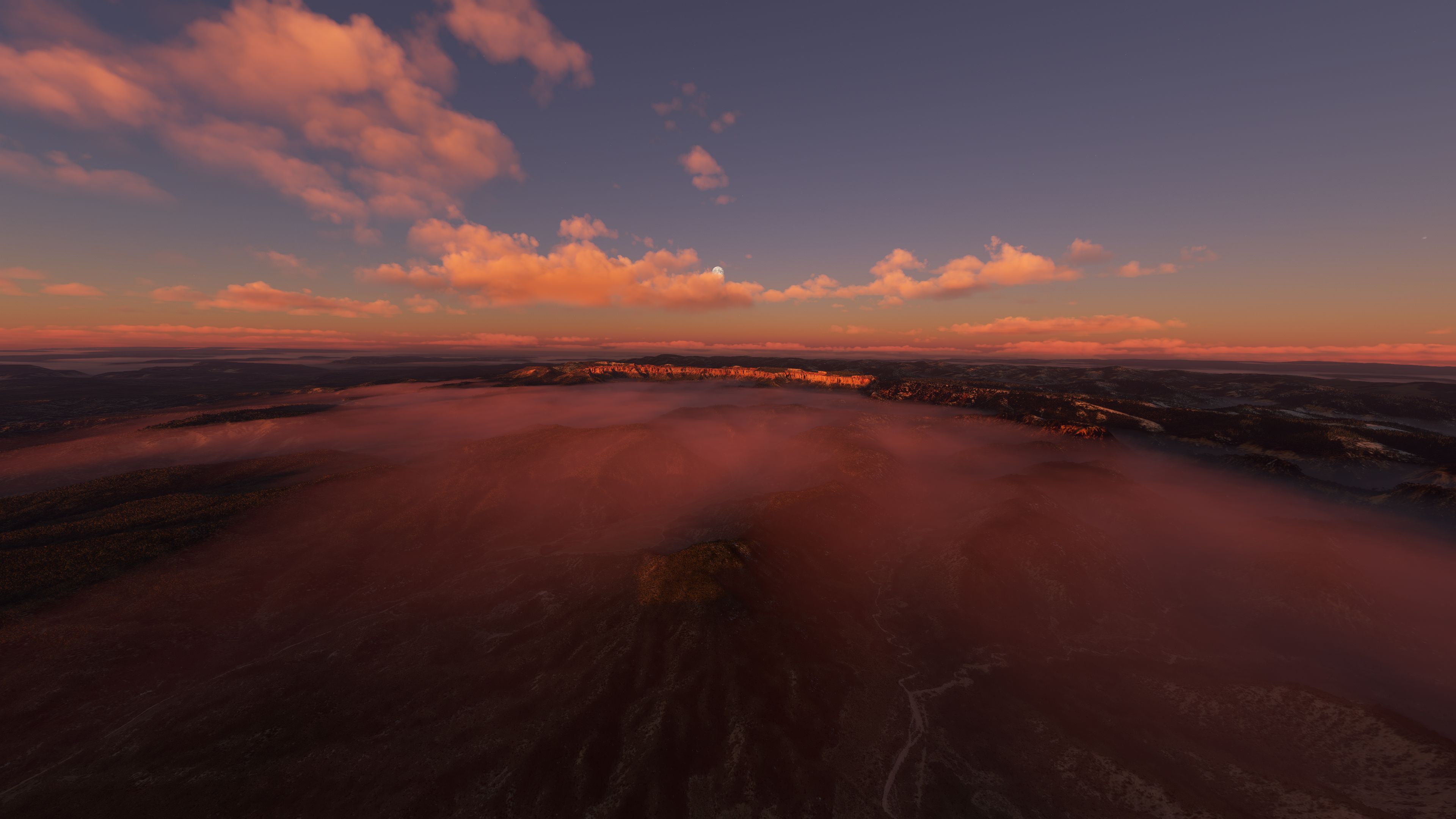
Bryce Canyon National Park springs to life with updated photogrammetry and refined textures that blend cleanly with the default terrain, highlighting signature hoodoos and viewpoints from Fairyland to Rainbow Point. Version 2 expands coverage north and south and adds polish across three areas for richer sightseeing in Microsoft Flight Simulator.

This comprehensive scenery add-on by developer Jeppeson2001 refreshes Bryce Canyon National Park in Microsoft Flight Simulator with enhanced photogrammetry and expanded coverage across its iconic hoodoos, viewpoints, and surrounding terrain. Drawing on years of experience in the PC flight simulation industry, I found the v2 update delivers notable improvements in texture blending, topographical accuracy, and overall immersion. These refinements significantly elevate aerial sightseeing for virtual pilots seeking realistic cliffside landforms and awe-inspiring rock structures.
Performance-wise, the mod can be resource-intensive due to its high-resolution 3D data, but a mid-range system should still handle it capably. From Rainbow Point to Fairyland Point, this pack breathes new life into the famous vistas, transforming your flight simulator environment into a photorealistic experience. Having tested this expansion extensively, my opinion is that it’s a remarkable upgrade for any aviation enthusiast eager to explore one of Utah’s most stunning geological wonders in MSFS.
Another scenery add-on pack developed by Jeppeson2001 brings Bryce Canyon National Park, Utah up to date with the latest maps data (photogrammetry) to the Microsoft Flight Simulator (MSFS) 2020 release.
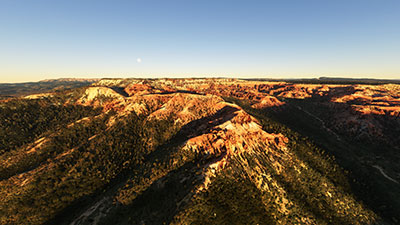 You may have previously downloaded Zion Canyon National Park, Utah Scenery by the same developer and been impressed - this scenery add-on covering Bryce Canyon and the surrounding area also does not fail to impress albeit it's quite resource-intensive.
This pack includes the latest v2 update released by the developer which includes tweaks and extensions to the scenery areas covered. The entire coverage area has been extended to the North and South and textures have been adjusted and fixed to better blend with the default Microsoft FS textures (base).
The developer has created this pack because the default offerings in the MSFS pack did not have much detail - and users are reporting - even after the Sim Update covering North America, this pack is still much better than what's offered by Microsoft. They have also explained that the famous "hoodoos" was not even included.
However, texture quality and detailing do come at a price. The scenery is very large and textures and 3D data are intensive and will require a lot of system resources to run. Having said that, a mid-range machine should be able to handle this scenery without issues. The developer has also recommended, "When not intending to fly in this region I suggest that you move these files out of your Community folder until you decide to fly in this region again."
Bryce Canyon is a large area with many landmarks and attractions available to view by air in the simulator. Here are some of the landmarks/scenic places covered in this scenery pack;
Three areas are covered (also represented by three separate folders):
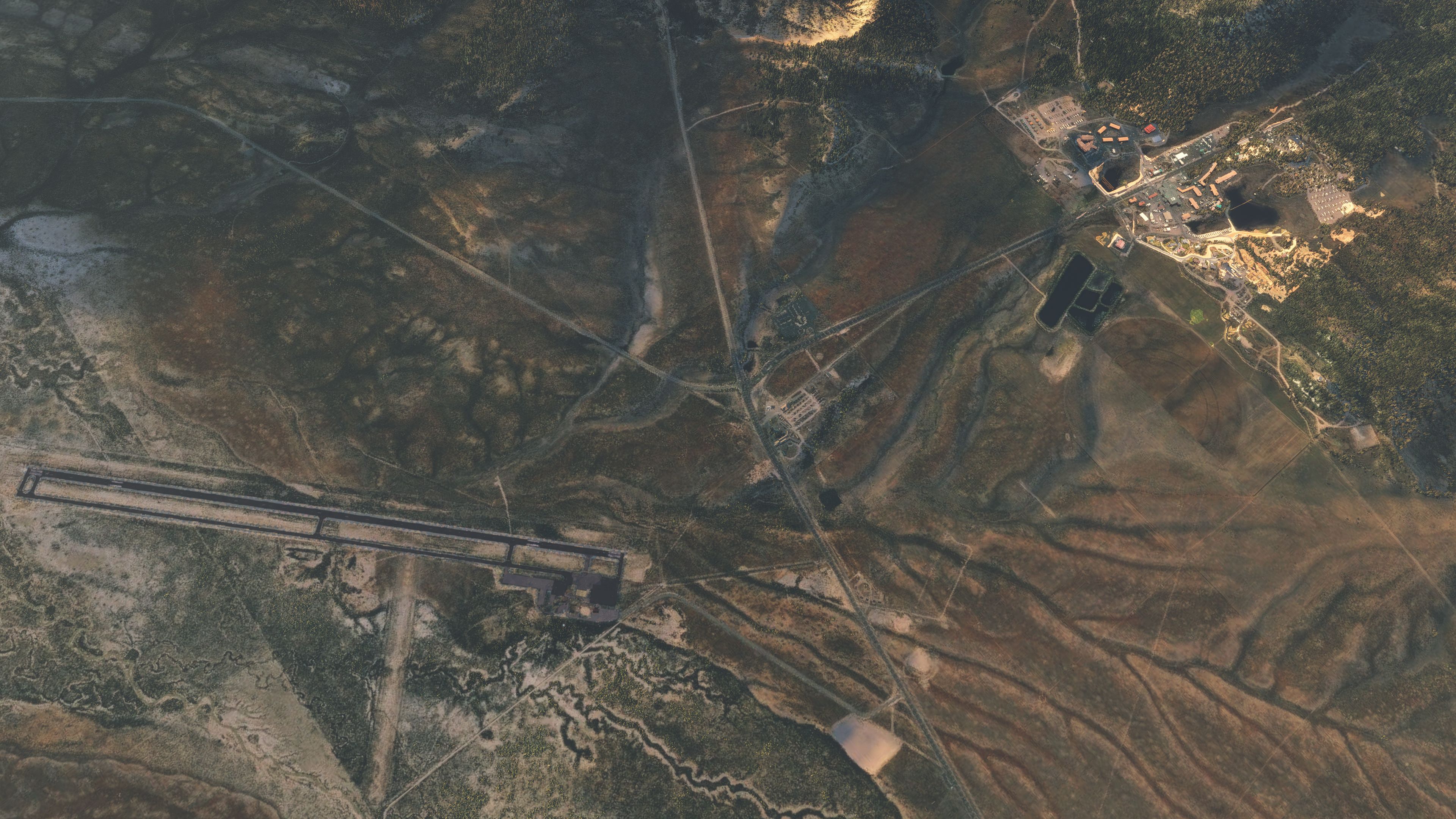
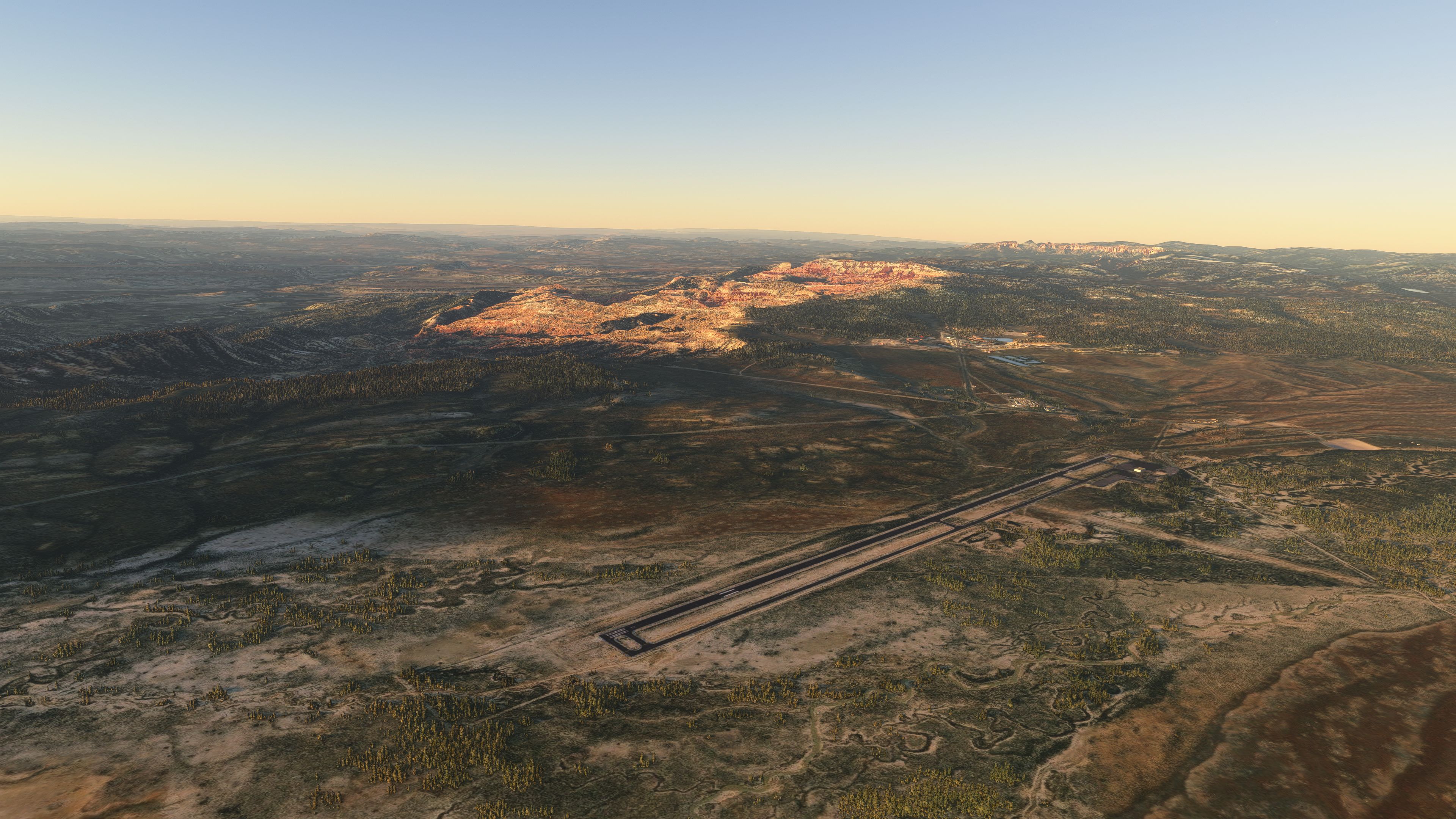
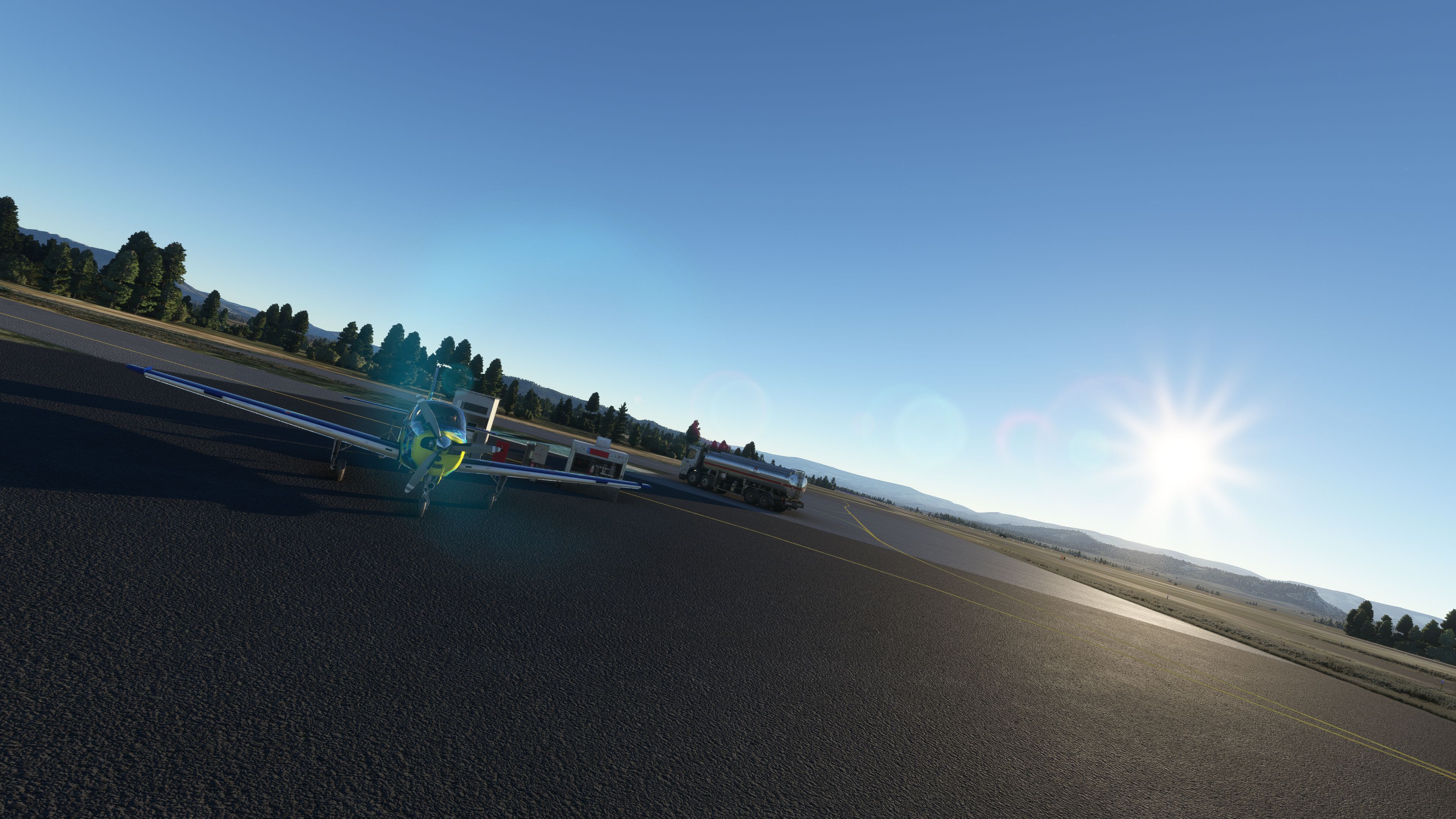
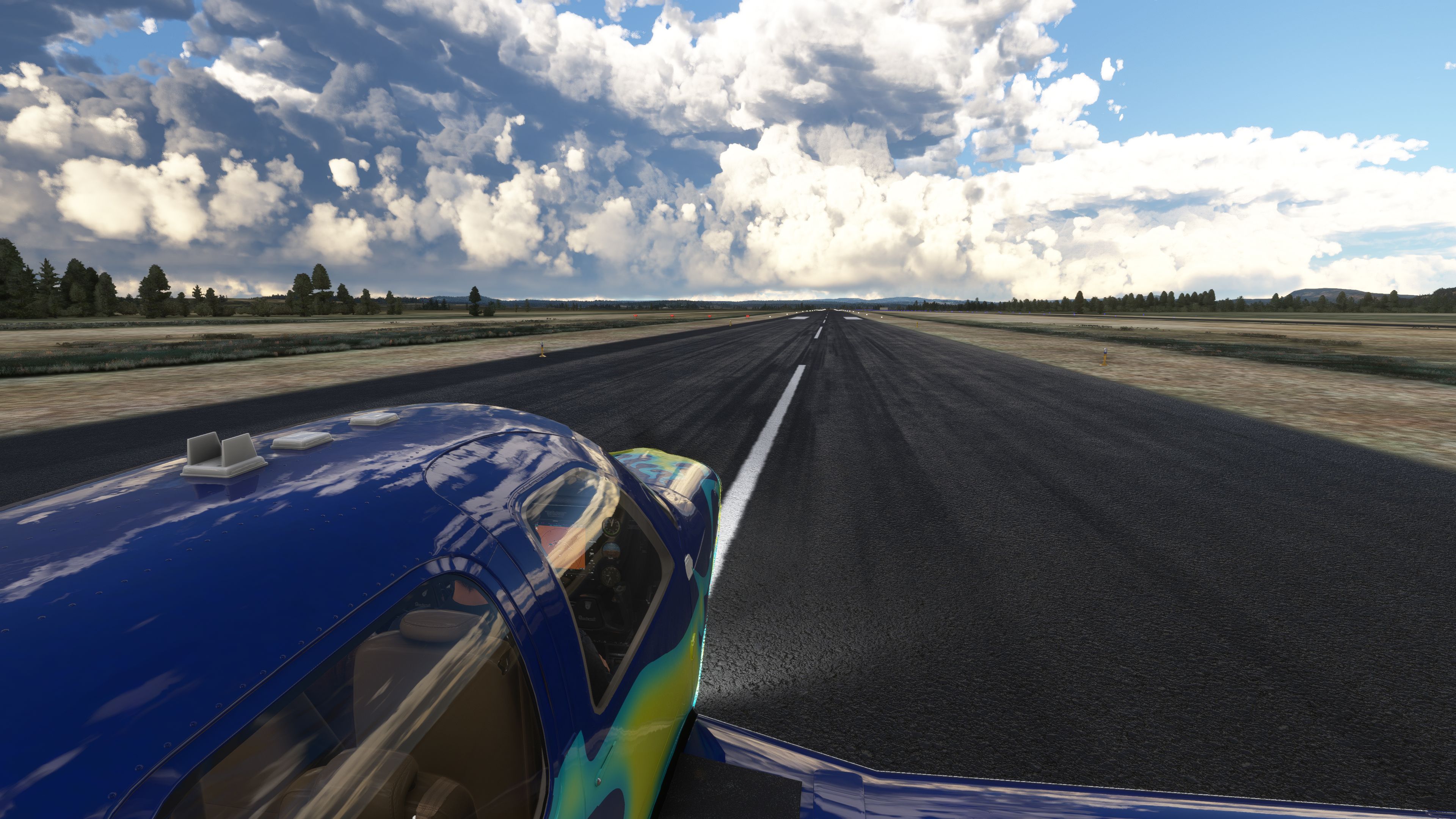
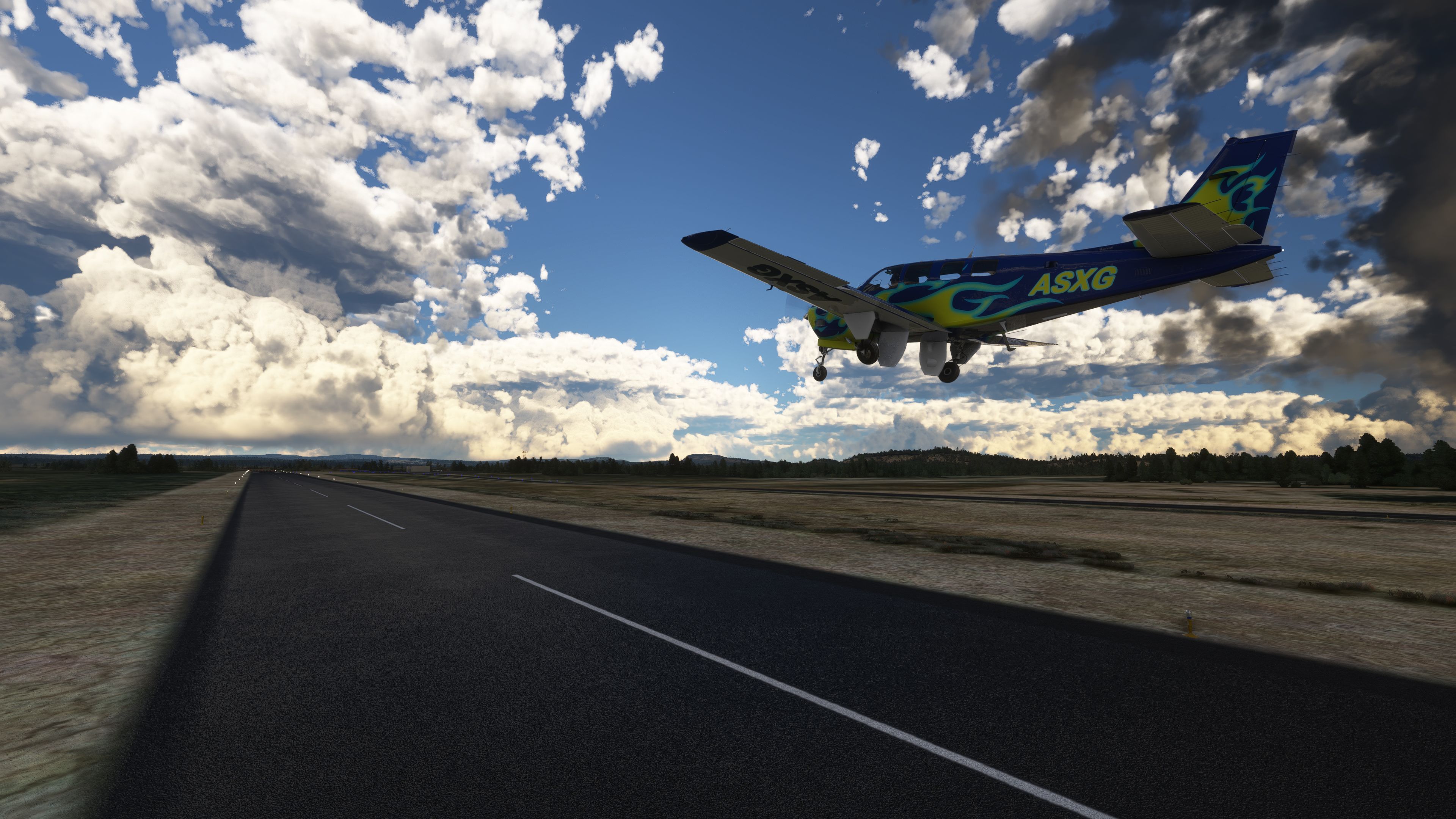
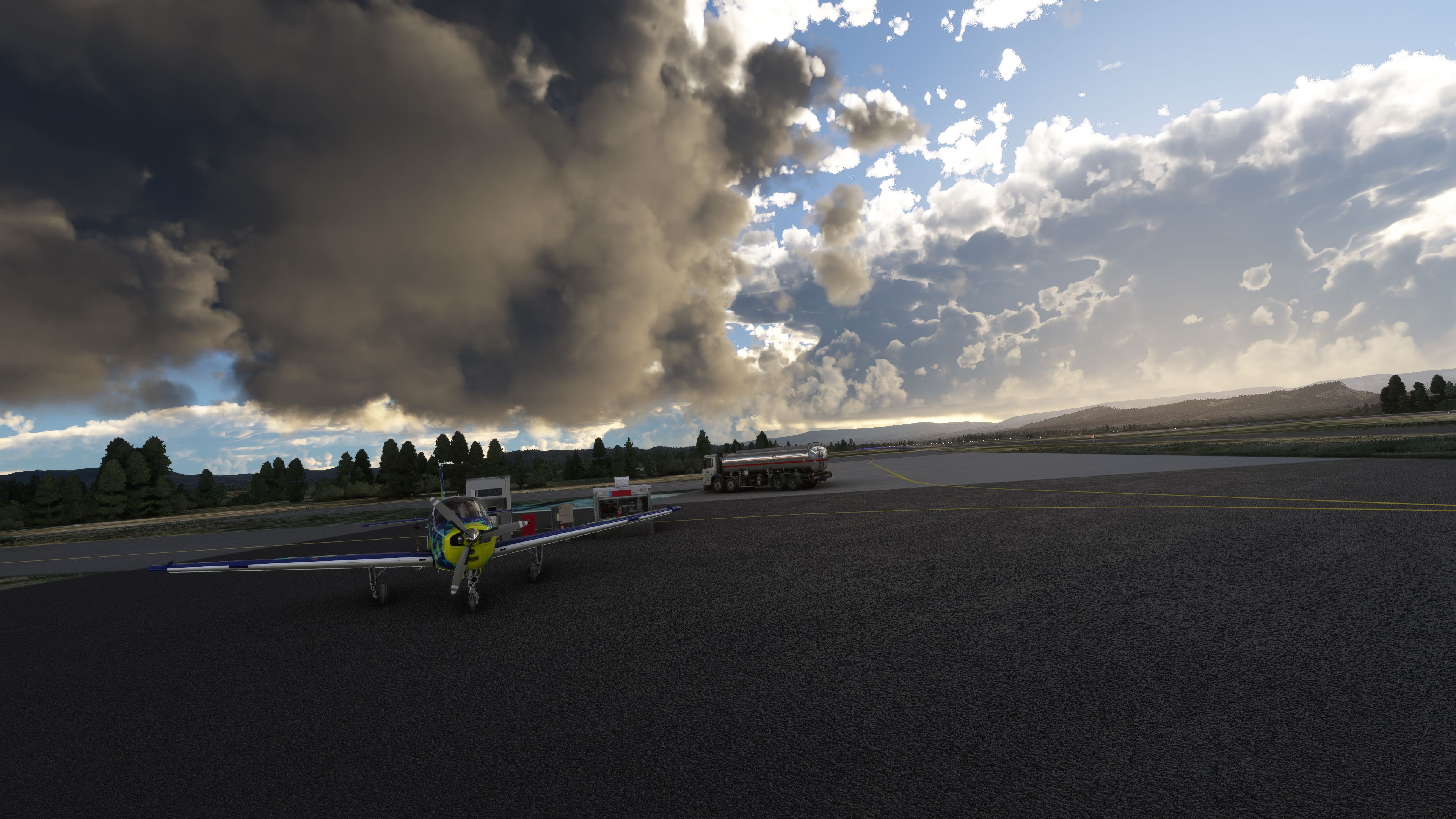
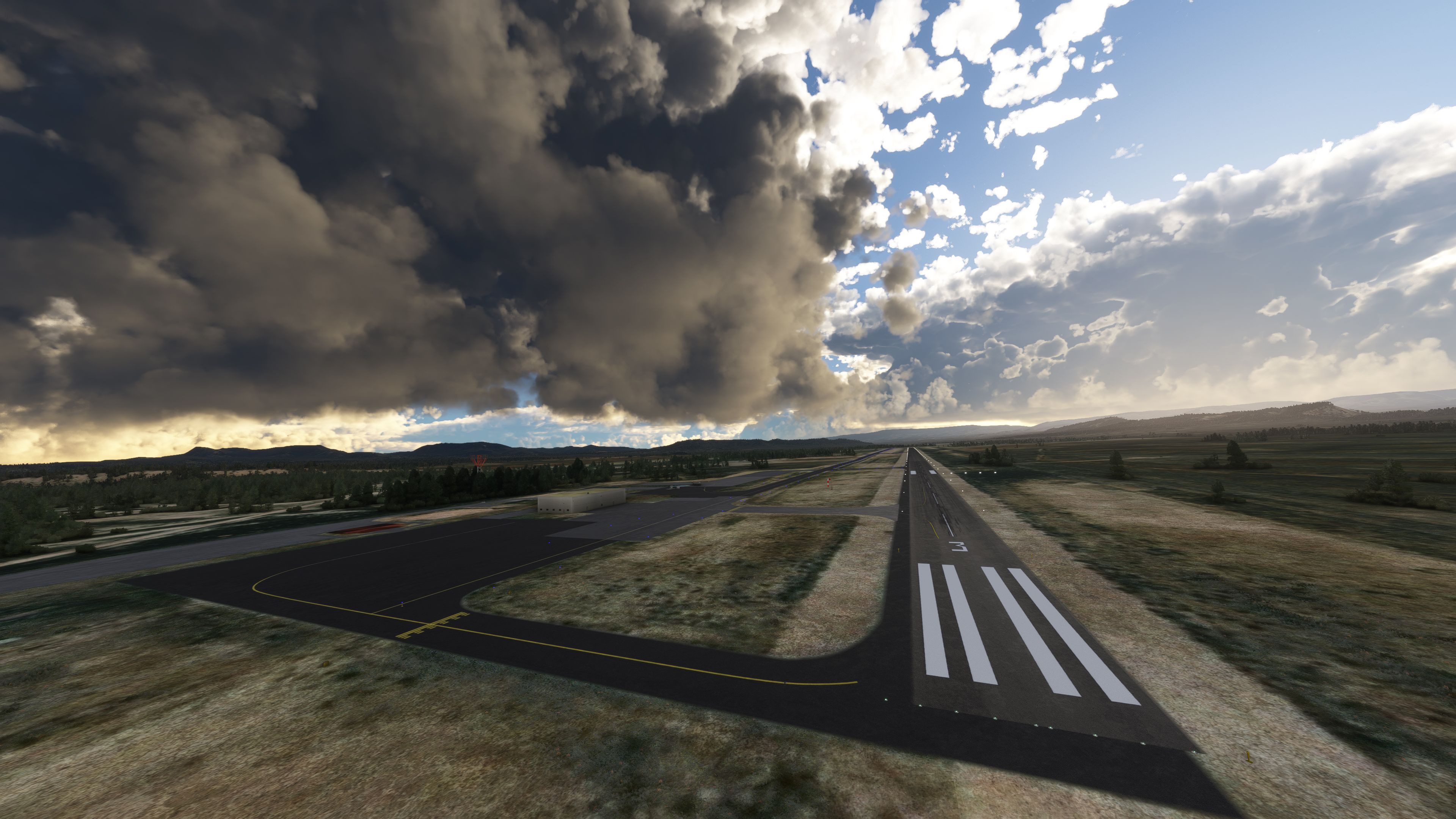
The best starting point for taking off an aircraft in the sim in order to experience the scenery is Bryce Canyon Airport (KBCE). You then need to fly South and the National Park is located there - it will be easy to find.
Installation
Simply extract the archive and copy the following folders into your MSFS community folder;
BryceCanyon_FairylandPointBryceCanyon_InspirationPointBryceCanyon_RainbowPointDeveloper: Jeppeson2001.
Currently, the developer does not publish a public donation page. If this changes we will add it here.
Free for all simmers · 2.16 GB · Scanned clean Oct 2026
Download speed: Free tier is capped at 2 Mbps (this file takes approximately 2h 34m at the cap). PRO members download at full line speed.
%LOCALAPPDATA%\Packages\Microsoft.FlightSimulator_8wekyb3d8bbwe\LocalCache\Packages\Community\. Steam version: %APPDATA%\Microsoft Flight Simulator\Packages\Community\. Tip: enable Developer Mode in MSFS to see your exact Community folder path.readme.txt or README file. It tells you exactly where files go, what dependencies are needed, and any quirks specific to this add-on.Only PRO members can place votes.
More MSFS add-ons hand-picked based on this download.
MSFS Scenery
A complete overhaul of Zion Canyon National Park in Utah, the USA for Microso…
 MSFS Scenery
This mod developed by JustOkayPilot brings Grand Canyon National Park Airport…
 MSFS Scenery
A complete freeware package covering the famous Monument Valley, USA, and bri…
 MSFS Scenery
A large freeware scenery add-on pack put together by the developer who goes b…
 MSFS Scenery
A quick rework of several Swiss cities and landmarks such as the Matterhorn u…
 MSFS Scenery
This pack by the developer who simply goes by the name of Chris brings the me…
 MSFS Scenery
Enhance your Microsoft Flight Simulator experience with the Downtown Los Ange…
 MSFS Scenery
A massive freeware pack created by the developer Srinivasman containing over …
Read what other simmers think, or add your own.

Is there a problem with 2024? Big areas are just messed up; I'm guessing they are this mod's areas.


As I discussed in the context of the Zion offering - I have rarely had so much fun with this add-on. Flew the whole canyon and recognized all the corners I visited in 2013. Excellent work!!!