

 MSFS Scenery
Rocky Mountain Metro Airport (KBJC)
The MSFS Rocky Mountain Metro Airport (KBJC) scenery add-on is a meticulously…
Matterhorn Mountain scenery refreshes the iconic Swiss peak in Microsoft Flight Simulator with a higher-resolution mesh and photoreal textures that sharpen the ridgelines and faces. Version 2.0 adds multiple LOD levels, natural color correction, cable car pylons, expanded forests near Zermatt, and split model areas for smoother viewing.
 Rate
Rate
 Switzerland
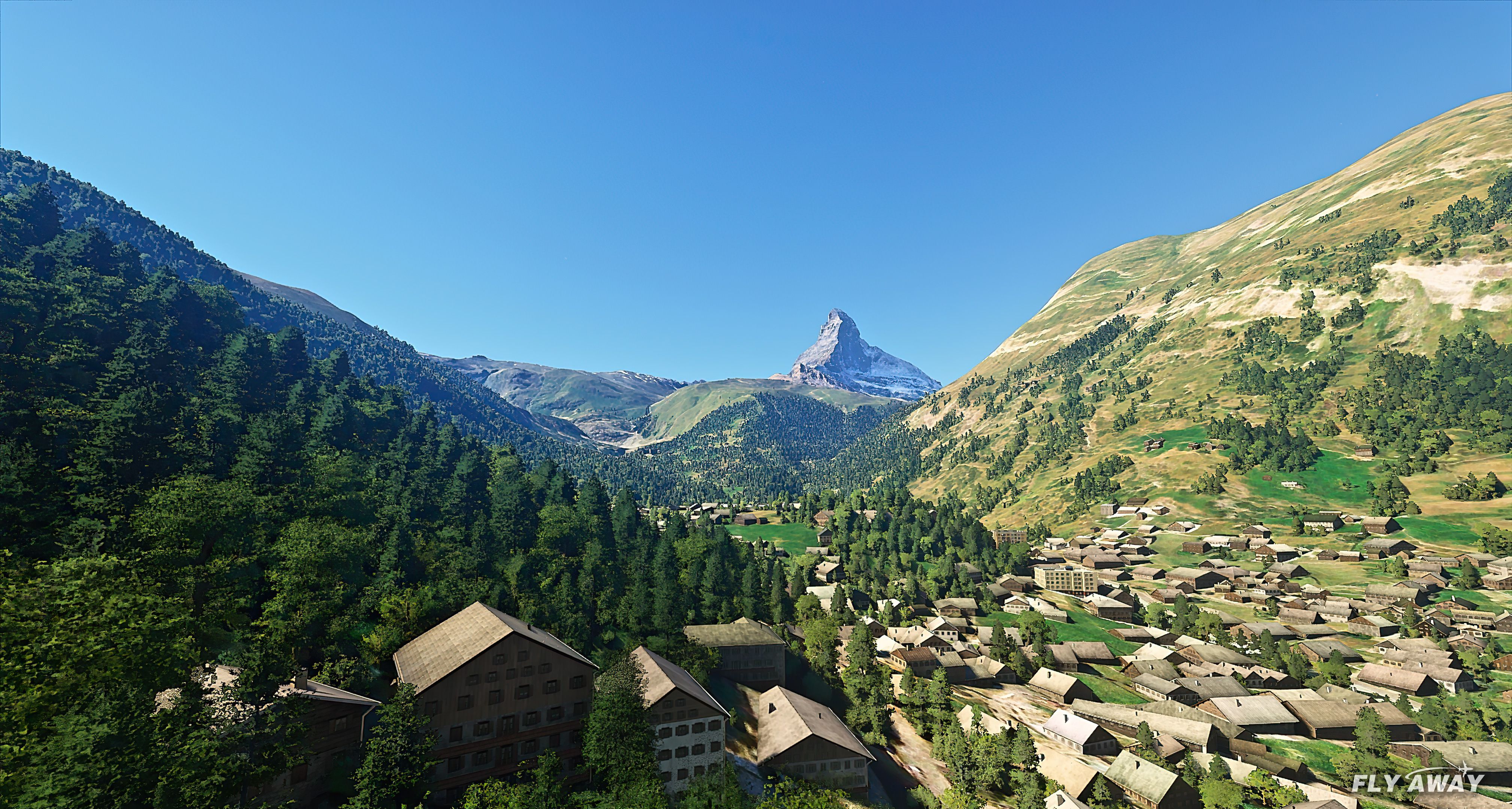

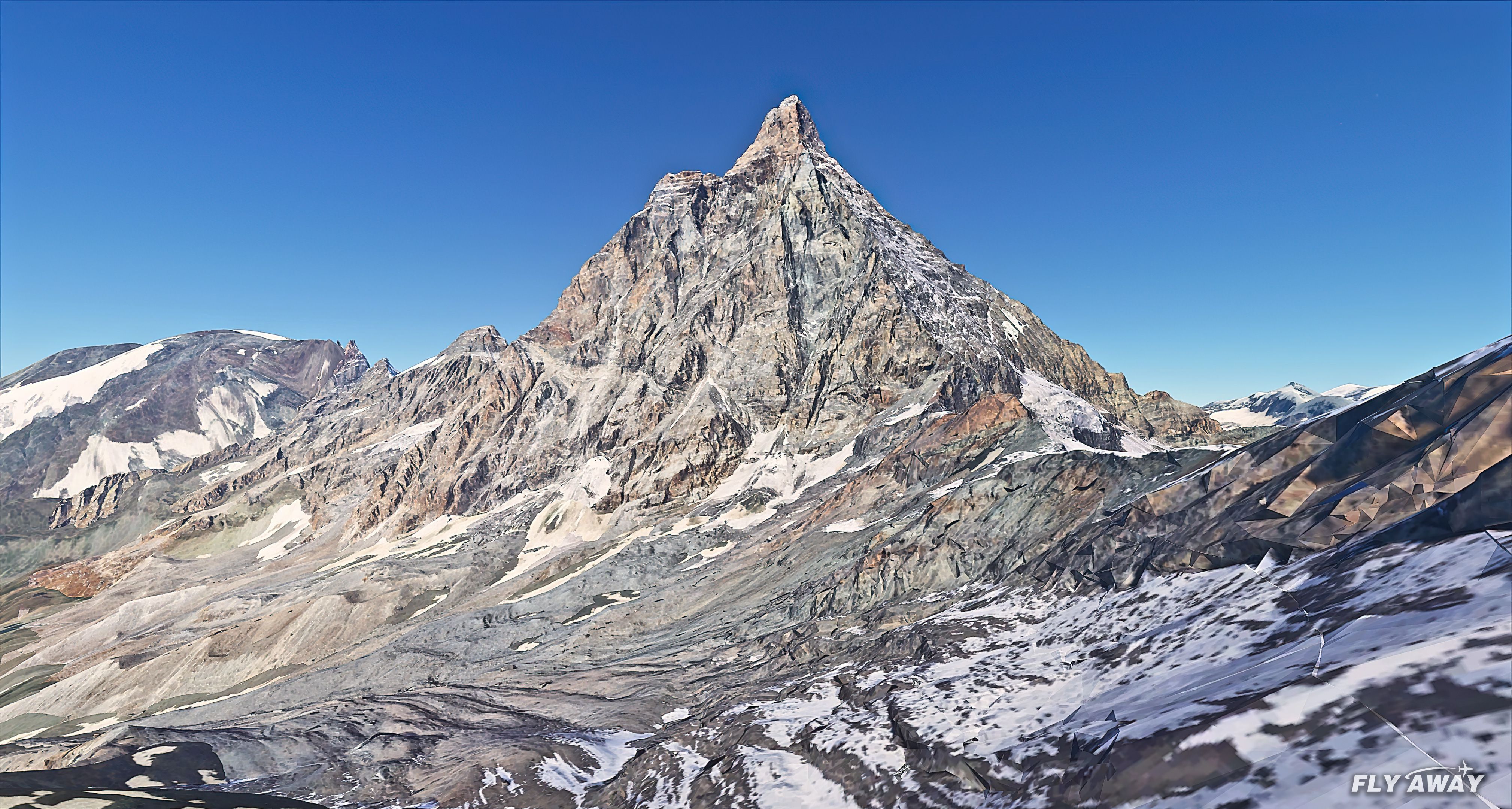
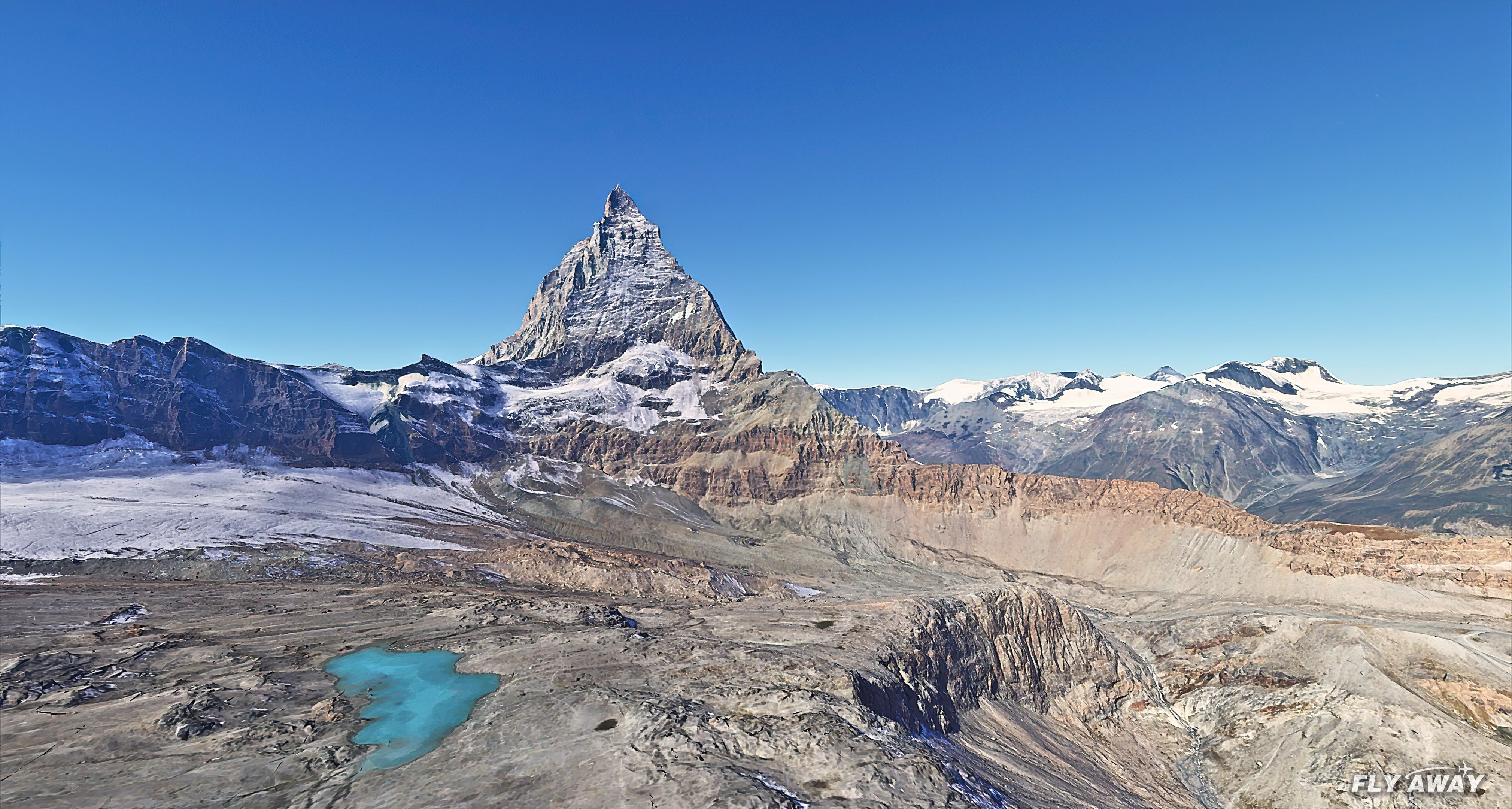
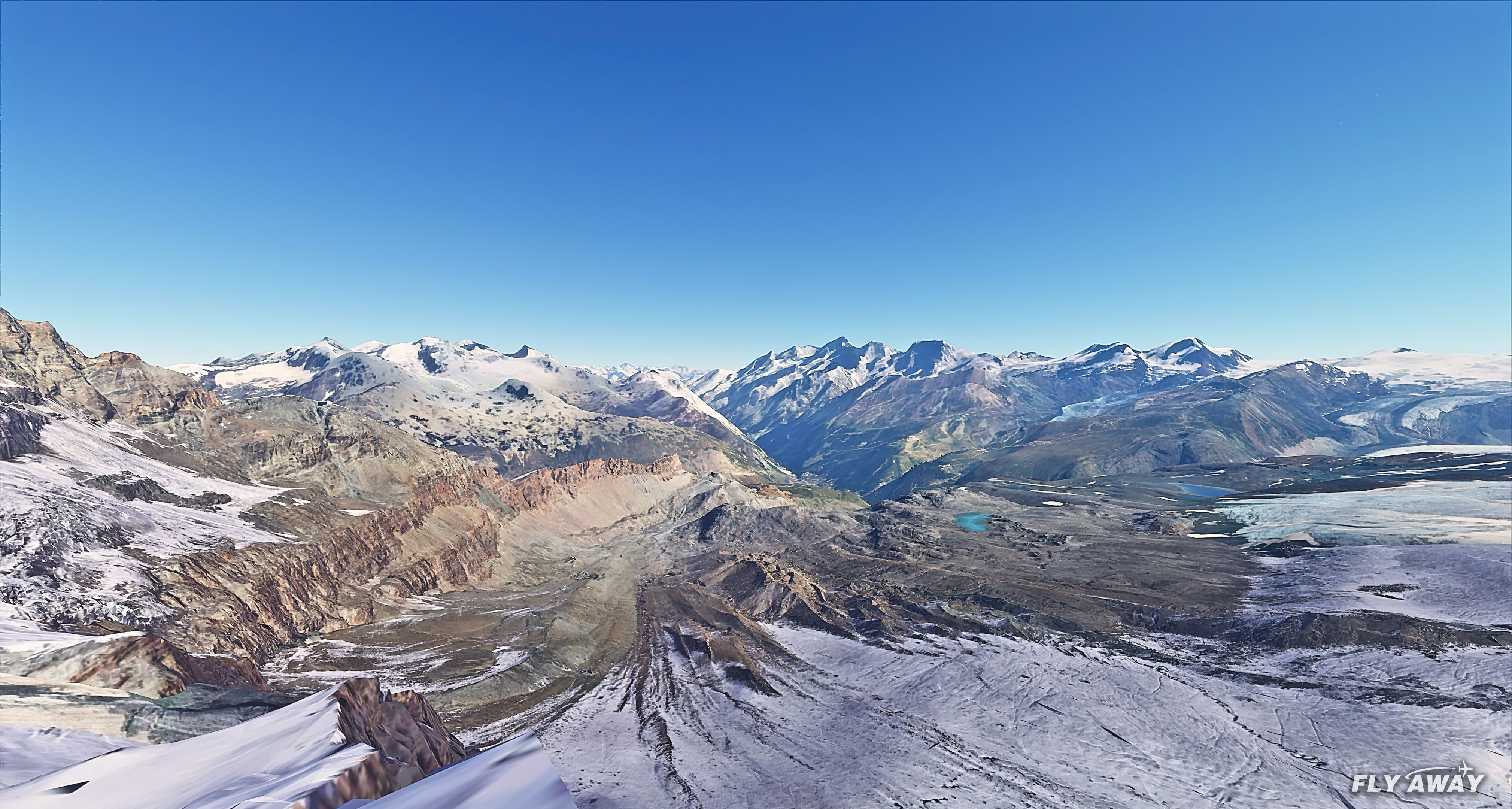


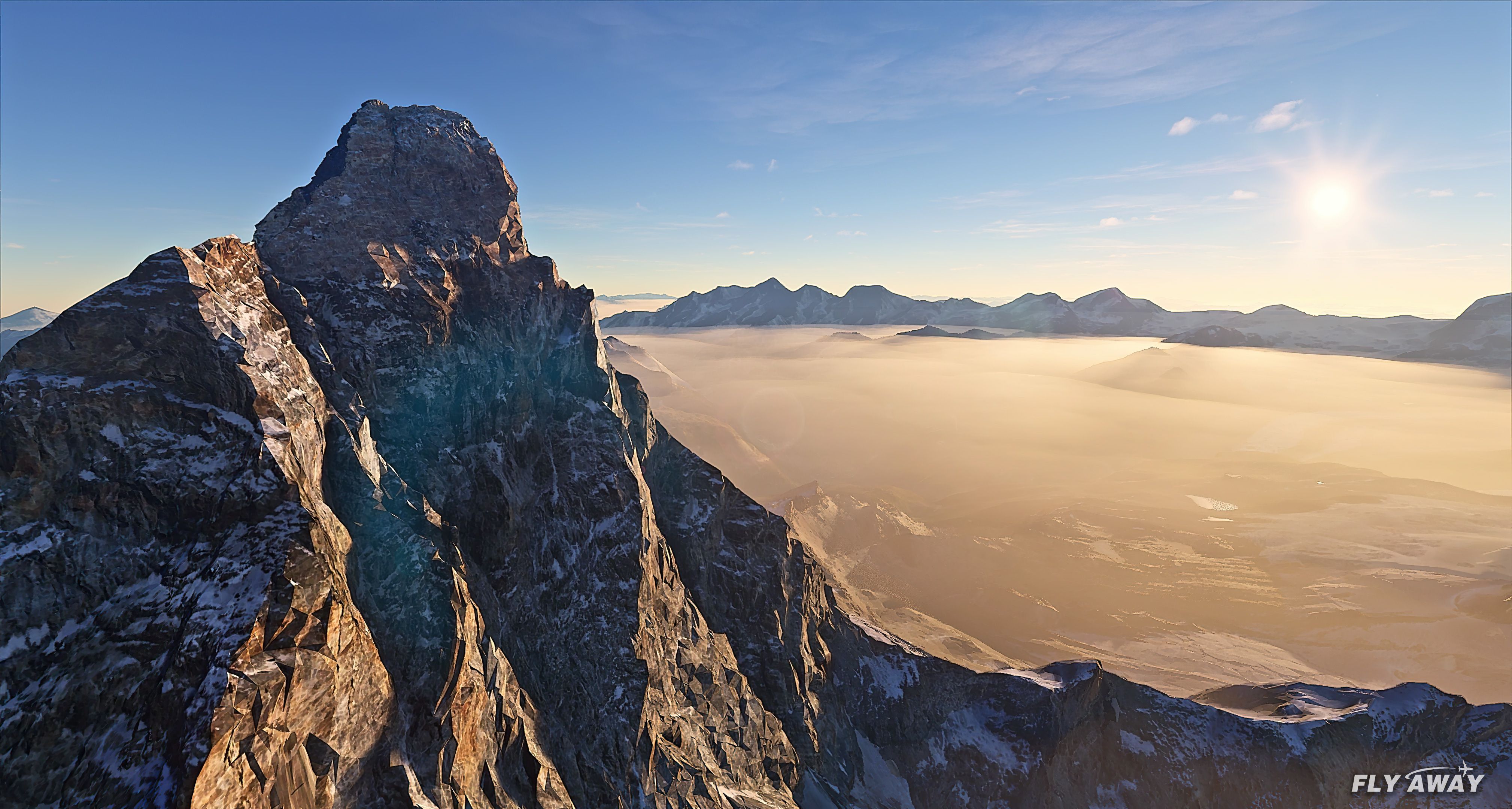
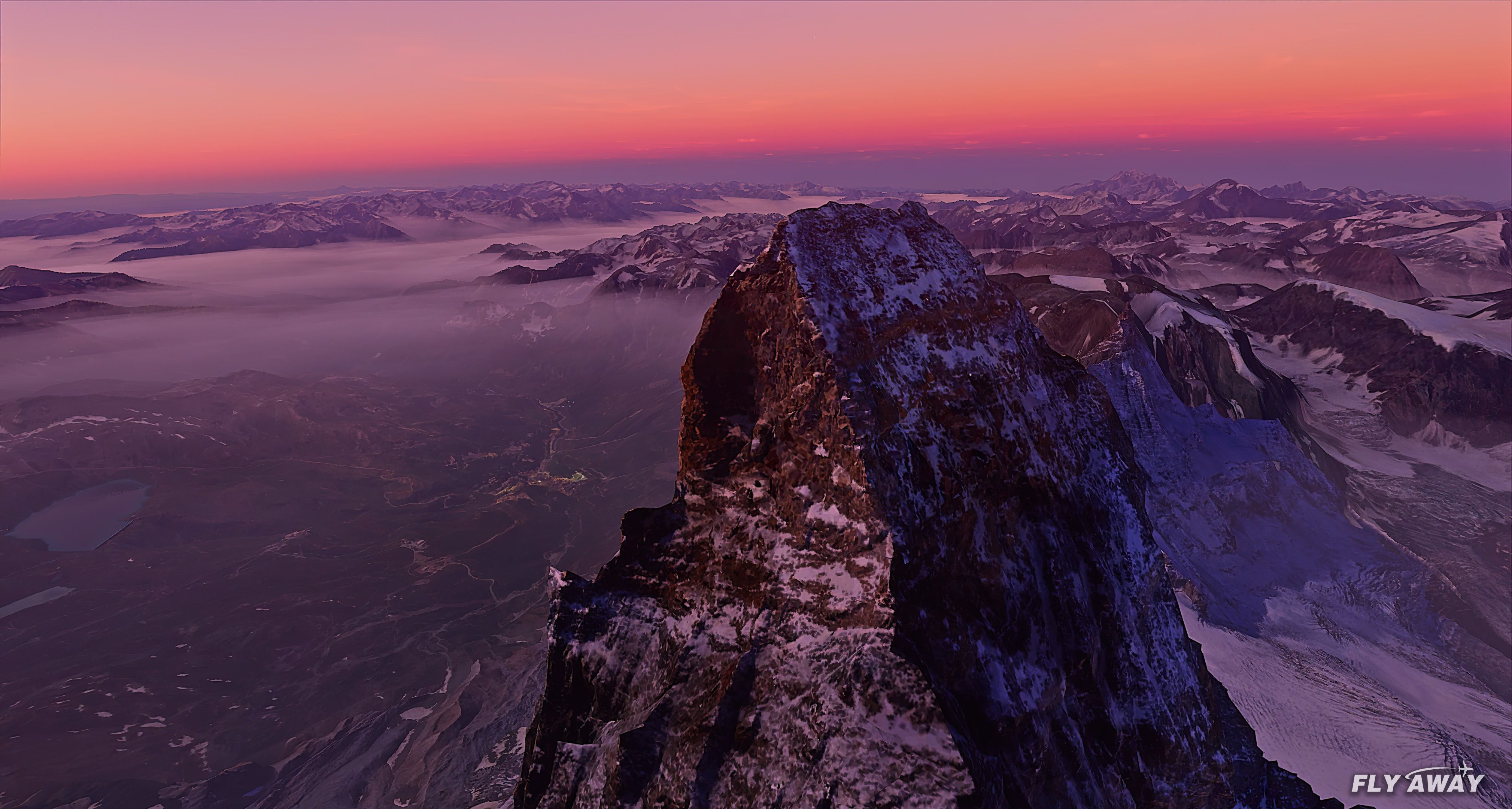
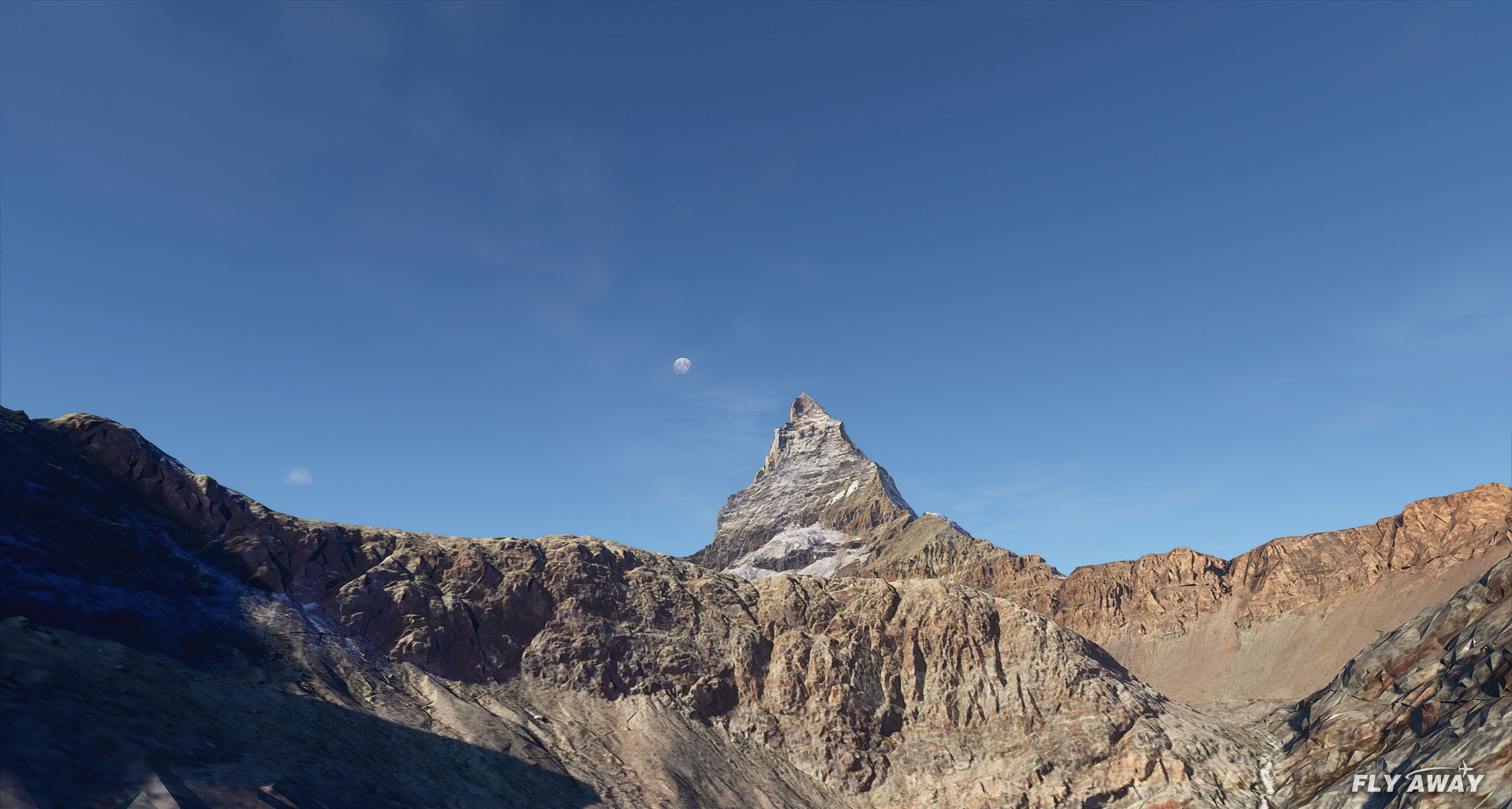
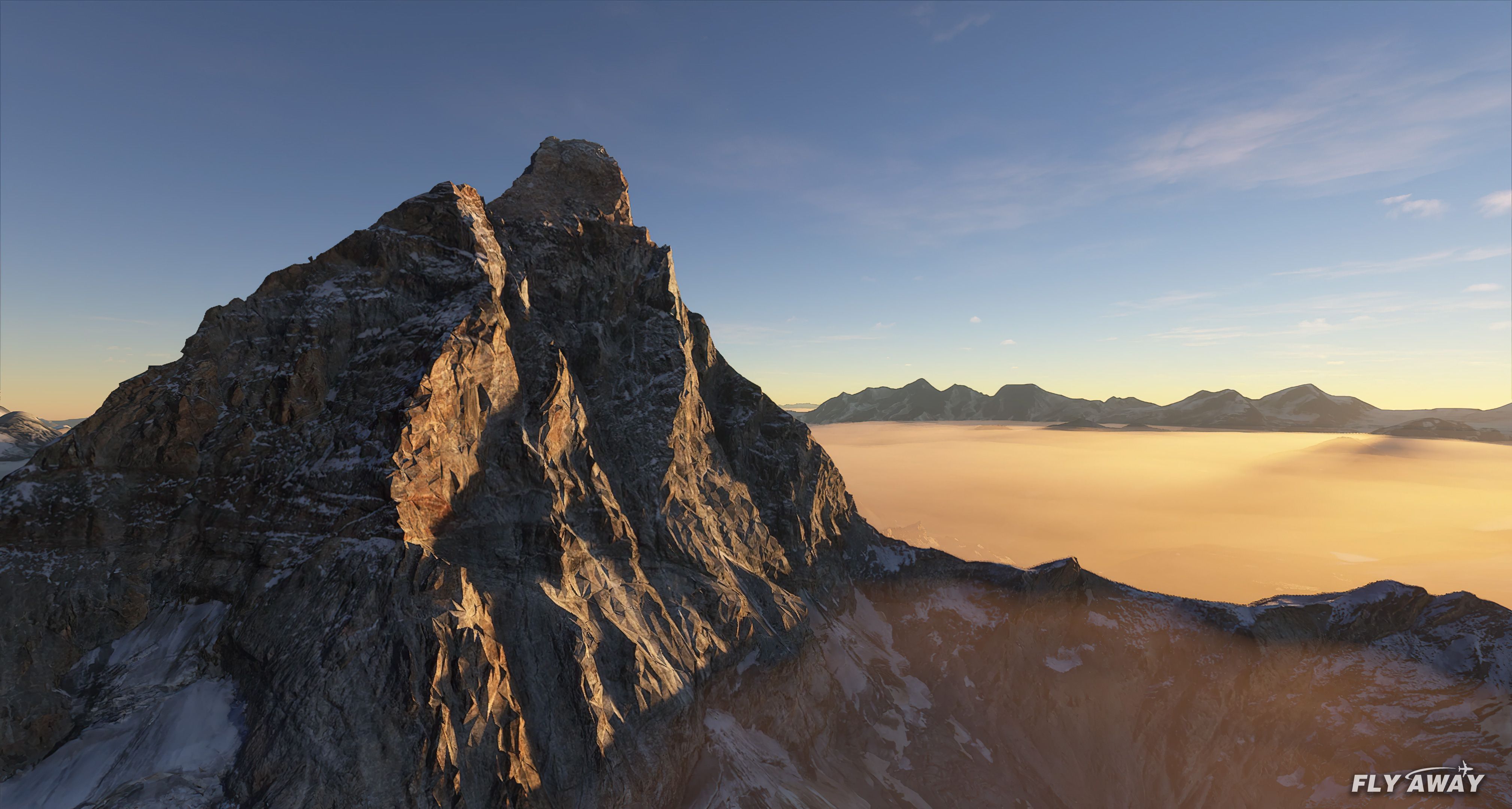
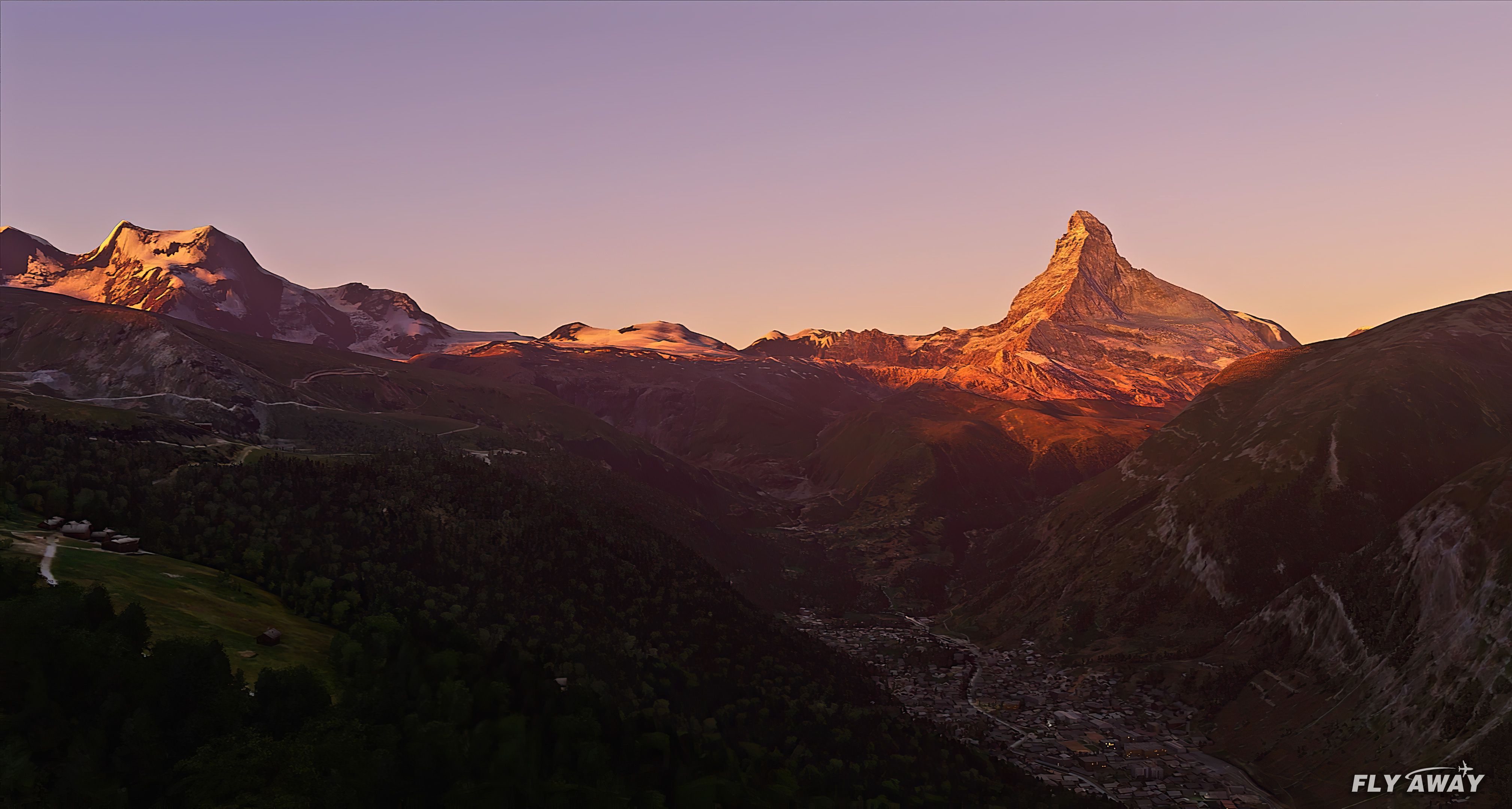
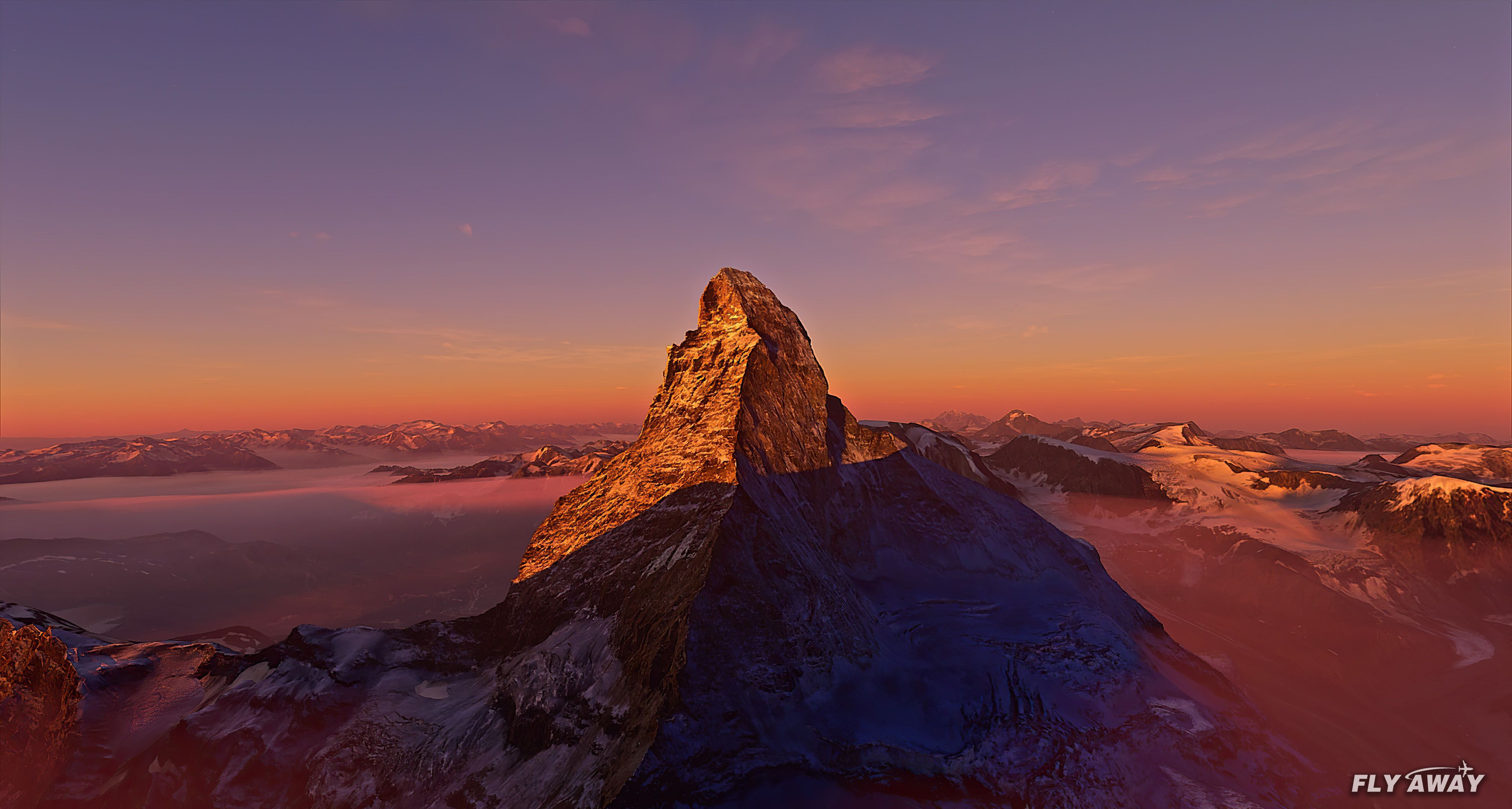
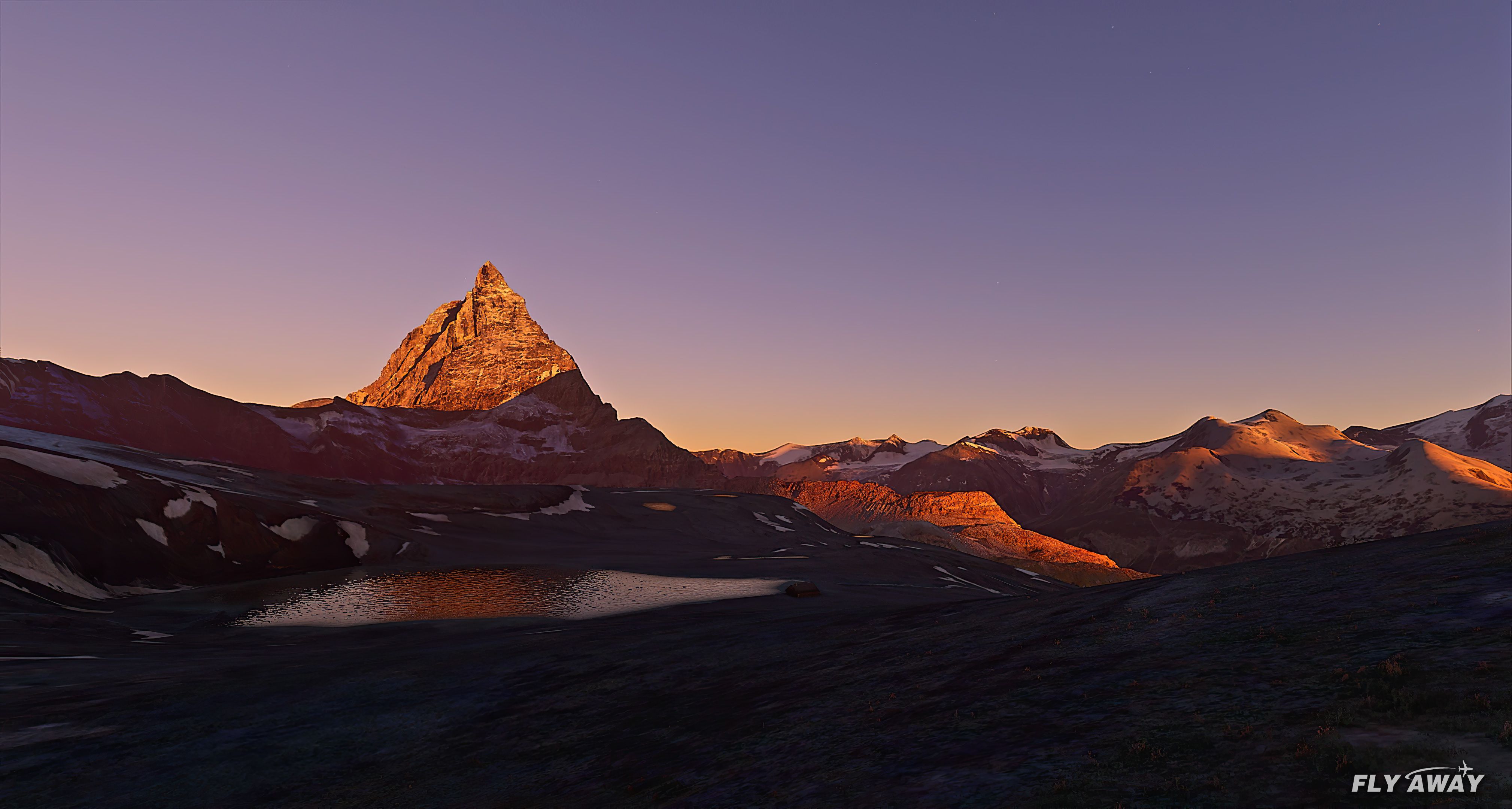
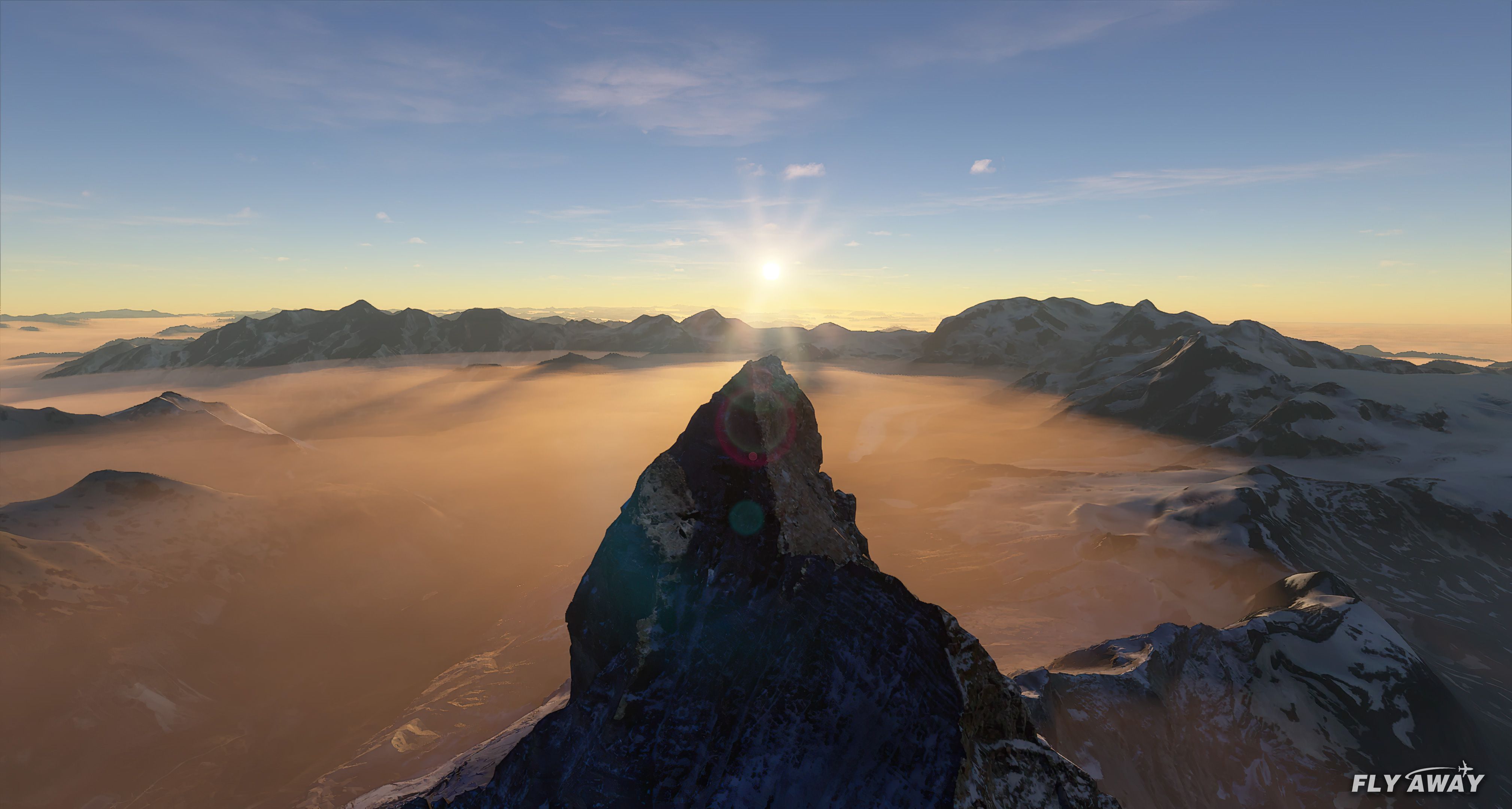
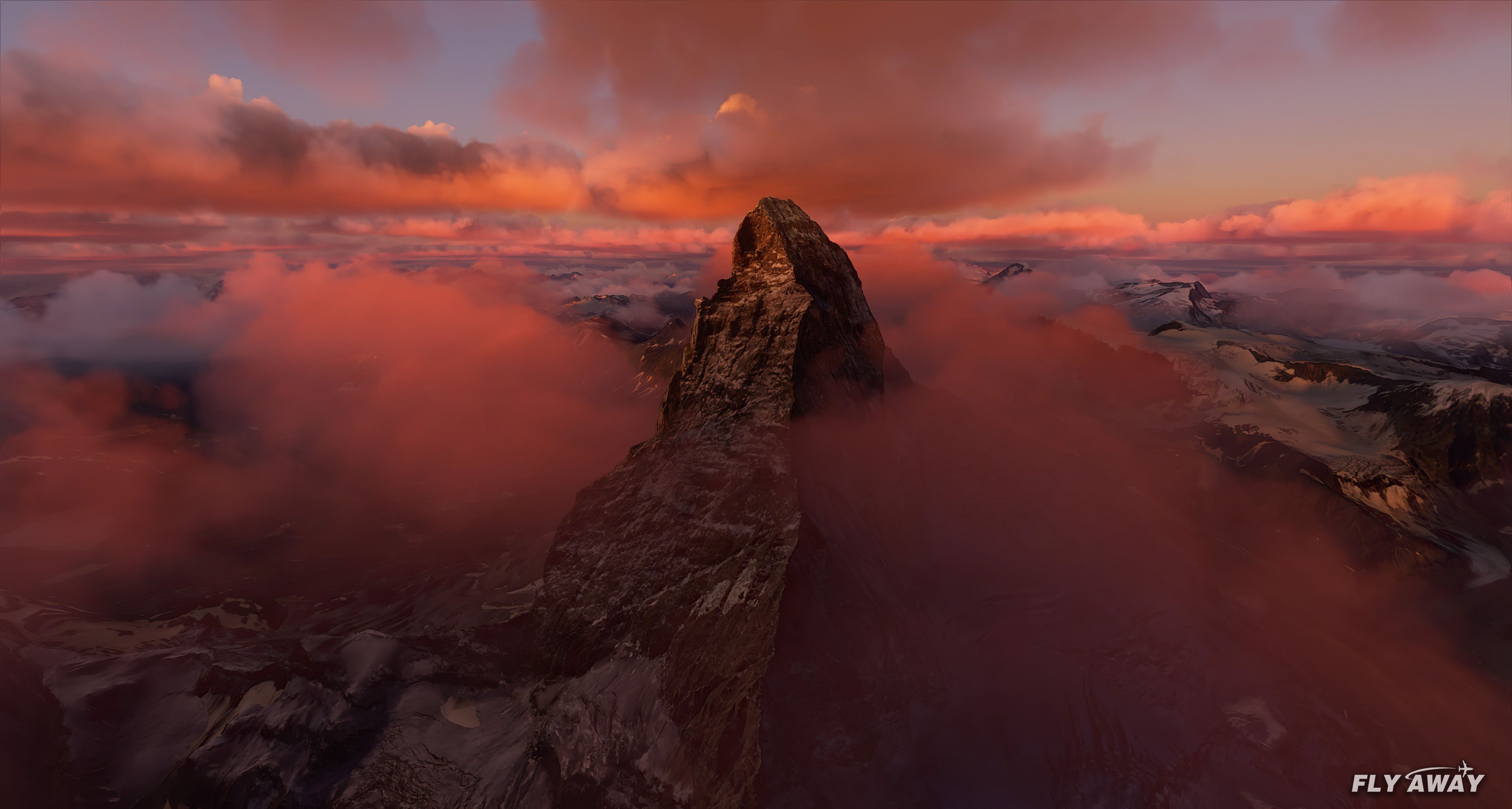

This transformed Matterhorn scenery for Microsoft Flight Simulator 2020 completely revitalizes the iconic Swiss peak with higher-resolution mesh, photorealistic mountain surfaces, and smoother rendering. Developer NikPrist has introduced four LOD levels for noticeable performance boosts, while color-corrected textures and the removal of distracting shadows deliver an authentic, richly detailed alpine panorama.
Version 2.0 also integrates newly placed cable car pylons for enhanced exploration around the mountain’s foothills near Zermatt, plus reworked vegetation polygons that fill in missing forest areas. Having used this add-on myself, I appreciate how it elevates the realism and provides an immersive experience, making Matterhorn flights truly stand out among the simulator’s breathtaking scenery.
A complete overhaul of the default Matterhorn Mountain scenery by developer NikPrist for the Microsoft Flight Simulator (MSFS) 2020 release.
 This add-on is now v2.0.
The Matterhorn - an iconic and world-famous Swiss mountain and easily recognizable by its distinct outline. The developer created this package as they were not impressed with the MSFS default version and claimed it looked, "lacking".
This version brings the mesh for the mountain up to a much higher spec and resolution along with photorealistic textures that really bring the faces of the mountain to life.
New features of v2.0
In version 2.0, the mountain scenery was divided into 4 different modal areas. This improves performance on higher resolution displays.
Developer: NikPrist.
Currently, the developer does not publish a public donation page. If this changes we will add it here.
Free for all simmers · 195.42 MB · Scanned clean Oct 2026
Download speed: Free tier is capped at 2 Mbps (this file takes approximately 14 mins at the cap). PRO members download at full line speed.
%LOCALAPPDATA%\Packages\Microsoft.FlightSimulator_8wekyb3d8bbwe\LocalCache\Packages\Community\. Steam version: %APPDATA%\Microsoft Flight Simulator\Packages\Community\. Tip: enable Developer Mode in MSFS to see your exact Community folder path.readme.txt or README file. It tells you exactly where files go, what dependencies are needed, and any quirks specific to this add-on.Only PRO members can place votes.
More MSFS add-ons hand-picked based on this download.
MSFS Scenery
The MSFS Rocky Mountain Metro Airport (KBJC) scenery add-on is a meticulously…
 MSFS Scenery
A large freeware scenery add-on pack put together by the developer who goes b…
 MSFS Scenery
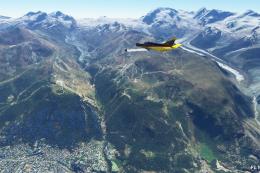
A quick rework of several Swiss cities and landmarks such as the Matterhorn u…
 MSFS Scenery
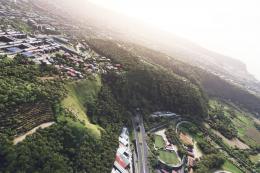
This pack by the developer who simply goes by the name of Chris brings the me…
 MSFS Scenery
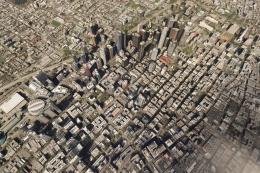
Enhance your Microsoft Flight Simulator experience with the Downtown Los Ange…
 MSFS Scenery
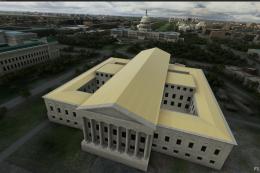
A massive freeware pack created by the developer Srinivasman containing over …
 MSFS Scenery
A new, easy-to-install, and accurate replacement of the default Paris photore…
 MSFS Scenery
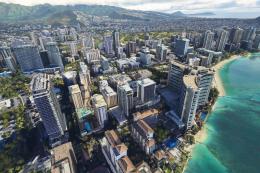
This is a complete replacement scenery pack covering the entire city of Honol…
Read what other simmers think, or add your own.

One thing missing is directions on where it is?
I flew to the closest airport, (SIN) according to a Google search, but the whole area is surrounded by mountains, many of which look like the Matterhorn. Some sort of directions from an MSFS airport would be a big help.

This isn't working for me, The mountain is rendered and looks great, but with a huge gap beneath it and the rest of the scenery. Applied to my community folder in the Steam version running the latest update. I have a screenshot if needed.


In my Sim the Matterhorn is floating over the original peak - like the Mountain has a big hat on .....


I JUST was flying around the Matterhorn five minutes before coming to this site lol. I have been obsessed since seeing a VR movie about it on my Oculus Quest 2. I can't wait to try it.
