



 France



 MSFS Scenery
Reykjavik Complete Photogrammetry
Immerse yourself in the rugged beauty of Iceland's capital with the Reykjavik…
La Rochelle springs to life with complete city photogrammetry, capturing the historic harbor, La Pallice, and Les Minimes marina with refined color and expanded coverage. Optimized textures, improved road traffic, procedural lighting, and tuned colliders help keep performance smooth, while curated points of interest support scenic VFR touring in Microsoft Flight Simulator.
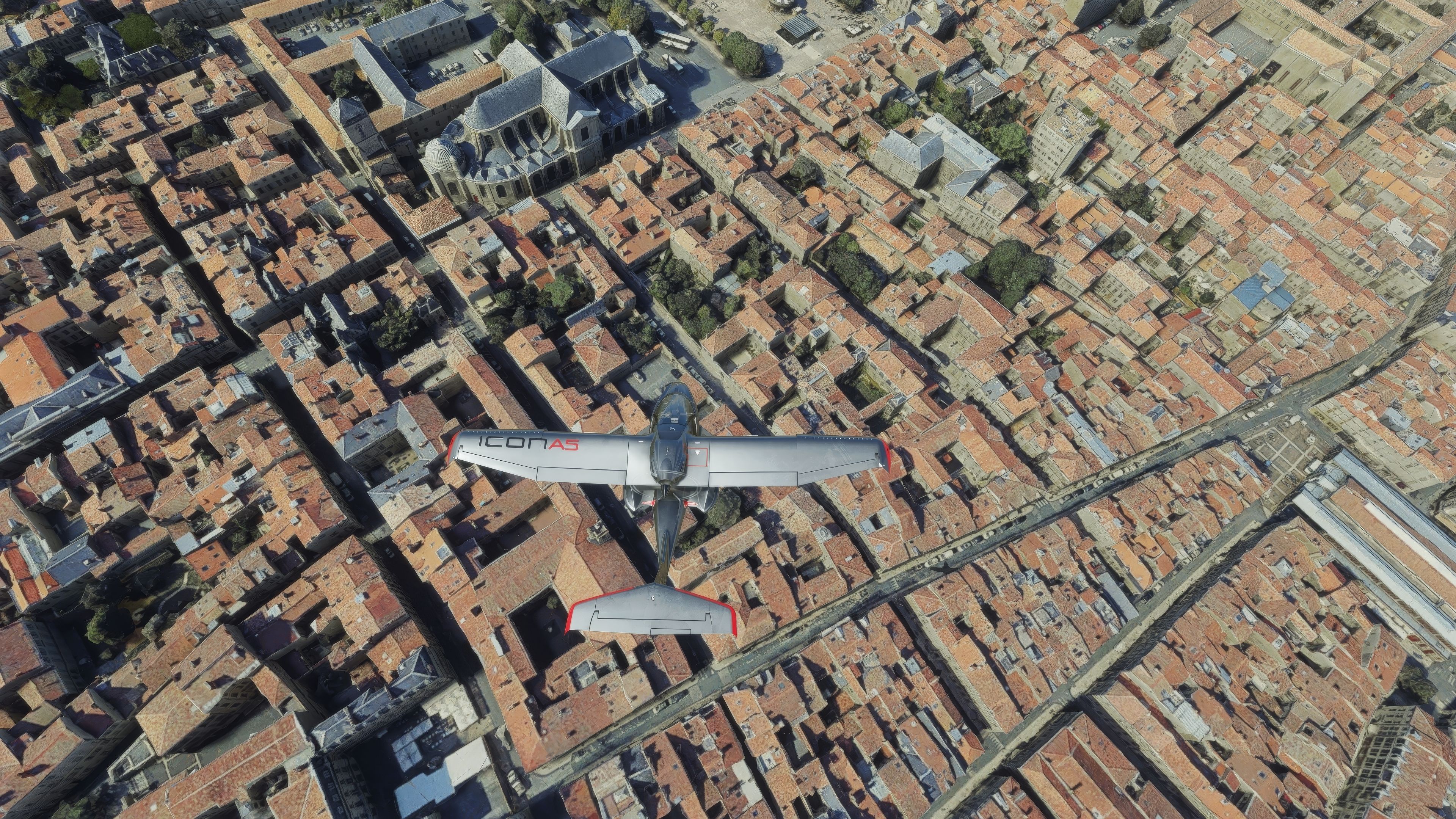
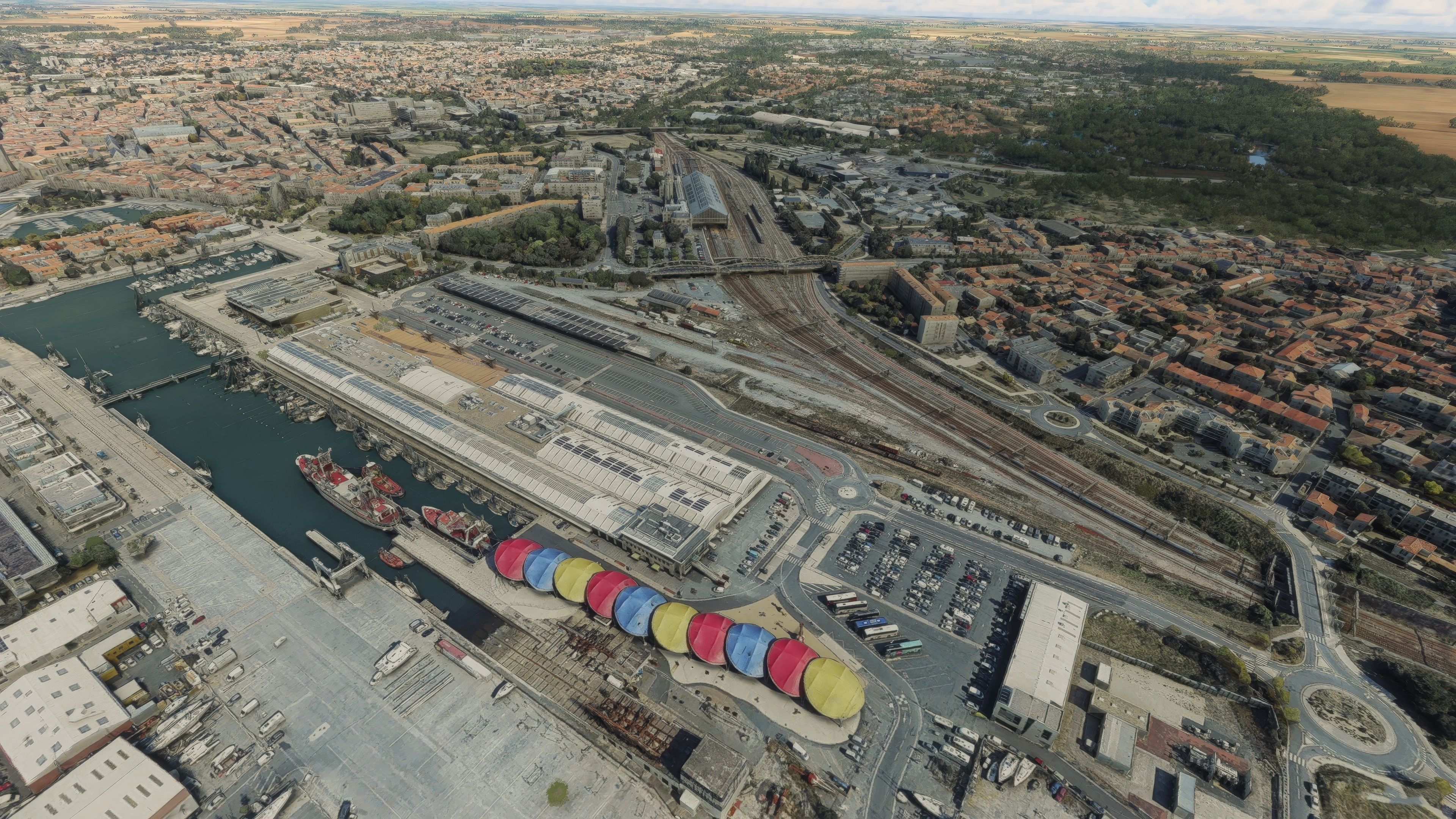
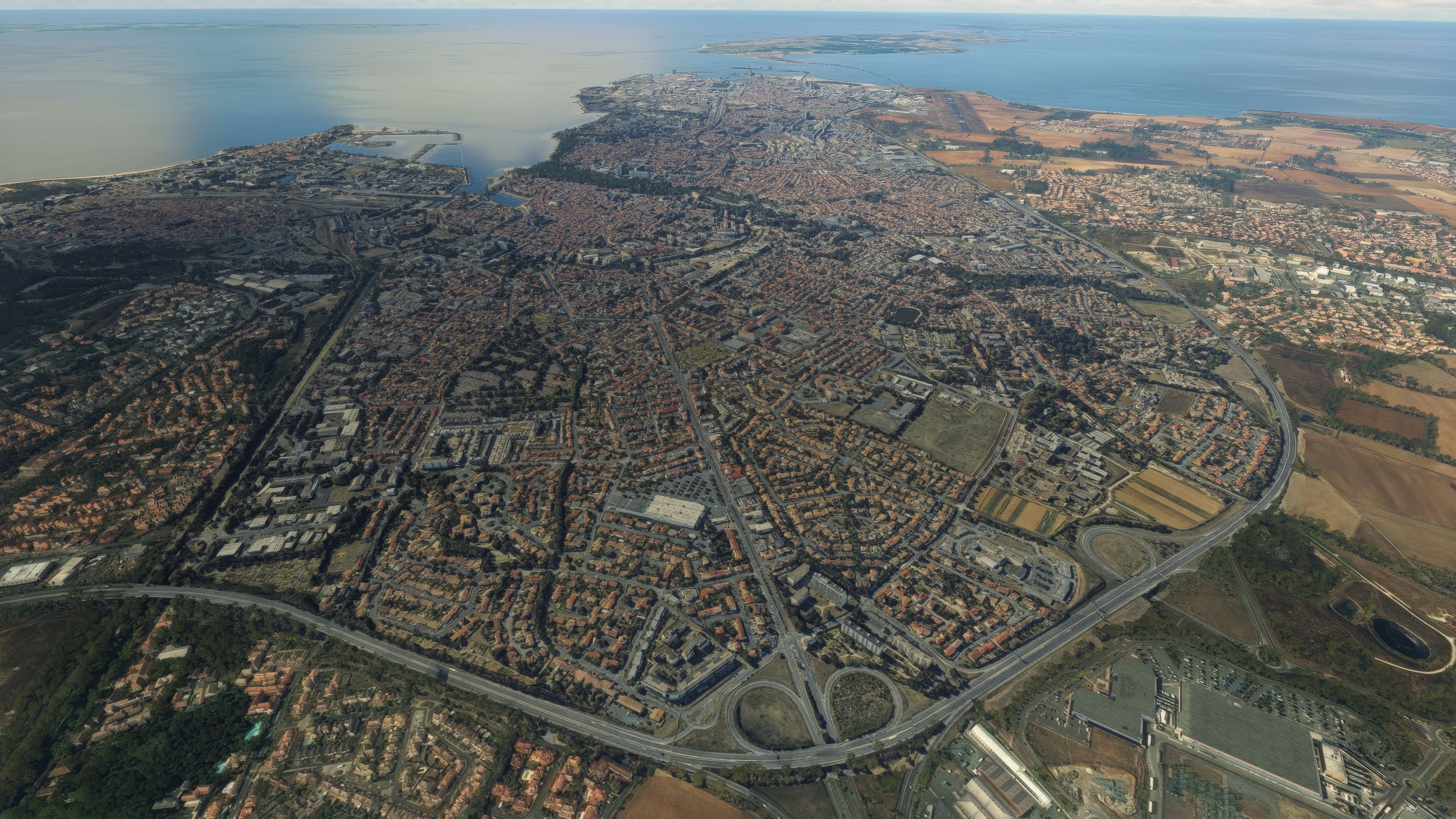
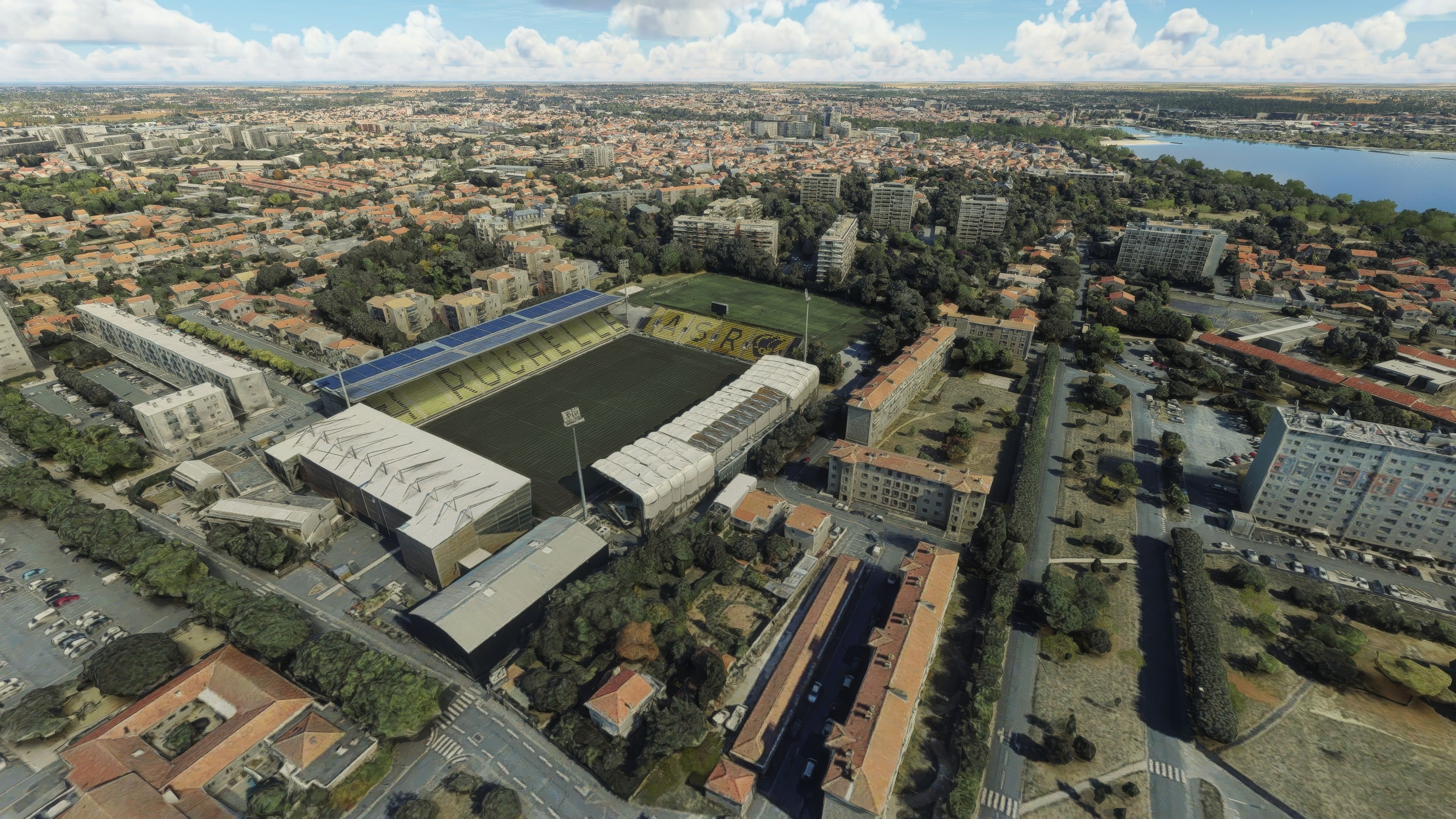
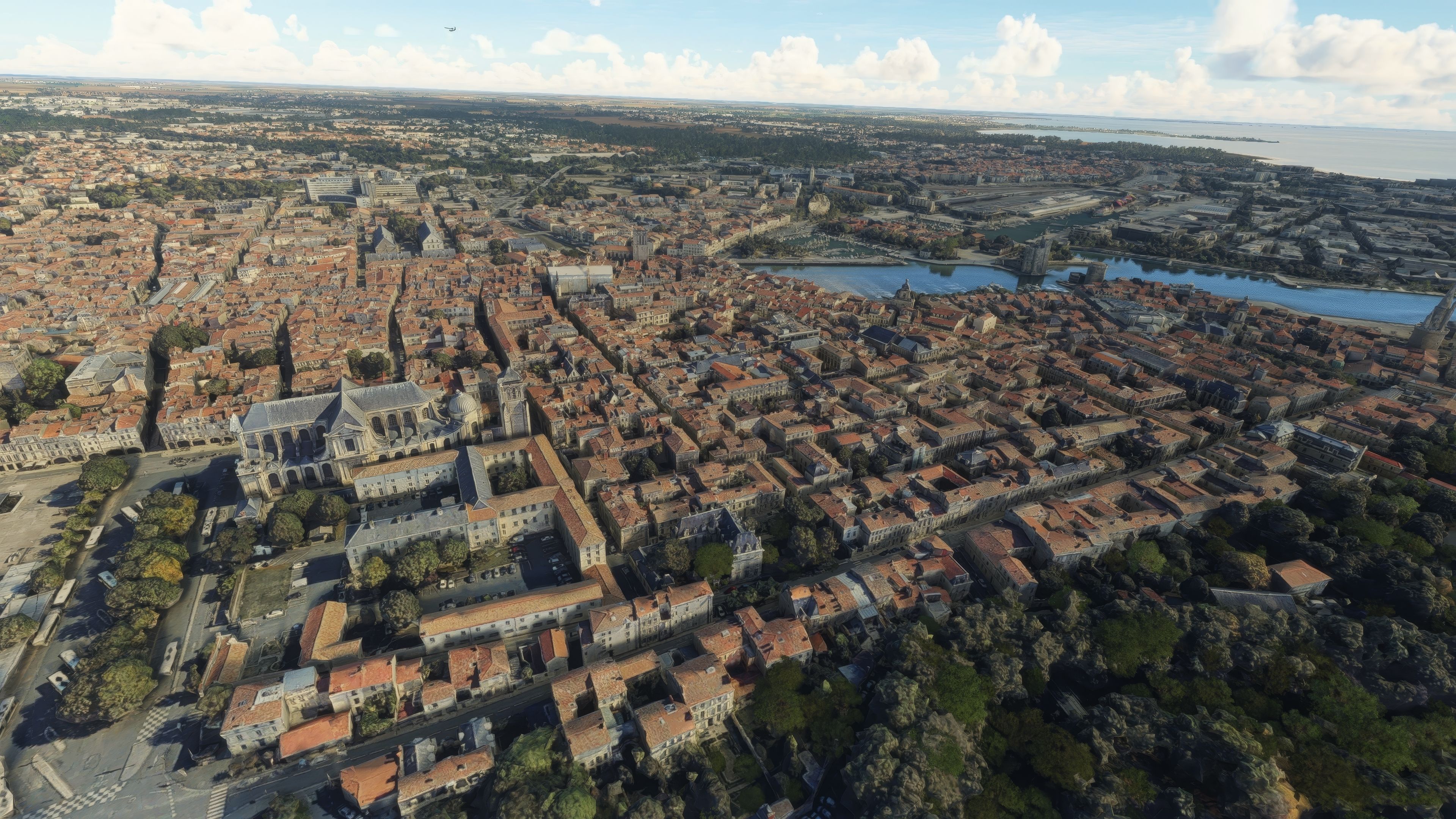
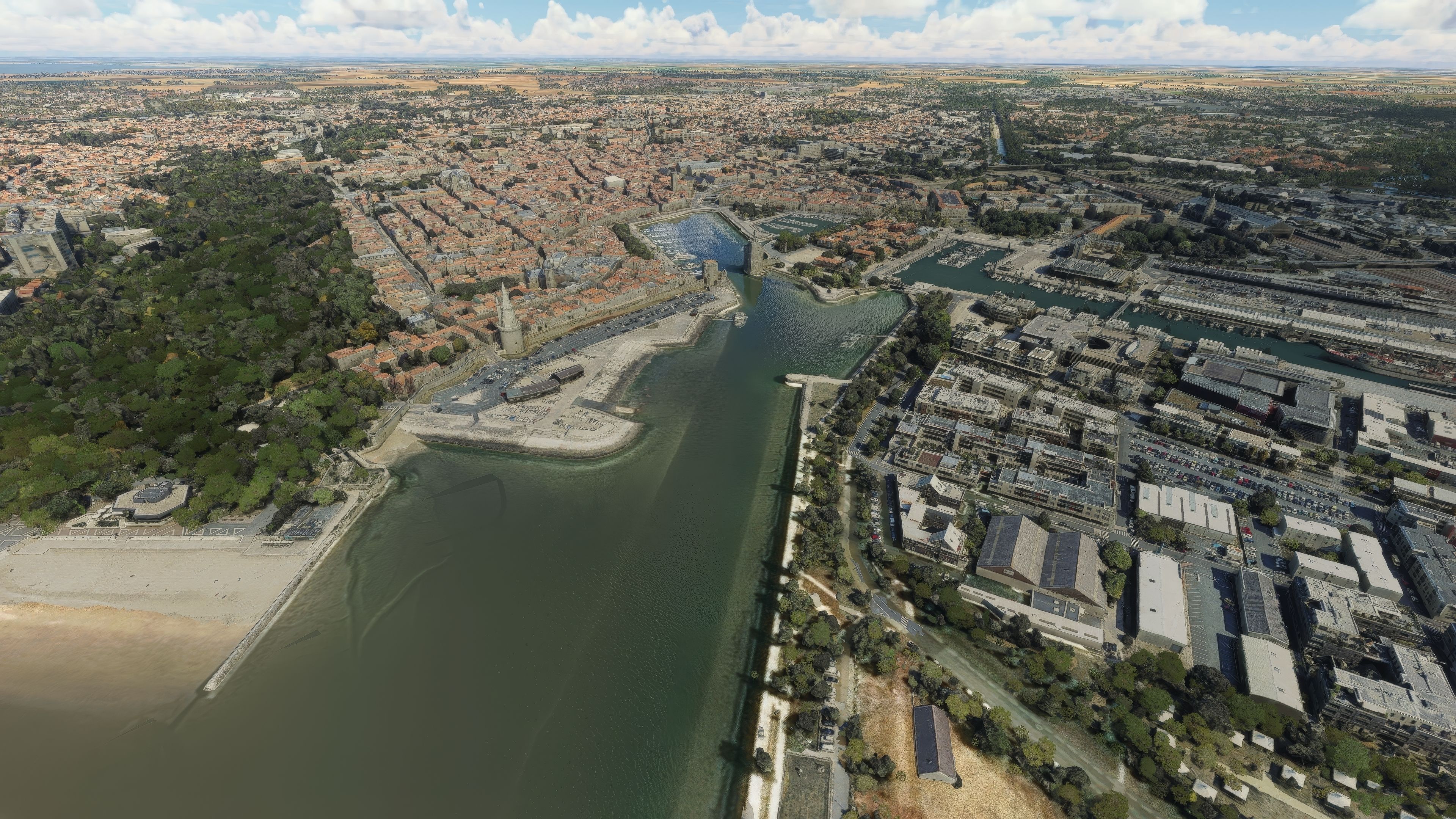
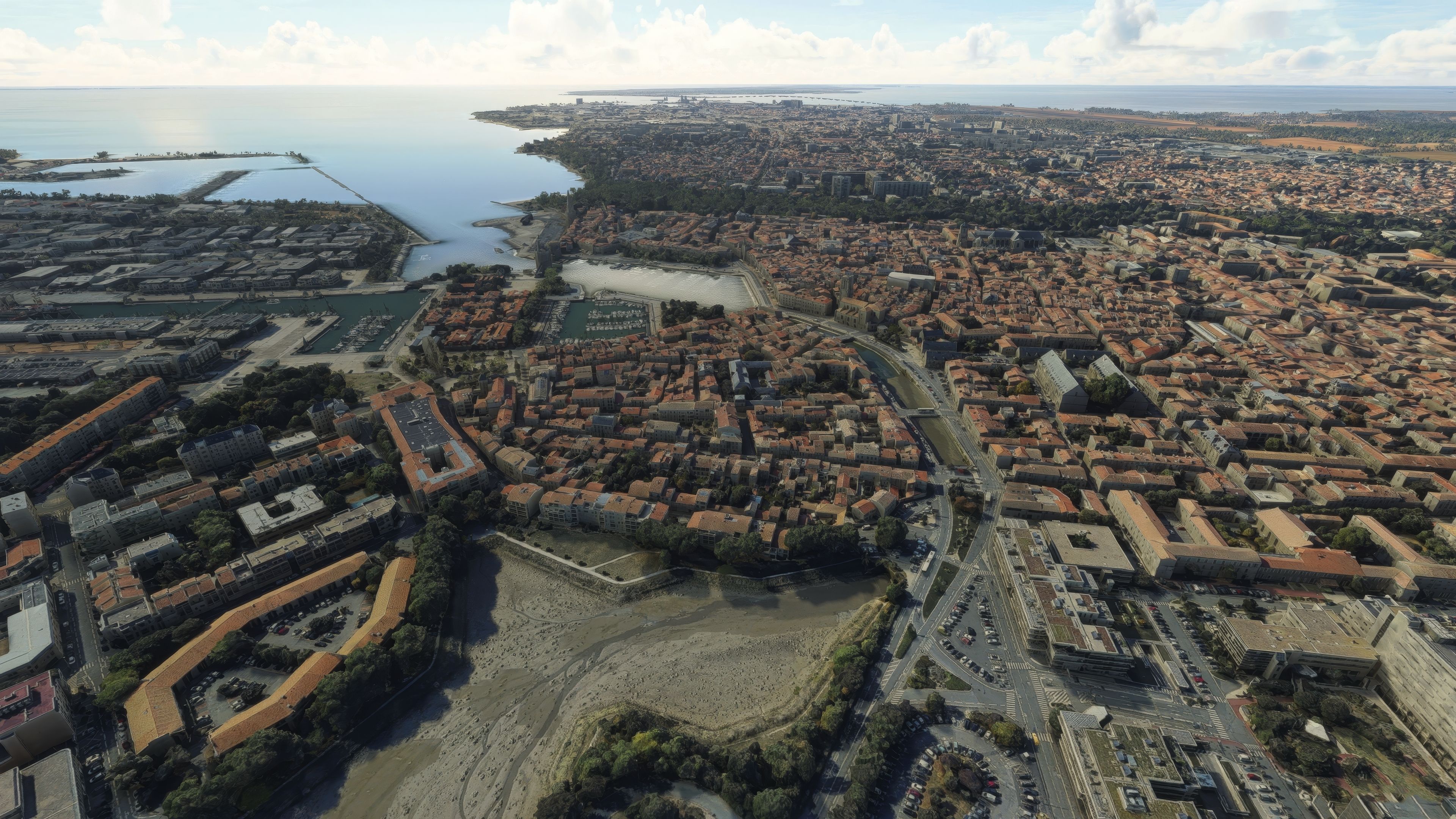
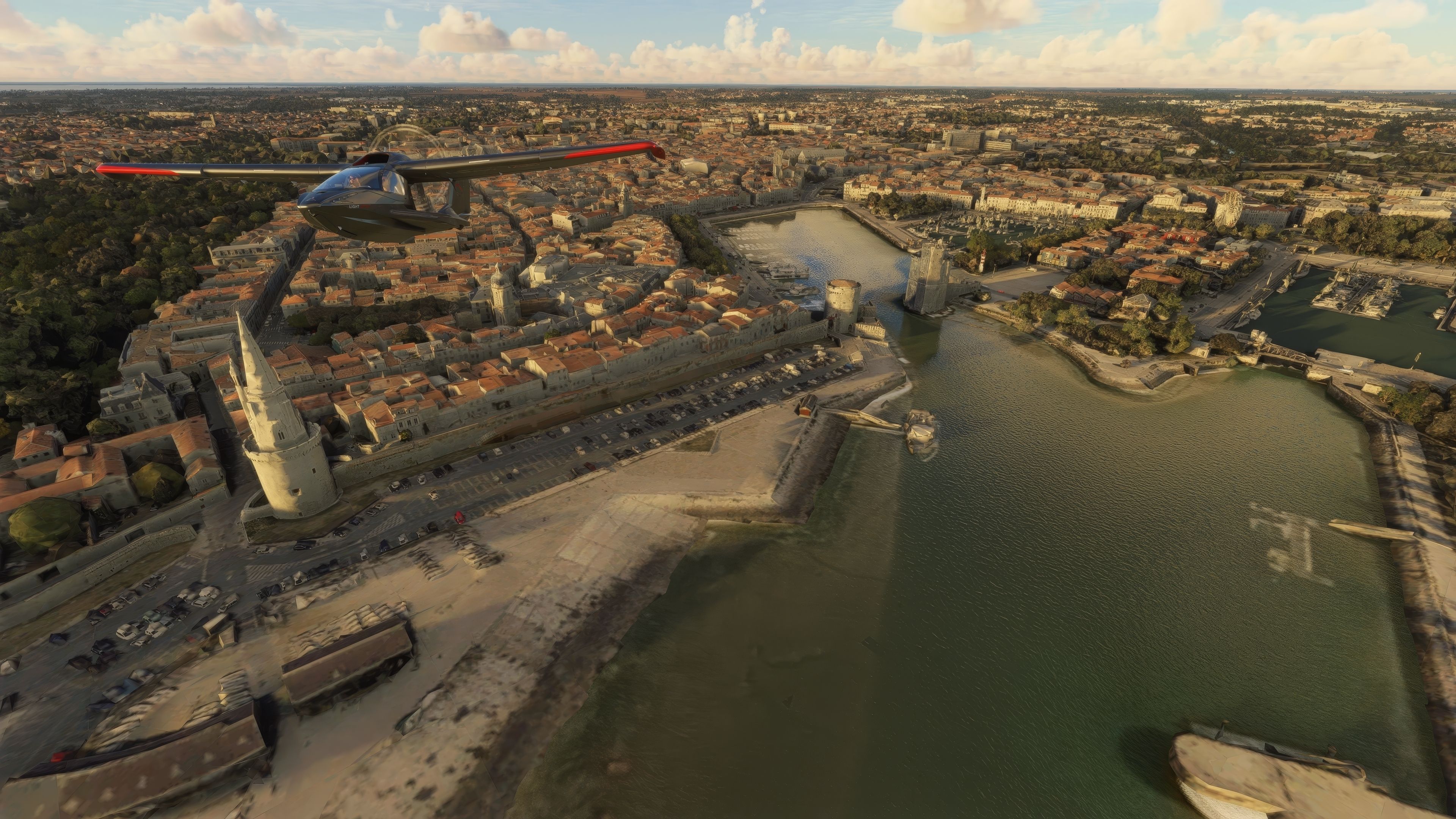
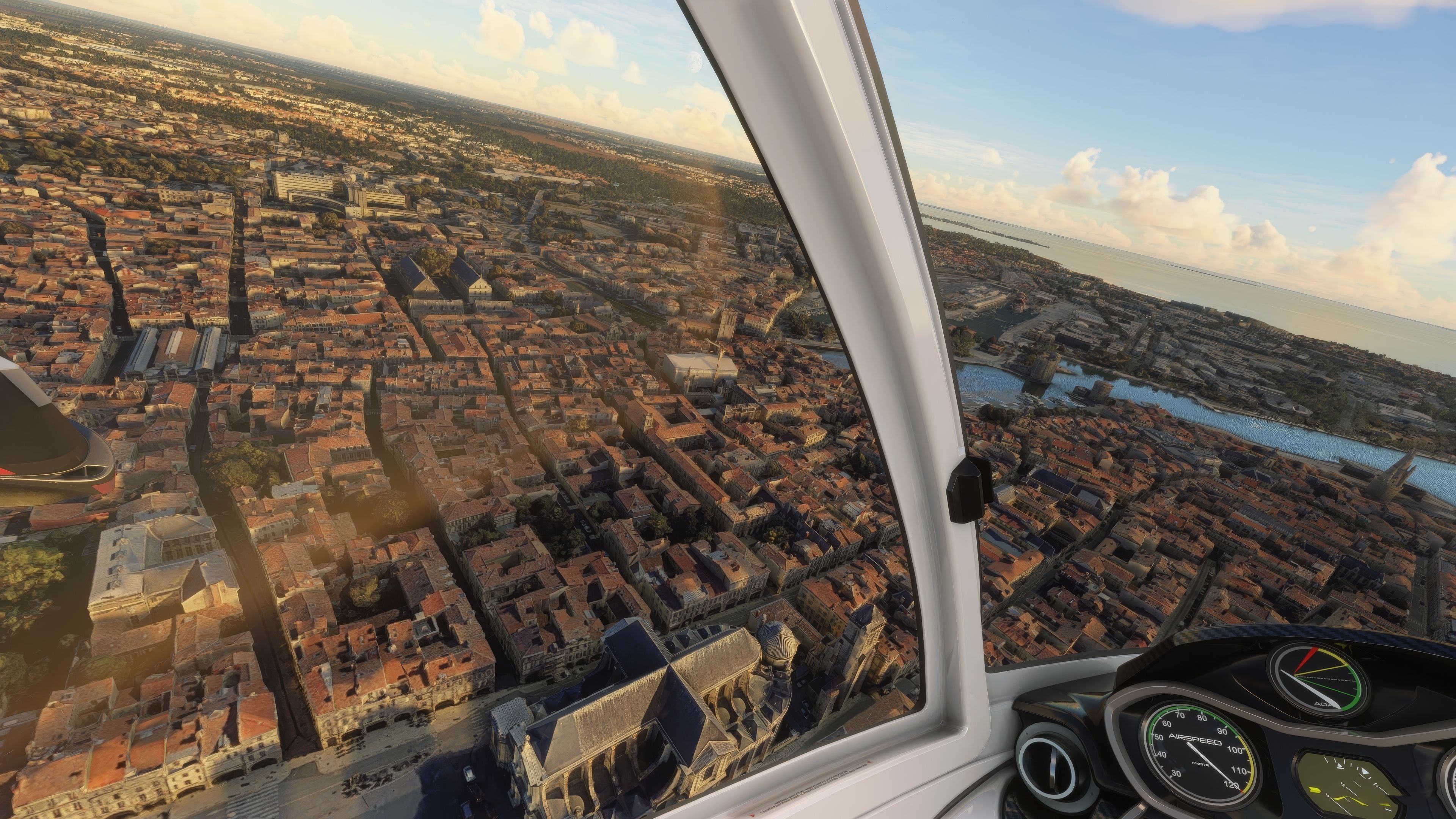
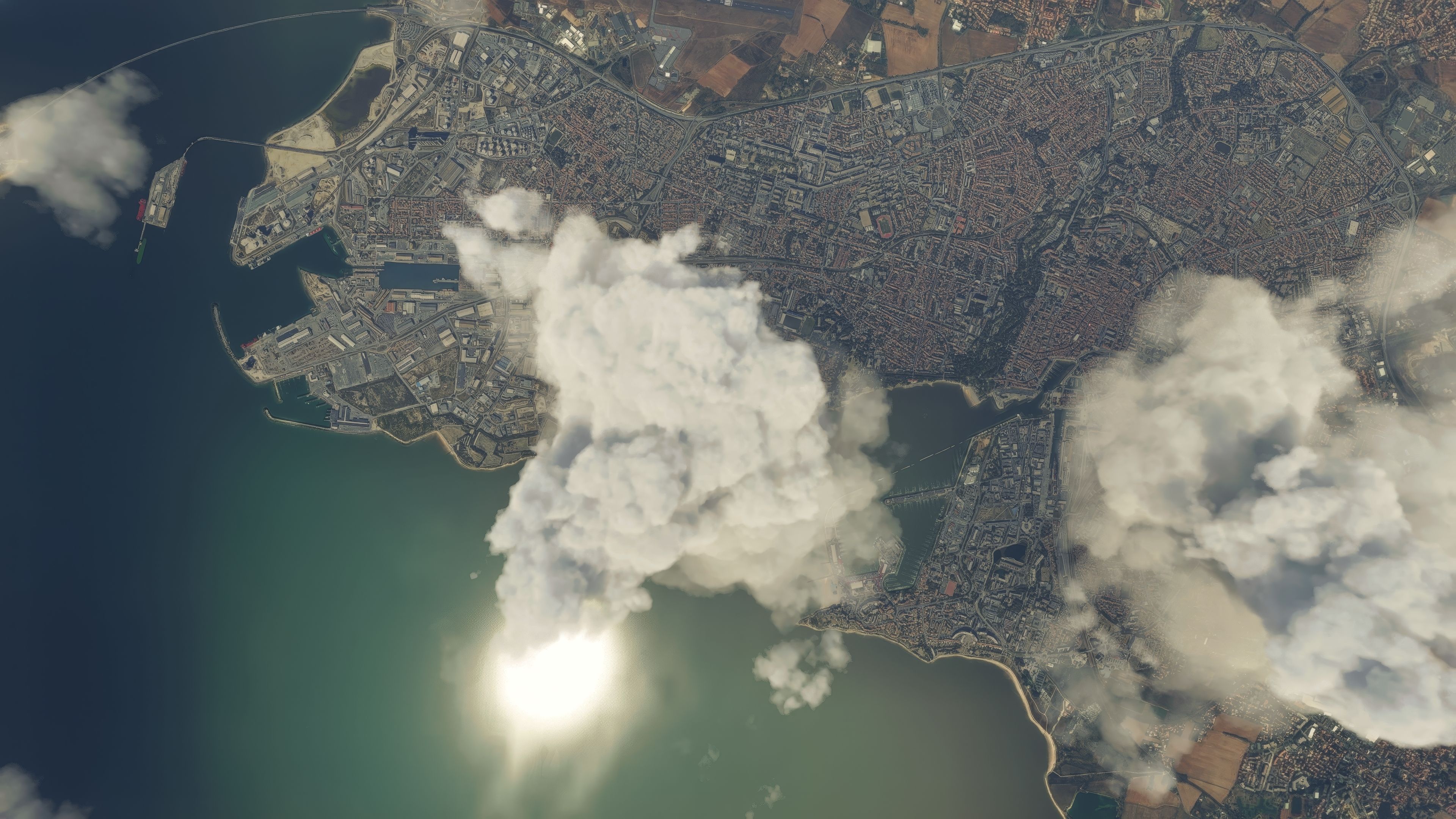
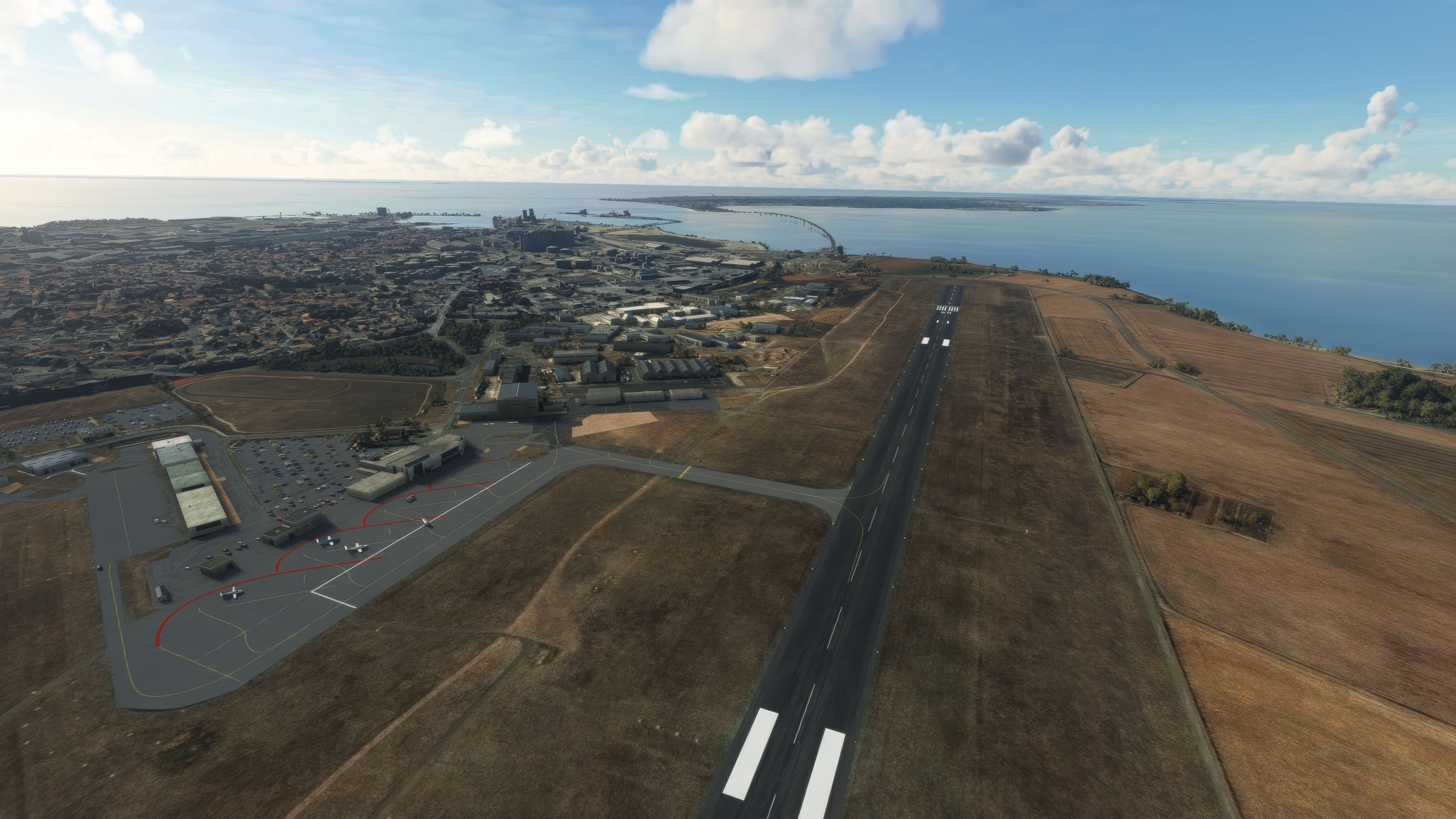
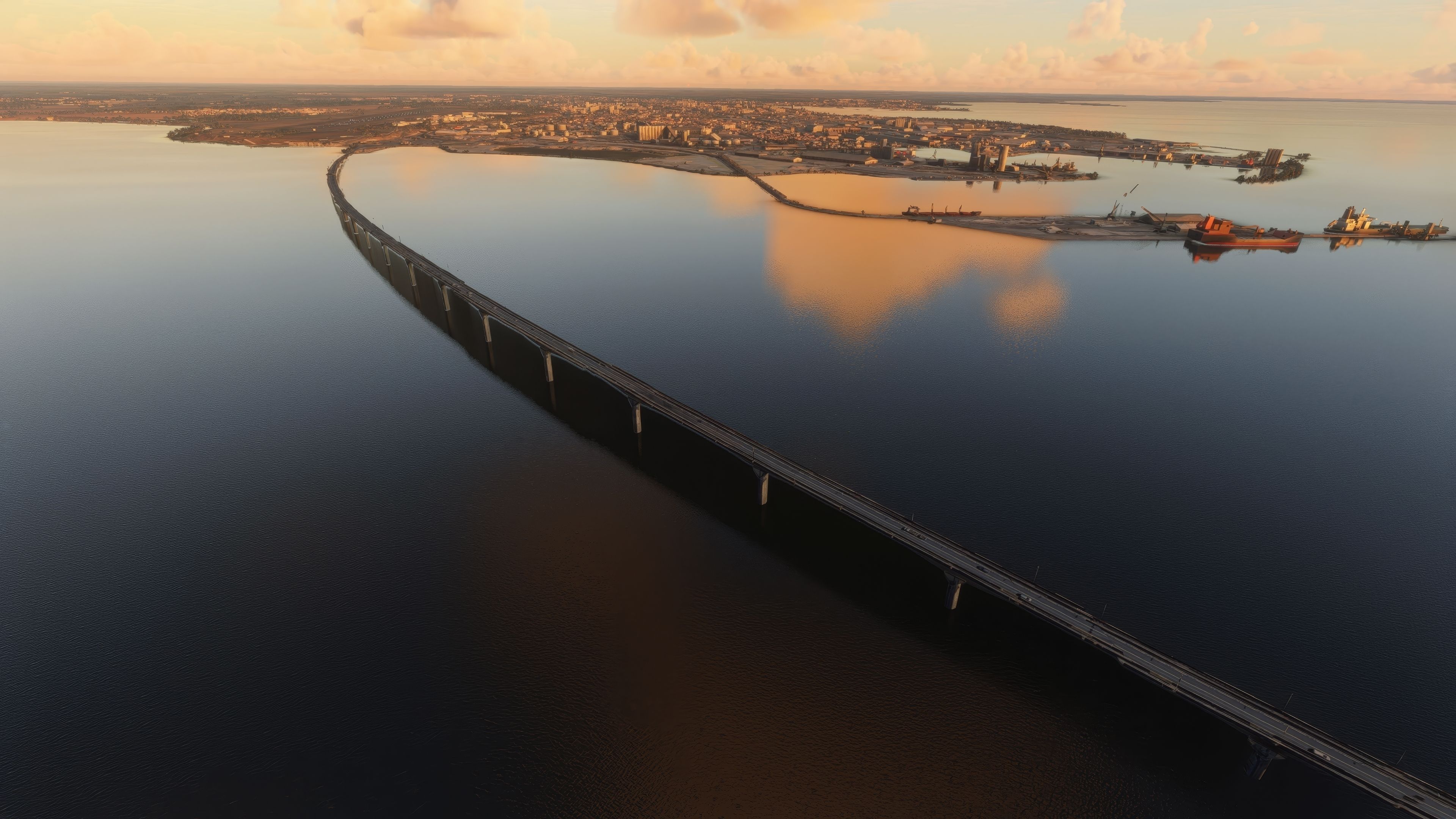
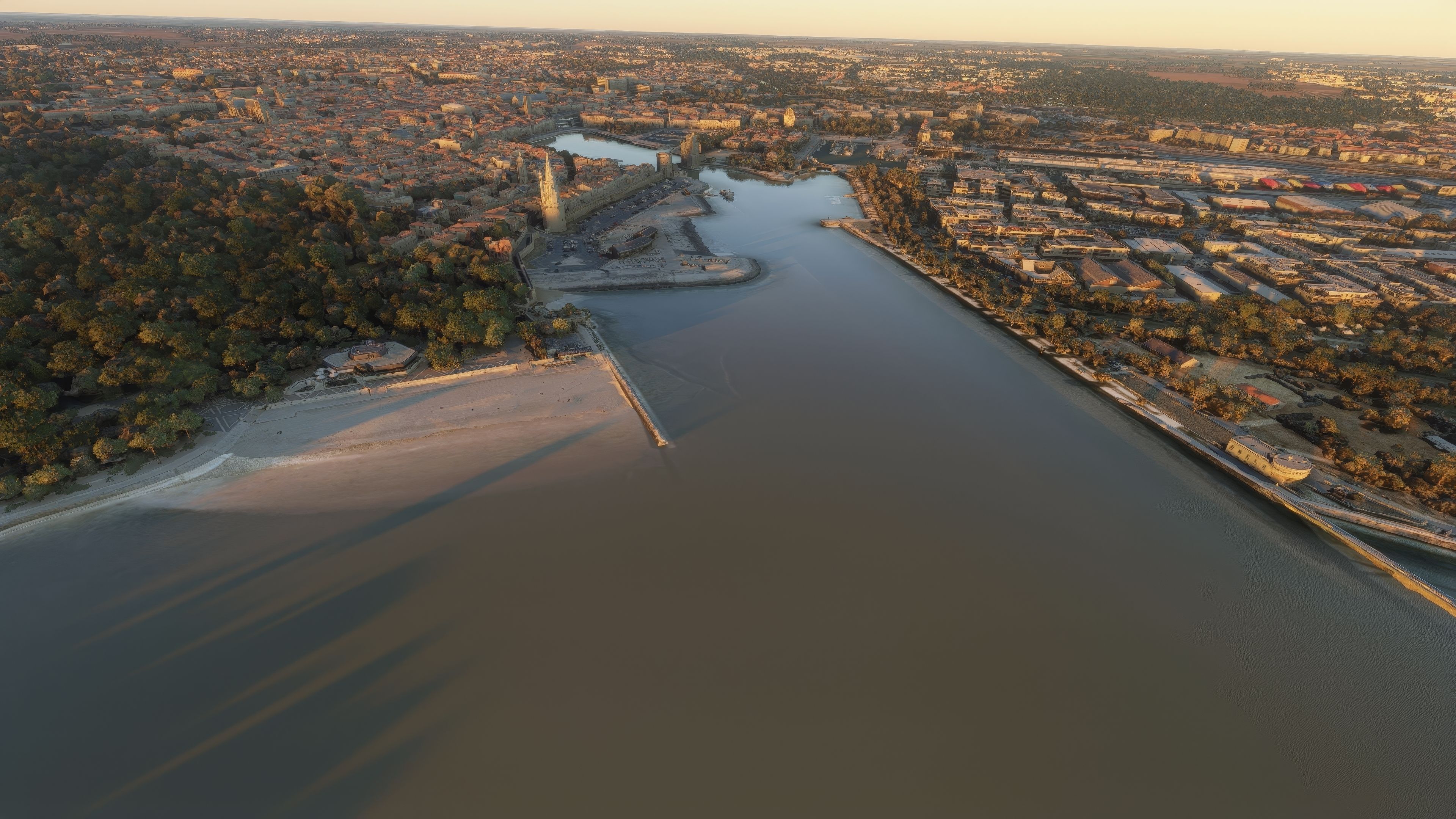
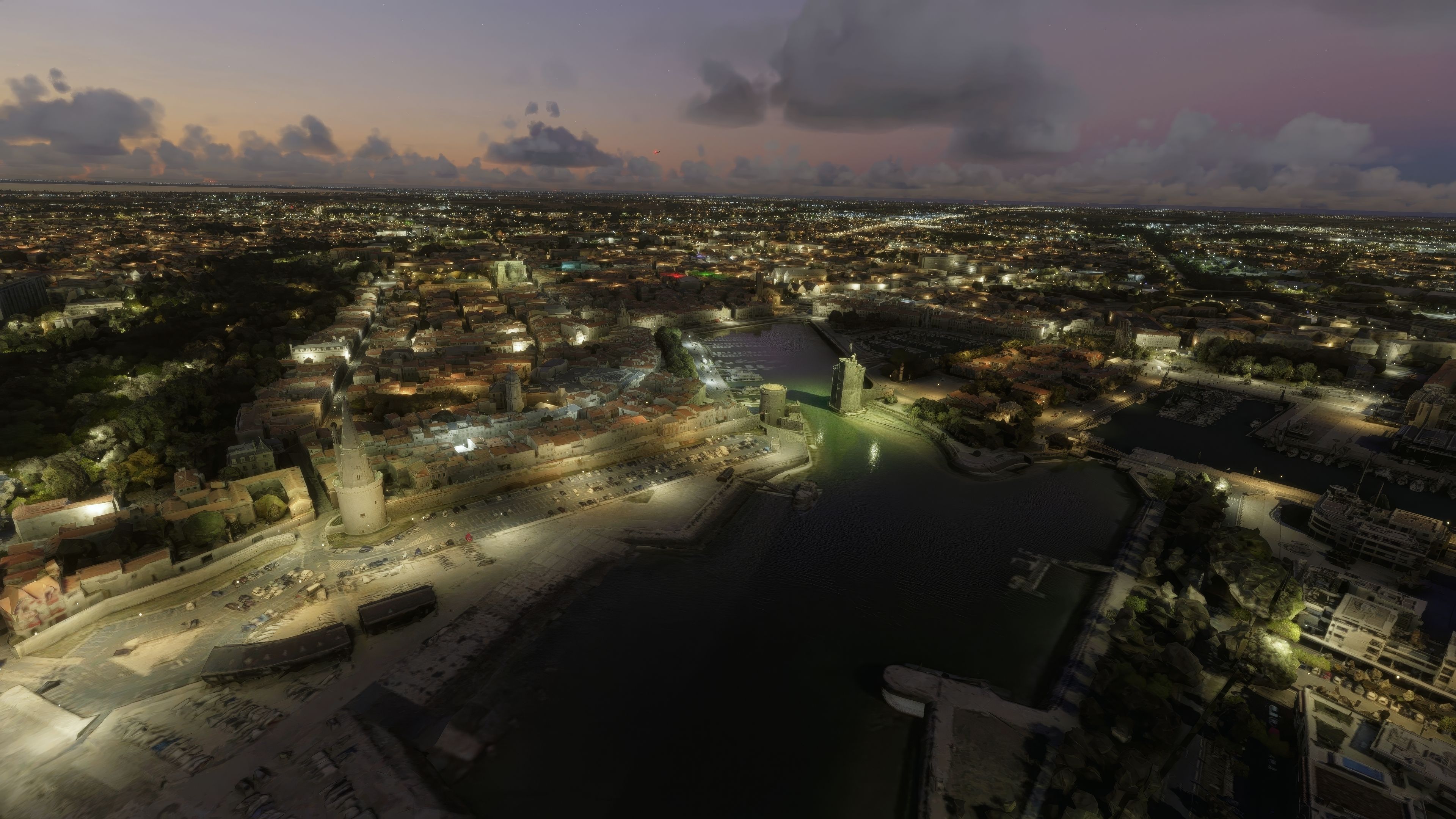
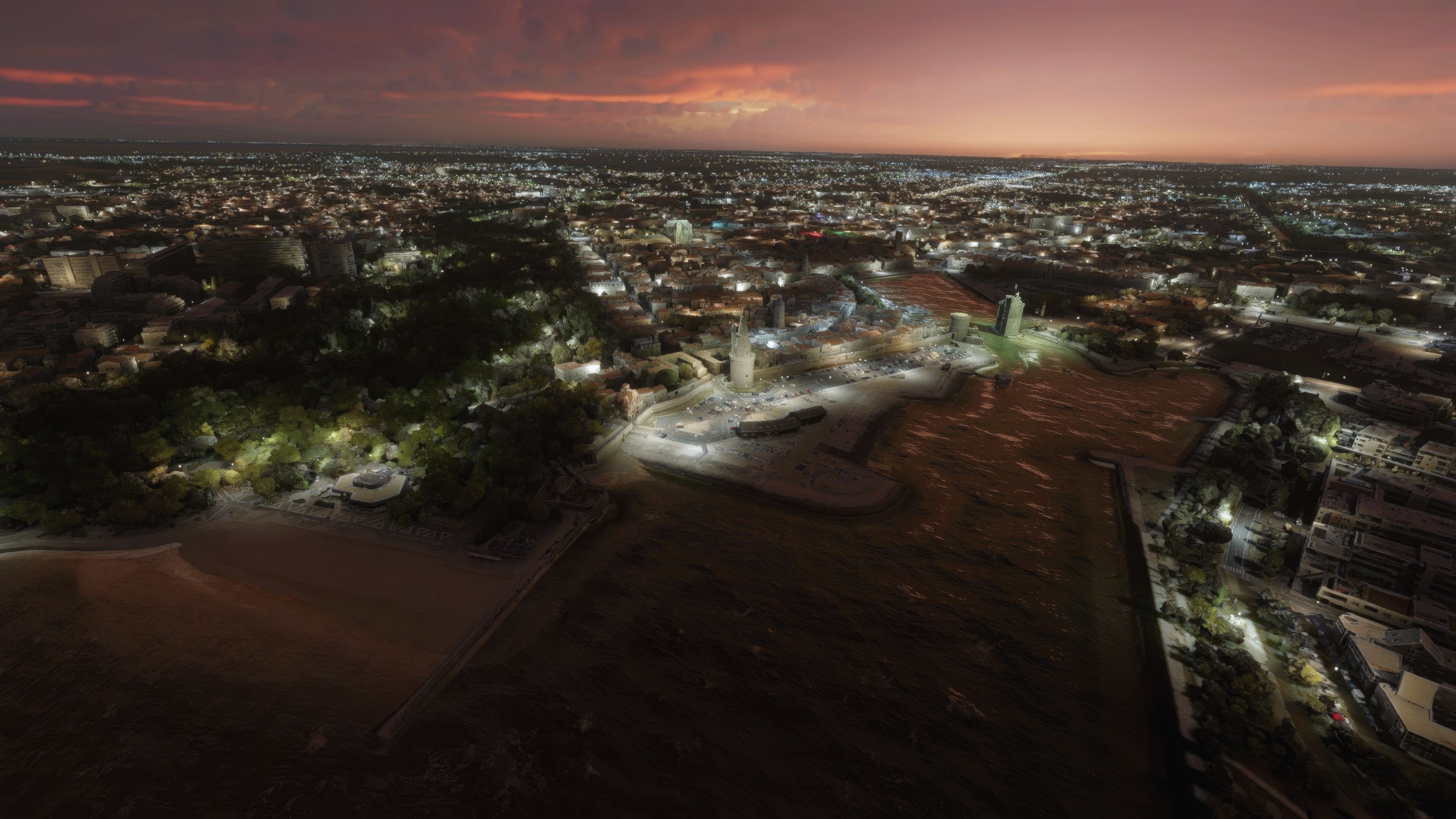
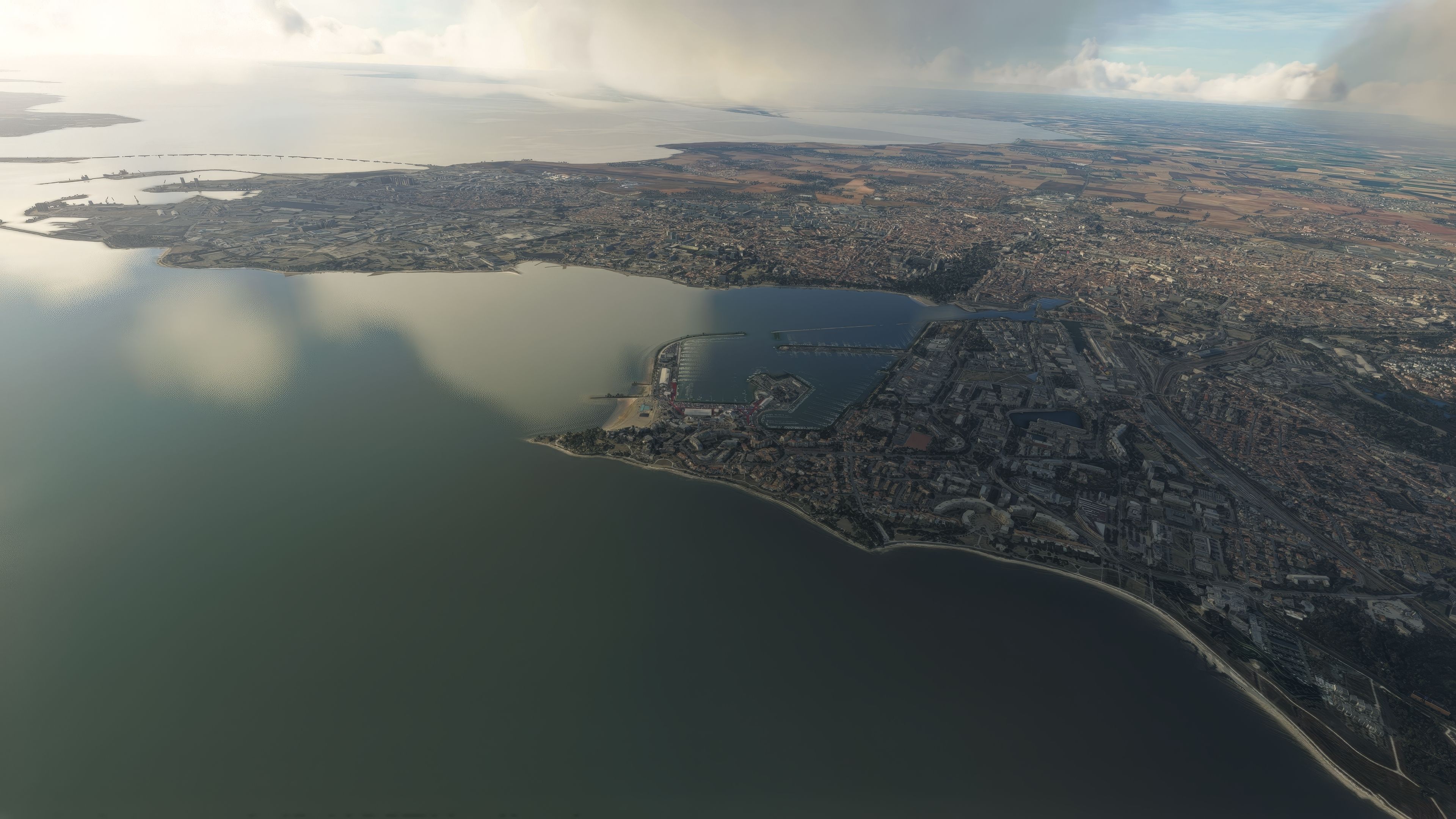
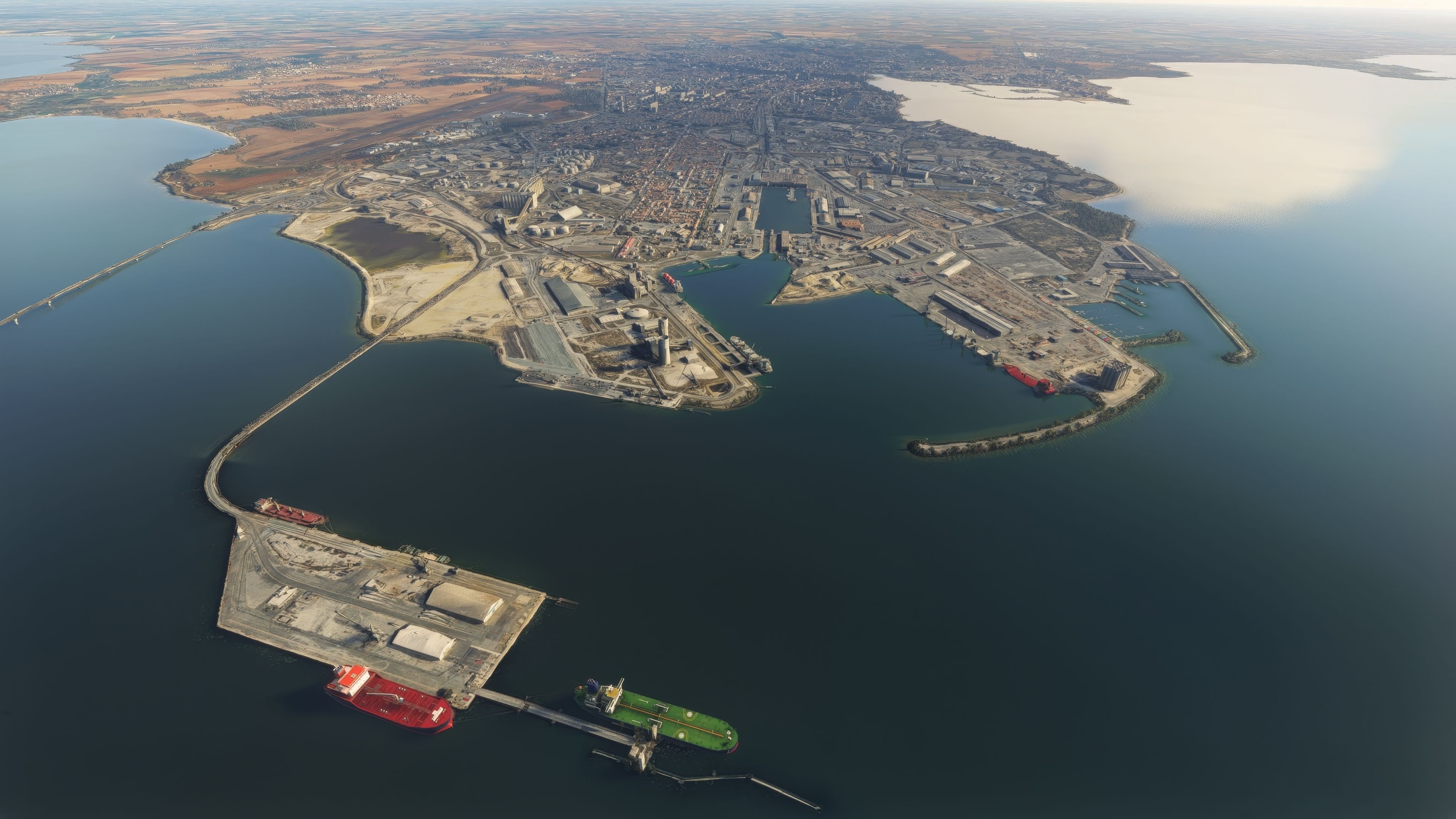
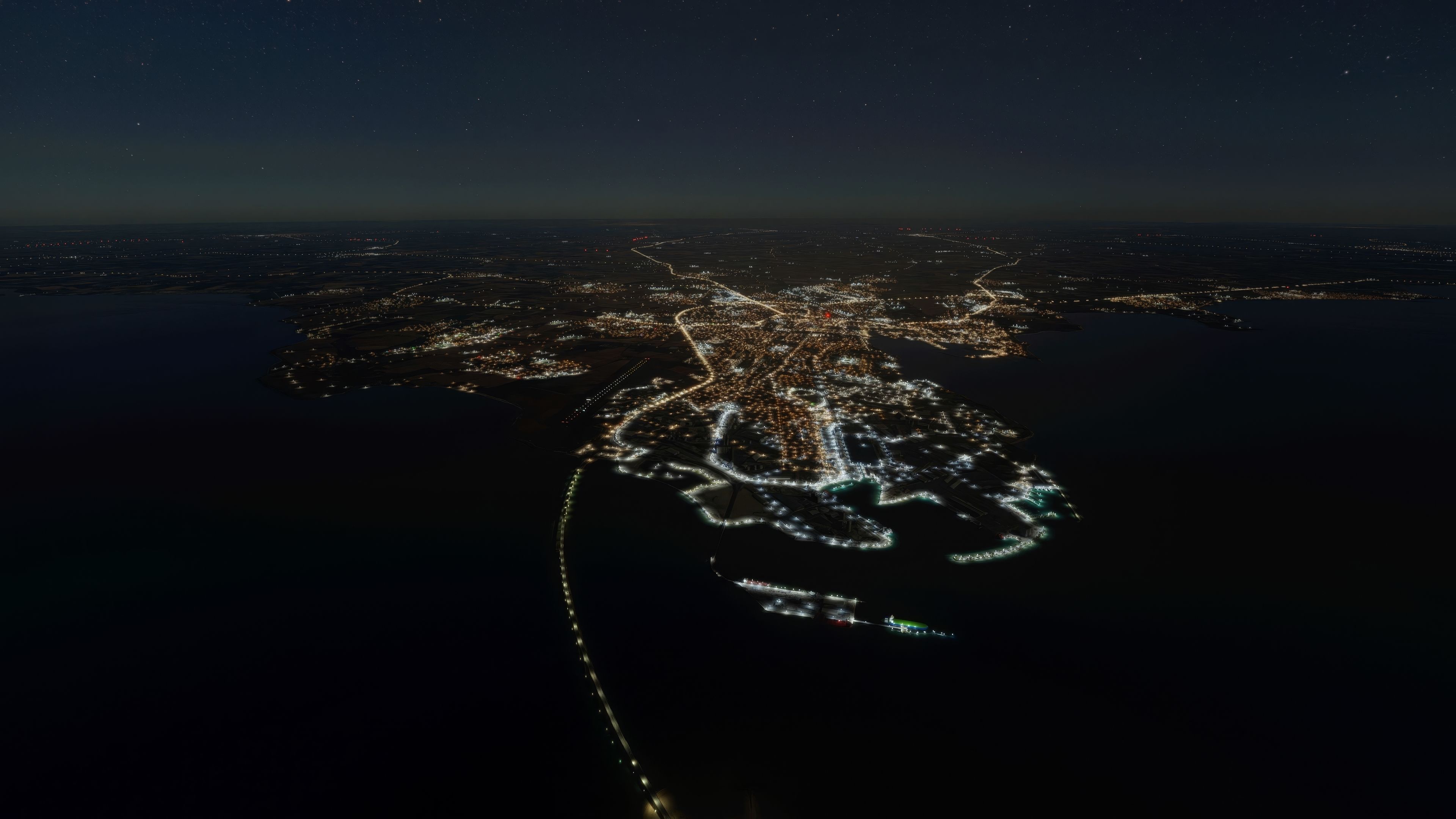

La Rochelle City Complete Photogrammetry Scenery transforms this iconic French coastal region into a visually striking and highly detailed 3D environment within Microsoft Flight Simulator. By blending seamless photogrammetry coverage, enhanced textures, and optimized lighting effects, this mod delivers an immersive experience of the city’s harbor area, La Pallice, and Les Minimes marina. Its refined LOD management system and colorimetry adjustments also help maintain smooth performance, ensuring a stable and visually impressive flight experience—even when flying low and slow to marvel at the rich architectural detail.
From the scenic approach over the Bay of Biscay to exploring Points of Interest that highlight the city’s historical and cultural landmarks, there is a remarkable level of realism in every corner of the map. This mod seamlessly integrates with the local airports at La Rochelle – Île de Ré (LFBH) and Rochefort-Saint-Agnant (LFDN), providing a range of flight routes that are both picturesque and practical. After extensive testing, I found the crisp texture work and improved road traffic perfectly capture the vibrant charm of La Rochelle while keeping performance overheads remarkably low—making it an excellent choice for any virtual aviator seeking a refreshing destination.
Immerse yourself in the detailed and vibrant scenery of La Rochelle, a historic seaport on France's southwestern coast, with the latest freeware add-on for Microsoft Flight Simulator. This comprehensive photogrammetry scenery package brings to life the essence of La Rochelle and its surroundings, offering pilots an unparalleled virtual flying experience.
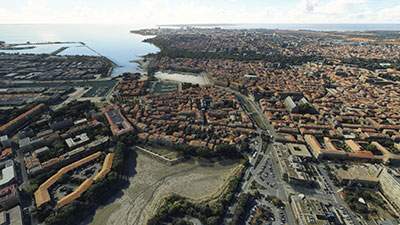 Main Features
Enhance your flying experience by starting or ending your journey at these nearby airports, each with its unique characteristics and codes for easy access in the simulator:
Photogrammetry is a technology that captures real-world objects and environments through photography, converting them into precise 3D models. In the context of flight simulation, it enables the recreation of cities, landscapes, and landmarks with remarkable accuracy and realism, enhancing the pilot's immersion and navigational experience.
This add-on has undergone several updates to enhance its performance and visual quality. From reducing the package size to fixing texture flickering issues, every version aims to improve your virtual flight experience. The latest version includes significant LOD management system fixes, ensuring a smooth and consistent framerate, alongside colorimetry adjustments and an expanded photogrammetry area for an even more immersive experience.
Simply extract the archive and copy the thalixte-larochelle folder into your MSFS Community folder.
Free for all simmers · 1.71 GB · Scanned clean Oct 2026
Download speed: Free tier is capped at 2 Mbps (this file takes approximately 2h 2m at the cap). PRO members download at full line speed.
%LOCALAPPDATA%\Packages\Microsoft.FlightSimulator_8wekyb3d8bbwe\LocalCache\Packages\Community\. Steam version: %APPDATA%\Microsoft Flight Simulator\Packages\Community\. Tip: enable Developer Mode in MSFS to see your exact Community folder path.readme.txt or README file. It tells you exactly where files go, what dependencies are needed, and any quirks specific to this add-on.Thalixte is a developer that has focused on creating photogrammetry and scenery packs for the latest Microsoft Flight Simulator (MSFS) 2020 release. All of this developer's releases have received fantastic feedback from many users on various flight sim websites including Fly Away Simulation.
Based in France, the developer tends to focus on creation of European packs however some "further afield" packs have also been created.
Are you Thalixte? Sign in to Fly Away Creators for download stats, comment replies and updates. Make add-ons? Publish them here.
Only PRO members can place votes.
More MSFS add-ons hand-picked based on this download.
MSFS Scenery
Immerse yourself in the rugged beauty of Iceland's capital with the Reykjavik…
 MSFS Scenery
Step into a world of historical authenticity and stunning detail with the Car…
 MSFS Scenery
Immerse yourself in the historical and architectural splendor of Valletta, th…
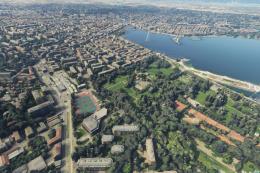 MSFS Scenery
Delve into the heart of Europe with the Geneva City Photogrammetry Scenery, a…
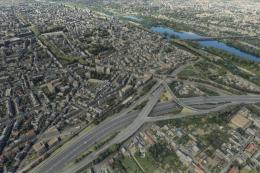 MSFS Scenery
Enhance your virtual flight experience with the Tours City Photogrammetry Sce…
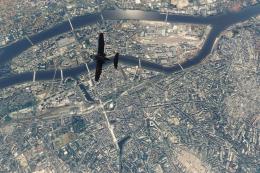 MSFS Scenery
Enhance your Microsoft Flight Simulator experience with the MSFS Nantes City …
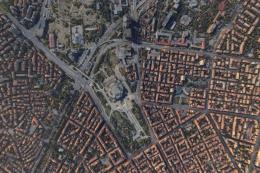 MSFS Scenery
Dive into the heart of Bulgaria with the Sofia City Photogrammetry Scenery ad…
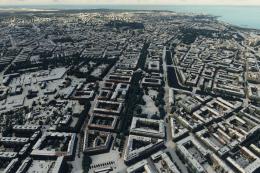 MSFS Scenery
Embark on a visually stunning journey through the heart of Scandinavia with t…
Be the first to leave a comment on this download.
Be the first to share your thoughts on this download.