



 France



 MSFS Scenery
Valletta City Photogrammetry
Immerse yourself in the historical and architectural splendor of Valletta, th…
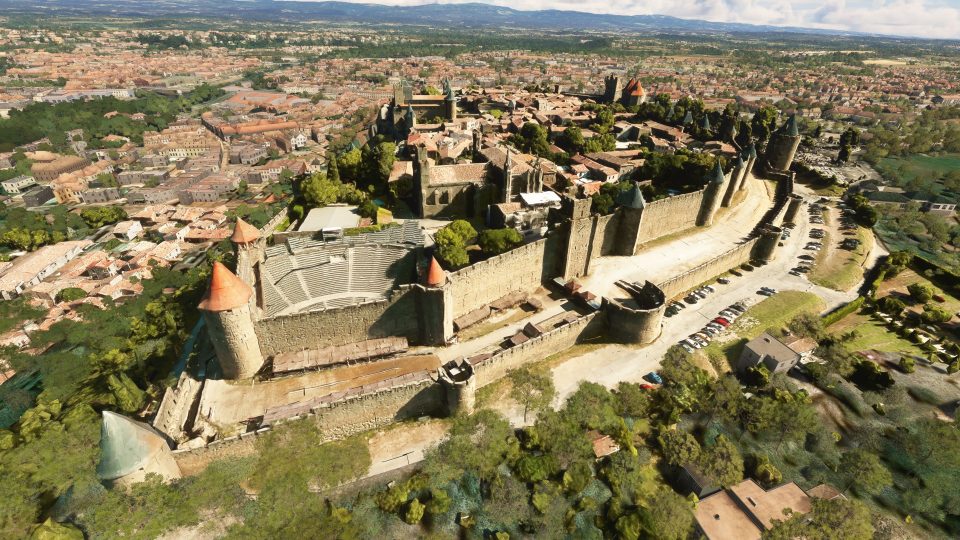
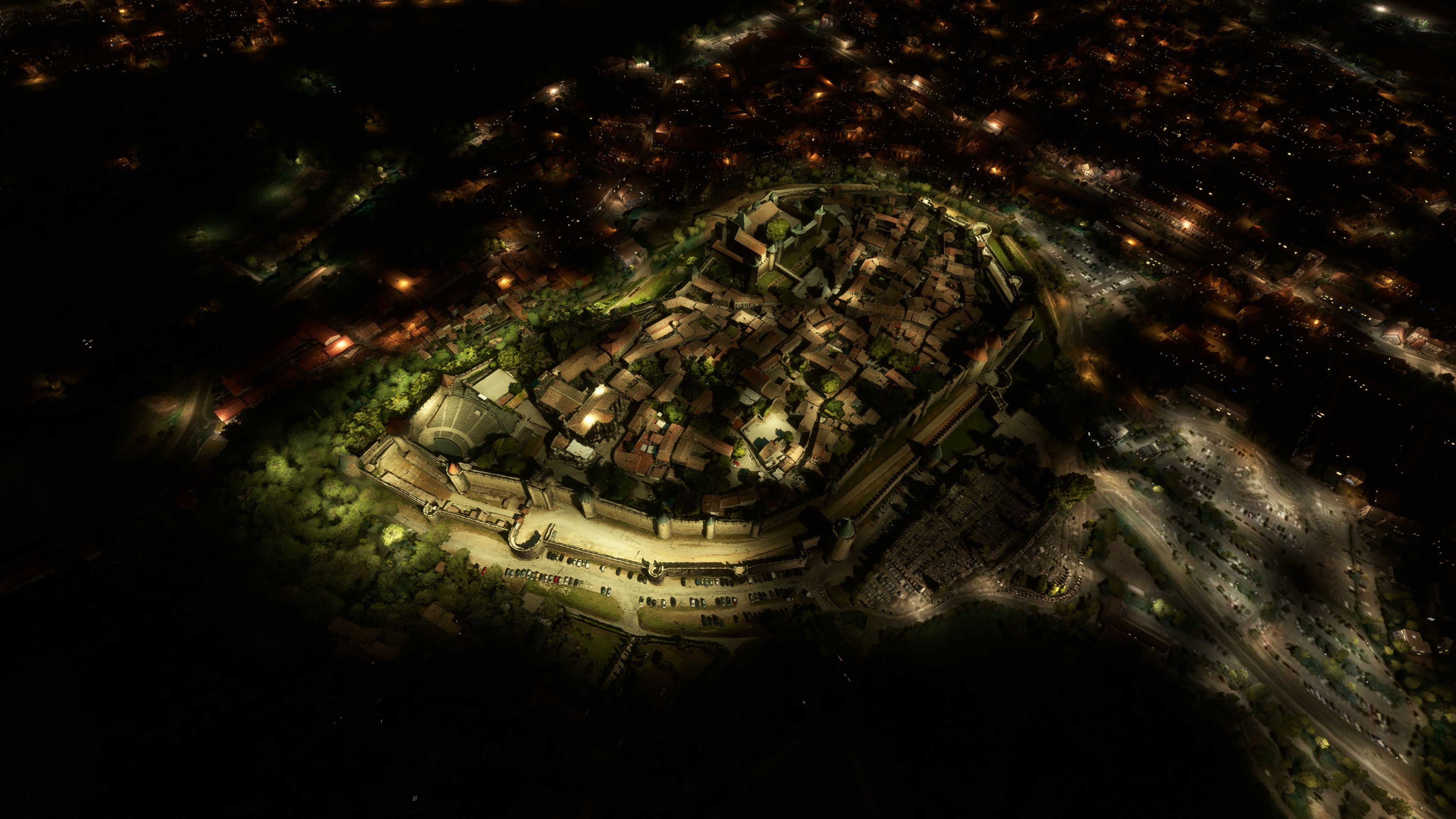
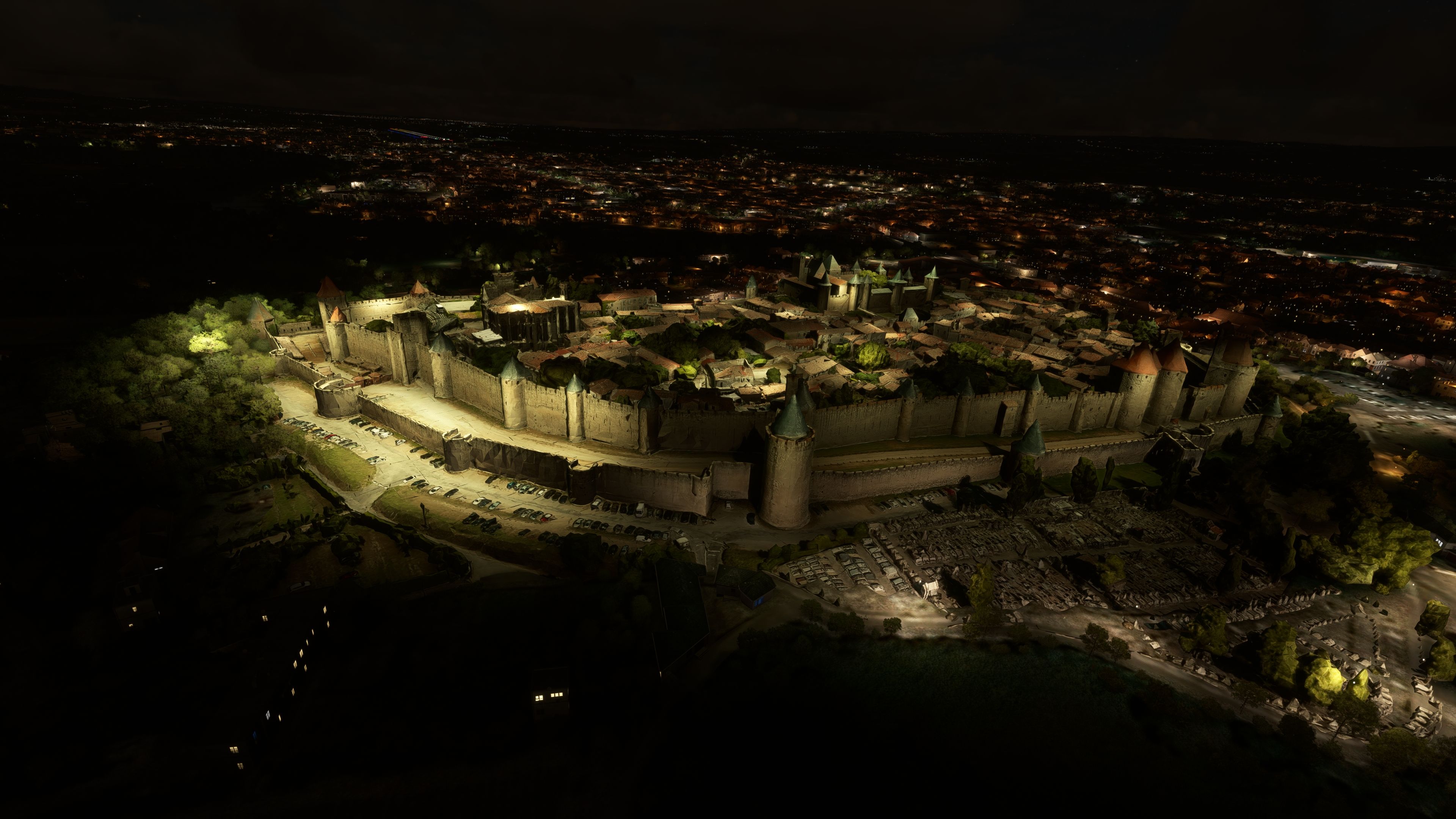
Carcassonne’s medieval walled city comes alive with high-resolution photogrammetry scenery that captures the fortress, streets, and surrounding landscape in faithful 3D detail for Microsoft Flight Simulator. Optimized textures, carefully tuned LODs, and atmospheric night lighting keep the landmark sharp from low passes to higher overflights while supporting smooth performance.
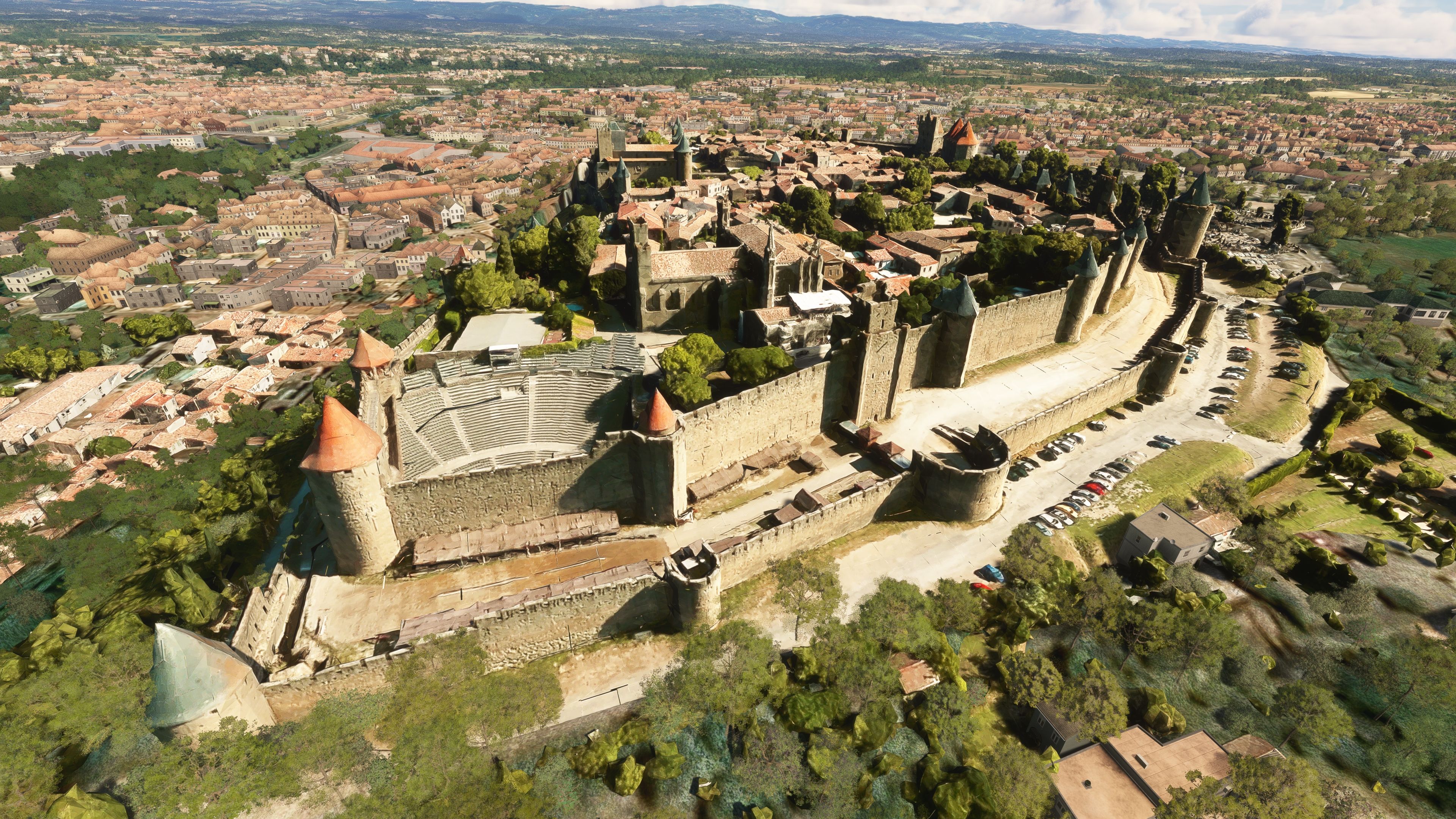
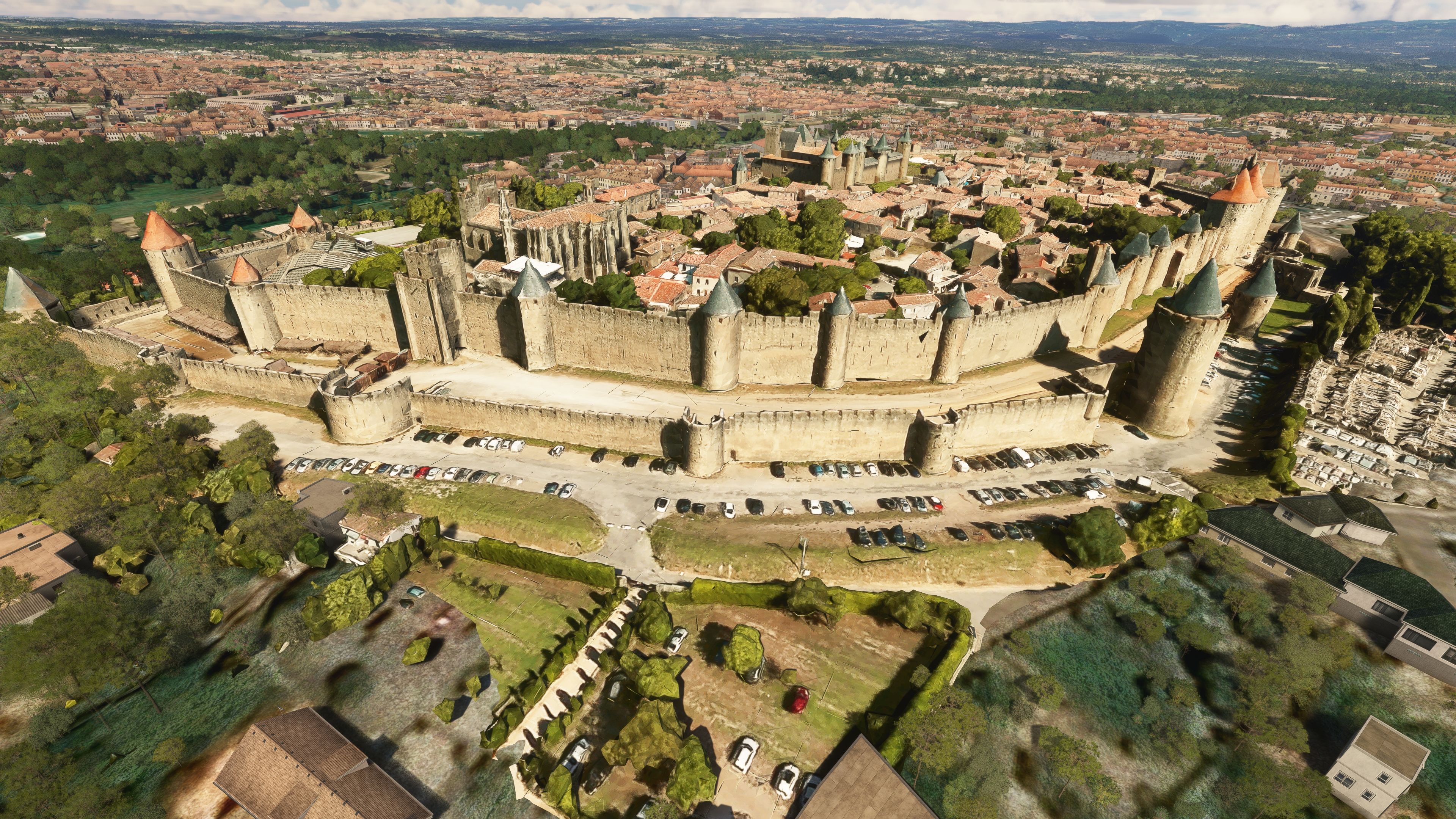
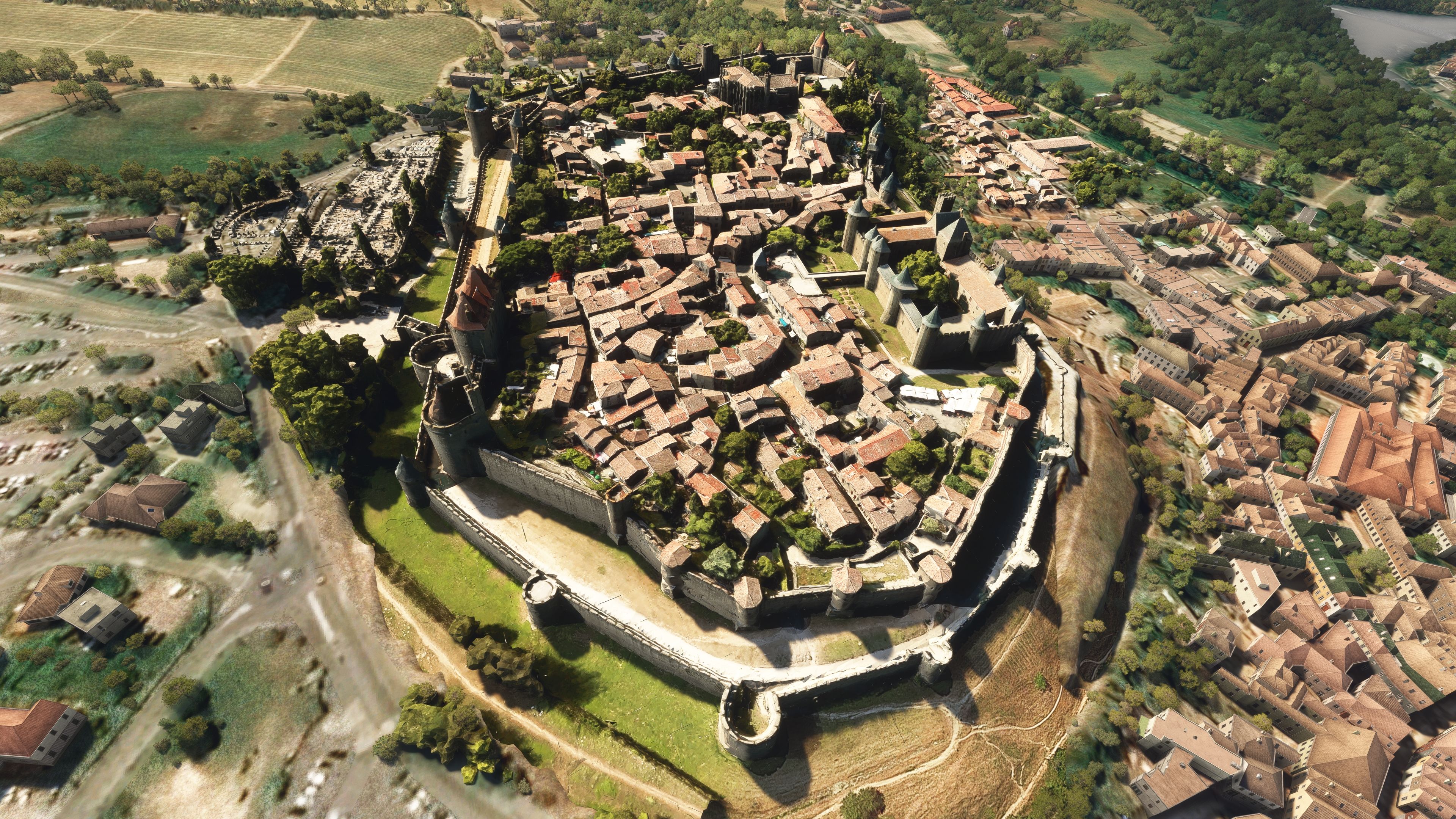
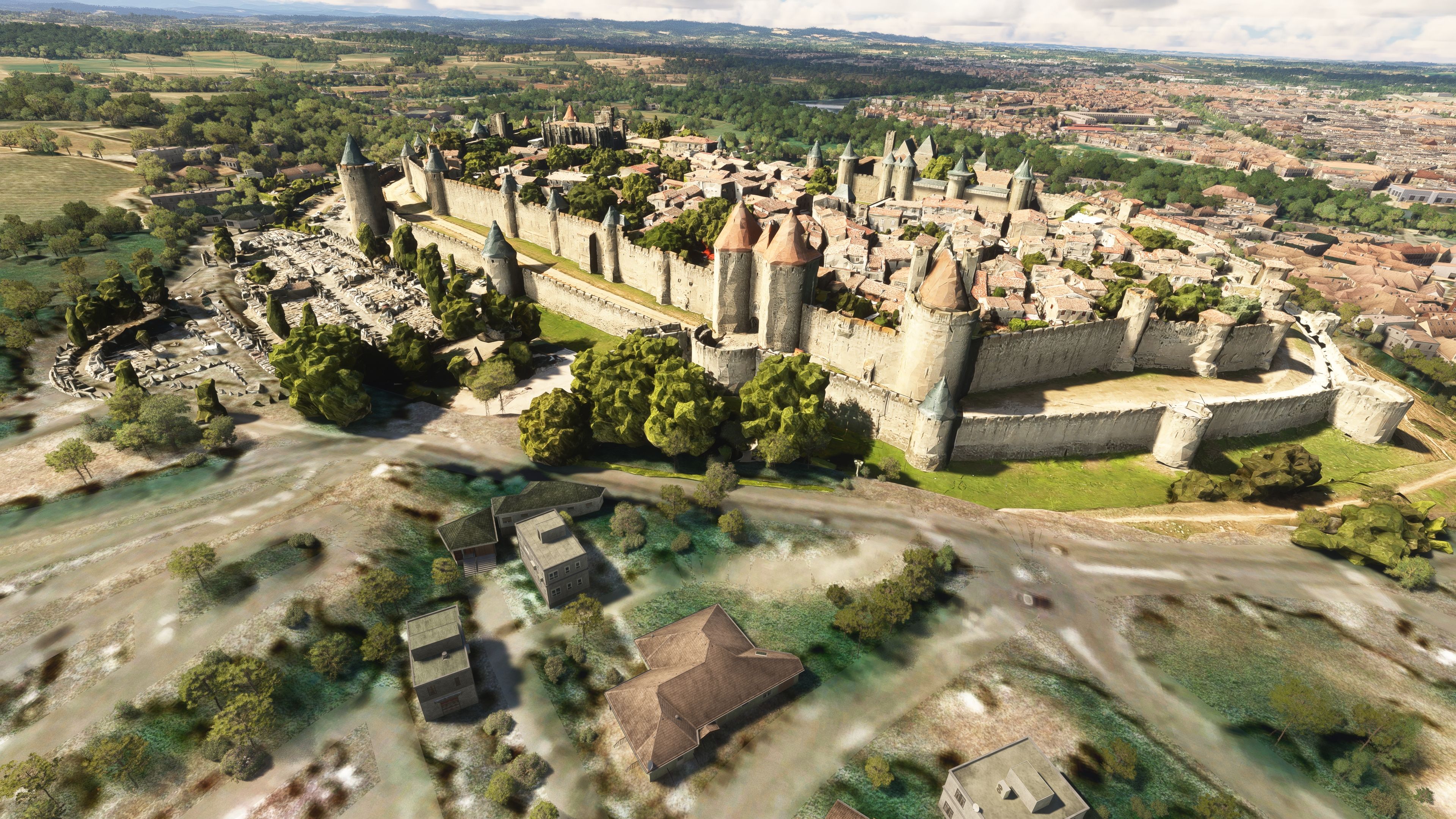
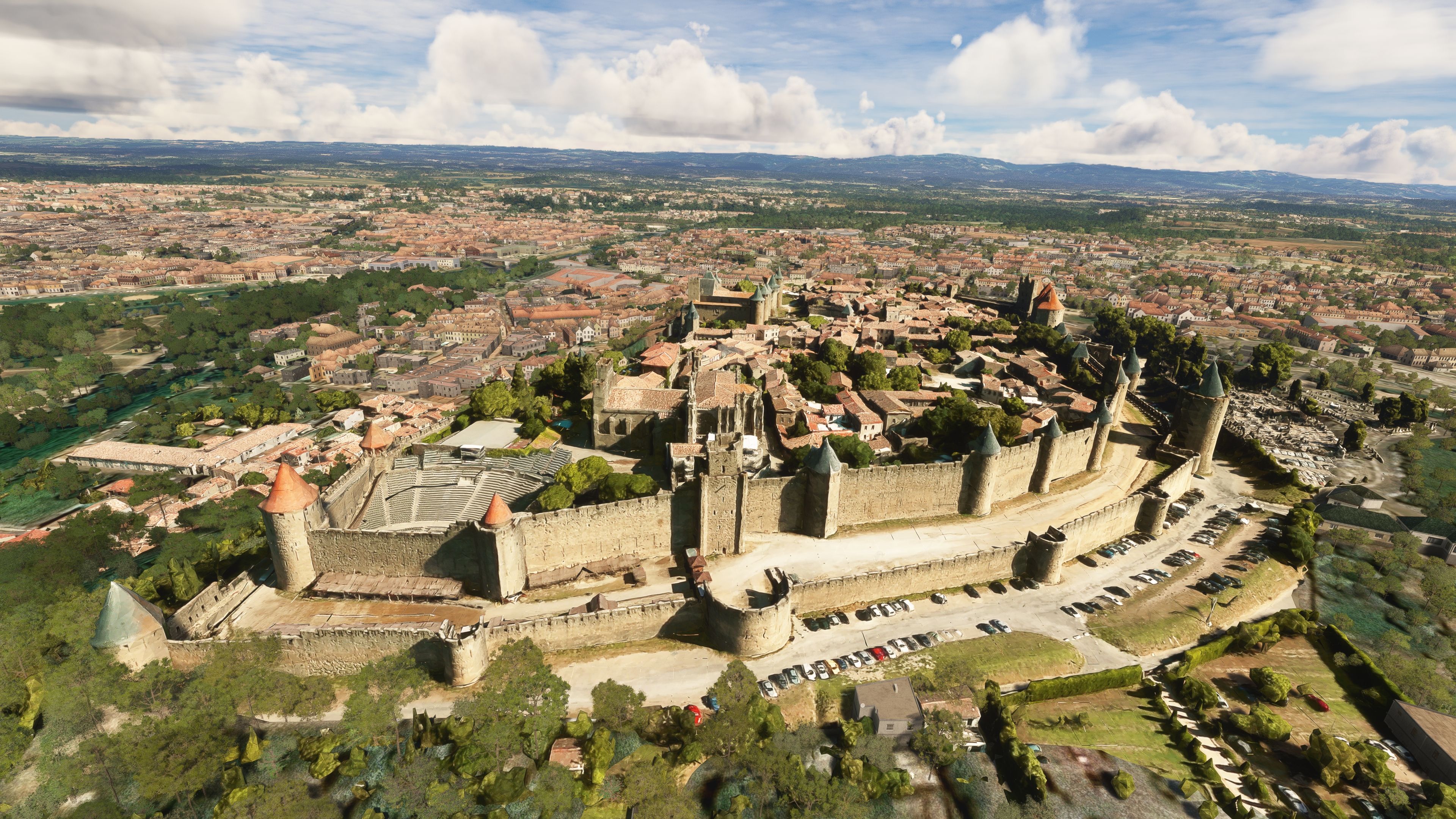
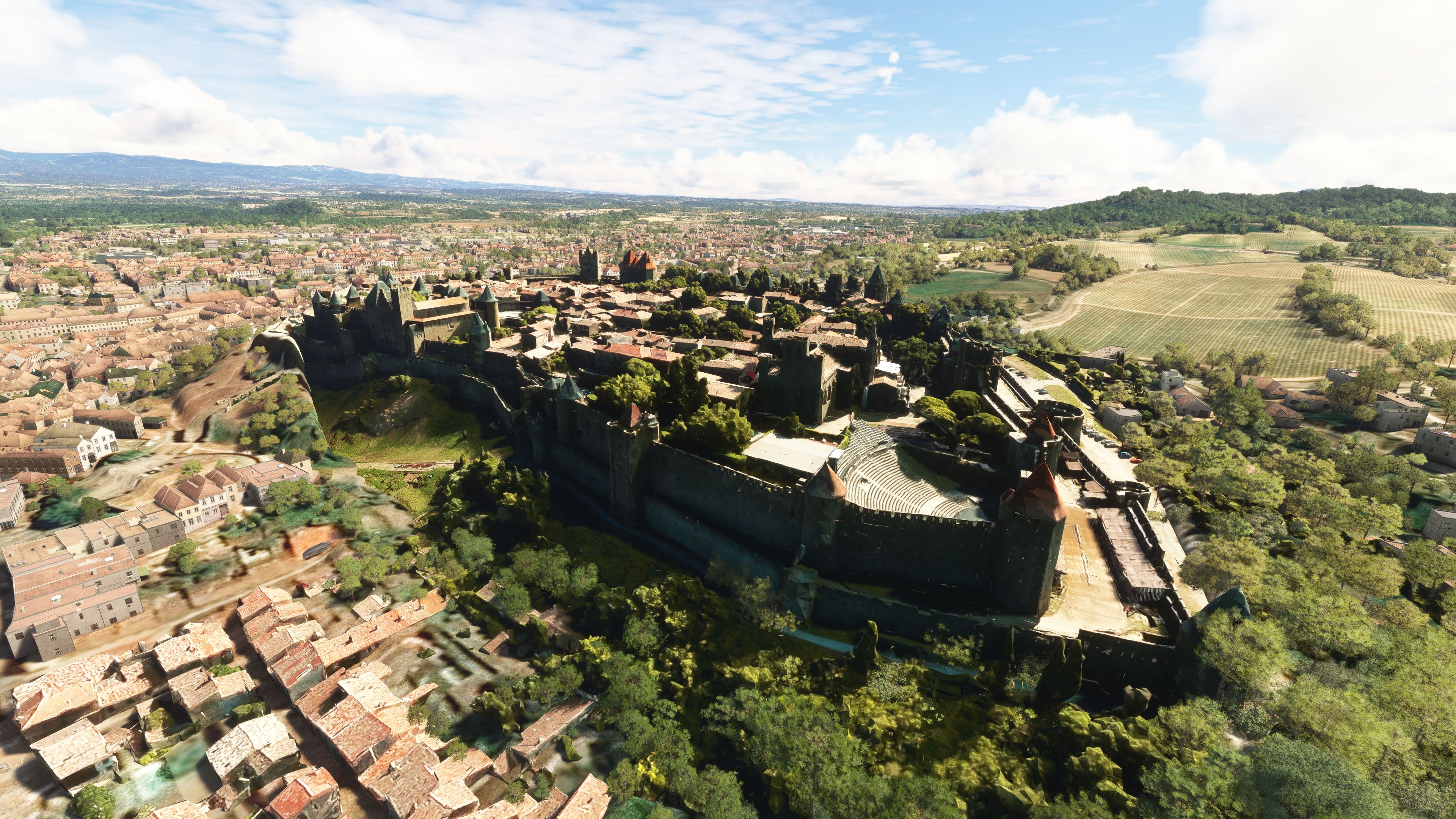
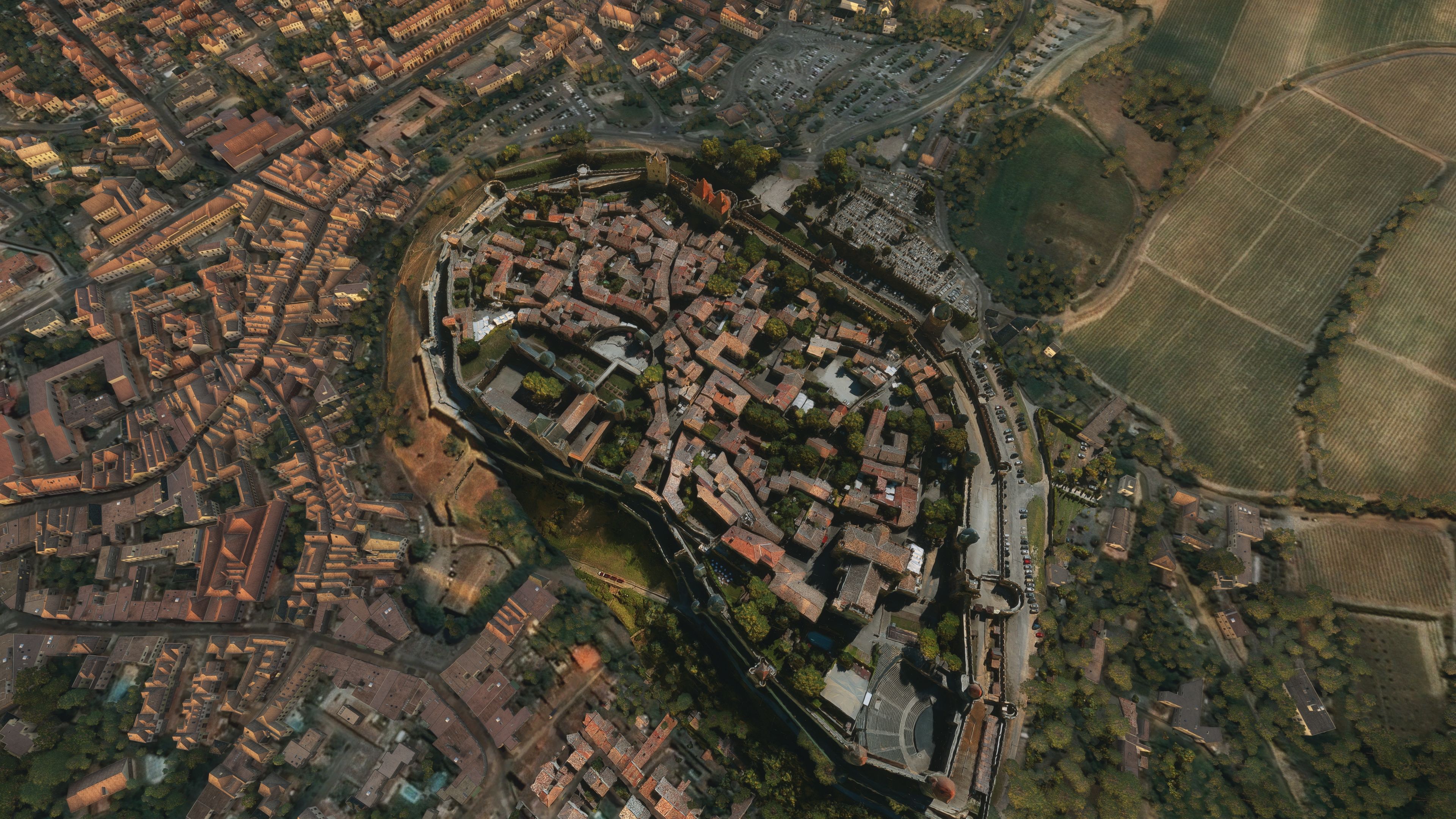
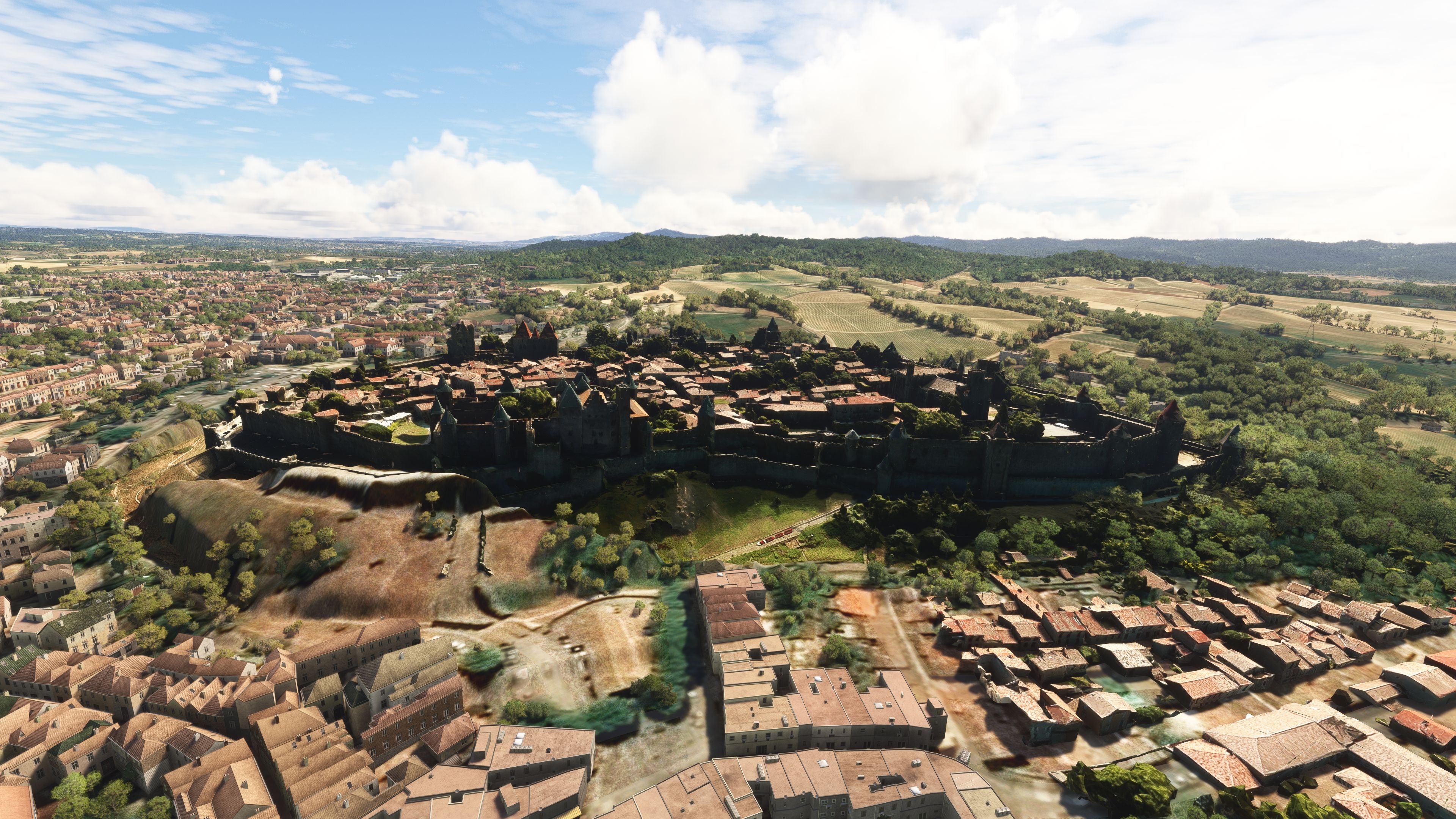
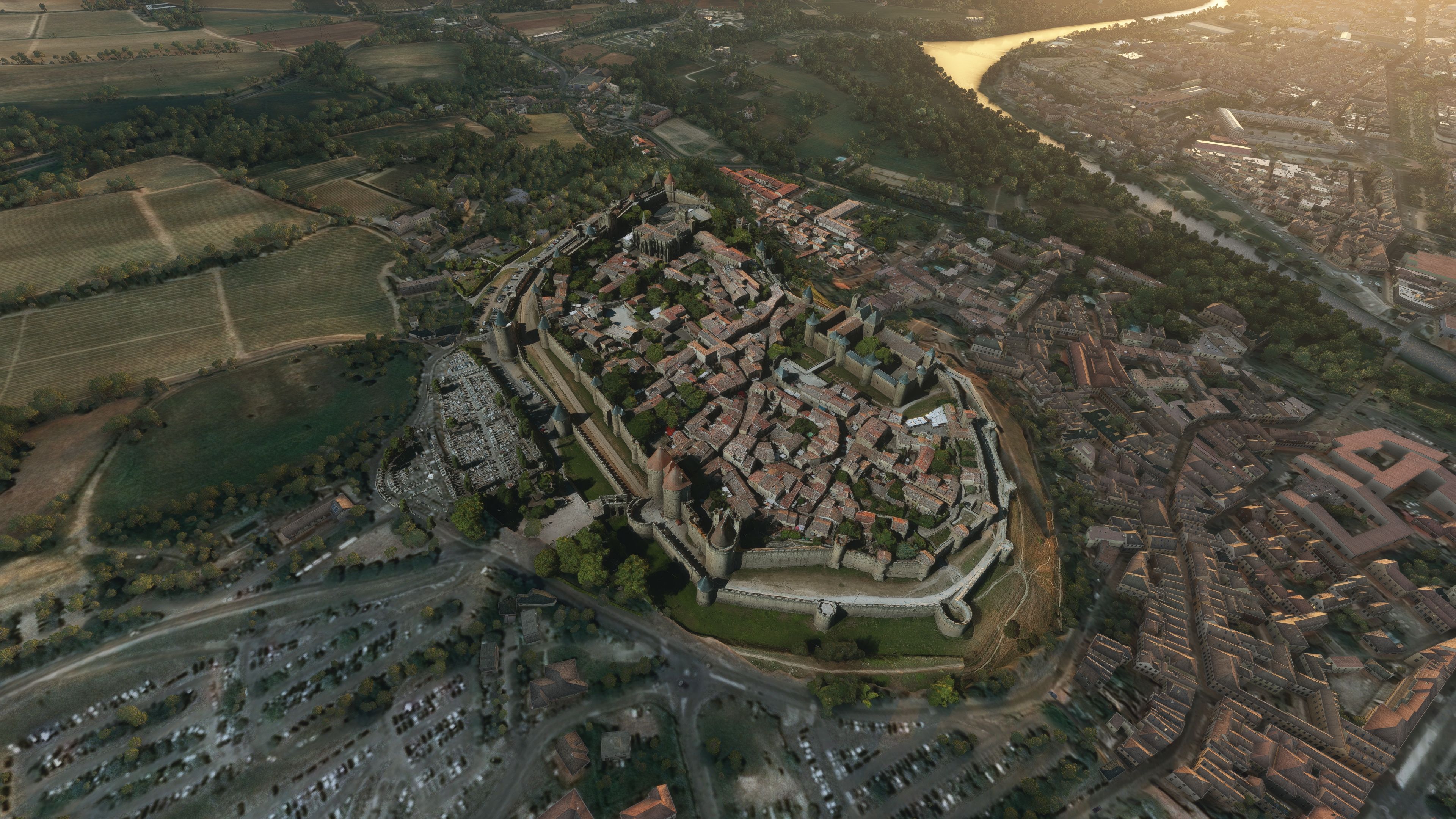
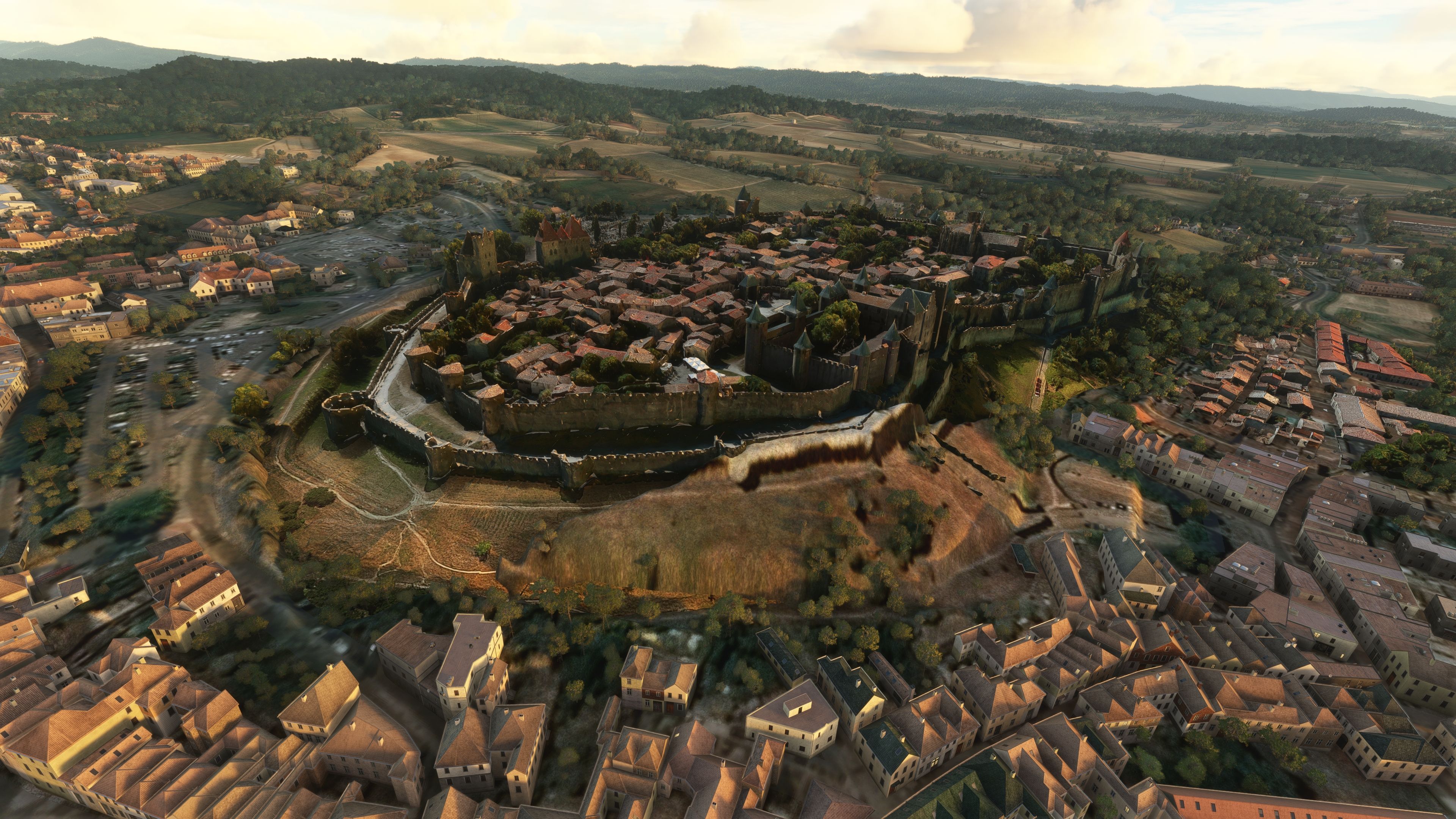
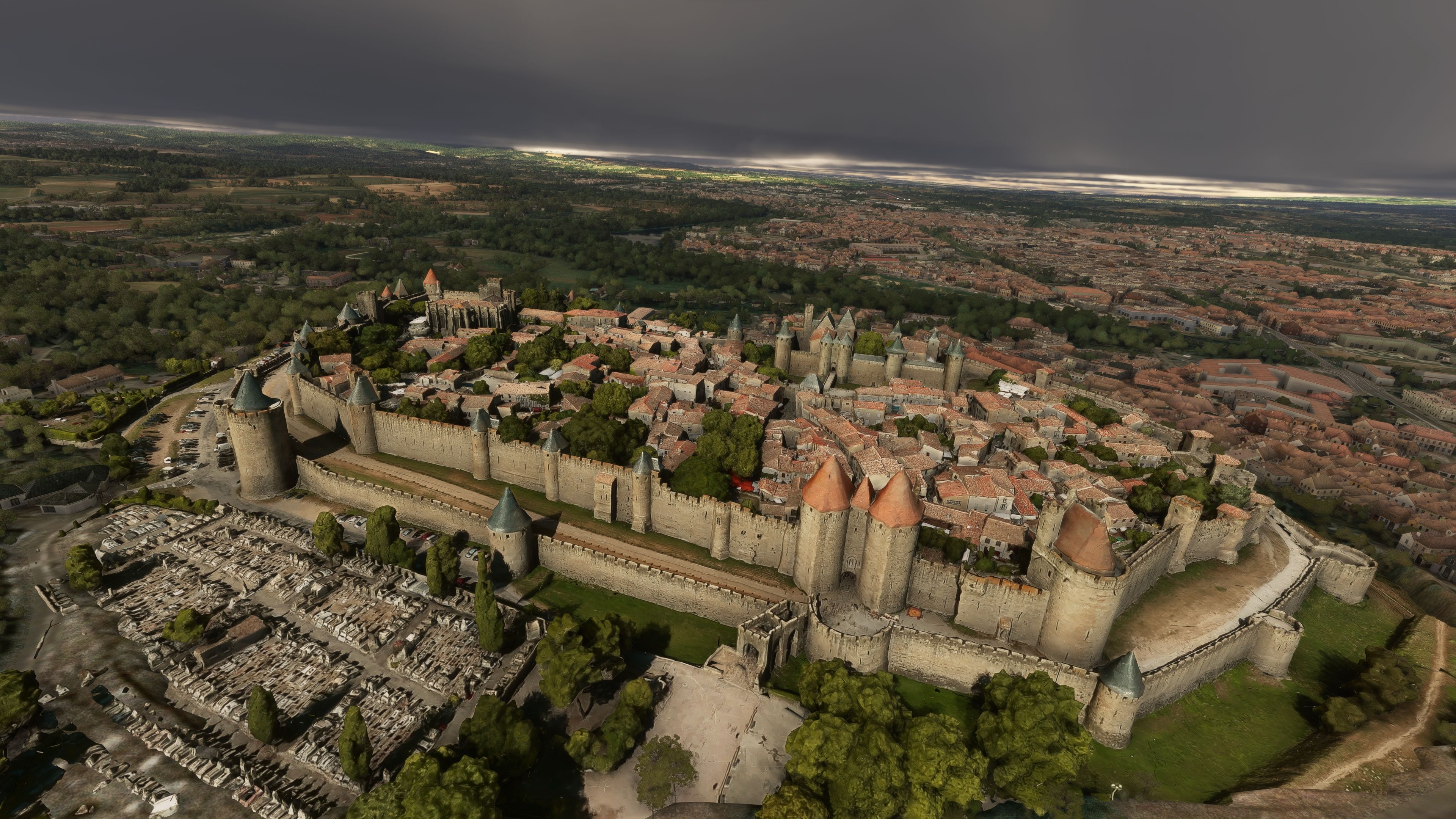
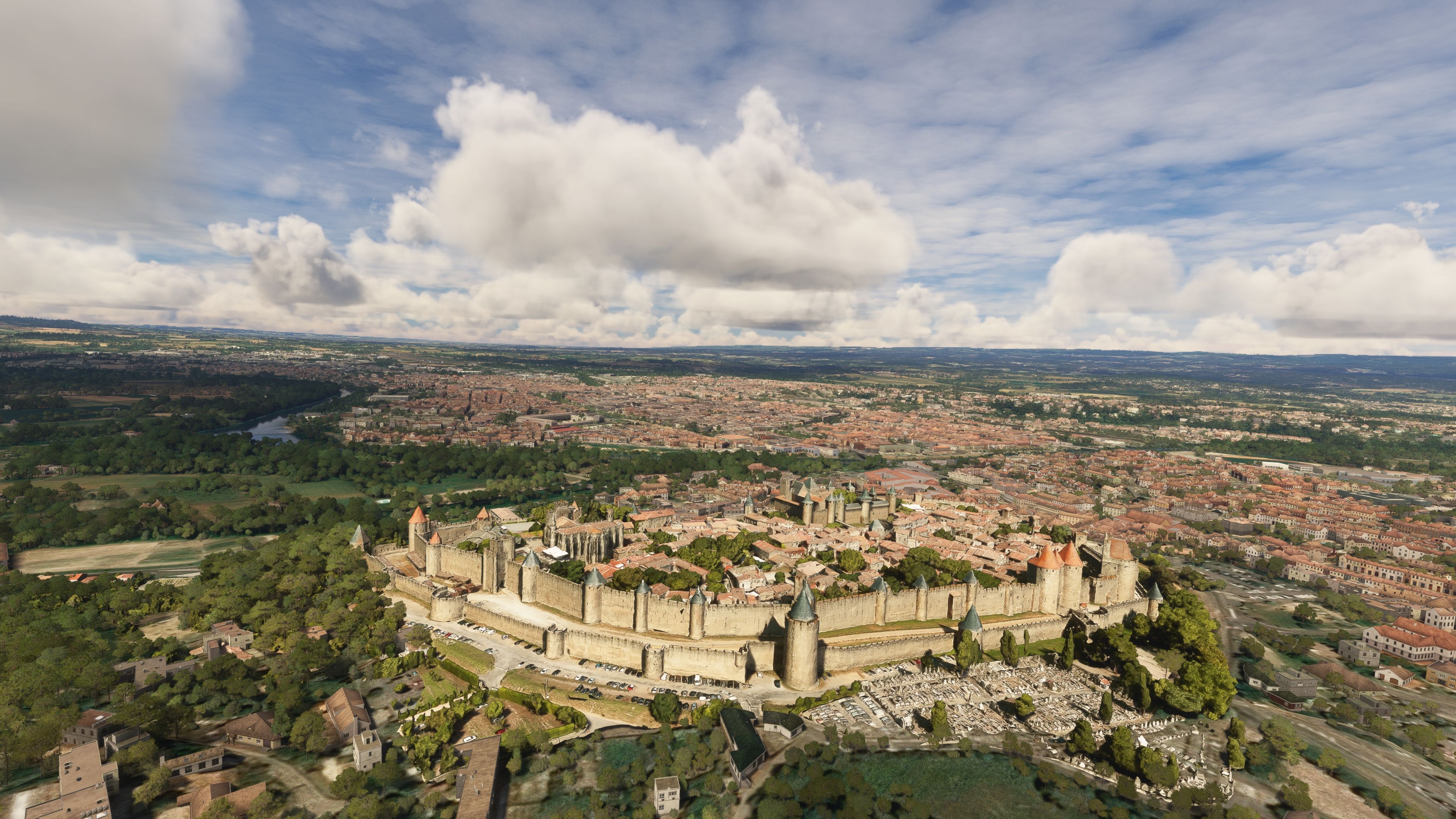
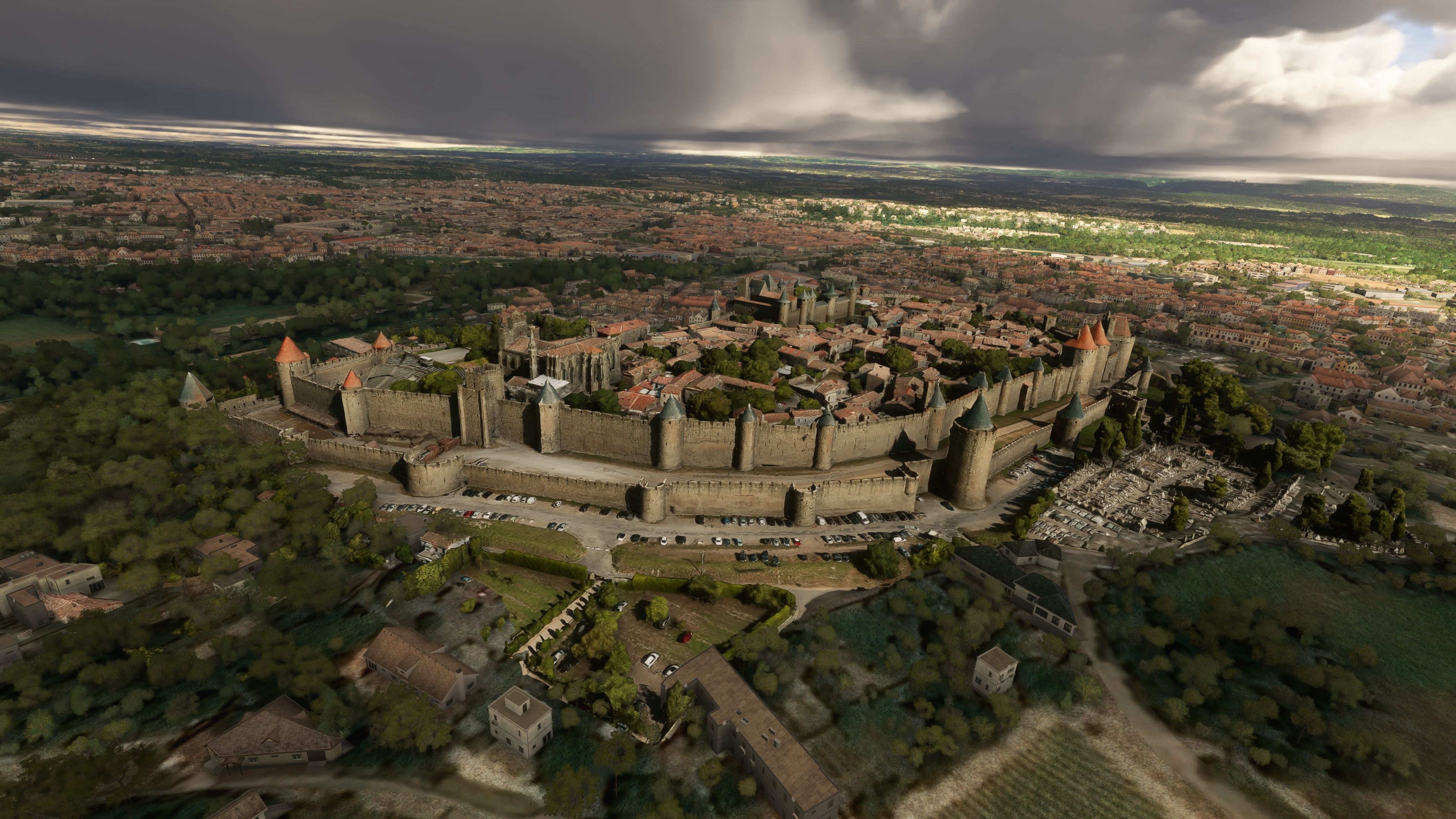
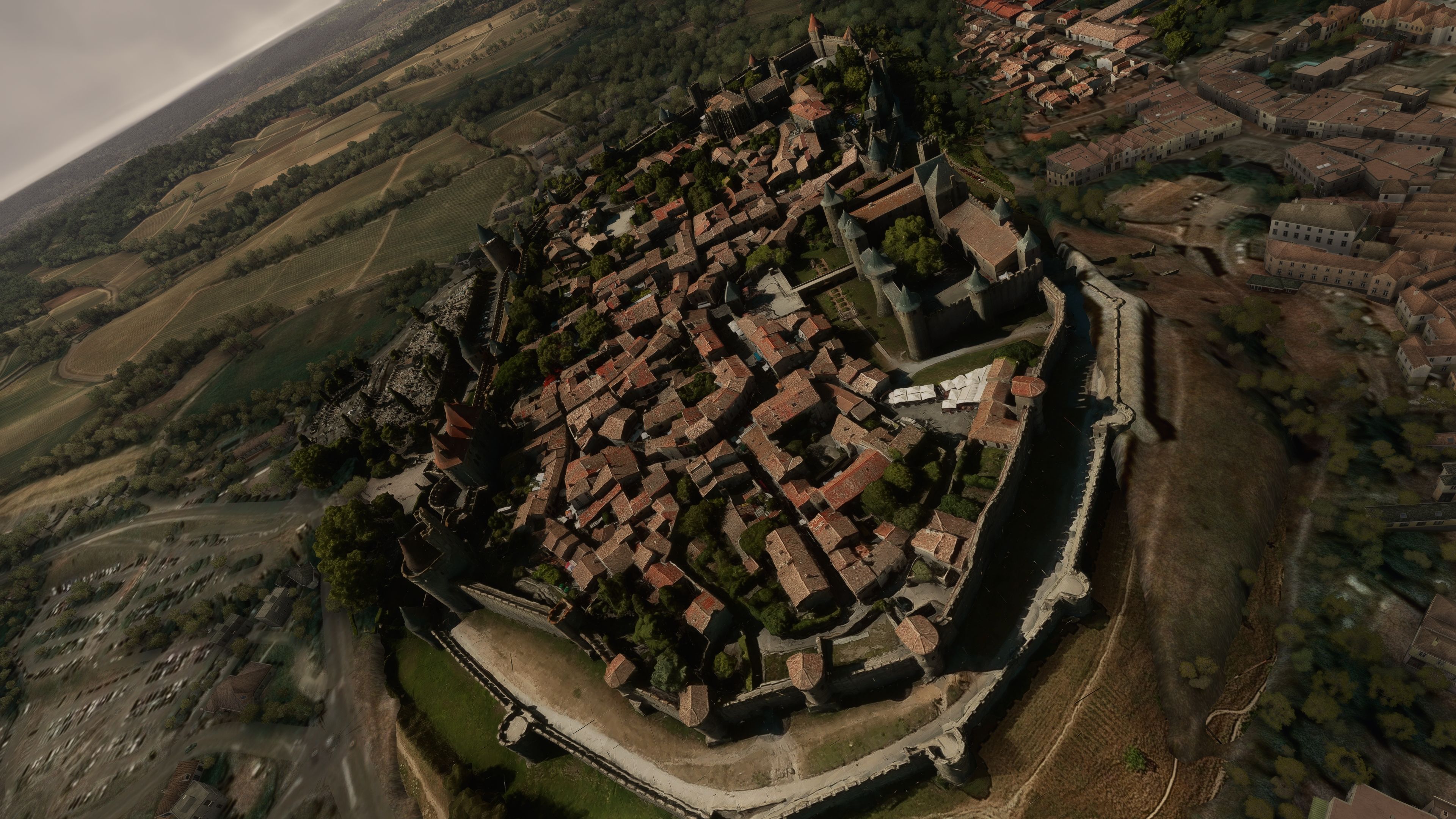
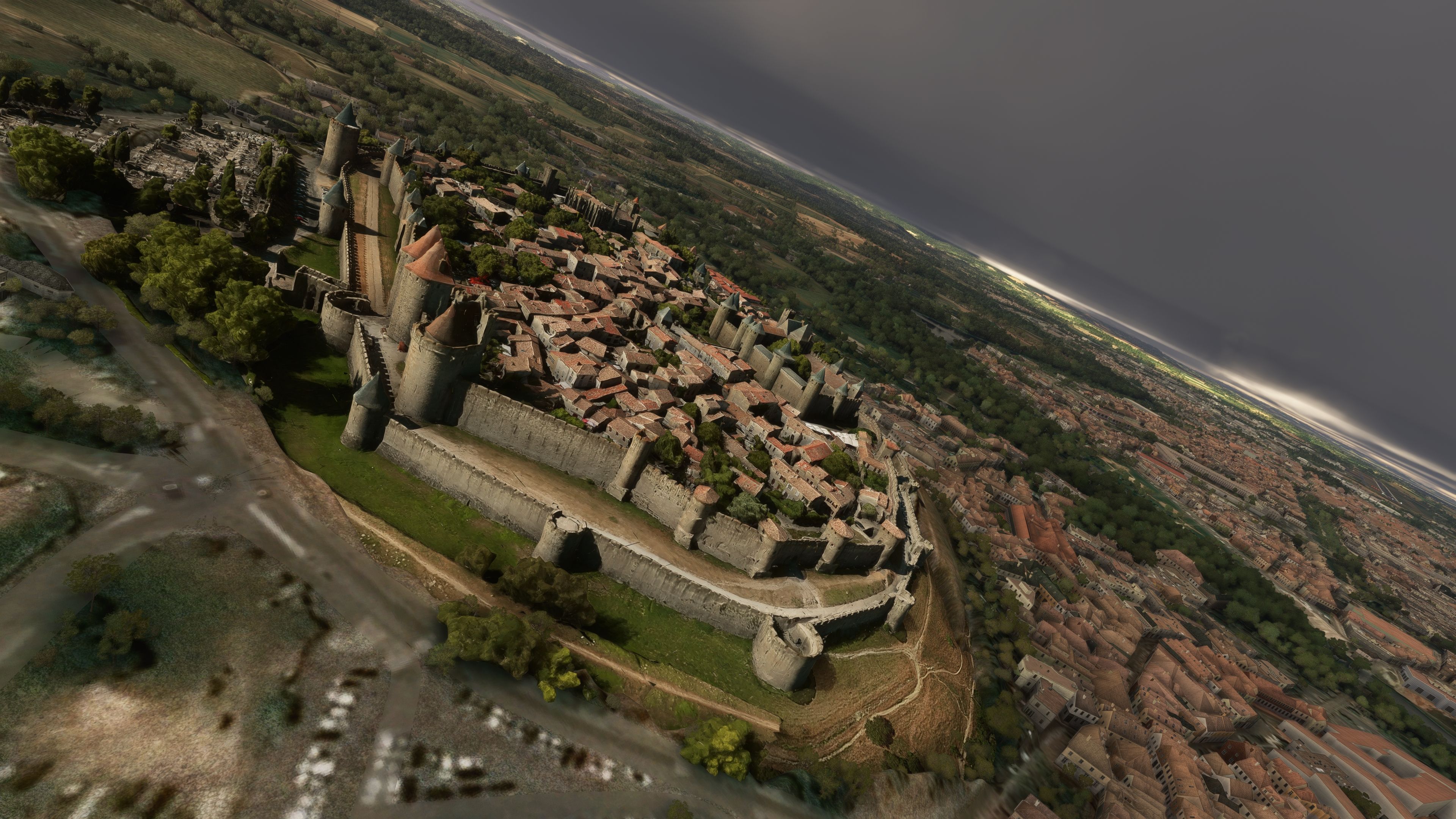
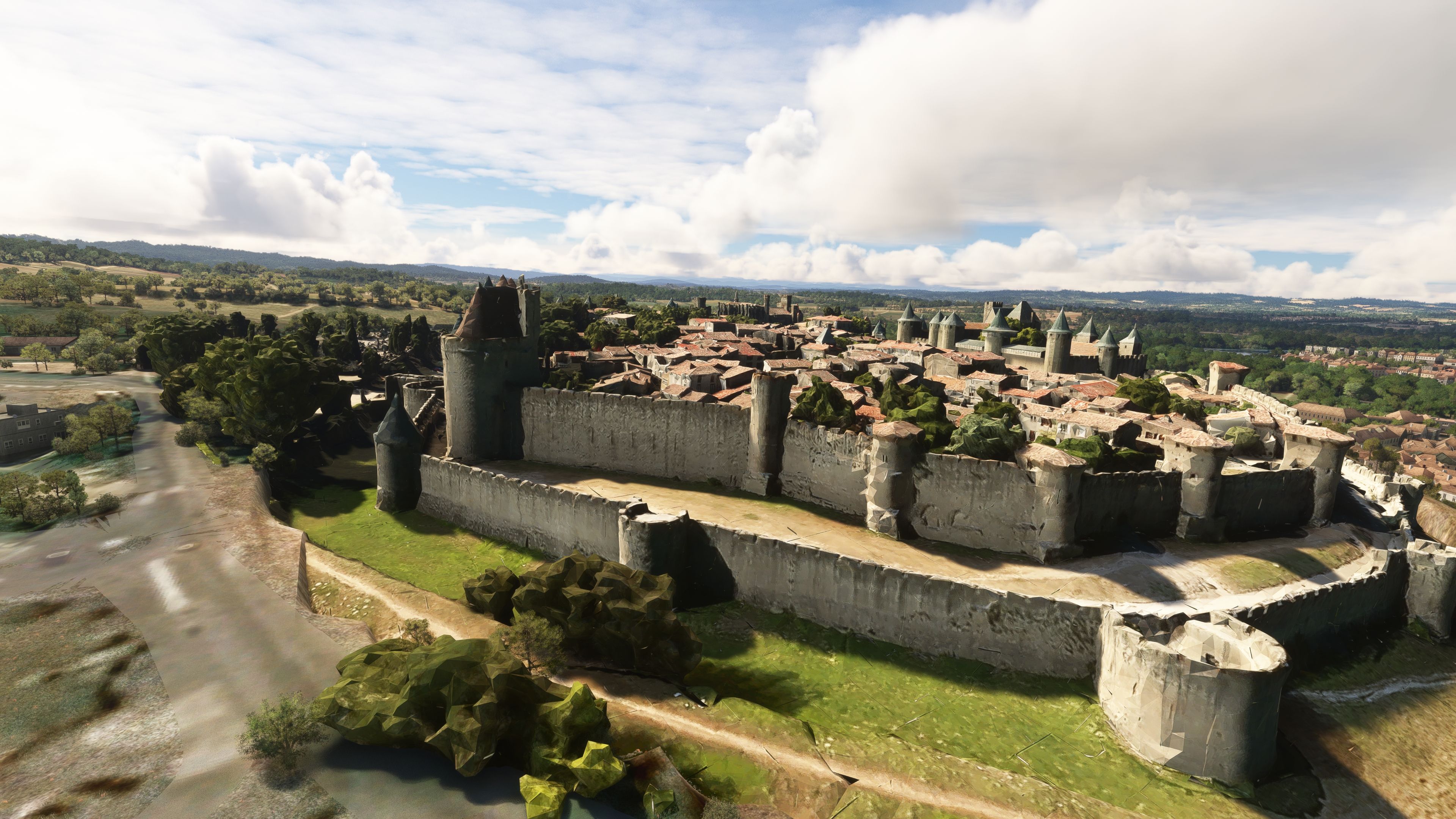
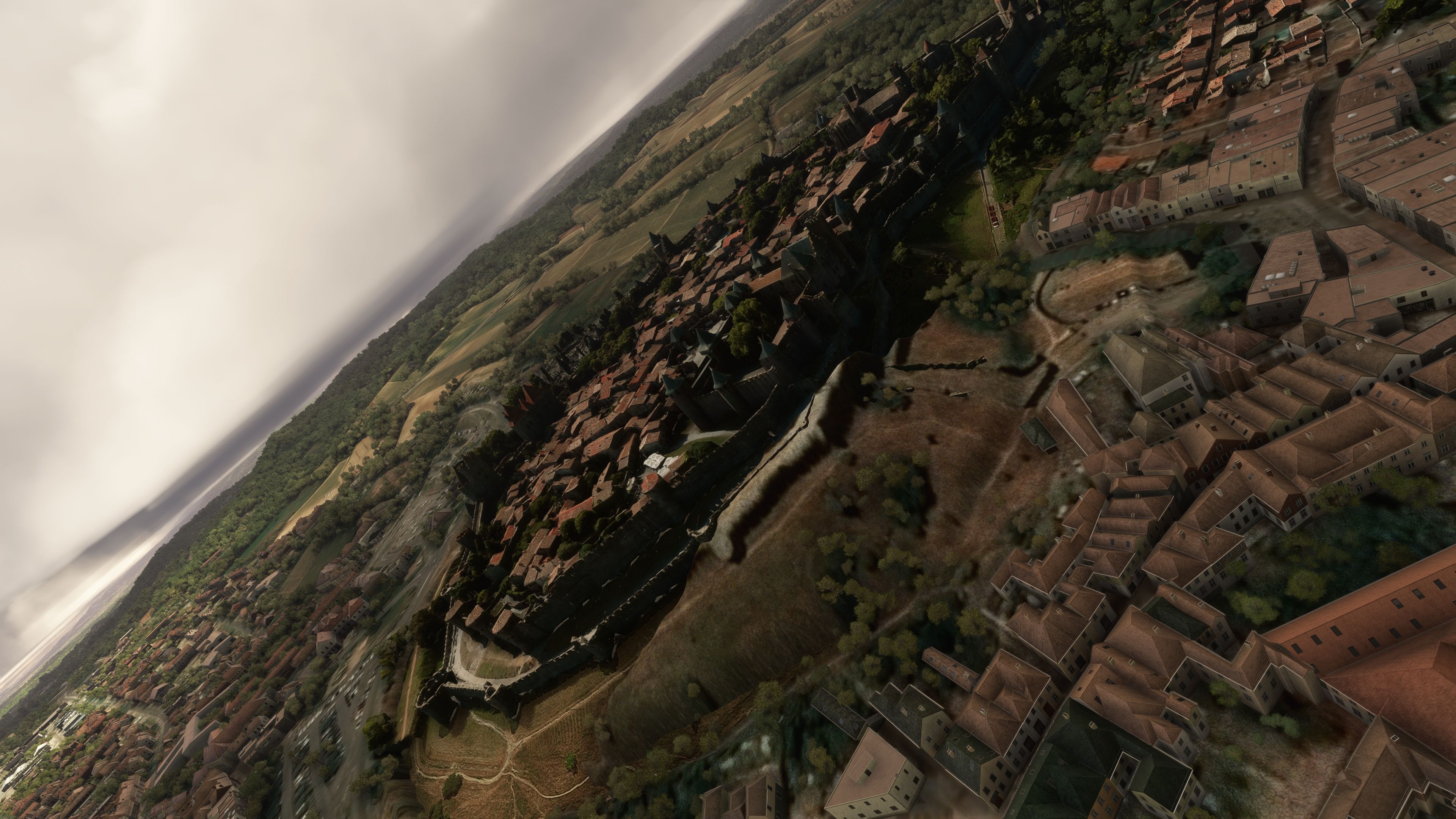
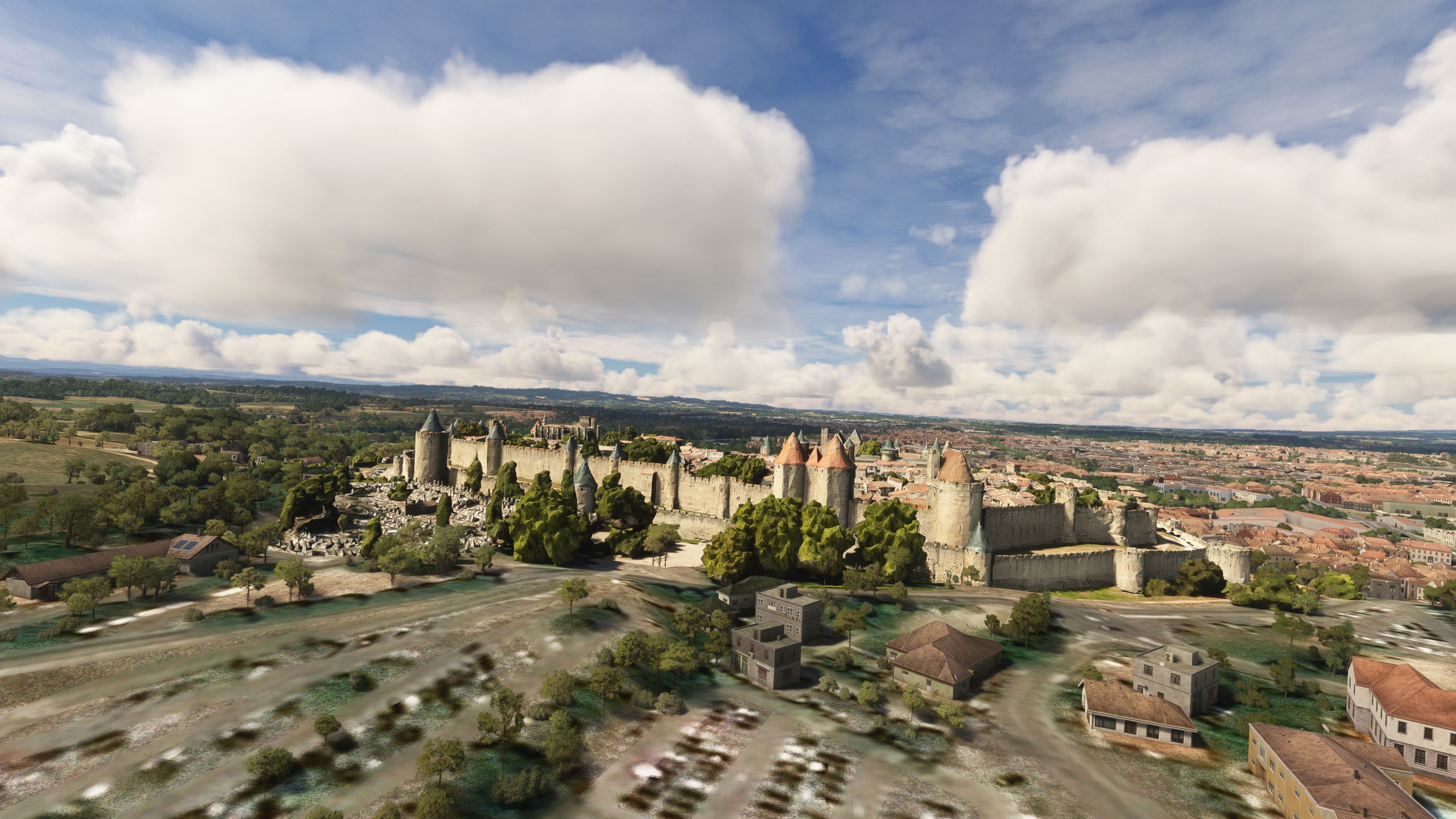

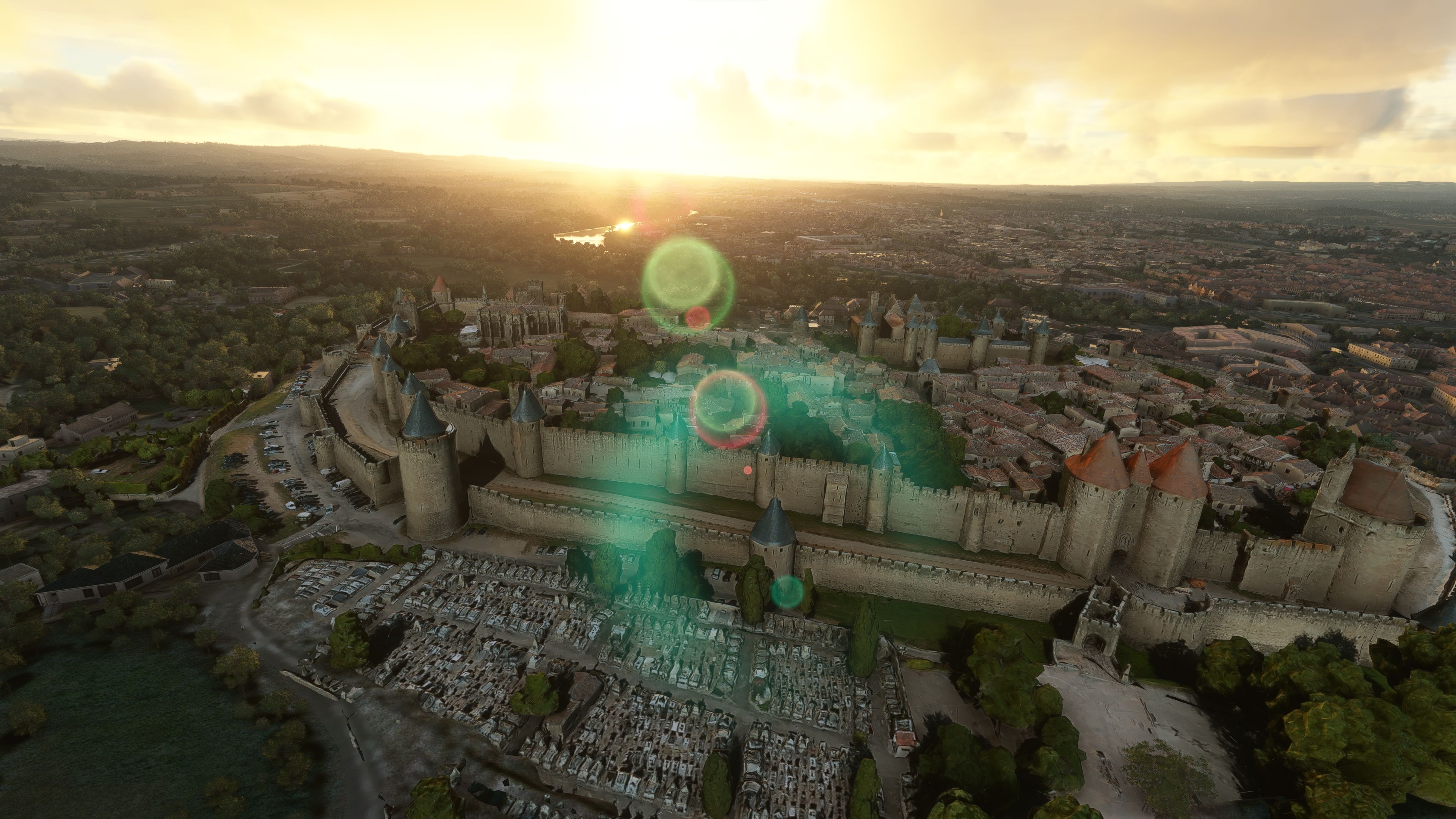
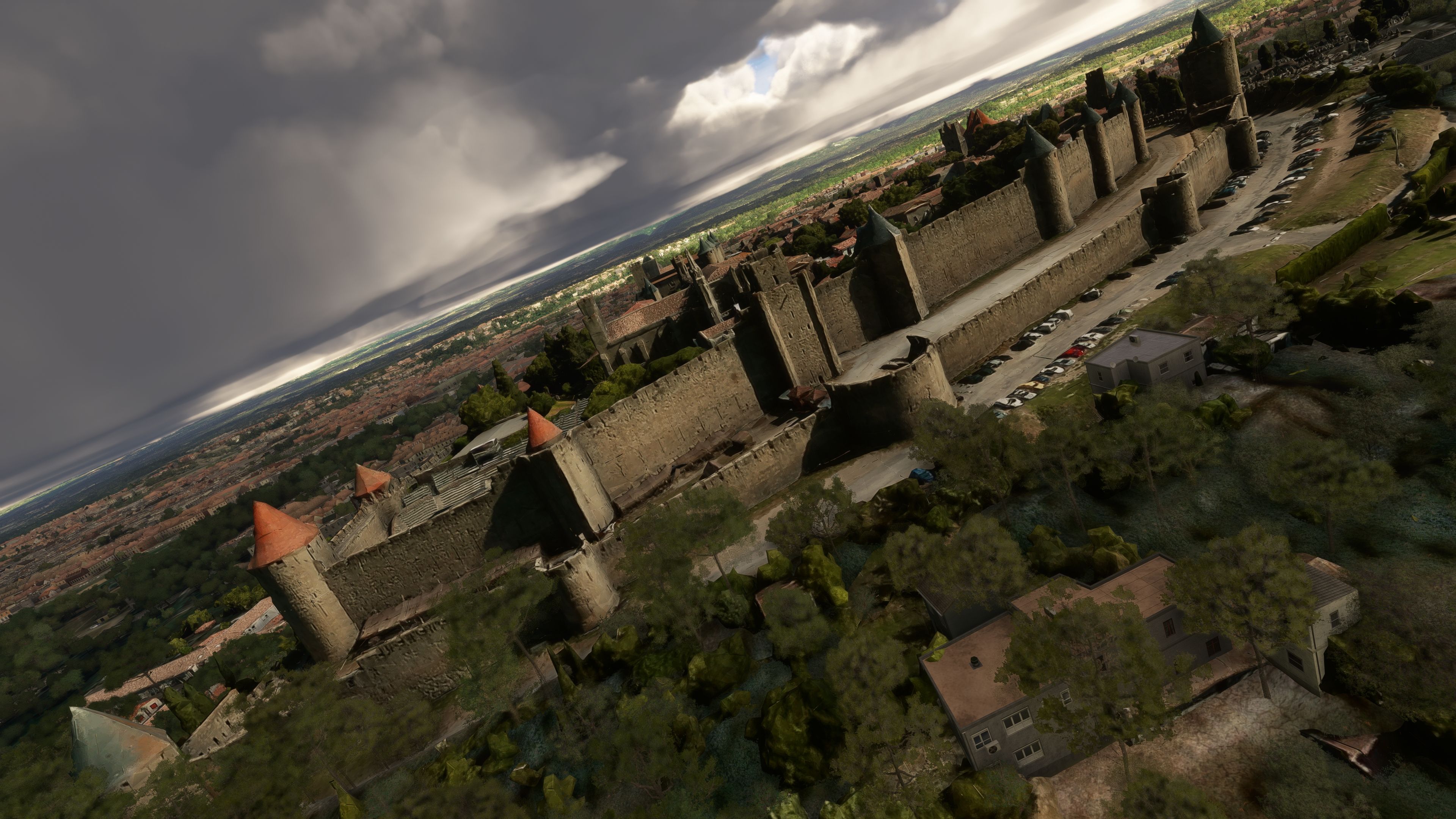
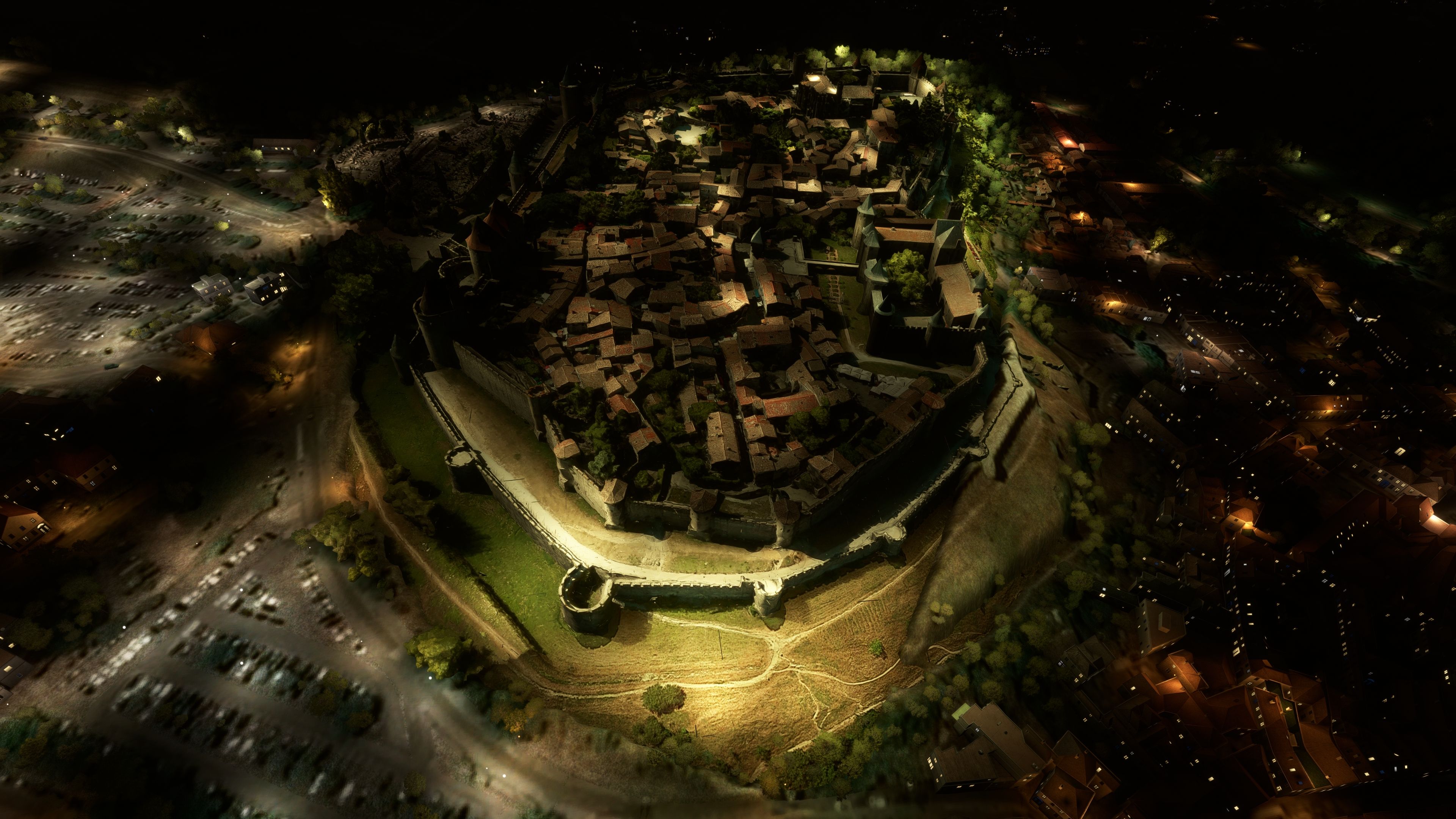
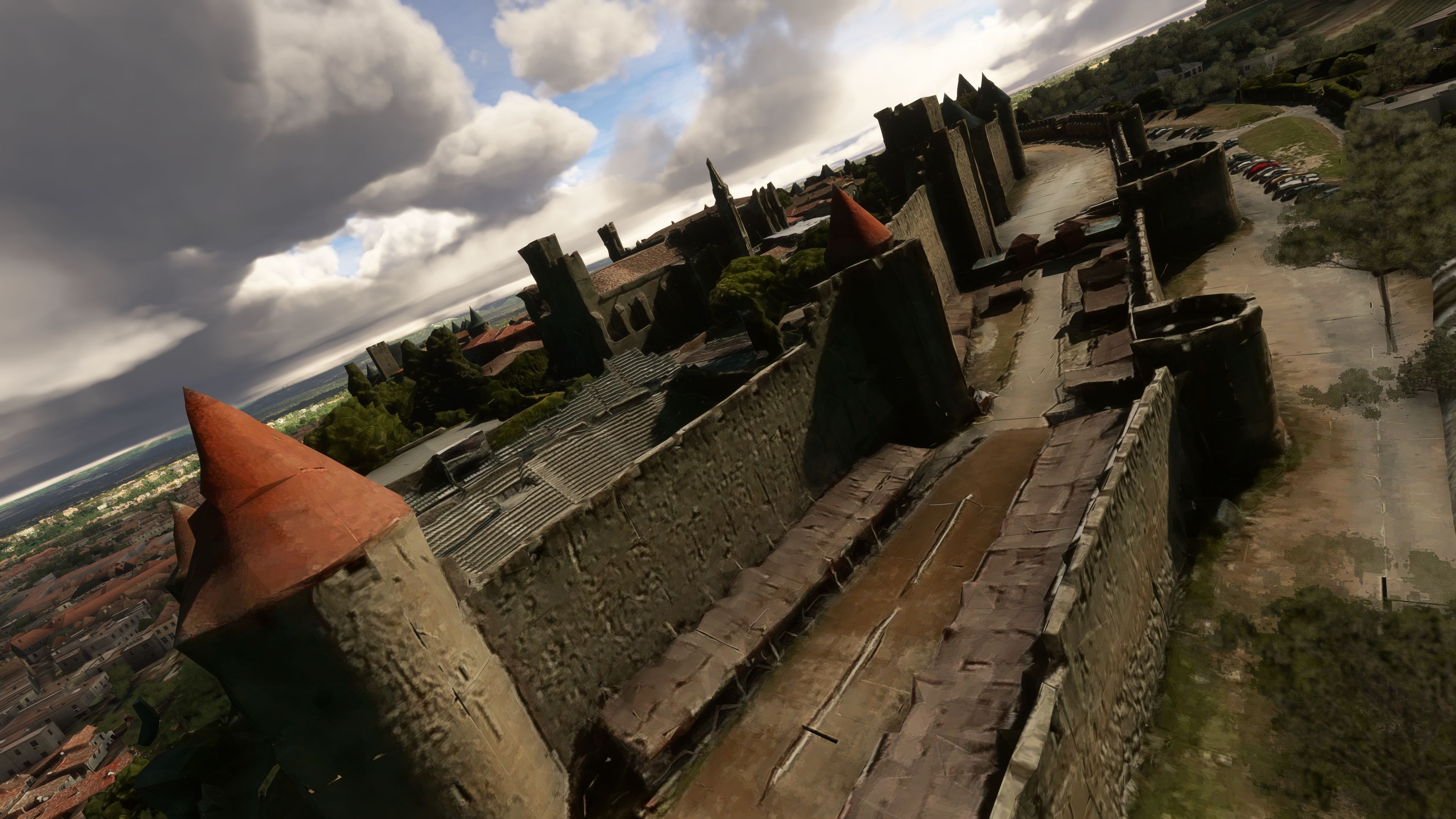
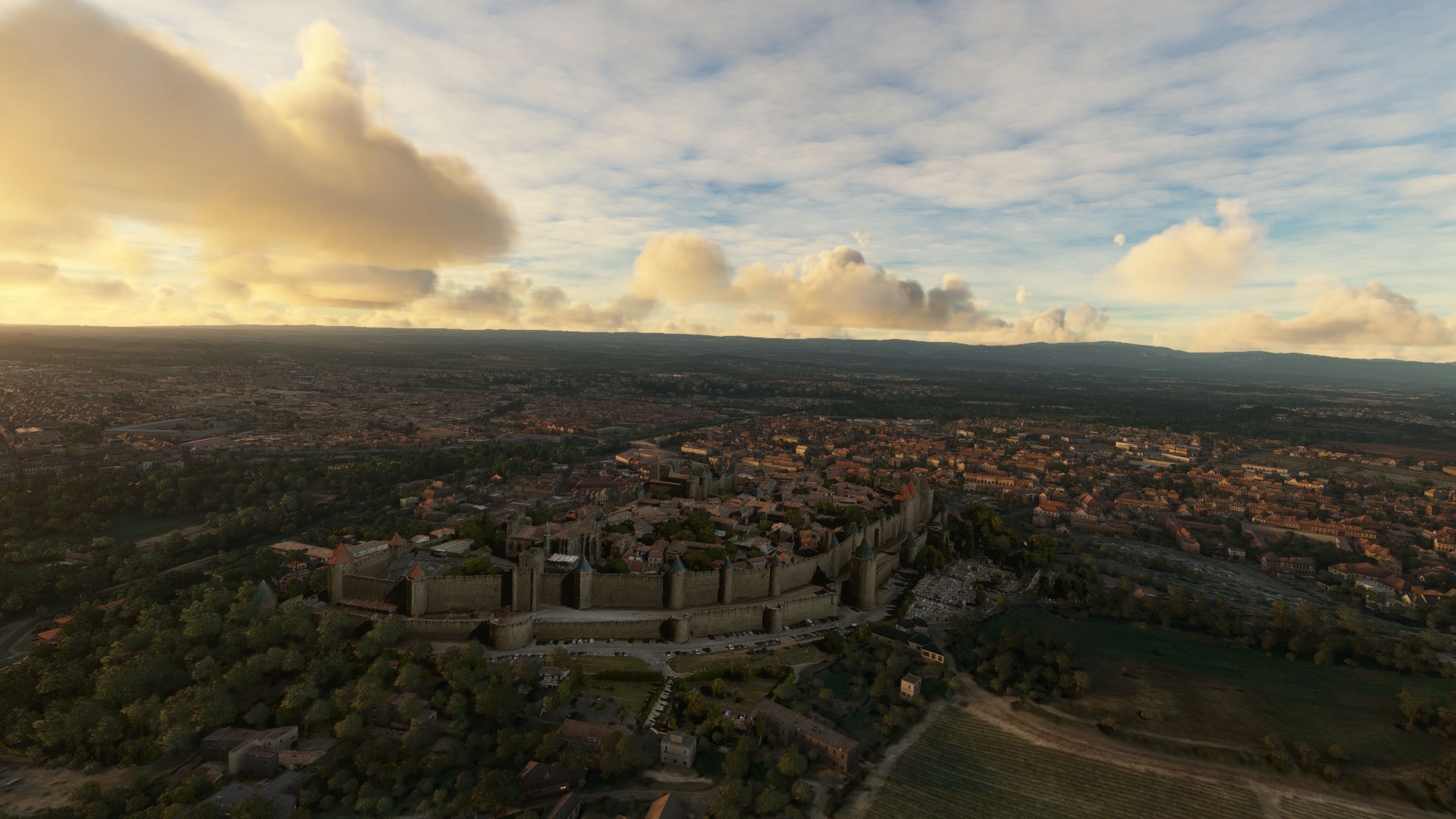
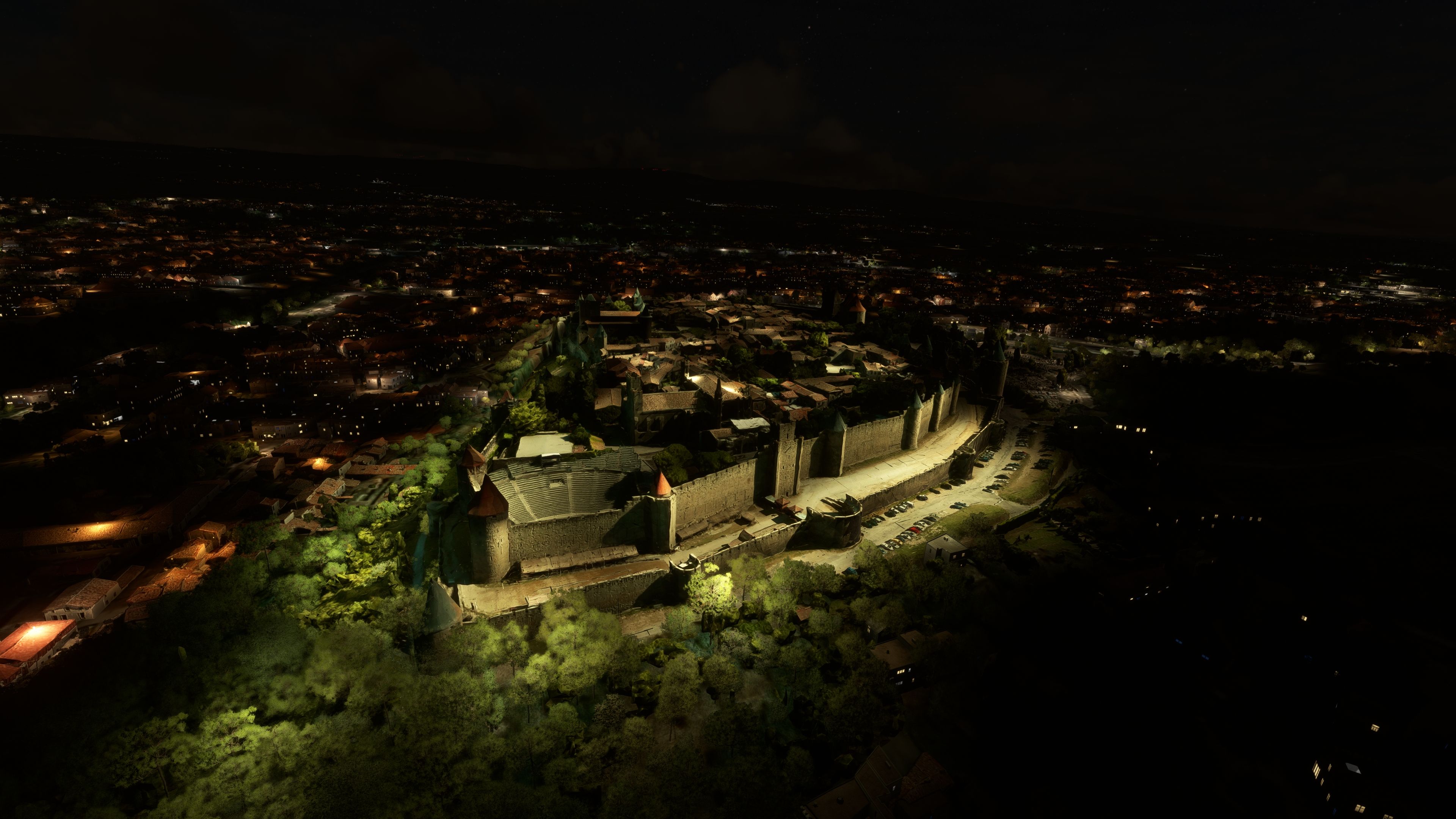
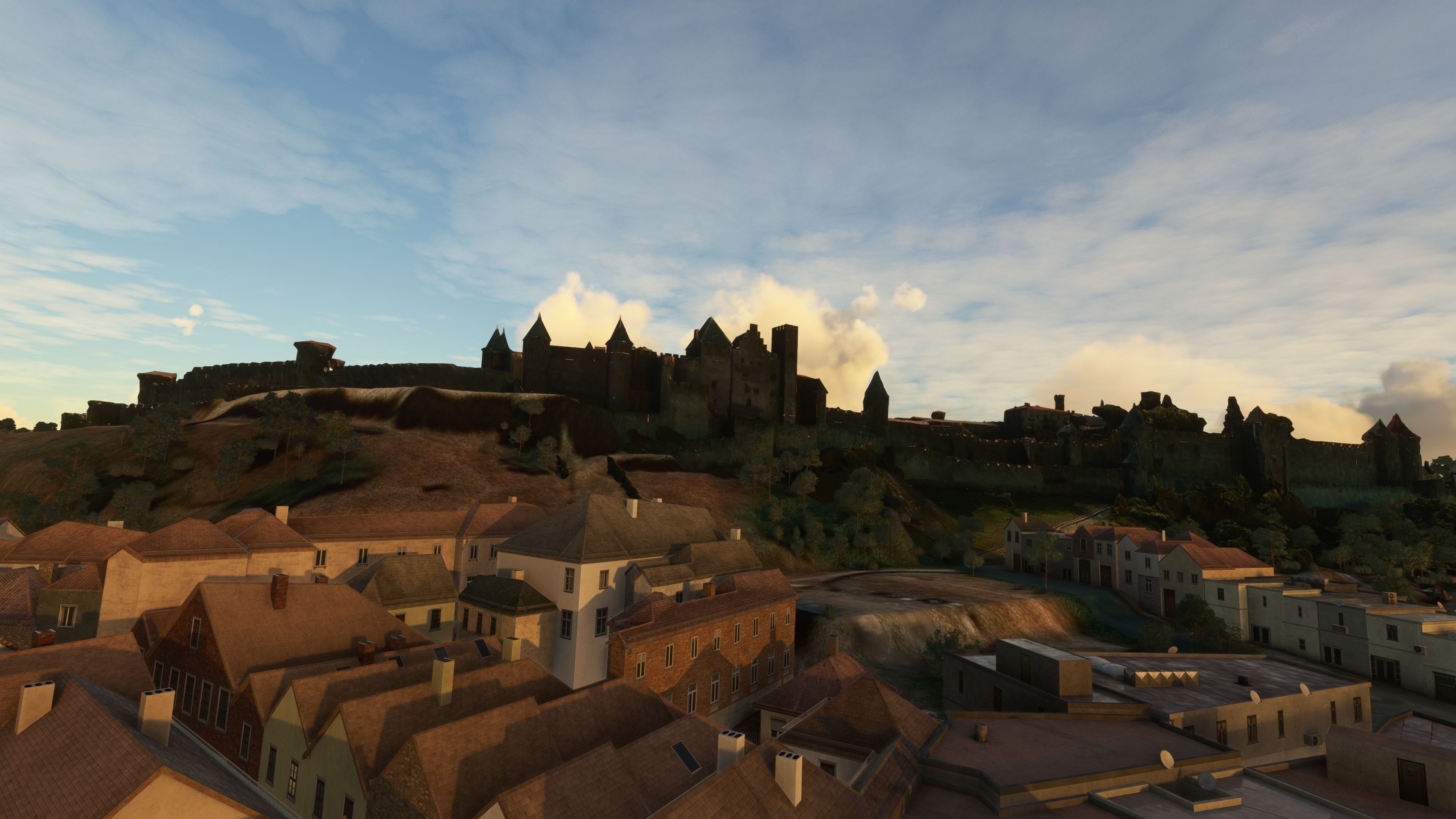
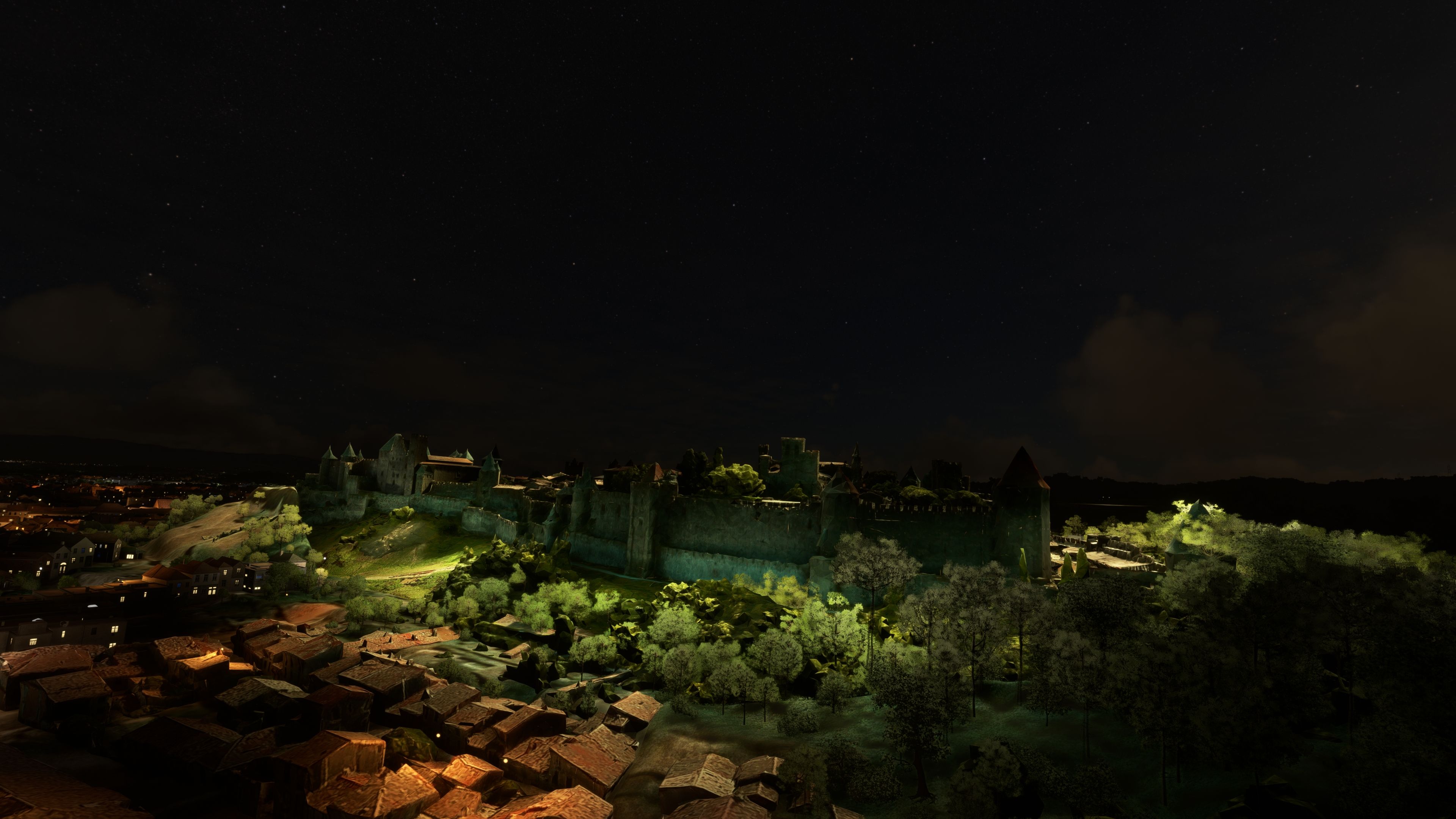
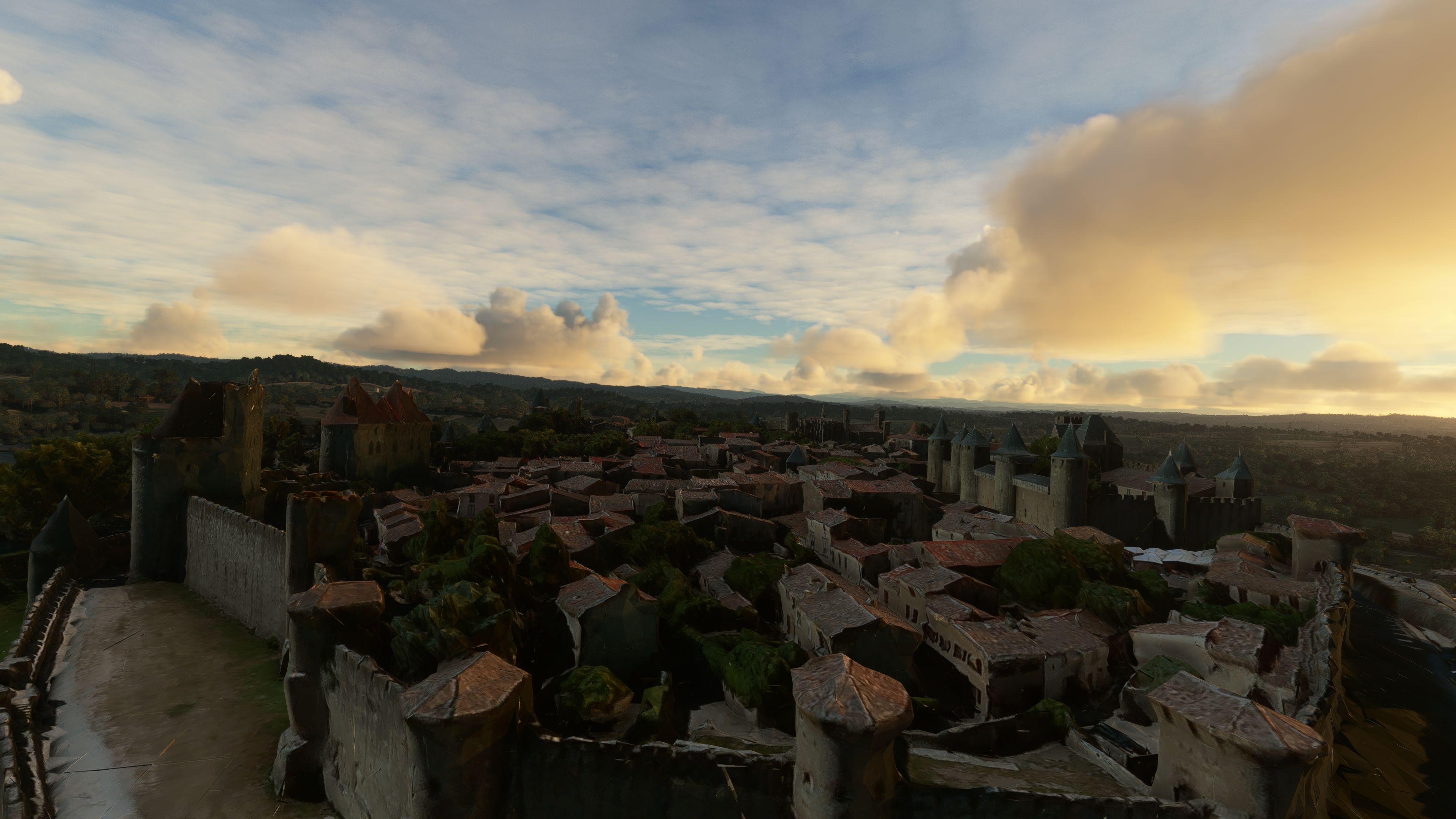
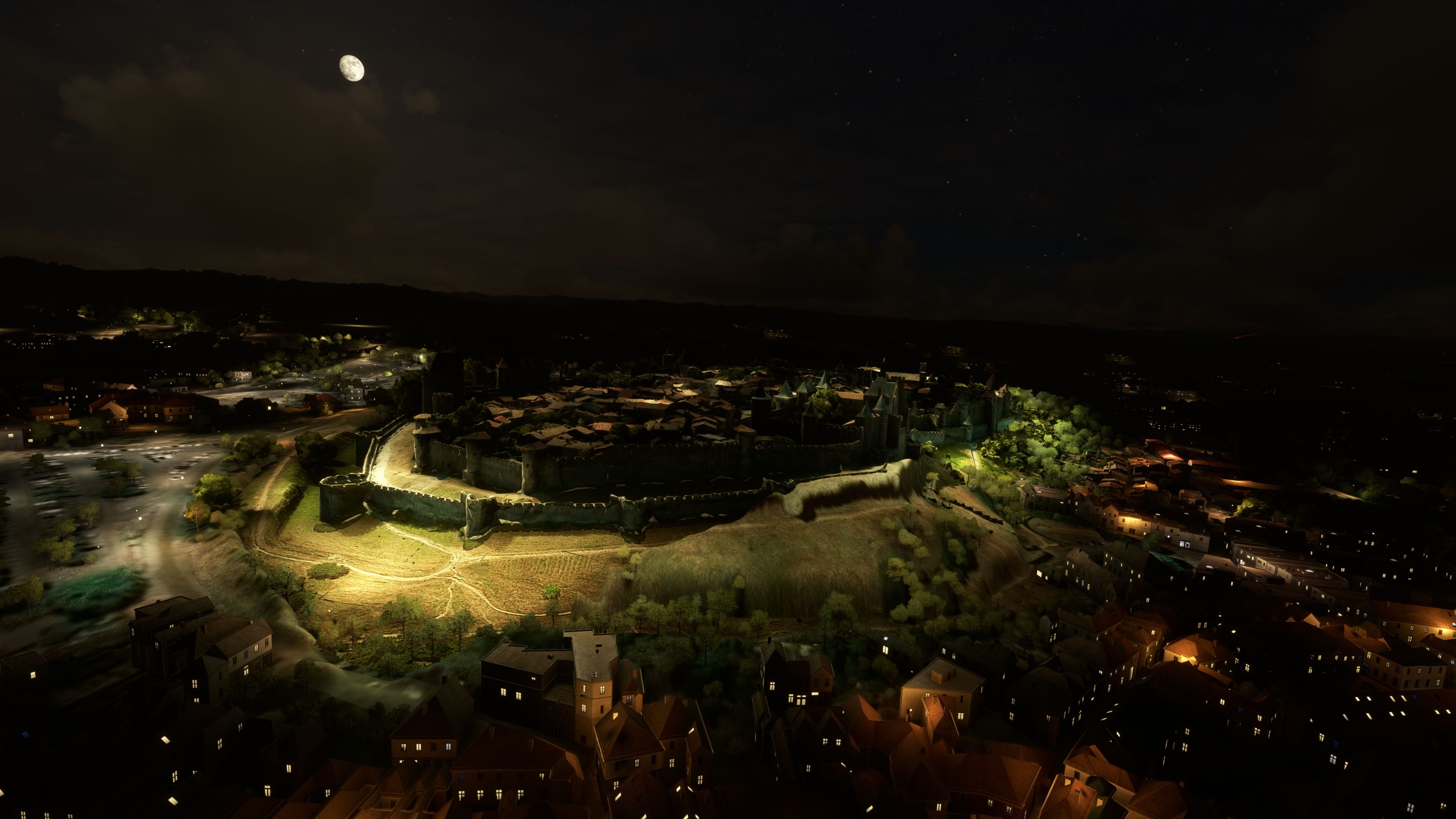

The Carcassonne (Walled City) Photogrammetry Scenery mod for Microsoft Flight Simulator brings centuries of French heritage to life with high-resolution 3D modeling. As someone who has worked extensively with photoreal scenery, I can confirm that its fine-tuned approach seamlessly captures the fortified citadel, delivering mesmerizing architecture, lifelike textures, and fluid performance through optimized LODs and carefully balanced memory usage. Even at varying altitudes, the mod retains remarkable clarity and realism, creating a captivating vantage point for any virtual aviator.
What truly stands out is how this package leverages photogrammetry to mirror the intertwined layers of Roman and medieval influences. When combined with immersive lighting effects, the resulting experience showcases Carcassonne’s grand fortifications both day and night. Supported by nearby airports like Salvaza (LFMK), this scenery transforms routine flights into historical adventures, making it an essential addition for simmers who appreciate an authentic window into Europe’s medieval past.
Step into a world of historical authenticity and stunning detail with the Carcassonne (Walled City) Photogrammetry Scenery add-on for Microsoft Flight Simulator. This enhancement utilizes state-of-the-art photogrammetry technology to recreate the fortified city of Carcassonne with unparalleled accuracy.
 Scenery Overview
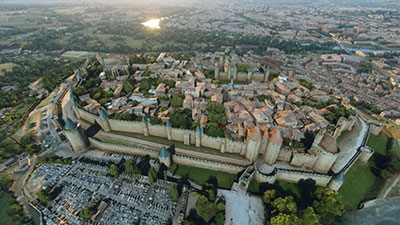
Located in the heart of the Aude plain, between key historical trade routes, Carcassonne's strategic importance is underscored by centuries of history. From the Romans to the Visigoths, each era has left its mark on this city. Now, flight simulation enthusiasts can explore these layers of history in Microsoft Flight Simulator, experiencing the ancient citadel as it stands today.
Photogrammetry refers to the art and science of making measurements from photographs. In the context of scenery design for flight simulators, it involves using photographic data to create 3D models of buildings and landscapes, achieving high levels of realism that traditional digital design methods cannot match.
To fully enjoy the scenic vistas of Carcassonne, consider taking off or landing at the following nearby airports:
This scenery mod, extracted from Google Maps, brings you the most refined and accurate depiction of Carcassonne to date. All 3D modeling credits go to Google, with specific optimizations and enhancements tailored for MSFS by our dedicated team of developers.
Version 1.1 includes a critical update that resolves previously noted LOD issues, ensuring a seamless integration into your flight simulation experience.
Simply extract the archive and copy the carcassonne folder into your MSFS community folder.
Whether you're a history buff, a flight sim enthusiast, or a virtual tourist, the MSFS Carcassonne (Walled City) Photogrammetry Scenery mod provides an immersive and educational flying experience. Discover the richness of Carcassonne's past, right from your cockpit.
Free for all simmers · 424.94 MB · Scanned clean Oct 2026
Download speed: Free tier is capped at 2 Mbps (this file takes approximately 30 mins at the cap). PRO members download at full line speed.
%LOCALAPPDATA%\Packages\Microsoft.FlightSimulator_8wekyb3d8bbwe\LocalCache\Packages\Community\. Steam version: %APPDATA%\Microsoft Flight Simulator\Packages\Community\. Tip: enable Developer Mode in MSFS to see your exact Community folder path.readme.txt or README file. It tells you exactly where files go, what dependencies are needed, and any quirks specific to this add-on.Use these coordinates to fly directly to this location once the mod is installed.
43.20668200,2.36269700
Paste these coordinates into the Microsoft Flight Simulator search bar when planning a flight, or into the Developer Mode Teleport window, to fly directly to this location.
Thalixte is a developer that has focused on creating photogrammetry and scenery packs for the latest Microsoft Flight Simulator (MSFS) 2020 release.
Are you Thalixte? Sign in to Fly Away Creators for download stats, comment replies and updates. Make add-ons? Publish them here.
Only PRO members can place votes.
More MSFS add-ons hand-picked based on this download.
MSFS Scenery
Immerse yourself in the historical and architectural splendor of Valletta, th…
 MSFS Scenery
Delve into the heart of Europe with the Geneva City Photogrammetry Scenery, a…
 MSFS Scenery
Enhance your virtual flight experience with the Tours City Photogrammetry Sce…
 MSFS Scenery
Immerse yourself in the detailed and vibrant scenery of La Rochelle, a histor…
 MSFS Scenery
Enhance your Microsoft Flight Simulator experience with the MSFS Nantes City …
 MSFS Scenery
Dive into the heart of Bulgaria with the Sofia City Photogrammetry Scenery ad…
 MSFS Scenery
Embark on a visually stunning journey through the heart of Scandinavia with t…
 MSFS Scenery
Elevate your flight simulation experience with the Orléans City Photogrammetr…
Be the first to leave a comment on this download.
Be the first to share your thoughts on this download.