



 France



 MSFS Scenery
Carcassonne (Walled City) Photogrammetry
Step into a world of historical authenticity and stunning detail with the Car…
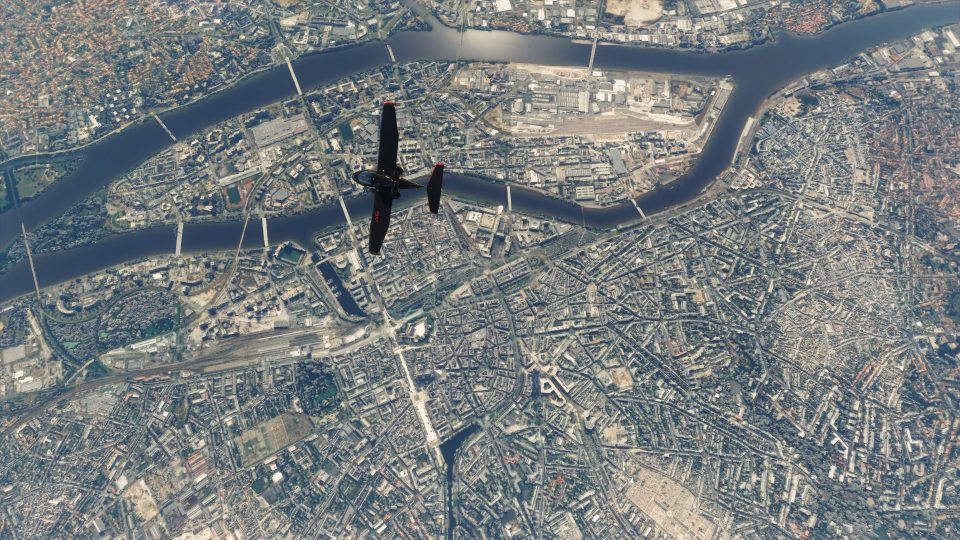
Nantes, France comes alive with detailed photogrammetry scenery that recreates the Loire-Atlantique cityscape in crisp 3D for Microsoft Flight Simulator. An optimized package helps keep loading times low and performance smooth, while refined LOD tuning, texture fixes, and update-friendly integration enhance roads, traffic flow, and landmark flyovers.
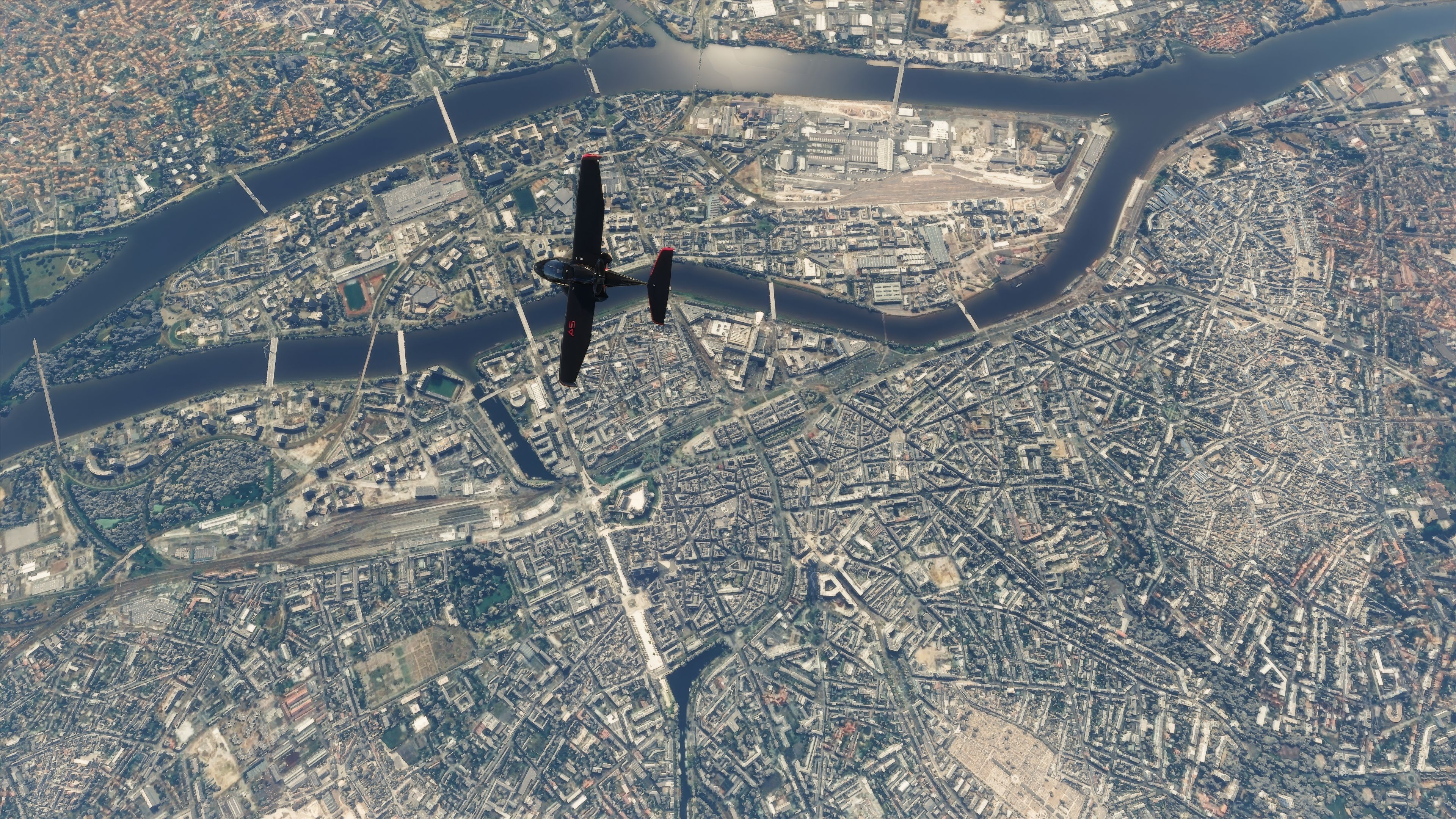
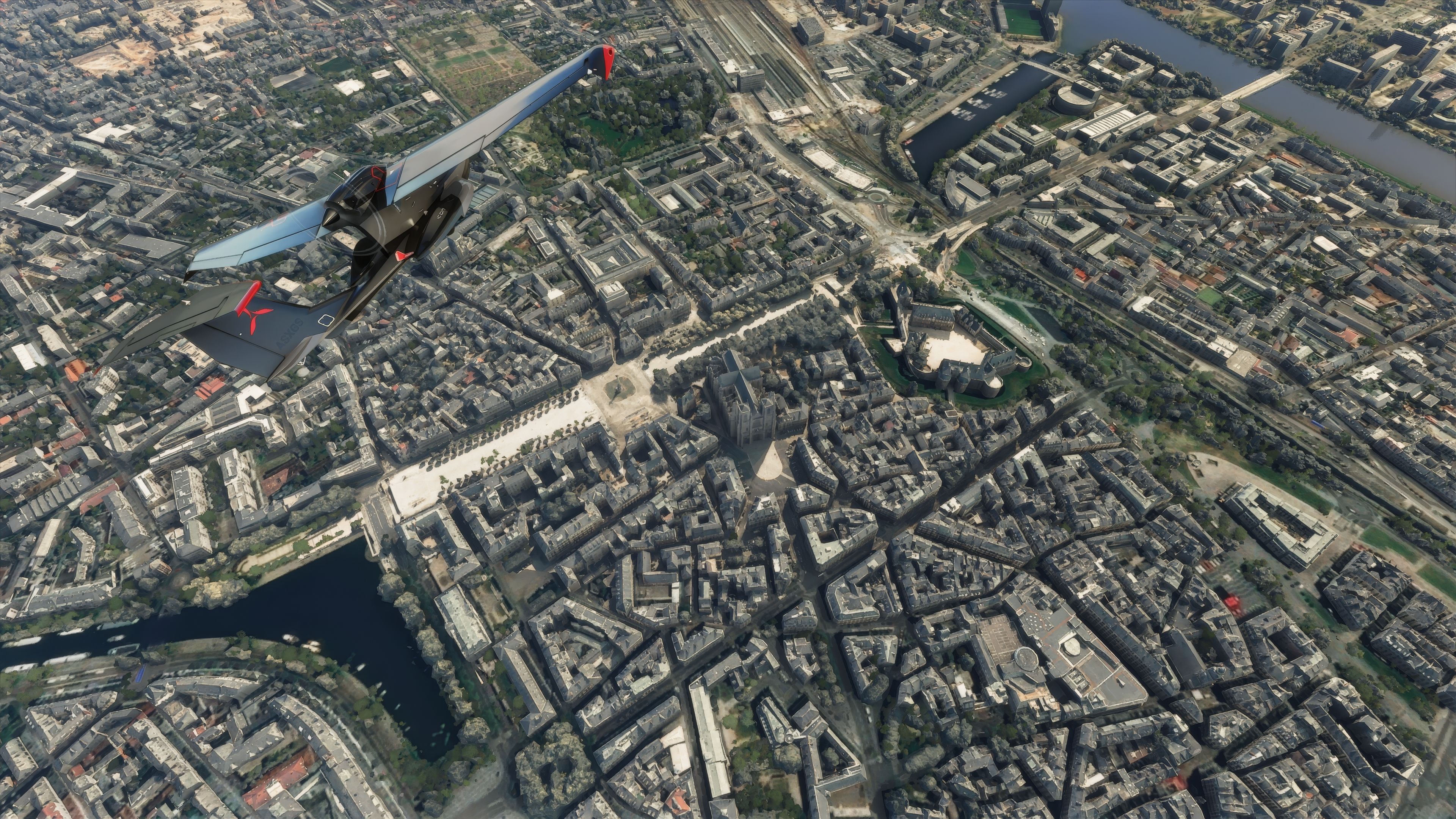
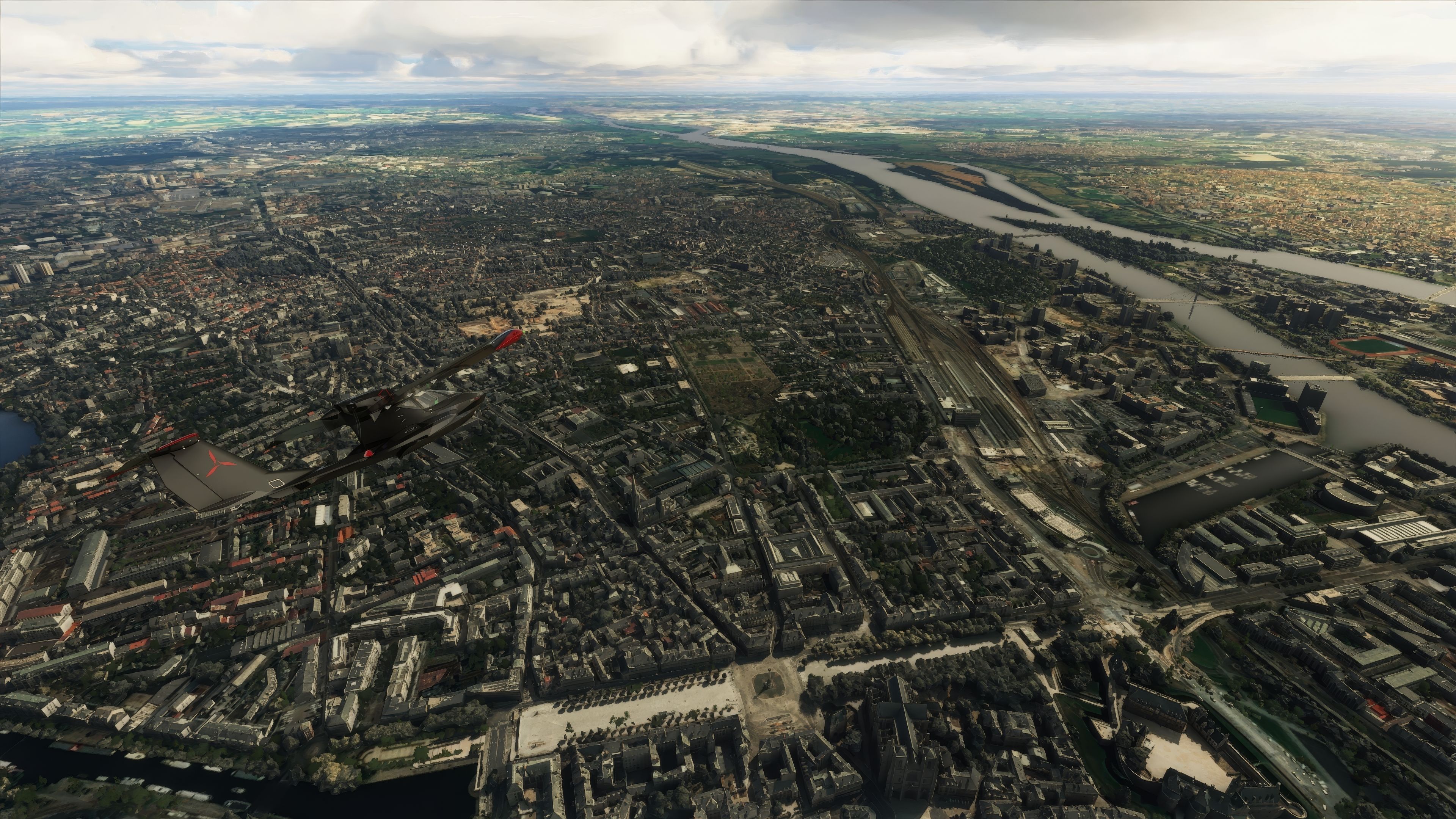
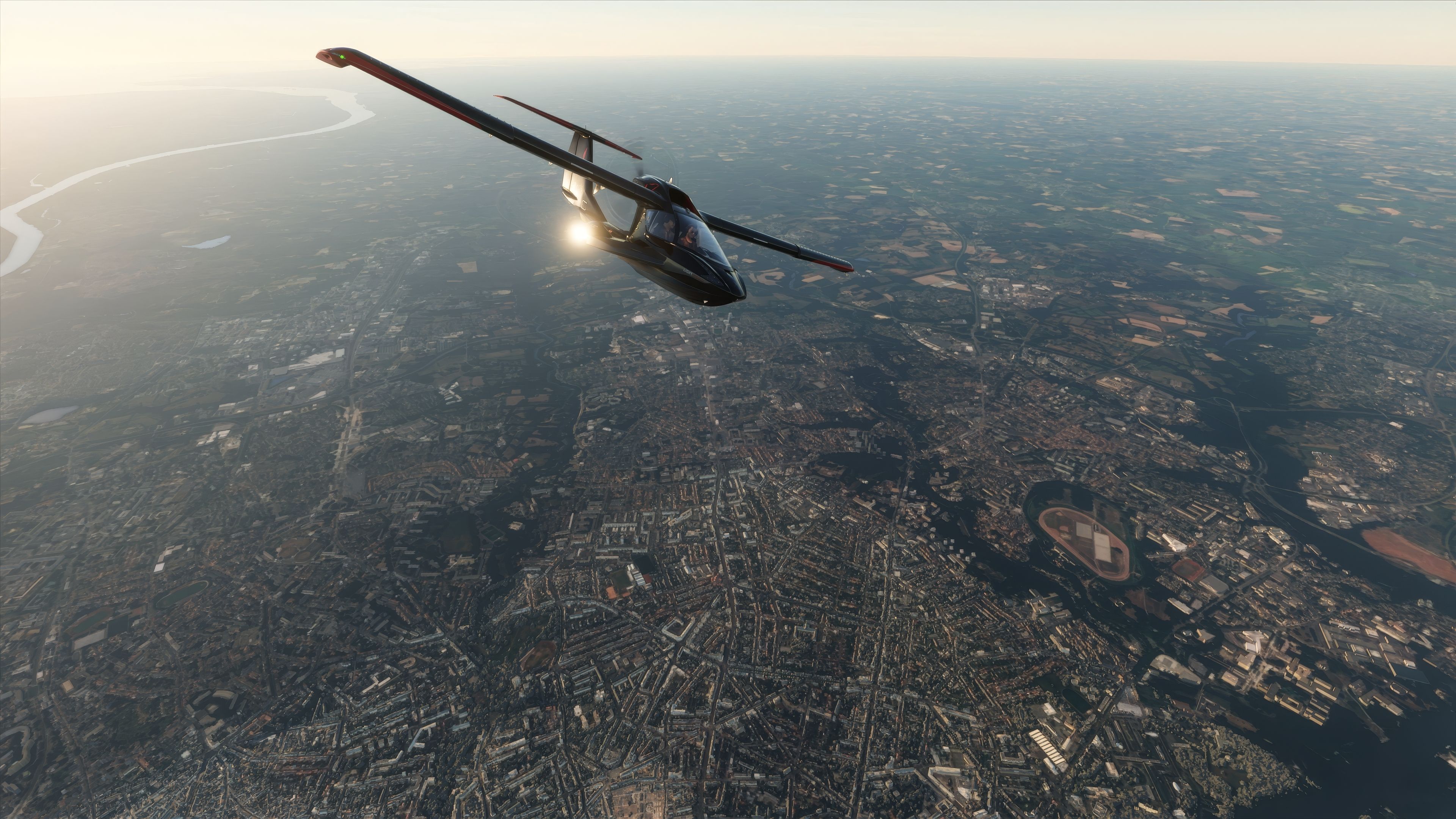
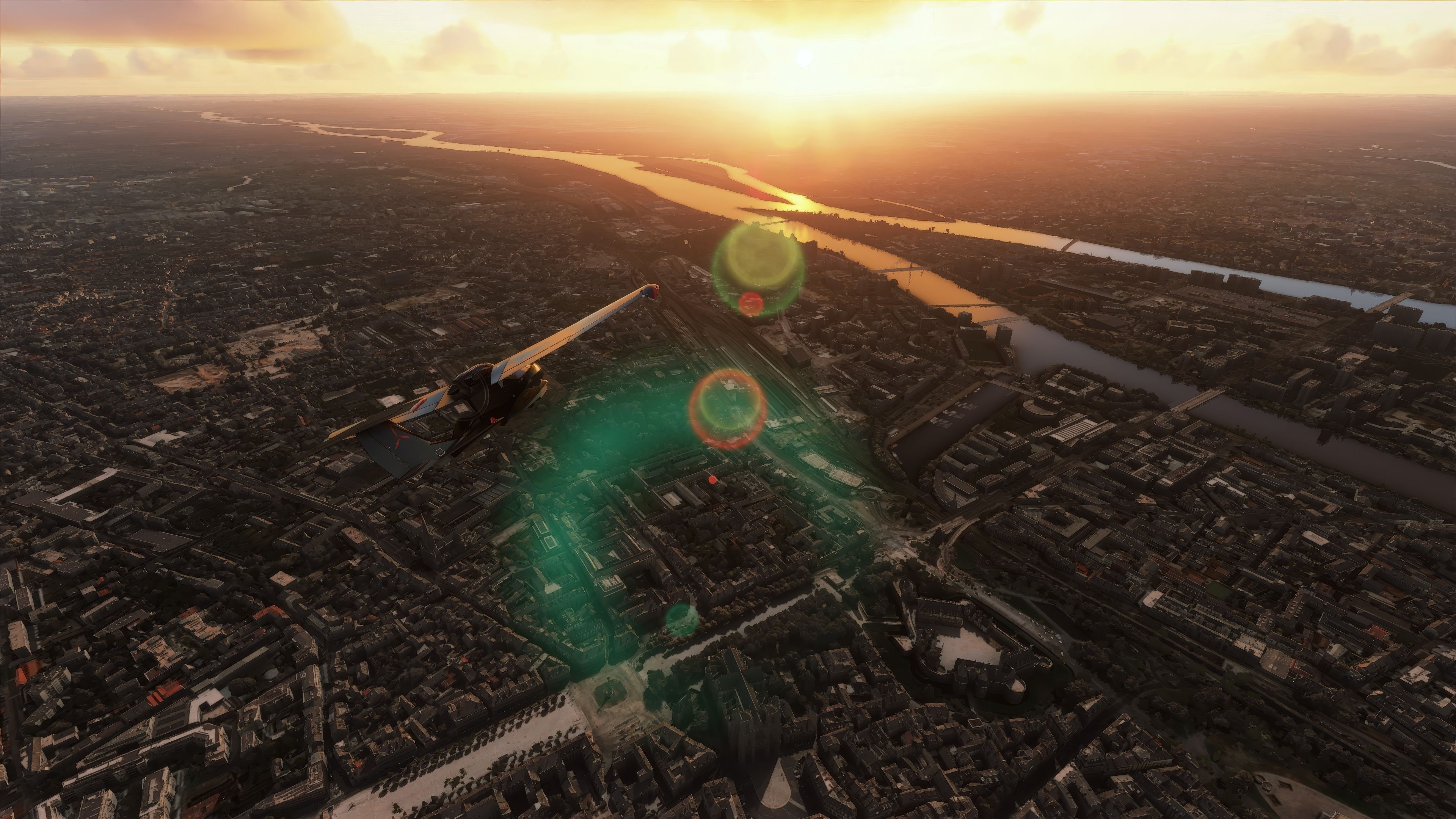
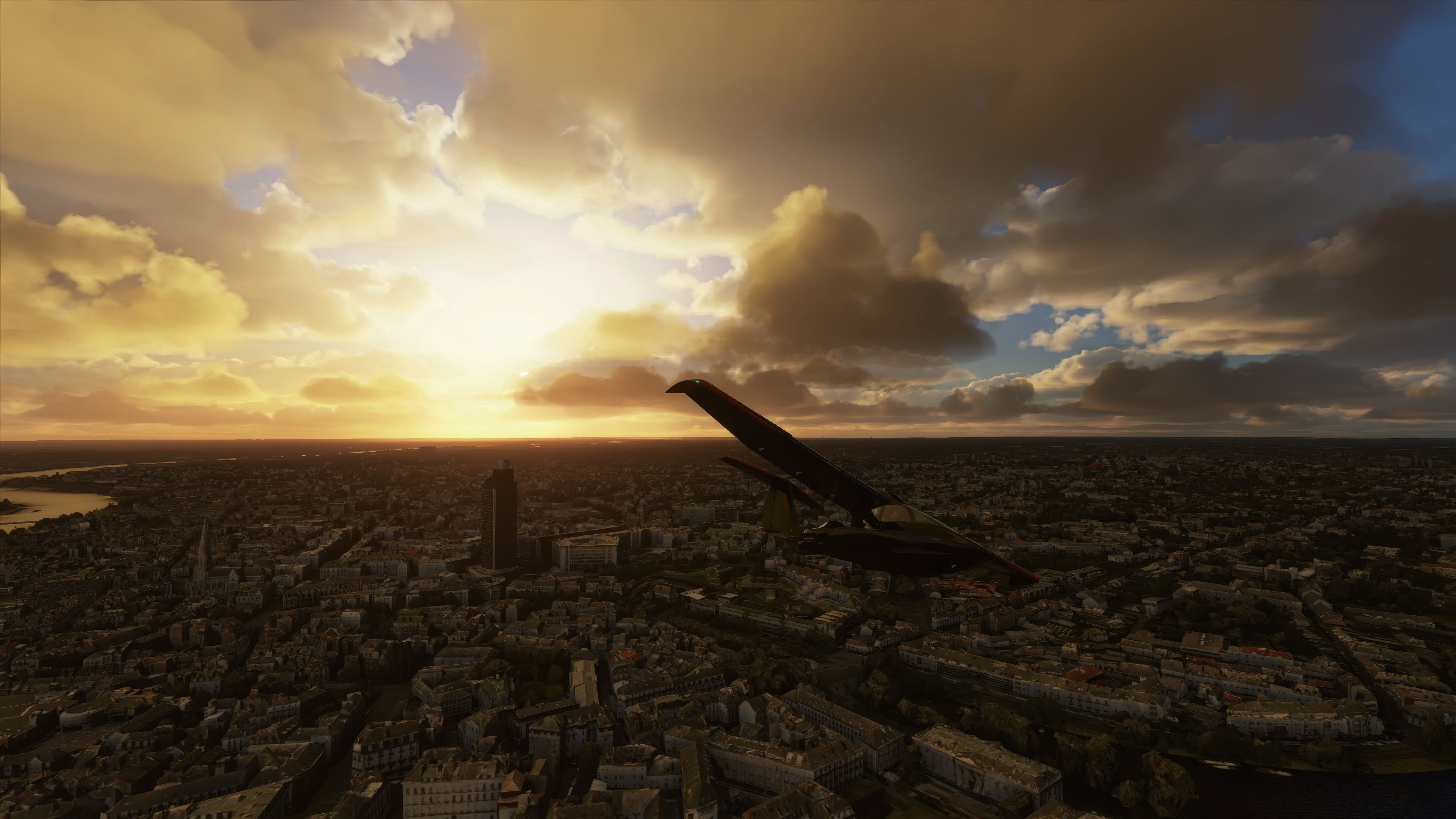

The MSFS Nantes City Photogrammetry Scenery mod delivers a highly detailed recreation of Nantes, harnessing advanced photogrammetry to render the city’s iconic architecture and natural landscapes in striking realism. As someone with decades of flight simulation experience, I was impressed by how well the add-on captures the Loire-Atlantique region’s charm, thanks to high-resolution imagery and continuous refinements that ensure smoother performance and seamless connectivity with Microsoft Flight Simulator’s core environment.
Flying over Nantes Atlantique Airport or Saint-Nazaire Montoir Airport, you’ll appreciate how carefully the package has been optimized to reduce loading times while enhancing roads, traffic, and overall scenery dynamics. The latest updates incorporate fixes for texture flickering and improved LOD settings, further elevating immersion. In my opinion, this free-to-use mod is a must-have for any pilot eager to explore the rich topography of western France from a fresh perspective.
Enhance your Microsoft Flight Simulator experience with the MSFS Nantes City Photogrammetry Scenery add-on. This meticulously designed mod brings the vibrant city of Nantes, located in the Loire-Atlantique region of France, to life within the simulator.
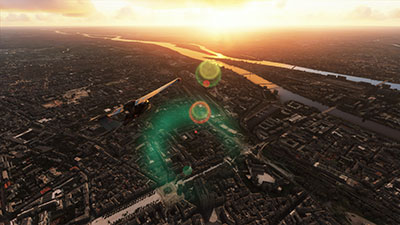 Offering an immersive, realistic depiction of the city and its surroundings, the add-on captures the essence of Nantes through high-resolution, three-dimensional imagery.
Photogrammetry is a process that stitches together photographs from multiple angles to create 3D models of landscapes and structures. This technique allows for an exceptionally detailed and accurate recreation of real-world environments within the simulator. The MSFS Nantes City Scenery leverages this technology, offering sim pilots an immersive experience as they navigate over the city's landmarks and natural landscapes.
To fully experience the Nantes scenery, pilots can begin their journey from nearby airports. Each offers a unique gateway to exploring this beautifully rendered area:
This add-on is not just a visual enhancement; it's a gateway to exploring one of France's most historically rich and dynamic cities from the skies. The developer has poured countless hours into refining the scenery, ensuring it operates seamlessly within the simulator, regardless of your system's configuration.
For a hassle-free installation, remove any previous Nantes or Beaujoire files. Download the archive, extract its contents, and copy the thalixte-nantes folder into the Community folder of your simulator's directory. This process integrates the scenery into your simulator, ready for your next flight.
As a freeware project, contributions to support ongoing development and updates are welcomed but not required. Every flight over Nantes is a testament to the dedication and skill that has gone into creating this immersive add-on.
Free for all simmers · 1.06 GB · Scanned clean Oct 2026
Download speed: Free tier is capped at 2 Mbps (this file takes approximately 1h 16m at the cap). PRO members download at full line speed.
%LOCALAPPDATA%\Packages\Microsoft.FlightSimulator_8wekyb3d8bbwe\LocalCache\Packages\Community\. Steam version: %APPDATA%\Microsoft Flight Simulator\Packages\Community\. Tip: enable Developer Mode in MSFS to see your exact Community folder path.readme.txt or README file. It tells you exactly where files go, what dependencies are needed, and any quirks specific to this add-on.Thalixte is a developer that has focused on creating photogrammetry and scenery packs for the latest Microsoft Flight Simulator (MSFS) 2020 release.
Are you Thalixte? Sign in to Fly Away Creators for download stats, comment replies and updates. Make add-ons? Publish them here.
Only PRO members can place votes.
More MSFS add-ons hand-picked based on this download.
MSFS Scenery
Step into a world of historical authenticity and stunning detail with the Car…
 MSFS Scenery
Immerse yourself in the historical and architectural splendor of Valletta, th…
 MSFS Scenery
Delve into the heart of Europe with the Geneva City Photogrammetry Scenery, a…
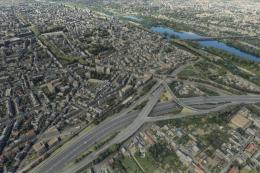 MSFS Scenery
Enhance your virtual flight experience with the Tours City Photogrammetry Sce…
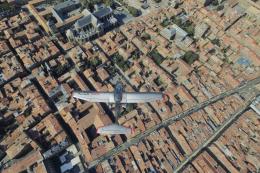 MSFS Scenery
Immerse yourself in the detailed and vibrant scenery of La Rochelle, a histor…
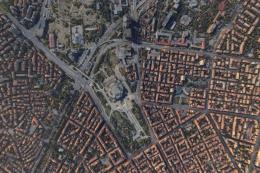 MSFS Scenery
Dive into the heart of Bulgaria with the Sofia City Photogrammetry Scenery ad…
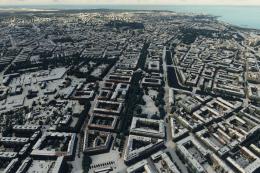 MSFS Scenery
Embark on a visually stunning journey through the heart of Scandinavia with t…
 MSFS Scenery
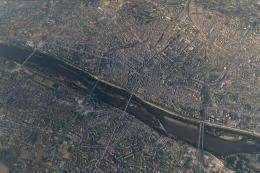
Elevate your flight simulation experience with the Orléans City Photogrammetr…
Be the first to leave a comment on this download.
Be the first to share your thoughts on this download.