



 France



 MSFS Scenery
Carcassonne (Walled City) Photogrammetry
Step into a world of historical authenticity and stunning detail with the Car…
Tours, France receives expanded photogrammetry coverage with refined color matching, added points of interest, and smoother Level of Detail tuning for stable performance in Microsoft Flight Simulator. Updated collision meshes and lighting tweaks improve dusk and dawn visuals, while smarter exclusions prevent conflicts with autogenerated buildings for a clean, immersive Loire Valley cityscape.
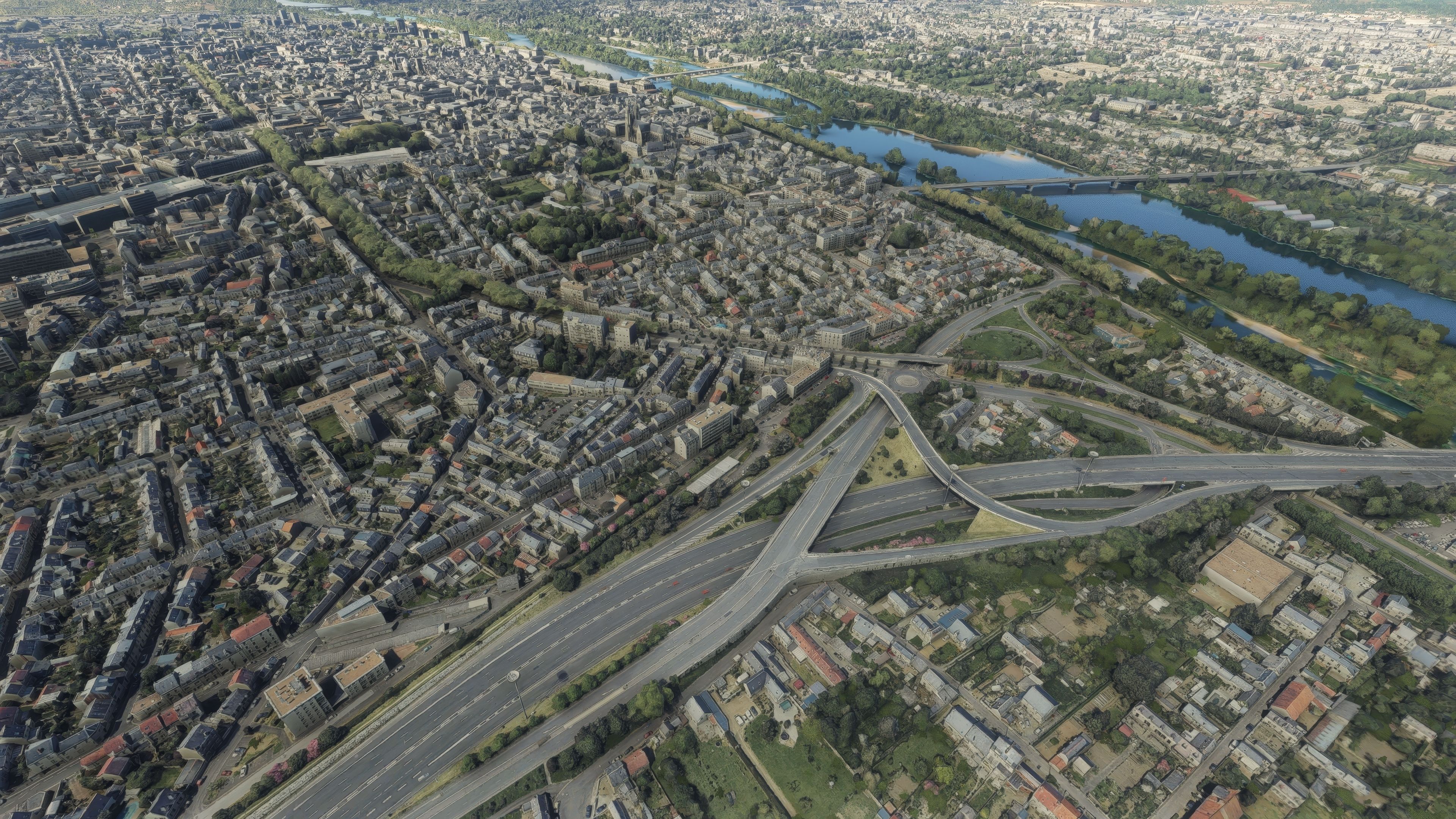
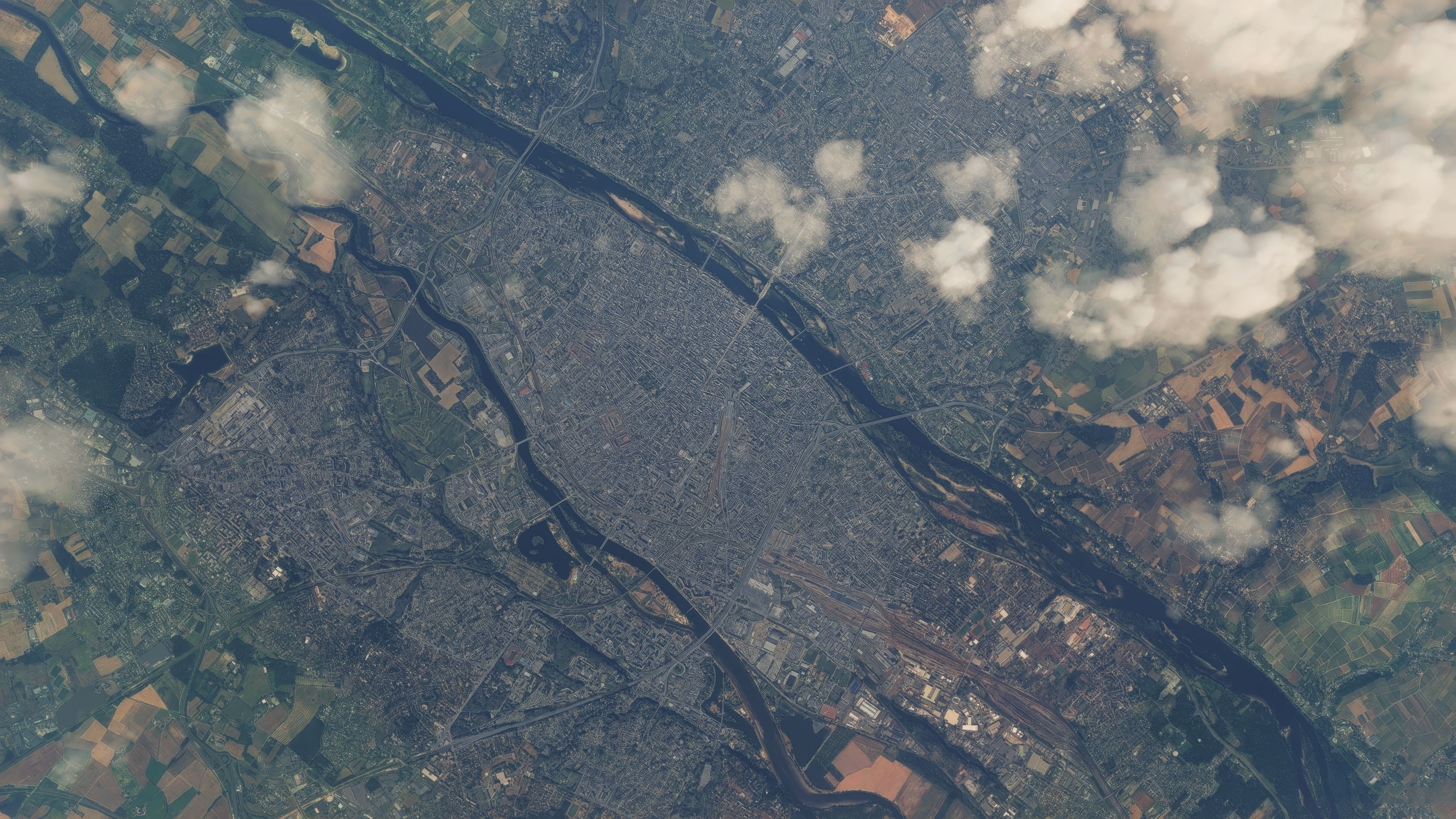
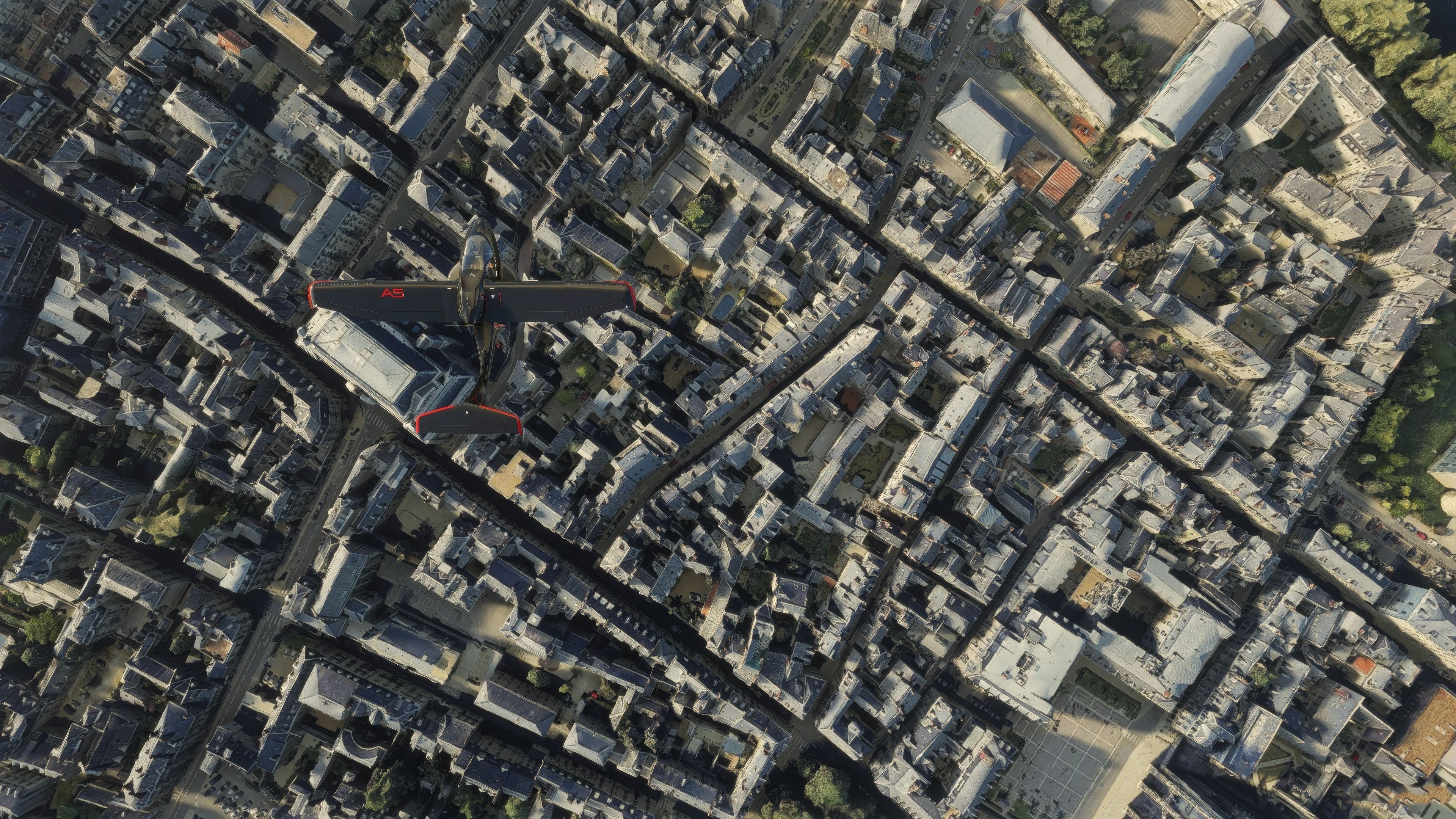

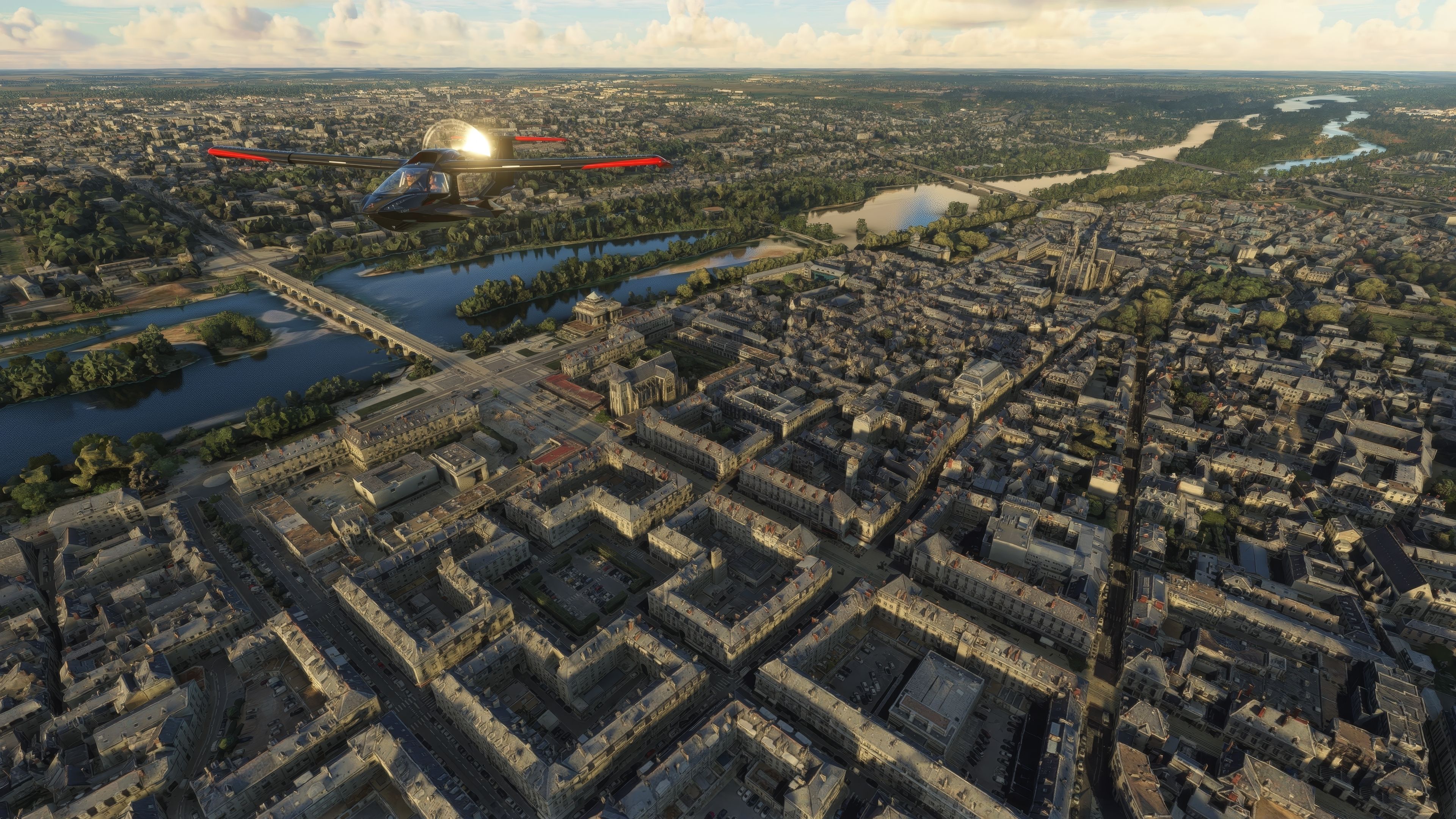

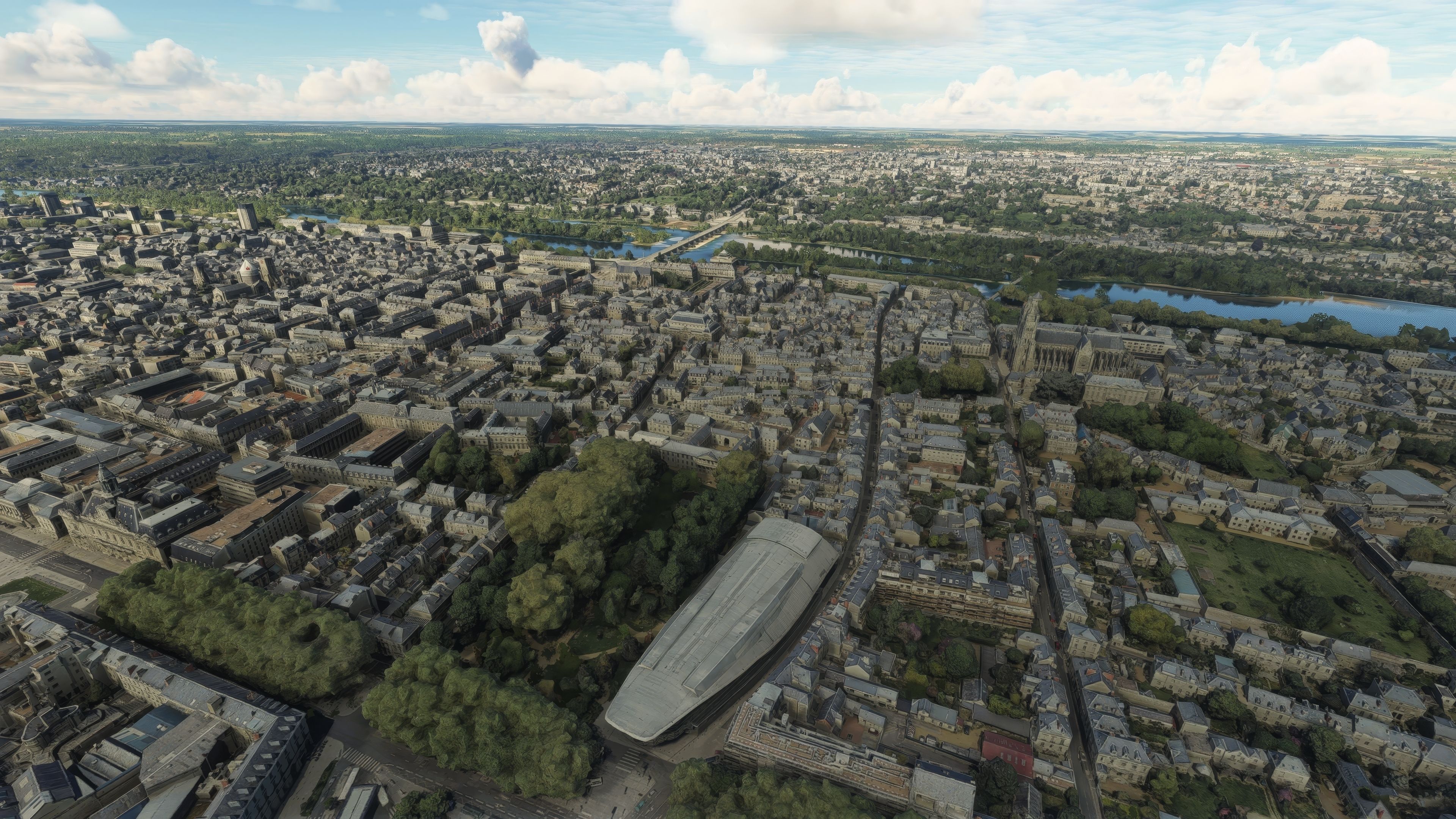


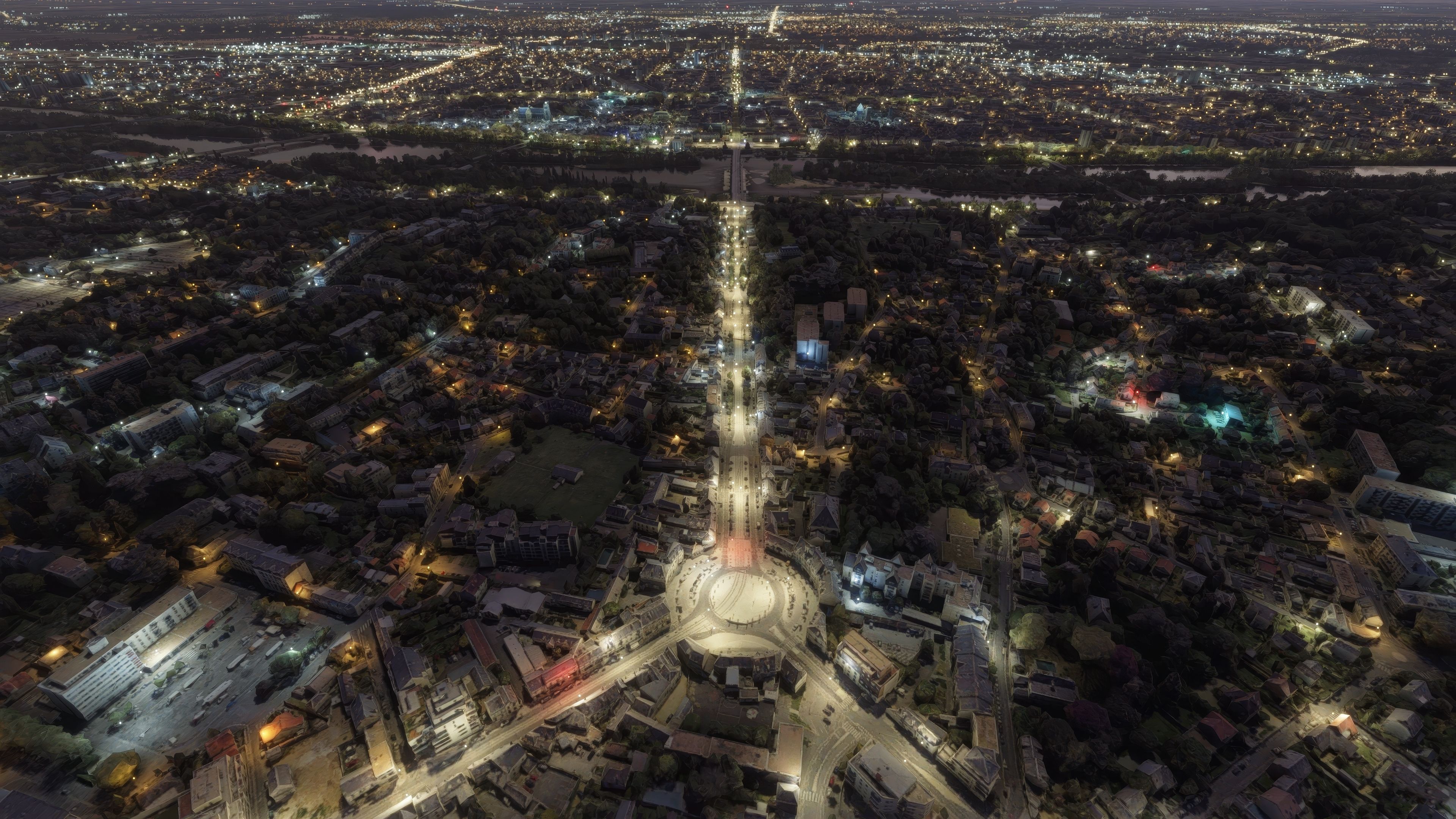

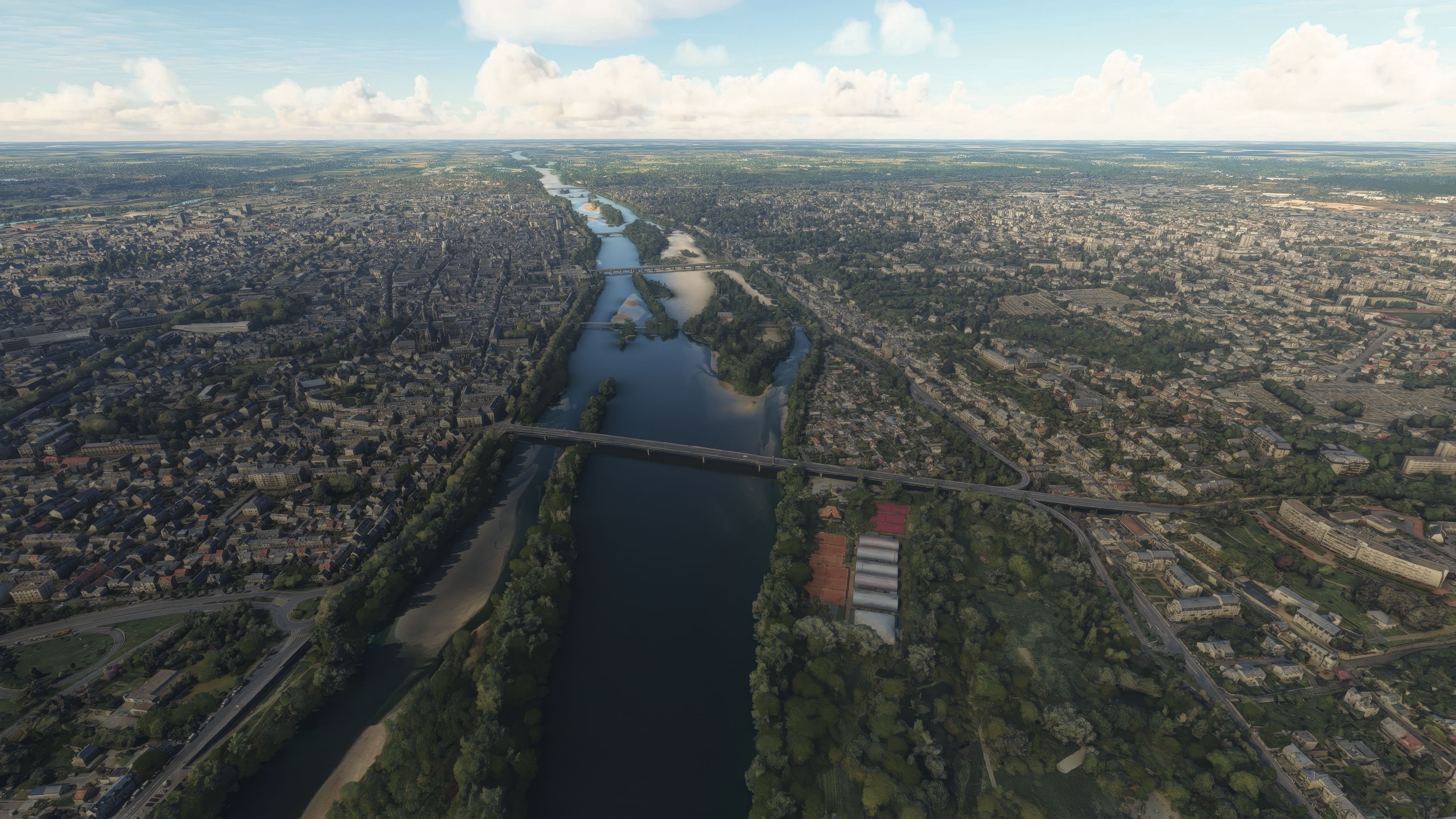
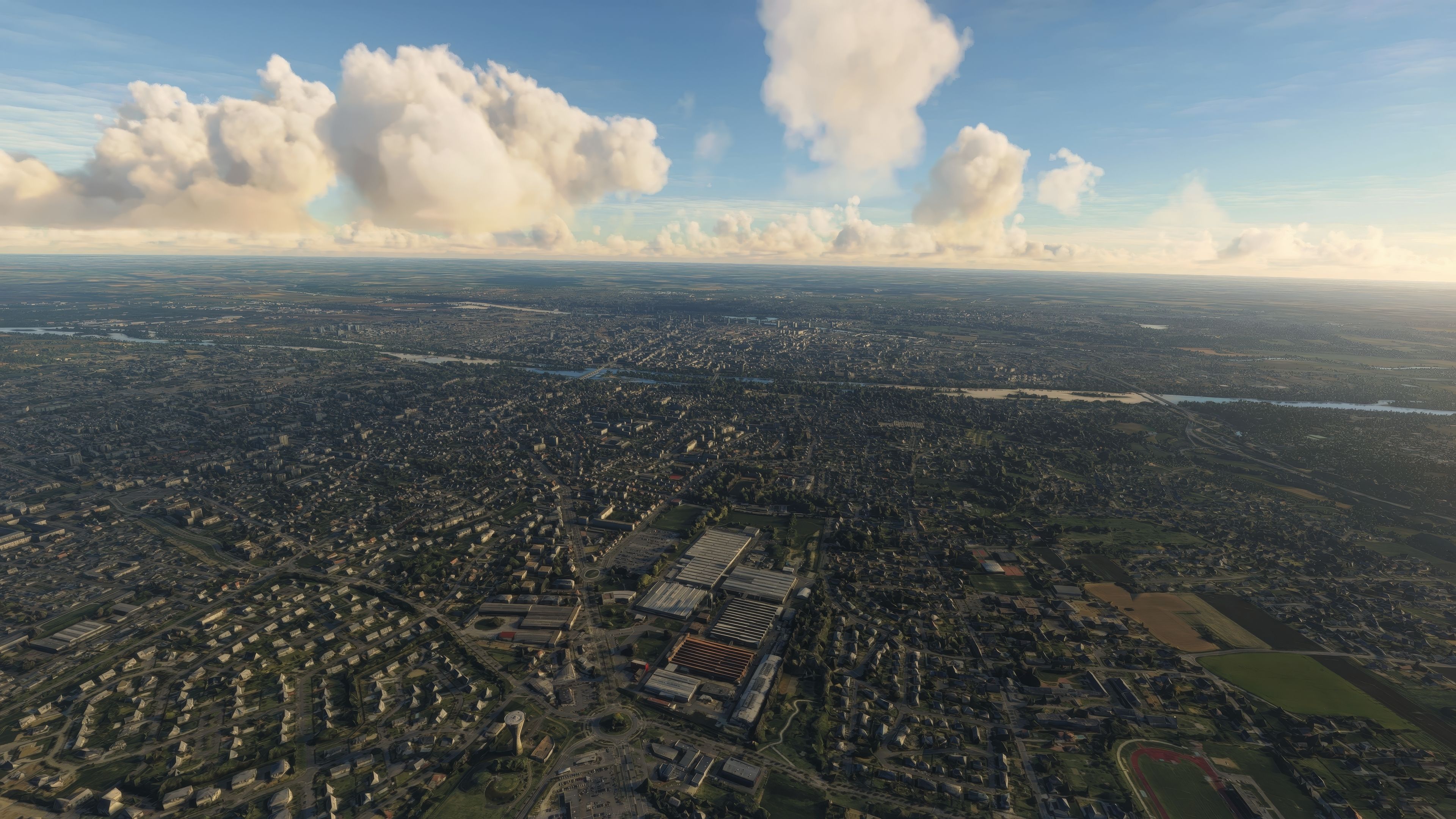
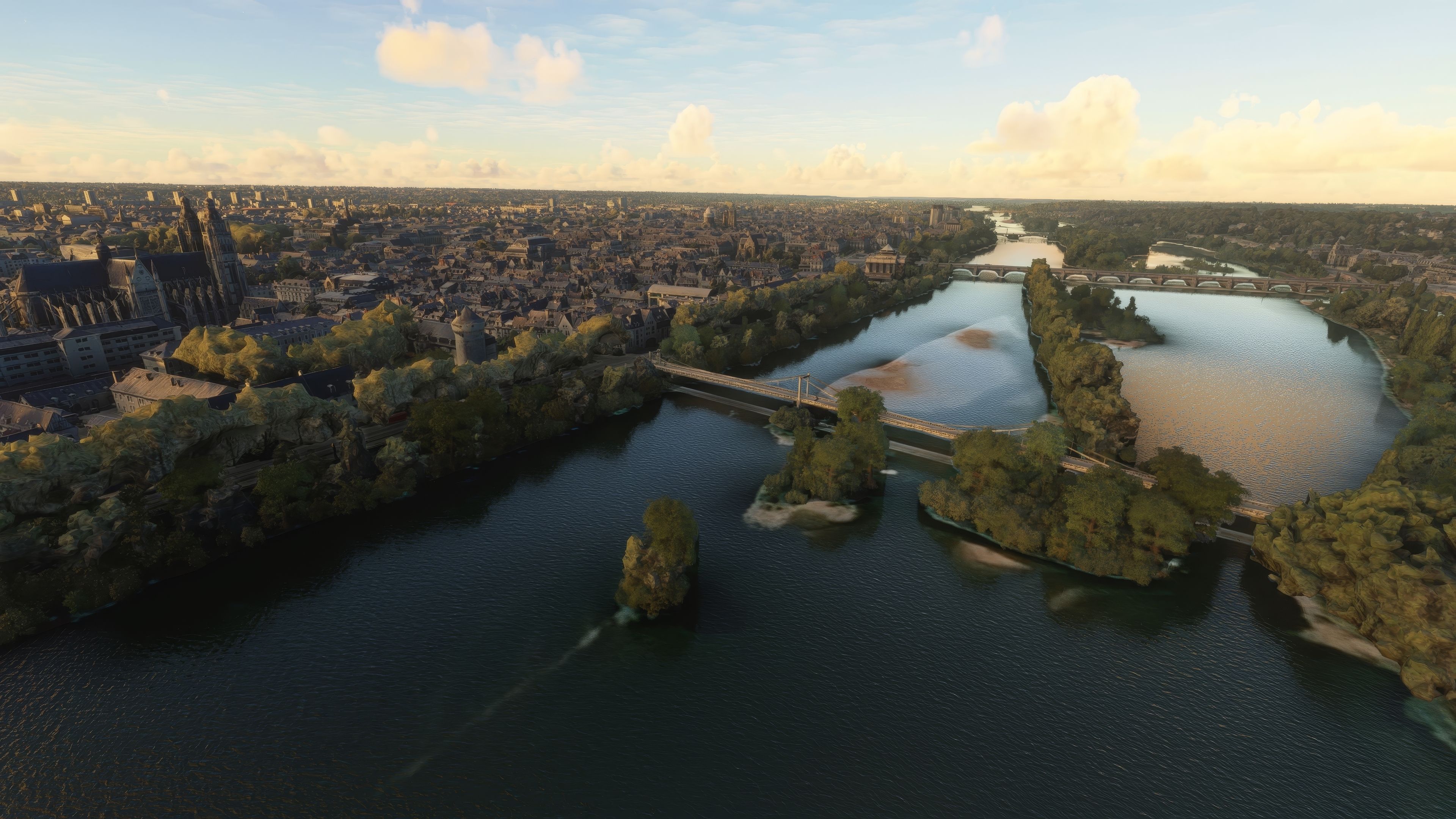

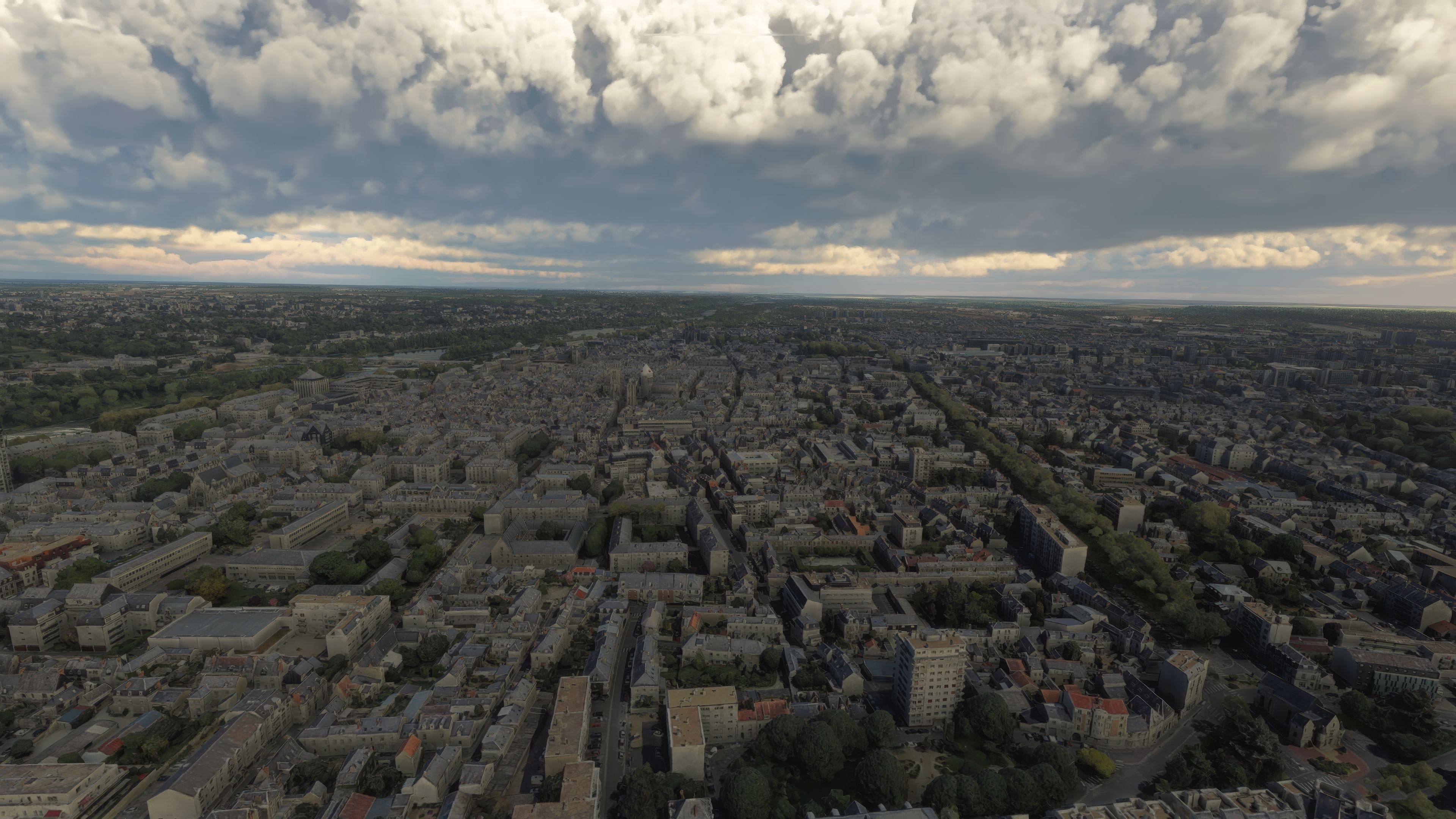
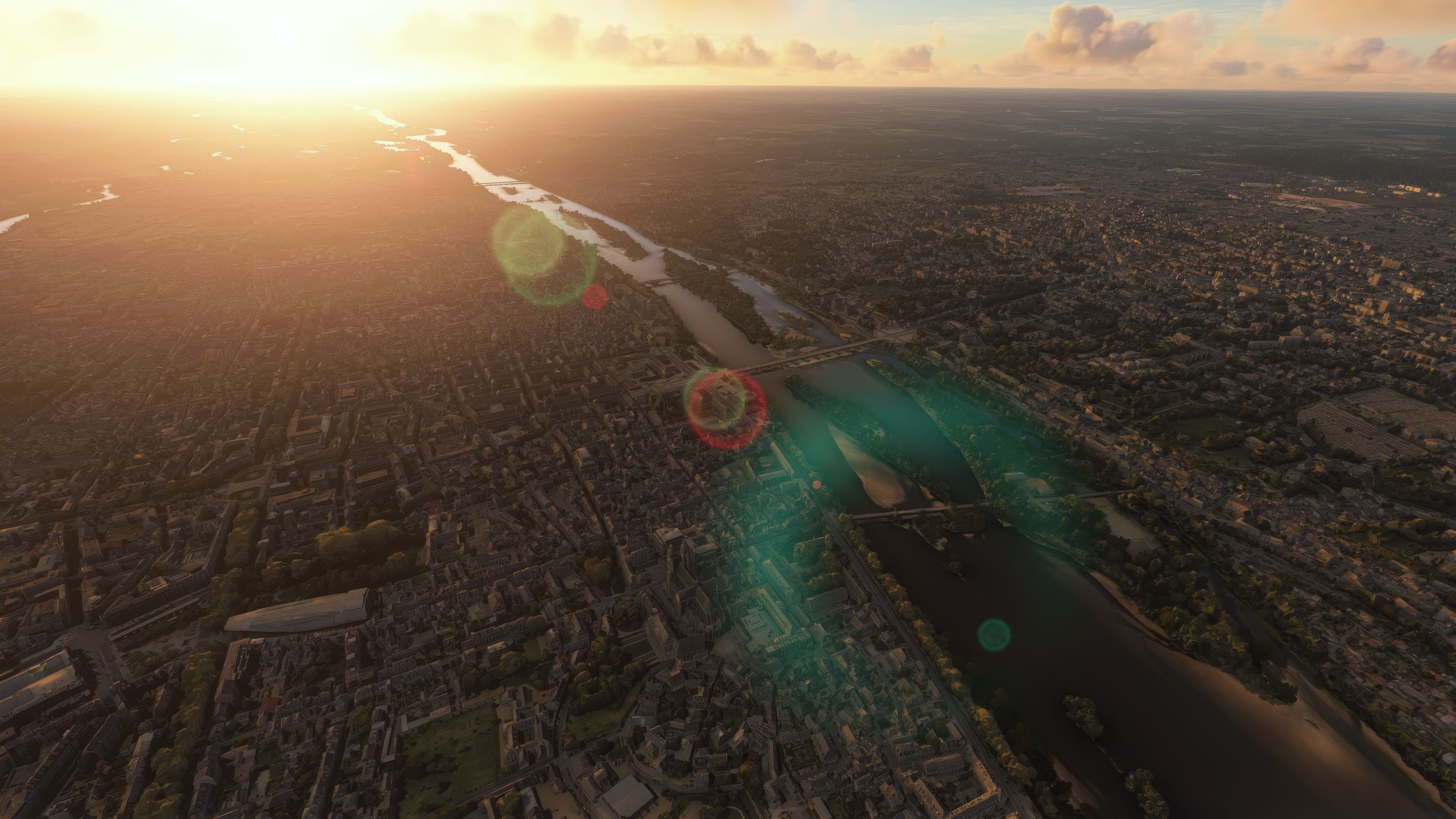

The MSFS Tours City Photogrammetry Scenery elevates the historic French city of Tours by seamlessly blending photogrammetric modeling and high-fidelity textures within Microsoft Flight Simulator. Detailed buildings, landmarks, and points of interest pop into focus with accurate colorimetry, while refined LOD settings and collision meshes boost overall performance for a smoother, more immersive flight experience. Notably, Version 3.1 resolves conflicts with Blackshark AI buildings in the Saint-Pierre-des-Corps suburb, ensuring that every neighborhood confidently represents its real-world counterpart.
Capturing the charm of the Loire River and the “Garden of France,” the mod offers photoreal vistas of Roman-era architecture, châteaux, and UNESCO-recognized historic districts. Recommended departure points include the conveniently located Tours Val de Loire Airport, as well as Loire Valley Airfield for a more intimate general aviation journey. With its blend of realism and stable performance, this city photogrammetry scenery offers a deeply rewarding exploration of Tours’s iconic skyline and timeless heritage.
Enhance your virtual flight experience with the Tours City Photogrammetry Scenery, a meticulously crafted mod for the enthusiasts of Microsoft Flight Simulator. This scenery overlay brings the vibrant and historical city of Tours, France, into your simulator, with unmatched realism and detail through the advanced use of photogrammetry.
 Introduction to Photogrammetry Scenery
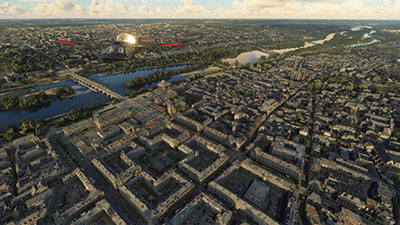
Photogrammetry is a technique where photography is used to survey and map a location from multiple photographs. This process captures the fine details and textures of the scene, which are then reconstructed in three dimensions. In flight simulation, this translates into extremely realistic and immersive environments, as every building, tree, and landmark mirrors its real-world counterpart with precise accuracy.
The city of Tours, positioned along the scenic Loire River, boasts a rich history from its Roman roots to its pivotal role throughout French history. The mod captures both the architectural splendor and the lush, verdant landscapes that have earned it the nickname "Garden of France." Virtual pilots will appreciate navigating above this historically rich landscape, experiencing its famed sites like the massive Roman amphitheater and the picturesque old town, Vieux-Tours, a UNESCO World Heritage site.
This mod has been developed using the Google Earth Decoder tool, ensuring high fidelity and compatibility with existing MSFS architecture. Installation is straightforward, following the standard mod installation procedures for MSFS, ensuring that even novice simmers can easily enhance their flight simulation experience.
Simply extract the archive and copy the thalixte-tours folder into your MSFS community folder.
The MSFS Tours City Photogrammetry Scenery is not just a visual enhancement; it's a deep dive into the heart of France's storied past, rendered with an eye for detail and a commitment to performance. Whether you're soaring over the rooftops of Tours or navigating the complex river landscapes of the Loire Valley, this mod brings unparalleled depth to your virtual flights.
Free for all simmers · 2.56 GB · Scanned clean Oct 2026
Download speed: Free tier is capped at 2 Mbps (this file takes approximately 3h 3m at the cap). PRO members download at full line speed.
%LOCALAPPDATA%\Packages\Microsoft.FlightSimulator_8wekyb3d8bbwe\LocalCache\Packages\Community\. Steam version: %APPDATA%\Microsoft Flight Simulator\Packages\Community\. Tip: enable Developer Mode in MSFS to see your exact Community folder path.readme.txt or README file. It tells you exactly where files go, what dependencies are needed, and any quirks specific to this add-on.Use these coordinates to fly directly to this location once the mod is installed.
47.39424100,0.68473600
Paste these coordinates into the Microsoft Flight Simulator search bar when planning a flight, or into the Developer Mode Teleport window, to fly directly to this location.
Thalixte is a developer that has focused on creating photogrammetry and scenery packs for the latest Microsoft Flight Simulator (MSFS) 2020 release.
Are you Thalixte? Sign in to Fly Away Creators for download stats, comment replies and updates. Make add-ons? Publish them here.
Only PRO members can place votes.
More MSFS add-ons hand-picked based on this download.
MSFS Scenery
Step into a world of historical authenticity and stunning detail with the Car…
 MSFS Scenery
Immerse yourself in the historical and architectural splendor of Valletta, th…
 MSFS Scenery
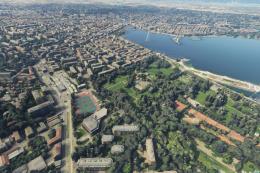
Delve into the heart of Europe with the Geneva City Photogrammetry Scenery, a…
 MSFS Scenery
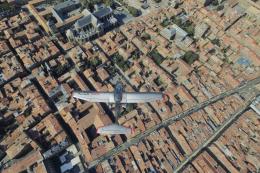
Immerse yourself in the detailed and vibrant scenery of La Rochelle, a histor…
 MSFS Scenery
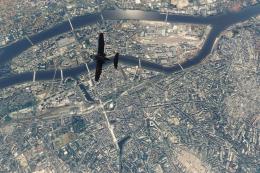
Enhance your Microsoft Flight Simulator experience with the MSFS Nantes City …
 MSFS Scenery
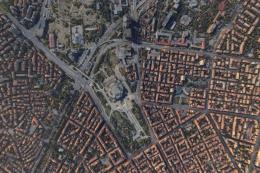
Dive into the heart of Bulgaria with the Sofia City Photogrammetry Scenery ad…
 MSFS Scenery
Embark on a visually stunning journey through the heart of Scandinavia with t…
 MSFS Scenery
Elevate your flight simulation experience with the Orléans City Photogrammetr…
Be the first to leave a comment on this download.
Be the first to share your thoughts on this download.