



 Bulgaria



 MSFS Scenery
Carcassonne (Walled City) Photogrammetry
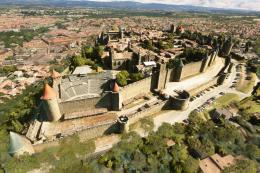
Step into a world of historical authenticity and stunning detail with the Car…
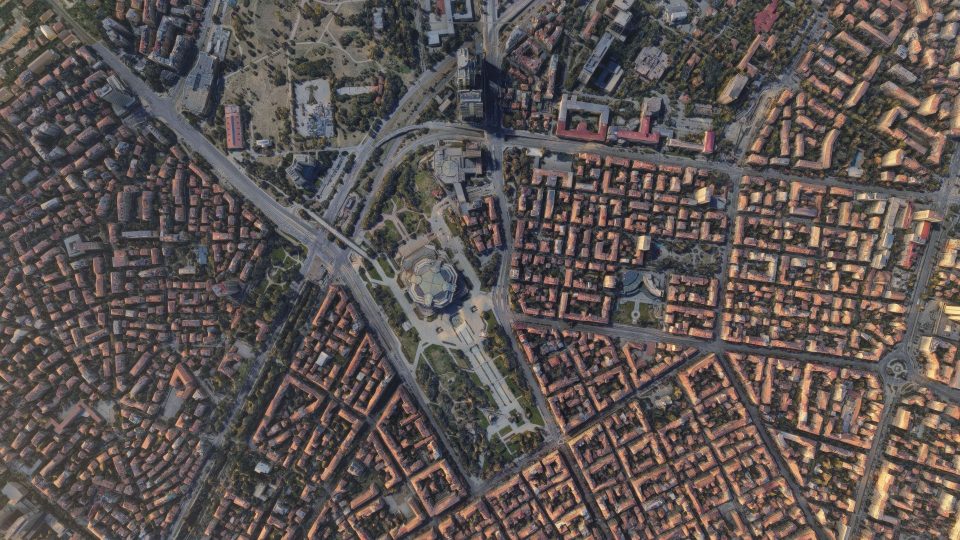
Sofia City Photogrammetry Scenery brings Bulgaria’s capital to life in Microsoft Flight Simulator with high-resolution 3D city coverage, accurate terrain around the Sofia valley and Vitosha Mountain, and carefully modeled landmarks including Boyana Church, the National Palace of Culture, and the Sofia Synagogue. Dynamic lighting and an optimized package size keep flights smooth.
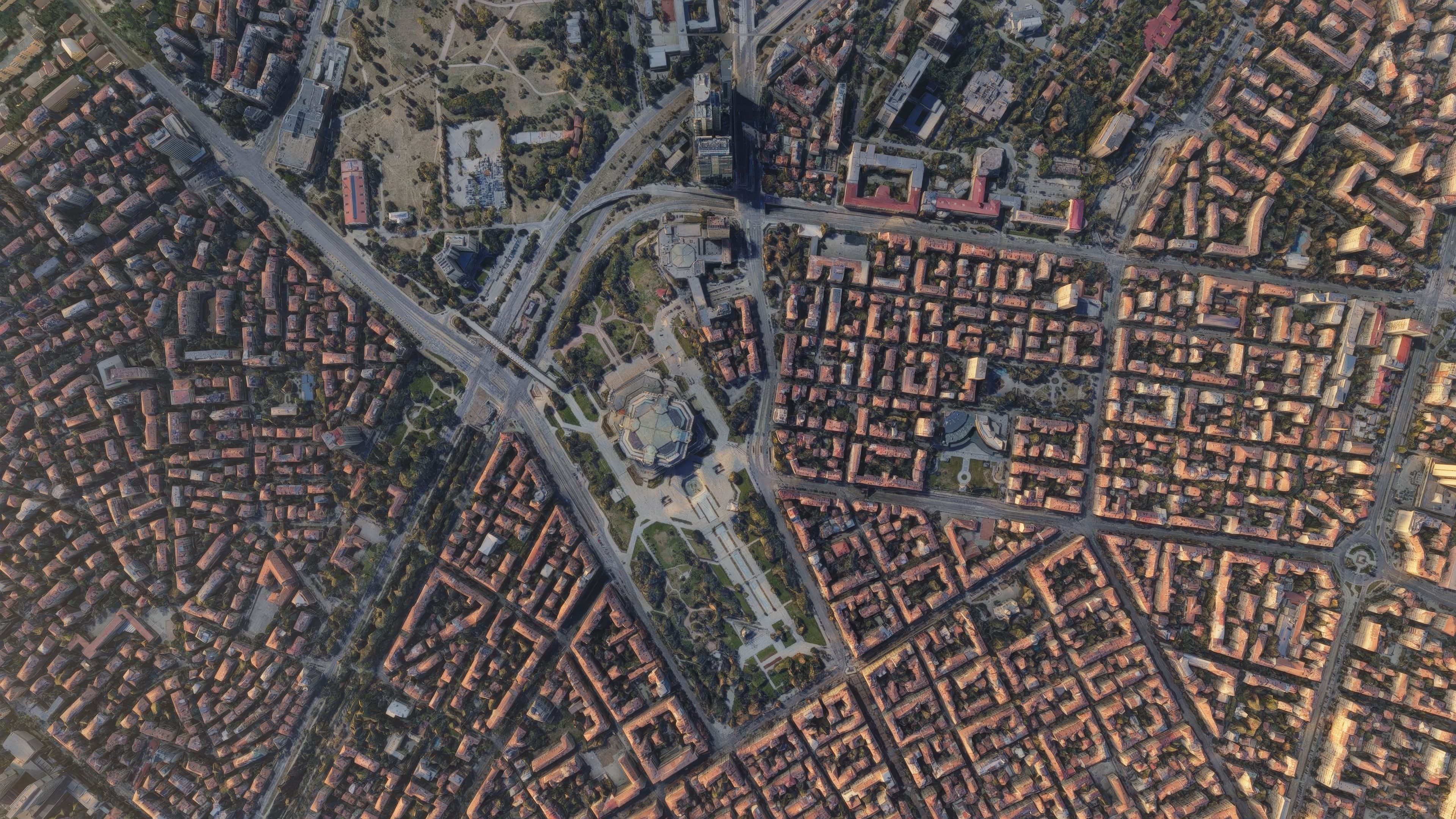
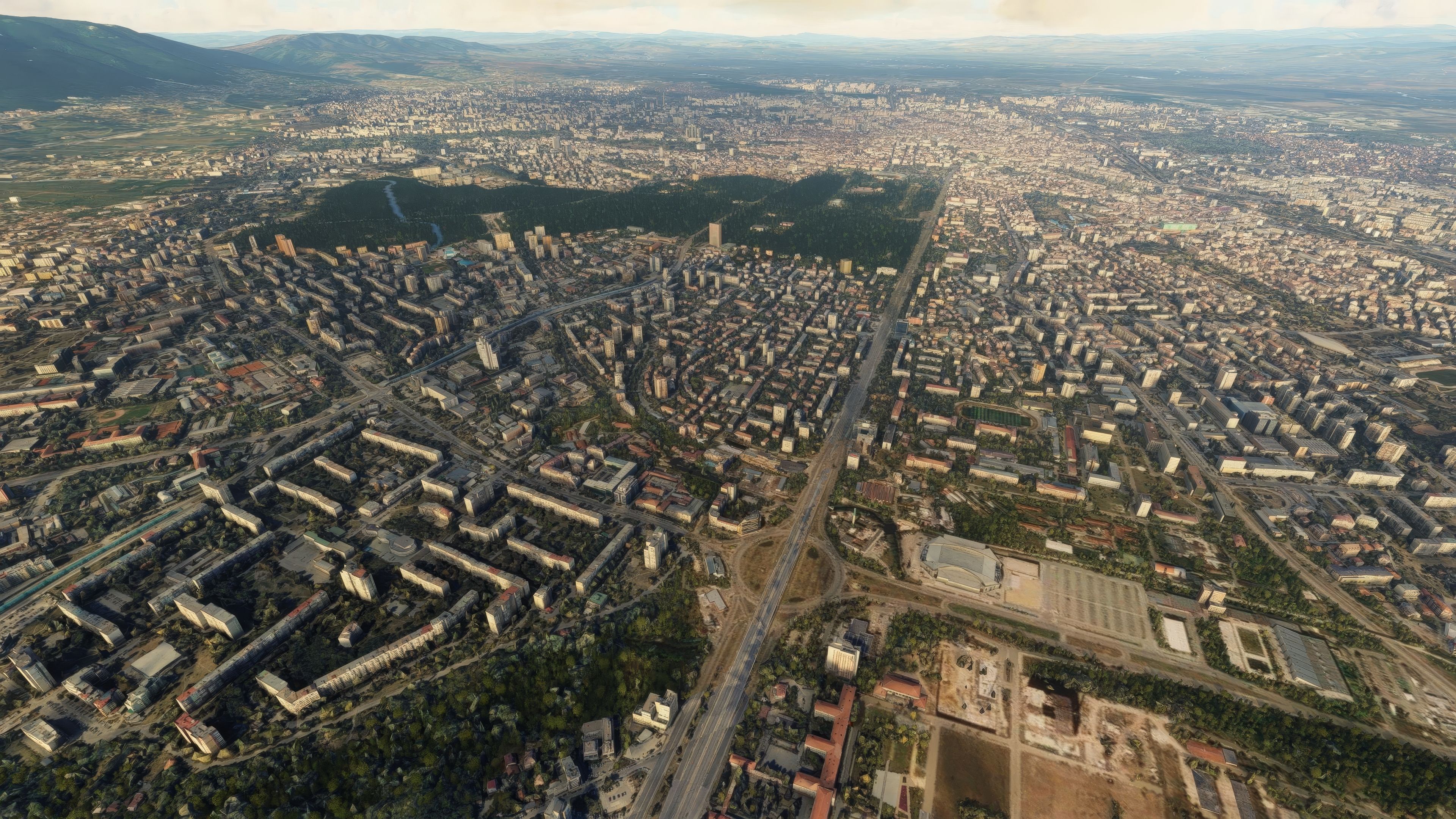
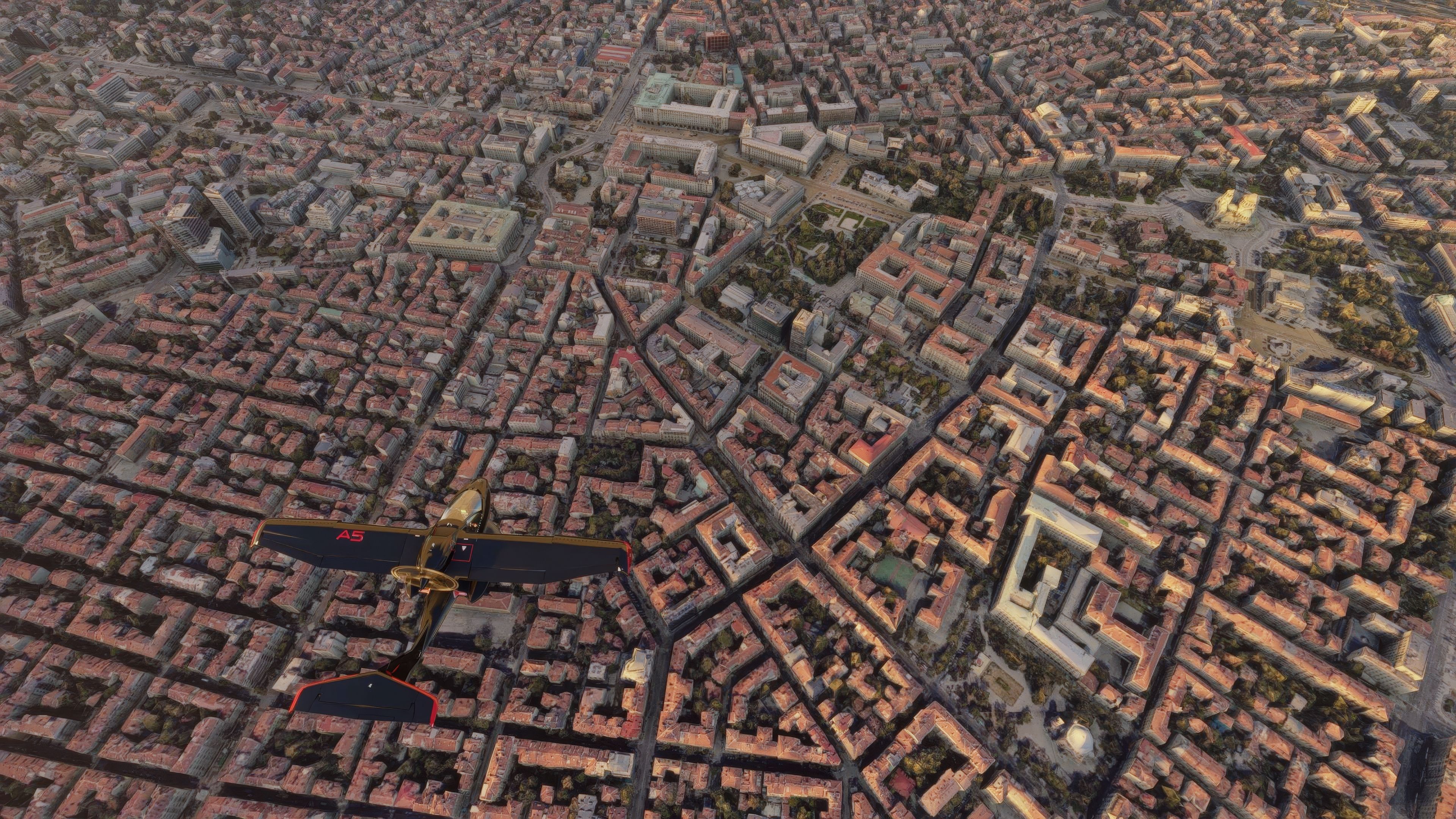
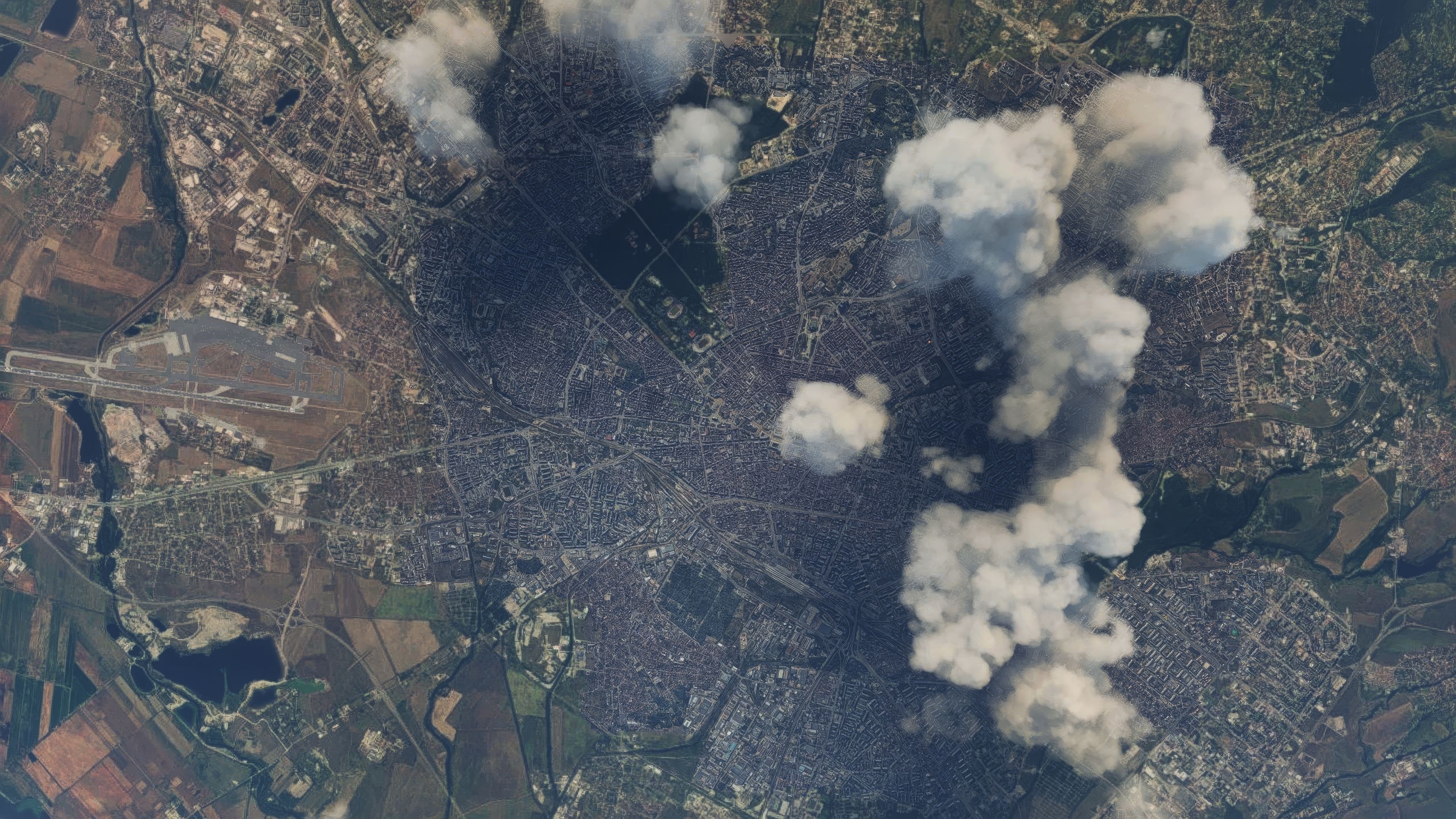
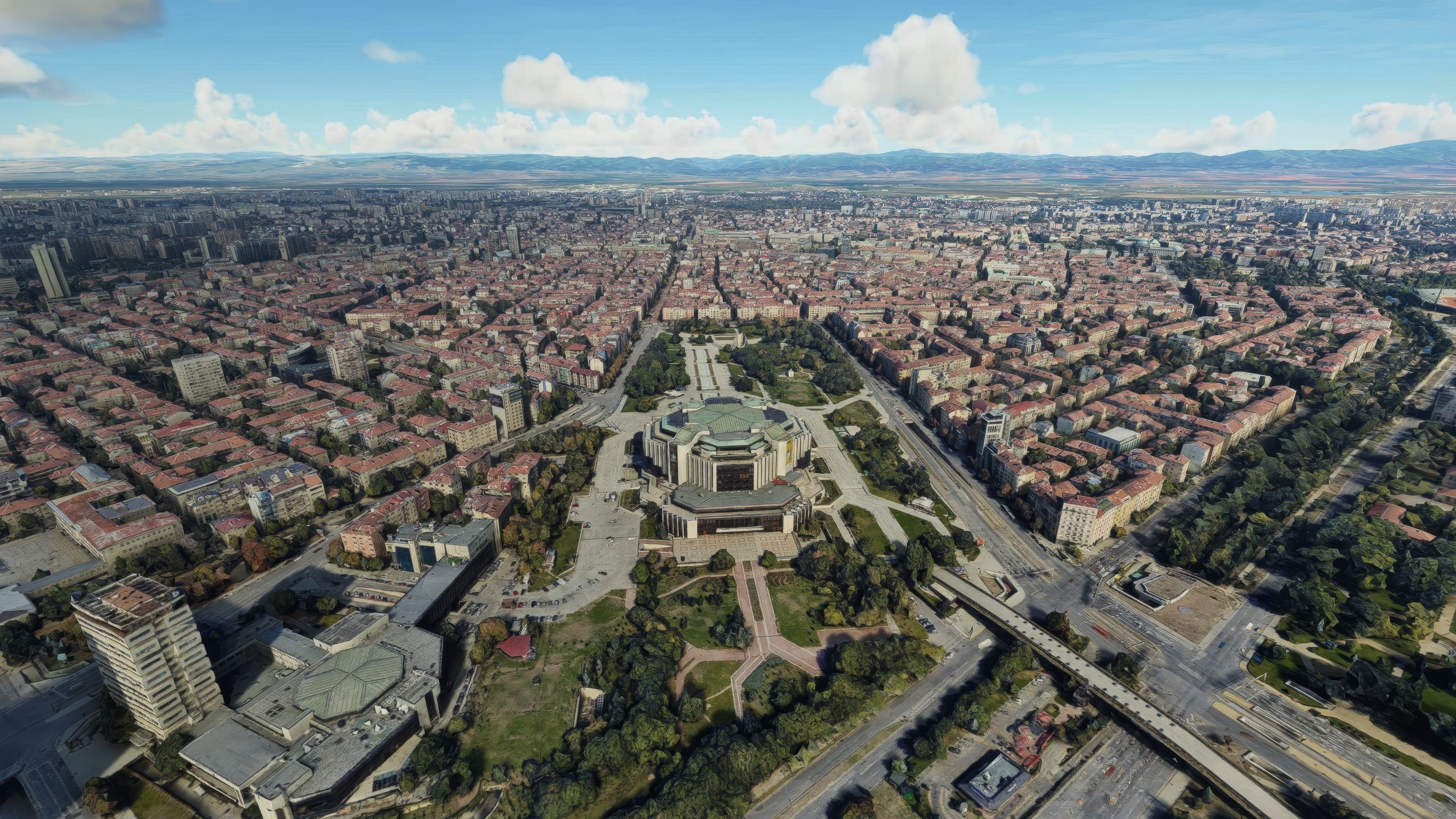
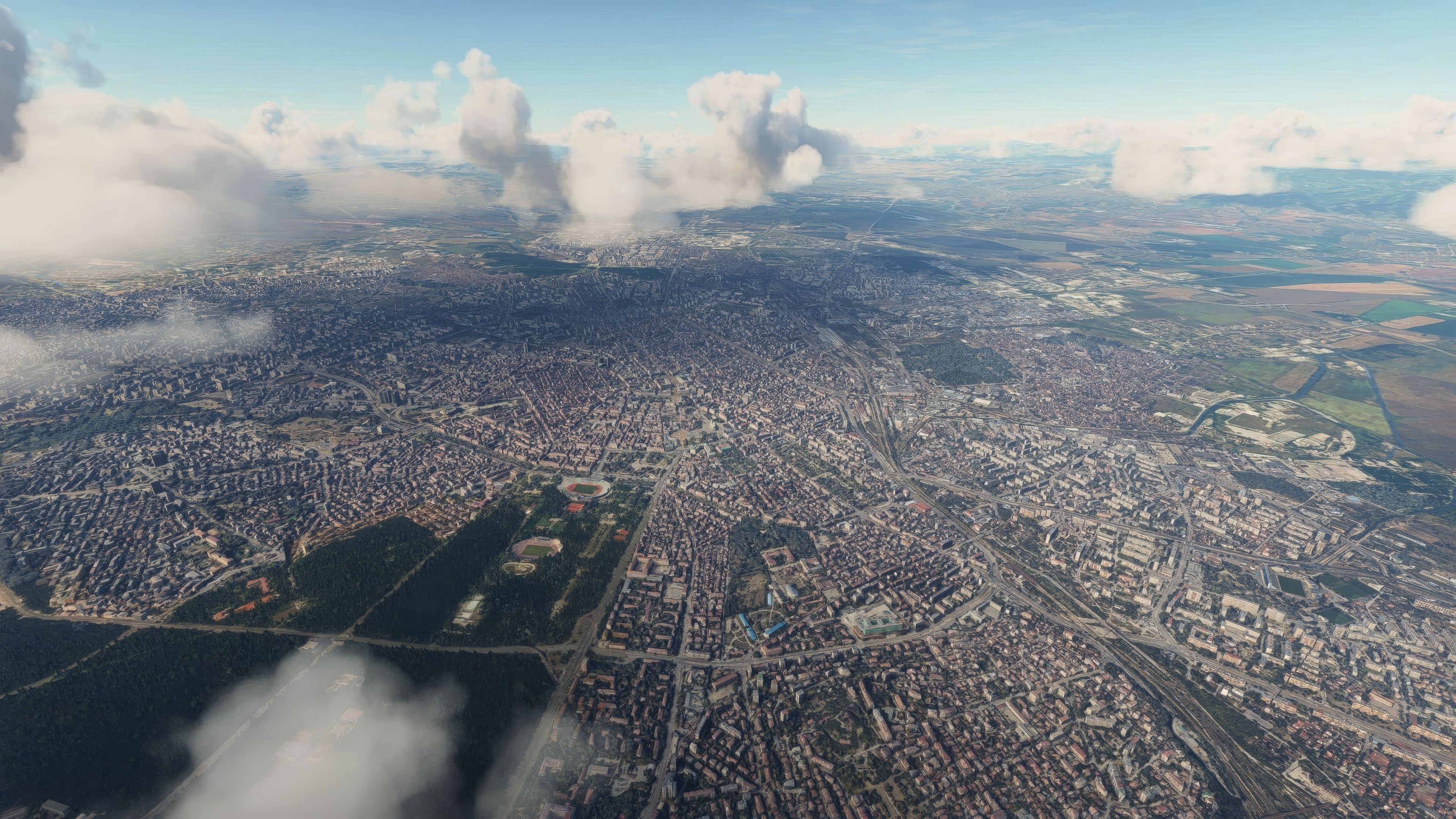
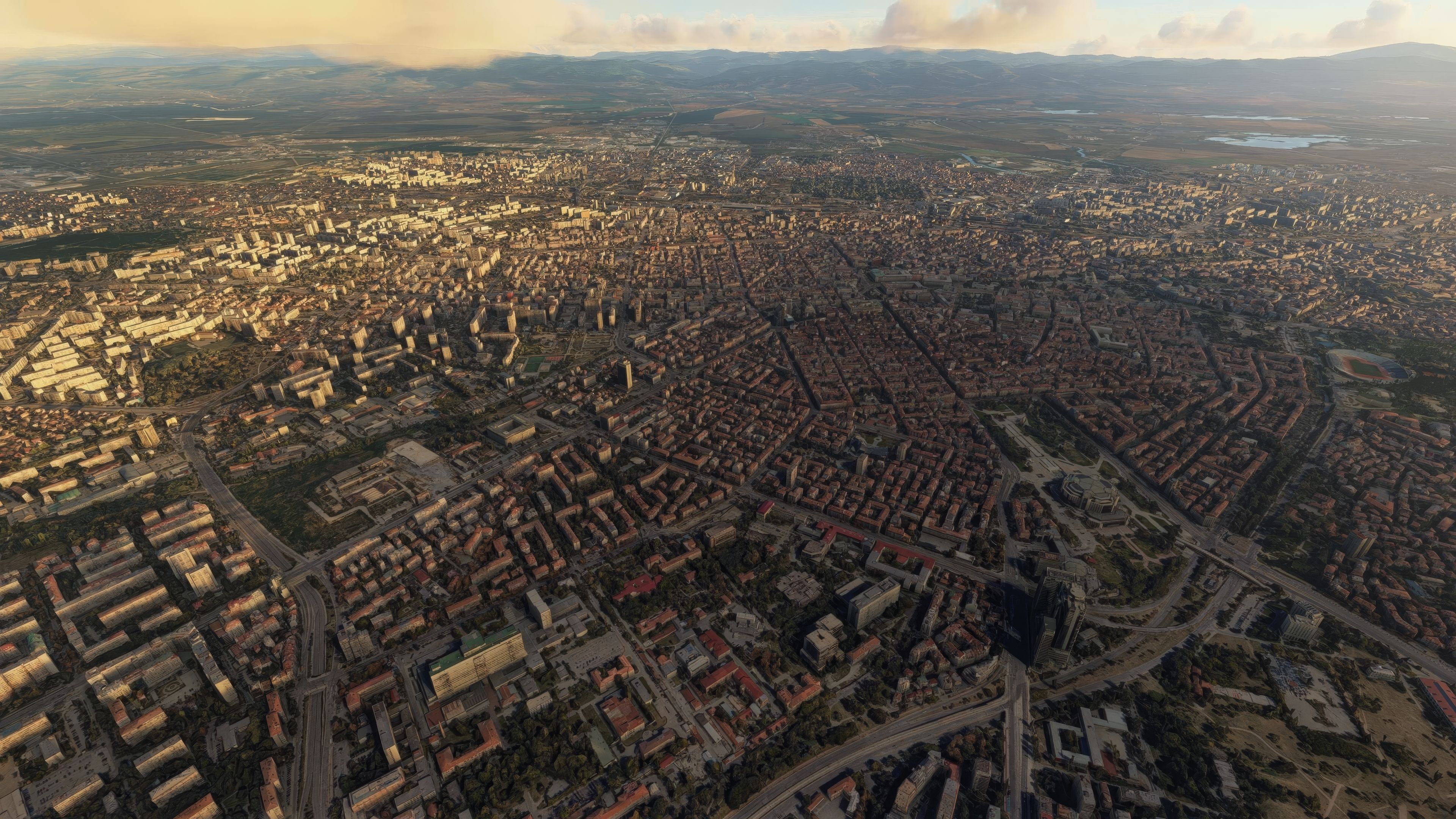
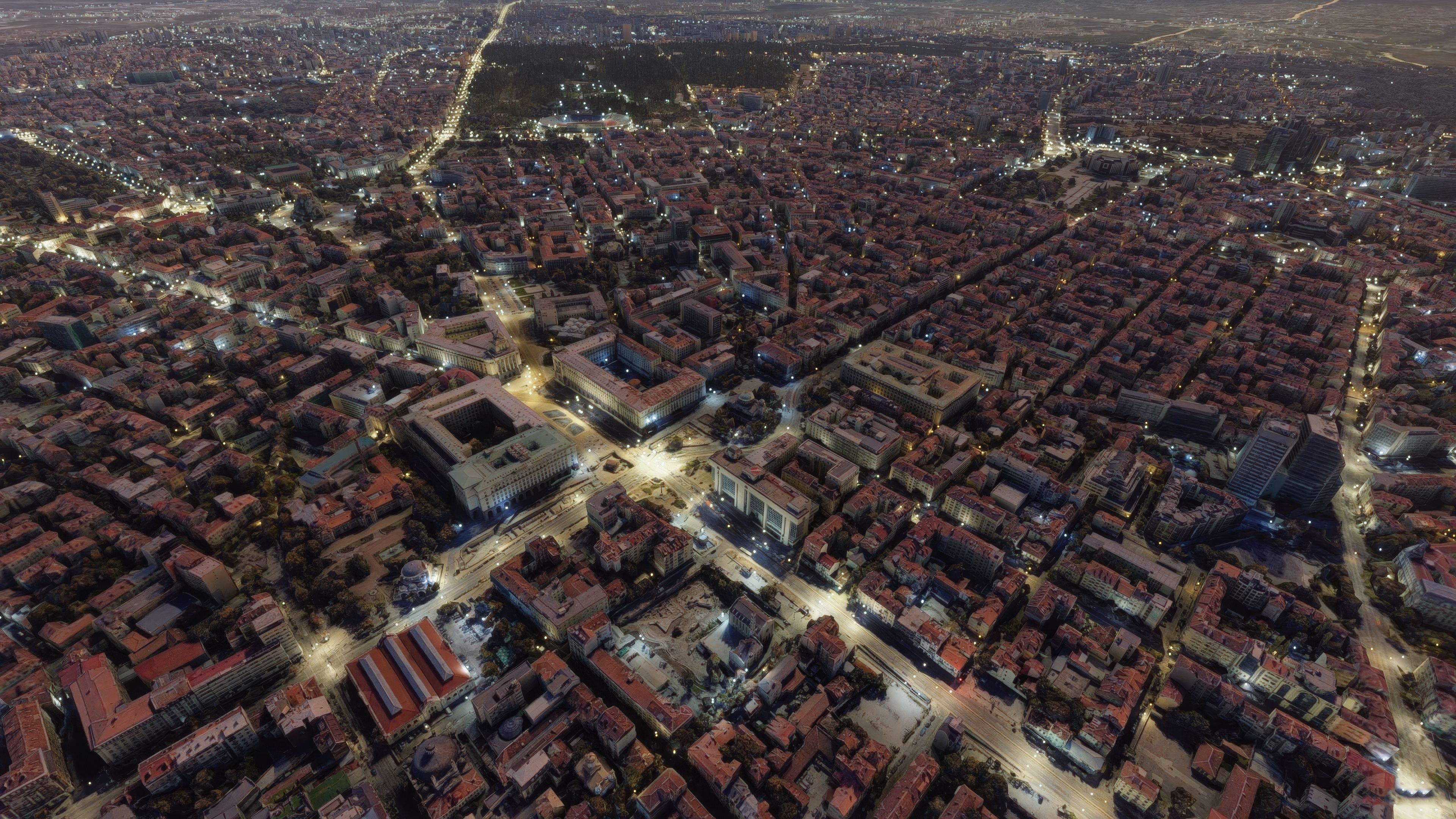
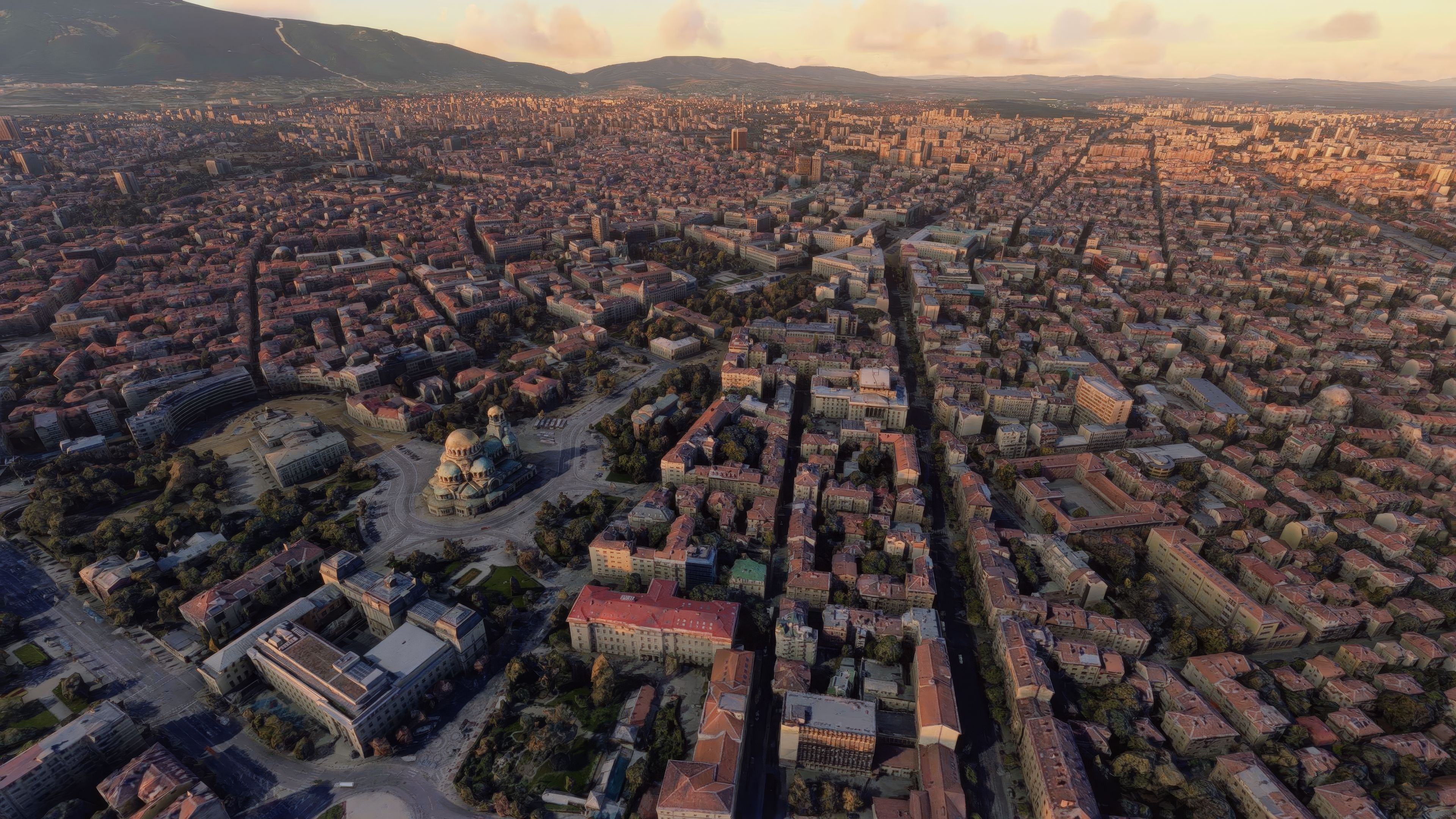
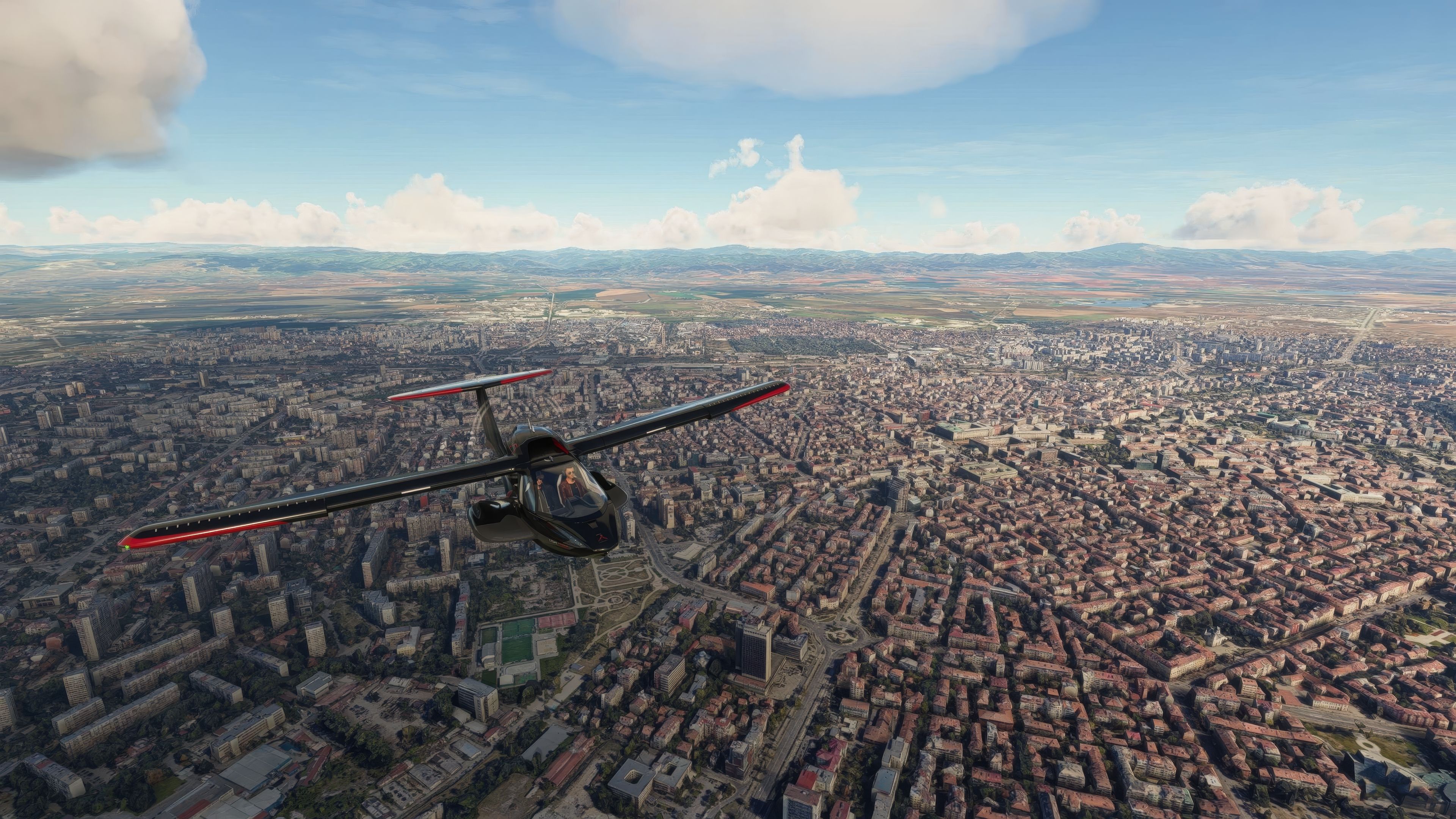
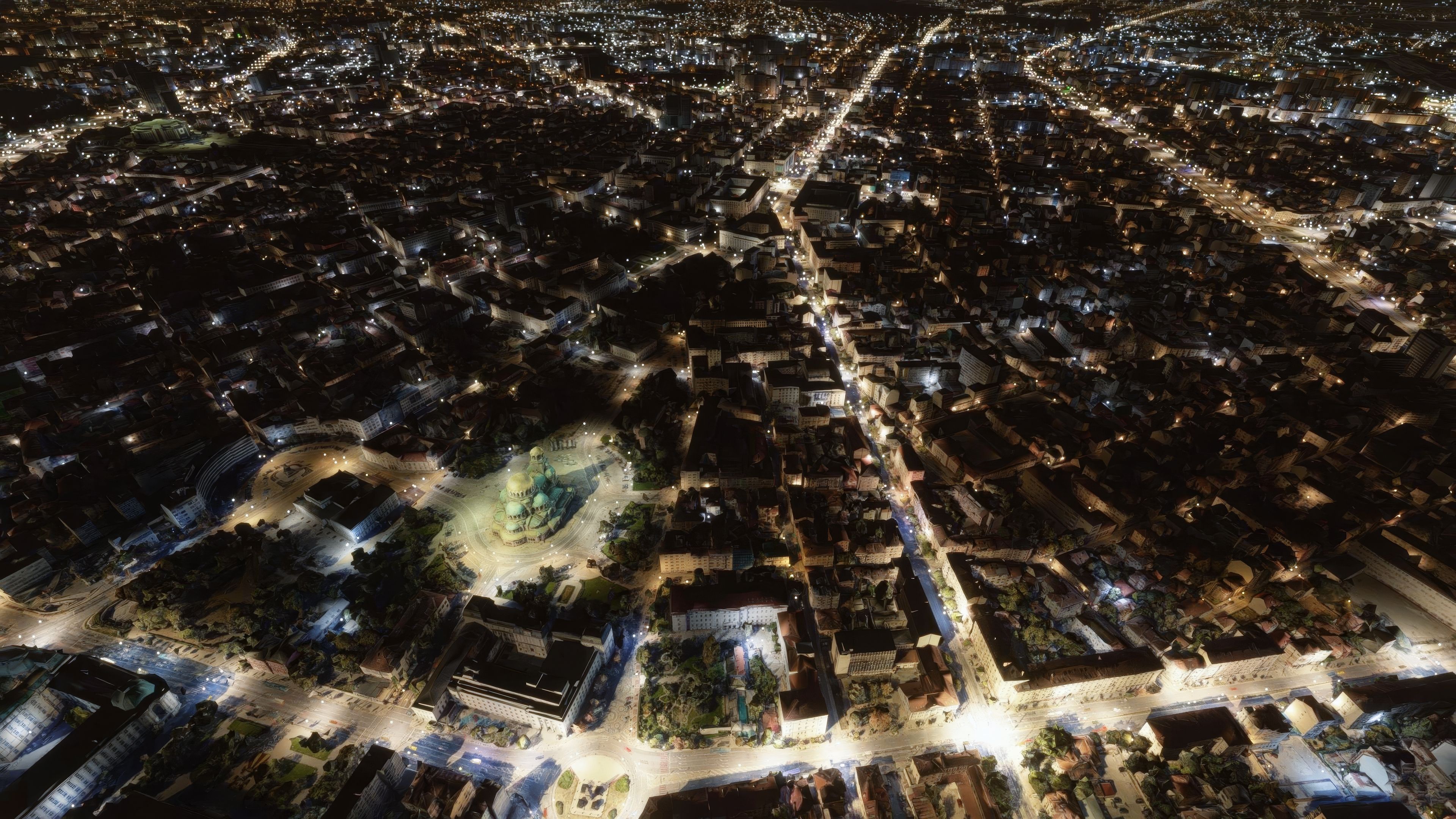
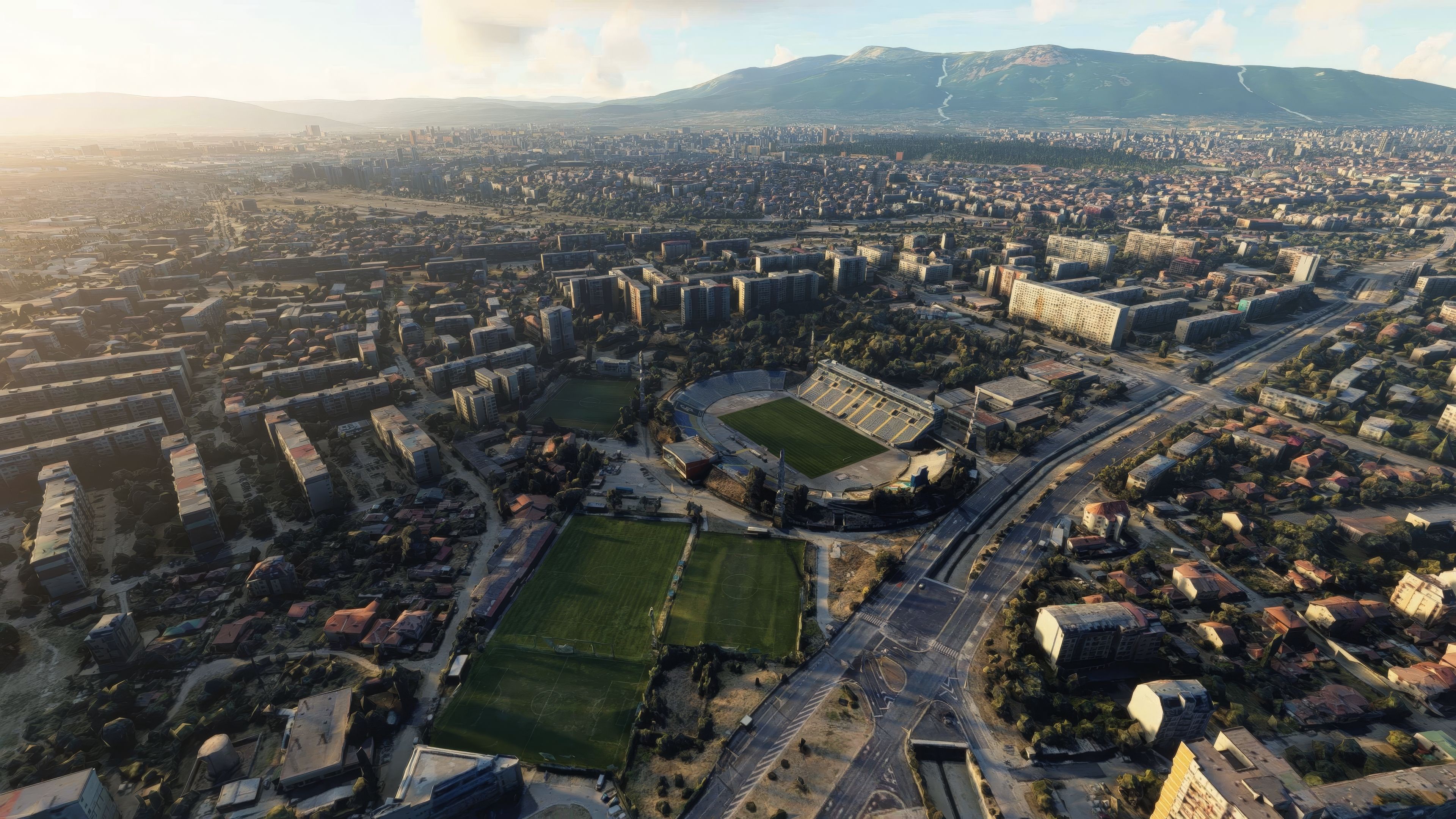
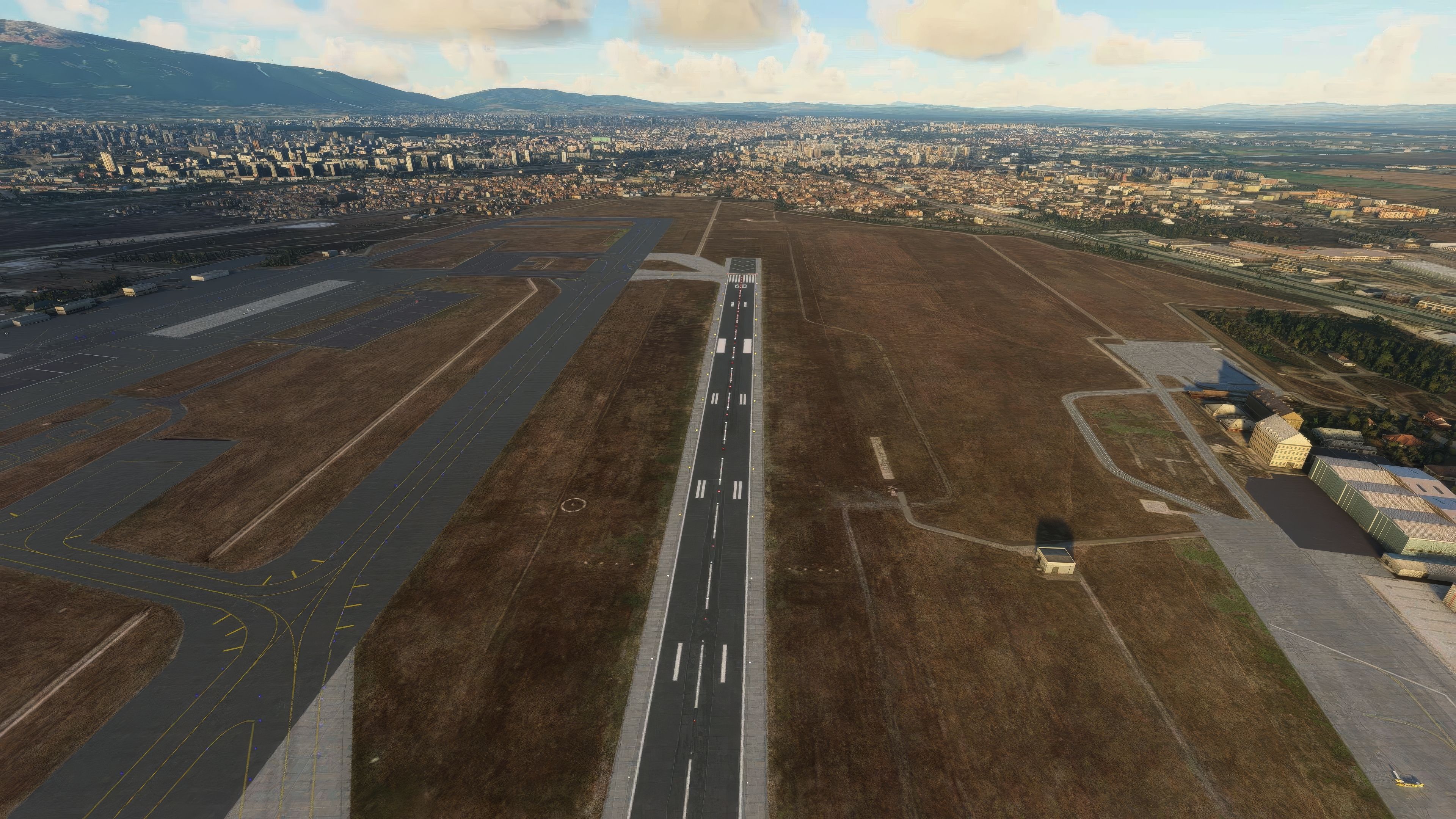
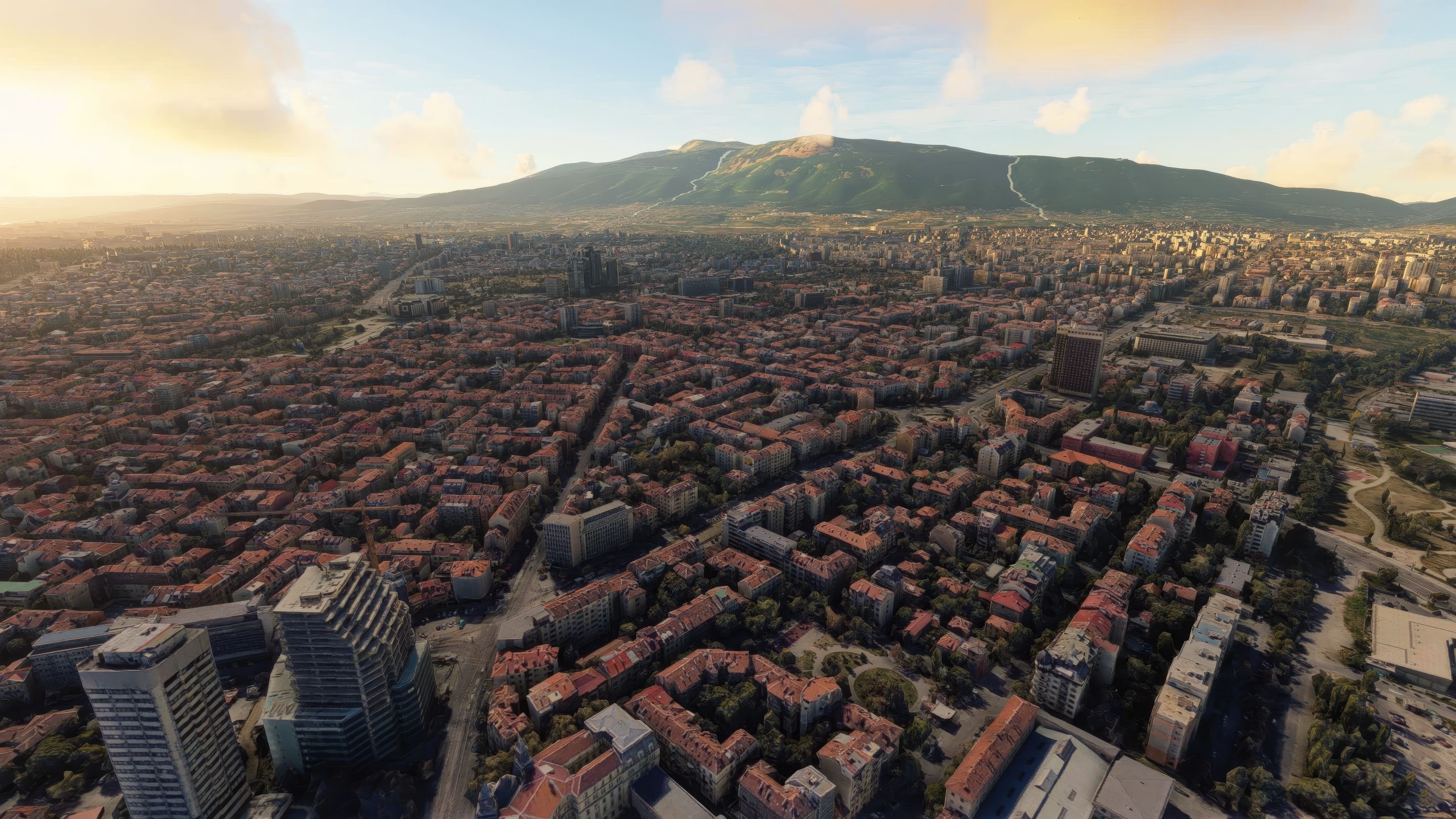
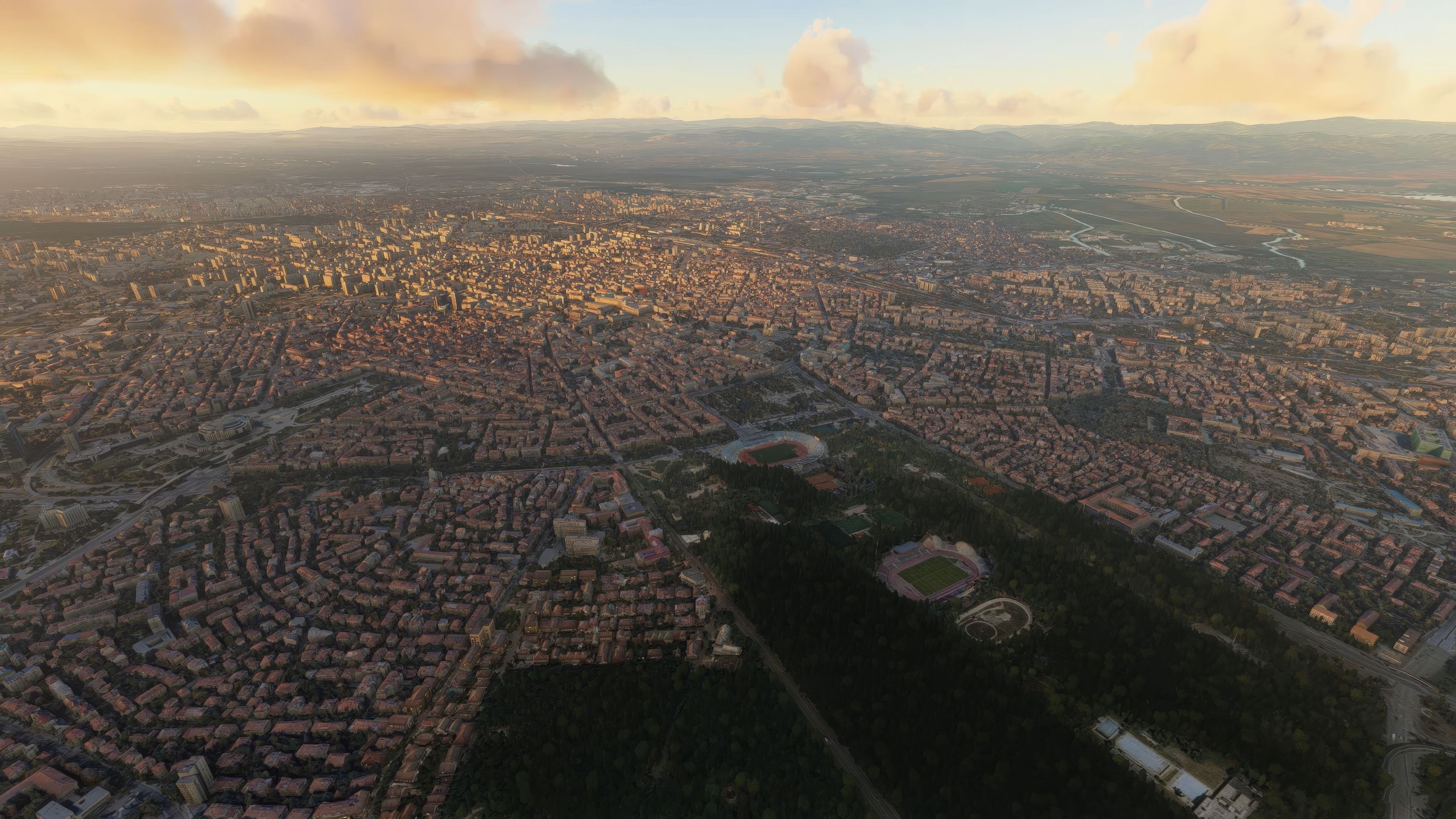
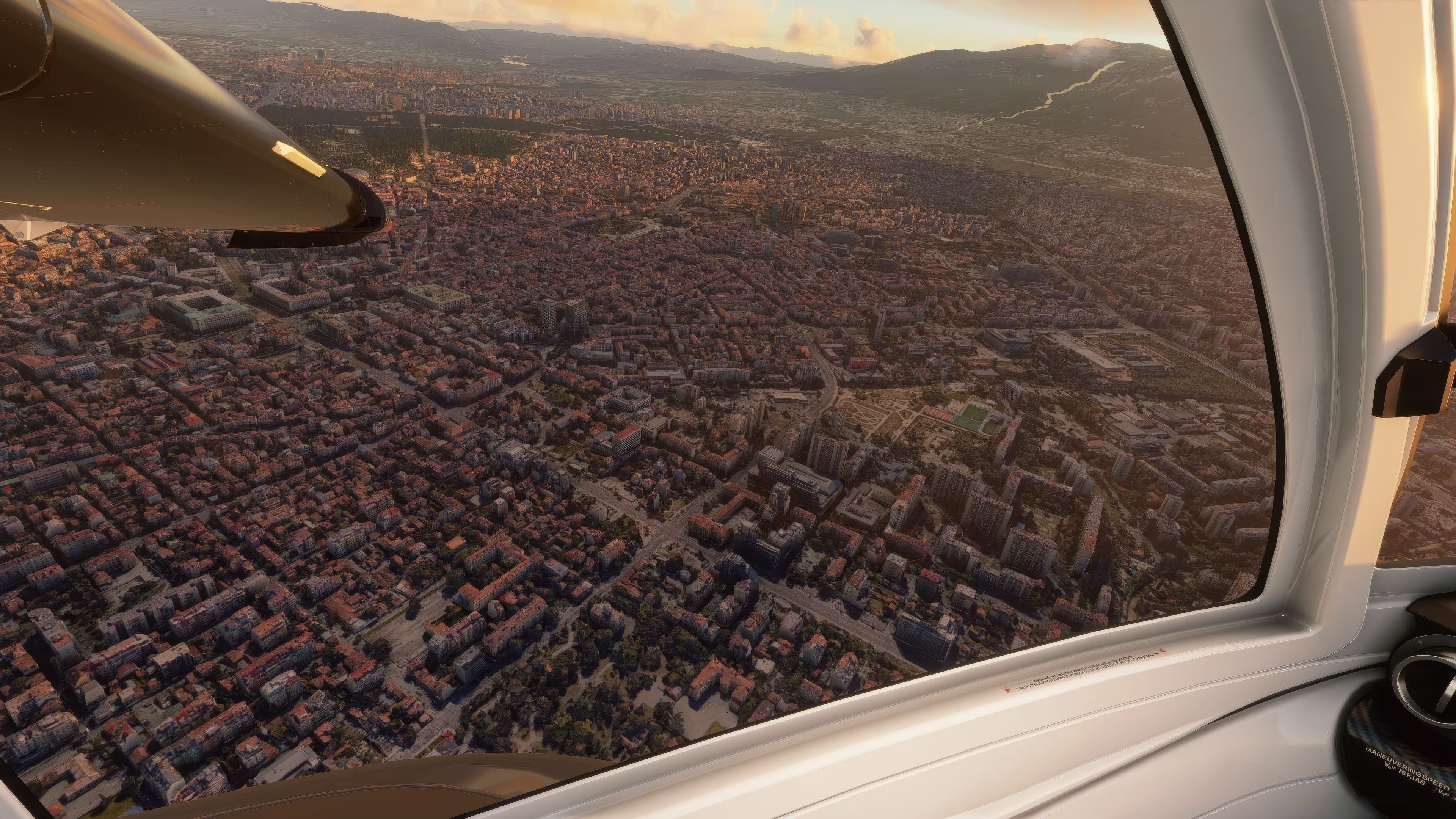
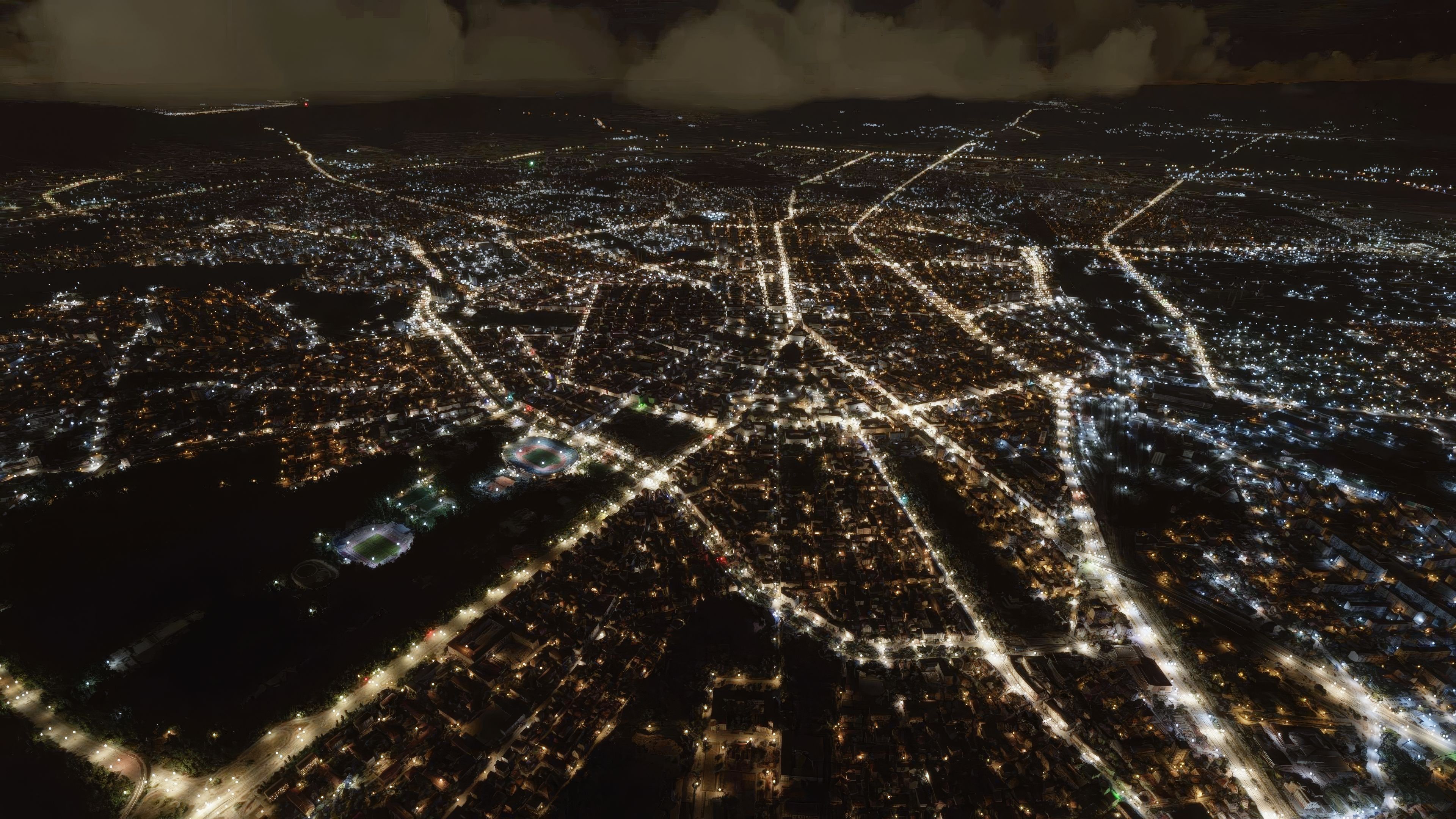
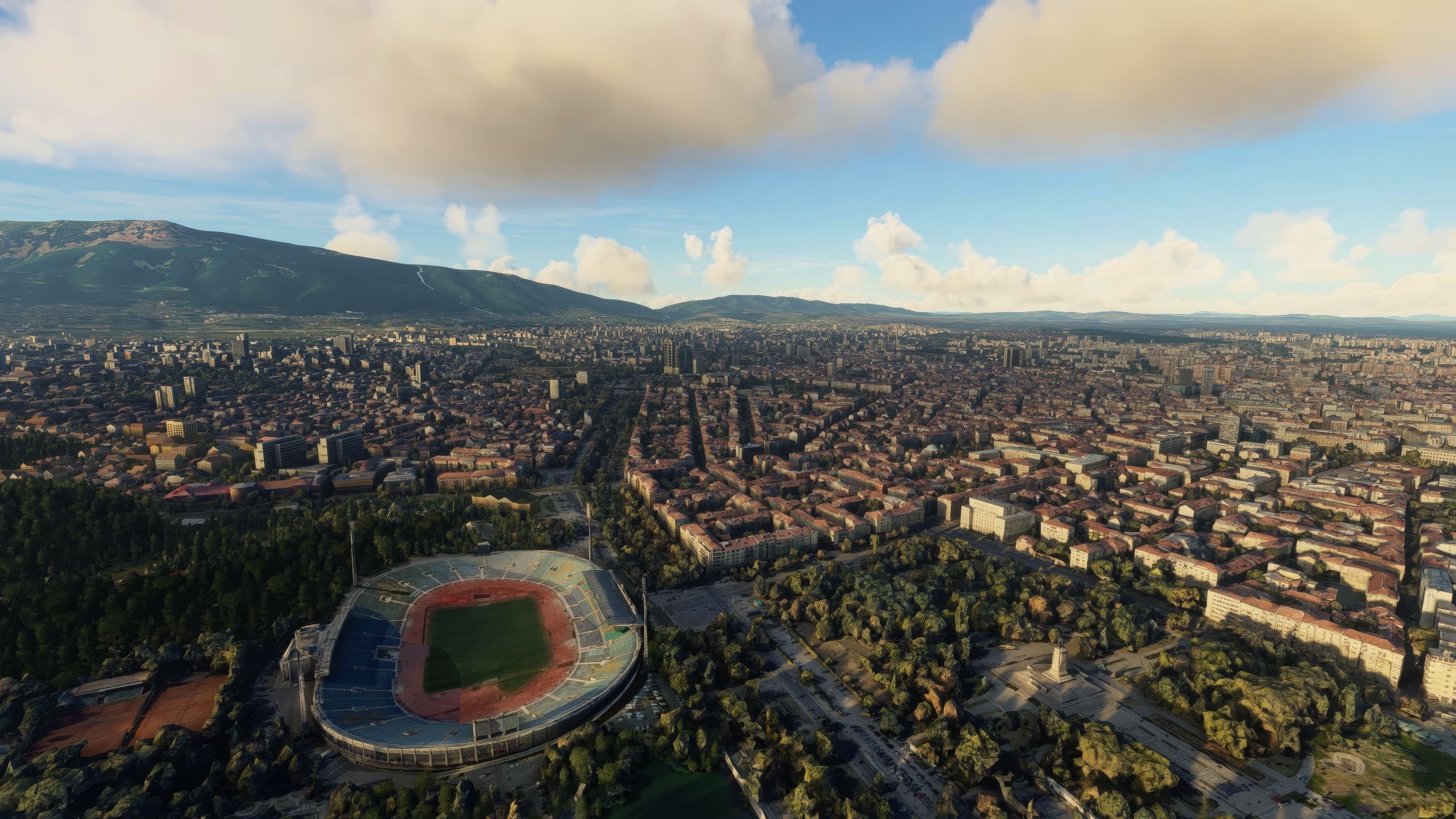

Sofia City Photogrammetry Scenery for Microsoft Flight Simulator offers a breathtaking aerial tour of Bulgaria’s capital, showcasing its authentic topography and iconic architecture. Through advanced photogrammetry technology, every landmark from Vitosha Mountain to the Boyana Church appears with exceptional detail, while optimized performance ensures a smooth flying environment. I’ve explored this area extensively in the simulator and can confirm the scenery’s lifelike lighting effects really elevate immersion and realism.
This add-on is ideal for both casual flight simmers and seasoned pilots who crave a deeper connection to the region. You’ll appreciate the faithful representation of Sofia’s urban layout, along with culturally significant sites like the National Palace of Culture and Sofia Synagogue. Combining striking visuals, regional authenticity, and high-end performance, this scenery is a top-notch addition to any MSFS enthusiast’s hangar—and it’s free, which further cements its value. Enjoy exploring this captivating corner of Eastern Europe from the comfort of your cockpit.
Dive into the heart of Bulgaria with the Sofia City Photogrammetry Scenery add-on for Microsoft Flight Simulator (MSFS) 2020 release. This meticulously crafted mod offers an immersive flying experience over Sofia, blending the historical charm and modern vibrancy of Bulgaria's capital.
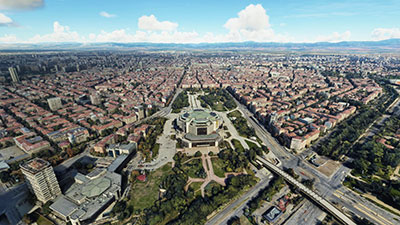 Utilizing advanced photogrammetry technology, this freeware scenery captures Sofia's unique topography and architectural marvels in exceptional detail.
Install the add-on by extracting the archive and copying the folders thalixte-sofia1-6 into the Community folder of your MSFS installation. This simple process integrates Sofia's breathtaking scenery into your flight simulator, ready for your next aerial adventure.
Photogrammetry, a process that captures real-world environments through photography and 3D scanning, brings an unmatched level of realism to flight simulators. This technique transforms thousands of photographs into detailed 3D models, allowing pilots to navigate through digitally reconstructed landscapes with true-to-life accuracy.
To fully experience the Sofia City Scenery, consider taking off or landing at these nearby airports:
A special nod to RadoBG for the inspiration behind this scenery. The 3D models utilized stem from Google Maps, with all due credit to Google for their creation. The transformation of these models into the simulator was facilitated by the Google Earth Decoder tool, showcasing the collaborative spirit of the flight sim community.
For those who wish to support further development, donations are graciously accepted, fueling the continuous enhancement of this and future projects.
Free for all simmers · 3.88 GB · Scanned clean Oct 2026
Download speed: Free tier is capped at 2 Mbps (this file takes approximately 4h 37m at the cap). PRO members download at full line speed.
%LOCALAPPDATA%\Packages\Microsoft.FlightSimulator_8wekyb3d8bbwe\LocalCache\Packages\Community\. Steam version: %APPDATA%\Microsoft Flight Simulator\Packages\Community\. Tip: enable Developer Mode in MSFS to see your exact Community folder path.readme.txt or README file. It tells you exactly where files go, what dependencies are needed, and any quirks specific to this add-on.Thalixte is a developer that has focused on creating photogrammetry and scenery packs for the latest Microsoft Flight Simulator (MSFS) 2020 release. All of this developer's releases have received fantastic feedback from many users on various flight sim websites including Fly Away Simulation.
Based in France, the developer tends to focus on creation of European packs however some "further afield" packs have also been created.
Are you Thalixte? Sign in to Fly Away Creators for download stats, comment replies and updates. Make add-ons? Publish them here.
Only PRO members can place votes.
More MSFS add-ons hand-picked based on this download.
MSFS Scenery
Step into a world of historical authenticity and stunning detail with the Car…
 MSFS Scenery
Immerse yourself in the historical and architectural splendor of Valletta, th…
 MSFS Scenery
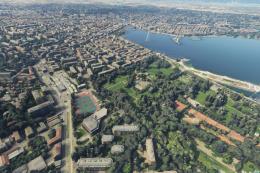
Delve into the heart of Europe with the Geneva City Photogrammetry Scenery, a…
 MSFS Scenery
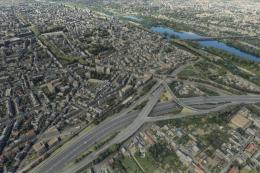
Enhance your virtual flight experience with the Tours City Photogrammetry Sce…
 MSFS Scenery
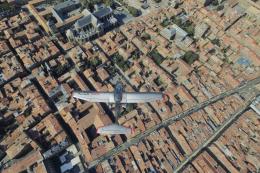
Immerse yourself in the detailed and vibrant scenery of La Rochelle, a histor…
 MSFS Scenery
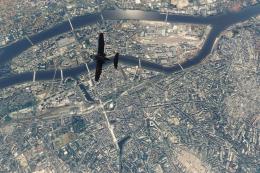
Enhance your Microsoft Flight Simulator experience with the MSFS Nantes City …
 MSFS Scenery
Embark on a visually stunning journey through the heart of Scandinavia with t…
 MSFS Scenery
Elevate your flight simulation experience with the Orléans City Photogrammetr…
Be the first to leave a comment on this download.
Be the first to share your thoughts on this download.