

 FSX Civil Aircraft
XL Airways Boeing 737-800 D-AXLD
This freeware package offers a meticulously crafted Boeing 737-800 wearing XL…
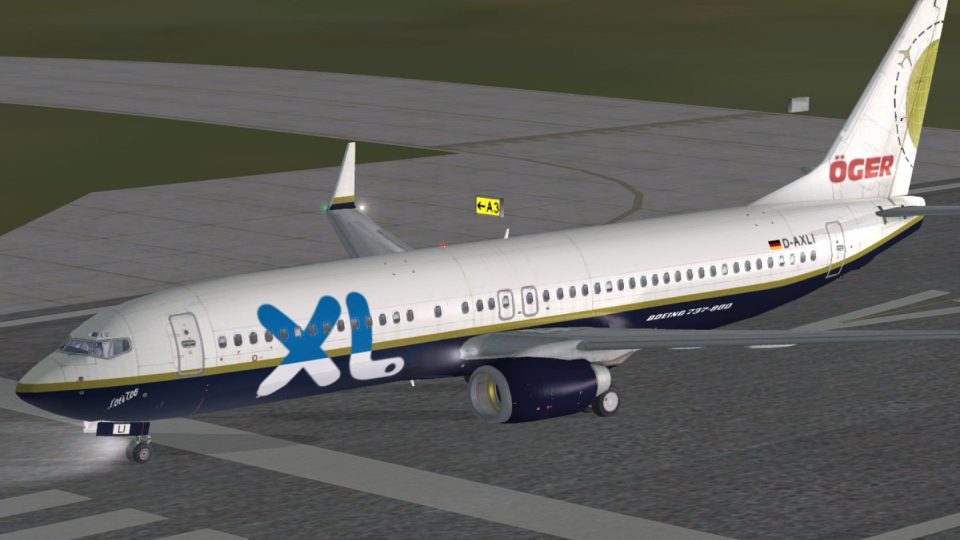
XL-Oger Tours livery brings Excel Airways–Öger Tours branding and G-XLAJ registration to the default Boeing 737-800 for Microsoft Flight Simulator X, ideal for regional sectors and holiday charter routes. High-fidelity textures refresh the exterior look and complement the virtual cockpit experience, and requires the stock 737-800 model.
 Rate
Rate
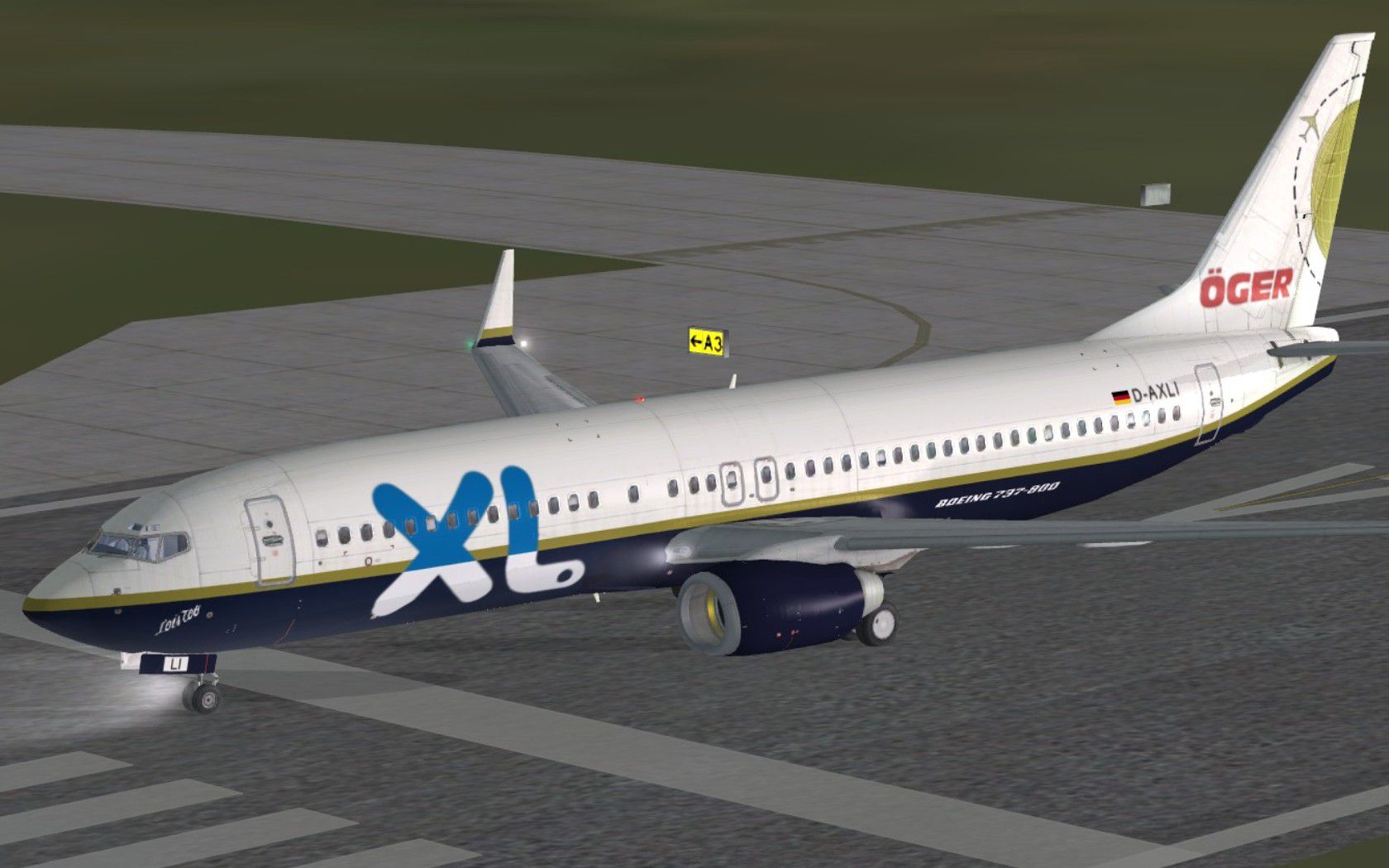
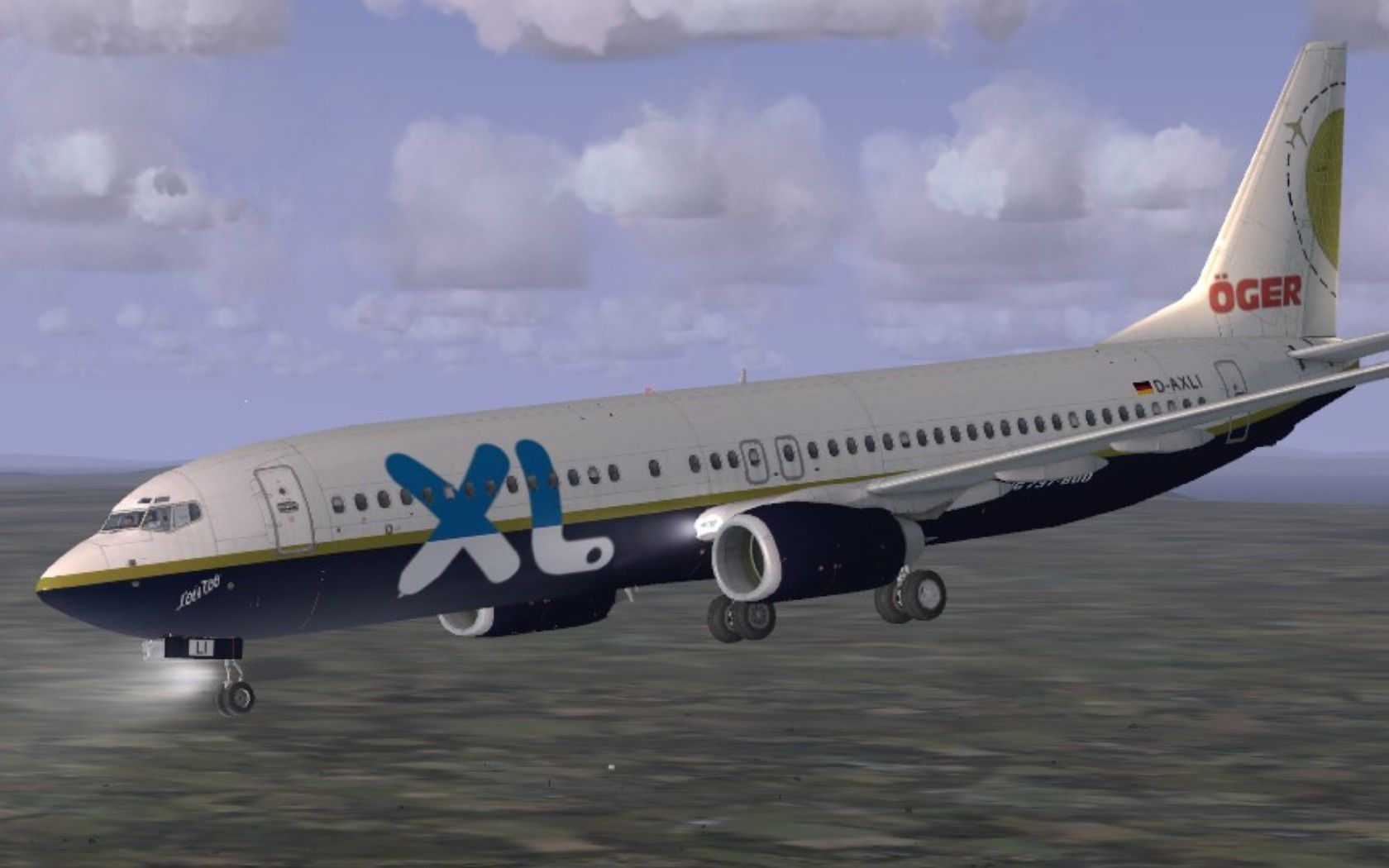
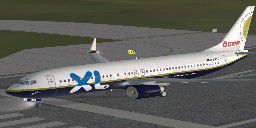
This repaint offers a specialized XL-Oger Tours theme for the Boeing 737-800 in Microsoft Flight Simulator X. Created by Paul Davies, these textures apply only to the default 737-800 and accurately mirror the Excel Airways–Öger Tours livery once flown on G-XLAJ. Enthusiasts who enjoy short- to medium-haul operations will find this repaint visually engaging, especially when replicating regional and holiday charter flights. Please note that the base 737-800 model (the default model in FSX) is required before installing these files.

XL-Oger Tours Boeing 737-800 in flight.
Begin by extracting the downloaded files to a location of your choice. Then, locate your main simulator directory (commonly found under the Program Files folder on your primary hard drive). Proceed to navigate to the “SimObjects” directory, followed by “Airplanes,” and open the folder named “B737_800.” Making a backup of this folder beforehand is recommended in case you need to revert to the original files.
Once copied, open the aircraft configuration file (aircraft.cfg) found in the same folder. If it has never been opened before, Windows may prompt you to choose a program—select Notepad. Numerous [fltsim.X] sections will be listed sequentially. Scroll to the bottom, and paste the following entry (or the one provided in the download). Afterwards, adjust the fltsim.X index number to the next available integer, removing any placeholder “XX.” Be sure to save changes upon exiting.
texture= entry in your new [fltsim.X] block.[fltsim.X] lines. Missing or duplicated numbers can prevent the repaint from appearing in the aircraft selection menu.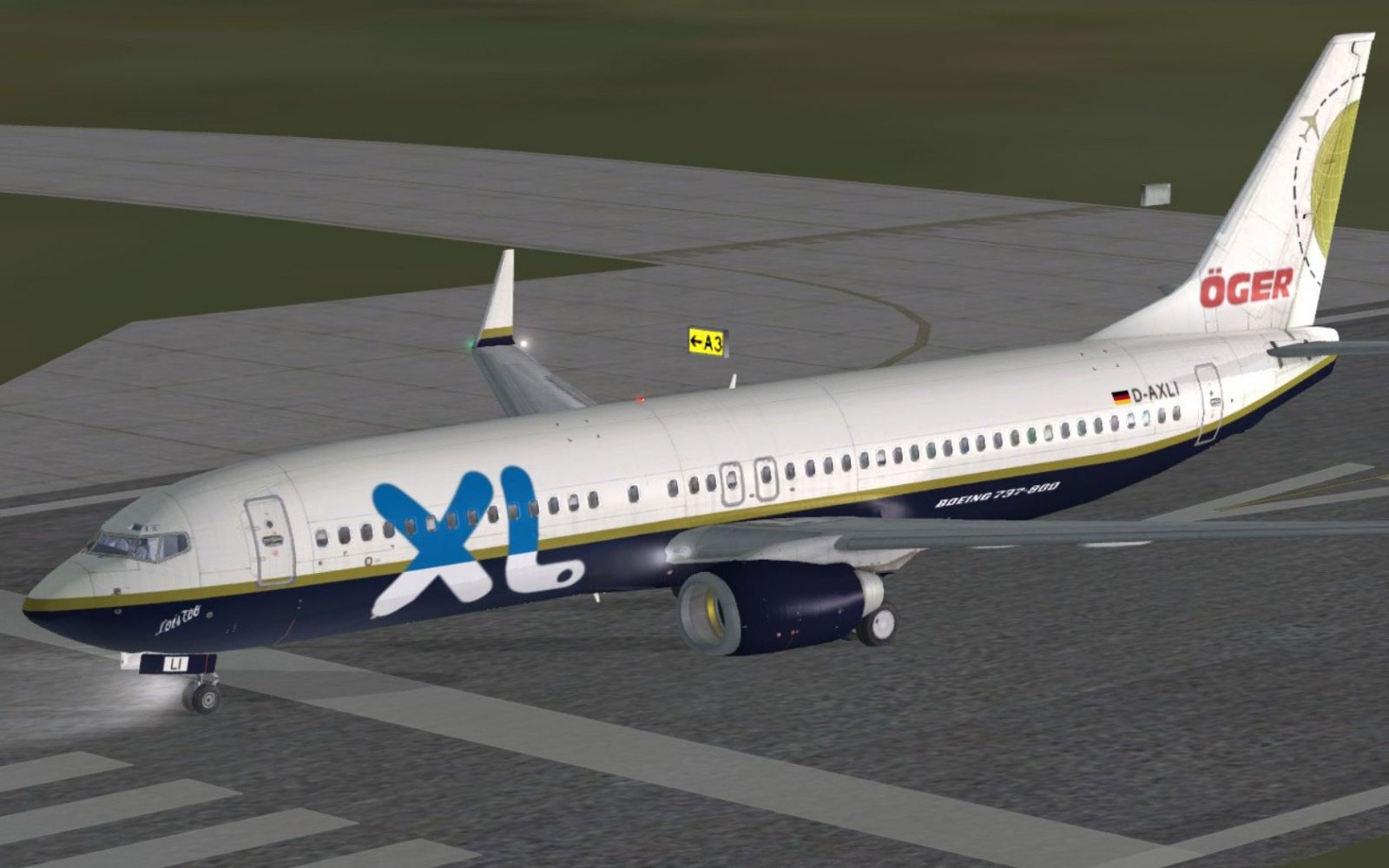
XL-Oger Tours Boeing 737-800 on runway.
The Boeing 737-800 is a member of the Next Generation (NG) series and is highly favored by many charter and low-cost airlines for its efficient performance and comfortable passenger capacity. Excel Airways, which later operated under various brands, provided vacation travel services across Europe and beyond, including ventures with Öger Tours. This repaint highlights the collaborative branding typical of holiday carriers in that region.
Free for all simmers · 8.24 MB · Scanned clean Oct 2026
Download speed: Free tier is capped at 0.5 Mbps (this file takes approximately 2 mins at the cap). PRO members download at full line speed.
texture.{airline}) inside FSX\SimObjects\Airplanes\{base-aircraft}\.aircraft.cfg in Notepad. Add a new [fltsim.X] section per the readme.readme.txt or README file. It tells you exactly where files go, what dependencies are needed, and any quirks specific to this add-on.The archive xlloistoo.zip has 33 files and directories contained within it.
This list displays the first 500 files in the package. If the package has more, you will need to download it to view them.
| Filename/Directory | File Date | File Size |
|---|---|---|
| FILE_ID.DIZ | 03.12.11 | 388 B |
| jpeg1.jpg | 03.12.11 | 172.59 kB |
| jpeg2.jpg | 03.12.11 | 219.75 kB |
| Readme.txt | 03.12.11 | 3.96 kB |
| texture.xlloistoo | 03.12.11 | 0 B |
| 737_Refection.dds | 09.04.06 | 170.79 kB |
| B737_800_1_C.dds | 09.04.06 | 682.79 kB |
| b737_800_1_LM.dds | 09.04.06 | 170.79 kB |
| B737_800_1_night_C.dds | 12.21.10 | 1.33 MB |
| b737_800_1_T.dds | 03.12.11 | 4.00 MB |
| b737_800_1_T_Bump.dds | 09.04.06 | 1.00 MB |
| b737_800_1_T_Specular.dds | 09.04.06 | 1.33 MB |
| B737_800_2_C.dds | 09.04.06 | 682.79 kB |
| B737_800_2_night_C.dds | 12.21.10 | 1.33 MB |
| b737_800_2_T.dds | 09.04.06 | 1.33 MB |
| b737_800_2_T_Bump.dds | 09.04.06 | 1.00 MB |
| b737_800_2_T_Specular.dds | 09.04.06 | 1.33 MB |
| B737_800_3_C.dds | 09.04.06 | 682.79 kB |
| B737_800_3_night_C.dds | 12.21.10 | 1.33 MB |
| B737_800_4_C.dds | 09.04.06 | 682.79 kB |
| B737_800_4_night_C.dds | 12.21.10 | 1.33 MB |
| B737_800_5_C.dds | 09.04.06 | 170.79 kB |
| B737_800_5_night_C.dds | 12.21.10 | 341.48 kB |
| B737_800_C.bmp | 05.12.06 | 682.74 kB |
| B737_800_Interior.dds | 09.04.06 | 170.79 kB |
| Fresnel_Ramp.dds | 09.04.06 | 640 B |
| Pilots_737.dds | 09.04.06 | 42.79 kB |
| texture.cfg | 08.14.06 | 137 B |
| thumbnail.jpg | 03.12.11 | 10.38 kB |
| Thumbs.db | 03.12.11 | 5.00 kB |
| Thumbs.db | 03.12.11 | 7.50 kB |
| flyawaysimulation.txt | 10.29.13 | 959 B |
| Go to Fly Away Simulation.url | 01.22.16 | 52 B |
Only PRO members can place votes.
More FSX & P3D add-ons hand-picked based on this download.
FSX Civil Aircraft
This freeware package offers a meticulously crafted Boeing 737-800 wearing XL…
 FSX Civil Aircraft
This package combines XL Airways branding with Tuifly’s Boeing 737-800 series…
 FSX Civil Aircraft
FSX XL Airways Boeing 737-800, registration D-AXLE. Model by Project Open Sky…
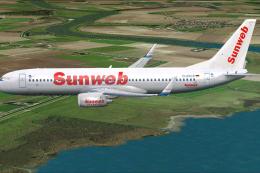 FSX Civil Aircraft
This freeware package features a meticulously repainted Boeing 737-800 wearin…
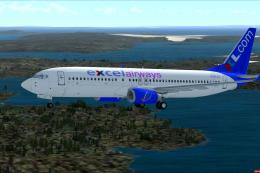 FSX Civil Aircraft
This custom livery showcases the XL Airways scheme for the Boeing 737-800 and…
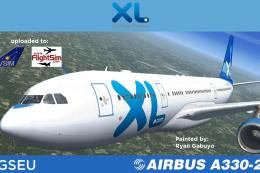 FSX Civil Aircraft
Textures only package for use with the Thomas Ruth A330-200 model (TOMA332B.Z…
 FSX Civil Aircraft
XL Airways "Viking" Boeing 737-800. XLV textures by Alex James for the defaul…
 FSX Civil Aircraft
Continental Boeing 737-800. Fictional textures for the default B737-800. Repa…
Be the first to leave a comment on this download.
Be the first to share your thoughts on this download.