

 FSX Military Aircraft
Night Shift OV1 Mohawk
This custom Grumman OV-1D Mohawk repaint focuses on understated black camoufl…
Grumman OV-1D Mohawk Woodland Camo delivers a matte, low-visibility reconnaissance look with carefully matched exterior textures that highlight the aircraft’s distinctive triple-fin tail and underfuselage radar fairing in Microsoft Flight Simulator X. The package includes the required base files, giving sim pilots a polished military repaint ready for immediate hangar use.
 Rate
Rate
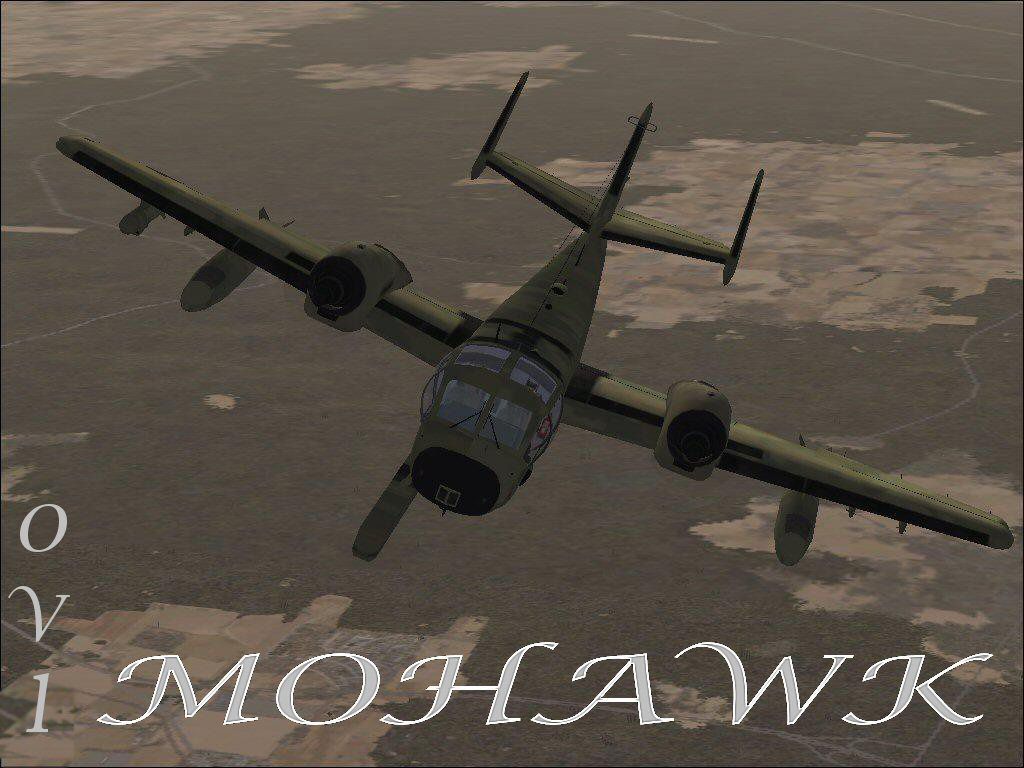
This repaint offers a subdued Grumman OV-1D Mohawk theme featuring a matte woodland camouflage finish, fully compatible with Microsoft Flight Simulator X. By blending a distinctive battlefield reconnaissance airframe with low-luster exterior textures, it delivers both style and realism in one updated package. Developed originally by Tim Conrad, then modified and repainted by Mark Rooks of RSDG, this download includes all base files for a quick and seamless installation.
The Grumman OV-1D Mohawk served as a U.S. Army surveillance aircraft designed for tactical observation. It was also utilized in signal interception roles by reconfiguring onboard sensors to match mission-specific demands. Its triple-fin tail assembly, along with the top-mounted engine nacelles, immediately sets it apart from other platforms. Furthermore, the recognizable Side Looking Airborne Radar (S.L.A.R.) housing below the fuselage offers additional intelligence-gathering capabilities. During earlier military operations, variants known as the JOV-1A were deployed in armed roles, especially notable throughout the Vietnam era.
These camouflage textures convey a refined, low-reflective appearance that merges practicality with striking presentation. The subdued coloration helps emphasize the aircraft’s mission profile while showcasing its unique lines. Since Mark Rooks meticulously tuned the liveries for compatibility, sim pilots can enjoy enhanced external detail without sacrificing performance.
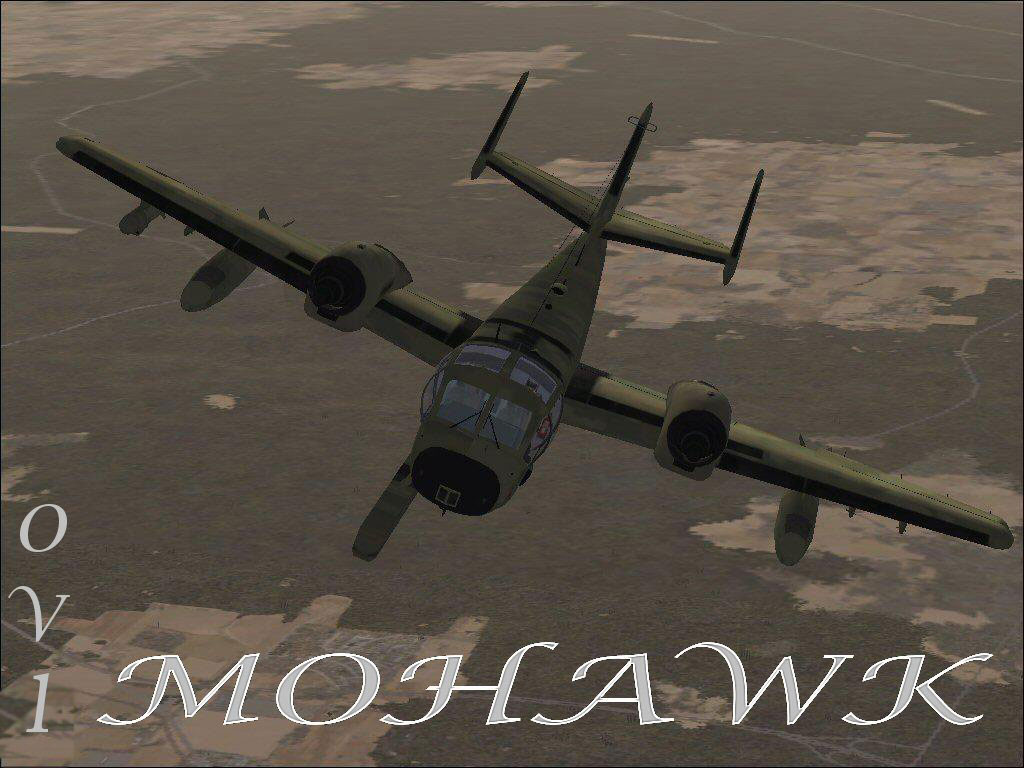
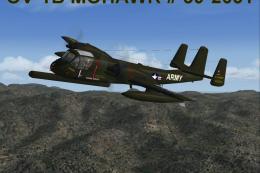
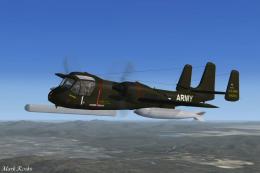
In-flight view of the Mohawk’s woodland pattern.
By default, the main aircraft folder can often be found in:
C:\Program Files\Microsoft Games\FSX\SimObjects\Aircraft
Textures contributed and refined by Mark “Fire Ball” Rooks.
Thank you for downloading this repaint and flying this classic scout platform.
Free for all simmers · 3.06 MB · Scanned clean Oct 2026
Download speed: Free tier is capped at 0.5 Mbps. PRO members download at full line speed.
This add-on may require the following files to function properly. If this is a repaint, the dependency below is likely the base aircraft package.
SimObjects\Airplanes\, Addon Scenery\, Effects\, or Gauges\.readme.txt or README file. It tells you exactly where files go, what dependencies are needed, and any quirks specific to this add-on.The archive ov1wcrs.zip has 7 files and directories contained within it.
This list displays the first 500 files in the package. If the package has more, you will need to download it to view them.
| Filename/Directory | File Date | File Size |
|---|---|---|
| OV-1D.zip | 02.06.07 | 1.55 MB |
| panel.zip | 02.06.07 | 1.35 MB |
| Read Me First.txt | 02.06.07 | 796 B |
| screen shot OV-1.jpg | 02.05.07 | 189.72 kB |
| text1.txt | 02.06.07 | 600 B |
| flyawaysimulation.txt | 10.29.13 | 959 B |
| Go to Fly Away Simulation.url | 01.22.16 | 52 B |
Only PRO members can place votes.
More FSX & P3D add-ons hand-picked based on this download.
FSX Military Aircraft
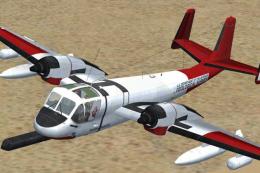
This custom Grumman OV-1D Mohawk repaint focuses on understated black camoufl…
 FSX Military Aircraft
FSX/SP2 Grumman OV-1 Mohawk Series Super-Pack. An FSX rebuild of the earlier …
 FSX Military Aircraft
This freeware add-on for Microsoft Flight Simulator X highlights a meticulous…
 FSX Military Aircraft
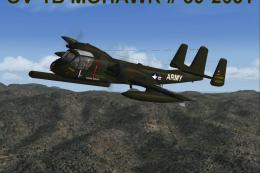
This is the Tim Conrad Grumman OV-1B Mohawk modified for FSX. This is the las…
 FSX Military Aircraft
This detailed freeware package showcases the only known operational B-series …
 FSX Military Aircraft
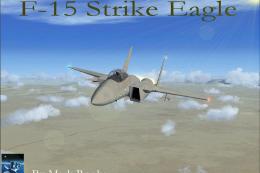
FSX F-15 Desert Camo version 2. A repaint of Nathan Fife's F-15 Strike Eagle …
 FSX Military Aircraft
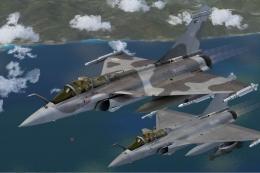
Fictional grey camo texture for Thor's Hammer Rafale. Repaint by Martial Fero…
 FSX Military Aircraft
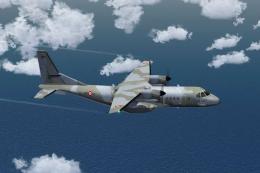
French Air Force Casa 295M Camo. This is a repaint of the Premieraircraft Cas…
Be the first to leave a comment on this download.
Be the first to share your thoughts on this download.