

 FSX Military Aircraft
OV1 Mohawk Woodland Camo
This repaint offers a subdued Grumman OV-1D Mohawk theme featuring a matte wo…
Grumman OV-1D Mohawk “Night Shift” brings a matte black, low-reflection camouflage scheme tailored for after-dark reconnaissance, pairing a distinctive exterior with the aircraft’s signature triple-fin silhouette and surveillance-focused configuration. Built for Microsoft Flight Simulator X, it includes Tim Conrad’s base model with custom textures by Mark Rooks, plus a compatible virtual cockpit setup.
 Rate
Rate
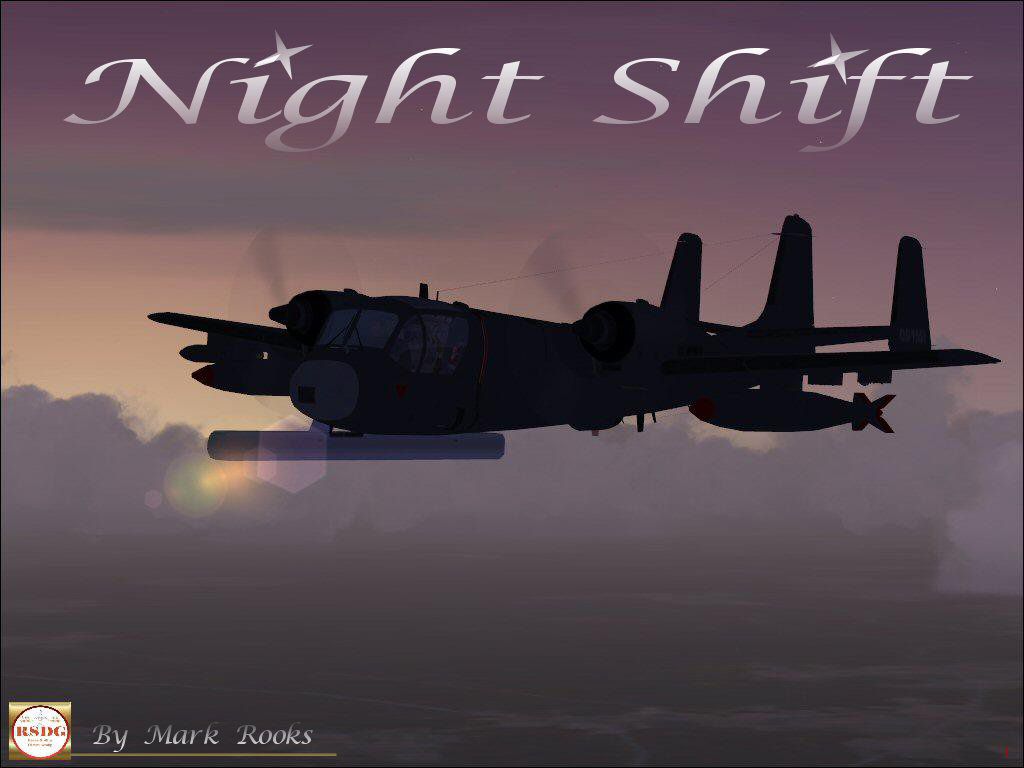
This custom Grumman OV-1D Mohawk repaint focuses on understated black camouflage, emphasizing its discrete operational profile for after-dark reconnaissance. Designed for Microsoft Flight Simulator X, it integrates Tim Conrad’s well-regarded base model and adds a unique nighttime livery by Mark Rooks of RSDG. Enthusiasts will find this package ideal for exploring the tactical surveillance characteristics of the Mohawk, especially in low-visibility conditions where its specialized configuration excels.
“Night Shift” has a matte black exterior (sometimes described as a low-luster finish). This type of coating is intended to reduce unwanted reflections under artificial lighting when performing reconnaissance flights after sunset. Used historically by the U.S. Army, the Mohawk often executed combat surveillance missions, and this paint scheme pays homage to that history by minimizing visual detection.
The Grumman OV-1D Mohawk is known for its triple-fin tail empennage, giving it a recognizable silhouette. It originally served as a battlefield observation platform, equipped with specialized sensors for multiple roles, including electronic intelligence. During the Vietnam era, some airframes saw use as armed variants designated JOV-1A. Moreover, the top-mounted engine nacelles and an external S.L.A.R. (Side Looking Airborne Radar) pod provide critical imaging and reconnaissance capabilities needed in demanding theaters of operation.

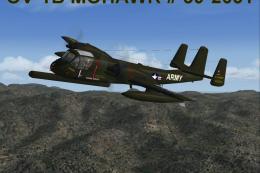
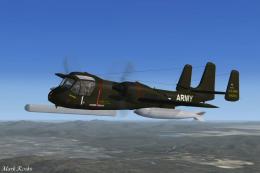
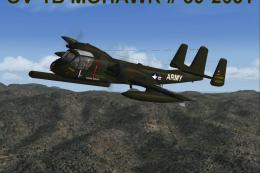
Night Shift OV1 Mohawk in flight.
This freeware add-on offers a cohesive approach to night-focused reconnaissance. Tim Conrad’s base OV-1 Mohawk model underpins the entire flight dynamic, while Mark Rooks of RSDG authored the custom textures and integrated assets. With this release, sim pilots can appreciate the Mohawk’s unique role in battlefield observation under the challenging conditions of darkness.
Free for all simmers · 3.82 MB · Scanned clean Oct 2026
Download speed: Free tier is capped at 0.5 Mbps (this file takes approximately 1 min at the cap). PRO members download at full line speed.
This add-on may require the following files to function properly. If this is a repaint, the dependency below is likely the base aircraft package.
SimObjects\Airplanes\, Addon Scenery\, Effects\, or Gauges\.readme.txt or README file. It tells you exactly where files go, what dependencies are needed, and any quirks specific to this add-on.The archive rsnsmfx.zip has 8 files and directories contained within it.
This list displays the first 500 files in the package. If the package has more, you will need to download it to view them.
| Filename/Directory | File Date | File Size |
|---|---|---|
| OV 1 Night Shift.zip | 03.01.07 | 1.35 MB |
| Pictures.zip | 03.01.07 | 2.38 MB |
| Read Me First.txt | 03.01.07 | 1.32 kB |
| Screen Shot .jpg | 03.01.07 | 126.55 kB |
| text1.txt | 03.01.07 | 649 B |
| Thumbs.db | 03.01.07 | 5.50 kB |
| flyawaysimulation.txt | 10.29.13 | 959 B |
| Go to Fly Away Simulation.url | 01.22.16 | 52 B |
Only PRO members can place votes.
More FSX & P3D add-ons hand-picked based on this download.
FSX Military Aircraft
This repaint offers a subdued Grumman OV-1D Mohawk theme featuring a matte wo…
 FSX Military Aircraft
FSX/SP2 Grumman OV-1 Mohawk Series Super-Pack. An FSX rebuild of the earlier …
 FSX Military Aircraft
This freeware add-on for Microsoft Flight Simulator X highlights a meticulous…
 FSX Military Aircraft
This is the Tim Conrad Grumman OV-1B Mohawk modified for FSX. This is the las…
 FSX Military Aircraft
This detailed freeware package showcases the only known operational B-series …
 FSX Military Aircraft
This is the full package for the F-14D Tomcat developed by Dino Cattaneo for …
 FSX Military Aircraft
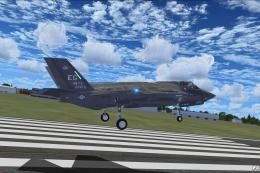
The F35 Lightning II is a fifth-generation, single-seat, single-engine stealt…
 FSX Military Aircraft
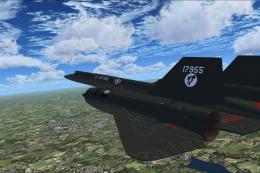
A pack containing three different Lockheed SR-71 add-ons from three different…
Be the first to leave a comment on this download.
Be the first to share your thoughts on this download.