




 FSX Military Aircraft
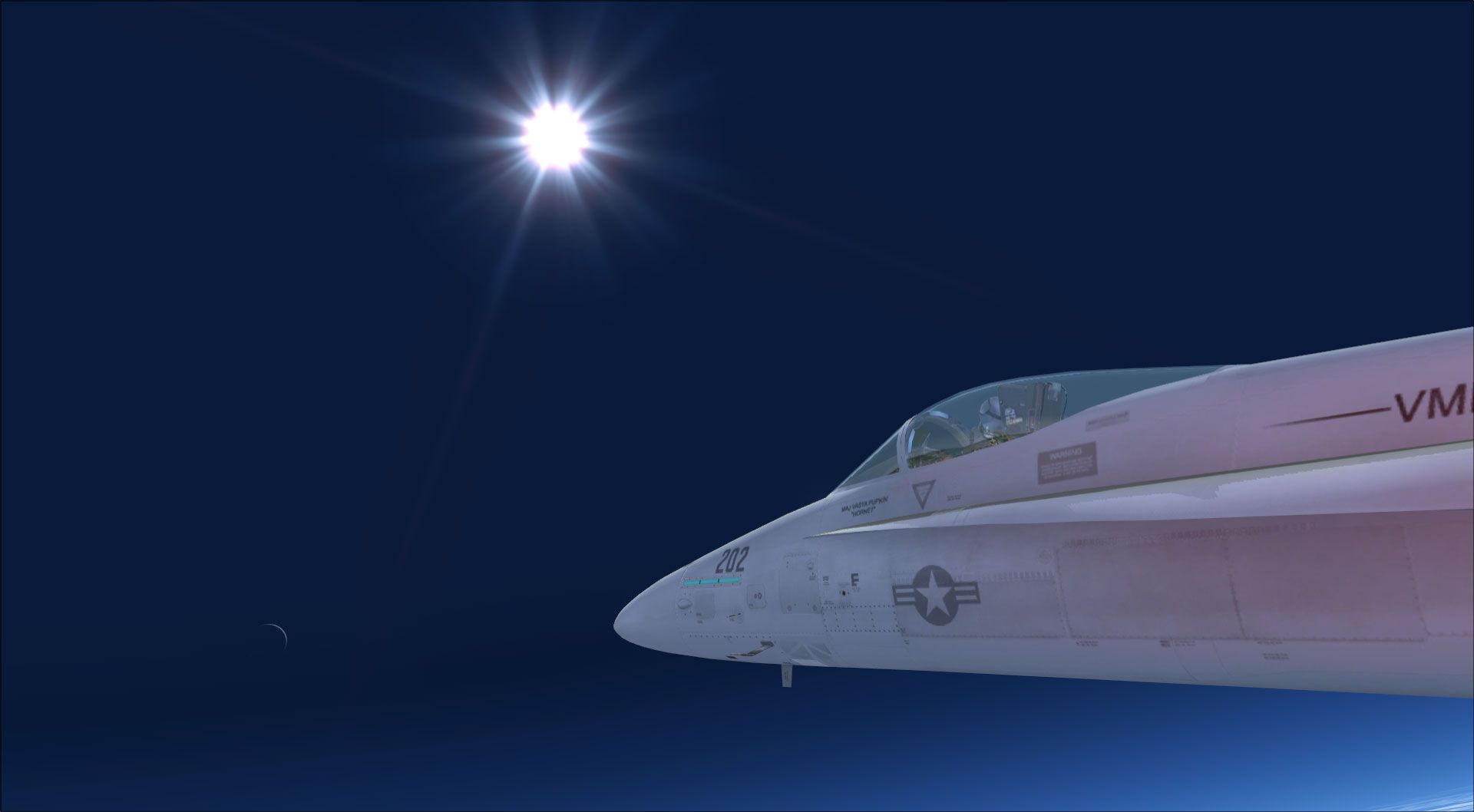
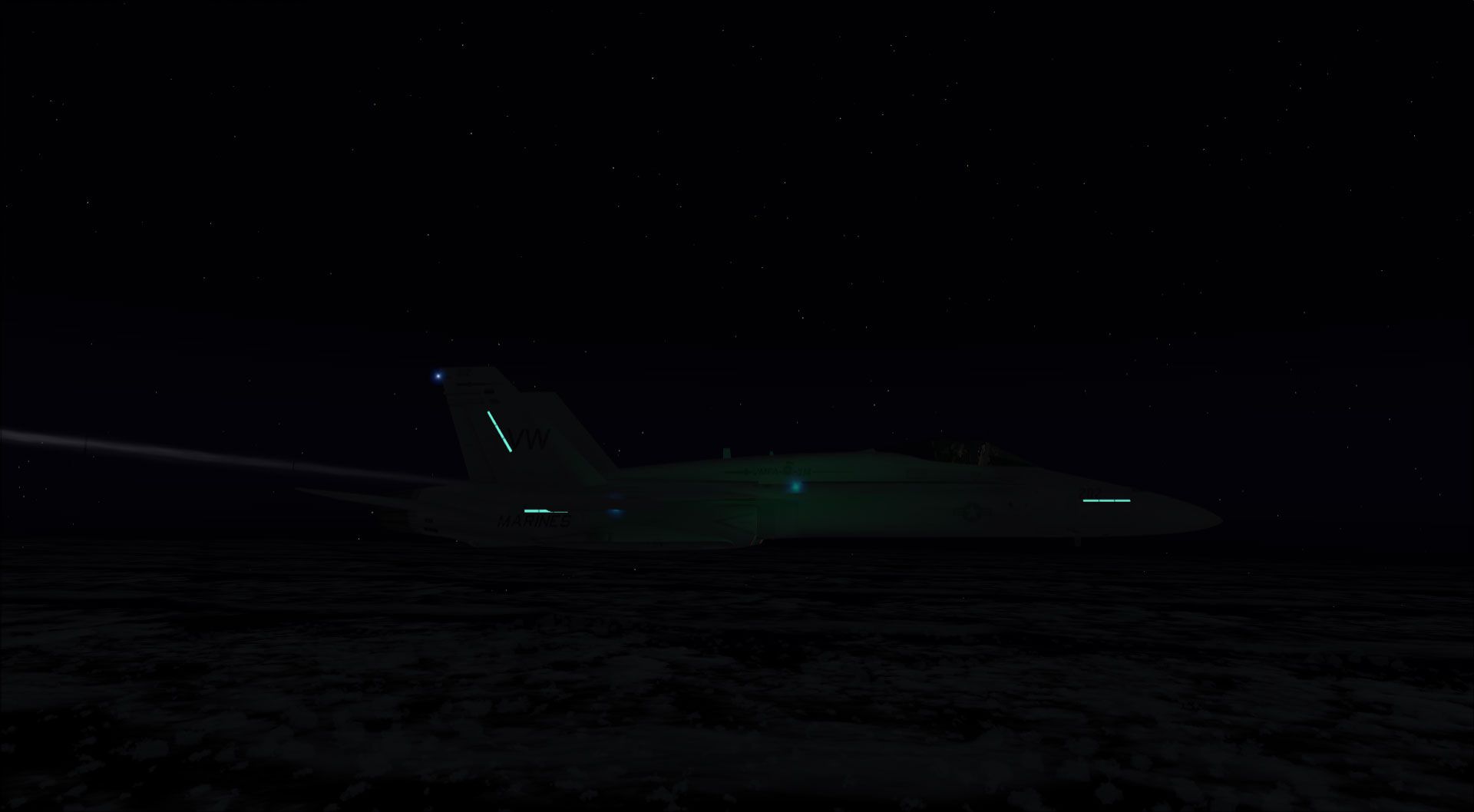
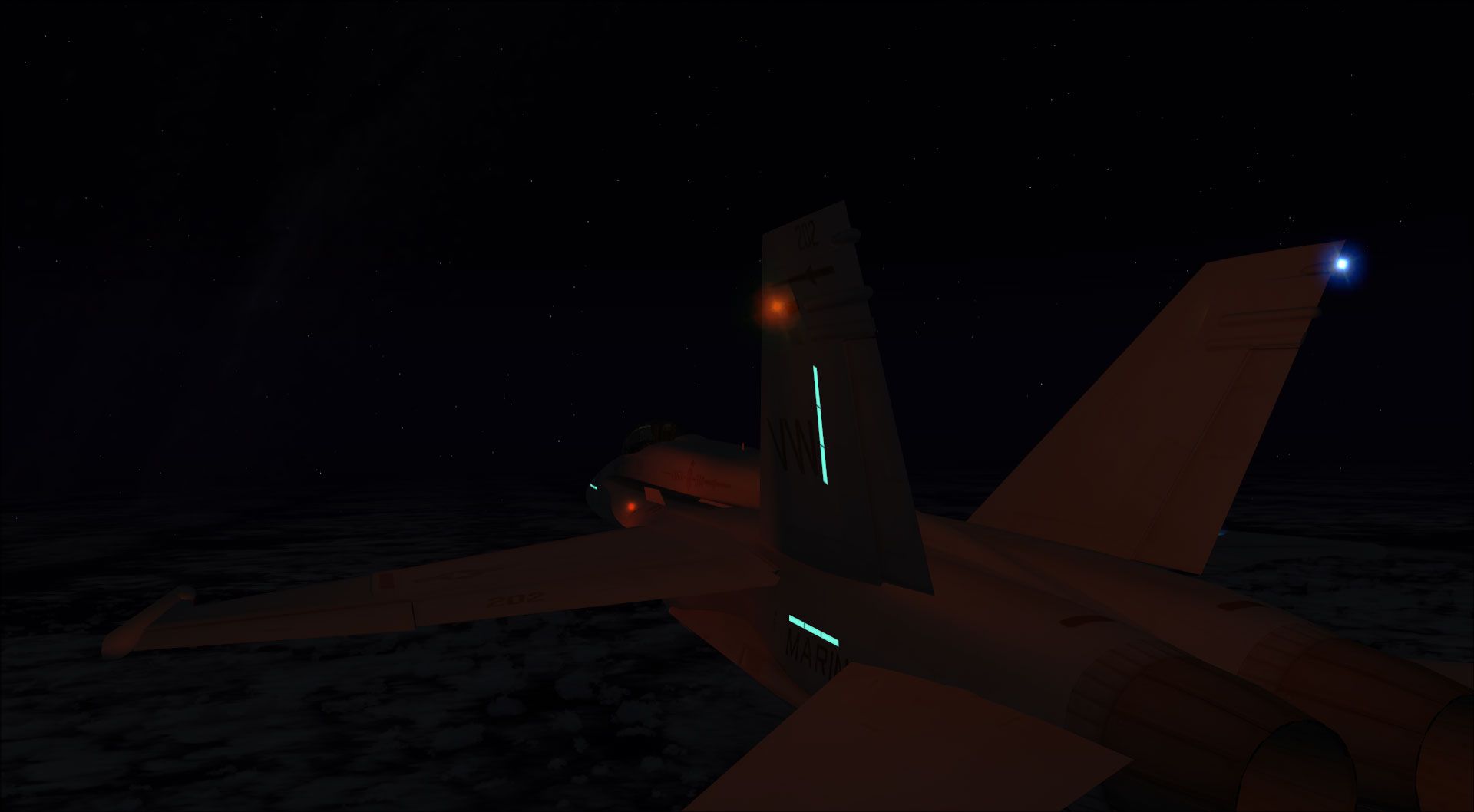
F-18 Ace Combat 0: Galm-Livery And Black Ops
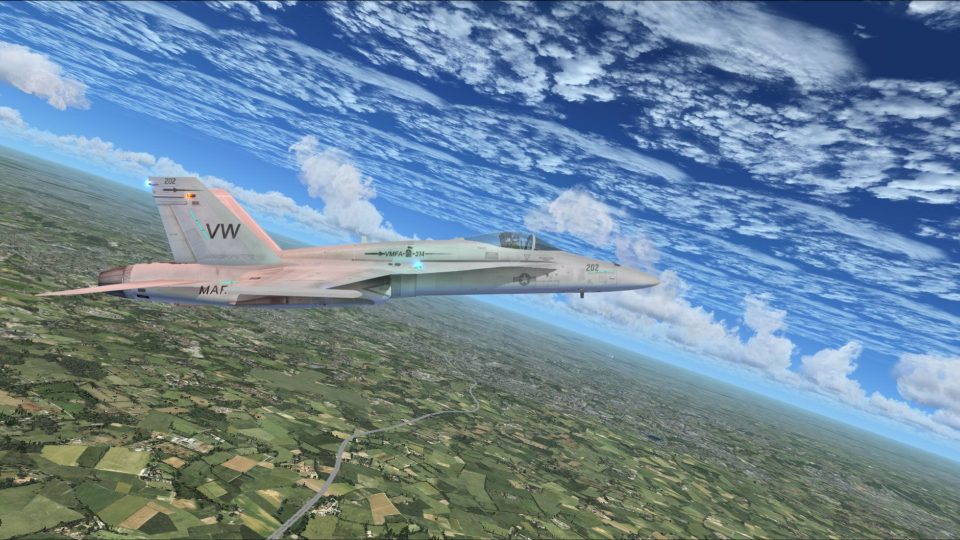
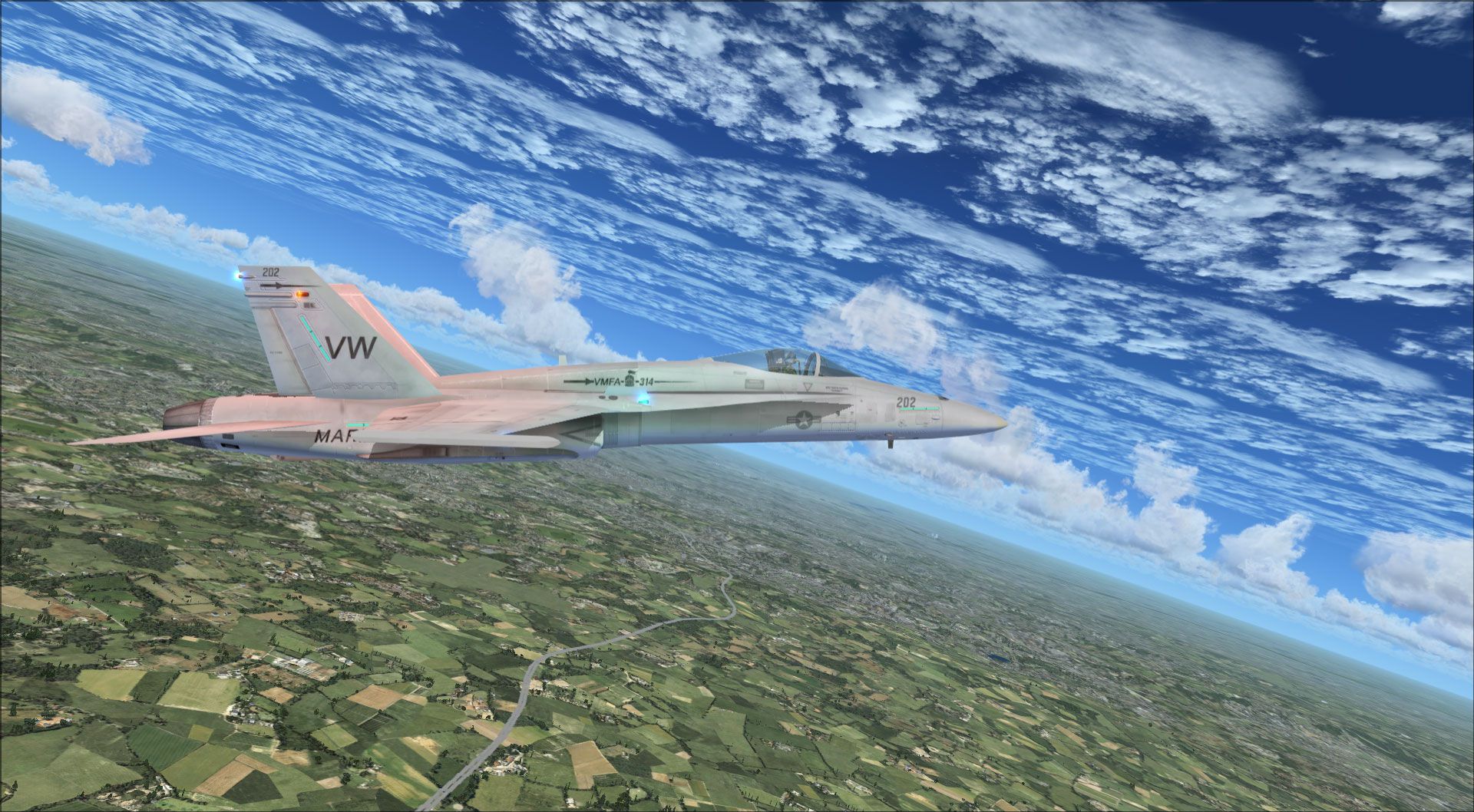
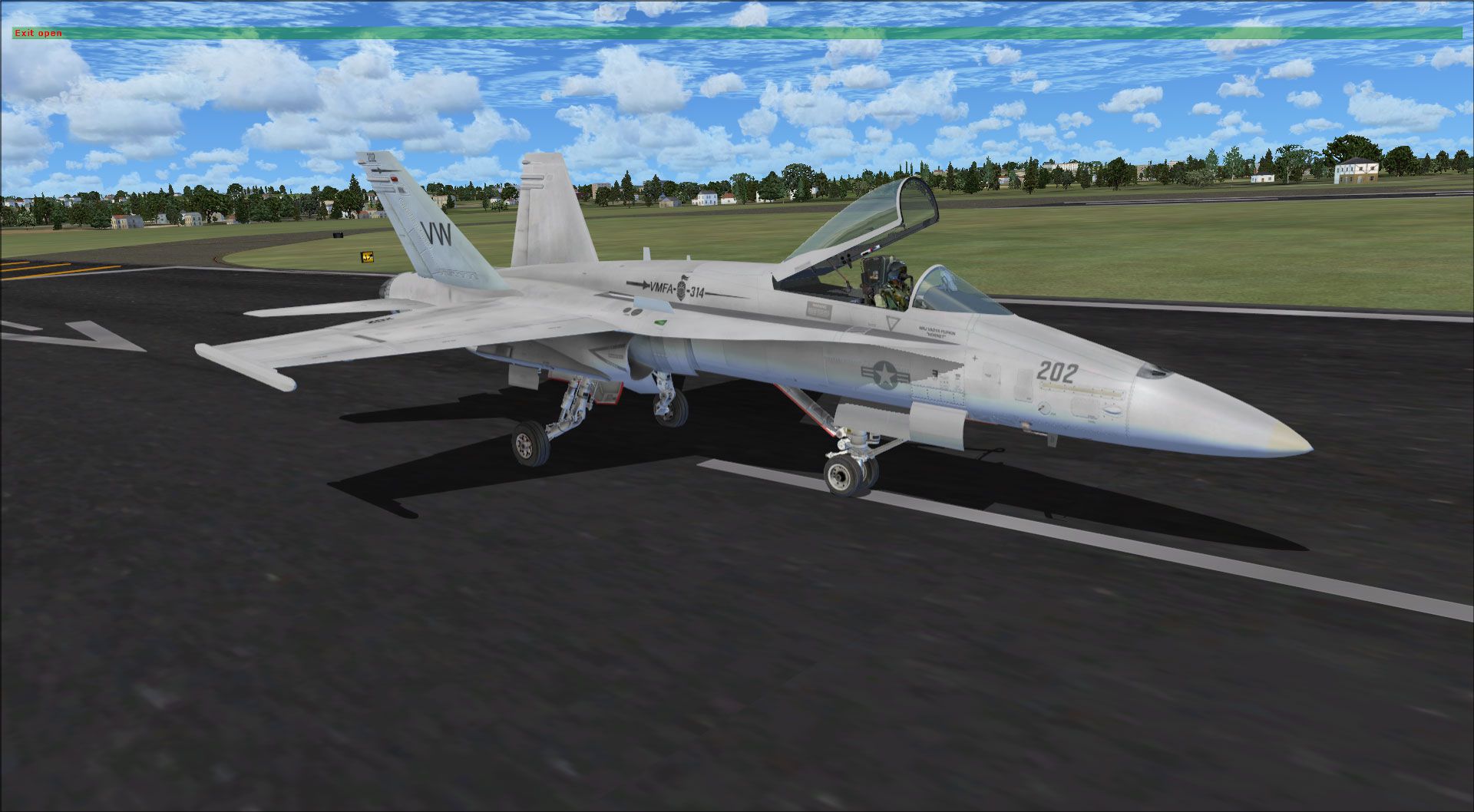
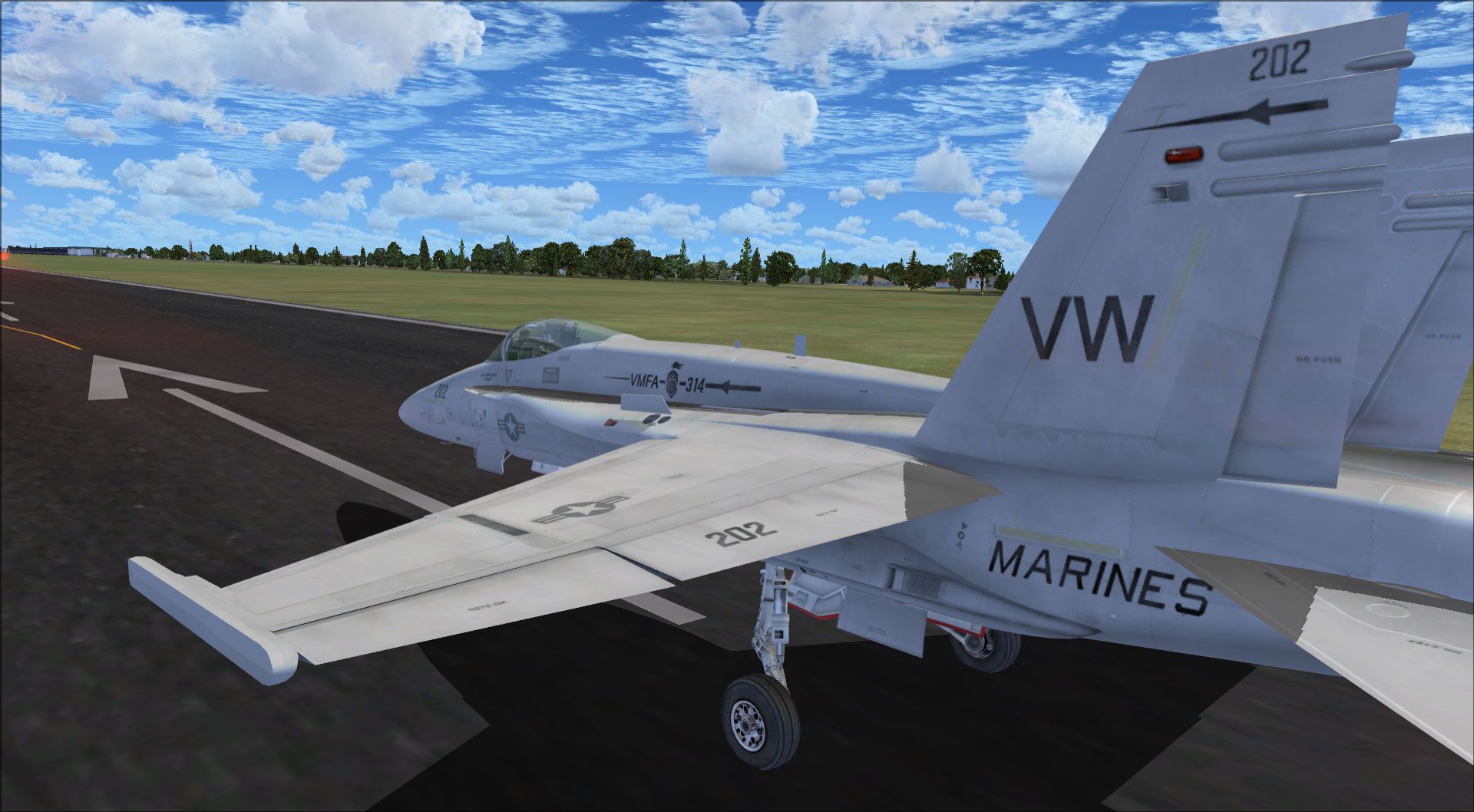
FSX F-18 Ace Combat 0: Galm-Livery And Black Ops. This is for Acceleration on…
F/A-18 Combat Version brings the Acceleration Hornet closer to real-world gunnery practice in FSX, adding a functional air-to-air gun mode with radar sub-modes, dual gunsights, tracer effects, and HUD hit feedback. An upgraded HUD supports carrier ILS and TACAN, plus refueling, PLAT, and landing gauges; requires Flight Simulator X: Acceleration.
 Rate
Rate
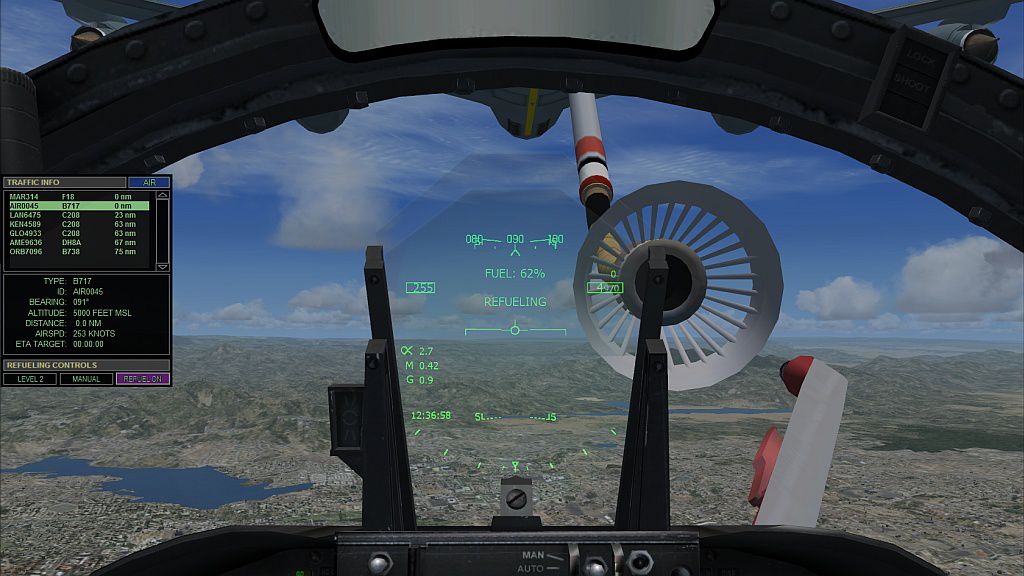
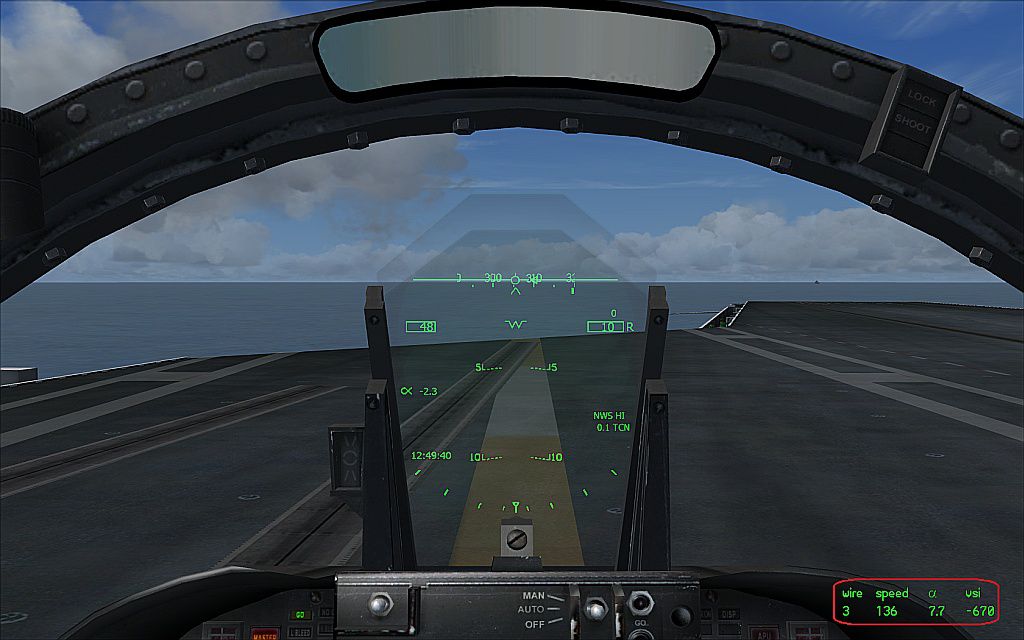
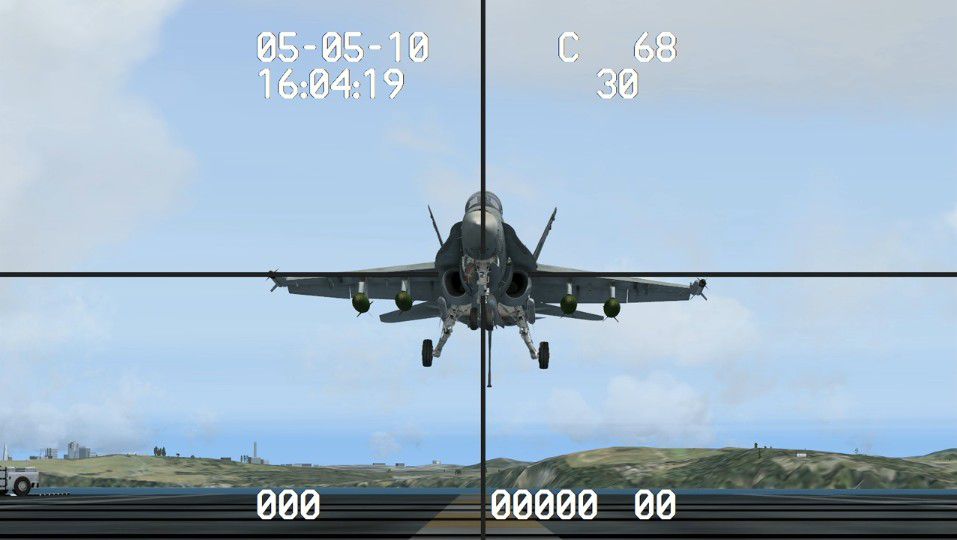
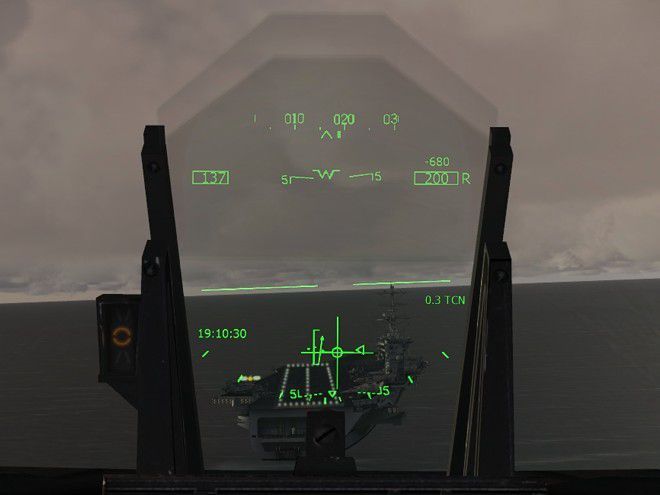
F/A-18 Combat Version. This is the Acceleration F/A-18 Hornet equipped with 20mm M61 cannon and a fully functional air-to-air gun mode found in the real F/A-18. With the two radar modes, the two gun sights and the flying tracers, the virtual dogfight will be very similar to a real one. You will not be able to shoot down other aircraft, but you will receive an immediate indication on your HUD if a bullet hit the bandit. The flight model is unchanged from the Acceleration F/A-18 except for allowing manually controlled flaps and reducing the arresting wire tension for smoother carrier landings. The HUD is an upgrade of the Realistic F/A-18 HUD by Jivko Rusev and Scott Printz, which allows ILS and TACAN navigation for aircraft carriers. You will also get a couple of additional gauges - an In-Flight Refueling Gauge, PLAT Camera and a Carrier Landing Gauge. By Jivko Rusev.
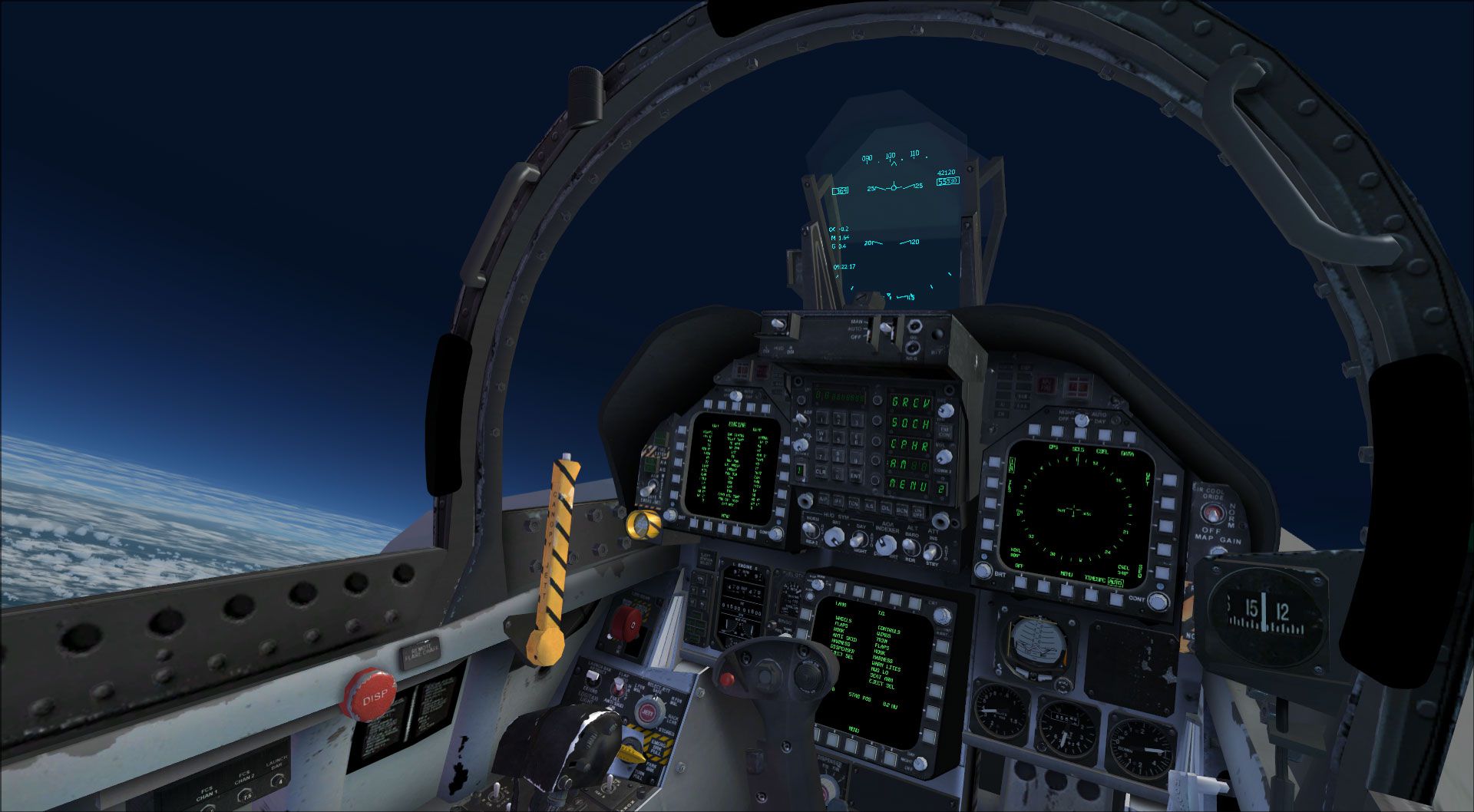
F/A-18 Combat Version with realistic HUD.
You will find a detailed description of the A/A Gun mode in the Air-to-Air Guns Manual that comes with the package.
Description of the additional gauges can be found in the folder.
INSTALLATION
**************
This package requires Flight Simulator X: Acceleration!
1. Copy the folder 'FA-18_Combat', contained in this package, to .
2. Copy the content of the 'Effects' folder, contained in this package, to .
3. Map the function 'Release Droppable Objects' to a button on your joystick and make sure the slider Repeat is all the way to the right (max).
You can choose the aircraft by selecting "Neutrino" in the Publisher drop-down menu.
NEW FEATURES
*************
Head-up Display
**************
1. Accurate F/A-18 HUD symbology
2. Transparent HUD glass
3. Blue/green color
4. Ground Proximity Warning System
5. Barometric/radar altitude
6. Caged mode
Carrier ILS/TCN Navigation
***********************
1. Default Acceleration carrier: 111.00 MHz or TACAN channel 47X
2. Javier's Nimitz carrier: 112.00 MHz or TACAN channel 57X
3. Clemenceau carrier: 113.00 MHz or TACAN channel 77X
HUD Radar modes
****************
1. Radar Gun Acquisition (GACQ) sub-mode (20 degrees forward looking within 5 nm)
2. Radar Single Target Track (STT) sub-mode (TD Box, range and closure rate)
A/A Master Mode
***************
1. Air-to-air guns mode enabled with two gunsights:
1.1 Funnel Mode
1.2 Gun Director Mode (Gun Reticule with "SHOOT" Cue)
2. Realistic Gun:
2.1 Precise ballistic trajectory of a 20mm PGU-28/B round fired by M61A1 Vulcan
2.2 HIGH/LOW rate of fire (6,000/4,000 rpm)
2.3 Feedback if target was hit
Additional Gauges
***************
1. Carrier Landing Gauge (Shift+7)
2. PLAT camera crosshairs (Shift+8)
3. In-Flight Refueling Gauge (Shift+9)
Flight Model
************
The flight model is unchanged from the Acceleration Hornet except for manually controlled flaps for more realistic landing speeds and arrestor wire tension reduced for smoother landings.
What the Combat Hornet doesn't do?
******************************
You will not be able to shoot down people in mulitplayer or AI in free flight. Although this limitation can be overcome, I don't think it is necessary especially for gunnery practice. You will get immediate feedback on your HUD if you made a good shot.
Modifying for personal use
**********************
If you wish to modify the Combat Hornet for your own personal use, you are free to do that. You can add textures, gauges, effects, sounds or change the .air file. Do not replace the aircraft.cfg or panel.cfg, only edit them as necessary!
KNOWN ISSUES
**************
1. With TrackIR, if you shift your head (left/right, up/down), the target box will not be exactly on top of the bandit. This is because the HUD is not collimated. Without TrackIR you will not experience this problem; there may be slight misalignment as you accelerate or decelerate, but it will still cover the target. Unfortunately HUD collimation can be provided only by the model designer. Even with misalignment, the SHOOT cue will give a correct signal to open fire.
2. To minimize the loss of HUD conformality with TrackIR, you can reduce the y-axis sensitivity and increase the deadzone.
3. You will not be able to fire in 2D cockpit view or external view. The trigger is active only in the virtual cockpit.
4. For some reason sharing the cockpit with another player in MP fails.
BETA TESTERS
*************
SPECIAL THANKS to the beta testing team: Orion Lyau, Christian "Sludge" Snow, Benjamin "Afterburn" Rothstein, Razgriz, Sonofabeech, Capthaltli, Mickey_Techy, IRONDAN, Steven Frost, Peter797, Frankwi, Paul French, Randall Freeman, DButler.
Thanks to Orion Lyau for his help in editing the manual.
ADDITIONAL CREDITS
*******************
In-Flight Refueling Gauge by Andy Niko & Jivko Rusev
PLAT Camera crosshairs by Jivko Rusev
Carrier Landing Gauge by Jivko Rusev
Sound Gauge (dsd_xml_sound3) by Doug Dawson
Transparent HUD glass by Enrico B.
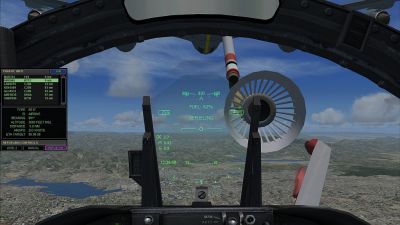
F/A-18 Combat Version in flight refueling.
Free for all simmers · 15.82 MB · Scanned clean Oct 2026
Download speed: Free tier is capped at 0.5 Mbps (this file takes approximately 4 mins at the cap). PRO members download at full line speed.
SimObjects\Airplanes\, Addon Scenery\, Effects\, or Gauges\.readme.txt or README file. It tells you exactly where files go, what dependencies are needed, and any quirks specific to this add-on.The archive fsx_fa-18_combat.zip has 124 files and directories contained within it.
This list displays the first 500 files in the package. If the package has more, you will need to download it to view them.
| Filename/Directory | File Date | File Size |
|---|---|---|
| FA-18_Combat | 10.30.10 | 0 B |
| aircraft.cfg | 10.25.10 | 21.19 kB |
| boeing_FA18_check.htm | 08.22.07 | 58.30 kB |
| boeing_FA18_ref.htm | 08.22.07 | 5.17 kB |
| Docs | 10.30.10 | 0 B |
| Carrier Landing Gauge | 10.30.10 | 0 B |
| Carrier Landing Gauge.jpg | 10.22.10 | 194.43 kB |
| README.txt | 10.22.10 | 1.03 kB |
| FA-18_GUNS_MANUAL.pdf | 10.30.10 | 451.91 kB |
| In-Flight Refueling Gauge | 10.30.10 | 0 B |
| In-Flight Refueling Gauge.jpg | 04.18.10 | 201.18 kB |
| README.txt | 10.21.10 | 4.01 kB |
| PLAT Camera Crosshairs | 10.30.10 | 0 B |
| PLAT Camera Crosshairs.jpg | 12.08.09 | 63.98 kB |
| README.txt | 10.29.10 | 2.09 kB |
| Realistic Hornet HUD | 10.30.10 | 0 B |
| README.txt | 10.22.10 | 7.50 kB |
| Realistic Hornet HUD.jpg | 11.18.09 | 35.56 kB |
| Effects | 10.30.10 | 0 B |
| fx_F18_gun_smoke.fx | 10.22.10 | 3.94 kB |
| FA-18.air | 09.26.07 | 7.40 kB |
| Model | 10.30.10 | 0 B |
| model.cfg | 10.15.10 | 28 B |
| Panel | 10.30.10 | 0 B |
| Carrier_Landing_Gauge.CAB | 10.15.10 | 1.23 kB |
| FA18_HUD | 10.30.10 | 0 B |
| FA18_HUD_Init.xml | 10.27.10 | 1.64 kB |
| FA18_HUD_Sounds | 10.30.10 | 0 B |
| bttn_large.wav | 10.09.10 | 5.89 kB |
| bttn_mid.wav | 10.09.10 | 6.15 kB |
| bttn_small.wav | 10.09.10 | 5.99 kB |
| dsd_xml_sound3.gau | 09.08.10 | 92.80 kB |
| M61_HI.wav | 09.14.10 | 518.73 kB |
| M61_LO.wav | 09.08.10 | 129.24 kB |
| Sounds.ini | 10.17.10 | 606 B |
| FA18_HUD_Switches.CAB | 10.28.10 | 87.43 kB |
| FA18_HUD_VC_R.CAB | 10.28.10 | 132.40 kB |
| panel.cfg | 10.26.10 | 5.55 kB |
| PLAT_Camera.CAB | 10.28.10 | 1.33 kB |
| RefuelingGauge.CAB | 10.25.10 | 9.09 kB |
| sound | 10.30.10 | 0 B |
| sound.cfg | 01.02.10 | 28 B |
| soundai | 10.30.10 | 0 B |
| soundai.cfg | 10.15.10 | 30 B |
| Texture.USMC | 10.30.10 | 0 B |
| F-18_Main01_T.dds | 08.22.07 | 1.33 MB |
| F-18_Main02_T.dds | 08.22.07 | 1.33 MB |
| F-18_Main03_T.dds | 08.22.07 | 1.33 MB |
| F-18_Main04_T.dds | 08.22.07 | 1.33 MB |
| F-18_Wingl_T.dds | 08.22.07 | 1.33 MB |
| F-18_WingR_T.dds | 08.22.07 | 1.33 MB |
| texture.cfg | 10.18.10 | 137 B |
| thumbnail.jpg | 10.17.10 | 3.18 kB |
| Texture | 10.30.10 | 0 B |
| $F18_A_GAUGE1.dds | 08.22.07 | 682.79 kB |
| AfterBurner_Spec.dds | 08.22.07 | 85.45 kB |
| AfterBurner_t.dds | 08.22.07 | 85.45 kB |
| F-18_Afterburner_T.dds | 08.22.07 | 85.45 kB |
| F-18_Glass_T.dds | 08.22.07 | 21.45 kB |
| F-18_Main01_LM_T.dds | 09.09.07 | 1.38 kB |
| F-18_Main01_T_Bump.dds | 08.22.07 | 1.00 MB |
| F-18_Main01_T_Specular.dds | 08.22.07 | 1.33 MB |
| F-18_Main02_LM_T.dds | 08.31.07 | 1.33 MB |
| F-18_Main02_T_Bump.dds | 08.22.07 | 1.00 MB |
| F-18_Main02_T_Specular.dds | 08.22.07 | 1.33 MB |
| F-18_Main03_T_Bump.dds | 08.22.07 | 1.00 MB |
| F-18_Main03_T_Specular.dds | 08.22.07 | 1.33 MB |
| F-18_Main04_LM_T.dds | 08.31.07 | 1.33 MB |
| F-18_Main04_T_Bump.dds | 08.22.07 | 1.00 MB |
| F-18_Main04_T_Specular.dds | 08.22.07 | 1.33 MB |
| F-18_Main05_T.dds | 08.22.07 | 1.33 MB |
| F-18_Main05_T_Specular.dds | 08.22.07 | 1.33 MB |
| F-18_Main06_T.dds | 08.22.07 | 1.33 MB |
| F-18_Main06_T_Specular.dds | 08.22.07 | 1.33 MB |
| F-18_Main07_T.dds | 08.22.07 | 1.33 MB |
| F-18_Wingl_T_Bump.dds | 08.22.07 | 1.00 MB |
| F-18_Wingl_T_Specular.dds | 08.22.07 | 1.33 MB |
| F-18_WingR_T_Bump.dds | 08.22.07 | 1.00 MB |
| F-18_WingR_T_Specular.dds | 08.22.07 | 1.33 MB |
| FA_18_01_C.dds | 08.22.07 | 682.79 kB |
| FA_18_01_C_Specular.dds | 08.22.07 | 1.33 MB |
| FA_18_01_NIGHT_C.dds | 09.02.07 | 682.79 kB |
| FA_18_02_C.dds | 08.22.07 | 682.79 kB |
| FA_18_02_C_Specular.dds | 08.22.07 | 1.33 MB |
| FA_18_02_NIGHT_C.dds | 09.02.07 | 682.79 kB |
| FA_18_03_C.dds | 09.02.07 | 682.79 kB |
| FA_18_03_C_Specular.dds | 08.22.07 | 1.33 MB |
| FA_18_03_NIGHT_C.dds | 09.02.07 | 682.79 kB |
| FA_18_04_C.dds | 09.02.07 | 682.79 kB |
| FA_18_04_C_Specular.dds | 08.22.07 | 1.33 MB |
| FA_18_04_NIGHT_C.dds | 08.22.07 | 682.79 kB |
| FA_18_05_C.dds.bak | 09.02.07 | 170.79 kB |
| FA_18_05_C_Specular.dds | 08.22.07 | 341.45 kB |
| FA_18_05_NIGHT_C.dds | 08.22.07 | 170.79 kB |
| FA_18_06_C.dds | 08.22.07 | 682.79 kB |
| FA_18_06_C_Specular.dds | 08.22.07 | 1.33 MB |
| FA_18_06_NIGHT_C.dds | 08.22.07 | 682.79 kB |
| FA_18_07_C.dds | 09.02.07 | 682.79 kB |
| FA_18_07_C_Specular.dds | 09.02.07 | 1.33 MB |
| FA_18_07_NIGHT_C.dds | 09.02.07 | 682.79 kB |
| FA_18_08_C.dds | 09.02.07 | 682.79 kB |
| FA_18_08_C_SPECULAR.dds | 09.02.07 | 1.33 MB |
| FA_18_08_NIGHT_C.dds | 09.02.07 | 682.79 kB |
| FA_18_Cube.dds | 08.22.07 | 170.79 kB |
| FA_18_fresnelhud.dds | 08.22.07 | 640 B |
| FA_18_Hud_Glass.dds | 11.03.09 | 85.48 kB |
| Fresnel_Ramp.dds | 08.22.07 | 640 B |
| texture.cfg | 08.22.07 | 137 B |
| FA-18_GUNS_MANUAL.pdf | 10.30.10 | 451.91 kB |
| README.txt | 10.30.10 | 6.25 kB |
| thumbnail.jpg | 10.22.10 | 8.63 kB |
| flyawaysimulation.txt | 10.29.13 | 959 B |
| Go to Fly Away Simulation.url | 01.22.16 | 52 B |
| Screenshots | 09.01.17 | 0 B |
| 001.jpg | 09.01.17 | 251.37 kB |
| 002.jpg | 09.01.17 | 253.86 kB |
| 003.jpg | 09.01.17 | 489.78 kB |
| 004.jpg | 09.01.17 | 234.20 kB |
| 005.jpg | 09.01.17 | 338.61 kB |
| 006.jpg | 09.01.17 | 71.17 kB |
| 007.jpg | 09.01.17 | 246.77 kB |
| 008.jpg | 09.01.17 | 59.96 kB |
| 009.jpg | 09.01.17 | 60.81 kB |
| 010.jpg | 09.01.17 | 333.04 kB |
Only PRO members can place votes.
More FSX & P3D add-ons hand-picked based on this download.
FSX Military Aircraft
FSX F-18 Ace Combat 0: Galm-Livery And Black Ops. This is for Acceleration on…
 FSX Military Aircraft
Combat Lancer V2 F-111 Pig HUD Project. A repaint representing the first oper…
 FSX Military Aircraft
This is a repaint for the Iris McDonnell Douglas F-15E Eagle. By Ray Rotmans.…
 FSX Military Aircraft
This Grumman Tracker S2T(urbo), Marsh Conversion for military use, features f…
 FSX Military Aircraft
FSX Thunderraptor Version 2 Textures. This will allow you to use Thunder Rapt…
 FSX Military Aircraft
This is Daisuke Yamamoto's F-18 Super Hornet modified and repainted for FSX p…
 FSX Military Aircraft
This is the third version of the modification for the default Acceleration F/…
 FSX Military Aircraft
FSX F/A-18 VFA-106 Gladiators. A set of VFA-106 "Gladiators" textures for the…
Read what other simmers think, or add your own.

Cant shoot... How can you assign guns or shoot to a button on the flight stick when guns or shoot are not assigned to a keyboard button, to begin with, because this is a flight sim software program. Does anyone know how to get it to shoot? Other gamers are asking the same question and getting no specific how-to answers... please help... it would make this sim much more enjoyable. Thank you... MJ.

It’s not working. The aircraft and the panel (the whole aircraft and the inside of it) are invisible.

Finally, to make the guns work, you need to make sure you do step 3 mapping of joystick!!! It works!
There is no way to add a button to the settings assignments in extreme pro since there is no Weapons or Guns Event on it!!!!

The plane is not visible, I installed it correctly and nothing of the textures is seen.
How do you assign a button on your flight stick to shoot when the shoot command is not listed to be assigned on the FSX keyboard commands to be added or customized? There is no information about how to shoot any rounds in the F/A-18A Air to Air Guns Manual. Is there anyone that has any information regarding this matter?


For those that can't figure out how to shoot: Press Shift+2 to bring up the weapons panel. Click "A/A mode" on the top left. You have to assign a button for you to shoot. The top right of the panel gives you the option of high or low rpm.
Can we have some clarification on the instructions on how to install it? Or is it deleted/edited?


@Roy, if you still need to know the answer is yes as the FSX steam edition comes with acceleration already installed.

What's with these instructions?
"Copy the folder 'FA-18_Combat', contained in this package, to ."
To where?


I installed it into my FSX folder but when I try to load it I can't see the body. I have past experience installing airplanes but this problem is new

Please tell me how to get the guns to work I have the aircraft downloaded but I cant get the guns to work

I love this aircraft I've spent many hours on this game but one thing I cannot figure out is how to shoot


Excellent aircraft. Besides the gun effects it has other tweaks not mentioned that make it better than the default FSX acceleration aircraft.

I have a question on the FSX Blue Angels FA-18 modified with all the new effects and sound, I am trying to add Tomcatter textures but when I do it says it cannot load texture, can you help me out with this? DO I need to add the texture to both Effects and the regular model?