

 FS2004 Propeller Aircraft
Arkia Vickers Viscount 800
Model by Rick Piper. Livery by Felix Tchvertkin. Screenshot of Arkia Vickers …
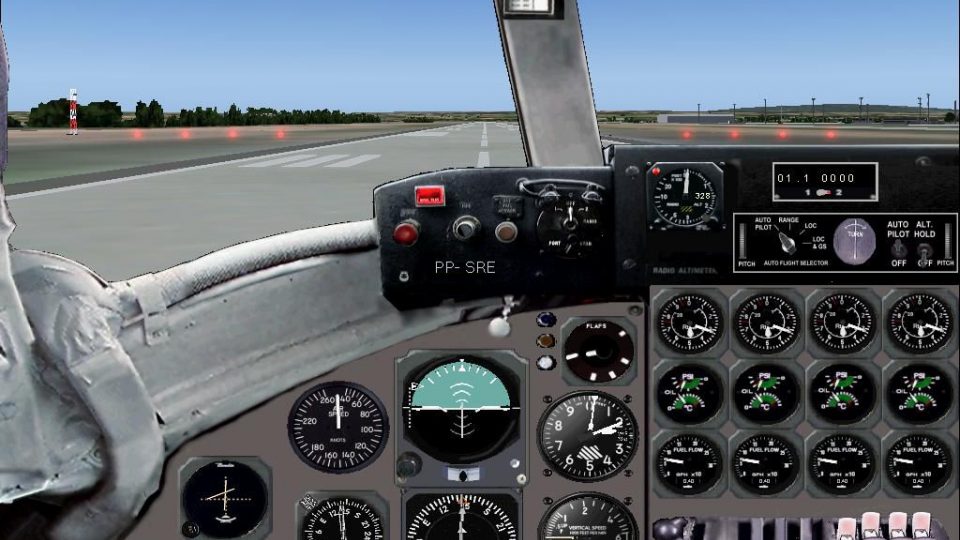
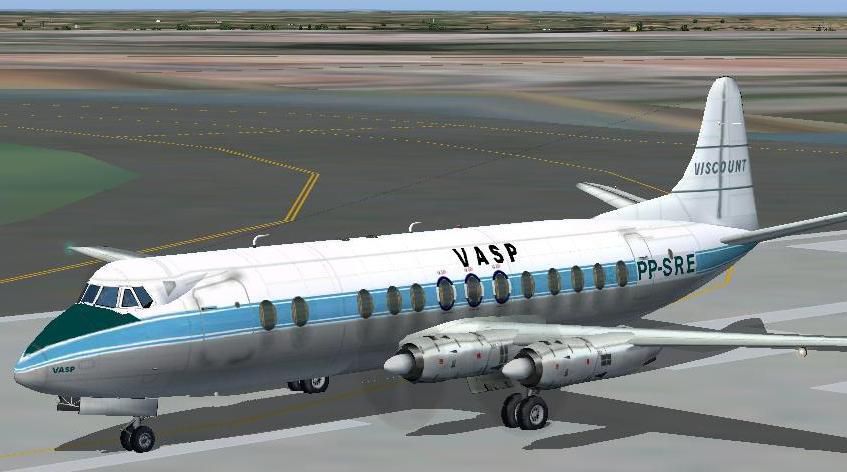
VASP’s Vickers Viscount 800 brings a classic British turboprop airliner to life in FS2004 with reflective textures, full animations, and smooth rolling wheels. It includes a detailed virtual cockpit and panel set with refined tweaks, plus matching sound and livery work that captures the airline’s look and period character.
 Rate
Rate

Free for all simmers · 21.11 MB · Scanned clean Oct 2026
Download speed: Free tier is capped at 0.5 Mbps (this file takes approximately 6 mins at the cap). PRO members download at full line speed.
FS9\Aircraft\, FS9\Addon Scenery\, FS9\Gauges\, or FS9\Effects\.readme.txt or README file. It tells you exactly where files go, what dependencies are needed, and any quirks specific to this add-on.The archive Visc_800.zip has 75 files and directories contained within it.
This list displays the first 500 files in the package. If the package has more, you will need to download it to view them.
| Filename/Directory | File Date | File Size |
|---|---|---|
| 00.sukhoi.timer.gau | 02.03.98 | 131.50 kB |
| bendix_king_radio.gau | 06.13.03 | 296.00 kB |
| DC8sw.gau | 11.26.03 | 8.23 MB |
| DC8_level.gau | 10.30.03 | 55.00 kB |
| fs9gps.cab | 06.12.03 | 296.71 kB |
| PAP_AIRSP_260.gau | 01.22.98 | 125.50 kB |
| PAP_Ap2.gau | 11.21.03 | 103.00 kB |
| PAP_DME2.gau | 01.29.01 | 84.00 kB |
| Vintage.Altimeter.p.gau | 01.08.00 | 209.00 kB |
| Vintage.VerticalSpeed.p.gau | 01.07.00 | 98.50 kB |
| viscount.cab | 11.21.03 | 1.30 MB |
| Gauges | 11.26.03 | 0 B |
| Panel VC800.JPG | 11.26.03 | 133.42 kB |
| File_id.diz | 11.26.03 | 330 B |
| Model.cfg | 11.17.03 | 39 B |
| Vickers Viscount 800.mdl | 12.07.02 | 822.16 kB |
| model | 11.17.03 | 0 B |
| FORWARD_LEFT.bmp | 08.19.00 | 769.05 kB |
| FORWARD_RIGHT.bmp | 08.19.00 | 769.05 kB |
| fuel_panel.bmp | 11.11.02 | 669.05 kB |
| LEFT.bmp | 08.19.00 | 769.05 kB |
| overhead.bmp | 11.26.03 | 755.91 kB |
| Panel.cfg | 11.26.03 | 9.50 kB |
| pedestal_1.bmp | 11.08.02 | 962.55 kB |
| radio_panel.BMP | 11.15.02 | 665.68 kB |
| REAR.bmp | 05.06.00 | 769.05 kB |
| REAR_LEFT.bmp | 08.19.00 | 769.05 kB |
| REAR_RIGHT.bmp | 08.19.00 | 769.05 kB |
| RIGHT.bmp | 08.19.00 | 769.05 kB |
| Thumbs.db | 11.26.03 | 52.00 kB |
| Viscount_main.BMP | 11.26.03 | 2.25 MB |
| Panel | 11.26.03 | 0 B |
| sound.cfg | 02.03.03 | 7.85 kB |
| vc801.wav | 10.12.02 | 1.17 MB |
| vc802.wav | 01.16.03 | 795.10 kB |
| vc804.wav | 01.16.03 | 795.10 kB |
| vc81shutdn.wav | 01.22.03 | 4.90 MB |
| vc81start.wav | 12.08.02 | 2.84 MB |
| vc82shutdn.wav | 01.22.03 | 4.90 MB |
| vc82start.wav | 12.08.02 | 2.84 MB |
| vc8apdis.wav | 12.29.01 | 67.93 kB |
| vc8flaps.wav | 08.02.02 | 67.34 kB |
| vc8gear.wav | 02.03.03 | 583.40 kB |
| vc8roll.wav | 07.30.02 | 71.44 kB |
| vc8stall.wav | 08.02.02 | 86.70 kB |
| sound | 11.17.03 | 0 B |
| 4blade1.bmp | 08.24.01 | 65.05 kB |
| Eng.bmp | 11.29.02 | 341.43 kB |
| Eng_LM.bmp | 07.10.02 | 257.05 kB |
| Fin.bmp | 02.25.03 | 682.75 kB |
| Fin_LM.bmp | 02.26.03 | 682.75 kB |
| Fuse1.bmp | 02.25.03 | 682.75 kB |
| Fuse1_LM.bmp | 02.26.03 | 682.75 kB |
| Fuse2.bmp | 02.25.03 | 682.75 kB |
| Fuse2_LM.bmp | 02.25.03 | 682.75 kB |
| Fuse3.bmp | 02.25.03 | 682.75 kB |
| Fuse3_LM.bmp | 02.25.03 | 682.75 kB |
| prop.bmp | 12.07.02 | 85.43 kB |
| prop_LM.bmp | 07.10.02 | 65.05 kB |
| Thumbs.db | 11.17.03 | 64.00 kB |
| Wing-L.bmp | 02.25.03 | 682.75 kB |
| Wing-L_LM.bmp | 02.25.03 | 682.75 kB |
| Wing-R.bmp | 02.25.03 | 682.75 kB |
| Wing-R_LM.bmp | 02.25.03 | 682.75 kB |
| texture | 11.17.03 | 0 B |
| Aircraft.cfg | 11.21.03 | 9.84 kB |
| Manual for Viscount panel .doc | 11.22.03 | 676.00 kB |
| Viscount 800_check.txt | 11.25.03 | 4.65 kB |
| Viscount.air | 08.25.02 | 15.02 kB |
| Viscount 800_ref.txt | 11.25.03 | 579 B |
| FSDS 2 Vickers Viscount 800 Readme.txt | 12.07.02 | 3.05 kB |
| Viscount.JPG | 11.24.03 | 56.33 kB |
| Readme.txt | 11.26.03 | 1.46 kB |
| flyawaysimulation.txt | 10.29.13 | 959 B |
| Go to Fly Away Simulation.url | 01.22.16 | 52 B |
Only PRO members can place votes.
More FS2004 add-ons hand-picked based on this download.
FS2004 Propeller Aircraft
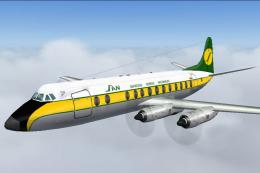
Model by Rick Piper. Livery by Felix Tchvertkin. Screenshot of Arkia Vickers …
 FS2004 Propeller Aircraft
This updated repaint package showcases a Vickers Viscount 800 registered as H…
 FS2004 Propeller Aircraft
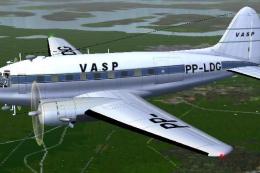
This repaint offers a faithful rendition of the Vasp Curtiss C-46 Commando, t…
 FS2004 Propeller Aircraft
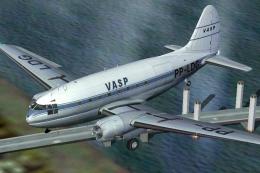
Textures only to be used with the C-46 by Libardo Guzman/CalClassics (C46GA.Z…
 FS2004 Propeller Aircraft
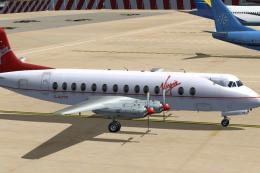
A classic turbo prop airliner by Rick Piper, with full animation plus all the…
 FS2004 Propeller Aircraft
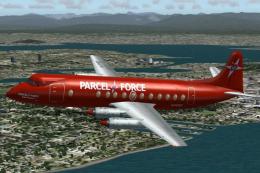
Vickers Viscount 806 Parcel Force 1994 (cargo). Features full animation plus …
 FS2004 Propeller Aircraft
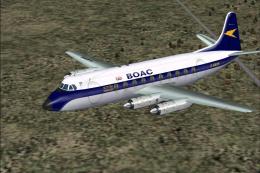
Textures only. A Vickers Viscount 701 in BOAC colors used by BOAC on the shut…
 FS2004 Propeller Aircraft
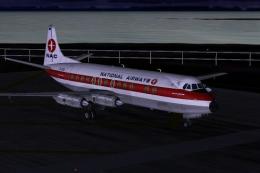
National Airways Vickers Viscount V807 texture, for Rick Piper's original V80…
Read what other simmers think, or add your own.

I copied in the gauges but that was a mistake. I get error messages that these are from an older version of the Flight Simulator that are no longer supported. Because I copied over files that were already there I now have damage to other planes. Isn't this checked before they send us these planes? Color me bummed out.

good flyer nice detail but I downloaded 3 times and I still cant get A full gauge panel.please help.I tried everything but no success.