

 FSX Scenery
Western Kansas Airfields (Over 133 Airfields)
Western Kansas Airfields. Includes over 133 smaller Kansas (KS) airfields, ac…
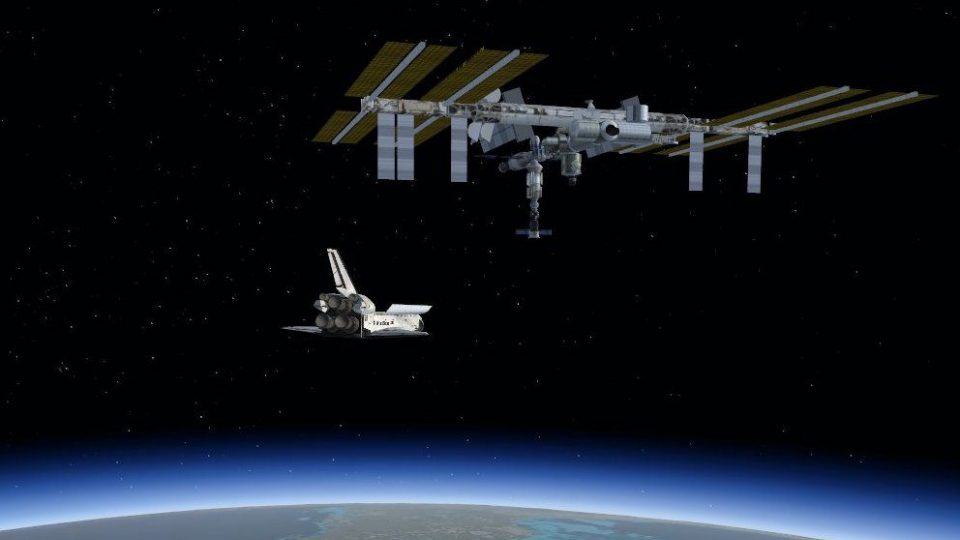
International Space Station scenery places the ISS directly above Tyndall AFB (KPAM) at roughly 175 miles altitude, creating a dramatic orbital rendezvous point and a quick de-orbit hop toward Kennedy Space Center. Built for Microsoft Flight Simulator X, it pairs naturally with spaceplane and shuttle operations and supports custom placement via the included BGL object.
 Rate
Rate
 United States of America
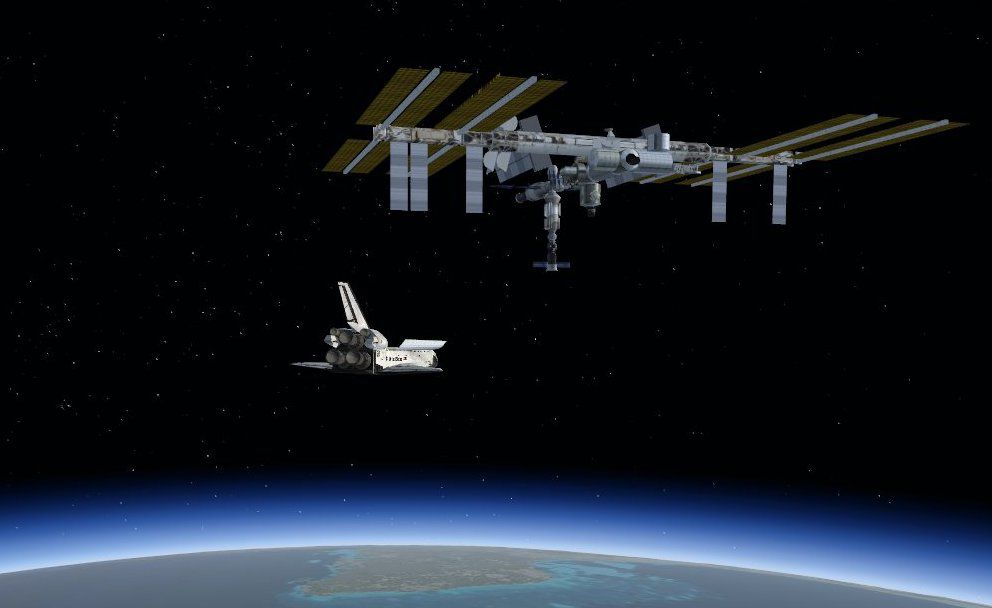
ISS Over KPAM. The International Space Station placed directly over Tyndall AFB, Florida (FL) at 900,000 ft (175 miles). This scenery is intended as companion scenery to the Shuttle Atlantis (ATLANTI6.ZIP). Capable of reaching 600,000 feet on its own, but you'll need to use slew to make it the rest of the way up - and it's a short de-orbit to KSC when you're ready to come down. By Bruce Fitzgerald.
ISS Over KPAM Scenery.
Unzip and copy/paste The ISS_KPAM folder into FSX/addon scenery add scenery area thru scenery library interface in game.
Or copy BGL files from the unzipped scenery folder and place into FSX/addon scenery/scenery copy BMP files from the unzipped texture folder and place into FSX/addon scenery/texture. Start FSX.
NOTE: The ISSX.BGL file can be used by the Object placement tool in FSX to make your own scenery {332A0AB3-401E-0948-8BC1-6DADBA070810}
Free for all simmers · 498.48 KB · Scanned clean Oct 2026
Download speed: Free tier is capped at 0.5 Mbps. PRO members download at full line speed.
This add-on may require the following files to function properly. If this is a repaint, the dependency below is likely the base aircraft package.
FSX\Addon Scenery\ containing scenery and texture sub-folders.readme.txt or README file. It tells you exactly where files go, what dependencies are needed, and any quirks specific to this add-on.Use these coordinates to fly directly to this location once the mod is installed.
30.08080000,-85.58200000
Launch FSX or Prepar3D and use Flights → Load to open the downloaded .pln file. Your aircraft will be positioned at this location.
The archive iss_kpam.zip has 7 files and directories contained within it.
This list displays the first 500 files in the package. If the package has more, you will need to download it to view them.
| Filename/Directory | File Date | File Size |
|---|---|---|
| iss_kpam.BGL | 11.23.07 | 156 B |
| issx.BGL | 11.23.07 | 589.03 kB |
| iss.bmp | 11.22.07 | 1.00 MB |
| Atlantis_ISS.jpg | 01.25.08 | 45.57 kB |
| Readme.txt | 01.25.08 | 984 B |
| flyawaysimulation.txt | 10.29.13 | 959 B |
| Go to Fly Away Simulation.url | 01.22.16 | 52 B |
Only PRO members can place votes.
More FSX & P3D add-ons hand-picked based on this download.
FSX Scenery
Western Kansas Airfields. Includes over 133 smaller Kansas (KS) airfields, ac…
 FSX Scenery
Skara Scenery Bonaire X. Flamingo International Airport or Bonaire Internatio…
 FSX Scenery
Iwo Jima Scenery 1945 Update. This is a complete scenery with added effects a…
FSX Scenery
Kjeller Area Scenery X, Norway. Scenery around Kjeller airport with photoreal…
 FSX Scenery
FSX Loney's Alaska For FSX. This is a compilation of the author's Alaskan sce…
 FSX Scenery
For users of Flight Simulator X (and FSX: Steam Edition) and/or Prepar3D, ter…
 FSX Scenery
This freeware release by developer Aime Leclercq introduces revised highways …
 FSX Scenery
Team GEX Enhanced Autogen World. This package upgrades 522 world wide autogen…
Read what other simmers think, or add your own.

This is the best thing they have done for FSX. Not only can you fly everything from a Cessna to a Concorde. But you can take the space shuttle up to the ISS. Not anything that you can do in any other flight simulator that I'm aware of. Keep the ideas coming and lets all continue to keep flight simulator X the best one out there for everyone to enjoy and to train on to become the best pilots in the business!
