

 FSX Scenery
Alf's UK Airfields Volume 3
Alf's UK Airfields Volume 3. Upgrades many small UK airfields whose default v…
Alf’s UK Airfields Volume 10 sharpens three overlooked UK GA strips, adding accurately aligned runways, taxi paths, hangars, and visual cues for more convincing arrivals and departures at Maypole (EGHB), Seething (EGSJ), and Belle Vue (X1BE) in FSX. Requires FSX SP2 and uses default library objects placed to match real-world references.
 Rate
Rate
 United Kingdom
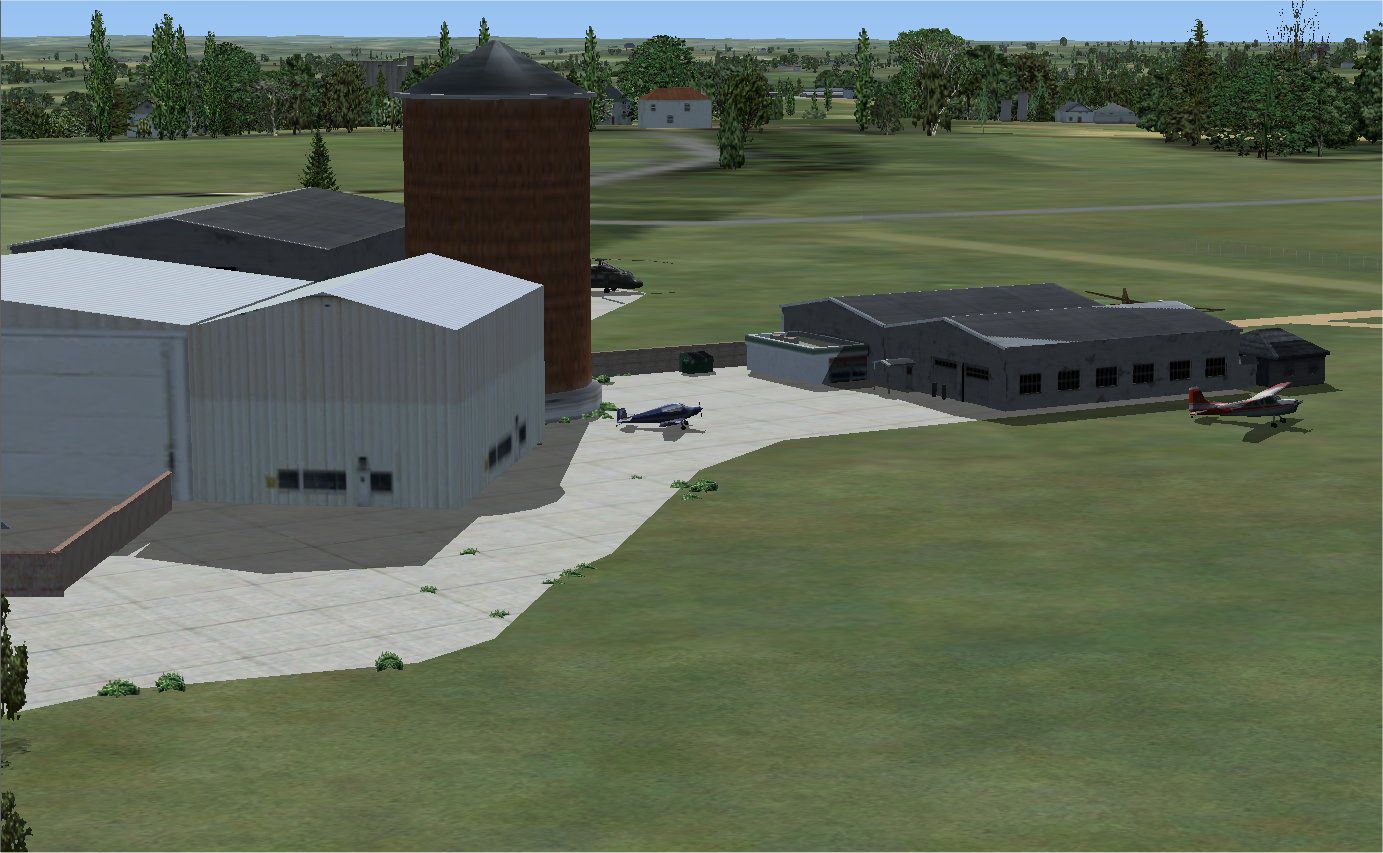
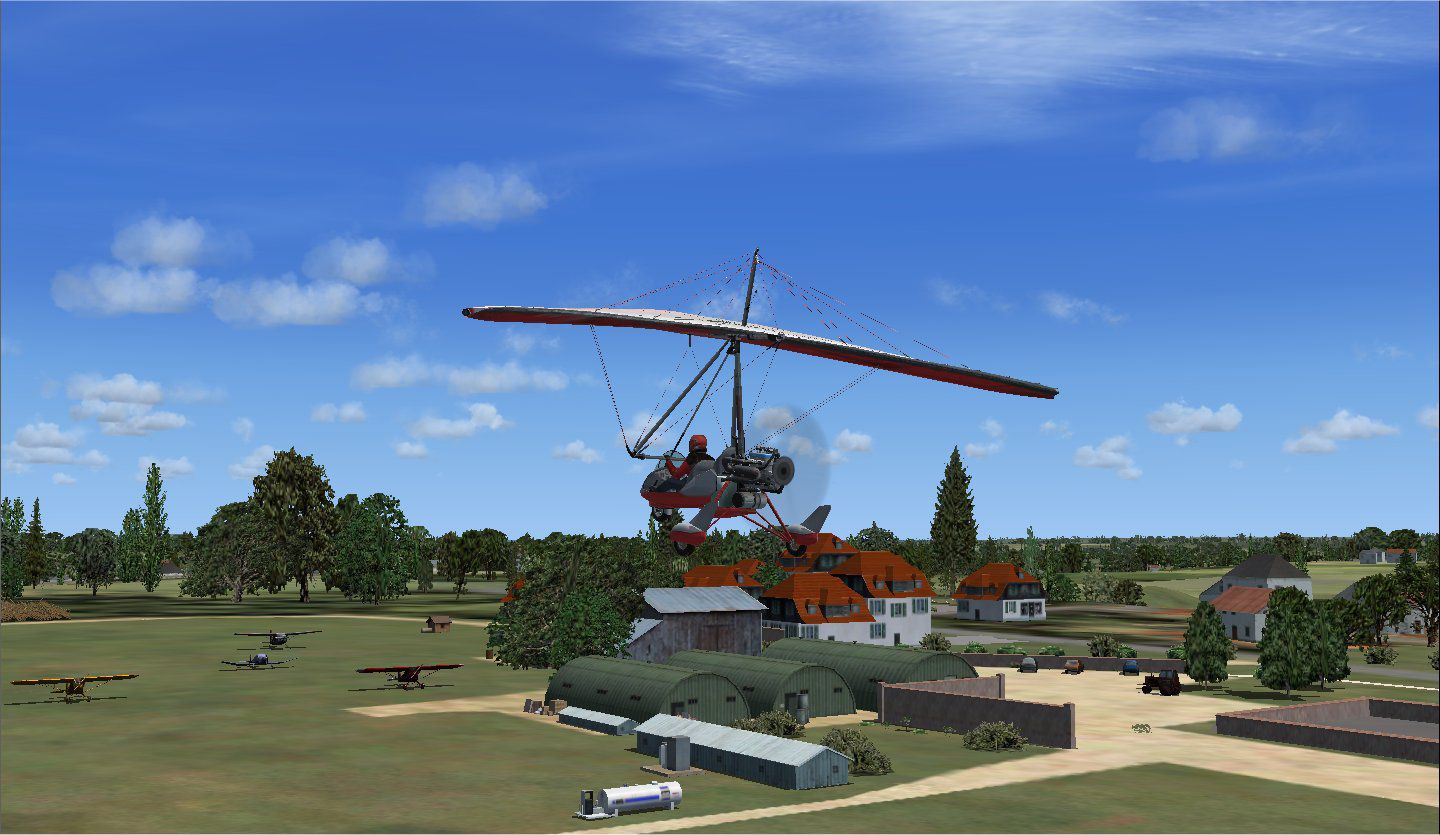
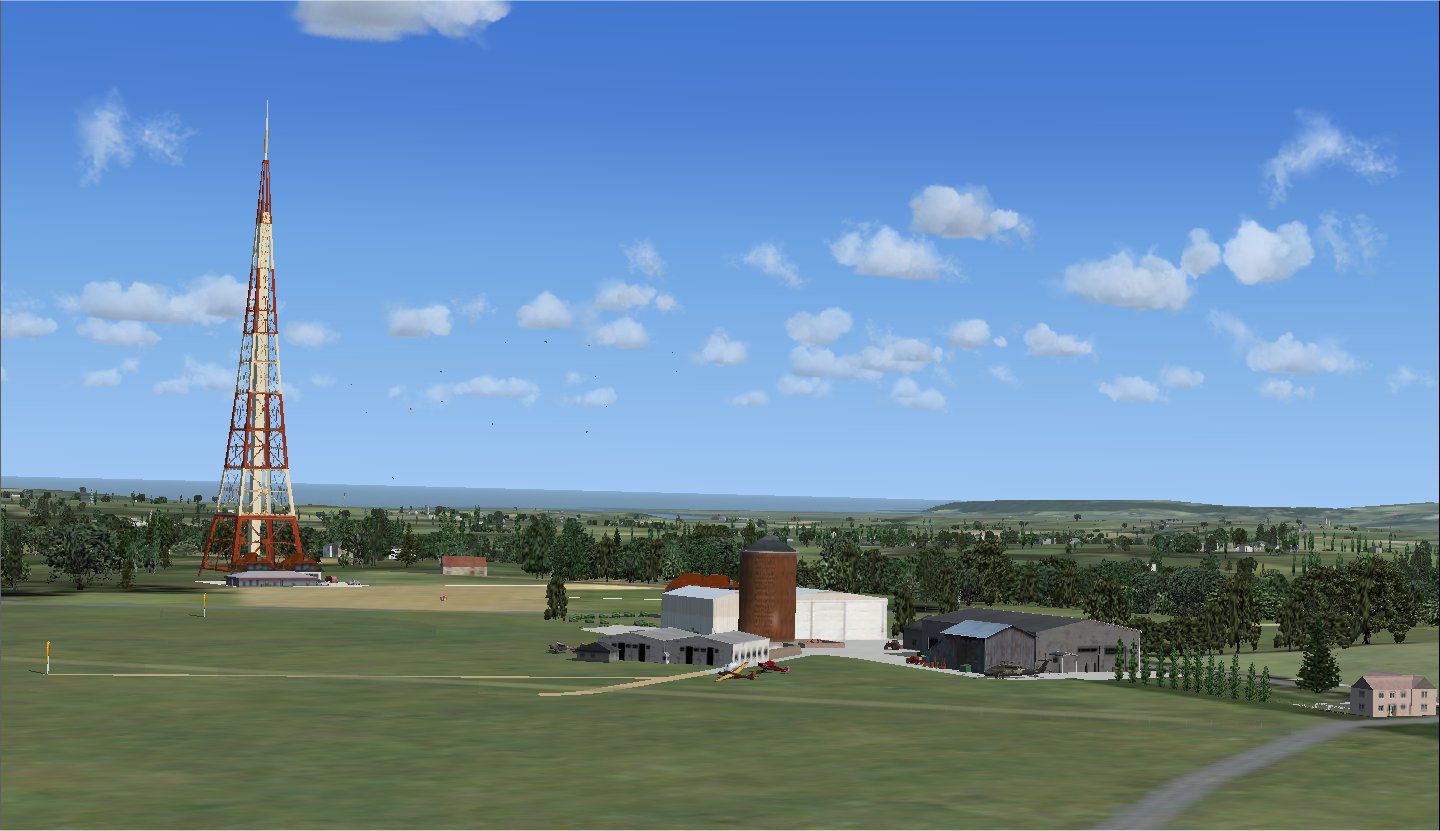
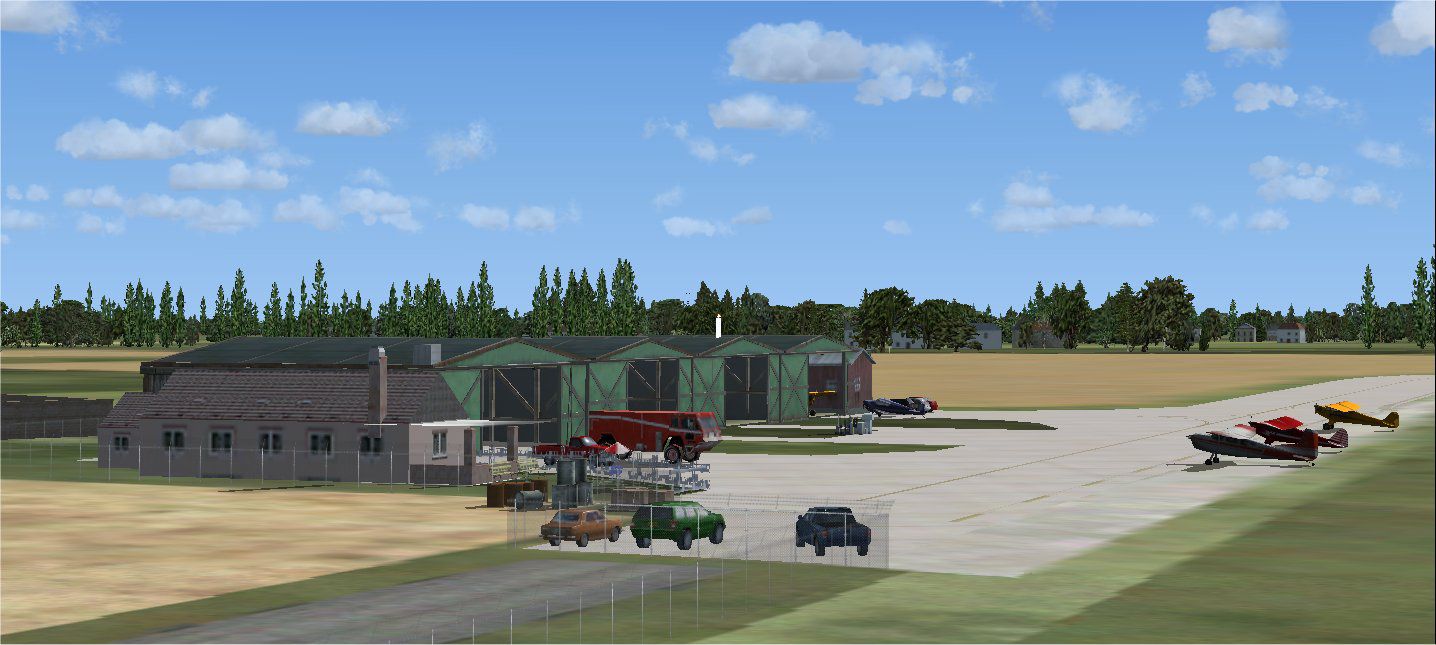
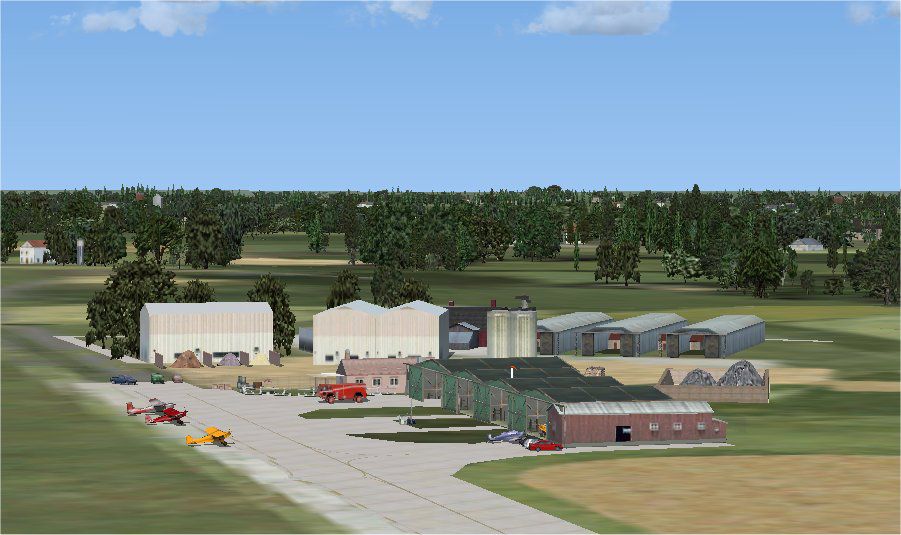
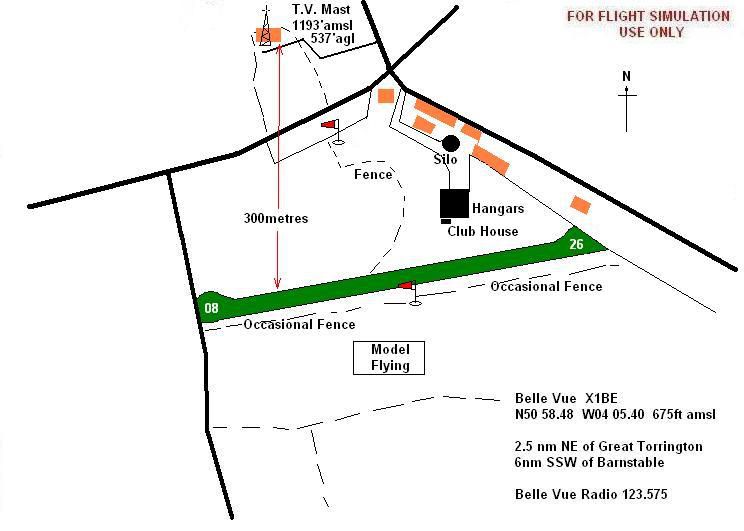
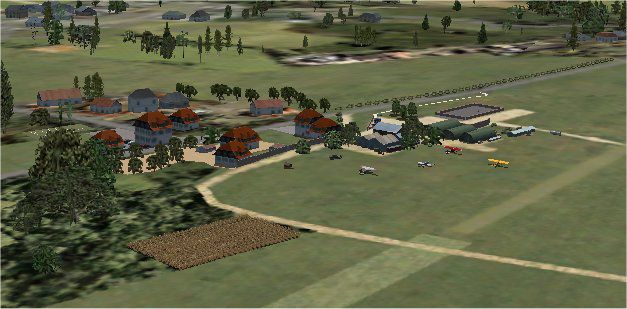

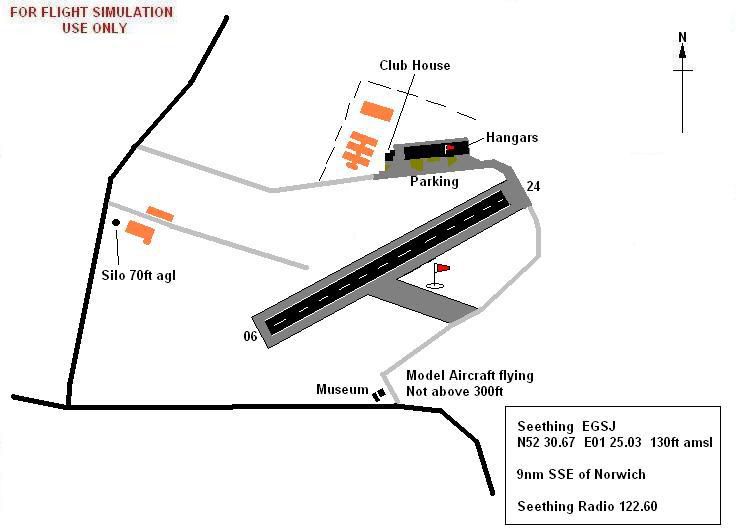
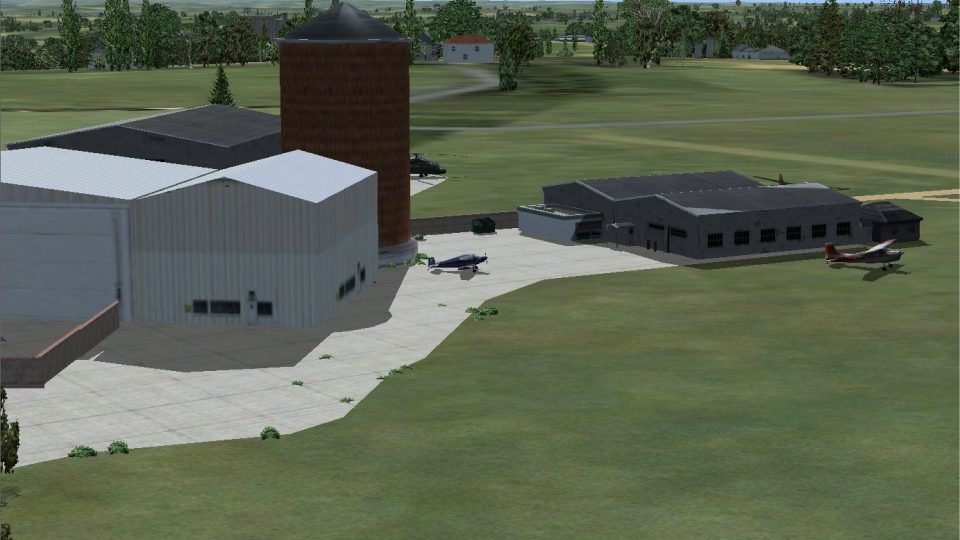
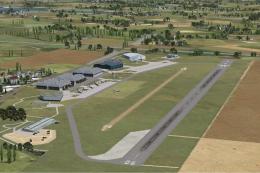
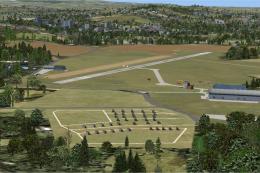
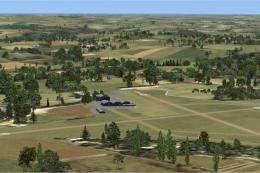
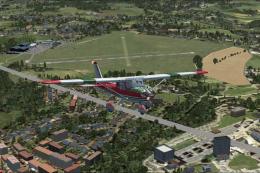
This freeware release upgrades three smaller UK airfields in Microsoft Flight Simulator X by adding more detailed layouts and structures. It has been crafted by Alf Denham to improve some of the lesser-known fields that remain sparse in the original simulator. The package applies generic assets for scenery objects, yet it significantly refines these airstrips by focusing on placement accuracy, runway alignment, and visual cues that are missing from the default versions.
The primary goal of this scenery is to offer extra realism for smaller UK aerodromes that typically lack detailed buildings and ground markings in the default environment. By leveraging basic data from standard FSX object libraries, this add-on ensures that pilots experience more engaging approaches and taxi procedures at each upgraded location. Despite the generic nature of the assets, everything has been positioned carefully to align with online maps and pilot guides.
Alf's UK Airfields Volume 10 Scenery.
This collection covers three distinctive sites, each serving general aviation and private flights:
All details have been aligned using Google Earth imagery and relevant aeronautical references. Various utilities, such as the Airport Design Editor (version 1.35) and FSX SDK Object Placement Tool, were employed to ensure each element sits properly on the ground. Additionally, the scenery was optimized to function with FSX SP2, so pilots with earlier service packs could encounter compatibility issues.
For installation specifics, please refer to the included ReadMe files in the appropriate folders. Each airfield is packaged for easy placement in your default FSX addon directories. Removing the mod is simply a matter of deleting the original files from the installed locations.
Because everything is designed to mesh with the default world of Microsoft Flight Simulator X, any photo-realistic or third-party scenery may generate alignment discrepancies. This release relies solely on standard FSX scenery data with no exclusive 3D models, except as noted in earlier installments where some Rwy12 objects were used. Beyond that, all assets are generic and are intended solely to elevate the visual environment of these UK airfields without claiming absolute real-world accuracy.
Created and compiled by Alf Denham.
Free for all simmers · 924.48 KB · Scanned clean Oct 2026
Download speed: Free tier is capped at 0.5 Mbps. PRO members download at full line speed.
FSX\Addon Scenery\ containing scenery and texture sub-folders.readme.txt or README file. It tells you exactly where files go, what dependencies are needed, and any quirks specific to this add-on.Use these coordinates to fly directly to this location once the mod is installed.
51.50740000,-0.12780000
Launch FSX or Prepar3D and use Flights → Load to open the downloaded .pln file. Your aircraft will be positioned at this location.
The archive alfsuk10.zip has 33 files and directories contained within it.
This list displays the first 500 files in the package. If the package has more, you will need to download it to view them.
| Filename/Directory | File Date | File Size |
|---|---|---|
| BelleVueX1BE | 07.30.08 | 0 B |
| BelleVue_Map.JPG | 07.29.08 | 47.05 kB |
| BelleVue_ReadMe.txt | 07.30.08 | 1.05 kB |
| BelleVue1.jpg | 07.30.08 | 150.62 kB |
| BelleVue2.jpg | 07.30.08 | 190.05 kB |
| Scenery | 07.30.08 | 0 B |
| X1BE_ADE_AED.BGL | 07.30.08 | 3.74 kB |
| X1BE_ADE_AED_CVX.bgl | 07.30.08 | 1.73 kB |
| X1BE_extra.BGL | 07.30.08 | 6.75 kB |
| License.txt | 05.30.08 | 631 B |
| MaypoleEGHB | 07.30.08 | 0 B |
| Maypole_Map.JPG | 07.11.08 | 42.84 kB |
| Maypole_ReadMe.txt | 07.30.08 | 887 B |
| Maypole1.jpg | 07.10.08 | 179.20 kB |
| Maypole2.jpg | 07.10.08 | 50.18 kB |
| Scenery | 07.30.08 | 0 B |
| EGHB_ADE_AED.BGL | 07.29.08 | 5.10 kB |
| EGHB_ADE_AED_CVX.bgl | 07.29.08 | 2.55 kB |
| EGHB_extra.BGL | 07.29.08 | 7.87 kB |
| PreviousUploads.txt | 07.30.08 | 1.70 kB |
| READ_ME_FIRST.txt | 07.30.08 | 1.30 kB |
| SeethingEGSJ | 07.30.08 | 0 B |
| Scenery | 07.30.08 | 0 B |
| EGSJ_ADE_AED.BGL | 07.29.08 | 4.62 kB |
| EGSJ_ADE_AED_CVX.bgl | 07.29.08 | 2.67 kB |
| EGSJ_extra.BGL | 07.29.08 | 10.31 kB |
| Seething.gif | 07.30.08 | 9.59 kB |
| Seething_Map.JPG | 07.29.08 | 39.84 kB |
| Seething_ReadMe.txt | 07.30.08 | 1.35 kB |
| Seething1.jpg | 07.28.08 | 142.80 kB |
| Seething2.jpg | 07.28.08 | 89.82 kB |
| flyawaysimulation.txt | 10.29.13 | 959 B |
| Go to Fly Away Simulation.url | 01.22.16 | 52 B |
Only PRO members can place votes.
More FSX & P3D add-ons hand-picked based on this download.
FSX Scenery
Alf's UK Airfields Volume 3. Upgrades many small UK airfields whose default v…
 FSX Scenery
Experience a refined set of smaller United Kingdom airfields in Microsoft Fli…
 FSX Scenery
This freeware package upgrades three lesser-modeled UK airfields in Microsoft…
 FSX Scenery
This freeware package offers enhanced depictions of three smaller UK airfield…
 FSX Scenery
Experience refined depictions of smaller UK airfields in a freeware scenery p…
 FSX Scenery
Alf's UK Airfields Volume 4. Upgrades many small UK airfields whose default v…
 FSX Scenery
Experience refined recreations of three smaller British airfields with this f…
 FSX Scenery
Alf's UK Airfields Volume 11. Upgrades many small UK airfields whose default …
Read what other simmers think, or add your own.

Hi,
Your UK Airfields look fantastic! I was wondering if you could help me?
When I had MSFS2004, I purchased some airfield add-ons from IIRC, Just Flight, and they did one for the South West England (UK)
That included; Lynham (RAF), Brize Norton (RAF), Fairford (USAF), Kemble, Oaksey Park, Gloucester Airport (Staverton), Oxford Airport (Kiddlington). I also bought a package with Hinton in the Hedges, Wellsbourne Mountford, Shoreham et al. All great fun and Oaksey, Hinton in the Hedges (and other local small airfields/grass strips) were a nice challenge, with things like a King Air or even a Hercules!
Are you likely to be modelling any of the aforementioned for FSX SE?
Is your current range compatible with FSX SE?
So much of my software was written off with Windows 10, I'm missing my flight siming.
With thanks and kind regards,
Martin.