


 United States of America
  FSX Scenery
Jacksonville Naval Air Station
Jacksonville Naval Air Station, Florida (FL). This is an enhanced version of …
Naval Air Station Meridian (KNMM) brings Mississippi’s Navy training field to life with an FSX-native airport update, built from original FS2004 source and refined for modern scenery libraries. Expect accurate airfield layout and a fitting backdrop for T-45 Goshawk carrier-landing practice on the Navy’s “wet” track.
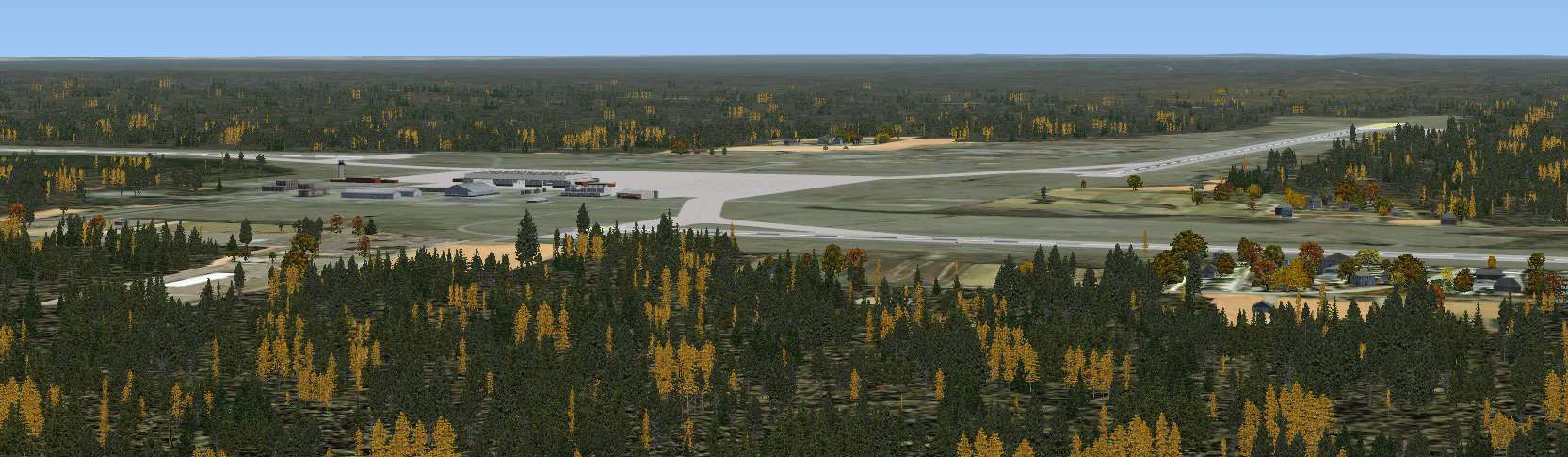
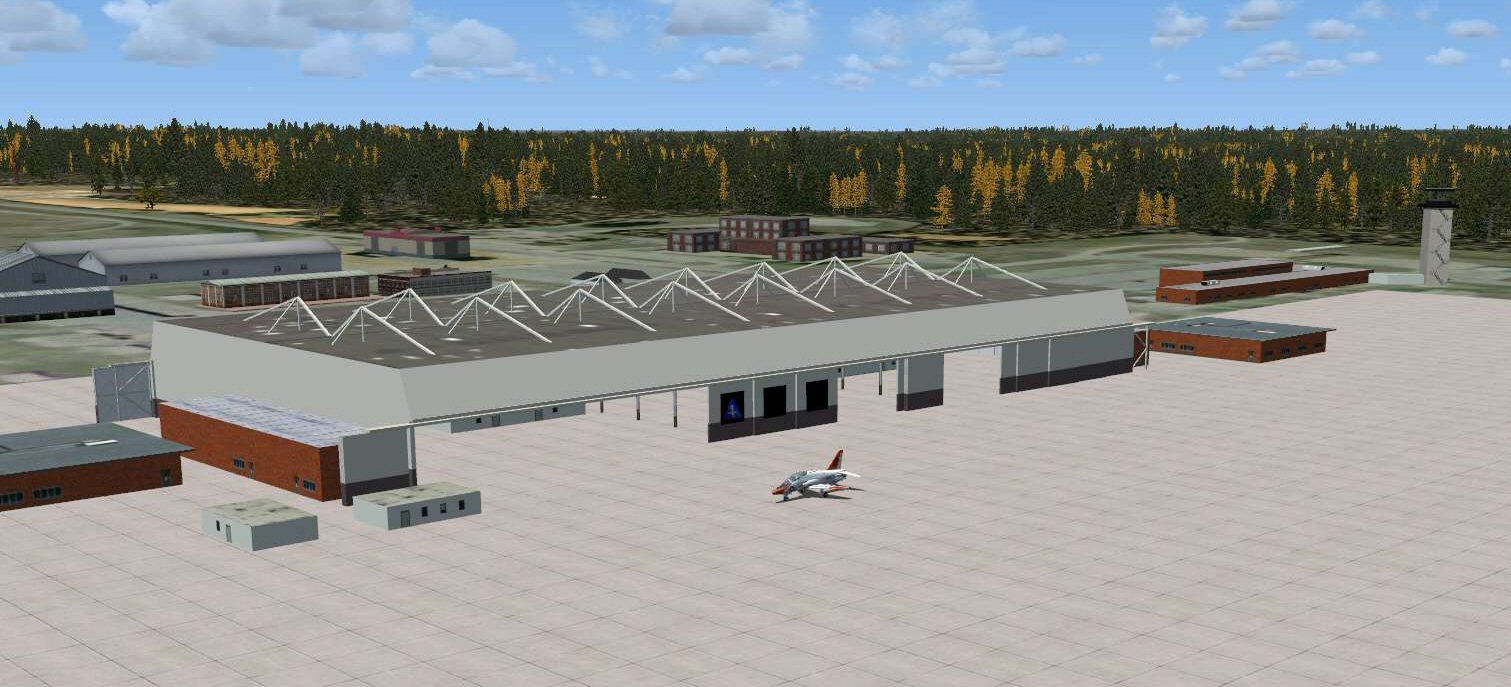
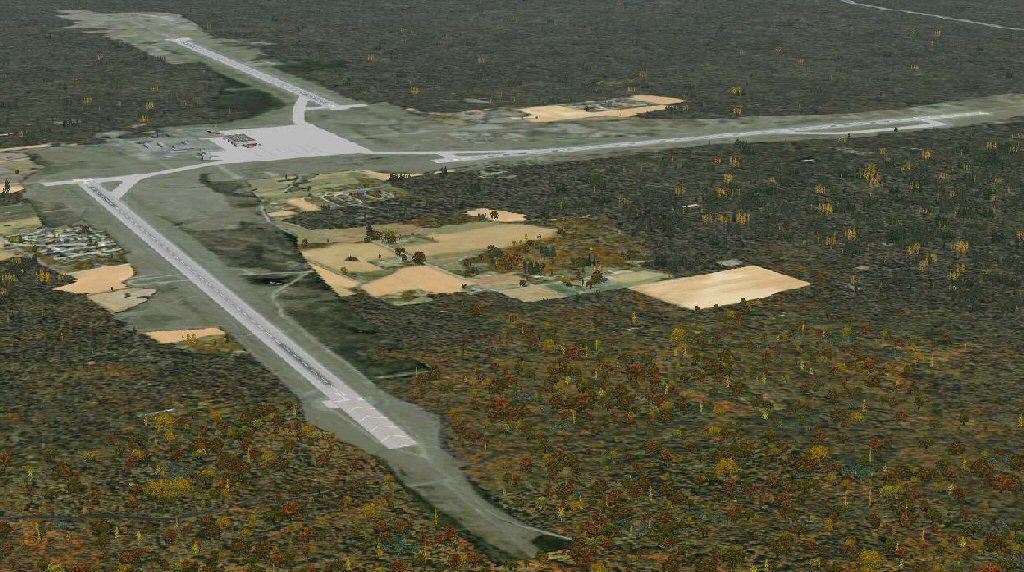
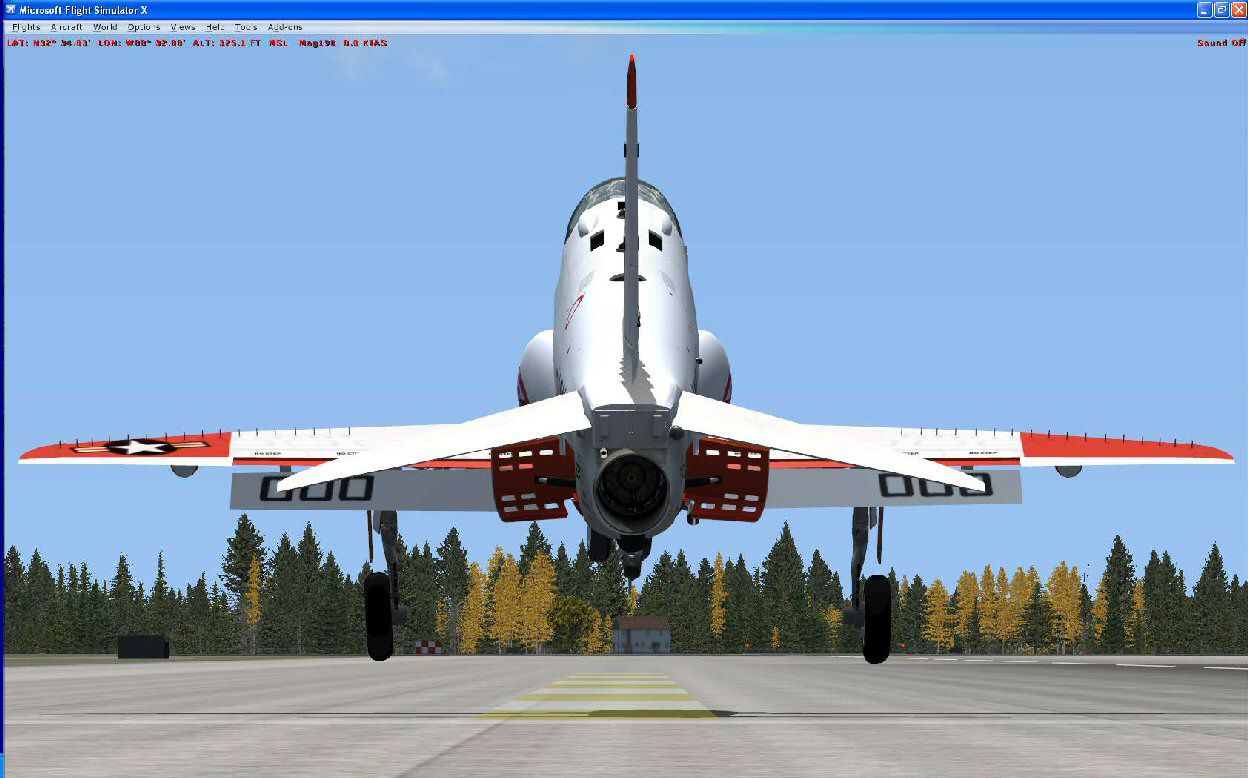
Naval Air Station Meridian (KNMM), Mississippi (MS). Naval Air Station Meridian is a secondary flight training facility for the United States Navy. Naval aviators that are on the "Wet" track use the facilities provided to learn to land on the deck of an aircraft carrier. They use the T-45 Goshawk aircraft, a plane originally developed by British Aerospace, and provided to the Navy by Boeing. This particular airport was done in FS2004 by John Stinstrom. John provided source files and allowed an update to an FSX native airport. By John Stinstrom and Jim Dhaenens.
Naval Air Station Meridian Scenery.
********Associated Goodies*******
Dino Cataneo has released his T-45C Goshawk and it is another Freeware classic, much like his F-14 for FS2004.
*******INSTALLATION*********
1. Unzip the FSX_KNMM folder to a convenient place.
1. Place the FSX_Meridian folder in your Flight Simulator X\Addon Scenery folder.
2. Start Flight Simulator X.
3. On the Flight Simulator X start screen, select "SETTINGS" then in the "Other settings" box (upper right on the settings page), select "Scenery Library."
4.On the SETTINGS - SCENERY LIBRARY page, select 'Add Area"
5. Navigate to, and open the "Addon Scenery" folder.
6. Select the "FSX_Meridian" folder and press "OK"
5. Back on the SETTINGS - SCENERY LIBRARY page, FSX_Meridian should be on the top of the list of scenery areas. Make sure the "Enabled" checkbox is checked, then press "OK"
6. The next time you run Flight Simulator X, the new scenery will be available through the SELECT AIRPORT page.
This software is freeware and may be distributed only with permission of the author.
No commercial use is allowed without author's permission.
The author is not responsible for any damage caused by this software.
Naval Air Station Meridian Scenery.
Free for all simmers · 5.62 MB · Scanned clean Oct 2026
Download speed: Free tier is capped at 0.5 Mbps (this file takes approximately 2 mins at the cap). PRO members download at full line speed.
FSX\Addon Scenery\ containing scenery and texture sub-folders.readme.txt or README file. It tells you exactly where files go, what dependencies are needed, and any quirks specific to this add-on.Use these coordinates to fly directly to this location once the mod is installed.
32.55000000,-88.56000000
Launch FSX or Prepar3D and use Flights → Load to open the downloaded .pln file. Your aircraft will be positioned at this location.
The archive fsx_knmm.zip has 41 files and directories contained within it.
This list displays the first 500 files in the package. If the package has more, you will need to download it to view them.
| Filename/Directory | File Date | File Size |
|---|---|---|
| FSX_KNMM | 09.07.08 | 0 B |
| FSX_Meridian | 09.07.08 | 0 B |
| Scenery | 09.07.08 | 0 B |
| AFX_KNMM.bgl | 09.07.08 | 25.68 kB |
| cvxKNMM.BGL | 09.07.08 | 562 B |
| knmmgs.bgl | 09.07.08 | 3.63 MB |
| knmmpl.bgl | 09.07.08 | 3.51 kB |
| meridianobj.bgl | 09.07.08 | 344.16 kB |
| meridianobj.txt | 09.07.08 | 489 B |
| texture | 09.07.08 | 0 B |
| asphalt_faded.bmp | 09.06.08 | 32.07 kB |
| asphalt_faded_LM.bmp | 09.06.08 | 32.07 kB |
| CT Controllers.bmp | 09.06.08 | 8.07 kB |
| CT Controllers_LM.bmp | 09.06.08 | 8.07 kB |
| CT detail.bmp | 09.06.08 | 8.07 kB |
| CT detail_LM.bmp | 05.23.08 | 10.75 kB |
| gray.dds | 09.07.08 | 128.12 kB |
| MAIW_Roof_Textures_JS.bmp | 09.06.08 | 512.07 kB |
| MAIW_Roof_Textures_JS_LM.bmp | 09.06.08 | 512.07 kB |
| Meridian Bunker Grass.bmp | 09.06.08 | 8.07 kB |
| Meridian Bunker Grass_FA.bmp | 05.02.08 | 48.05 kB |
| Meridian Bunker Grass_SP.bmp | 05.02.08 | 48.05 kB |
| Meridian Bunker Grass_WI.bmp | 05.02.08 | 48.05 kB |
| Meridian.bmp | 09.06.08 | 512.07 kB |
| Meridian_LM.bmp | 09.06.08 | 512.07 kB |
| Railing Metal.bmp | 09.06.08 | 8.07 kB |
| Railing Metal_LM.bmp | 09.06.08 | 8.07 kB |
| Roof Photo Warehouse.bmp | 09.06.08 | 512.07 kB |
| Roof Photo.bmp | 09.06.08 | 512.07 kB |
| rwytex.dds | 03.08.08 | 256.12 kB |
| Training Squadron 7 circle only.bmp | 09.06.08 | 8.07 kB |
| Training Squadron 9 circle only.bmp | 05.01.08 | 48.05 kB |
| Training Wing 1.bmp | 09.06.08 | 8.07 kB |
| ylotex.dds | 11.19.07 | 42.79 kB |
| knmm1.jpg | 09.07.08 | 175.72 kB |
| knmm2.jpg | 09.07.08 | 190.12 kB |
| knmm3.jpg | 09.07.08 | 166.70 kB |
| readme.txt | 09.07.08 | 2.23 kB |
| t45c1.jpg | 09.07.08 | 140.91 kB |
| flyawaysimulation.txt | 10.29.13 | 959 B |
| Go to Fly Away Simulation.url | 01.22.16 | 52 B |
Only PRO members can place votes.
More FSX & P3D add-ons hand-picked based on this download.
FSX Scenery
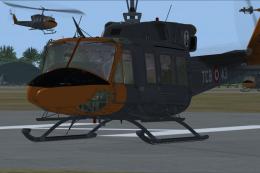
Jacksonville Naval Air Station, Florida (FL). This is an enhanced version of …
 FSX Scenery
Cengiz Topel Naval Air Station (LTBQ), Izmit, Turkey (TR). Topel is for FSX w…
 FSX Scenery
This freeware scenery upgrade for Fort Worth Naval Air Station (KNFW) in Texa…
 FSX Scenery
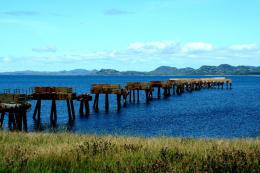
Presented here is NAS Argentia, a former base of the United States Navy that …
 FSX Scenery
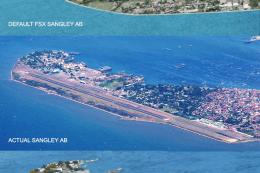
Sangley Airbase And Naval Station. A very accurate depiction of Sangley Air B…
 FSX Scenery
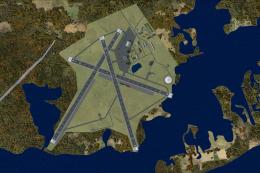
Charlestown Naval Auxiliary Air Station (KALF), RI. The Charlestown Naval Aux…
FSX Scenery
Simonstown Naval Base, South Africa. By Frits Beyer. Place Simonstown Navalba…
 FSX Scenery
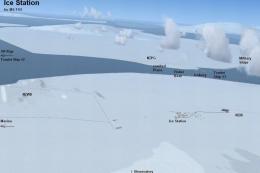
McMurdo Ice Station, Antarctica (NZPG, NZIR, NZWD). These airports are better…
Be the first to leave a comment on this download.
Be the first to share your thoughts on this download.