


 United States of America
  FSX Scenery
Mojave Spaceport
Mojave Spaceport Scenery for FSX/Acceleration/SP2. This scenery enhances the …
Mojave Boneyard scenery brings KMHV in California to life with aircraft storage areas laid over MegaScenery Earth California photoscenery, using only default airport elements and stock objects for a clean, compatible look in FSX. Choose Normal, Dense, or Really Dense layouts to control how fully the yard is populated.
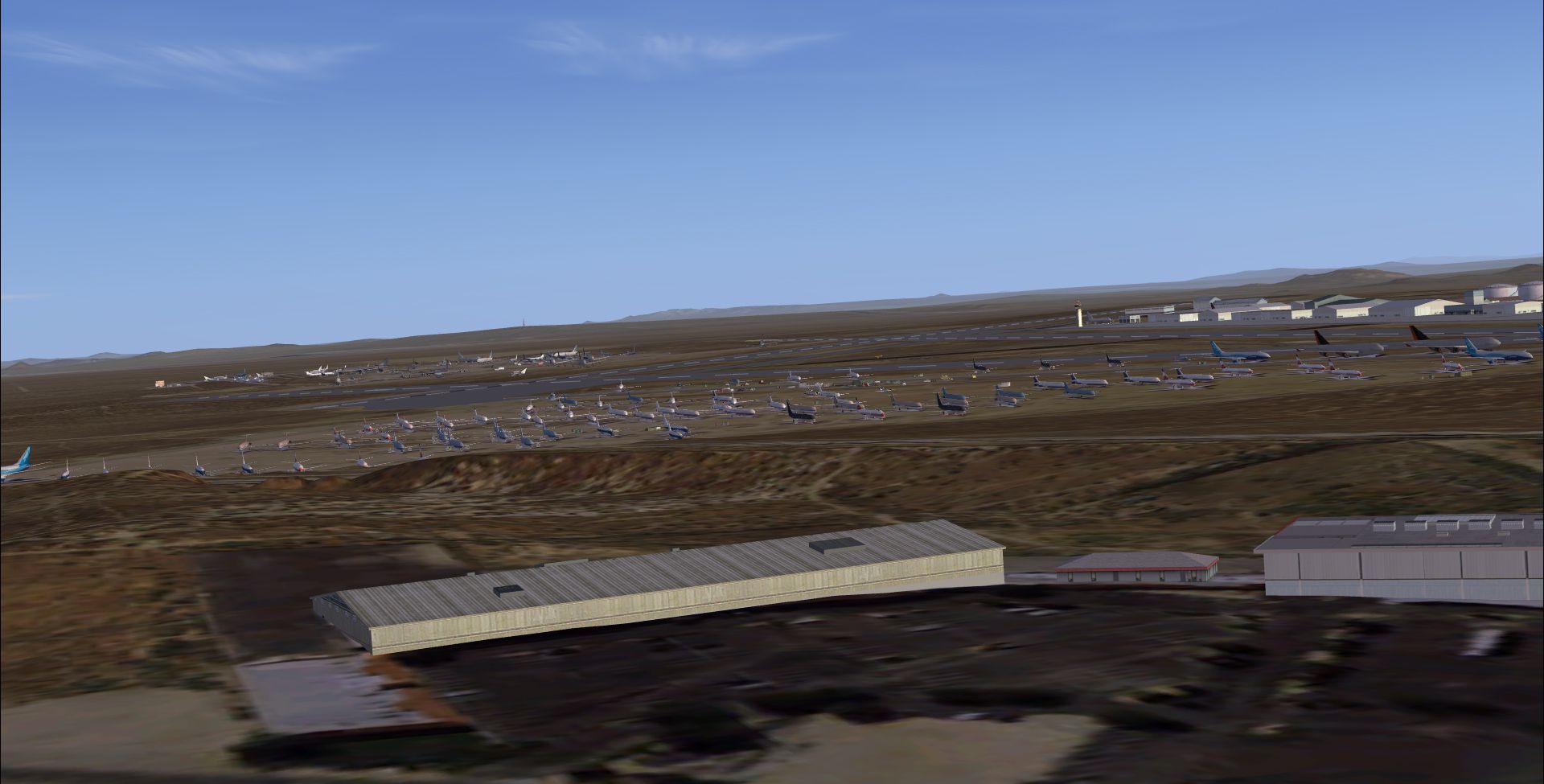

Mojave Boneyard (KMHV). This Mojave Airport, California (CA) scenery file is based on MegaScenery Earth California and builds on their photoscenery of KHMV Mojave. The airport is the default and all scenery objects are from the FSX and Acceleration default objects folders. Tested in both DX9 and 10 By Chuck Bosn.

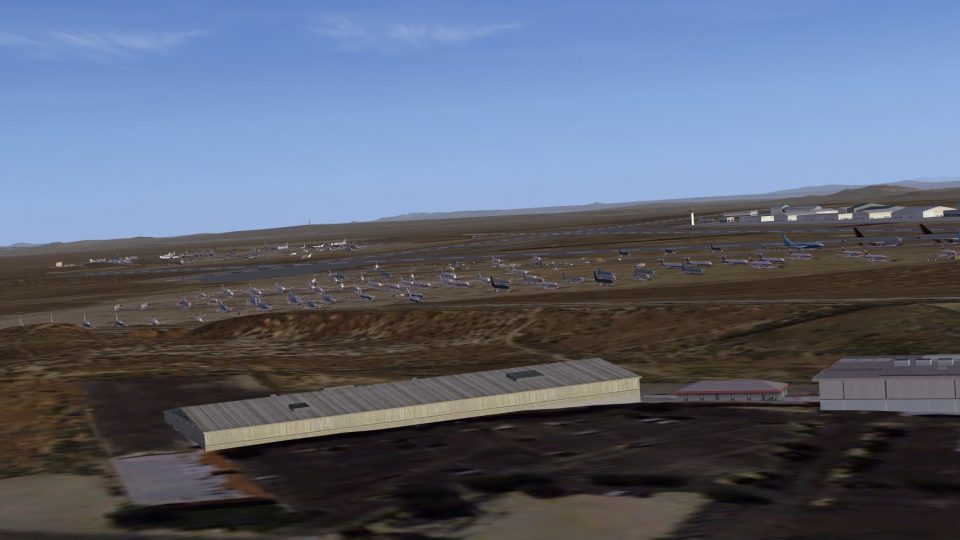
Screenshot of Mojave Boneyard Scenery.
This is a scenery file only, no traffic. This scenery file is based on MegaScenery Earth California and builds on their photoscenery of KHMV Mojave. I also have the FSG Mesh installed but it should work fine without it.
The airport is the default Microsoft FS airport and all scenery objects are from the FSX and Acceleration default objects folders.
3 levels of population, Normal, about half the yard is populated. Dense, about three fourths of the yards show. Really Dense, the yard is full.
Install:
Unzip to a temp file, Cut and paste the file "MSEUSCA Mojave Boneyard.bgl" into your: Addon Scenery/Scenery folder. Start FSX.
Tested in standard FSX and DX10 preview.
Once again, use at your own risk, no warranty or returns implied. No assumption of fault or guilt assumed.
Happy flying!
Chuck Bosn

Screenshot of Mojave Boneyard Scenery.
Free for all simmers · 1.49 MB · Scanned clean Oct 2026
Download speed: Free tier is capped at 0.5 Mbps. PRO members download at full line speed.
FSX\Addon Scenery\ containing scenery and texture sub-folders.readme.txt or README file. It tells you exactly where files go, what dependencies are needed, and any quirks specific to this add-on.Use these coordinates to fly directly to this location once the mod is installed.
35.06540000,-118.15160000
Launch FSX or Prepar3D and use Flights → Load to open the downloaded .pln file. Your aircraft will be positioned at this location.
The archive kmhvboneyard.zip has 7 files and directories contained within it.
This list displays the first 500 files in the package. If the package has more, you will need to download it to view them.
| Filename/Directory | File Date | File Size |
|---|---|---|
| KMHV BoneYard | 01.31.11 | 0 B |
| MSEUSCA Mojave Boneyard.bgl | 01.31.11 | 15.65 kB |
| Readme.txt | 01.31.11 | 922 B |
| Untitled-1.jpg | 01.31.11 | 802.14 kB |
| Untitled-2.jpg | 01.31.11 | 785.95 kB |
| flyawaysimulation.txt | 10.29.13 | 959 B |
| Go to Fly Away Simulation.url | 01.22.16 | 52 B |
Only PRO members can place votes.
More FSX & P3D add-ons hand-picked based on this download.
FSX Scenery
Mojave Spaceport Scenery for FSX/Acceleration/SP2. This scenery enhances the …
 FSX Scenery
This remote former World War II desert airfield has developed some very inter…
 FSX Scenery
Skara Scenery Bonaire X. Flamingo International Airport or Bonaire Internatio…
 FSX Scenery
Iwo Jima Scenery 1945 Update. This is a complete scenery with added effects a…
FSX Scenery
Kjeller Area Scenery X, Norway. Scenery around Kjeller airport with photoreal…
 FSX Scenery
FSX Loney's Alaska For FSX. This is a compilation of the author's Alaskan sce…
 FSX Scenery
For users of Flight Simulator X (and FSX: Steam Edition) and/or Prepar3D, ter…
 FSX Scenery
This freeware release by developer Aime Leclercq introduces revised highways …
Be the first to leave a comment on this download.
Be the first to share your thoughts on this download.