

 FSX Historic & Vintage Aircraft
Lockheed L10E Electra
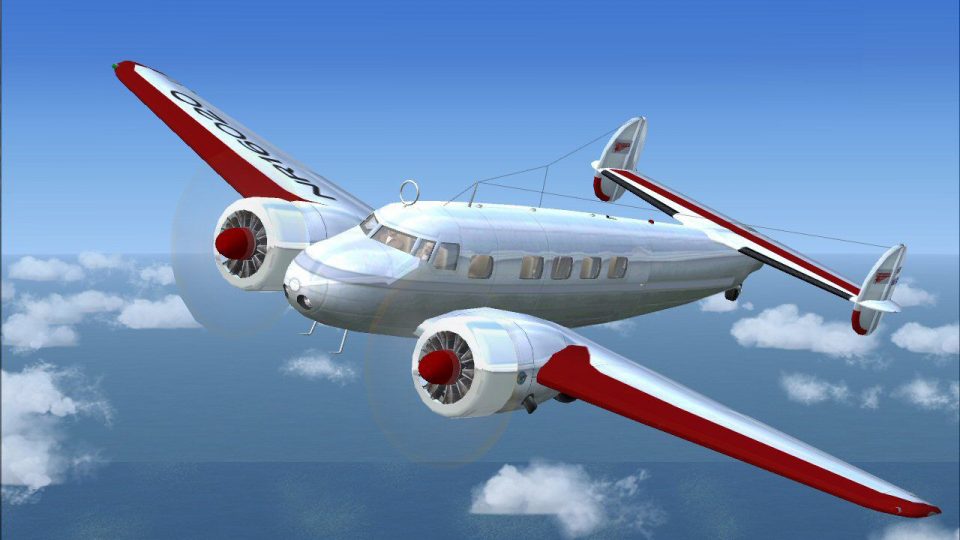
Lockheed L10E Electra. Converted from FS2004 version of Amelia Earharts Elect…
Amelia Earhart’s Lockheed Electra L-10E comes to life in a historically faithful repaint, capturing the red-winged aircraft flown on the opening legs of her 1937 round-the-world attempt. Built for Microsoft Flight Simulator X, it requires FS-Design Berlin’s Electra base model and includes supporting photos and background for immersive period flying.
 Rate
Rate
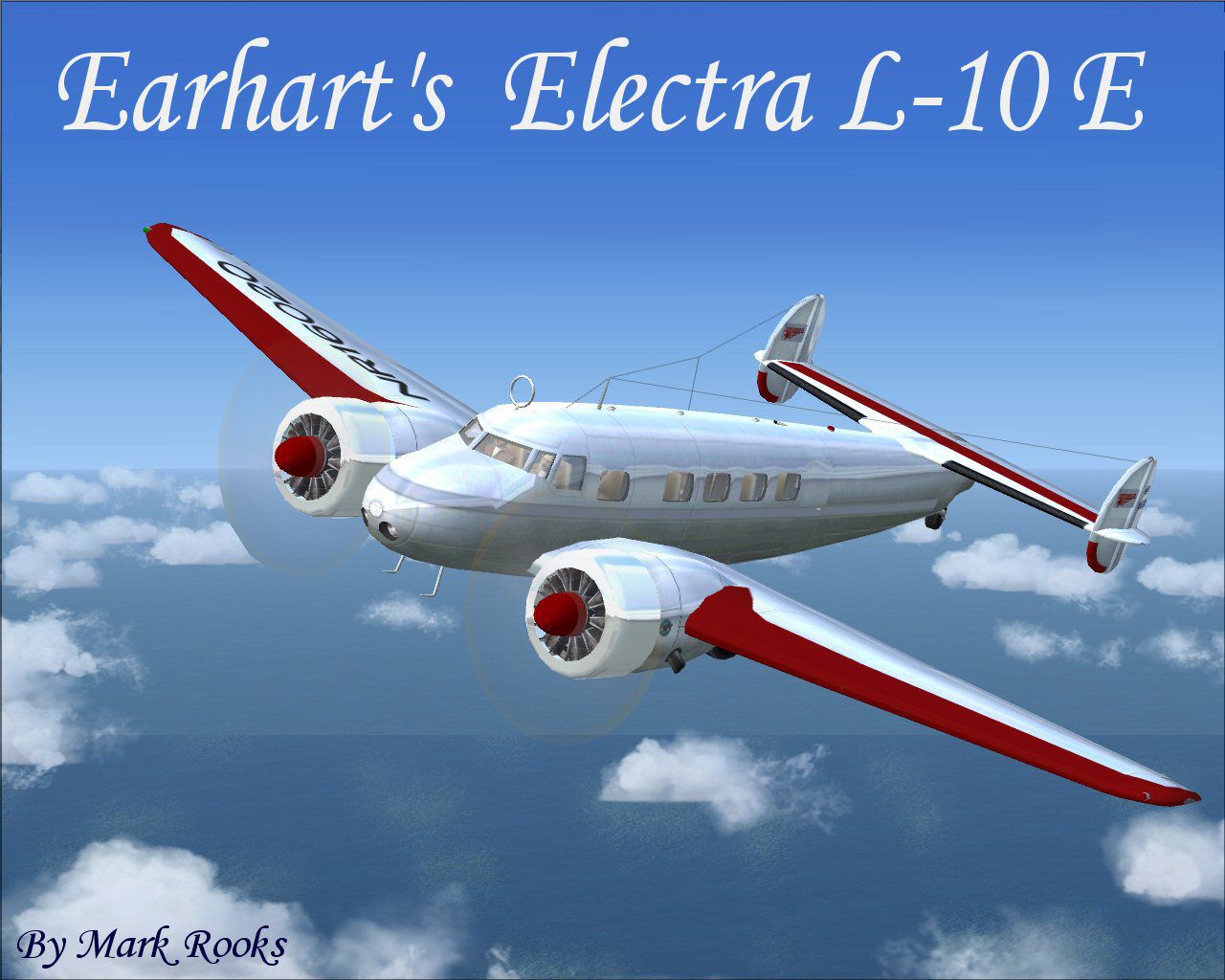
Earhart's Electra L-10 E. A repaint of FS-Design Berlin's Lockheed Electra L-10 modified for Flight Simulator X. Painted as Amelia Earhart's Electra L10 E in what turned out to be the final flight of Earhart's career, and, ultimately, her life, It began on June 1, 1937. Earhart and Noonan left for their round-the-world flight in her twin-engine, red-winged Electra. From Miami, they flew to San Juan. Right before taking off on this leg of the flight, Earhart was quoted as saying, "I have a feeling there is just about one more good flight left in my system and I hope this trip is it. Package includes pictures and history of the aircraft. Textures and updates by Mark Rooks of RSDG Aircraft.

Screenshot of Earhart's Electra L-10 E in flight.
To install this aircraft:
As always back up any original files.
1.Unzip downloaded folders to your desktop or temporary directory of your choice.
2.Copy the " Earhart's Electra L 10-E " folder and paste it in the main aircraft folder.
By default the main aircraft folder is located at:
"C:Program FilesMicrosoft GamesFSxSIM Objects /Aircraft .
3. Be sure to completely unzip all files the aircraft file when complete will Cotain 6 files the Following 6 files goes in the aircraft folder CFG Airfile Model Sound Panel Textures
Made Simpler:
Make sure all files are unzipped the New Plane folder should contain 6 files unzipped they are CFG Airfile Sound Model Texture Panel the New Plane folder with the 6 files goes in the game aircraft folder found at C:Program FilesMicrosoft GamesMicrosoft Flight Simulator XSimObjectsAirplanes follow the path ie open the c drive then open program files then open Microsoft Games then open Microsoft Flight Simulator X then open SimObjects then open Airplanes folder the New Plane goes in that folder.
Mark Rooks
Textures and FSX updates created by Mark "Fire Ball" Rooks.
Load the Guages and the panel.
Thanks
DISCLAIMER:
WE CONNOT BE CHARGED FOR ANY DAMAGES/PROBLEMS/ERRORS CAUSED TO YOUR EQUIPMENT THROUGH USE OF RSDG FILES!
USE ALL FILES AT YOUR OWN RISK!
BY INSTALLING OUR FILES ON YOUR EQUIPMENT YOU ARE AGREEING TO THIS DISCLAIMER.
ALL FILES VIRUS FREE AT TIME OF UPLOAD.
Enjoy your new repaint.
Thanks for downloading.
The Creation By Col.Robert K Suchke one hell of a C.O. Frank D Merrill
The Creations
(Airborne Version)
And the Lord God spoke forth unto the heavens and said "Let there be Airborne". The earth did tremble and quake, and the waters did rise up. The clouds did part, and there came forth a multitude of parachutes which filled the sky. God looked down and saw that this was good. And they were good, for they were AIRBORNE!! God then spoke forth unto the land and said "Let there be Rangers". And all at once the day turned into darkness, and the winds did howl, and the mountains crumbled into the sea. The great rocks did part and there sprang forth a horde of Mephistopheles' disciples wearing Ranger tabs and carrying all manner of deadly weapons. God looked down and saw that this was bad. And they were bad, for they were RANGERS !! Then God spoke forth thrice unto the sky, the earth and the sea, saying "Let there be Special Forces". Lightning did flash and thunder did echo across the sky. Mountains spewed forth molten rock and rained down fire upon the land. Tidal waves surged against the shore, and despair, disorder and turmoil did prevail. Forthwith, there did appear a band of twelve extraordinary men. A few came from beneath the waves. Others jumped from the skies, and still more stalked silently from the forests. Each one was in camouflage battle dress, wearing a green beret. Working together, they brought peace unto the land. God looked down and saw that this was amazing. And they were amazing, for they were SPECIAL FORCES!! Besides himself, God now spoke forth and commanded "Let all ye that be weak in mind and body arise and go forth". And lo, from the abyss they crawled forth with indecision and limped weakly upon the earth. God looked down and saw that they were pathetic. And they were pathetic, for they were LEGS! !**
By Col. Robert K Suchke
"Fire Ball"
The gauges is from the default DC-3 No VC the panel from DS Berlin does not work in FSX update your own is encouraged.
Free for all simmers · 25.64 MB · Scanned clean Oct 2026
Download speed: Free tier is capped at 0.5 Mbps (this file takes approximately 7 mins at the cap). PRO members download at full line speed.
SimObjects\Airplanes\, Addon Scenery\, Effects\, or Gauges\.readme.txt or README file. It tells you exactly where files go, what dependencies are needed, and any quirks specific to this add-on.The archive l10eae.zip has 8 files and directories contained within it.
This list displays the first 500 files in the package. If the package has more, you will need to download it to view them.
| Filename/Directory | File Date | File Size |
|---|---|---|
| Earhart's Electra L 10-E.zip | 05.02.08 | 21.26 MB |
| History and Pictures.zip | 05.02.08 | 4.22 MB |
| L-10E Screen.jpg | 05.02.08 | 161.60 kB |
| Read Me First.txt | 05.02.08 | 5.55 kB |
| Reg. Text.txt | 05.02.08 | 729 B |
| Thumbs.db | 05.02.08 | 6.00 kB |
| flyawaysimulation.txt | 10.29.13 | 959 B |
| Go to Fly Away Simulation.url | 01.22.16 | 52 B |
Only PRO members can place votes.
More FSX & P3D add-ons hand-picked based on this download.
FSX Historic & Vintage Aircraft
Lockheed L10E Electra. Converted from FS2004 version of Amelia Earharts Elect…
 FSX Historic & Vintage Aircraft
P-38J-10-LO 459th Fighter Squadron, 80th Fighter Group. Piloted by Maj. Willa…
 FSX Historic & Vintage Aircraft
Now version 3.14 (V3.1406). This package includes the latest Douglas C-47 Sky…
 FSX Historic & Vintage Aircraft
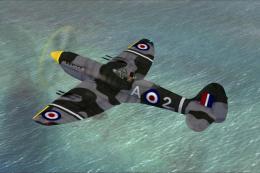
This is A.F. Scrub's Submarine MK-22 Spitfire Updated For Flight Simulator X.…
 FSX Historic & Vintage Aircraft
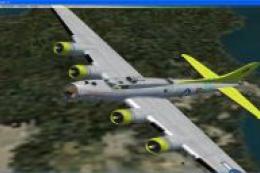
Note this aircraft originally was made by Gary Herbert due to the fact that h…
 FSX Historic & Vintage Aircraft
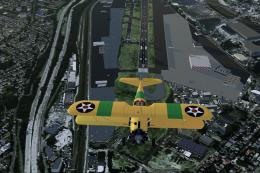
An FSX-native Boeing-Stearman Model 75 freeware aircraft add-on with a range …
 FSX Historic & Vintage Aircraft
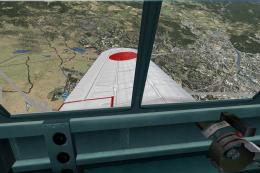
Delve into the realm of historic aviation with the Mitsubishi A6M Zero Comple…
 FSX Historic & Vintage Aircraft
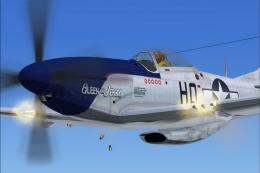
North American P-51D Mustang v1.1. The freeware Alphasim P-51 Mustang upgrade…
Read what other simmers think, or add your own.

Bit disappointed that when I installed the L10E it has no 3d virtual cockpit, nor does it even have a proper 2d cockpit! The panel and sound is out of a DC3 and has no side view. The exterior view is also very basic. But it was free I guess, so shouldn't complain..

I have two questions about this aircraft:

Hi,
I have been working on amelia's disappearence for a number of years and believe that I have found the solution. My proof requires that I prove what time zone the Itasca was on. In order to prove this, I need assistance in modeling the first 7.3 hours of her flight in the electra 10e. The basic set up would be with two different fuel loads. One with 900 gallons and the other with 1000. true course 78 degrees with wind from the east at 12mph. What I need to know is how many statute miles the plane would have covered in 7.3 hours. The operating parameters are as follows:
3hrs @ 8000' 1900rpm 28 pressure .073 mixture 3hrs @8000' 1800rpm 26.5 pressure .072 mix 1hr 20 min @8000 1700rpm 25 press .072mix
I'm working using ubuntu and do not have fsx or I would do it my self so any assistance would be greatly appreciated.
For a detailed discussion of my theory, you may send me an email and I will point you to a web forum in which I detail my theory.
Please believe me, I am confident that I am correct and this info will prove it.
rawky@zoominternet.net