

 FSX Turboprops
Air Spain Bristol Britannia
Air Spain textures for Britannia aircraft by Jens Kristensen (BRT_V10X.ZIP). …
Bristol Britannia brings a freshly built turboprop airliner to FSX with multiple authentic variants and liveries, including Britannia 310, C.1, and 102 in BOAC, Canadian Pacific, Cubana, British Eagle, RAF, BKS, and Britannia Airways colors. Includes custom panel, virtual cockpit, textures, and gauges; requires FSX SP2, Acceleration, or Gold for full display fidelity.
 Rate
Rate

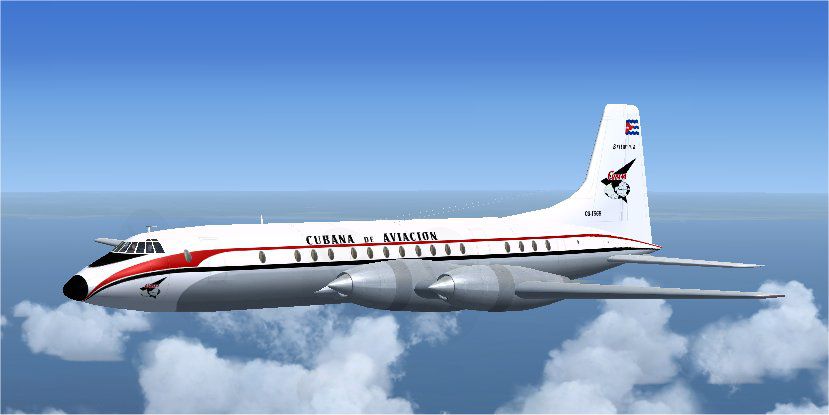
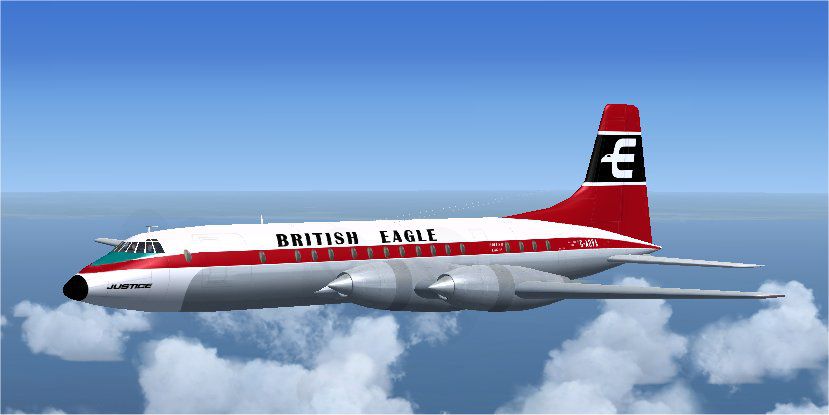
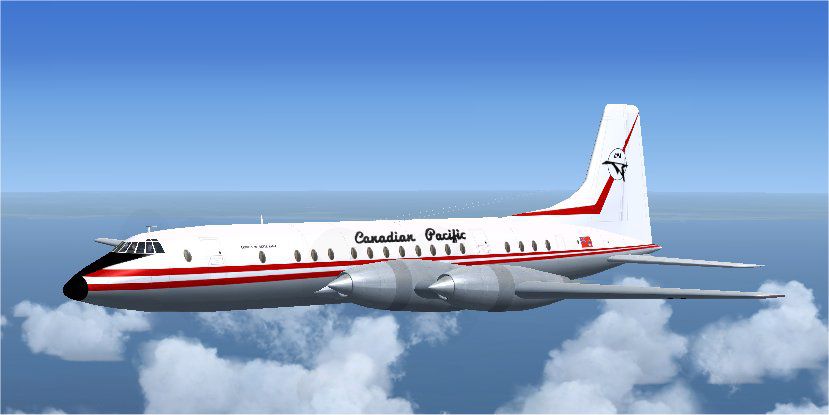
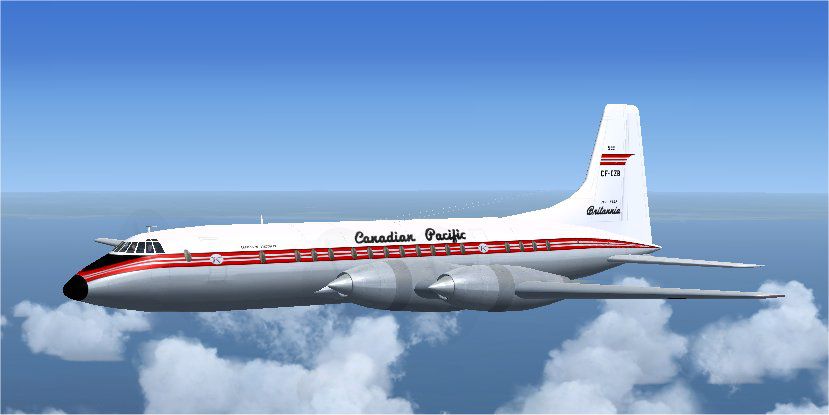
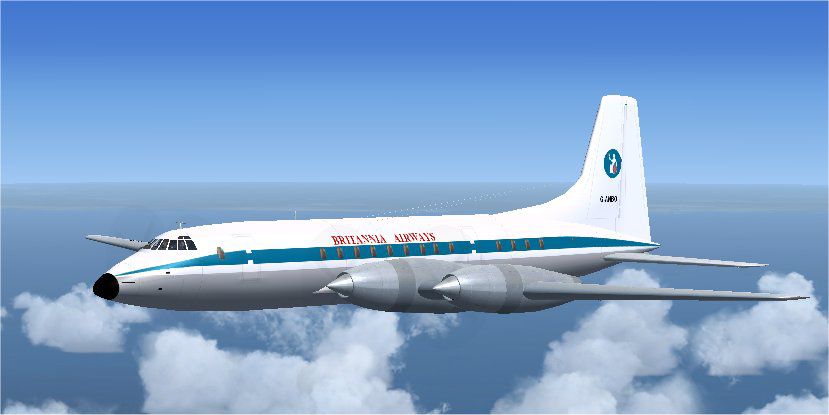


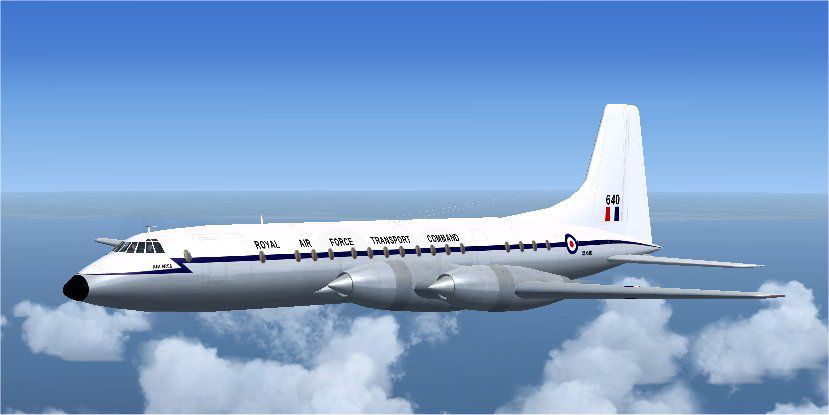
This is version 1.0 of an all-new model of the Bristol Britannia. The package contains several variants: Britannia 310 of BOAC, Canadian Pacific, Cubana and British Eagle; Britannia C.1 of the RAF; Britannia 102 of BOAC, BKS and Britannia Airways. For FSX only. FS2004 users should download BRT_V10.ZIP instead. By Jens B. Kristensen.
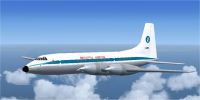
Screenshot of Bristol Britannia in flight.
Version 1.0
This is an all-new model of the Bristol Britannia. The package contains several variants:
Britannia 310 of BOAC, Canadian Pacific, Cubana and British Eagle.
Britannia C.1 of the RAF.
Britannia 102 of BOAC, BKS and Britannia Airways.
This package is for FSX only, FS2004 users should download Brt_V10.zip instead.
For more information about the aircraft, see the pdf document installed in the \Documentation folder.
*To install for Flight Simulator X:
Run the included setup_fsx program.
The model requires FSX Gold, FSX Service Pack 2, or the Acceleration expansion pack to display 100% correctly. It will work with earlier variants of FSX as well.
I hope it also works with the 'DirectX 10 preview' option in Windows Vista, but I have not been able to check this.
Model, panel, virtual cockpit and textures by Jens B. Kristensen, made with FSDS 3.5.1, FS Panel Studio, Paint Shop Pro and DXTbmp.
Sounds:
The sounds are aliased to turboprop aircraft included with Flight Simulator.
Gauges:
Most gauges are by myself but with much inspiration from standard gauges by Microsoft.
The ILS indicator is based on xml code by Saviero Maurri (Vickers Varsity panel), bitmaps by me.
A number of gauges (mostly switches) are, with permission from Tom Gibson, based on work by Tom himself, Kevin Trinkle, Ernie Kennedy and Ken 'Mitch' Mitchell. I have used complete gauges from them (cowl flap switches), or used the bitmaps from their c-style gauges and made xml-versions of them.
Finally, a big 'thank you' to Hans-Joerg Naegele, who gave me permission to use gauges from his Lockheed 049 Constellation panel (VNConnie049.cab), directly or modified.
Magneto switches and starter buttons are based on public domain gauges by Mike 'Moparmike' Wagner, converted to xml by me.
Good luck flying the Britannia!
Jens B. Kristense
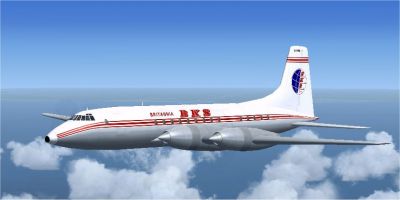
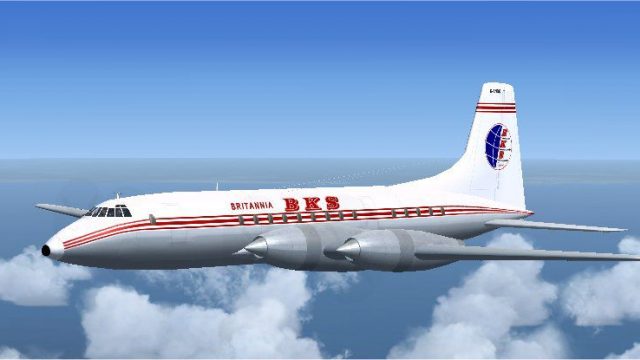
Screenshot of Britannia BKS in flight.
Free for all simmers · 16.78 MB · Scanned clean Oct 2026
Download speed: Free tier is capped at 0.5 Mbps (this file takes approximately 5 mins at the cap). PRO members download at full line speed.
SimObjects\Airplanes\, Addon Scenery\, Effects\, or Gauges\.readme.txt or README file. It tells you exactly where files go, what dependencies are needed, and any quirks specific to this add-on.The archive brt_v10x.zip has 16 files and directories contained within it.
This list displays the first 500 files in the package. If the package has more, you will need to download it to view them.
| Filename/Directory | File Date | File Size |
|---|---|---|
| thumbnail.gif | 04.07.09 | 8.55 kB |
| FileID.diz | 04.07.09 | 370 B |
| FileID.txt | 04.07.09 | 368 B |
| Image2.jpg | 02.12.09 | 40.12 kB |
| Image3.jpg | 02.12.09 | 42.29 kB |
| Image4.jpg | 02.12.09 | 39.94 kB |
| Image5.jpg | 02.12.09 | 42.01 kB |
| Image6.jpg | 02.12.09 | 41.46 kB |
| Image7.jpg | 02.12.09 | 40.64 kB |
| Image9.jpg | 02.12.09 | 39.26 kB |
| Image10.jpg | 02.12.09 | 41.74 kB |
| Image11.jpg | 02.12.09 | 39.42 kB |
| Readme.txt | 04.07.09 | 2.00 kB |
| setup_fsx.exe | 04.07.09 | 16.71 MB |
| flyawaysimulation.txt | 10.29.13 | 959 B |
| Go to Fly Away Simulation.url | 01.22.16 | 52 B |
Only PRO members can place votes.
More FSX & P3D add-ons hand-picked based on this download.
FSX Turboprops
Air Spain textures for Britannia aircraft by Jens Kristensen (BRT_V10X.ZIP). …
 FSX Turboprops
This repaint package enhances a classic Monarch Airlines Bristol Britannia fo…
 FSX Turboprops
This freeware repaint set brings a carefully detailed Donaldson-themed finish…
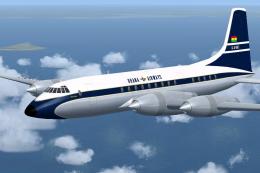 FSX Turboprops
This repaint adds authentic Ghana Airways markings to the classic Bristol Bri…
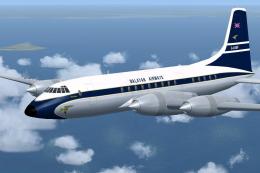 FSX Turboprops
Experience the distinctive 1960s appeal of the Malayan Airlines Bristol Brita…
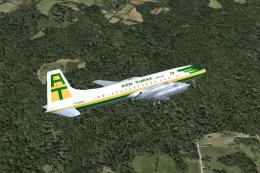 FSX Turboprops
Textures for the Bristol Britannia by Jens Kristensen. Requires BRT_V10X.ZIP.…
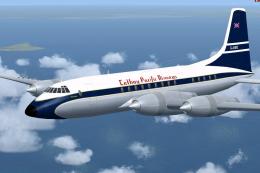 FSX Turboprops
Cathay Pacific Airways briefly operated the renowned Bristol Britannia under …
 FSX Turboprops
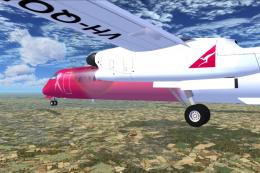
This aircraft is another success story for Bombardier. It is well liked by ai…
Read what other simmers think, or add your own.

