

 FSX Turboprops
Bristol Britannia
This is version 1.0 of an all-new model of the Bristol Britannia. The package…
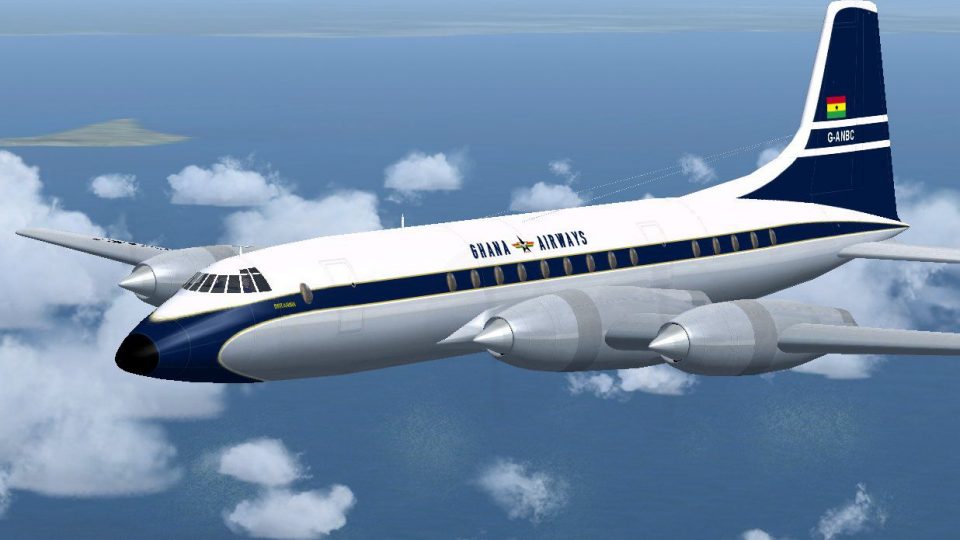
Ghana Airways’ classic look comes alive on the Bristol Britannia 102 with period-correct markings, refined shading, and crisp details that emphasize the turboprop’s distinctive fuselage lines and engine nacelles in Microsoft Flight Simulator X. The textures recreate a BOAC-leased series 102 aircraft and require the freeware JBK Britannia base model.
 Rate
Rate
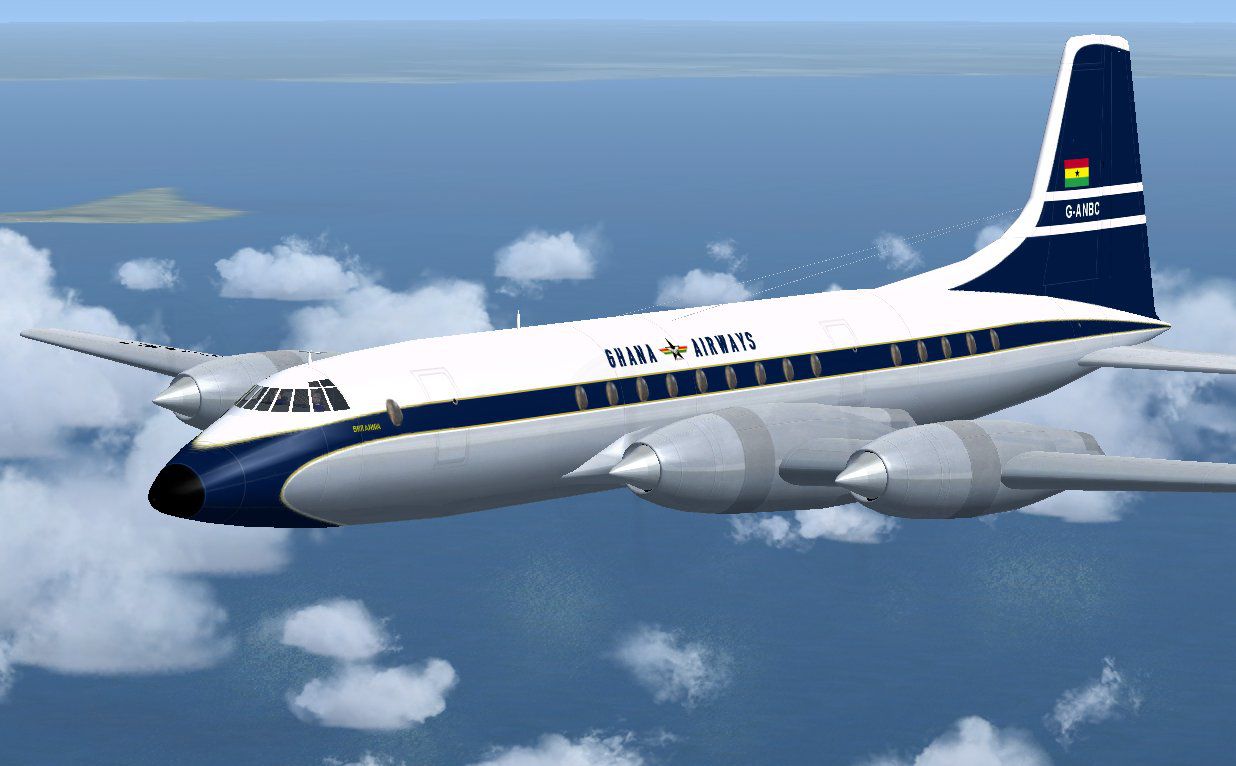
This repaint adds authentic Ghana Airways markings to the classic Bristol Britannia 102 for Microsoft Flight Simulator X, capturing the turboprop’s distinctive fuselage lines and emblematic engine nacelles. Ghana Airways leased several Britannias from BOAC in the mid-20th century, and this livery recreates one of those series 102 aircraft in vivid detail. Created by Jens B. Kristensen, these textures fit perfectly on the freeware JBK Britannia base model (BRT_V10X.ZIP), available in the Fly Away Simulation library.
Ghana Airways served as the national carrier for Ghana, operating various routes across Africa and beyond. By flying the Bristol Britannia 102, the airline gained access to a reliable turboprop that combined extended range capability with moderate operating costs. The Britannia itself, designed by the Bristol Aeroplane Company, was renowned for its pressurized cabin and efficient turboprop engines. This specific series 102 variant stood out for its balanced performance, making it suitable for mid-long haul flights typically requested by expanding African airlines.
The repaint showcases Ghana Airways’ original color scheme featuring contrasting tones on the fuselage, tail fin, and engine housings. These texture files accurately portray the airline insignia as it appeared on the real aircraft, ensuring historical authenticity for enthusiasts. The repainted components also preserve surface details through added shading and enhanced fuselage reflections, highlighting the Britannia’s distinctive curves and turbine inlets.
This package contains textures only and requires the freeware Brt_V10X.zip base model. Before proceeding, verify that the JBK Britannia directory is already present on your system. Then follow these steps:
Next, edit the aircraft.cfg file in the “JBK Britannia” folder. Insert the following code after the existing [fltsim.x] entries, ensuring the xx is replaced with your next numerical value:
[fltsim.xx]
title=JBK Britannia Ghana102
sim=JBK Britannia
model=
panel=
sound=
texture=ghana
kb_checklists=
kb_reference=britannia_ref
atc_id=G-ANBC
ui_manufacturer=Bristol
ui_type=Britannia (JBK)
ui_variation=Ghana Airways srs 102
atc_heavy=0
atc_airline=Ghana
atc_flight_number=1960
description=Bristol Britannia 102, on lease from BOAC to Ghana Airways.
ui_typerole="Propliner"
ui_createdby="JBK"
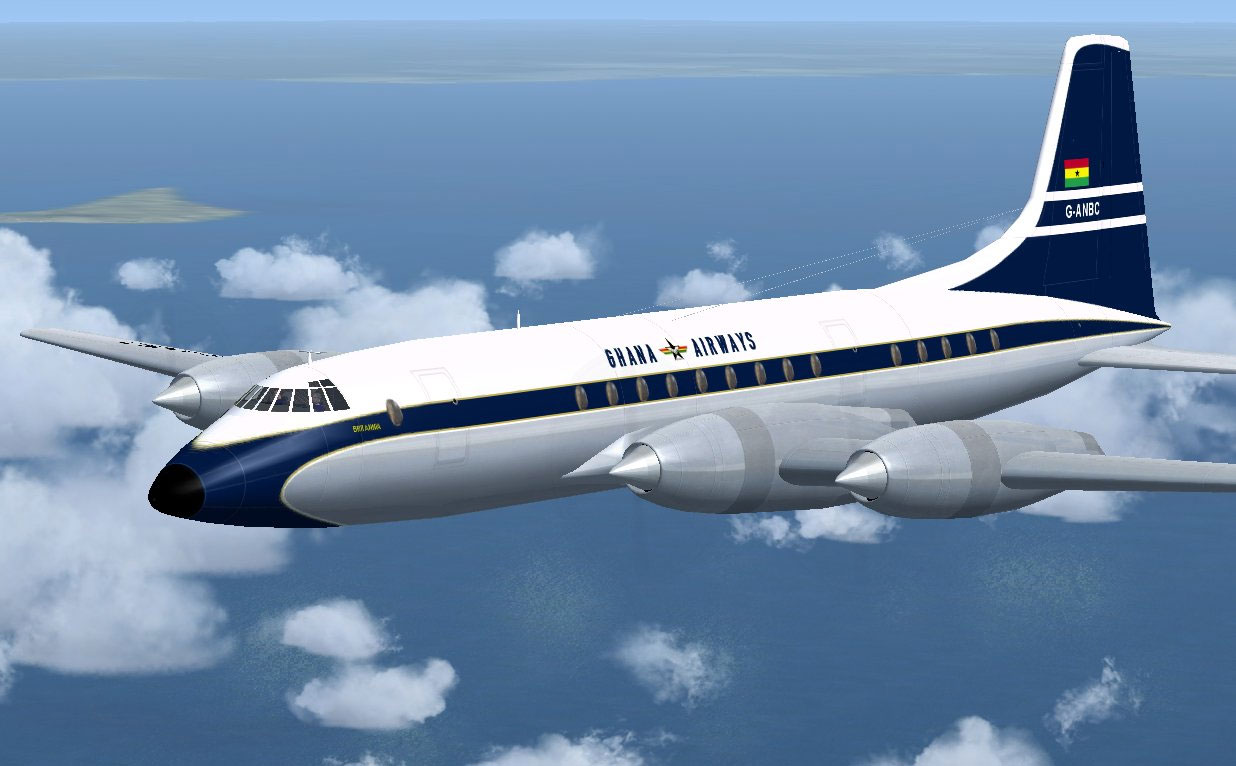
Screenshot of Ghana Airways Bristol Britannia 102 in flight.
The attached image illustrates this livery soaring against a clear sky. Notice the iconic wing design and the carefully replicated markings that similarly reflect the real world Ghana Airways Britannia aircraft.
All credit goes to Jens B. Kristensen for the textures and overall repaint configuration. This modification offers a glimpse into a historic era of African aviation by presenting a faithful representation of Ghana Airways’ treasured turboprop fleet.
Free for all simmers · 1.03 MB · Scanned clean Oct 2026
Download speed: Free tier is capped at 0.5 Mbps. PRO members download at full line speed.
This file is a repaint — the package below is the base model it paints onto. Install it first, or the textures will have nothing to load onto.
texture.{airline}) inside FSX\SimObjects\Airplanes\{base-aircraft}\.aircraft.cfg in Notepad. Add a new [fltsim.X] section per the readme.readme.txt or README file. It tells you exactly where files go, what dependencies are needed, and any quirks specific to this add-on.The archive brt_bhax.zip has 17 files and directories contained within it.
This list displays the first 500 files in the package. If the package has more, you will need to download it to view them.
| Filename/Directory | File Date | File Size |
|---|---|---|
| Steel_L.dds | 04.09.09 | 64.12 kB |
| Steel_t.dds | 04.09.09 | 64.12 kB |
| texture.shared | 05.03.09 | 0 B |
| leftaft_t.dds | 05.03.09 | 1.00 MB |
| leftfwd_t.dds | 05.03.09 | 1.00 MB |
| rtaft_t.dds | 05.03.09 | 1.00 MB |
| rtfwd_t.dds | 05.03.09 | 1.00 MB |
| texture.cfg | 11.23.08 | 46 B |
| thumbnail.jpg | 05.03.09 | 7.38 kB |
| texture.ghana | 05.03.09 | 0 B |
| FileID.diz | 05.03.09 | 253 B |
| FileID.txt | 05.03.09 | 257 B |
| Image.jpg | 05.03.09 | 99.19 kB |
| Readme.txt | 05.03.09 | 1.26 kB |
| thumbnail.gif | 05.03.09 | 9.59 kB |
| flyawaysimulation.txt | 10.29.13 | 959 B |
| Go to Fly Away Simulation.url | 01.22.16 | 52 B |
Only PRO members can place votes.
More FSX & P3D add-ons hand-picked based on this download.
FSX Turboprops
This is version 1.0 of an all-new model of the Bristol Britannia. The package…
 FSX Turboprops
Air Spain textures for Britannia aircraft by Jens Kristensen (BRT_V10X.ZIP). …
 FSX Turboprops
This repaint package enhances a classic Monarch Airlines Bristol Britannia fo…
 FSX Turboprops
This freeware repaint set brings a carefully detailed Donaldson-themed finish…
 FSX Turboprops
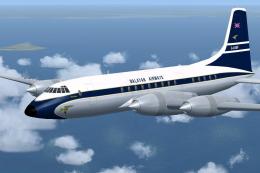
Experience the distinctive 1960s appeal of the Malayan Airlines Bristol Brita…
 FSX Turboprops
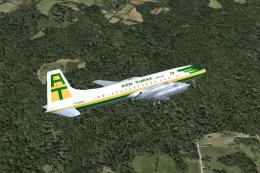
Textures for the Bristol Britannia by Jens Kristensen. Requires BRT_V10X.ZIP.…
 FSX Turboprops
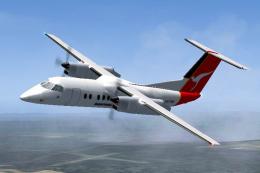
Qantas Link DeHavilland Dash 8-102, registration YH-TND. A 37 seat twin turbo…
 FSX Turboprops
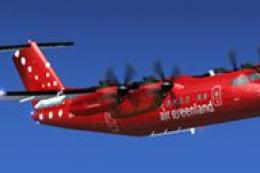
Registration OY-GRF, "Sululik". Highly detailed model. New HD textures (2048x…
Be the first to leave a comment on this download.
Be the first to share your thoughts on this download.