

 FSX Turboprops
SP-2 Acceleration Pilatus PC-6C_H2
Fairchild-built version of the Pilatus PC-6 Turbo Porter, with the Garrett TP…
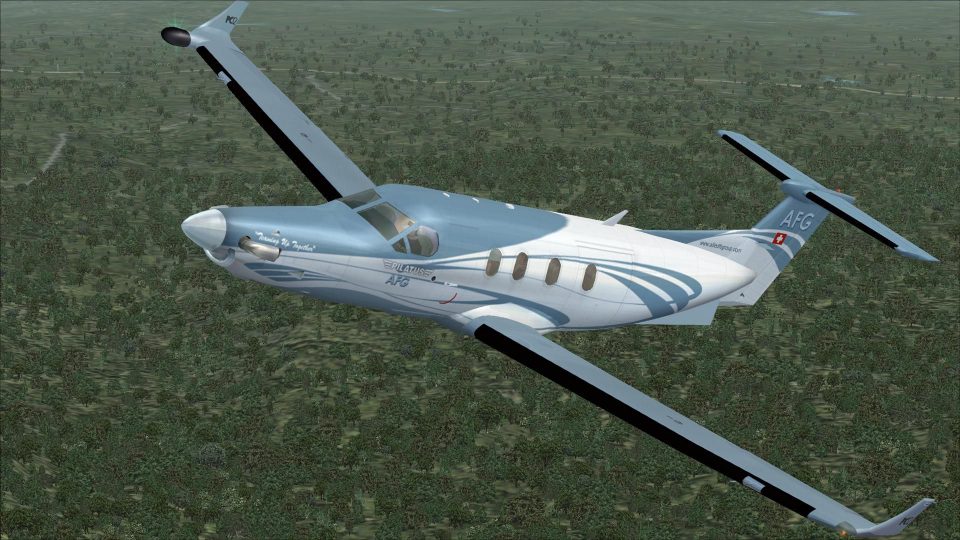
Pilatus PC-12 brings a versatile single-engine turboprop to FSX with an updated model based on the original AFG release and refined for smooth operation in the sim. Expect a detailed exterior, a practical virtual cockpit, and believable performance suited to everything from short regional hops to longer utility flights.
 Rate
Rate
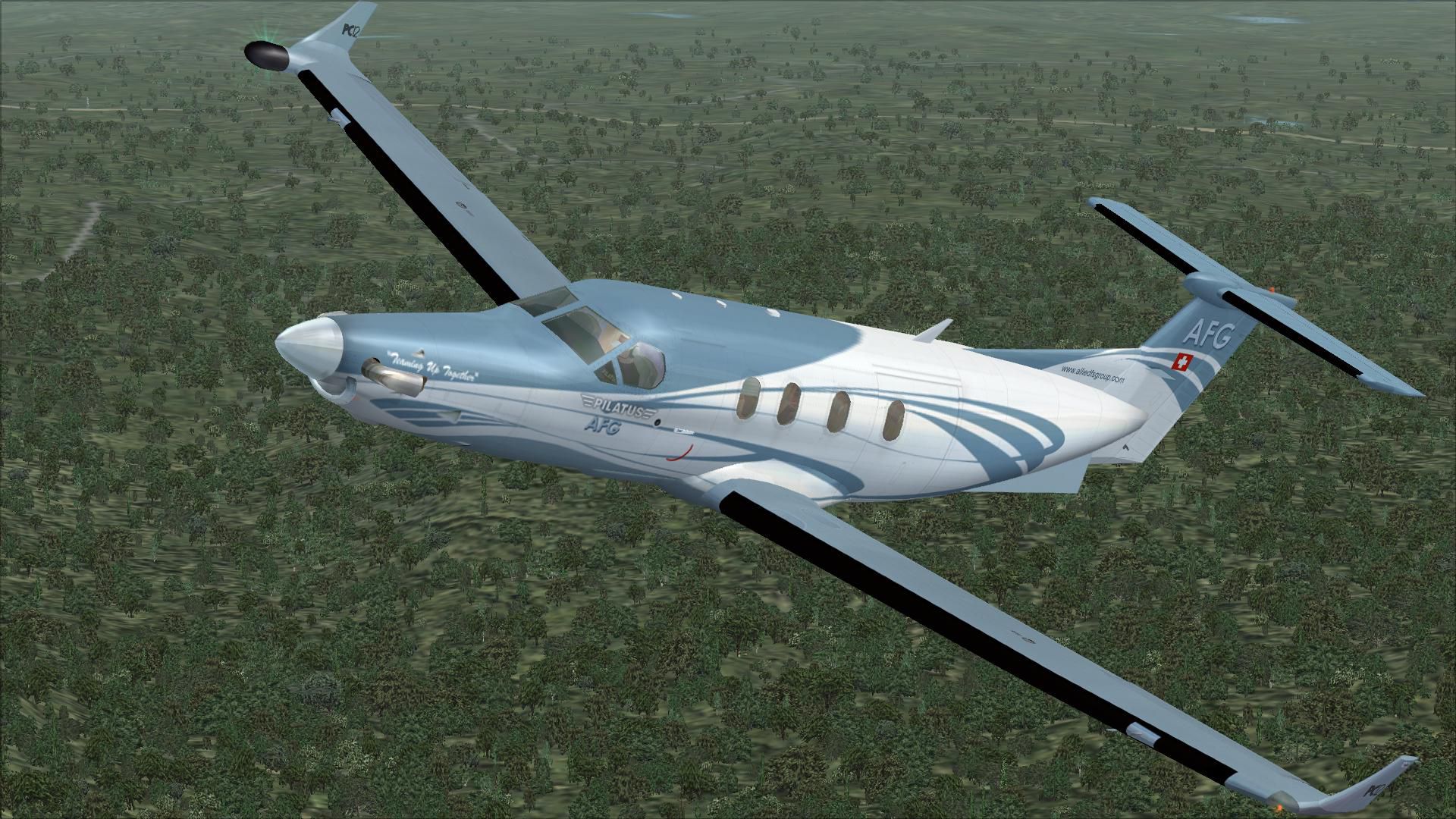

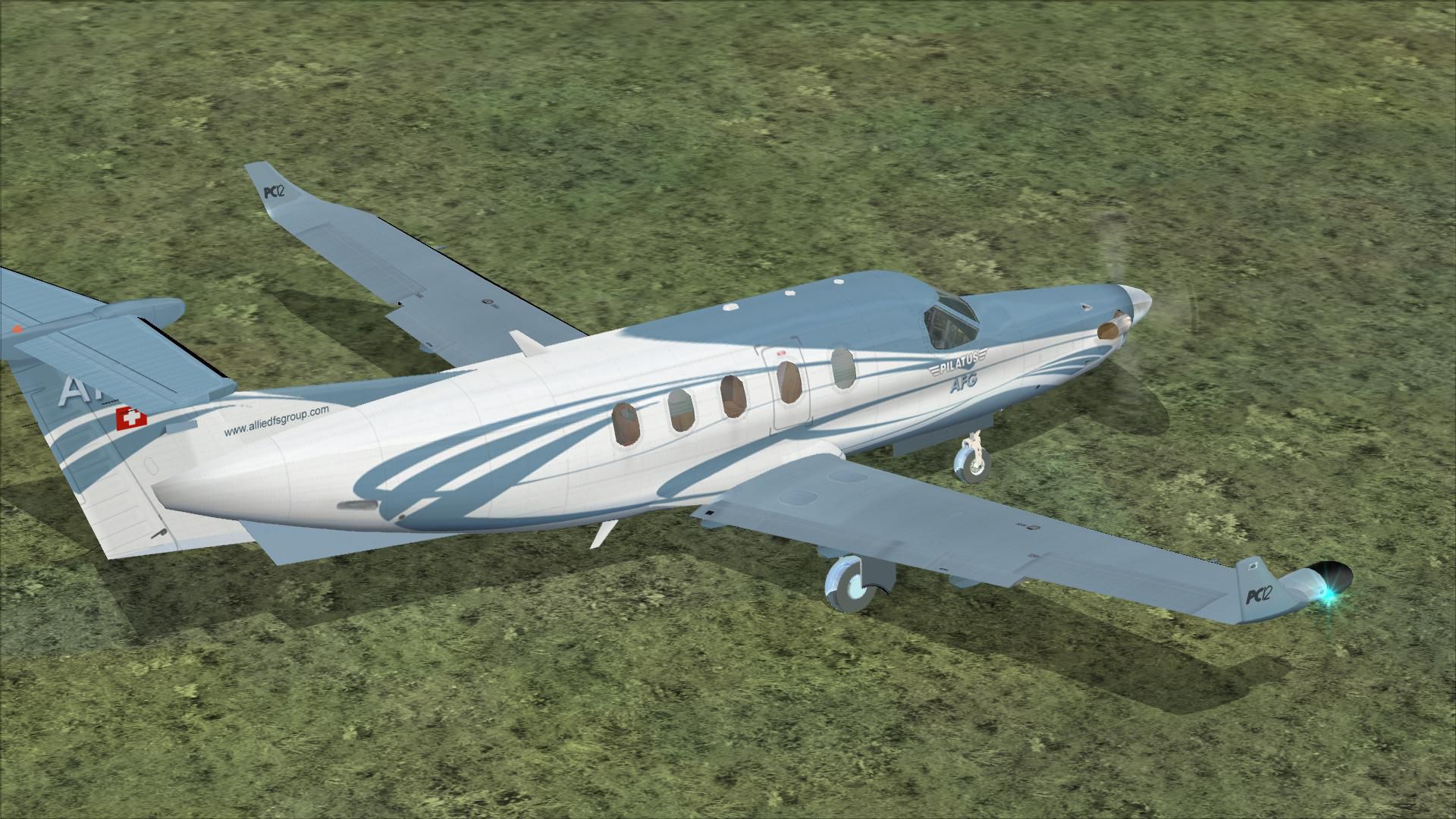
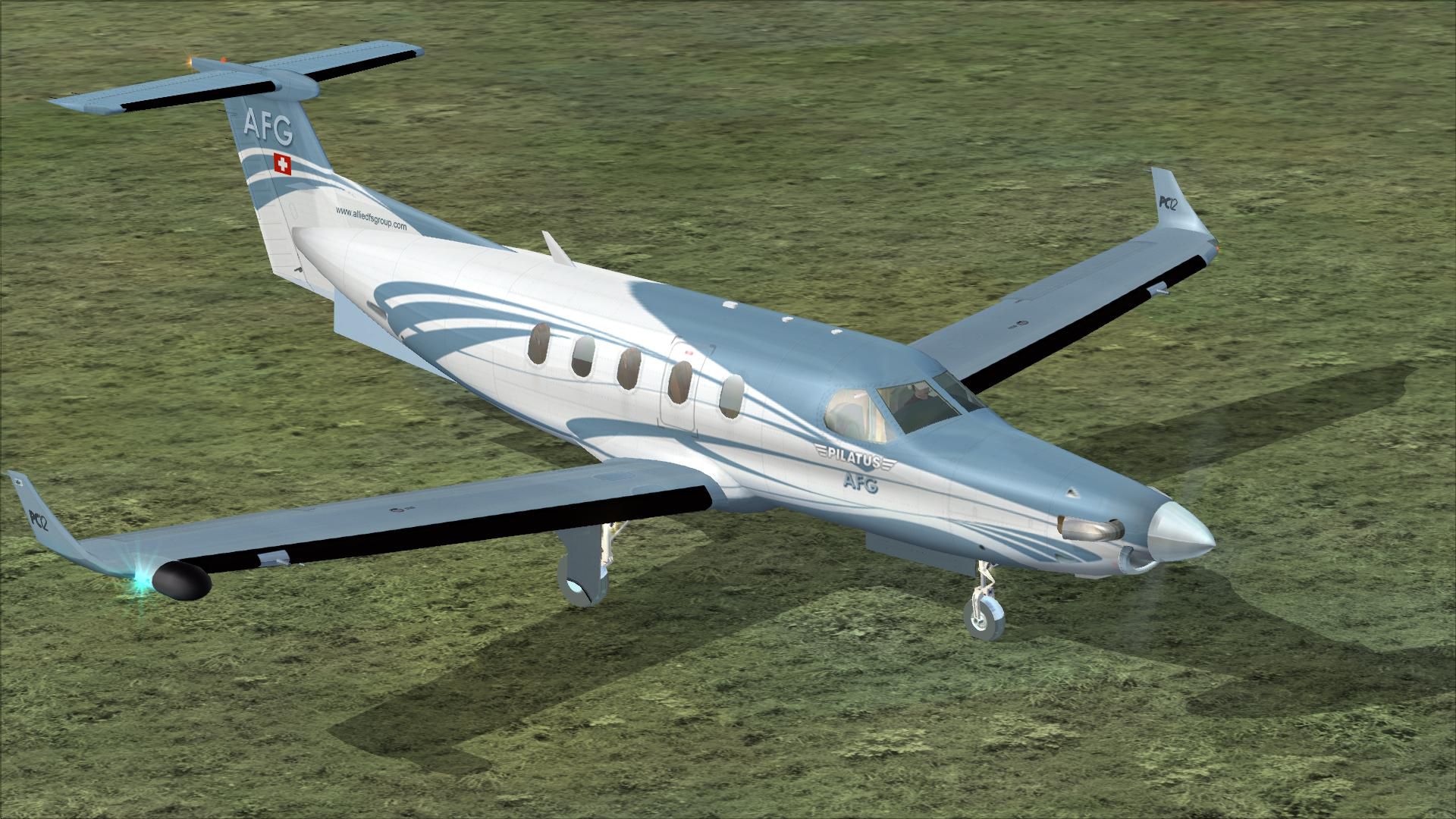
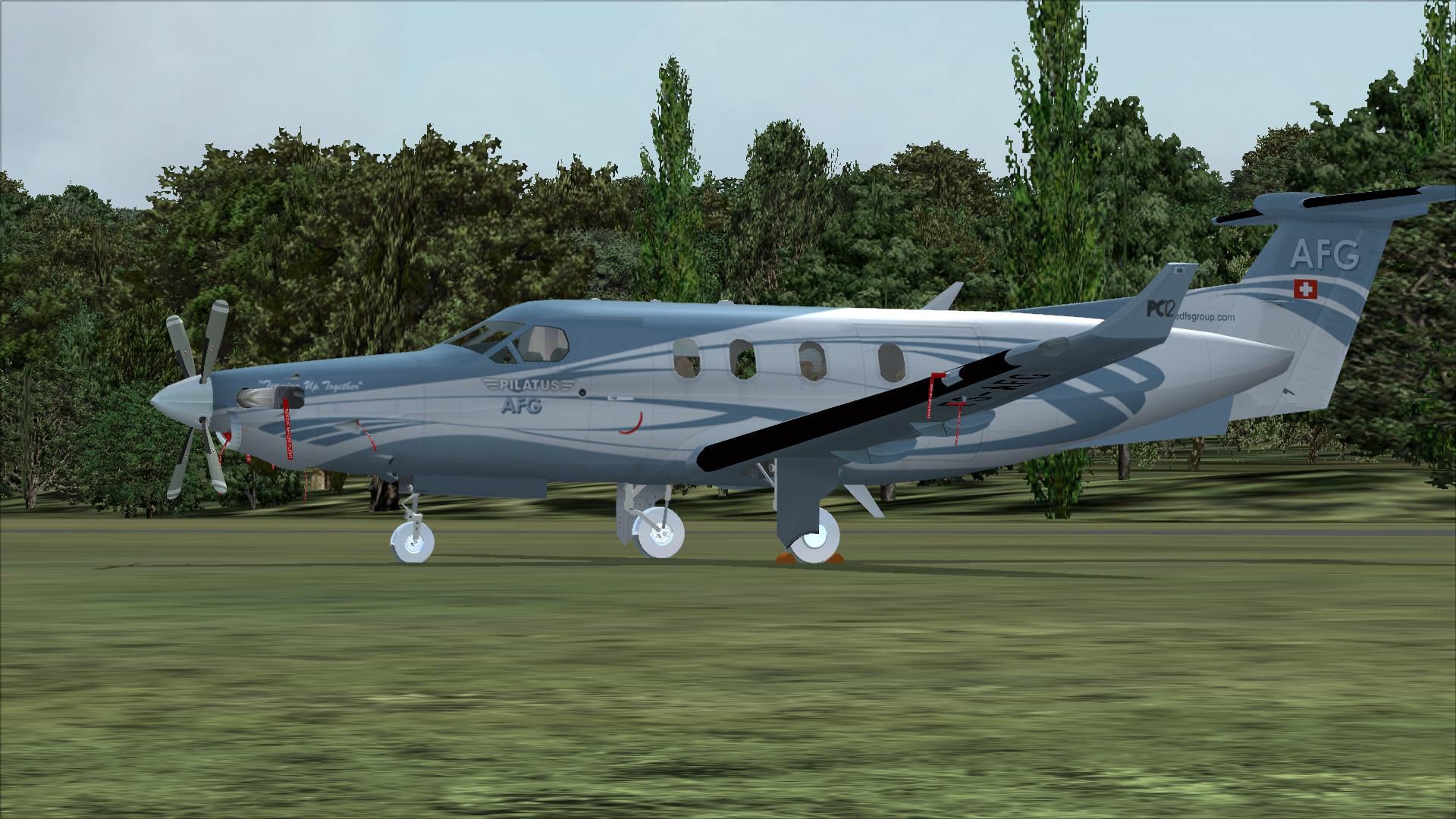
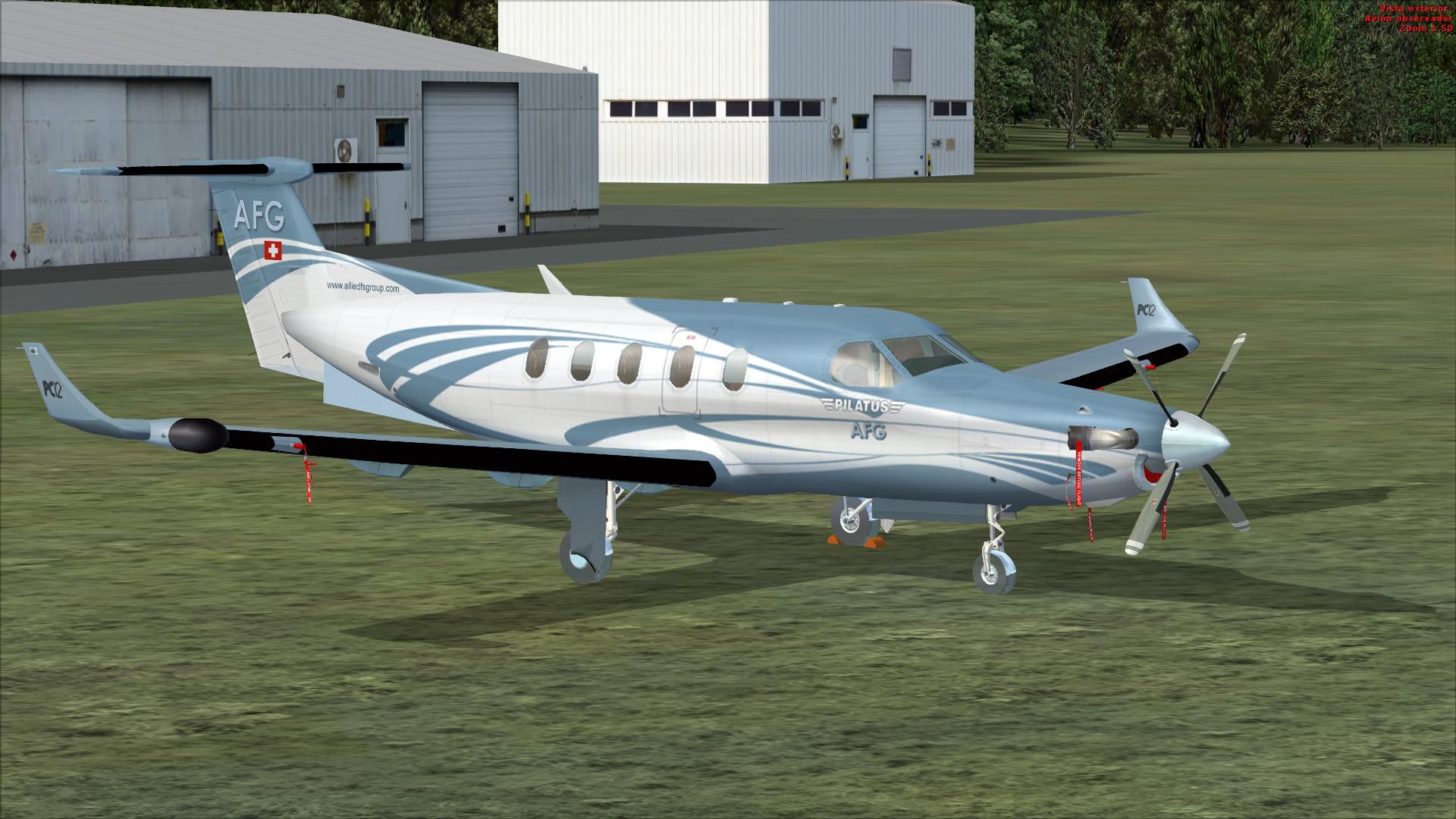
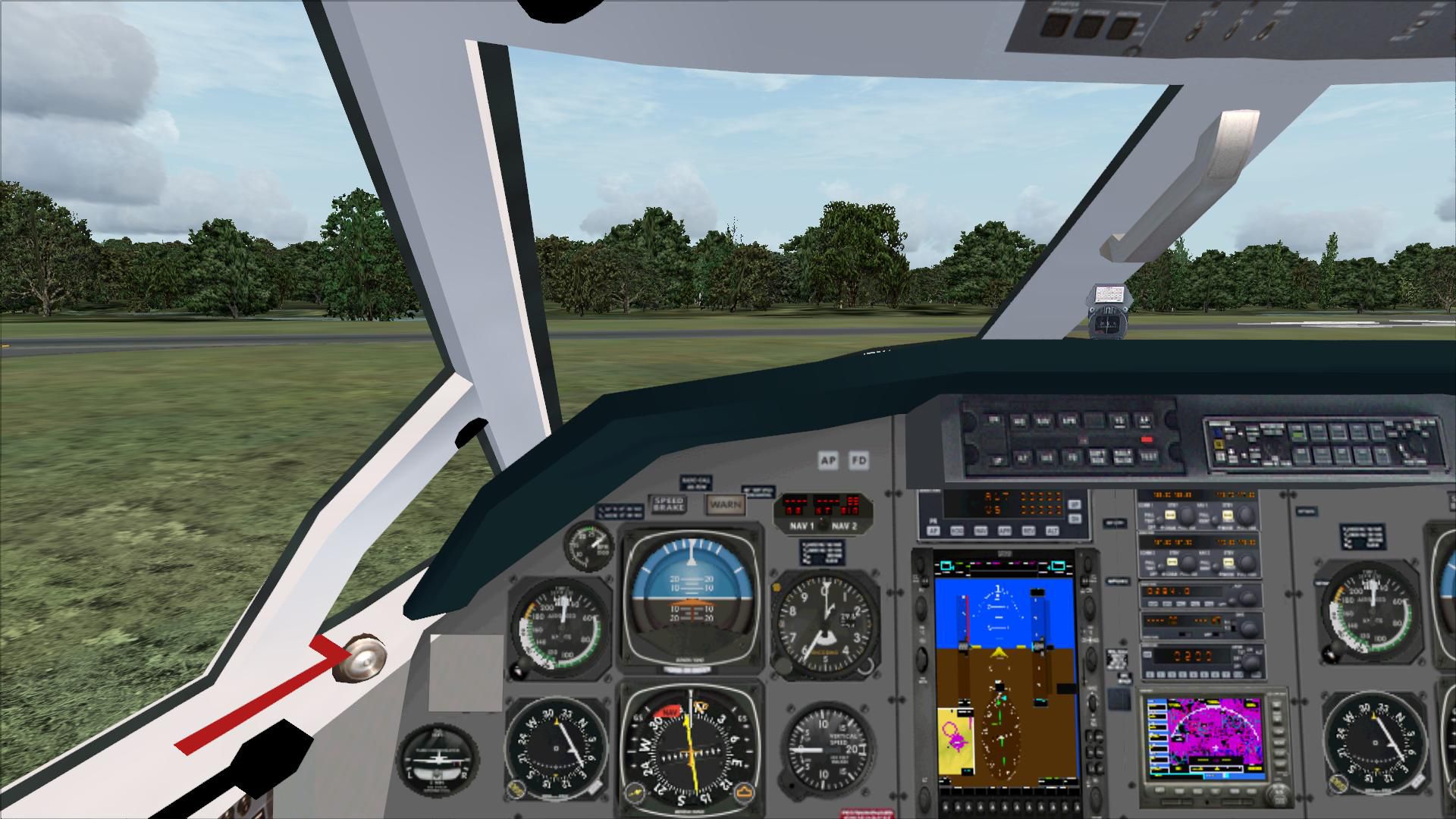
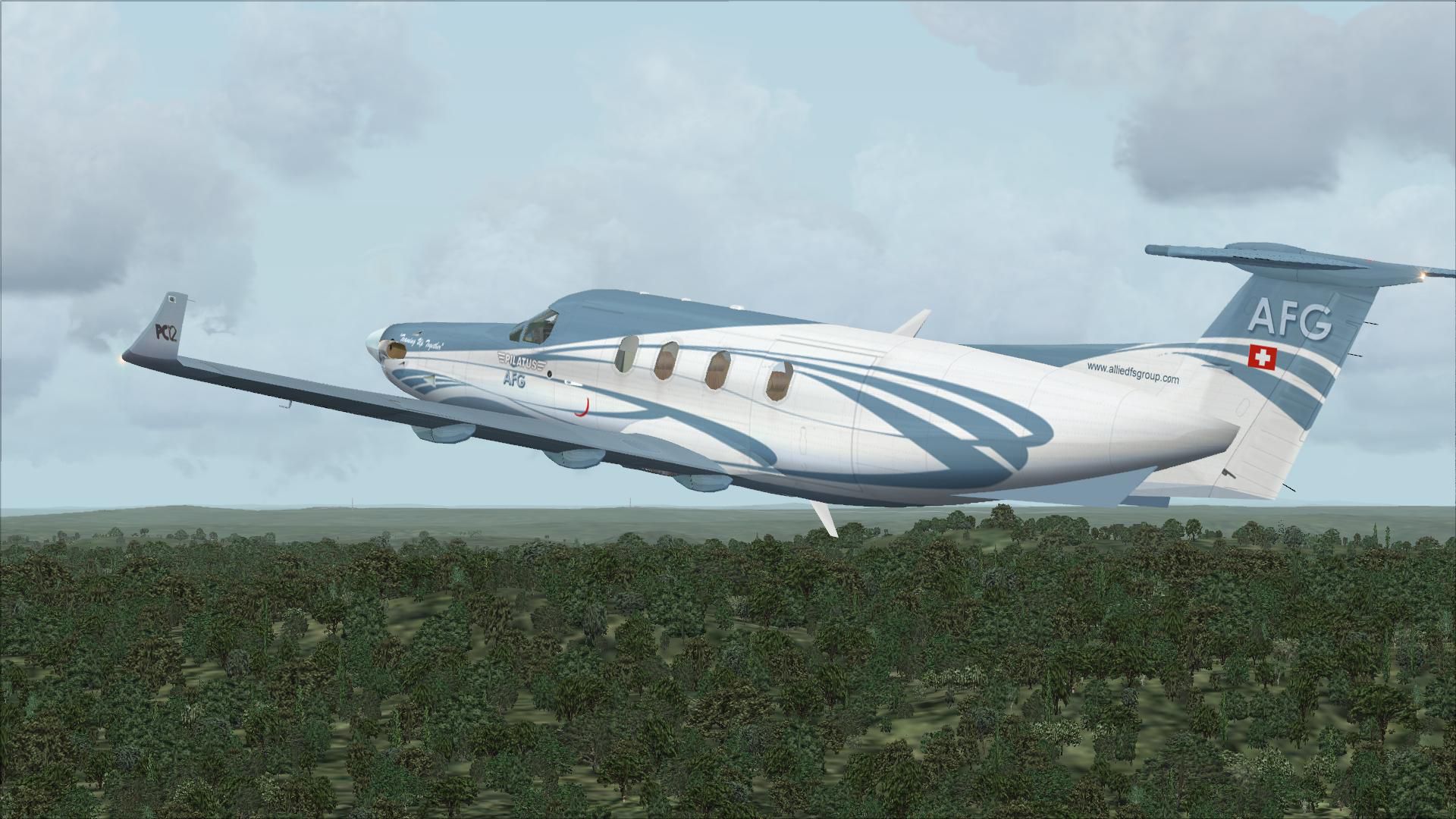
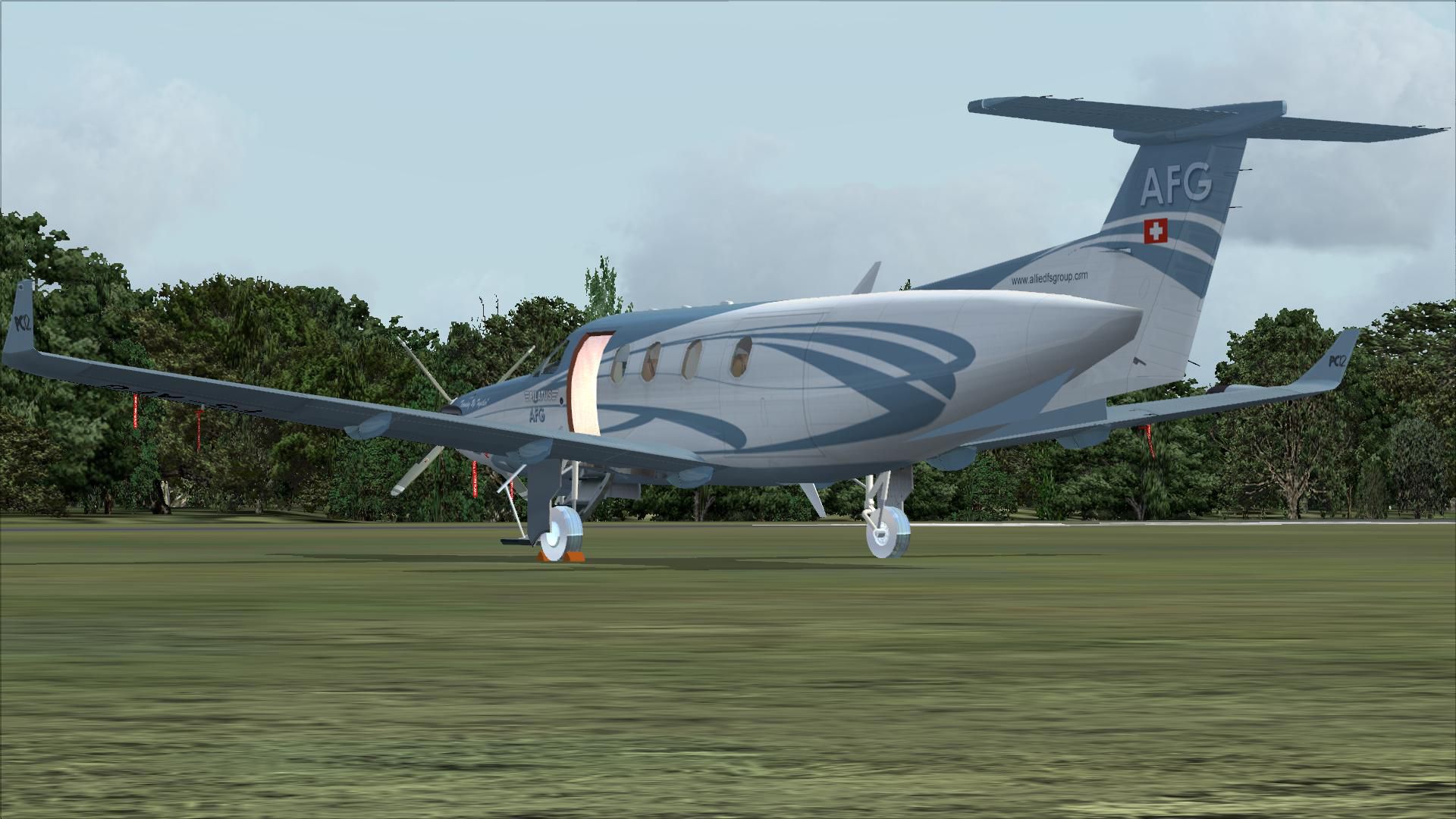
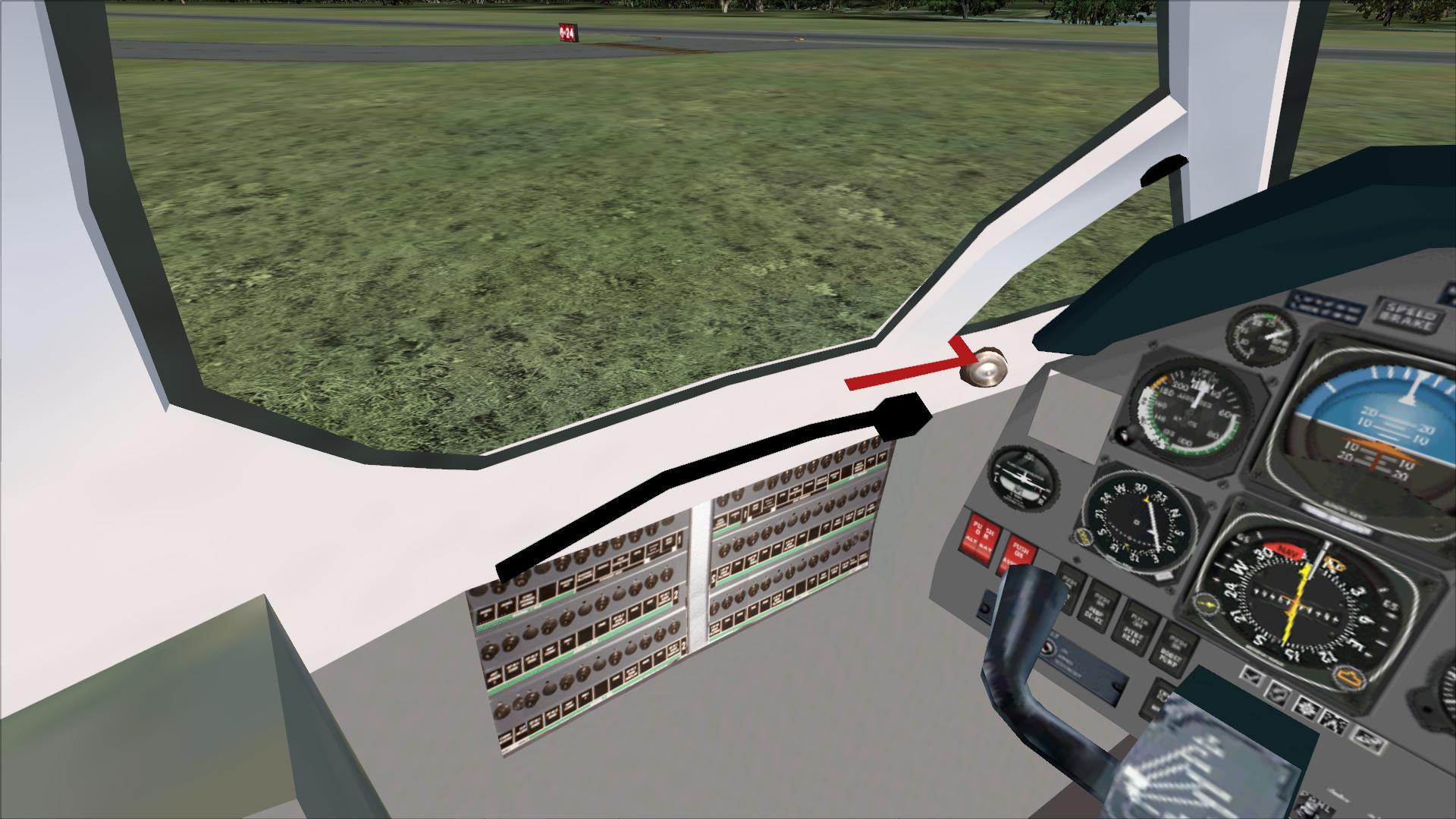

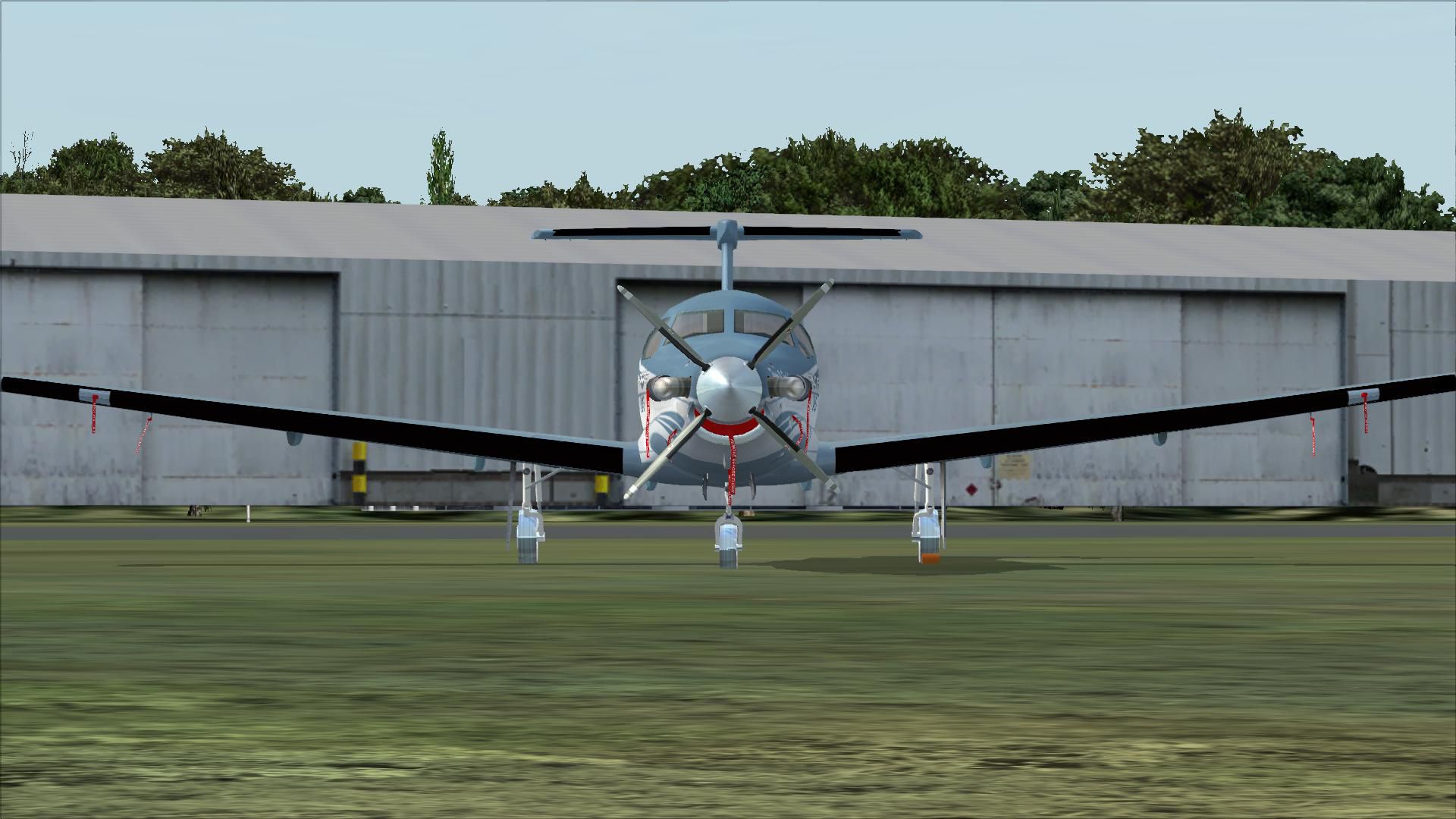
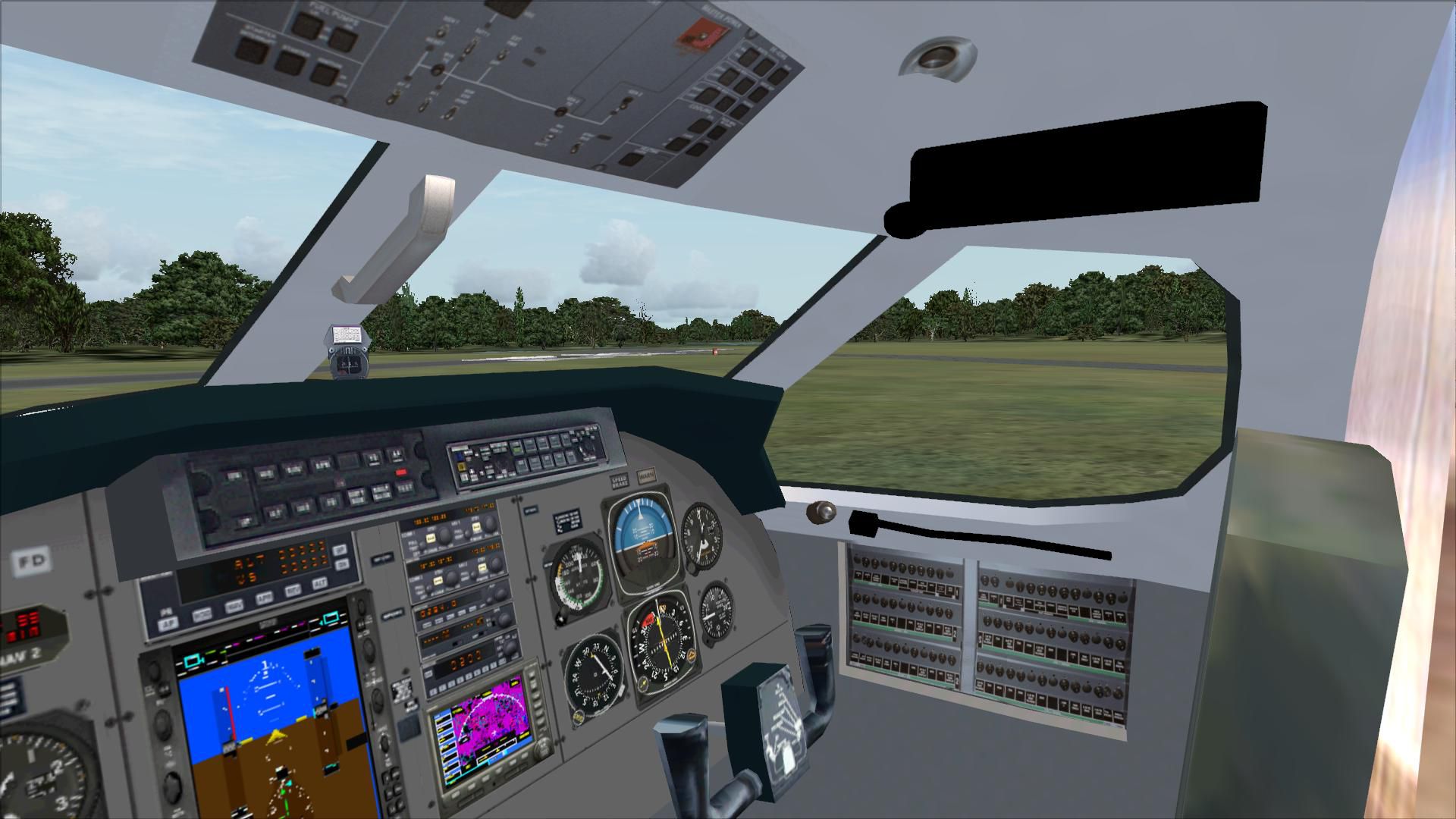
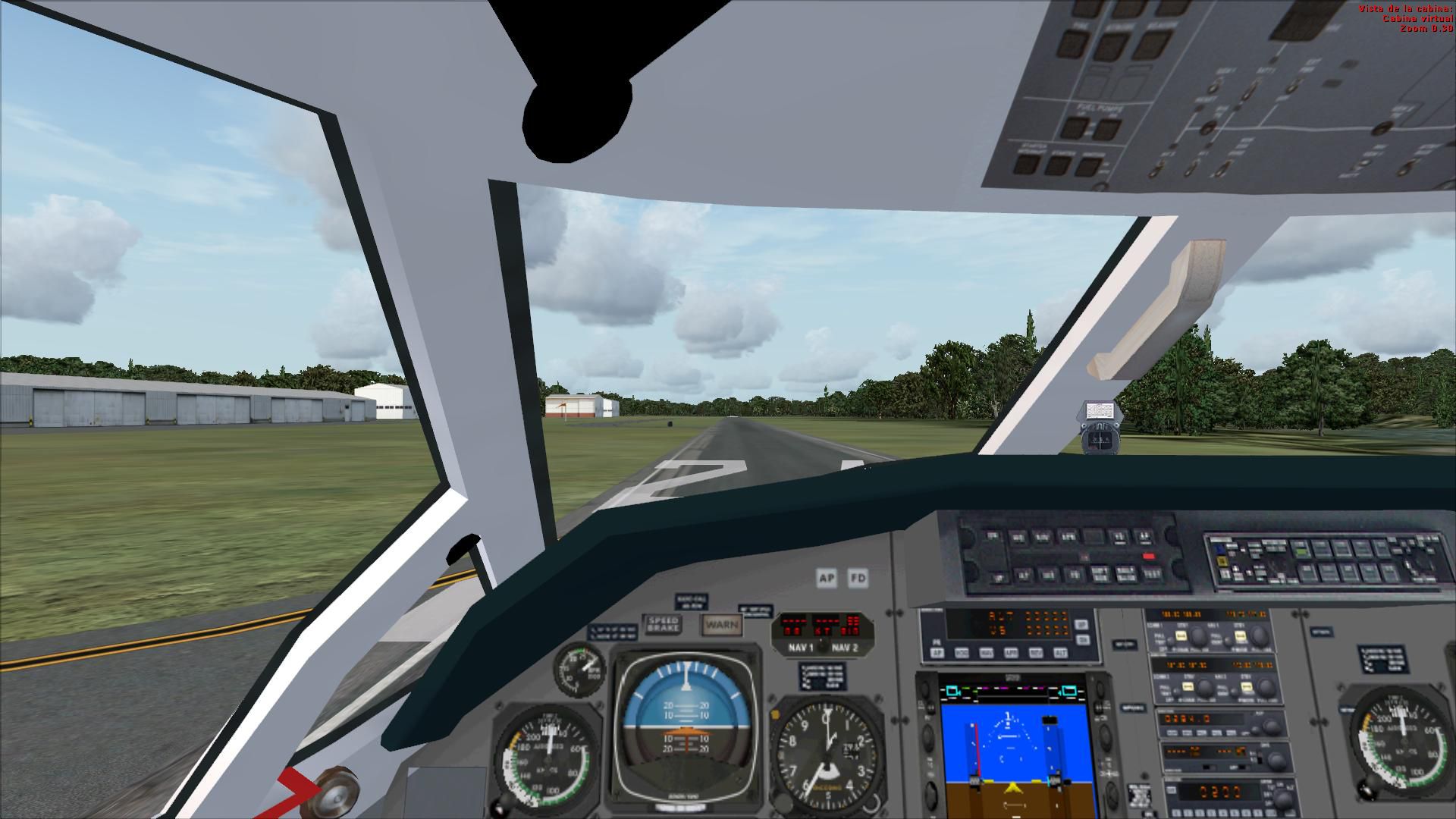
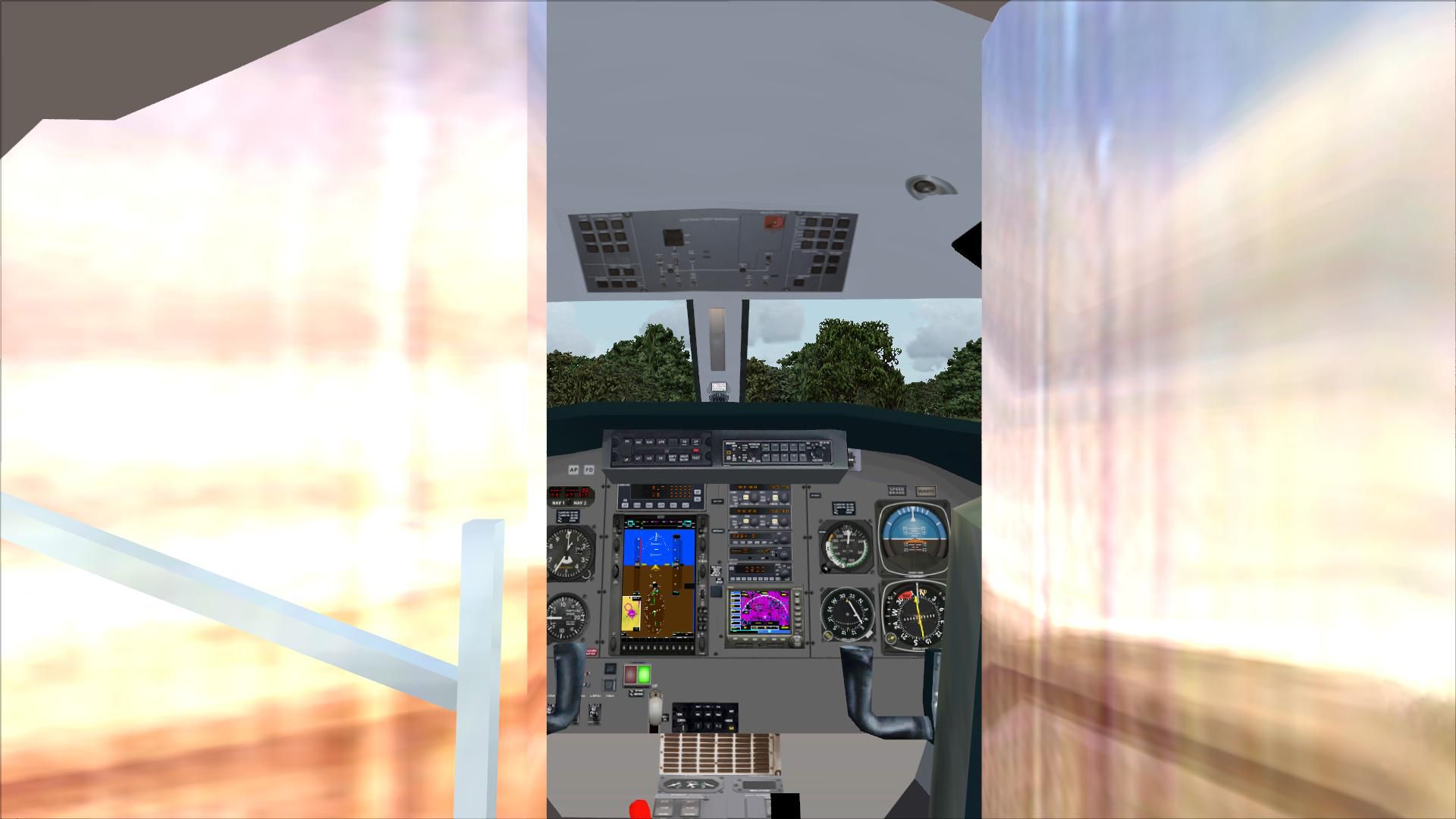
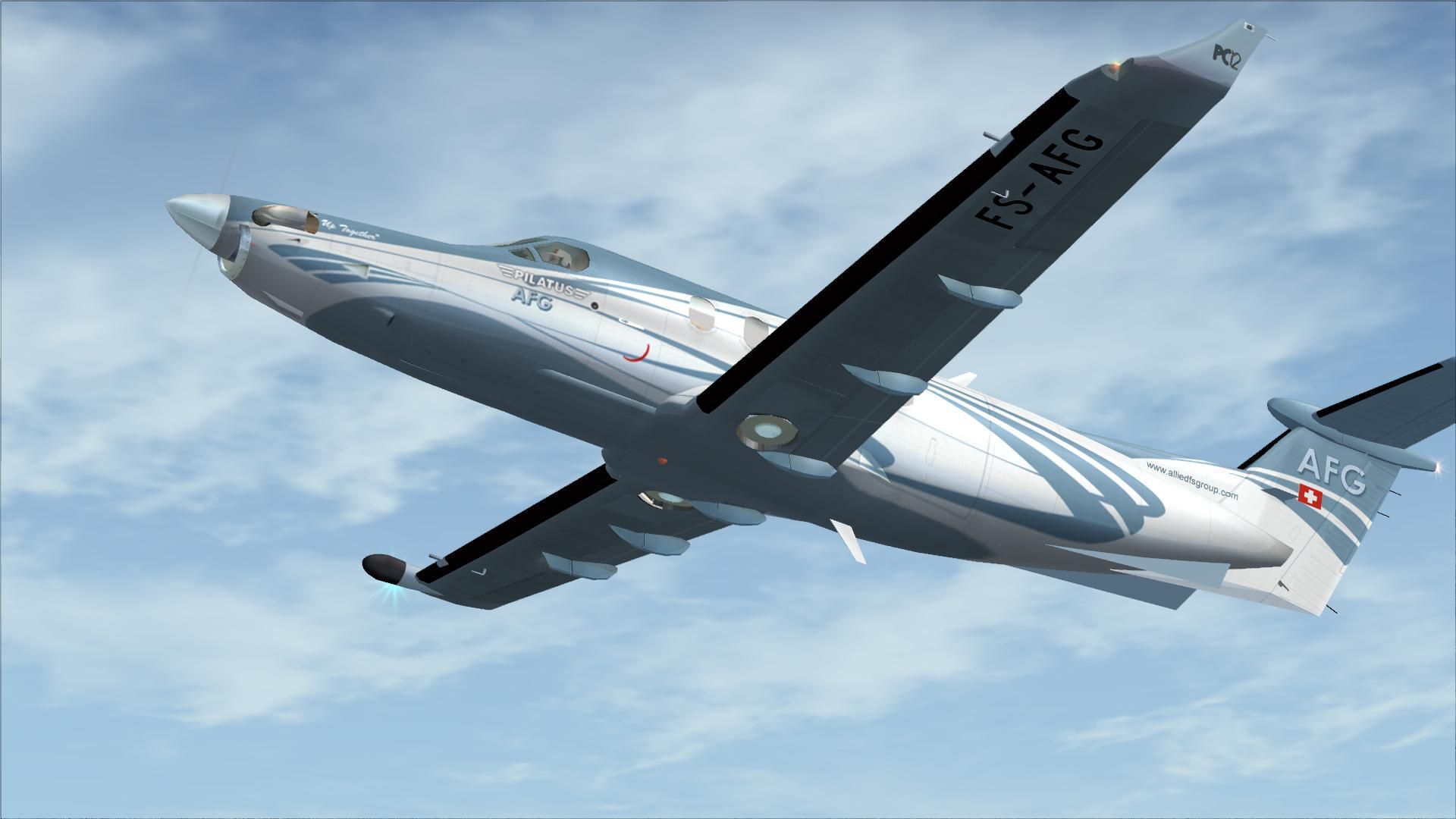
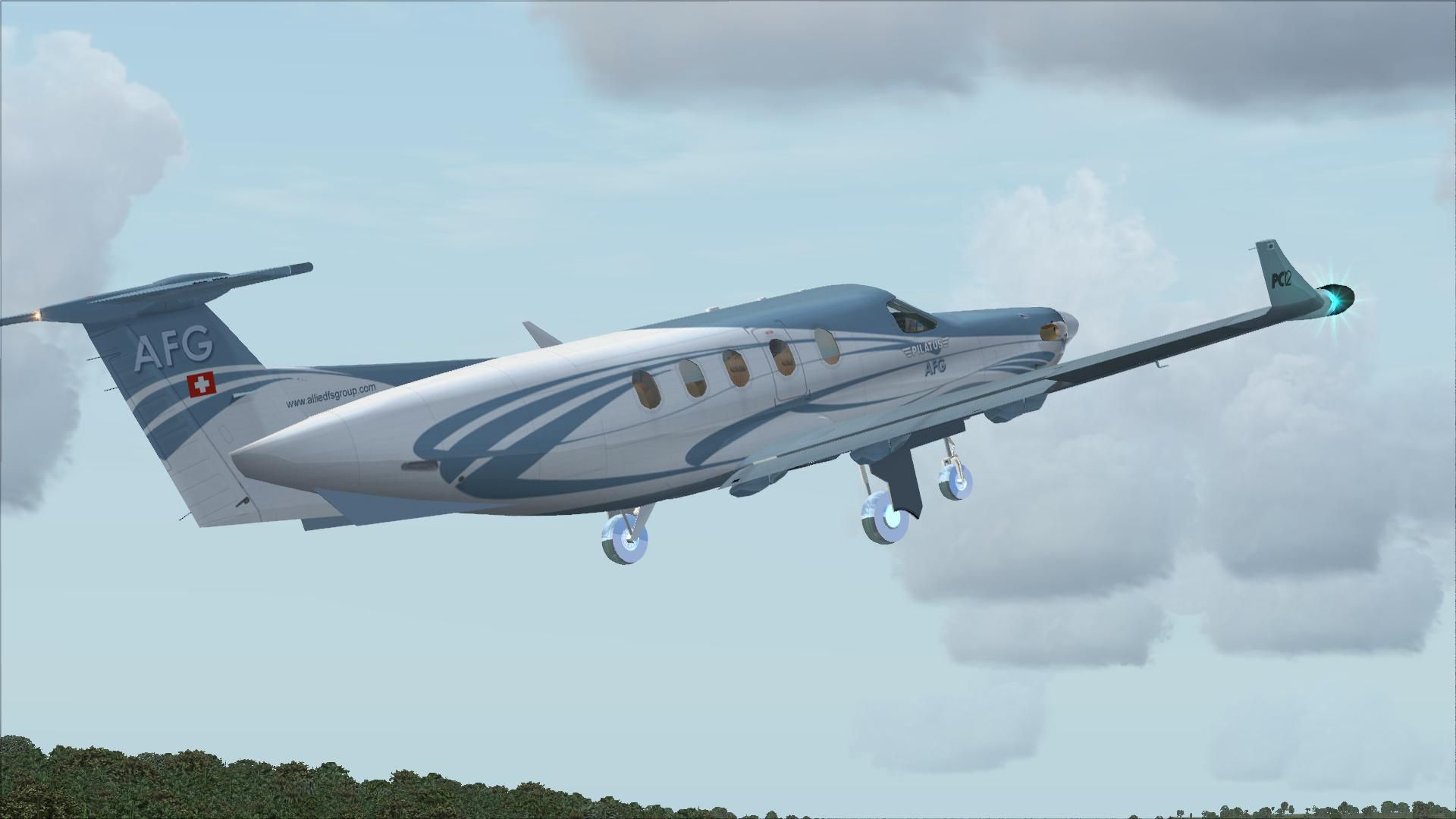
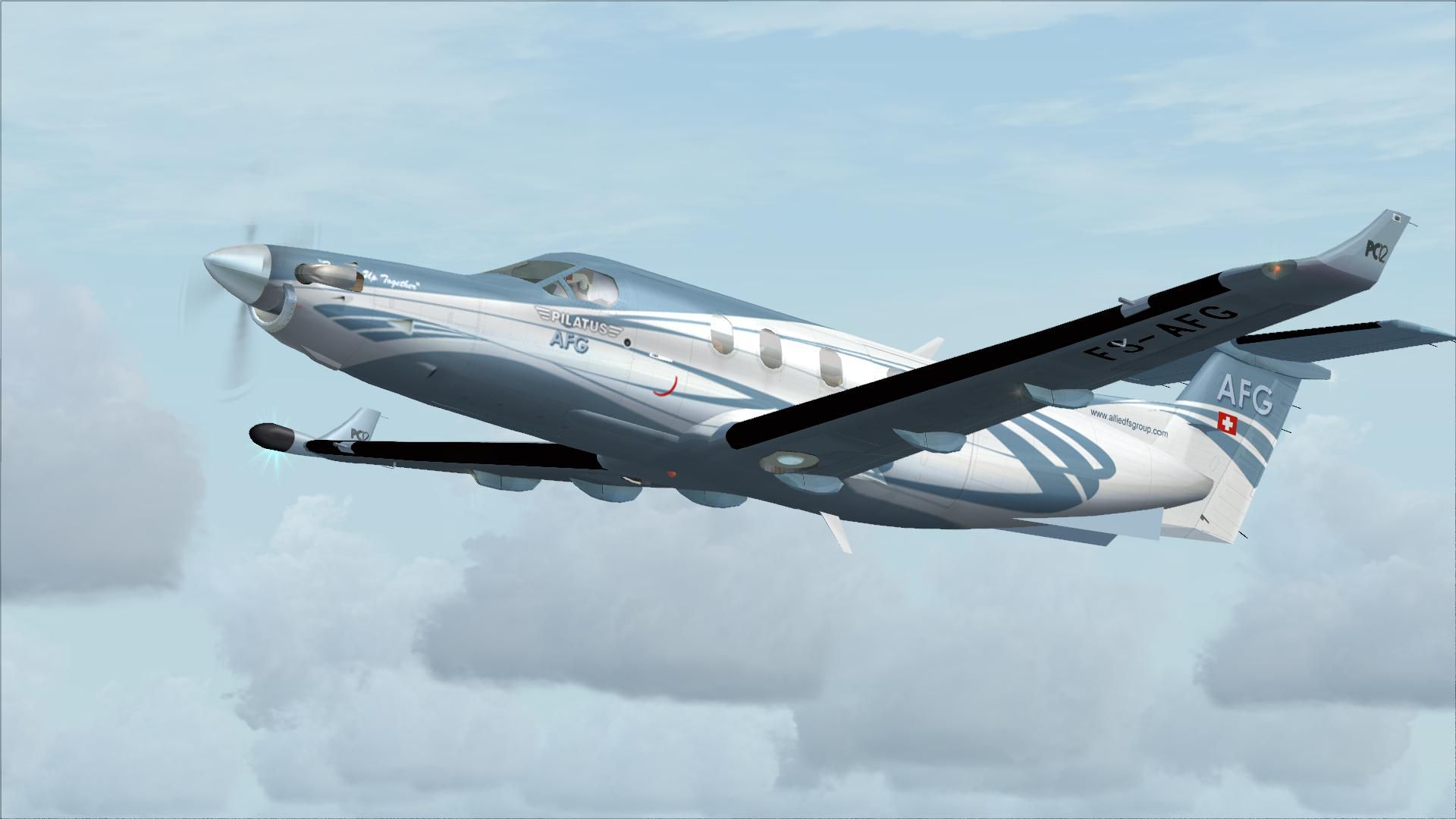

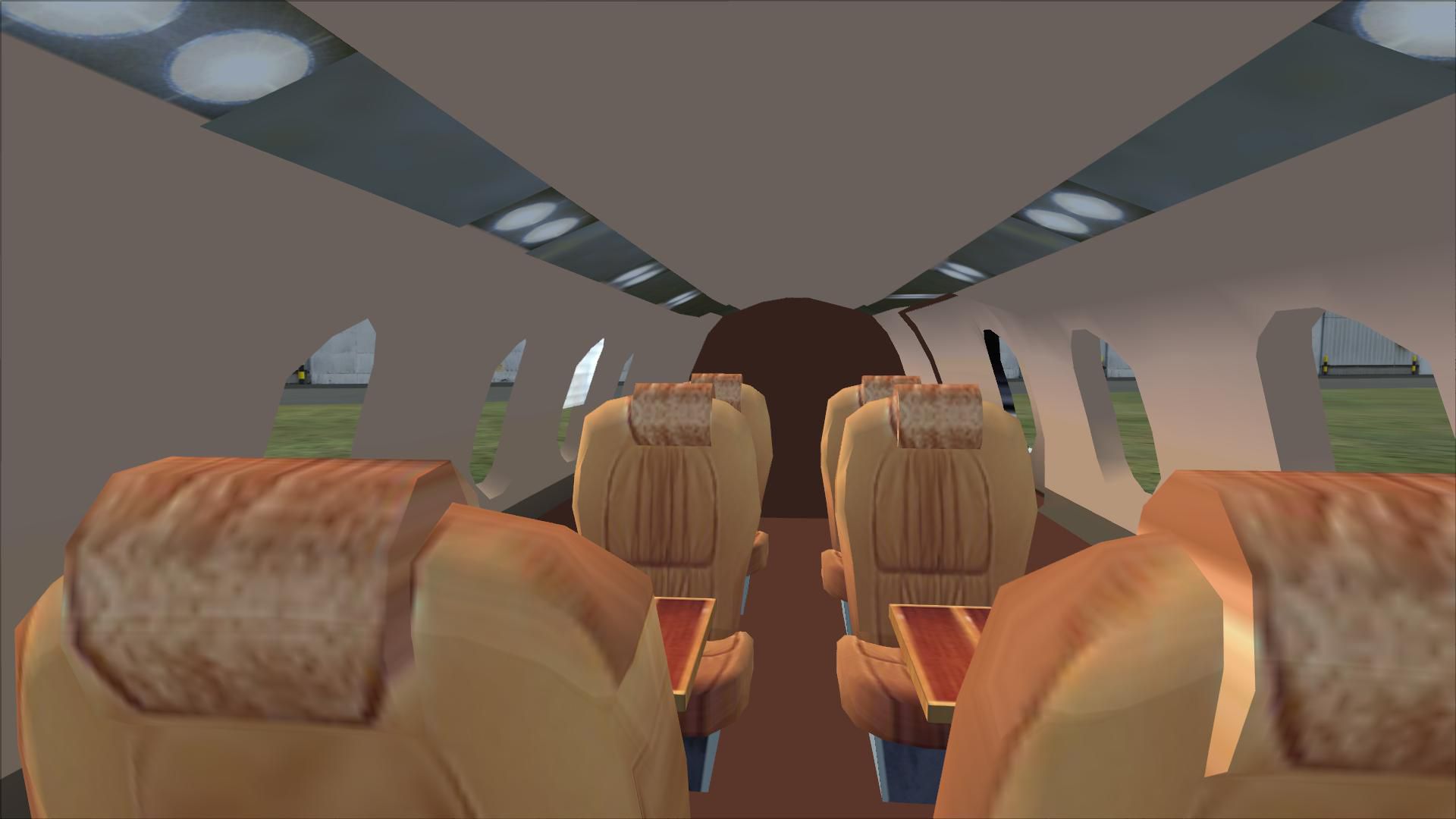


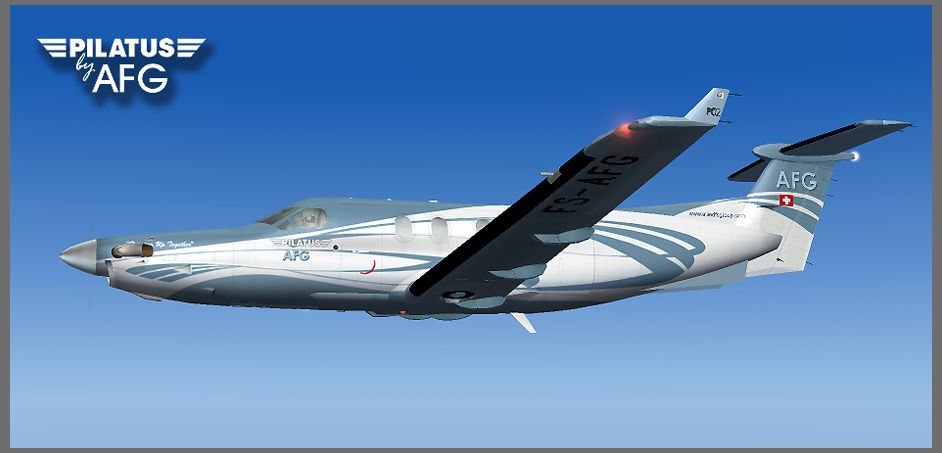
Pilatus PC-12. Original PC12 by AFG. Upgraded to work with FSX by Danny Garnier.
Free for all simmers · 28.29 MB · Scanned clean Aug 2026
Download speed: Free tier is capped at 0.5 Mbps (this file takes approximately 8 mins at the cap). PRO members download at full line speed.
SimObjects\Airplanes\, Addon Scenery\, Effects\, or Gauges\.readme.txt or README file. It tells you exactly where files go, what dependencies are needed, and any quirks specific to this add-on.The archive pc-12x.zip has 120 files and directories contained within it.
This list displays the first 500 files in the package. If the package has more, you will need to download it to view them.
| Filename/Directory | File Date | File Size |
|---|---|---|
| aircraft.cfg | 06.24.09 | 13.21 kB |
| model.cfg | 07.03.04 | 23 B |
| pc12.mdl | 08.31.04 | 1.60 MB |
| $vcauto.bmp | 07.30.04 | 65.05 kB |
| $vcleft.bmp | 05.12.04 | 257.05 kB |
| $vcright.bmp | 05.12.04 | 257.05 kB |
| afgpc12.cab | 07.22.04 | 417 B |
| Bendix_King_Radio.gau | 06.13.03 | 296.00 kB |
| cpt.toggles.rocker.cab | 07.10.02 | 24.39 kB |
| FS9Garmin.cab | 10.17.03 | 263.48 kB |
| fs9gps.cab | 06.13.03 | 296.71 kB |
| jdcpc12.cab | 08.12.04 | 46.17 kB |
| Lear_45_XML.cab | 09.04.06 | 1.57 MB |
| MiniPanel.cab | 06.13.03 | 160.80 kB |
| Panel.cfg | 06.24.09 | 8.86 kB |
| pc12main.bmp | 04.07.04 | 1.37 MB |
| pc12overhead.bmp | 11.26.00 | 469.80 kB |
| SimIcons.cab | 06.13.03 | 13.29 kB |
| PC12.air | 08.10.04 | 14.30 kB |
| kapc1211.wav | 05.31.04 | 470.61 kB |
| kapc1212.wav | 05.31.04 | 474.56 kB |
| kapc1213.wav | 05.31.04 | 454.79 kB |
| kapc1214.wav | 05.31.04 | 435.03 kB |
| kapc121c.wav | 08.10.04 | 234.30 kB |
| kapc121d.wav | 08.10.04 | 234.30 kB |
| kapc1221.wav | 08.10.04 | 288.09 kB |
| kapc1222.wav | 08.10.04 | 113.43 kB |
| kapc1223.wav | 08.10.04 | 284.53 kB |
| kapc1224.wav | 08.10.04 | 147.99 kB |
| pc121a.wav | 08.10.04 | 246.16 kB |
| pc121b.wav | 08.10.04 | 246.16 kB |
| pc122a.wav | 08.10.04 | 246.16 kB |
| pc122b.wav | 08.10.04 | 246.16 kB |
| pc12apdisc.wav | 01.02.02 | 41.19 kB |
| pc12door.wav | 05.31.04 | 1.04 MB |
| pc12flap.wav | 05.31.04 | 52.21 kB |
| pc12gear.wav | 04.18.01 | 88.25 kB |
| pc12geardn.wav | 05.31.04 | 106.23 kB |
| pc12gearup.wav | 05.31.04 | 102.23 kB |
| pc12kapr.pk | 08.22.04 | 6.26 kB |
| pc12kapr.wav | 08.22.04 | 527.59 kB |
| pc12roll.wav | 05.31.04 | 455.33 kB |
| pc12rolln.wav | 05.31.04 | 377.83 kB |
| pc12shut.wav | 05.31.04 | 456.09 kB |
| pc12stall.wav | 04.18.01 | 23.29 kB |
| pc12strt.wav | 05.31.04 | 304.09 kB |
| pc12strt2.wav | 05.31.04 | 103.09 kB |
| pc12wind.wav | 05.31.04 | 88.24 kB |
| SOUND.CFG | 07.16.04 | 10.55 kB |
| xkapc1211.wav | 05.31.04 | 470.61 kB |
| xkapc1212.wav | 05.31.04 | 474.56 kB |
| xkapc1213.wav | 05.31.04 | 454.79 kB |
| xkapc1214.wav | 05.31.04 | 435.03 kB |
| xkapc1221.wav | 05.31.04 | 392.37 kB |
| xkapc1222.wav | 05.31.04 | 350.29 kB |
| xkapc1223.wav | 05.31.04 | 372.83 kB |
| xkapc1224.wav | 05.31.04 | 561.53 kB |
| xkpc121c.wav | 05.31.04 | 355.96 kB |
| xkpc121d.wav | 05.31.04 | 355.96 kB |
| xkpc122a.wav | 05.31.04 | 391.54 kB |
| xkpc122b.wav | 05.31.04 | 383.64 kB |
| xkpc12apr.wav | 05.31.04 | 288.76 kB |
| xpc121a.wav | 05.31.04 | 316.43 kB |
| xpc121b.wav | 05.31.04 | 320.39 kB |
| xpc12shut.wav | 05.31.04 | 401.09 kB |
| xpc12strt.wav | 05.31.04 | 1.24 MB |
| xpc12strt2.wav | 05.31.04 | 84.09 kB |
| cabin_l.bmp | 07.13.04 | 64.07 kB |
| cabin_t.bmp | 08.03.04 | 65.05 kB |
| chair_t.bmp | 07.21.04 | 256.07 kB |
| cockp_t.bmp | 05.11.04 | 1.33 MB |
| fdglas_L.bmp | 05.10.04 | 1.43 kB |
| fdglas_T.bmp | 05.08.04 | 1.43 kB |
| fuse_L.bmp | 02.27.04 | 442 B |
| Fuse_T.bmp | 08.10.04 | 4.00 MB |
| gear_L.bmp | 02.27.04 | 442 B |
| gear_t.bmp | 03.28.04 | 85.43 kB |
| glas_L.bmp | 05.10.04 | 1.43 kB |
| glas_T.bmp | 05.08.04 | 770 B |
| hori_L.bmp | 02.27.04 | 442 B |
| hori_t.bmp | 08.10.04 | 1.00 MB |
| lugage.bmp | 07.22.04 | 4.00 MB |
| pilot_t.bmp | 03.28.04 | 85.43 kB |
| prodi.bmp | 07.26.04 | 256.07 kB |
| prop_L.bmp | 03.01.04 | 1.40 kB |
| prop_t.bmp | 08.10.04 | 1.00 MB |
| thumbnail.jpg | 08.10.04 | 125.63 kB |
| vcmain_T.bmp | 05.12.04 | 5.33 MB |
| wheel_L.bmp | 02.27.04 | 442 B |
| wheel_t.bmp | 08.10.04 | 1.00 MB |
| wing1_L.bmp | 02.27.04 | 442 B |
| wing1_t.bmp | 08.13.04 | 4.00 MB |
| wood_t.bmp | 07.13.04 | 256.07 kB |
| flyawaysimulation.txt | 10.29.13 | 959 B |
| Go to Fly Away Simulation.url | 01.22.16 | 52 B |
| Screenshots | 07.26.19 | 0 B |
| screen-1.jpg | 07.25.19 | 259.28 kB |
| screen-10.jpg | 07.25.19 | 204.05 kB |
| screen-11.jpg | 07.25.19 | 100.74 kB |
| screen-12.jpg | 07.25.19 | 229.36 kB |
| screen-13.jpg | 07.25.19 | 103.39 kB |
| screen-14.jpg | 07.25.19 | 97.45 kB |
| screen-15.jpg | 07.25.19 | 134.62 kB |
| screen-16.jpg | 07.25.19 | 229.00 kB |
| screen-17.jpg | 07.25.19 | 201.06 kB |
| screen-18.jpg | 07.25.19 | 107.28 kB |
| screen-19.jpg | 07.25.19 | 91.95 kB |
| screen-2.jpg | 07.25.19 | 209.89 kB |
| screen-20.jpg | 07.25.19 | 252.04 kB |
| screen-21.jpg | 07.25.19 | 106.40 kB |
| screen-22.jpg | 07.25.19 | 118.62 kB |
| screen-23.jpg | 07.25.19 | 96.77 kB |
| screen-24.jpg | 07.25.19 | 375.84 kB |
| screen-3.jpg | 07.25.19 | 287.43 kB |
| screen-4.jpg | 07.25.19 | 232.97 kB |
| screen-5.jpg | 07.25.19 | 330.26 kB |
| screen-6.jpg | 07.25.19 | 320.50 kB |
| screen-7.jpg | 07.25.19 | 323.94 kB |
| screen-8.jpg | 07.25.19 | 349.15 kB |
| screen-9.jpg | 07.25.19 | 252.04 kB |
Only PRO members can place votes.
More FSX & P3D add-ons hand-picked based on this download.
FSX Turboprops
Fairchild-built version of the Pilatus PC-6 Turbo Porter, with the Garrett TP…
 FSX Turboprops
Pilatus PC-7 v2.0. Upgrade version of ealier PC7 release. New improved VC for…
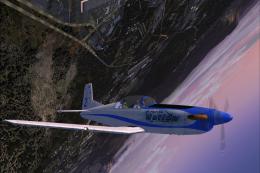 FSX Turboprops
This is a pack with four repaints for the Tim Conrad PC7 v2.0 (PC-7_V20.ZIP).…
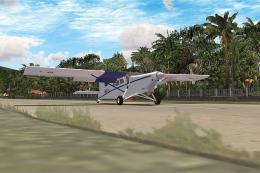 FSX Turboprops
This repaint package enriches the Pilatus PC-6C_H2 family in FSX with an ALAT…
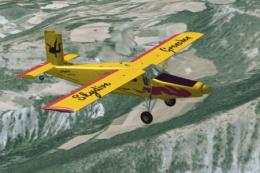 FSX Turboprops
Textures HB-FLK of Skydive Grenchen for the Turbo Porter by Tim Conrad (PC-6C…
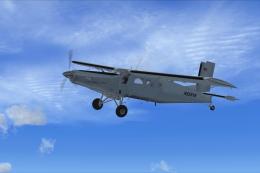 FSX Turboprops
Enhance your virtual hangar with two distinctive repaint variations for the P…
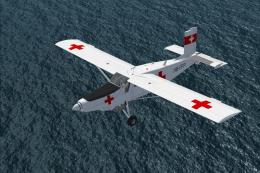 FSX Turboprops
A repaint of the Pilatus PC-6C H2 Porter in Red Cross livery, circa 1980s. Te…
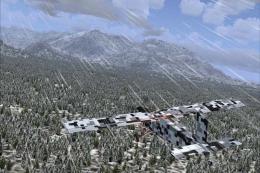 FSX Turboprops
These are two fictional digital camouflage repaints of the Pilatus PC-6C_H2 P…
Read what other simmers think, or add your own.

Bravo on this plane's appearance: It LOOKS like a PC-12, unlike a piper turboprop I downloaded from another source, which while it flew and performed well, it was hard to even look at as it was a very sorry excuse for looking--kinda, sorta, like a piper, but not quite... THIS plane looks like the real thing.
This PC-12 flies well, performs well, and exhibits true STOL characteristics typical of Pilatus! I've landed this thing hard and it doesn't want to crash like other planes. (May or may not be realistic as it bounces instead, I don't know.) The landing gear is tough and rugged--much like Walter Beech, (creator of Beechcraft) who designed his planes after fighter aircraft.
They're very durable, and able to take hard landings needed for short, rough fields. The engine, I notice will not over speed, while unrealistic, is a nice simulated 'convenience, I'll take it--one less thing to worry about, lol.
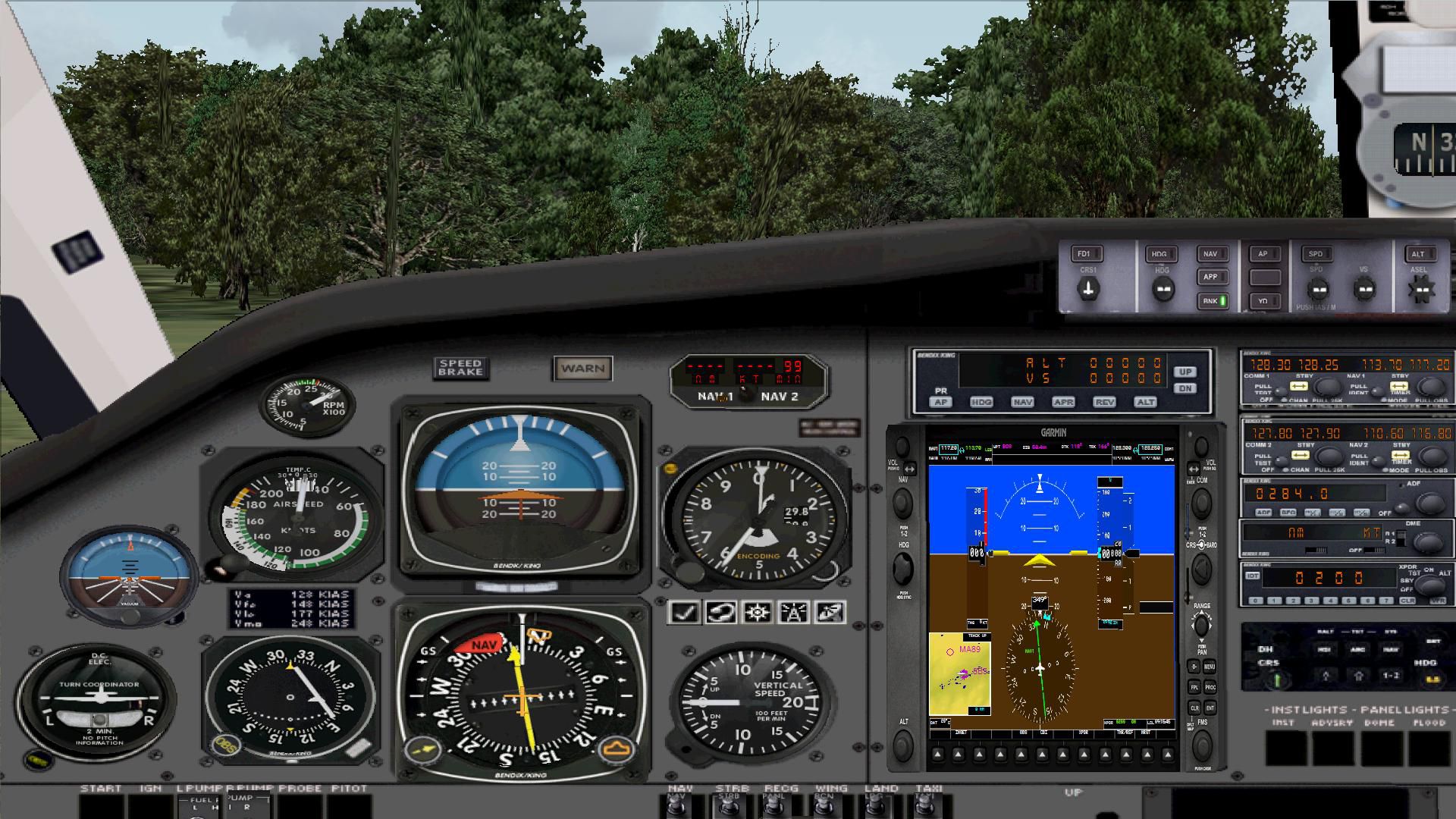
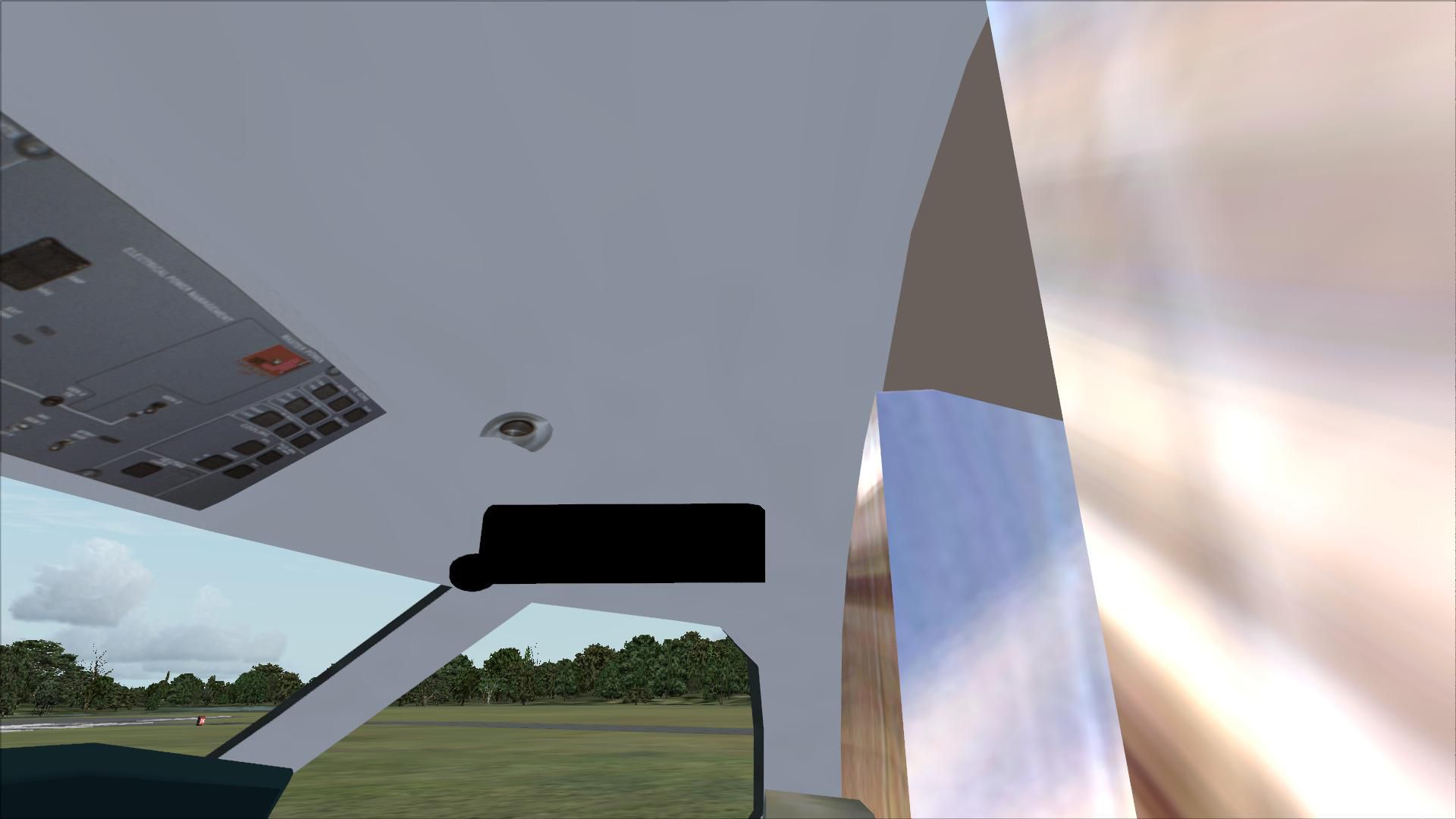
The PC-6 Porter, however, over speeds at just over 160 knots and 'crashes' the program. That all said, the things I'm not particularly happy with this plane: Very happy to have a VC but it is fuzzy and hard to read the instrument numbers where the 2-D panel is crystal clear. Unlike the actual PC-12 panel this panel was copied from, it has NO ENGINE INSTRUMENTS needed for approach speed control. The BIGGEST DISAPPOINTMENT WAS NO PANEL LIGHTS FOR NIGHT FLYING! (VC view)WHAT???
One must go over to the 2D view where vision over the nose is almost impossible for approach vision! The external view of the plane at night shows excellent lighting, but from the panel view, the lighting is extremely bright washing out the yellow taxi stripes and making ground taxiing at night very confusing.
The engine sound is fine for a generic turboprop sound. But the sound changes to different sounds for startup and wind down--not consistent. The external view shows the prop winding down but then stopping abruptly. All things considered, however, this is a very good plane and I easily recommend it for download.
It's a pleasure to fly and the characteristics are very close to the actual plane. (Ok, the view of the rear cabin is cartoonish but who cares, I'm interested in the business end up front.) Bravo.
I will fly this plane far more often than I will fly the attempted "Manga" cartoon version of the Piper that I got, even though it flies ok, too. Oh, to Jeff who asked about how to download this into FSX Steam (which I fly through): Unzip the file, then click on the "PC-12" file only inside the zipped folder and send it through the download process into your airplane file.
Thanks, guys! Happy flying!


